Implementing Mobile Device
Management: Taking the Network
(and it's Security) With You
Thursday December 5, 2013
9:00AM – 10:00AM
H ashtag : #tech13 LC 1
Larry Covert
D i r e c t o r , I n f o r m a t i o n Te c h n o l o g y
ASAE

@techconf

#tech13 LC1
Goals
• Provide the basics of how
MDM is implemented.
• Provide an overview for
assessing your MDM
requirements based on the
current marketplace.
• Provide a starting point to
match requirements with
vendor offerings.
@techconf

#tech13 LC1
Agenda
•
•
•
•

What is MDM?
Why MDM?
How Does MDM Work?
Larry’s 3 Levels
– In The Game
– All-Star
– MVP

• Quick Vendor Breakdown
@techconf

#tech13 LC1
What is MDM?
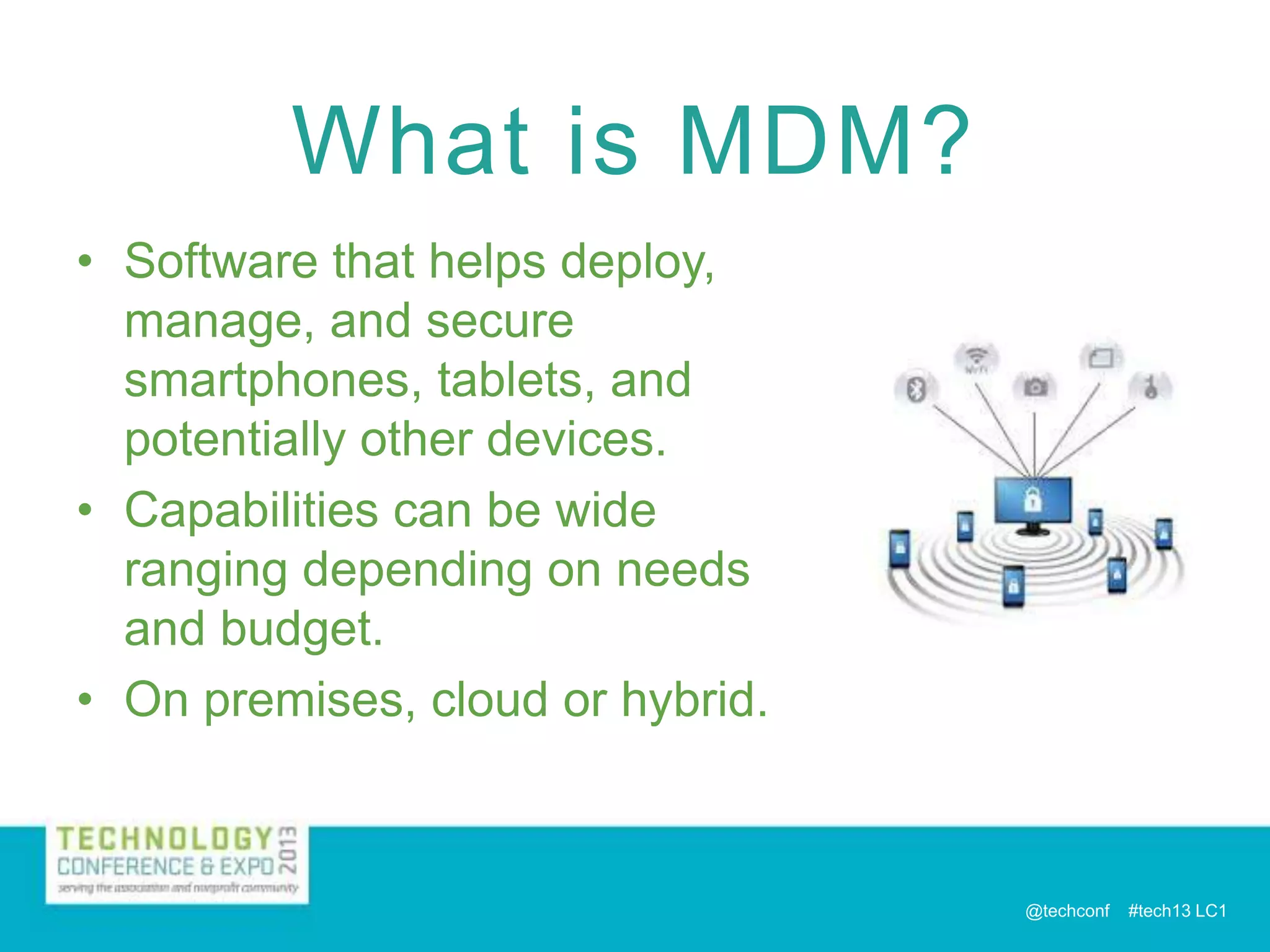
• Software that helps deploy,
manage, and secure
smartphones, tablets, and
potentially other devices.
• Capabilities can be wide
ranging depending on needs
and budget.
• On premises, cloud or hybrid.

@techconf

#tech13 LC1
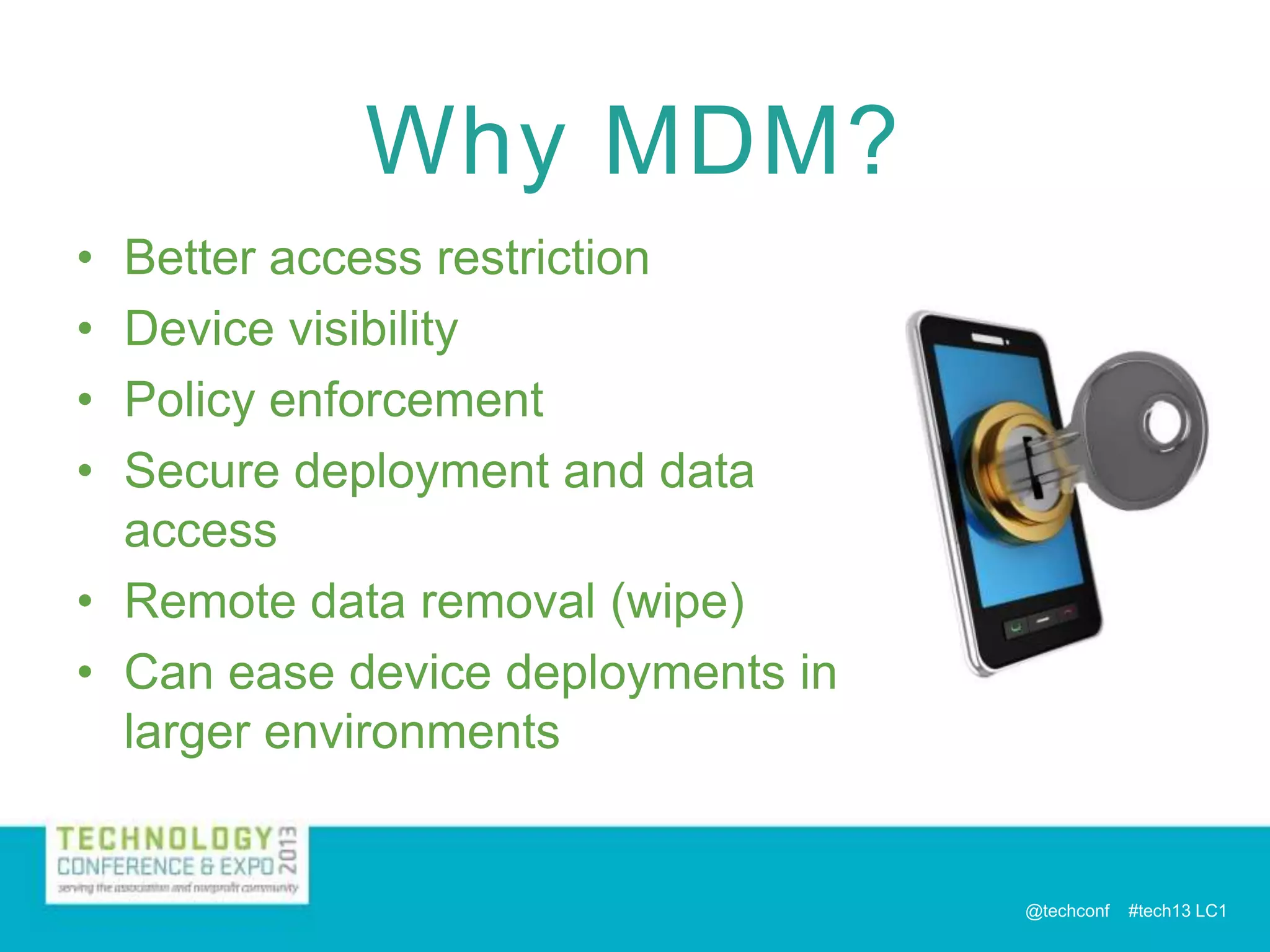
Why MDM?
•
•
•
•

Better access restriction
Device visibility
Policy enforcement
Secure deployment and data
access
• Remote data removal (wipe)
• Can ease device deployments in
larger environments

@techconf

#tech13 LC1
How Does MDM Work?
• ! - FYI: Terms may be somewhat Apple-centric - !
• Device Agents
– Typically for device status collection and enrollment.
– Some products allow enrollment through the browser.

• Management Server
– Typically for distribution of policies and settings.

• Proxy Server
– Internal network authentication
– Data Access
• Email – Exchange ActiveSync
• Browser Proxy
• Additional Corporate Content

@techconf

#tech13 LC1
How Does MDM Work?
• Delivery of Device Profiles
– Delivered OTA or manually connected to a PC via USB
– Contain “Payload” With Device Settings or Policies
– Grants MDM Rights (“MDM Profile”)
• Allows retrieval of device status
• Allows automated changes to device

– Multi-Payload vs. Single Payload
– Typically certificate signed and contains certificate for

secure communication with MDM system.
– Example on my iPhone

@techconf

#tech13 LC1
Larry’s 3 Levels
• In The Game
– Provide email, basic security and some
minor features.

• All-Star
– Advanced security, device visibility and
control.

• MVP
– The kitchen sink!

@techconf

#tech13 LC1
In The Game
• Device Configuration
– Email, Contacts, Calendar
– WiFi Networks
– VPN

@techconf

#tech13 LC1
In The Game
• Security
– Passcode Enforcement with Remote Lock
– Remote Device Wipe (reset to factory)
– Device Restrictions
• Restricting features such as screen capture and
Bluetooth for security purposes

– Encryption
– Jailbreak / Root Detection

@techconf

#tech13 LC1
All-Star
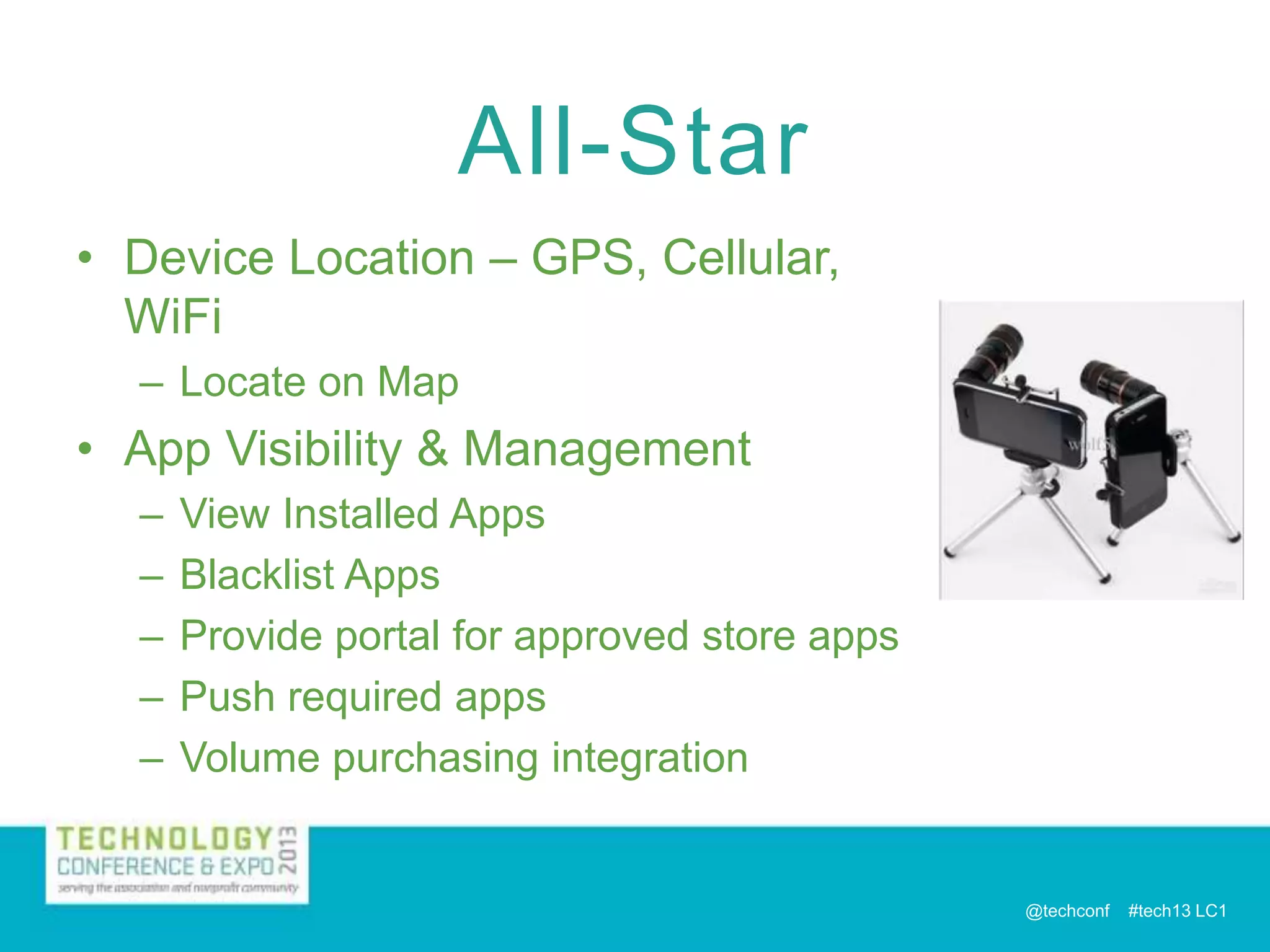
• Device Location – GPS, Cellular,
WiFi
– Locate on Map

• App Visibility & Management
–
–
–
–
–

View Installed Apps
Blacklist Apps
Provide portal for approved store apps
Push required apps
Volume purchasing integration

@techconf

#tech13 LC1
All-Star
• Security
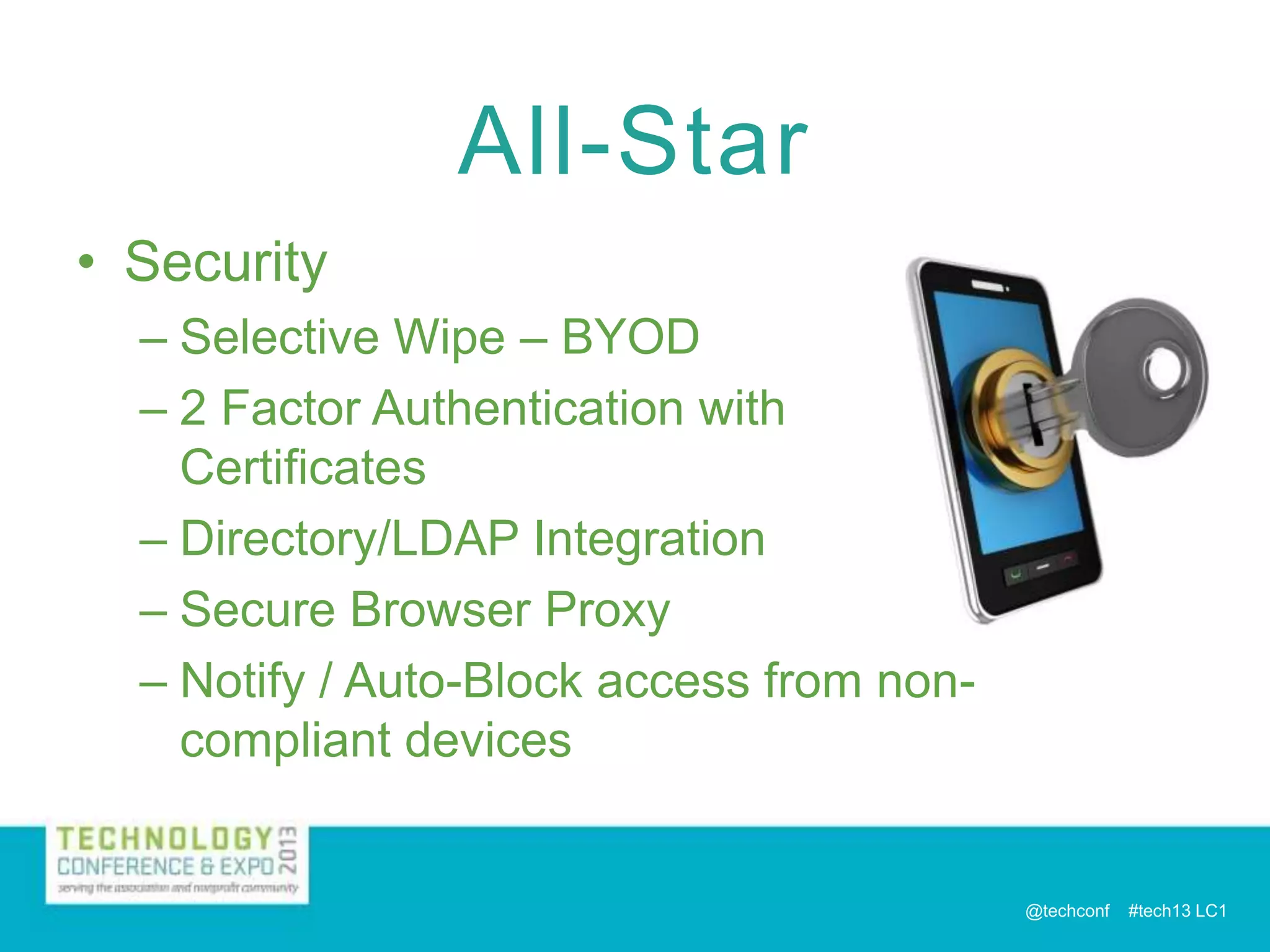
– Selective Wipe – BYOD
– 2 Factor Authentication with
Certificates
– Directory/LDAP Integration
– Secure Browser Proxy
– Notify / Auto-Block access from noncompliant devices

@techconf

#tech13 LC1
All-Star
• Automated Policy & Configuration
Control
– Deploy Profiles based on group
membership, device ownership
(BYOD), device type, etc.

@techconf

#tech13 LC1
MVP

• Automated Policy & Configuration
Control
– GeoFencing
• Deploy Profiles based on GPS Location
• WiFi Networks for branch offices or
conference locations
• Location specific proxy info
• Allow roaming in countries covered in plan.

– Date based profile deployment
• Profiles delivered and removed on specific
dates

@techconf

#tech13 LC1
MVP
• Document Delivery / Management
– Deliver documents on the corporate network
to mobile devices through secure proxy.
– Online or Offline viewing/editing
– Containerization
• One secure app that prevents documents from
being emailed or opened in third party apps
• Can have a combination of documents allowed
and not allowed outside of container.

@techconf

#tech13 LC1
MVP
• Expense Management
– Tracking of cellular data transfer,
SMS messages and voice minutes
– Roaming detection / disabling
– Administrator and user
notifications
– Action escalation
– Disable or even wipe device if not
compliant
@techconf

#tech13 LC1
MVP
• IT Support Features
– Self-service portals for
deployment and apps
– Visibility into device stats and
logs for diagnostics
– Remote control (not on iOS!)

@techconf

#tech13 LC1
MVP
• Multi-User & Kiosk Devices (Personas)
– Great for loaner devices or stationary devices
in locations like conference rooms.
– User logs in and the MDM system delivers
configuration profiles, apps, etc. specific to
the user.
– User logs off (or times out) and device is
automatically wiped of user specific info.
– Single App Mode – ASAE POS
@techconf

#tech13 LC1
MVP
• Deep Analytics and Reporting
– Dive into the details of usage, down to the
app level, user call logs, SMS logs, etc.
– Device operating statistics, Memory, CPU,
Battery, Signal Strength, etc.
– Detailed compliance reports.
– Corporate content access reports
– Etc, etc, etc…
– Example Report
@techconf

#tech13 LC1
MVP
• Deep Analytics and Reporting
– Reports generated on a schedule and
automatically distributed to administrator or
defined individuals or groups.
– Instant Alerts for non-compliant devices and
devices exceeding thresholds
– Dashboards

@techconf

#tech13 LC1
MVP
• Advanced Email
Management
– Apply and enforce encryption
– Compliance policies specific
to email access.
– Containerization for
attachments or all email
content.
– Separate Inbox Passcodes
@techconf

#tech13 LC1
MVP
• Custom App Integration
– Custom apps can leverage MDM
platform features
•
•
•
•
•

Authentication & Data Proxy
Certificate Security
Use logging and integration for analytics
Compliance enforcement for app use.
Configured through SDK or “App
Wrapping”

@techconf

#tech13 LC1
Quick Vendor Breakdown
• Not a comprehensive list, just a starting
point for vendor search.
• Recently added functionality may not be
reflected.
• Consider that pricing for higher level
products is often modular.
– Buy only what you need now with the option
to add features and services later.

@techconf

#tech13 LC1
Quick Vendor Breakdown
• In The Game
– Apple Profile Manager
• Cheap if you already have a Mac.
• iOS only, on-premises only, savvy users could by-pass MDM.

– Microsoft
• Two products required – Intune (cloud) & SCCM (on premise)
• Only basic deployment and management
• SCCM core functionality is PC based not mobile.

– McAfee
• Core product “Enterprise Mobility Management” does not
provide advanced features.
• Need to add “ePolicy Orchestrator” to fill gaps but product
goes way beyond the scope of MDM.

@techconf

#tech13 LC1
Quick Vendor Breakdown
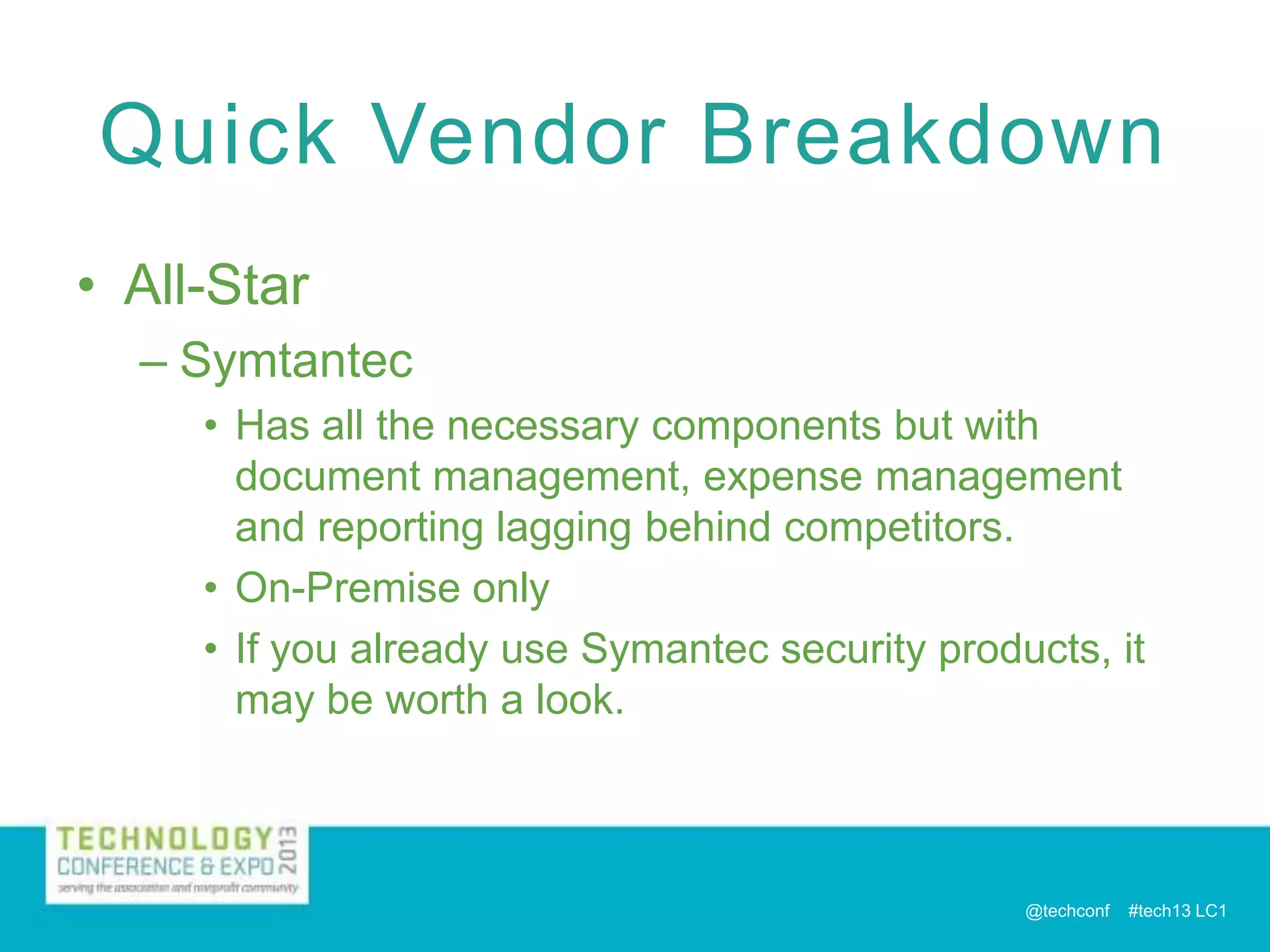
• All-Star
– Symtantec
• Has all the necessary components but with
document management, expense management
and reporting lagging behind competitors.
• On-Premise only
• If you already use Symantec security products, it
may be worth a look.

@techconf

#tech13 LC1
Quick Vendor Breakdown
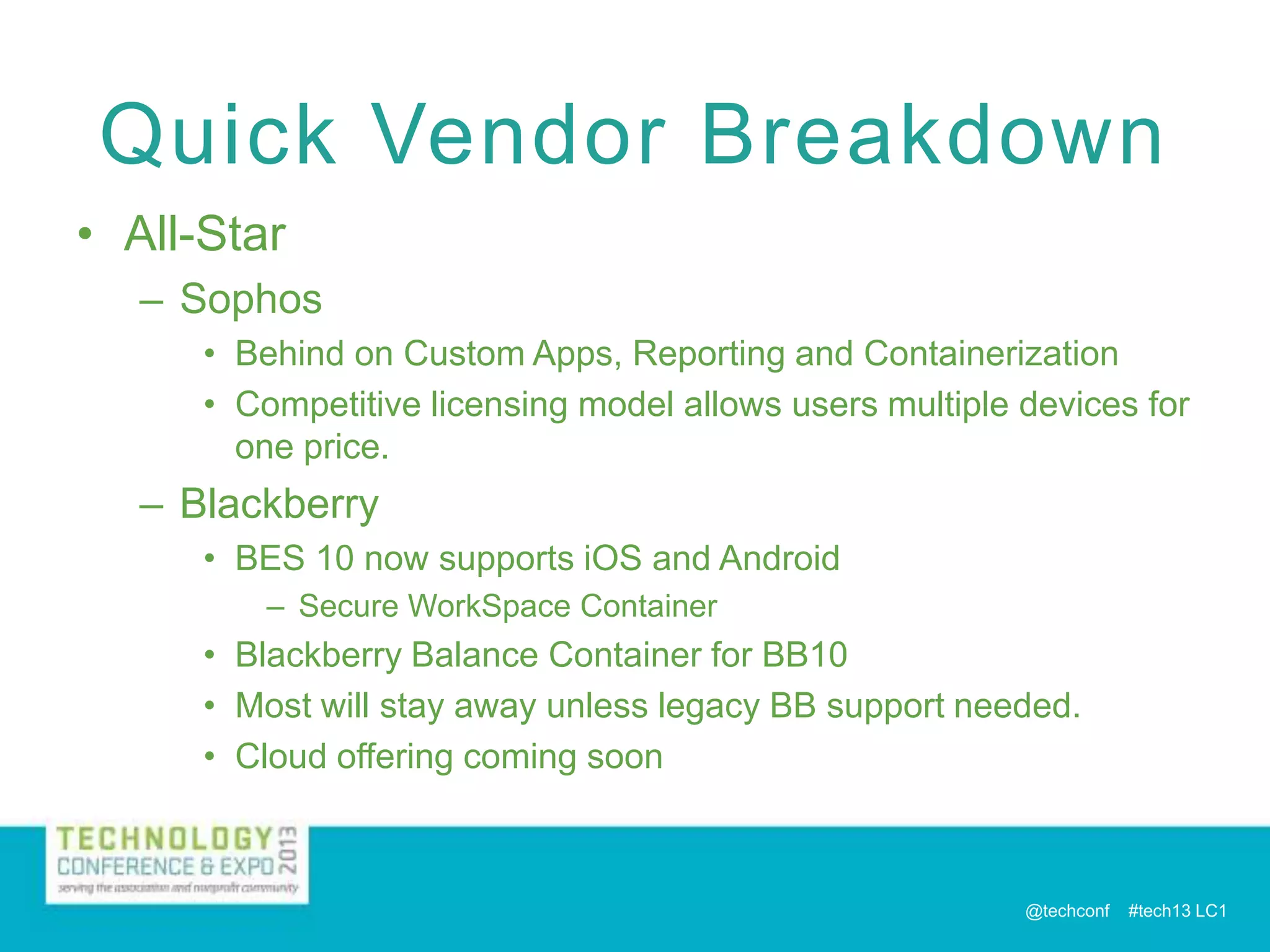
• All-Star
– Sophos
• Behind on Custom Apps, Reporting and Containerization
• Competitive licensing model allows users multiple devices for
one price.

– Blackberry
• BES 10 now supports iOS and Android
– Secure WorkSpace Container

• Blackberry Balance Container for BB10
• Most will stay away unless legacy BB support needed.
• Cloud offering coming soon

@techconf

#tech13 LC1
Quick Vendor Breakdown
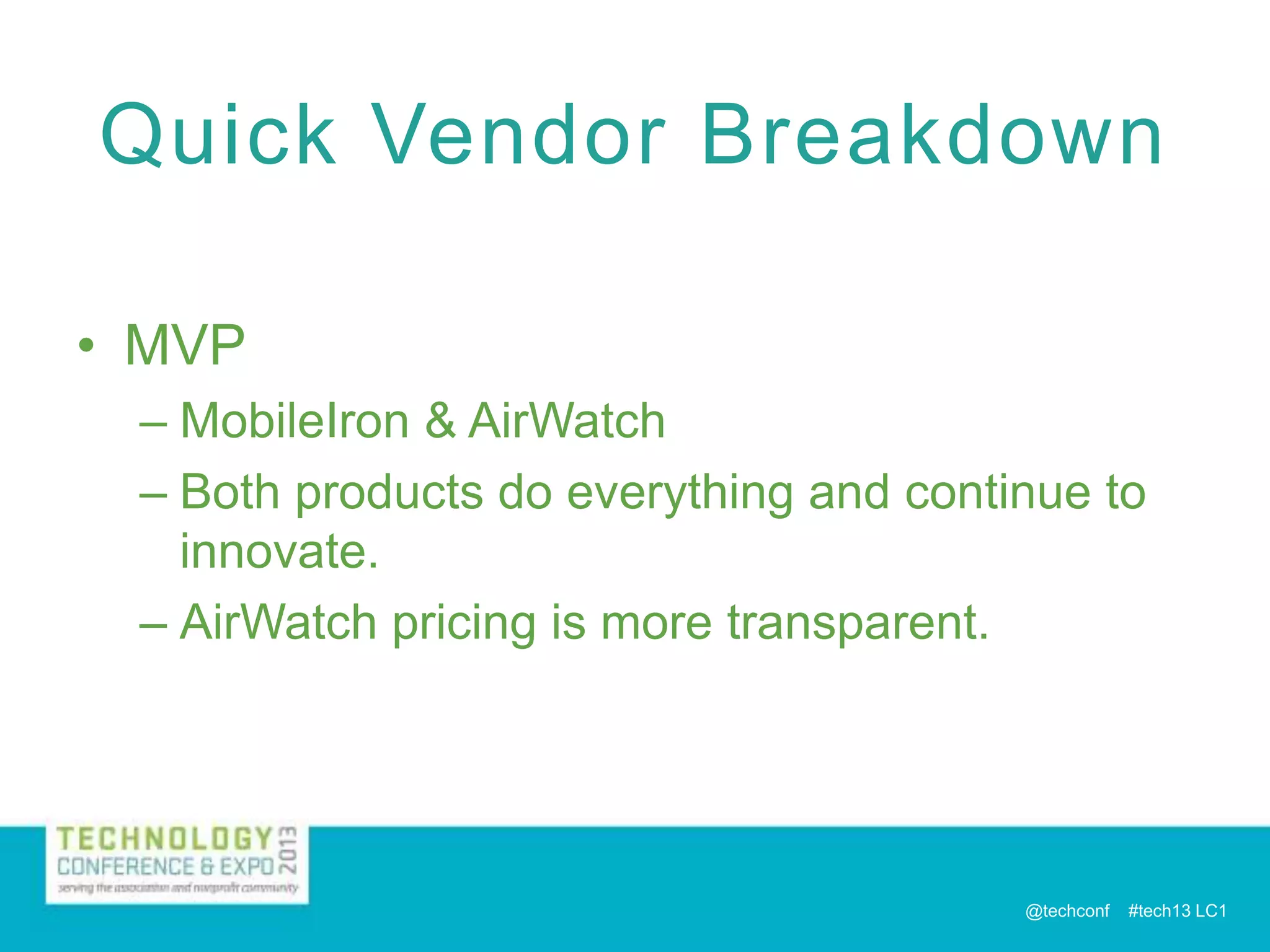
• MVP
– MobileIron & AirWatch
– Both products do everything and continue to
innovate.
– AirWatch pricing is more transparent.

@techconf

#tech13 LC1
Contact Me & Evaluation
Larry Covert
D i r e c t o r, I n f o r m a t i o n Te c h n o l o g y
ASAE
l c o v e r t @ a s a e c e n t e r. o r g
202-326-9522

Evaluate this session:
asae.conferences.io
@techconf

#tech13 LC1

Covert asae tech 13 mdm implementation

  • 1.
    Implementing Mobile Device Management:Taking the Network (and it's Security) With You Thursday December 5, 2013 9:00AM – 10:00AM H ashtag : #tech13 LC 1 Larry Covert D i r e c t o r , I n f o r m a t i o n Te c h n o l o g y ASAE @techconf #tech13 LC1
  • 2.
    Goals • Provide thebasics of how MDM is implemented. • Provide an overview for assessing your MDM requirements based on the current marketplace. • Provide a starting point to match requirements with vendor offerings. @techconf #tech13 LC1
  • 3.
    Agenda • • • • What is MDM? WhyMDM? How Does MDM Work? Larry’s 3 Levels – In The Game – All-Star – MVP • Quick Vendor Breakdown @techconf #tech13 LC1
  • 4.
    What is MDM? •Software that helps deploy, manage, and secure smartphones, tablets, and potentially other devices. • Capabilities can be wide ranging depending on needs and budget. • On premises, cloud or hybrid. @techconf #tech13 LC1
  • 5.
    Why MDM? • • • • Better accessrestriction Device visibility Policy enforcement Secure deployment and data access • Remote data removal (wipe) • Can ease device deployments in larger environments @techconf #tech13 LC1
  • 6.
    How Does MDMWork? • ! - FYI: Terms may be somewhat Apple-centric - ! • Device Agents – Typically for device status collection and enrollment. – Some products allow enrollment through the browser. • Management Server – Typically for distribution of policies and settings. • Proxy Server – Internal network authentication – Data Access • Email – Exchange ActiveSync • Browser Proxy • Additional Corporate Content @techconf #tech13 LC1
  • 7.
    How Does MDMWork? • Delivery of Device Profiles – Delivered OTA or manually connected to a PC via USB – Contain “Payload” With Device Settings or Policies – Grants MDM Rights (“MDM Profile”) • Allows retrieval of device status • Allows automated changes to device – Multi-Payload vs. Single Payload – Typically certificate signed and contains certificate for secure communication with MDM system. – Example on my iPhone @techconf #tech13 LC1
  • 8.
    Larry’s 3 Levels •In The Game – Provide email, basic security and some minor features. • All-Star – Advanced security, device visibility and control. • MVP – The kitchen sink! @techconf #tech13 LC1
  • 9.
    In The Game •Device Configuration – Email, Contacts, Calendar – WiFi Networks – VPN @techconf #tech13 LC1
  • 10.
    In The Game •Security – Passcode Enforcement with Remote Lock – Remote Device Wipe (reset to factory) – Device Restrictions • Restricting features such as screen capture and Bluetooth for security purposes – Encryption – Jailbreak / Root Detection @techconf #tech13 LC1
  • 11.
    All-Star • Device Location– GPS, Cellular, WiFi – Locate on Map • App Visibility & Management – – – – – View Installed Apps Blacklist Apps Provide portal for approved store apps Push required apps Volume purchasing integration @techconf #tech13 LC1
  • 12.
    All-Star • Security – SelectiveWipe – BYOD – 2 Factor Authentication with Certificates – Directory/LDAP Integration – Secure Browser Proxy – Notify / Auto-Block access from noncompliant devices @techconf #tech13 LC1
  • 13.
    All-Star • Automated Policy& Configuration Control – Deploy Profiles based on group membership, device ownership (BYOD), device type, etc. @techconf #tech13 LC1
  • 14.
    MVP • Automated Policy& Configuration Control – GeoFencing • Deploy Profiles based on GPS Location • WiFi Networks for branch offices or conference locations • Location specific proxy info • Allow roaming in countries covered in plan. – Date based profile deployment • Profiles delivered and removed on specific dates @techconf #tech13 LC1
  • 15.
    MVP • Document Delivery/ Management – Deliver documents on the corporate network to mobile devices through secure proxy. – Online or Offline viewing/editing – Containerization • One secure app that prevents documents from being emailed or opened in third party apps • Can have a combination of documents allowed and not allowed outside of container. @techconf #tech13 LC1
  • 16.
    MVP • Expense Management –Tracking of cellular data transfer, SMS messages and voice minutes – Roaming detection / disabling – Administrator and user notifications – Action escalation – Disable or even wipe device if not compliant @techconf #tech13 LC1
  • 17.
    MVP • IT SupportFeatures – Self-service portals for deployment and apps – Visibility into device stats and logs for diagnostics – Remote control (not on iOS!) @techconf #tech13 LC1
  • 18.
    MVP • Multi-User &Kiosk Devices (Personas) – Great for loaner devices or stationary devices in locations like conference rooms. – User logs in and the MDM system delivers configuration profiles, apps, etc. specific to the user. – User logs off (or times out) and device is automatically wiped of user specific info. – Single App Mode – ASAE POS @techconf #tech13 LC1
  • 19.
    MVP • Deep Analyticsand Reporting – Dive into the details of usage, down to the app level, user call logs, SMS logs, etc. – Device operating statistics, Memory, CPU, Battery, Signal Strength, etc. – Detailed compliance reports. – Corporate content access reports – Etc, etc, etc… – Example Report @techconf #tech13 LC1
  • 20.
    MVP • Deep Analyticsand Reporting – Reports generated on a schedule and automatically distributed to administrator or defined individuals or groups. – Instant Alerts for non-compliant devices and devices exceeding thresholds – Dashboards @techconf #tech13 LC1
  • 21.
    MVP • Advanced Email Management –Apply and enforce encryption – Compliance policies specific to email access. – Containerization for attachments or all email content. – Separate Inbox Passcodes @techconf #tech13 LC1
  • 22.
    MVP • Custom AppIntegration – Custom apps can leverage MDM platform features • • • • • Authentication & Data Proxy Certificate Security Use logging and integration for analytics Compliance enforcement for app use. Configured through SDK or “App Wrapping” @techconf #tech13 LC1
  • 23.
    Quick Vendor Breakdown •Not a comprehensive list, just a starting point for vendor search. • Recently added functionality may not be reflected. • Consider that pricing for higher level products is often modular. – Buy only what you need now with the option to add features and services later. @techconf #tech13 LC1
  • 24.
    Quick Vendor Breakdown •In The Game – Apple Profile Manager • Cheap if you already have a Mac. • iOS only, on-premises only, savvy users could by-pass MDM. – Microsoft • Two products required – Intune (cloud) & SCCM (on premise) • Only basic deployment and management • SCCM core functionality is PC based not mobile. – McAfee • Core product “Enterprise Mobility Management” does not provide advanced features. • Need to add “ePolicy Orchestrator” to fill gaps but product goes way beyond the scope of MDM. @techconf #tech13 LC1
  • 25.
    Quick Vendor Breakdown •All-Star – Symtantec • Has all the necessary components but with document management, expense management and reporting lagging behind competitors. • On-Premise only • If you already use Symantec security products, it may be worth a look. @techconf #tech13 LC1
  • 26.
    Quick Vendor Breakdown •All-Star – Sophos • Behind on Custom Apps, Reporting and Containerization • Competitive licensing model allows users multiple devices for one price. – Blackberry • BES 10 now supports iOS and Android – Secure WorkSpace Container • Blackberry Balance Container for BB10 • Most will stay away unless legacy BB support needed. • Cloud offering coming soon @techconf #tech13 LC1
  • 27.
    Quick Vendor Breakdown •MVP – MobileIron & AirWatch – Both products do everything and continue to innovate. – AirWatch pricing is more transparent. @techconf #tech13 LC1
  • 28.
    Contact Me &Evaluation Larry Covert D i r e c t o r, I n f o r m a t i o n Te c h n o l o g y ASAE l c o v e r t @ a s a e c e n t e r. o r g 202-326-9522 Evaluate this session: asae.conferences.io @techconf #tech13 LC1