Bringing the light to the client
   with KnockoutJS

var speaker = {
   name: “Boyan Mihaylov”,
   company: “Ebita.dk”
};
About me

 Software Developer @ Ebita.dk
   Software architectures / system integration
   Best practices
   Web trends
 (Almost) Ms.c. in Computer Science @ The
  University of Copenhagen
 Teaching assistant @ UCPH
   Principles of Computer System Design
What‟s there for today?

   Why JavaScript
   Why MV* patterns
   What is KnockoutJS
   How it works
   Extensibility
Why is JavaScript so popular?

 Runs in the browser
   No 3rd-party software
 Considerably fast (in the latest browsers)
 Low entry barriers
   a.k.a. (reasonably) low learning curve
 Still in the game with HTML5
Why people hate JavaScript?

 “Few” programming misunderstandings
   Global variables
   The proper “this” in functions
   …
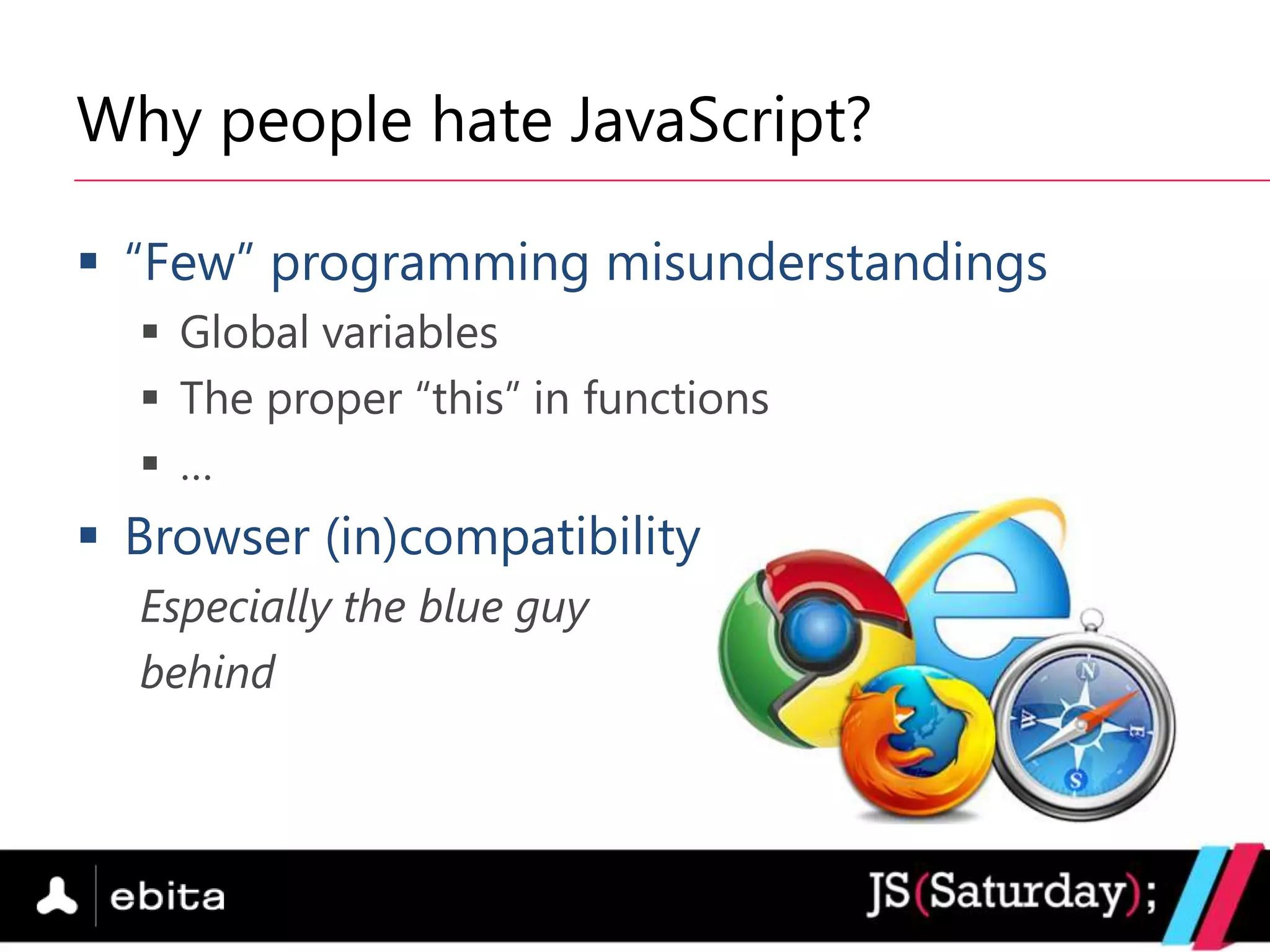
 Browser (in)compatibility
  Especially the blue guy
  behind
jQuery for the win!

 Rich API for DOM manipulation
   Traversing
   Event handling
   Animations
 Browser compatibility
Before & after jQuery

if (document.getElementById) ...
else if (document.layers) …        Before
else if (document.all) …


$(‟#my_id‟)                         After
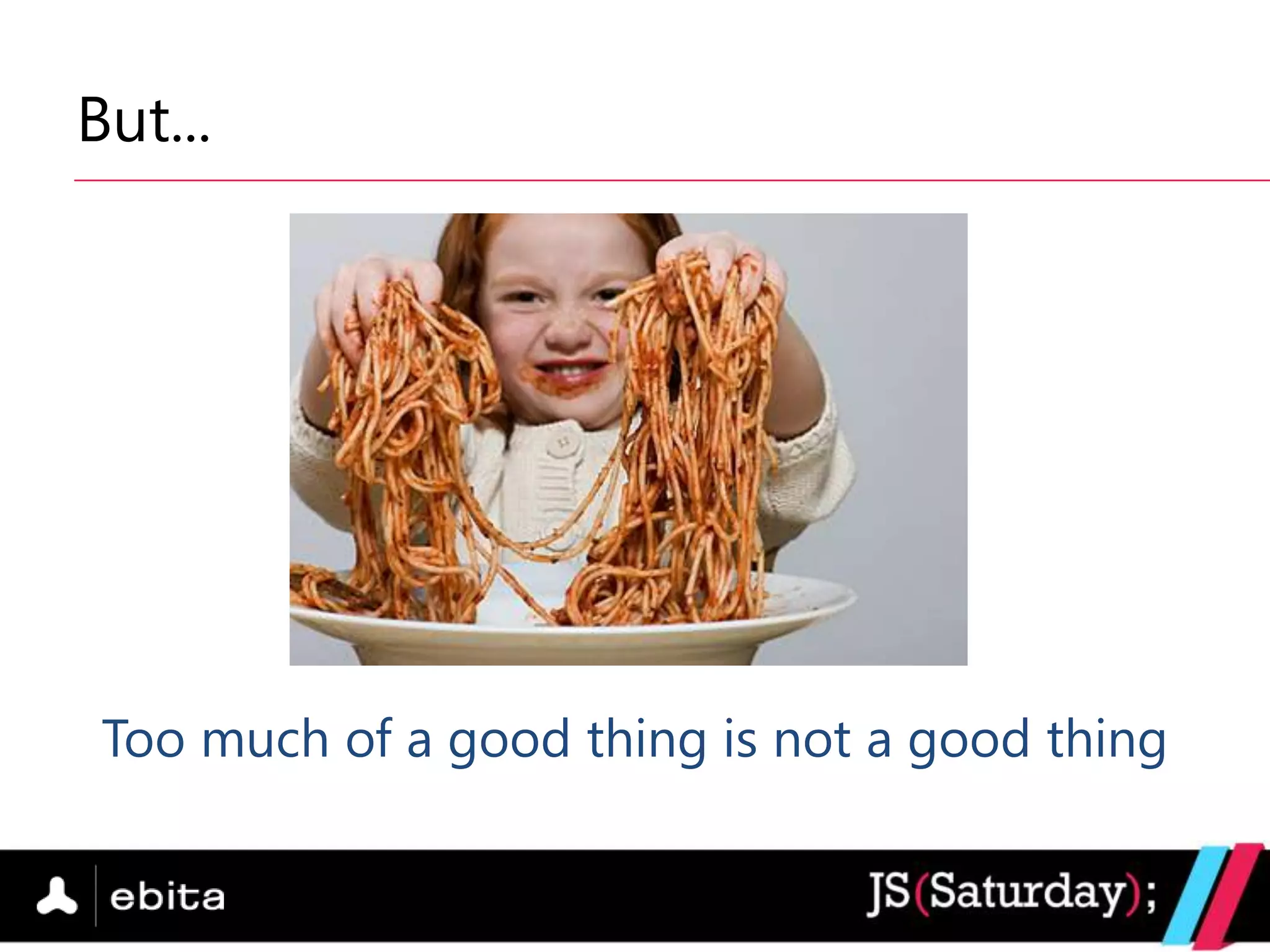
But...


 Too much of a good thing is not a good thing
The rise of MV* patterns

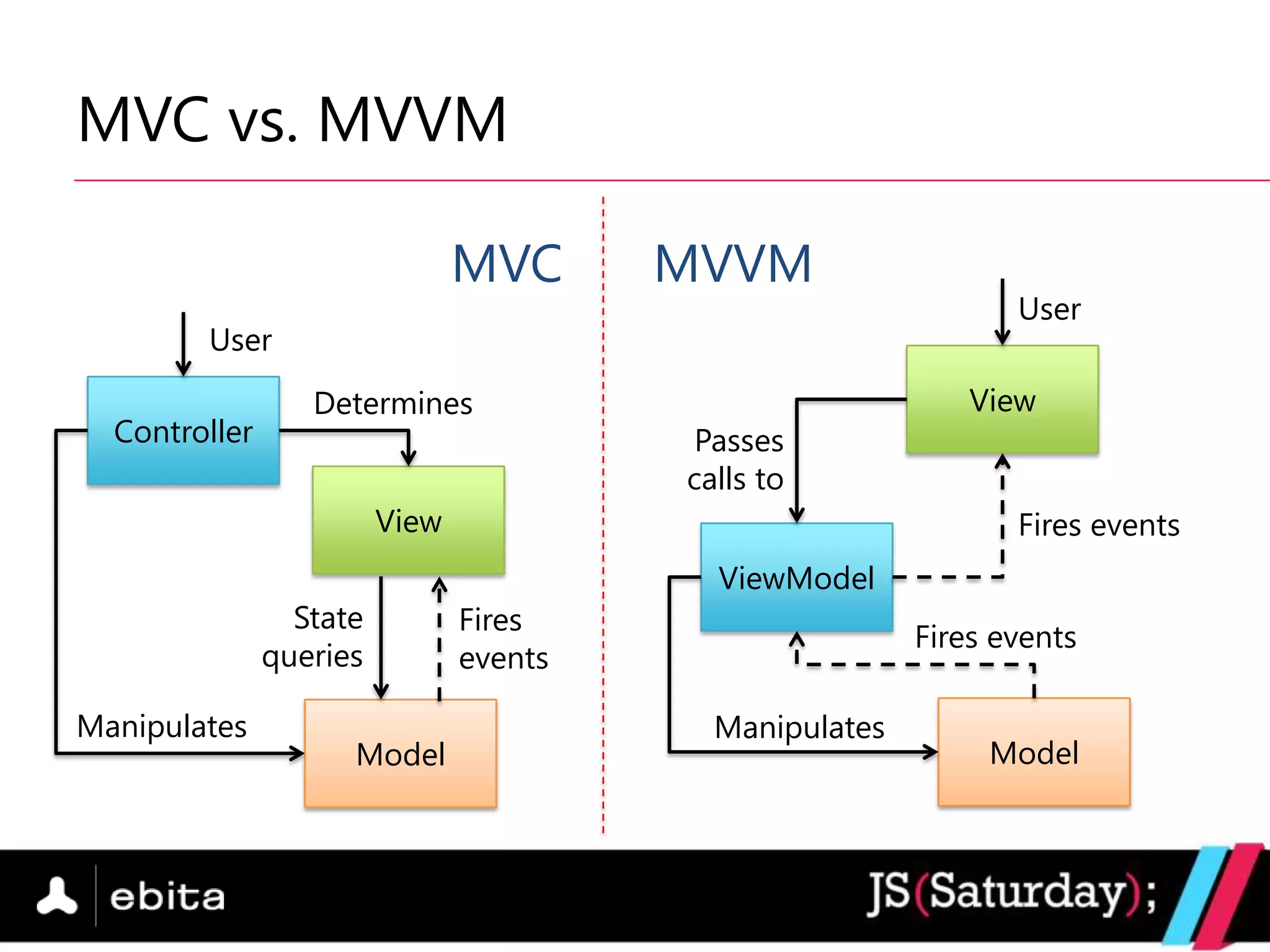
 MV* stands for Model-View-(many variations)
   MVC (Model-View-Controller)
   MVVM (Model-View-ViewModel)
 Separation between the data and how it is
  displayed
MVC vs. MVVM

                                MVC      MVVM
                                                                User
        User
                  Determines                                 View
  Controller                              Passes
                                         calls to
                         View                                   Fires events
                                           ViewModel
                 State          Fires
                                                         Fires events
               queries          events

Manipulates                                Manipulates
                     Model                                    Model
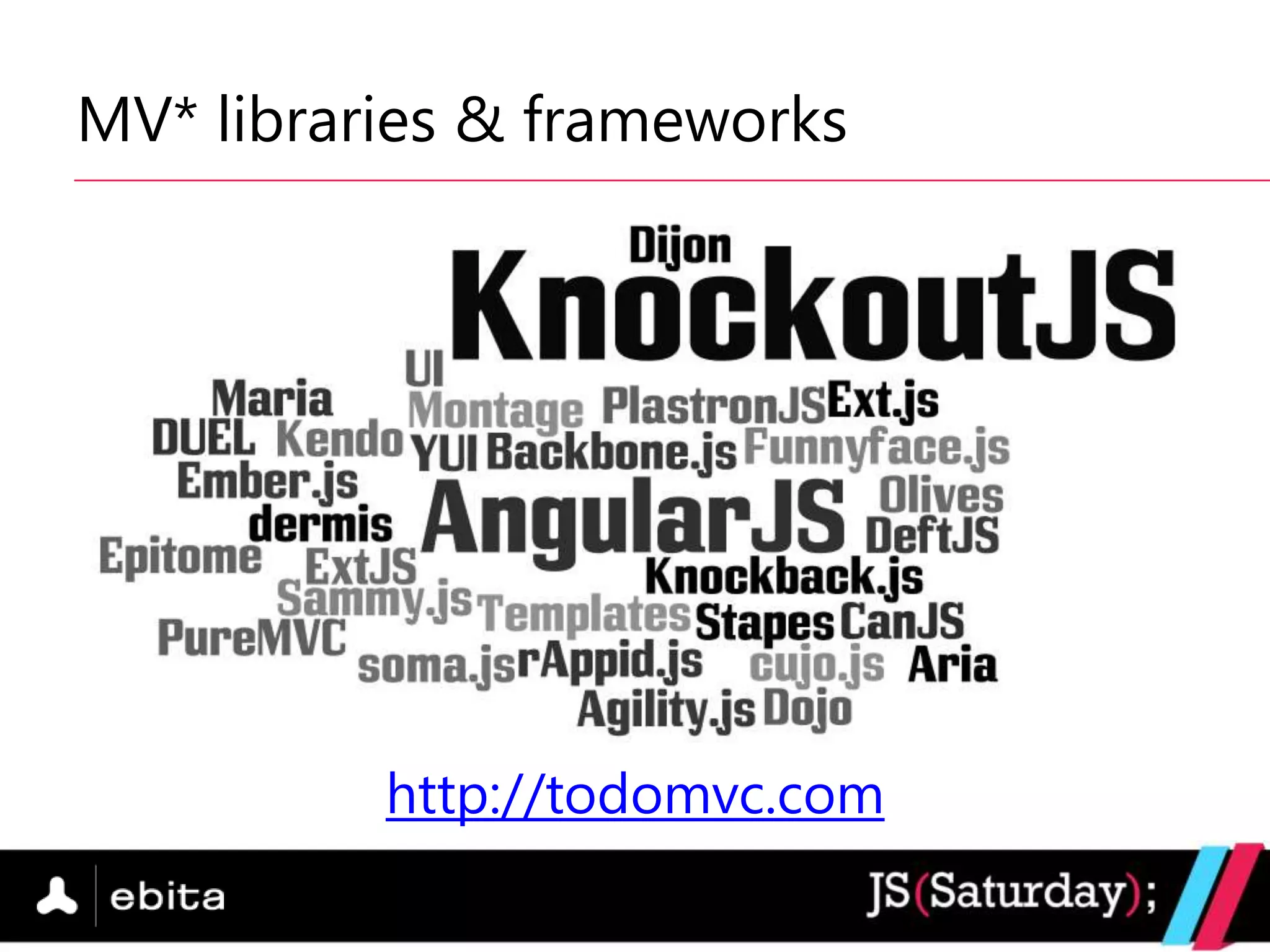
MV* libraries & frameworks


          http://todomvc.com
What is KnockoutJS?

   MVVM JavaScript library
   MIT license
   No dependencies
   Supports all mainstream browsers
   Active community
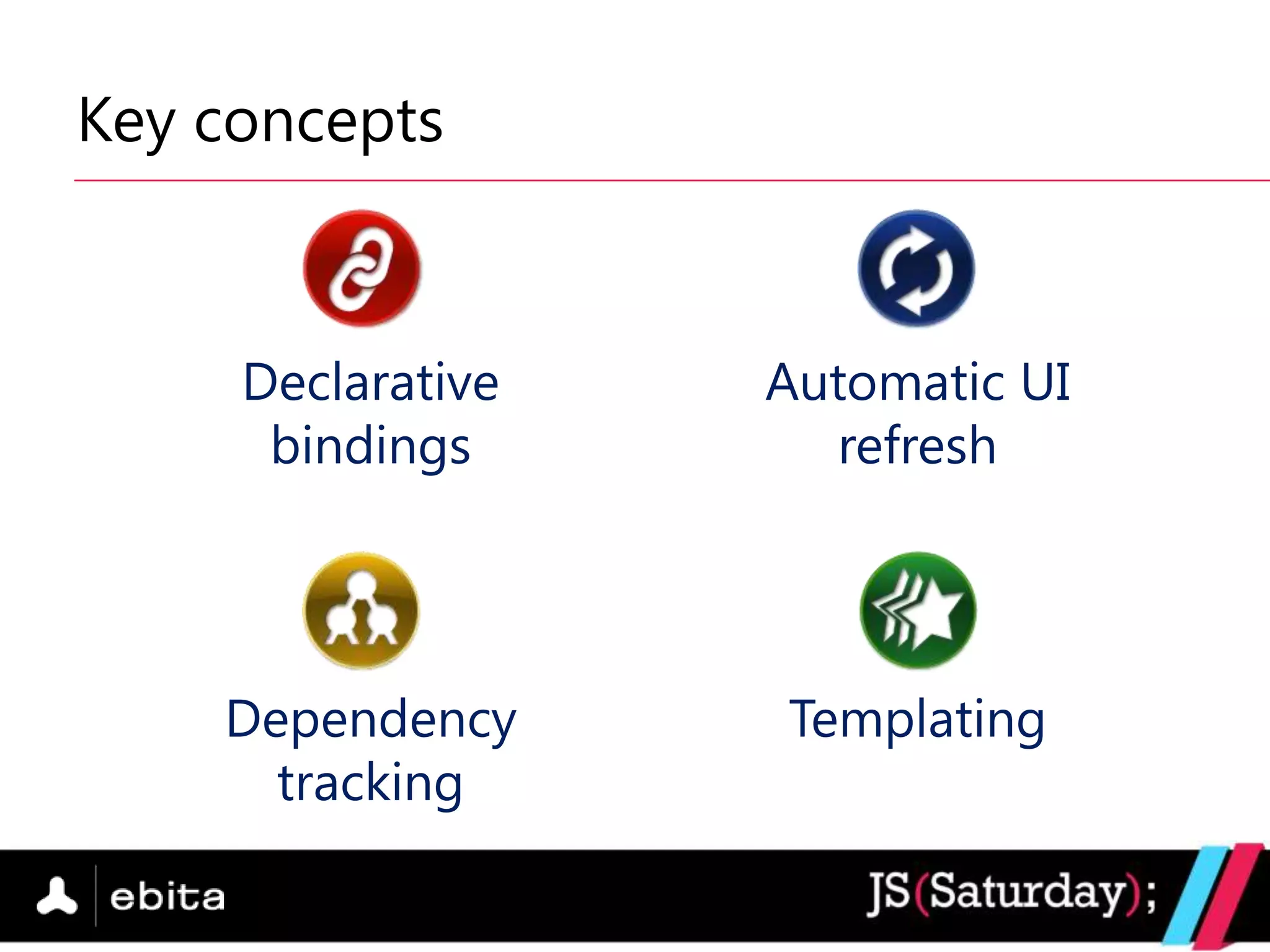
Key concepts


     Declarative   Automatic UI
      bindings       refresh


    Dependency     Templating
      tracking
First steps: data binding (1)

 The magic of data-bind attribute
<span data-bind=“text: name”></span>

 Apply the bindings
ko.applyBindings(viewModel);
First steps: data binding (2)

 The syntax
  data-bind=“binding1: value1, binding2: value2,…”
 Pre-defined bindings
     text – displays text in an element (span, div, ....)
     value – for form elements (input, textarea, ...)
     click – associates a function
     visible – whether to display an element or not
     [ more on Knockout‟s website ]
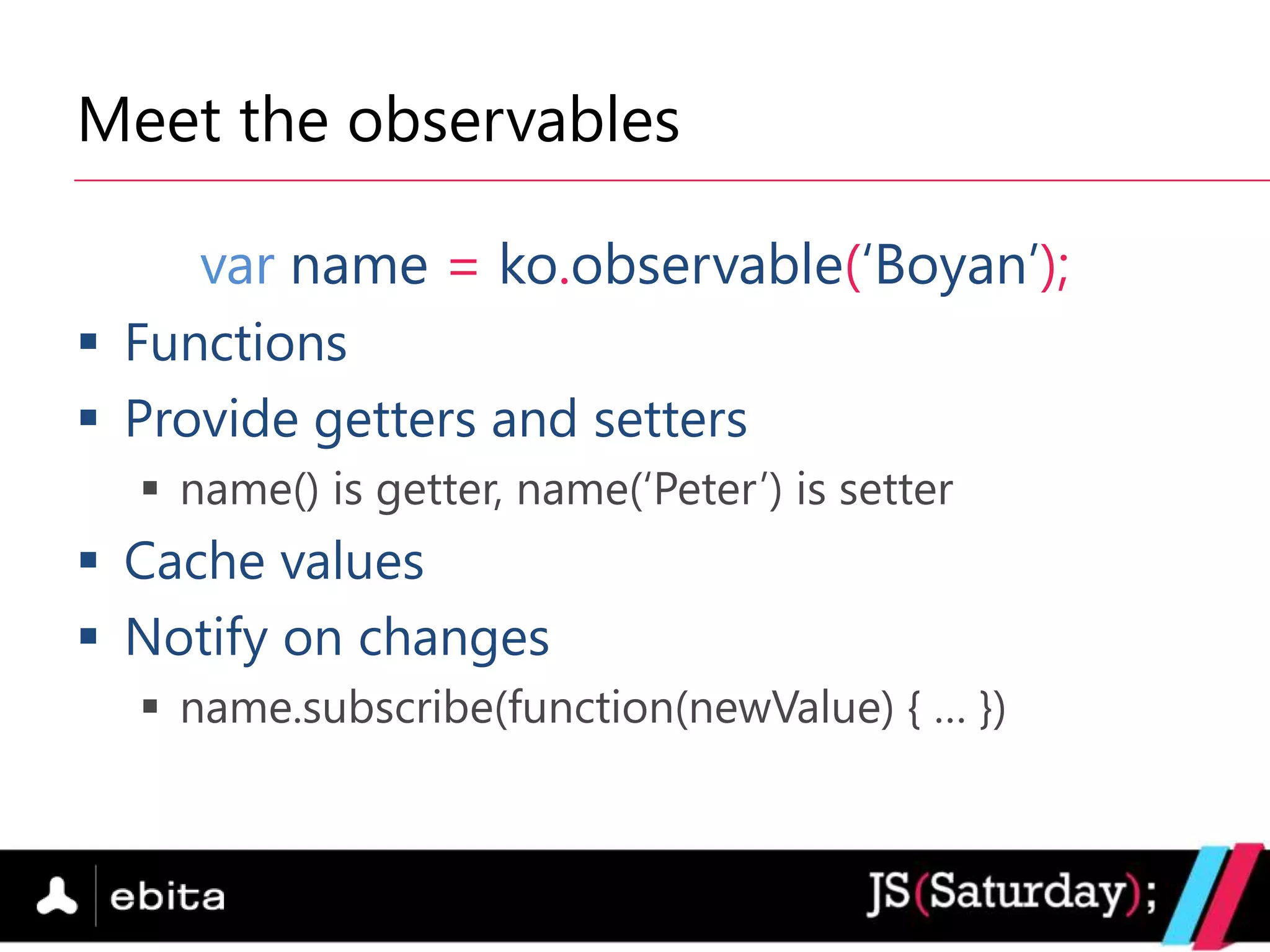
Meet the observables

     var name = ko.observable(„Boyan‟);
 Functions
 Provide getters and setters
   name() is getter, name(„Peter‟) is setter
 Cache values
 Notify on changes
   name.subscribe(function(newValue) { … })
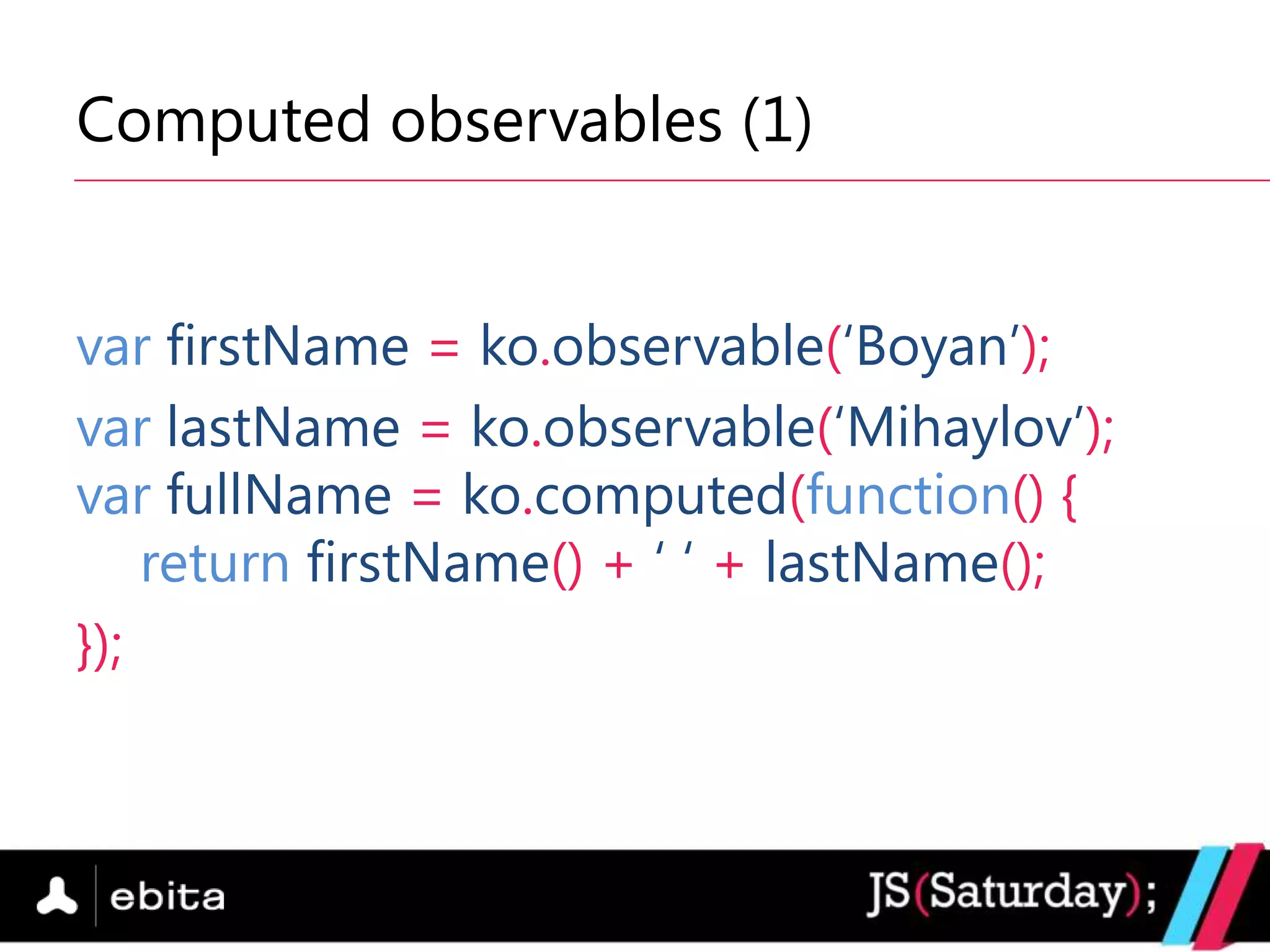
Computed observables (1)


var firstName = ko.observable(„Boyan‟);
var lastName = ko.observable(„Mihaylov‟);
var fullName = ko.computed(function() {
    return firstName() + „ „ + lastName();
});
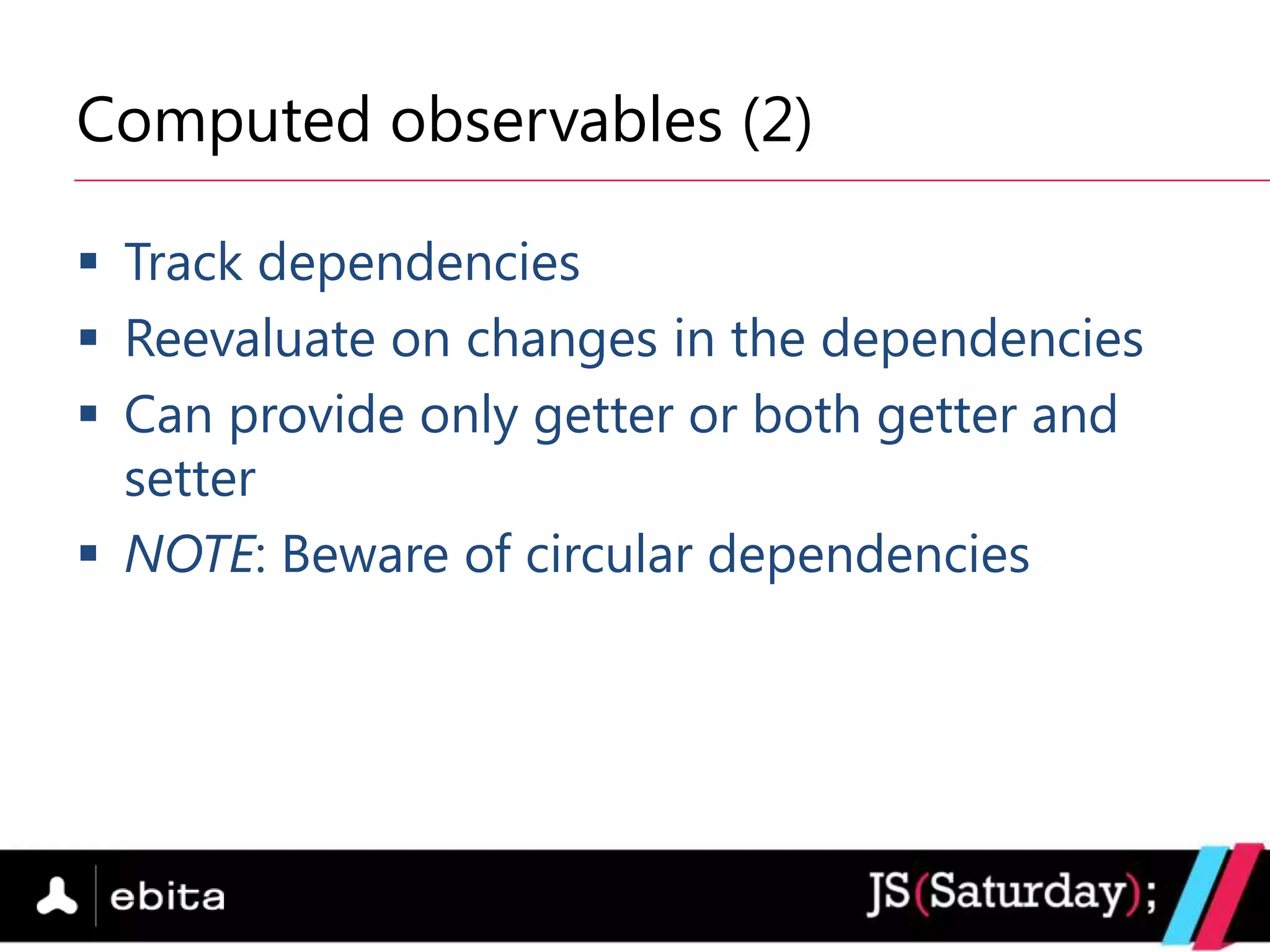
Computed observables (2)

 Track dependencies
 Reevaluate on changes in the dependencies
 Can provide only getter or both getter and
  setter
 NOTE: Beware of circular dependencies
Observable arrays

      var names = ko.observableArray(
          ['Boyan', 'Peter', 'Elena']);

 Same as normal observables, but …
 Provide array utility functions
   push, pop, remove, slice, etc.
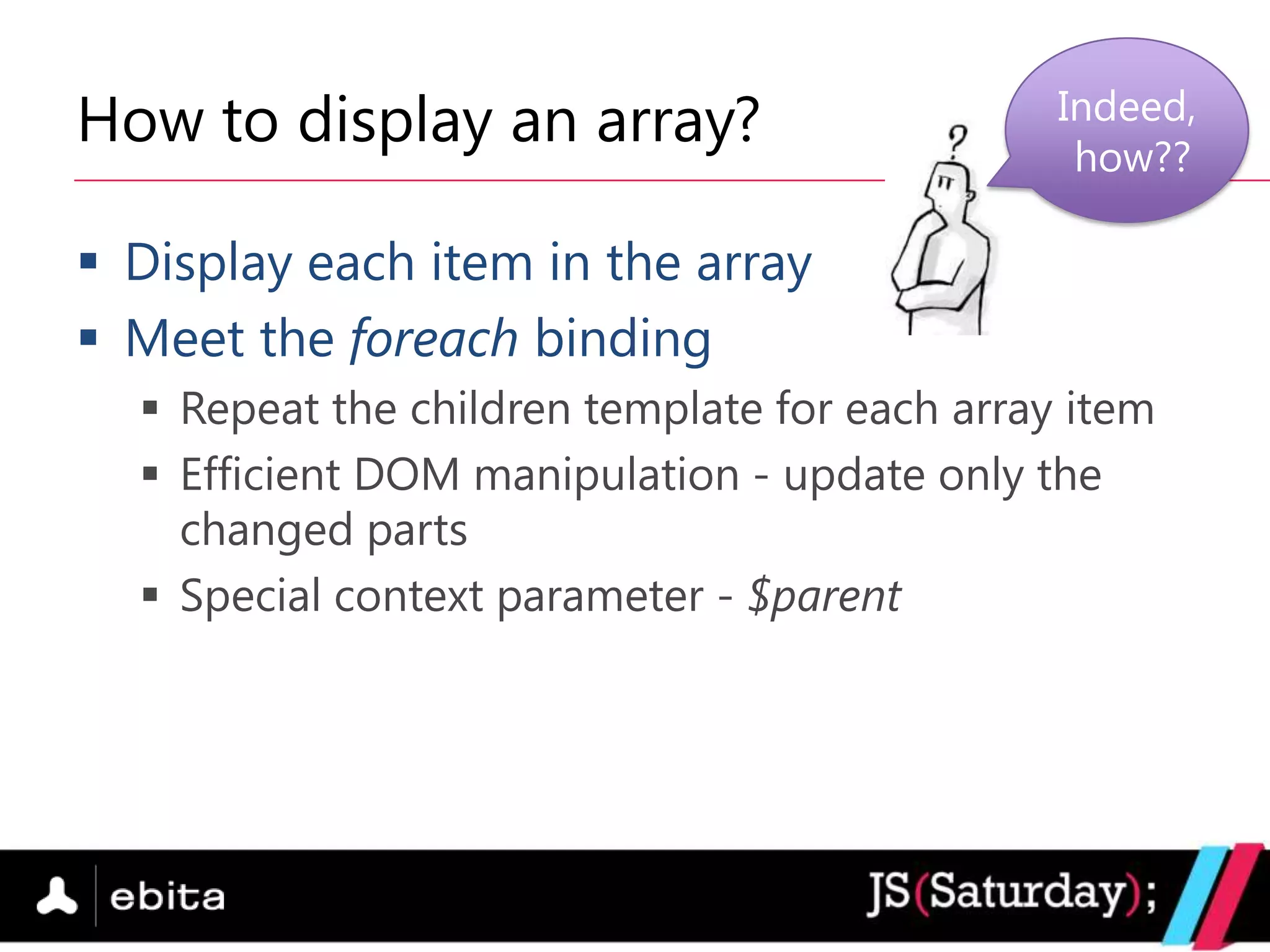
How to display an array?                       Indeed,
                                                how??

 Display each item in the array
 Meet the foreach binding
   Repeat the children template for each array item
   Efficient DOM manipulation - update only the
    changed parts
   Special context parameter - $parent
Extensibility: make it your way
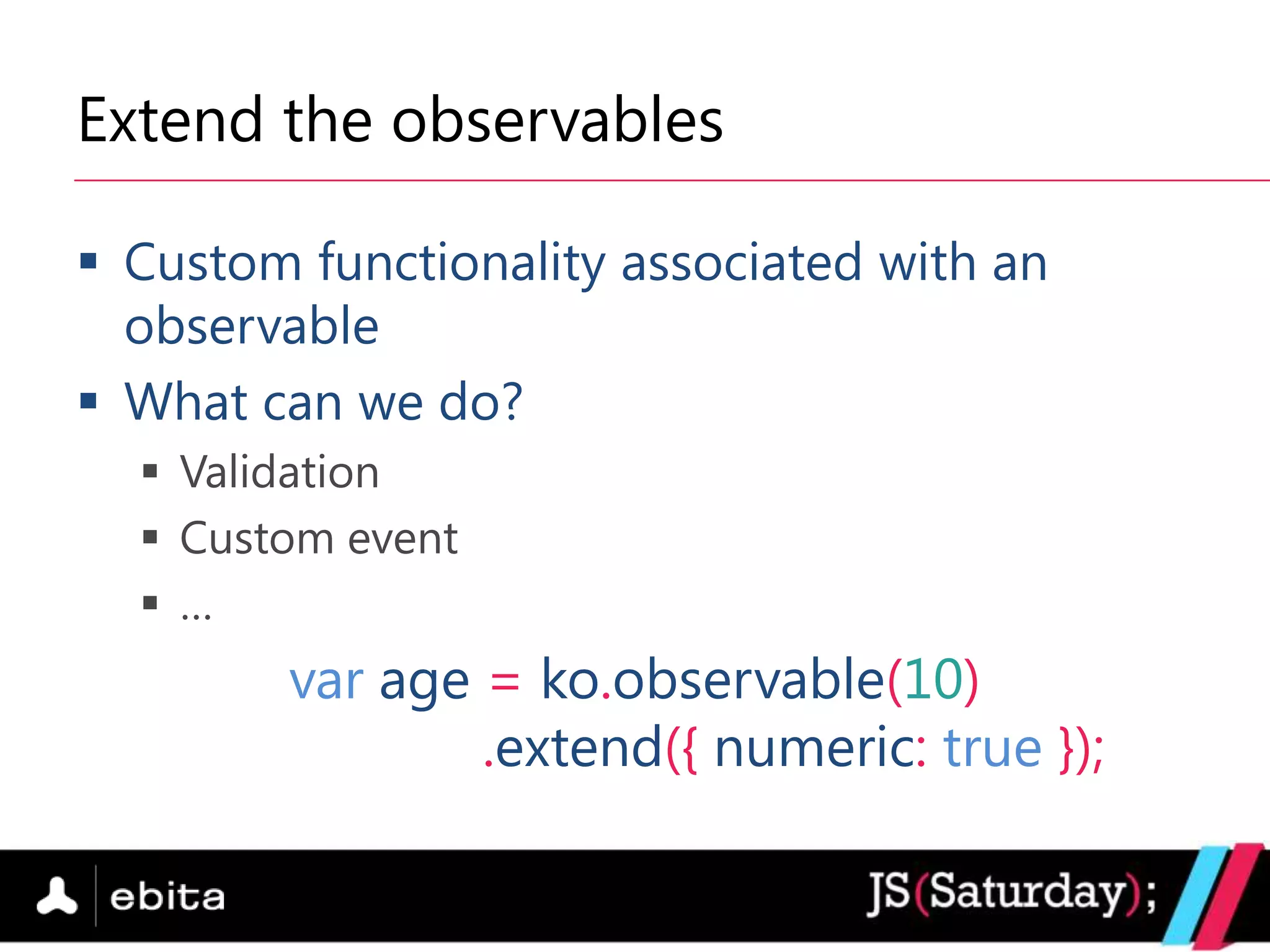
Extend the observables

 Custom functionality associated with an
  observable
 What can we do?
   Validation
   Custom event
   …
        var age = ko.observable(10)
                .extend({ numeric: true });
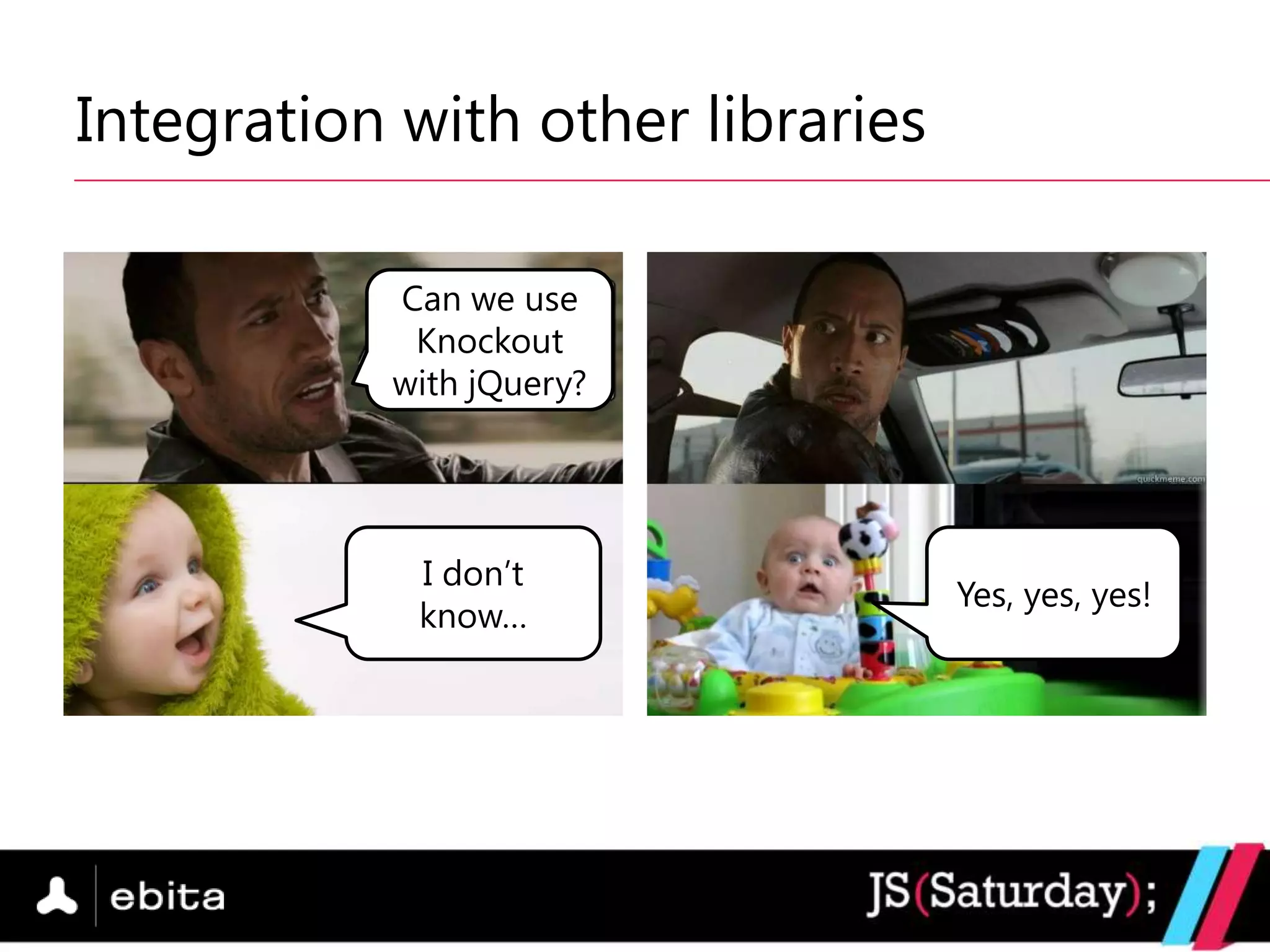
Integration with other libraries

           Can we use
            Knockout
           with jQuery?


            I don‟t
                                   Yes, yes, yes!
            know…
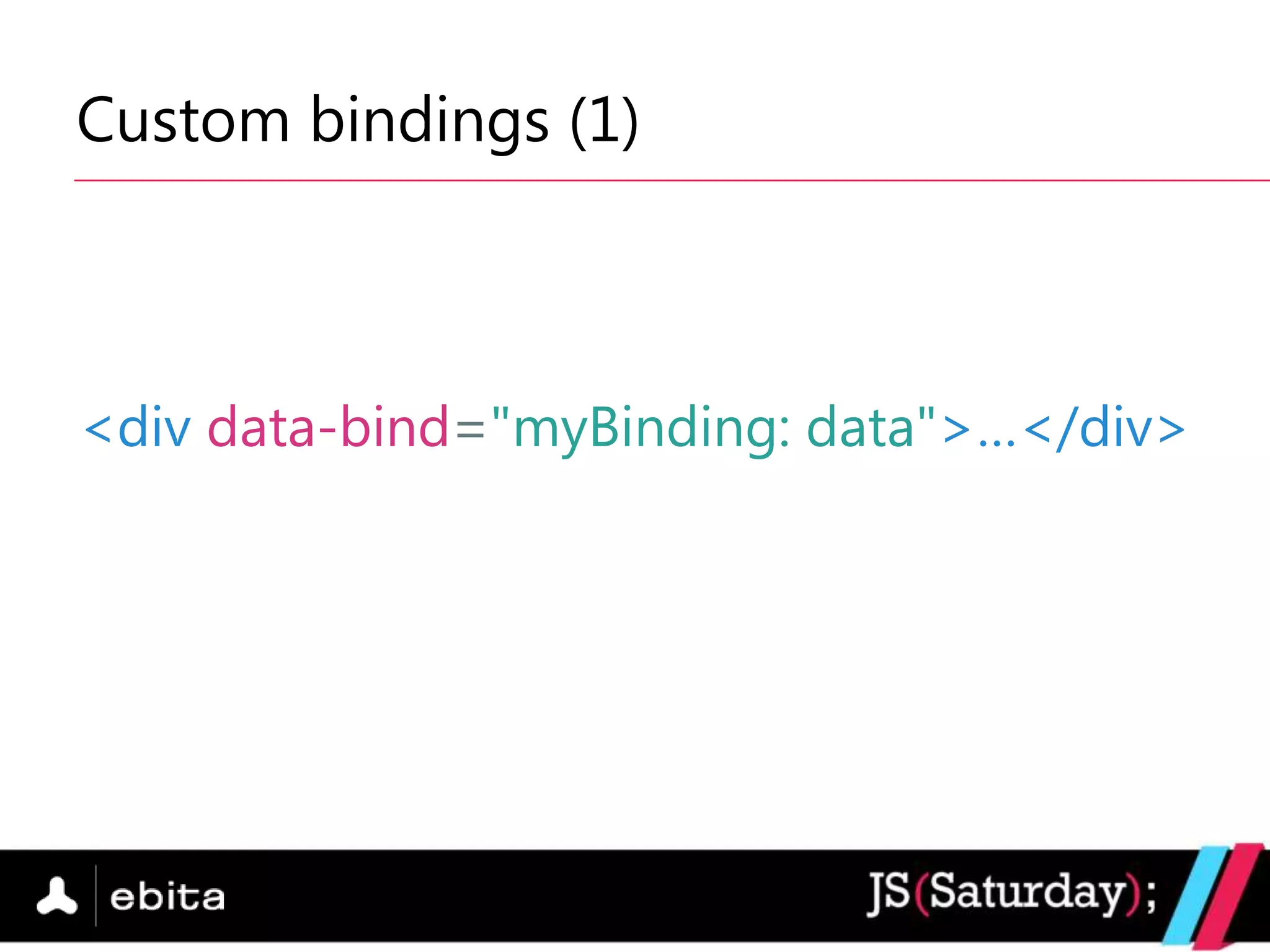
Custom bindings (1)


<div data-bind="myBinding: data">…</div>
Custom bindings (2)

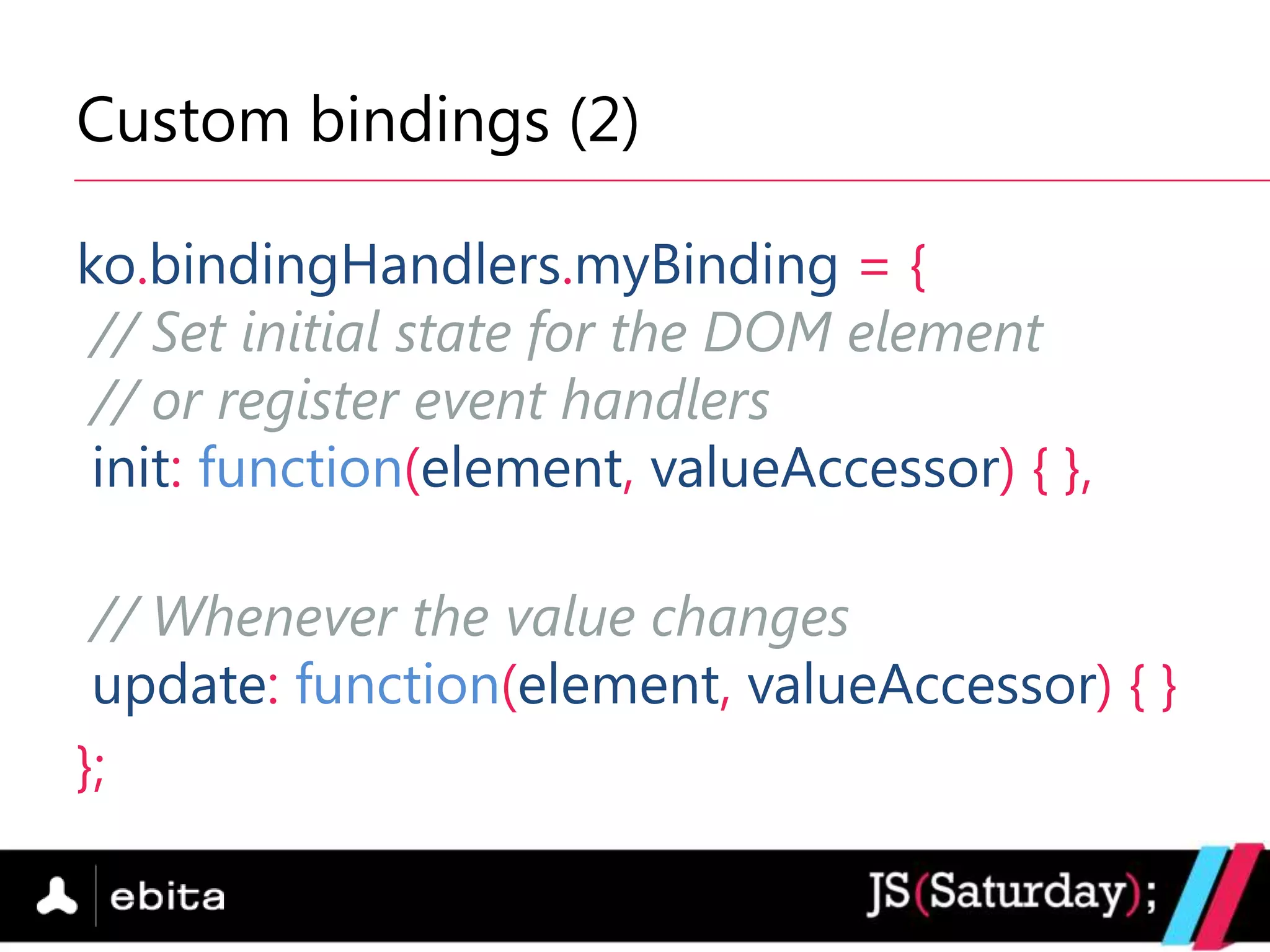
ko.bindingHandlers.myBinding = {
 // Set initial state for the DOM element
 // or register event handlers
 init: function(element, valueAccessor) { },

 // Whenever the value changes
 update: function(element, valueAccessor) { }
};
Custom bindings (3)

 Parameters
   element – the bound DOM element
   valueAccessor – a function, which returns the
    value (an observable or a plain value)
   allBindingsAccessor – a function, which returns all
    other bindings set to the element
   [ some more parameters on Knockout‟s website ]
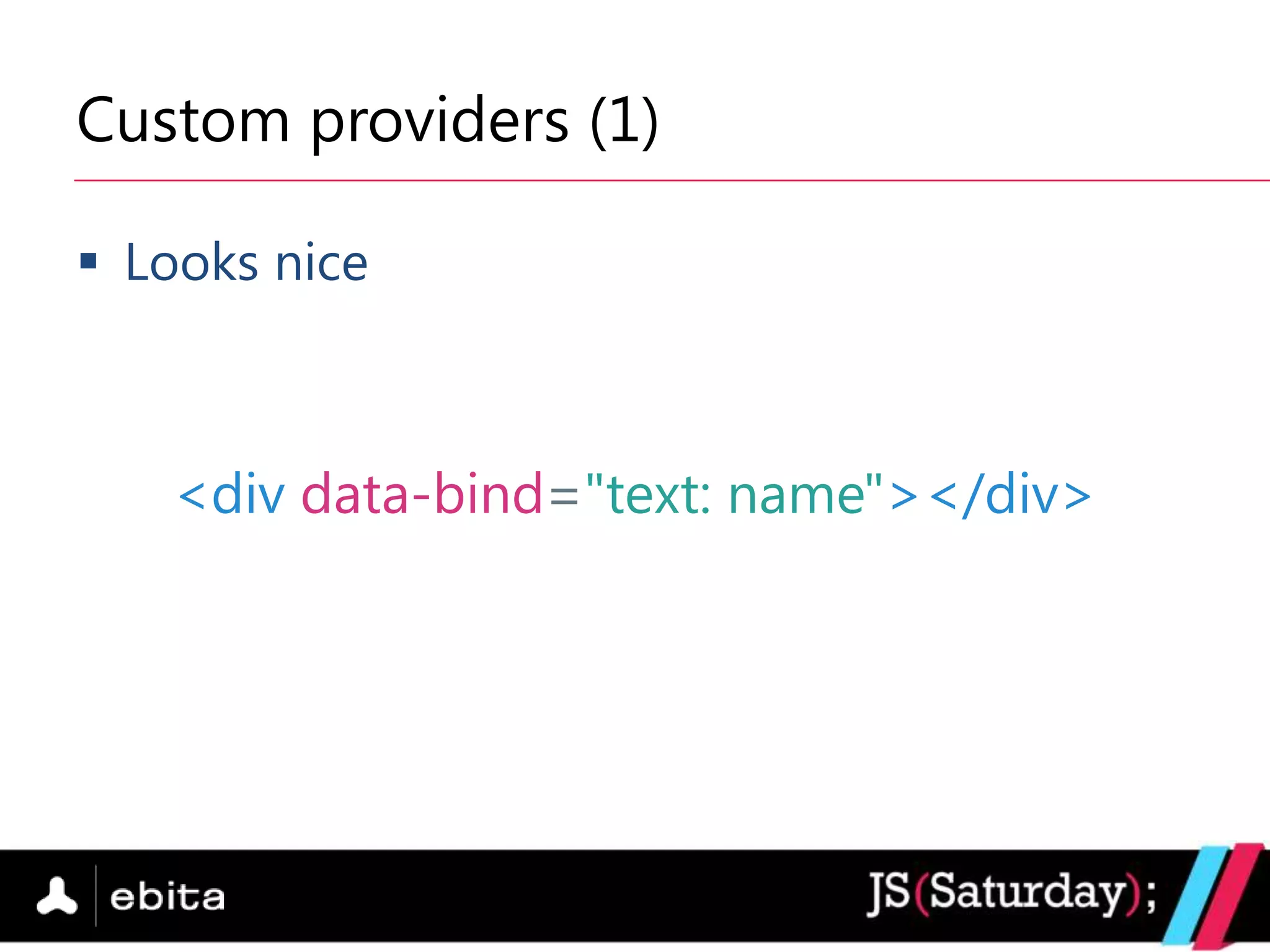
Custom providers (1)

 Looks nice


   <div data-bind="text: name"></div>
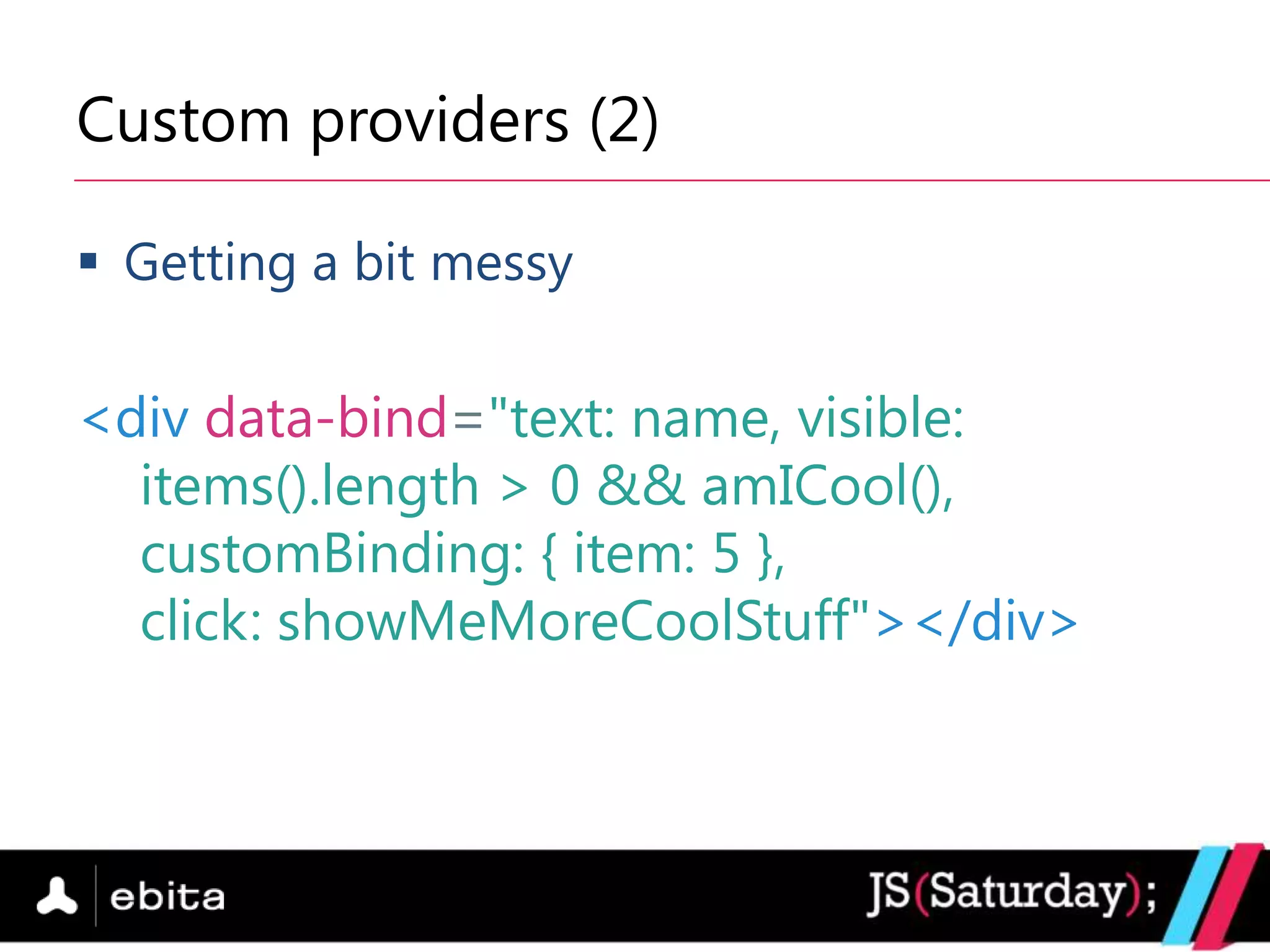
Custom providers (2)

 Getting a bit messy

<div data-bind="text: name, visible:
  items().length > 0 && amICool(),
  customBinding: { item: 5 },
  click: showMeMoreCoolStuff"></div>
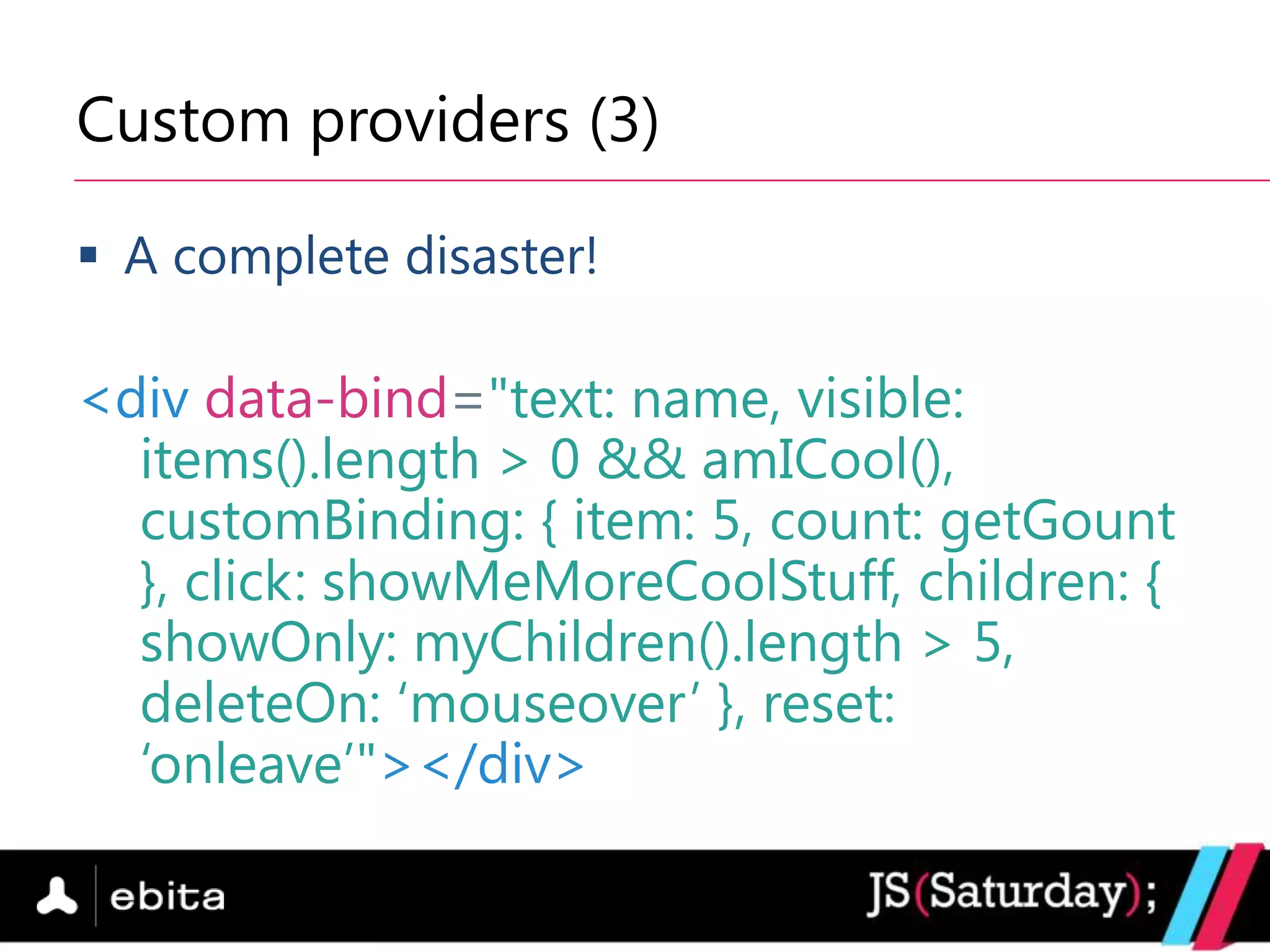
Custom providers (3)

 A complete disaster!

<div data-bind="text: name, visible:
  items().length > 0 && amICool(),
  customBinding: { item: 5, count: getGount
  }, click: showMeMoreCoolStuff, children: {
  showOnly: myChildren().length > 5,
  deleteOn: „mouseover‟ }, reset:
  „onleave‟"></div>
Custom providers (4)

   Don‟t like the data-bind attributes?
   Your markup is too messy?
   All designers in the company hate you?
   …
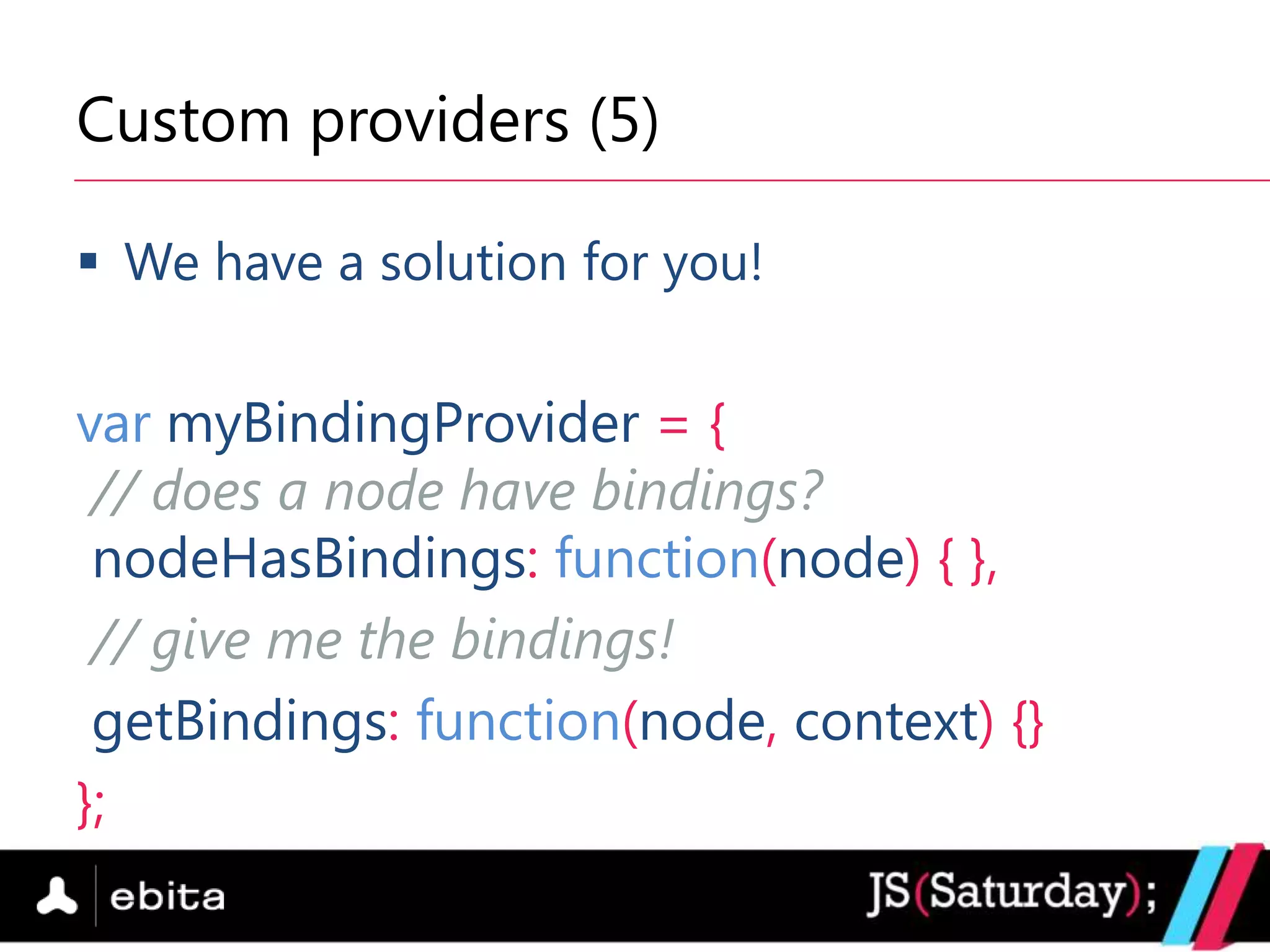
Custom providers (5)

 We have a solution for you!


var myBindingProvider = {
 // does a node have bindings?
 nodeHasBindings: function(node) { },
 // give me the bindings!
 getBindings: function(node, context) {}
};
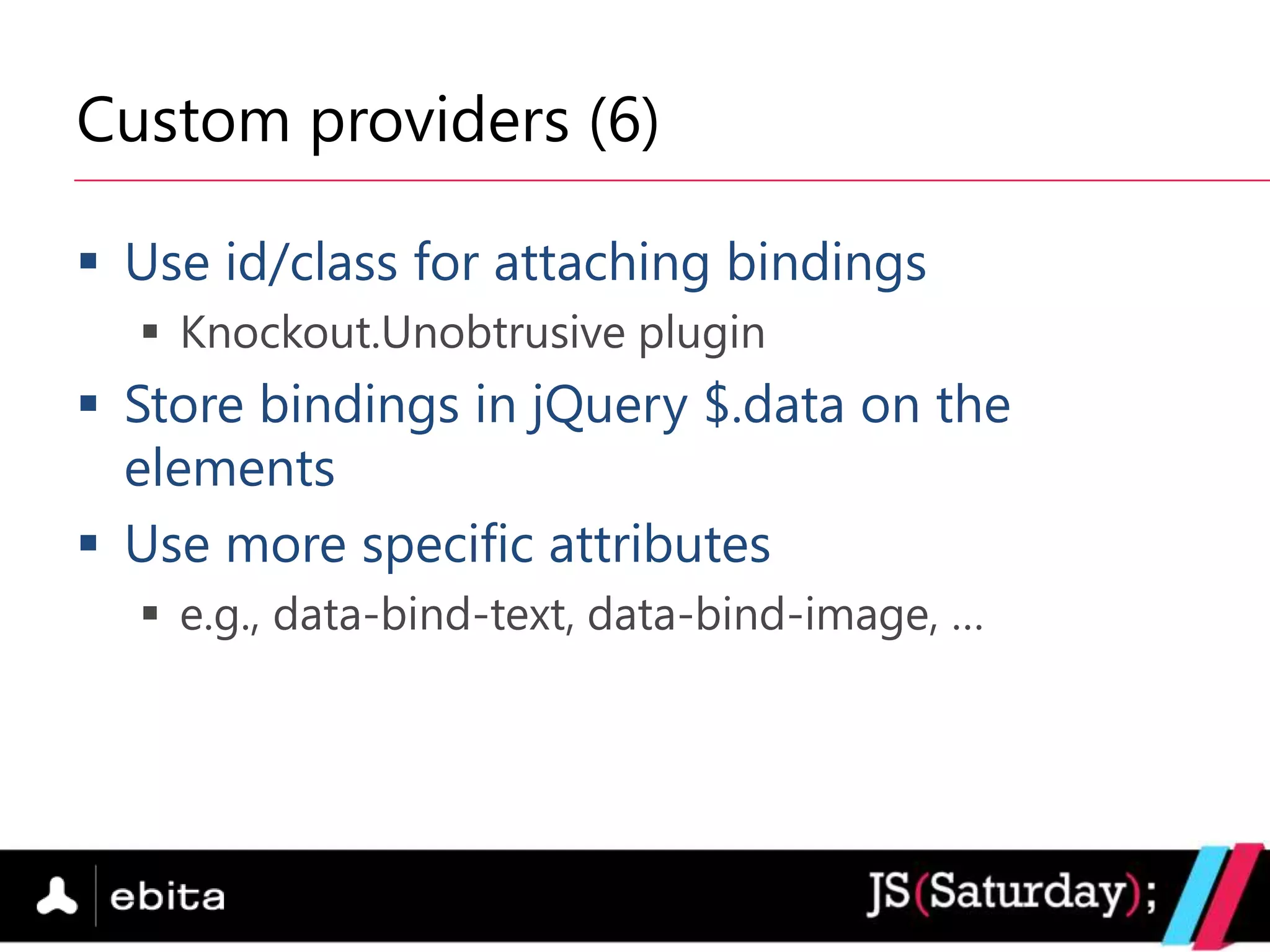
Custom providers (6)

 Use id/class for attaching bindings
   Knockout.Unobtrusive plugin
 Store bindings in jQuery $.data on the
  elements
 Use more specific attributes
   e.g., data-bind-text, data-bind-image, …
Nice to read

 http://www.knockoutjs.com

 http://www.knockmeout.net

 http://groups.google.com/group/knockoutjs
Questions
Expect very soon: SharePoint Saturday!


  Saturday, June 8, 2013
  Same familiar format – 1 day filled with sessions
   focused on SharePoint technologies
  Best SharePoint professionals in the region
  Registrations will be open next week (15th)!
  www.SharePointSaturday.eu
Thanks to our Sponsors:
Diamond Sponsor:


Platinum Sponsors:


Gold Sponsors:


Swag Sponsors:

Media Partners:

Bringing the light to the client with KnockoutJS

  • 1.
    Bringing the lightto the client with KnockoutJS var speaker = { name: “Boyan Mihaylov”, company: “Ebita.dk” };
  • 2.
    About me  SoftwareDeveloper @ Ebita.dk  Software architectures / system integration  Best practices  Web trends  (Almost) Ms.c. in Computer Science @ The University of Copenhagen  Teaching assistant @ UCPH  Principles of Computer System Design
  • 3.
    What‟s there fortoday?  Why JavaScript  Why MV* patterns  What is KnockoutJS  How it works  Extensibility
  • 4.
    Why is JavaScriptso popular?  Runs in the browser  No 3rd-party software  Considerably fast (in the latest browsers)  Low entry barriers  a.k.a. (reasonably) low learning curve  Still in the game with HTML5
  • 5.
    Why people hateJavaScript?  “Few” programming misunderstandings  Global variables  The proper “this” in functions  …  Browser (in)compatibility Especially the blue guy behind
  • 6.
    jQuery for thewin!  Rich API for DOM manipulation  Traversing  Event handling  Animations  Browser compatibility
  • 7.
    Before & afterjQuery if (document.getElementById) ... else if (document.layers) … Before else if (document.all) … $(‟#my_id‟) After
  • 8.
    But... Too muchof a good thing is not a good thing
  • 9.
    The rise ofMV* patterns  MV* stands for Model-View-(many variations)  MVC (Model-View-Controller)  MVVM (Model-View-ViewModel)  Separation between the data and how it is displayed
  • 10.
    MVC vs. MVVM MVC MVVM User User Determines View Controller Passes calls to View Fires events ViewModel State Fires Fires events queries events Manipulates Manipulates Model Model
  • 11.
    MV* libraries &frameworks http://todomvc.com
  • 12.
    What is KnockoutJS?  MVVM JavaScript library  MIT license  No dependencies  Supports all mainstream browsers  Active community
  • 13.
    Key concepts Declarative Automatic UI bindings refresh Dependency Templating tracking
  • 14.
    First steps: databinding (1)  The magic of data-bind attribute <span data-bind=“text: name”></span>  Apply the bindings ko.applyBindings(viewModel);
  • 15.
    First steps: databinding (2)  The syntax data-bind=“binding1: value1, binding2: value2,…”  Pre-defined bindings  text – displays text in an element (span, div, ....)  value – for form elements (input, textarea, ...)  click – associates a function  visible – whether to display an element or not  [ more on Knockout‟s website ]
  • 16.
    Meet the observables var name = ko.observable(„Boyan‟);  Functions  Provide getters and setters  name() is getter, name(„Peter‟) is setter  Cache values  Notify on changes  name.subscribe(function(newValue) { … })
  • 17.
    Computed observables (1) varfirstName = ko.observable(„Boyan‟); var lastName = ko.observable(„Mihaylov‟); var fullName = ko.computed(function() { return firstName() + „ „ + lastName(); });
  • 18.
    Computed observables (2) Track dependencies  Reevaluate on changes in the dependencies  Can provide only getter or both getter and setter  NOTE: Beware of circular dependencies
  • 19.
    Observable arrays var names = ko.observableArray( ['Boyan', 'Peter', 'Elena']);  Same as normal observables, but …  Provide array utility functions  push, pop, remove, slice, etc.
  • 20.
    How to displayan array? Indeed, how??  Display each item in the array  Meet the foreach binding  Repeat the children template for each array item  Efficient DOM manipulation - update only the changed parts  Special context parameter - $parent
  • 21.
  • 22.
    Extend the observables Custom functionality associated with an observable  What can we do?  Validation  Custom event  … var age = ko.observable(10) .extend({ numeric: true });
  • 23.
    Integration with otherlibraries Can we use Knockout with jQuery? I don‟t Yes, yes, yes! know…
  • 24.
    Custom bindings (1) <divdata-bind="myBinding: data">…</div>
  • 25.
    Custom bindings (2) ko.bindingHandlers.myBinding= { // Set initial state for the DOM element // or register event handlers init: function(element, valueAccessor) { }, // Whenever the value changes update: function(element, valueAccessor) { } };
  • 26.
    Custom bindings (3) Parameters  element – the bound DOM element  valueAccessor – a function, which returns the value (an observable or a plain value)  allBindingsAccessor – a function, which returns all other bindings set to the element  [ some more parameters on Knockout‟s website ]
  • 27.
    Custom providers (1) Looks nice <div data-bind="text: name"></div>
  • 28.
    Custom providers (2) Getting a bit messy <div data-bind="text: name, visible: items().length > 0 && amICool(), customBinding: { item: 5 }, click: showMeMoreCoolStuff"></div>
  • 29.
    Custom providers (3) A complete disaster! <div data-bind="text: name, visible: items().length > 0 && amICool(), customBinding: { item: 5, count: getGount }, click: showMeMoreCoolStuff, children: { showOnly: myChildren().length > 5, deleteOn: „mouseover‟ }, reset: „onleave‟"></div>
  • 30.
    Custom providers (4)  Don‟t like the data-bind attributes?  Your markup is too messy?  All designers in the company hate you?  …
  • 31.
    Custom providers (5) We have a solution for you! var myBindingProvider = { // does a node have bindings? nodeHasBindings: function(node) { }, // give me the bindings! getBindings: function(node, context) {} };
  • 32.
    Custom providers (6) Use id/class for attaching bindings  Knockout.Unobtrusive plugin  Store bindings in jQuery $.data on the elements  Use more specific attributes  e.g., data-bind-text, data-bind-image, …
  • 33.
    Nice to read http://www.knockoutjs.com  http://www.knockmeout.net  http://groups.google.com/group/knockoutjs
  • 34.
  • 35.
    Expect very soon:SharePoint Saturday!  Saturday, June 8, 2013  Same familiar format – 1 day filled with sessions focused on SharePoint technologies  Best SharePoint professionals in the region  Registrations will be open next week (15th)!  www.SharePointSaturday.eu
  • 36.
    Thanks to ourSponsors: Diamond Sponsor: Platinum Sponsors: Gold Sponsors: Swag Sponsors: Media Partners: