
















Jo Gakonga
elt-training.com
you make at this conference?
What will you do with the
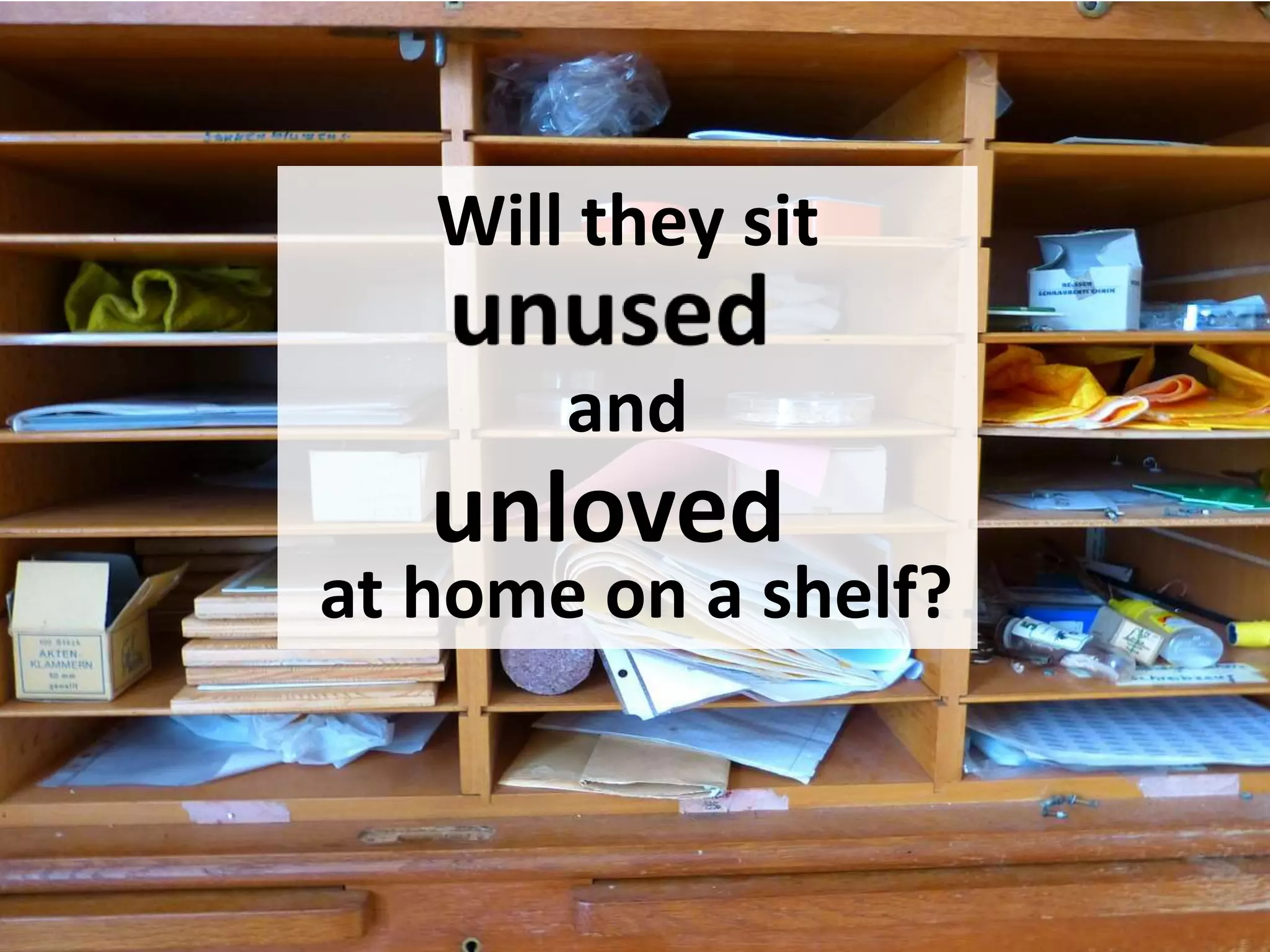
Will they sit
and
at home on a shelf?
unloved
that you do more
How can you make the
useful?
What do you
do to
your professional
development?
How do you
What’s the big
deal?
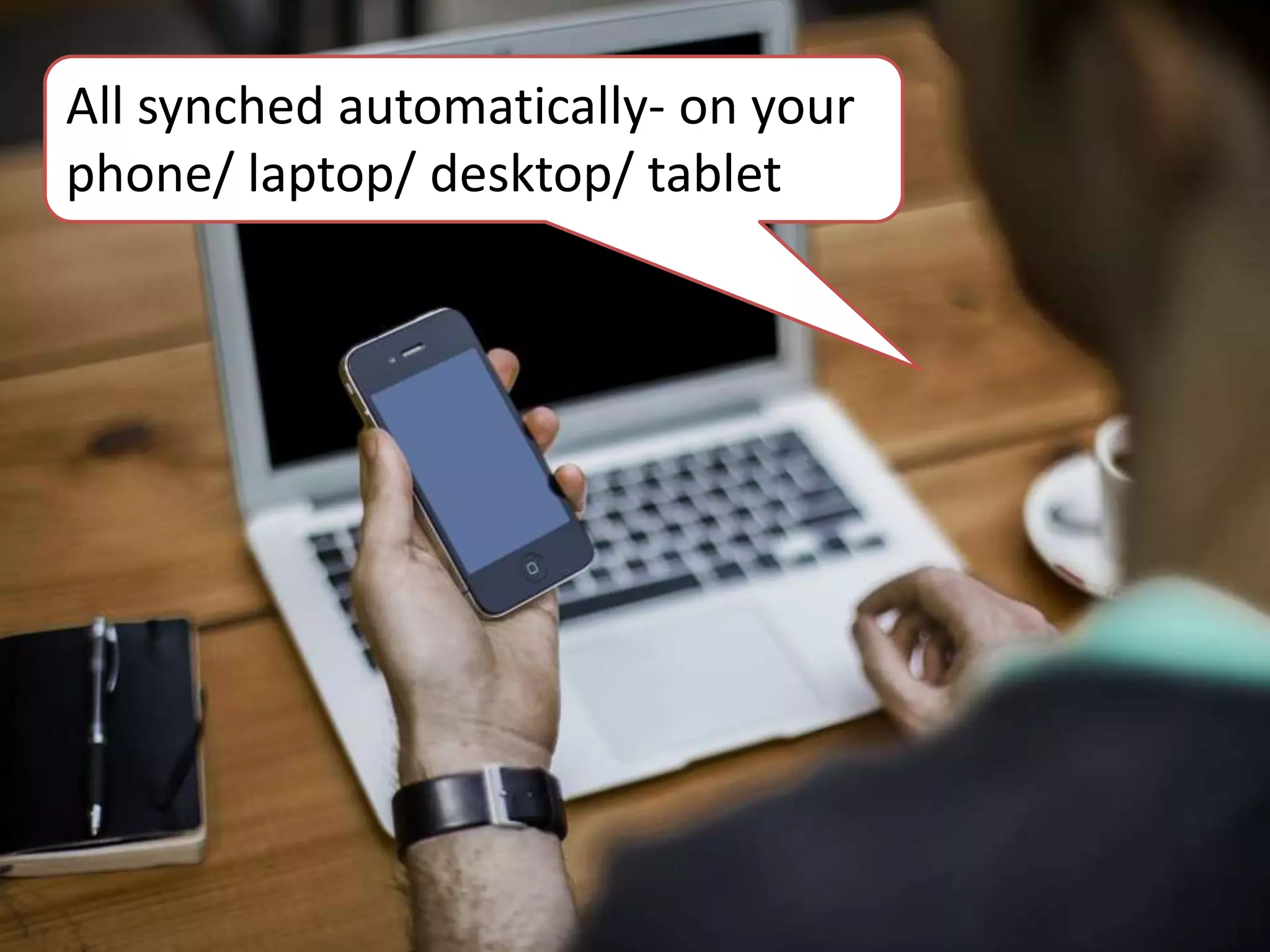
All synched automatically- on your
phone/ laptop/ desktop/ tablet
accessible
Always
Don’t have to be online
No limits on uploads
Date stamped
Can never be lost or
damaged
reorganised
Can be
added to
really easily
added to
added to
orendrsgaie
• Keeps all CPD in one place
• Makes it searchable, shareable, synched
automatically to all devices and ultimately more
useful.
• Information stored is safe, accessible, easier to
maintain and find and perhaps more likely to be
used.
Summary
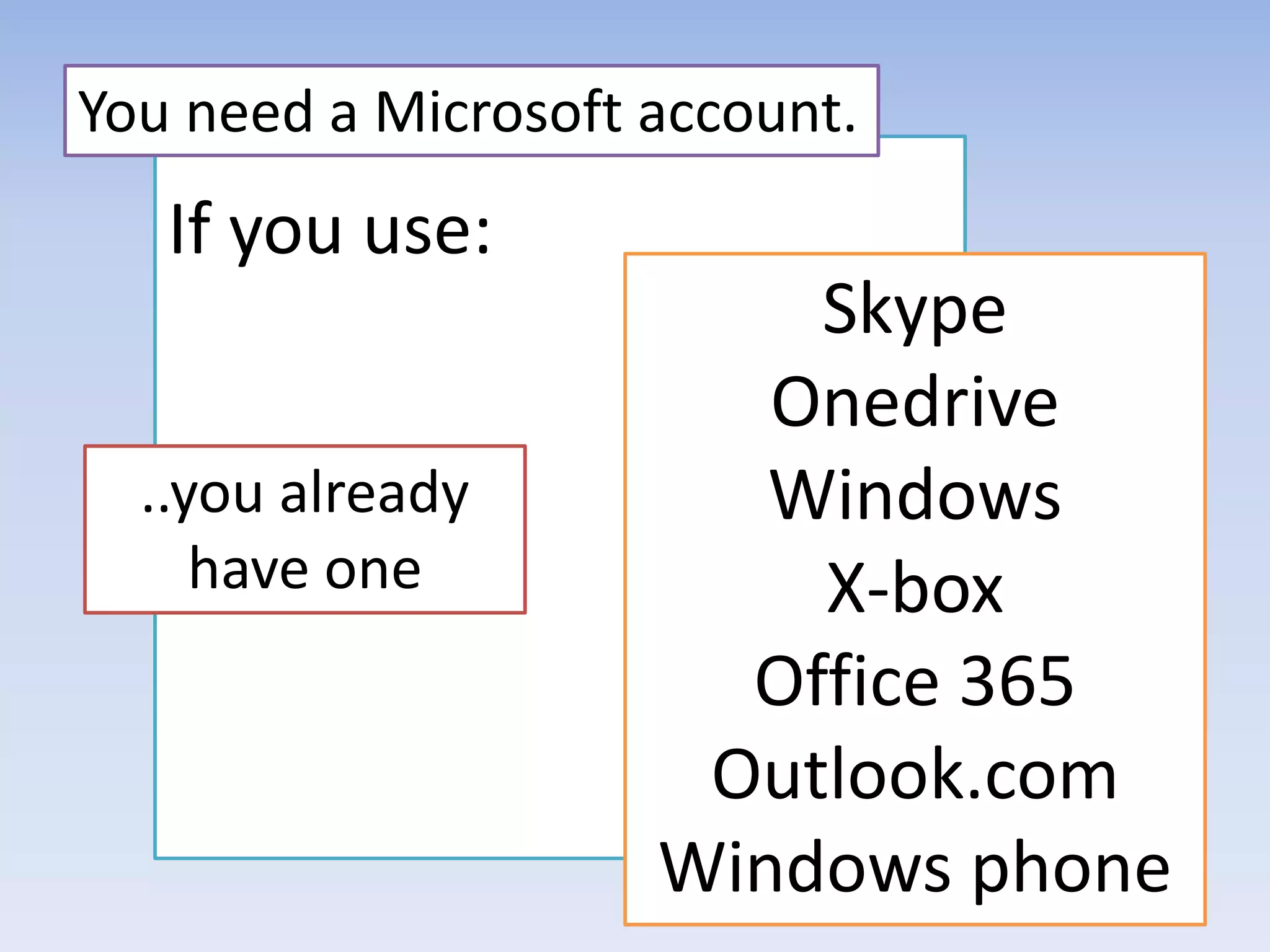
If you use:
You need a Microsoft account.
..you already
have one
Skype
Onedrive
Windows
X-box
Office 365
Outlook.com
Windows phone
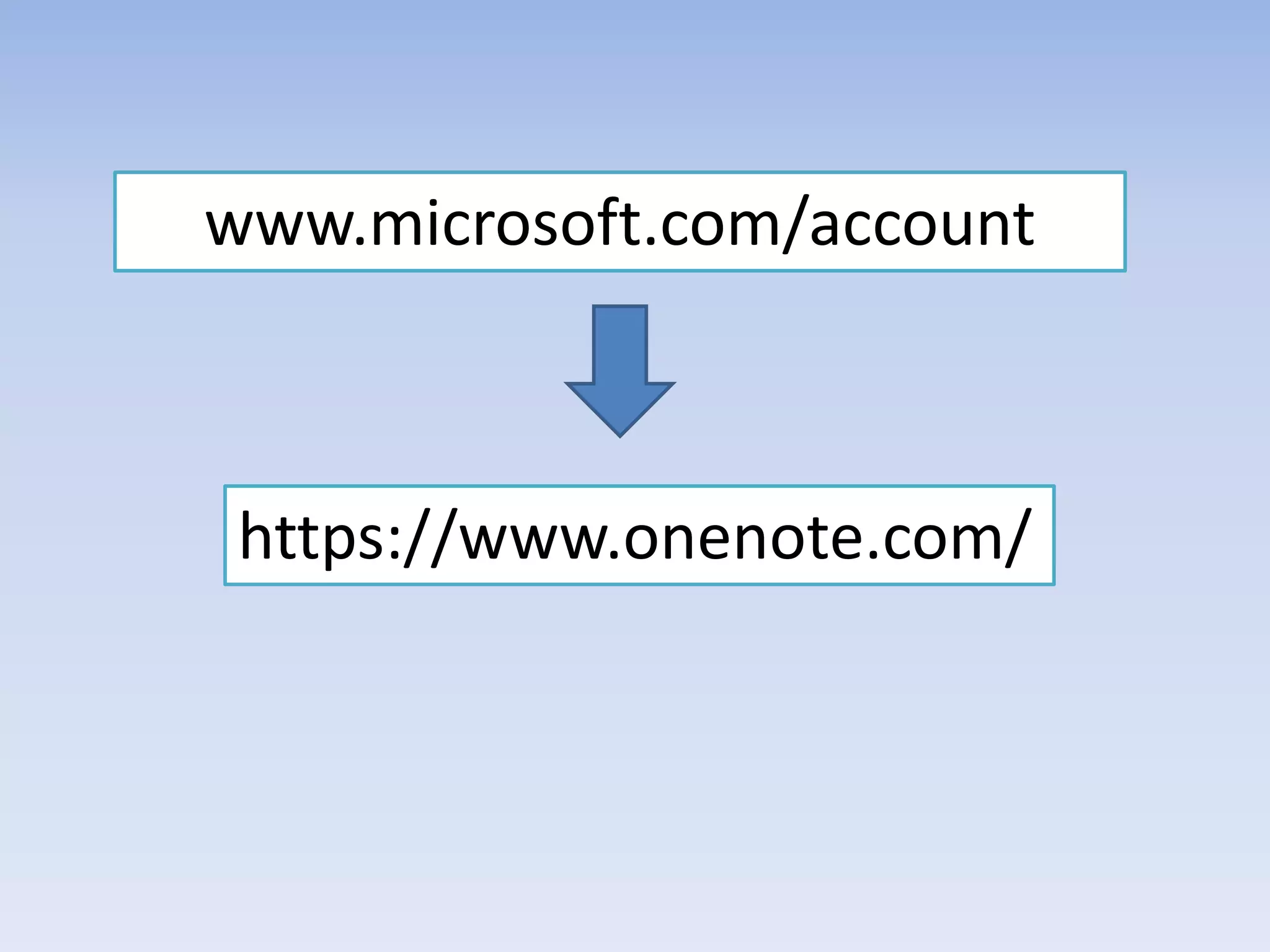
www.microsoft.com/account
https://www.onenote.com/
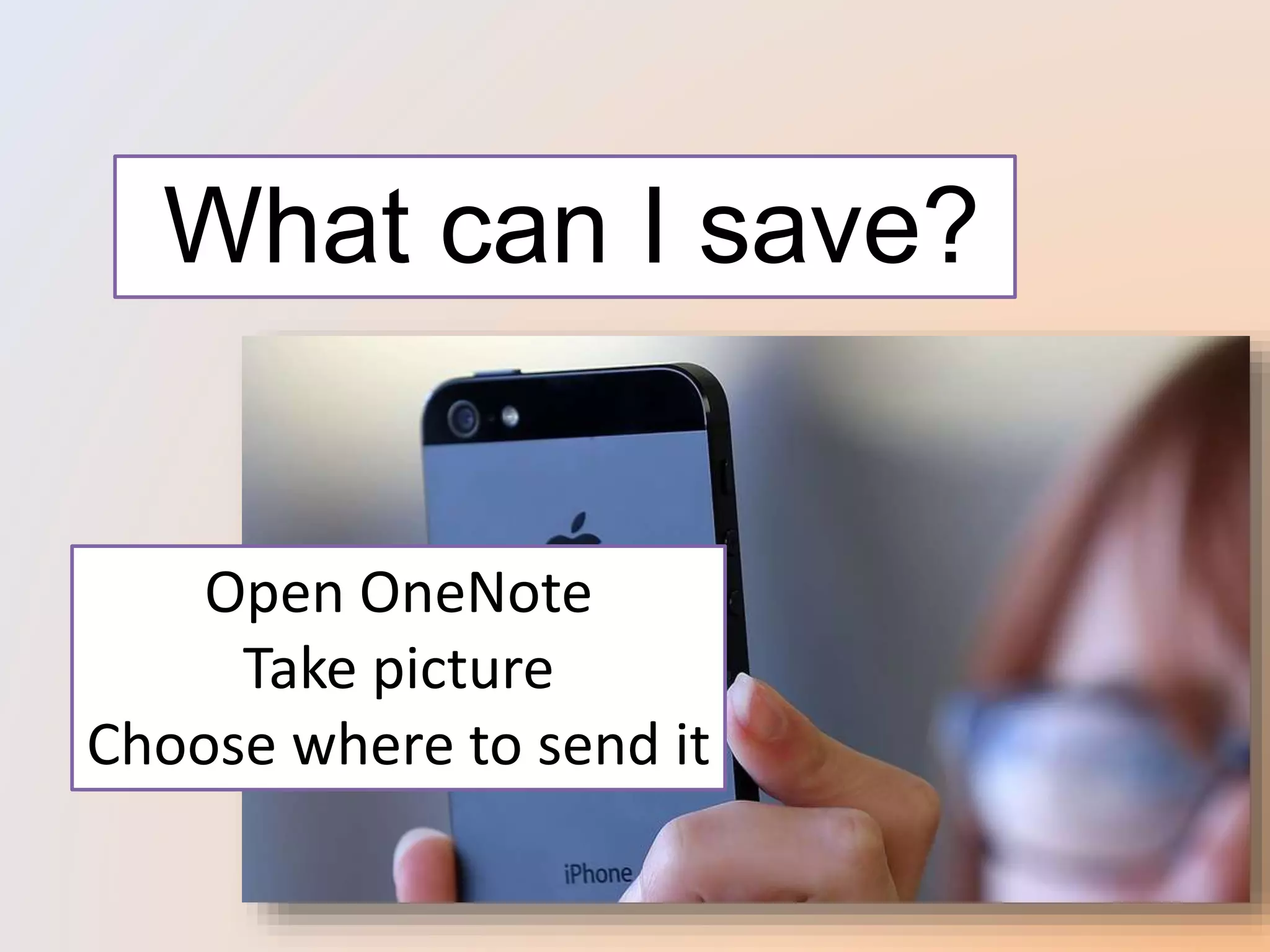
What can I save?
Open OneNote
Take picture
Choose where to send it
Why is this useful?
What can I save?
Why is this useful?
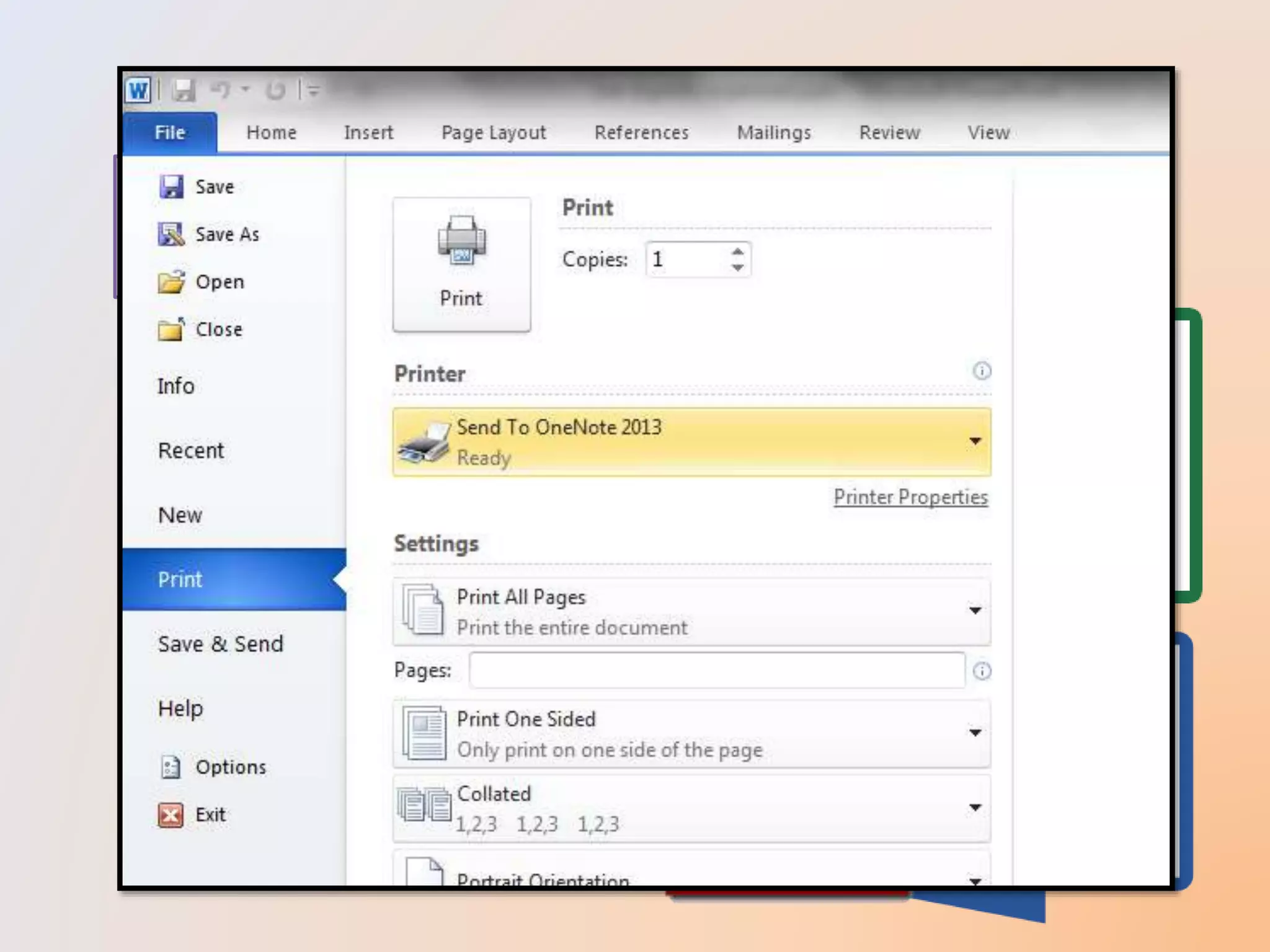
Can save important parts
of documents
Easier to open/ compare
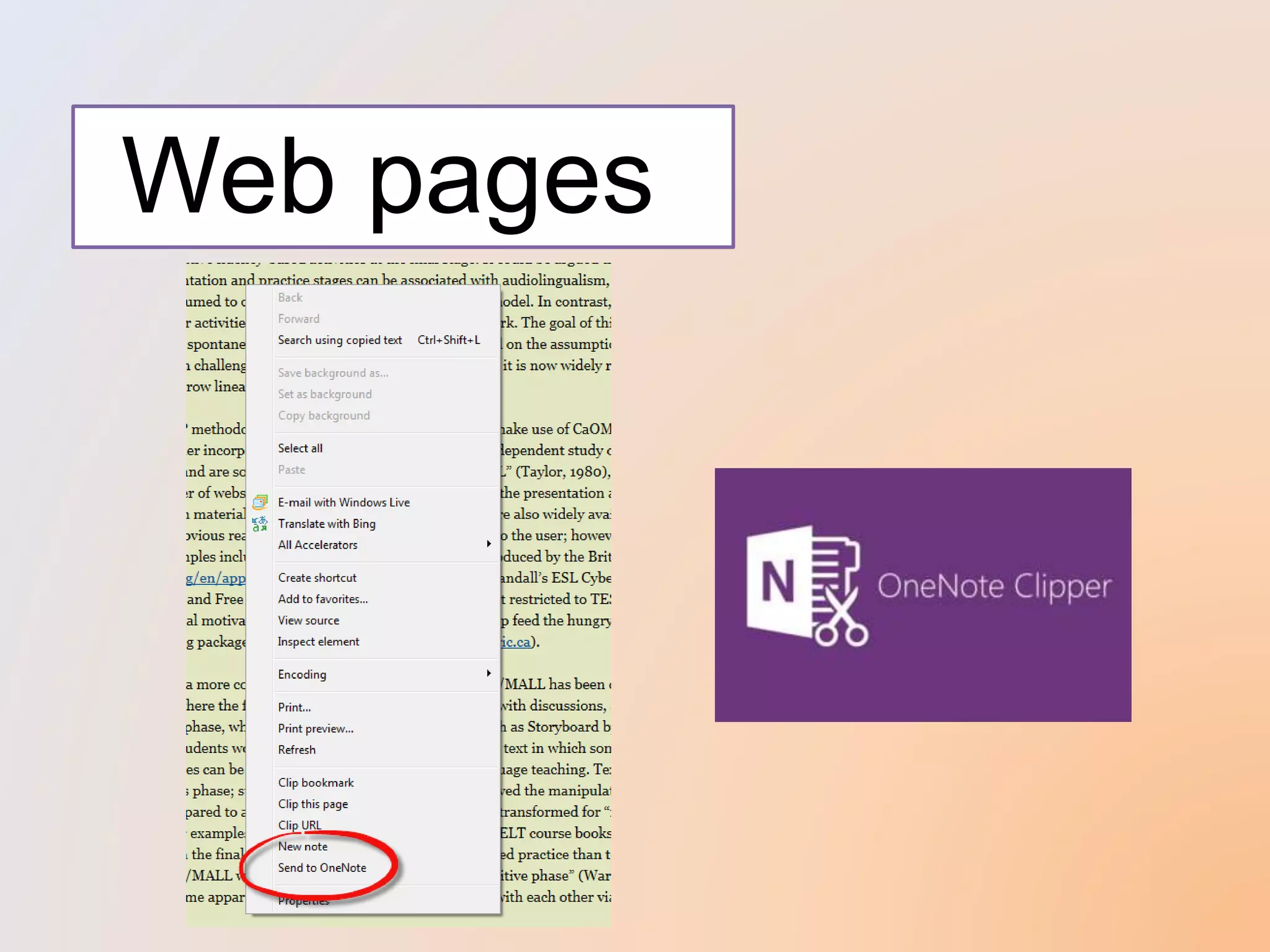
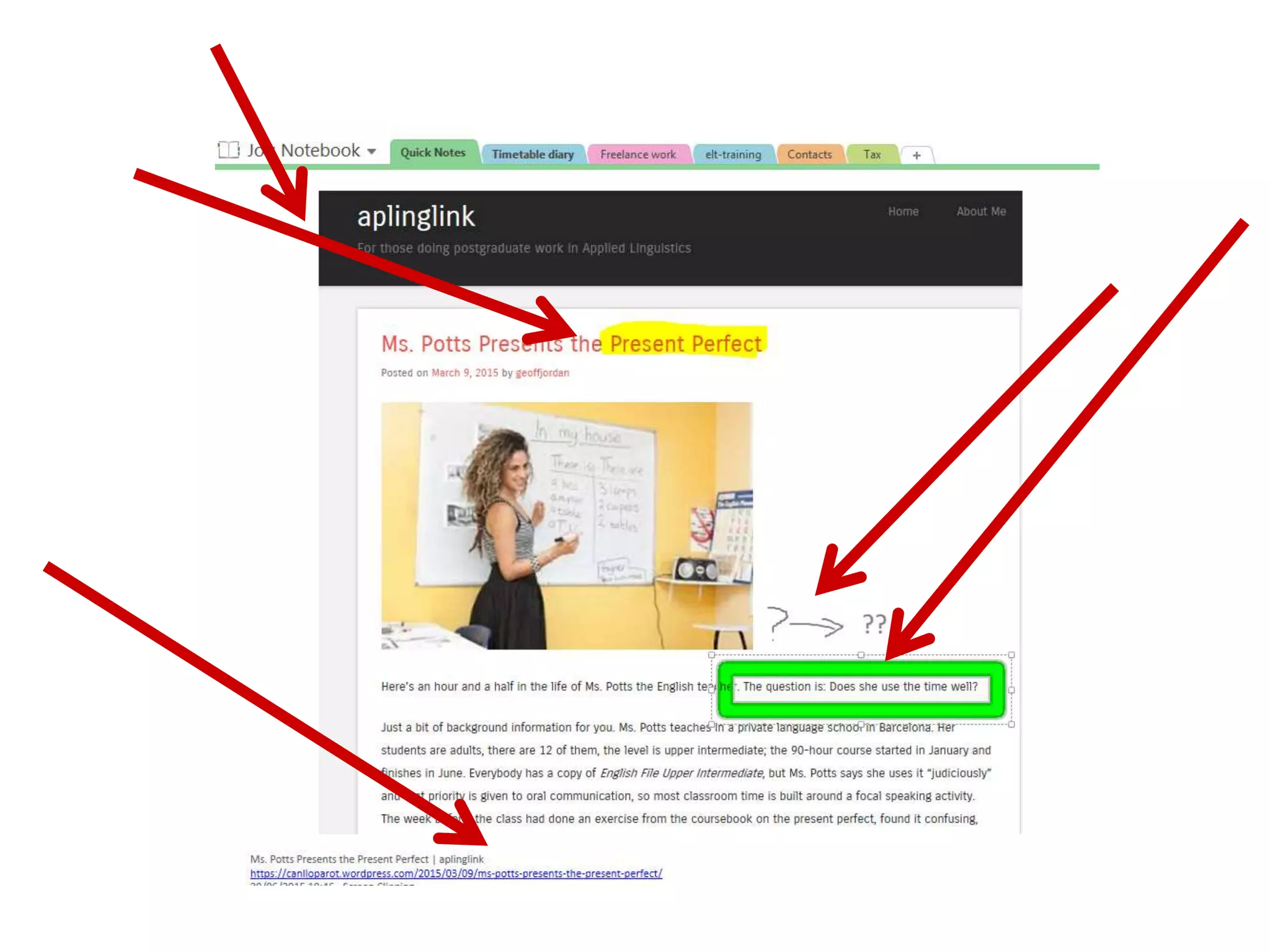
Web pages
Find something
interesting to save..
http://www.tesl-ej.org/wordpress/ (TESL_EJ Journal)
http://esol.britishcouncil.org/ (ESOL Nexus)
http://www.teachingenglish.org.uk/ (British Council
https://canlloparot.wordpress.com/ (aplinglink)
http://www.hltmag.co.uk/index.htm (Humanising Language
Teaching)
What can I save?
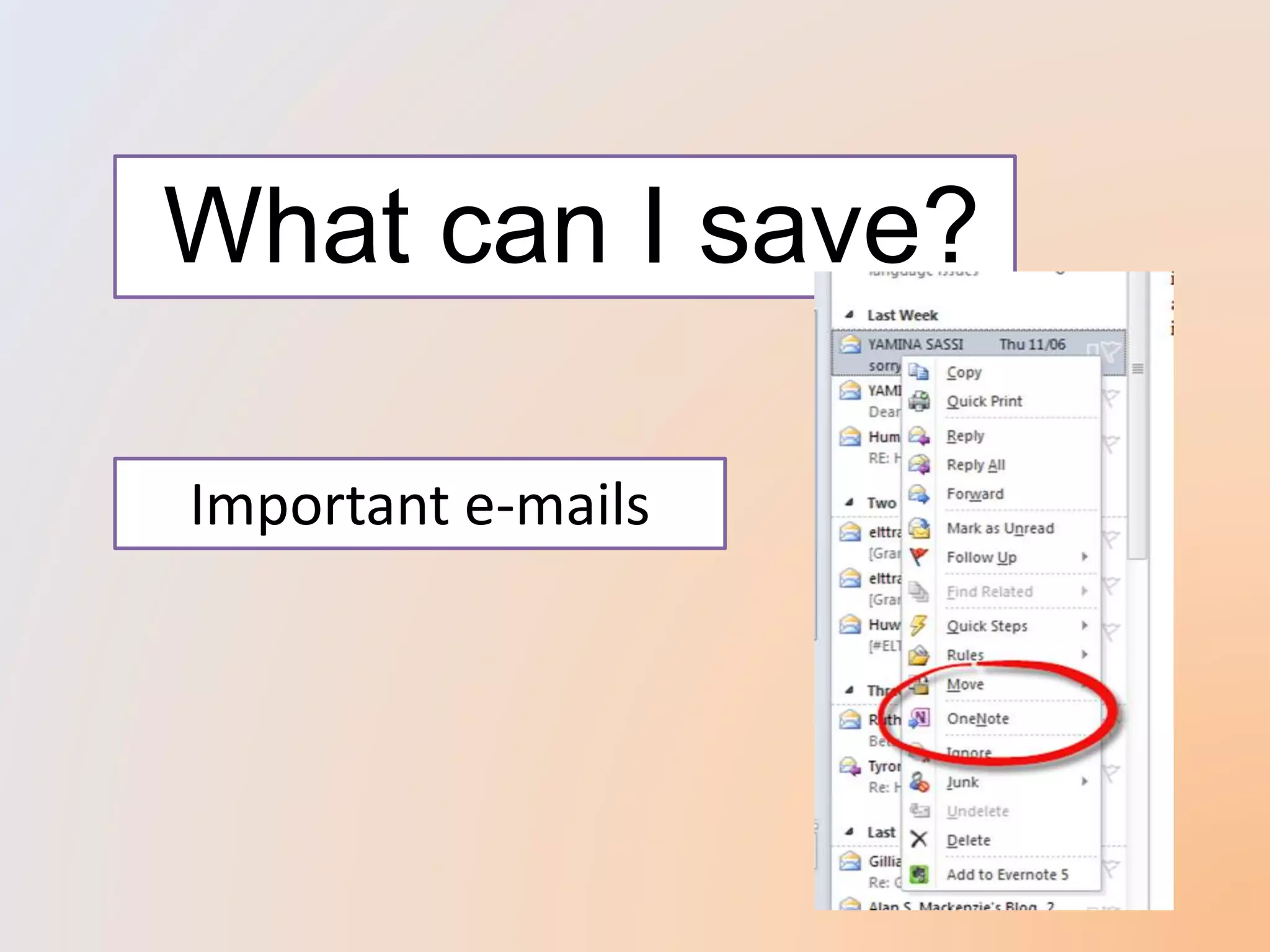
Important e-mails
What else can I do?
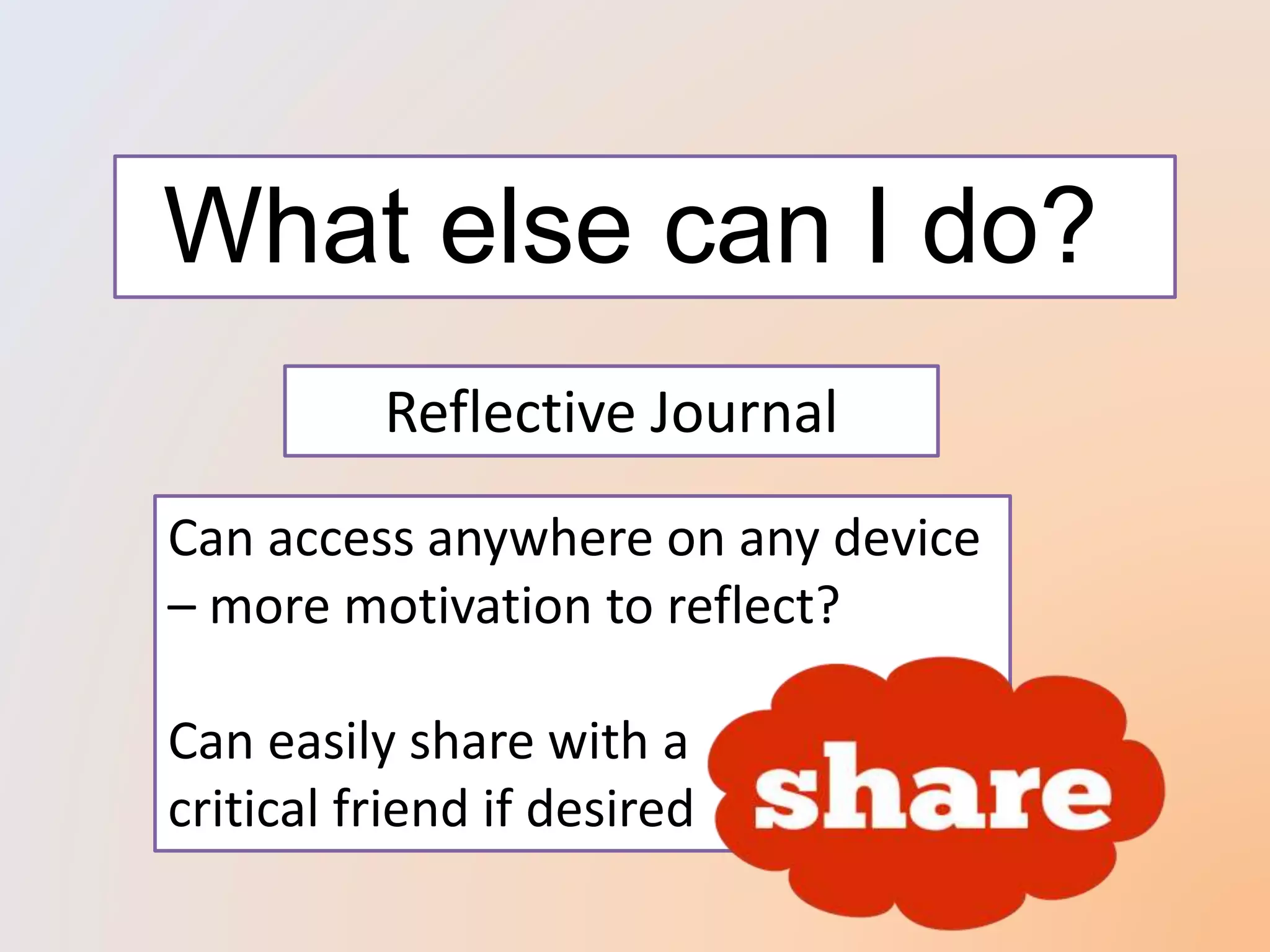
Reflective Journal
Can access anywhere on any device
– more motivation to reflect?
Can easily share with a
critical friend if desired
What else can I do?
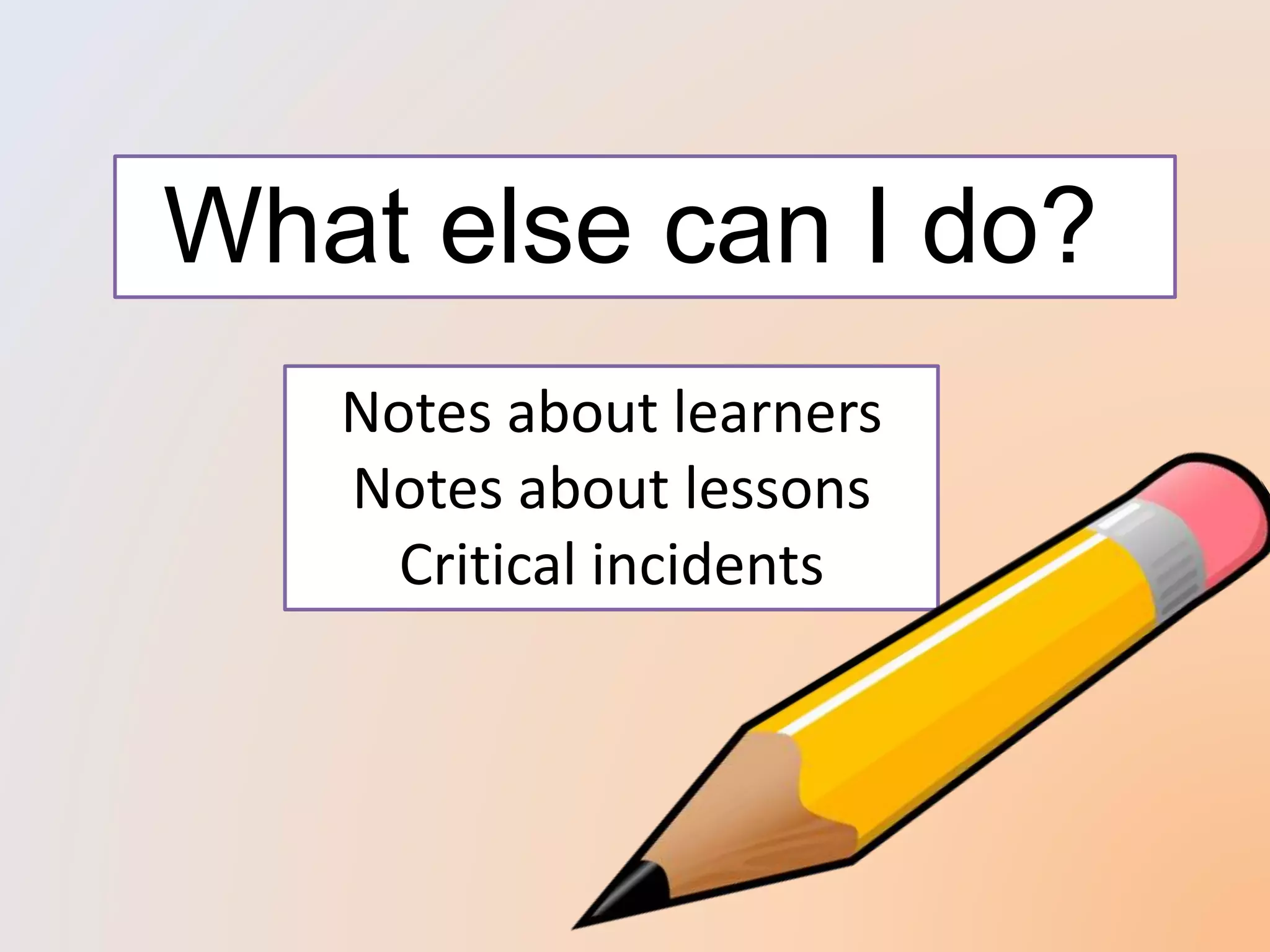
Notes about learners
Notes about lessons
Critical incidents
What else can I do?
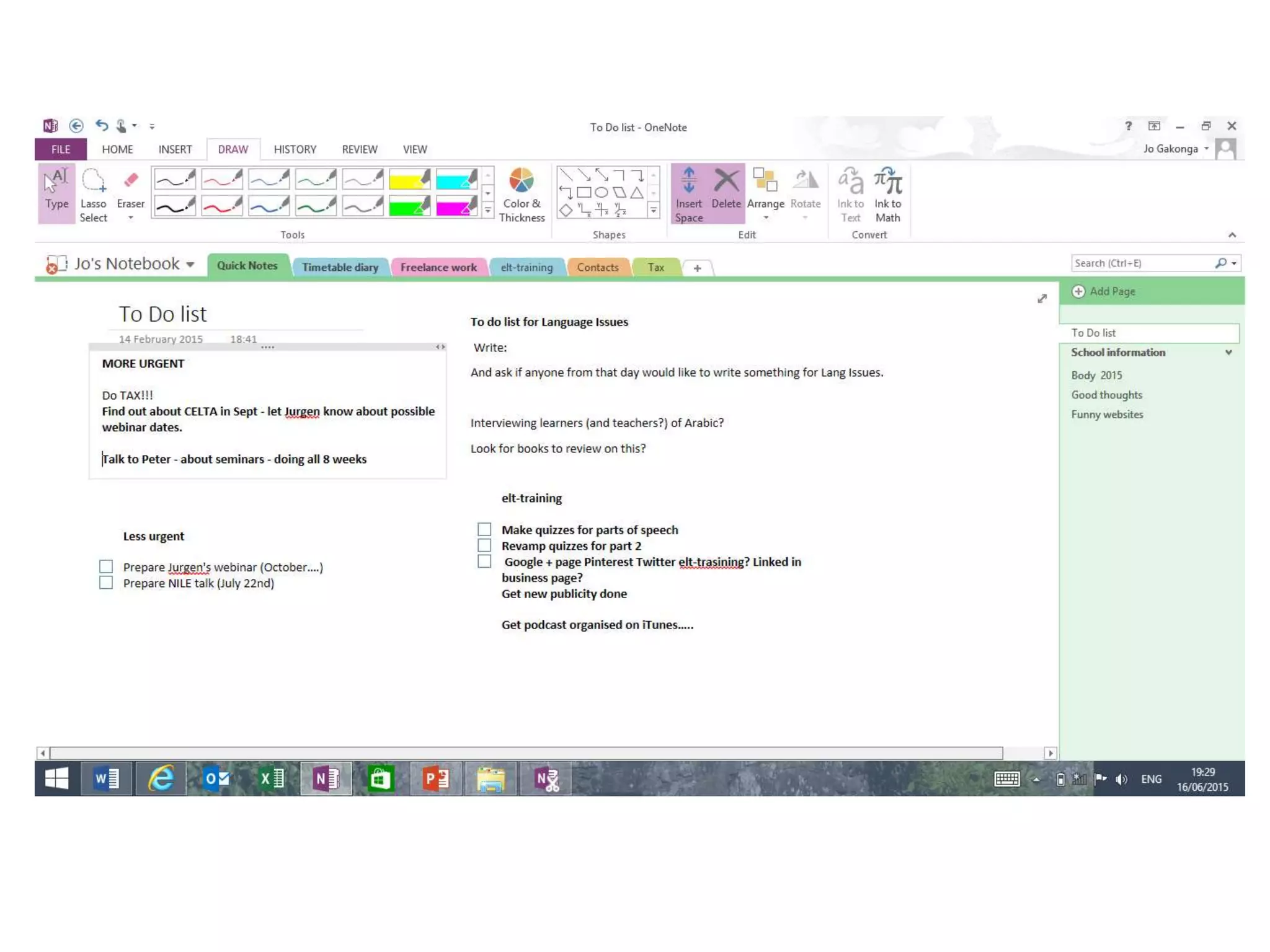
To do list – with tags (home tab)
Diary planner
Contact names
Conference talk notes
Lesson plans
……..
….and some frippery
Insert > page templates >
Use it as a calculator
Think of 5 ways that
you could use it
Thank you!
NATECLA 2015
Jo Gakonga

Keep calm and get (digitally) organised

Editor's Notes

  • #2 My name is Jo Gakonga and today I’m going to show you a tool that will change your life for the better
  • #6 In pairs – brainstorm ideas
  • #7 In pairs – brainstorm ideas
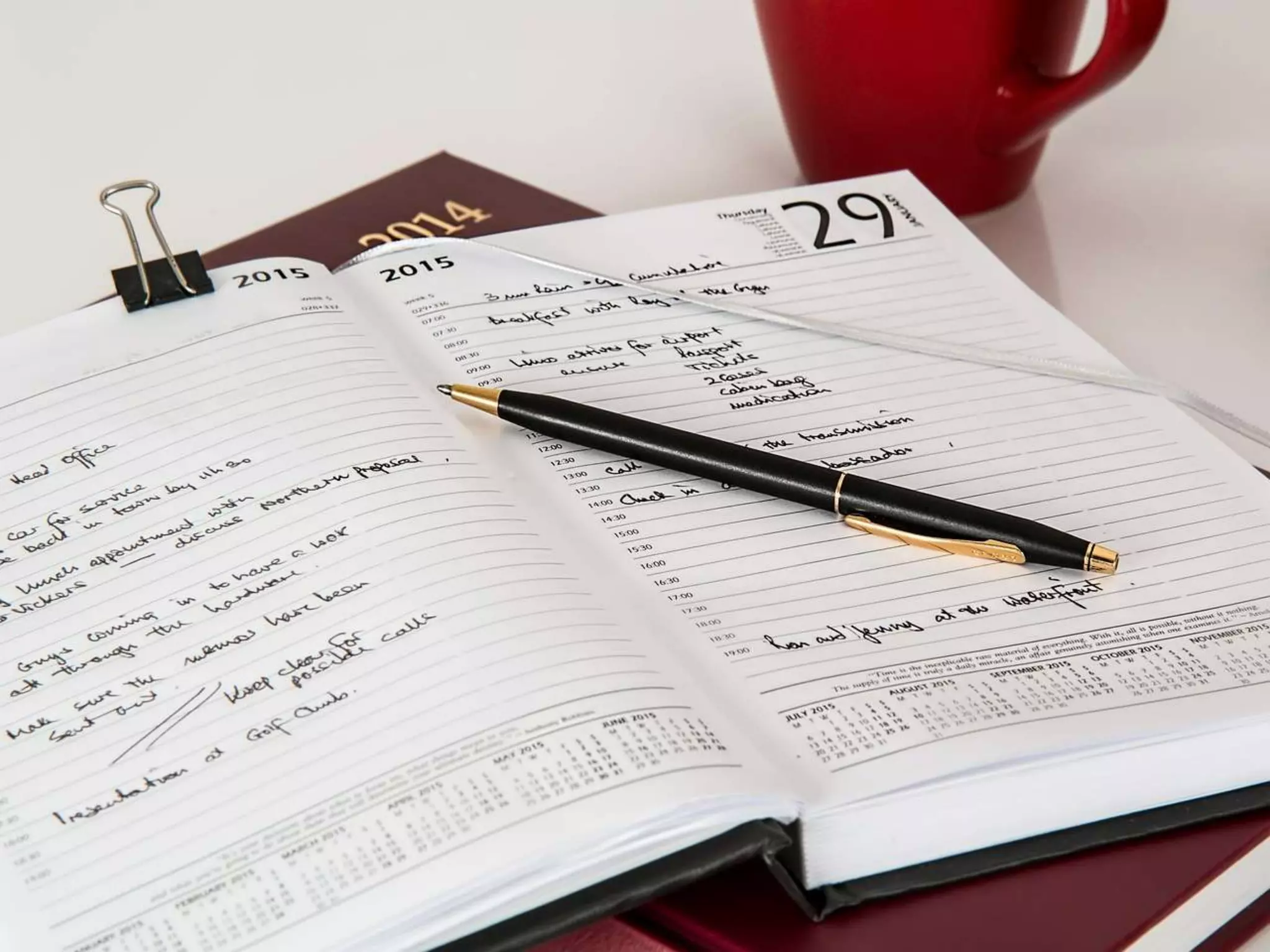
  • #8 Continuing professional development can take many forms and it is likely as a teacher goes through their career that they may attend seminars or conferences, read books, articles and blog posts, find useful links online and write reflective notes on their classes or on critical teaching incidents. These can be stored in different ways and for many teachers this means a bunch of files on a dusty shelf, some links on a ‘favourites’ list and a dog-eared notebook or two of reflections kept for sentimental reasons but not referred to.
  • #14 Use this every day – several times a day
  • #20 If you have a device!
  • #22 Need microsoft account
  • #43 Can do this in email programme But this allows easy access, saving in an obvious place and ability to annotate,