


Journey To The Front End World
Part : 1
BY IRFAN MAULANA
The Skeleton :
Hello HTML
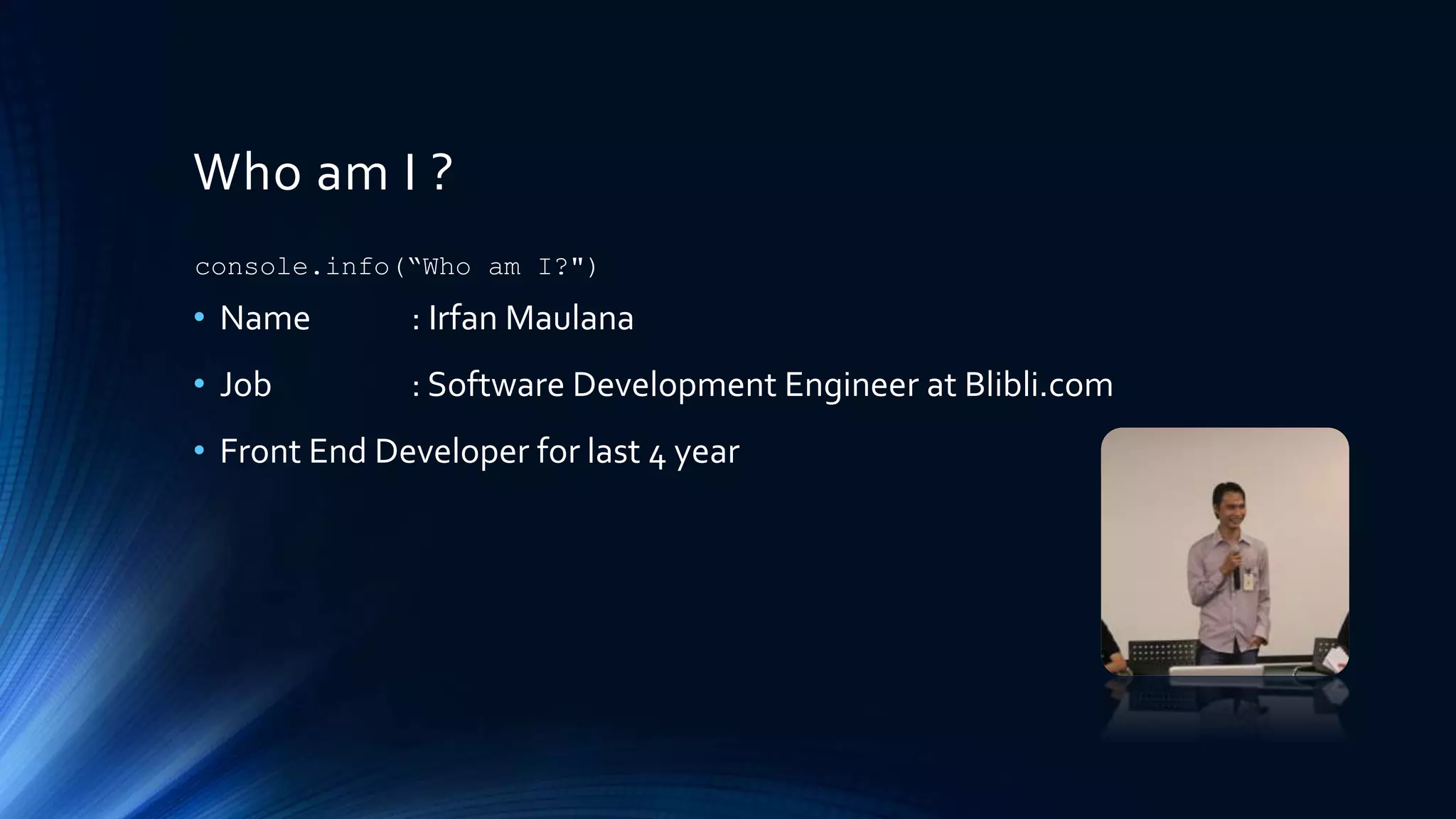
Who am I ?
• Name : Irfan Maulana
• Job : Software Development Engineer at Blibli.com
• Front End Developer for last 4 year
console.info(“Who am I?")
Pre-Warning !
• This slide contain basic knowledge in front end side, if you feel you
are too big, please don’t read this slide.
• This slide may contain subjective perception from the author, if you
have different thinking please don’t let me know .
Getting to know HTML
• Stands for Hypertext Markup Language
• HTML is skeleton forWebsite.
• Browser can easy translate HTML code intoWebsite.
• Building HTML is like playing “Tetris Puzzle” game.
• We need recognize what is component that fit in the any place in our
website.
• So, its important to every beginner to know how HTML works and the
components inside it.
HTML Basic
• HTML has identifier declaration in the very first line of code :
<!DOCTYPE html>
• Every elements represented by tags that have open tag and close tag.
• We can start with <html></html> than we can start our HTML code.
• There is head tag contain our website identity like title, favicon and
metatag.
• In head tag usually we will load our external resources that needed
immediately like CSS and critical script.
• In body tag we will write our “real” HTML structure.
• Before closing of body tag usually use for load external resources that
needed after all structure loaded like script tag.
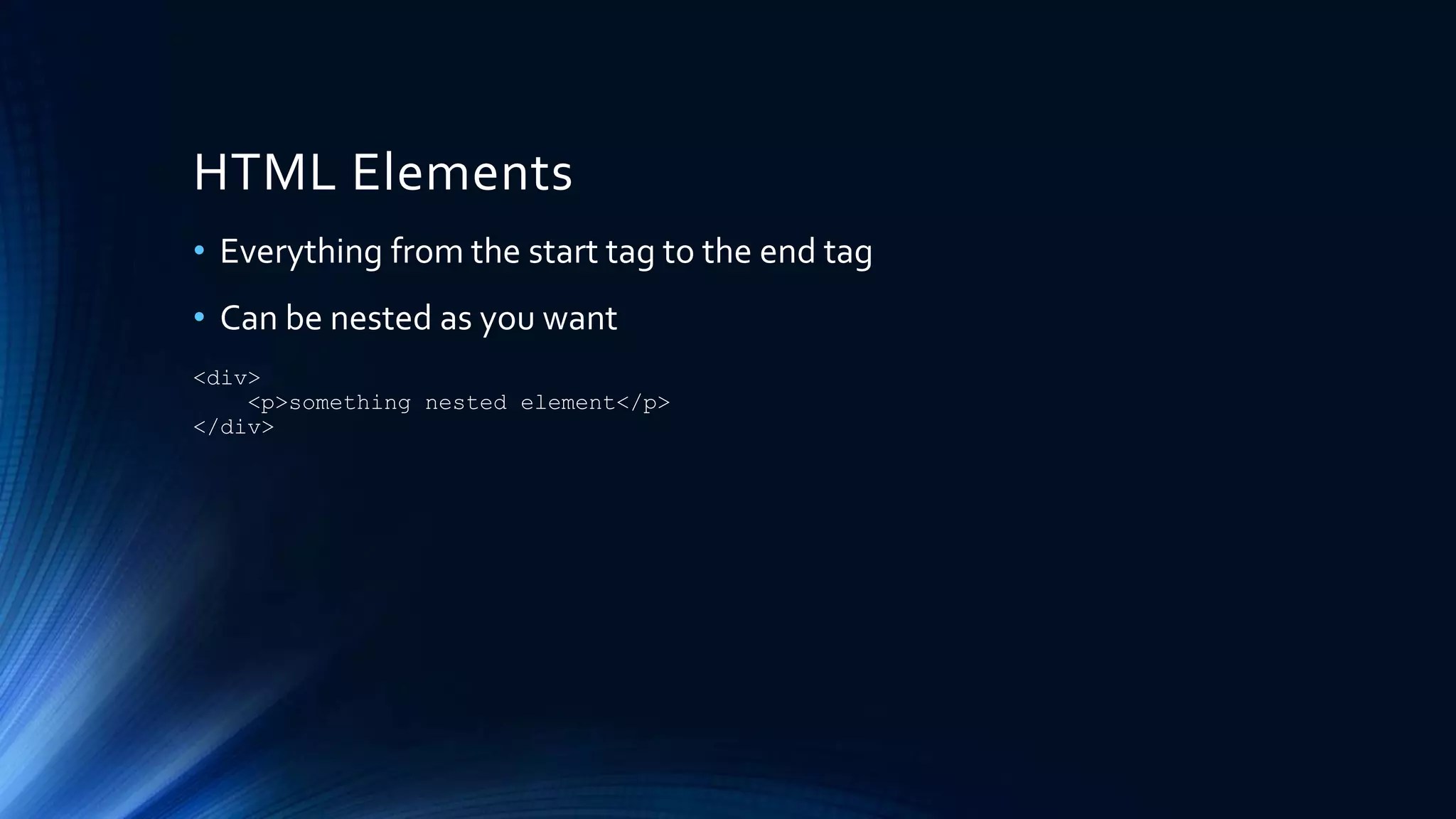
HTML Elements
• Everything from the start tag to the end tag
• Can be nested as you want
<div>
<p>something nested element</p>
</div>
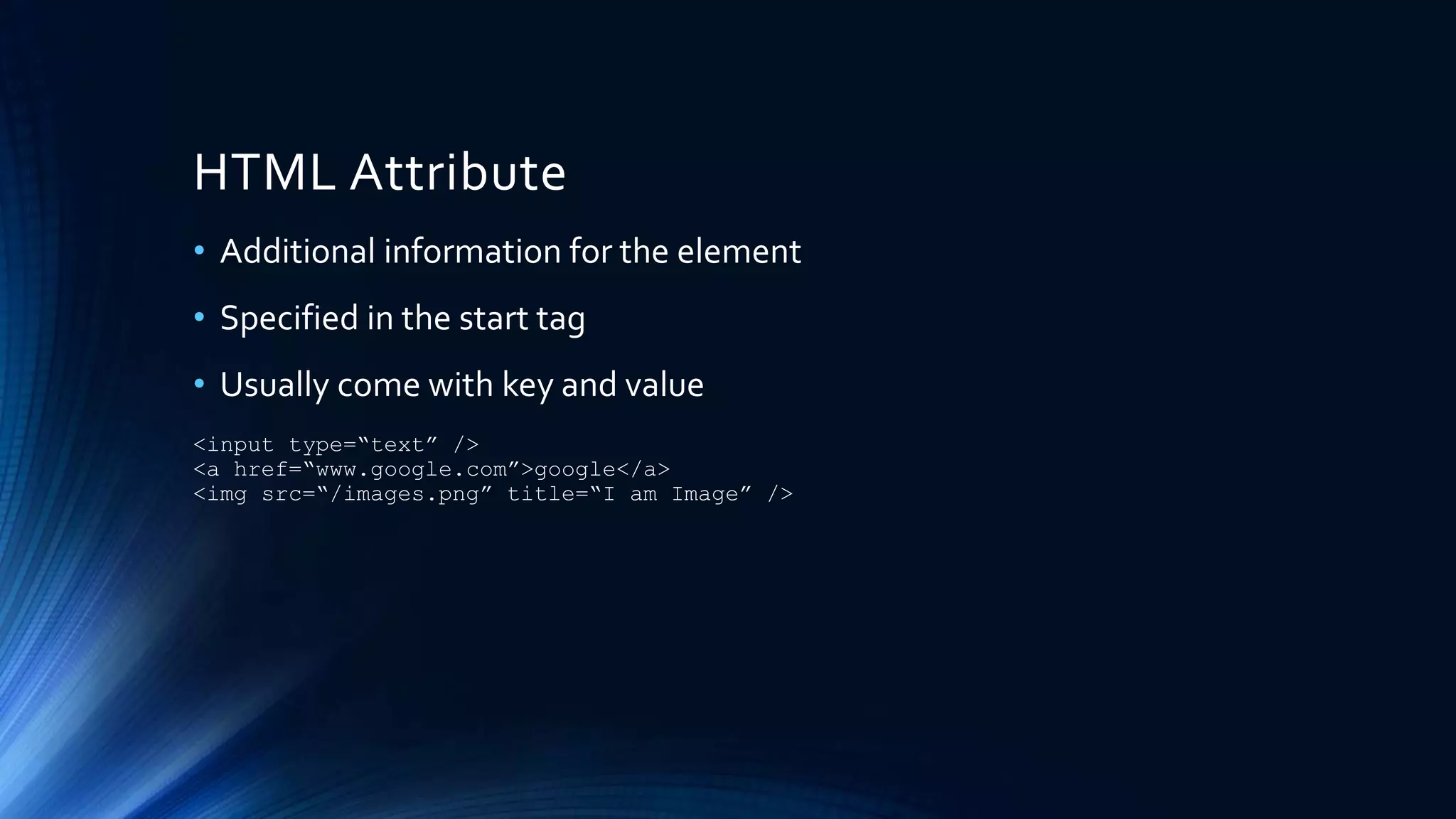
HTML Attribute
• Additional information for the element
• Specified in the start tag
• Usually come with key and value
<input type=“text” />
<a href=“www.google.com”>google</a>
<img src=“/images.png” title=“I am Image” />
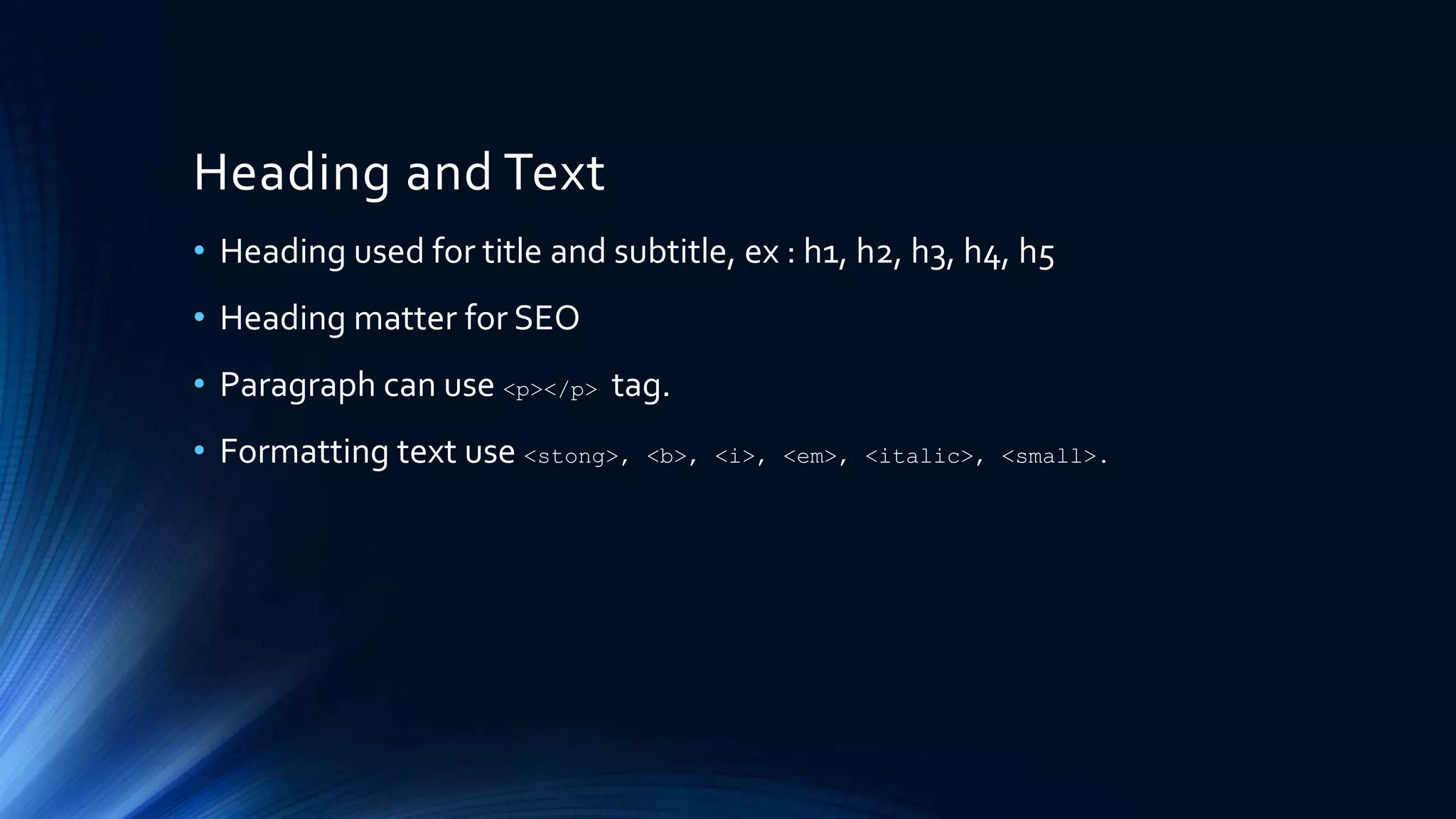
Heading and Text
• Heading used for title and subtitle, ex : h1, h2, h3, h4, h5
• Heading matter for SEO
• Paragraph can use <p></p> tag.
• Formatting text use <stong>, <b>, <i>, <em>, <italic>, <small>.
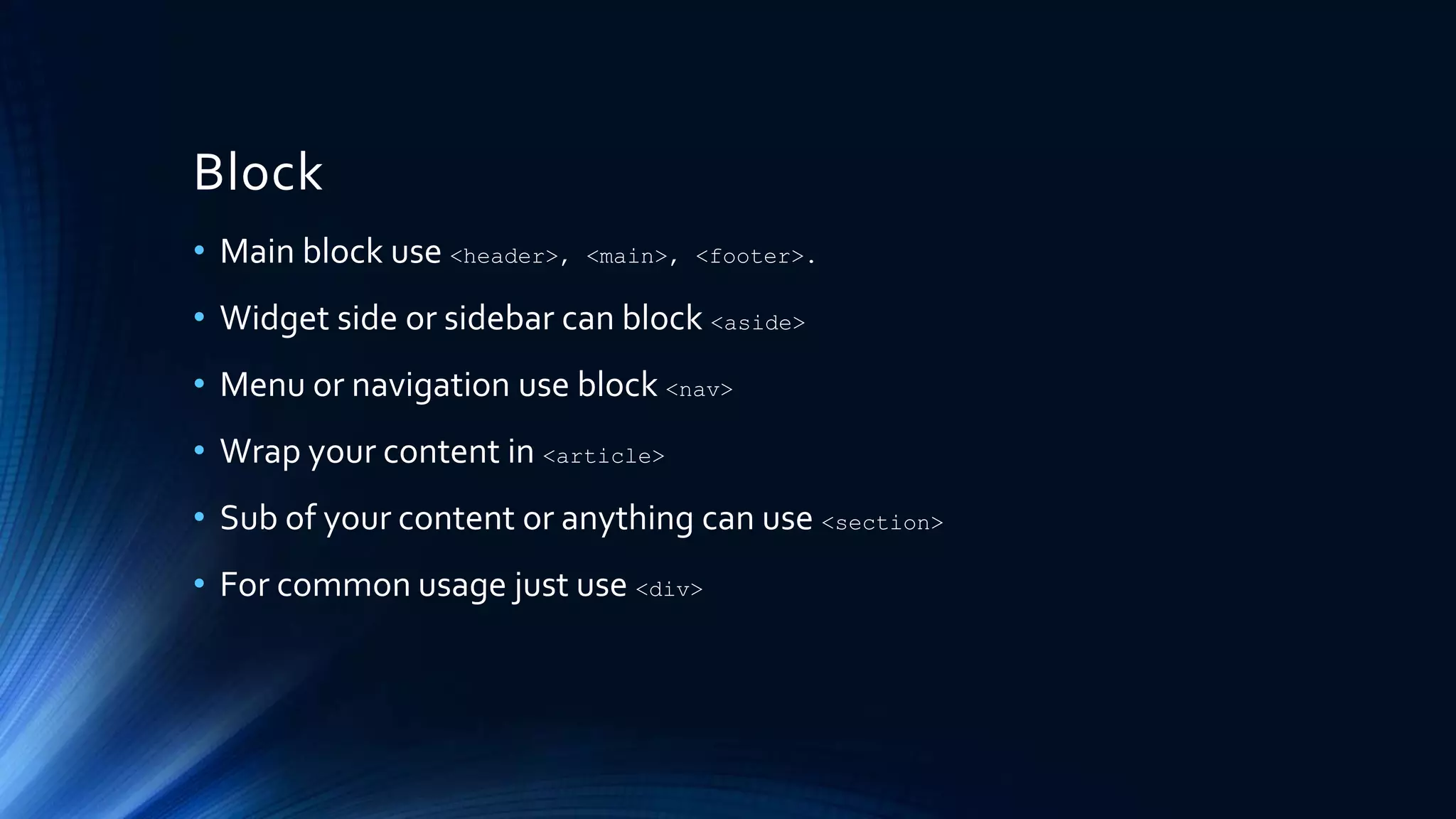
Block
• Main block use <header>, <main>, <footer>.
• Widget side or sidebar can block <aside>
• Menu or navigation use block <nav>
• Wrap your content in <article>
• Sub of your content or anything can use <section>
• For common usage just use <div>
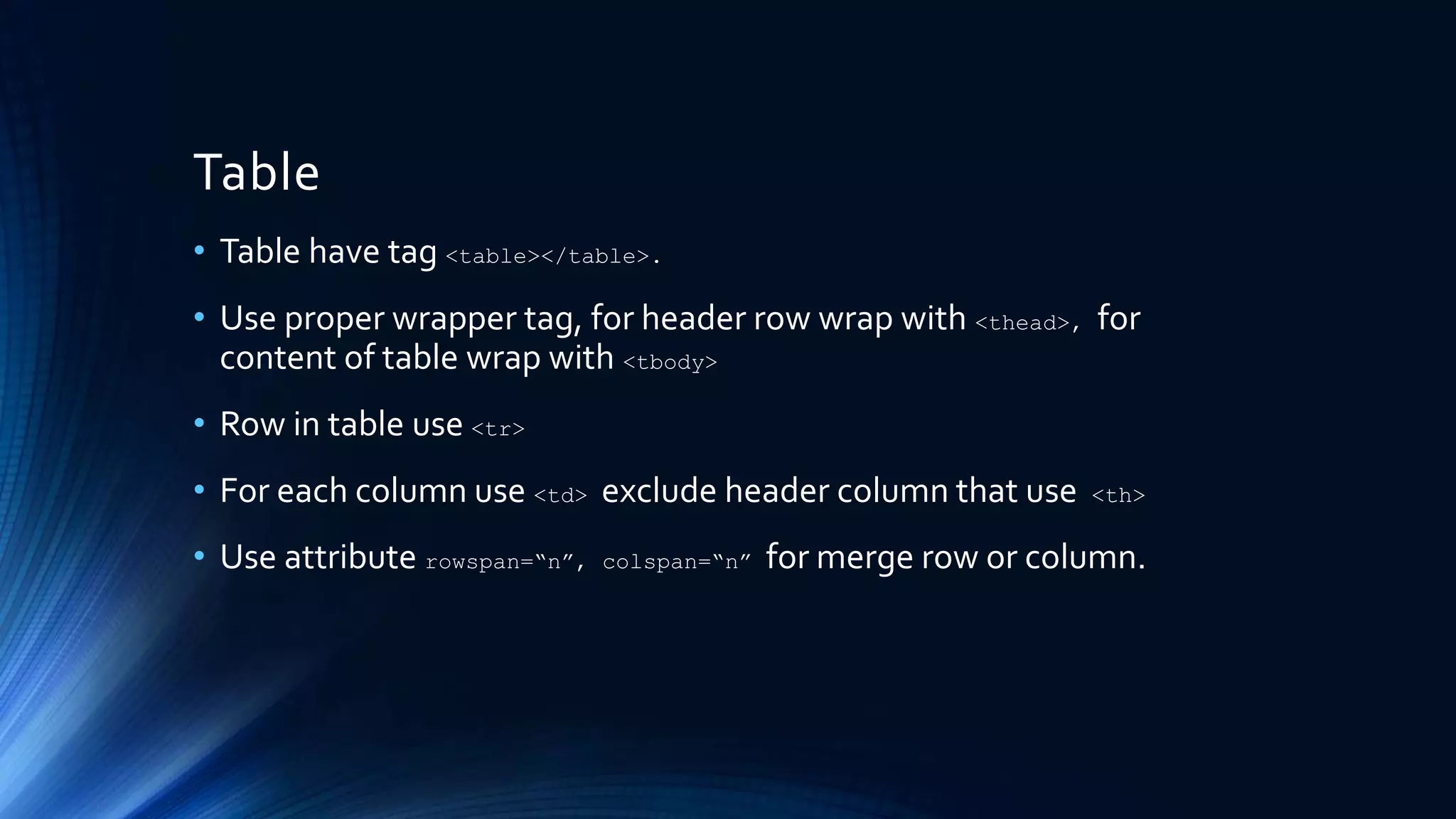
Table
• Table have tag <table></table>.
• Use proper wrapper tag, for header row wrap with <thead>, for
content of table wrap with <tbody>
• Row in table use <tr>
• For each column use <td> exclude header column that use <th>
• Use attribute rowspan=“n”, colspan=“n” for merge row or column.
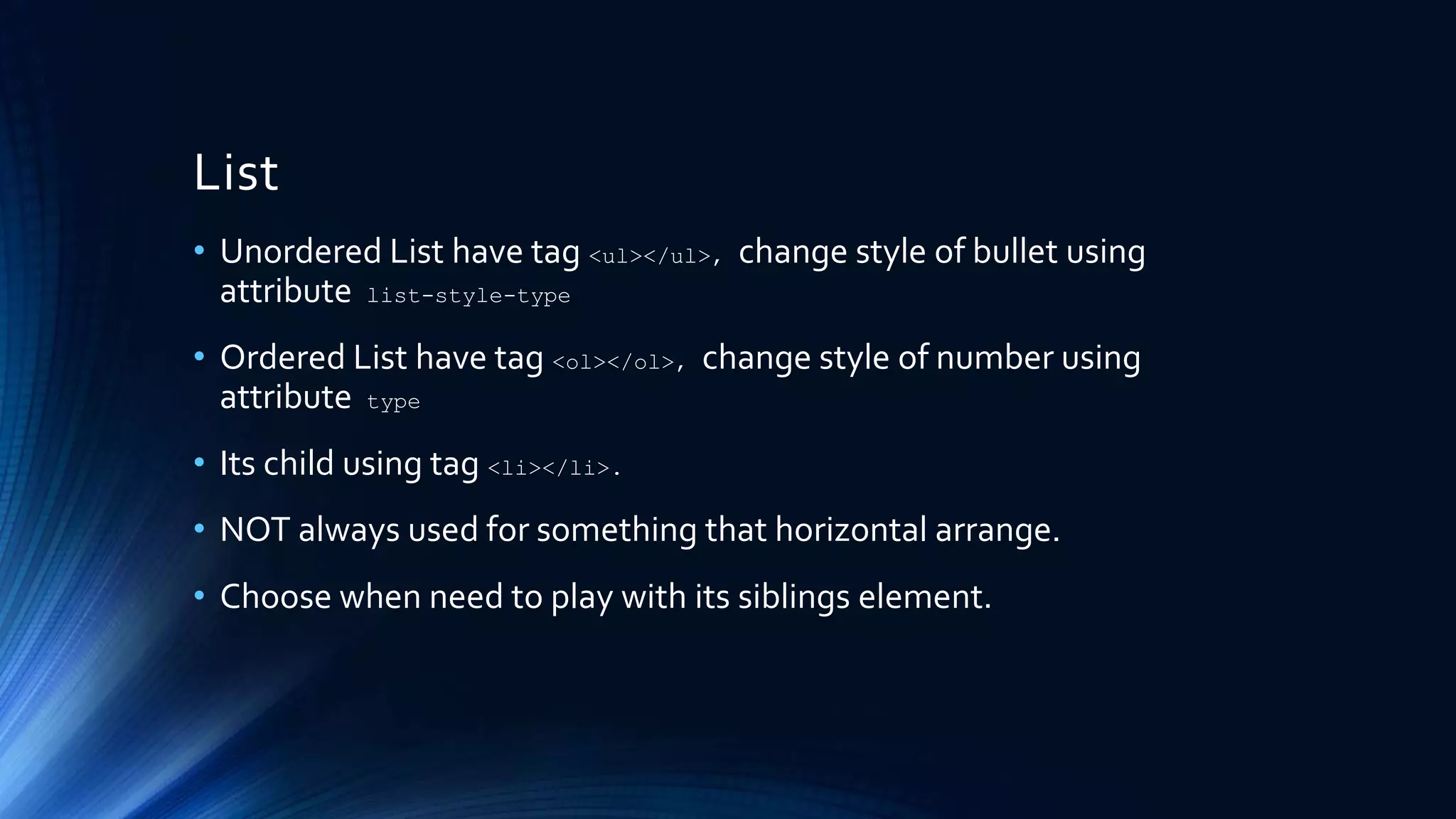
List
• Unordered List have tag <ul></ul>, change style of bullet using
attribute list-style-type
• Ordered List have tag <ol></ol>, change style of number using
attribute type
• Its child using tag <li></li>.
• NOT always used for something that horizontal arrange.
• Choose when need to play with its siblings element.
Form
• Form is collection of user input that will be sent together.
• You can use any part of Form outside of Form itself when you won’t
sent together.
• Separate section inside form using <fieldset>
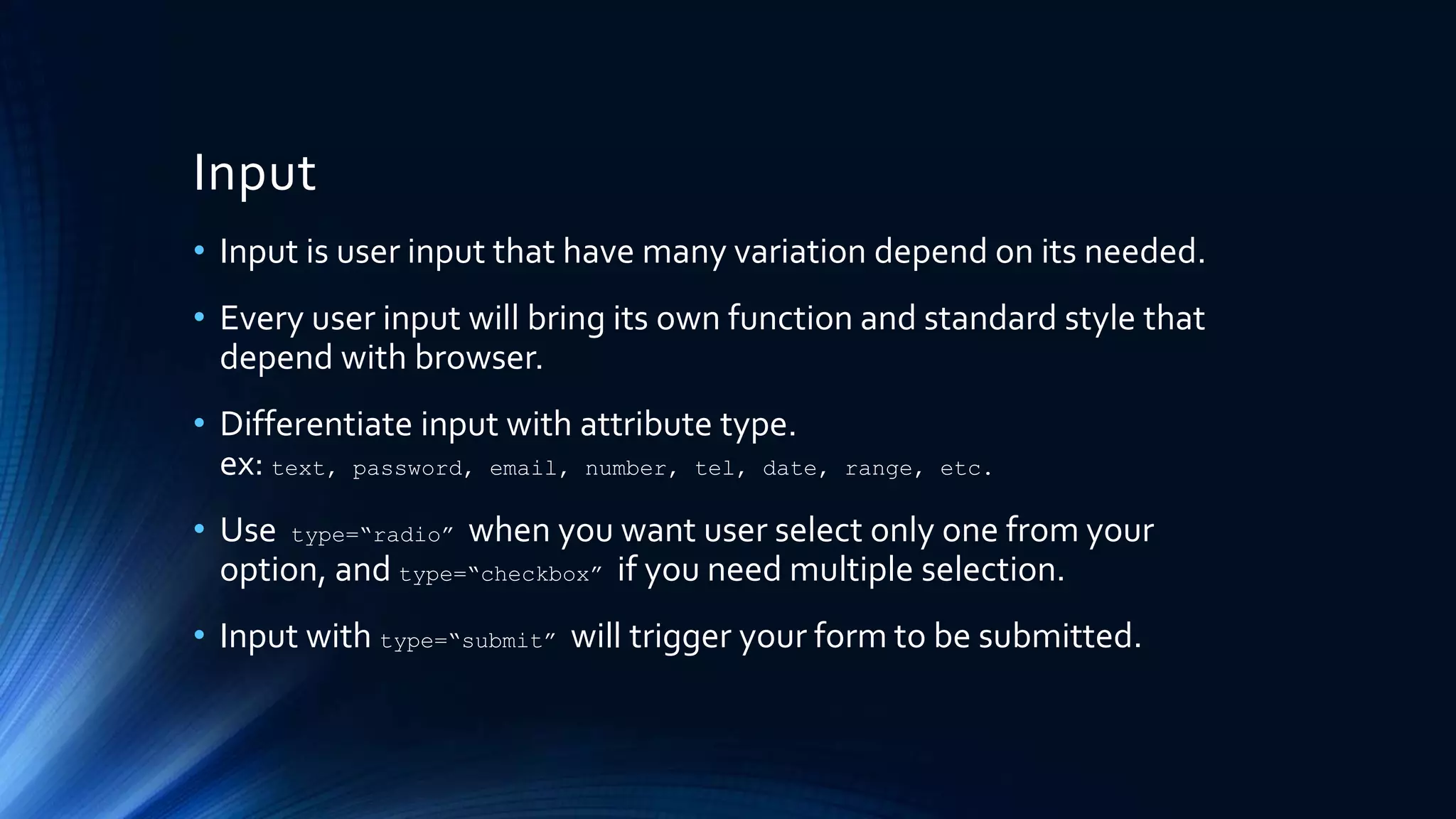
Input
• Input is user input that have many variation depend on its needed.
• Every user input will bring its own function and standard style that
depend with browser.
• Differentiate input with attribute type.
ex: text, password, email, number, tel, date, range, etc.
• Use type=“radio” when you want user select only one from your
option, and type=“checkbox” if you need multiple selection.
• Input with type=“submit” will trigger your form to be submitted.
Other Input
• You can use <select> with <option> if your list selection is too much to
show.
• Use <textarea> for multi line data.
Hands On
• Let’s code our HTML layout.
Message
• Its always better using right thing in the place.
• Because HTML is core of website structure, a better understanding
will help you to build your website better.
• Never underestimate with basic knowledge, every good developer
start from good knowledge in basic things.
• Sharing a basic thing will not decrease your level.
• For every new comer, don’t give up too fast if you haven’t give harder
effort.
Reference
• Slide : http://www.slideshare.net/IrfanMaulana21/journey-to-the-
front-end-world-part1-the-skeleton
• Github : https://github.com/mazipan/journey-to-the-frontend-world
• Read more about HTML here : http://www.w3schools.com/html/
Contact Me
o Facebook : /mazipanneh
o Twitter : @mazipan
o Linkedin : /in/irfanmaulanamazipan
o Slideshare : /IrfanMaulana21
o Github : mazipan
o Email : mazipanneh@gmail.com
o Blog : mazipanneh , mazipan.github.io
ThankYou

Journey To The Front End World - Part1 - The Skeleton

  • 1.
    Journey To TheFront End World Part : 1 BY IRFAN MAULANA The Skeleton : Hello HTML
  • 2.
    Who am I? • Name : Irfan Maulana • Job : Software Development Engineer at Blibli.com • Front End Developer for last 4 year console.info(“Who am I?")
  • 3.
    Pre-Warning ! • Thisslide contain basic knowledge in front end side, if you feel you are too big, please don’t read this slide. • This slide may contain subjective perception from the author, if you have different thinking please don’t let me know .
  • 4.
    Getting to knowHTML • Stands for Hypertext Markup Language • HTML is skeleton forWebsite. • Browser can easy translate HTML code intoWebsite. • Building HTML is like playing “Tetris Puzzle” game. • We need recognize what is component that fit in the any place in our website. • So, its important to every beginner to know how HTML works and the components inside it.
  • 5.
    HTML Basic • HTMLhas identifier declaration in the very first line of code : <!DOCTYPE html> • Every elements represented by tags that have open tag and close tag. • We can start with <html></html> than we can start our HTML code. • There is head tag contain our website identity like title, favicon and metatag. • In head tag usually we will load our external resources that needed immediately like CSS and critical script. • In body tag we will write our “real” HTML structure. • Before closing of body tag usually use for load external resources that needed after all structure loaded like script tag.
  • 6.
    HTML Elements • Everythingfrom the start tag to the end tag • Can be nested as you want <div> <p>something nested element</p> </div>
  • 7.
    HTML Attribute • Additionalinformation for the element • Specified in the start tag • Usually come with key and value <input type=“text” /> <a href=“www.google.com”>google</a> <img src=“/images.png” title=“I am Image” />
  • 8.
    Heading and Text •Heading used for title and subtitle, ex : h1, h2, h3, h4, h5 • Heading matter for SEO • Paragraph can use <p></p> tag. • Formatting text use <stong>, <b>, <i>, <em>, <italic>, <small>.
  • 9.
    Block • Main blockuse <header>, <main>, <footer>. • Widget side or sidebar can block <aside> • Menu or navigation use block <nav> • Wrap your content in <article> • Sub of your content or anything can use <section> • For common usage just use <div>
  • 10.
    Table • Table havetag <table></table>. • Use proper wrapper tag, for header row wrap with <thead>, for content of table wrap with <tbody> • Row in table use <tr> • For each column use <td> exclude header column that use <th> • Use attribute rowspan=“n”, colspan=“n” for merge row or column.
  • 11.
    List • Unordered Listhave tag <ul></ul>, change style of bullet using attribute list-style-type • Ordered List have tag <ol></ol>, change style of number using attribute type • Its child using tag <li></li>. • NOT always used for something that horizontal arrange. • Choose when need to play with its siblings element.
  • 12.
    Form • Form iscollection of user input that will be sent together. • You can use any part of Form outside of Form itself when you won’t sent together. • Separate section inside form using <fieldset>
  • 13.
    Input • Input isuser input that have many variation depend on its needed. • Every user input will bring its own function and standard style that depend with browser. • Differentiate input with attribute type. ex: text, password, email, number, tel, date, range, etc. • Use type=“radio” when you want user select only one from your option, and type=“checkbox” if you need multiple selection. • Input with type=“submit” will trigger your form to be submitted.
  • 14.
    Other Input • Youcan use <select> with <option> if your list selection is too much to show. • Use <textarea> for multi line data.
  • 15.
    Hands On • Let’scode our HTML layout.
  • 16.
    Message • Its alwaysbetter using right thing in the place. • Because HTML is core of website structure, a better understanding will help you to build your website better. • Never underestimate with basic knowledge, every good developer start from good knowledge in basic things. • Sharing a basic thing will not decrease your level. • For every new comer, don’t give up too fast if you haven’t give harder effort.
  • 17.
    Reference • Slide :http://www.slideshare.net/IrfanMaulana21/journey-to-the- front-end-world-part1-the-skeleton • Github : https://github.com/mazipan/journey-to-the-frontend-world • Read more about HTML here : http://www.w3schools.com/html/
  • 18.
    Contact Me o Facebook: /mazipanneh o Twitter : @mazipan o Linkedin : /in/irfanmaulanamazipan o Slideshare : /IrfanMaulana21 o Github : mazipan o Email : mazipanneh@gmail.com o Blog : mazipanneh , mazipan.github.io
  • 19.