Journey To The Front End World
Part : 2
BY IRFAN MAULANA
The Cosmetic :
Make Over with CSS
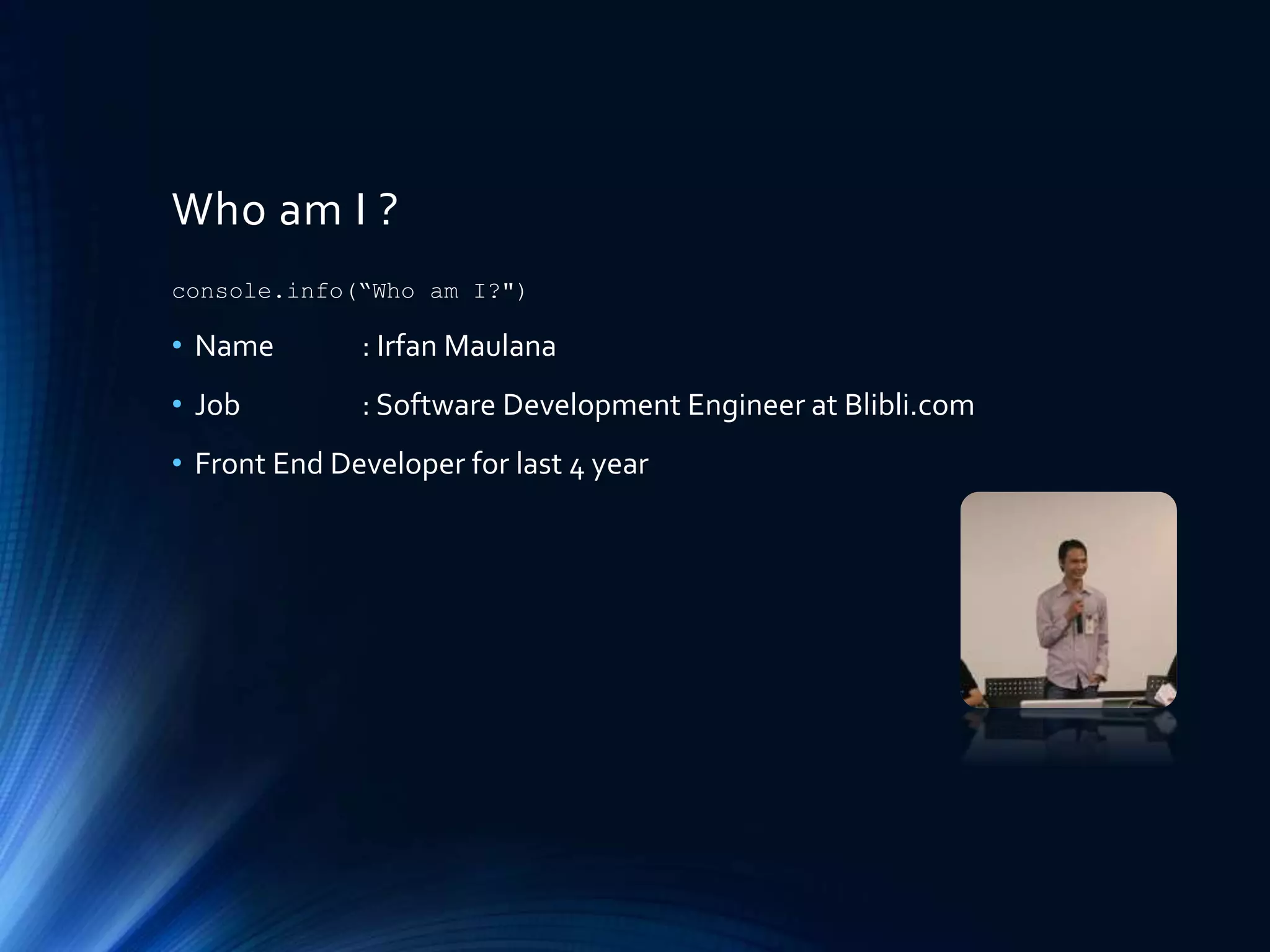
Who am I ?
• Name : Irfan Maulana
• Job : Software Development Engineer at Blibli.com
• Front End Developer for last 4 year
console.info(“Who am I?")
Pre-Warning !
• This slide contain basic knowledge in front end side, if you feel you
are too big, please don’t read this slide.
• This slide may contain subjective perception from the author, if you
have different thinking please don’t let me know .
Getting to know CSS
• CSS stands for Cascading Style Sheet
• Some people say that CSS is cosmetics in web.
• CSS more critical than just cosmetics.
• CSS giving layout, position, existence, variation, etc.
• CSS describe how each HTML element should be displayed.
• CSS remove style formatting from HTML attribute.
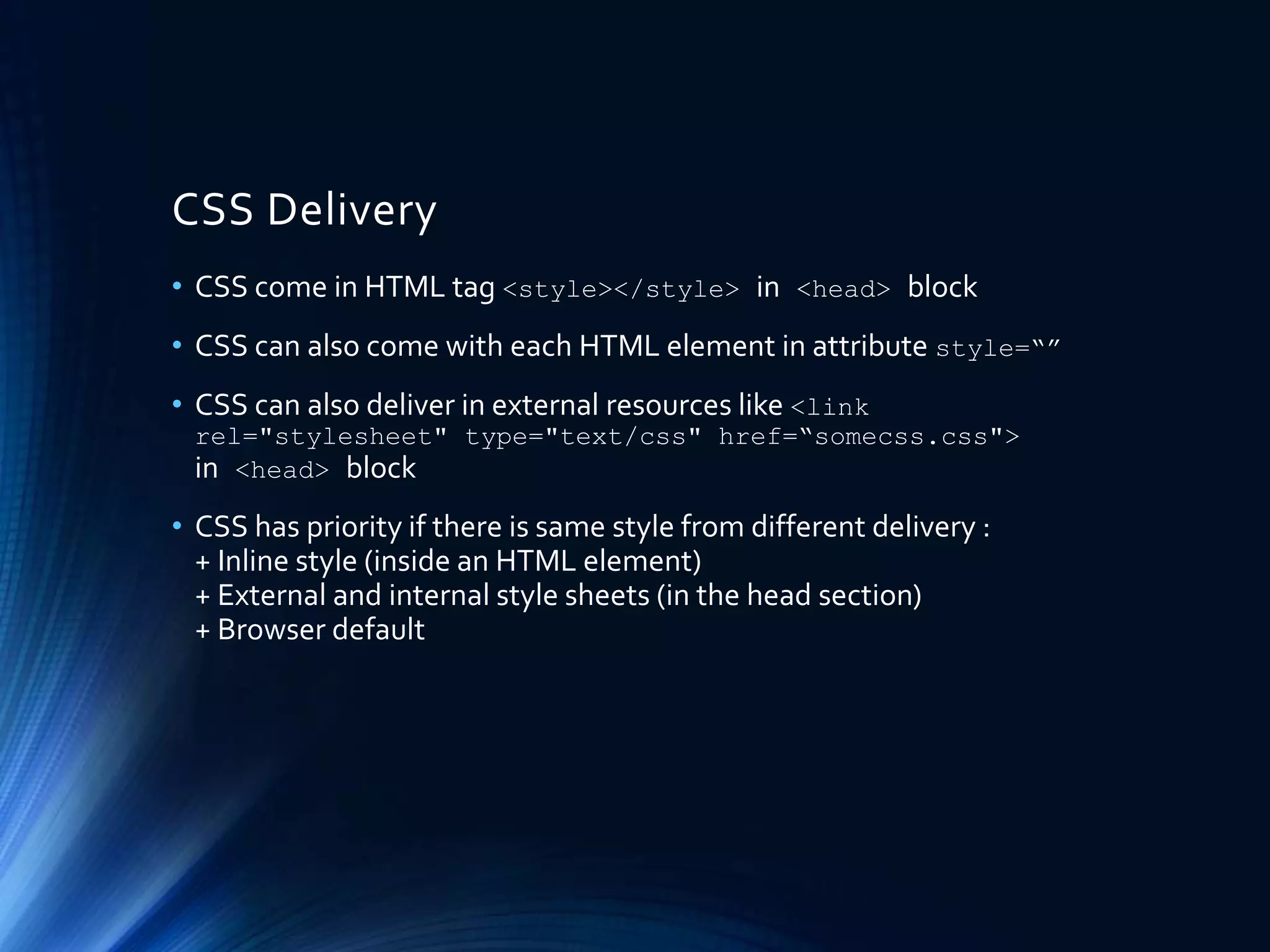
CSS Delivery
• CSS come in HTML tag <style></style> in <head> block
• CSS can also come with each HTML element in attribute style=“”
• CSS can also deliver in external resources like <link
rel="stylesheet" type="text/css" href=“somecss.css">
in <head> block
• CSS has priority if there is same style from different delivery :
+ Inline style (inside an HTML element)
+ External and internal style sheets (in the head section)
+ Browser default
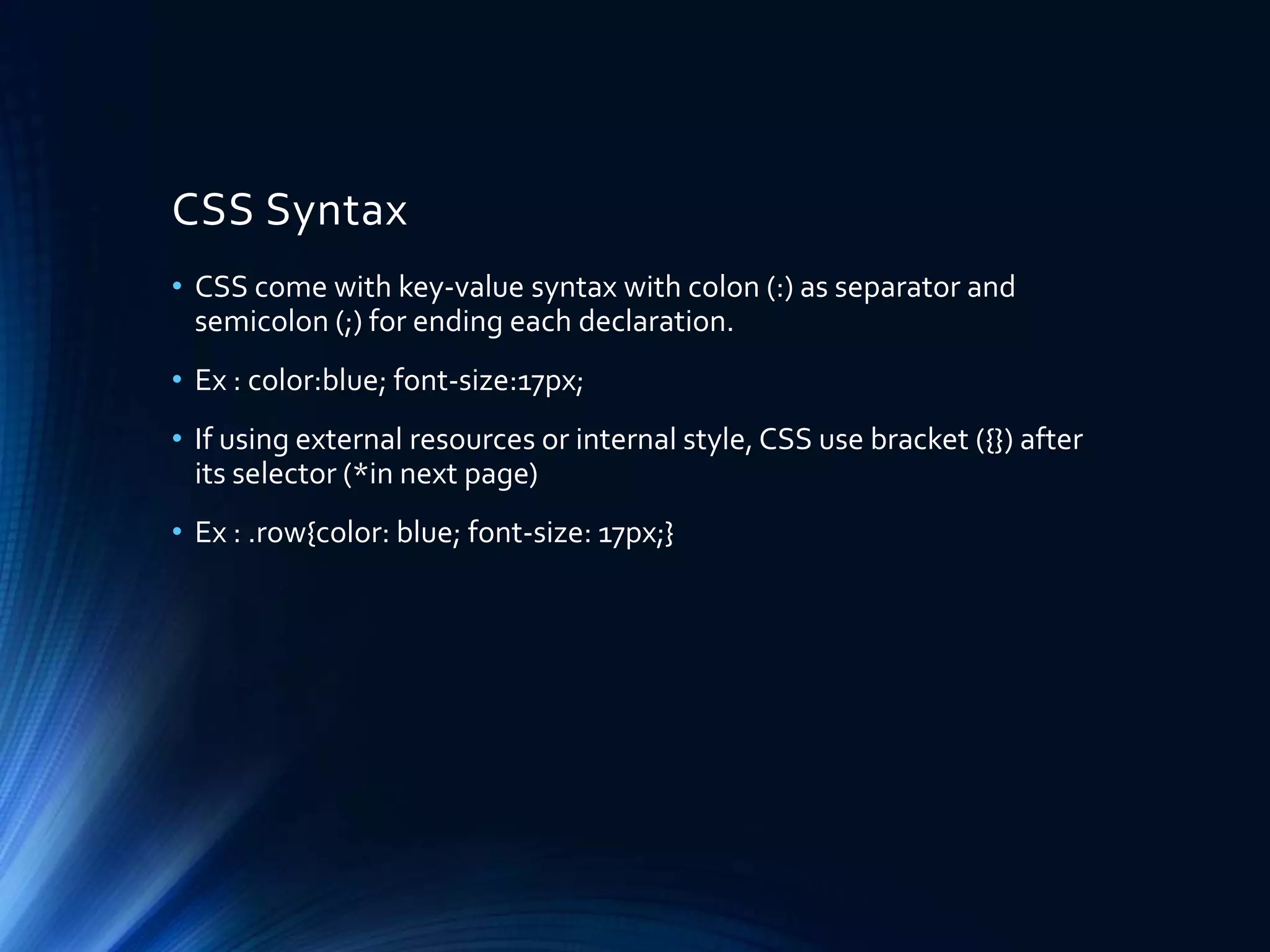
CSS Syntax
• CSS come with key-value syntax with colon (:) as separator and
semicolon (;) for ending each declaration.
• Ex : color:blue; font-size:17px;
• If using external resources or internal style, CSS use bracket ({}) after
its selector (*in next page)
• Ex : .row{color: blue; font-size: 17px;}
CSS Selector
• CSS Selector used to find HTML element will be style-ed.
• CSS will styling element that select by selector that used like HTML
element, Id, or class, attribute, etc.
• HTML element will apply to all HTML element that given style.
Ex : input[type=“text”], a, ul li, etc.
• ID is unique in one web page, represented by attribute id=“” in
HTML element.
• Class is NOT unique, can be reuse to any HTML element in one web
page, represent in attribute class=“” in HTML element.
• Class can be multiple in one HTML element using space separator.
• CSS use hash (#) for select id, and dot (.) for select class
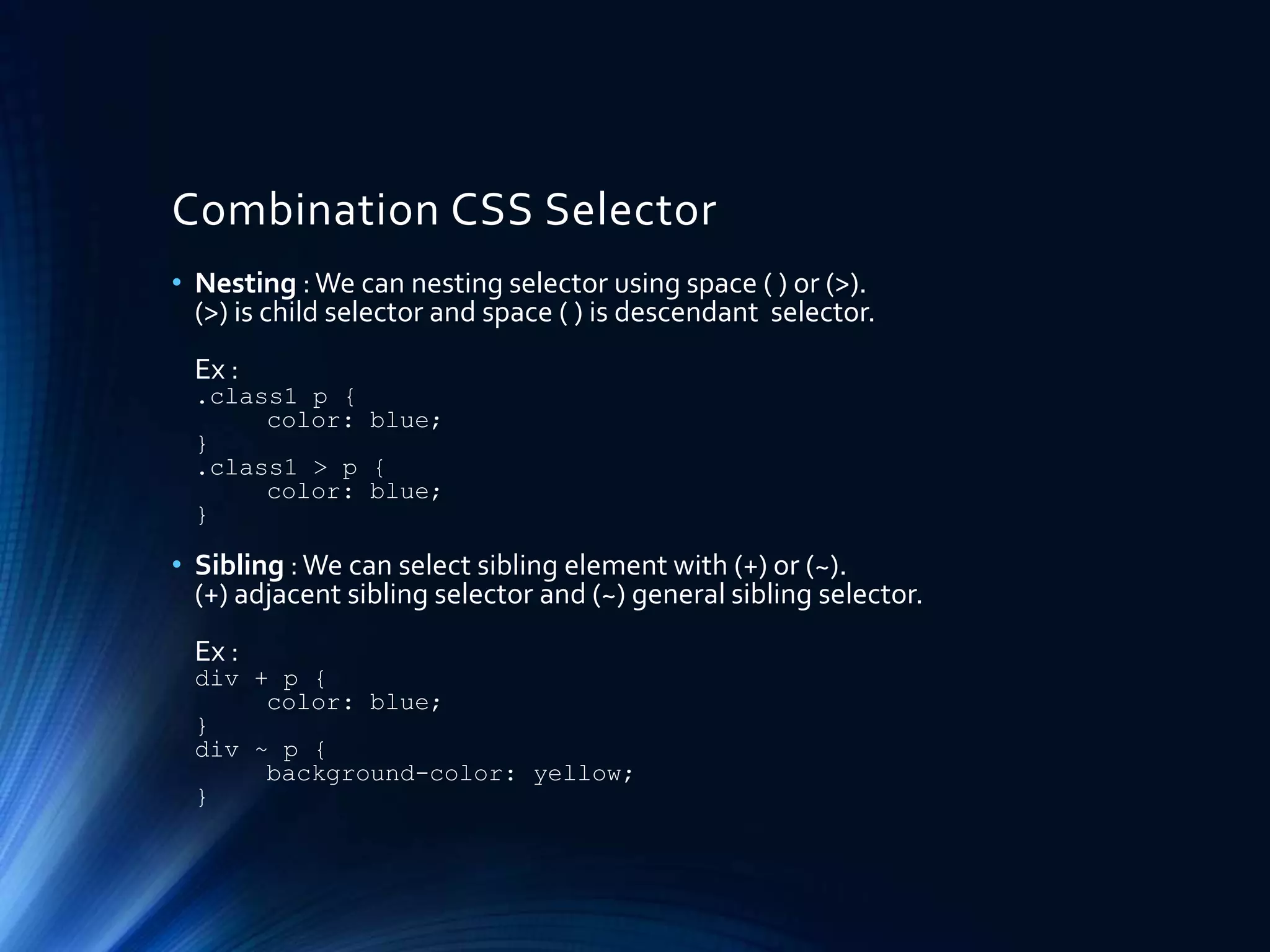
Combination CSS Selector
• Nesting :We can nesting selector using space ( ) or (>).
(>) is child selector and space ( ) is descendant selector.
Ex :
.class1 p {
color: blue;
}
.class1 > p {
color: blue;
}
• Sibling :We can select sibling element with (+) or (~).
(+) adjacent sibling selector and (~) general sibling selector.
Ex :
div + p {
color: blue;
}
div ~ p {
background-color: yellow;
}
Advance CSS Selector
• We can select all classes that contains string like :
Ex :
[class*=“bli-"] {
color: blue;
}
• Read more about selector :
http://www.w3schools.com/cssref/css_selectors.asp
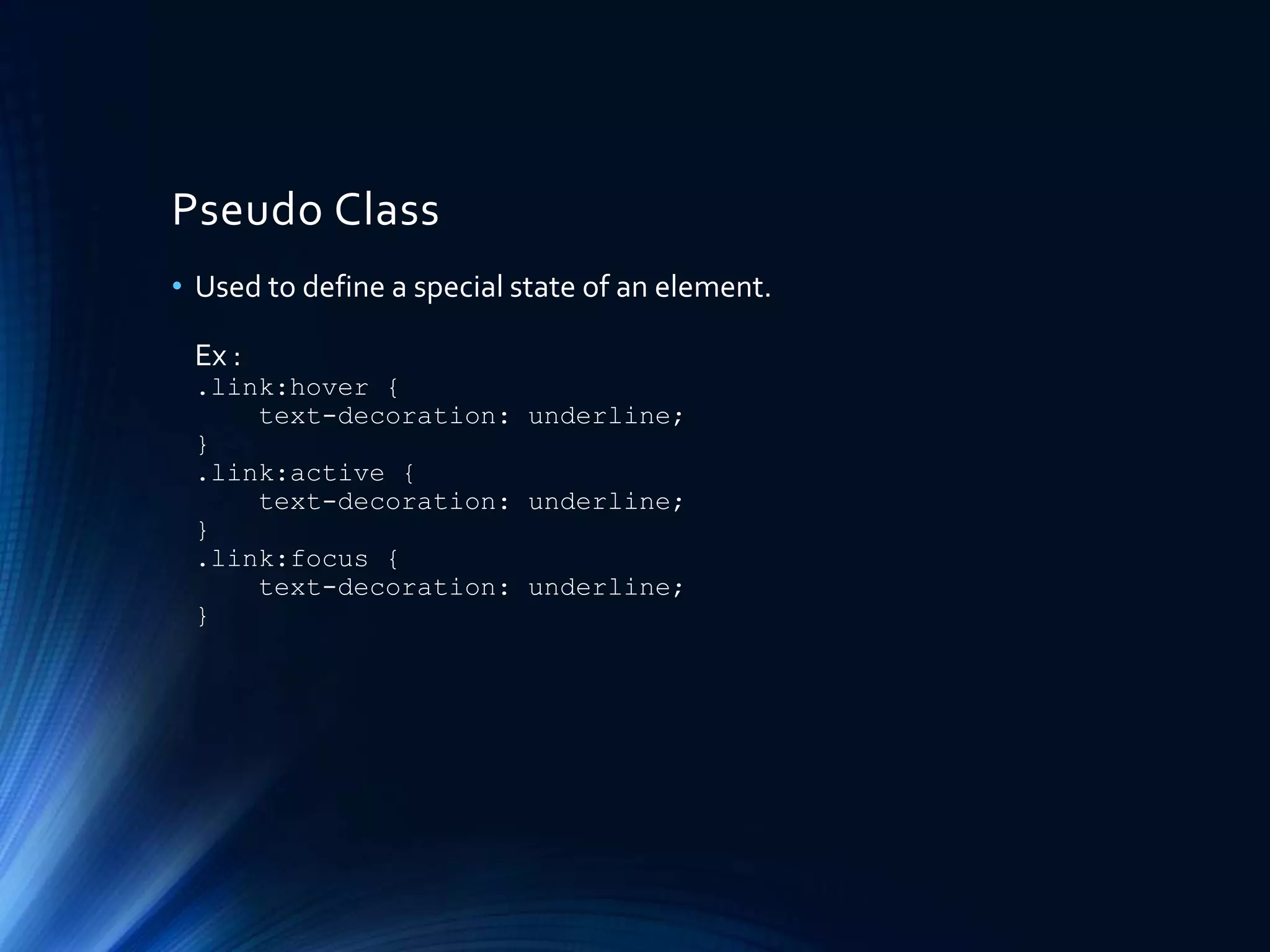
Pseudo Class
• Used to define a special state of an element.
Ex :
.link:hover {
text-decoration: underline;
}
.link:active {
text-decoration: underline;
}
.link:focus {
text-decoration: underline;
}
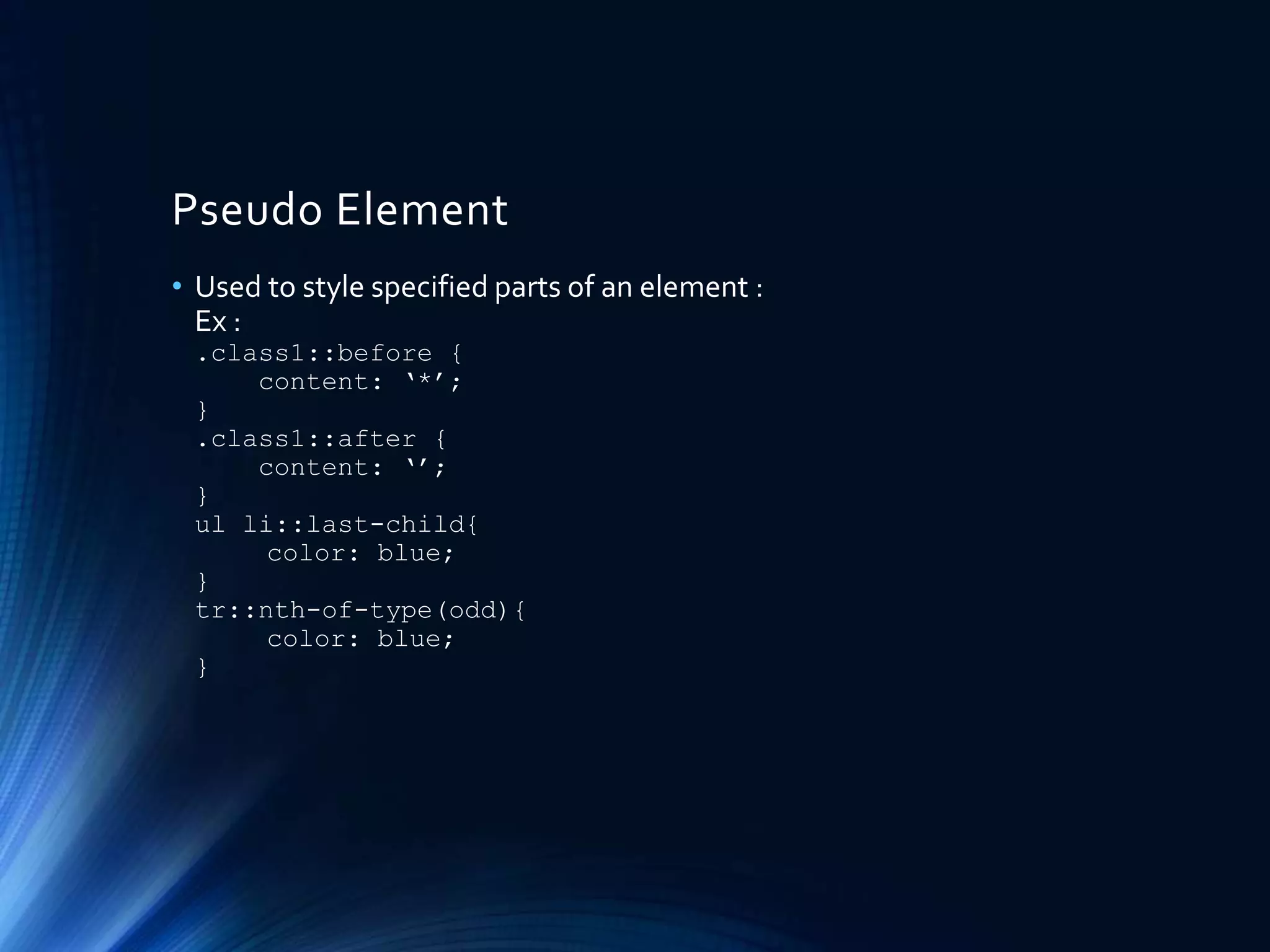
Pseudo Element
• Used to style specified parts of an element :
Ex :
.class1::before {
content: ‘*’;
}
.class1::after {
content: ‘’;
}
ul li::last-child{
color: blue;
}
tr::nth-of-type(odd){
color: blue;
}
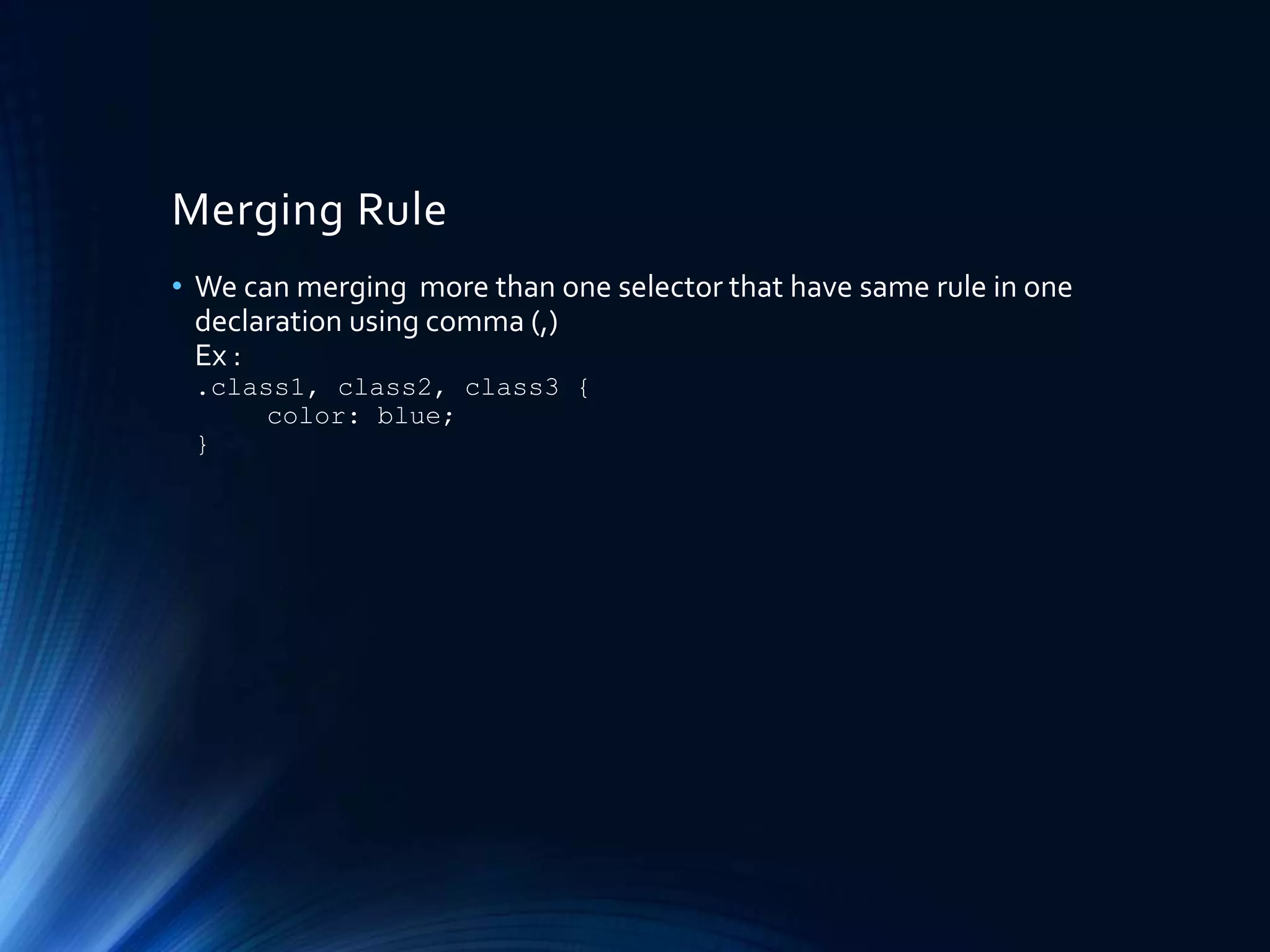
Merging Rule
• We can merging more than one selector that have same rule in one
declaration using comma (,)
Ex :
.class1, class2, class3 {
color: blue;
}
Text Formatting
• For formatting text we can use many css rule like:
font-size, font-weight, font-style, color, text-
decoration, text-align, text-transform, word-wrap, word-
break, line-height, letter-spacing, etc.
Coloring
• Basicly for coloring we can use color and background-color.
color will apply color to its content and background-color will
apply to it’s background.
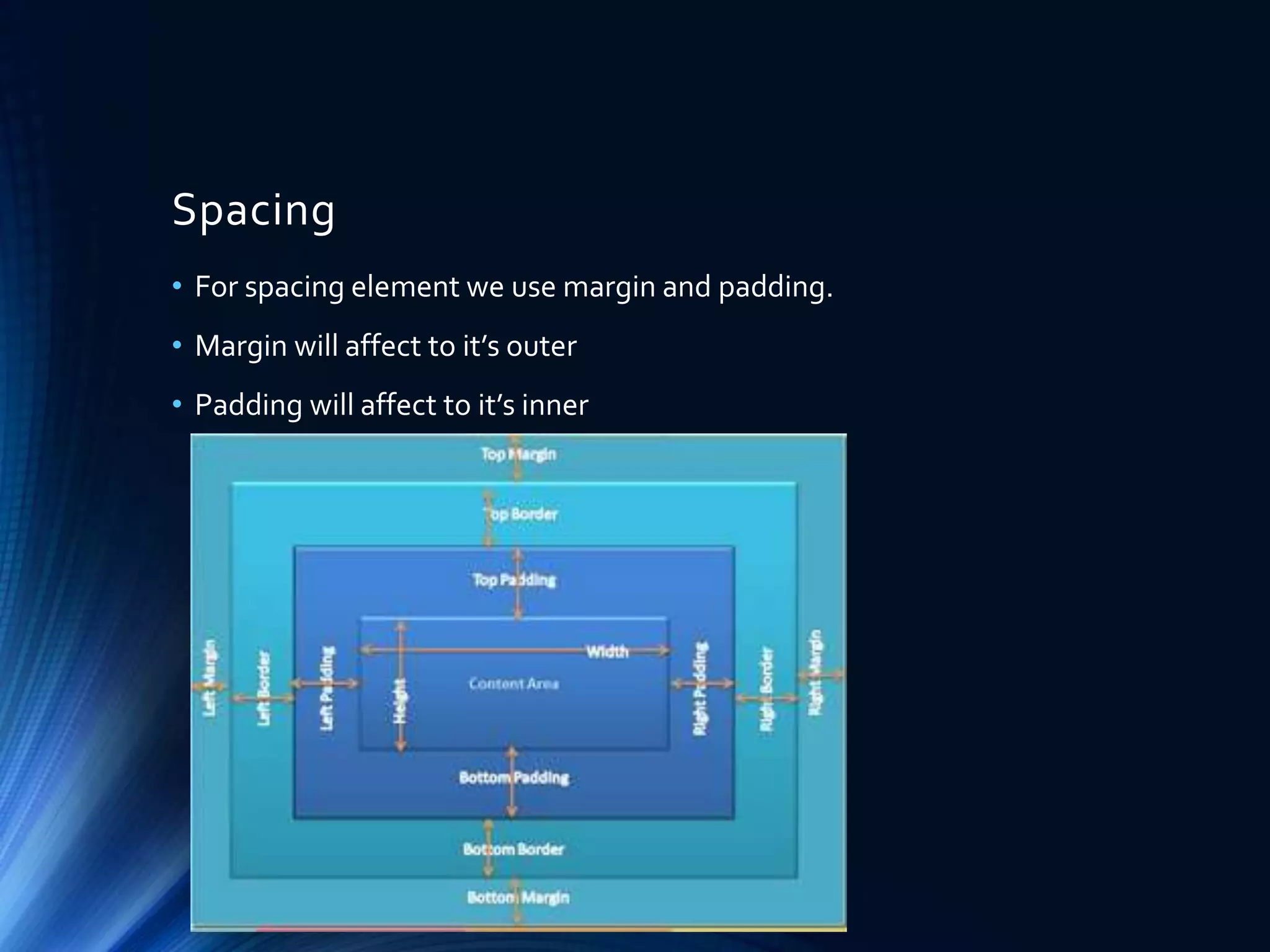
Spacing
• For spacing element we use margin and padding.
• Margin will affect to it’s outer
• Padding will affect to it’s inner
Positioning
• Here CSS for set positioning :
- Static : normal position
- Relative : relative to its normal position
- Fixed : positioned relative to the viewport, which means it always
stays in the same place even if the page is scrolled
- Absolute : positioned relative to the nearest positioned ancestor
• We can shift position with top, left, bottom, right rule.
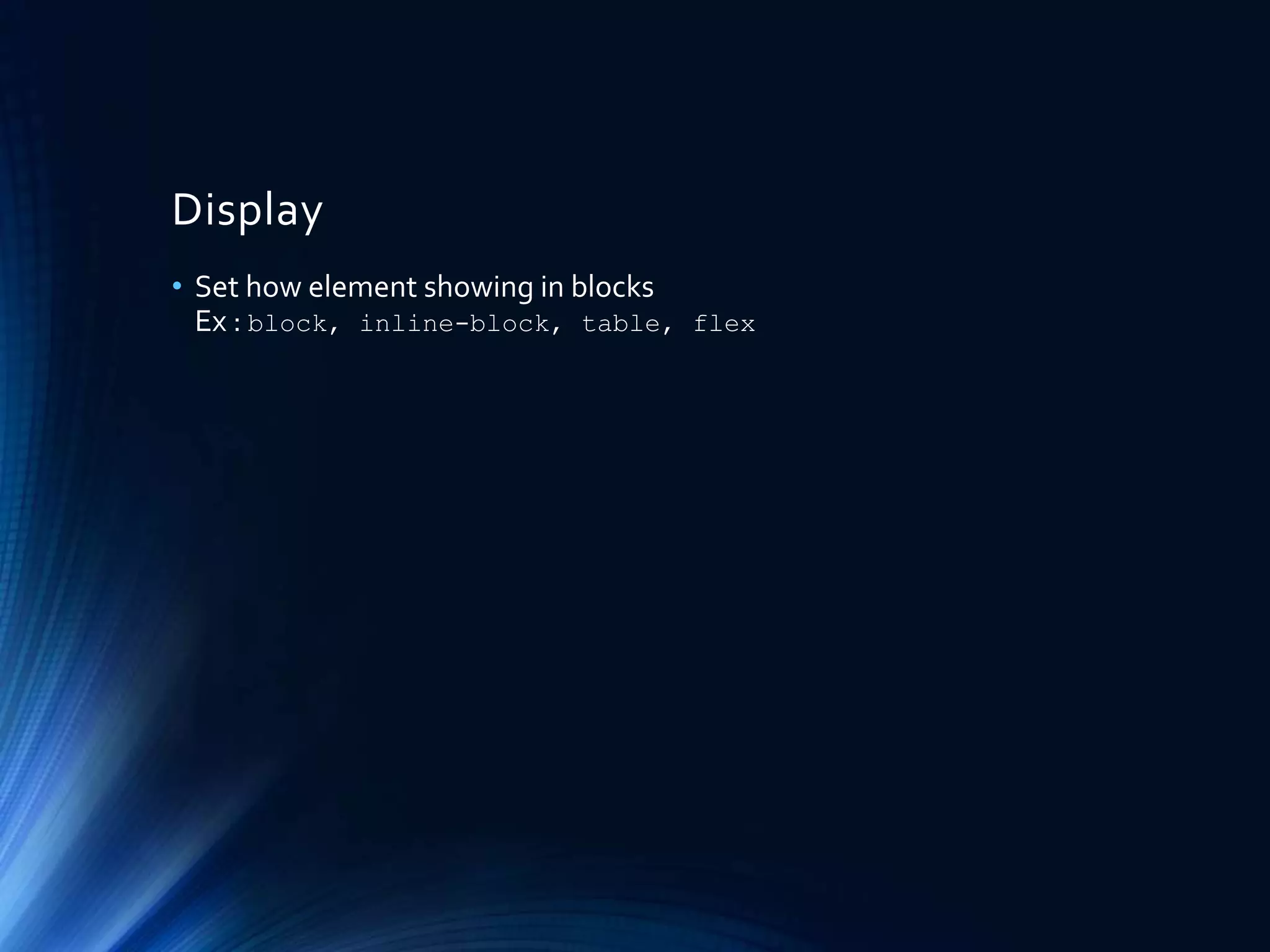
Display
• Set how element showing in blocks
Ex : block, inline-block, table, flex
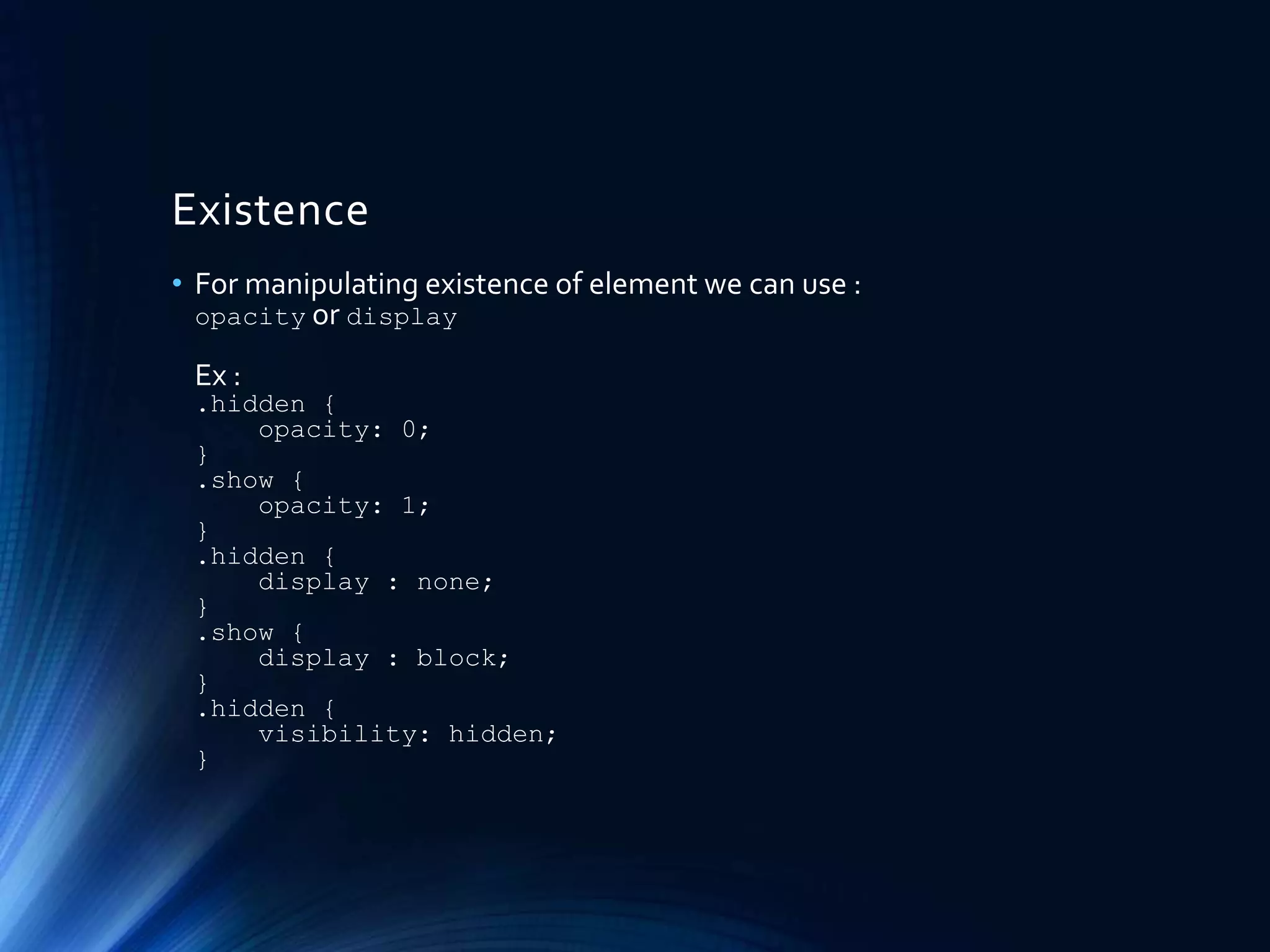
Existence
• For manipulating existence of element we can use :
opacity or display
Ex :
.hidden {
opacity: 0;
}
.show {
opacity: 1;
}
.hidden {
display : none;
}
.show {
display : block;
}
.hidden {
visibility: hidden;
}
Hands On
• Do you have code our latest HTML layout ?
• Lets make over that HTML with a littleCSS touch
Reference
• Slide : http://www.slideshare.net/IrfanMaulana21/journey-to-the-
front-end-world-part2-the-cosmetic
• Github : https://github.com/mazipan/journey-to-the-frontend-world
• Read more about CSS here : http://www.w3schools.com/css/
Contact Me
o Facebook : /mazipanneh
o Twitter : @mazipan
o Linkedin : /in/irfanmaulanamazipan
o Slideshare : /IrfanMaulana21
o Github : mazipan
o Email : mazipanneh@gmail.com
o Blog : mazipanneh , mazipan.github.io
ThankYou

Journey To The Front End World - Part2 - The Cosmetic

  • 1.
    Journey To TheFront End World Part : 2 BY IRFAN MAULANA The Cosmetic : Make Over with CSS
  • 2.
    Who am I? • Name : Irfan Maulana • Job : Software Development Engineer at Blibli.com • Front End Developer for last 4 year console.info(“Who am I?")
  • 3.
    Pre-Warning ! • Thisslide contain basic knowledge in front end side, if you feel you are too big, please don’t read this slide. • This slide may contain subjective perception from the author, if you have different thinking please don’t let me know .
  • 4.
    Getting to knowCSS • CSS stands for Cascading Style Sheet • Some people say that CSS is cosmetics in web. • CSS more critical than just cosmetics. • CSS giving layout, position, existence, variation, etc. • CSS describe how each HTML element should be displayed. • CSS remove style formatting from HTML attribute.
  • 5.
    CSS Delivery • CSScome in HTML tag <style></style> in <head> block • CSS can also come with each HTML element in attribute style=“” • CSS can also deliver in external resources like <link rel="stylesheet" type="text/css" href=“somecss.css"> in <head> block • CSS has priority if there is same style from different delivery : + Inline style (inside an HTML element) + External and internal style sheets (in the head section) + Browser default
  • 6.
    CSS Syntax • CSScome with key-value syntax with colon (:) as separator and semicolon (;) for ending each declaration. • Ex : color:blue; font-size:17px; • If using external resources or internal style, CSS use bracket ({}) after its selector (*in next page) • Ex : .row{color: blue; font-size: 17px;}
  • 7.
    CSS Selector • CSSSelector used to find HTML element will be style-ed. • CSS will styling element that select by selector that used like HTML element, Id, or class, attribute, etc. • HTML element will apply to all HTML element that given style. Ex : input[type=“text”], a, ul li, etc. • ID is unique in one web page, represented by attribute id=“” in HTML element. • Class is NOT unique, can be reuse to any HTML element in one web page, represent in attribute class=“” in HTML element. • Class can be multiple in one HTML element using space separator. • CSS use hash (#) for select id, and dot (.) for select class
  • 8.
    Combination CSS Selector •Nesting :We can nesting selector using space ( ) or (>). (>) is child selector and space ( ) is descendant selector. Ex : .class1 p { color: blue; } .class1 > p { color: blue; } • Sibling :We can select sibling element with (+) or (~). (+) adjacent sibling selector and (~) general sibling selector. Ex : div + p { color: blue; } div ~ p { background-color: yellow; }
  • 9.
    Advance CSS Selector •We can select all classes that contains string like : Ex : [class*=“bli-"] { color: blue; } • Read more about selector : http://www.w3schools.com/cssref/css_selectors.asp
  • 10.
    Pseudo Class • Usedto define a special state of an element. Ex : .link:hover { text-decoration: underline; } .link:active { text-decoration: underline; } .link:focus { text-decoration: underline; }
  • 11.
    Pseudo Element • Usedto style specified parts of an element : Ex : .class1::before { content: ‘*’; } .class1::after { content: ‘’; } ul li::last-child{ color: blue; } tr::nth-of-type(odd){ color: blue; }
  • 12.
    Merging Rule • Wecan merging more than one selector that have same rule in one declaration using comma (,) Ex : .class1, class2, class3 { color: blue; }
  • 13.
    Text Formatting • Forformatting text we can use many css rule like: font-size, font-weight, font-style, color, text- decoration, text-align, text-transform, word-wrap, word- break, line-height, letter-spacing, etc.
  • 14.
    Coloring • Basicly forcoloring we can use color and background-color. color will apply color to its content and background-color will apply to it’s background.
  • 15.
    Spacing • For spacingelement we use margin and padding. • Margin will affect to it’s outer • Padding will affect to it’s inner
  • 16.
    Positioning • Here CSSfor set positioning : - Static : normal position - Relative : relative to its normal position - Fixed : positioned relative to the viewport, which means it always stays in the same place even if the page is scrolled - Absolute : positioned relative to the nearest positioned ancestor • We can shift position with top, left, bottom, right rule.
  • 17.
    Display • Set howelement showing in blocks Ex : block, inline-block, table, flex
  • 18.
    Existence • For manipulatingexistence of element we can use : opacity or display Ex : .hidden { opacity: 0; } .show { opacity: 1; } .hidden { display : none; } .show { display : block; } .hidden { visibility: hidden; }
  • 19.
    Hands On • Doyou have code our latest HTML layout ? • Lets make over that HTML with a littleCSS touch
  • 20.
    Reference • Slide :http://www.slideshare.net/IrfanMaulana21/journey-to-the- front-end-world-part2-the-cosmetic • Github : https://github.com/mazipan/journey-to-the-frontend-world • Read more about CSS here : http://www.w3schools.com/css/
  • 21.
    Contact Me o Facebook: /mazipanneh o Twitter : @mazipan o Linkedin : /in/irfanmaulanamazipan o Slideshare : /IrfanMaulana21 o Github : mazipan o Email : mazipanneh@gmail.com o Blog : mazipanneh , mazipan.github.io
  • 22.