Project Management using JIRA
By Rahul Janghel
www.altimetrik.com
What is atlassian ?
- Offering collaboration tools.
How ?
- By providing a social platform that allows people to build
software better
Why ?
- Strategic DevOps Move.
- Ingraining the engineering mindset in a culture.
www.altimetrik.com
What we are covering today ?
- JIRA Introduction, work flow
- EPIC, User Story, Sub Task
- JIRA & Confluence administration
- Project creation, closure
- Release Mile stone
- KanBan Dashboard
- Work Estimate, Time Spent, TimeSheet
- Search Query
- Linking ticket
&
- Confluence Overview
www.altimetrik.com
Atlassian products approach to a Software Project :
Projects are main identity / object.
All Atlassian tool are tide around project.
www.altimetrik.com
https://altidev.atlassian.net
Expire on : 9th Jan 2017
Accounts already created :
Rahul : ryan.janghel@hotmail.com -- Chrome
Satz : janghel.rahul@gmail.com [satz/ satz@1234] -- IE
Yug : rahul.janghel@gmail.com [yug/ yug@1234 ] -- Firefox
www.altimetrik.com
Access your Atlassian account
Check your Inbox and follow mail instruction
www.altimetrik.com
JIRA Overview
(A web based issue tracking tool)
- Who uses JIRA
- Developers
- Tester
- PM
- User / Client
- Why ?
- Issue / Bug Filing, Tracking.
- Project management
- Feature
- Integration
- Search
- Dashboard
- Plugins
www.altimetrik.com
From Atlassian Site :
“Confluence is a wiki that's perfect for teams developing and publishing
technical documentation. It's the ideal platform for your private or public
technical writing needs.”
Confluence Overview
www.altimetrik.com
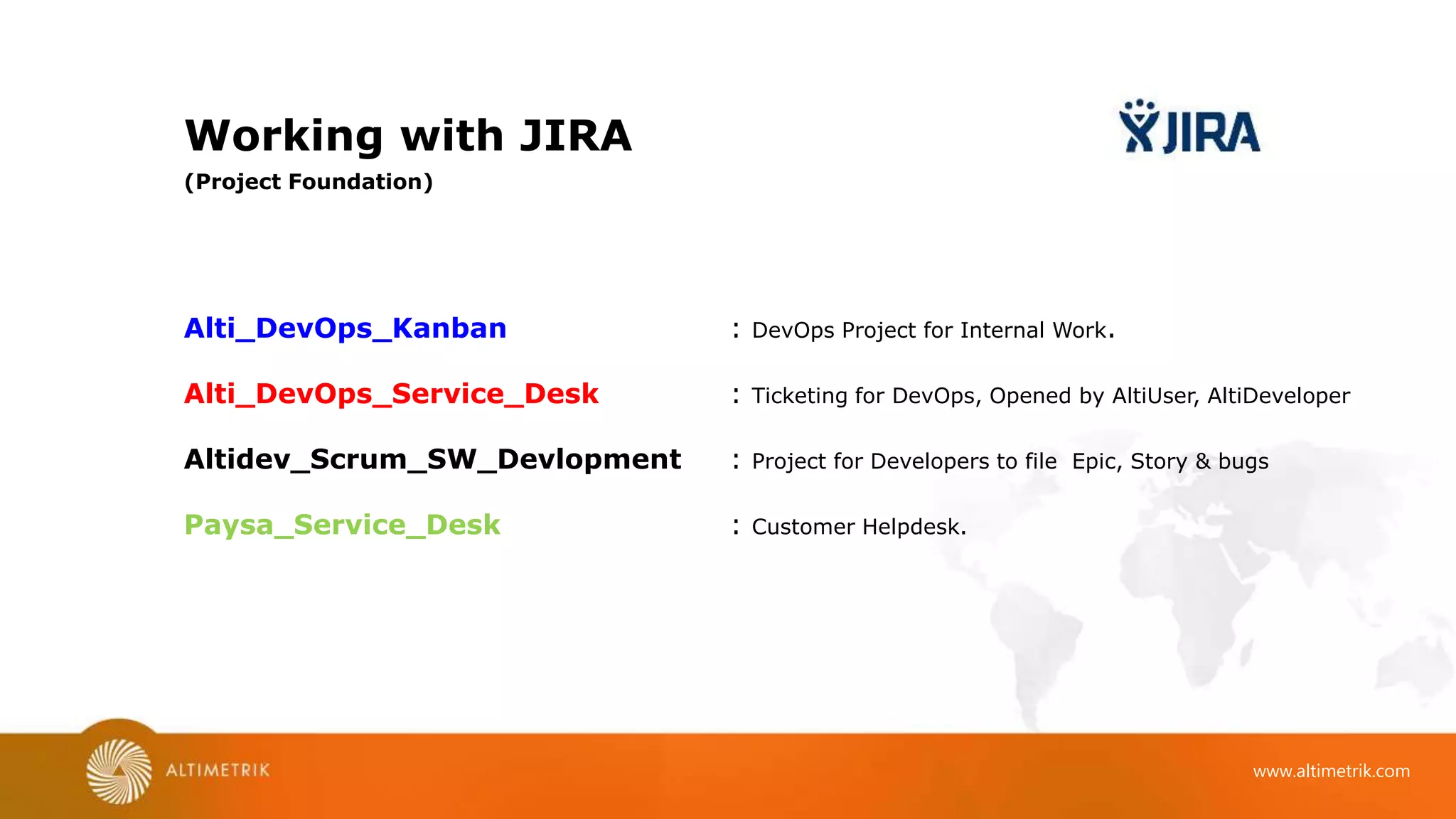
Working with JIRA
Alti_DevOps_Kanban : DevOps Project for Internal Work.
Alti_DevOps_Service_Desk : Ticketing for DevOps, Opened by AltiUser, AltiDeveloper
Altidev_Scrum_SW_Devlopment : Project for Developers to file Epic, Story & bugs
Paysa_Service_Desk : Customer Helpdesk.
(Project Foundation)
www.altimetrik.com
Working with JIRA 1
- Create Project
- Project Setting
(Project Creation & Configuration)
www.altimetrik.com
Working with JIRA 2
- Component
- Component Lead
- Add :
- ALKB
- Level
- Release Version
(Project setting)
www.altimetrik.com
Working with JIRA 3
(TAB in Issue screen : )
EDIT
Comment
Assign
Backlog
Workflow
Type
Priority
Labels
Status
Description
Assignee
Reporter
Watchers
History
Activity
Transitions
Create sub-task
Convert to sub-task
Link
Create a Issue / Ticket :
www.altimetrik.com
Working with JIRA 4
> Configure “Create Issue” field.
> Managing Workflow
- Create a new workflow.
(Manage Project issue fields)
www.altimetrik.com
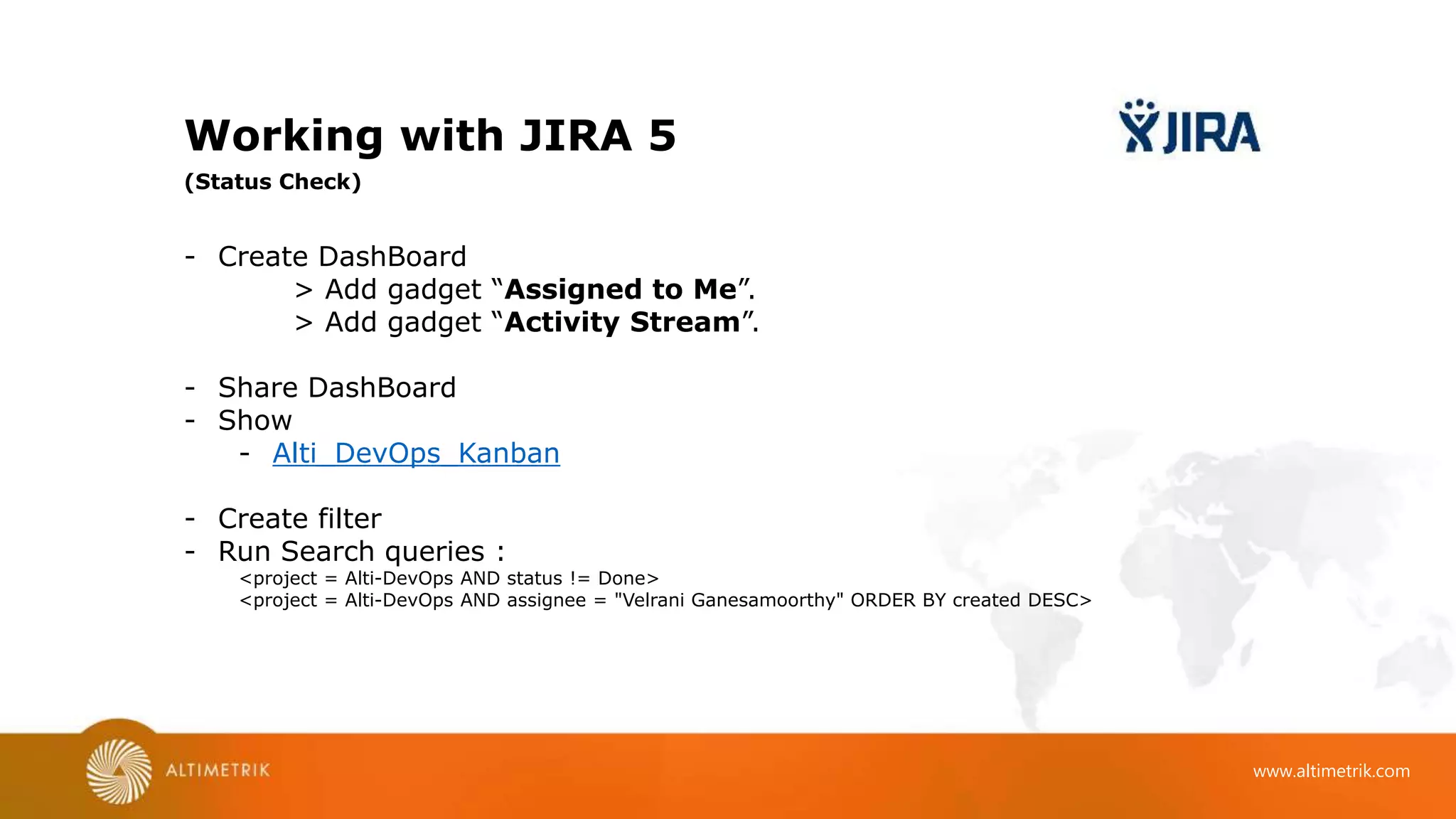
Working with JIRA 5
- Create DashBoard
> Add gadget “Assigned to Me”.
> Add gadget “Activity Stream”.
- Share DashBoard
- Show
- Alti_DevOps_Kanban
- Create filter
- Run Search queries :
<project = Alti-DevOps AND status != Done>
<project = Alti-DevOps AND assignee = "Velrani Ganesamoorthy" ORDER BY created DESC>
(Status Check)
www.altimetrik.com
Working with Confluence
Confluence administration : https://altidev.atlassian.net/wiki/plugins/servlet/hipchat/configure
Page History : https://altidev.atlassian.net/wiki/pages/viewpreviousversions.action?pageId=32959
Link a Page : https://altidev.atlassian.net/servicedesk/admin/ALSD/confluence-kb#
Page Access : https://altidev.atlassian.net/wiki/spaces/spacepermissions.action?key=SWPRJ
(Confluence Features )
www.altimetrik.com
Managing Atlassian Products
Managing all Product
Site administration : https://altidev.atlassian.net/admin/users
- Groups
- Application Access
- Sign up options -- for open helpdesk ticketing
www.altimetrik.com
What Next ?
- Jira integration with Code Repository
- More Plugins
Visit : https://marketplace.atlassian.com/
Thank You
To learn more about us visit
www.altimetrik.com
Rahul Janghel
Architect
rjanghel@altimetrik.com
#+91-9657826527.

Jira training

  • 1.
    Project Management usingJIRA By Rahul Janghel
  • 2.
    www.altimetrik.com What is atlassian? - Offering collaboration tools. How ? - By providing a social platform that allows people to build software better Why ? - Strategic DevOps Move. - Ingraining the engineering mindset in a culture.
  • 3.
    www.altimetrik.com What we arecovering today ? - JIRA Introduction, work flow - EPIC, User Story, Sub Task - JIRA & Confluence administration - Project creation, closure - Release Mile stone - KanBan Dashboard - Work Estimate, Time Spent, TimeSheet - Search Query - Linking ticket & - Confluence Overview
  • 4.
    www.altimetrik.com Atlassian products approachto a Software Project : Projects are main identity / object. All Atlassian tool are tide around project.
  • 5.
    www.altimetrik.com https://altidev.atlassian.net Expire on :9th Jan 2017 Accounts already created : Rahul : ryan.janghel@hotmail.com -- Chrome Satz : janghel.rahul@gmail.com [satz/ satz@1234] -- IE Yug : rahul.janghel@gmail.com [yug/ yug@1234 ] -- Firefox
  • 6.
    www.altimetrik.com Access your Atlassianaccount Check your Inbox and follow mail instruction
  • 7.
    www.altimetrik.com JIRA Overview (A webbased issue tracking tool) - Who uses JIRA - Developers - Tester - PM - User / Client - Why ? - Issue / Bug Filing, Tracking. - Project management - Feature - Integration - Search - Dashboard - Plugins
  • 8.
    www.altimetrik.com From Atlassian Site: “Confluence is a wiki that's perfect for teams developing and publishing technical documentation. It's the ideal platform for your private or public technical writing needs.” Confluence Overview
  • 9.
    www.altimetrik.com Working with JIRA Alti_DevOps_Kanban: DevOps Project for Internal Work. Alti_DevOps_Service_Desk : Ticketing for DevOps, Opened by AltiUser, AltiDeveloper Altidev_Scrum_SW_Devlopment : Project for Developers to file Epic, Story & bugs Paysa_Service_Desk : Customer Helpdesk. (Project Foundation)
  • 10.
    www.altimetrik.com Working with JIRA1 - Create Project - Project Setting (Project Creation & Configuration)
  • 11.
    www.altimetrik.com Working with JIRA2 - Component - Component Lead - Add : - ALKB - Level - Release Version (Project setting)
  • 12.
    www.altimetrik.com Working with JIRA3 (TAB in Issue screen : ) EDIT Comment Assign Backlog Workflow Type Priority Labels Status Description Assignee Reporter Watchers History Activity Transitions Create sub-task Convert to sub-task Link Create a Issue / Ticket :
  • 13.
    www.altimetrik.com Working with JIRA4 > Configure “Create Issue” field. > Managing Workflow - Create a new workflow. (Manage Project issue fields)
  • 14.
    www.altimetrik.com Working with JIRA5 - Create DashBoard > Add gadget “Assigned to Me”. > Add gadget “Activity Stream”. - Share DashBoard - Show - Alti_DevOps_Kanban - Create filter - Run Search queries : <project = Alti-DevOps AND status != Done> <project = Alti-DevOps AND assignee = "Velrani Ganesamoorthy" ORDER BY created DESC> (Status Check)
  • 15.
    www.altimetrik.com Working with Confluence Confluenceadministration : https://altidev.atlassian.net/wiki/plugins/servlet/hipchat/configure Page History : https://altidev.atlassian.net/wiki/pages/viewpreviousversions.action?pageId=32959 Link a Page : https://altidev.atlassian.net/servicedesk/admin/ALSD/confluence-kb# Page Access : https://altidev.atlassian.net/wiki/spaces/spacepermissions.action?key=SWPRJ (Confluence Features )
  • 16.
    www.altimetrik.com Managing Atlassian Products Managingall Product Site administration : https://altidev.atlassian.net/admin/users - Groups - Application Access - Sign up options -- for open helpdesk ticketing
  • 17.
    www.altimetrik.com What Next ? -Jira integration with Code Repository - More Plugins Visit : https://marketplace.atlassian.com/
  • 18.
    Thank You To learnmore about us visit www.altimetrik.com Rahul Janghel Architect rjanghel@altimetrik.com #+91-9657826527.

Editor's Notes

  • #3 I am taking all tool in one go, because knowing just JIRA is not a big thing, but understand its integration and using it along with other tool is more useful.
  • #5 Project as a main identity. (Vertical) All Atlassian tool are tide around project. (Horizontially)
  • #6 Log in to Atlassian account. Use invitatioin mail link to create account. Atlassian has feature to login using google authentication, incase you are using google services like google mail etc. This account will be expired on 9th, so please go ahead and use to create, delete and do whatever you want to experiment.
  • #11 1) Got to Project > Create Project. 2) View All Projects : https://altidev.atlassian.net/secure/BrowseProjects.jspa?selectedCategory=all&selectedProjectType=all 3) Project setting, mail body, field, time, priorities. Add Component, component leader and query Kanban dashboard using component. Component leader is default assignee to that component.
  • #12 Components, level, release version are project specific. Add Component, component leader and query Kanban dashboard using component. Component leader is default assignee to that component.
  • #14 for issue created on Paysa helpdesk, we are asking for only: if issue type is : Change Then Approver is coming If Problem, then Due date is coming If incident, then labels & Component is coming
  • #15 Without comfortable with issue search, it is difficult to move easy with JIRA. Search query are very easy, use them to create filter, update your dashboard, or use in runtime. Show Alti_DevOps_Kanban : https://altidev.atlassian.net/secure/RapidBoard.jspa?rapidView=2