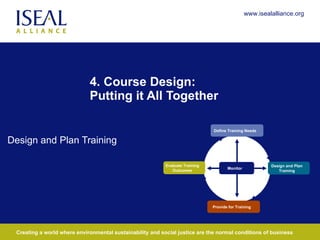
4. Course Design:  Putting it All Together Design and Plan Training Define Training Needs Provide for Training Monitor Design and Plan Training Evaluate Training Outcomes
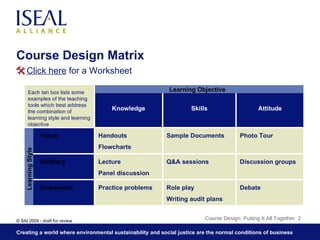
Course Design Matrix Course Design: Putting It All Together  Learning Objective Learning Style Debate Role play Writing audit plans Practice problems Kinesthetic Discussion groups Q&A sessions Lecture Panel discussion Auditory Photo Tour Sample Documents Handouts Flowcharts Visual Attitude Skills Knowledge Each tan box lists some examples of the teaching tools which best address the combination of learning style and learning objective Click here  for a Worksheet
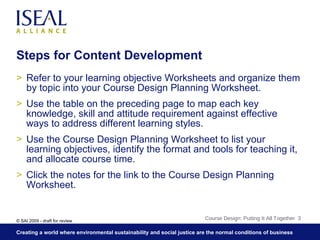
Steps for Content Development Refer to your learning objective Worksheets and organize them by topic into your Course Design Planning Worksheet. Use the table on the preceding page to map each key knowledge, skill and attitude requirement against effective ways to address different learning styles. Use the Course Design Planning Worksheet to list your learning objectives, identify the format and tools for teaching it, and allocate course time. Click the notes for the link to the Course Design Planning Worksheet. Course Design: Putting It All Together
Steps for Content Development Identify the portions of your course that should be universal versus those that can or should be modified: By the trainer based on the students By the course designer based on the industry or region By course designer and the trainer based on cases presented by the students and common problems Get input from all stakeholders through structured interviews, surveys and document review – make sure this includes the supplier perspective Local NGOS, trade unions, certification bodies and auditors are all effective resources for information Course Design: Putting It All Together
Guidance for Course Structure Course should be designed in modules, with clear differentiation between those that should be universal and those that should be modified by region or industry Sequence the modules to rotate knowledge and skill training Address each module to one or more specific learning styles Course Design: Putting It All Together

4: Course Design Putting It All Together

  • 1.
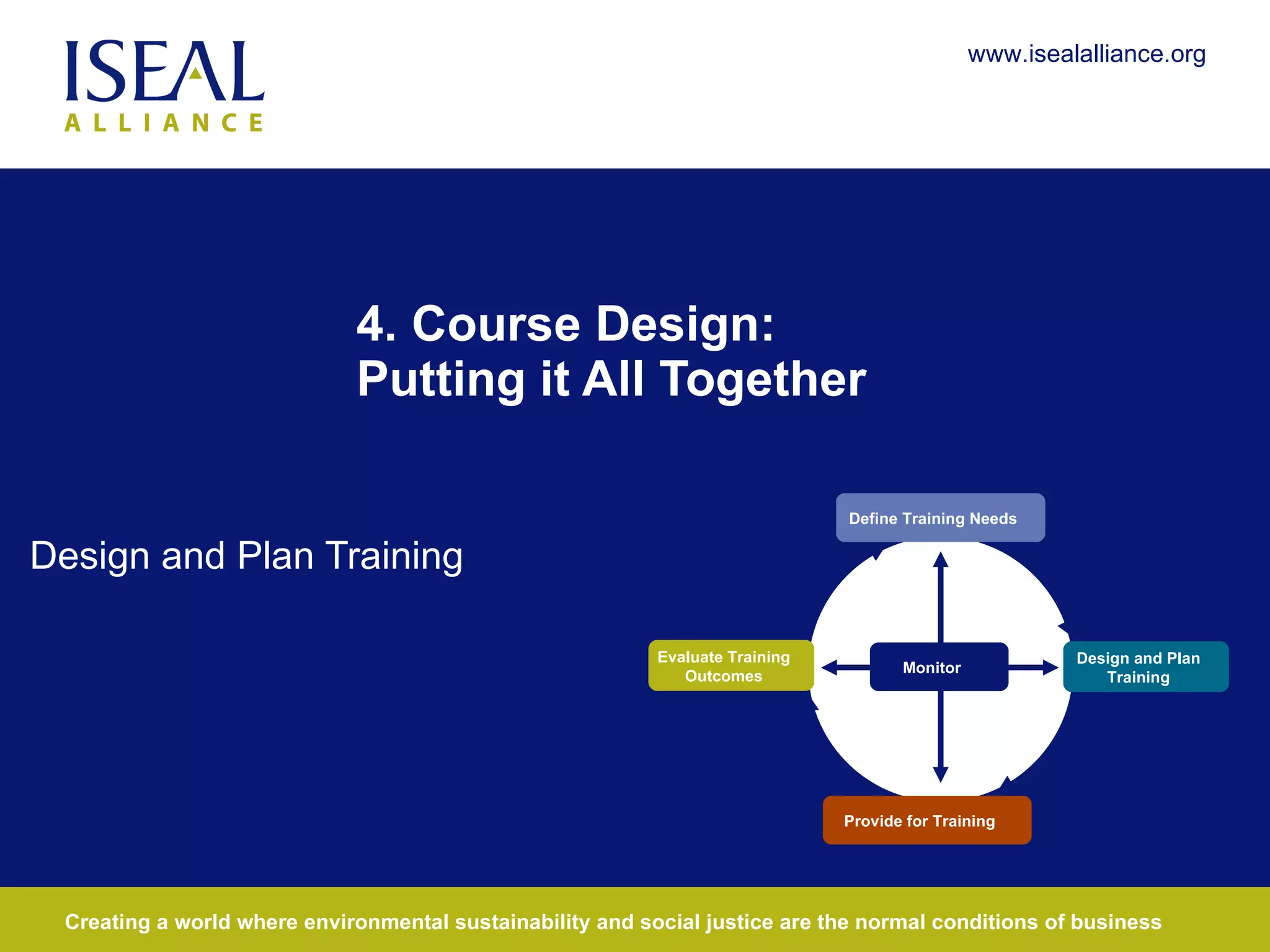
    4. Course Design: Putting it All Together Design and Plan Training Define Training Needs Provide for Training Monitor Design and Plan Training Evaluate Training Outcomes
  • 2.
    Course Design MatrixCourse Design: Putting It All Together Learning Objective Learning Style Debate Role play Writing audit plans Practice problems Kinesthetic Discussion groups Q&A sessions Lecture Panel discussion Auditory Photo Tour Sample Documents Handouts Flowcharts Visual Attitude Skills Knowledge Each tan box lists some examples of the teaching tools which best address the combination of learning style and learning objective Click here for a Worksheet
  • 3.
    Steps for ContentDevelopment Refer to your learning objective Worksheets and organize them by topic into your Course Design Planning Worksheet. Use the table on the preceding page to map each key knowledge, skill and attitude requirement against effective ways to address different learning styles. Use the Course Design Planning Worksheet to list your learning objectives, identify the format and tools for teaching it, and allocate course time. Click the notes for the link to the Course Design Planning Worksheet. Course Design: Putting It All Together
  • 4.
    Steps for ContentDevelopment Identify the portions of your course that should be universal versus those that can or should be modified: By the trainer based on the students By the course designer based on the industry or region By course designer and the trainer based on cases presented by the students and common problems Get input from all stakeholders through structured interviews, surveys and document review – make sure this includes the supplier perspective Local NGOS, trade unions, certification bodies and auditors are all effective resources for information Course Design: Putting It All Together
  • 5.
    Guidance for CourseStructure Course should be designed in modules, with clear differentiation between those that should be universal and those that should be modified by region or industry Sequence the modules to rotate knowledge and skill training Address each module to one or more specific learning styles Course Design: Putting It All Together