Is “the bigger the better” valid in the
database world?
Best practices around VLDBs
HP FastTrack Solution
Tips, tricks and gotchas with multi-TB databases
About me
 Ivan Donev, MCT
 SQL Server Technology Team Lead, HP


2 |
Agenda
     Introduction
     Best practices in configuration
     HP FastTrack Reference Architecture 4.0
     Share the experience


3 |
Introduction

  More data
         Needs larger hardware
         Needs optmization
         Needs time
         Requires more responsiblities
  More responsibilities
       Need more attention
       Require more knowledge
       Give you more headaches


4 |
Best practices - IO

     Hardware - trust your vendor
     Follow the Storage Top 10 Best Practices
     HBA Queue Depth
     TEST, TEST, TEST


5 |
Best practices – SQL Server

  Startup options
       -E and T1117
       T834?

  MaxServerMemory
  MaxDop – never leave it to 0
  Local policy
       Lock pages in memory
       Perform Volume maintenance tasks
  Resource governor!


6 |
Best practices – Inside SQL Server

  TempDB
       Microsoft rules – 1 file per CPU
       Experience
     Partitioning
     Compression – be careful!
     Column Store index
     Maintenance, maintenance, maintenance!!!


7 |
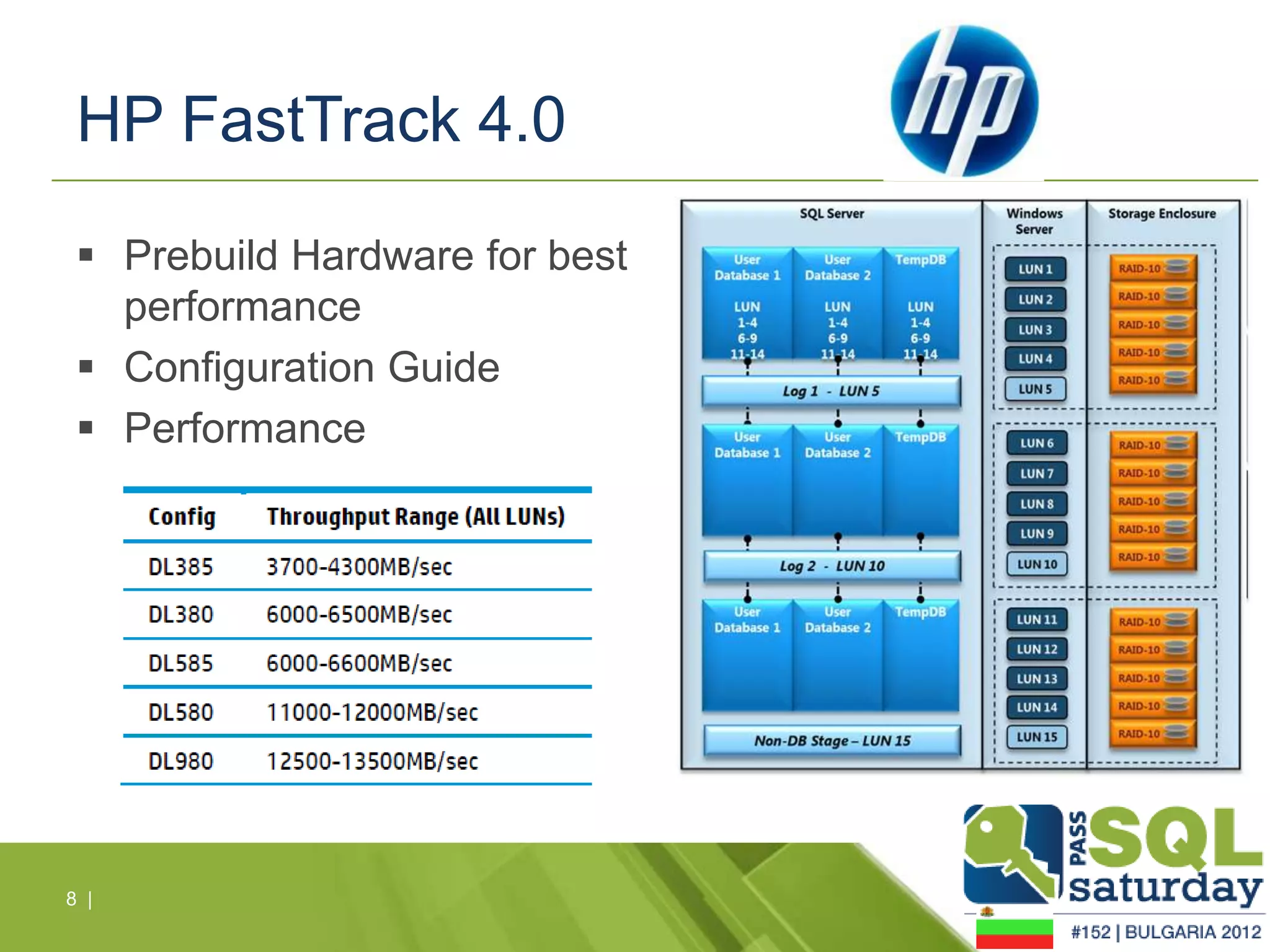
HP FastTrack 4.0

  Prebuild Hardware for best
   performance
  Configuration Guide
  Performance


8 |
Let’s talk about reality

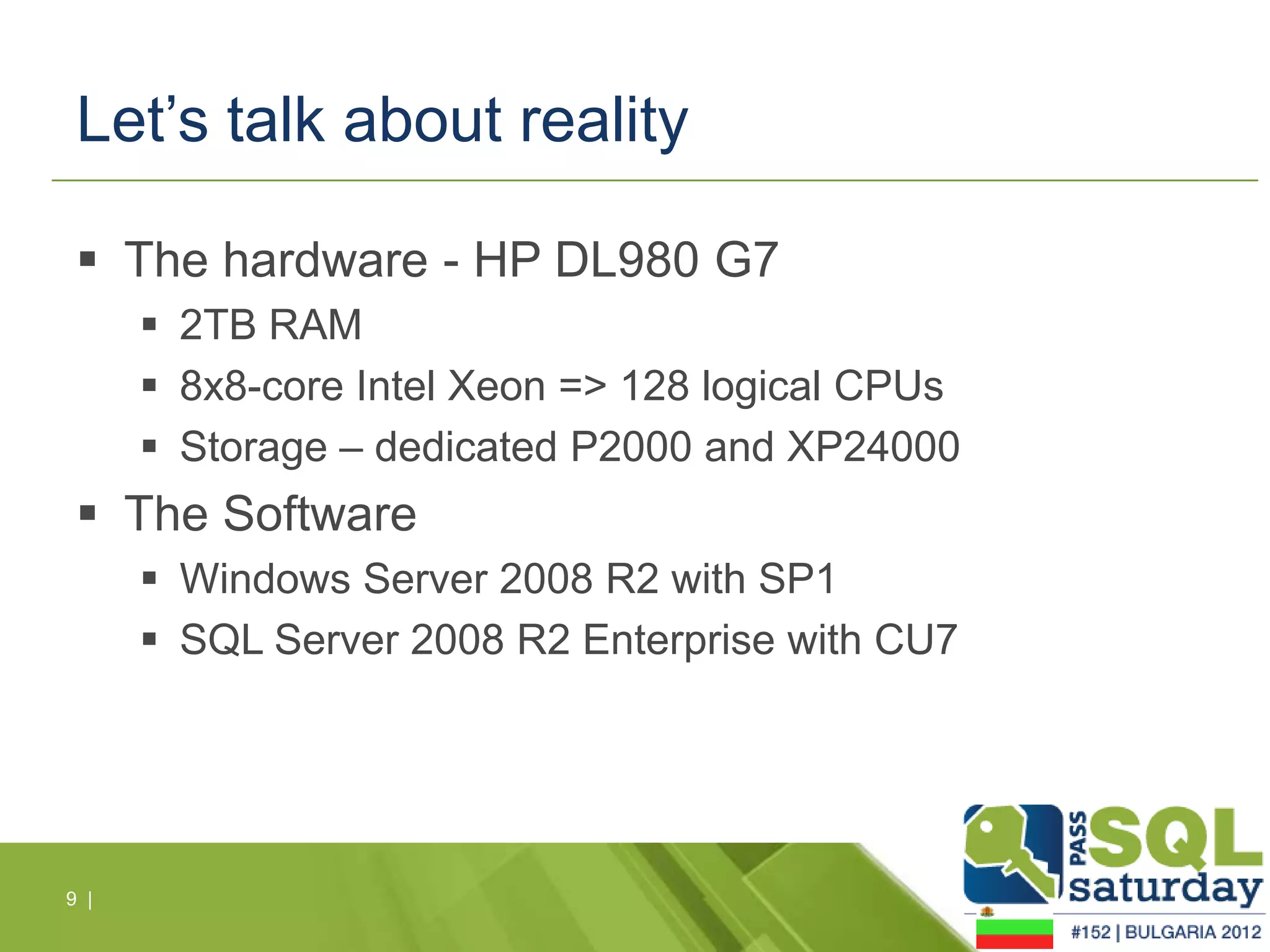
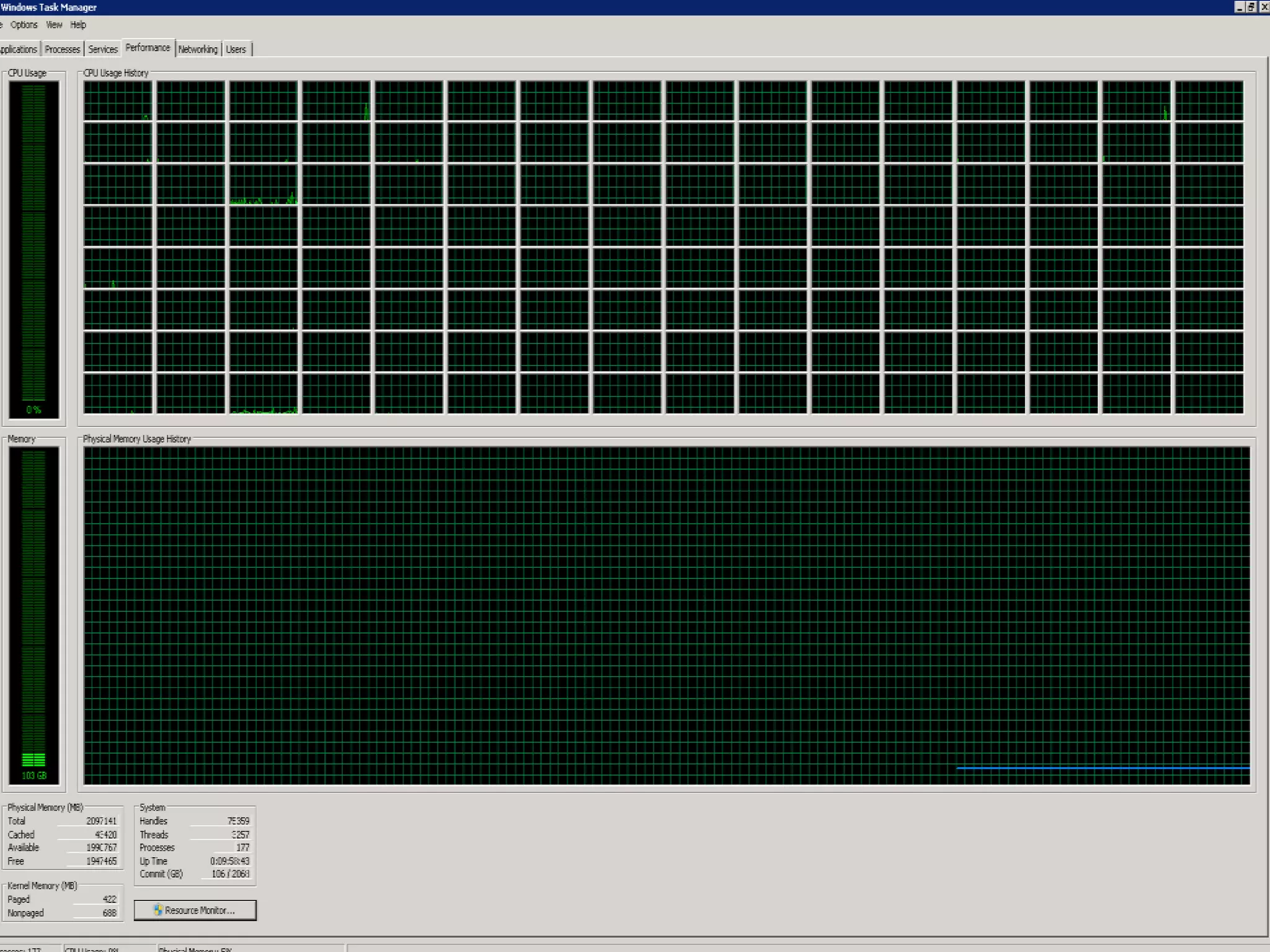
  The hardware - HP DL980 G7
       2TB RAM
       8x8-core Intel Xeon => 128 logical CPUs
       Storage – dedicated P2000 and XP24000
  The Software
       Windows Server 2008 R2 with SP1
       SQL Server 2008 R2 Enterprise with CU7


9 |
10 |
Let’s talk about reality - servicing

   T834 flag or why the engine is not booting up
   Patching and ugrade
        Upgrade from SQL Server 2005 to 2008 R2
           Approach
           Licensing
           Bugs


11 |
Let’s talk about reality - maintenance

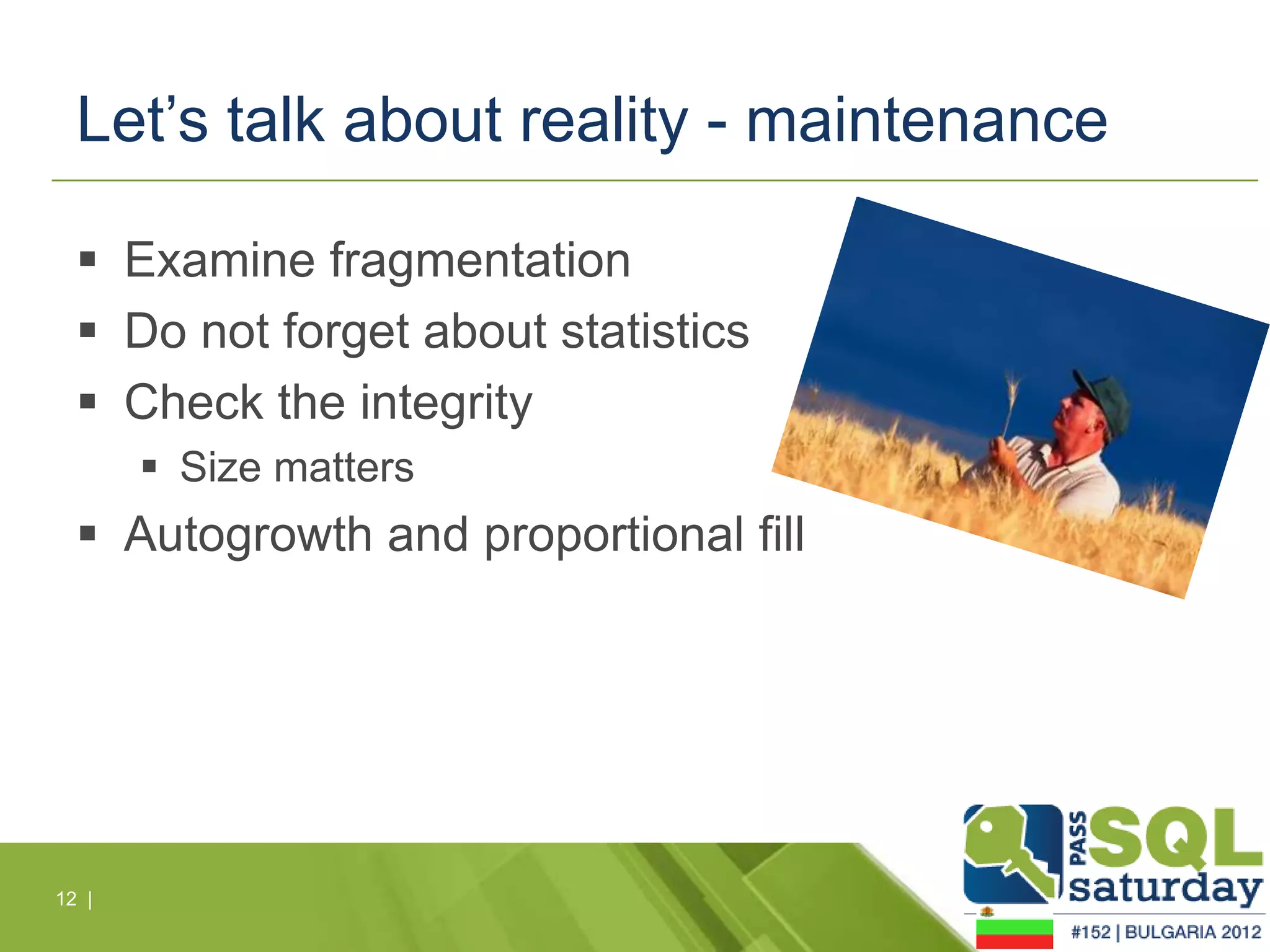
   Examine fragmentation
   Do not forget about statistics
   Check the integrity
        Size matters
   Autogrowth and proportional fill


12 |
Let’s talk about reality - compression

   Estimate compression gain
   Compress and keep compressing
   How do we reclaim the space?
        Moving object to new file
        Shrinking


13 |
IS THE BIGGER THE BETTER?


14 |
15 |
Sponsors

Is "the bigger the beter" valid in the database world

  • 1.
    Is “the biggerthe better” valid in the database world? Best practices around VLDBs HP FastTrack Solution Tips, tricks and gotchas with multi-TB databases
  • 2.
    About me IvanDonev, MCT SQL Server Technology Team Lead, HP 2 |
  • 3.
    Agenda  Introduction  Best practices in configuration  HP FastTrack Reference Architecture 4.0  Share the experience 3 |
  • 4.
    Introduction  Moredata  Needs larger hardware  Needs optmization  Needs time  Requires more responsiblities  More responsibilities  Need more attention  Require more knowledge  Give you more headaches 4 |
  • 5.
    Best practices -IO  Hardware - trust your vendor  Follow the Storage Top 10 Best Practices  HBA Queue Depth  TEST, TEST, TEST 5 |
  • 6.
    Best practices –SQL Server  Startup options  -E and T1117  T834?  MaxServerMemory  MaxDop – never leave it to 0  Local policy  Lock pages in memory  Perform Volume maintenance tasks  Resource governor! 6 |
  • 7.
    Best practices –Inside SQL Server  TempDB  Microsoft rules – 1 file per CPU  Experience  Partitioning  Compression – be careful!  Column Store index  Maintenance, maintenance, maintenance!!! 7 |
  • 8.
    HP FastTrack 4.0  Prebuild Hardware for best performance  Configuration Guide  Performance 8 |
  • 9.
    Let’s talk aboutreality  The hardware - HP DL980 G7  2TB RAM  8x8-core Intel Xeon => 128 logical CPUs  Storage – dedicated P2000 and XP24000  The Software  Windows Server 2008 R2 with SP1  SQL Server 2008 R2 Enterprise with CU7 9 |
  • 10.
  • 11.
    Let’s talk aboutreality - servicing  T834 flag or why the engine is not booting up  Patching and ugrade  Upgrade from SQL Server 2005 to 2008 R2  Approach  Licensing  Bugs 11 |
  • 12.
    Let’s talk aboutreality - maintenance  Examine fragmentation  Do not forget about statistics  Check the integrity  Size matters  Autogrowth and proportional fill 12 |
  • 13.
    Let’s talk aboutreality - compression  Estimate compression gain  Compress and keep compressing  How do we reclaim the space?  Moving object to new file  Shrinking 13 |
  • 14.
    IS THE BIGGERTHE BETTER? 14 |
  • 15.
  • 16.

Editor's Notes

  • #4 Some clarifications: we are talking about multiterabyte databases, running on high-end hardware and primarily DATAWAREHOUSE LOAD
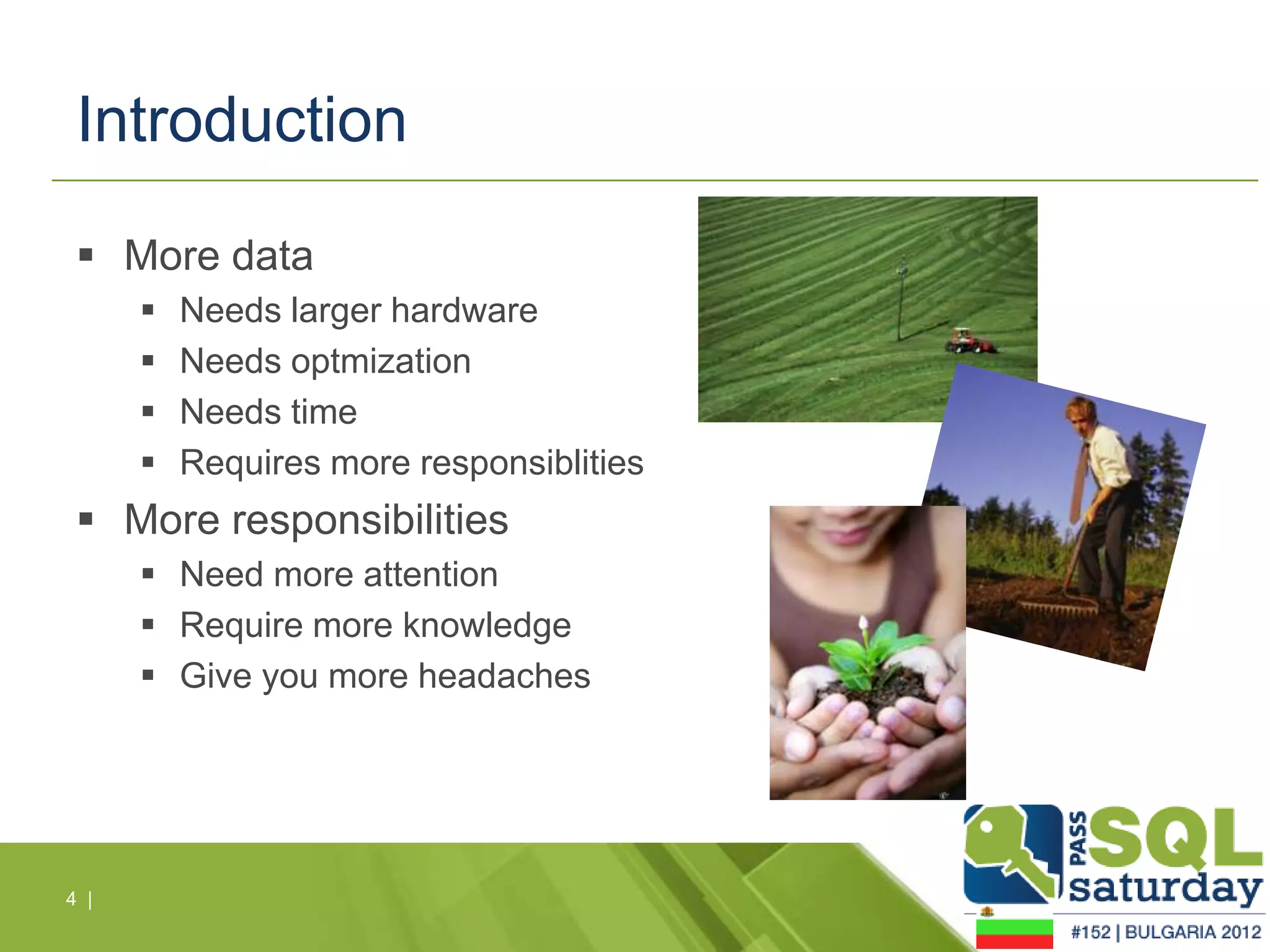
  • #5 The SQL Server environment is just like a garden – the more you want, the more you need to invest
  • #6 HARDWARE – use the vendors best practices for configuration; every vendor has a guide for SQL Server Best IO performanceTEST – use SQLIO to see if you have the performance needed RAID 10 for disks;Split data from log LUNs1 data file per LUN (use single LOG file) http://technet.microsoft.com/en-us/library/cc966534.aspx
  • #7 MAX Server Memory – Total Physical Memory – 4-8 GBs for the OSWith the -E startup option, an administrator can increase the number of extents allocated per file in the filegroup during each iteration of the round robin cycle used to distribute extents across files
  • #8 Lining up the number of data files with CPU’s has scalability advantages for allocation intensive workloads. It is recommended to have .25 to 1 data files (per filegroup) for each CPU on the host server. This is especially true for TEMPDB where the recommendation is 1 data file per CPU.Dual core counts as 2 CPUs; logical procs (hyperthreading) do not.
  • #9 HARDWARE - DL G7 Bades with MSA P2000 storage
  • #13 SIZE MATTERS – after 2008R2 SP1 you can take advantage from faster DBCC PHYSICAL_ONLY
  • #14 SIZE MATTERS – after 2008R2 SP1 you can take advantage from faster DBCC PHYSICAL_ONLY
  • #15 Do you need big?Do you want big?Can you handle big?