Apple Keynote 
June 2, 2014
INTRODUCTION 
The new mobile operating system developed by Apple and baptized IOS 8 was announced 
during annual Keynote by the brand dedicated to developers, WWDC on June 2nd, 2014. 
Numerous new features were announced and a beta version 2 is available for Apple developers. 
Apple also announced that several features of this new OS would be opened to developers, 
allowing them to increase the reach of their apps. 
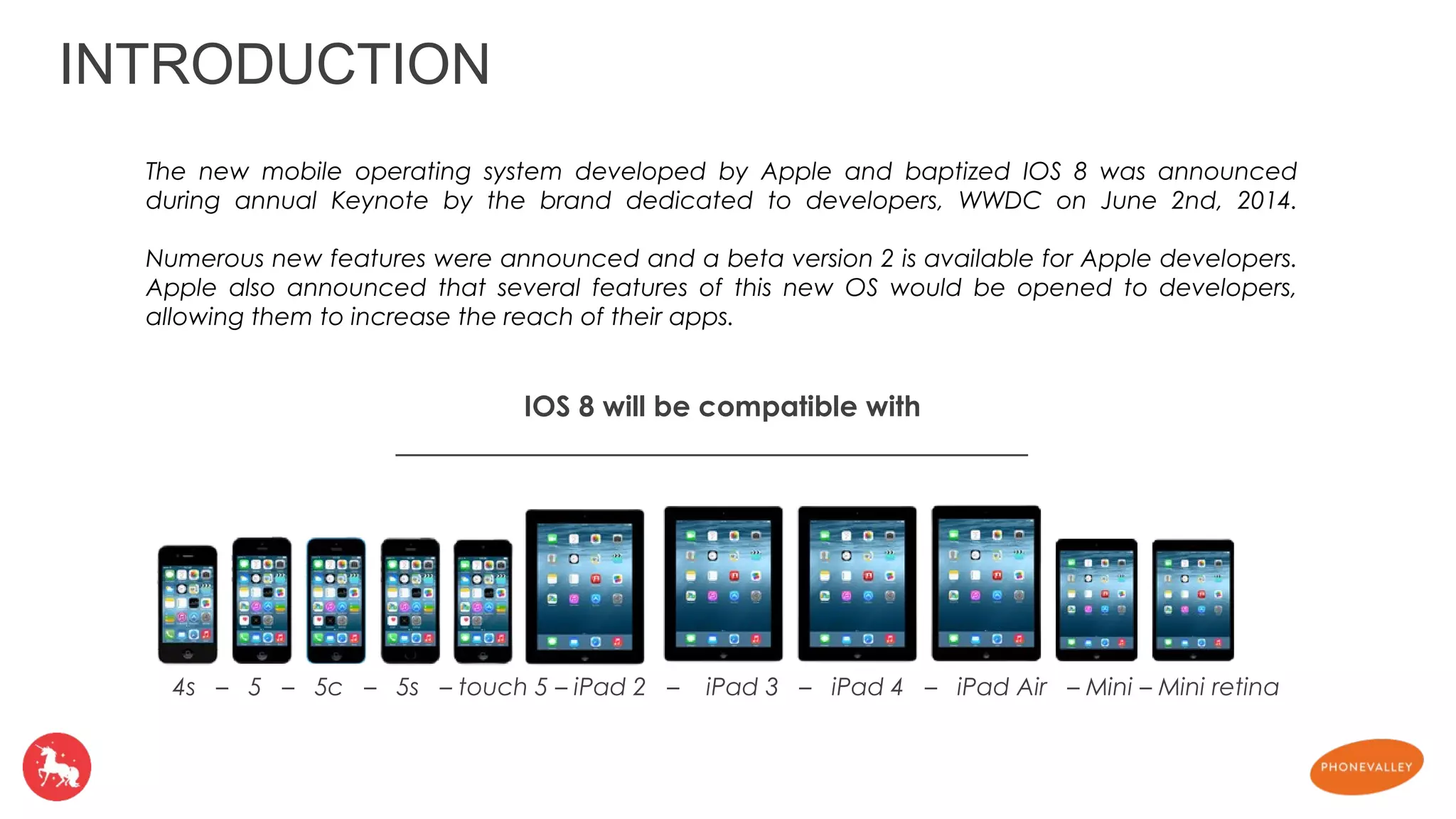
IOS 8 will be compatible with 
4s – 5 – 5c – 5s – touch 5 – iPad 2 – iPad 3 – iPad 4 – iPad Air – Mini – Mini retina
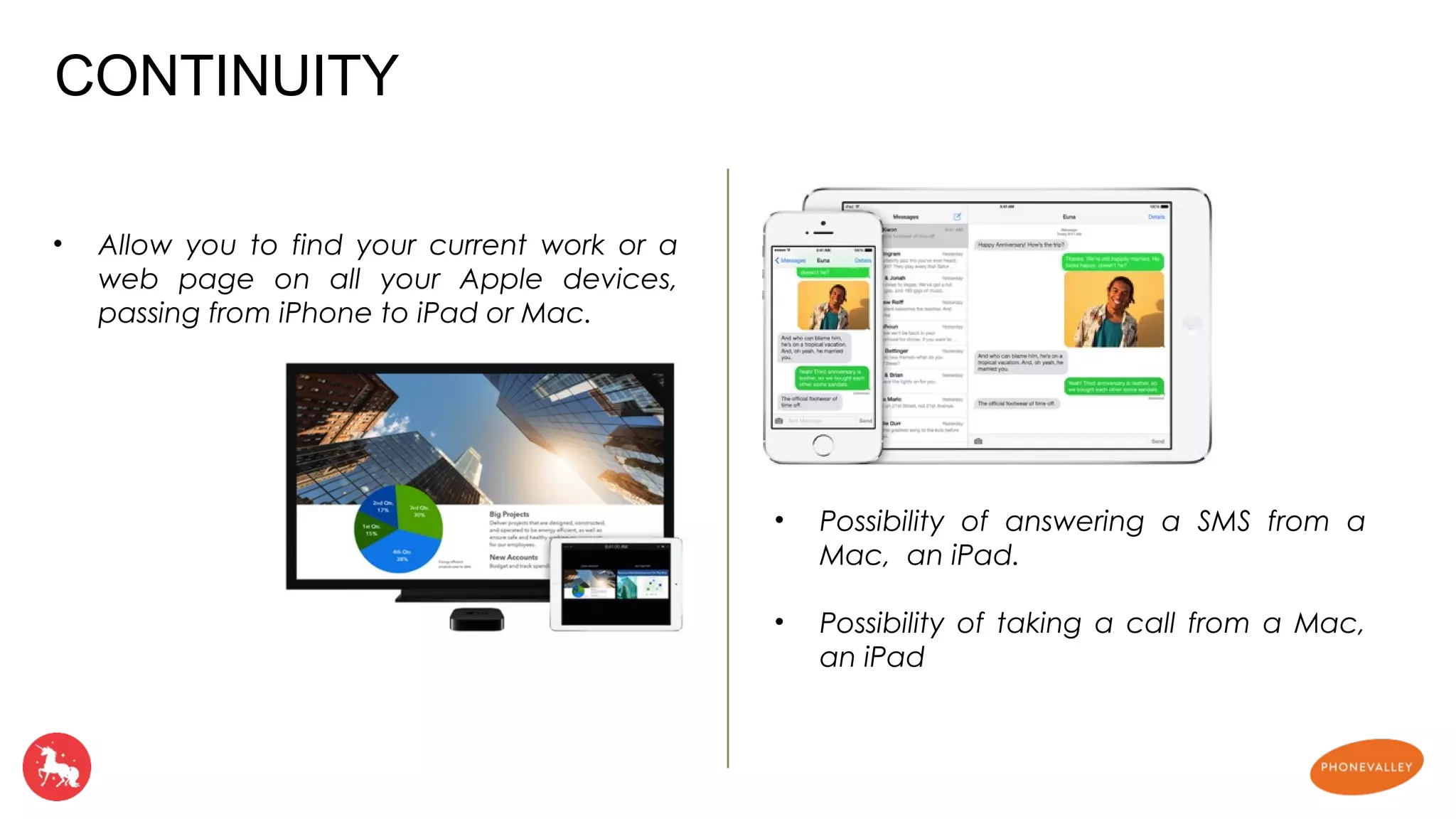
• Allow you to find your current work or a 
web page on all your Apple devices, 
passing from iPhone to iPad or Mac. 
• Possibility of answering a SMS from a 
Mac, an iPad. 
• Possibility of taking a call from a Mac, 
an iPad 
CONTINUITY
NOTIFICATION CENTER FAMILY SHARING 
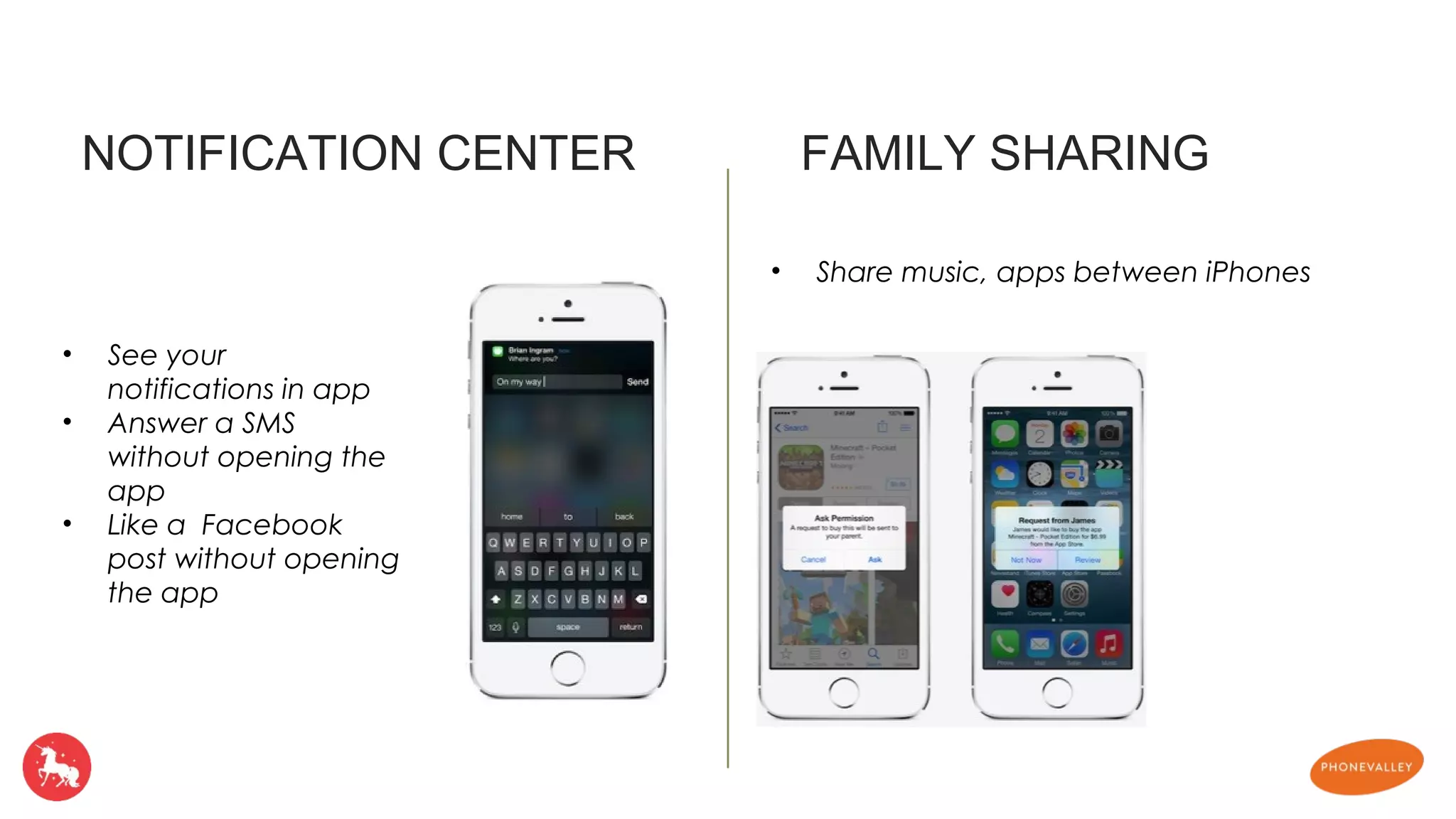
• See your 
notifications in app 
• Answer a SMS 
without opening the 
app 
• Like a Facebook 
post without opening 
the app 
• Share music, apps between iPhones
iMESSAGE SPOTLIGHT 
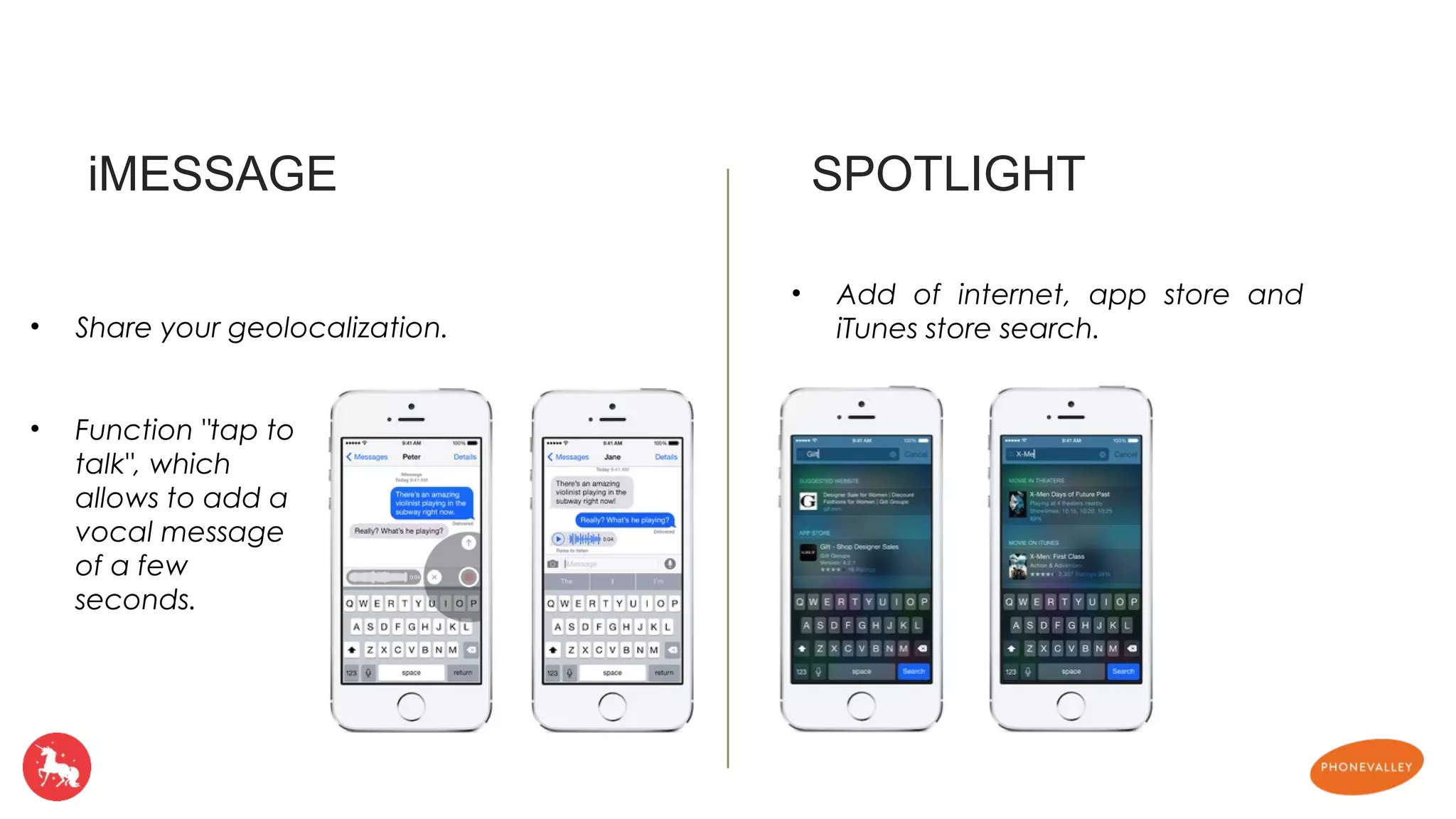
• Function "tap to 
talk", which 
allows to add a 
vocal message 
of a few 
seconds. 
• Add of internet, app store and 
• Share your geolocalization. iTunes store search.
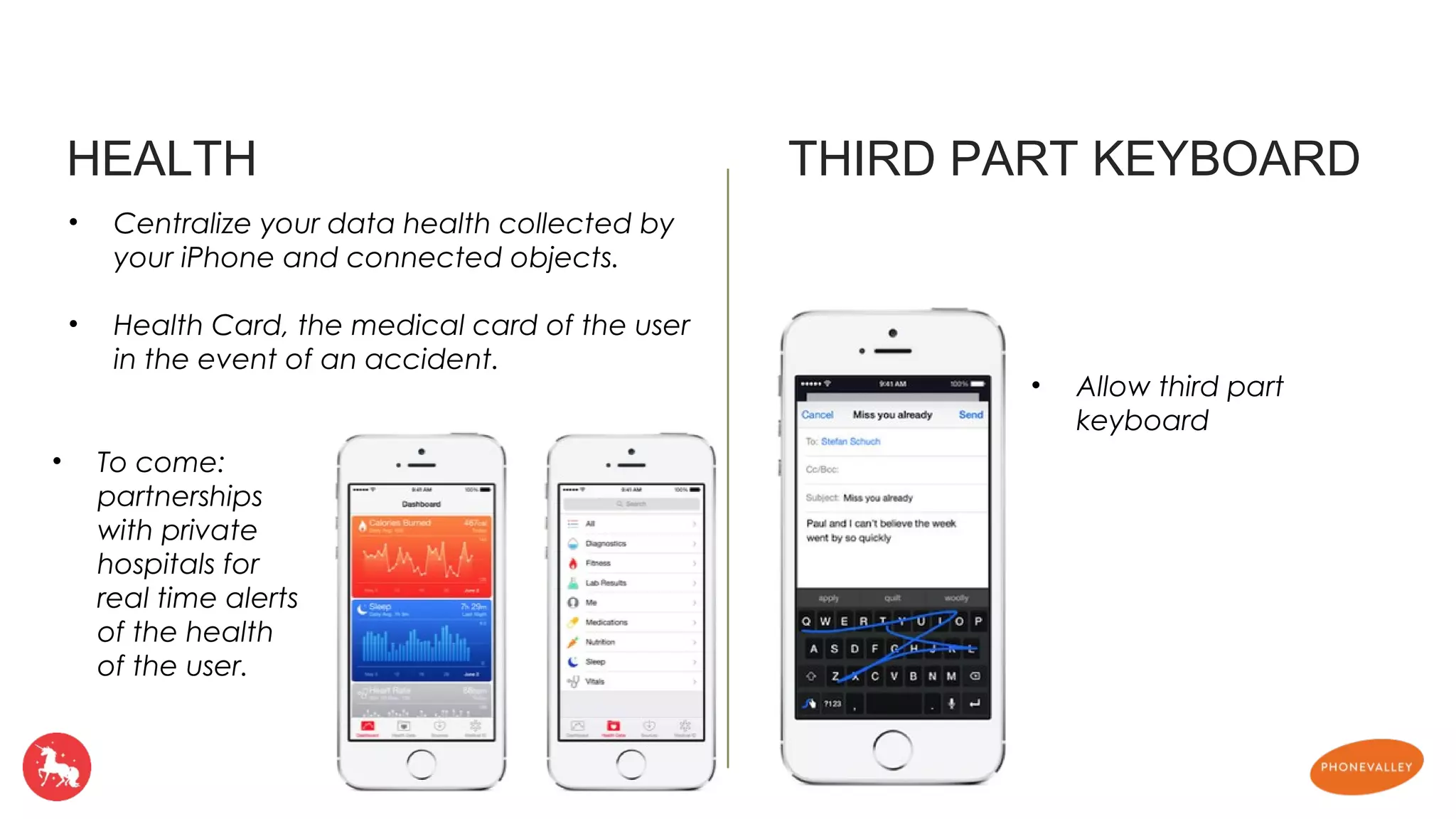
HEALTH THIRD PART KEYBOARD 
• Centralize your data health collected by 
your iPhone and connected objects. 
• Health Card, the medical card of the user 
in the event of an accident. 
• Allow third part 
keyboard 
• To come: 
partnerships 
with private 
hospitals for 
real time alerts 
of the health 
of the user.
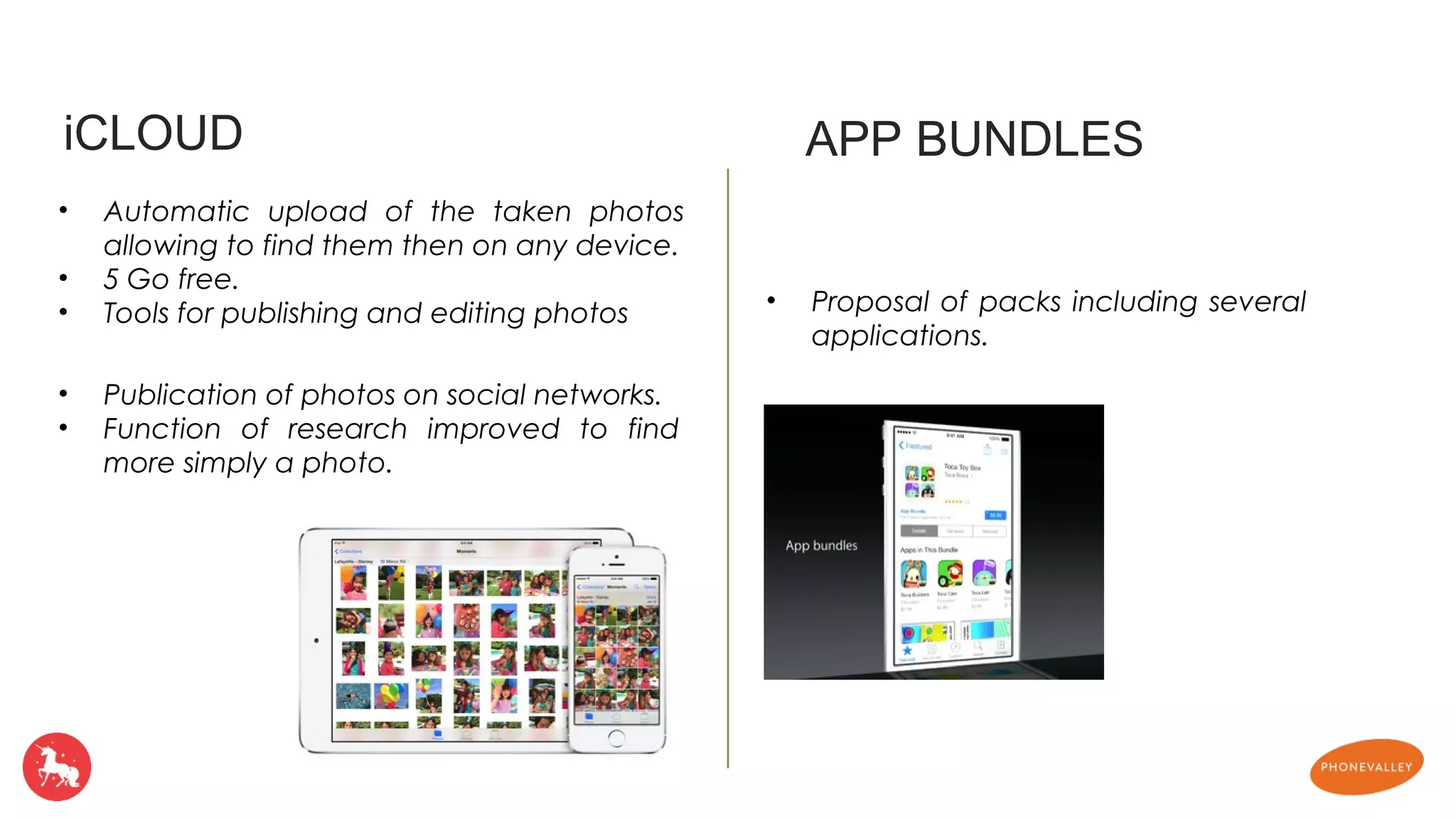
iCLOUD APP BUNDLES 
• Automatic upload of the taken photos 
allowing to find them then on any device. 
• 5 Go free. 
• Tools for publishing and editing photos • Proposal of packs including several 
applications. 
• Publication of photos on social networks. 
• Function of research improved to find 
more simply a photo.
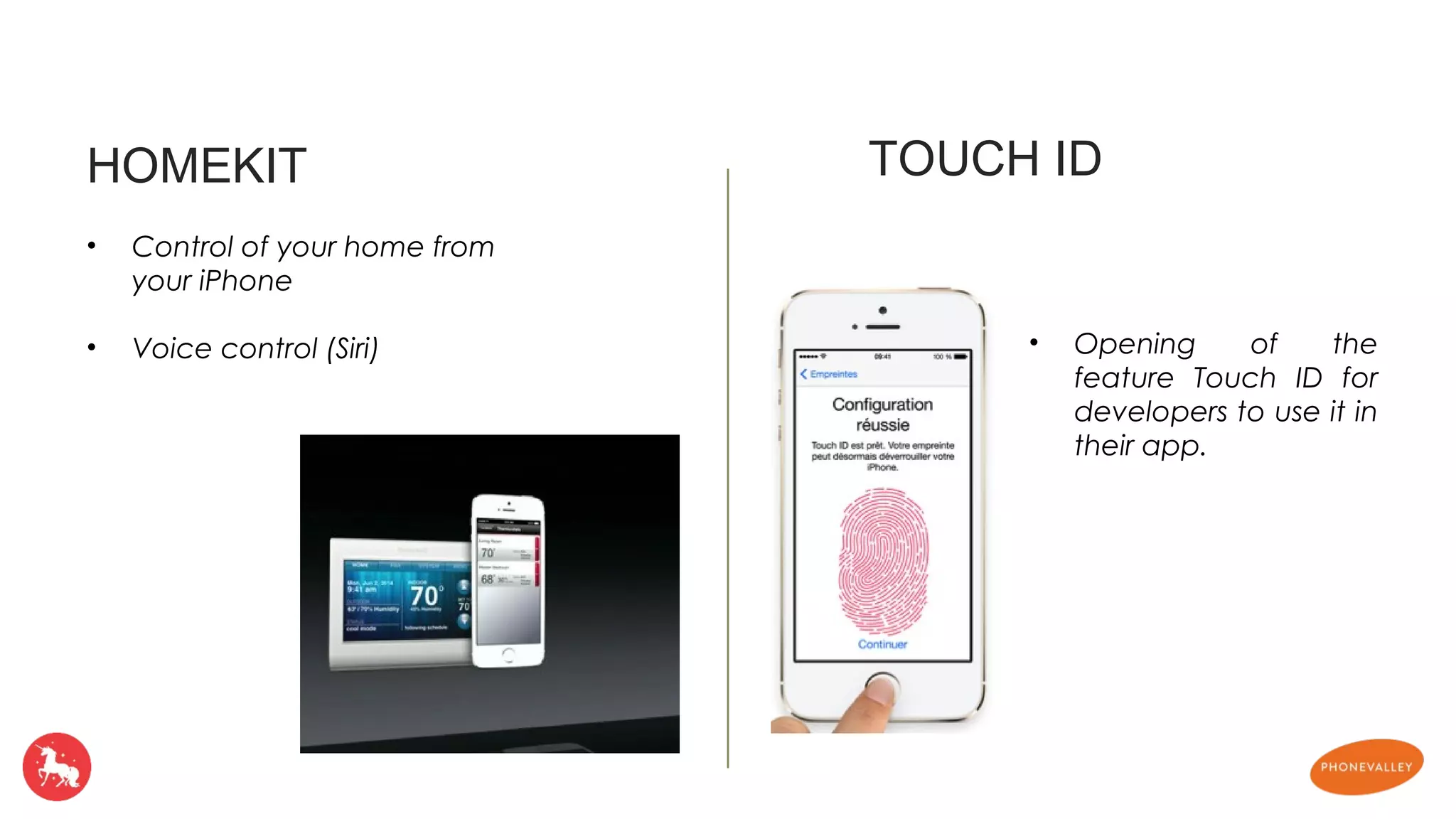
HOMEKIT TOUCH ID 
• Opening of the 
feature Touch ID for 
developers to use it in 
their app. 
• Control of your home from 
your iPhone 
• Voice control (Siri)
• The weather app now use The Weather 
Channel wich is more relevent. 
• The notification center have two tabs : Today 
and Notifications 
• The camera app can modify the light and the 
color to improve the result 
• Multitasking displays the last contacts, with 
possibility of calling them or leaving them a 
message. 
• The notifications become interactive. It is 
possible to answer a message received without 
leaving the application. 
• Speed of taking photos increased, add of a 
retarder of 3 or 10 seconds, gust mode and 
Time Lapse function. 
• Consult your detailed consumption of battery 
• Compatibility Mac / IPhone / IPad for Air drop 
• Pause a call on FaceTime, discussion in 
several 
• Integration of Shazam to Siri 
• DuckDuckGo as additional search engine 
• On the locked screen, possibility of making 
actions on the notifications 
• In the E-mail application, it is now possible to 
receive a notification Push for a particular 
email with the function" warn Me ". 
• In the opening screen of Safari, you find your 
most visited sites. 
• Safari is now capable of scanning a bar code 
• Play air becomes peer to peer 
Other news
Apple open the power of his OS 
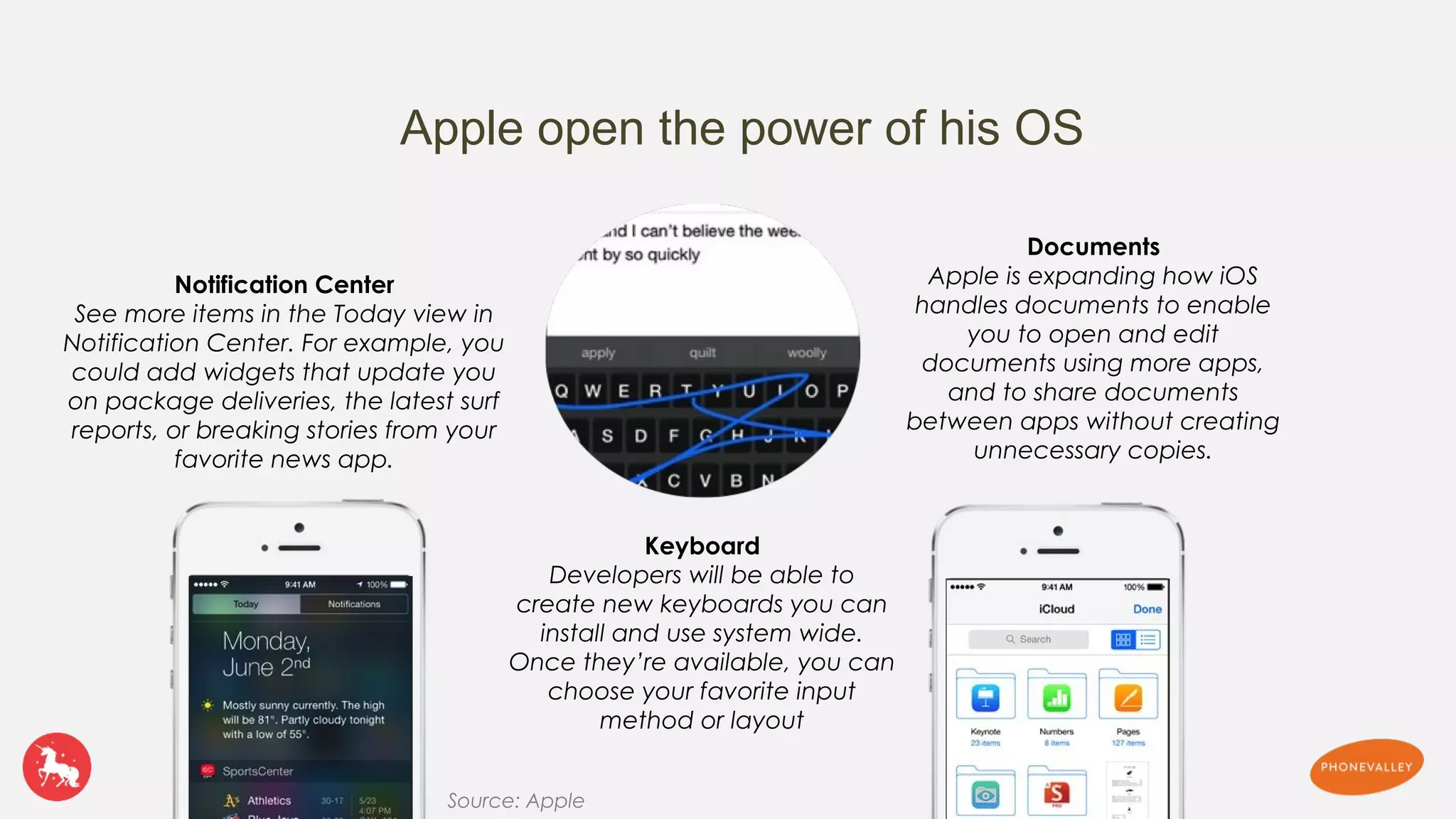
Notification Center 
See more items in the Today view in 
Notification Center. For example, you 
could add widgets that update you 
on package deliveries, the latest surf 
reports, or breaking stories from your 
favorite news app. 
Keyboard 
Developers will be able to 
create new keyboards you can 
install and use system wide. 
Once they’re available, you can 
choose your favorite input 
method or layout 
Documents 
Apple is expanding how iOS 
handles documents to enable 
you to open and edit 
documents using more apps, 
and to share documents 
between apps without creating 
unnecessary copies. 
Source: Apple
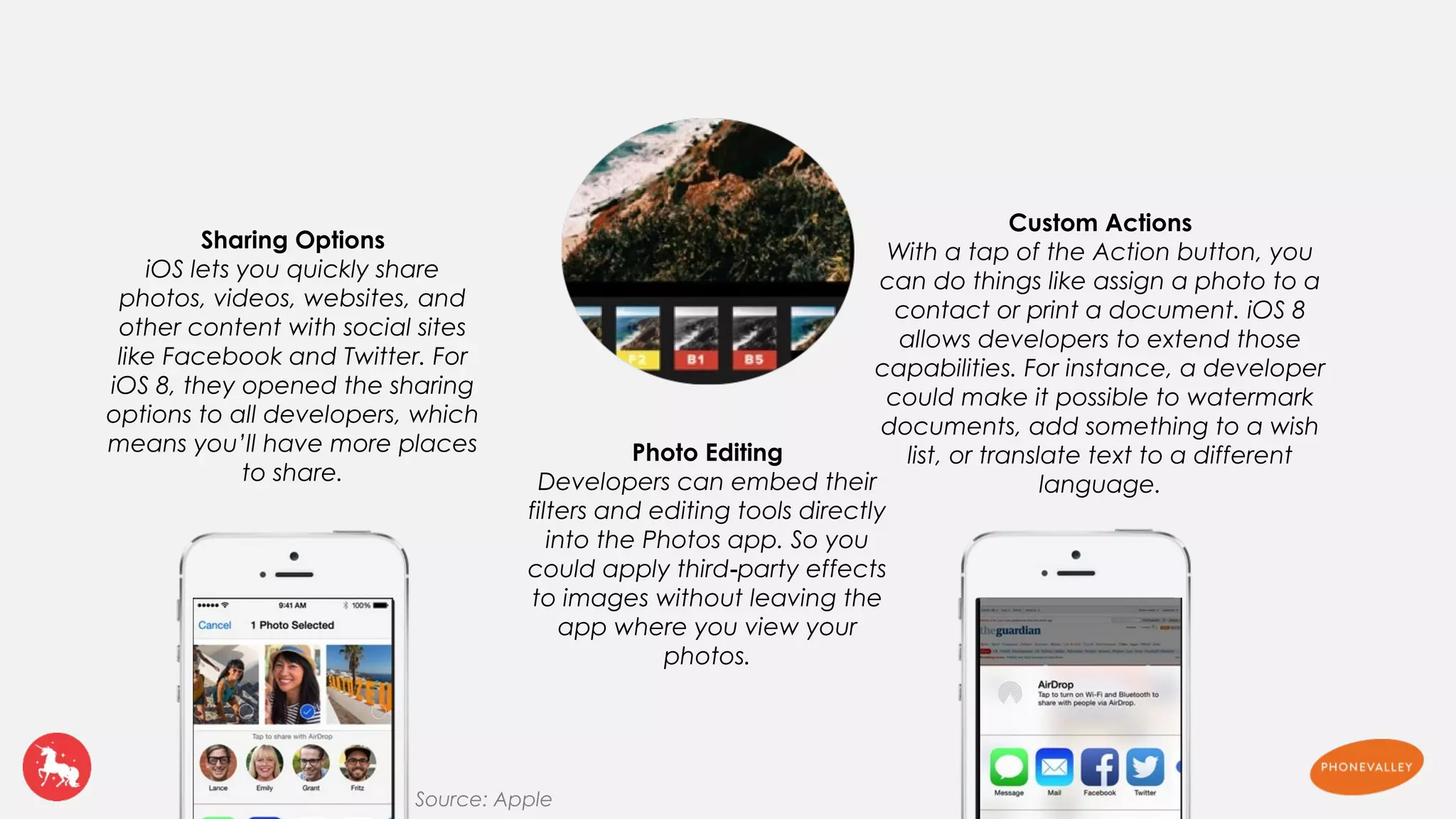
Sharing Options 
iOS lets you quickly share 
photos, videos, websites, and 
other content with social sites 
like Facebook and Twitter. For 
iOS 8, they opened the sharing 
options to all developers, which 
means you’ll have more places 
to share. 
Photo Editing 
Developers can embed their 
filters and editing tools directly 
into the Photos app. So you 
could apply third‑party effects 
to images without leaving the 
app where you view your 
photos. 
Custom Actions 
With a tap of the Action button, you 
can do things like assign a photo to a 
contact or print a document. iOS 8 
allows developers to extend those 
capabilities. For instance, a developer 
could make it possible to watermark 
documents, add something to a wish 
list, or translate text to a different 
language. 
Source: Apple
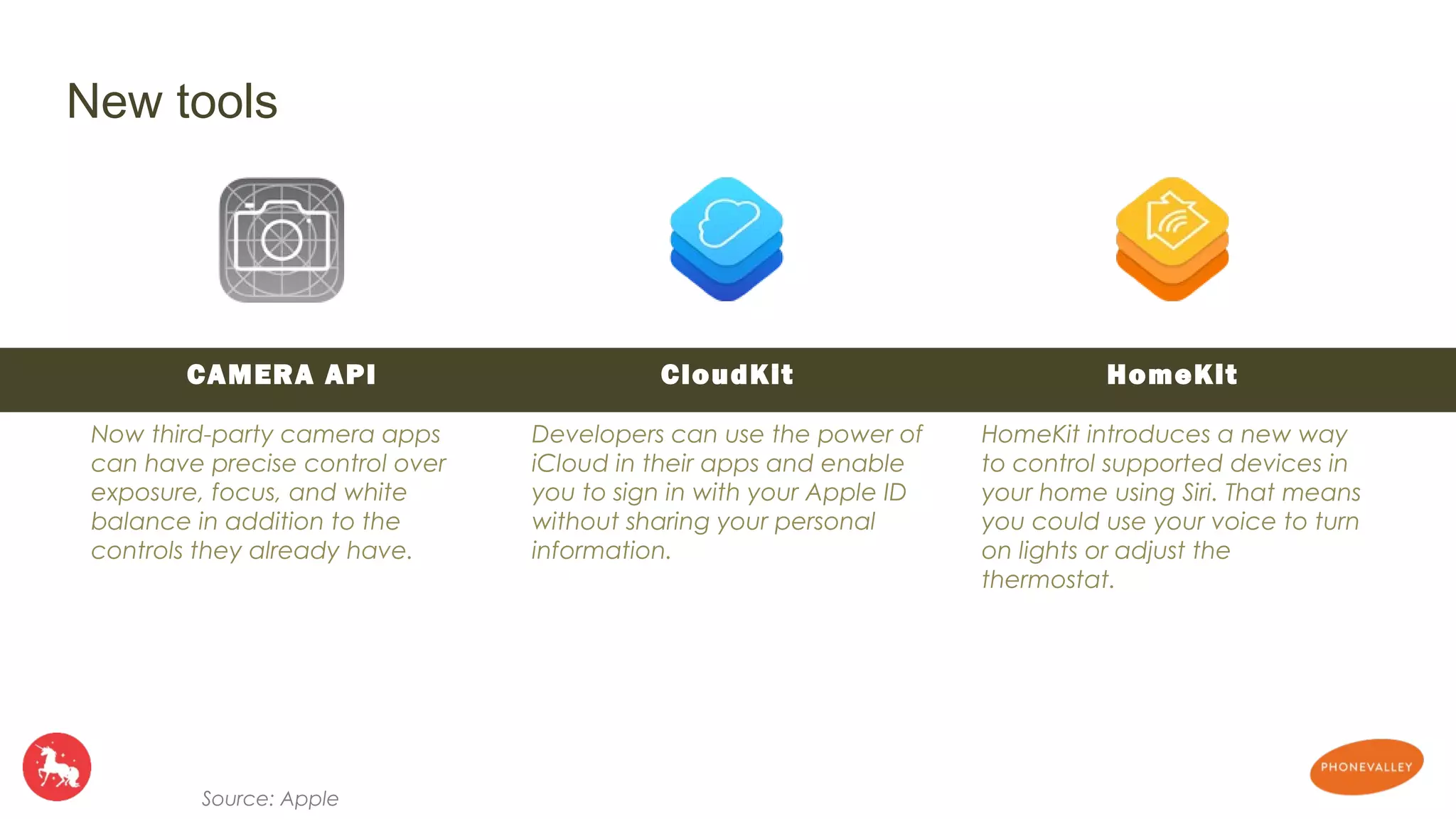
CAMERA API 
Now third-party camera apps 
can have precise control over 
exposure, focus, and white 
balance in addition to the 
controls they already have. 
HomeKit 
HomeKit introduces a new way 
to control supported devices in 
your home using Siri. That means 
you could use your voice to turn 
on lights or adjust the 
thermostat. 
CloudKit 
Developers can use the power of 
iCloud in their apps and enable 
you to sign in with your Apple ID 
without sharing your personal 
information. 
New tools 
Source: Apple
New tools 
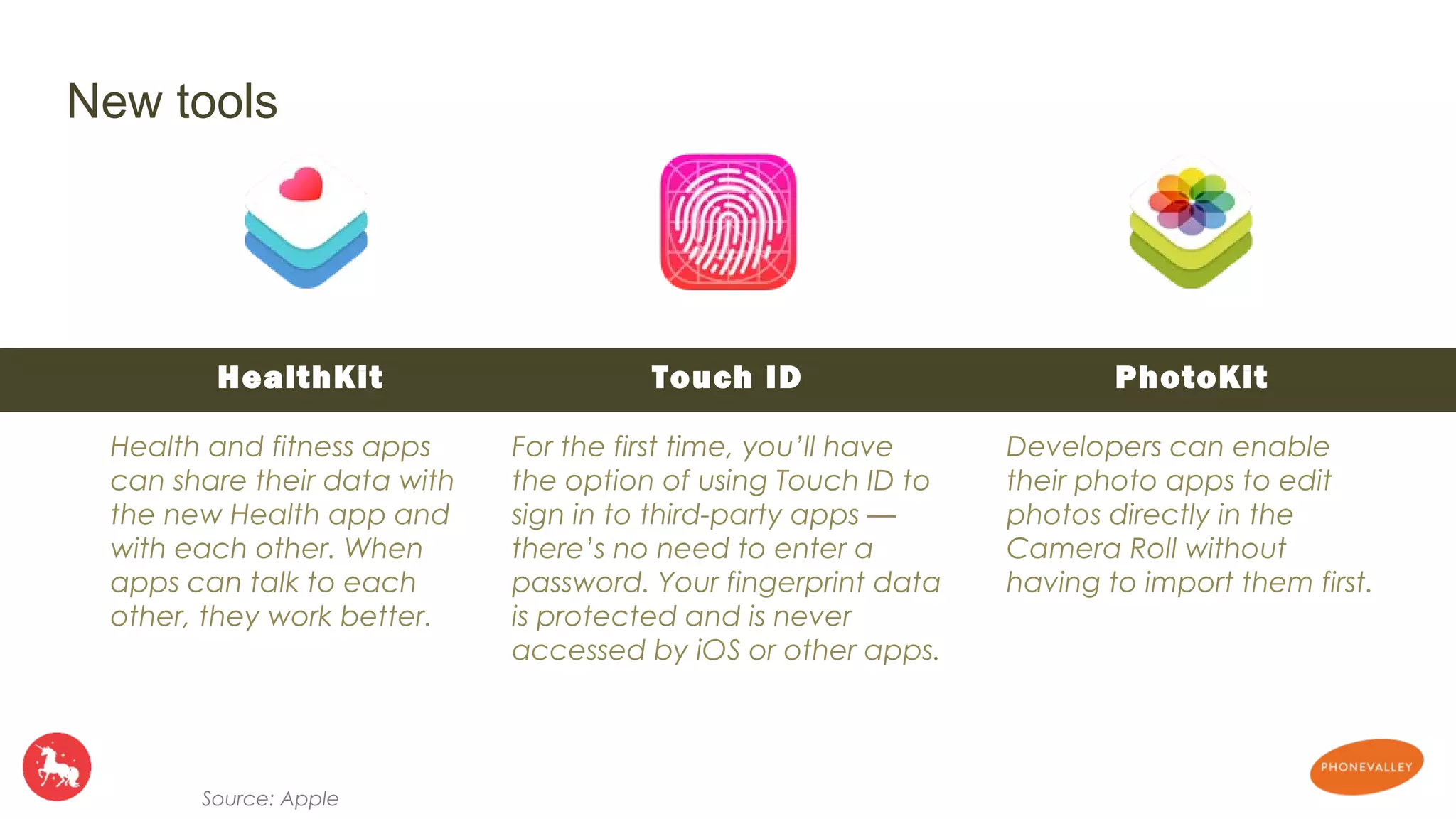
HealthKit 
Health and fitness apps 
can share their data with 
the new Health app and 
with each other. When 
apps can talk to each 
other, they work better. 
Source: Apple 
Touch ID 
For the first time, you’ll have 
the option of using Touch ID to 
sign in to third-party apps — 
there’s no need to enter a 
password. Your fingerprint data 
is protected and is never 
accessed by iOS or other apps. 
PhotoKit 
Developers can enable 
their photo apps to edit 
photos directly in the 
Camera Roll without 
having to import them first.
New gaming technologie 
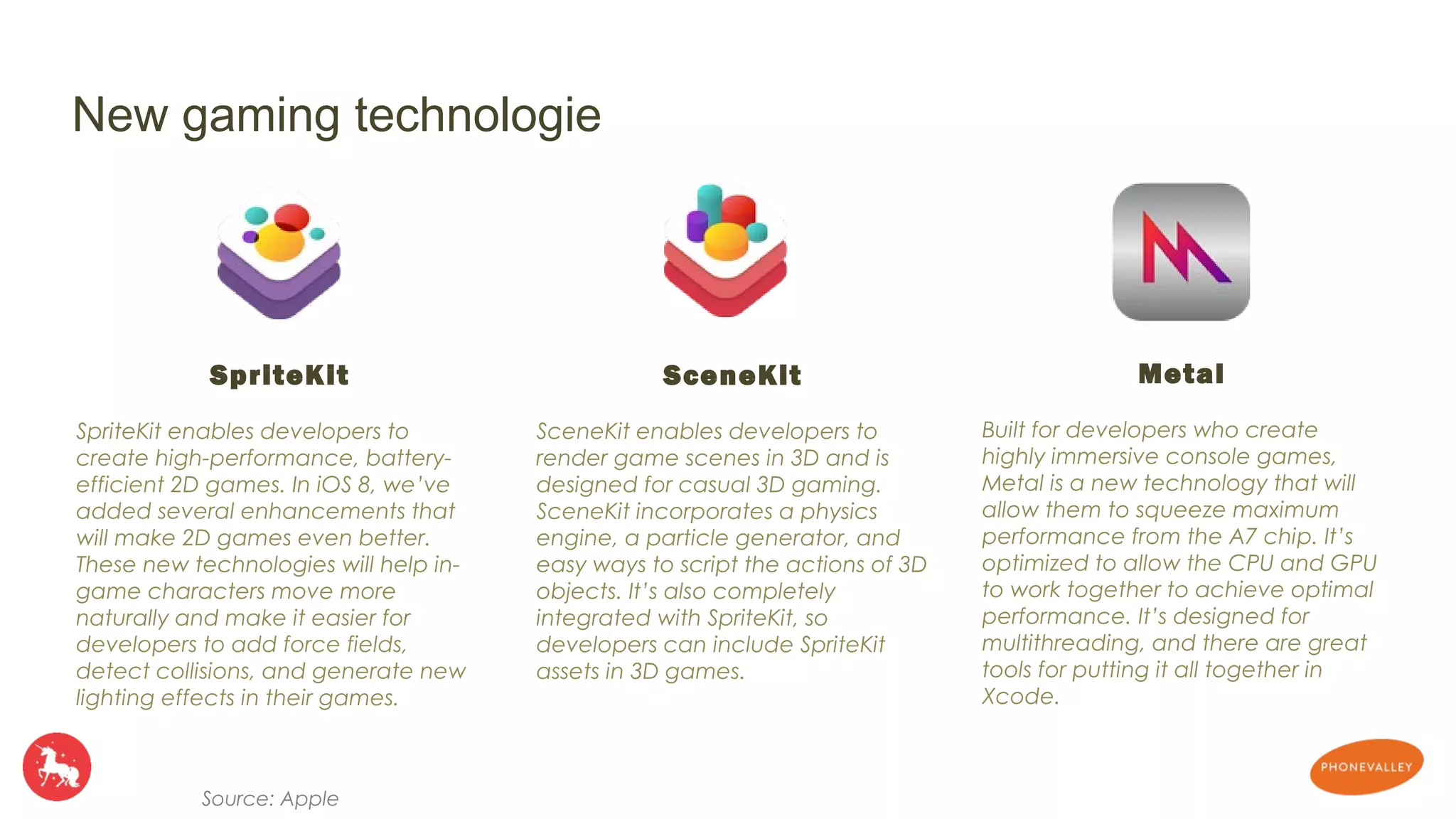
SpriteKit 
SpriteKit enables developers to 
create high-performance, battery-efficient 
2D games. In iOS 8, we’ve 
added several enhancements that 
will make 2D games even better. 
These new technologies will help in-game 
characters move more 
naturally and make it easier for 
developers to add force fields, 
detect collisions, and generate new 
lighting effects in their games. 
Source: Apple 
SceneKit 
SceneKit enables developers to 
render game scenes in 3D and is 
designed for casual 3D gaming. 
SceneKit incorporates a physics 
engine, a particle generator, and 
easy ways to script the actions of 3D 
objects. It’s also completely 
integrated with SpriteKit, so 
developers can include SpriteKit 
assets in 3D games. 
Metal 
Built for developers who create 
highly immersive console games, 
Metal is a new technology that will 
allow them to squeeze maximum 
performance from the A7 chip. It’s 
optimized to allow the CPU and GPU 
to work together to achieve optimal 
performance. It’s designed for 
multithreading, and there are great 
tools for putting it all together in 
Xcode.
To spur the next generation of iOS apps, Apple introduce a new 
programming language: Swift. 
Swift is a programming language introduced by Apple for the conception of the applications and 
which run on Mac OSX and devices under iOS. Apple conceived Swift to be easy to use while 
maintaining the speed and the flexibility of the languages compiled as C ++. 
Swift has all the power of Objective-C, but without the " liabilities of C ", declared Tim Cook to the 
public having presented the axes of comparison which show that the language Swift is faster than 
Python and more successful than Objective-C.
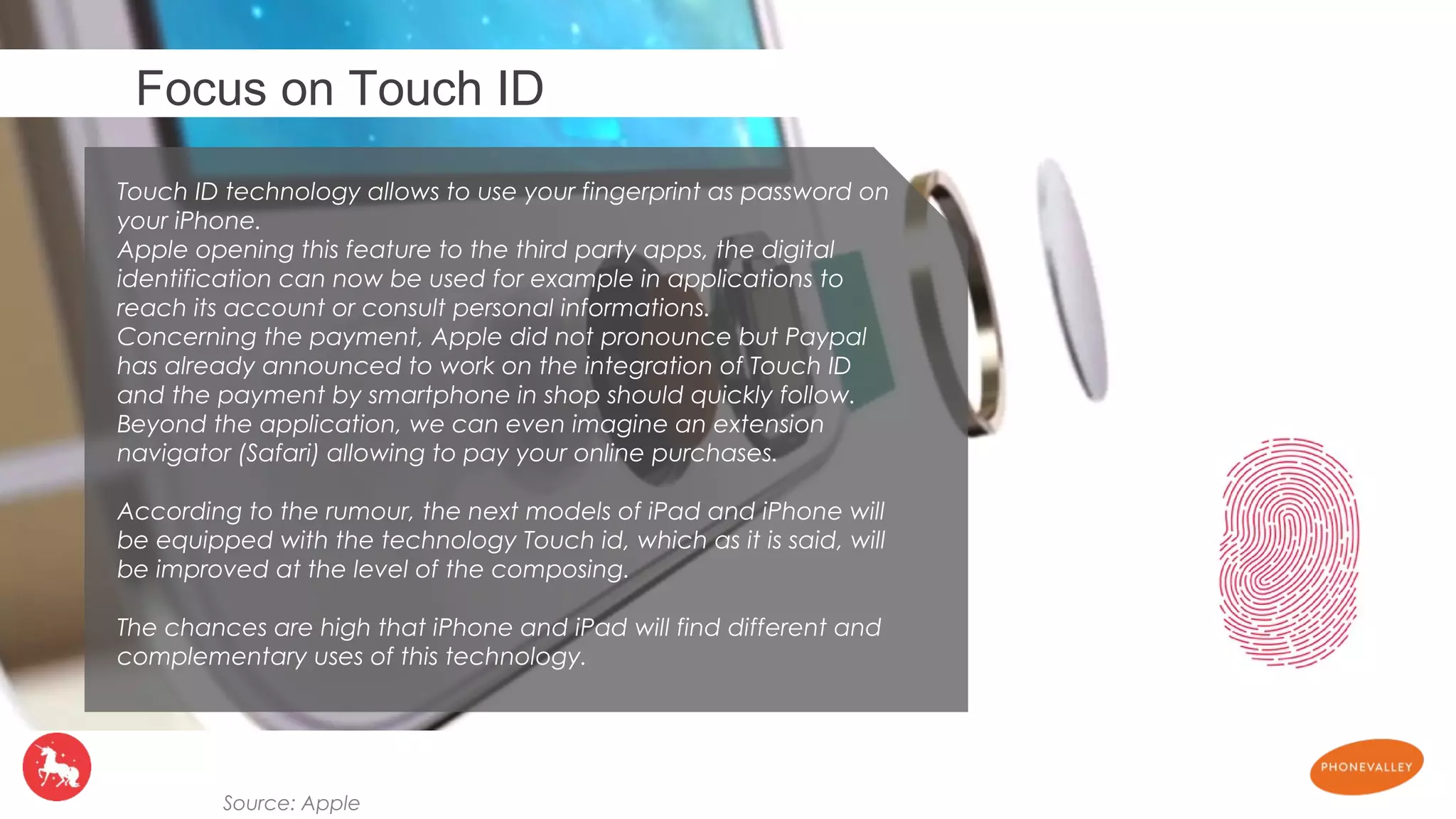
Focus on Touch ID 
Touch ID technology allows to use your fingerprint as password on 
your iPhone. 
Apple opening this feature to the third party apps, the digital 
identification can now be used for example in applications to 
reach its account or consult personal informations. 
Concerning the payment, Apple did not pronounce but Paypal 
has already announced to work on the integration of Touch ID 
and the payment by smartphone in shop should quickly follow. 
Beyond the application, we can even imagine an extension 
navigator (Safari) allowing to pay your online purchases. 
According to the rumour, the next models of iPad and iPhone will 
be equipped with the technology Touch id, which as it is said, will 
be improved at the level of the composing. 
The chances are high that iPhone and iPad will find different and 
complementary uses of this technology. 
Source: Apple
IOS8 tuto by Phonevalley-DigitasLBi

IOS8 tuto by Phonevalley-DigitasLBi

  • 1.
  • 2.
    INTRODUCTION The newmobile operating system developed by Apple and baptized IOS 8 was announced during annual Keynote by the brand dedicated to developers, WWDC on June 2nd, 2014. Numerous new features were announced and a beta version 2 is available for Apple developers. Apple also announced that several features of this new OS would be opened to developers, allowing them to increase the reach of their apps. IOS 8 will be compatible with 4s – 5 – 5c – 5s – touch 5 – iPad 2 – iPad 3 – iPad 4 – iPad Air – Mini – Mini retina
  • 3.
    • Allow youto find your current work or a web page on all your Apple devices, passing from iPhone to iPad or Mac. • Possibility of answering a SMS from a Mac, an iPad. • Possibility of taking a call from a Mac, an iPad CONTINUITY
  • 4.
    NOTIFICATION CENTER FAMILYSHARING • See your notifications in app • Answer a SMS without opening the app • Like a Facebook post without opening the app • Share music, apps between iPhones
  • 5.
    iMESSAGE SPOTLIGHT •Function "tap to talk", which allows to add a vocal message of a few seconds. • Add of internet, app store and • Share your geolocalization. iTunes store search.
  • 6.
    HEALTH THIRD PARTKEYBOARD • Centralize your data health collected by your iPhone and connected objects. • Health Card, the medical card of the user in the event of an accident. • Allow third part keyboard • To come: partnerships with private hospitals for real time alerts of the health of the user.
  • 7.
    iCLOUD APP BUNDLES • Automatic upload of the taken photos allowing to find them then on any device. • 5 Go free. • Tools for publishing and editing photos • Proposal of packs including several applications. • Publication of photos on social networks. • Function of research improved to find more simply a photo.
  • 8.
    HOMEKIT TOUCH ID • Opening of the feature Touch ID for developers to use it in their app. • Control of your home from your iPhone • Voice control (Siri)
  • 9.
    • The weatherapp now use The Weather Channel wich is more relevent. • The notification center have two tabs : Today and Notifications • The camera app can modify the light and the color to improve the result • Multitasking displays the last contacts, with possibility of calling them or leaving them a message. • The notifications become interactive. It is possible to answer a message received without leaving the application. • Speed of taking photos increased, add of a retarder of 3 or 10 seconds, gust mode and Time Lapse function. • Consult your detailed consumption of battery • Compatibility Mac / IPhone / IPad for Air drop • Pause a call on FaceTime, discussion in several • Integration of Shazam to Siri • DuckDuckGo as additional search engine • On the locked screen, possibility of making actions on the notifications • In the E-mail application, it is now possible to receive a notification Push for a particular email with the function" warn Me ". • In the opening screen of Safari, you find your most visited sites. • Safari is now capable of scanning a bar code • Play air becomes peer to peer Other news
  • 10.
    Apple open thepower of his OS Notification Center See more items in the Today view in Notification Center. For example, you could add widgets that update you on package deliveries, the latest surf reports, or breaking stories from your favorite news app. Keyboard Developers will be able to create new keyboards you can install and use system wide. Once they’re available, you can choose your favorite input method or layout Documents Apple is expanding how iOS handles documents to enable you to open and edit documents using more apps, and to share documents between apps without creating unnecessary copies. Source: Apple
  • 11.
    Sharing Options iOSlets you quickly share photos, videos, websites, and other content with social sites like Facebook and Twitter. For iOS 8, they opened the sharing options to all developers, which means you’ll have more places to share. Photo Editing Developers can embed their filters and editing tools directly into the Photos app. So you could apply third‑party effects to images without leaving the app where you view your photos. Custom Actions With a tap of the Action button, you can do things like assign a photo to a contact or print a document. iOS 8 allows developers to extend those capabilities. For instance, a developer could make it possible to watermark documents, add something to a wish list, or translate text to a different language. Source: Apple
  • 12.
    CAMERA API Nowthird-party camera apps can have precise control over exposure, focus, and white balance in addition to the controls they already have. HomeKit HomeKit introduces a new way to control supported devices in your home using Siri. That means you could use your voice to turn on lights or adjust the thermostat. CloudKit Developers can use the power of iCloud in their apps and enable you to sign in with your Apple ID without sharing your personal information. New tools Source: Apple
  • 13.
    New tools HealthKit Health and fitness apps can share their data with the new Health app and with each other. When apps can talk to each other, they work better. Source: Apple Touch ID For the first time, you’ll have the option of using Touch ID to sign in to third-party apps — there’s no need to enter a password. Your fingerprint data is protected and is never accessed by iOS or other apps. PhotoKit Developers can enable their photo apps to edit photos directly in the Camera Roll without having to import them first.
  • 14.
    New gaming technologie SpriteKit SpriteKit enables developers to create high-performance, battery-efficient 2D games. In iOS 8, we’ve added several enhancements that will make 2D games even better. These new technologies will help in-game characters move more naturally and make it easier for developers to add force fields, detect collisions, and generate new lighting effects in their games. Source: Apple SceneKit SceneKit enables developers to render game scenes in 3D and is designed for casual 3D gaming. SceneKit incorporates a physics engine, a particle generator, and easy ways to script the actions of 3D objects. It’s also completely integrated with SpriteKit, so developers can include SpriteKit assets in 3D games. Metal Built for developers who create highly immersive console games, Metal is a new technology that will allow them to squeeze maximum performance from the A7 chip. It’s optimized to allow the CPU and GPU to work together to achieve optimal performance. It’s designed for multithreading, and there are great tools for putting it all together in Xcode.
  • 15.
    To spur thenext generation of iOS apps, Apple introduce a new programming language: Swift. Swift is a programming language introduced by Apple for the conception of the applications and which run on Mac OSX and devices under iOS. Apple conceived Swift to be easy to use while maintaining the speed and the flexibility of the languages compiled as C ++. Swift has all the power of Objective-C, but without the " liabilities of C ", declared Tim Cook to the public having presented the axes of comparison which show that the language Swift is faster than Python and more successful than Objective-C.
  • 16.
    Focus on TouchID Touch ID technology allows to use your fingerprint as password on your iPhone. Apple opening this feature to the third party apps, the digital identification can now be used for example in applications to reach its account or consult personal informations. Concerning the payment, Apple did not pronounce but Paypal has already announced to work on the integration of Touch ID and the payment by smartphone in shop should quickly follow. Beyond the application, we can even imagine an extension navigator (Safari) allowing to pay your online purchases. According to the rumour, the next models of iPad and iPhone will be equipped with the technology Touch id, which as it is said, will be improved at the level of the composing. The chances are high that iPhone and iPad will find different and complementary uses of this technology. Source: Apple