r3df.com
Rick Radko Christie Witt
Twitter: @r3designforge
creativechristie.ca
Instagram: @creativechristabelle
Introduction to WordPress
for Beginners
July 9th, 2019
Slides: slideshare.net/r3df
© 2019 Rick Radko, r3df.com
We are:
Rick Radko – R-Cubed Design Forge
 Software, web and app designer/developer, trainer, speaker.
 Creating custom web sites and web applications since 1996,
and WordPress sites since 2008.
 WordCamp Ottawa and Ottawa WordPress Meetup Founder.
Christie Witt - Creative Christie
 Lead designer for the Canadian Physiotherapy Association in
Ottawa.
 Member of the WordCamp Ottawa organizing team since
2017.
 Speaker at WordCamp Toronto, WordCamp Ottawa and the
1
© 2019 Rick Radko, r3df.com
Introduction to WordPress: Goals
Goals for this session:
Get familiar with WordPress:
 Terms
 Features
 Concepts
 Visual aspects
 Hidden gems
Slides: slideshare.net/r3df
2
© 2019 Rick Radko, r3df.com
Contents - Part 1
1. About WordPress
2. WordPress site orientation
3. Posts and pages
4. The settings panel
5. Menus
6. Resources
7. Plugins
3
© 2019 Rick Radko, r3df.com
Contents - Part 2
8. Themes
9. Widgets
10. Users
11. Maintenance
12. Page Builders – if time
Break – Around 8:30 for 8-10 min
4
© 2019 Rick Radko, r3df.com
About WordPress
5
© 2019 Rick Radko, r3df.com
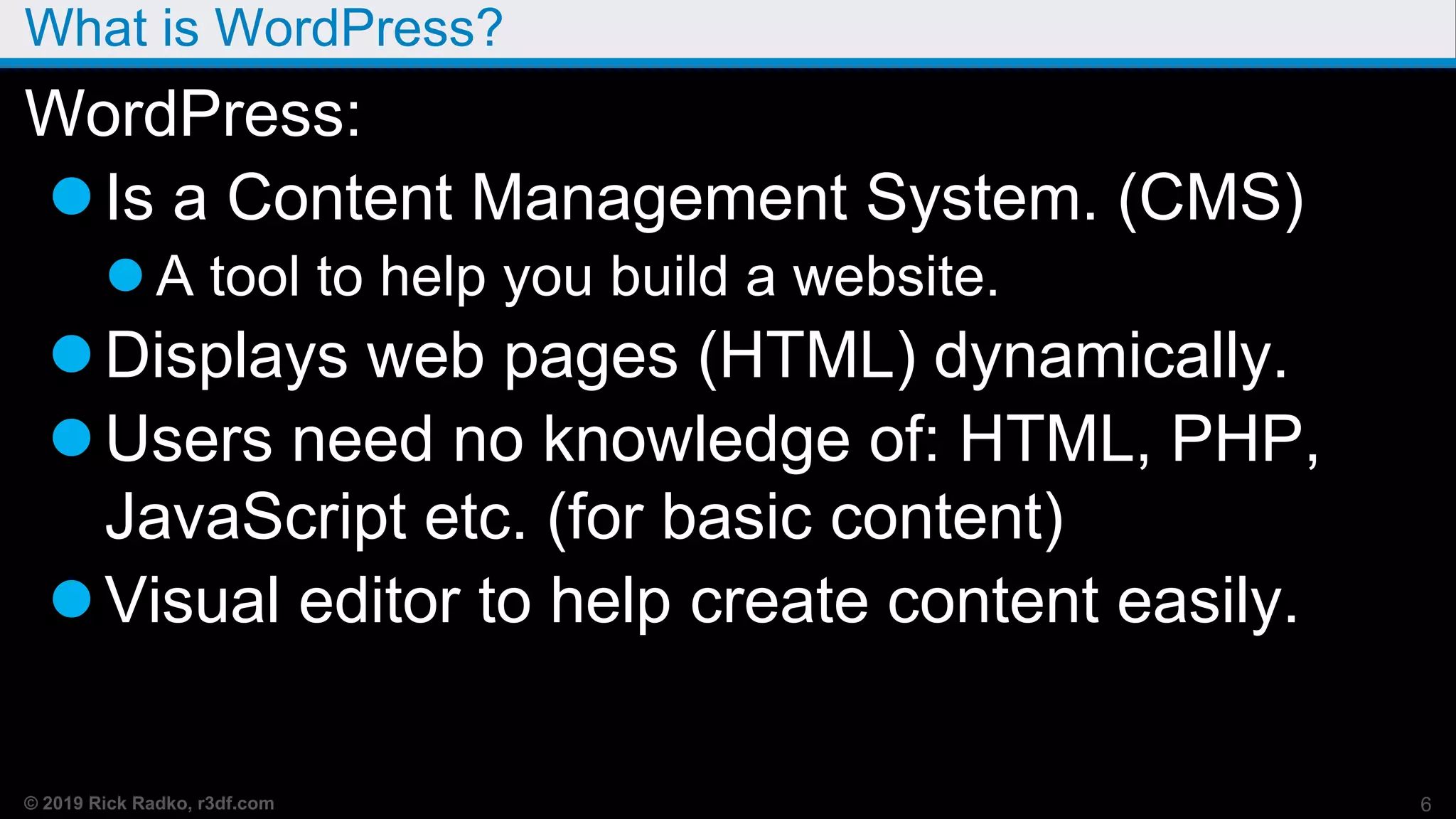
What is WordPress?
WordPress:
Is a Content Management System. (CMS)
 A tool to help you build a website.
Displays web pages (HTML) dynamically.
Users need no knowledge of: HTML, PHP,
JavaScript etc. (for basic content)
Visual editor to help create content easily.
6
© 2019 Rick Radko, r3df.com
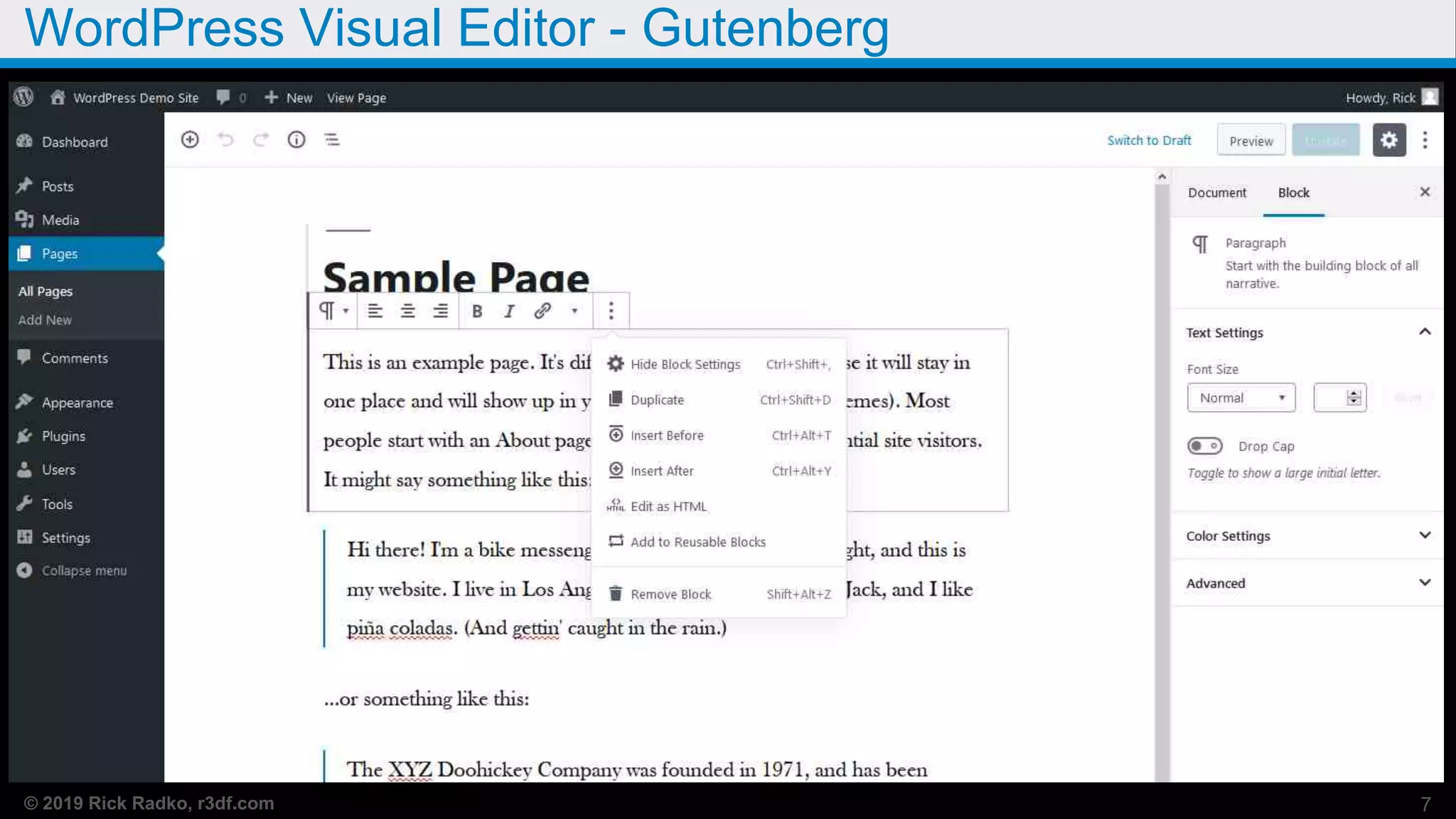
WordPress Visual Editor - Gutenberg
7
© 2019 Rick Radko, r3df.com
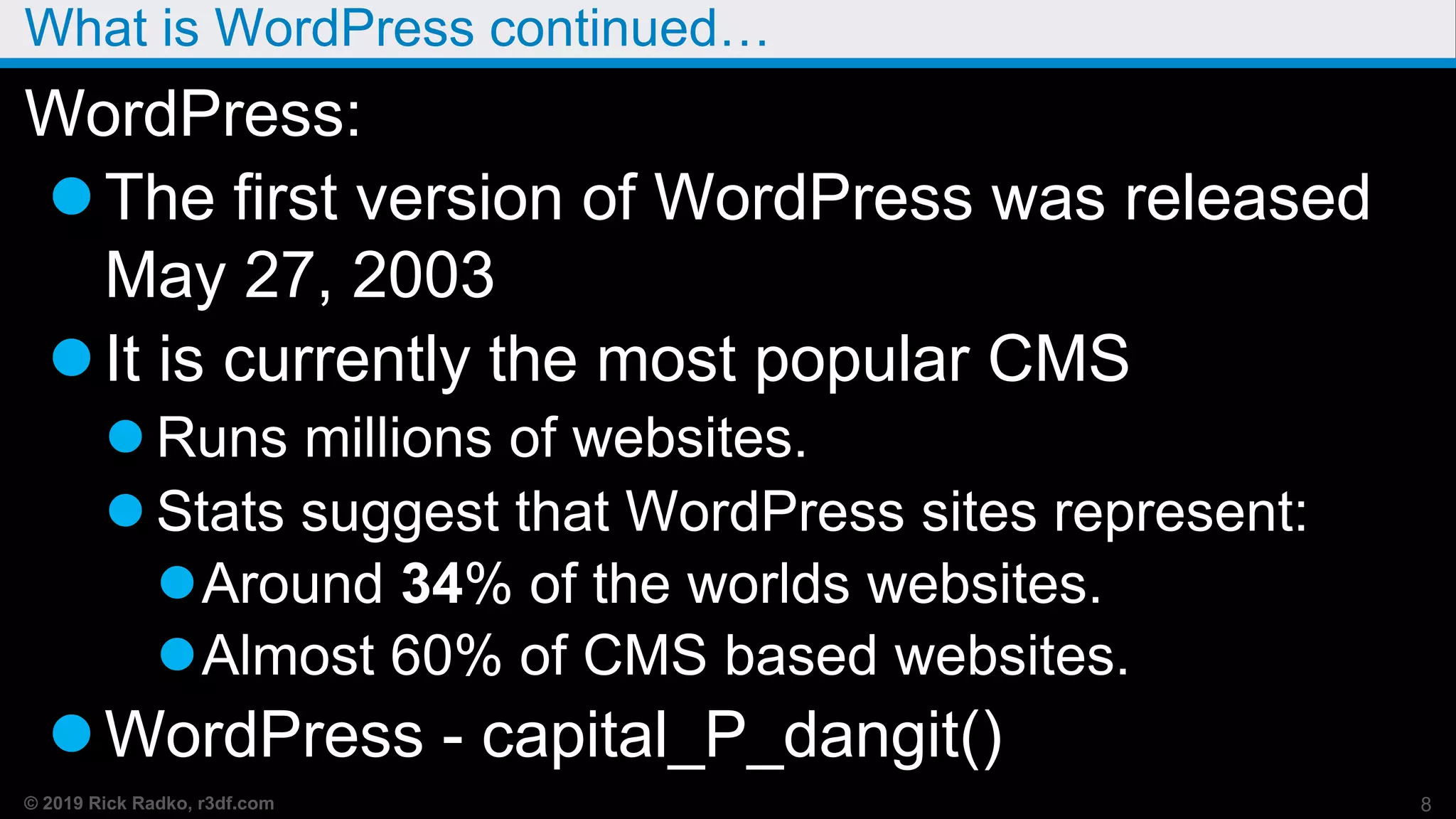
What is WordPress continued…
WordPress:
The first version of WordPress was released
May 27, 2003
It is currently the most popular CMS
 Runs millions of websites.
 Stats suggest that WordPress sites represent:
Around 34% of the worlds websites.
Almost 60% of CMS based websites.
WordPress - capital_P_dangit()
8
© 2019 Rick Radko, r3df.com
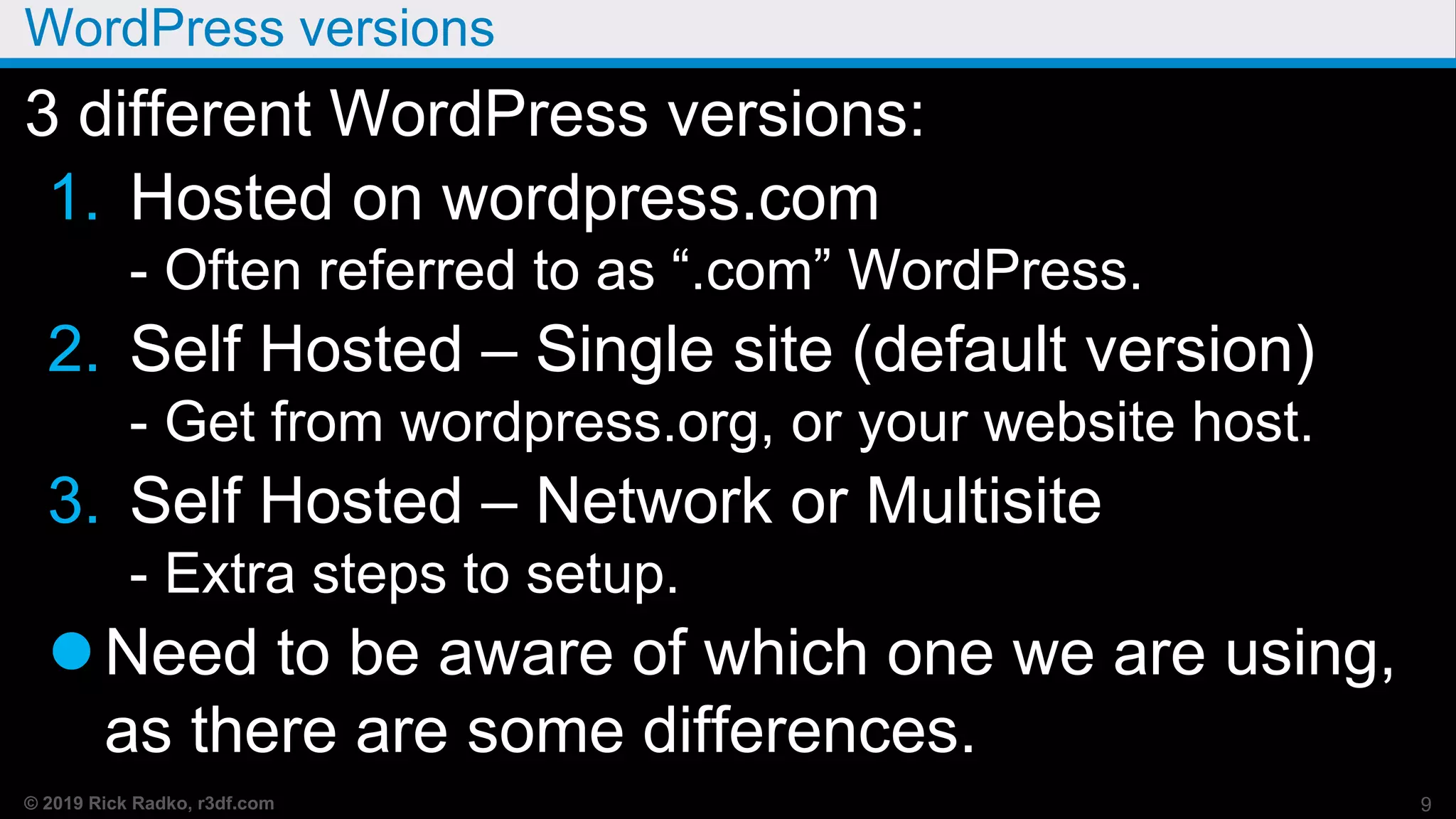
WordPress versions
3 different WordPress versions:
1. Hosted on wordpress.com
- Often referred to as “.com” WordPress.
2. Self Hosted – Single site (default version)
- Get from wordpress.org, or your website host.
3. Self Hosted – Network or Multisite
- Extra steps to setup.
Need to be aware of which one we are using,
as there are some differences.
9
© 2019 Rick Radko, r3df.com
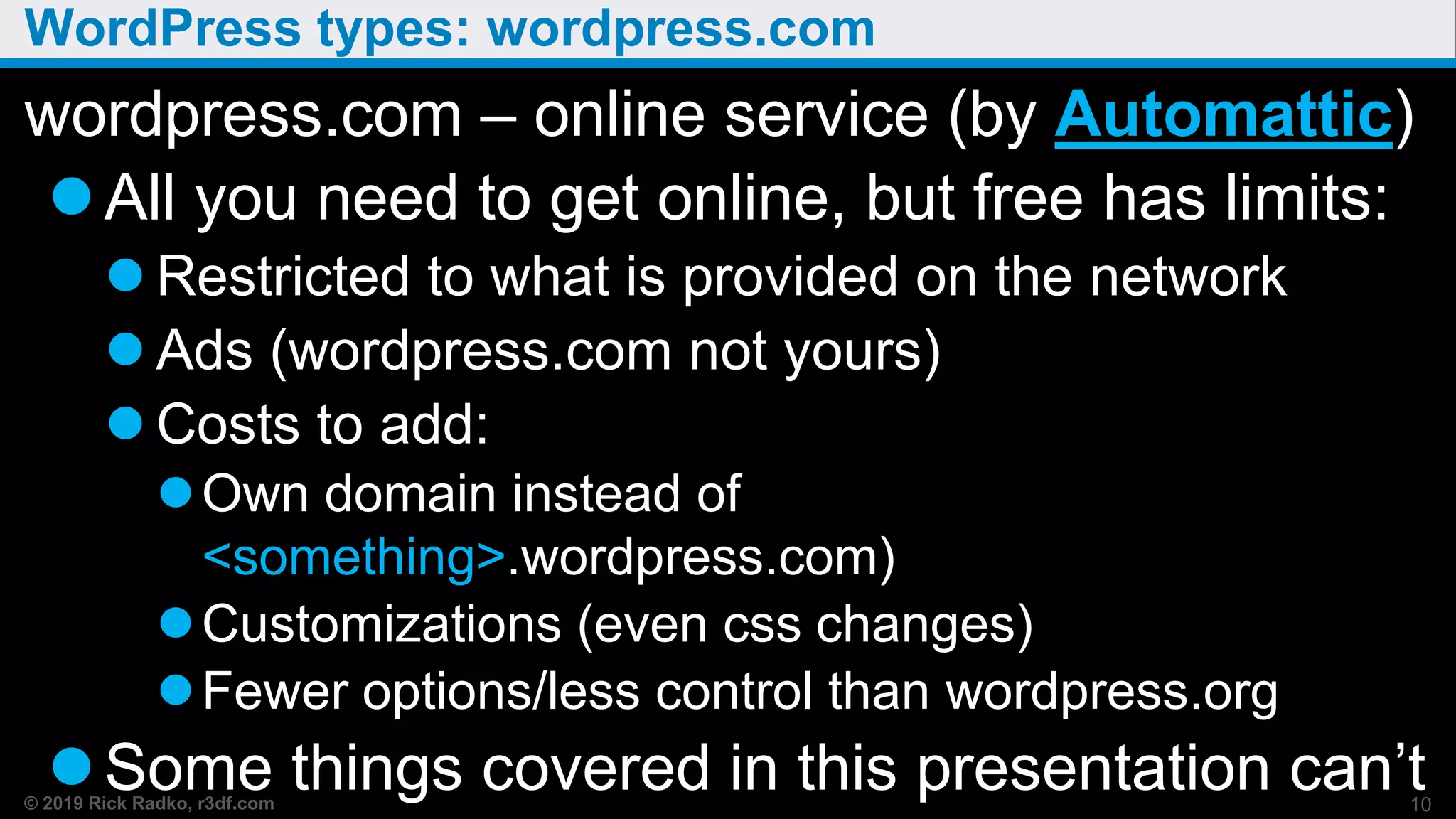
WordPress types: wordpress.com
wordpress.com – online service (by Automattic)
All you need to get online, but free has limits:
 Restricted to what is provided on the network
 Ads (wordpress.com not yours)
 Costs to add:
Own domain instead of
<something>.wordpress.com)
Customizations (even css changes)
Fewer options/less control than wordpress.org
Some things covered in this presentation can’t10
© 2019 Rick Radko, r3df.com
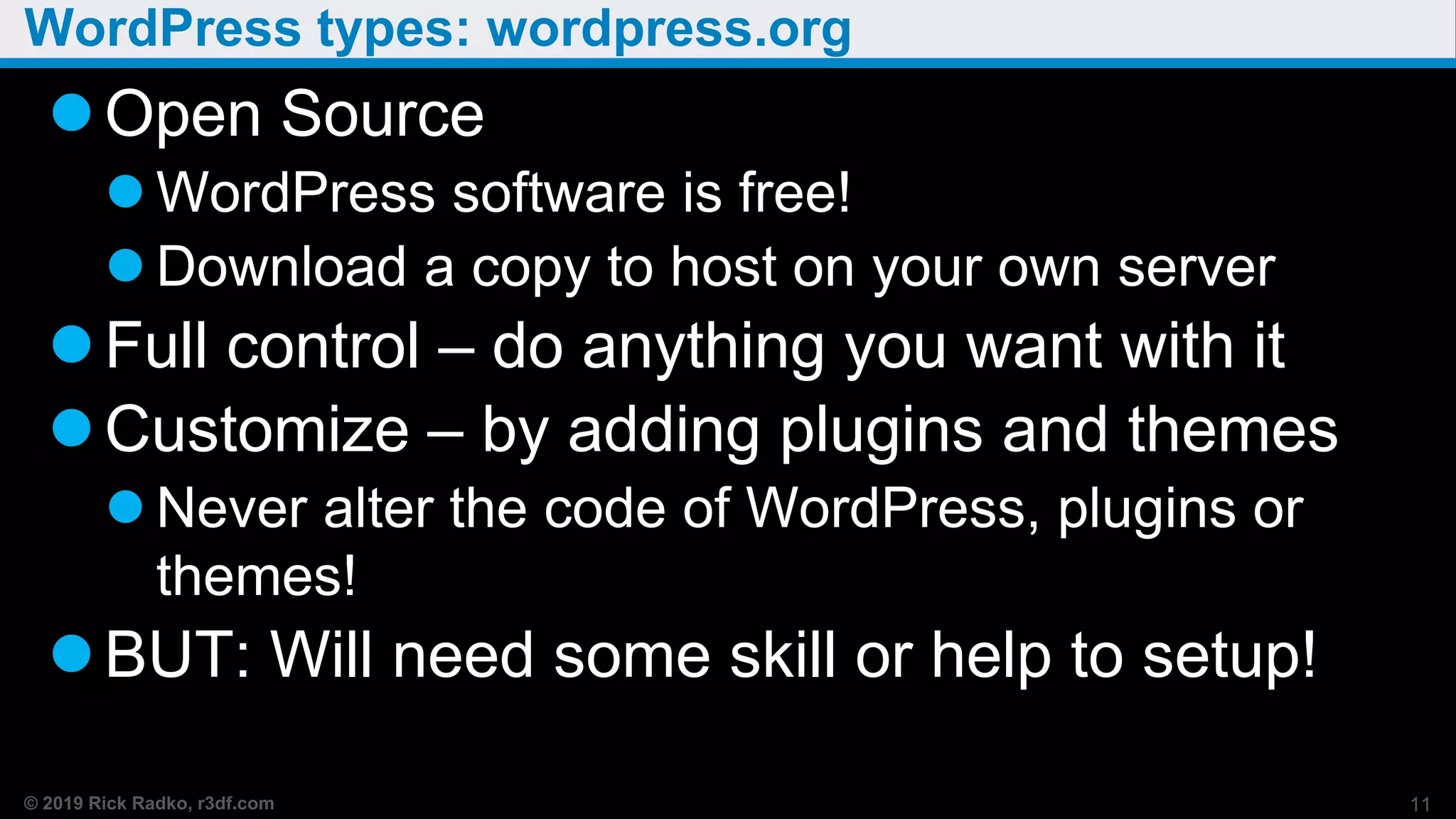
WordPress types: wordpress.org
Open Source
 WordPress software is free!
 Download a copy to host on your own server
Full control – do anything you want with it
Customize – by adding plugins and themes
 Never alter the code of WordPress, plugins or
themes!
BUT: Will need some skill or help to setup!
11
© 2019 Rick Radko, r3df.com
WordPress Setup
Needs hosting:
 A web server with PHP and MySQL to run.
Hosting service for public sites.
Local server to run it on your pc/laptop
Needs to be installed
 Hosting installers
 Install from scratch “5 Min Install”
 Lots of install guides – not going to cover installing
here, it’s a whole session in itself.
wordpress.org/support/article/how-to-install-wordpress/
12
© 2019 Rick Radko, r3df.com
wordpress.org - networks or multisite
The third version of WordPress is multisite
(network).
Was once a separate version known as
WPMU.
 Will still see references to WPMU
Allows multiple websites on one install.
 Looks like separate sites to visitors
What wordpress.com runs.
Needs some knowledge to set-up.
13
© 2019 Rick Radko, r3df.com
WordPress - Is it really free?
WordPress is free to download
BUT…
Some things you will need may not be free:
 Web hosting (sever)
 A domain (your website address)
 Some WordPress / web design knowledge
 Add-on themes and plugins
 Customization
14
© 2019 Rick Radko, r3df.com
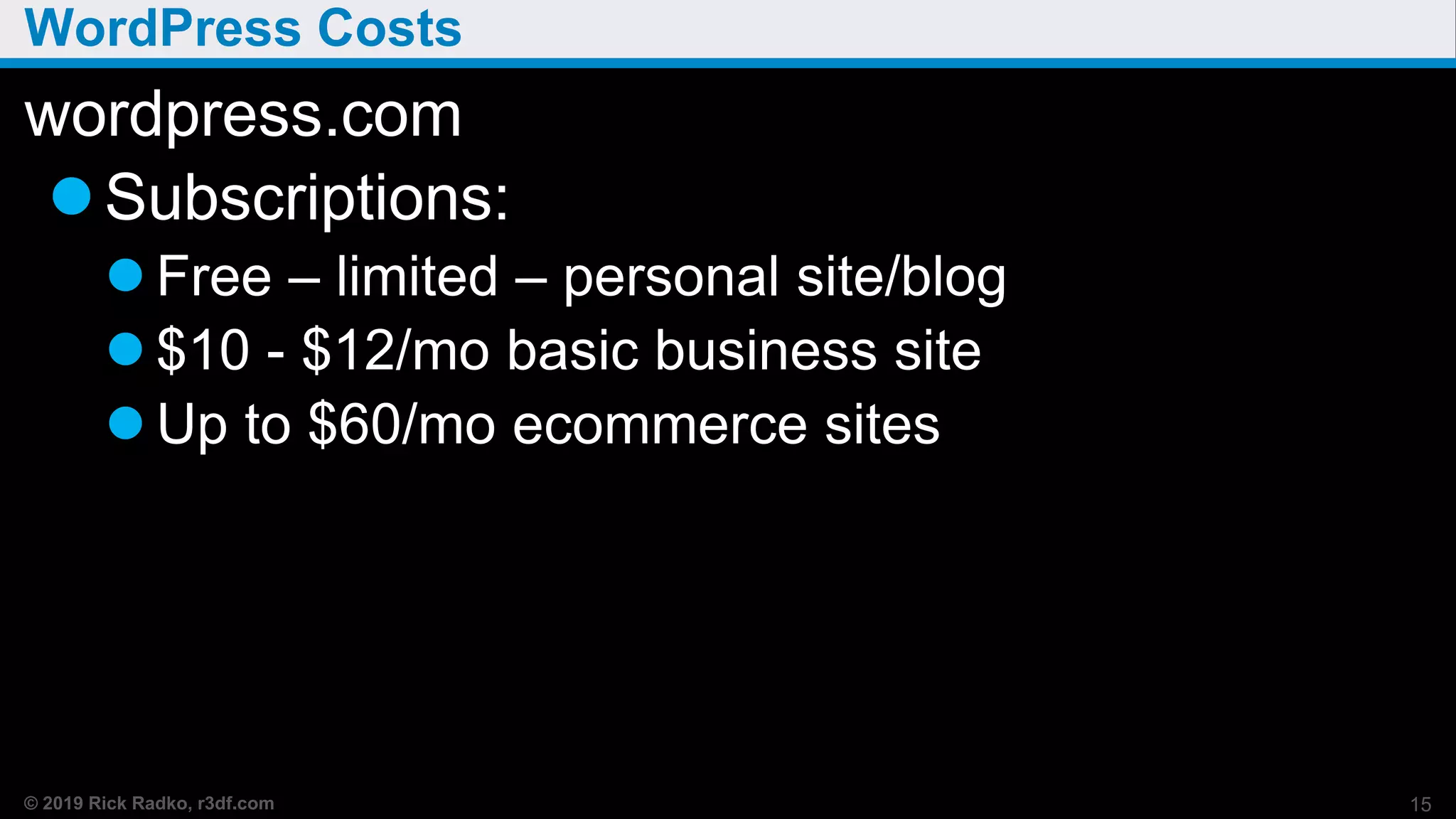
WordPress Costs
wordpress.com
Subscriptions:
 Free – limited – personal site/blog
 $10 - $12/mo basic business site
 Up to $60/mo ecommerce sites
15
© 2019 Rick Radko, r3df.com
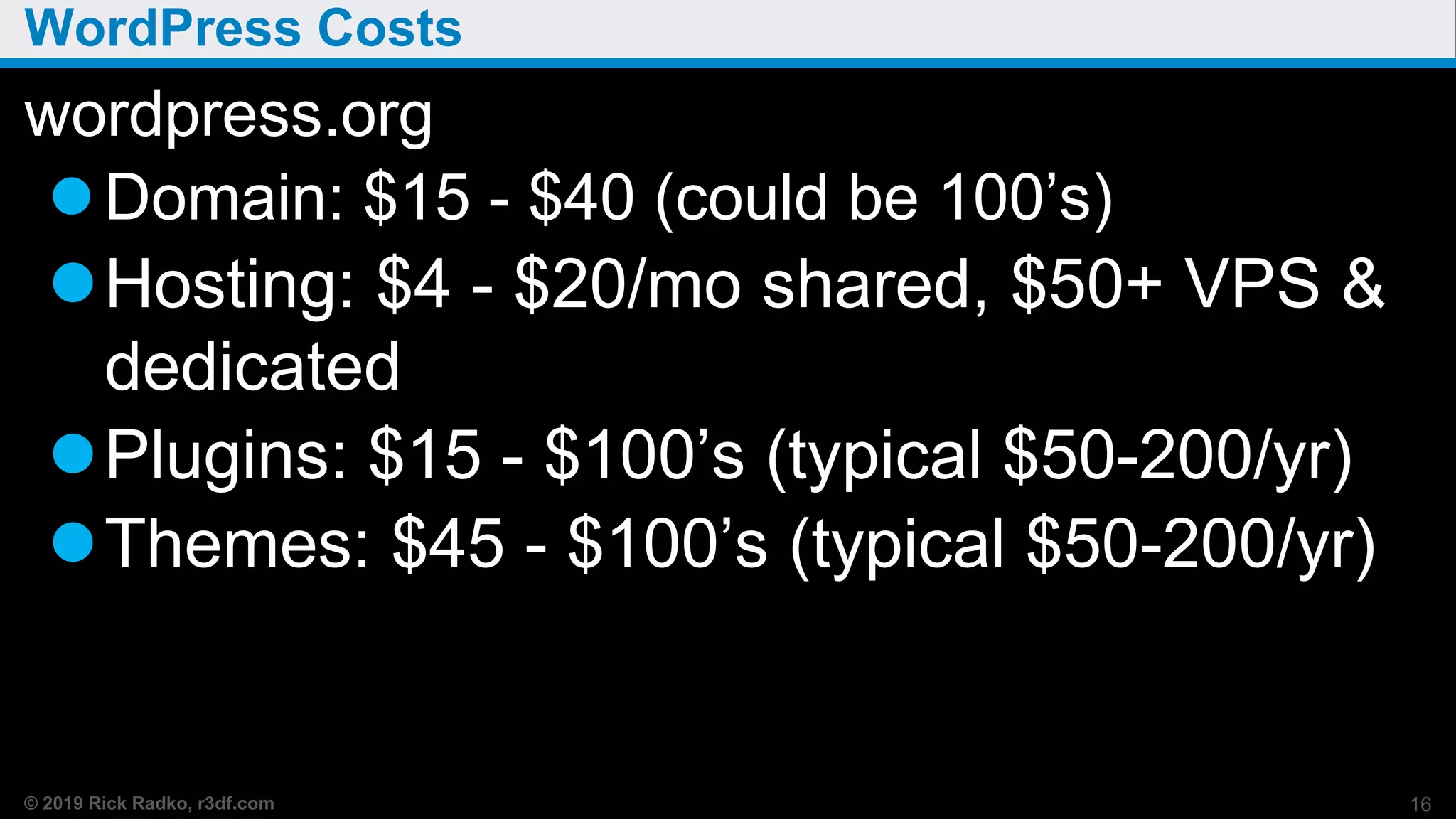
WordPress Costs
wordpress.org
Domain: $15 - $40 (could be 100’s)
Hosting: $4 - $20/mo shared, $50+ VPS &
dedicated
Plugins: $15 - $100’s (typical $50-200/yr)
Themes: $45 - $100’s (typical $50-200/yr)
16
© 2019 Rick Radko, r3df.com
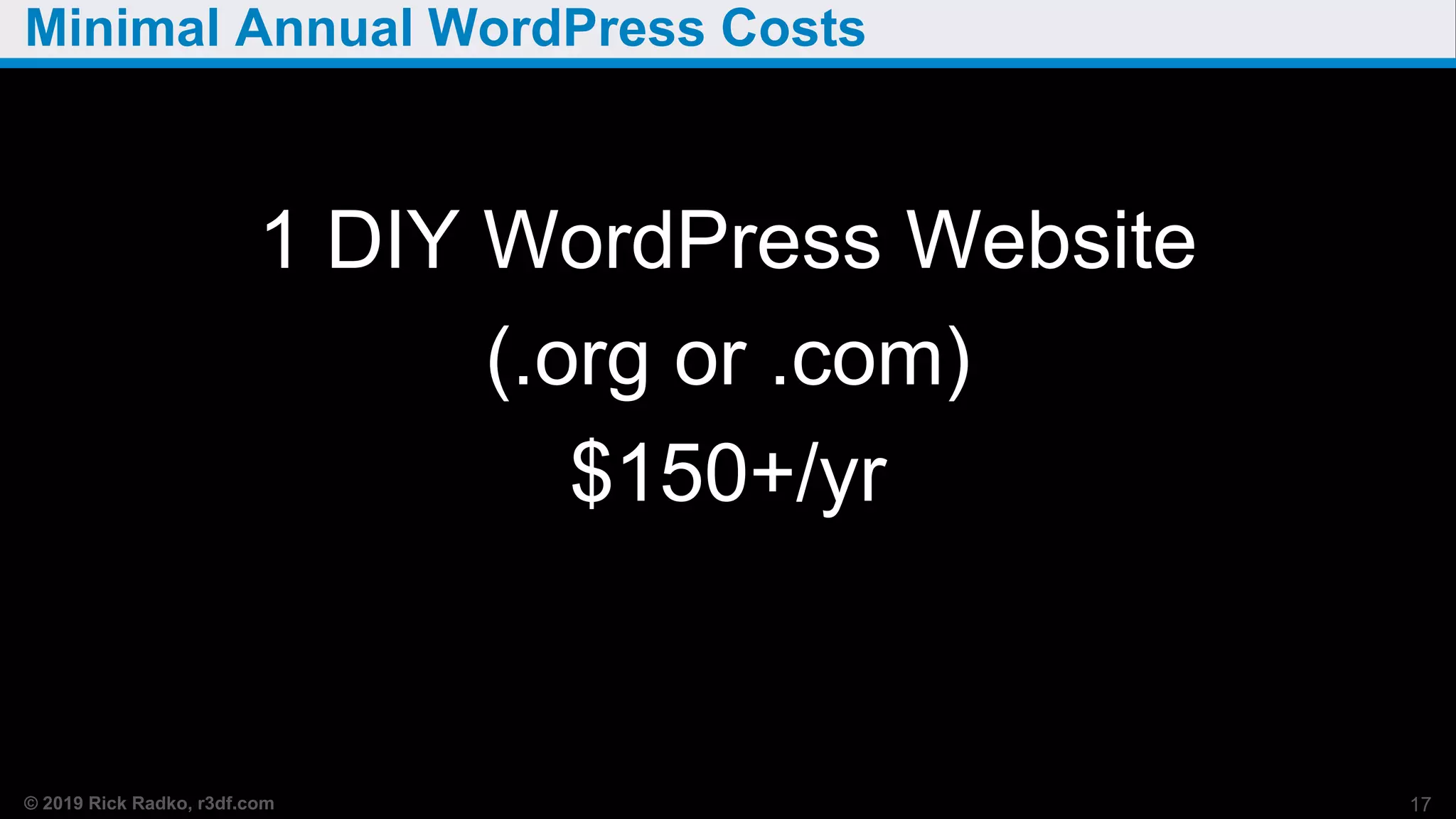
Minimal Annual WordPress Costs
1 DIY WordPress Website
(.org or .com)
$150+/yr
17
© 2019 Rick Radko, r3df.com
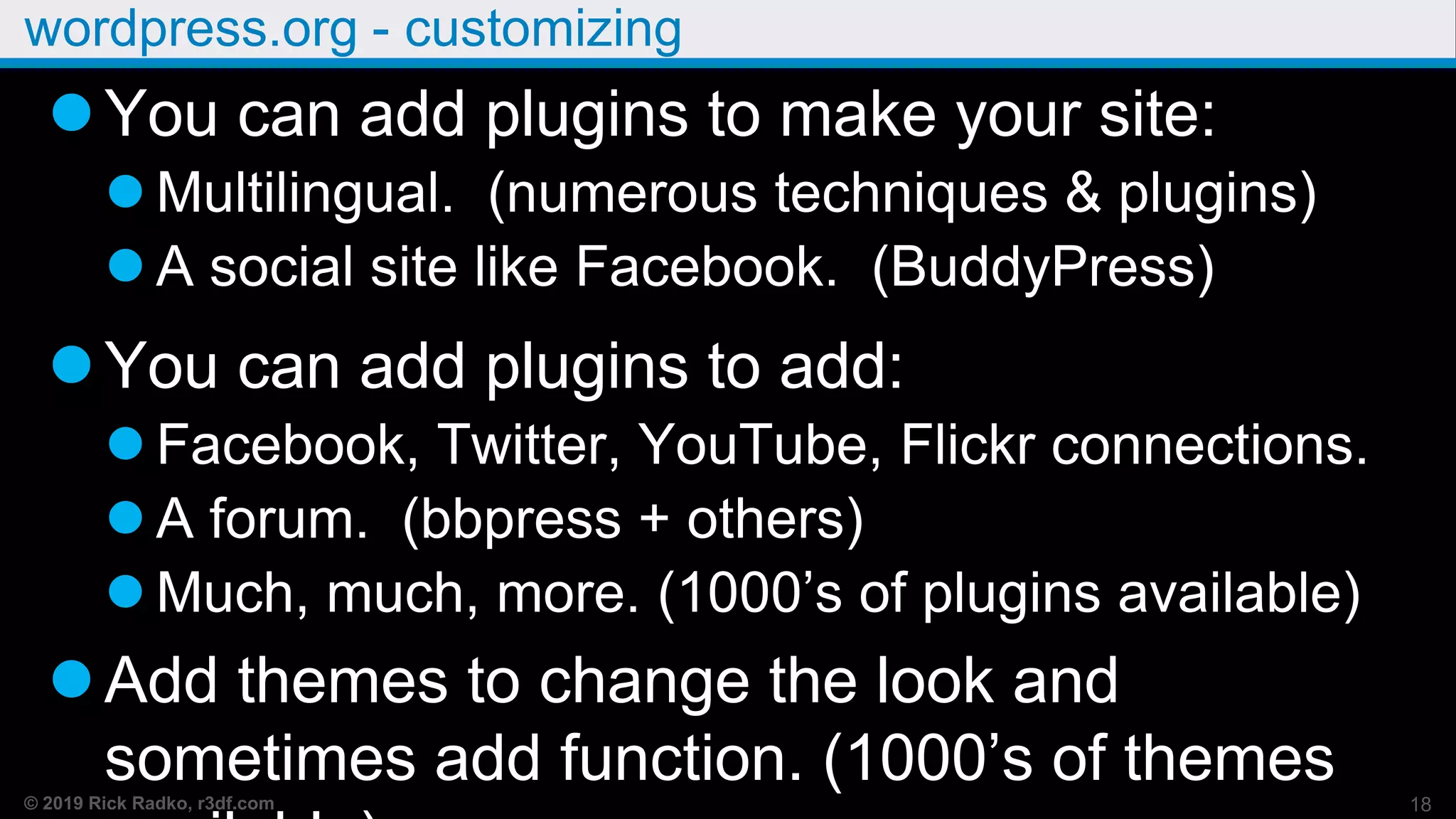
wordpress.org - customizing
You can add plugins to make your site:
 Multilingual. (numerous techniques & plugins)
 A social site like Facebook. (BuddyPress)
You can add plugins to add:
 Facebook, Twitter, YouTube, Flickr connections.
 A forum. (bbpress + others)
 Much, much, more. (1000’s of plugins available)
Add themes to change the look and
sometimes add function. (1000’s of themes 18
© 2019 Rick Radko, r3df.com
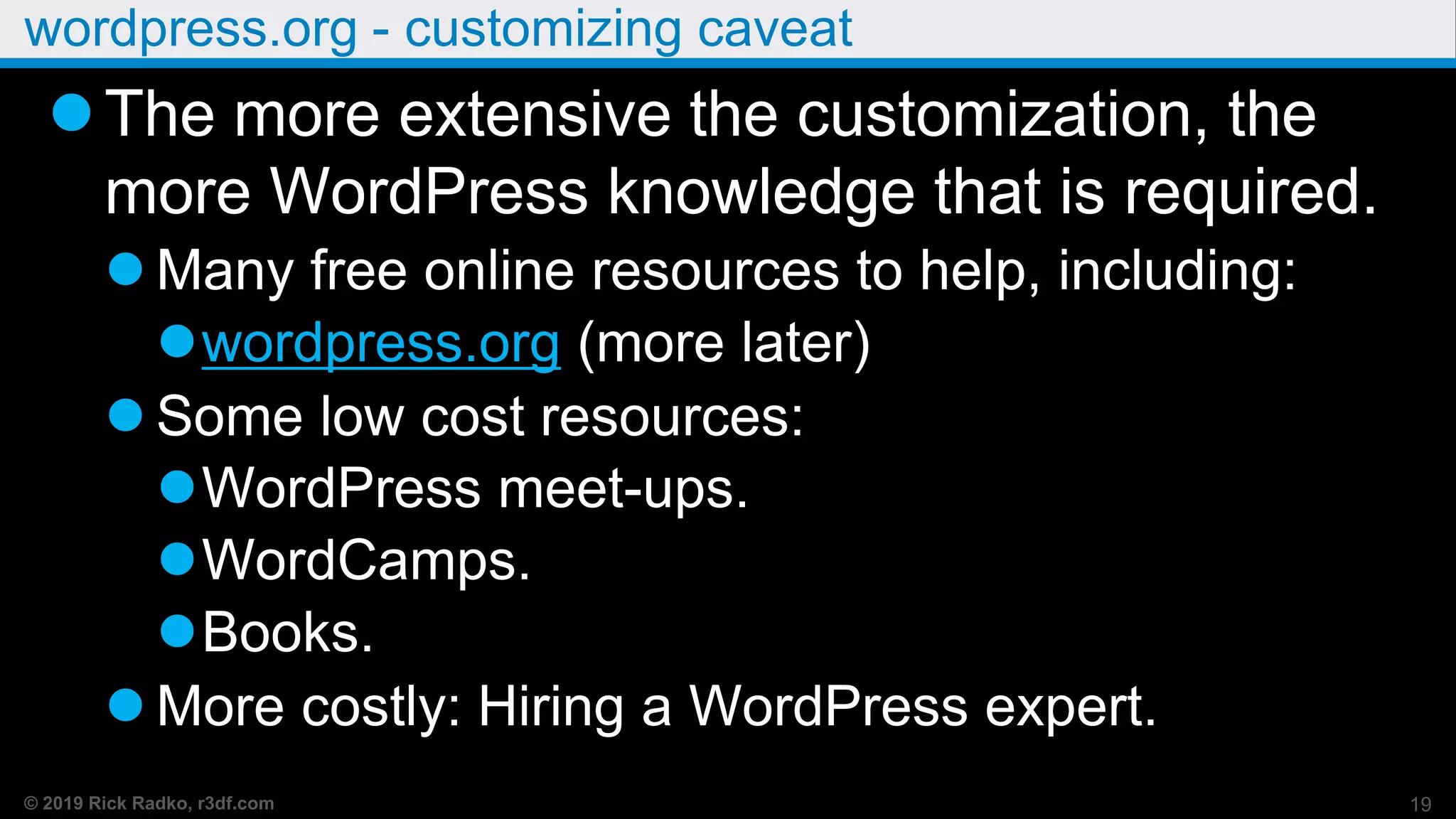
wordpress.org - customizing caveat
The more extensive the customization, the
more WordPress knowledge that is required.
 Many free online resources to help, including:
wordpress.org (more later)
 Some low cost resources:
WordPress meet-ups.
WordCamps.
Books.
 More costly: Hiring a WordPress expert.
19
© 2019 Rick Radko, r3df.com
Custom WordPress Costs
WordPress customization:
Themes
 Child Theme “Adjusting things” - $100’s+
 Custom theme - $1000’s
Plugins
 Overriding default functions - $100’s+
 Custom plugins - $1000’s
Custom work - $100’s - $10,000’s
20
© 2019 Rick Radko, r3df.com
Learning about WordPress
Ask questions!!!
WordPress is the easiest CMS to use.
21
© 2019 Rick Radko, r3df.com
WordPress site orientation
22
© 2019 Rick Radko, r3df.com
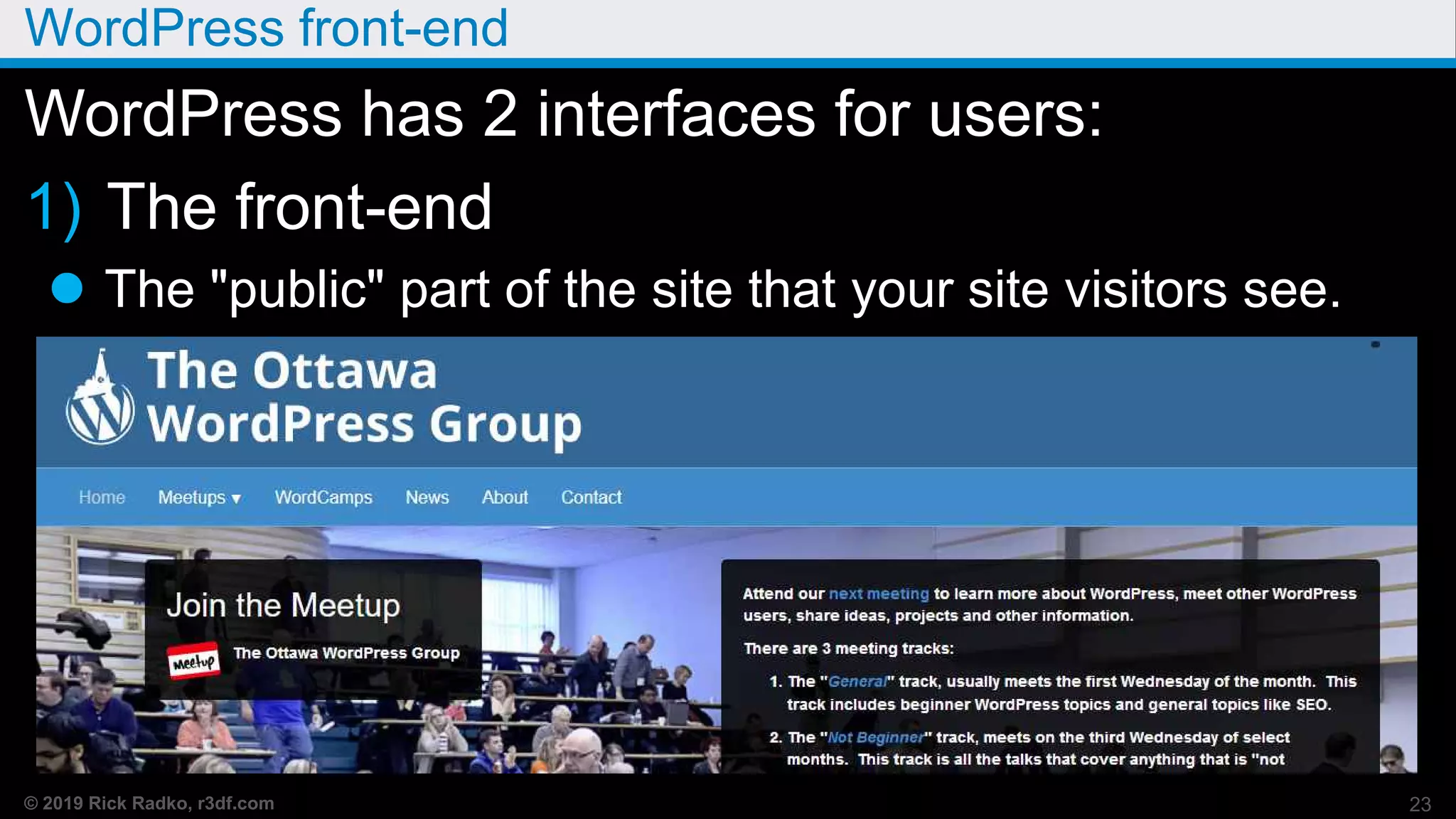
WordPress front-end
23
WordPress has 2 interfaces for users:
1) The front-end
 The "public" part of the site that your site visitors see.
© 2019 Rick Radko, r3df.com
WordPress back-end, admin or “dashboard”
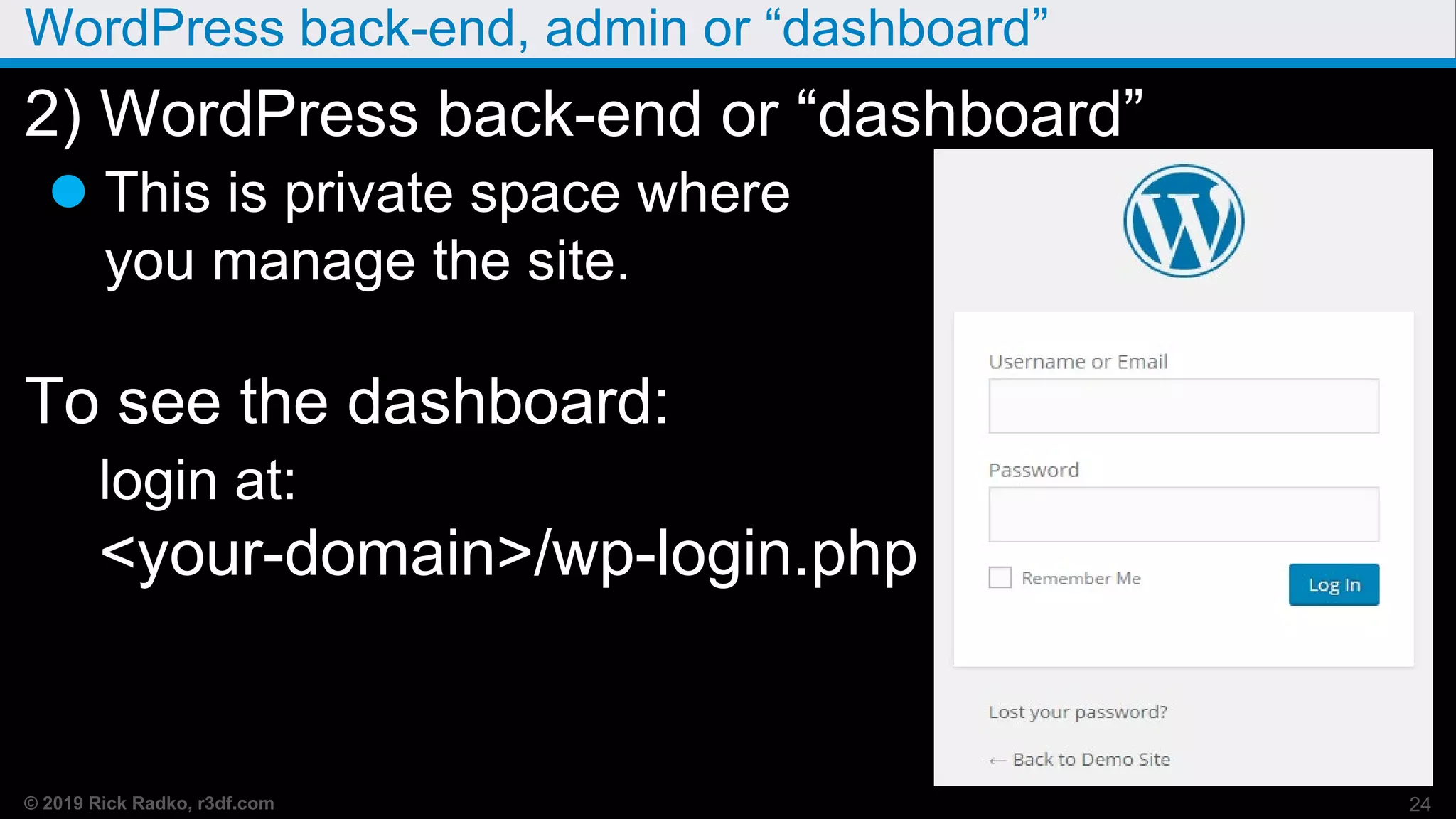
2) WordPress back-end or “dashboard”
 This is private space where
you manage the site.
To see the dashboard:
login at:
<your-domain>/wp-login.php
24
© 2019 Rick Radko, r3df.com
Back-end Tour
Dashboard “Welcome to WordPress”
message
Screen options tab
Help tab
Admin toolbar
Front end toolbar
 Edit page/post
Left side - Main Menu
Post/Page lists 25
© 2019 Rick Radko, r3df.com
Posts and pages
26
© 2019 Rick Radko, r3df.com
Posts and pages
Posts and pages are the basic content holders
for a WordPress site.
Posts:
 Individual pieces of a collection of content.
Usually used for blogs or similar types of
content.
 Each content piece is associated with a date:
URL: your-domain/2019/06/30/post-title.
 Posts have categories and tags.
27
© 2019 Rick Radko, r3df.com
Posts
 Can be displayed many ways (dynamic):
Usually listed in reverse chronological order.
Sticky posts. (show at the top, need theme
support)
Archives, by date, by author.
Categories and tags.
 Many different sidebar widgets can be used to
create lists and indices to posts, or collections of
posts indexed in various manners.
28
© 2019 Rick Radko, r3df.com
Pages
Pages:
Are individual static stand alone content
blocks.
Good for things like an About page.
 (any web site pages)
Usually in site menus.
Do not use tags or categories.
Not tied to date.
 URL: domainname.com/page-title/
29
© 2019 Rick Radko, r3df.com
Posts and Pages - Demo
Create a page/post
 Add title
 Add text
 Add images and video
 Add other cool content.
 Publishing options
 Featured image
Post Categories and Tags “taxonomies”
Custom post types and taxonomies 30
© 2019 Rick Radko, r3df.com
Settings & Customizer
31
© 2019 Rick Radko, r3df.com
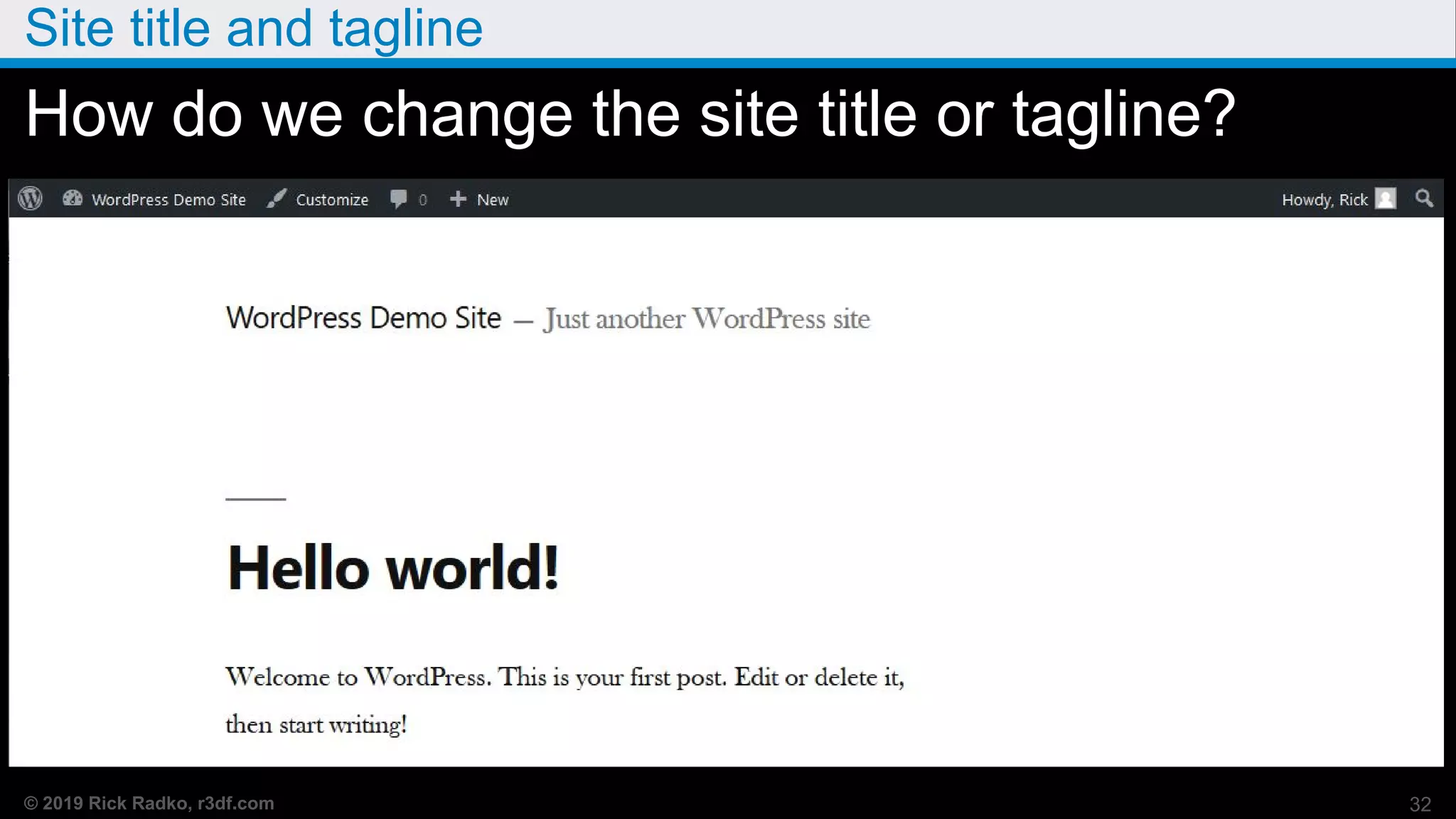
Site title and tagline
How do we change the site title or tagline?
32
© 2019 Rick Radko, r3df.com
Settings
Settings Panels
 General
 Writing
 Reading
 Discussion
 Media
 Permalinks
 Privacy
33
© 2019 Rick Radko, r3df.com
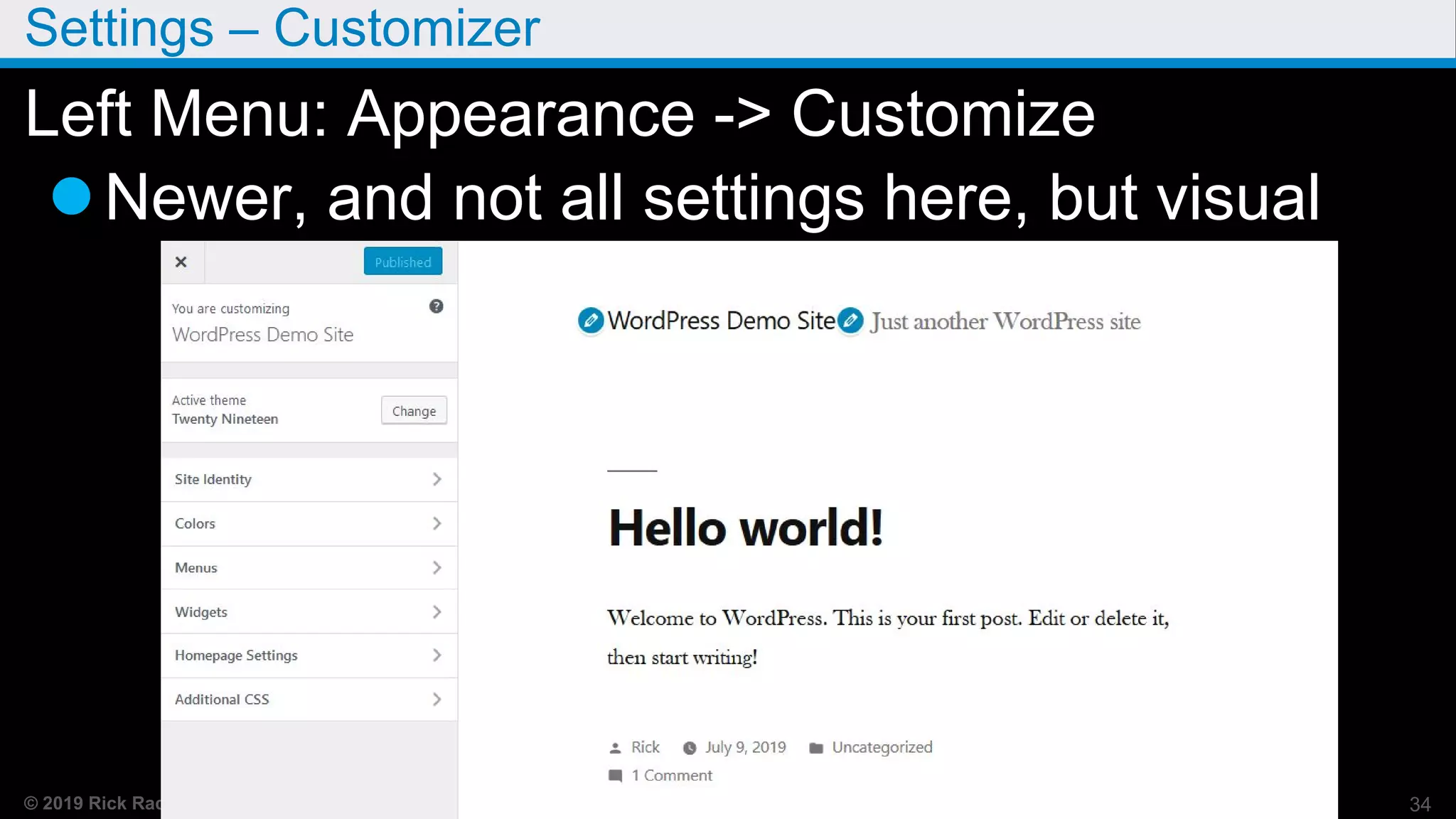
Settings – Customizer
Left Menu: Appearance -> Customize
Newer, and not all settings here, but visual
34
© 2019 Rick Radko, r3df.com
Key Settings - Demo
General
 Site Title and Tagline (customizer)
 Admin Email
 Membership and default roles
 Time zone, format and week start
Reading
 Home page (customizer)
 Blog page show setting
 Search engine visibility
35
© 2019 Rick Radko, r3df.com
More Key Settings
Discussion
 Comment Settings
Permalinks
36
© 2019 Rick Radko, r3df.com
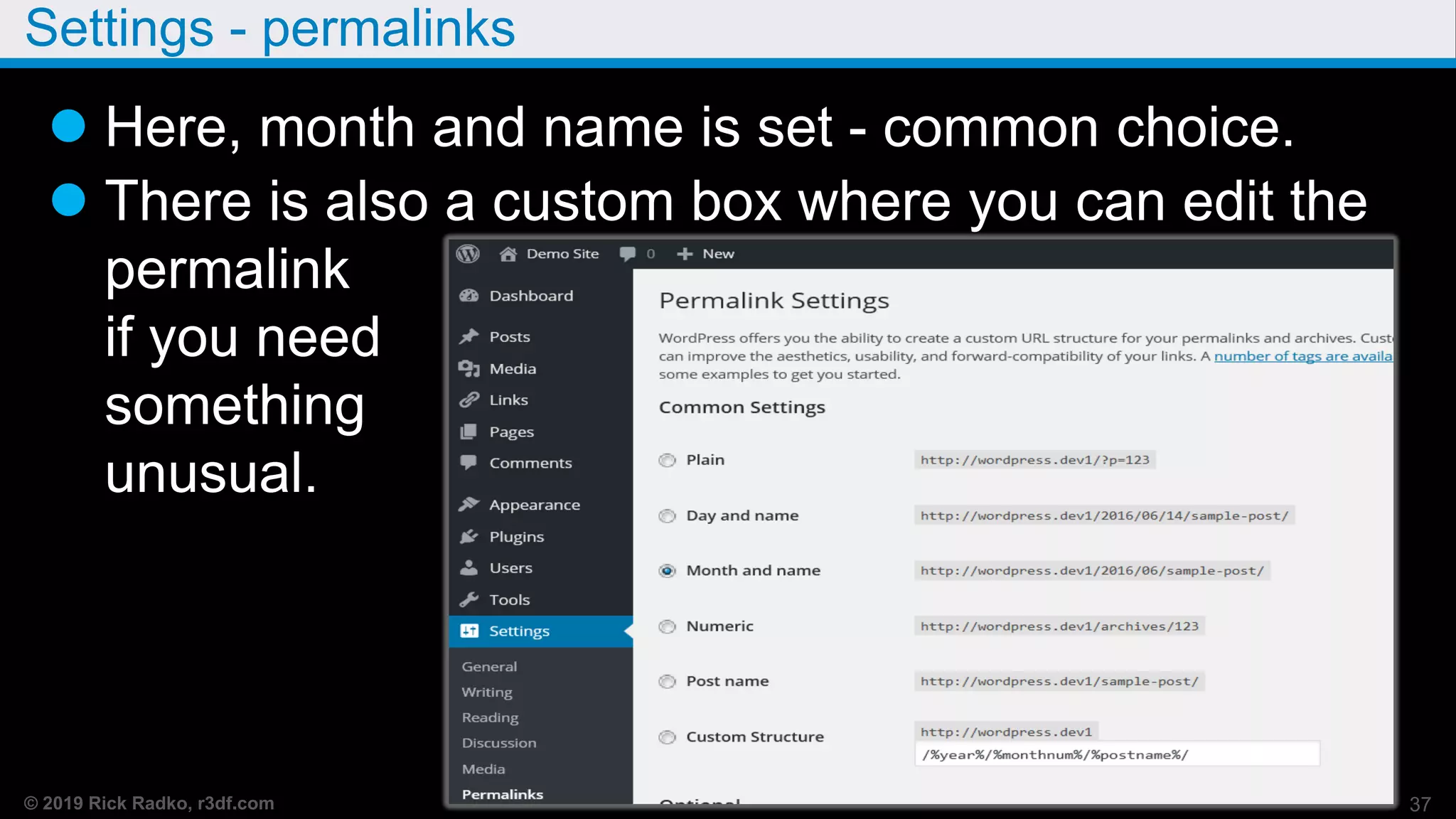
Settings - permalinks
 Here, month and name is set - common choice.
 There is also a custom box where you can edit the
permalink
if you need
something
unusual.
37
© 2019 Rick Radko, r3df.com
Permalink also shows in editor
You can override permalinks
edit in right site meta boxes
If you change your title, you should check the
permalink.
Note: if you change the permalink, you may
want to add a redirect for the old url.
38
© 2019 Rick Radko, r3df.com
Menus
39
© 2019 Rick Radko, r3df.com
Menus
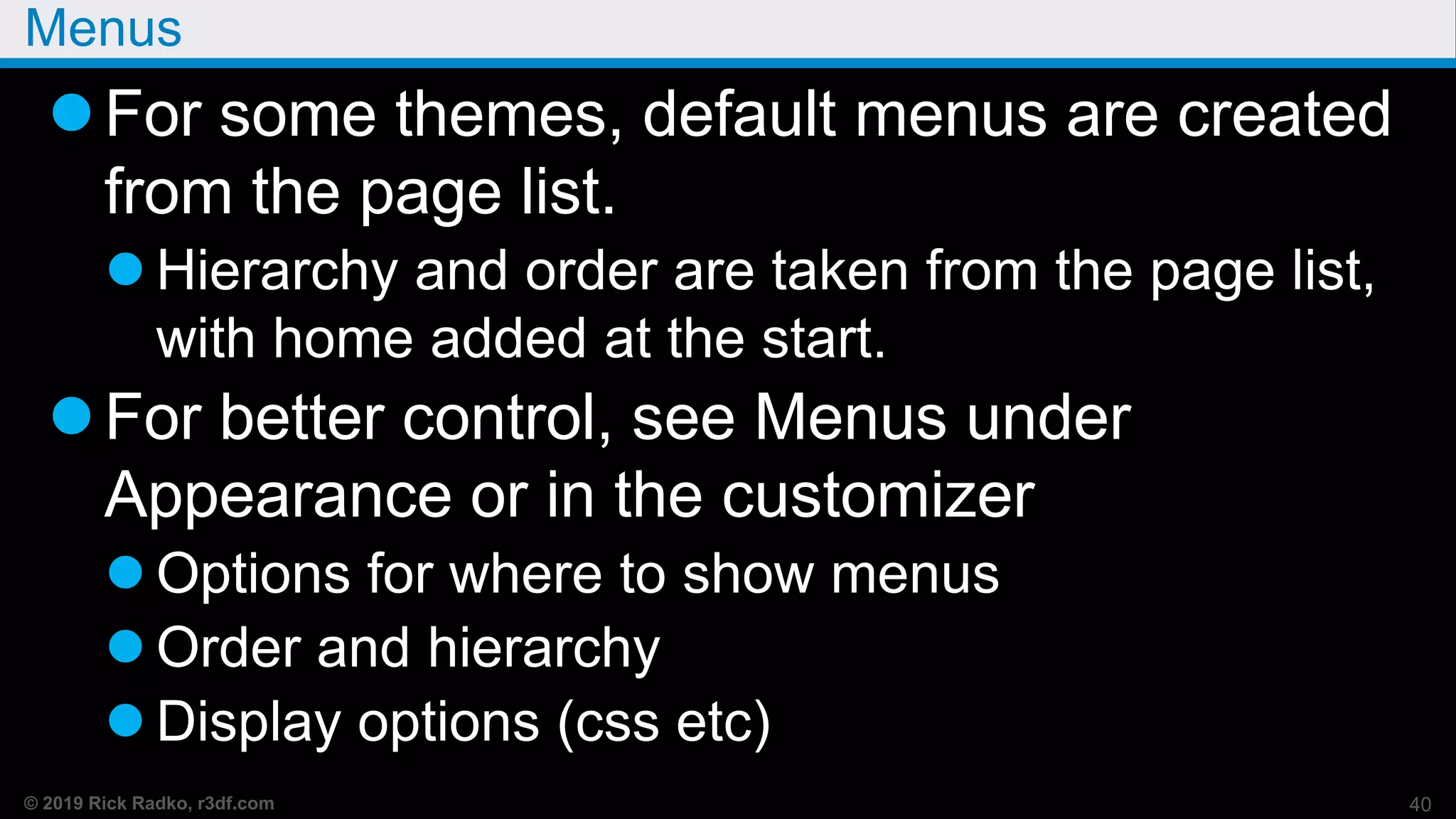
For some themes, default menus are created
from the page list.
 Hierarchy and order are taken from the page list,
with home added at the start.
For better control, see Menus under
Appearance or in the customizer
 Options for where to show menus
 Order and hierarchy
 Display options (css etc)
40
© 2019 Rick Radko, r3df.com
Menus - Demo
Manage Menus
Create, Assign
Add/Delete items
Move items
Hierarcy
41
© 2019 Rick Radko, r3df.com
Resources
42
© 2019 Rick Radko, r3df.com
wordpress.org
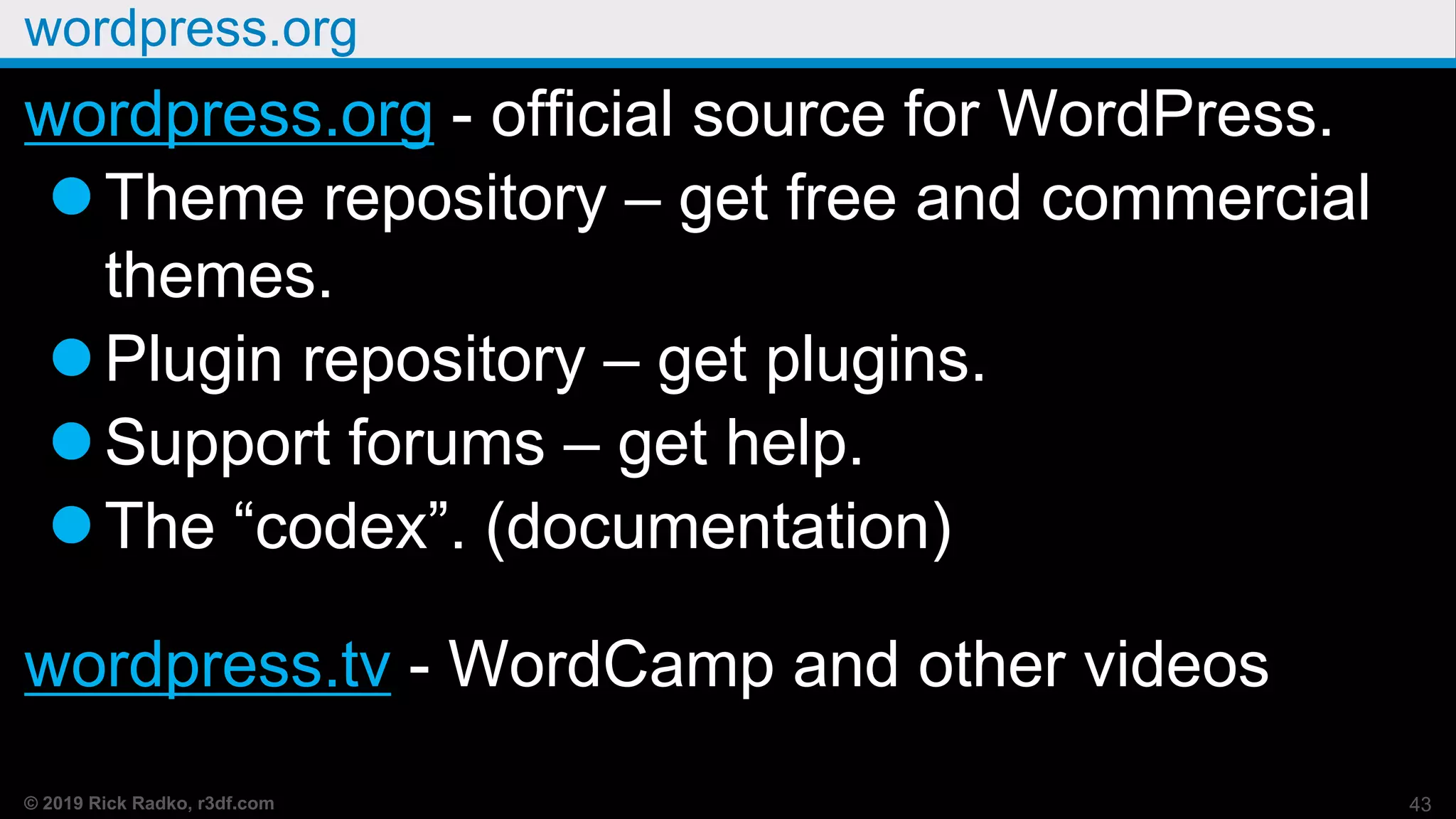
wordpress.org - official source for WordPress.
Theme repository – get free and commercial
themes.
Plugin repository – get plugins.
Support forums – get help.
The “codex”. (documentation)
wordpress.tv - WordCamp and other videos
43
© 2019 Rick Radko, r3df.com
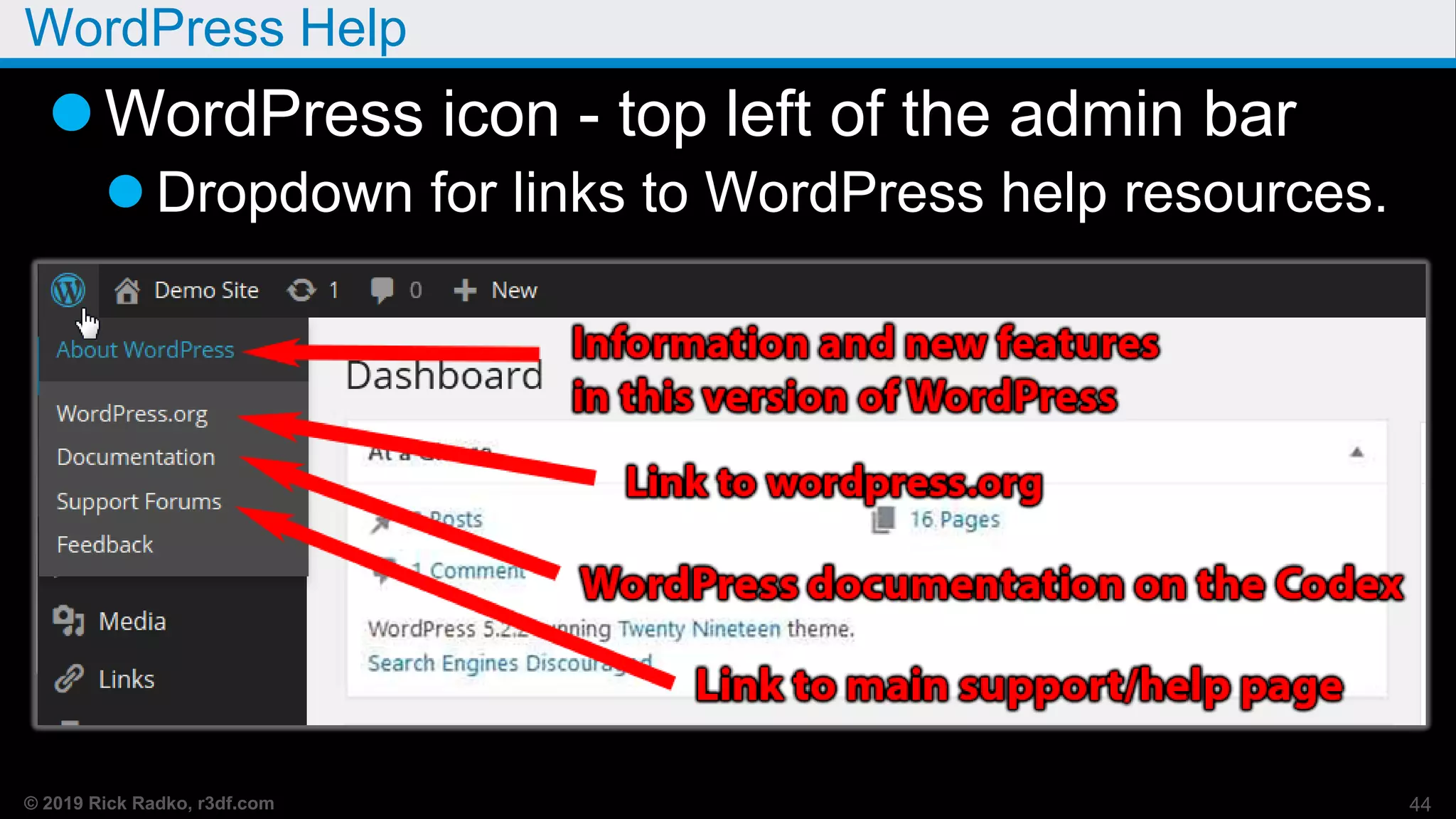
WordPress Help
WordPress icon - top left of the admin bar
 Dropdown for links to WordPress help resources.
44
© 2019 Rick Radko, r3df.com
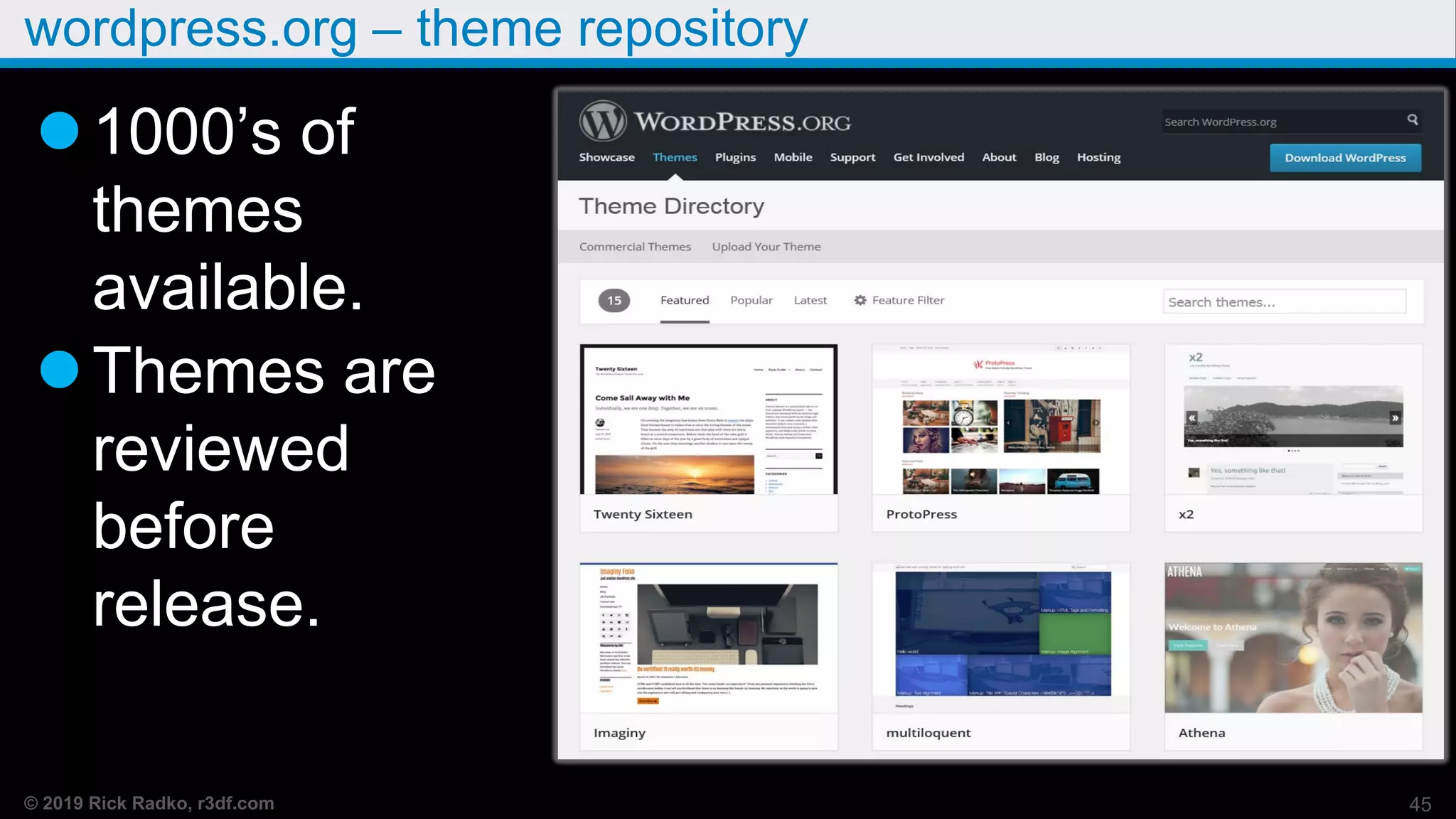
wordpress.org – theme repository
1000’s of
themes
available.
Themes are
reviewed
before
release.
45
© 2019 Rick Radko, r3df.com
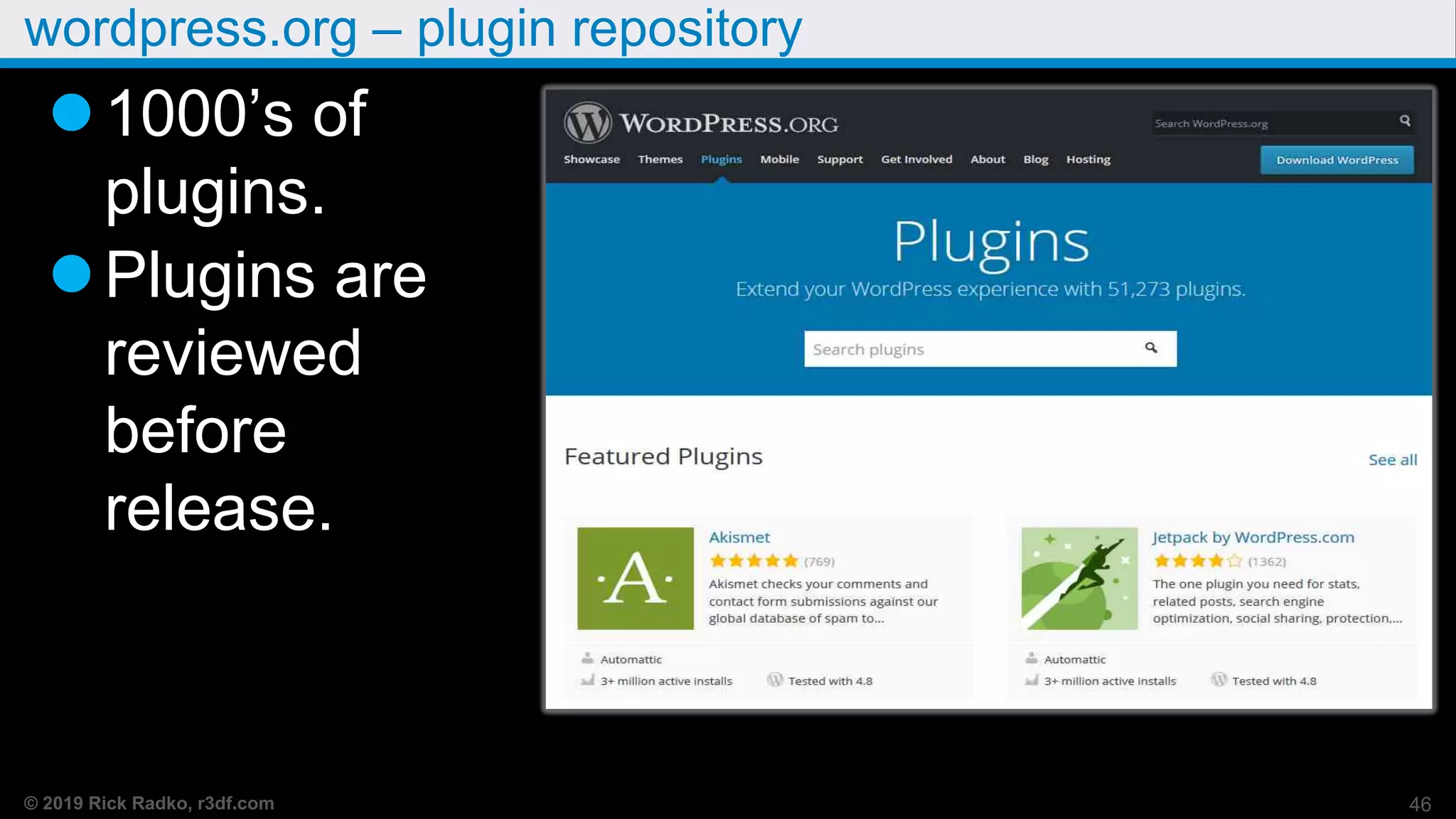
wordpress.org – plugin repository
1000’s of
plugins.
Plugins are
reviewed
before
release.
46
© 2019 Rick Radko, r3df.com
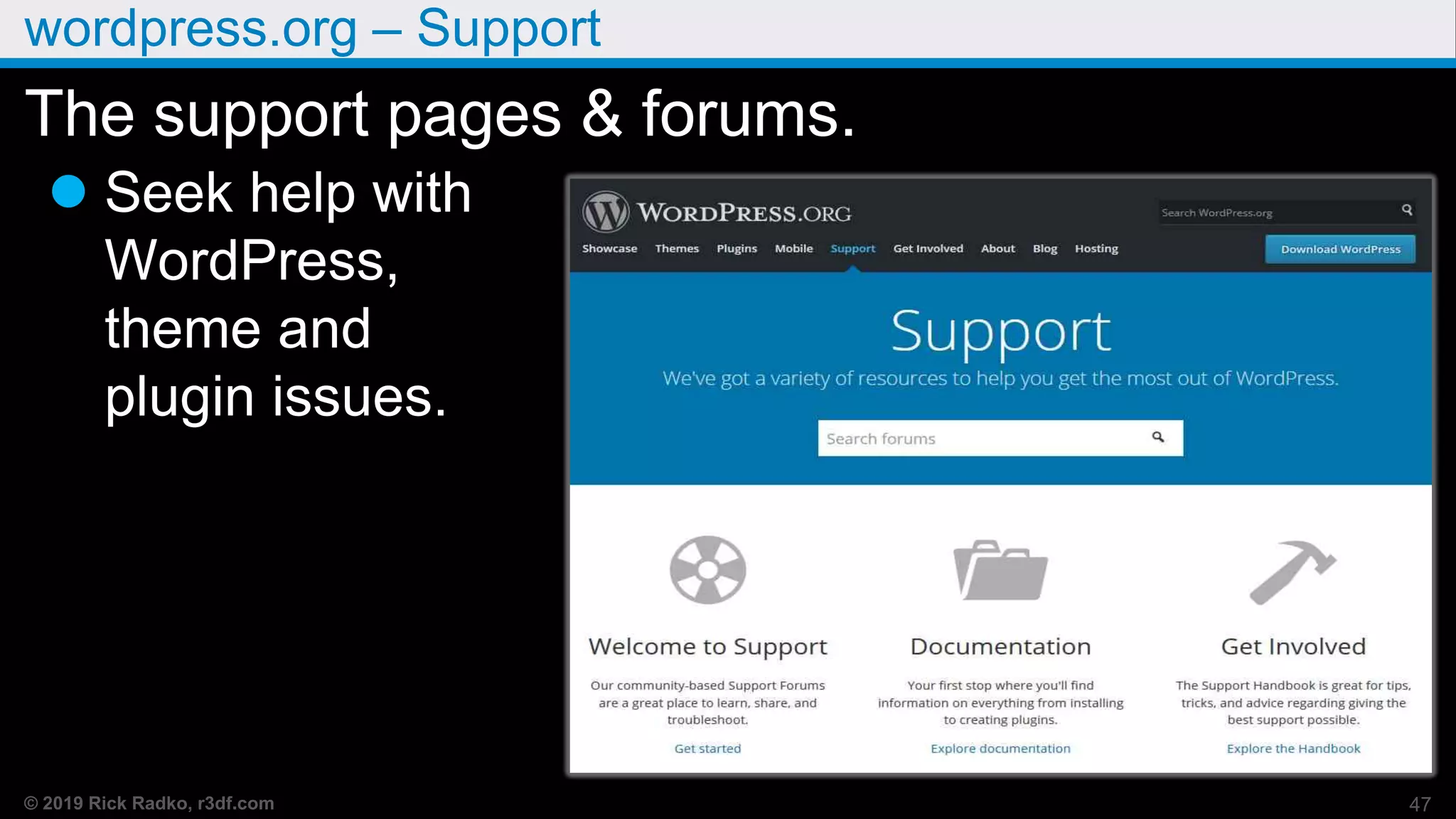
wordpress.org – Support
The support pages & forums.
 Seek help with
WordPress,
theme and
plugin issues.
47
© 2019 Rick Radko, r3df.com
Other help
Google WordPress + some topic
Caution, many articles are out of date and
may no longer be relevant.
Books:
Lots of books, make sure it’s current.
 Print editions are usually not current.
Tao of WordPress is a great ebook for
beginners.
Digging into WordPress is a also great ebook,48
© 2019 Rick Radko, r3df.com
Other help
WordCamps:
 “WordCamp is a conference that focuses on
everything WordPress.” – WordCamp Central
Montreal: Aug 10-11, 2019.
Toronto: ?? Usually late fall.
All sorts of WordCamps world wide:
central.wordcamp.org
WordPress Meetup Groups:
 Ottawa, Montreal, Toronto, and other cities.
49
© 2019 Rick Radko, r3df.com
Plugins
50
© 2019 Rick Radko, r3df.com
Managing Plugins - Demo
 Backup first!!!
 Plugins page
 Active/inactive/recently active counts
 Add plugins (search examples)
Evaluating plugins
 Activate/deactivate
 Settings
 Add plugins (sideload)
 Updates – Update page/plugins page
 Delete 51
© 2019 Rick Radko, r3df.com
Beware of unknown plugins
There are many plugins not on the
wordpress.org repository.
Many of those plugins are very good.
 Most good plugins not on the repository are
commercial ($).
Many are not good, and may even contain
malware.
 blog.sucuri.net/2012/02/new-wordpress-toolspack-
plugin.html
52
© 2019 Rick Radko, r3df.com
Plugin final notes
Remove all unused plugins from your site,
they can be a security issue.
 The Timthumb vulnerability did not need to have
the plugin be active in order to be exploited.
Keep plugins, even inactive ones up to date!
Install a backup plugin AND USE IT!!!
53
© 2019 Rick Radko, r3df.com
Themes
54
© 2019 Rick Radko, r3df.com
Themes
A theme defines the look and feel of your site.
Sets the graphics, colors.
Sets the widget locations.
Defines column layout.
Can be changed relatively easily.
 Beware lock-in.
Cannot add themes when using
wordpress.com. 55
© 2019 Rick Radko, r3df.com
Managing Themes - Demo
 Backup first!!!
 Themes page
 Installed themes
 Add a theme (search examples)
Evaluating themes
 Customizer preview
 Activate/deactivate
 Settings – custom panels like Divi/Beaver
56
© 2019 Rick Radko, r3df.com
Managing Themes continued…
 Add Themes (sideload)
 Updates – Update page/themes page
 Delete
57
© 2019 Rick Radko, r3df.com
Themes not on wordpress.org
Many good commercial themes are not on
wordpress.org.
 iThemes
 Studiopress
 Elegant Themes
 Freelance themes on Theme Forest
 and more….
58
© 2019 Rick Radko, r3df.com
Themes not on wordpress.org
Beware free themes not from wordpress.org
 Google “Free WordPress Themes” and you are
guaranteed to find yourself some malware.
59
© 2019 Rick Radko, r3df.com
Final notes for themes
If you need to modify a theme's code:
You should use a child theme to modify
themes.
If you alter the theme files without a child
theme:
 You will loose your changes if the theme is
updated.
 Can't update to get security fixes.
60
© 2019 Rick Radko, r3df.com
Final notes for themes
Not too hard to create a child theme:
 Write your own from examples.
codex.wordpress.org/Child_Themes
OR
 Add a plugin - there are several on wordpress.org.
61
© 2019 Rick Radko, r3df.com
Widgets
62
© 2019 Rick Radko, r3df.com
Widgets
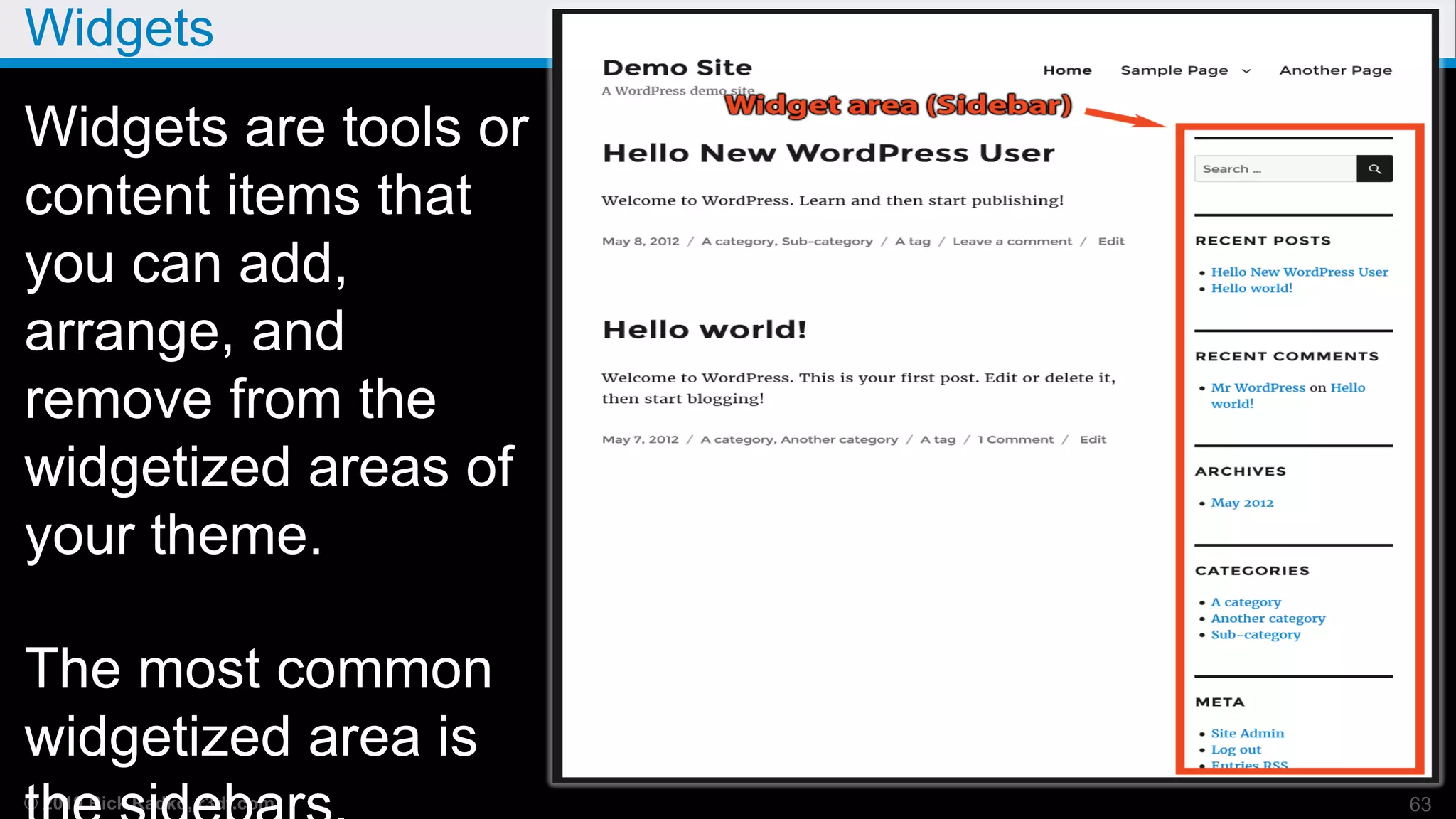
Widgets are tools or
content items that
you can add,
arrange, and
remove from the
widgetized areas of
your theme.
The most common
widgetized area is
63
© 2019 Rick Radko, r3df.com
Widgets can be anywhere a theme defines them
Widgets started in sidebars…
Now themes can have many areas for them:
 Sidebars
 Headers, footers
 Special page spaces.
AND now, with the visual editor – Almost
anywhere!
64
© 2019 Rick Radko, r3df.com
Widgets Demo - Demo
Add/Remove/Reorganize widgets
65
© 2019 Rick Radko, r3df.com
Users
66
© 2019 Rick Radko, r3df.com
User levels
Standard WordPress User Levels
Least to most powerful:
Subscriber
 Can not edit or change anything
 Comment only
Contributor
Author
Editor
Admin - can do anything! 67
© 2019 Rick Radko, r3df.com
User roles
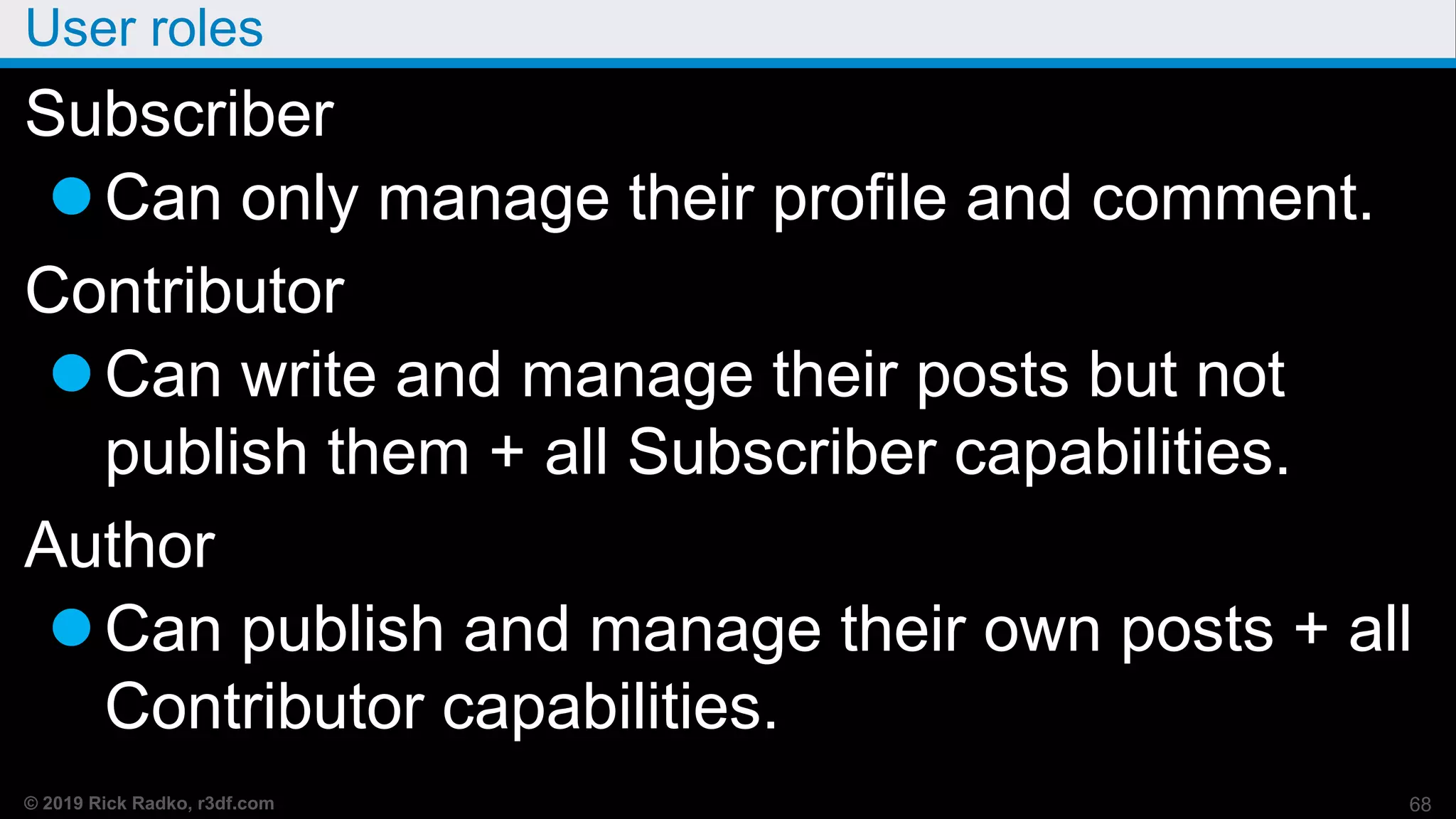
Subscriber
Can only manage their profile and comment.
Contributor
Can write and manage their posts but not
publish them + all Subscriber capabilities.
Author
Can publish and manage their own posts + all
Contributor capabilities.
68
© 2019 Rick Radko, r3df.com
User roles
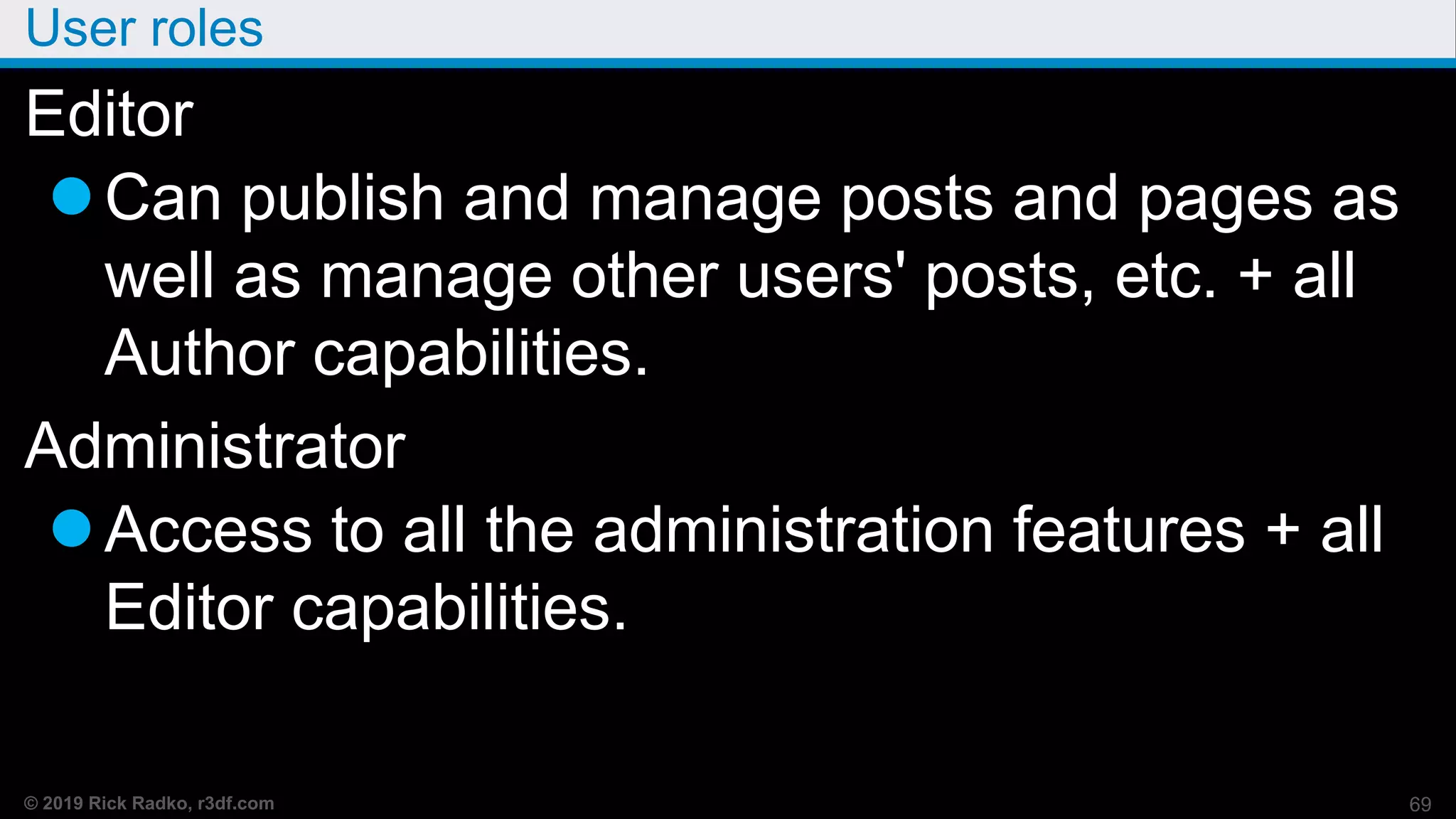
Editor
Can publish and manage posts and pages as
well as manage other users' posts, etc. + all
Author capabilities.
Administrator
Access to all the administration features + all
Editor capabilities.
69
© 2019 Rick Radko, r3df.com
User security issues
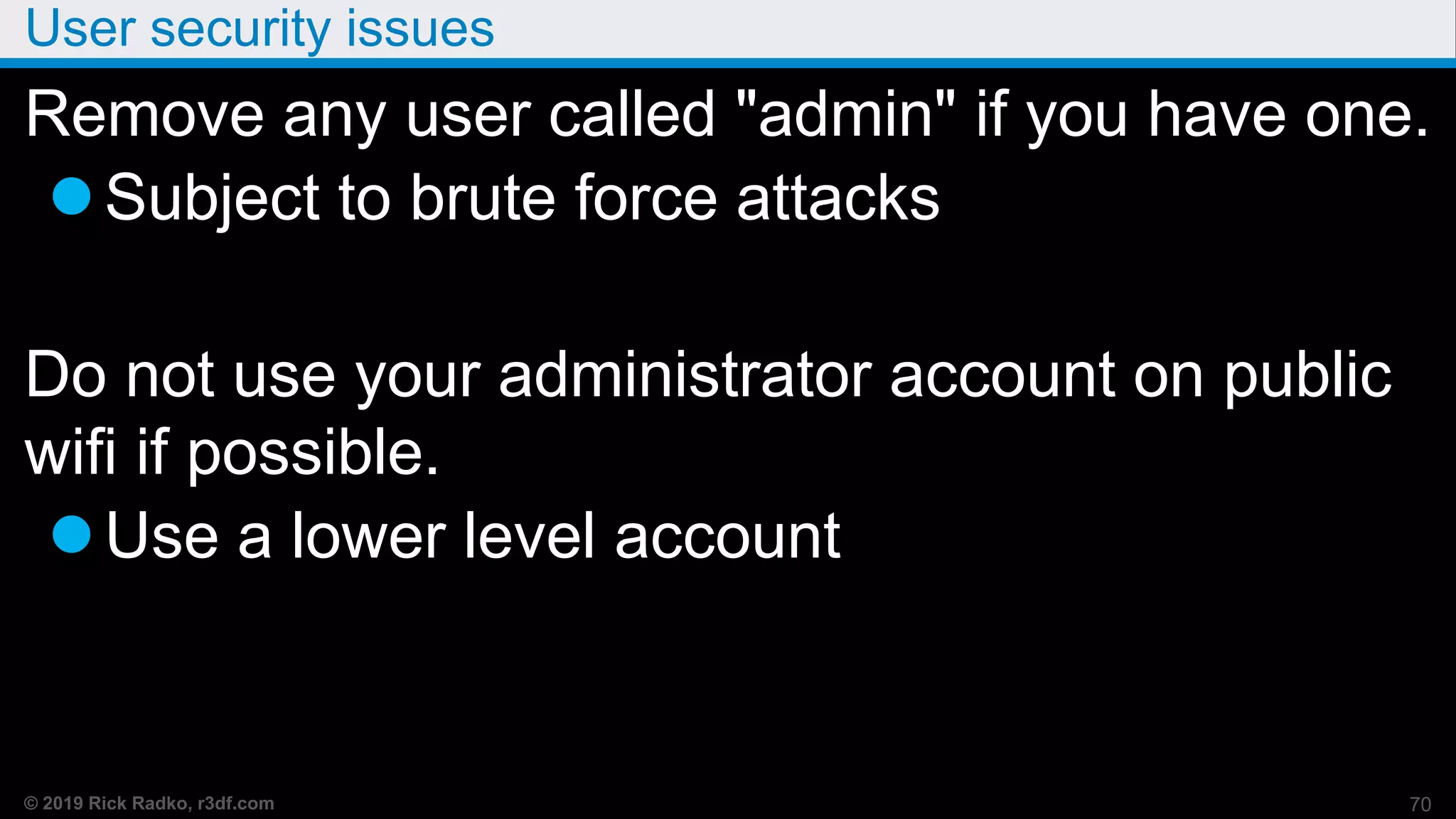
Remove any user called "admin" if you have one.
Subject to brute force attacks
Do not use your administrator account on public
wifi if possible.
Use a lower level account
70
© 2019 Rick Radko, r3df.com
Maintenance
71
© 2019 Rick Radko, r3df.com
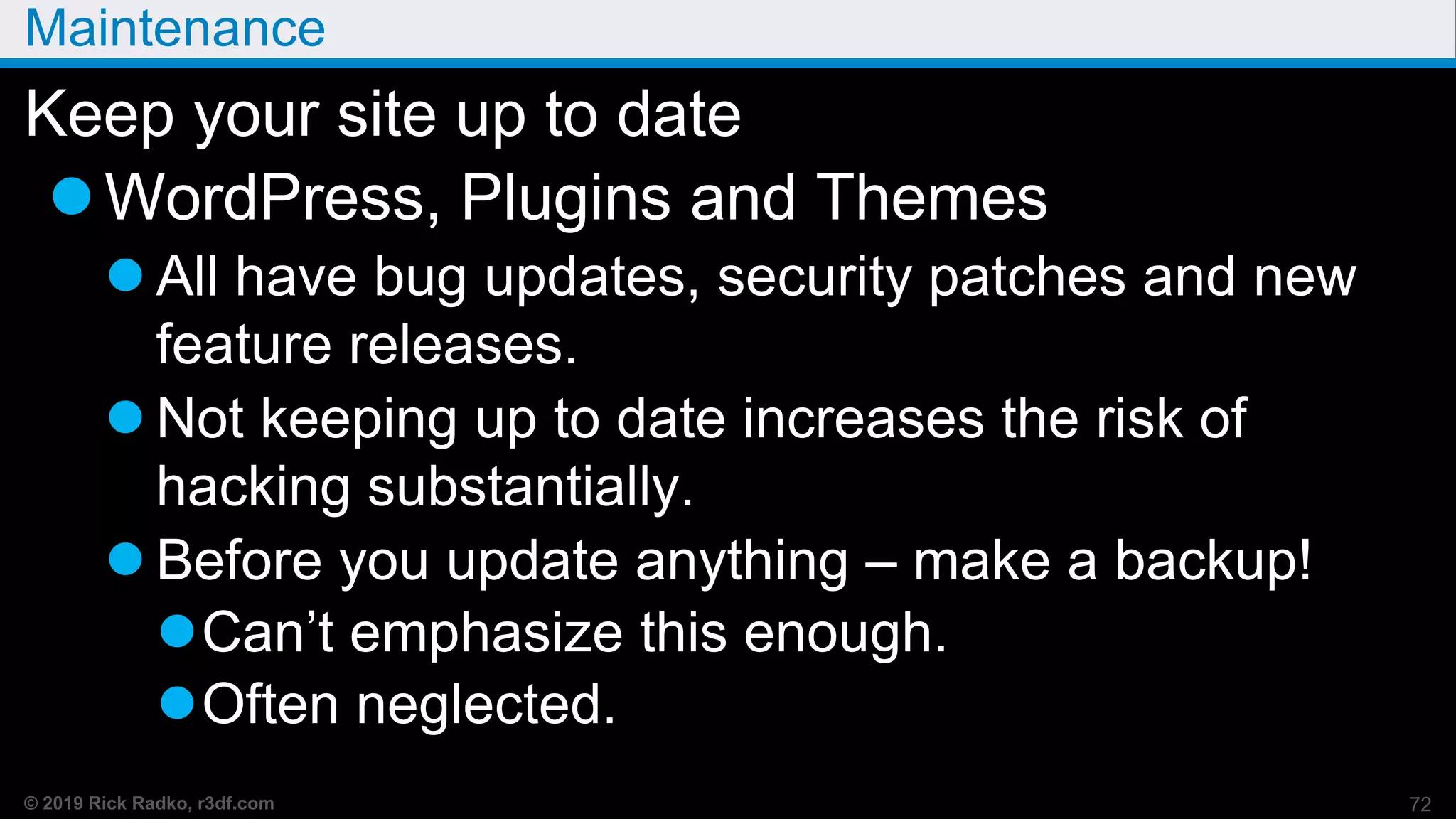
Maintenance
Keep your site up to date
WordPress, Plugins and Themes
 All have bug updates, security patches and new
feature releases.
 Not keeping up to date increases the risk of
hacking substantially.
 Before you update anything – make a backup!
Can’t emphasize this enough.
Often neglected.
72
© 2019 Rick Radko, r3df.com
Page Builders
73
© 2019 Rick Radko, r3df.com
Page Builders - Demo
Quick tour of Page Builders
74
© 2019 Rick Radko, r3df.com
The End
75
© 2019 Rick Radko, r3df.com
Contact
Rick Radko
email: wpinfo@r3df.com
twitter: @r3designforge
Christie Witt
website: creativechristie.ca
instagram: @creativechristabelle
Slides: slideshare.net/r3df
76

Introduction to WordPress - WordCamp Ottawa 2019

  • 1.
    r3df.com Rick Radko ChristieWitt Twitter: @r3designforge creativechristie.ca Instagram: @creativechristabelle Introduction to WordPress for Beginners July 9th, 2019 Slides: slideshare.net/r3df
  • 2.
    © 2019 RickRadko, r3df.com We are: Rick Radko – R-Cubed Design Forge  Software, web and app designer/developer, trainer, speaker.  Creating custom web sites and web applications since 1996, and WordPress sites since 2008.  WordCamp Ottawa and Ottawa WordPress Meetup Founder. Christie Witt - Creative Christie  Lead designer for the Canadian Physiotherapy Association in Ottawa.  Member of the WordCamp Ottawa organizing team since 2017.  Speaker at WordCamp Toronto, WordCamp Ottawa and the 1
  • 3.
    © 2019 RickRadko, r3df.com Introduction to WordPress: Goals Goals for this session: Get familiar with WordPress:  Terms  Features  Concepts  Visual aspects  Hidden gems Slides: slideshare.net/r3df 2
  • 4.
    © 2019 RickRadko, r3df.com Contents - Part 1 1. About WordPress 2. WordPress site orientation 3. Posts and pages 4. The settings panel 5. Menus 6. Resources 7. Plugins 3
  • 5.
    © 2019 RickRadko, r3df.com Contents - Part 2 8. Themes 9. Widgets 10. Users 11. Maintenance 12. Page Builders – if time Break – Around 8:30 for 8-10 min 4
  • 6.
    © 2019 RickRadko, r3df.com About WordPress 5
  • 7.
    © 2019 RickRadko, r3df.com What is WordPress? WordPress: Is a Content Management System. (CMS)  A tool to help you build a website. Displays web pages (HTML) dynamically. Users need no knowledge of: HTML, PHP, JavaScript etc. (for basic content) Visual editor to help create content easily. 6
  • 8.
    © 2019 RickRadko, r3df.com WordPress Visual Editor - Gutenberg 7
  • 9.
    © 2019 RickRadko, r3df.com What is WordPress continued… WordPress: The first version of WordPress was released May 27, 2003 It is currently the most popular CMS  Runs millions of websites.  Stats suggest that WordPress sites represent: Around 34% of the worlds websites. Almost 60% of CMS based websites. WordPress - capital_P_dangit() 8
  • 10.
    © 2019 RickRadko, r3df.com WordPress versions 3 different WordPress versions: 1. Hosted on wordpress.com - Often referred to as “.com” WordPress. 2. Self Hosted – Single site (default version) - Get from wordpress.org, or your website host. 3. Self Hosted – Network or Multisite - Extra steps to setup. Need to be aware of which one we are using, as there are some differences. 9
  • 11.
    © 2019 RickRadko, r3df.com WordPress types: wordpress.com wordpress.com – online service (by Automattic) All you need to get online, but free has limits:  Restricted to what is provided on the network  Ads (wordpress.com not yours)  Costs to add: Own domain instead of <something>.wordpress.com) Customizations (even css changes) Fewer options/less control than wordpress.org Some things covered in this presentation can’t10
  • 12.
    © 2019 RickRadko, r3df.com WordPress types: wordpress.org Open Source  WordPress software is free!  Download a copy to host on your own server Full control – do anything you want with it Customize – by adding plugins and themes  Never alter the code of WordPress, plugins or themes! BUT: Will need some skill or help to setup! 11
  • 13.
    © 2019 RickRadko, r3df.com WordPress Setup Needs hosting:  A web server with PHP and MySQL to run. Hosting service for public sites. Local server to run it on your pc/laptop Needs to be installed  Hosting installers  Install from scratch “5 Min Install”  Lots of install guides – not going to cover installing here, it’s a whole session in itself. wordpress.org/support/article/how-to-install-wordpress/ 12
  • 14.
    © 2019 RickRadko, r3df.com wordpress.org - networks or multisite The third version of WordPress is multisite (network). Was once a separate version known as WPMU.  Will still see references to WPMU Allows multiple websites on one install.  Looks like separate sites to visitors What wordpress.com runs. Needs some knowledge to set-up. 13
  • 15.
    © 2019 RickRadko, r3df.com WordPress - Is it really free? WordPress is free to download BUT… Some things you will need may not be free:  Web hosting (sever)  A domain (your website address)  Some WordPress / web design knowledge  Add-on themes and plugins  Customization 14
  • 16.
    © 2019 RickRadko, r3df.com WordPress Costs wordpress.com Subscriptions:  Free – limited – personal site/blog  $10 - $12/mo basic business site  Up to $60/mo ecommerce sites 15
  • 17.
    © 2019 RickRadko, r3df.com WordPress Costs wordpress.org Domain: $15 - $40 (could be 100’s) Hosting: $4 - $20/mo shared, $50+ VPS & dedicated Plugins: $15 - $100’s (typical $50-200/yr) Themes: $45 - $100’s (typical $50-200/yr) 16
  • 18.
    © 2019 RickRadko, r3df.com Minimal Annual WordPress Costs 1 DIY WordPress Website (.org or .com) $150+/yr 17
  • 19.
    © 2019 RickRadko, r3df.com wordpress.org - customizing You can add plugins to make your site:  Multilingual. (numerous techniques & plugins)  A social site like Facebook. (BuddyPress) You can add plugins to add:  Facebook, Twitter, YouTube, Flickr connections.  A forum. (bbpress + others)  Much, much, more. (1000’s of plugins available) Add themes to change the look and sometimes add function. (1000’s of themes 18
  • 20.
    © 2019 RickRadko, r3df.com wordpress.org - customizing caveat The more extensive the customization, the more WordPress knowledge that is required.  Many free online resources to help, including: wordpress.org (more later)  Some low cost resources: WordPress meet-ups. WordCamps. Books.  More costly: Hiring a WordPress expert. 19
  • 21.
    © 2019 RickRadko, r3df.com Custom WordPress Costs WordPress customization: Themes  Child Theme “Adjusting things” - $100’s+  Custom theme - $1000’s Plugins  Overriding default functions - $100’s+  Custom plugins - $1000’s Custom work - $100’s - $10,000’s 20
  • 22.
    © 2019 RickRadko, r3df.com Learning about WordPress Ask questions!!! WordPress is the easiest CMS to use. 21
  • 23.
    © 2019 RickRadko, r3df.com WordPress site orientation 22
  • 24.
    © 2019 RickRadko, r3df.com WordPress front-end 23 WordPress has 2 interfaces for users: 1) The front-end  The "public" part of the site that your site visitors see.
  • 25.
    © 2019 RickRadko, r3df.com WordPress back-end, admin or “dashboard” 2) WordPress back-end or “dashboard”  This is private space where you manage the site. To see the dashboard: login at: <your-domain>/wp-login.php 24
  • 26.
    © 2019 RickRadko, r3df.com Back-end Tour Dashboard “Welcome to WordPress” message Screen options tab Help tab Admin toolbar Front end toolbar  Edit page/post Left side - Main Menu Post/Page lists 25
  • 27.
    © 2019 RickRadko, r3df.com Posts and pages 26
  • 28.
    © 2019 RickRadko, r3df.com Posts and pages Posts and pages are the basic content holders for a WordPress site. Posts:  Individual pieces of a collection of content. Usually used for blogs or similar types of content.  Each content piece is associated with a date: URL: your-domain/2019/06/30/post-title.  Posts have categories and tags. 27
  • 29.
    © 2019 RickRadko, r3df.com Posts  Can be displayed many ways (dynamic): Usually listed in reverse chronological order. Sticky posts. (show at the top, need theme support) Archives, by date, by author. Categories and tags.  Many different sidebar widgets can be used to create lists and indices to posts, or collections of posts indexed in various manners. 28
  • 30.
    © 2019 RickRadko, r3df.com Pages Pages: Are individual static stand alone content blocks. Good for things like an About page.  (any web site pages) Usually in site menus. Do not use tags or categories. Not tied to date.  URL: domainname.com/page-title/ 29
  • 31.
    © 2019 RickRadko, r3df.com Posts and Pages - Demo Create a page/post  Add title  Add text  Add images and video  Add other cool content.  Publishing options  Featured image Post Categories and Tags “taxonomies” Custom post types and taxonomies 30
  • 32.
    © 2019 RickRadko, r3df.com Settings & Customizer 31
  • 33.
    © 2019 RickRadko, r3df.com Site title and tagline How do we change the site title or tagline? 32
  • 34.
    © 2019 RickRadko, r3df.com Settings Settings Panels  General  Writing  Reading  Discussion  Media  Permalinks  Privacy 33
  • 35.
    © 2019 RickRadko, r3df.com Settings – Customizer Left Menu: Appearance -> Customize Newer, and not all settings here, but visual 34
  • 36.
    © 2019 RickRadko, r3df.com Key Settings - Demo General  Site Title and Tagline (customizer)  Admin Email  Membership and default roles  Time zone, format and week start Reading  Home page (customizer)  Blog page show setting  Search engine visibility 35
  • 37.
    © 2019 RickRadko, r3df.com More Key Settings Discussion  Comment Settings Permalinks 36
  • 38.
    © 2019 RickRadko, r3df.com Settings - permalinks  Here, month and name is set - common choice.  There is also a custom box where you can edit the permalink if you need something unusual. 37
  • 39.
    © 2019 RickRadko, r3df.com Permalink also shows in editor You can override permalinks edit in right site meta boxes If you change your title, you should check the permalink. Note: if you change the permalink, you may want to add a redirect for the old url. 38
  • 40.
    © 2019 RickRadko, r3df.com Menus 39
  • 41.
    © 2019 RickRadko, r3df.com Menus For some themes, default menus are created from the page list.  Hierarchy and order are taken from the page list, with home added at the start. For better control, see Menus under Appearance or in the customizer  Options for where to show menus  Order and hierarchy  Display options (css etc) 40
  • 42.
    © 2019 RickRadko, r3df.com Menus - Demo Manage Menus Create, Assign Add/Delete items Move items Hierarcy 41
  • 43.
    © 2019 RickRadko, r3df.com Resources 42
  • 44.
    © 2019 RickRadko, r3df.com wordpress.org wordpress.org - official source for WordPress. Theme repository – get free and commercial themes. Plugin repository – get plugins. Support forums – get help. The “codex”. (documentation) wordpress.tv - WordCamp and other videos 43
  • 45.
    © 2019 RickRadko, r3df.com WordPress Help WordPress icon - top left of the admin bar  Dropdown for links to WordPress help resources. 44
  • 46.
    © 2019 RickRadko, r3df.com wordpress.org – theme repository 1000’s of themes available. Themes are reviewed before release. 45
  • 47.
    © 2019 RickRadko, r3df.com wordpress.org – plugin repository 1000’s of plugins. Plugins are reviewed before release. 46
  • 48.
    © 2019 RickRadko, r3df.com wordpress.org – Support The support pages & forums.  Seek help with WordPress, theme and plugin issues. 47
  • 49.
    © 2019 RickRadko, r3df.com Other help Google WordPress + some topic Caution, many articles are out of date and may no longer be relevant. Books: Lots of books, make sure it’s current.  Print editions are usually not current. Tao of WordPress is a great ebook for beginners. Digging into WordPress is a also great ebook,48
  • 50.
    © 2019 RickRadko, r3df.com Other help WordCamps:  “WordCamp is a conference that focuses on everything WordPress.” – WordCamp Central Montreal: Aug 10-11, 2019. Toronto: ?? Usually late fall. All sorts of WordCamps world wide: central.wordcamp.org WordPress Meetup Groups:  Ottawa, Montreal, Toronto, and other cities. 49
  • 51.
    © 2019 RickRadko, r3df.com Plugins 50
  • 52.
    © 2019 RickRadko, r3df.com Managing Plugins - Demo  Backup first!!!  Plugins page  Active/inactive/recently active counts  Add plugins (search examples) Evaluating plugins  Activate/deactivate  Settings  Add plugins (sideload)  Updates – Update page/plugins page  Delete 51
  • 53.
    © 2019 RickRadko, r3df.com Beware of unknown plugins There are many plugins not on the wordpress.org repository. Many of those plugins are very good.  Most good plugins not on the repository are commercial ($). Many are not good, and may even contain malware.  blog.sucuri.net/2012/02/new-wordpress-toolspack- plugin.html 52
  • 54.
    © 2019 RickRadko, r3df.com Plugin final notes Remove all unused plugins from your site, they can be a security issue.  The Timthumb vulnerability did not need to have the plugin be active in order to be exploited. Keep plugins, even inactive ones up to date! Install a backup plugin AND USE IT!!! 53
  • 55.
    © 2019 RickRadko, r3df.com Themes 54
  • 56.
    © 2019 RickRadko, r3df.com Themes A theme defines the look and feel of your site. Sets the graphics, colors. Sets the widget locations. Defines column layout. Can be changed relatively easily.  Beware lock-in. Cannot add themes when using wordpress.com. 55
  • 57.
    © 2019 RickRadko, r3df.com Managing Themes - Demo  Backup first!!!  Themes page  Installed themes  Add a theme (search examples) Evaluating themes  Customizer preview  Activate/deactivate  Settings – custom panels like Divi/Beaver 56
  • 58.
    © 2019 RickRadko, r3df.com Managing Themes continued…  Add Themes (sideload)  Updates – Update page/themes page  Delete 57
  • 59.
    © 2019 RickRadko, r3df.com Themes not on wordpress.org Many good commercial themes are not on wordpress.org.  iThemes  Studiopress  Elegant Themes  Freelance themes on Theme Forest  and more…. 58
  • 60.
    © 2019 RickRadko, r3df.com Themes not on wordpress.org Beware free themes not from wordpress.org  Google “Free WordPress Themes” and you are guaranteed to find yourself some malware. 59
  • 61.
    © 2019 RickRadko, r3df.com Final notes for themes If you need to modify a theme's code: You should use a child theme to modify themes. If you alter the theme files without a child theme:  You will loose your changes if the theme is updated.  Can't update to get security fixes. 60
  • 62.
    © 2019 RickRadko, r3df.com Final notes for themes Not too hard to create a child theme:  Write your own from examples. codex.wordpress.org/Child_Themes OR  Add a plugin - there are several on wordpress.org. 61
  • 63.
    © 2019 RickRadko, r3df.com Widgets 62
  • 64.
    © 2019 RickRadko, r3df.com Widgets Widgets are tools or content items that you can add, arrange, and remove from the widgetized areas of your theme. The most common widgetized area is 63
  • 65.
    © 2019 RickRadko, r3df.com Widgets can be anywhere a theme defines them Widgets started in sidebars… Now themes can have many areas for them:  Sidebars  Headers, footers  Special page spaces. AND now, with the visual editor – Almost anywhere! 64
  • 66.
    © 2019 RickRadko, r3df.com Widgets Demo - Demo Add/Remove/Reorganize widgets 65
  • 67.
    © 2019 RickRadko, r3df.com Users 66
  • 68.
    © 2019 RickRadko, r3df.com User levels Standard WordPress User Levels Least to most powerful: Subscriber  Can not edit or change anything  Comment only Contributor Author Editor Admin - can do anything! 67
  • 69.
    © 2019 RickRadko, r3df.com User roles Subscriber Can only manage their profile and comment. Contributor Can write and manage their posts but not publish them + all Subscriber capabilities. Author Can publish and manage their own posts + all Contributor capabilities. 68
  • 70.
    © 2019 RickRadko, r3df.com User roles Editor Can publish and manage posts and pages as well as manage other users' posts, etc. + all Author capabilities. Administrator Access to all the administration features + all Editor capabilities. 69
  • 71.
    © 2019 RickRadko, r3df.com User security issues Remove any user called "admin" if you have one. Subject to brute force attacks Do not use your administrator account on public wifi if possible. Use a lower level account 70
  • 72.
    © 2019 RickRadko, r3df.com Maintenance 71
  • 73.
    © 2019 RickRadko, r3df.com Maintenance Keep your site up to date WordPress, Plugins and Themes  All have bug updates, security patches and new feature releases.  Not keeping up to date increases the risk of hacking substantially.  Before you update anything – make a backup! Can’t emphasize this enough. Often neglected. 72
  • 74.
    © 2019 RickRadko, r3df.com Page Builders 73
  • 75.
    © 2019 RickRadko, r3df.com Page Builders - Demo Quick tour of Page Builders 74
  • 76.
    © 2019 RickRadko, r3df.com The End 75
  • 77.
    © 2019 RickRadko, r3df.com Contact Rick Radko email: wpinfo@r3df.com twitter: @r3designforge Christie Witt website: creativechristie.ca instagram: @creativechristabelle Slides: slideshare.net/r3df 76