Introduction to Moodle Development
Jonathan Moore
Founder
Oklahoma Moot 2010 Edition
Background and context
● Managed thousands of Moodle sites
● Managed millions of Moodle user accounts
● Over 10 years experience with Moodle
● Dozens of Moodle dev and reporting projects
● Tuning, scalability, and performance expert
● Author of Moodle Module Development
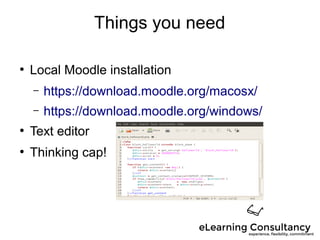
Things you need
●
Local Moodle installation
– https://download.moodle.org/macosx/
– https://download.moodle.org/windows/
●
Text editor
●
Thinking cap!
Format / objectives
● Create a 'Hello World' block
● Use language files for localization
● Implement capabilities
● Scheduled execution
● Ask questions!
● Share your tips
Getting to know you
● How many new developers?
● How technical are you?
● Are you new to Moodle?
● Does anyone know PHP already?
Getting to know you
● What are you hoping to learn today?
● What is your ultimate goal?
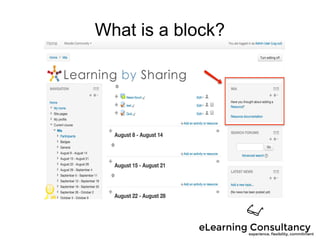
What is a block?
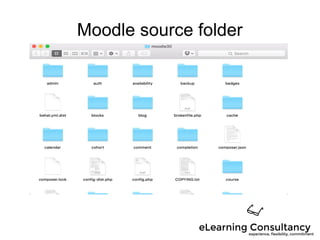
Moodle source folder
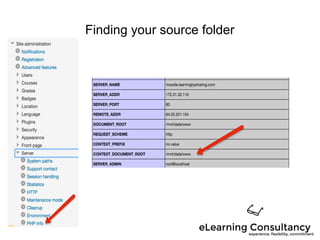
Finding your source folder
Hands-on
● Install local Moodle
● Find source code folder
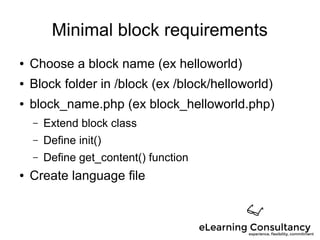
Minimal block requirements
● Choose a block name (ex helloworld)
● Block folder in /block (ex /block/helloworld)
● block_name.php (ex block_helloworld.php)
– Extend block class
– Define init()
– Define get_content() function
● Create language file
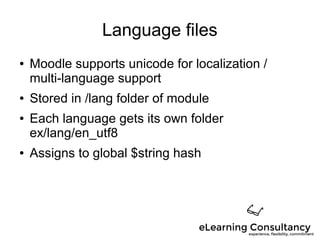
Language files
● Moodle supports unicode for localization /
multi-language support
● Stored in /lang folder of module
● Each language gets its own folder
ex/lang/en_utf8
● Assigns to global $string hash
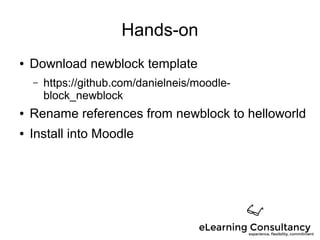
Hands-on
● Download newblock template
– https://github.com/danielneis/moodle-
block_newblock
● Rename references from newblock to helloworld
● Install into Moodle
Settings
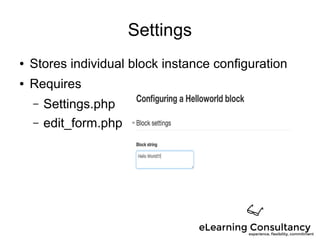
● Stores individual block instance configuration
● Requires
– Settings.php
– edit_form.php
Hands-on
● Create configuration option to set block text
Hands-on
● Display user's firstname in block
Capabilities
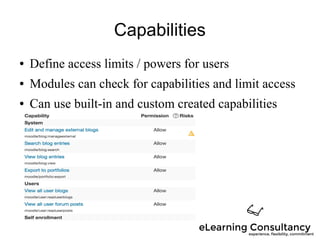
● Define access limits / powers for users
● Modules can check for capabilities and limit access
● Can use built-in and custom created capabilities
Hands-on
● Add capability to view block
Scheduling execution
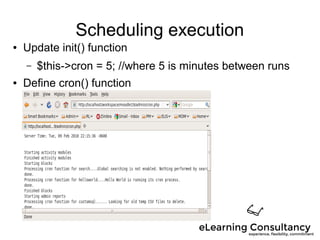
● Update init() function
– $this->cron = 5; //where 5 is minutes between runs
● Define cron() function
Hands-on
● Add a cron call for our block
Developer tools
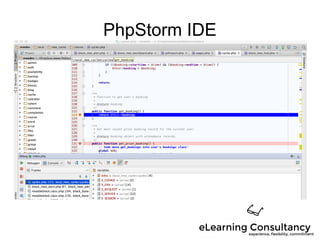
PhpStorm IDE
More tools
● Git – code management
– see github and bitbucket services
● Xdebug – debugger
● Code checker – style checker
● PHP Unit – code level testing
● Behat – browser automation
And more dev tools
● Moodle Development KIT (MDK)
● MOOSH
● XHProf
● GRUNT – Bootstrap tool
● Shifter – Javascript compiling
What we do
● Expert advice and eLearning program review
● Evangelism and training
● Instructional design
● Custom development
● Reporting
● System tuning
● Performance assessment
Questions?
● http://elearningconsultancy.com
● jonathan@elearningconsultancy.com
● Twitter: @moorejon
● Skype: moorejon07

Introduction to Moodle Development