Extending Moodle Reporting
Jonathan Moore
Founder
Background and context
● Managed thousands of Moodle sites
● Managed millions of Moodle user accounts
● Over 10 years experience with Moodle
● Dozens of Moodle dev and reporting projects
● Tuning, scalability, and performance expert
● Author of Moodle Module Development
Things you need
●
Local Moodle Installer
– https://download.moodle.org/macosx/
– https://download.moodle.org/windows/
●
Thinking cap!
Why we have this workshop
Format / objectives
● Overview builtin reports
● Discuss pluses / minuses
● Brain storm report wishlist
● Play with some reporting tools
● Build a report
● Ask questions!
● Share your tips
Getting to know you
● How many new admins?
● How technical are you?
● Learn builtin reports or build reports?
● Does anyone know some SQL?
Getting to know you
● What are you hoping to learn today?
● What reports do you want?
Hands-on
● Multi-vote most popular report requests
Builtin Reports
Some of what's included
● Activity reports
● Config changes
● Course overview report
● Grades report
● Logs report
More reports
● Participation report
● User course completion
● Report user outline
● Report course access time log report
● Quiz report
Hands-on discussion
● What are strengths and weaknesses of builtin
reporting?
Strengths some thoughts
● Click level data
● Many built-in reports
● Self-service
● Contextual
Weaknesses some thoughts
● All things / one thing
– Dates
– Courses
– Users
● Not easily actionable
● No report builder
Hands-on
● Use the config changes report to find the latest
setting change on your Moodle site
● Look at the log report and select a filter to
narrow the results
Other sources for reports
● Module database
– Ad Hoc Reports
– Configurable Reports
– Other specialty reports
●
3rd
Party reporting tool
● Ad hoc report list – Link
● Write a SQL query
● Write in PHP (development)
Configurable reports
– Extra pre-built reports
– Basic report builder
– SQL reports
Hands-on
● Install Configurable Reports
● Add the block
● Add a report
Some database / reporting tools
● PHPMyAdmin
● Adminer
● Crystal reports
● Jaspersoft
● MS Access
● Excel
● MySQL Workbench / Sequel Pro
MyODBC
 Windows client software
 Connect MySQL to desktop applications
 Make ad hoc reports in MS Access, Excel,
Open Office, etc.
PHPMyAdmin
● PHP program
● Database access tool
● Quick-and-dirty one-off reporting
● Examine database structure
Hands-on
● Go into PHPMyAdmin
● Find the table that stores user information
● Find the field that stores first name
● Find table that stores courses
● Find field that stores course short name
● Use the search feature
Ad Hoc Reporting List
● URL http://bit.ly/1fHQmhU
● Wiki of contributed SQL reports for Moodle
● Great place to find reports
● Fairly easy to tweak to make your own
● Be sure to vet accuracy of reports used
● Anyone can edit the wiki
Hands-on
● Select an interesting Ad Hoc Report
● Go to Configurable Reports
● Create a custom SQL report
● Paste in report SQL
● View report
Misc Techniques
Steal a similar report!
● Edit my.cnf
– general_log = on
– general_log_file=/usr/log/general.logmysql
config for query logging
● Go to builtin report page
● Restart mysql
● Refresh report
● Disable setting
Build a report with SQL
● Structured Query Language
● Powerful
● Flexible
● Complex for novices
● Can be dangerous
● Use a testing server
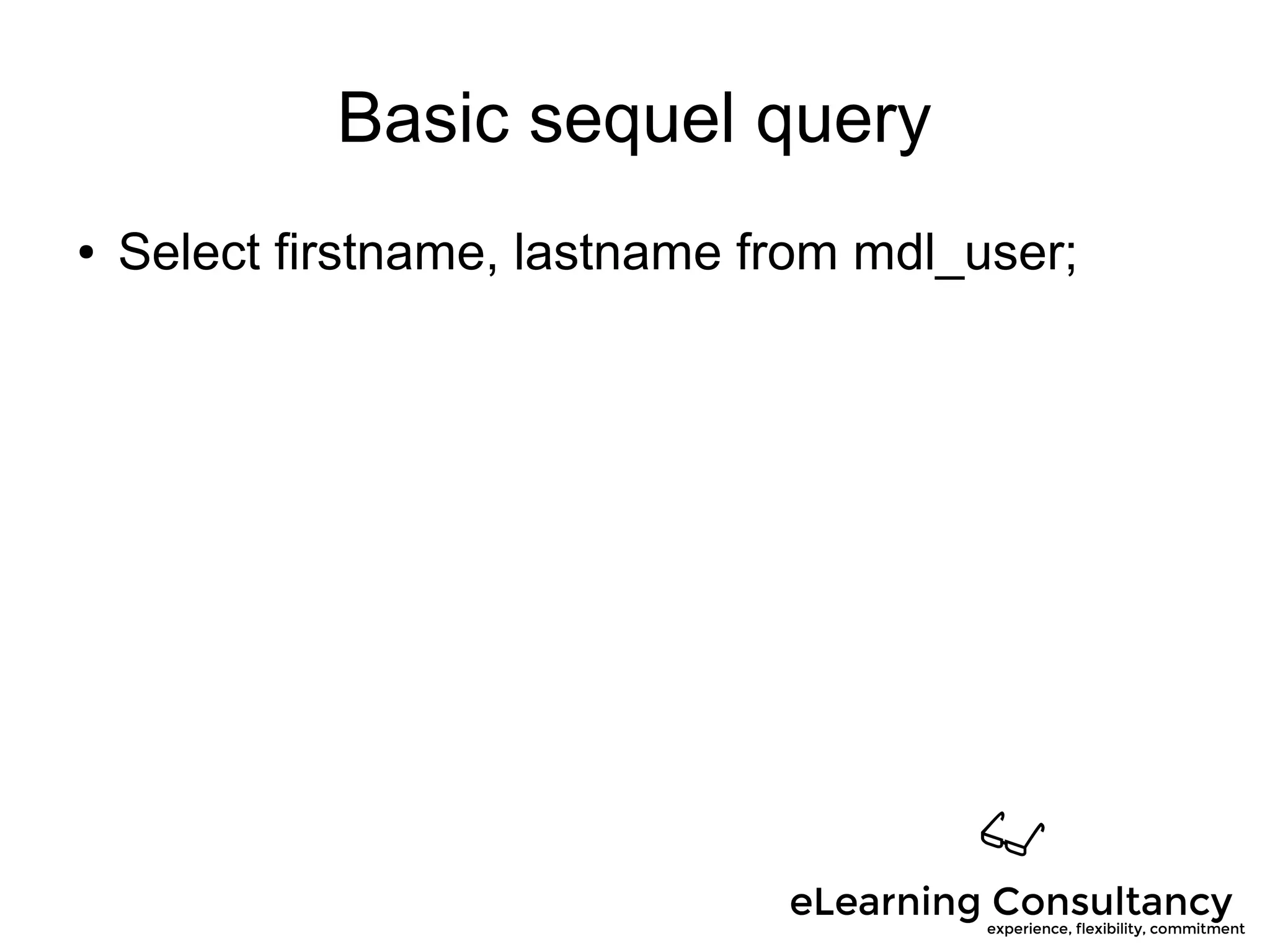
Basic sequel query
● Select firstname, lastname from mdl_user;
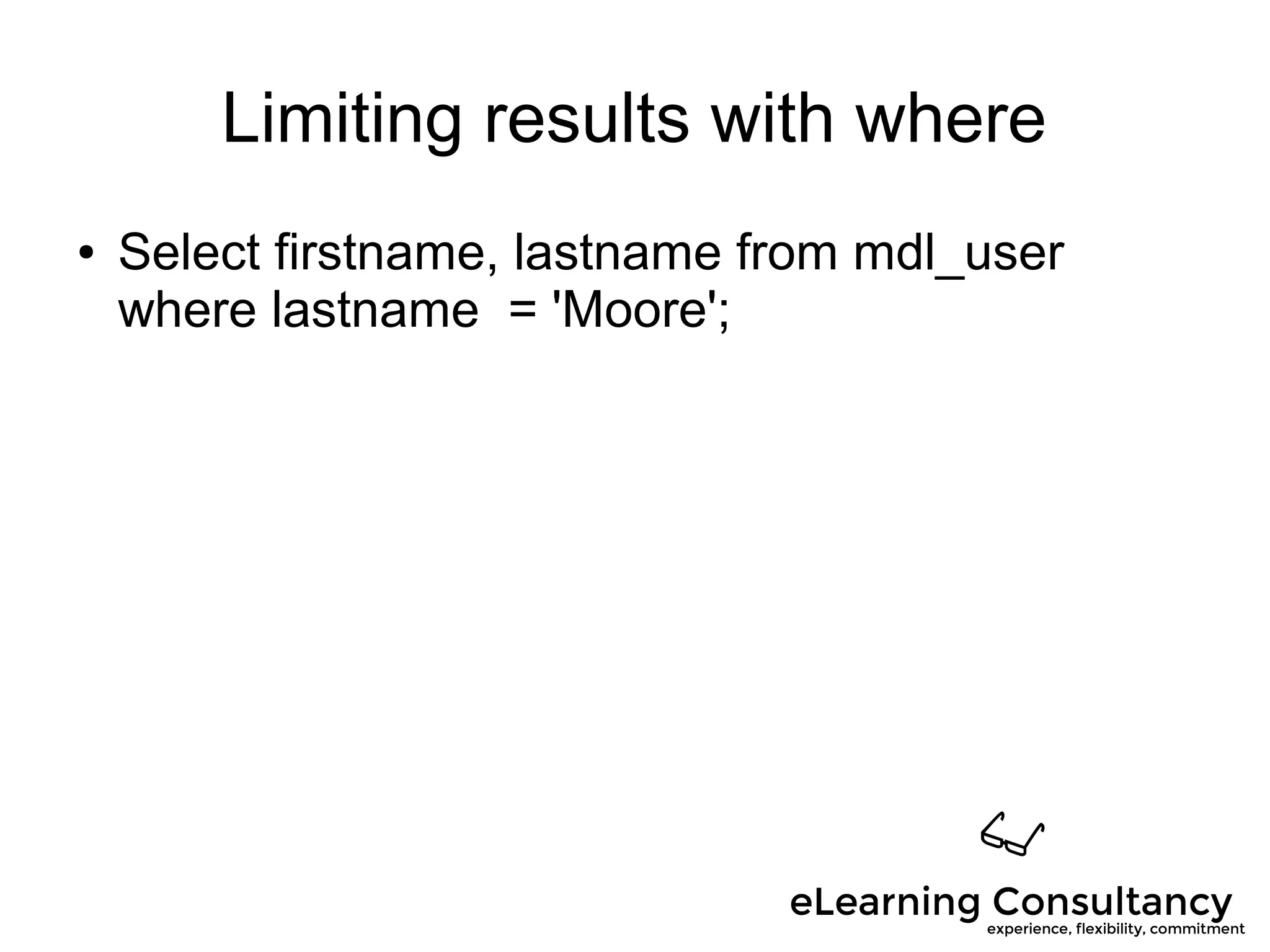
Limiting results with where
● Select firstname, lastname from mdl_user
where lastname = 'Moore';
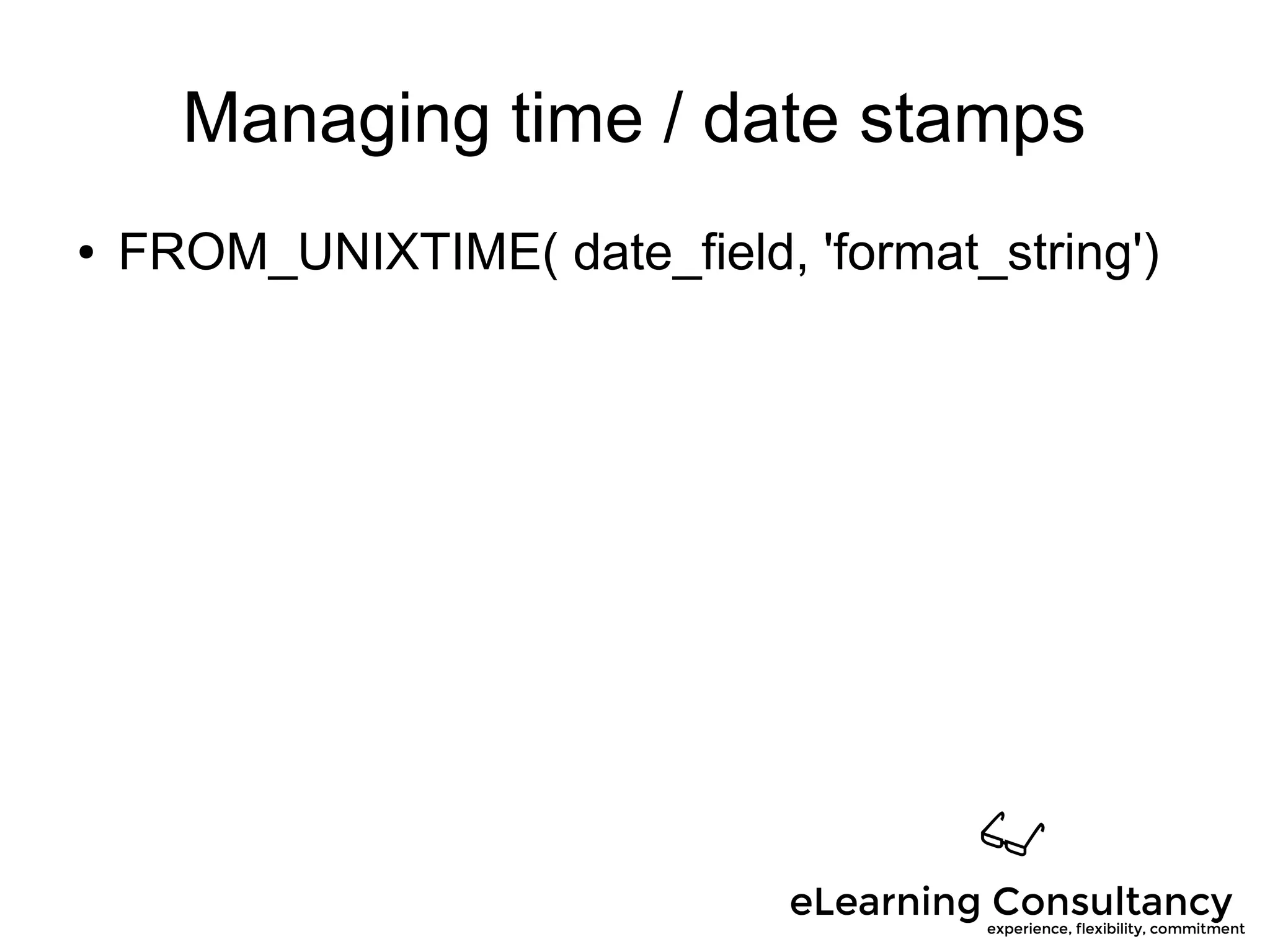
Managing time / date stamps
● FROM_UNIXTIME( date_field, 'format_string')
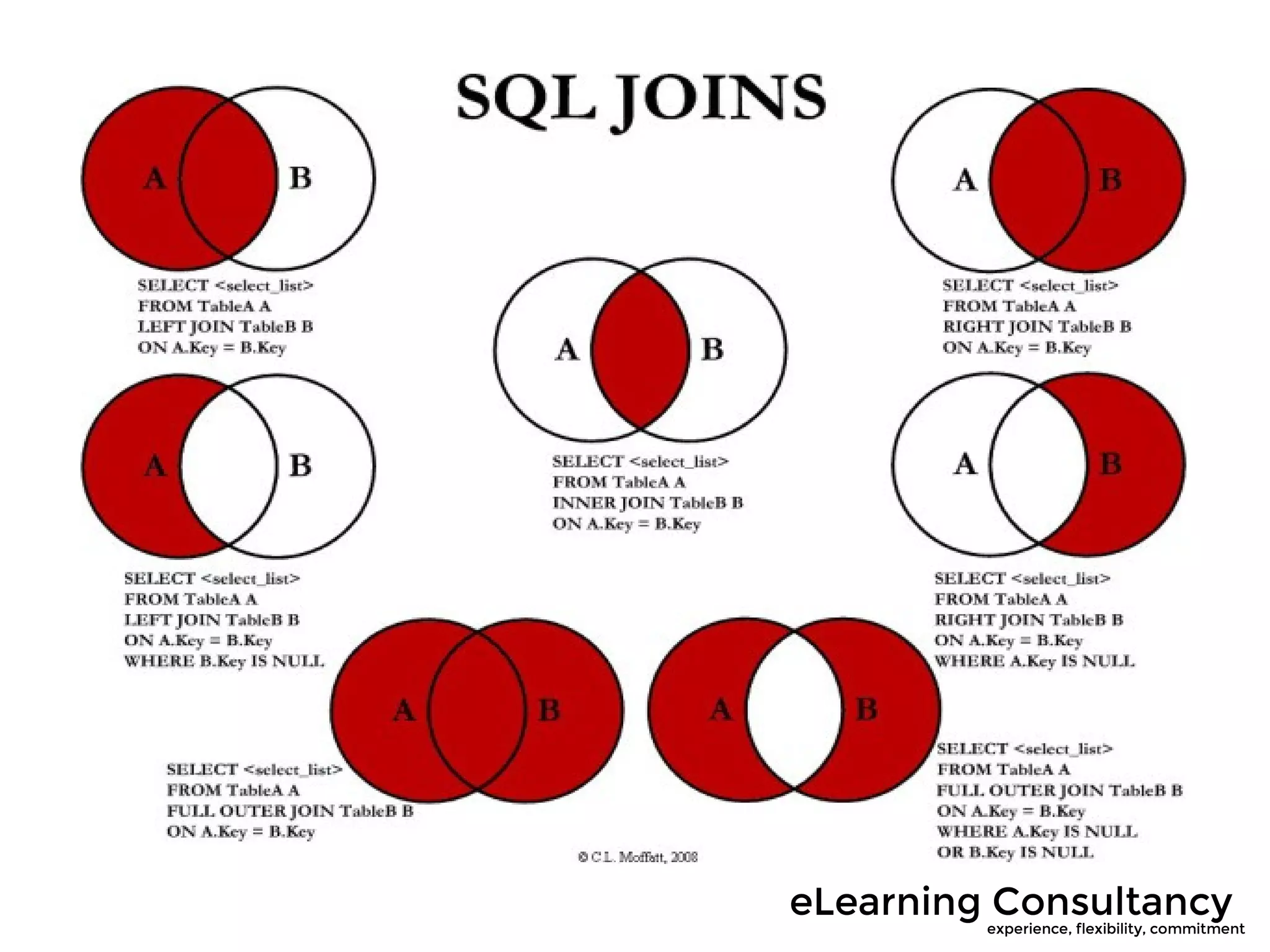
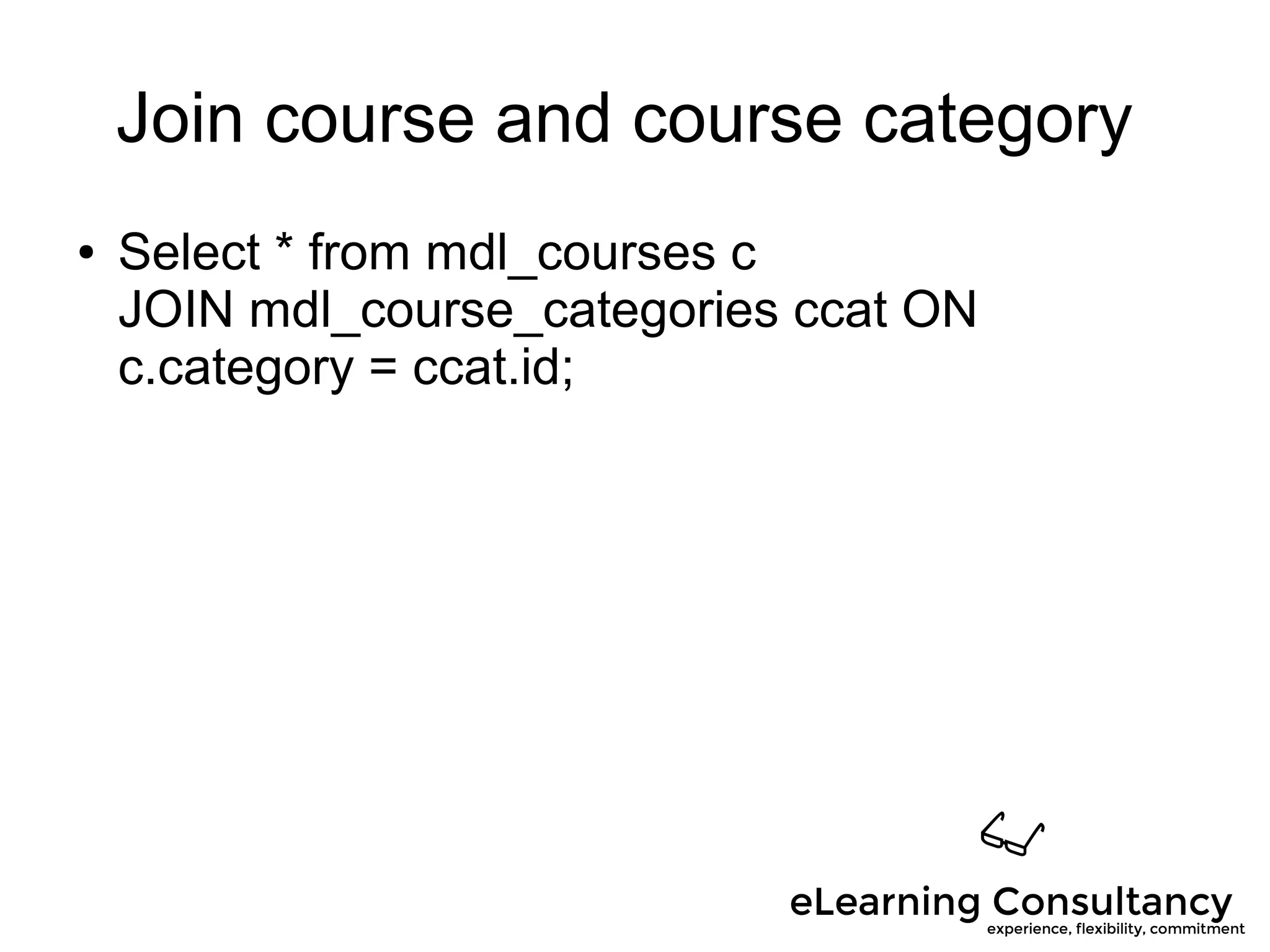
Join course and course category
● Select * from mdl_courses c
JOIN mdl_course_categories ccat ON
c.category = ccat.id;
Hands-on
● Make most popular report request(s
● Either whole group / small group if enough SQL
experts
What we do
● Expert advice and eLearning program review
● Evangelism and training
● Instructional design
● Custom development
● Reporting
● System tuning
● Performance assessment
Questions?
● http://elearningconsultancy.com
● jonathan@elearningconsultancy.com
● Twitter: @moorejon
● Skype: moorejon07

Extending Moodle Reporting

  • 1.
  • 2.
    Background and context ●Managed thousands of Moodle sites ● Managed millions of Moodle user accounts ● Over 10 years experience with Moodle ● Dozens of Moodle dev and reporting projects ● Tuning, scalability, and performance expert ● Author of Moodle Module Development
  • 3.
    Things you need ● LocalMoodle Installer – https://download.moodle.org/macosx/ – https://download.moodle.org/windows/ ● Thinking cap!
  • 4.
    Why we havethis workshop
  • 5.
    Format / objectives ●Overview builtin reports ● Discuss pluses / minuses ● Brain storm report wishlist ● Play with some reporting tools ● Build a report ● Ask questions! ● Share your tips
  • 6.
    Getting to knowyou ● How many new admins? ● How technical are you? ● Learn builtin reports or build reports? ● Does anyone know some SQL?
  • 7.
    Getting to knowyou ● What are you hoping to learn today? ● What reports do you want?
  • 8.
    Hands-on ● Multi-vote mostpopular report requests
  • 9.
  • 10.
    Some of what'sincluded ● Activity reports ● Config changes ● Course overview report ● Grades report ● Logs report
  • 11.
    More reports ● Participationreport ● User course completion ● Report user outline ● Report course access time log report ● Quiz report
  • 12.
    Hands-on discussion ● Whatare strengths and weaknesses of builtin reporting?
  • 13.
    Strengths some thoughts ●Click level data ● Many built-in reports ● Self-service ● Contextual
  • 14.
    Weaknesses some thoughts ●All things / one thing – Dates – Courses – Users ● Not easily actionable ● No report builder
  • 15.
    Hands-on ● Use theconfig changes report to find the latest setting change on your Moodle site ● Look at the log report and select a filter to narrow the results
  • 16.
    Other sources forreports ● Module database – Ad Hoc Reports – Configurable Reports – Other specialty reports ● 3rd Party reporting tool ● Ad hoc report list – Link ● Write a SQL query ● Write in PHP (development)
  • 17.
    Configurable reports – Extrapre-built reports – Basic report builder – SQL reports
  • 18.
    Hands-on ● Install ConfigurableReports ● Add the block ● Add a report
  • 19.
    Some database /reporting tools ● PHPMyAdmin ● Adminer ● Crystal reports ● Jaspersoft ● MS Access ● Excel ● MySQL Workbench / Sequel Pro
  • 20.
    MyODBC  Windows clientsoftware  Connect MySQL to desktop applications  Make ad hoc reports in MS Access, Excel, Open Office, etc.
  • 21.
    PHPMyAdmin ● PHP program ●Database access tool ● Quick-and-dirty one-off reporting ● Examine database structure
  • 22.
    Hands-on ● Go intoPHPMyAdmin ● Find the table that stores user information ● Find the field that stores first name ● Find table that stores courses ● Find field that stores course short name ● Use the search feature
  • 23.
    Ad Hoc ReportingList ● URL http://bit.ly/1fHQmhU ● Wiki of contributed SQL reports for Moodle ● Great place to find reports ● Fairly easy to tweak to make your own ● Be sure to vet accuracy of reports used ● Anyone can edit the wiki
  • 24.
    Hands-on ● Select aninteresting Ad Hoc Report ● Go to Configurable Reports ● Create a custom SQL report ● Paste in report SQL ● View report
  • 25.
  • 26.
    Steal a similarreport! ● Edit my.cnf – general_log = on – general_log_file=/usr/log/general.logmysql config for query logging ● Go to builtin report page ● Restart mysql ● Refresh report ● Disable setting
  • 27.
    Build a reportwith SQL ● Structured Query Language ● Powerful ● Flexible ● Complex for novices ● Can be dangerous ● Use a testing server
  • 28.
    Basic sequel query ●Select firstname, lastname from mdl_user;
  • 29.
    Limiting results withwhere ● Select firstname, lastname from mdl_user where lastname = 'Moore';
  • 30.
    Managing time /date stamps ● FROM_UNIXTIME( date_field, 'format_string')
  • 32.
    Join course andcourse category ● Select * from mdl_courses c JOIN mdl_course_categories ccat ON c.category = ccat.id;
  • 33.
    Hands-on ● Make mostpopular report request(s ● Either whole group / small group if enough SQL experts
  • 34.
    What we do ●Expert advice and eLearning program review ● Evangelism and training ● Instructional design ● Custom development ● Reporting ● System tuning ● Performance assessment
  • 35.