In the Name of ALLAH ALMIGHTY
Who is most Merciful, Gracious
First of all thanks to Allah Almighty who gave
us the spirit to complete this task, which was
given by Honorable ‘Sir Liaquat Hussain’
And thanks to my parents who supported me
a lot for all of this.
ACKNOWLEDGMENT
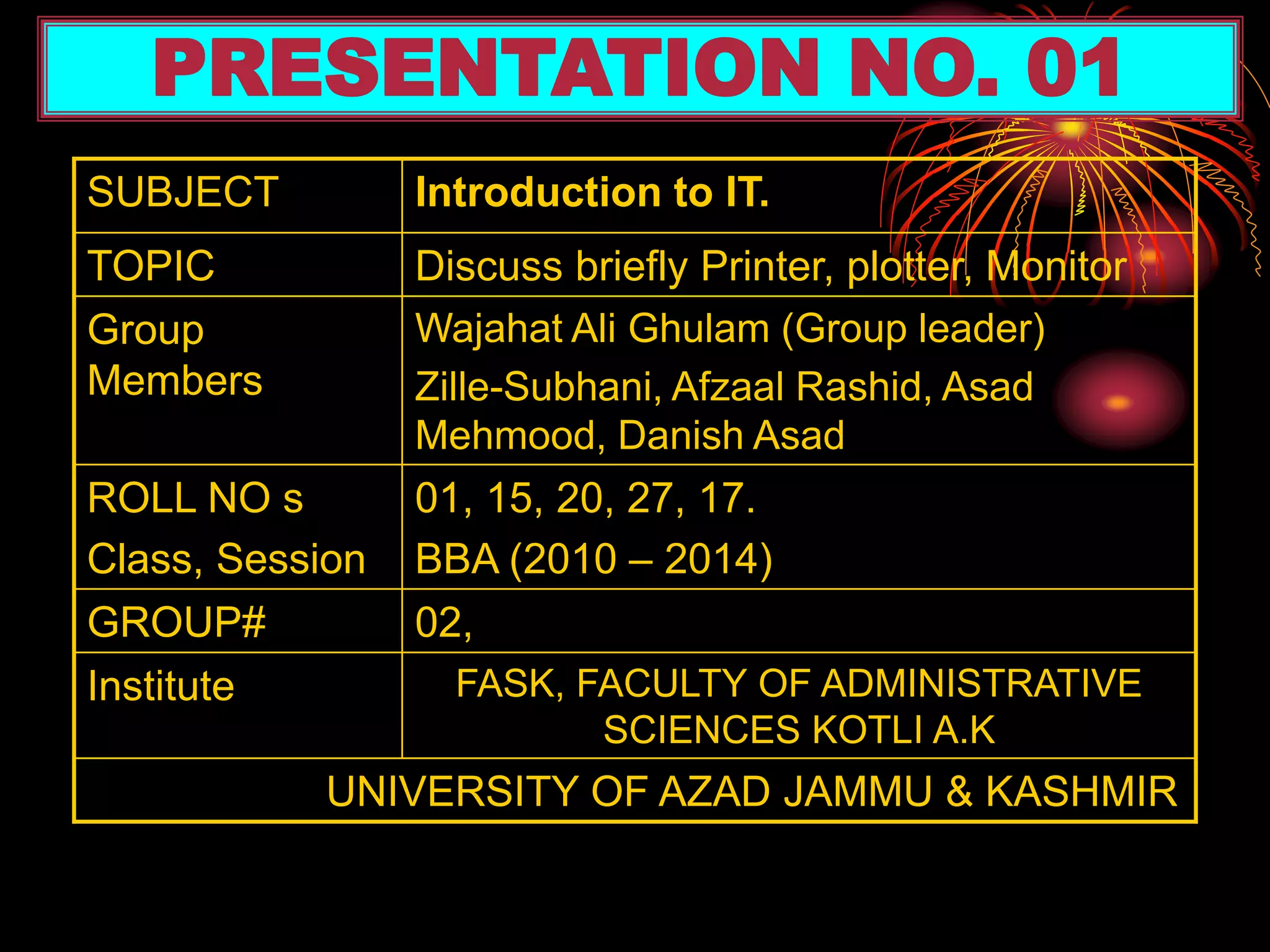
SUBJECT Introduction to IT.
TOPIC Discuss briefly Printer, plotter, Monitor
Group
Members
Wajahat Ali Ghulam (Group leader)
Zille-Subhani, Afzaal Rashid, Asad
Mehmood, Danish Asad
ROLL NO s
Class, Session
01, 15, 20, 27, 17.
BBA (2010 – 2014)
GROUP# 02,
Institute FASK, FACULTY OF ADMINISTRATIVE
SCIENCES KOTLI A.K
UNIVERSITY OF AZAD JAMMU & KASHMIR
PRESENTATION NO. 01
REFERENCES:-
• IT series Book
• Self-preparation
SLIDES PREAPARED BY:
Wajahat Ali Ghulam
SLIDES PREPARATION
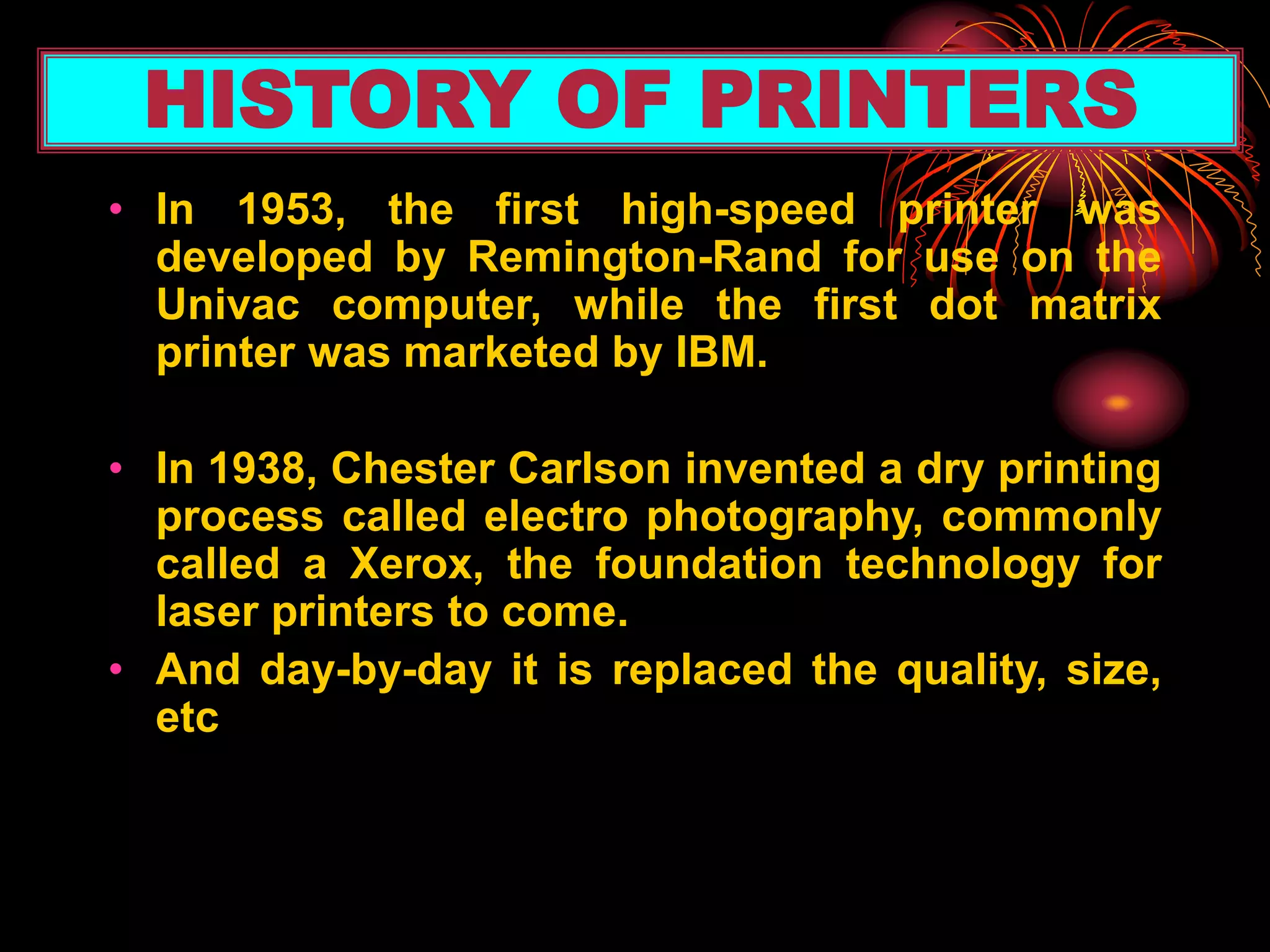
• In 1953, the first high-speed printer was
developed by Remington-Rand for use on the
Univac computer, while the first dot matrix
printer was marketed by IBM.
• In 1938, Chester Carlson invented a dry printing
process called electro photography, commonly
called a Xerox, the foundation technology for
laser printers to come.
• And day-by-day it is replaced the quality, size,
etc
HISTORY OF PRINTERS
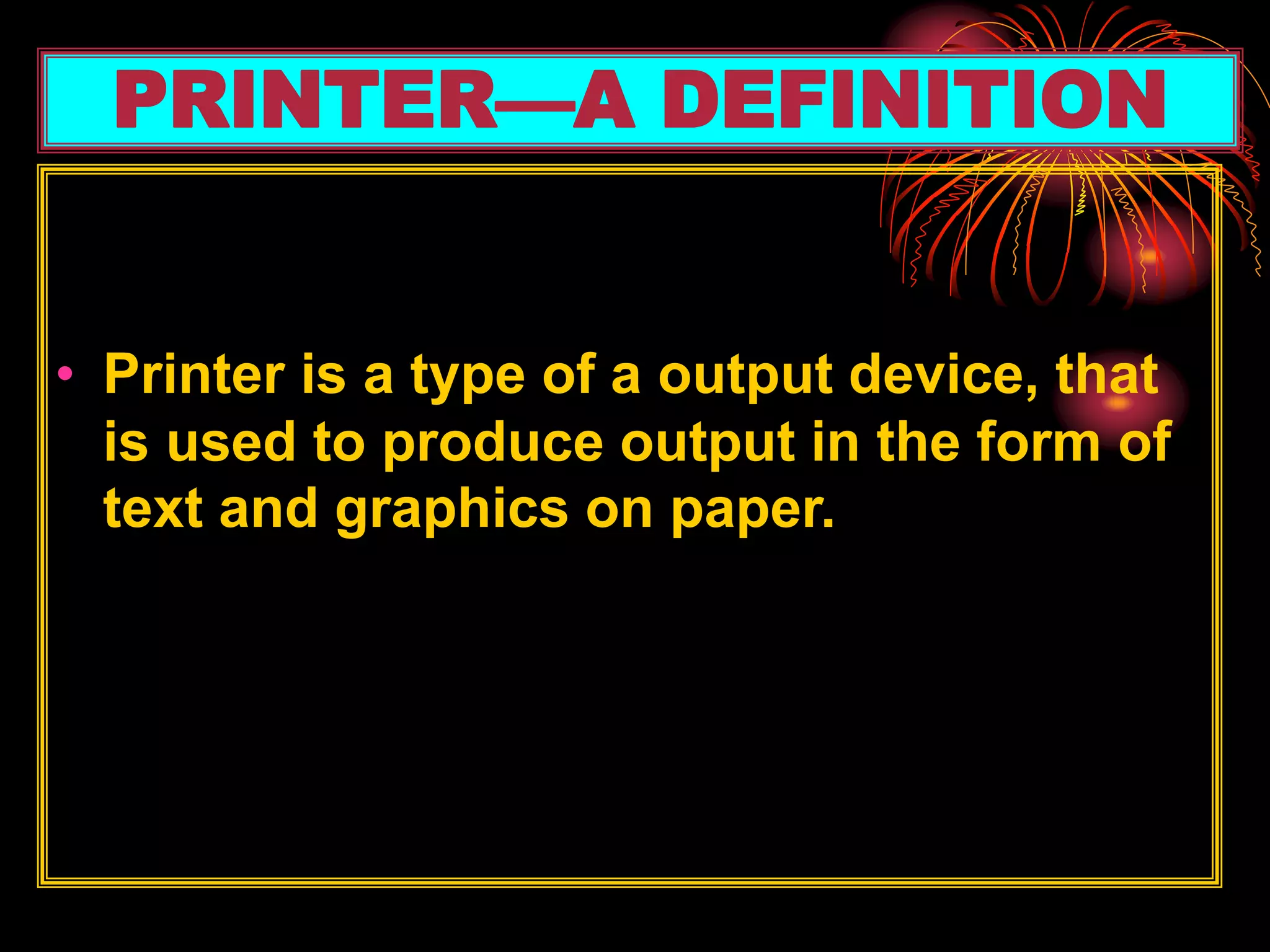
• Printer is a type of a output device, that
is used to produce output in the form of
text and graphics on paper.
PRINTER—A DEFINITION
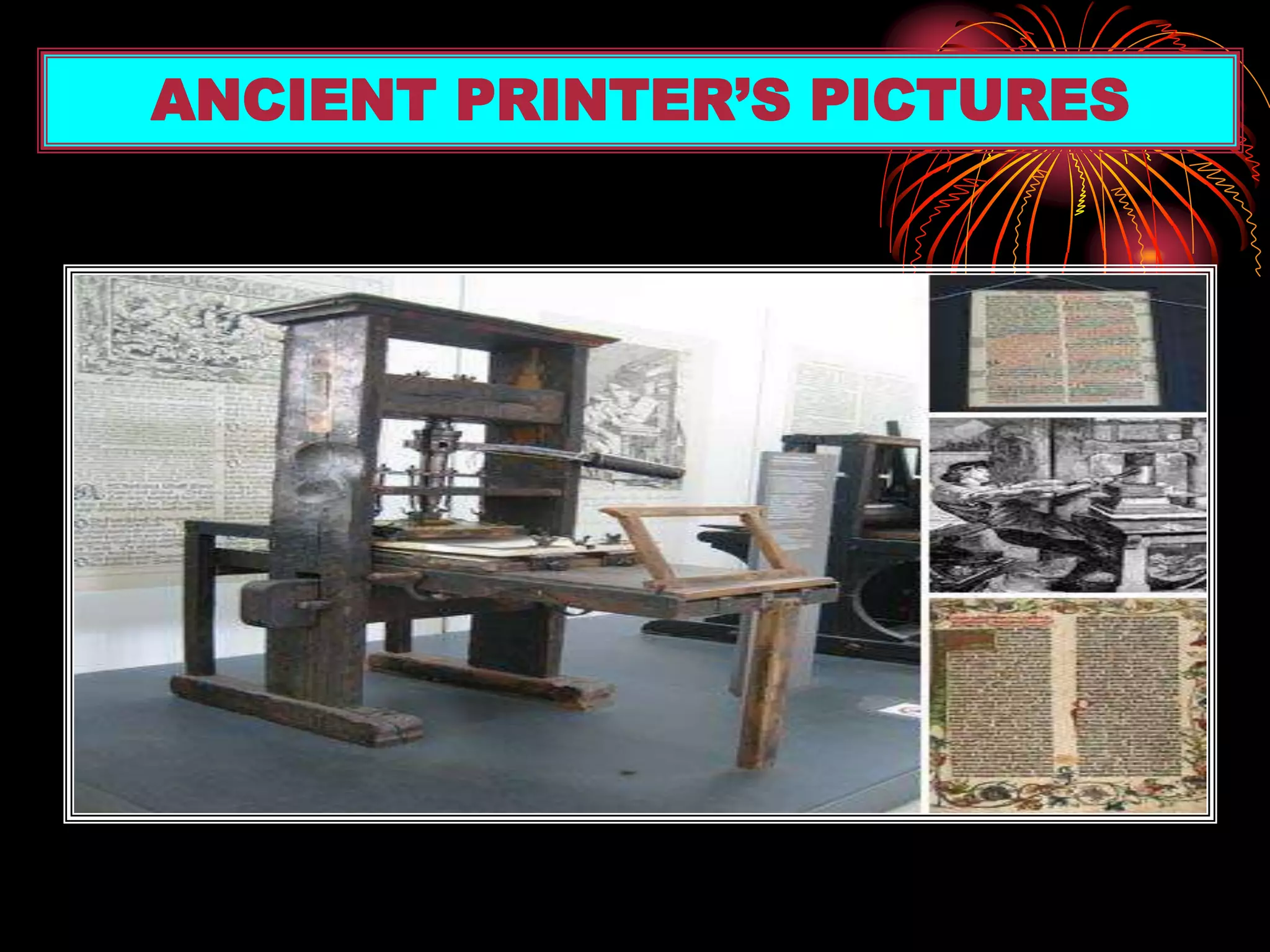
ANCIENT PRINTER’S PICTURES
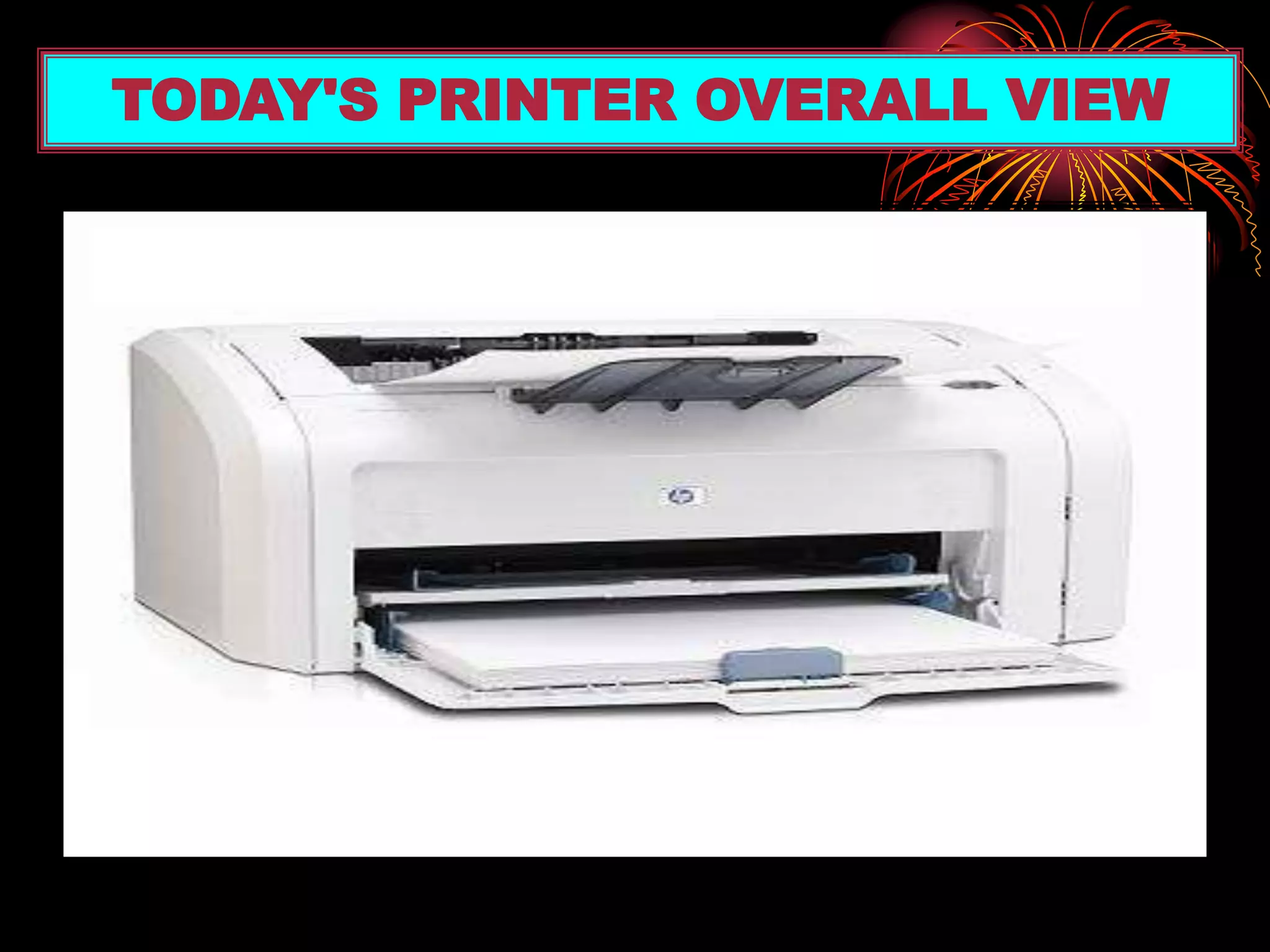
TODAY'S PRINTER OVERALL VIEW
• IMAGE QULAITY — Measured in (dpi).
Most printers produce 300-600 dpi.
• SPEED—Measured in pages per
minute (PPM) or characters per second
(CPS).
PRINTER’S ACCURACY
Major types of printer
(i) Impact printers
(ii) Non-impact printers
TYPES OF PRINTERS
(i). IMPACT PRINTERS
This used to print the pages by striking pins
against the paper like hammer
(ii).NON-IMPACT PRINTERS
This used to print the pages without
striking pins against the paper.
IMPACT PRINTERS & NON-IMPACT PRINTERS
TYPES OF IMPACT PRINTERS
(i) DOT MATRIX PRINTERS
(ii) DAISY WHEEL PRINTER
DOT MATRIX PRINTERS
• It makes hardcopy by printing one character at a
time.
• It uses “Pins” to print pages that are located on
it’s “Print Head”.
• It’s speed is 200 or 1000 characters per minute.
• Low resolution, speed measure in ‘CPS’,
character per second
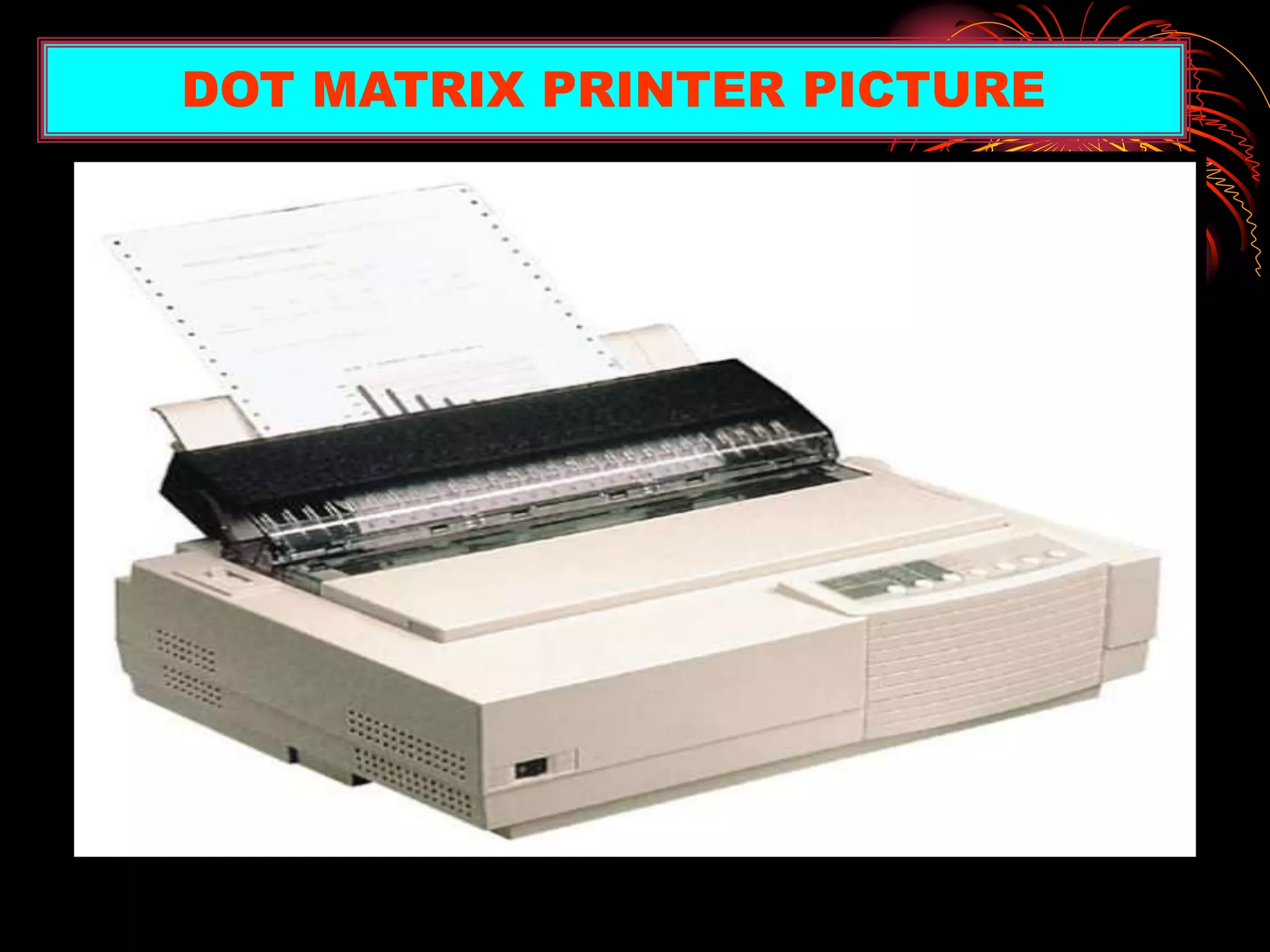
DOT MATRIX PRINTER PICTURE
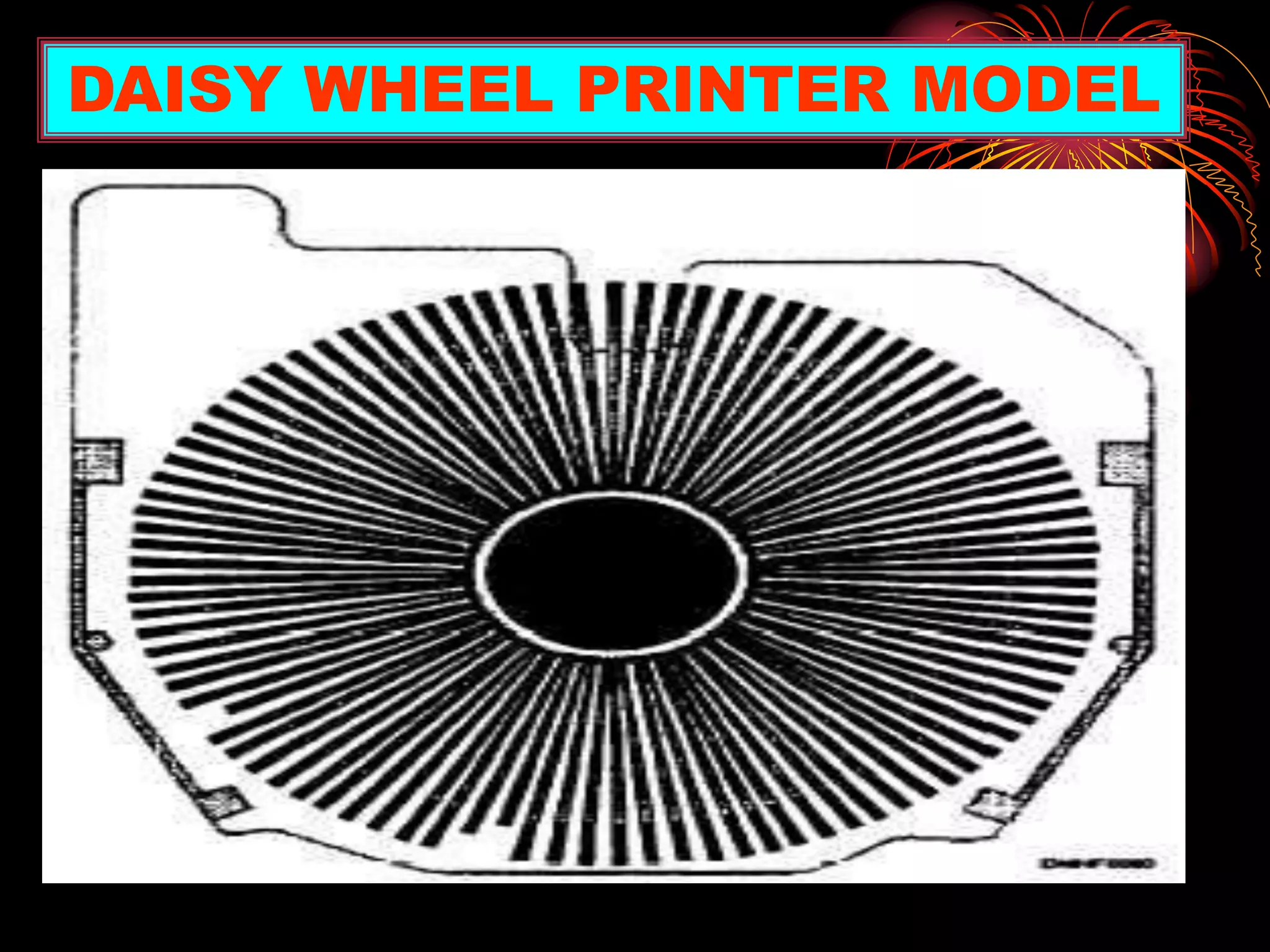
DAISY WHEEL PRINTER
Low quality print.
Daisy wheel printers are very similar to typewriters.
Slow-printing.
Prints the character by spikes that are located on the
wheel.
DAISY WHEEL PRINTER MODEL
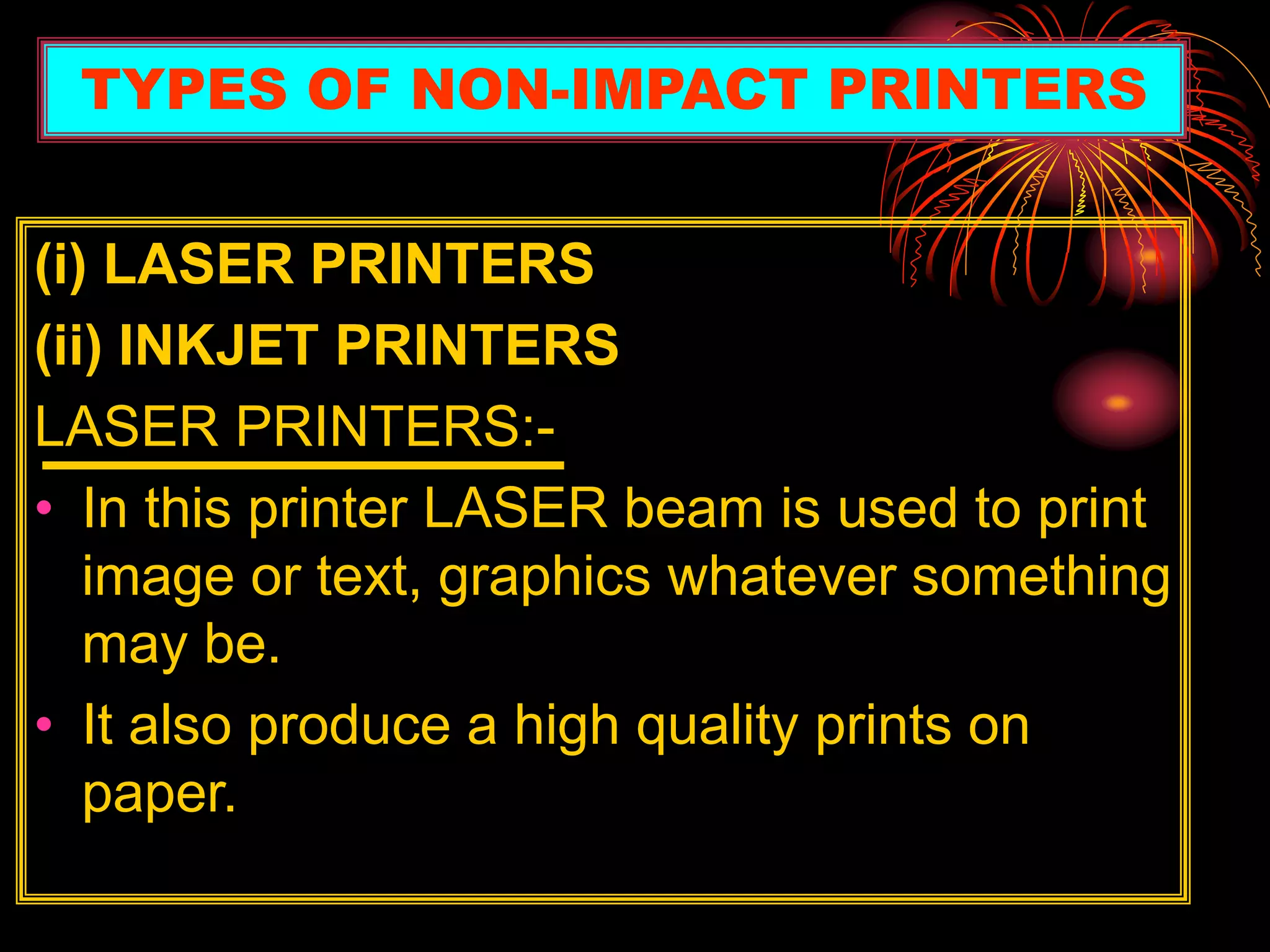
(i) LASER PRINTERS
(ii) INKJET PRINTERS
LASER PRINTERS:-
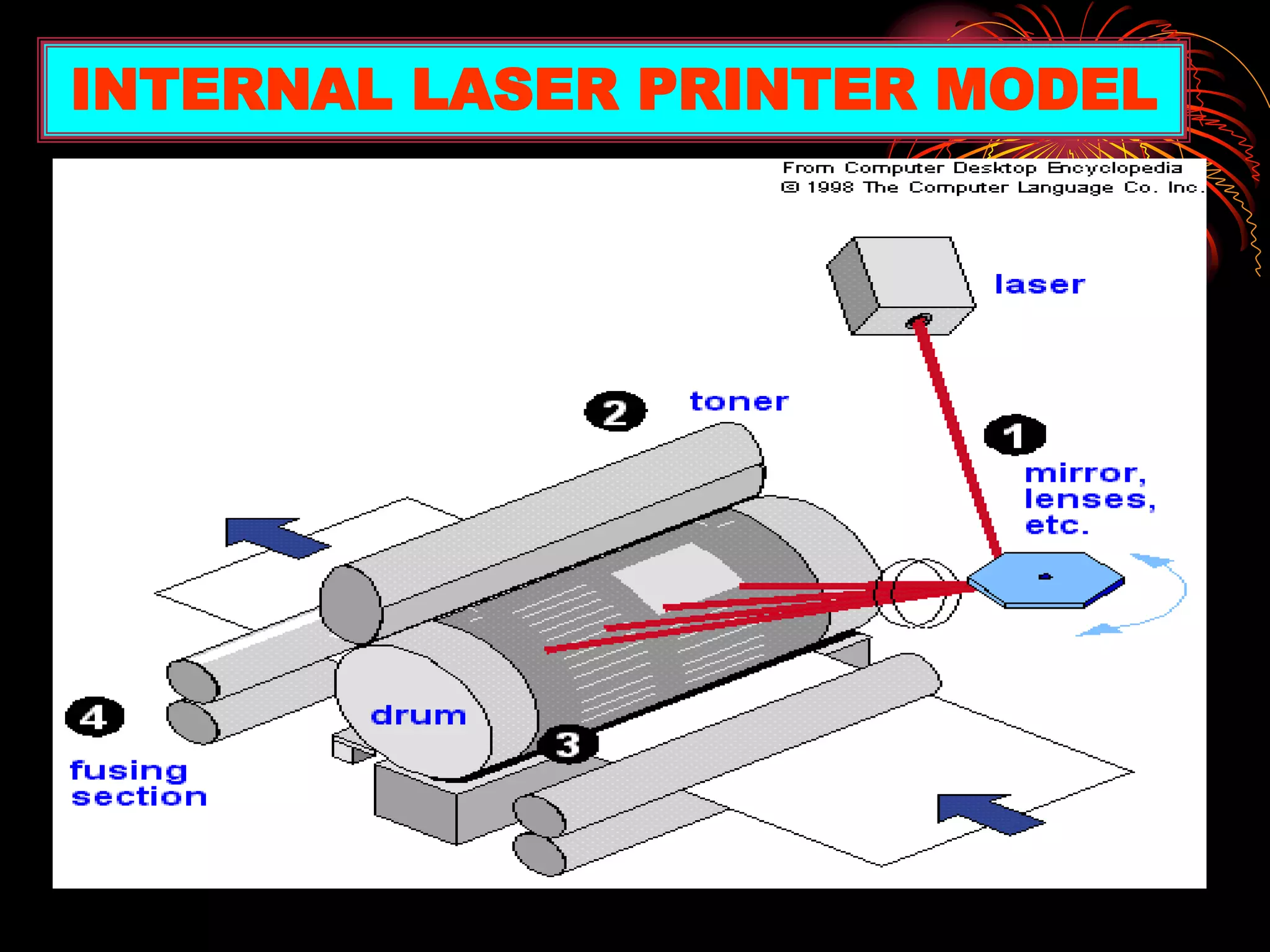
• In this printer LASER beam is used to print
image or text, graphics whatever something
may be.
• It also produce a high quality prints on
paper.
TYPES OF NON-IMPACT PRINTERS
INTERNAL LASER PRINTER MODEL
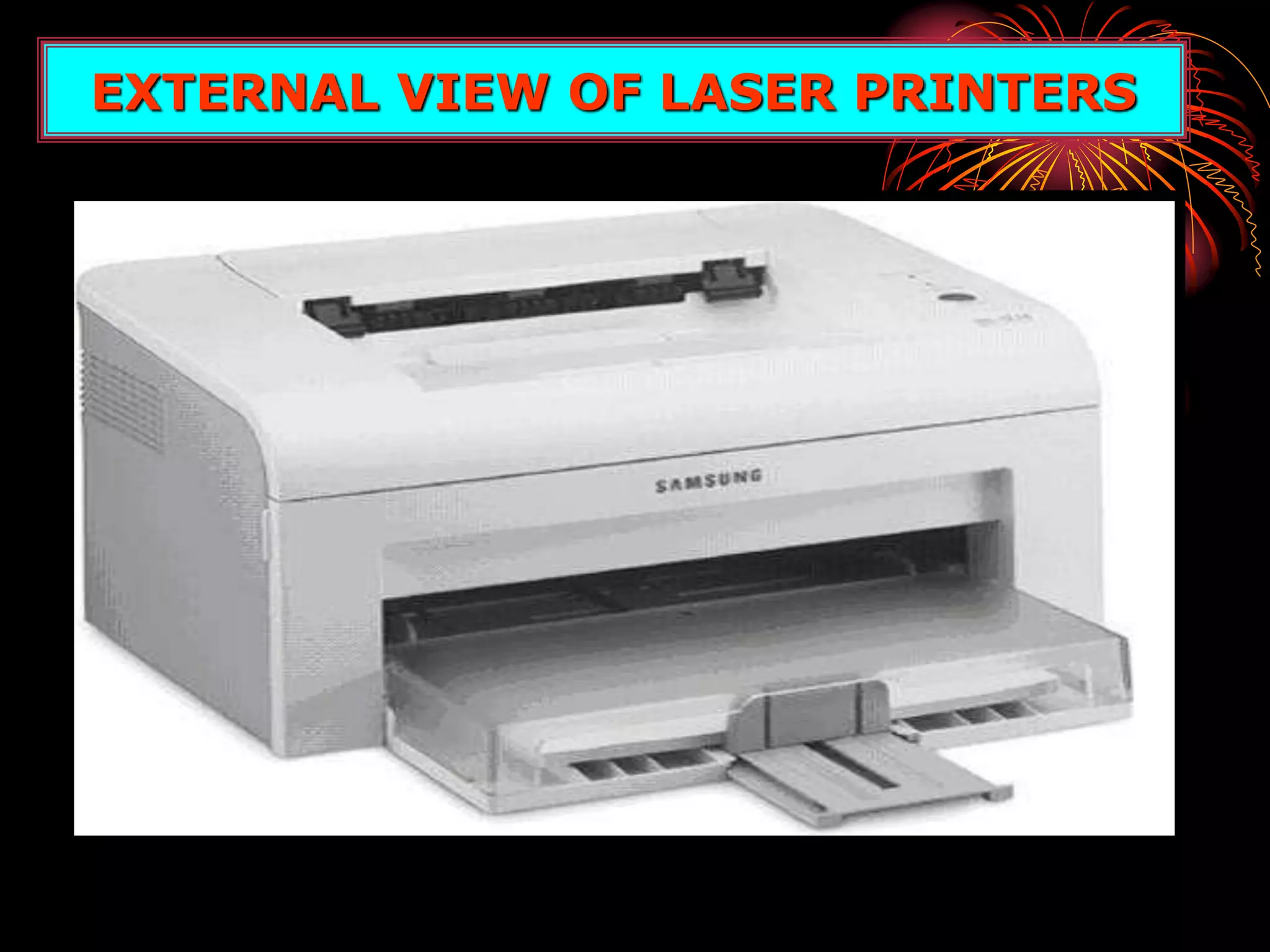
EXTERNAL VIEW OF LASER PRINTERS
• The printer sprays tiny droplets
of ink onto the paper.
• Color and black-and-white
printing.
• Speed offered by this is (2-
4)pages per minute.
• Inexpensive, and low operating
costs.
INKJET PRINTERS
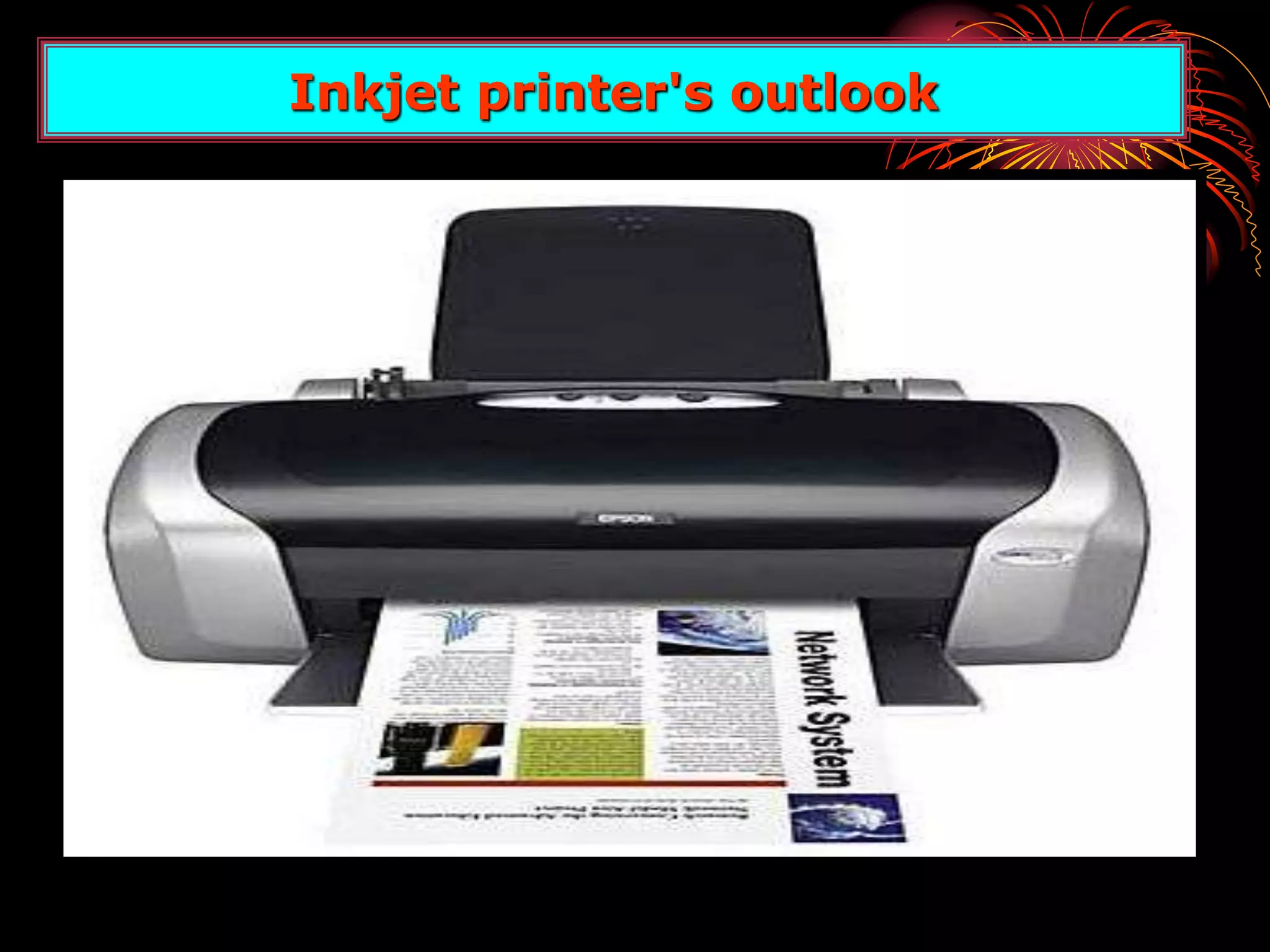
Inkjet printer's outlook
PLOTTER
•A output device.
•On high scale printing.
•Architectural Maps
•Sign Boards, Bill boards
•Uses a variety of colors
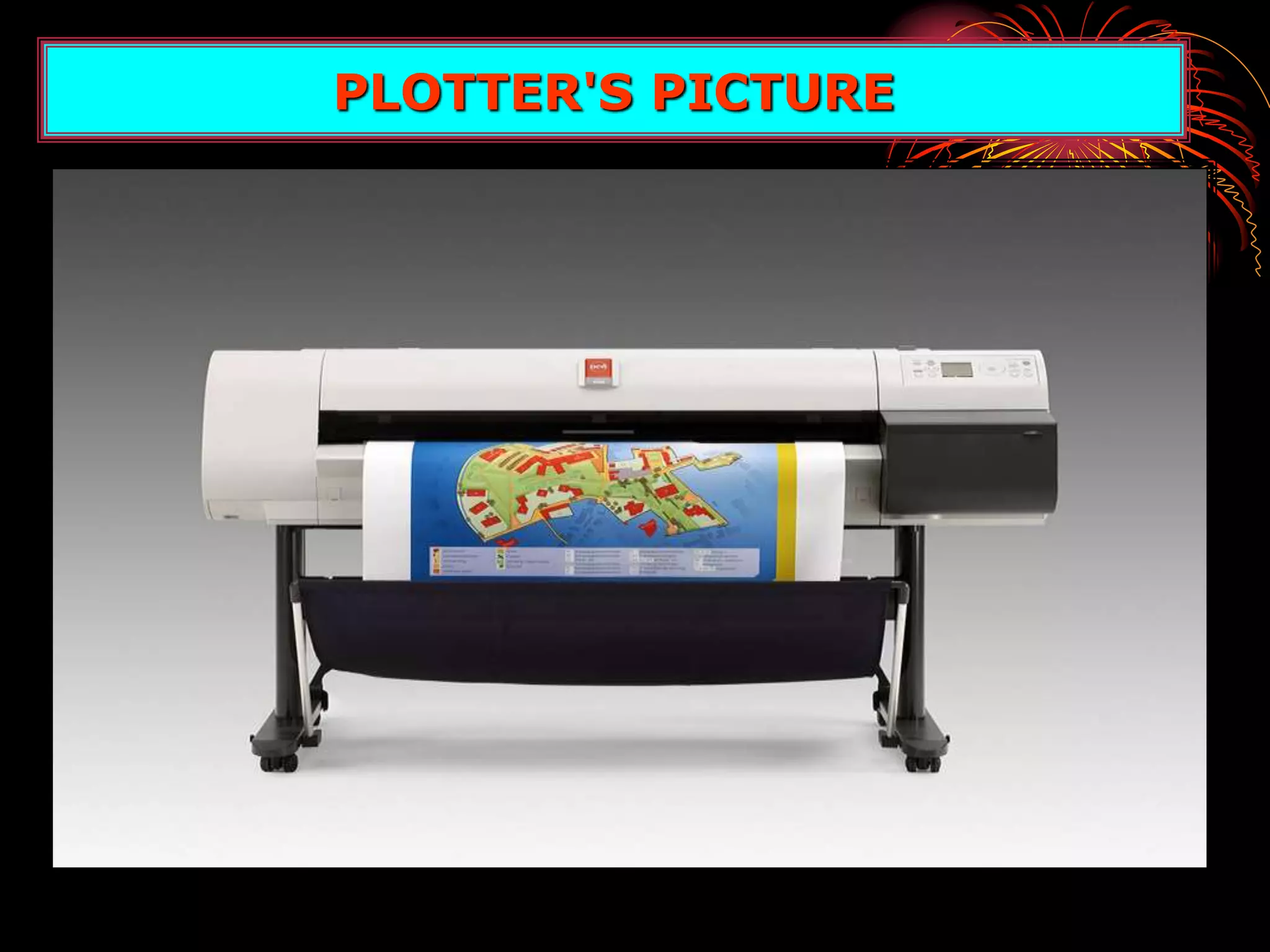
PLOTTER'S PICTURE
• It is a type of output device
• Only Softcopy out put.
• Like T.V.
• Monitor's Resolution
• Diagonally Measured
MONITOR, A BRIEF EXPLANATION
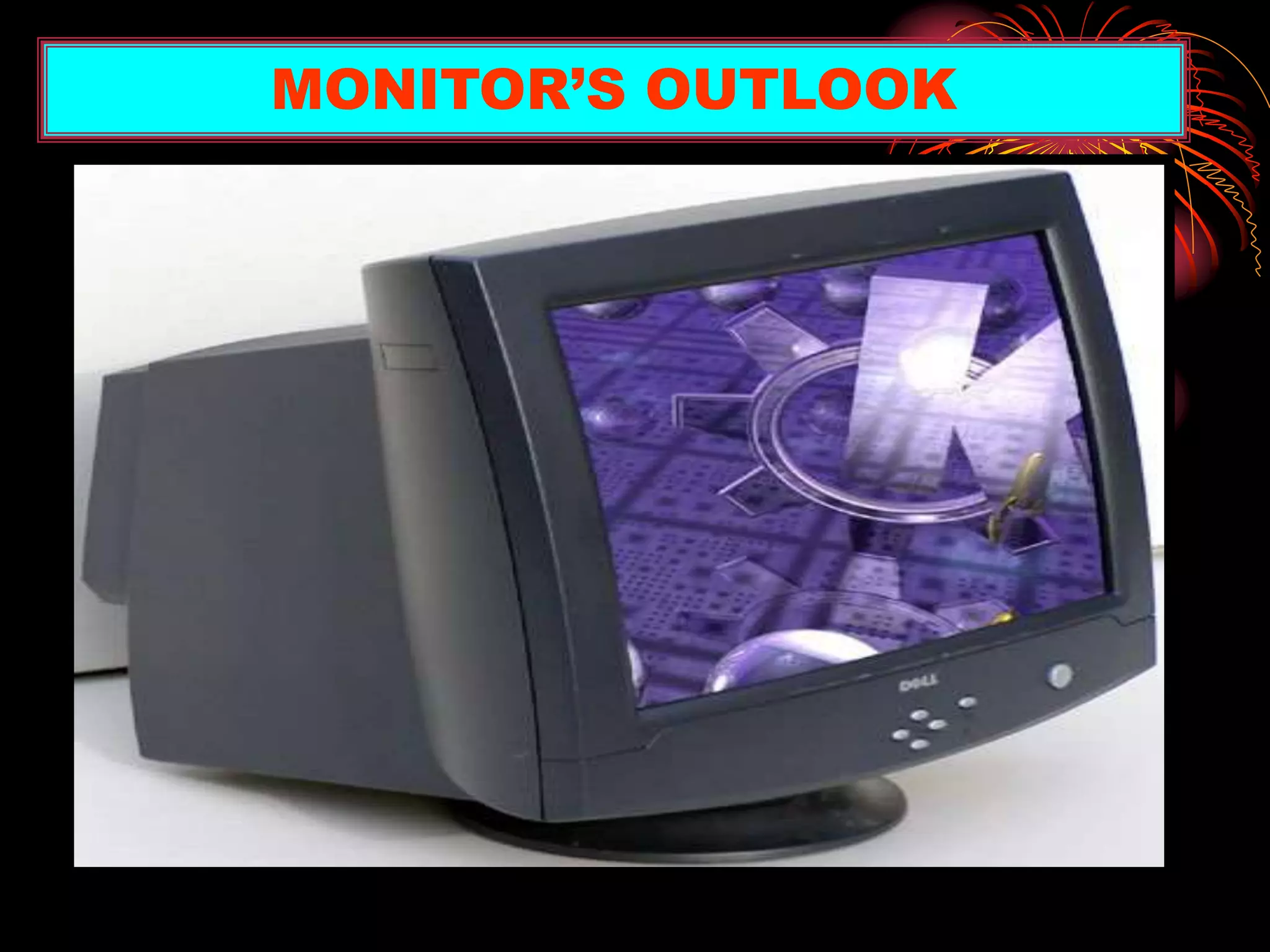
MONITOR’S OUTLOOK
• CRT (Cathode Rays Tube)
• Flat-penal display.
• LCD (Liquid crystal display)
TYPES OF MONITORS
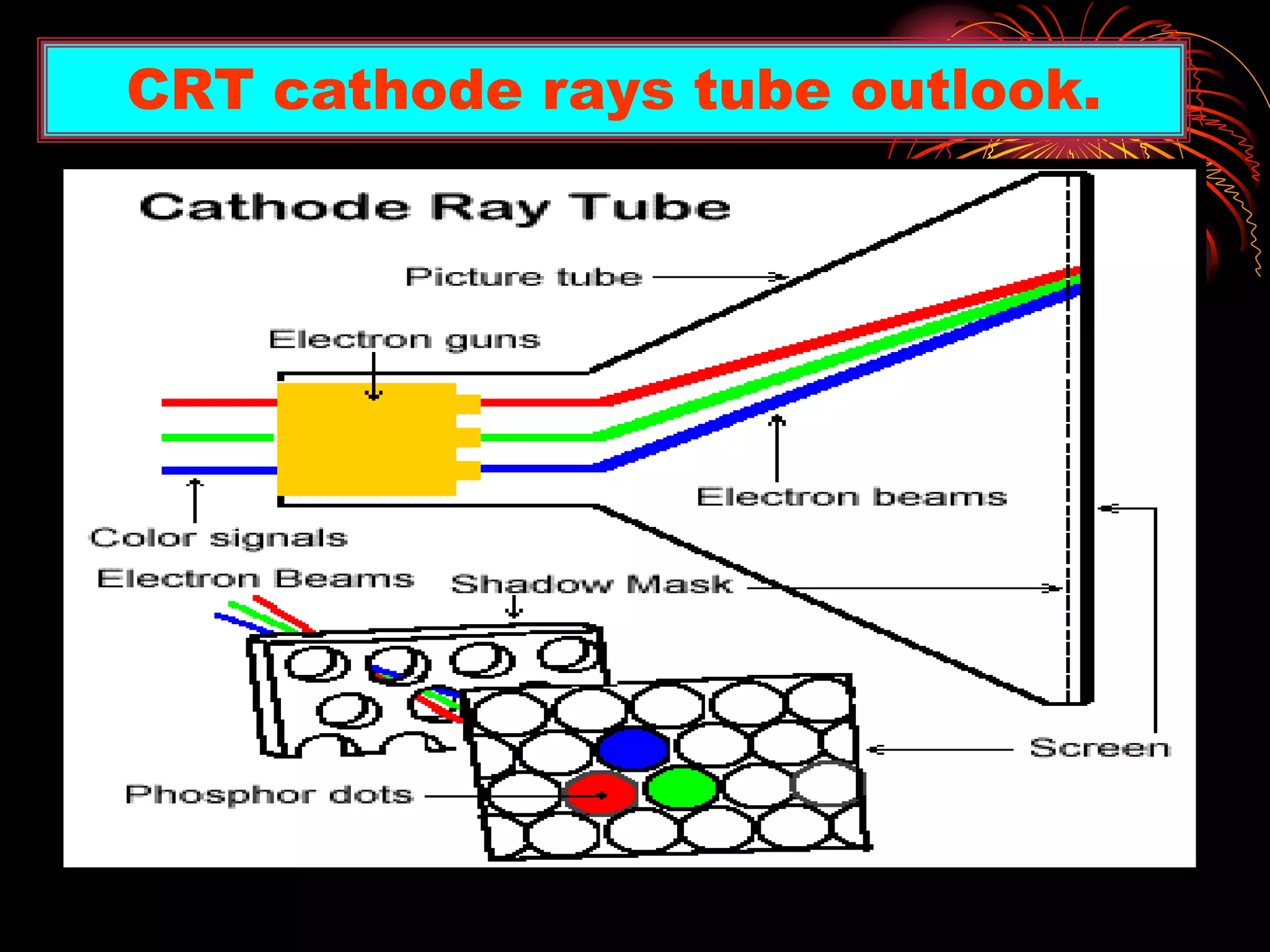
• CRT stands for Cathode Rays Tube.
• In CRT monitors, electrons are fired at
phosphor dots on the screen.
• The dots are groped into pixels, which glow
when struck by electrons.
• In color CRTs, each pixel contains a RED,
GREEN and BLUE dot. These glow at varying
intensities to produce color images.
CRT’s MONITORS
CRT cathode rays tube outlook.
• Most flat-panel monitors use liquid crystal
display (LCD) technology.
• Passive matrix LCD’s uses a transistor for
each row and column of pixels.
• Active matrix LCD uses transistor for each
pixel on the screen.
• Thin film transistor display multiple
transistors for each pixel.
Flat Panel Display
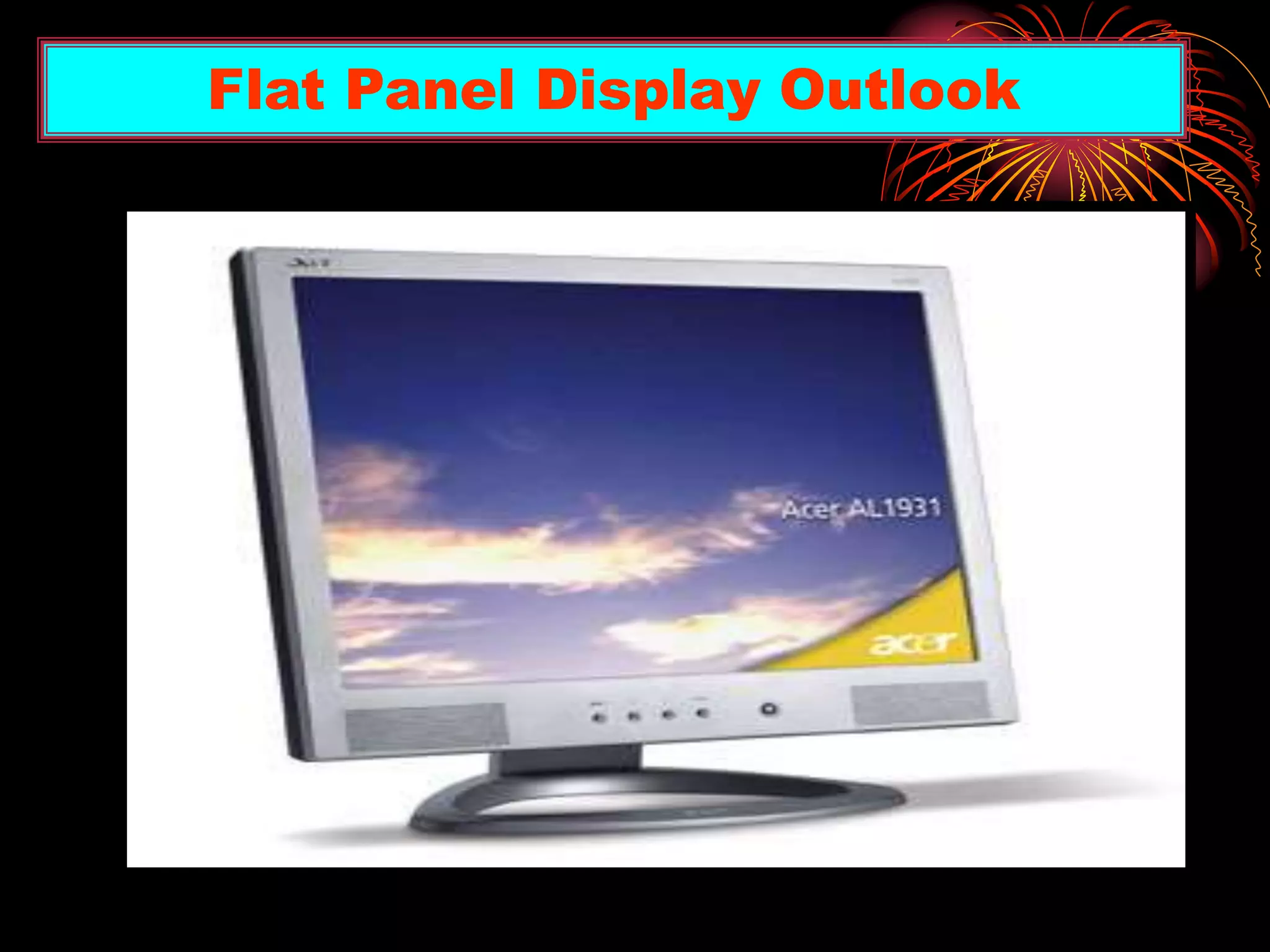
Flat Panel Display Outlook
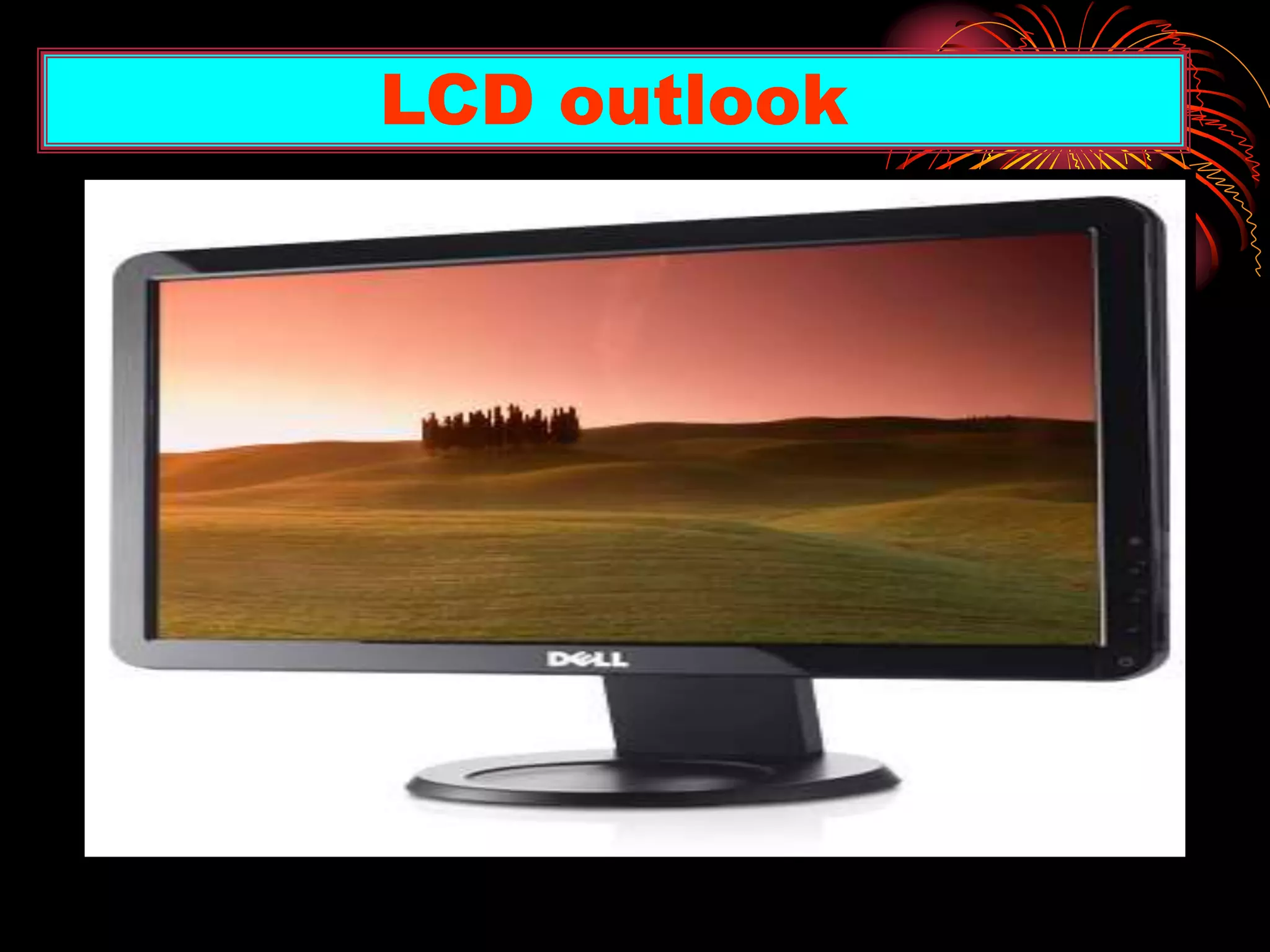
• This type of display screens contains a
substance called Liquid Crystal Display.
• The molecules of this substance line up
in such a way that the light behind the
screens blocked or allows to create a
image.
LCD (Liquid Crystal Display)
LCD outlook
Comparison of Monitors
• When Comparing monitors with each
other Consider four features
i. Size
ii. Dot pitch
iii. Resolution
iv. Refresh Rate
• A monitor’s size is the diagonal
measurement of its face, in inches
• For years, 15” monitors (13” viewing
area) were standard.
• Today, 17” monitors (15” viewing area)
are common.
• Larger monitors are available, but can
be expensive.
SIZE OF MOINTORS
• Resolution is the number of pixels on the
screen, expressed as a matrix (such as
600x800).
• A 17” monitor offers resolution from 640x480
up to 1280x1024.
• The video Graphics array (VGA) standard is
640x480. Super VGA (SVGA) monitors
provide resolutions of 800x600, 1024x768 or
higher.
RESOLUTION
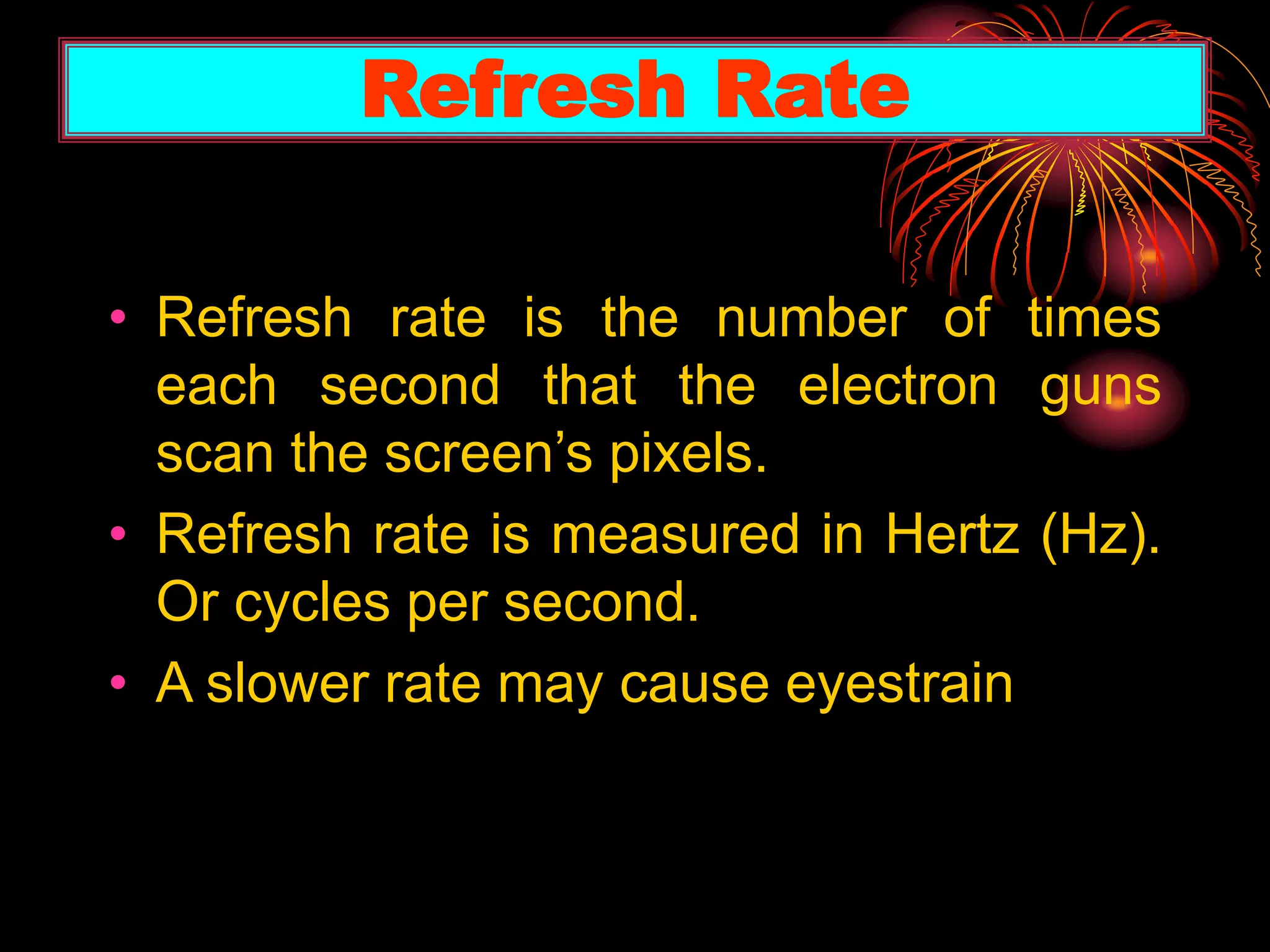
• The pixel (a word
invented from
"picture element")
is the basic unit of
programmable color
on a computer display
or in a computer image.
What is A pixel?
• Refresh rate is the number of times
each second that the electron guns
scan the screen’s pixels.
• Refresh rate is measured in Hertz (Hz).
Or cycles per second.
• A slower rate may cause eyestrain
Refresh Rate
• Dot pitch is the distance between the
phosphor dots that make up a single
pixel.
• In color monitors, three dots (RED,
GREEN, BLUE (RGB), comprise each
pixel.
• Look for a dot pitch no greater than .28
millimeter.
Dot pitch
A LOT OF THANKS
Thanks to SIR LIAQUAT HUSSAIN.
And then thanks to all my class fellows.
For supporting us a lot for this
presentation.
Introduction to I.T
Introduction to I.T
Introduction to I.T
Introduction to I.T
Introduction to I.T
Introduction to I.T

Introduction to I.T

  • 1.
    In the Nameof ALLAH ALMIGHTY Who is most Merciful, Gracious
  • 2.
    First of allthanks to Allah Almighty who gave us the spirit to complete this task, which was given by Honorable ‘Sir Liaquat Hussain’ And thanks to my parents who supported me a lot for all of this. ACKNOWLEDGMENT
  • 3.
    SUBJECT Introduction toIT. TOPIC Discuss briefly Printer, plotter, Monitor Group Members Wajahat Ali Ghulam (Group leader) Zille-Subhani, Afzaal Rashid, Asad Mehmood, Danish Asad ROLL NO s Class, Session 01, 15, 20, 27, 17. BBA (2010 – 2014) GROUP# 02, Institute FASK, FACULTY OF ADMINISTRATIVE SCIENCES KOTLI A.K UNIVERSITY OF AZAD JAMMU & KASHMIR PRESENTATION NO. 01
  • 4.
    REFERENCES:- • IT seriesBook • Self-preparation SLIDES PREAPARED BY: Wajahat Ali Ghulam SLIDES PREPARATION
  • 5.
    • In 1953,the first high-speed printer was developed by Remington-Rand for use on the Univac computer, while the first dot matrix printer was marketed by IBM. • In 1938, Chester Carlson invented a dry printing process called electro photography, commonly called a Xerox, the foundation technology for laser printers to come. • And day-by-day it is replaced the quality, size, etc HISTORY OF PRINTERS
  • 6.
    • Printer isa type of a output device, that is used to produce output in the form of text and graphics on paper. PRINTER—A DEFINITION
  • 7.
  • 8.
  • 9.
    • IMAGE QULAITY— Measured in (dpi). Most printers produce 300-600 dpi. • SPEED—Measured in pages per minute (PPM) or characters per second (CPS). PRINTER’S ACCURACY
  • 10.
    Major types ofprinter (i) Impact printers (ii) Non-impact printers TYPES OF PRINTERS
  • 11.
    (i). IMPACT PRINTERS Thisused to print the pages by striking pins against the paper like hammer (ii).NON-IMPACT PRINTERS This used to print the pages without striking pins against the paper. IMPACT PRINTERS & NON-IMPACT PRINTERS
  • 12.
    TYPES OF IMPACTPRINTERS (i) DOT MATRIX PRINTERS (ii) DAISY WHEEL PRINTER DOT MATRIX PRINTERS • It makes hardcopy by printing one character at a time. • It uses “Pins” to print pages that are located on it’s “Print Head”. • It’s speed is 200 or 1000 characters per minute. • Low resolution, speed measure in ‘CPS’, character per second
  • 13.
  • 14.
    DAISY WHEEL PRINTER Lowquality print. Daisy wheel printers are very similar to typewriters. Slow-printing. Prints the character by spikes that are located on the wheel.
  • 15.
  • 16.
    (i) LASER PRINTERS (ii)INKJET PRINTERS LASER PRINTERS:- • In this printer LASER beam is used to print image or text, graphics whatever something may be. • It also produce a high quality prints on paper. TYPES OF NON-IMPACT PRINTERS
  • 17.
  • 18.
    EXTERNAL VIEW OFLASER PRINTERS
  • 19.
    • The printersprays tiny droplets of ink onto the paper. • Color and black-and-white printing. • Speed offered by this is (2- 4)pages per minute. • Inexpensive, and low operating costs. INKJET PRINTERS
  • 20.
  • 21.
    PLOTTER •A output device. •Onhigh scale printing. •Architectural Maps •Sign Boards, Bill boards •Uses a variety of colors
  • 22.
  • 23.
    • It isa type of output device • Only Softcopy out put. • Like T.V. • Monitor's Resolution • Diagonally Measured MONITOR, A BRIEF EXPLANATION
  • 24.
  • 25.
    • CRT (CathodeRays Tube) • Flat-penal display. • LCD (Liquid crystal display) TYPES OF MONITORS
  • 26.
    • CRT standsfor Cathode Rays Tube. • In CRT monitors, electrons are fired at phosphor dots on the screen. • The dots are groped into pixels, which glow when struck by electrons. • In color CRTs, each pixel contains a RED, GREEN and BLUE dot. These glow at varying intensities to produce color images. CRT’s MONITORS
  • 27.
    CRT cathode raystube outlook.
  • 28.
    • Most flat-panelmonitors use liquid crystal display (LCD) technology. • Passive matrix LCD’s uses a transistor for each row and column of pixels. • Active matrix LCD uses transistor for each pixel on the screen. • Thin film transistor display multiple transistors for each pixel. Flat Panel Display
  • 29.
  • 30.
    • This typeof display screens contains a substance called Liquid Crystal Display. • The molecules of this substance line up in such a way that the light behind the screens blocked or allows to create a image. LCD (Liquid Crystal Display)

  • 31.
  • 32.
    Comparison of Monitors •When Comparing monitors with each other Consider four features i. Size ii. Dot pitch iii. Resolution iv. Refresh Rate
  • 33.
    • A monitor’ssize is the diagonal measurement of its face, in inches • For years, 15” monitors (13” viewing area) were standard. • Today, 17” monitors (15” viewing area) are common. • Larger monitors are available, but can be expensive. SIZE OF MOINTORS
  • 34.
    • Resolution isthe number of pixels on the screen, expressed as a matrix (such as 600x800). • A 17” monitor offers resolution from 640x480 up to 1280x1024. • The video Graphics array (VGA) standard is 640x480. Super VGA (SVGA) monitors provide resolutions of 800x600, 1024x768 or higher. RESOLUTION
  • 35.
    • The pixel(a word invented from "picture element") is the basic unit of programmable color on a computer display or in a computer image. What is A pixel?
  • 36.
    • Refresh rateis the number of times each second that the electron guns scan the screen’s pixels. • Refresh rate is measured in Hertz (Hz). Or cycles per second. • A slower rate may cause eyestrain Refresh Rate
  • 37.
    • Dot pitchis the distance between the phosphor dots that make up a single pixel. • In color monitors, three dots (RED, GREEN, BLUE (RGB), comprise each pixel. • Look for a dot pitch no greater than .28 millimeter. Dot pitch
  • 38.
    A LOT OFTHANKS Thanks to SIR LIAQUAT HUSSAIN. And then thanks to all my class fellows. For supporting us a lot for this presentation.