Data Warehouses Dr S.Natarajan
Introduction
A Brief History of  Information Technology The “dark ages”: paper forms in file cabinets Computerized systems emerge Initially for big projects like Social Security Same functionality as old paper-based systems The “golden age”:  databases are everywhere Most activities tracked electronically Stored data provides detailed history of activity The next step:  use data for decision-making The focus of this course! Made possible by omnipresence of IT Identify inefficiencies in current processes Quantify likely impact of decisions
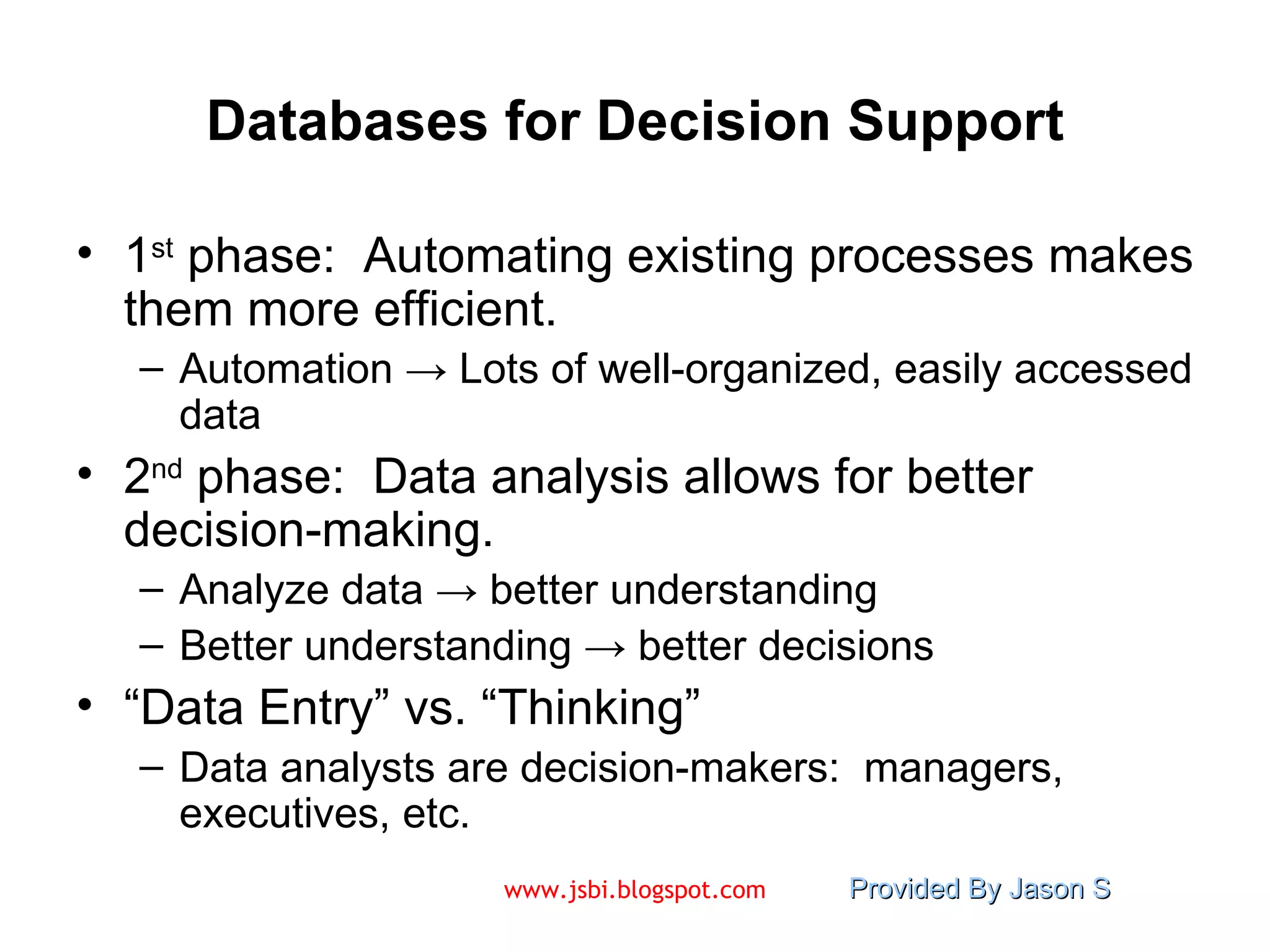
Databases for Decision Support 1 st  phase:  Automating existing processes makes them more efficient. Automation  -> Lots of well-organized, easily accessed data 2 nd  phase:  Data analysis allows for better decision-making.  Analyze data  ->  better understanding Better understanding  ->  better decisions “ Data Entry” vs. “Thinking” Data analysts are decision-makers:  managers, executives, etc.
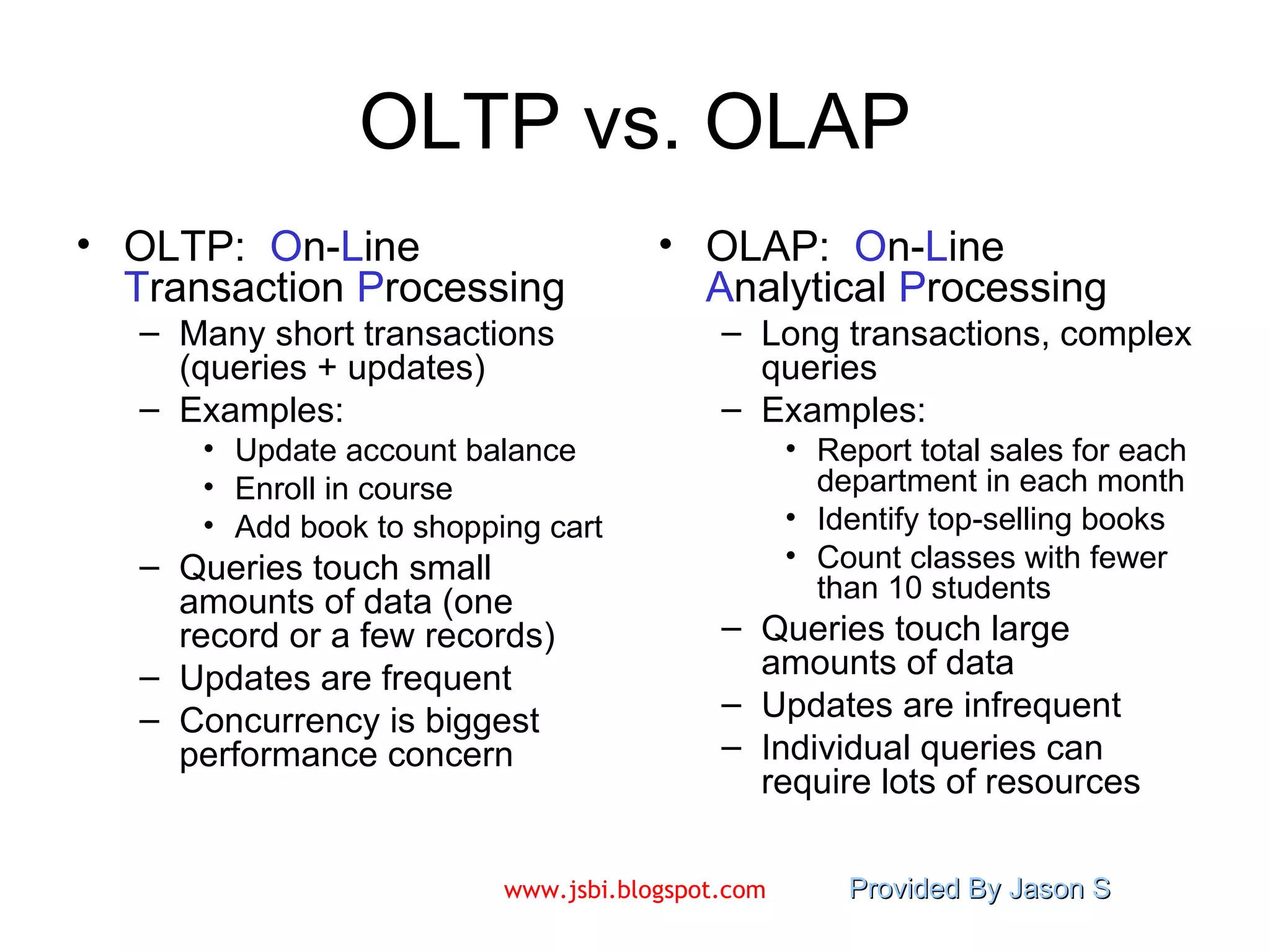
OLTP vs. OLAP OLTP:  O n- L ine  T ransaction  P rocessing Many short transactions (queries + updates) Examples:  Update account balance Enroll in course Add book to shopping cart Queries touch small amounts of data (one record or a few records) Updates are frequent Concurrency is biggest performance concern OLAP:  O n- L ine  A nalytical  P rocessing Long transactions, complex queries Examples:  Report total sales for each department in each month Identify top-selling books Count classes with fewer than 10 students Queries touch large amounts of data Updates are infrequent Individual queries can require lots of resources
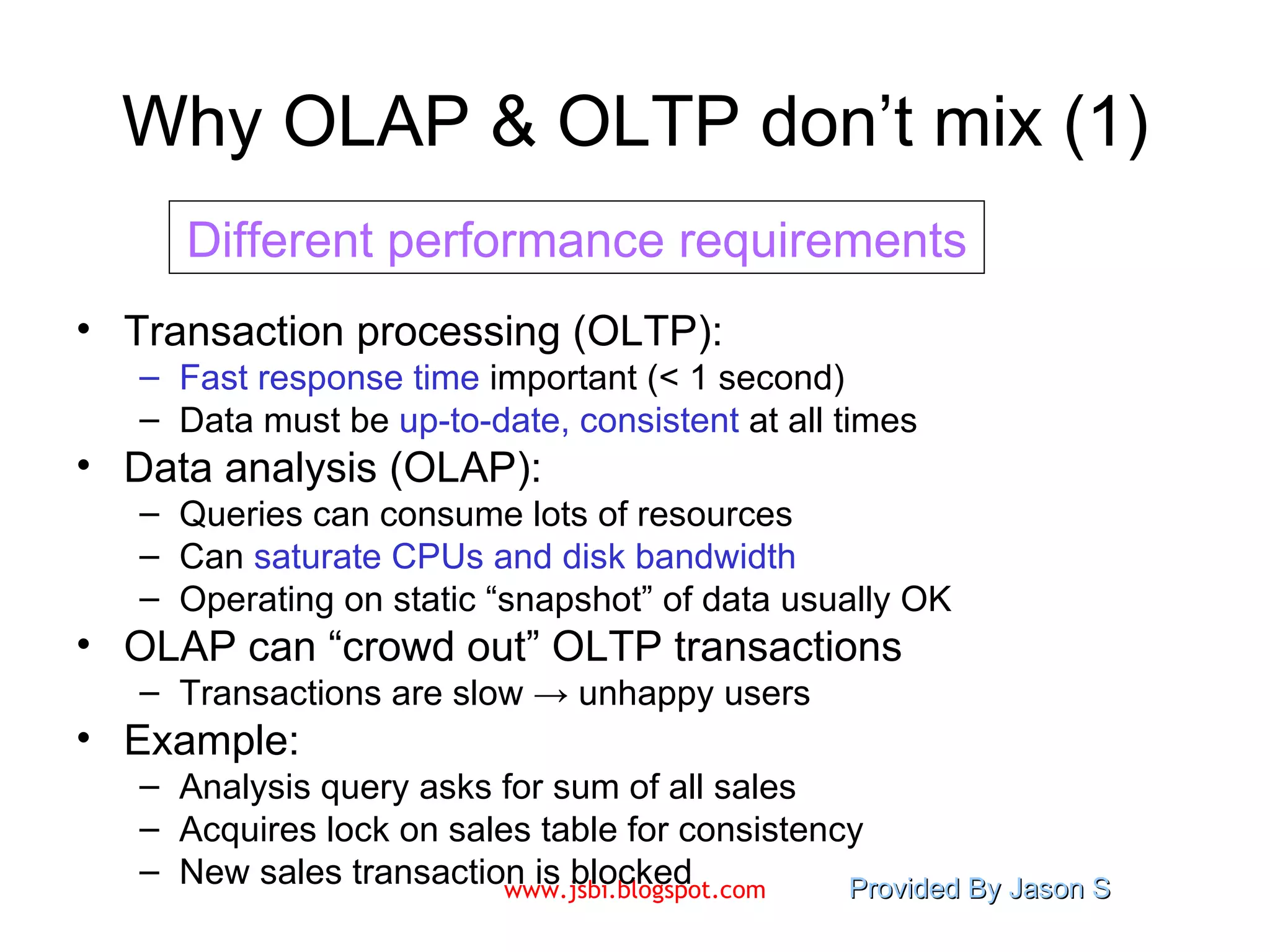
Why OLAP & OLTP don’t mix (1) Transaction processing (OLTP): Fast response time  important (< 1 second) Data must be  up-to-date, consistent  at all times Data analysis (OLAP): Queries can consume lots of resources Can  saturate CPUs and disk bandwidth Operating on static “snapshot” of data usually OK OLAP can “crowd out” OLTP transactions Transactions are slow -> unhappy users Example:  Analysis query asks for sum of all sales Acquires lock on sales table for consistency New sales transaction is blocked Different performance requirements
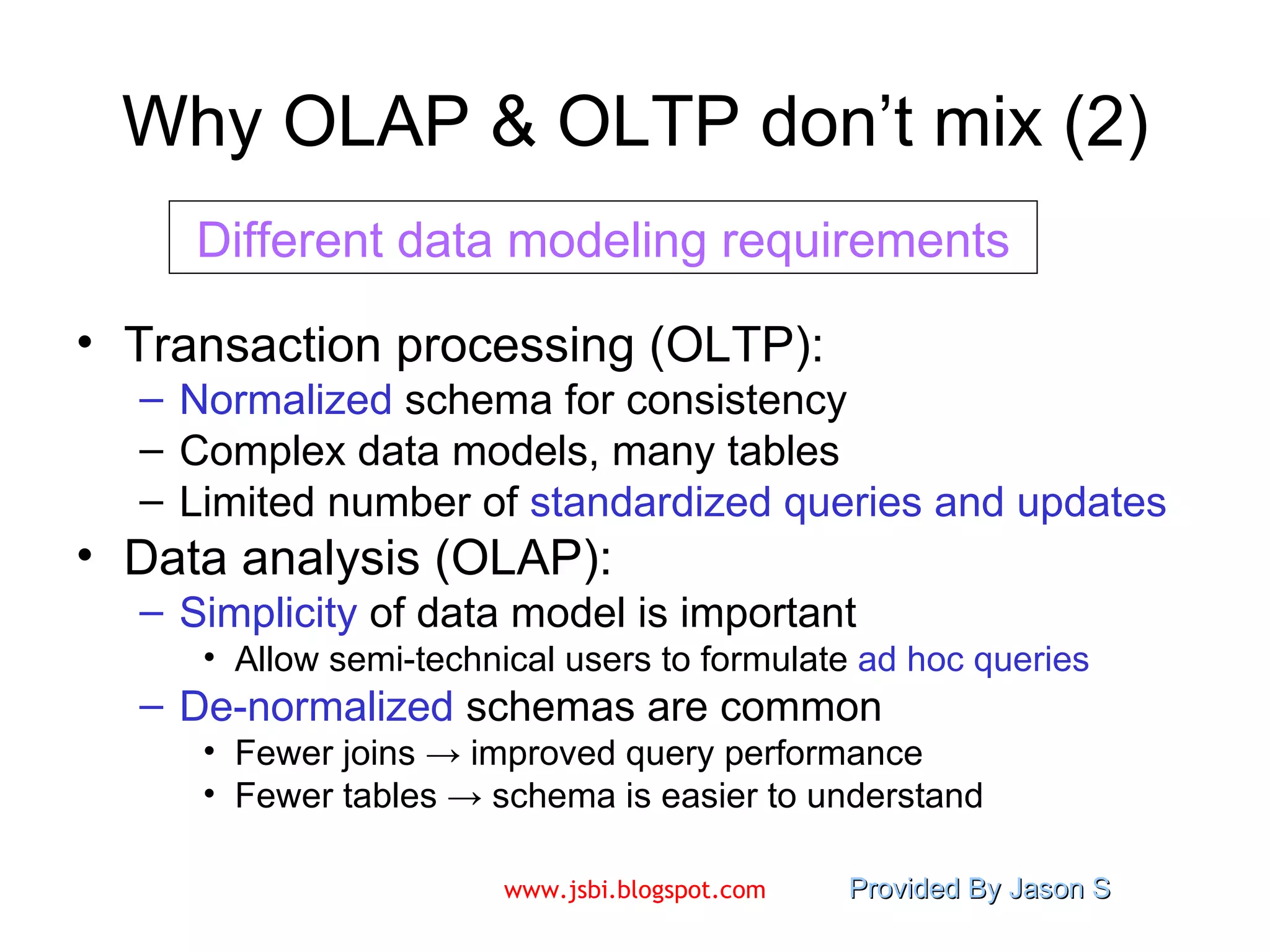
Why OLAP & OLTP don’t mix (2) Transaction processing (OLTP): Normalized  schema for consistency Complex data models, many tables Limited number of  standardized queries   and updates Data analysis (OLAP): Simplicity  of data model is important Allow semi-technical users to formulate  ad hoc   queries De-normalized  schemas are common Fewer joins -> improved query performance Fewer tables -> schema is easier to understand Different data modeling requirements
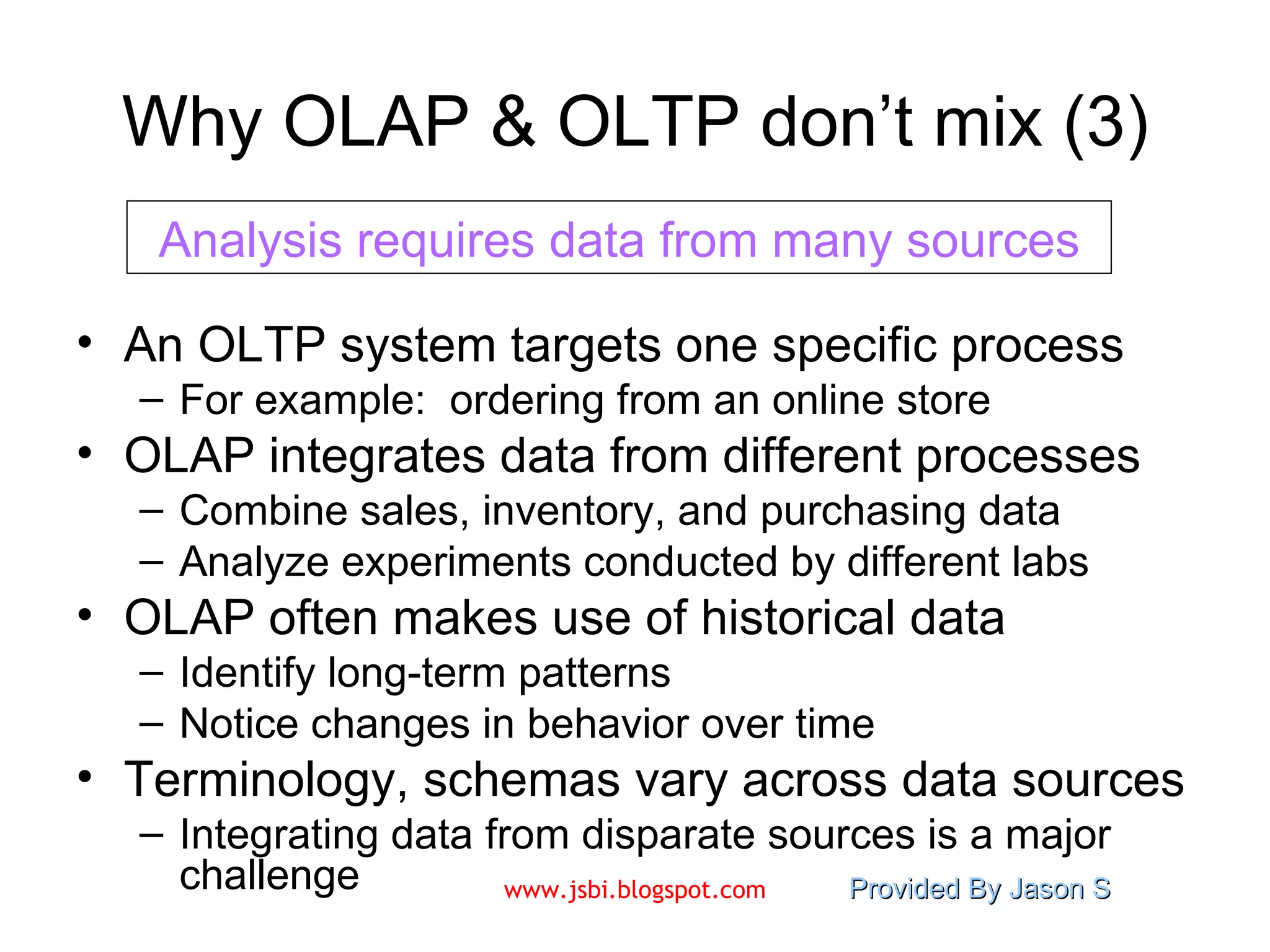
Why OLAP & OLTP don’t mix (3) An OLTP system targets one specific process For example:  ordering from an online store OLAP integrates data from different processes Combine sales, inventory, and purchasing data Analyze experiments conducted by different labs OLAP often makes use of historical data Identify long-term patterns Notice changes in behavior over time Terminology, schemas vary across data sources Integrating data from disparate sources is a major challenge Analysis requires data from many sources
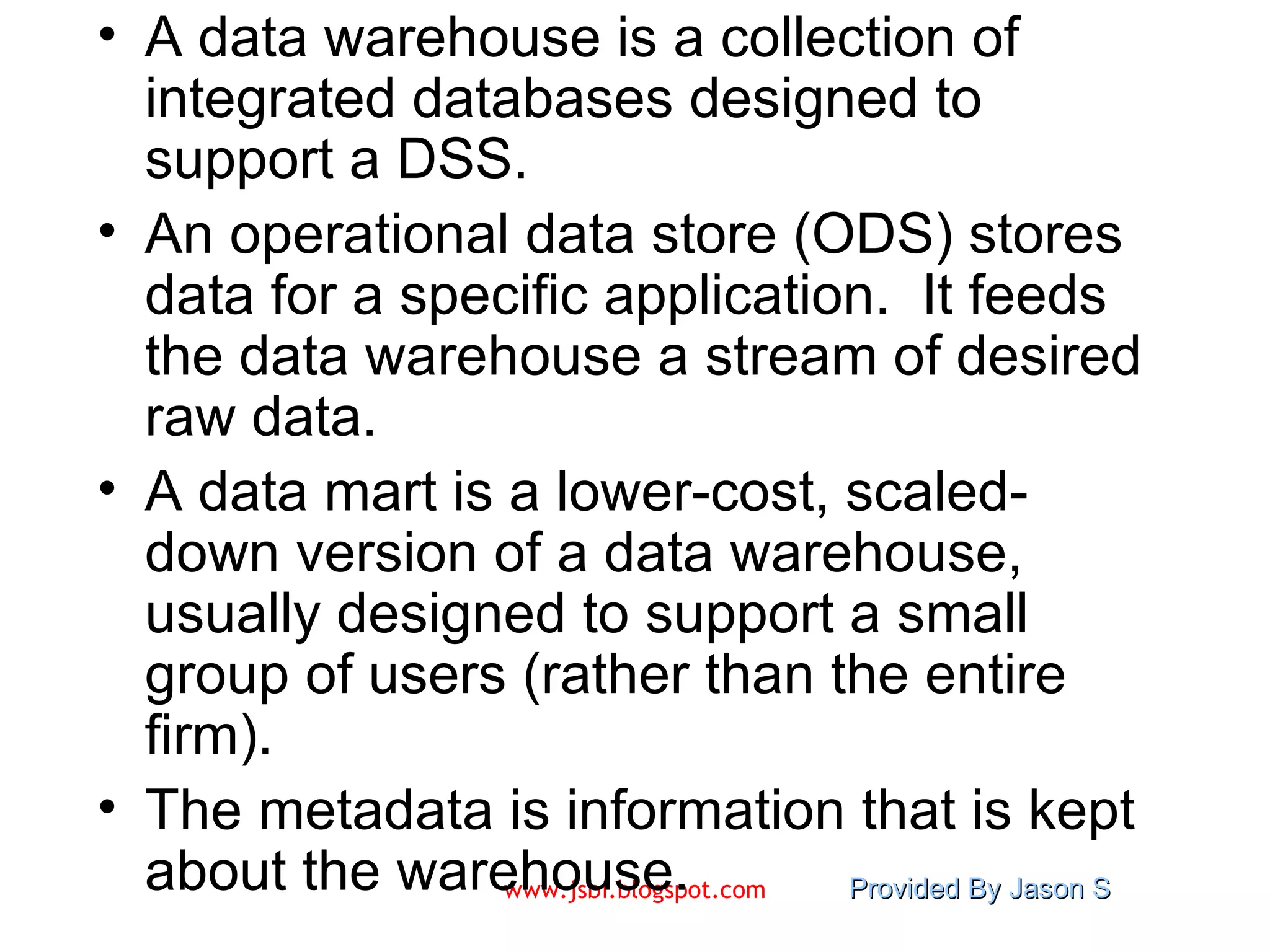
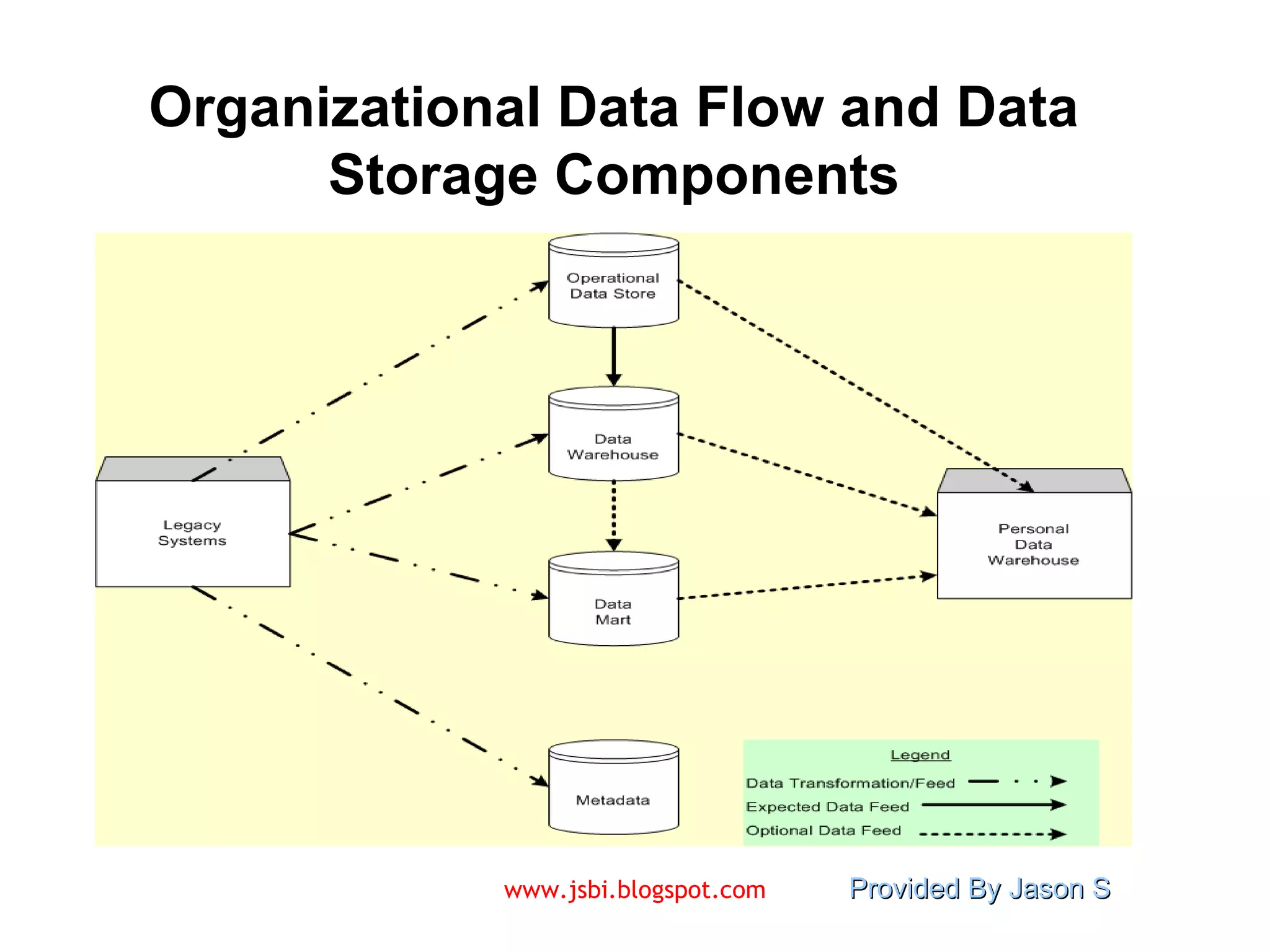
A data warehouse is a collection of integrated databases designed to support a DSS. An operational data store (ODS) stores data for a specific application.  It feeds the data warehouse a stream of desired raw data. A data mart is a lower-cost, scaled-down version of a data warehouse, usually designed to support a small group of users (rather than the entire firm). The metadata is information that is kept about the warehouse.
Organizational Data Flow and Data Storage Components
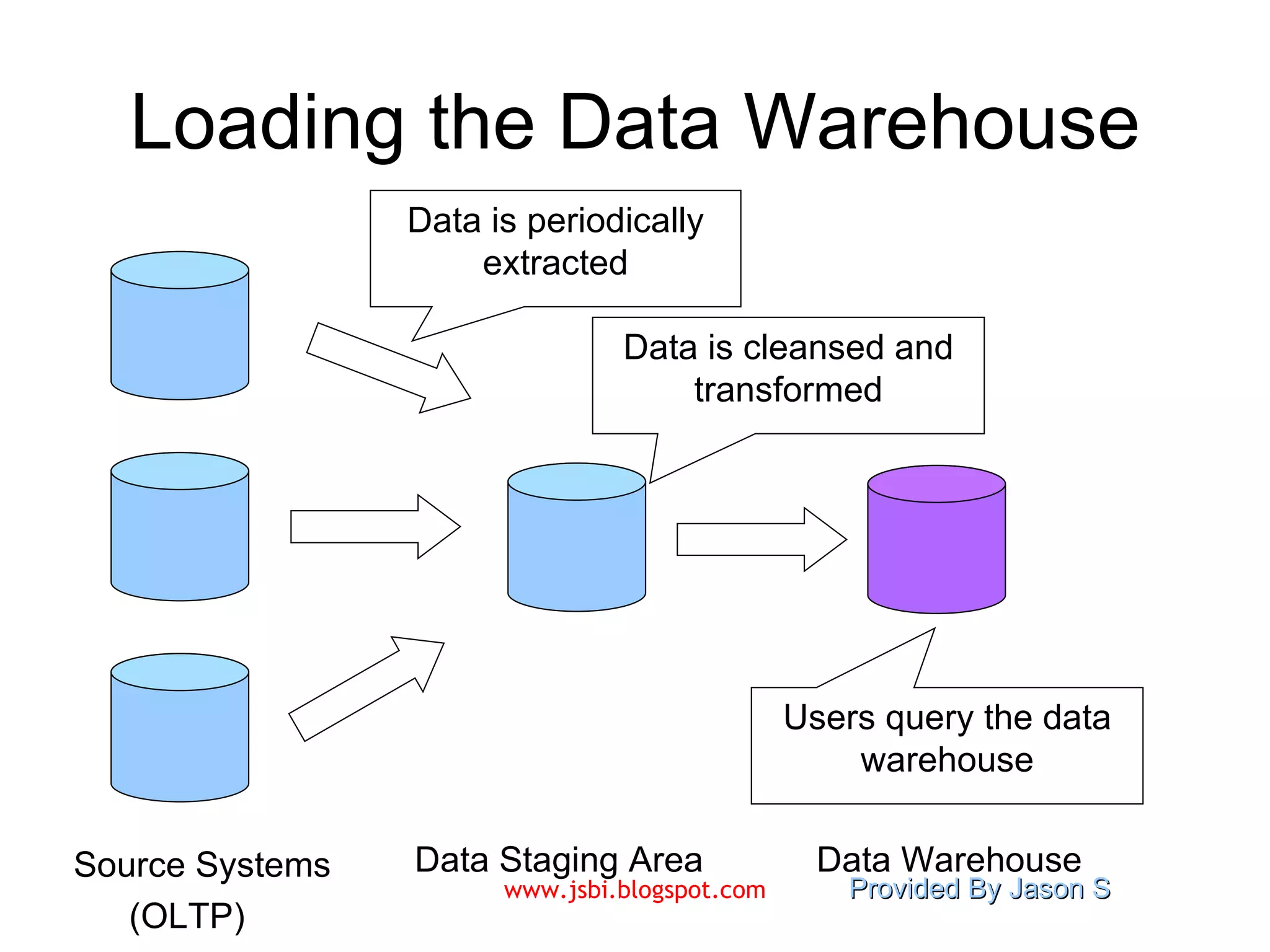
Loading the Data Warehouse Source Systems Data Staging Area Data Warehouse (OLTP) Data is periodically extracted Data is cleansed and transformed Users query the data warehouse
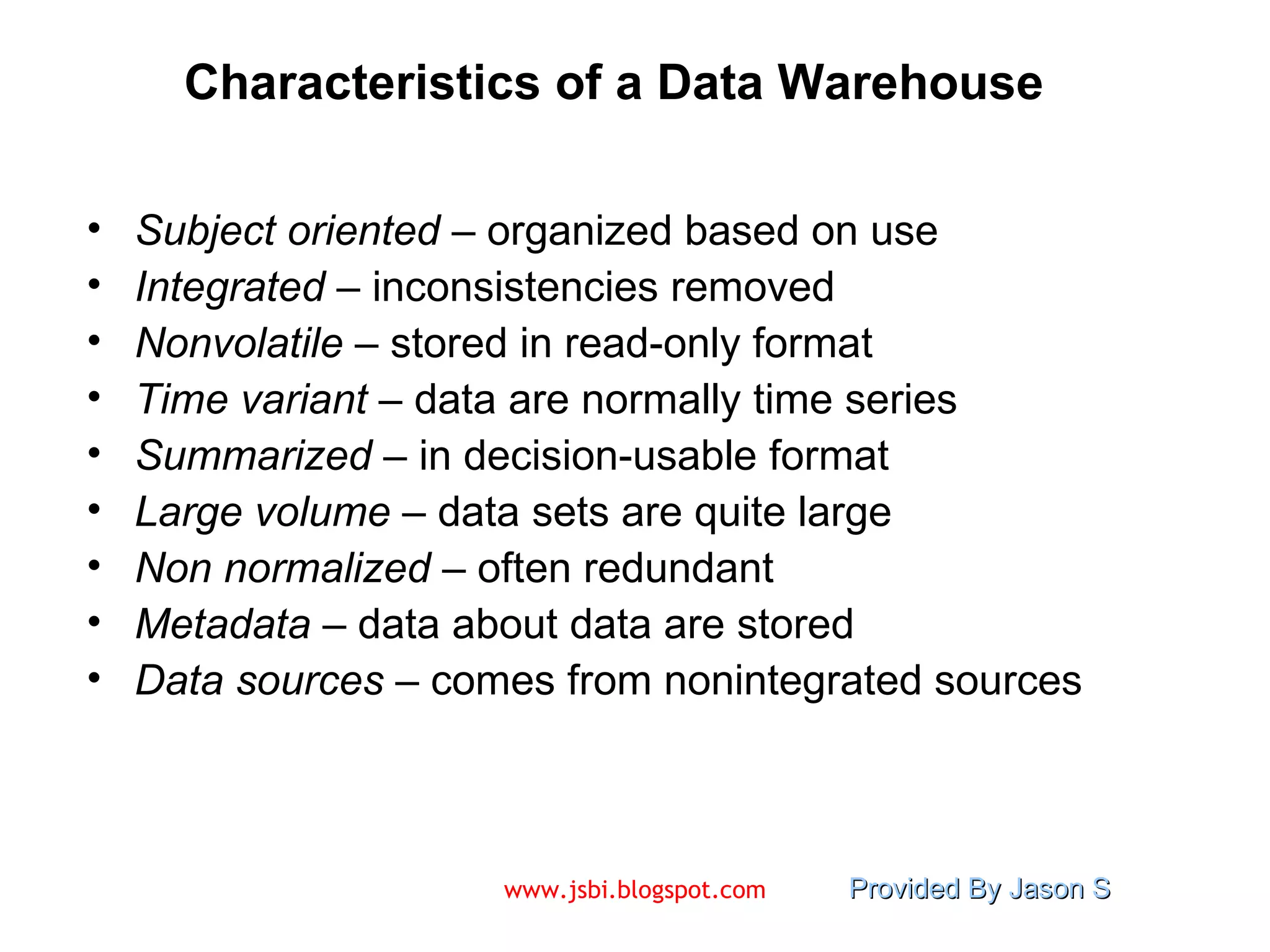
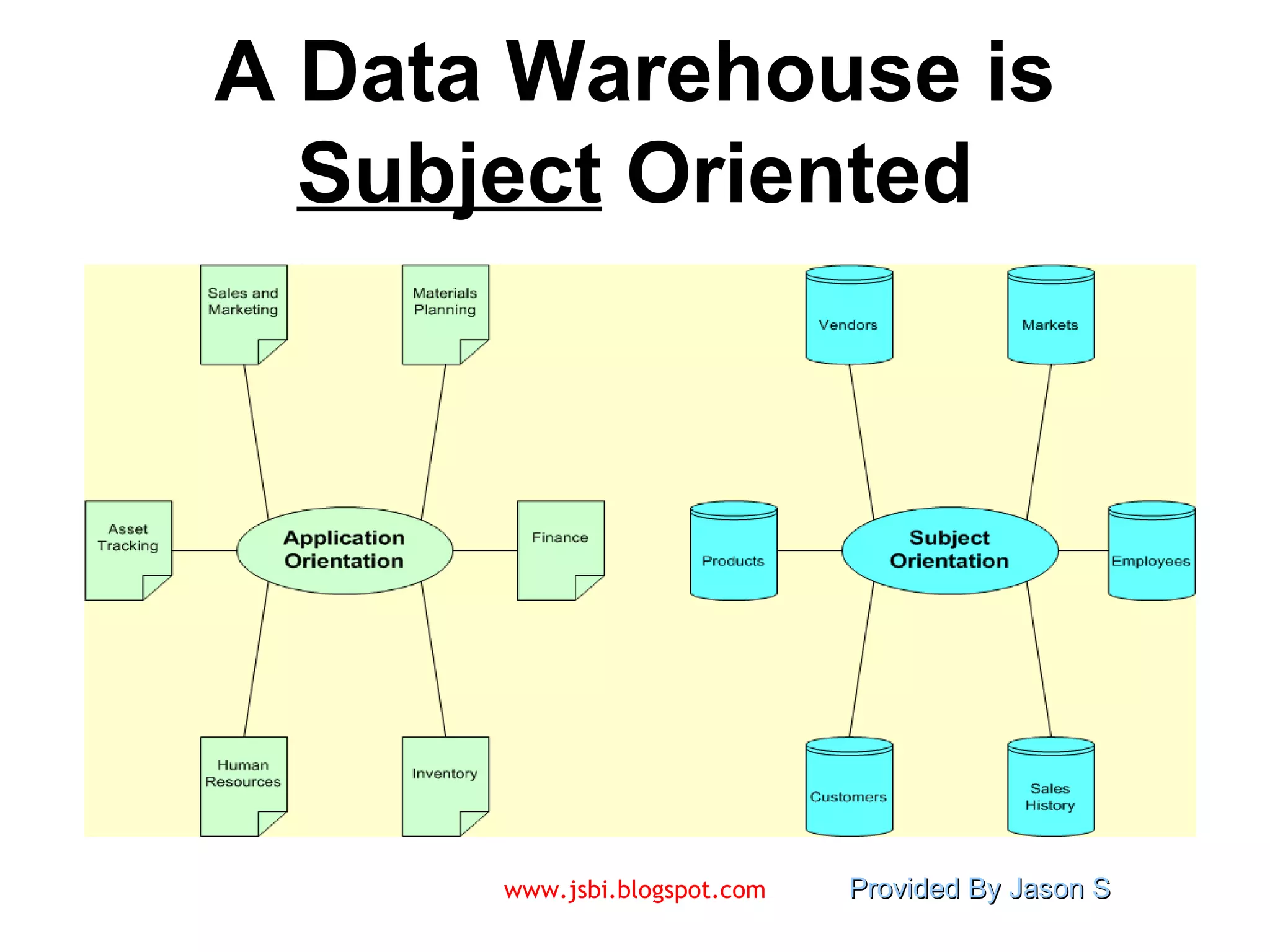
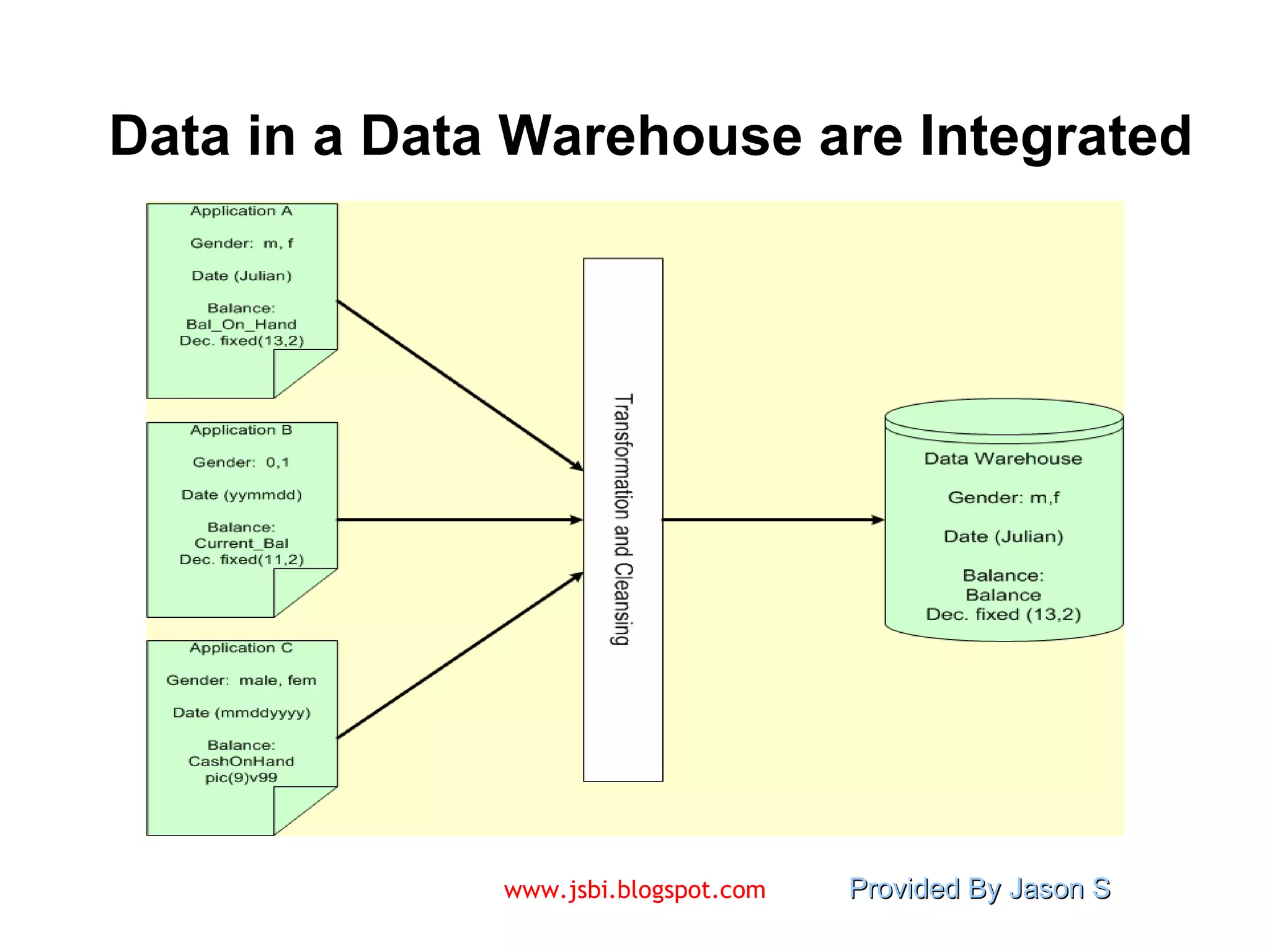
Characteristics of a Data Warehouse Subject oriented  – organized based on use Integrated  – inconsistencies removed Nonvolatile  – stored in read-only format Time variant  – data are normally time series Summarized  – in decision-usable format  Large volume  – data sets are quite large Non normalized  – often redundant Metadata  – data about data are stored Data sources  – comes from nonintegrated sources
A Data Warehouse is  Subject  Oriented
Data in a Data Warehouse are Integrated
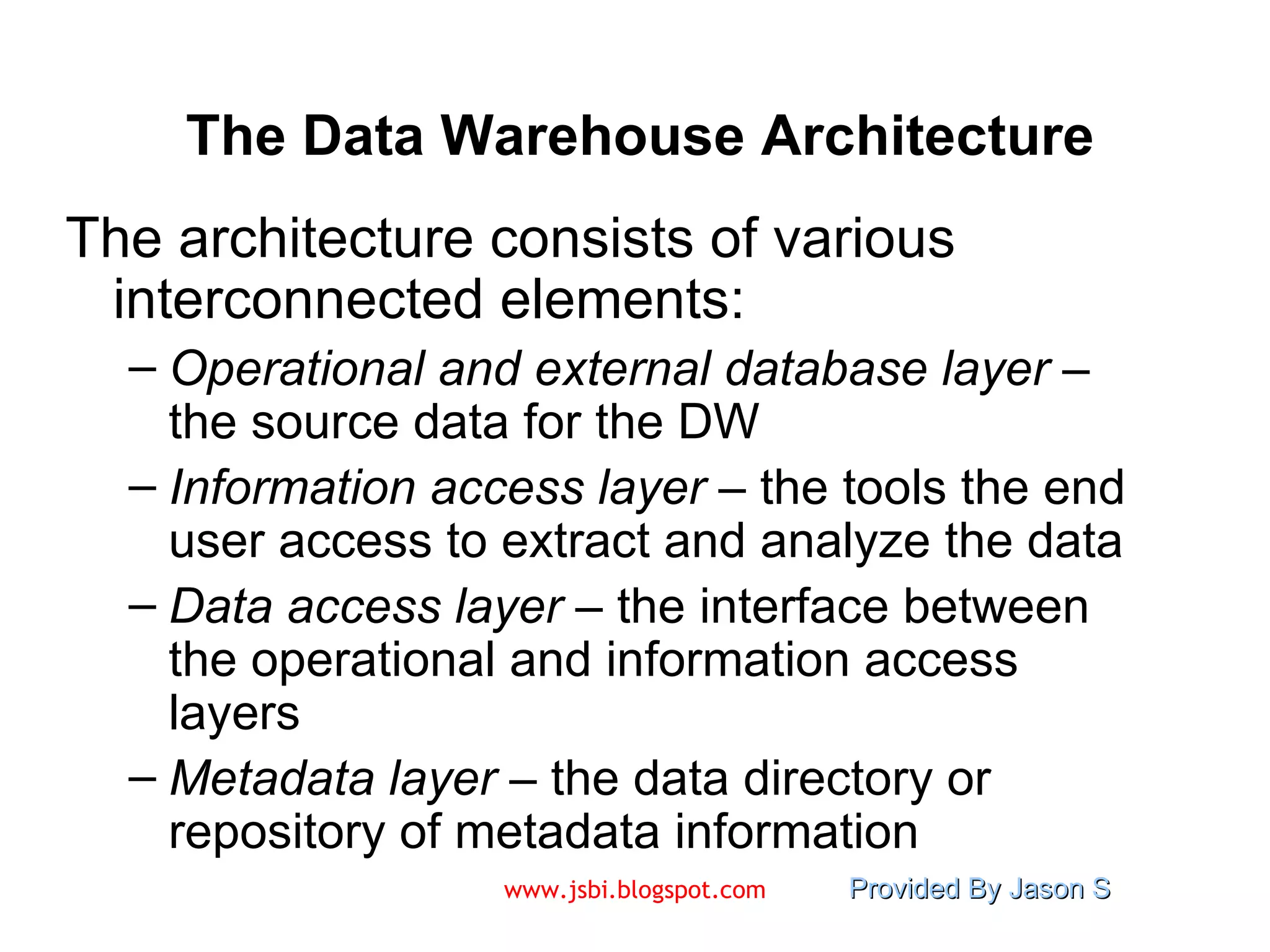
The Data Warehouse Architecture The architecture consists of various interconnected elements: Operational and external database layer  – the source data for the DW Information access layer  – the tools the end user access to extract and analyze the data Data access layer  – the interface between the operational and information access layers Metadata layer  – the data directory or repository of metadata information
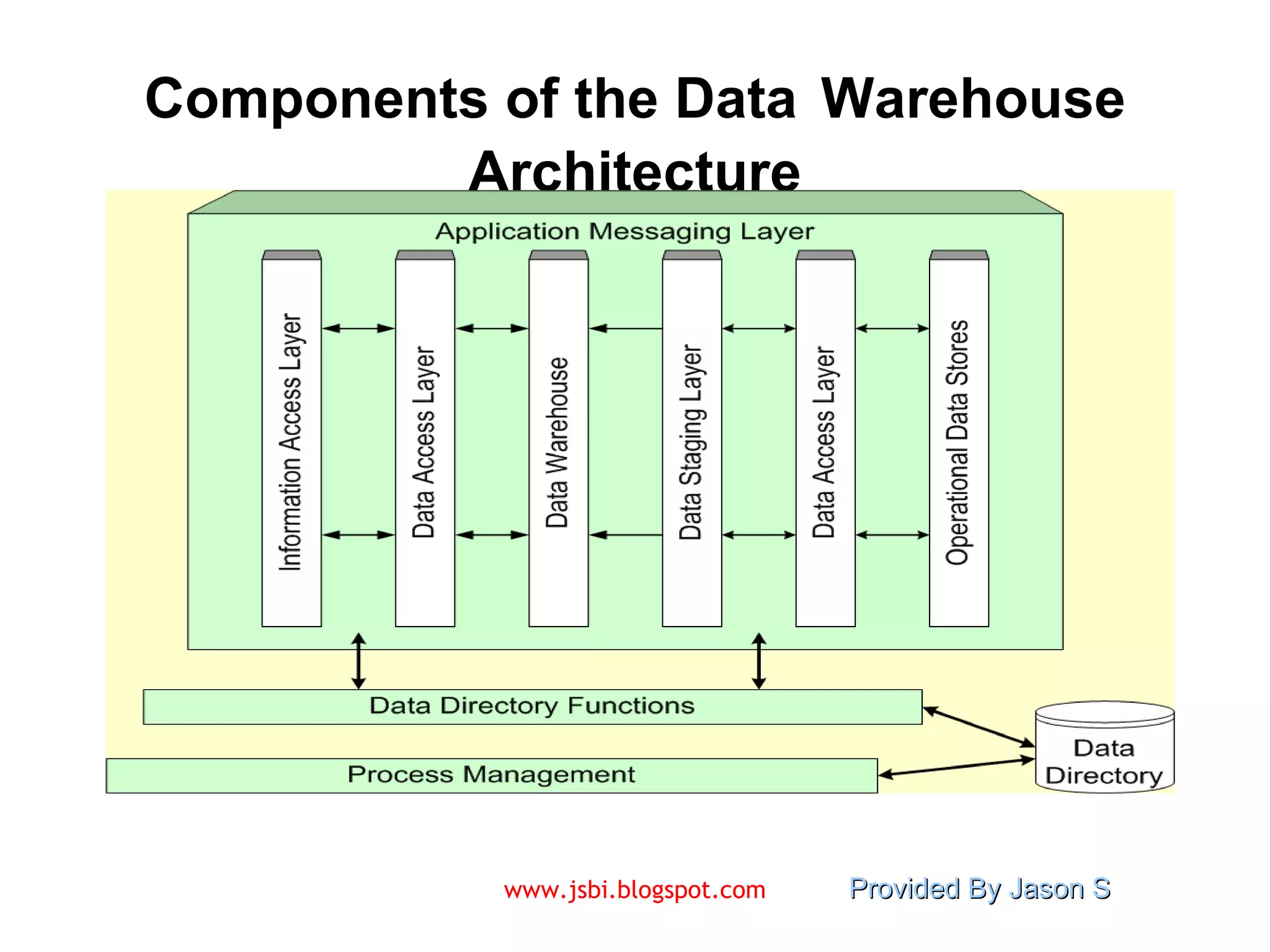
The Data Warehouse Architecture (cont.) Additional layers are: Process management layer  – the scheduler or job controller Application messaging layer  – the “middleware” that transports information around the firm Physical data warehouse layer  – where the actual data used in the DSS are located Data staging layer  – all of the processes necessary to select, edit, summarize and load warehouse data from the operational and external data bases
Components of the Data   Warehouse   Architecture
Data   Warehousing   Typology The virtual data warehouse  – the end users have direct access to the data stores, using tools enabled at the data access layer The central data warehouse  – a single physical database contains all of the data for a specific functional area The distributed data warehouse  – the components are distributed across several physical databases
Data Have Data -- The Metadata The name suggests some high-level technological concept, but it really is fairly simple.  Metadata is “data about data”. With the emergence of the data warehouse as a decision support structure, the metadata are considered as much a resource as the business data they describe. Metadata are abstractions -- they are high level data that provide concise descriptions of lower-level data.
The Metadata in Action The metadata are essential ingredients in the transformation of raw data into knowledge. They are the “keys” that allow us to handle the raw data. For example, a line in a sales database may contain:  1023  K596  111.50 This is mostly meaningless until we consult the metadata (in the data directory) that tells us it was store number 1023, product K596 and sales of  Rs 111.50.
Implementing the Data Warehouse Kozar assembled a list of “seven deadly sins” of data warehouse implementation: “ If you build it, they will come”  – the DW needs to be designed to meet people’s needs Omission of an architectural framework  – you need to consider the number of users, volume of data, update cycle, etc. Underestimating the importance of documenting assumptions  – the assumptions and potential conflicts must be included in the framework
“ Seven Deadly Sins”, continued Failure to use the right tool  – a DW project needs different tools than those used to develop an application Life cycle abuse  – in a DW, the life cycle really never ends Ignorance about data conflicts  – resolving these takes a lot more effort than most people realize Failure to learn from mistakes  – since one DW project tends to beget another, learning from the early mistakes will yield higher quality later
The Future of Data Warehousing As the DW becomes a standard part of an organization, there will be efforts to find new ways to use the data.  This will likely bring with it several new challenges : Regulatory constraints  may limit the ability to combine sources of disparate data. These disparate sources are likely to contain  unstructured data , which is hard to store. The  Internet  makes it possible to access data from virtually “anywhere”.  Of course, this just increases the disparity.
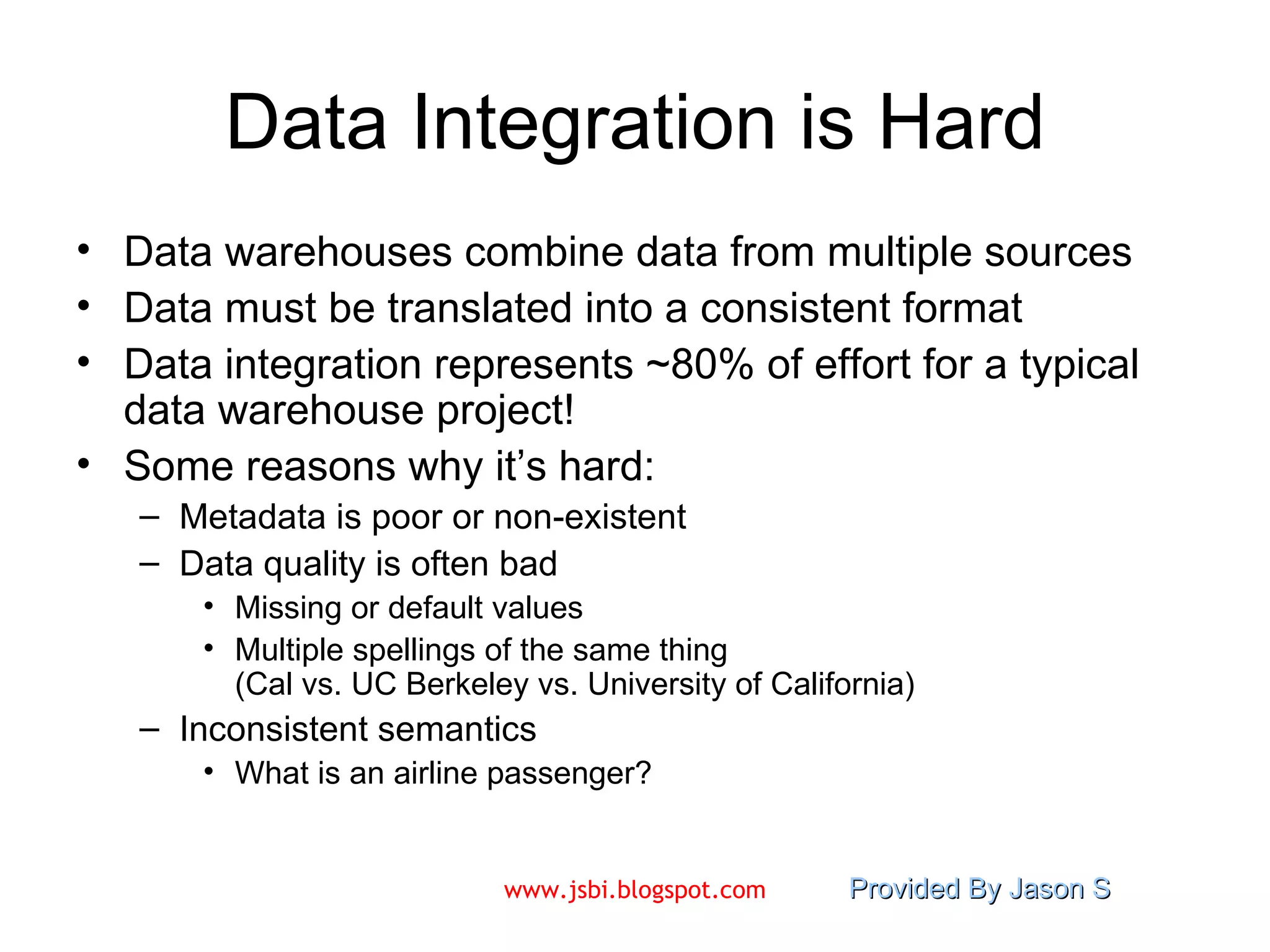
Data Integration is Hard Data warehouses combine data from multiple sources Data must be translated into a consistent format Data integration represents ~80% of effort for a typical data warehouse project! Some reasons why it’s hard: Metadata is poor or non-existent Data quality is often bad Missing or default values Multiple spellings of the same thing  (Cal vs. UC Berkeley vs. University of California) Inconsistent semantics What is an airline passenger?
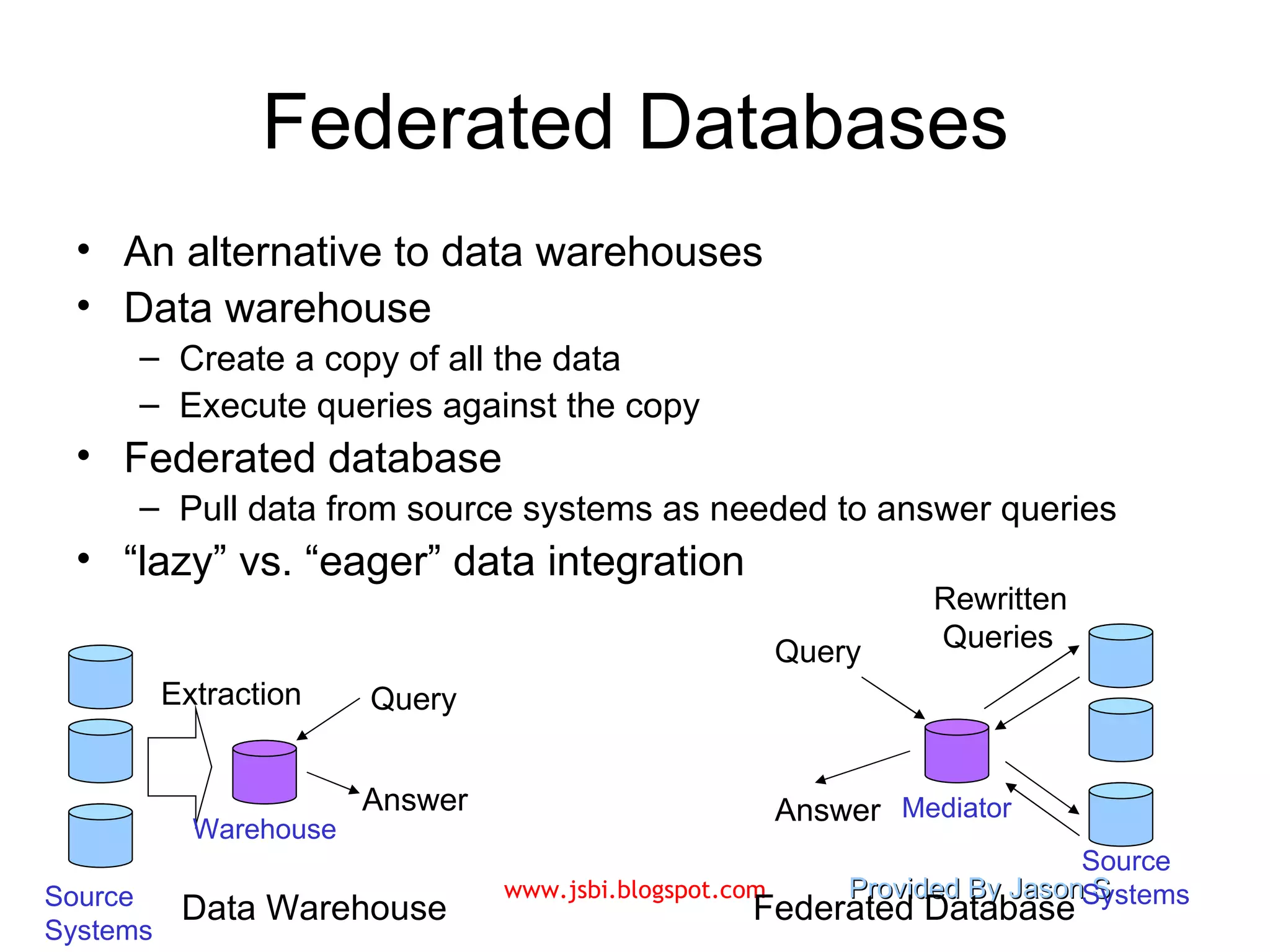
Federated Databases An alternative to data warehouses Data warehouse Create a copy of all the data  Execute queries against the copy Federated database  Pull data from source systems as needed to answer queries “ lazy” vs. “eager” data integration Data Warehouse Federated Database Source Systems Source Systems Warehouse Mediator Query Answer Query Extraction Rewritten  Queries Answer
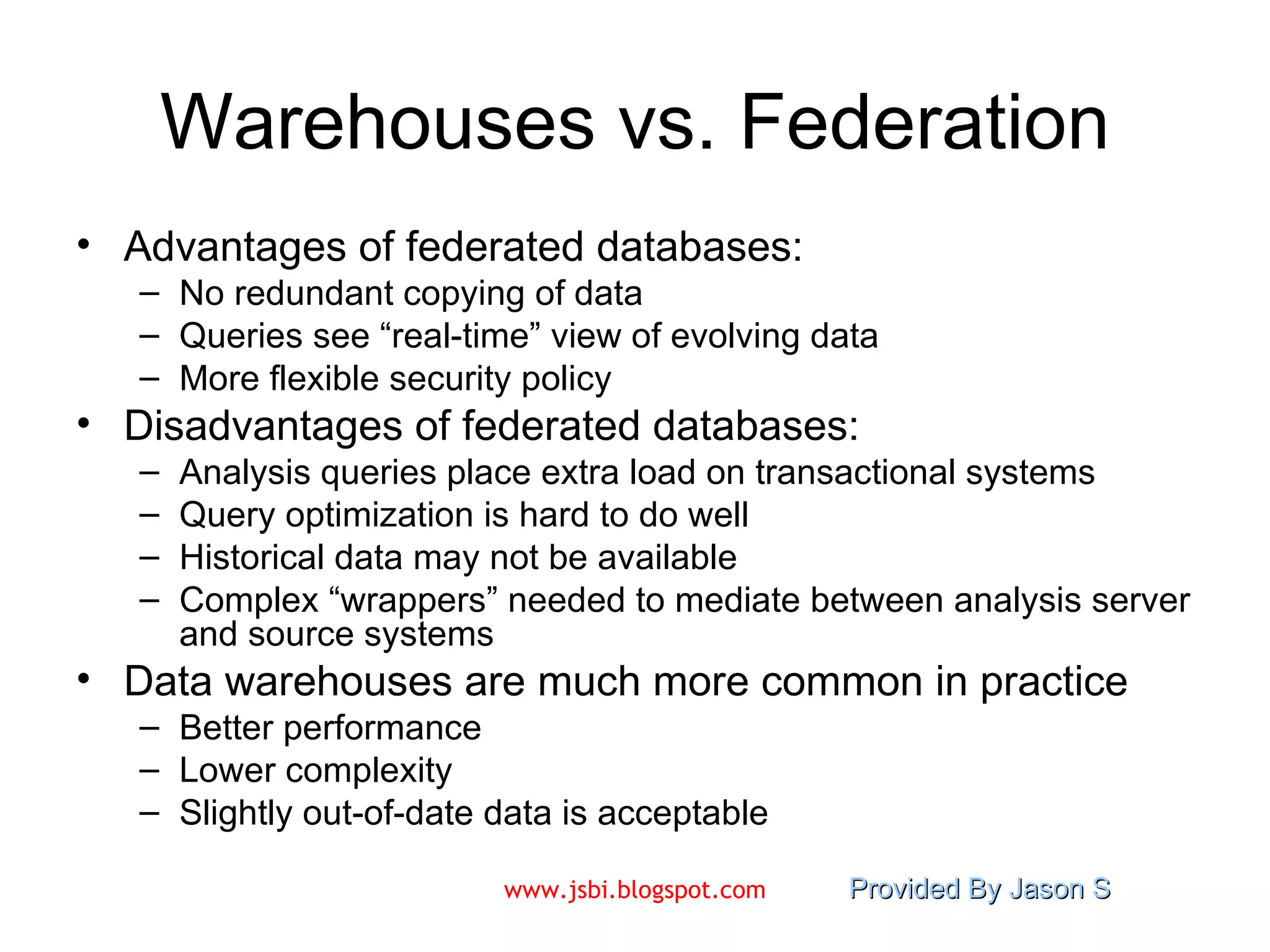
Warehouses vs. Federation Advantages of federated databases: No redundant copying of data Queries see “real-time” view of evolving data More flexible security policy Disadvantages of federated databases: Analysis queries place extra load on transactional systems Query optimization is hard to do well Historical data may not be available Complex “wrappers” needed to mediate between analysis server and source systems Data warehouses are much more common in practice Better performance Lower complexity Slightly out-of-date data is acceptable
Visit  www.jsbi.blogspot.com  for more slides/information!! Mail :  [email_address]

Introduction to Data Warehousing

  • 1.
    Data Warehouses DrS.Natarajan
  • 2.
  • 3.
    A Brief Historyof Information Technology The “dark ages”: paper forms in file cabinets Computerized systems emerge Initially for big projects like Social Security Same functionality as old paper-based systems The “golden age”: databases are everywhere Most activities tracked electronically Stored data provides detailed history of activity The next step: use data for decision-making The focus of this course! Made possible by omnipresence of IT Identify inefficiencies in current processes Quantify likely impact of decisions
  • 4.
    Databases for DecisionSupport 1 st phase: Automating existing processes makes them more efficient. Automation -> Lots of well-organized, easily accessed data 2 nd phase: Data analysis allows for better decision-making. Analyze data -> better understanding Better understanding -> better decisions “ Data Entry” vs. “Thinking” Data analysts are decision-makers: managers, executives, etc.
  • 5.
    Databases for DecisionSupport 1 st phase: Automating existing processes makes them more efficient. Automation -> Lots of well-organized, easily accessed data 2 nd phase: Data analysis allows for better decision-making. Analyze data -> better understanding Better understanding -> better decisions “ Data Entry” vs. “Thinking” Data analysts are decision-makers: managers, executives, etc.
  • 6.
    OLTP vs. OLAPOLTP: O n- L ine T ransaction P rocessing Many short transactions (queries + updates) Examples: Update account balance Enroll in course Add book to shopping cart Queries touch small amounts of data (one record or a few records) Updates are frequent Concurrency is biggest performance concern OLAP: O n- L ine A nalytical P rocessing Long transactions, complex queries Examples: Report total sales for each department in each month Identify top-selling books Count classes with fewer than 10 students Queries touch large amounts of data Updates are infrequent Individual queries can require lots of resources
  • 7.
    Why OLAP &OLTP don’t mix (1) Transaction processing (OLTP): Fast response time important (< 1 second) Data must be up-to-date, consistent at all times Data analysis (OLAP): Queries can consume lots of resources Can saturate CPUs and disk bandwidth Operating on static “snapshot” of data usually OK OLAP can “crowd out” OLTP transactions Transactions are slow -> unhappy users Example: Analysis query asks for sum of all sales Acquires lock on sales table for consistency New sales transaction is blocked Different performance requirements
  • 8.
    Why OLAP &OLTP don’t mix (2) Transaction processing (OLTP): Normalized schema for consistency Complex data models, many tables Limited number of standardized queries and updates Data analysis (OLAP): Simplicity of data model is important Allow semi-technical users to formulate ad hoc queries De-normalized schemas are common Fewer joins -> improved query performance Fewer tables -> schema is easier to understand Different data modeling requirements
  • 9.
    Why OLAP &OLTP don’t mix (3) An OLTP system targets one specific process For example: ordering from an online store OLAP integrates data from different processes Combine sales, inventory, and purchasing data Analyze experiments conducted by different labs OLAP often makes use of historical data Identify long-term patterns Notice changes in behavior over time Terminology, schemas vary across data sources Integrating data from disparate sources is a major challenge Analysis requires data from many sources
  • 10.
    A data warehouseis a collection of integrated databases designed to support a DSS. An operational data store (ODS) stores data for a specific application. It feeds the data warehouse a stream of desired raw data. A data mart is a lower-cost, scaled-down version of a data warehouse, usually designed to support a small group of users (rather than the entire firm). The metadata is information that is kept about the warehouse.
  • 11.
    Organizational Data Flowand Data Storage Components
  • 12.
    Loading the DataWarehouse Source Systems Data Staging Area Data Warehouse (OLTP) Data is periodically extracted Data is cleansed and transformed Users query the data warehouse
  • 13.
    Characteristics of aData Warehouse Subject oriented – organized based on use Integrated – inconsistencies removed Nonvolatile – stored in read-only format Time variant – data are normally time series Summarized – in decision-usable format Large volume – data sets are quite large Non normalized – often redundant Metadata – data about data are stored Data sources – comes from nonintegrated sources
  • 14.
    A Data Warehouseis Subject Oriented
  • 15.
    Data in aData Warehouse are Integrated
  • 16.
    The Data WarehouseArchitecture The architecture consists of various interconnected elements: Operational and external database layer – the source data for the DW Information access layer – the tools the end user access to extract and analyze the data Data access layer – the interface between the operational and information access layers Metadata layer – the data directory or repository of metadata information
  • 17.
    The Data WarehouseArchitecture (cont.) Additional layers are: Process management layer – the scheduler or job controller Application messaging layer – the “middleware” that transports information around the firm Physical data warehouse layer – where the actual data used in the DSS are located Data staging layer – all of the processes necessary to select, edit, summarize and load warehouse data from the operational and external data bases
  • 18.
    Components of theData Warehouse Architecture
  • 19.
    Data Warehousing Typology The virtual data warehouse – the end users have direct access to the data stores, using tools enabled at the data access layer The central data warehouse – a single physical database contains all of the data for a specific functional area The distributed data warehouse – the components are distributed across several physical databases
  • 20.
    Data Have Data-- The Metadata The name suggests some high-level technological concept, but it really is fairly simple. Metadata is “data about data”. With the emergence of the data warehouse as a decision support structure, the metadata are considered as much a resource as the business data they describe. Metadata are abstractions -- they are high level data that provide concise descriptions of lower-level data.
  • 21.
    The Metadata inAction The metadata are essential ingredients in the transformation of raw data into knowledge. They are the “keys” that allow us to handle the raw data. For example, a line in a sales database may contain: 1023 K596 111.50 This is mostly meaningless until we consult the metadata (in the data directory) that tells us it was store number 1023, product K596 and sales of Rs 111.50.
  • 22.
    Implementing the DataWarehouse Kozar assembled a list of “seven deadly sins” of data warehouse implementation: “ If you build it, they will come” – the DW needs to be designed to meet people’s needs Omission of an architectural framework – you need to consider the number of users, volume of data, update cycle, etc. Underestimating the importance of documenting assumptions – the assumptions and potential conflicts must be included in the framework
  • 23.
    “ Seven DeadlySins”, continued Failure to use the right tool – a DW project needs different tools than those used to develop an application Life cycle abuse – in a DW, the life cycle really never ends Ignorance about data conflicts – resolving these takes a lot more effort than most people realize Failure to learn from mistakes – since one DW project tends to beget another, learning from the early mistakes will yield higher quality later
  • 24.
    The Future ofData Warehousing As the DW becomes a standard part of an organization, there will be efforts to find new ways to use the data. This will likely bring with it several new challenges : Regulatory constraints may limit the ability to combine sources of disparate data. These disparate sources are likely to contain unstructured data , which is hard to store. The Internet makes it possible to access data from virtually “anywhere”. Of course, this just increases the disparity.
  • 25.
    Data Integration isHard Data warehouses combine data from multiple sources Data must be translated into a consistent format Data integration represents ~80% of effort for a typical data warehouse project! Some reasons why it’s hard: Metadata is poor or non-existent Data quality is often bad Missing or default values Multiple spellings of the same thing (Cal vs. UC Berkeley vs. University of California) Inconsistent semantics What is an airline passenger?
  • 26.
    Federated Databases Analternative to data warehouses Data warehouse Create a copy of all the data Execute queries against the copy Federated database Pull data from source systems as needed to answer queries “ lazy” vs. “eager” data integration Data Warehouse Federated Database Source Systems Source Systems Warehouse Mediator Query Answer Query Extraction Rewritten Queries Answer
  • 27.
    Warehouses vs. FederationAdvantages of federated databases: No redundant copying of data Queries see “real-time” view of evolving data More flexible security policy Disadvantages of federated databases: Analysis queries place extra load on transactional systems Query optimization is hard to do well Historical data may not be available Complex “wrappers” needed to mediate between analysis server and source systems Data warehouses are much more common in practice Better performance Lower complexity Slightly out-of-date data is acceptable
  • 28.
    Visit www.jsbi.blogspot.com for more slides/information!! Mail : [email_address]