Derive Value from Excellence…
G -
SAS Macro – Part 1
By- Kavita Dargan
Derive Value from Excellence…
Agenda
Purpose of Macro Facility
Types of macro variables – Automatic vs User defined
Different ways of creating macro variable
Global vs. Local symbol table
Combining macro variable reference with text
Questions?
Derive Value from Excellence…
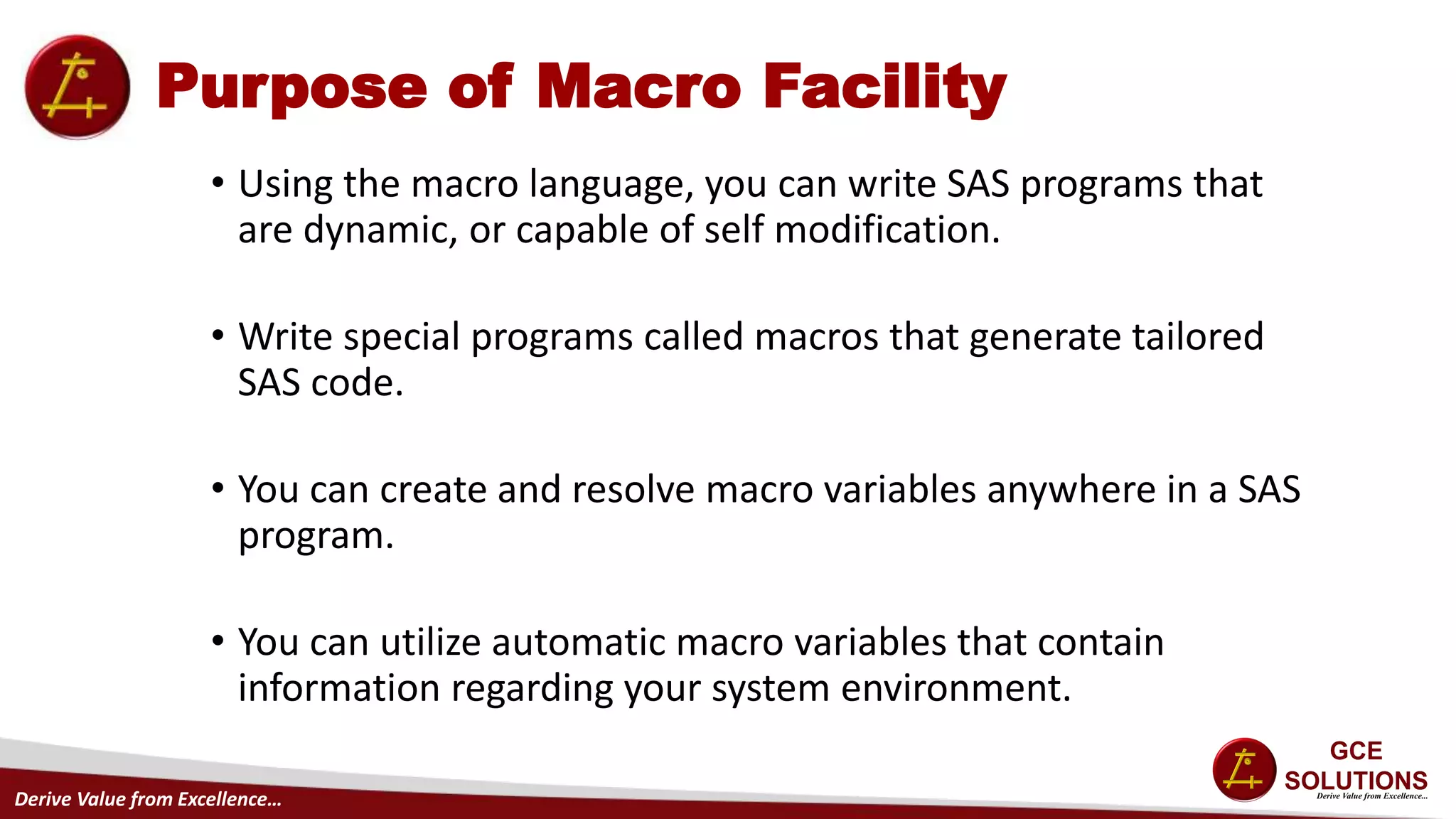
Purpose of Macro Facility
• Using the macro language, you can write SAS programs that
are dynamic, or capable of self modification.
• Write special programs called macros that generate tailored
SAS code.
• You can create and resolve macro variables anywhere in a SAS
program.
• You can utilize automatic macro variables that contain
information regarding your system environment.
Derive Value from Excellence…
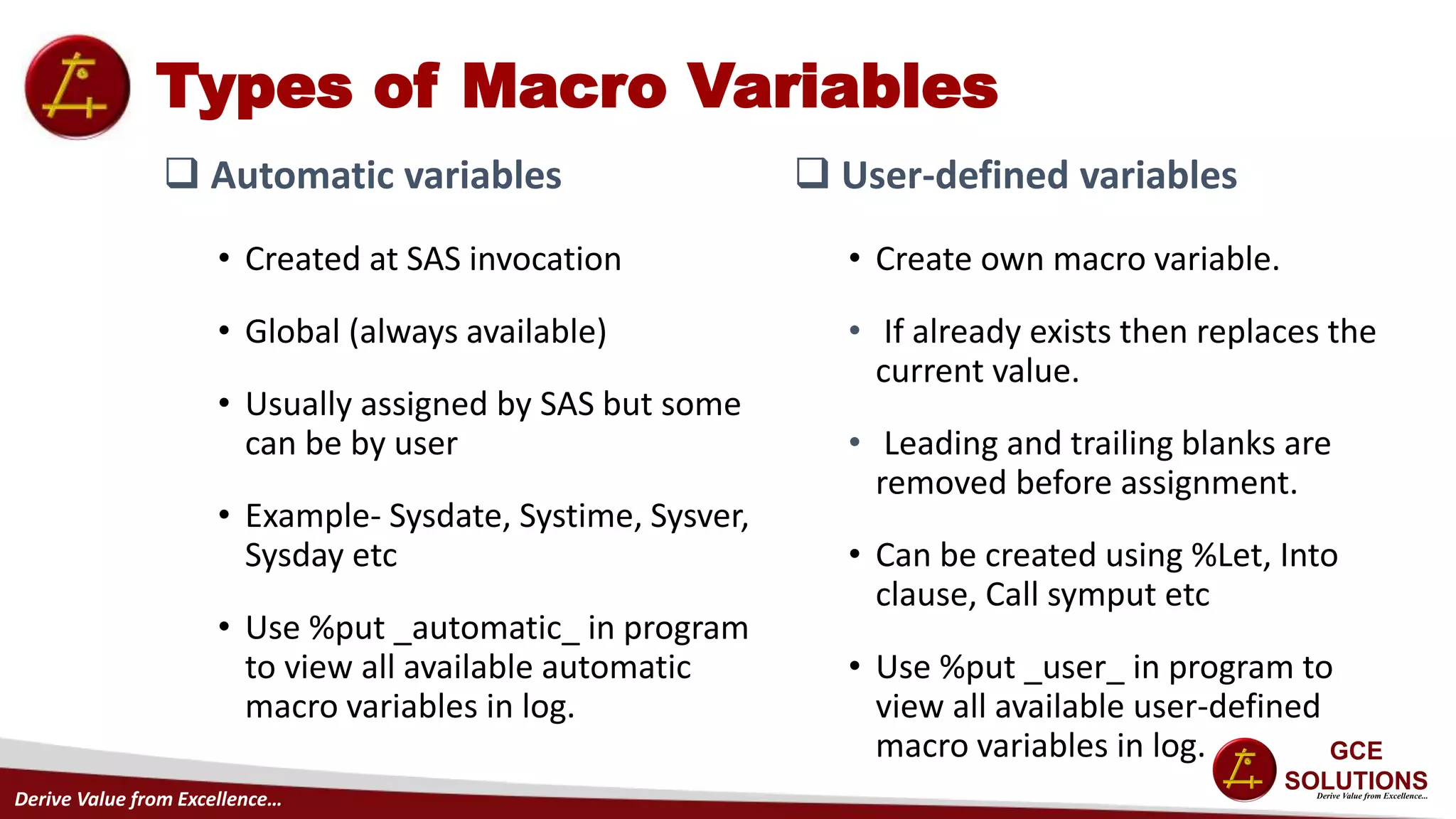
Types of Macro Variables
 Automatic variables
• Created at SAS invocation
• Global (always available)
• Usually assigned by SAS but some
can be by user
• Example- Sysdate, Systime, Sysver,
Sysday etc
• Use %put _automatic_ in program
to view all available automatic
macro variables in log.
 User-defined variables
• Create own macro variable.
• If already exists then replaces the
current value.
• Leading and trailing blanks are
removed before assignment.
• Can be created using %Let, Into
clause, Call symput etc
• Use %put _user_ in program to
view all available user-defined
macro variables in log.
Derive Value from Excellence…
Types of Macro Variables Contd.
 Example: Substitute system information in footnote.
 Output:
footnote1 "Created &systime &sysday, &sysdate9";
footnote2
"on the &sysscp system using Release &sysver";
Derive Value from Excellence…
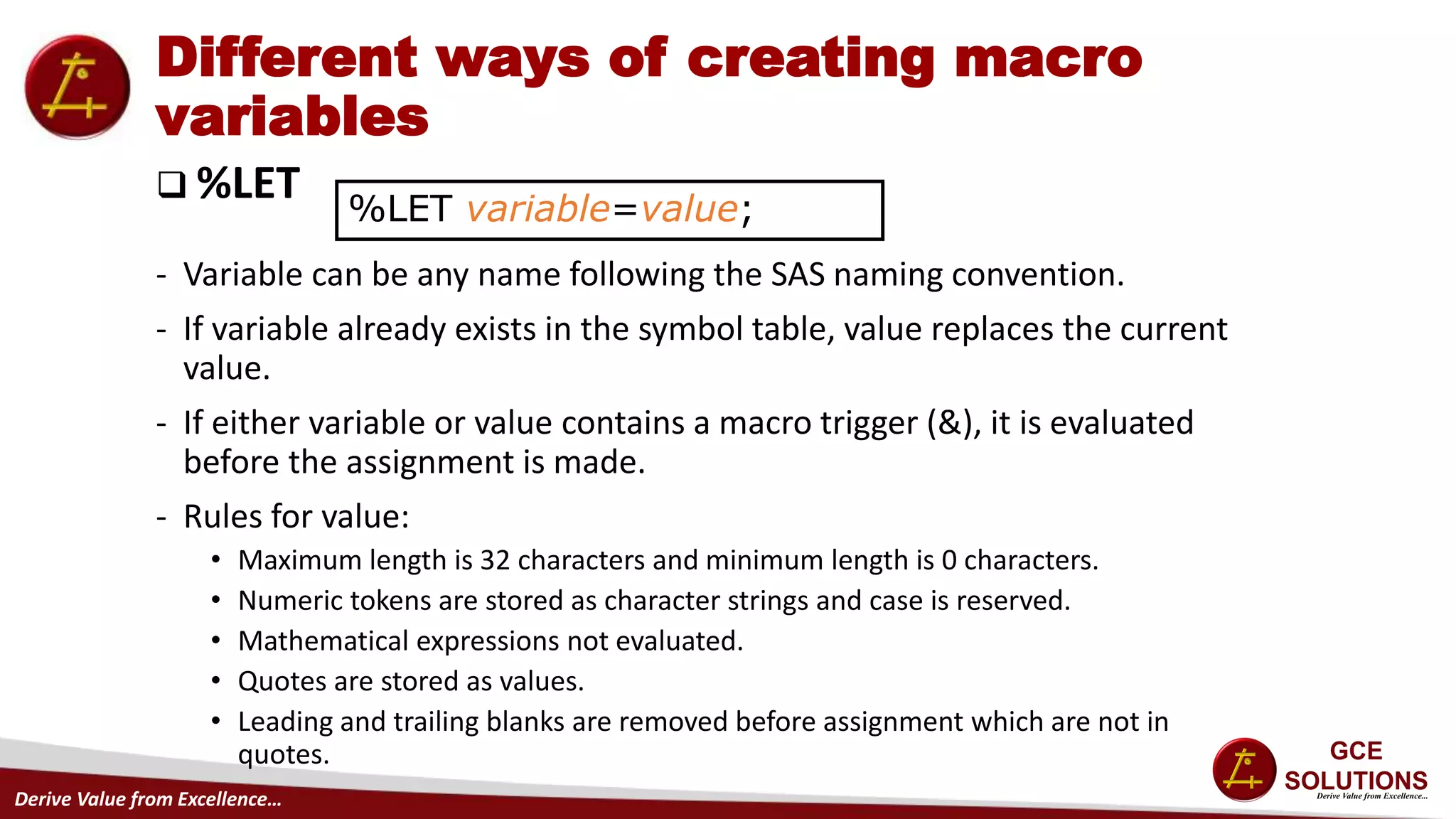
Different ways of creating macro
variables
 %LET
- Variable can be any name following the SAS naming convention.
- If variable already exists in the symbol table, value replaces the current
value.
- If either variable or value contains a macro trigger (&), it is evaluated
before the assignment is made.
- Rules for value:
• Maximum length is 32 characters and minimum length is 0 characters.
• Numeric tokens are stored as character strings and case is reserved.
• Mathematical expressions not evaluated.
• Quotes are stored as values.
• Leading and trailing blanks are removed before assignment which are not in
quotes.
%LET variable=value;
Derive Value from Excellence…
Different ways of creating macro
variables Contd.
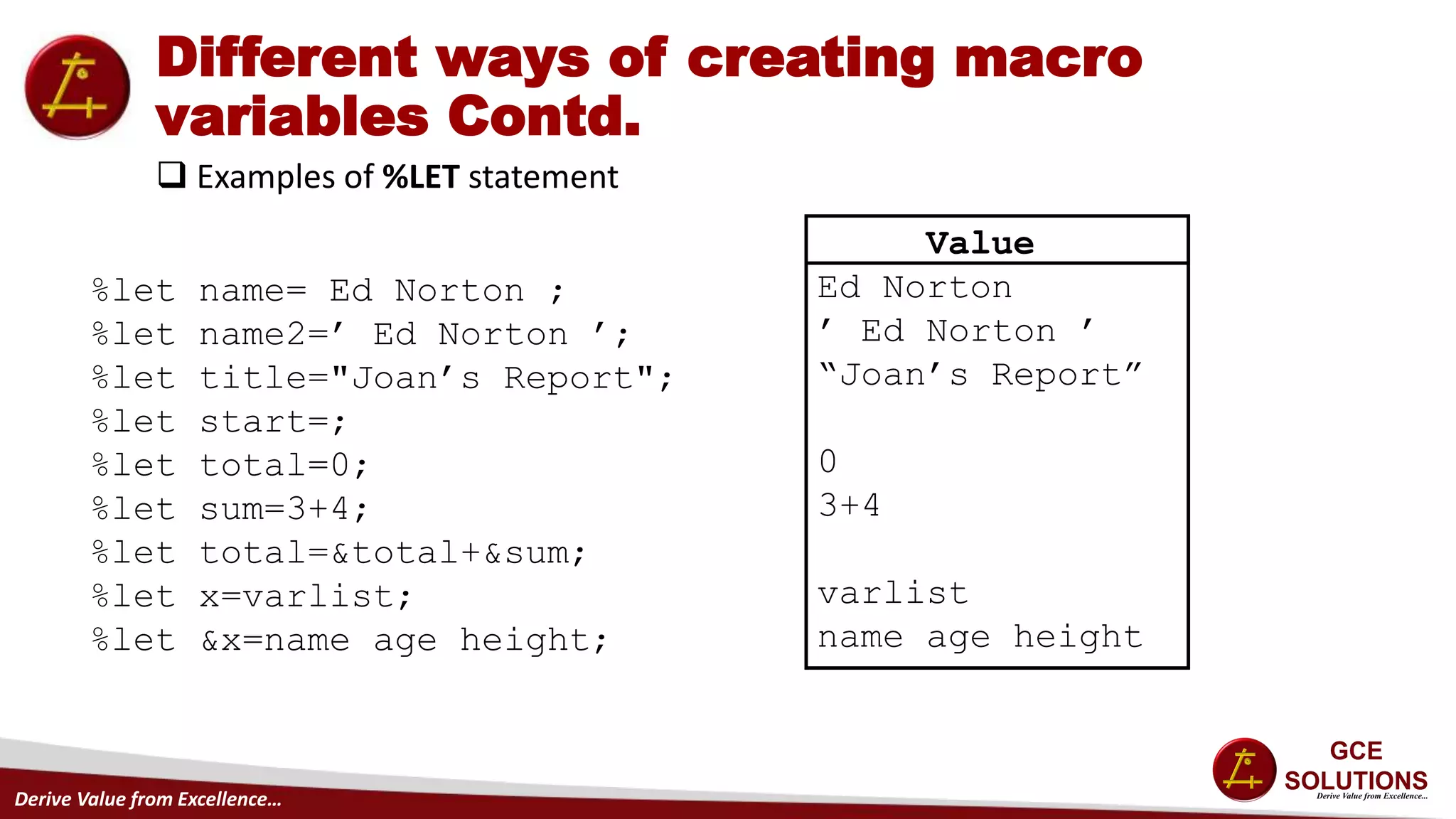
 Examples of %LET statement
%let name= Ed Norton ;
%let name2=’ Ed Norton ’;
%let title="Joan’s Report";
%let start=;
%let total=0;
%let sum=3+4;
%let total=&total+∑
%let x=varlist;
%let &x=name age height;
Value
Ed Norton
’ Ed Norton ’
“Joan’s Report”
0
3+4
varlist
name age height
Derive Value from Excellence…
Different ways of creating macro
variables Contd.
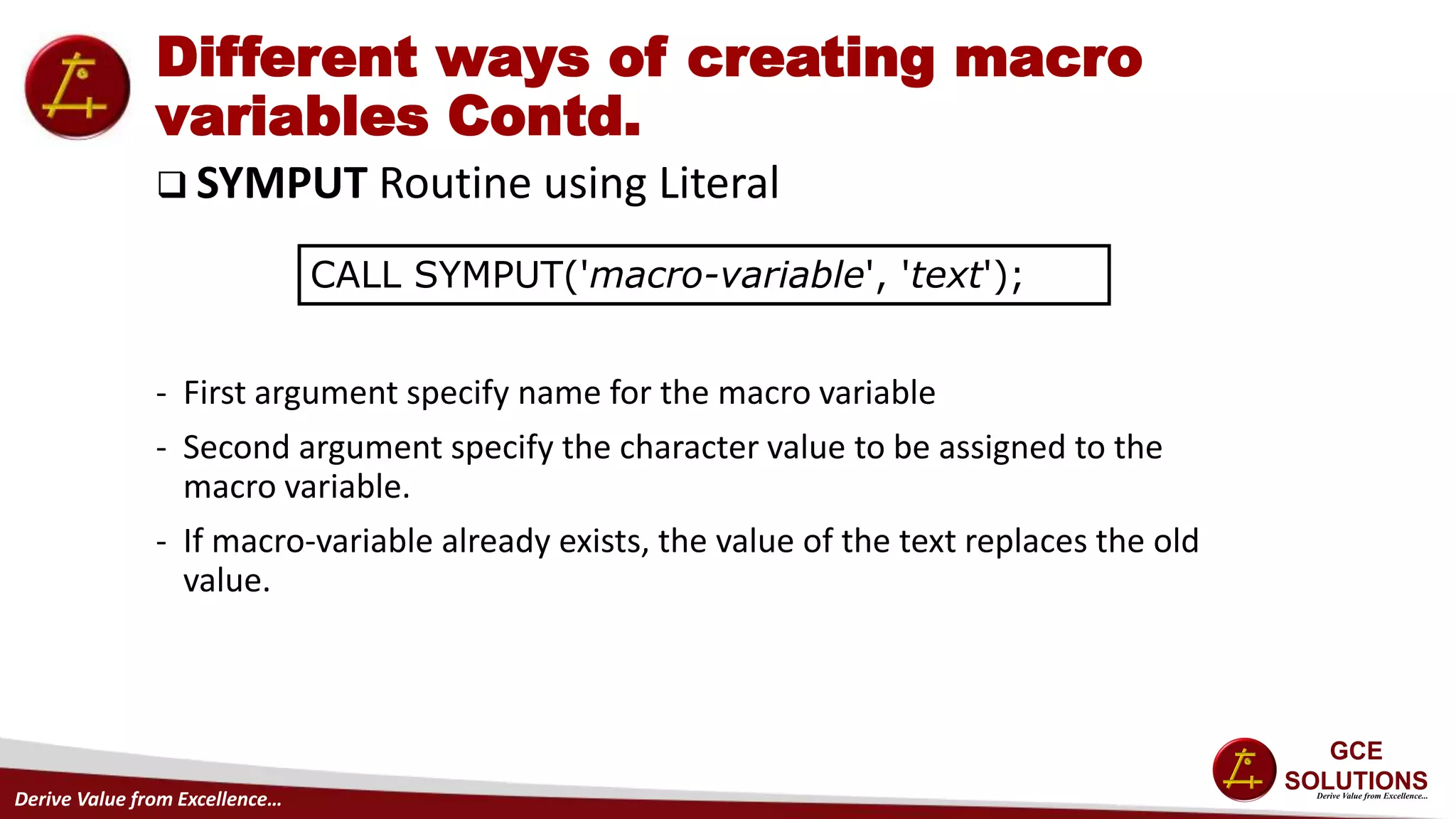
 SYMPUT Routine using Literal
- First argument specify name for the macro variable
- Second argument specify the character value to be assigned to the
macro variable.
- If macro-variable already exists, the value of the text replaces the old
value.
CALL SYMPUT('macro-variable', 'text');
Derive Value from Excellence…
Different ways of creating macro
variables Contd.
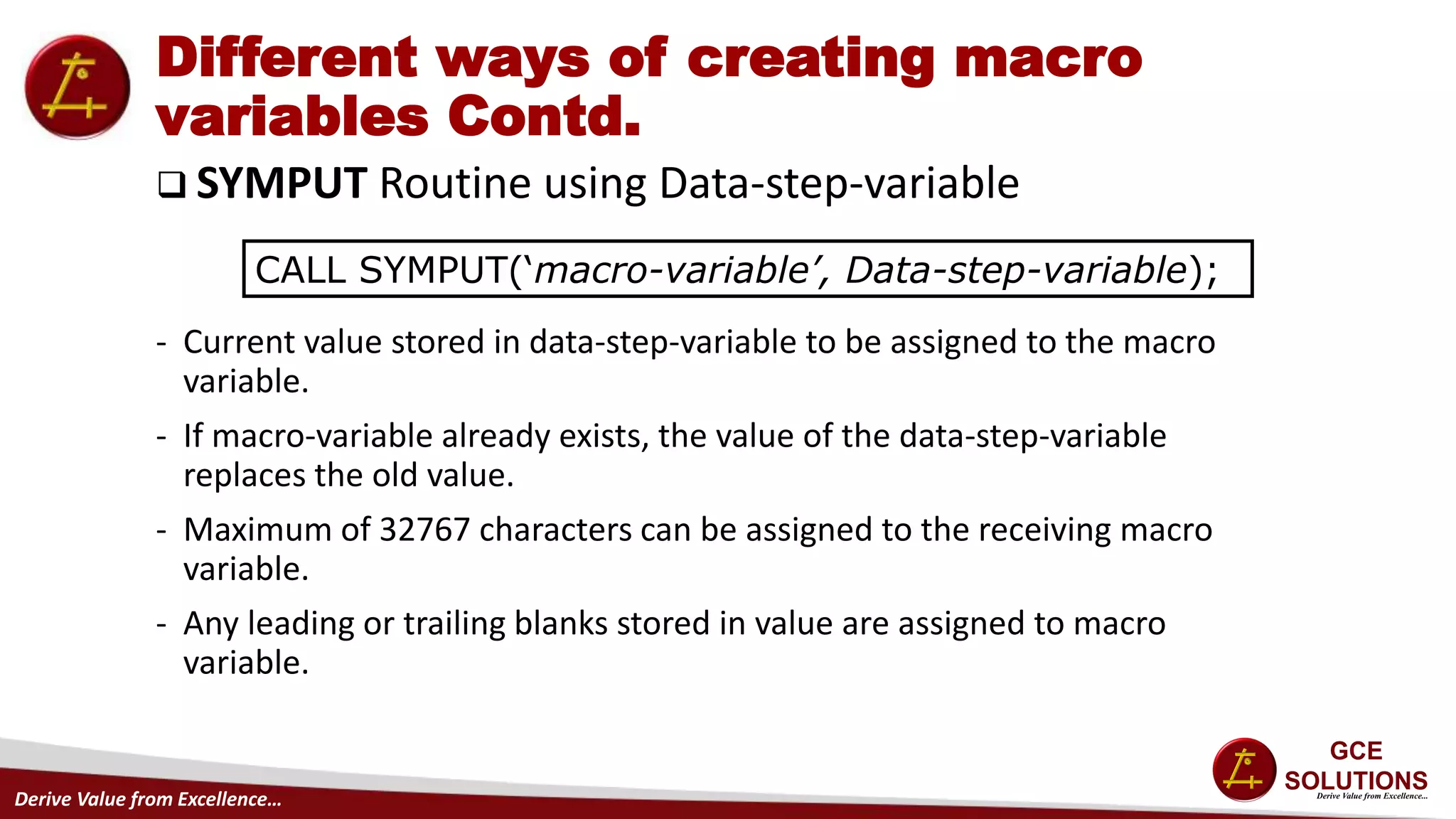
 SYMPUT Routine using Data-step-variable
- Current value stored in data-step-variable to be assigned to the macro
variable.
- If macro-variable already exists, the value of the data-step-variable
replaces the old value.
- Maximum of 32767 characters can be assigned to the receiving macro
variable.
- Any leading or trailing blanks stored in value are assigned to macro
variable.
CALL SYMPUT(‘macro-variable’, Data-step-variable);
Derive Value from Excellence…
Different ways of creating macro
variables Contd.
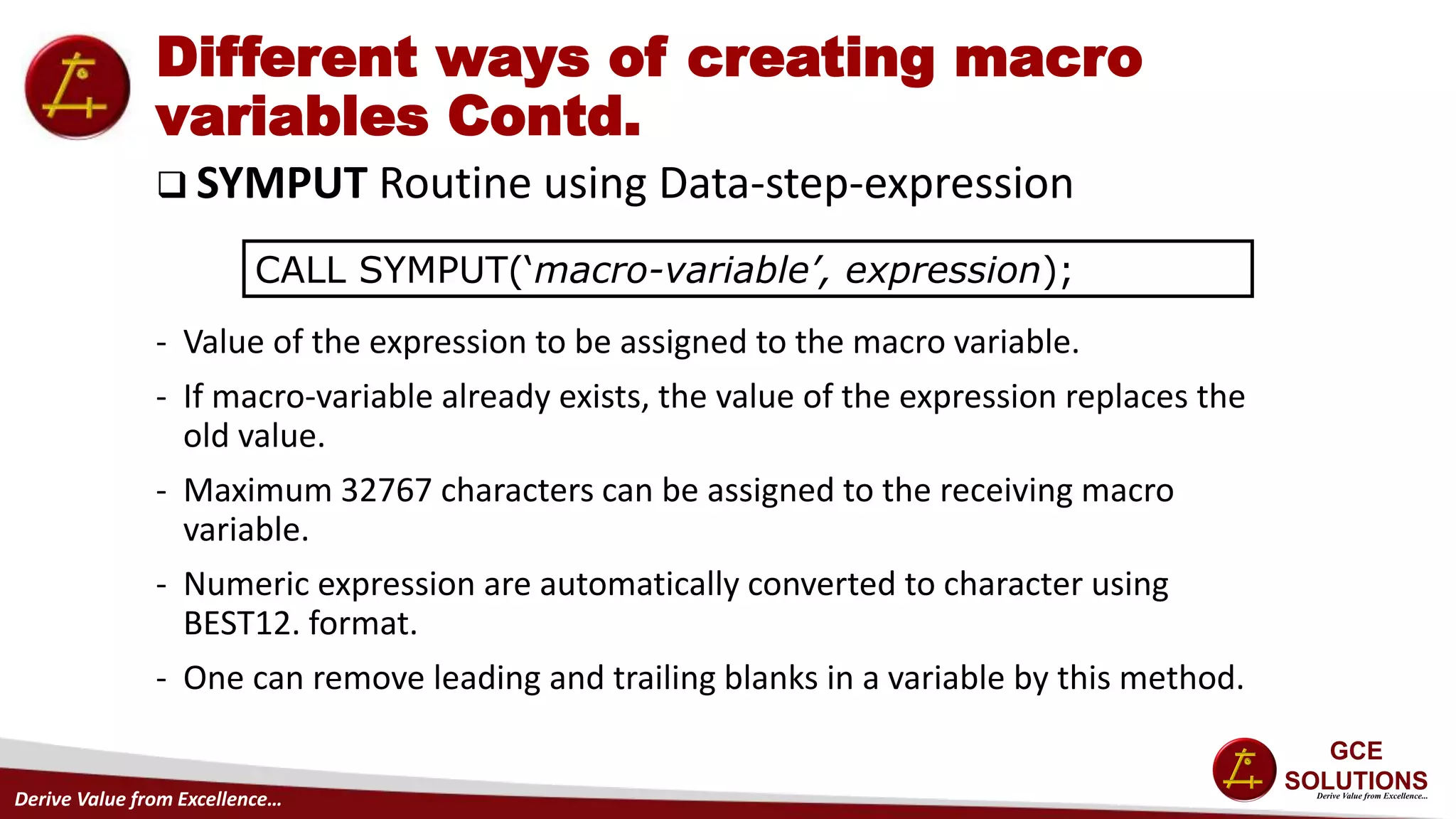
 SYMPUT Routine using Data-step-expression
- Value of the expression to be assigned to the macro variable.
- If macro-variable already exists, the value of the expression replaces the
old value.
- Maximum 32767 characters can be assigned to the receiving macro
variable.
- Numeric expression are automatically converted to character using
BEST12. format.
- One can remove leading and trailing blanks in a variable by this method.
CALL SYMPUT(‘macro-variable’, expression);
Derive Value from Excellence…
Different ways of creating macro
variables Contd.
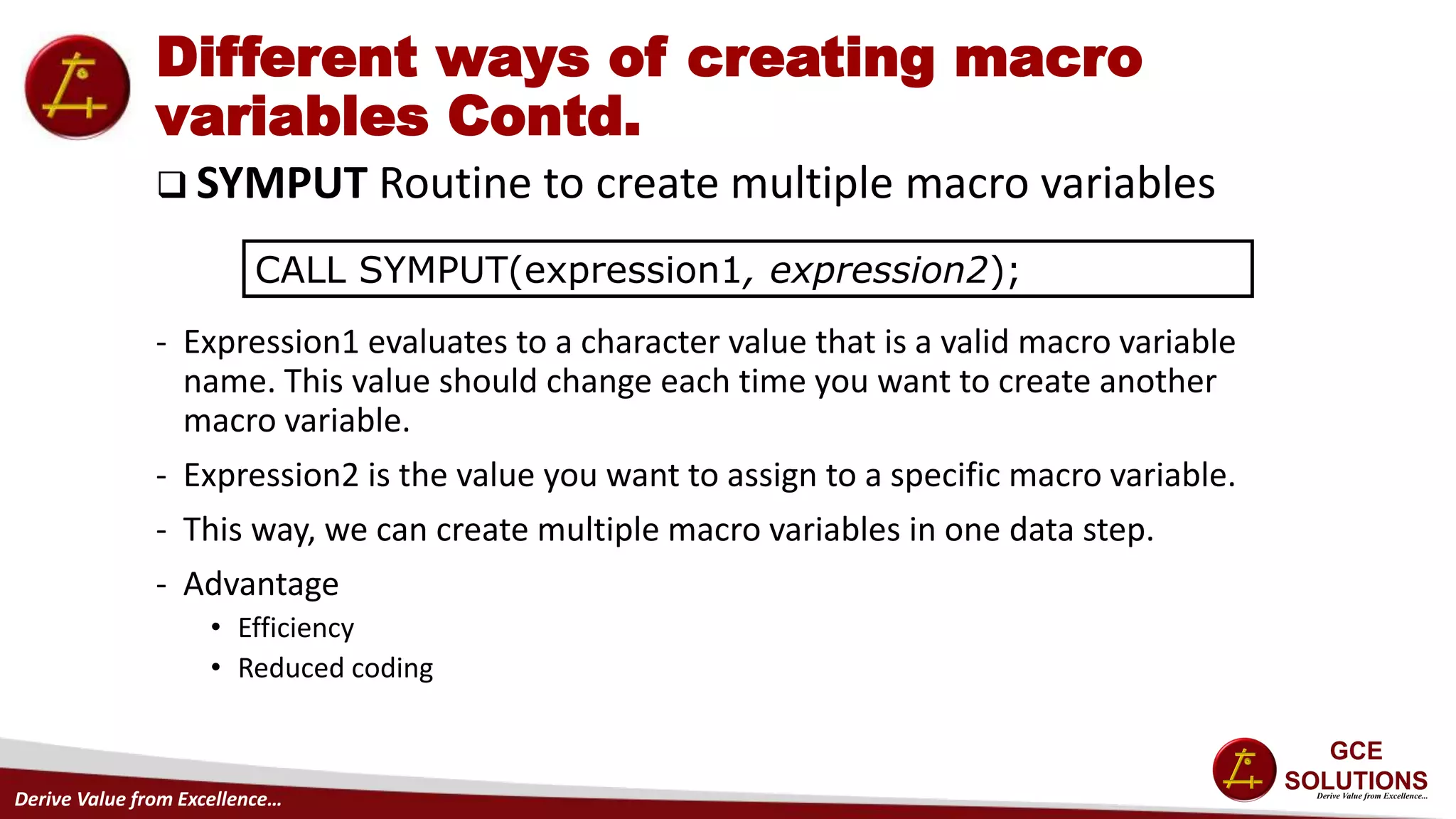
 SYMPUT Routine to create multiple macro variables
- Expression1 evaluates to a character value that is a valid macro variable
name. This value should change each time you want to create another
macro variable.
- Expression2 is the value you want to assign to a specific macro variable.
- This way, we can create multiple macro variables in one data step.
- Advantage
• Efficiency
• Reduced coding
CALL SYMPUT(expression1, expression2);
Derive Value from Excellence…
Different ways of creating macro
variables Contd.
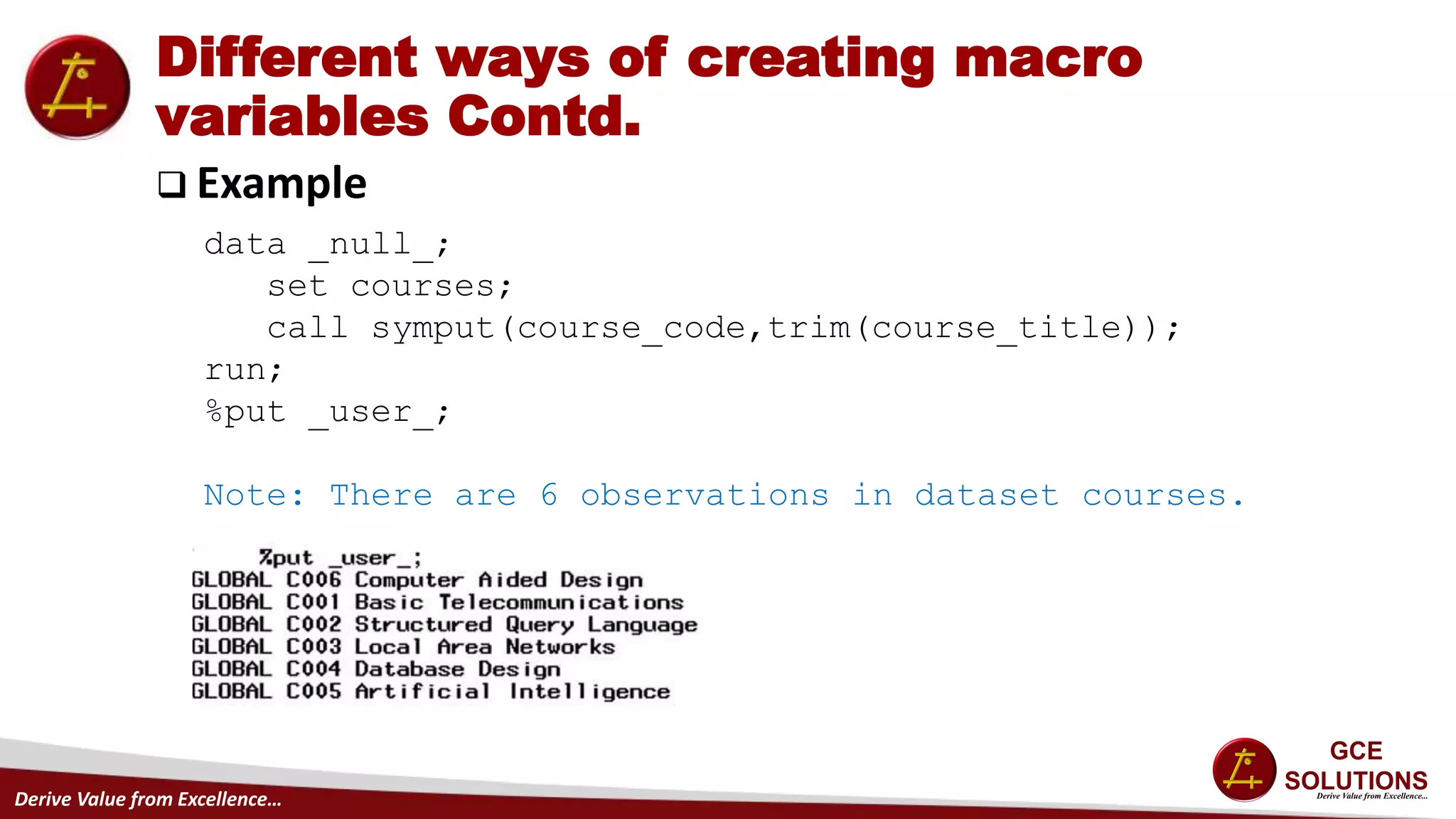
 Example
data _null_;
set courses;
call symput(course_code,trim(course_title));
run;
%put _user_;
Note: There are 6 observations in dataset courses.
Derive Value from Excellence…
Different ways of creating macro
variables Contd.
 INTO Clause
- One can specify one or more macro variables to create.
- Create new macro variables per row in the result of select statement.
- This method does not trim leading or trailing blanks.
SELECT col1, col2,. . . INTO :mvar1 - :mvarn,
:nvar1 - :nvarn,...
FROM table-expression
WHERE where-expression
other clauses;
Derive Value from Excellence…
Different ways of creating macro
variables Contd.
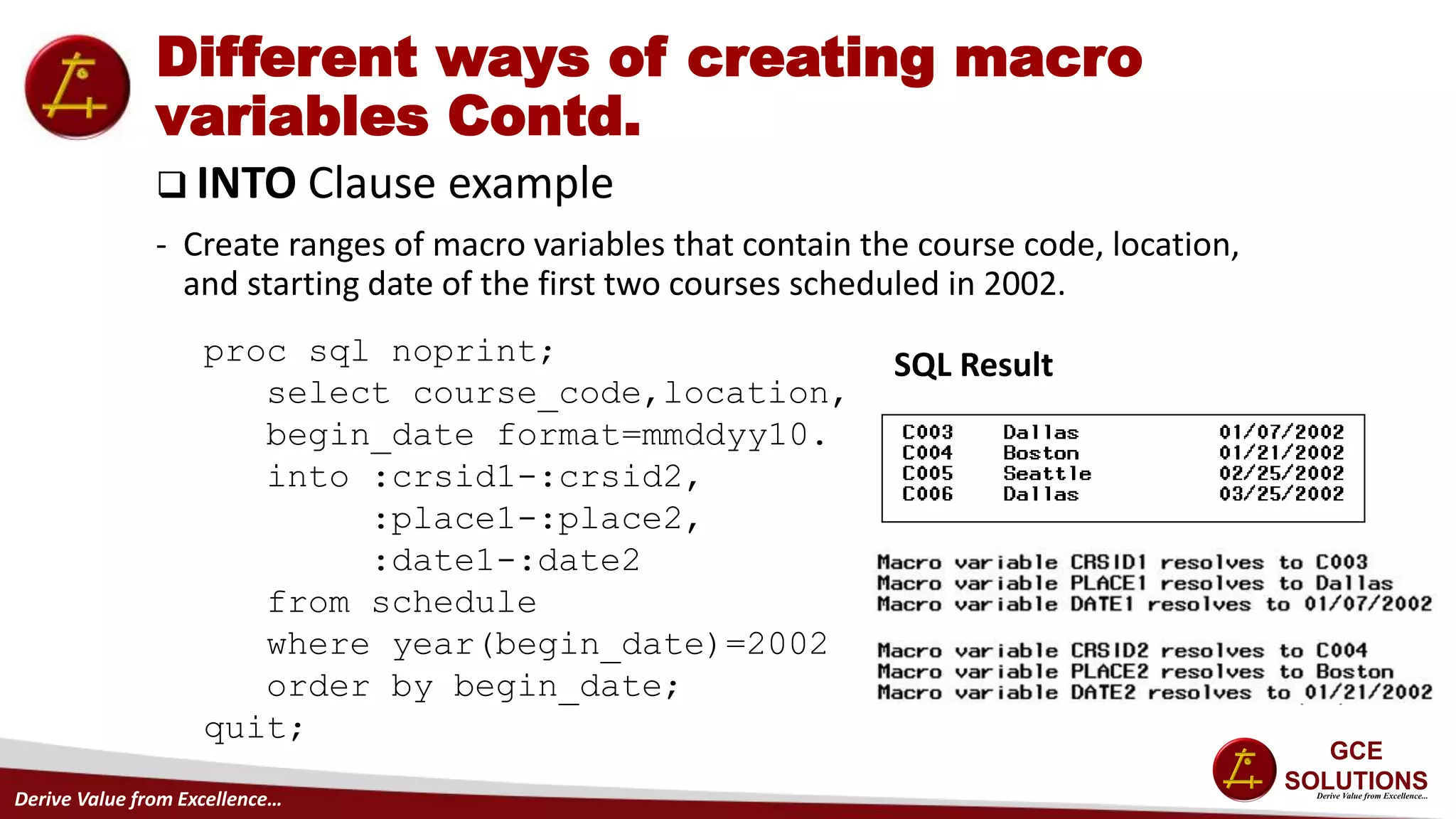
 INTO Clause example
- Create ranges of macro variables that contain the course code, location,
and starting date of the first two courses scheduled in 2002.
proc sql noprint;
select course_code,location,
begin_date format=mmddyy10.
into :crsid1-:crsid2,
:place1-:place2,
:date1-:date2
from schedule
where year(begin_date)=2002
order by begin_date;
quit;
SQL Result
Derive Value from Excellence…
Different ways of creating macro
variables Contd.
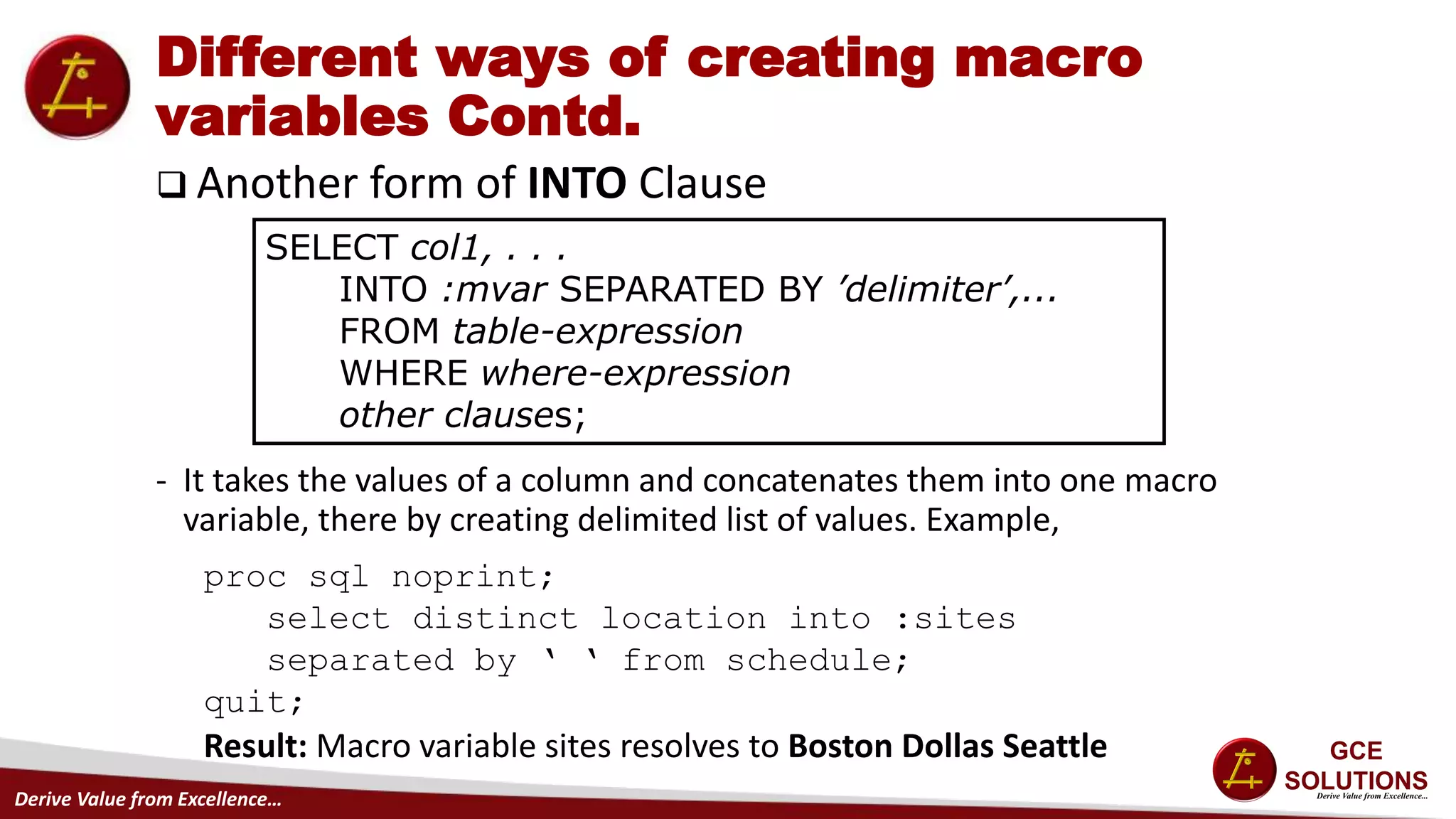
 Another form of INTO Clause
- It takes the values of a column and concatenates them into one macro
variable, there by creating delimited list of values. Example,
SELECT col1, . . .
INTO :mvar SEPARATED BY ’delimiter’,...
FROM table-expression
WHERE where-expression
other clauses;
proc sql noprint;
select distinct location into :sites
separated by ‘ ‘ from schedule;
quit;
Result: Macro variable sites resolves to Boston Dollas Seattle
Derive Value from Excellence…
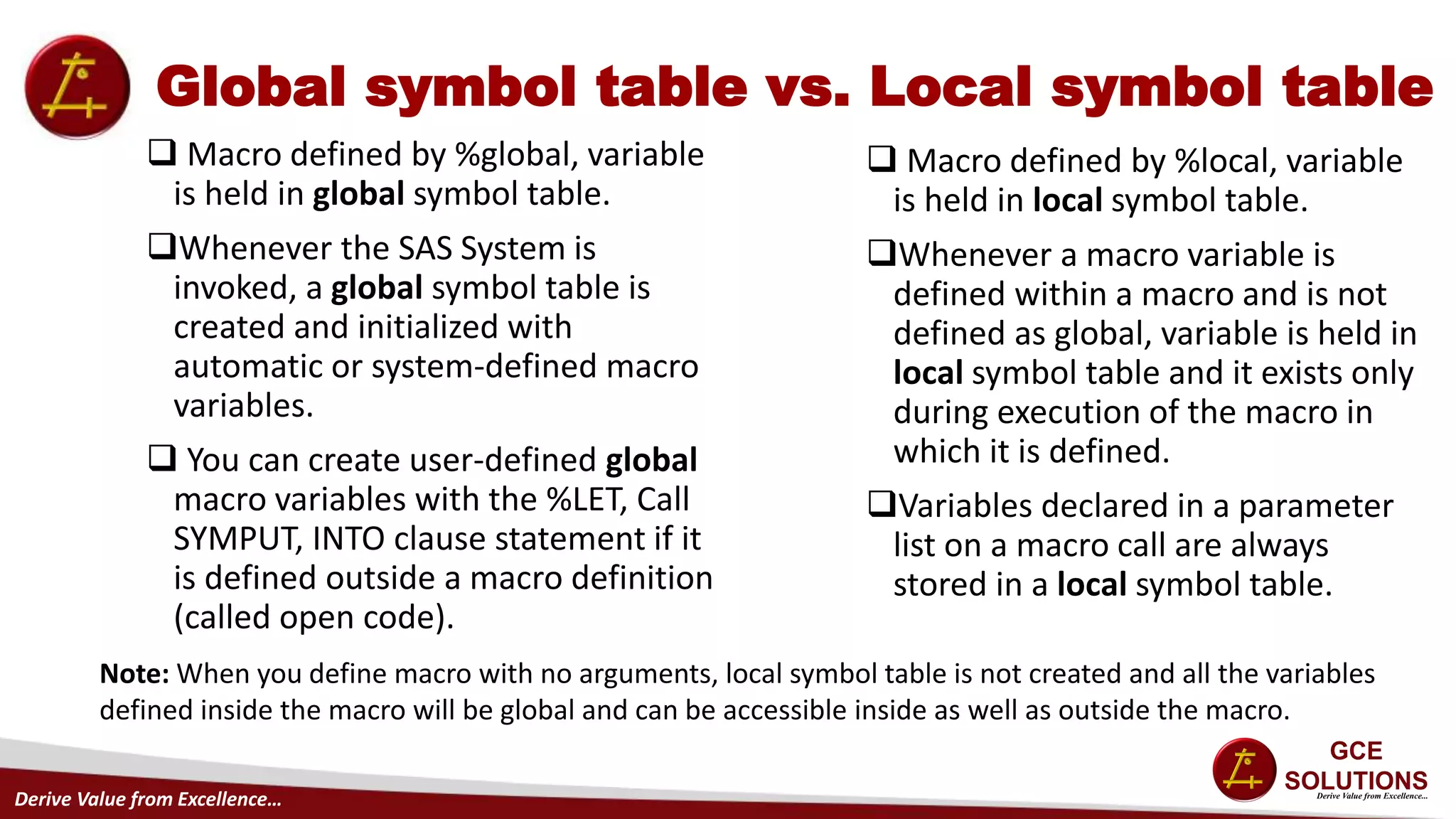
Global symbol table vs. Local symbol table
 Macro defined by %global, variable
is held in global symbol table.
Whenever the SAS System is
invoked, a global symbol table is
created and initialized with
automatic or system-defined macro
variables.
 You can create user-defined global
macro variables with the %LET, Call
SYMPUT, INTO clause statement if it
is defined outside a macro definition
(called open code).
 Macro defined by %local, variable
is held in local symbol table.
Whenever a macro variable is
defined within a macro and is not
defined as global, variable is held in
local symbol table and it exists only
during execution of the macro in
which it is defined.
Variables declared in a parameter
list on a macro call are always
stored in a local symbol table.
Note: When you define macro with no arguments, local symbol table is not created and all the variables
defined inside the macro will be global and can be accessible inside as well as outside the macro.
Derive Value from Excellence…
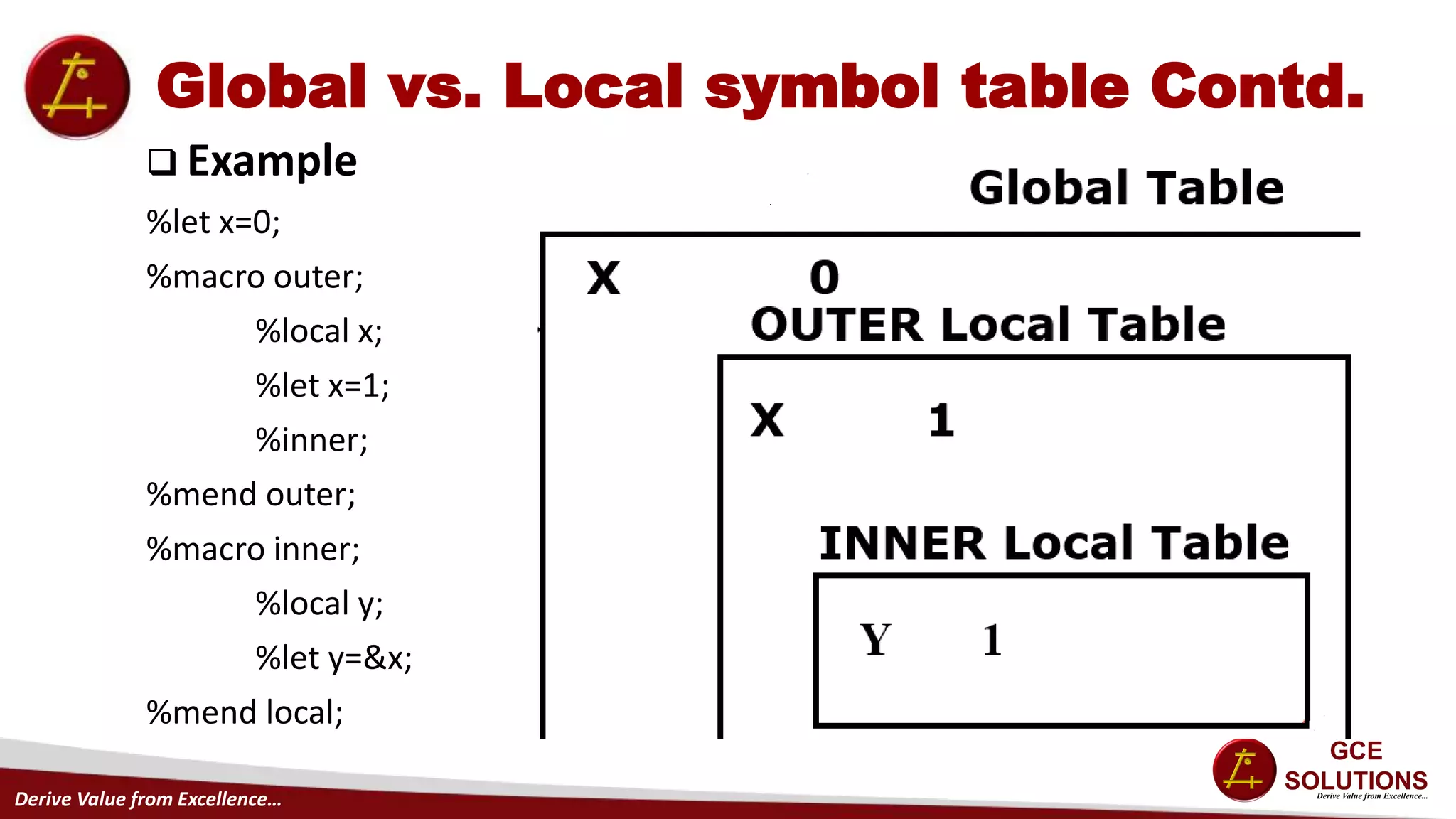
Global vs. Local symbol table Contd.
 Example
%let x=0;
%macro outer;
%local x;
%let x=1;
%inner;
%mend outer;
%macro inner;
%local y;
%let y=&x;
%mend local;
Derive Value from Excellence…
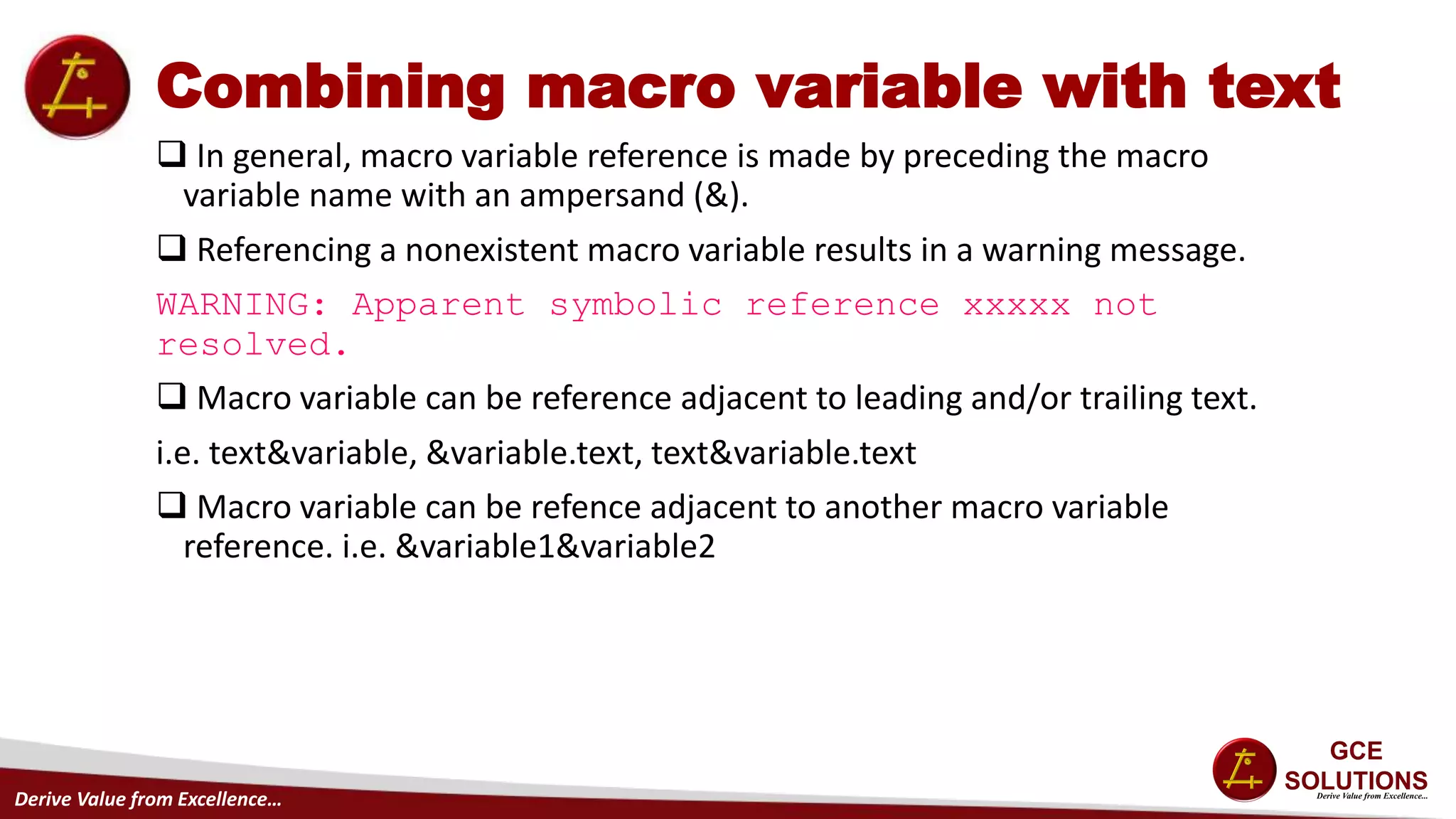
Combining macro variable with text
 In general, macro variable reference is made by preceding the macro
variable name with an ampersand (&).
 Referencing a nonexistent macro variable results in a warning message.
WARNING: Apparent symbolic reference xxxxx not
resolved.
 Macro variable can be reference adjacent to leading and/or trailing text.
i.e. text&variable, &variable.text, text&variable.text
 Macro variable can be refence adjacent to another macro variable
reference. i.e. &variable1&variable2
Derive Value from Excellence…
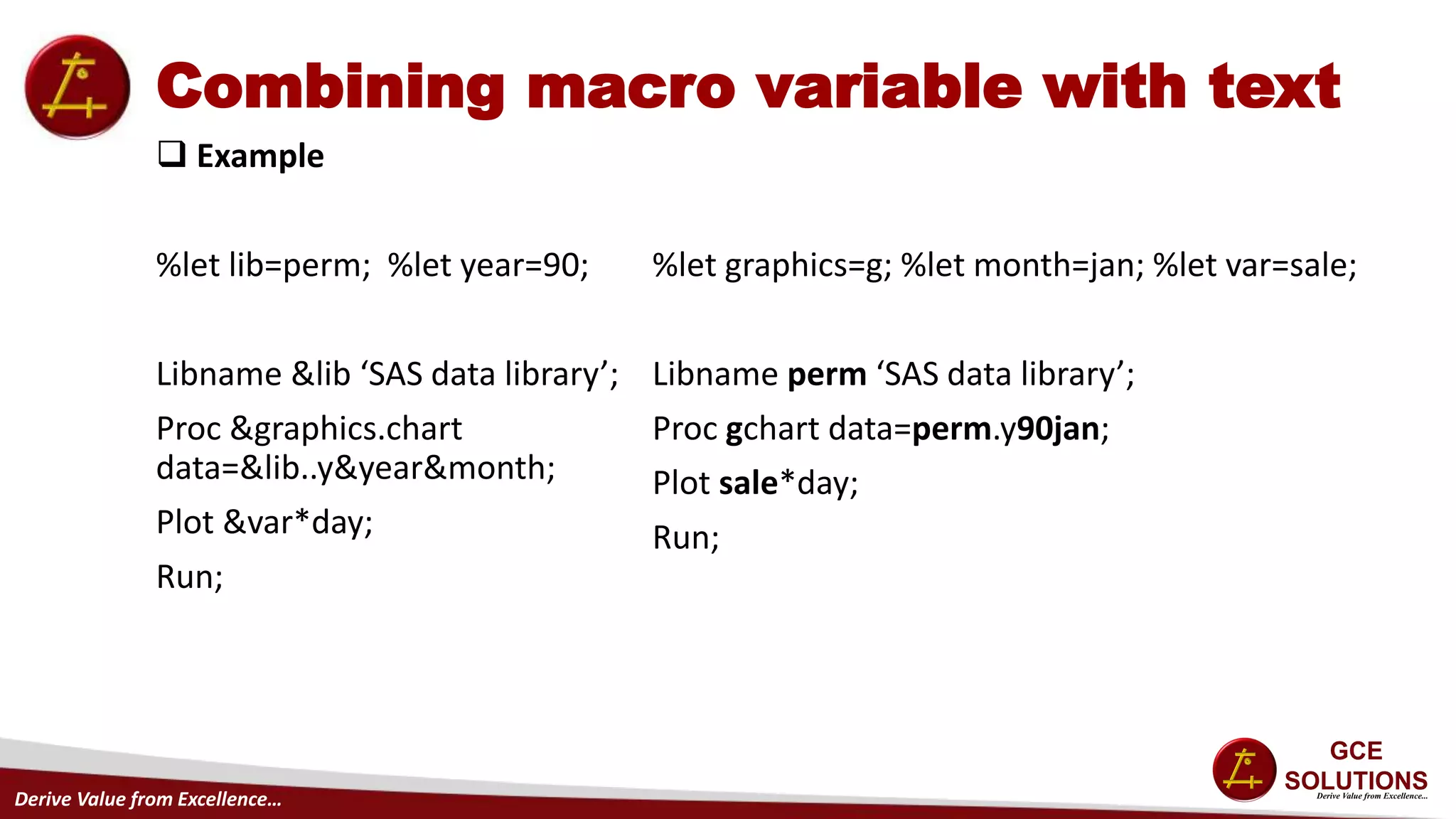
Combining macro variable with text
 Example
%let lib=perm; %let year=90;
Libname &lib ‘SAS data library’;
Proc &graphics.chart
data=&lib..y&year&month;
Plot &var*day;
Run;
%let graphics=g; %let month=jan; %let var=sale;
Libname perm ‘SAS data library’;
Proc gchart data=perm.y90jan;
Plot sale*day;
Run;
Derive Value from Excellence…
Questions

SAS Macro

  • 1.
    Derive Value fromExcellence… G - SAS Macro – Part 1 By- Kavita Dargan
  • 2.
    Derive Value fromExcellence… Agenda Purpose of Macro Facility Types of macro variables – Automatic vs User defined Different ways of creating macro variable Global vs. Local symbol table Combining macro variable reference with text Questions?
  • 3.
    Derive Value fromExcellence… Purpose of Macro Facility • Using the macro language, you can write SAS programs that are dynamic, or capable of self modification. • Write special programs called macros that generate tailored SAS code. • You can create and resolve macro variables anywhere in a SAS program. • You can utilize automatic macro variables that contain information regarding your system environment.
  • 4.
    Derive Value fromExcellence… Types of Macro Variables  Automatic variables • Created at SAS invocation • Global (always available) • Usually assigned by SAS but some can be by user • Example- Sysdate, Systime, Sysver, Sysday etc • Use %put _automatic_ in program to view all available automatic macro variables in log.  User-defined variables • Create own macro variable. • If already exists then replaces the current value. • Leading and trailing blanks are removed before assignment. • Can be created using %Let, Into clause, Call symput etc • Use %put _user_ in program to view all available user-defined macro variables in log.
  • 5.
    Derive Value fromExcellence… Types of Macro Variables Contd.  Example: Substitute system information in footnote.  Output: footnote1 "Created &systime &sysday, &sysdate9"; footnote2 "on the &sysscp system using Release &sysver";
  • 6.
    Derive Value fromExcellence… Different ways of creating macro variables  %LET - Variable can be any name following the SAS naming convention. - If variable already exists in the symbol table, value replaces the current value. - If either variable or value contains a macro trigger (&), it is evaluated before the assignment is made. - Rules for value: • Maximum length is 32 characters and minimum length is 0 characters. • Numeric tokens are stored as character strings and case is reserved. • Mathematical expressions not evaluated. • Quotes are stored as values. • Leading and trailing blanks are removed before assignment which are not in quotes. %LET variable=value;
  • 7.
    Derive Value fromExcellence… Different ways of creating macro variables Contd.  Examples of %LET statement %let name= Ed Norton ; %let name2=’ Ed Norton ’; %let title="Joan’s Report"; %let start=; %let total=0; %let sum=3+4; %let total=&total+∑ %let x=varlist; %let &x=name age height; Value Ed Norton ’ Ed Norton ’ “Joan’s Report” 0 3+4 varlist name age height
  • 8.
    Derive Value fromExcellence… Different ways of creating macro variables Contd.  SYMPUT Routine using Literal - First argument specify name for the macro variable - Second argument specify the character value to be assigned to the macro variable. - If macro-variable already exists, the value of the text replaces the old value. CALL SYMPUT('macro-variable', 'text');
  • 9.
    Derive Value fromExcellence… Different ways of creating macro variables Contd.  SYMPUT Routine using Data-step-variable - Current value stored in data-step-variable to be assigned to the macro variable. - If macro-variable already exists, the value of the data-step-variable replaces the old value. - Maximum of 32767 characters can be assigned to the receiving macro variable. - Any leading or trailing blanks stored in value are assigned to macro variable. CALL SYMPUT(‘macro-variable’, Data-step-variable);
  • 10.
    Derive Value fromExcellence… Different ways of creating macro variables Contd.  SYMPUT Routine using Data-step-expression - Value of the expression to be assigned to the macro variable. - If macro-variable already exists, the value of the expression replaces the old value. - Maximum 32767 characters can be assigned to the receiving macro variable. - Numeric expression are automatically converted to character using BEST12. format. - One can remove leading and trailing blanks in a variable by this method. CALL SYMPUT(‘macro-variable’, expression);
  • 11.
    Derive Value fromExcellence… Different ways of creating macro variables Contd.  SYMPUT Routine to create multiple macro variables - Expression1 evaluates to a character value that is a valid macro variable name. This value should change each time you want to create another macro variable. - Expression2 is the value you want to assign to a specific macro variable. - This way, we can create multiple macro variables in one data step. - Advantage • Efficiency • Reduced coding CALL SYMPUT(expression1, expression2);
  • 12.
    Derive Value fromExcellence… Different ways of creating macro variables Contd.  Example data _null_; set courses; call symput(course_code,trim(course_title)); run; %put _user_; Note: There are 6 observations in dataset courses.
  • 13.
    Derive Value fromExcellence… Different ways of creating macro variables Contd.  INTO Clause - One can specify one or more macro variables to create. - Create new macro variables per row in the result of select statement. - This method does not trim leading or trailing blanks. SELECT col1, col2,. . . INTO :mvar1 - :mvarn, :nvar1 - :nvarn,... FROM table-expression WHERE where-expression other clauses;
  • 14.
    Derive Value fromExcellence… Different ways of creating macro variables Contd.  INTO Clause example - Create ranges of macro variables that contain the course code, location, and starting date of the first two courses scheduled in 2002. proc sql noprint; select course_code,location, begin_date format=mmddyy10. into :crsid1-:crsid2, :place1-:place2, :date1-:date2 from schedule where year(begin_date)=2002 order by begin_date; quit; SQL Result
  • 15.
    Derive Value fromExcellence… Different ways of creating macro variables Contd.  Another form of INTO Clause - It takes the values of a column and concatenates them into one macro variable, there by creating delimited list of values. Example, SELECT col1, . . . INTO :mvar SEPARATED BY ’delimiter’,... FROM table-expression WHERE where-expression other clauses; proc sql noprint; select distinct location into :sites separated by ‘ ‘ from schedule; quit; Result: Macro variable sites resolves to Boston Dollas Seattle
  • 16.
    Derive Value fromExcellence… Global symbol table vs. Local symbol table  Macro defined by %global, variable is held in global symbol table. Whenever the SAS System is invoked, a global symbol table is created and initialized with automatic or system-defined macro variables.  You can create user-defined global macro variables with the %LET, Call SYMPUT, INTO clause statement if it is defined outside a macro definition (called open code).  Macro defined by %local, variable is held in local symbol table. Whenever a macro variable is defined within a macro and is not defined as global, variable is held in local symbol table and it exists only during execution of the macro in which it is defined. Variables declared in a parameter list on a macro call are always stored in a local symbol table. Note: When you define macro with no arguments, local symbol table is not created and all the variables defined inside the macro will be global and can be accessible inside as well as outside the macro.
  • 17.
    Derive Value fromExcellence… Global vs. Local symbol table Contd.  Example %let x=0; %macro outer; %local x; %let x=1; %inner; %mend outer; %macro inner; %local y; %let y=&x; %mend local;
  • 18.
    Derive Value fromExcellence… Combining macro variable with text  In general, macro variable reference is made by preceding the macro variable name with an ampersand (&).  Referencing a nonexistent macro variable results in a warning message. WARNING: Apparent symbolic reference xxxxx not resolved.  Macro variable can be reference adjacent to leading and/or trailing text. i.e. text&variable, &variable.text, text&variable.text  Macro variable can be refence adjacent to another macro variable reference. i.e. &variable1&variable2
  • 19.
    Derive Value fromExcellence… Combining macro variable with text  Example %let lib=perm; %let year=90; Libname &lib ‘SAS data library’; Proc &graphics.chart data=&lib..y&year&month; Plot &var*day; Run; %let graphics=g; %let month=jan; %let var=sale; Libname perm ‘SAS data library’; Proc gchart data=perm.y90jan; Plot sale*day; Run;
  • 20.
    Derive Value fromExcellence… Questions