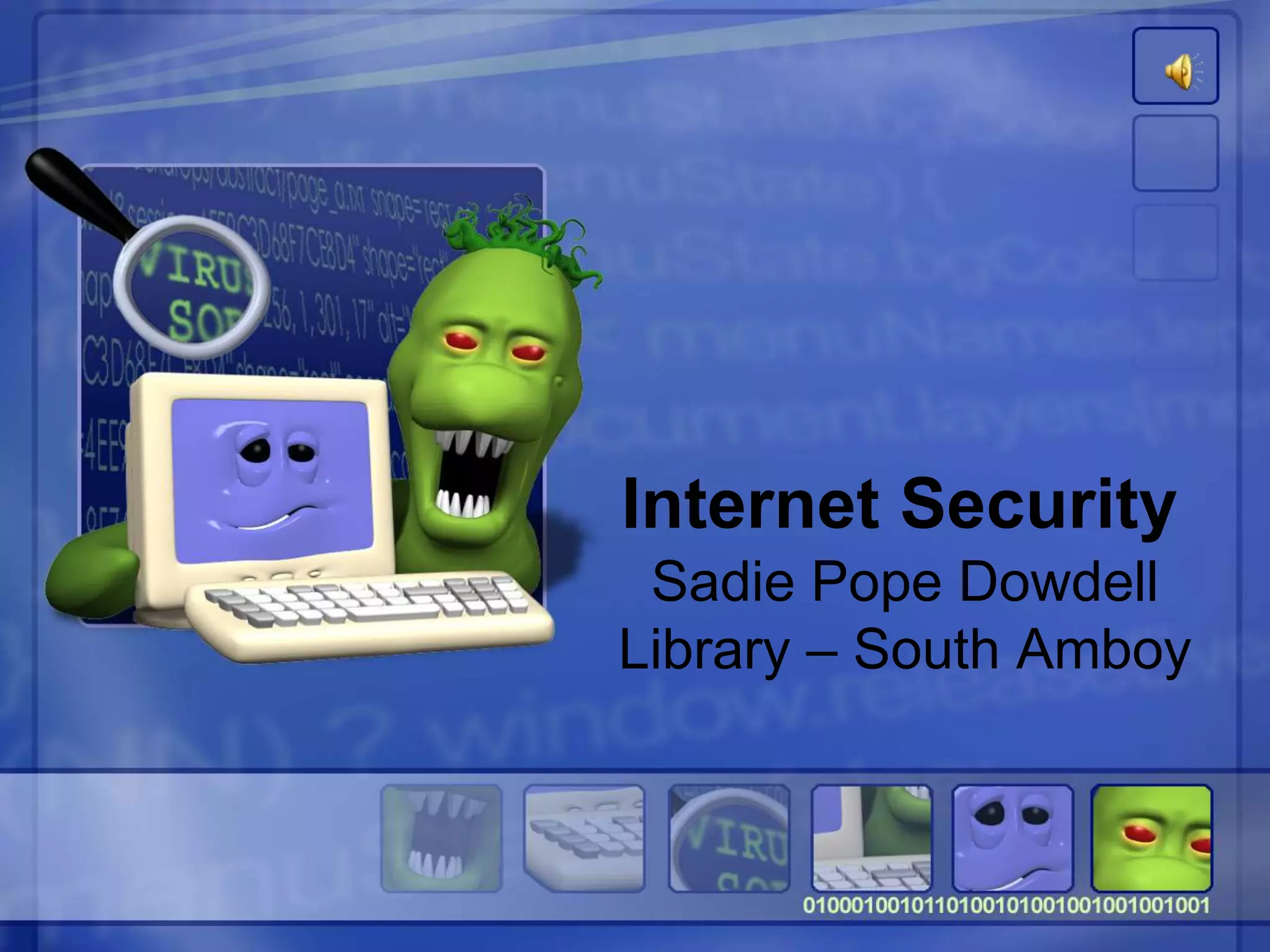
Internet Security
Sadie Pope Dowdell
Library – South Amboy
Michael J. Elson
Technology Consultant
Avoid Online Scams
• Don’t send money to someone you
don’t know.
• Don’t respond to messages that ask
for your personal or financial
information.
• Don’t play a foreign lottery.
Avoid Online Scams
• Keep in mind that wiring money is
like sending cash: once it’s gone,
you can’t get it back.
• Don’t agree to deposit a check from
someone you don’t know and then
wire money back.
Avoid Online Scams
• Read your bills and monthly
statements regularly—on paper and
online.
• In the wake of a natural disaster or
another crisis, give to established
charities rather than one that seems
to have sprung up overnight.
Avoid Online Scams
• Talk to your doctor before buying
health products or signing up for
medical treatments.
• When considering an investment,
there’s no such thing as a sure thing.
• Know where an offer comes from and
who you’re dealing with.
Best Practices Online
1. Protect your personal information.
It's valuable.
• If you think no one would be interested
in YOUR personal information, think
again. ANYONE can be a victim of
identity theft
Identity Theft
The bottom line for online threats like
phishing, spyware, and hackers is identity
theft. ID theft occurs when someone uses
your name, Social Security number, credit
card number or other personal information
without your permission to commit fraud
or other crimes.
Top 10 Email Scams
• The "Nigerian" Email Scam
• Work-at-Home Scams
• Weight Loss Claims
• Foreign Lotteries
• Phishing
Phishing
• Criminals send email, text, or pop-up
messages that appear to come from
your bank, a government agency, an
online seller or another organization
with which you do business
Phishing
• The message asks you to click to a
website or call a phone number to
update your account information or
claim a prize or benefit. It might suggest
something bad will happen if you don't
respond quickly with your personal
information
Top 10 Email Scams
• Cure-All Products
• Check Overpayment Scams
• Pay-in-Advance Credit Offers
• Debt Relief
• Investment Schemes
Email Scams
Send these types of email to :
spam@uce.gov
Best Practices Online
2. Know who you're dealing with.
• When shopping online, look for a sellers
street address (B&M) and a working
telephone number.
• Read the fine print – some downloads
come with spyware
File-Sharing (P2P)
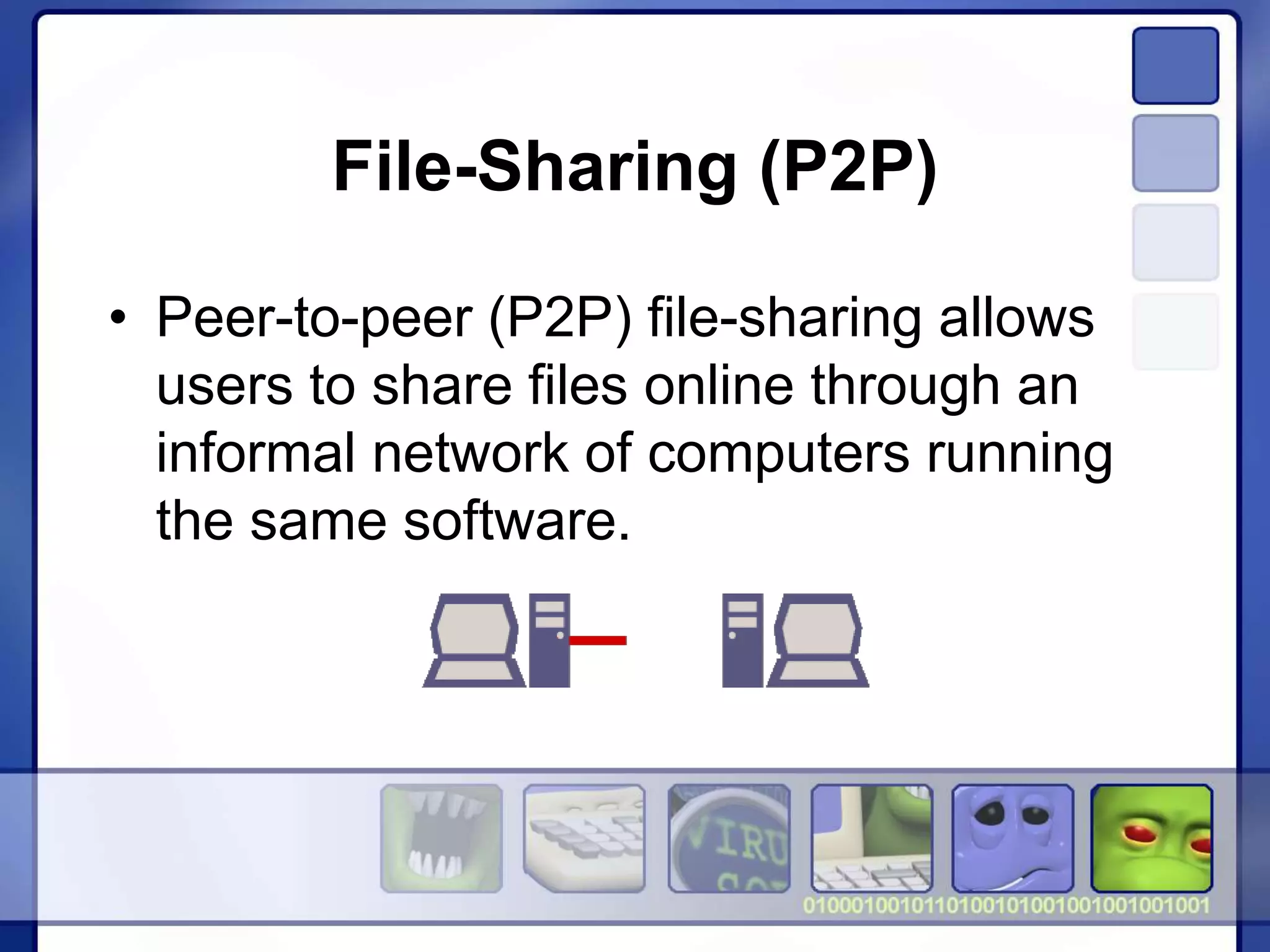
• Peer-to-peer (P2P) file-sharing allows
users to share files online through an
informal network of computers running
the same software.
File-Sharing (P2P)
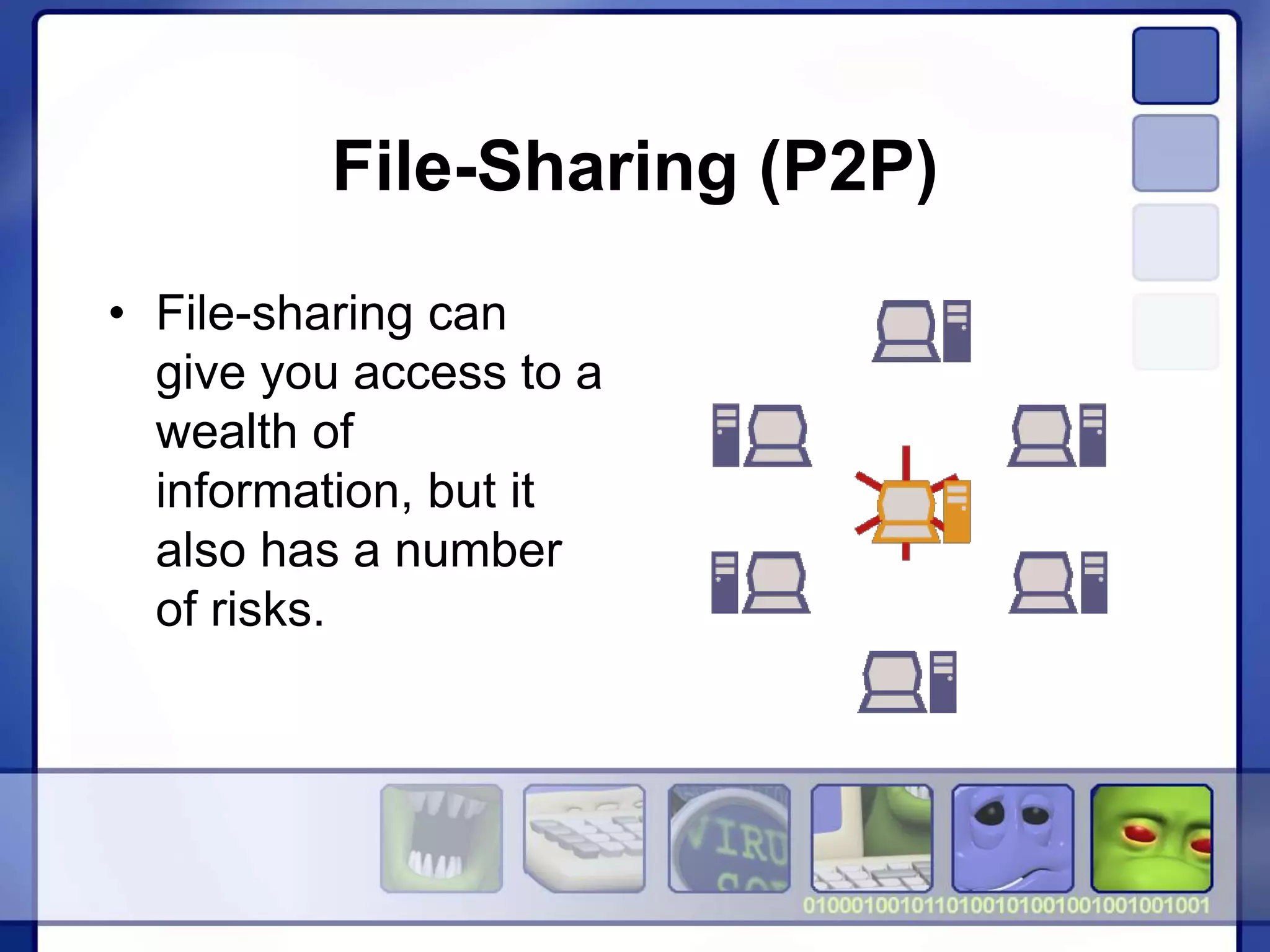
• File-sharing can
give you access to a
wealth of
information, but it
also has a number
of risks.
File-Sharing (P2P)
• If you don't check the proper settings,
you could allow access not only to the
files you intend to share, but also to
other information on your hard drive,
like your tax returns, email messages,
medical records, photos, or other
personal documents.
File-Sharing (P2P)
• In addition, you may unwittingly
download malware or pornography
labeled as something else. Or you may
download material that is protected by
the copyright laws, which would mean
you could be breaking the law.
Best Practices Online
3. Use security software that updates
automatically.
• Keep your security software active and
current: at a minimum, your computer
should have anti-virus and anti-spyware
software, and a firewall.
Malware
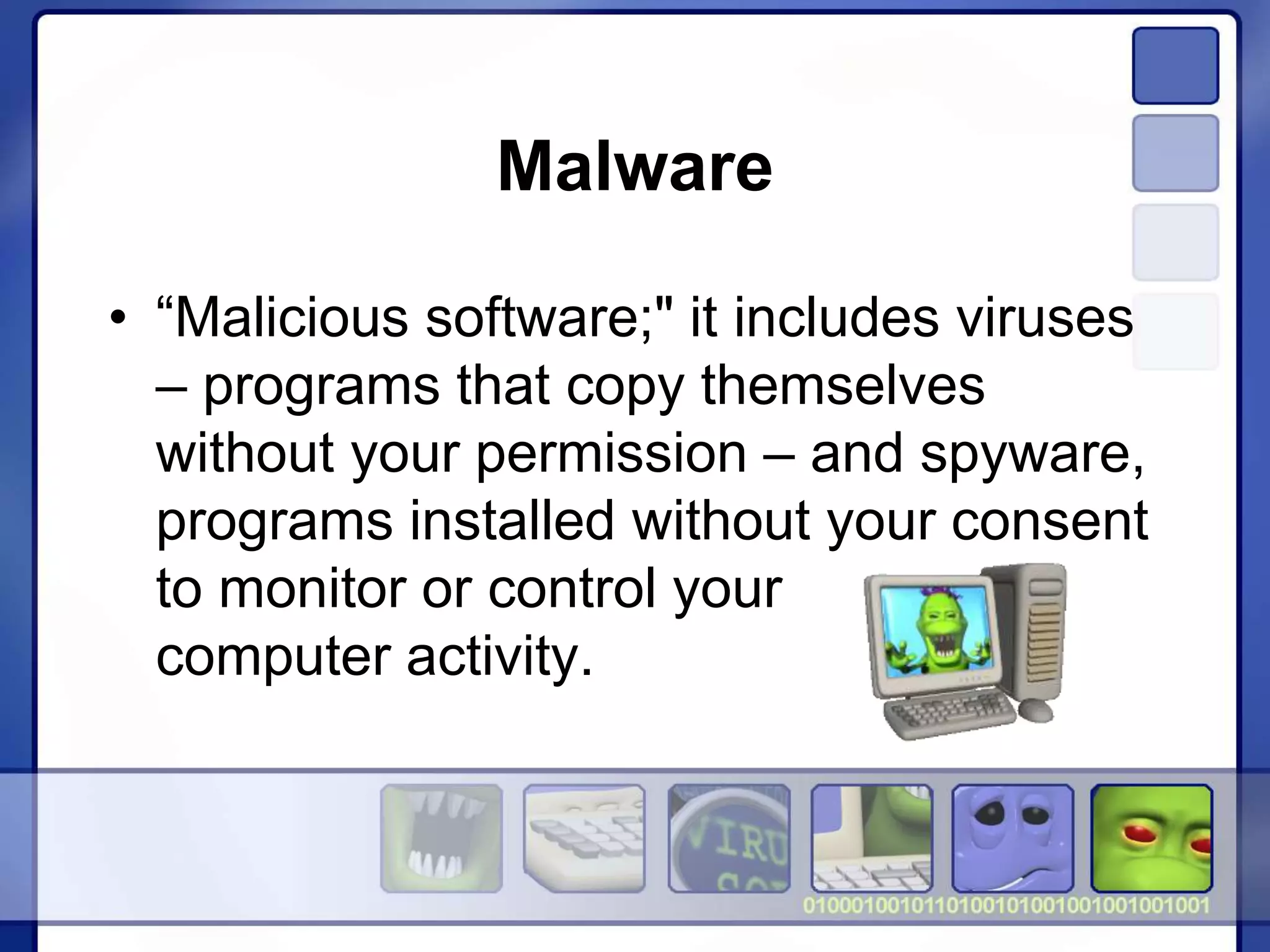
• “Malicious software;" it includes viruses
– programs that copy themselves
without your permission – and spyware,
programs installed without your consent
to monitor or control your
computer activity.
Malware
• Criminals are hard at work thinking up
ways to get malware on your computer.
They create appealing web sites, desirable
downloads, & compelling stories to lure
you to links that will download malware,
especially on computers that don't use
adequate security software.
Anti-Virus Software
• Anti-virus software protects your
computer from viruses that can destroy
your data, slow your computer's
performance, cause a crash, or even
allow spammers to send email through
your account.
Anti-Spyware Software
• Installed on your computer without your
consent, spyware monitors your
computer use. It may send pop-ups,
redirect your computer to websites,
monitor internet surfing, or record your
keystrokes, which, in turn, could lead to
the theft of your personal information.
Firewalls
• A firewall helps keep hackers from using
your computer to send out your personal
information without your permission. A
firewall is like a guard, watching for outside
attempts to access your system and
blocking communications to and from
sources you don't permit.
Best Practices Online
4. Keep your operating system and
Web browser up-to-date, and learn
about their security features.
• Set your operating system and Web
browser software to download and
install security patches automatically.
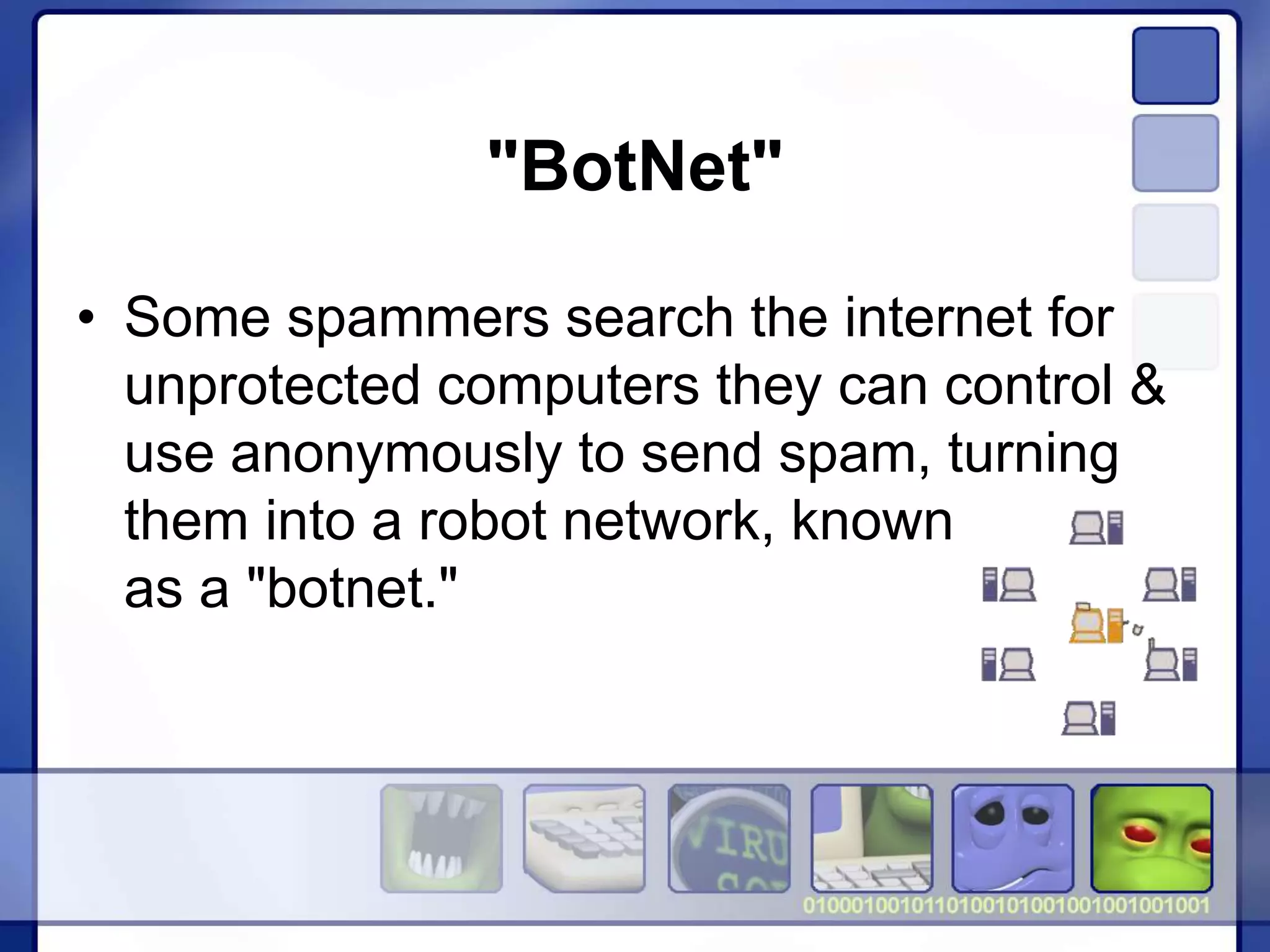
"BotNet"
• Some spammers search the internet for
unprotected computers they can control &
use anonymously to send spam, turning
them into a robot network, known
as a "botnet."
"BotNet"
• A botnet is made up of many thousands of
home computers sending emails by the
millions. Most spam is sent remotely this
way; millions of home computers are part
of botnets.
Best Practices Online
5. Protect your passwords.
• Keep your passwords in a secure place,
and out of plain sight. Don't share them
on the internet, over email, or on the
phone. Your Internet Service Provider
(ISP) should never ask for your
password.
Passwords
• Use passwords that have at least eight
characters and include numbers or
symbols. The longer the password, the
tougher it is to crack. A 12-character
password is stronger than one with eight
characters.
Passwords
• Avoid common words: some hackers use
programs that can try every word in the
dictionary.
• Don't use your personal information, your
login name, or adjacent keys on the
keyboard as passwords.
Passwords
• Change your passwords regularly (at a
minimum, every 90 days).
• Don't use the same password for each
online account you access.
Best Practices Online
6. Back up important files.
• No system is completely secure. If you
have important files stored on your
computer, copy them onto a removable
disc or an external hard drive, and store
it in a safe place.
Best Practices Online
7. Learn what to do in an e-mergency.
• If you suspect malware is lurking on
your computer, stop shopping, banking,
and other online activities that involve
user names, passwords, or other
sensitive information.
Best Practices Online
• Confirm that your security software is
up-to-date, then use it to scan your
computer. Delete everything the
program identifies as a problem. You
may have to restart your computer for
the changes to take effect.
Resources
• OnGuardOnline.gov
• ftc.gov/idtheft
• GetNetWise.org
• StaySafe.org
Questions?
THANK YOU
Sadie Pope Dowdell Library

Internet Security

  • 1.
    Internet Security Sadie PopeDowdell Library – South Amboy
  • 2.
  • 3.
    Avoid Online Scams •Don’t send money to someone you don’t know. • Don’t respond to messages that ask for your personal or financial information. • Don’t play a foreign lottery.
  • 4.
    Avoid Online Scams •Keep in mind that wiring money is like sending cash: once it’s gone, you can’t get it back. • Don’t agree to deposit a check from someone you don’t know and then wire money back.
  • 5.
    Avoid Online Scams •Read your bills and monthly statements regularly—on paper and online. • In the wake of a natural disaster or another crisis, give to established charities rather than one that seems to have sprung up overnight.
  • 6.
    Avoid Online Scams •Talk to your doctor before buying health products or signing up for medical treatments. • When considering an investment, there’s no such thing as a sure thing. • Know where an offer comes from and who you’re dealing with.
  • 7.
    Best Practices Online 1.Protect your personal information. It's valuable. • If you think no one would be interested in YOUR personal information, think again. ANYONE can be a victim of identity theft
  • 8.
    Identity Theft The bottomline for online threats like phishing, spyware, and hackers is identity theft. ID theft occurs when someone uses your name, Social Security number, credit card number or other personal information without your permission to commit fraud or other crimes.
  • 9.
    Top 10 EmailScams • The "Nigerian" Email Scam • Work-at-Home Scams • Weight Loss Claims • Foreign Lotteries • Phishing
  • 10.
    Phishing • Criminals sendemail, text, or pop-up messages that appear to come from your bank, a government agency, an online seller or another organization with which you do business
  • 11.
    Phishing • The messageasks you to click to a website or call a phone number to update your account information or claim a prize or benefit. It might suggest something bad will happen if you don't respond quickly with your personal information
  • 12.
    Top 10 EmailScams • Cure-All Products • Check Overpayment Scams • Pay-in-Advance Credit Offers • Debt Relief • Investment Schemes
  • 13.
    Email Scams Send thesetypes of email to : spam@uce.gov
  • 14.
    Best Practices Online 2.Know who you're dealing with. • When shopping online, look for a sellers street address (B&M) and a working telephone number. • Read the fine print – some downloads come with spyware
  • 15.
    File-Sharing (P2P) • Peer-to-peer(P2P) file-sharing allows users to share files online through an informal network of computers running the same software.
  • 16.
    File-Sharing (P2P) • File-sharingcan give you access to a wealth of information, but it also has a number of risks.
  • 17.
    File-Sharing (P2P) • Ifyou don't check the proper settings, you could allow access not only to the files you intend to share, but also to other information on your hard drive, like your tax returns, email messages, medical records, photos, or other personal documents.
  • 18.
    File-Sharing (P2P) • Inaddition, you may unwittingly download malware or pornography labeled as something else. Or you may download material that is protected by the copyright laws, which would mean you could be breaking the law.
  • 19.
    Best Practices Online 3.Use security software that updates automatically. • Keep your security software active and current: at a minimum, your computer should have anti-virus and anti-spyware software, and a firewall.
  • 20.
    Malware • “Malicious software;"it includes viruses – programs that copy themselves without your permission – and spyware, programs installed without your consent to monitor or control your computer activity.
  • 21.
    Malware • Criminals arehard at work thinking up ways to get malware on your computer. They create appealing web sites, desirable downloads, & compelling stories to lure you to links that will download malware, especially on computers that don't use adequate security software.
  • 22.
    Anti-Virus Software • Anti-virussoftware protects your computer from viruses that can destroy your data, slow your computer's performance, cause a crash, or even allow spammers to send email through your account.
  • 23.
    Anti-Spyware Software • Installedon your computer without your consent, spyware monitors your computer use. It may send pop-ups, redirect your computer to websites, monitor internet surfing, or record your keystrokes, which, in turn, could lead to the theft of your personal information.
  • 24.
    Firewalls • A firewallhelps keep hackers from using your computer to send out your personal information without your permission. A firewall is like a guard, watching for outside attempts to access your system and blocking communications to and from sources you don't permit.
  • 25.
    Best Practices Online 4.Keep your operating system and Web browser up-to-date, and learn about their security features. • Set your operating system and Web browser software to download and install security patches automatically.
  • 26.
    "BotNet" • Some spammerssearch the internet for unprotected computers they can control & use anonymously to send spam, turning them into a robot network, known as a "botnet."
  • 27.
    "BotNet" • A botnetis made up of many thousands of home computers sending emails by the millions. Most spam is sent remotely this way; millions of home computers are part of botnets.
  • 28.
    Best Practices Online 5.Protect your passwords. • Keep your passwords in a secure place, and out of plain sight. Don't share them on the internet, over email, or on the phone. Your Internet Service Provider (ISP) should never ask for your password.
  • 29.
    Passwords • Use passwordsthat have at least eight characters and include numbers or symbols. The longer the password, the tougher it is to crack. A 12-character password is stronger than one with eight characters.
  • 30.
    Passwords • Avoid commonwords: some hackers use programs that can try every word in the dictionary. • Don't use your personal information, your login name, or adjacent keys on the keyboard as passwords.
  • 31.
    Passwords • Change yourpasswords regularly (at a minimum, every 90 days). • Don't use the same password for each online account you access.
  • 32.
    Best Practices Online 6.Back up important files. • No system is completely secure. If you have important files stored on your computer, copy them onto a removable disc or an external hard drive, and store it in a safe place.
  • 33.
    Best Practices Online 7.Learn what to do in an e-mergency. • If you suspect malware is lurking on your computer, stop shopping, banking, and other online activities that involve user names, passwords, or other sensitive information.
  • 34.
    Best Practices Online •Confirm that your security software is up-to-date, then use it to scan your computer. Delete everything the program identifies as a problem. You may have to restart your computer for the changes to take effect.
  • 35.
  • 36.
  • 37.
    THANK YOU Sadie PopeDowdell Library