4/2/2013


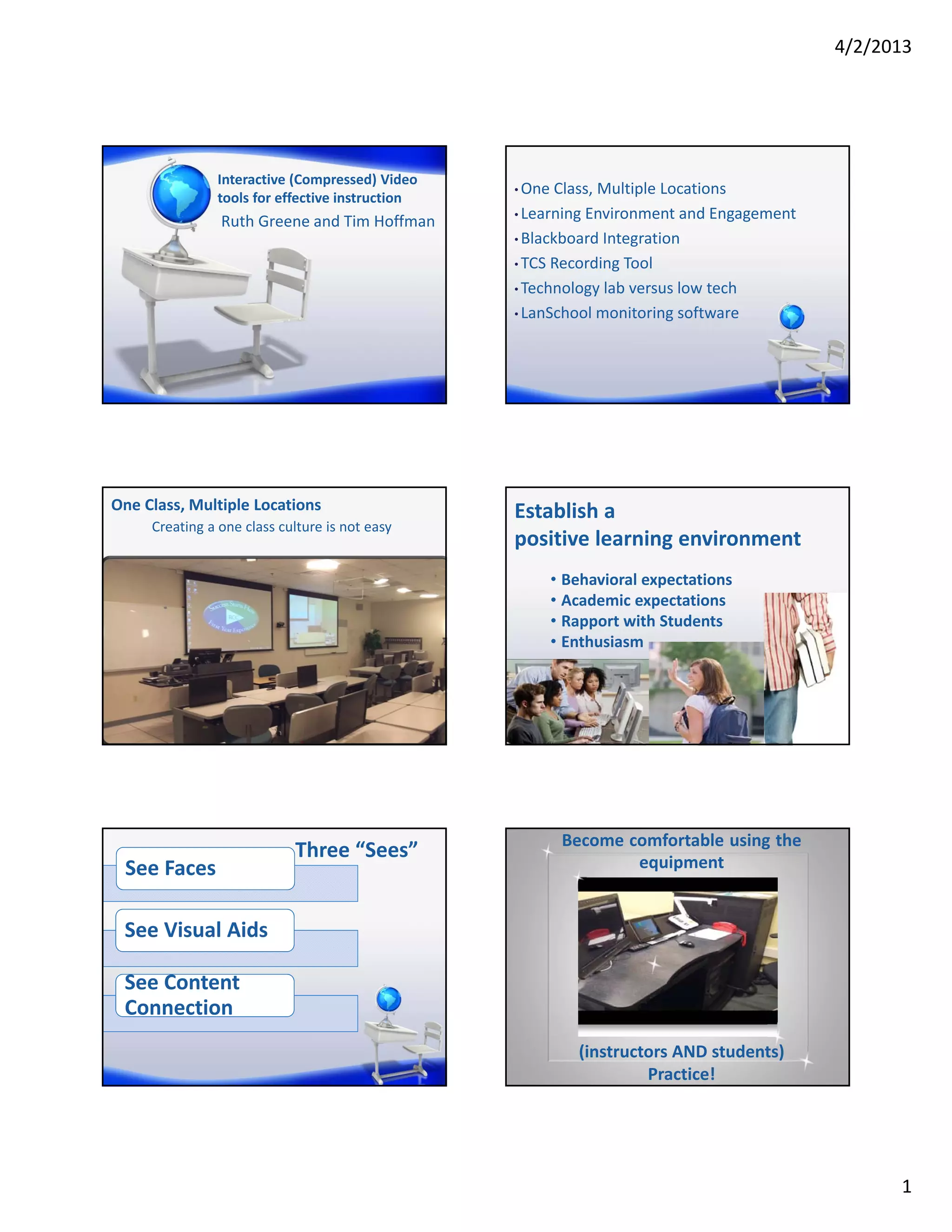
               Interactive (Compressed) Video
                                                 • One Class, Multiple Locations
               tools for effective instruction
                                                 • Learning Environment and Engagement
                Ruth Greene and Tim Hoffman
                                                 • Blackboard Integration

                                                 • TCS Recording Tool

                                                 • Technology lab versus low tech

                                                 • LanSchool monitoring software


One Class, Multiple Locations                    Establish a 
     Creating a one class culture is not easy
                                                 positive learning environment
                                                      • Behavioral expectations
                                                      • Academic expectations
                                                      • Rapport with Students
                                                      • Enthusiasm


                                                       Become comfortable using the
                            Three “Sees”                       equipment
 See Faces

 See Visual Aids

 See Content 
 Connection
                                                          (instructors AND students) 
                                                                   Practice!


                                                                                               1
4/2/2013


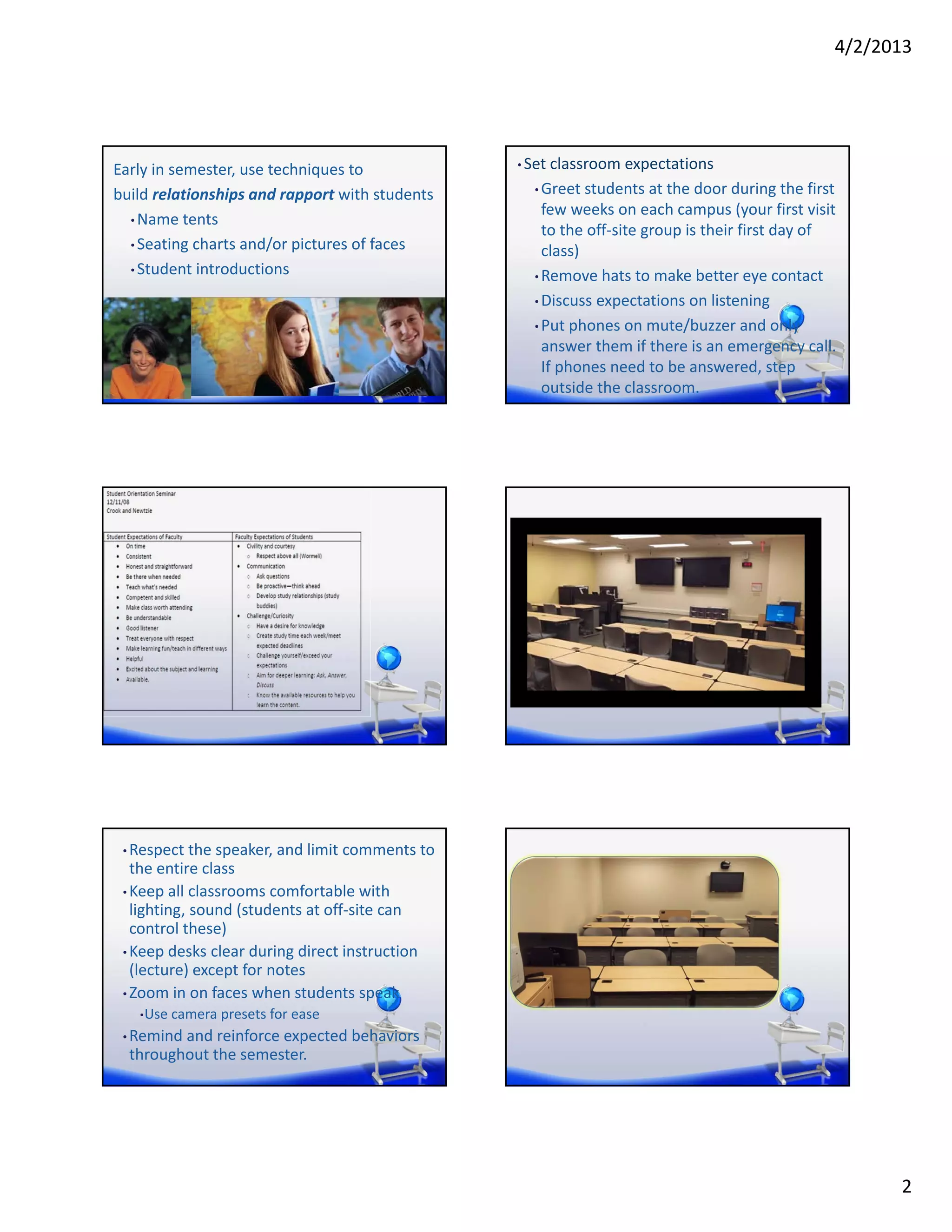
Early in semester, use techniques to             • Set classroom expectations

build relationships and rapport with students      • Greet students at the door during the first 
                                                     few weeks on each campus (your first visit 
  • Name tents
                                                     to the off‐site group is their first day of 
  • Seating charts and/or pictures of faces
                                                     class)
  • Student introductions
                                                   • Remove hats to make better eye contact

                                                   • Discuss expectations on listening

                                                   • Put phones on mute/buzzer and only 
                                                     answer them if there is an emergency call. 
                                                     If phones need to be answered, step 
                                                     outside the classroom.


 • Respect the speaker, and limit comments to 
   the entire class
 • Keep all classrooms comfortable with 
   lighting, sound (students at off‐site can 
   control these)
 • Keep desks clear during direct instruction 
   (lecture) except for notes
 • Zoom in on faces when students speak
   • Use camera presets for ease

 • Remind and reinforce expected behaviors 
  throughout the semester.


                                                                                                      2
4/2/2013


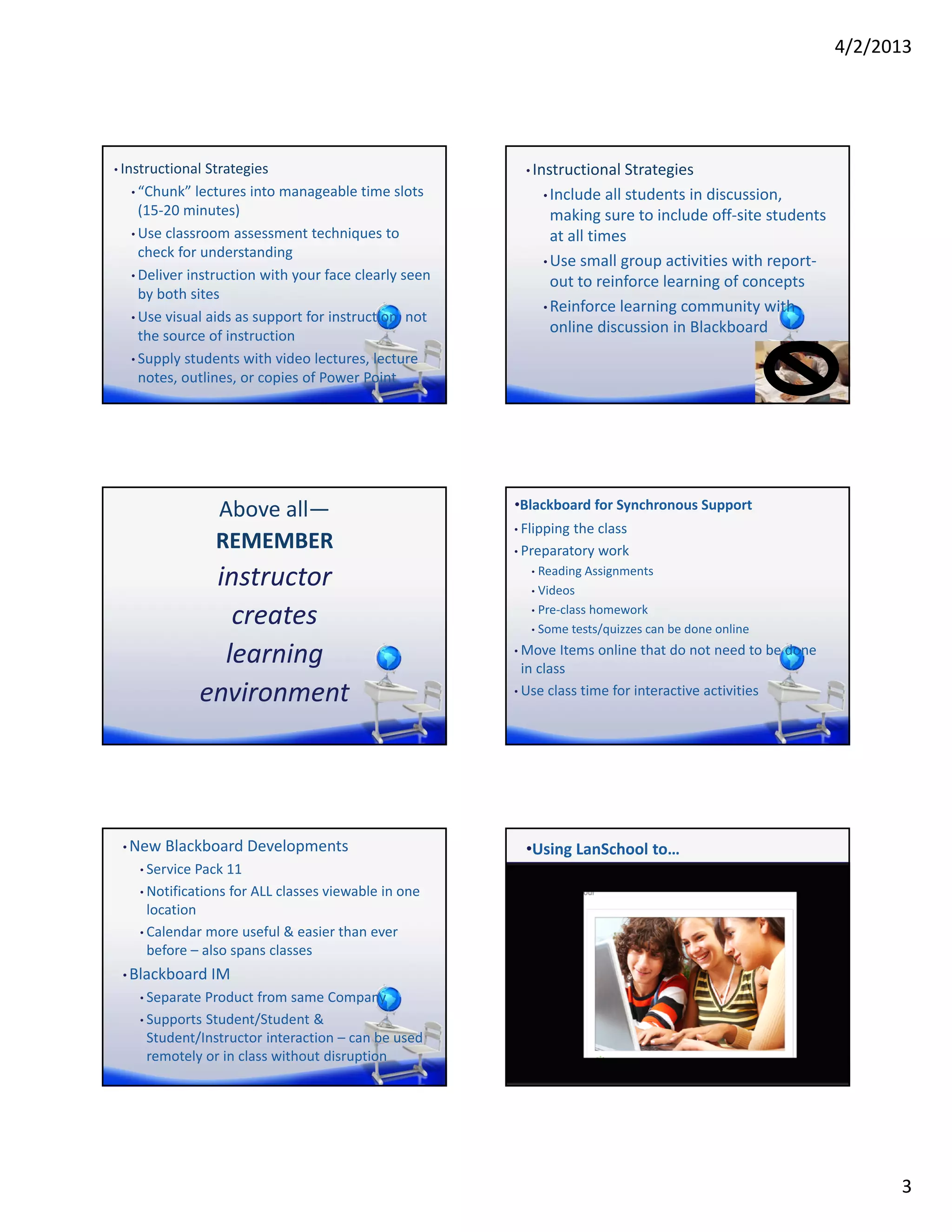
• Instructional Strategies                               • Instructional Strategies
  • “Chunk” lectures into manageable time slots               • Include all students in discussion, 
    (15‐20 minutes)                                             making sure to include off‐site students 
  • Use classroom assessment techniques to                      at all times
    check for understanding
                                                              • Use small group activities with report‐
  • Deliver instruction with your face clearly seen 
                                                                out to reinforce learning of concepts
    by both sites
                                                              • Reinforce learning community with 
  • Use visual aids as support for instruction, not 
    the source of instruction
                                                                online discussion in Blackboard
  • Supply students with video lectures, lecture 
    notes, outlines, or copies of Power Point


                 Above all—                            •Blackboard for Synchronous Support
                                                       • Flipping the class
                 REMEMBER                              • Preparatory work

               instructor                                 •

                                                          •
                                                            Reading Assignments
                                                            Videos

                 creates                                  • Pre‐class homework

                                                          • Some tests/quizzes can be done online


                learning                               • Move Items online that do not need to be done 
                                                        in class
              environment                              • Use class time for interactive activities


 • New Blackboard Developments                           •Using LanSchool to…
    • Service Pack 11

    • Notifications for ALL classes viewable in one 
      location
    • Calendar more useful & easier than ever 
      before – also spans classes
 • Blackboard IM
    • Separate Product from same Company

    • Supports Student/Student & 
     Student/Instructor interaction – can be used 
     remotely or in class without disruption


                                                                                                                  3
4/2/2013


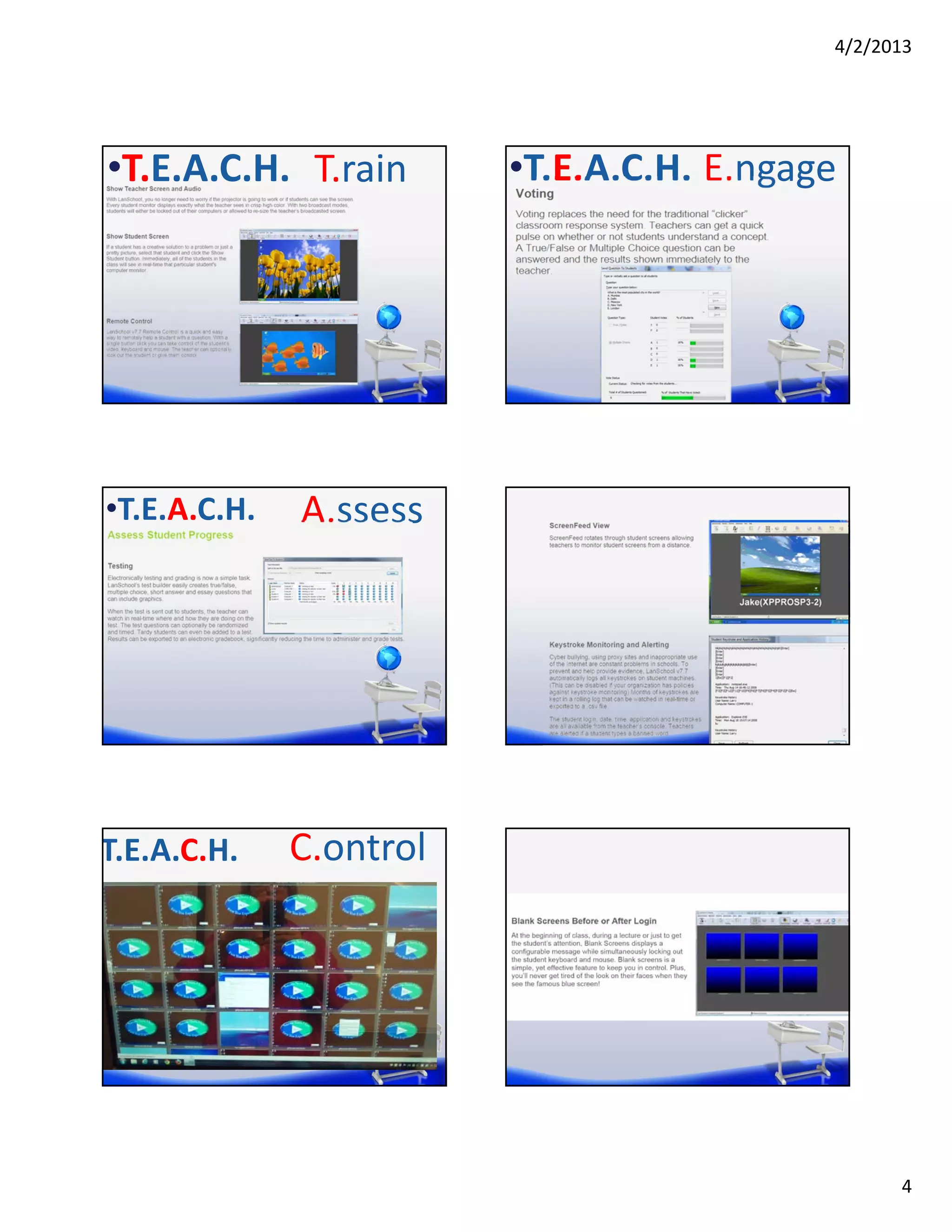
•T.E.A.C.H. T.rain       •T.E.A.C.H. E.ngage


•T.E.A.C.H.   A.ssess


T.E.A.C.H.    C.ontrol


                                                 4
4/2/2013


•T.E.A.C.H   H.elp   • Ruth Greene

                     • rgreene@rappahannock.edu

                     • Tim Hoffman

                     • thoffman@rappahannock.edu


                                                         5

Interactive (compressed) video new horizons 2013 (nh13)

  • 1.
    4/2/2013 Interactive (Compressed) Video • One Class, Multiple Locations tools for effective instruction • Learning Environment and Engagement Ruth Greene and Tim Hoffman • Blackboard Integration • TCS Recording Tool • Technology lab versus low tech • LanSchool monitoring software One Class, Multiple Locations Establish a  Creating a one class culture is not easy positive learning environment • Behavioral expectations • Academic expectations • Rapport with Students • Enthusiasm Become comfortable using the Three “Sees” equipment See Faces See Visual Aids See Content  Connection (instructors AND students)  Practice! 1
  • 2.
    4/2/2013 Early in semester, use techniques to  • Set classroom expectations build relationships and rapport with students • Greet students at the door during the first  few weeks on each campus (your first visit  • Name tents to the off‐site group is their first day of  • Seating charts and/or pictures of faces class) • Student introductions • Remove hats to make better eye contact • Discuss expectations on listening • Put phones on mute/buzzer and only  answer them if there is an emergency call.  If phones need to be answered, step  outside the classroom. • Respect the speaker, and limit comments to  the entire class • Keep all classrooms comfortable with  lighting, sound (students at off‐site can  control these) • Keep desks clear during direct instruction  (lecture) except for notes • Zoom in on faces when students speak • Use camera presets for ease • Remind and reinforce expected behaviors  throughout the semester. 2
  • 3.
    4/2/2013 • Instructional Strategies • Instructional Strategies • “Chunk” lectures into manageable time slots  • Include all students in discussion,  (15‐20 minutes) making sure to include off‐site students  • Use classroom assessment techniques to  at all times check for understanding • Use small group activities with report‐ • Deliver instruction with your face clearly seen  out to reinforce learning of concepts by both sites • Reinforce learning community with  • Use visual aids as support for instruction, not  the source of instruction online discussion in Blackboard • Supply students with video lectures, lecture  notes, outlines, or copies of Power Point Above all— •Blackboard for Synchronous Support • Flipping the class REMEMBER • Preparatory work instructor  • • Reading Assignments Videos creates  • Pre‐class homework • Some tests/quizzes can be done online learning  • Move Items online that do not need to be done  in class environment • Use class time for interactive activities • New Blackboard Developments •Using LanSchool to… • Service Pack 11 • Notifications for ALL classes viewable in one  location • Calendar more useful & easier than ever  before – also spans classes • Blackboard IM • Separate Product from same Company • Supports Student/Student &  Student/Instructor interaction – can be used  remotely or in class without disruption 3
  • 4.
    4/2/2013 •T.E.A.C.H. T.rain •T.E.A.C.H. E.ngage •T.E.A.C.H. A.ssess T.E.A.C.H. C.ontrol 4
  • 5.
    4/2/2013 •T.E.A.C.H H.elp • Ruth Greene • rgreene@rappahannock.edu • Tim Hoffman • thoffman@rappahannock.edu 5