
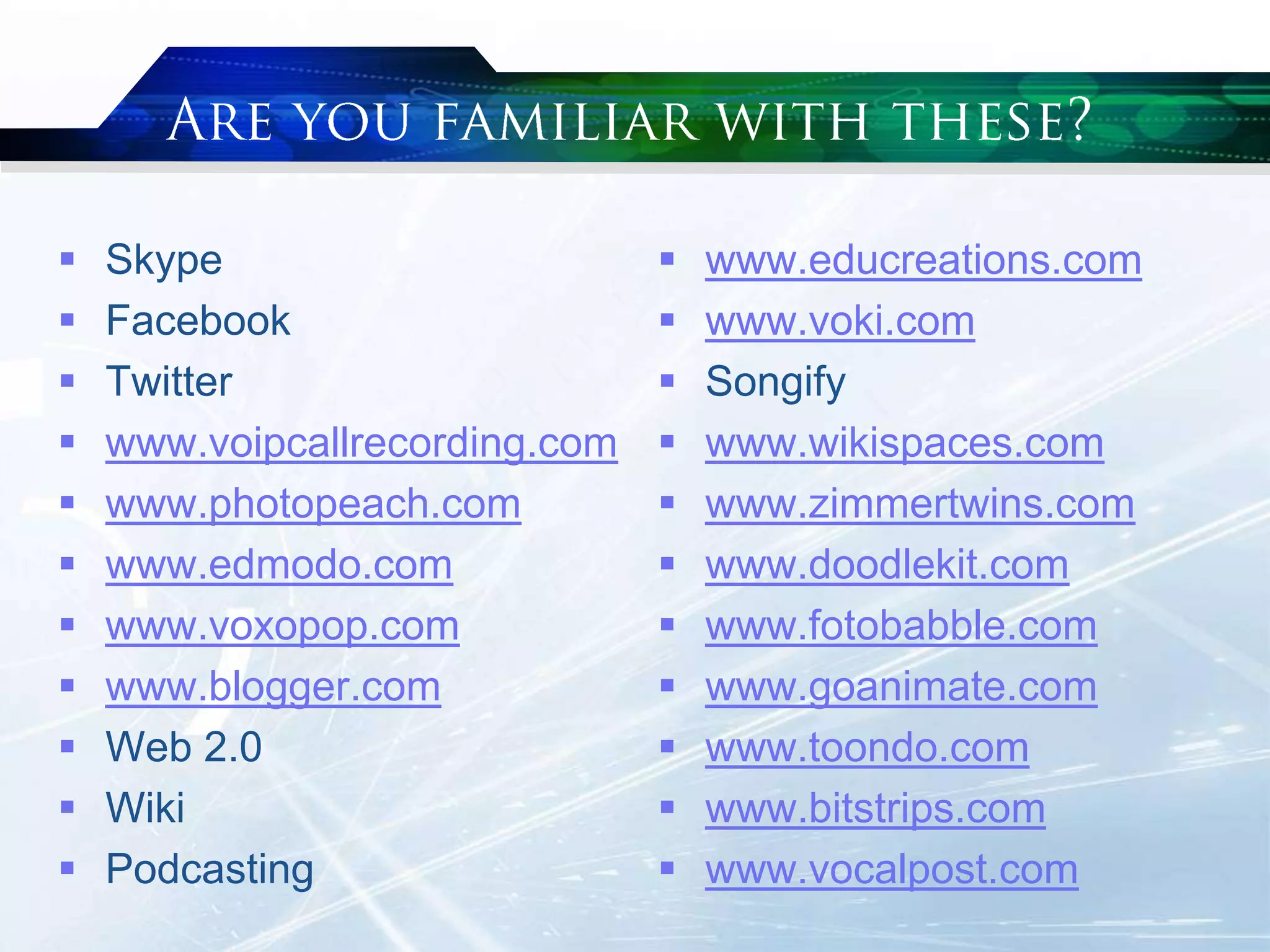
 Skype
 Facebook
 Twitter
 www.voipcallrecording.com
 www.photopeach.com
 www.edmodo.com
 www.voxopop.com
 www.blogger.com
 Web 2.0
 Wiki
 Podcasting
 www.educreations.com
 www.voki.com
 Songify
 www.wikispaces.com
 www.zimmertwins.com
 www.doodlekit.com
 www.fotobabble.com
 www.goanimate.com
 www.toondo.com
 www.bitstrips.com
 www.vocalpost.com
 Introduction
 Case studies
 Discussion
 Conclusion
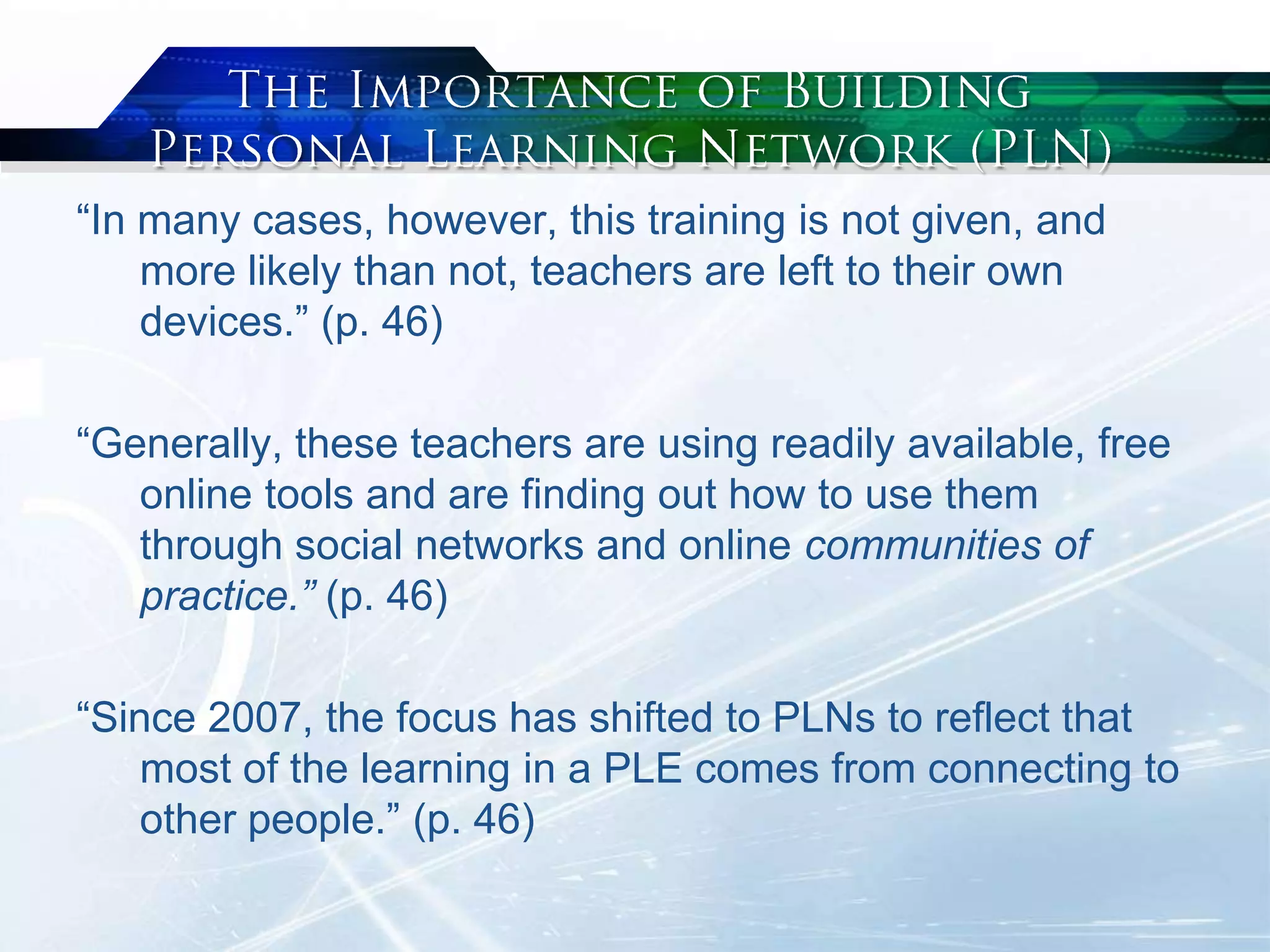
“In many cases, however, this training is not given, and
more likely than not, teachers are left to their own
devices.” (p. 46)
“Generally, these teachers are using readily available, free
online tools and are finding out how to use them
through social networks and online communities of
practice.” (p. 46)
“Since 2007, the focus has shifted to PLNs to reflect that
most of the learning in a PLE comes from connecting to
other people.” (p. 46)
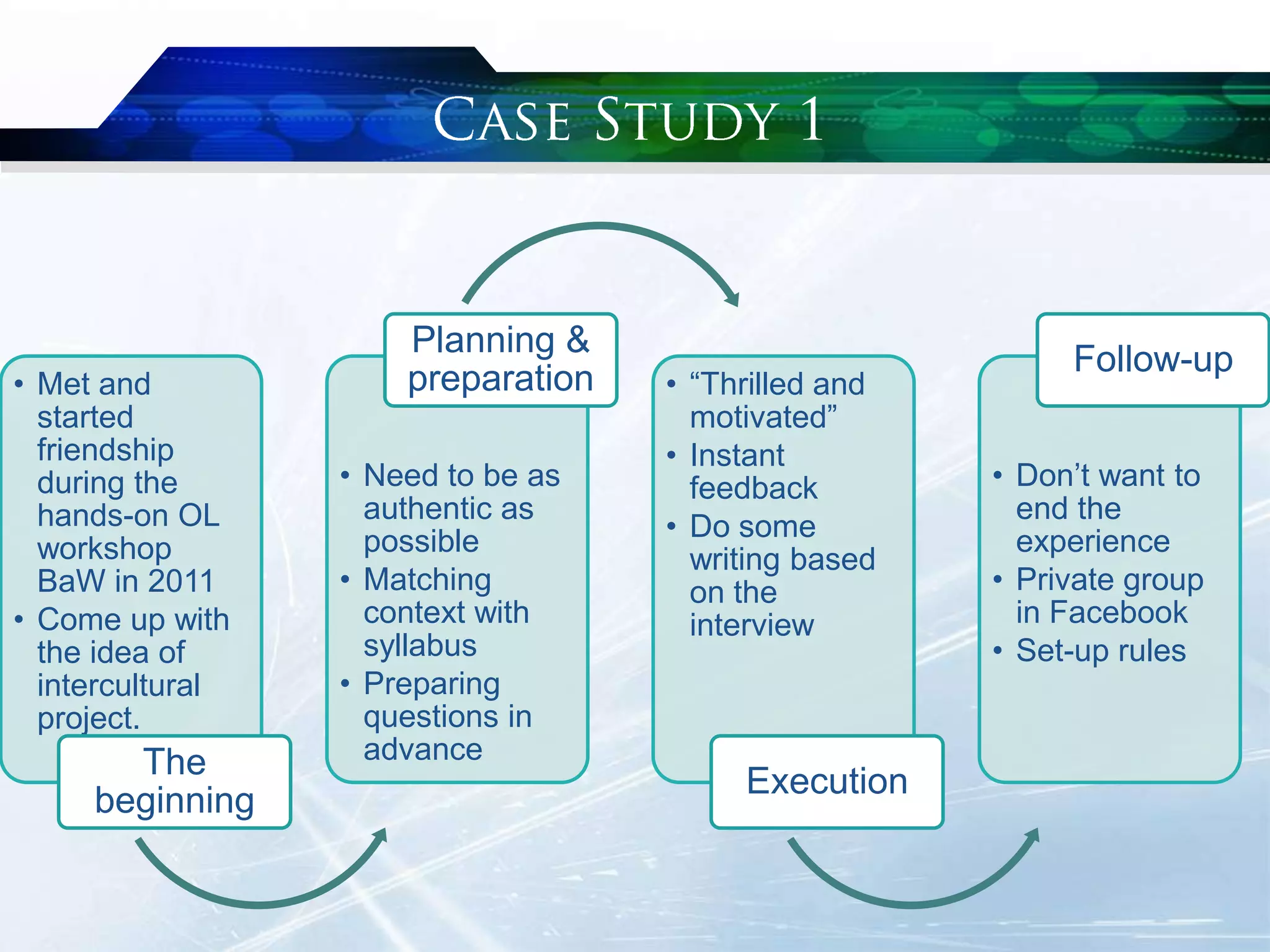
• Met and
started
friendship
during the
hands-on OL
workshop
BaW in 2011
• Come up with
the idea of
intercultural
project.
The
beginning
• Need to be as
authentic as
possible
• Matching
context with
syllabus
• Preparing
questions in
advance
Planning &
preparation • “Thrilled and
motivated”
• Instant
feedback
• Do some
writing based
on the
interview
Execution
• Don‟t want to
end the
experience
• Private group
in Facebook
• Set-up rules
Follow-up
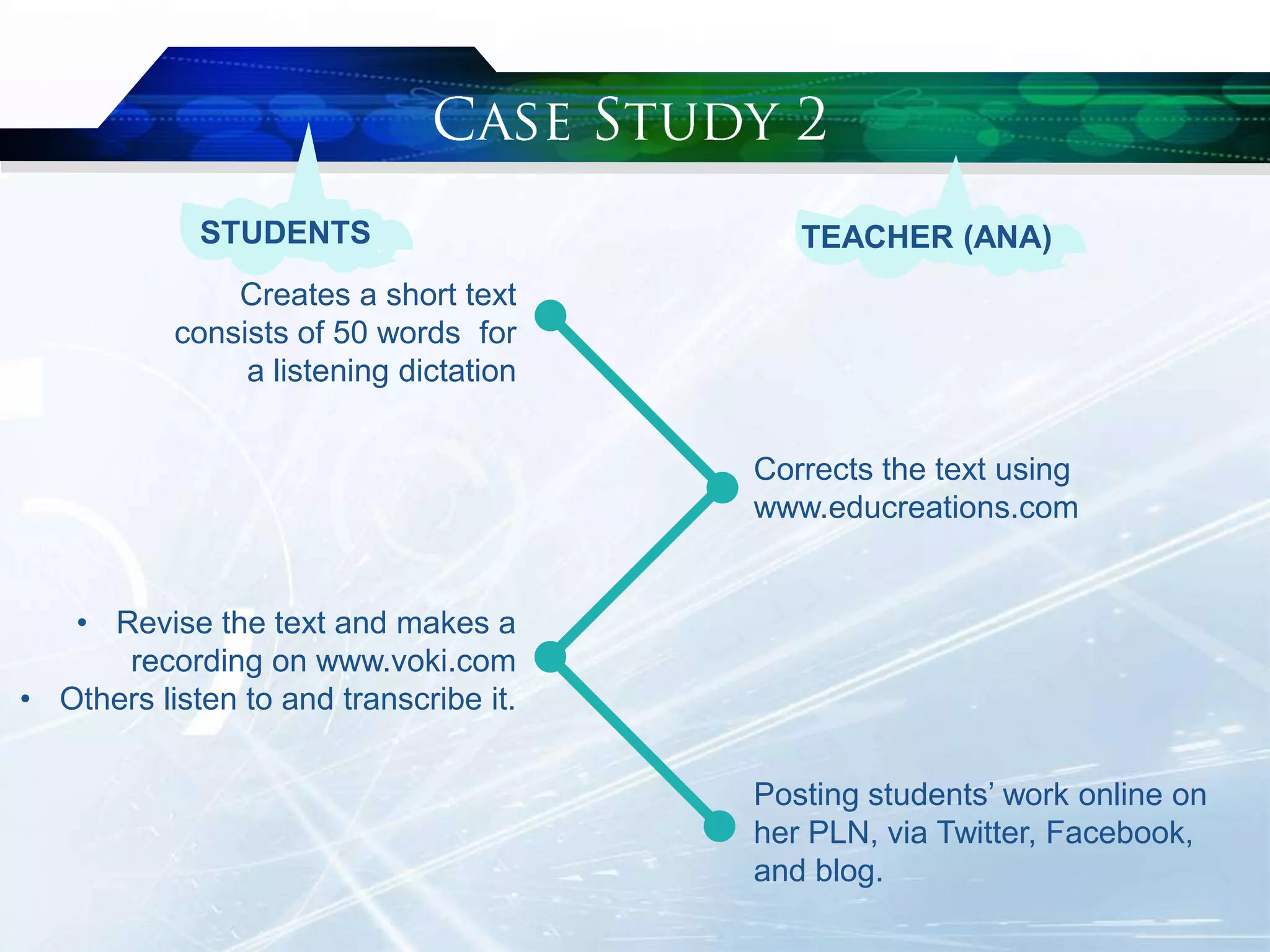
Corrects the text using
www.educreations.com
Creates a short text
consists of 50 words for
a listening dictation
Posting students‟ work online on
her PLN, via Twitter, Facebook,
and blog.
• Revise the text and makes a
recording on www.voki.com
• Others listen to and transcribe it.
STUDENTS TEACHER (ANA)
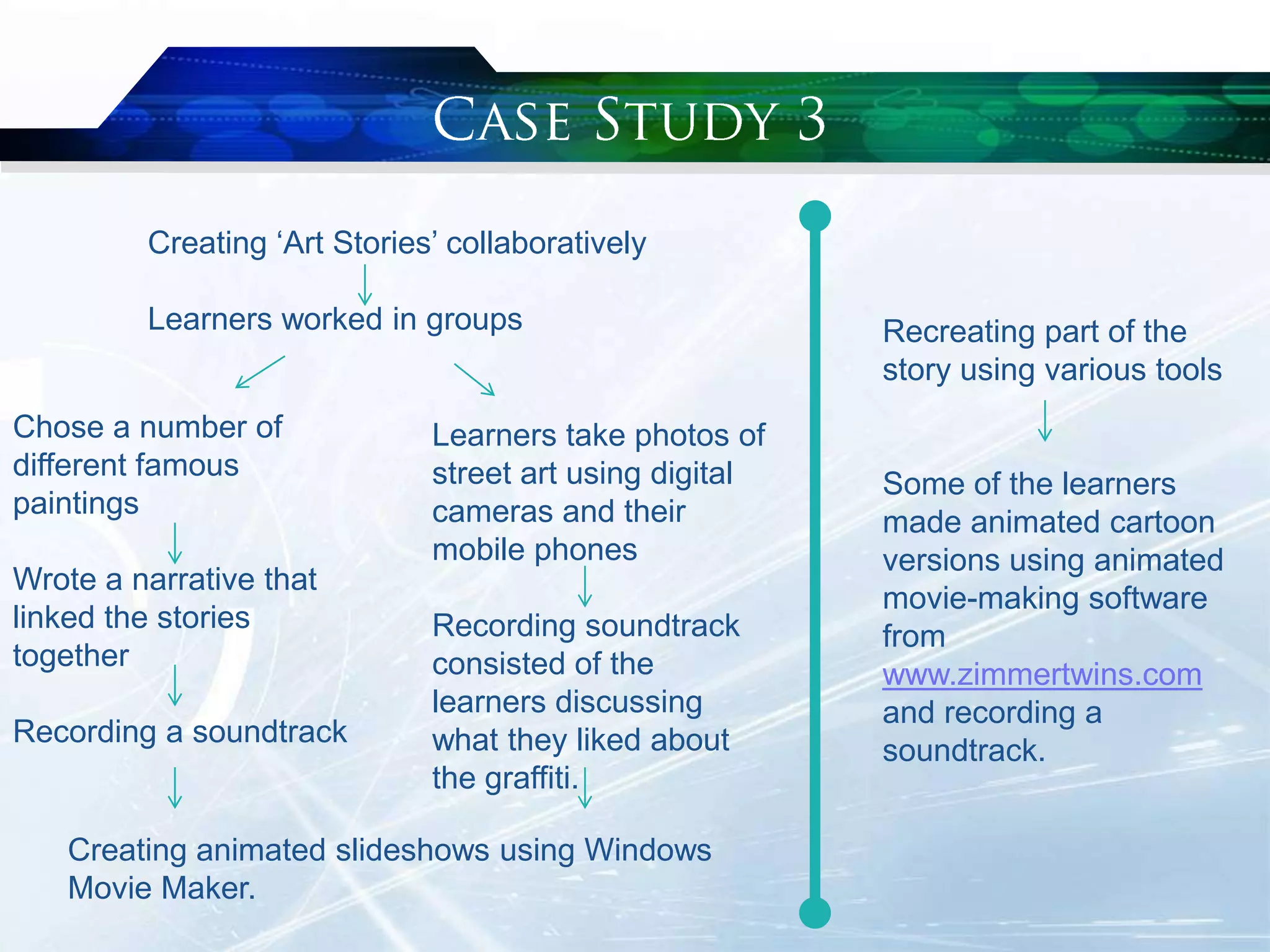
Creating „Art Stories‟ collaboratively
Learners worked in groups
Learners take photos of
street art using digital
cameras and their
mobile phones
Recording soundtrack
consisted of the
learners discussing
what they liked about
the graffiti.
Recreating part of the
story using various tools
Some of the learners
made animated cartoon
versions using animated
movie-making software
from
www.zimmertwins.com
and recording a
soundtrack.
Chose a number of
different famous
paintings
Wrote a narrative that
linked the stories
together
Recording a soundtrack
Creating animated slideshows using Windows
Movie Maker.
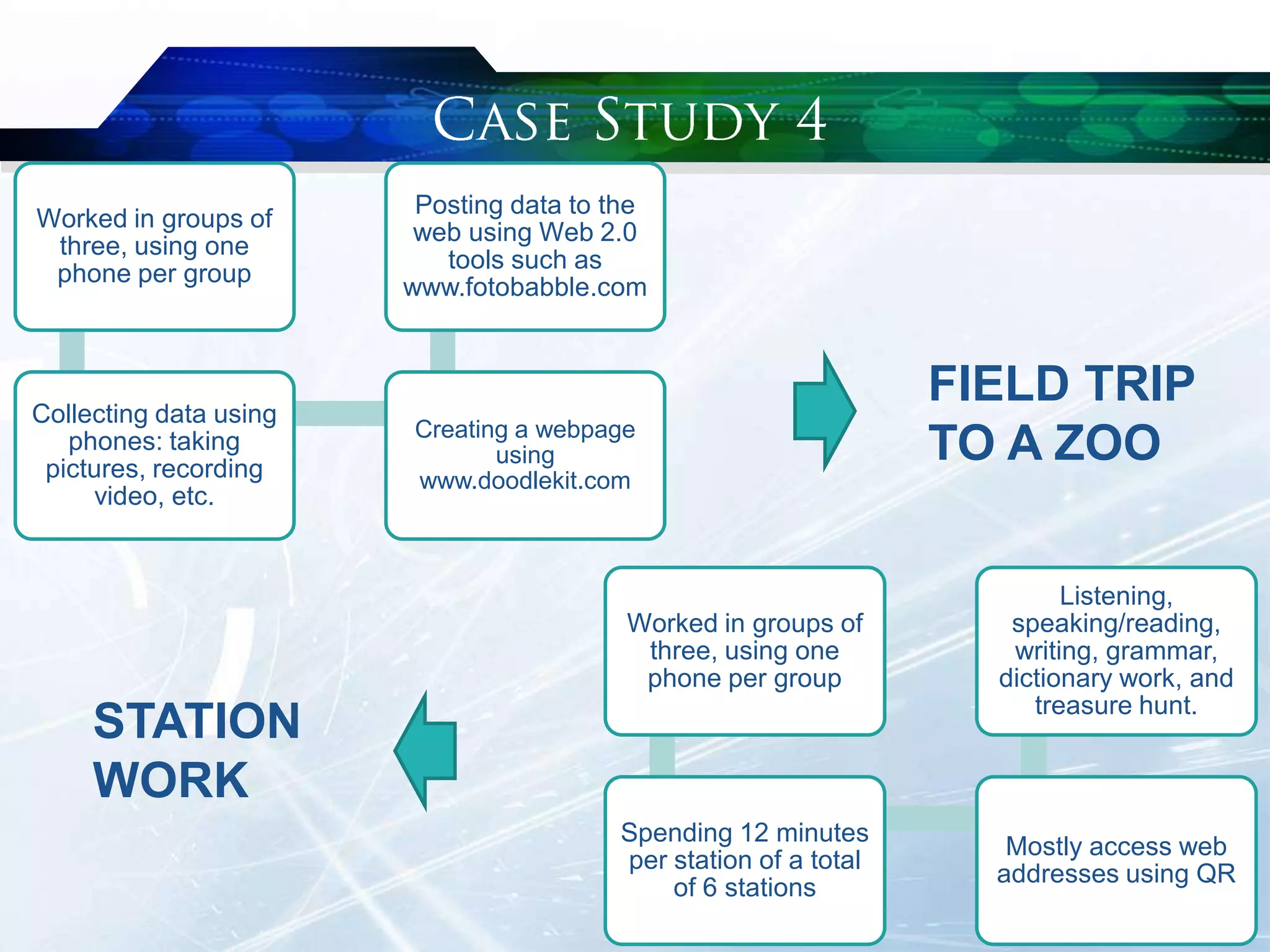
Worked in groups of
three, using one
phone per group
Collecting data using
phones: taking
pictures, recording
video, etc.
Creating a webpage
using
www.doodlekit.com
Posting data to the
web using Web 2.0
tools such as
www.fotobabble.com
FIELD TRIP
TO A ZOO
Worked in groups of
three, using one
phone per group
Spending 12 minutes
per station of a total
of 6 stations
Mostly access web
addresses using QR
Listening,
speaking/reading,
writing, grammar,
dictionary work, and
treasure hunt.
STATION
WORK
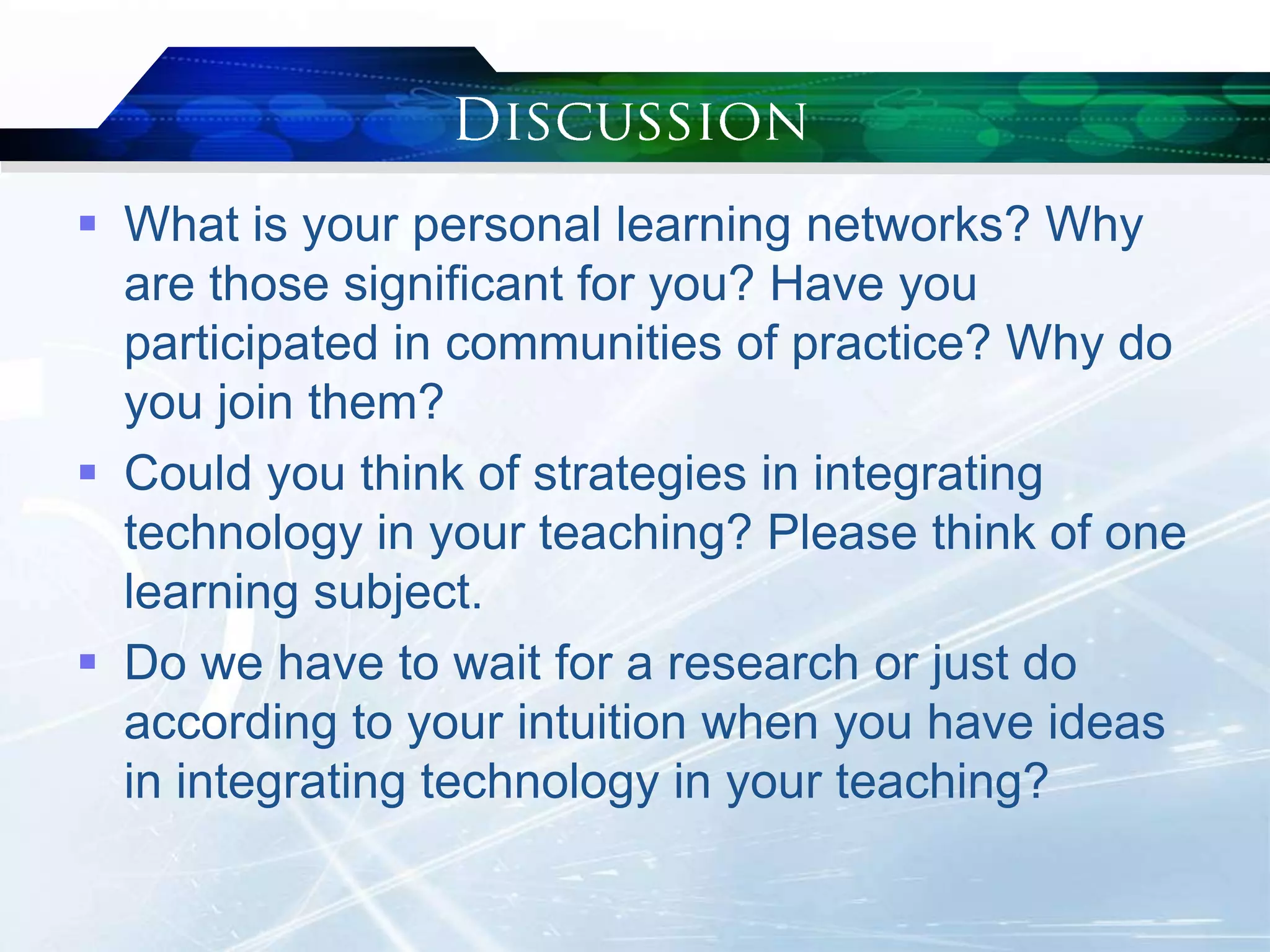
 What is your personal learning networks? Why
are those significant for you? Have you
participated in communities of practice? Why do
you join them?
 Could you think of strategies in integrating
technology in your teaching? Please think of one
learning subject.
 Do we have to wait for a research or just do
according to your intuition when you have ideas
in integrating technology in your teaching?
 Build your personal learning networks.
 Be creative and open to any possibilities.
 Learning with technology is engaging.
Stanley, G. (2013). Integrating technology
into secondary English language
teaching, pp. 45-66. In Motteram, G (ed.).
(2013). Innovations in learning
technologies for English language
teaching. London: British Council.
Retrieved from http://bit.ly/1dQT2Bu

Integrating Technology into Secondary English Language Teaching

  • 2.
     Skype  Facebook Twitter  www.voipcallrecording.com  www.photopeach.com  www.edmodo.com  www.voxopop.com  www.blogger.com  Web 2.0  Wiki  Podcasting  www.educreations.com  www.voki.com  Songify  www.wikispaces.com  www.zimmertwins.com  www.doodlekit.com  www.fotobabble.com  www.goanimate.com  www.toondo.com  www.bitstrips.com  www.vocalpost.com
  • 3.
     Introduction  Casestudies  Discussion  Conclusion
  • 4.
    “In many cases,however, this training is not given, and more likely than not, teachers are left to their own devices.” (p. 46) “Generally, these teachers are using readily available, free online tools and are finding out how to use them through social networks and online communities of practice.” (p. 46) “Since 2007, the focus has shifted to PLNs to reflect that most of the learning in a PLE comes from connecting to other people.” (p. 46)
  • 5.
    • Met and started friendship duringthe hands-on OL workshop BaW in 2011 • Come up with the idea of intercultural project. The beginning • Need to be as authentic as possible • Matching context with syllabus • Preparing questions in advance Planning & preparation • “Thrilled and motivated” • Instant feedback • Do some writing based on the interview Execution • Don‟t want to end the experience • Private group in Facebook • Set-up rules Follow-up
  • 6.
    Corrects the textusing www.educreations.com Creates a short text consists of 50 words for a listening dictation Posting students‟ work online on her PLN, via Twitter, Facebook, and blog. • Revise the text and makes a recording on www.voki.com • Others listen to and transcribe it. STUDENTS TEACHER (ANA)
  • 7.
    Creating „Art Stories‟collaboratively Learners worked in groups Learners take photos of street art using digital cameras and their mobile phones Recording soundtrack consisted of the learners discussing what they liked about the graffiti. Recreating part of the story using various tools Some of the learners made animated cartoon versions using animated movie-making software from www.zimmertwins.com and recording a soundtrack. Chose a number of different famous paintings Wrote a narrative that linked the stories together Recording a soundtrack Creating animated slideshows using Windows Movie Maker.
  • 8.
    Worked in groupsof three, using one phone per group Collecting data using phones: taking pictures, recording video, etc. Creating a webpage using www.doodlekit.com Posting data to the web using Web 2.0 tools such as www.fotobabble.com FIELD TRIP TO A ZOO Worked in groups of three, using one phone per group Spending 12 minutes per station of a total of 6 stations Mostly access web addresses using QR Listening, speaking/reading, writing, grammar, dictionary work, and treasure hunt. STATION WORK
  • 9.
     What isyour personal learning networks? Why are those significant for you? Have you participated in communities of practice? Why do you join them?  Could you think of strategies in integrating technology in your teaching? Please think of one learning subject.  Do we have to wait for a research or just do according to your intuition when you have ideas in integrating technology in your teaching?
  • 10.
     Build yourpersonal learning networks.  Be creative and open to any possibilities.  Learning with technology is engaging.
  • 11.
    Stanley, G. (2013).Integrating technology into secondary English language teaching, pp. 45-66. In Motteram, G (ed.). (2013). Innovations in learning technologies for English language teaching. London: British Council. Retrieved from http://bit.ly/1dQT2Bu