Instructional Design for the Active:
Employing interactive technologies
   and active learning exercises to
        enhance library instruction

                                 Anthony Holderied
                   Instructional Services Librarian
      The University of North Carolina at Pembroke
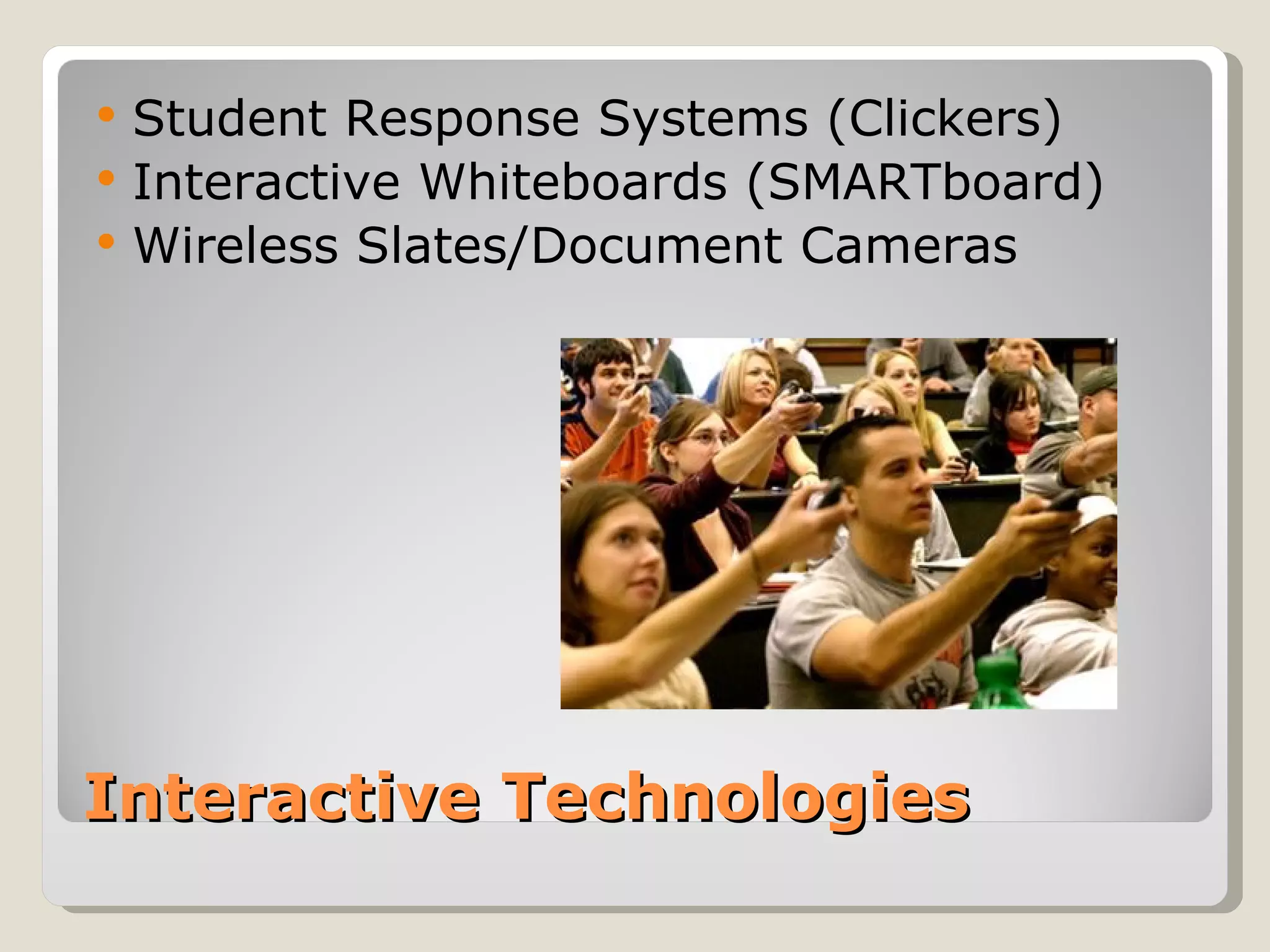
   Student Response Systems (Clickers)
   Interactive Whiteboards (SMARTboard)
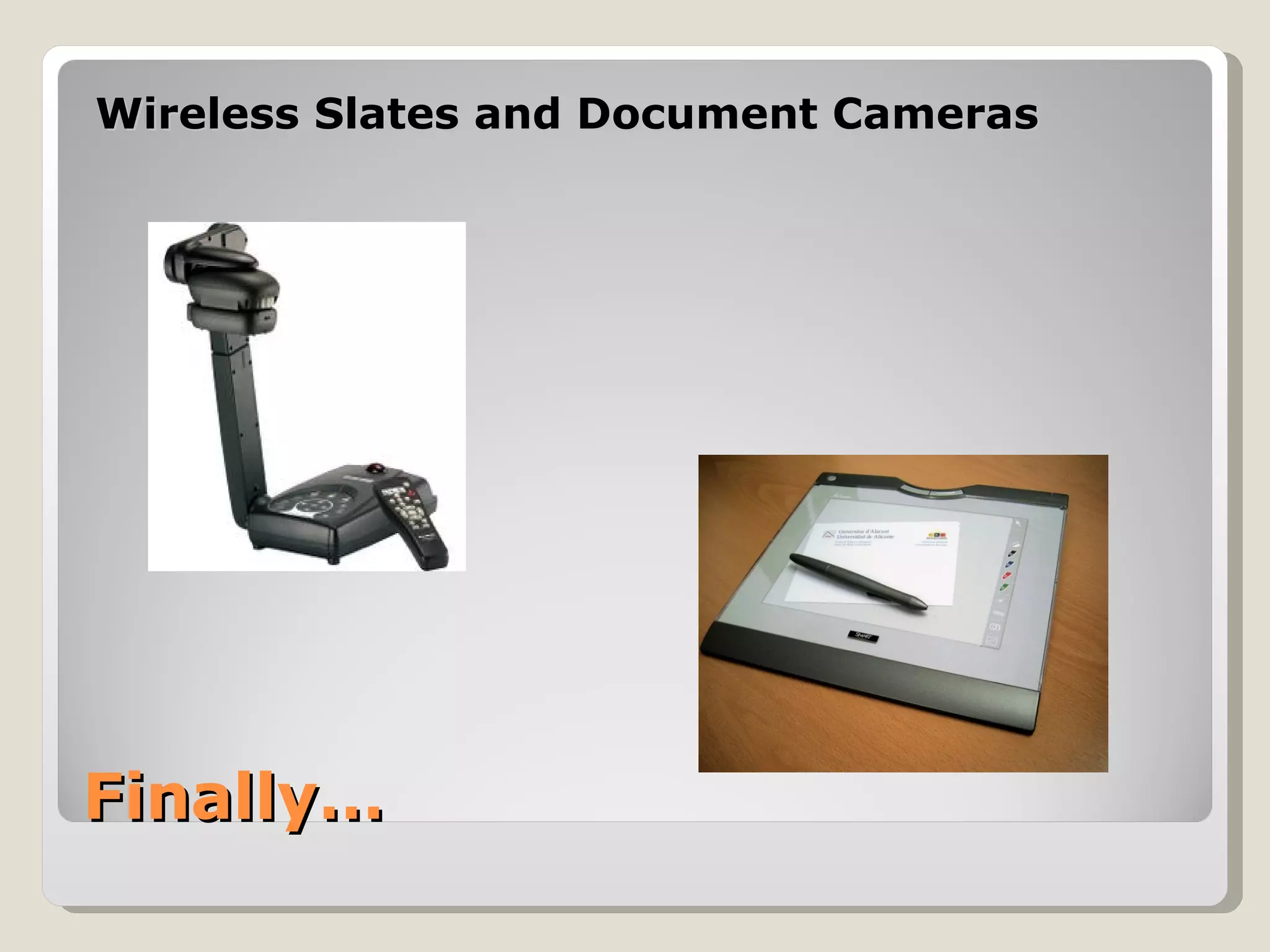
   Wireless Slates/Document Cameras


Interactive Technologies
   Active Learning is a pedagogical approach
    derived from Constructivism

   Can be referred to as problem-based
    learning, experiential learning, discovery
    learning, or cooperative learning

   Emphasis on students’ involvement in their
    own learning process (learner centered)

   Accommodates a variety of learning styles

What is Active Learning?
Popularized by Bonwell and Eison (1991)

AL strategies share common characteristics:

5. Move  beyond passive learning (multi-direction)
6. More emphasis placed on development of skill
7. Higher order thinking – Analyzing, Synthesizing,
   and Evaluation
8. Students are involved in activities like reading,
   discussion, writing, and hands-on
9. Exploration of affective learning


Characteristics of Active Learning
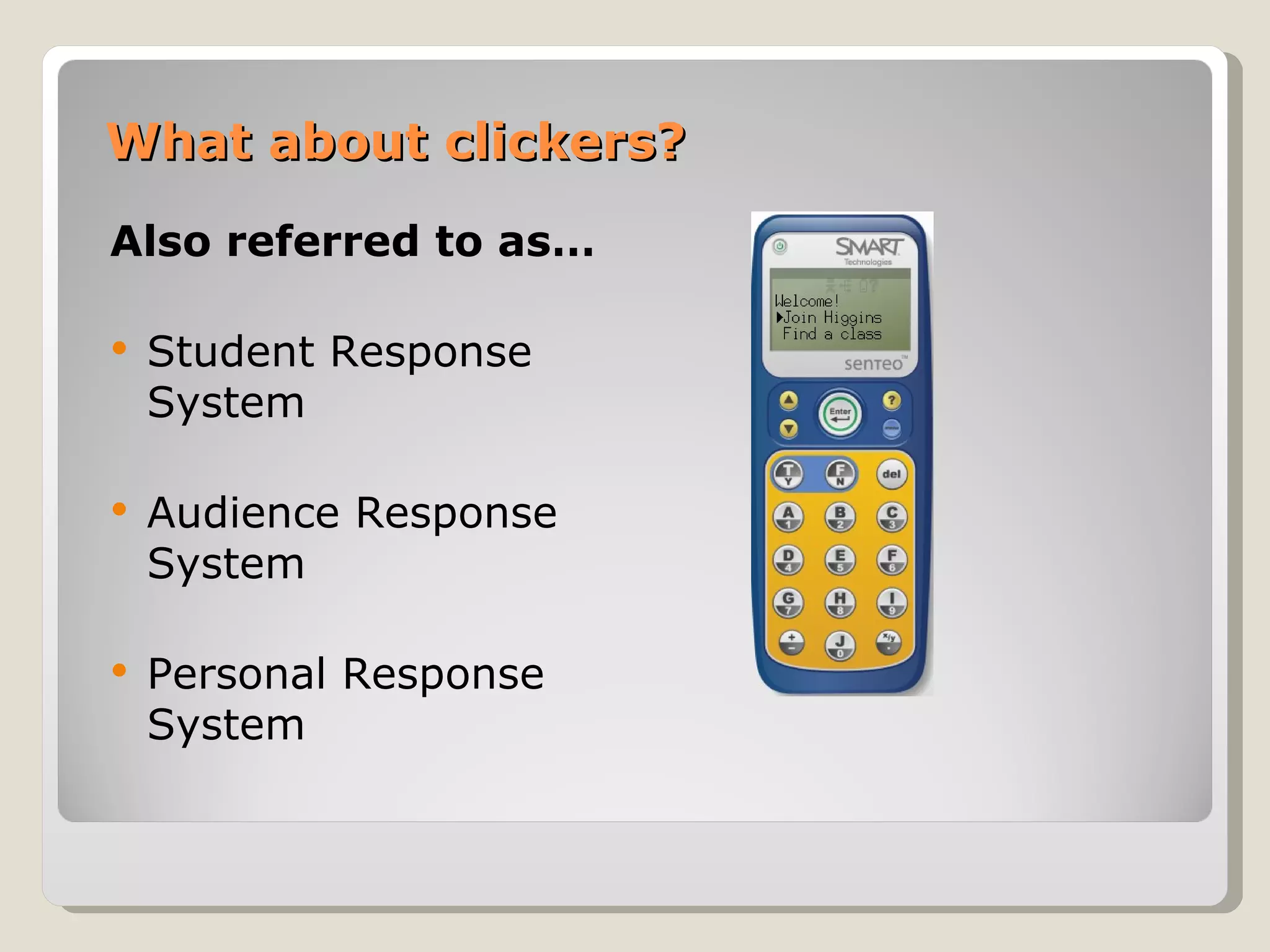
What about clickers?
Also referred to as…

   Student Response
    System

   Audience Response
    System

   Personal Response
    System
3 Key Active Learning Characteristics

   Actively engage students during the entire
    class period (anonymous participation)

   Gauge level of understanding for the
    content being presented

   Provide prompt feedback to student
    responses and questions


Active learning with clickers
ENG 1060 Research Experiment
   Aimed to determine any increase in learning
    outcomes
   Seven classes using clickers vs. eight classes using
    traditional teaching methods
   Learning outcomes gauged by pre-test/post-test
   Affective learning outcomes via open-ended/likert
   Results showed differences in both cognitive and
    affective learning


Clickers in our classroom…
Learning Objectives

ACRL Information Literacy Standards:
-1.2.b, 1.2.d
-2.1.d, 2.2.b, 2.2.d, 2.4.c, 2.5
-3.7, 3.7.a, 3.7.b, 3.7.c


Which essentially means…


Clickers in our classroom…
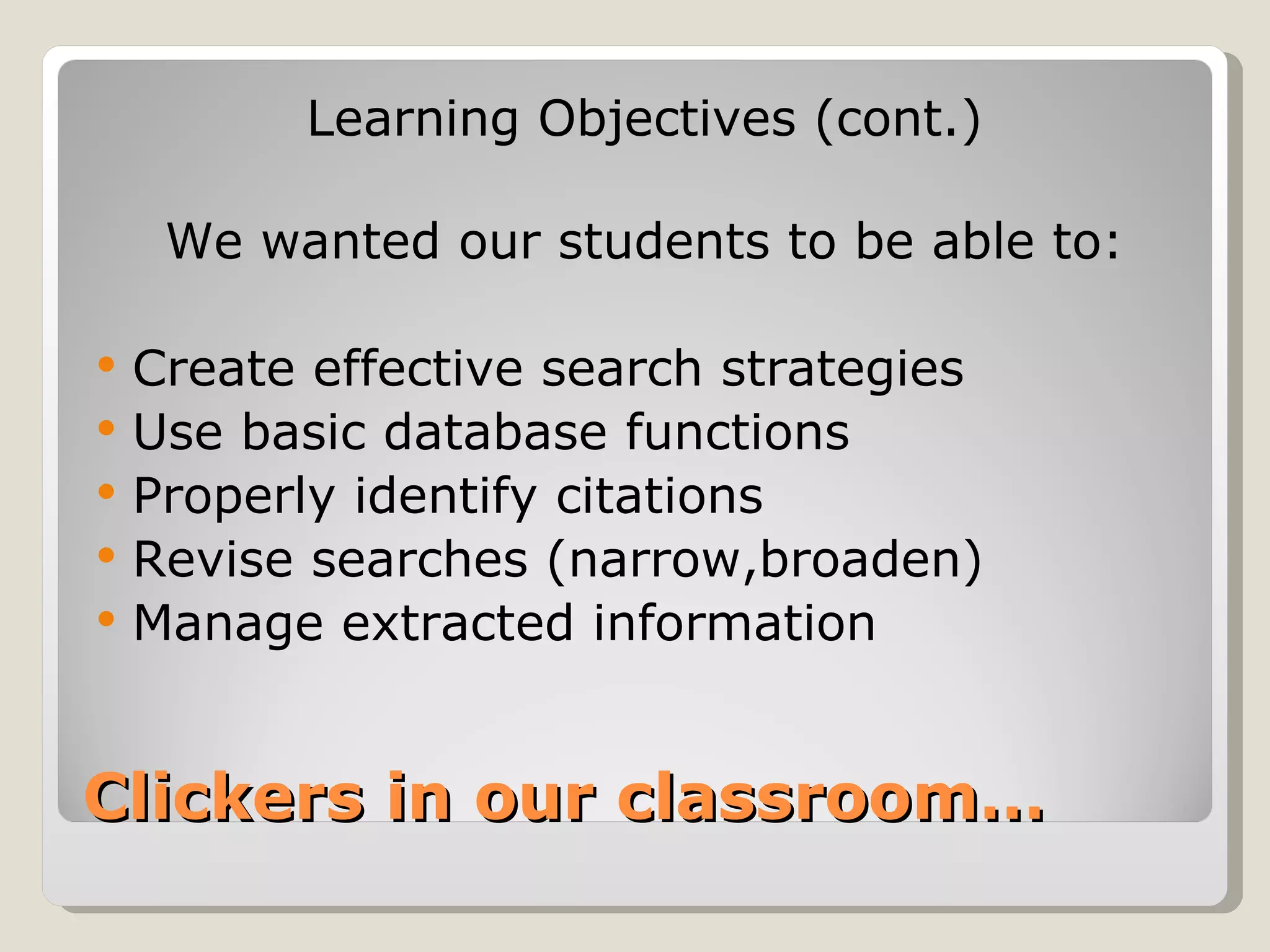
Learning Objectives (cont.)

     We wanted our students to be able to:

   Create effective search strategies
   Use basic database functions
   Properly identify citations
   Revise searches (narrow,broaden)
   Manage extracted information


Clickers in our classroom…
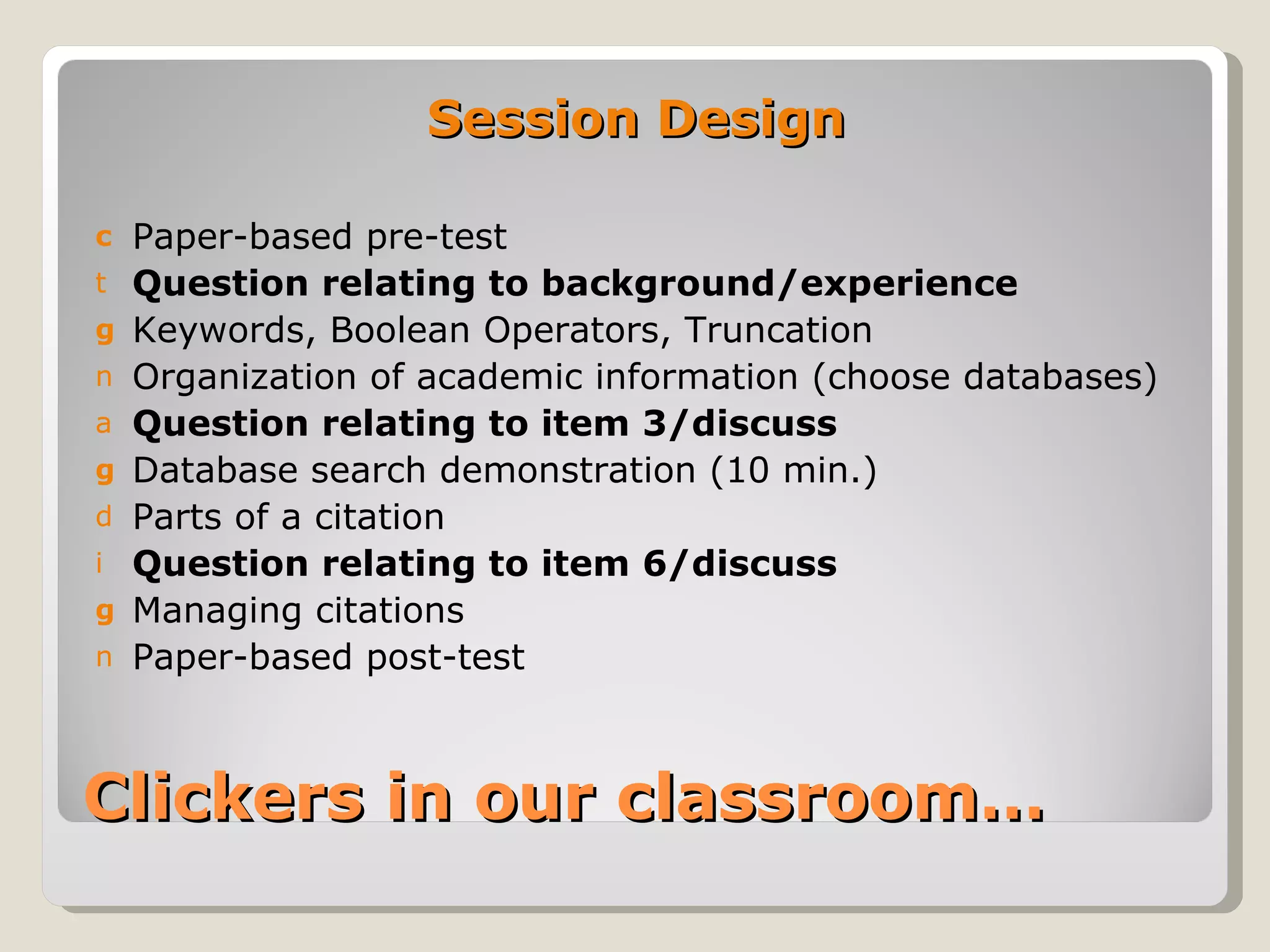
Session Design

c   Paper-based pre-test
t   Question relating to background/experience
g   Keywords, Boolean Operators, Truncation
n   Organization of academic information (choose databases)
a   Question relating to item 3/discuss
g   Database search demonstration (10 min.)
d   Parts of a citation
i   Question relating to item 6/discuss
g   Managing citations
n   Paper-based post-test


Clickers in our classroom…
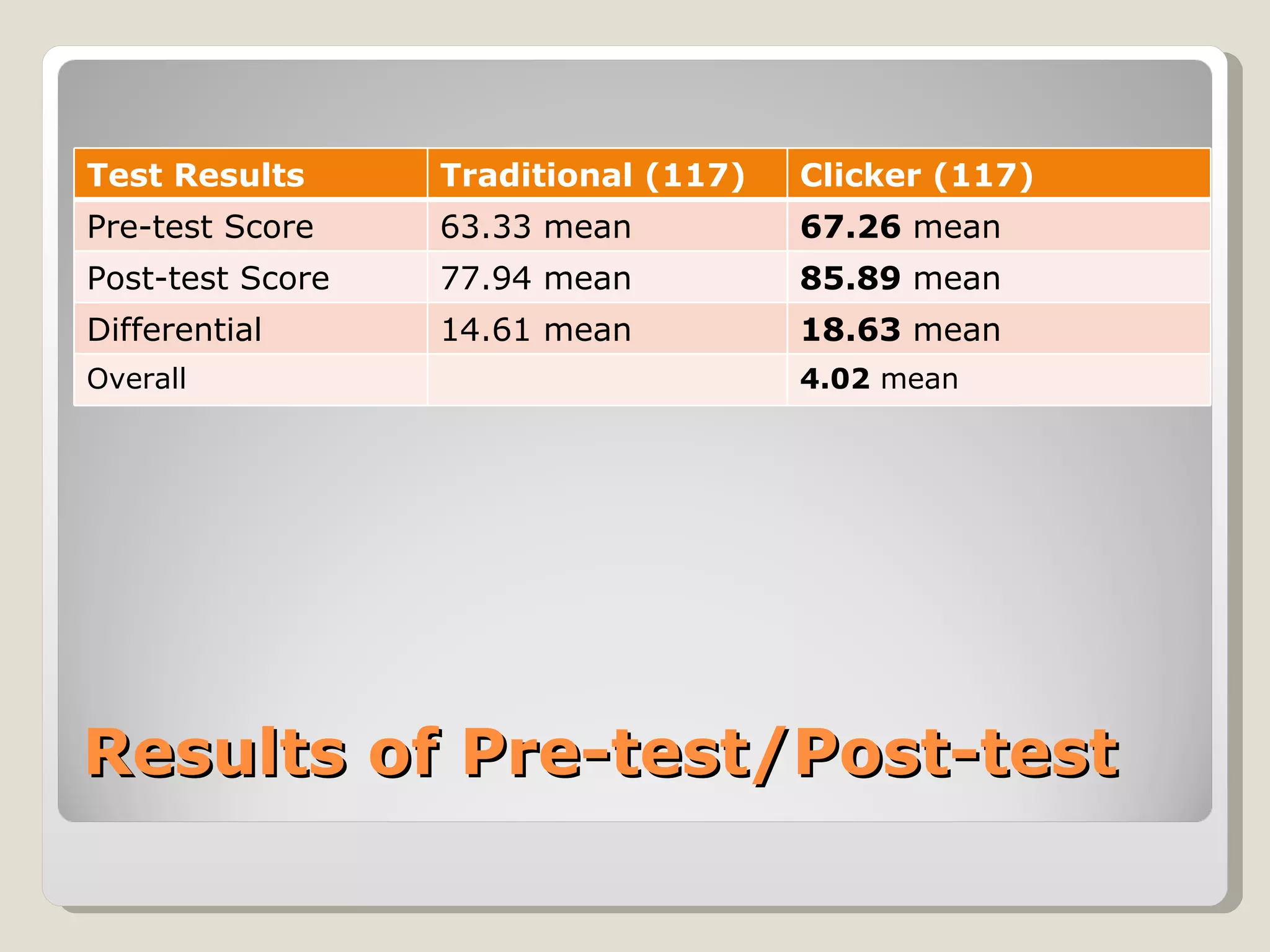
Test Results      Traditional (117)   Clicker (117)
Pre-test Score    63.33 mean          67.26 mean
Post-test Score   77.94 mean          85.89 mean
Differential      14.61 mean          18.63 mean
Overall                               4.02 mean


Results of Pre-test/Post-test
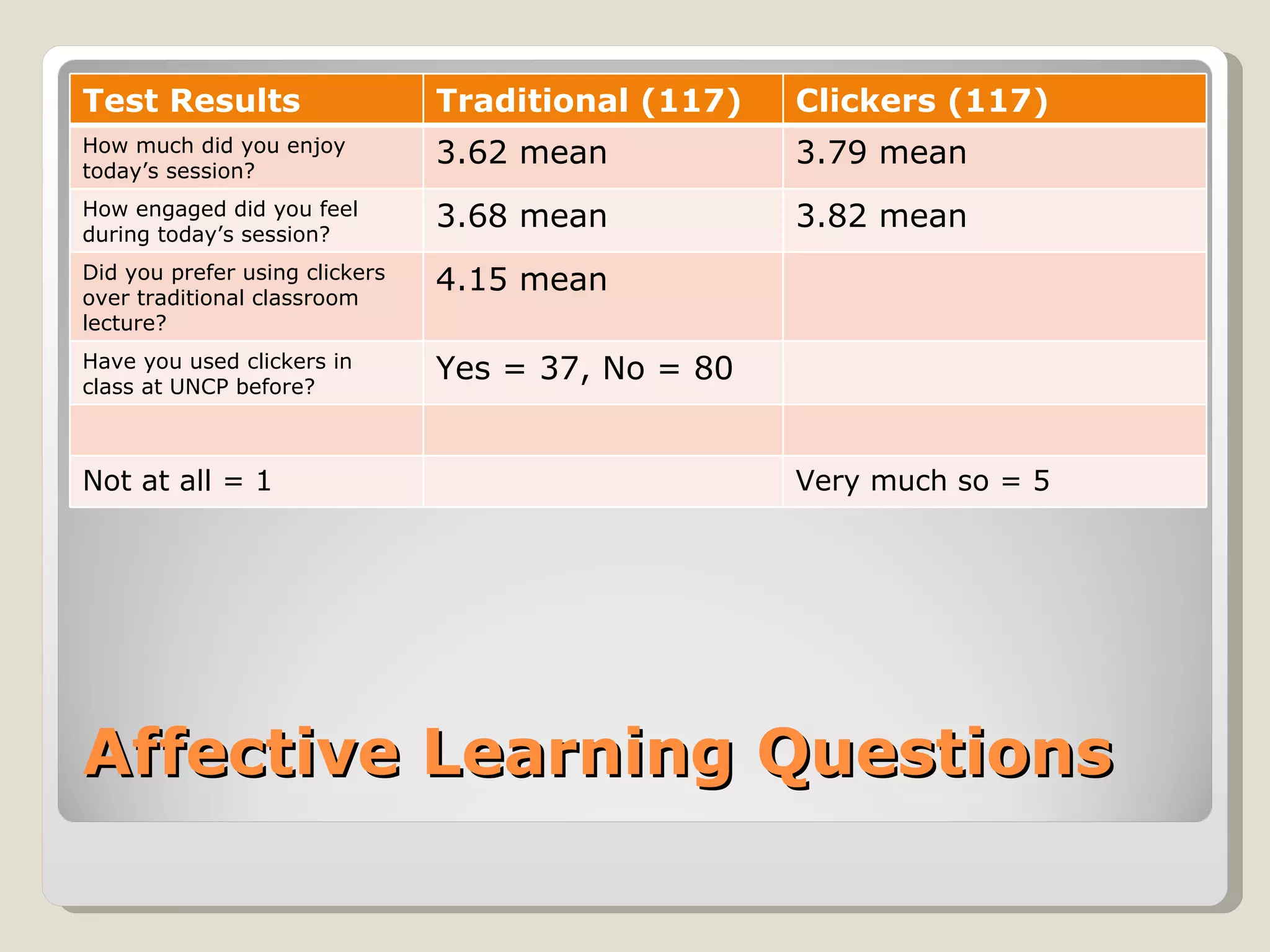
Test Results                    Traditional (117)   Clickers (117)
How much did you enjoy
today’s session?
                                3.62 mean           3.79 mean
How engaged did you feel
during today’s session?
                                3.68 mean           3.82 mean
Did you prefer using clickers
over traditional classroom
                                4.15 mean
lecture?
Have you used clickers in
class at UNCP before?
                                Yes = 37, No = 80


Not at all = 1                                      Very much so = 5


Affective Learning Questions
Compilation from three separate sources:

3.Keep slides short for easier legibility
4.Keep number of answer options to five
5.Do not make questions overly complex
6.Keep response options simple
7.Allow sufficient time for answering
8.Allow time for discussion between ?’s
9.Encourage active discussion w/ students
10.Save questions for key points
11.Position questions through periodic intervals


Best practices using clickers
Compilation from three separate sources:

3.Include an ‘answer now’ prompt on slides
4.Use a ‘correct answer’ indicator
5.Use a countdown timer
6.Test the system in a proposed location
7.Allow time to get set up
8.Rehearse presentation to avoid snags
9.Provide clear instructions to the audience
10.Do not ‘overuse’ clicker system


Best practices (cont.)
Good clicker questions should:

   Address a specific learning goal, skill, or
    reinforce a specific belief about learning
   Assess students background, knowledge or
    beliefs
   Make students aware of others’ views
   Locate misconceptions and confusion
   Distinguish between related ideas
   Show connections between ideas
   Explore or apply ideas in a new context


Good clicker questions
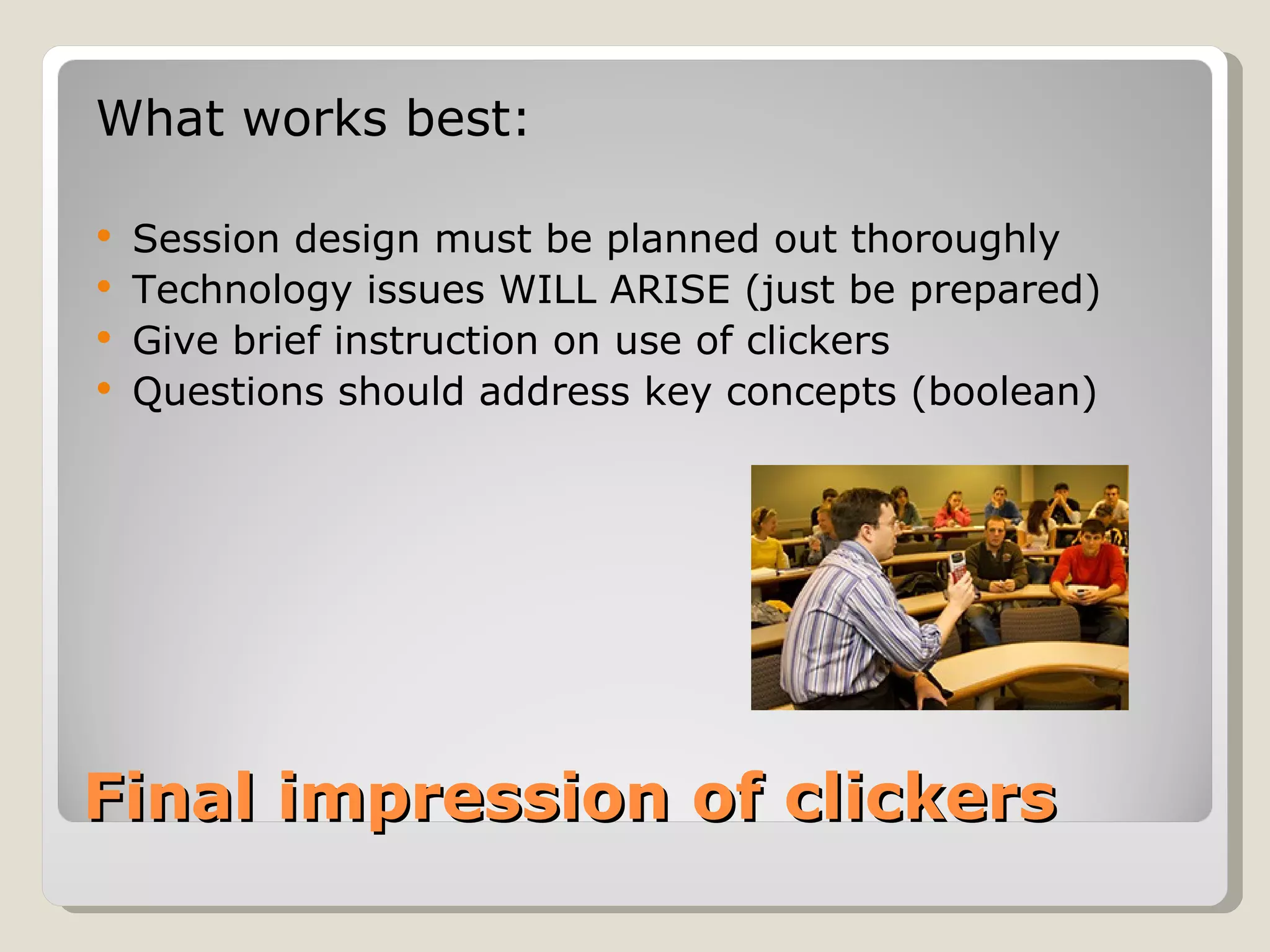
What works best:

 Session design must be planned out thoroughly
 Technology issues WILL ARISE (just be prepared)
 Give brief instruction on use of clickers
 Questions should address key concepts (boolean)


Final impression of clickers
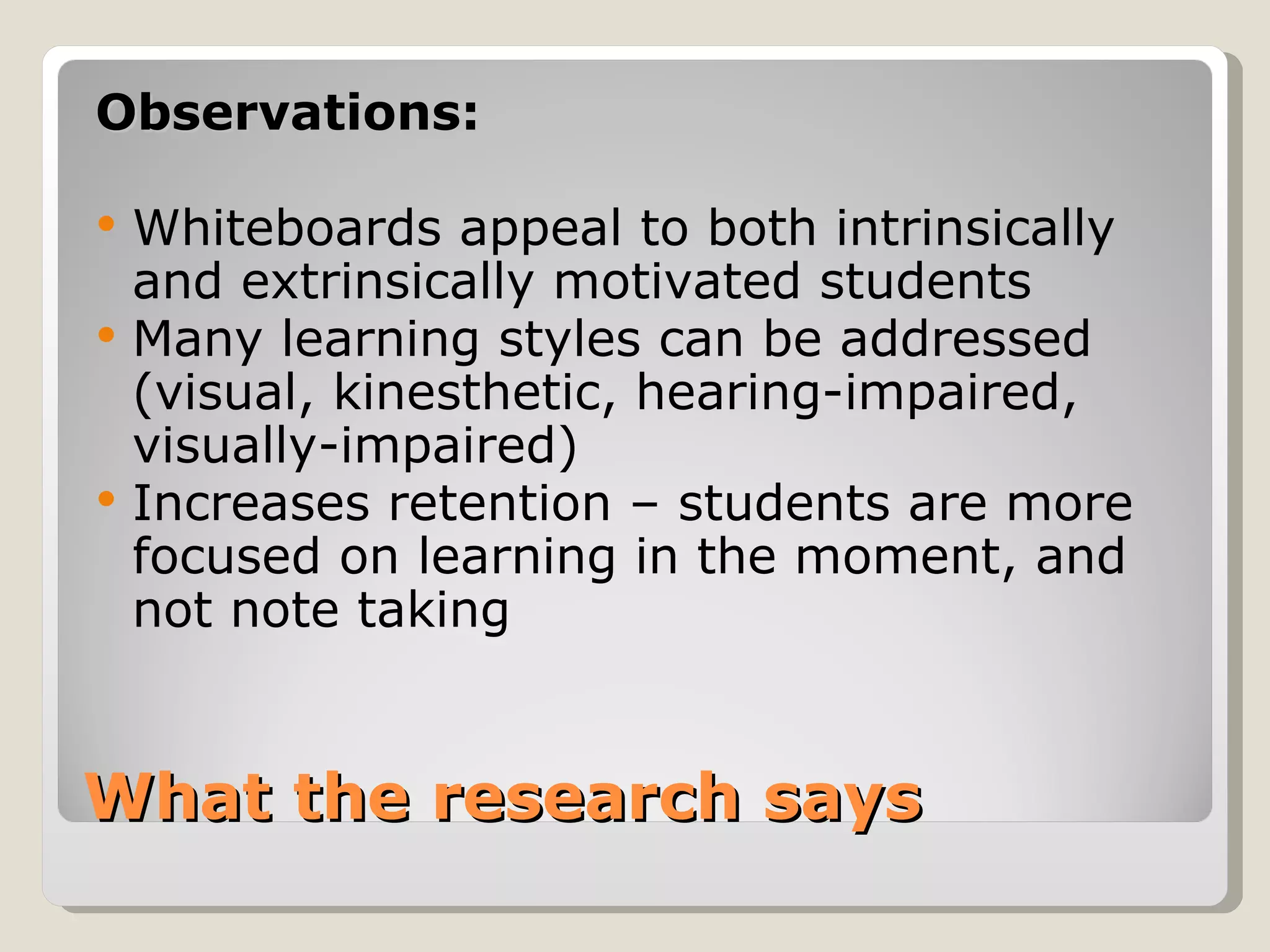
“An interactive whiteboard is a touch-
 sensitive screen that works in conjunction
 with a computer and a projector. The first
 interactive whiteboard was manufactured
 by SMART Technologies Inc. in 1991. “


What are Interactive
Whiteboards?
Observations:

   Whiteboards appeal to both intrinsically
    and extrinsically motivated students
   Many learning styles can be addressed
    (visual, kinesthetic, hearing-impaired,
    visually-impaired)
   Increases retention – students are more
    focused on learning in the moment, and
    not note taking


What the research says
   Manipulating text and images
   Taking notes in digital ink
   Viewing websites as a class
   Creating digital lesson activities
   Showing and editing notes over videos
   Using built-in presentation tools
   Showcase student presentation
   Archive lessons with screen recording
   Student-led teaching

Active Learning Activities
with Whiteboards…
   Primarily used with freshmen

   Used to promote engagement and
    understanding of “The Five W’s”

WHO, WHAT, WHERE, WHEN, WHY


SMARTBoards in our classroom
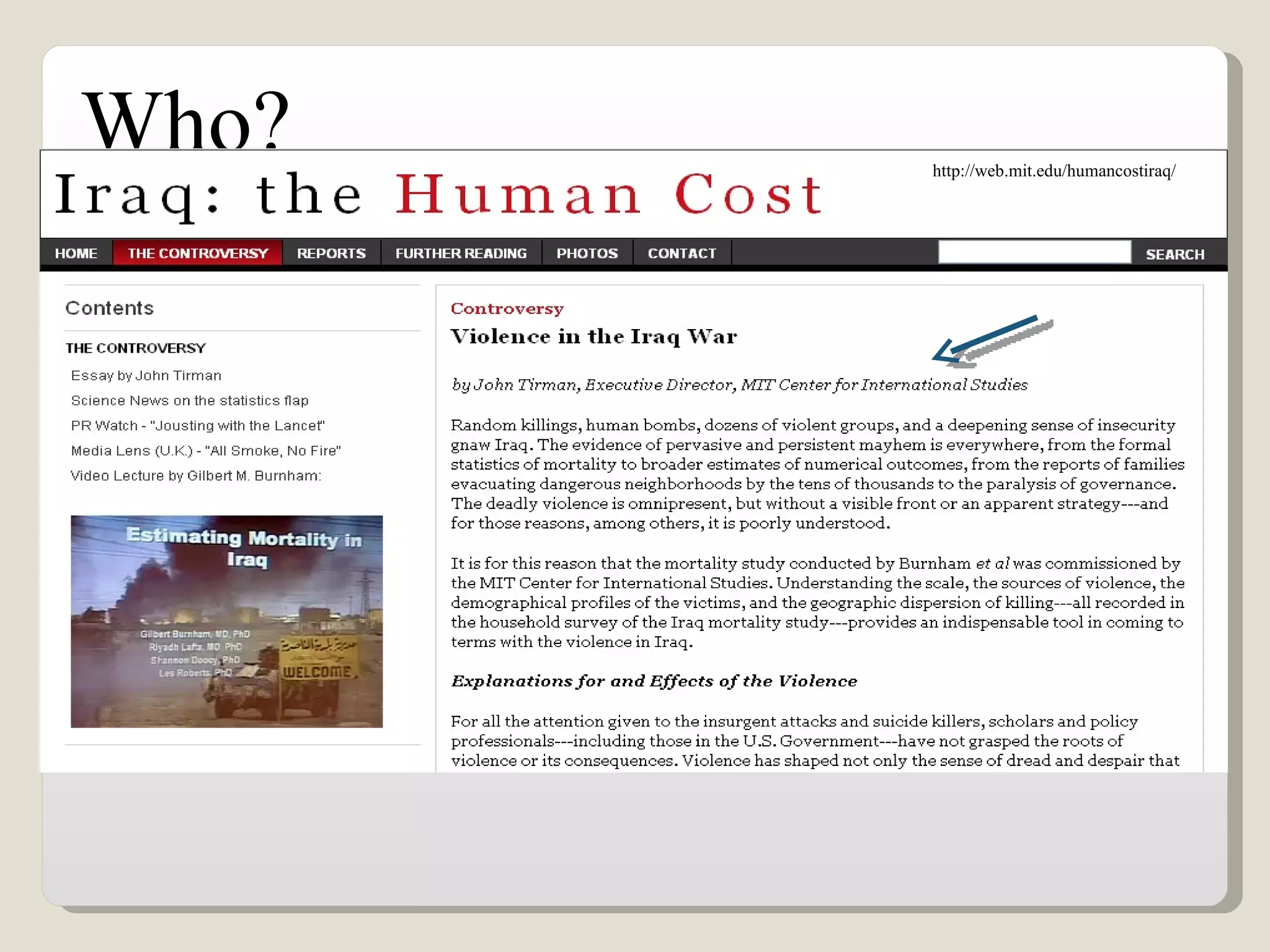
Who?   http://web.mit.edu/humancostiraq/
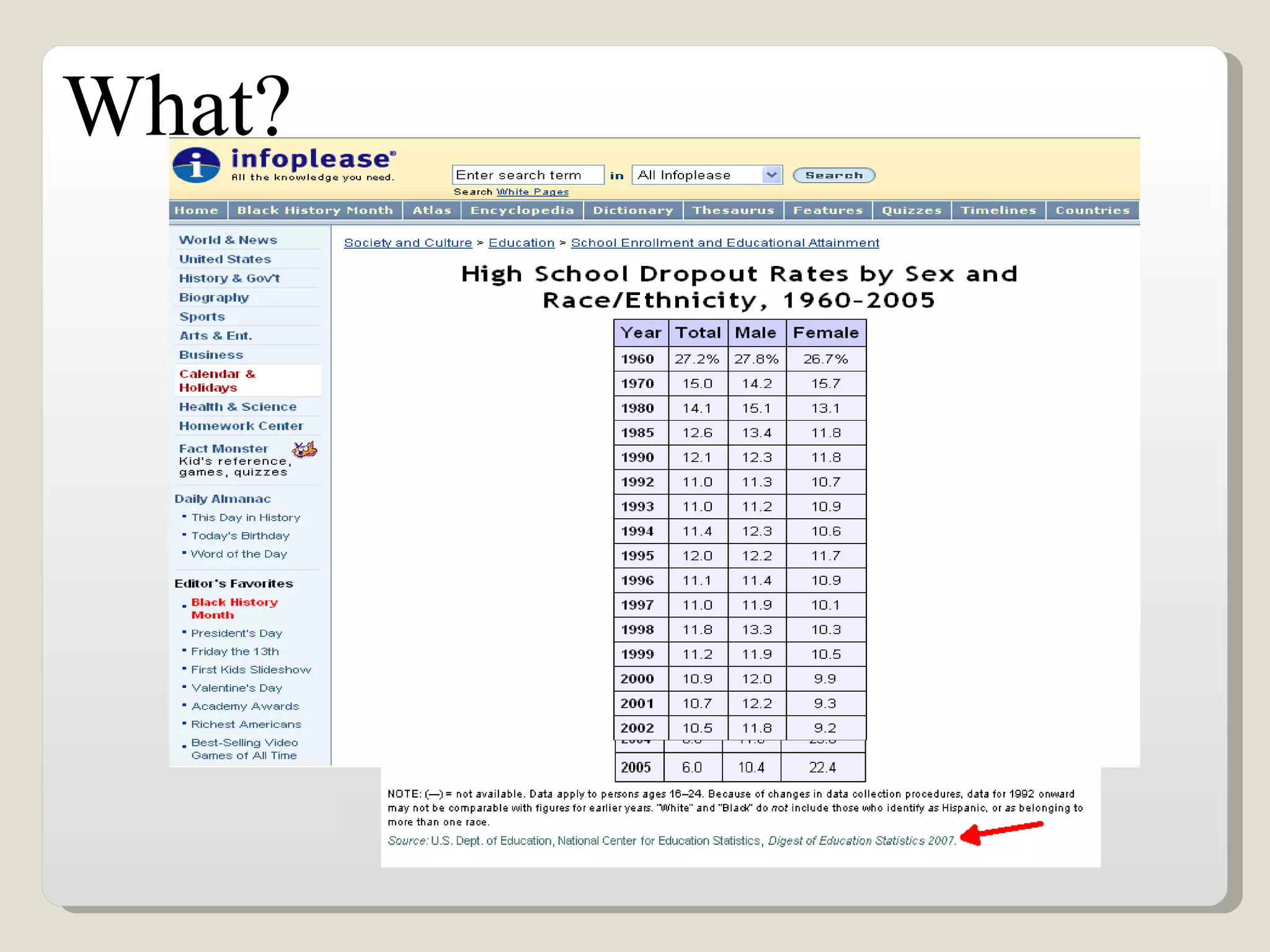
What?
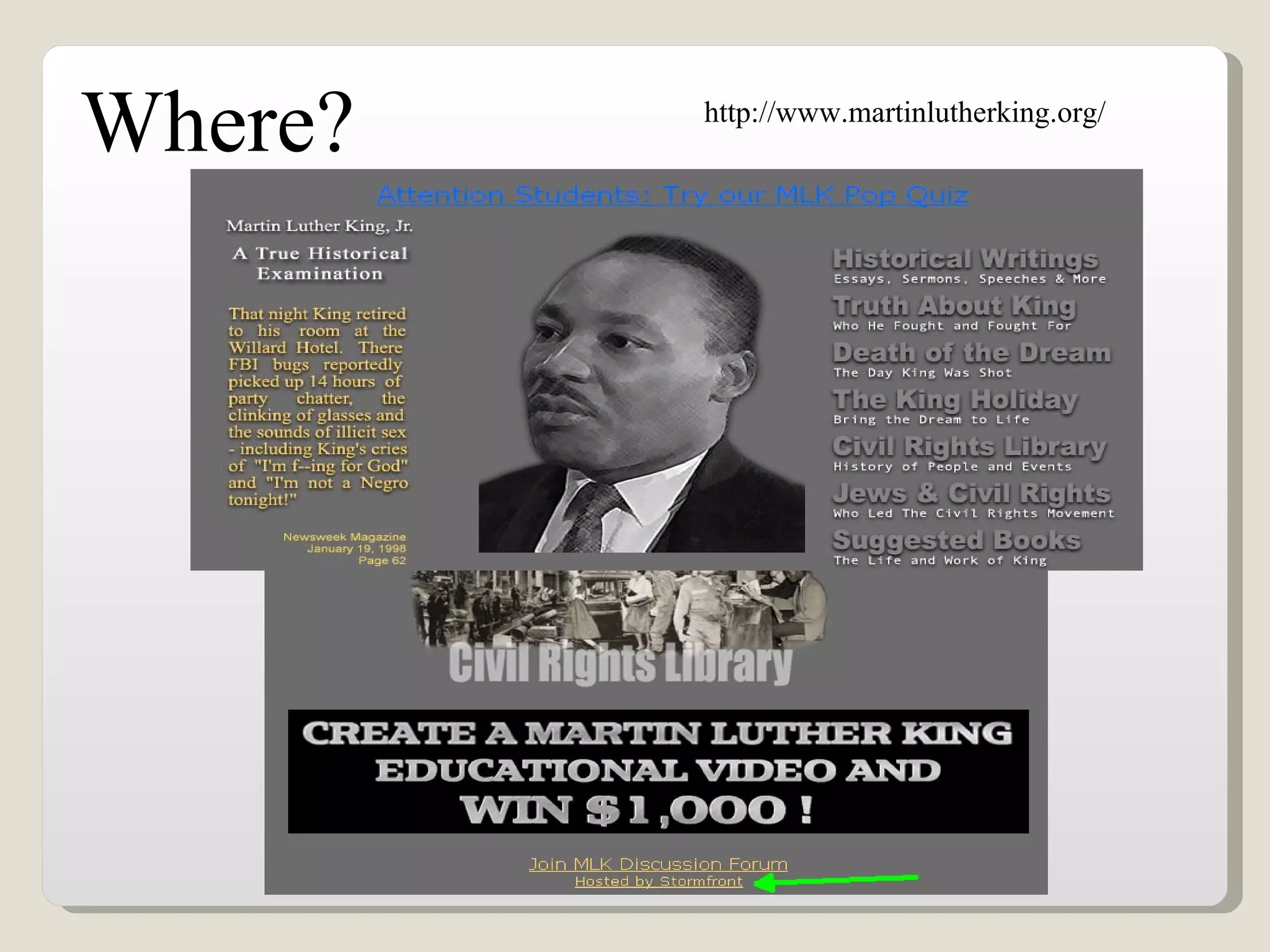
Where?   http://www.martinlutherking.org/
Why?
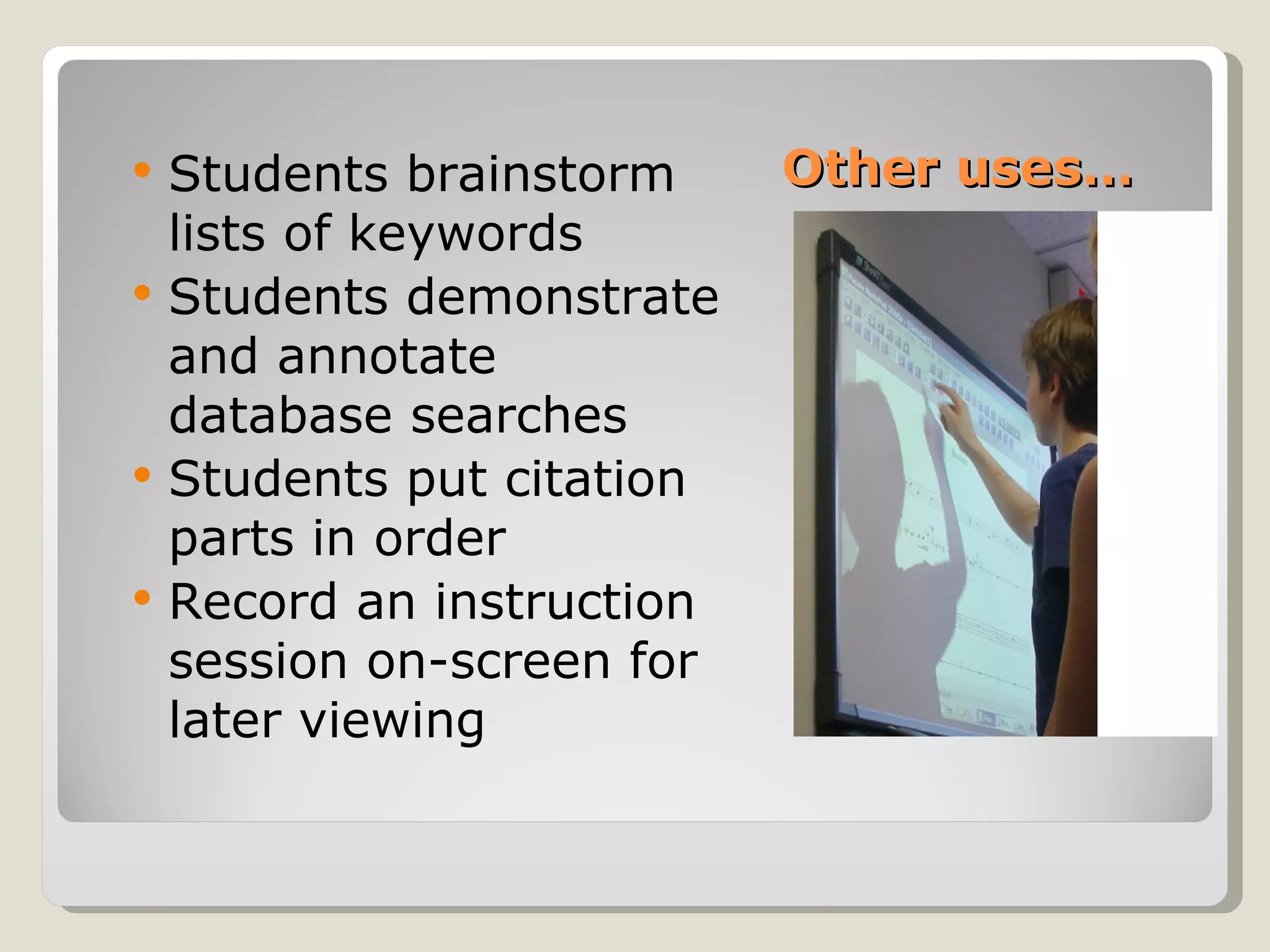
   Students brainstorm     Other uses…
    lists of keywords
   Students demonstrate
    and annotate
    database searches
   Students put citation
    parts in order
   Record an instruction
    session on-screen for
    later viewing
   Raised overall enthusiasm for content
   Promotes interaction and allows multi-
    directional communication
   Allows students to participate in peer
    teaching
   Can accomodate multiple learning styles
   The existing research confirms
    whiteboards are a good gauge of
    measuring affective learning, but little
    evidence to support cognitive learning

General Findings…
Wireless Slates and Document Cameras


Finally…
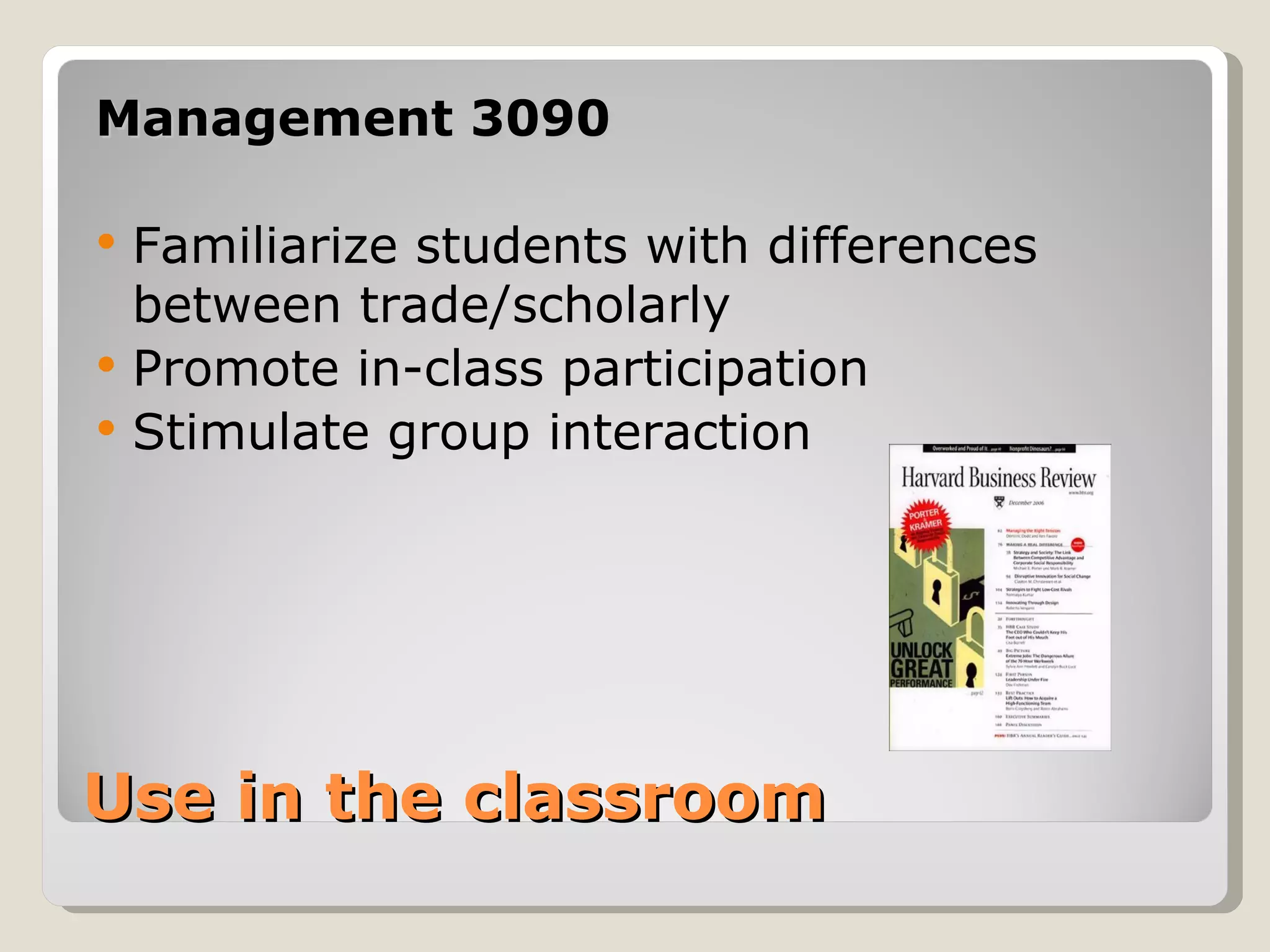
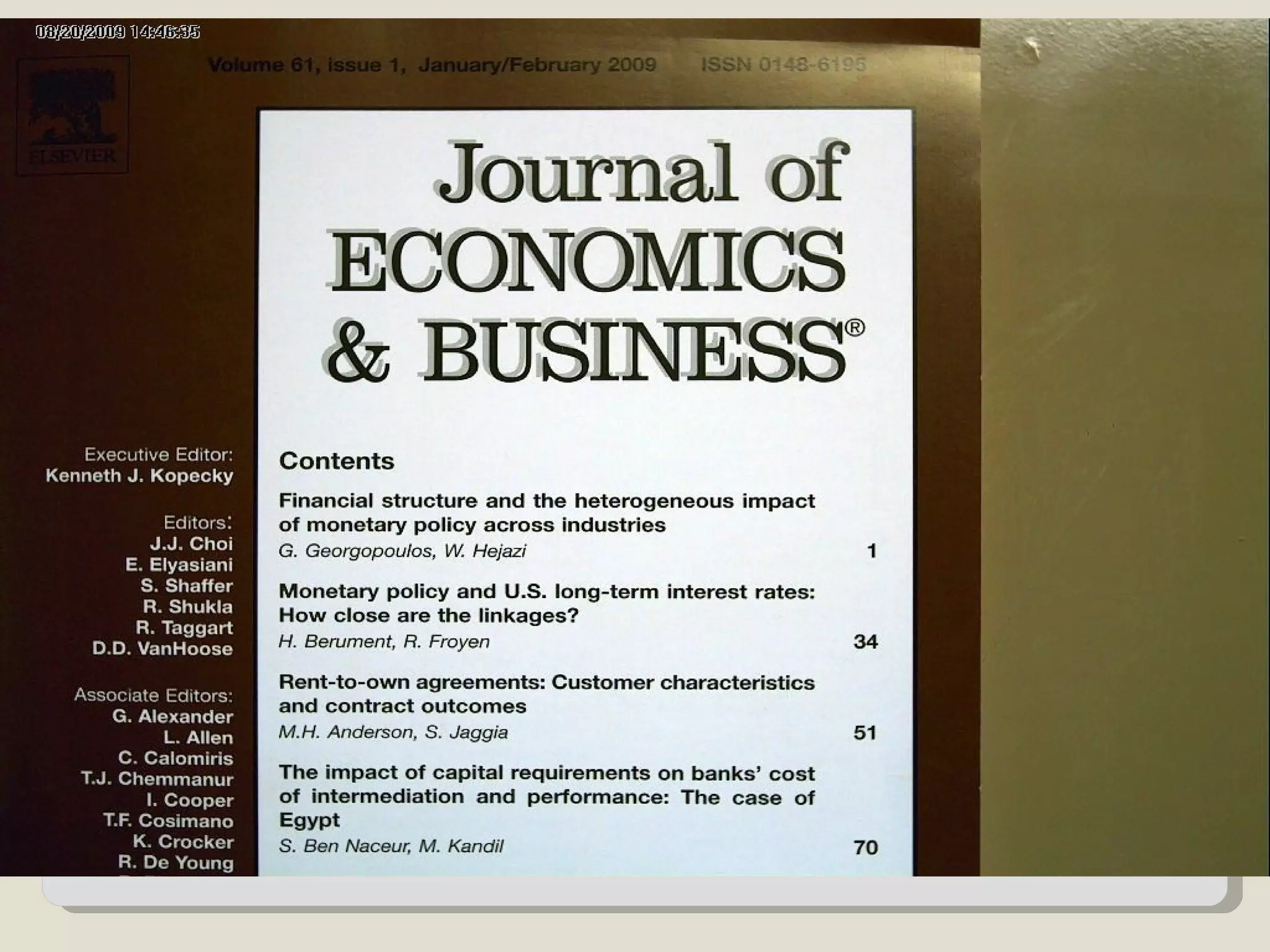
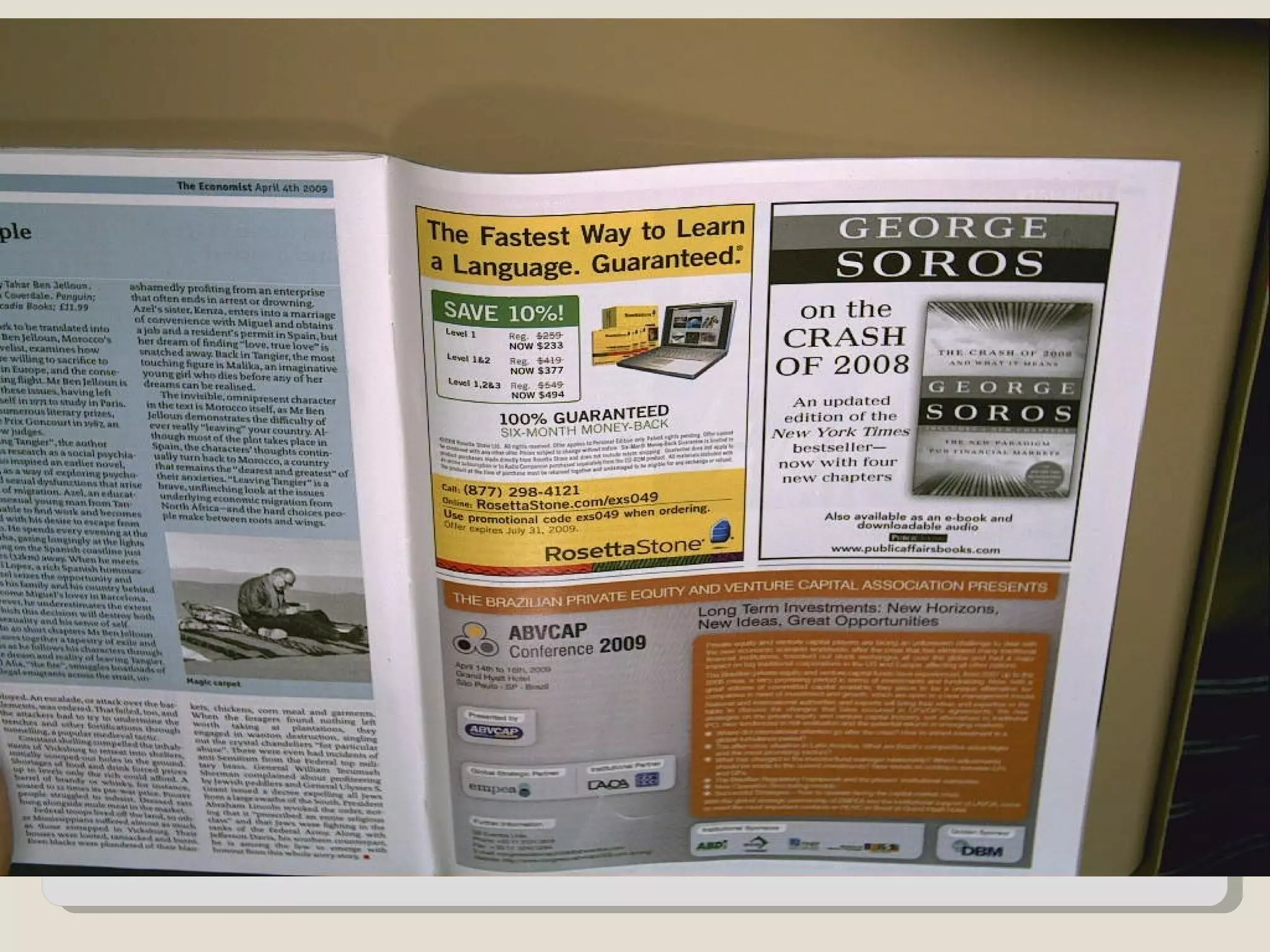
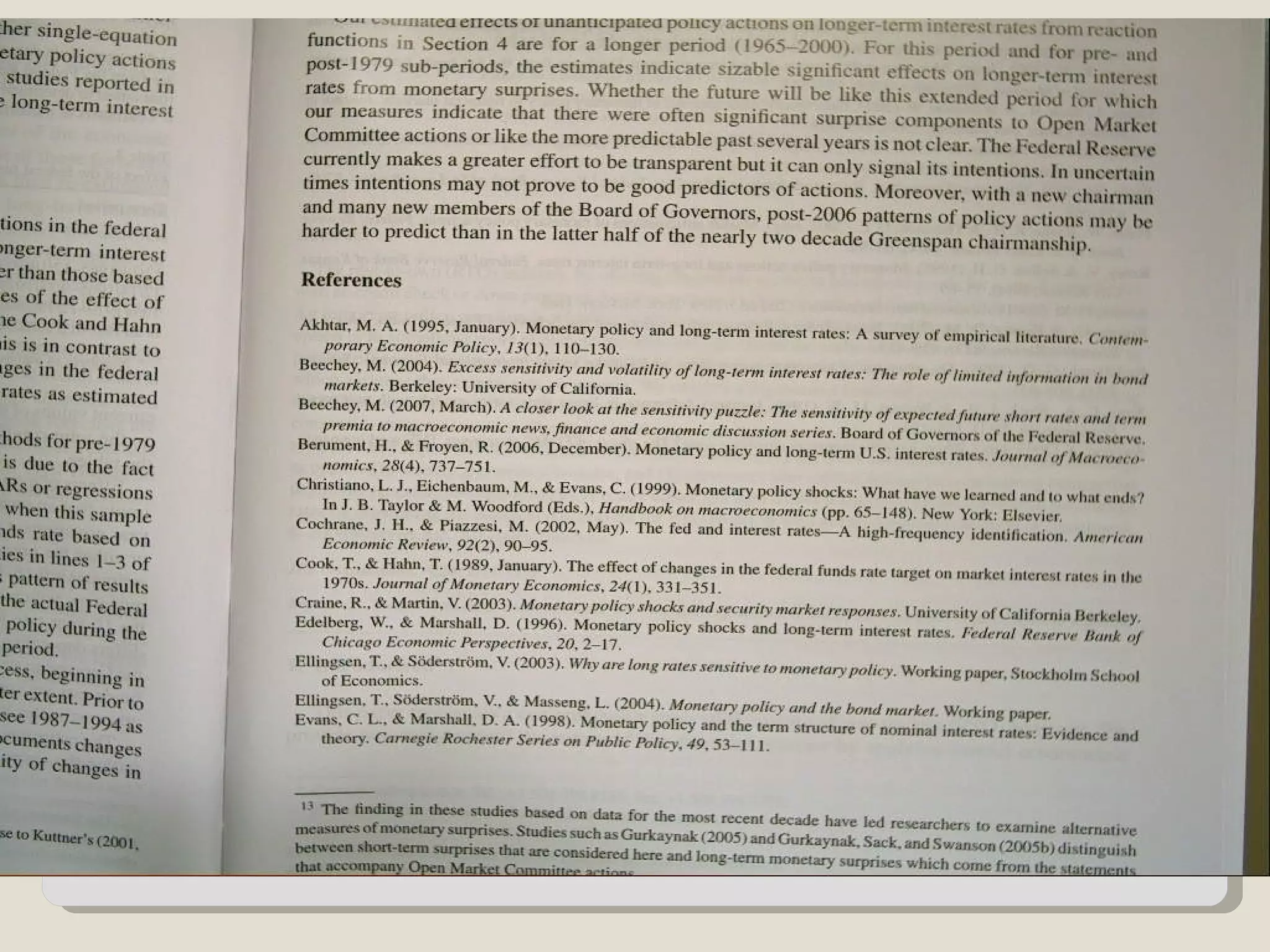
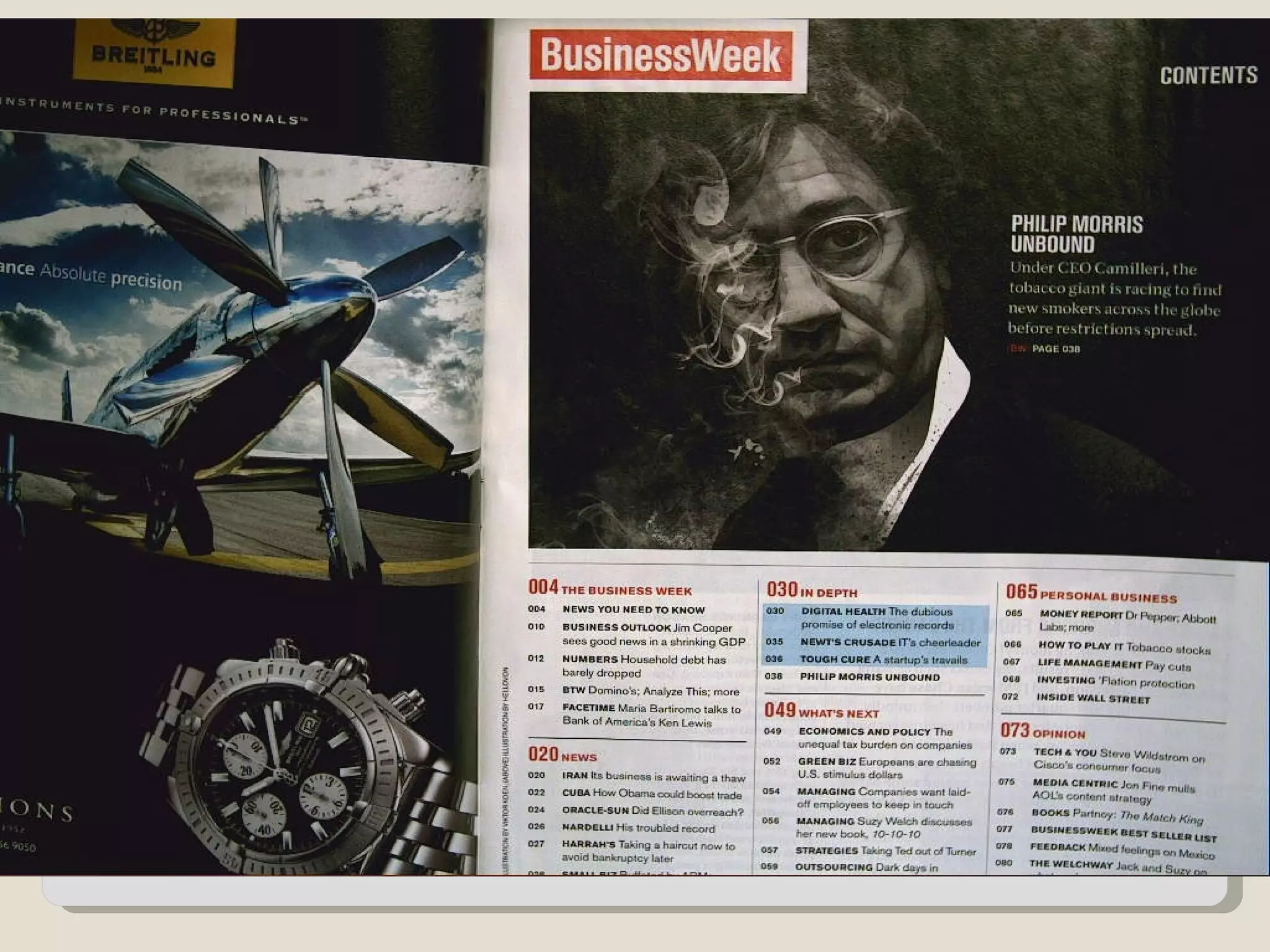
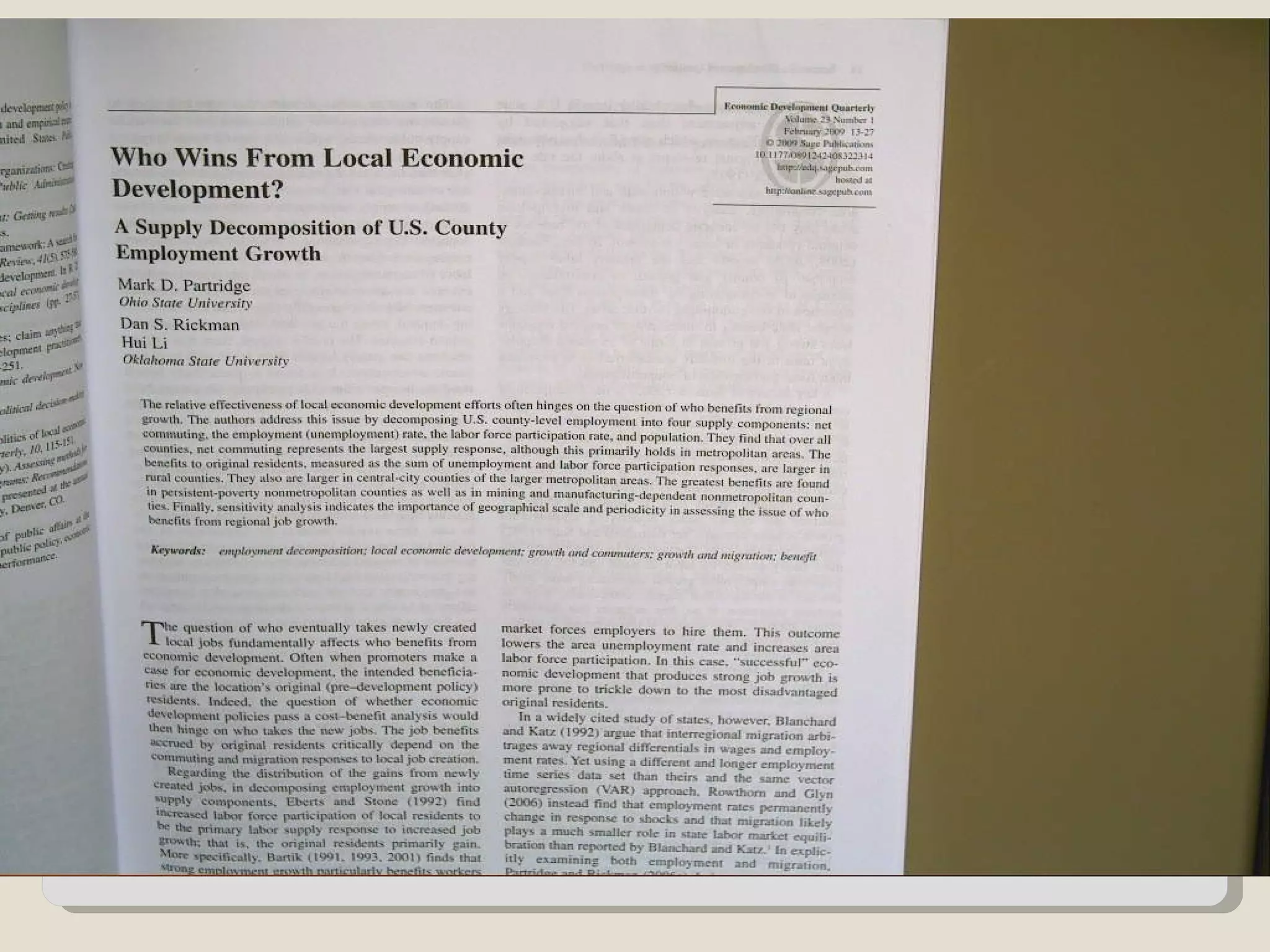
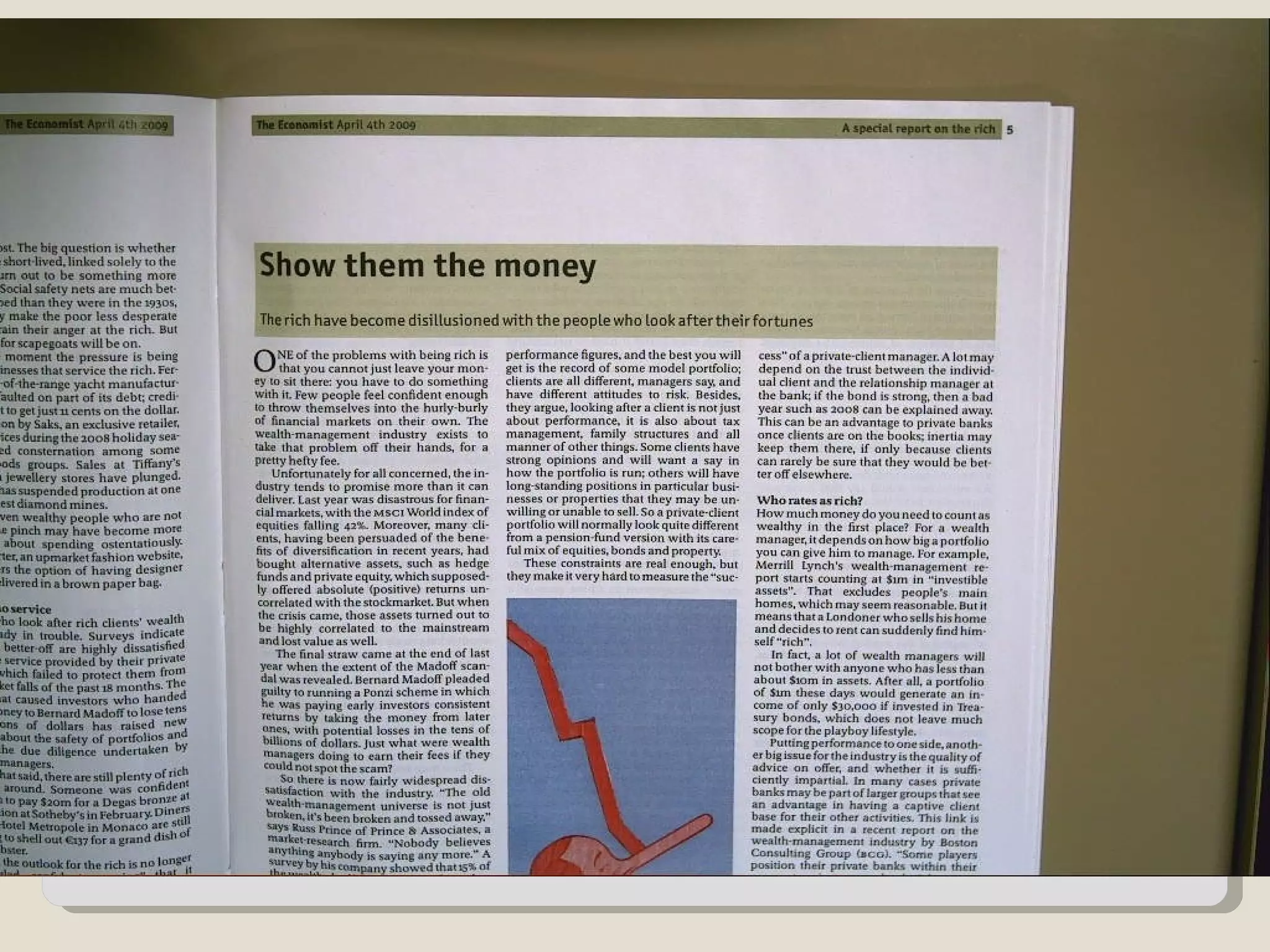
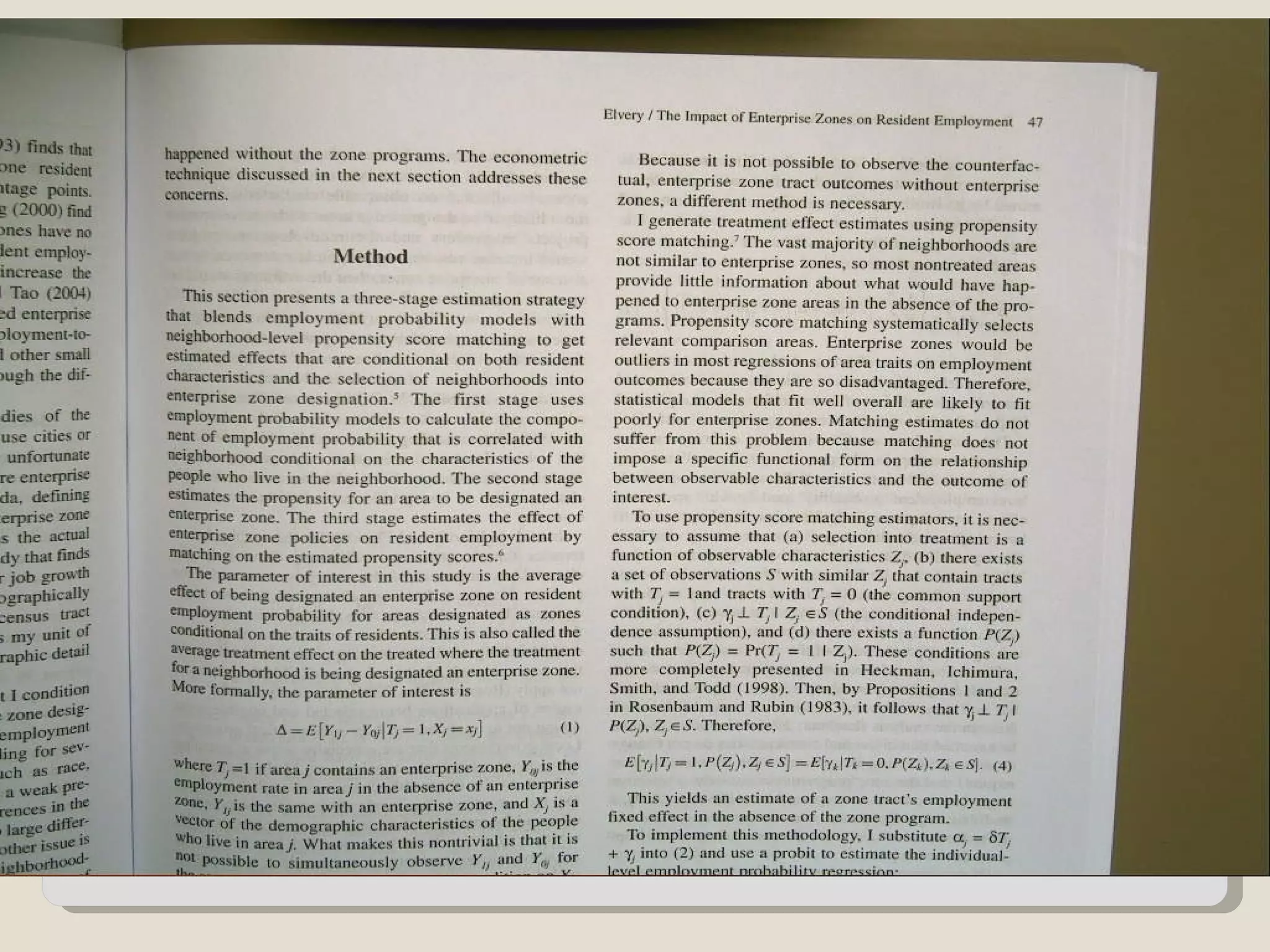
Management 3090

   Familiarize students with differences
    between trade/scholarly
   Promote in-class participation
   Stimulate group interaction


Use in the classroom
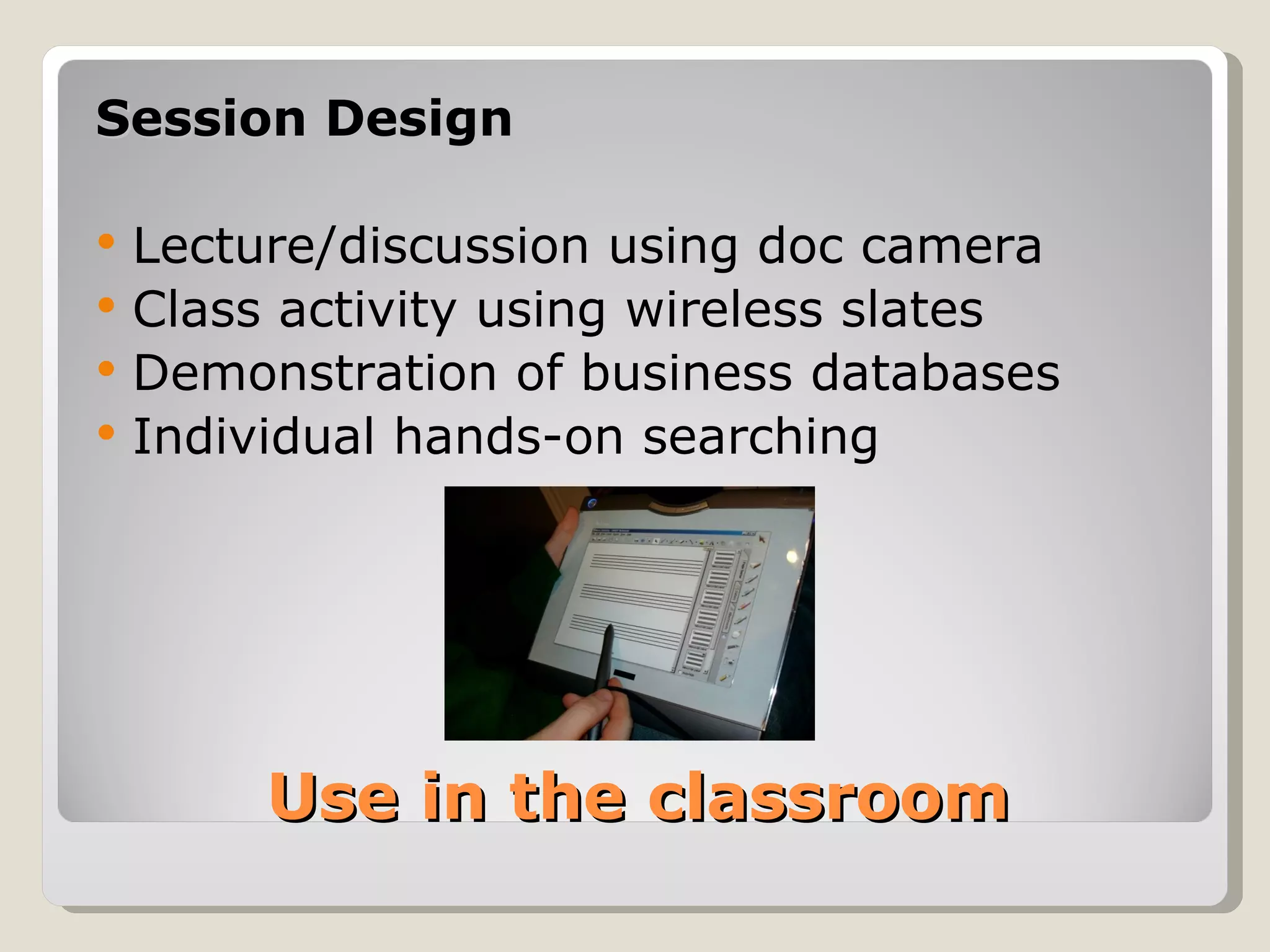
Session Design

   Lecture/discussion using doc camera
   Class activity using wireless slates
   Demonstration of business databases
   Individual hands-on searching


         Use in the classroom
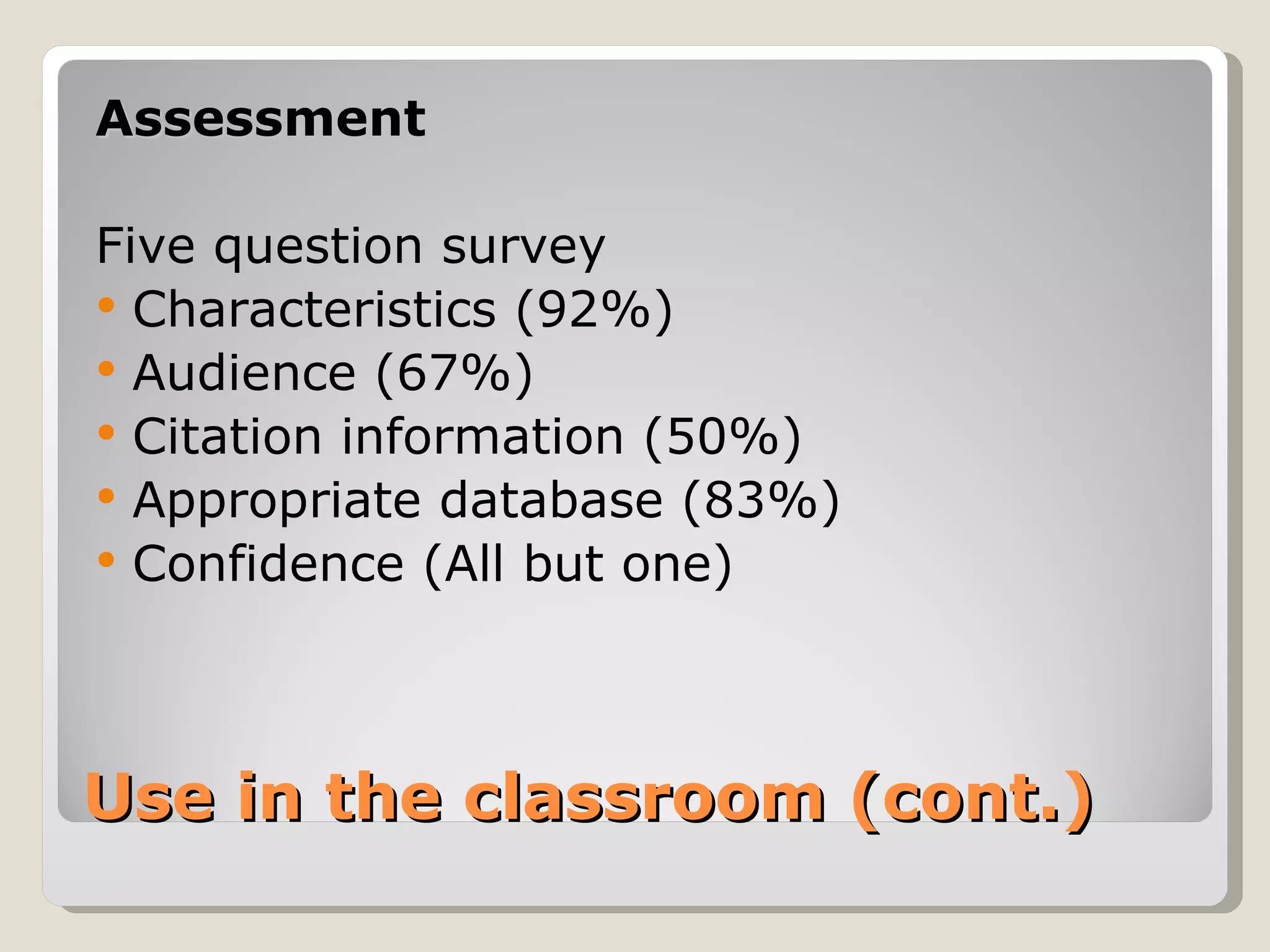
Assessment

Five question survey
 Characteristics (92%)
 Audience (67%)
 Citation information (50%)
 Appropriate database (83%)
 Confidence (All but one)


Use in the classroom (cont.)
Questions about…

Active learning?
Technologies?


Thank you!

 Instructional Design for the Active: Employing Interactive Technologies and Active Learning Exercises to Enhance Library Instruction

  • 1.
    Instructional Design forthe Active: Employing interactive technologies and active learning exercises to enhance library instruction Anthony Holderied Instructional Services Librarian The University of North Carolina at Pembroke
  • 2.
    Student Response Systems (Clickers)  Interactive Whiteboards (SMARTboard)  Wireless Slates/Document Cameras Interactive Technologies
  • 3.
    Active Learning is a pedagogical approach derived from Constructivism  Can be referred to as problem-based learning, experiential learning, discovery learning, or cooperative learning  Emphasis on students’ involvement in their own learning process (learner centered)  Accommodates a variety of learning styles What is Active Learning?
  • 4.
    Popularized by Bonwelland Eison (1991) AL strategies share common characteristics: 5. Move beyond passive learning (multi-direction) 6. More emphasis placed on development of skill 7. Higher order thinking – Analyzing, Synthesizing, and Evaluation 8. Students are involved in activities like reading, discussion, writing, and hands-on 9. Exploration of affective learning Characteristics of Active Learning
  • 5.
    What about clickers? Alsoreferred to as…  Student Response System  Audience Response System  Personal Response System
  • 6.
    3 Key ActiveLearning Characteristics  Actively engage students during the entire class period (anonymous participation)  Gauge level of understanding for the content being presented  Provide prompt feedback to student responses and questions Active learning with clickers
  • 7.
    ENG 1060 ResearchExperiment  Aimed to determine any increase in learning outcomes  Seven classes using clickers vs. eight classes using traditional teaching methods  Learning outcomes gauged by pre-test/post-test  Affective learning outcomes via open-ended/likert  Results showed differences in both cognitive and affective learning Clickers in our classroom…
  • 8.
    Learning Objectives ACRL InformationLiteracy Standards: -1.2.b, 1.2.d -2.1.d, 2.2.b, 2.2.d, 2.4.c, 2.5 -3.7, 3.7.a, 3.7.b, 3.7.c Which essentially means… Clickers in our classroom…
  • 9.
    Learning Objectives (cont.) We wanted our students to be able to:  Create effective search strategies  Use basic database functions  Properly identify citations  Revise searches (narrow,broaden)  Manage extracted information Clickers in our classroom…
  • 10.
    Session Design c Paper-based pre-test t Question relating to background/experience g Keywords, Boolean Operators, Truncation n Organization of academic information (choose databases) a Question relating to item 3/discuss g Database search demonstration (10 min.) d Parts of a citation i Question relating to item 6/discuss g Managing citations n Paper-based post-test Clickers in our classroom…
  • 11.
    Test Results Traditional (117) Clicker (117) Pre-test Score 63.33 mean 67.26 mean Post-test Score 77.94 mean 85.89 mean Differential 14.61 mean 18.63 mean Overall 4.02 mean Results of Pre-test/Post-test
  • 12.
    Test Results Traditional (117) Clickers (117) How much did you enjoy today’s session? 3.62 mean 3.79 mean How engaged did you feel during today’s session? 3.68 mean 3.82 mean Did you prefer using clickers over traditional classroom 4.15 mean lecture? Have you used clickers in class at UNCP before? Yes = 37, No = 80 Not at all = 1 Very much so = 5 Affective Learning Questions
  • 13.
    Compilation from threeseparate sources: 3.Keep slides short for easier legibility 4.Keep number of answer options to five 5.Do not make questions overly complex 6.Keep response options simple 7.Allow sufficient time for answering 8.Allow time for discussion between ?’s 9.Encourage active discussion w/ students 10.Save questions for key points 11.Position questions through periodic intervals Best practices using clickers
  • 14.
    Compilation from threeseparate sources: 3.Include an ‘answer now’ prompt on slides 4.Use a ‘correct answer’ indicator 5.Use a countdown timer 6.Test the system in a proposed location 7.Allow time to get set up 8.Rehearse presentation to avoid snags 9.Provide clear instructions to the audience 10.Do not ‘overuse’ clicker system Best practices (cont.)
  • 15.
    Good clicker questionsshould:  Address a specific learning goal, skill, or reinforce a specific belief about learning  Assess students background, knowledge or beliefs  Make students aware of others’ views  Locate misconceptions and confusion  Distinguish between related ideas  Show connections between ideas  Explore or apply ideas in a new context Good clicker questions
  • 16.
    What works best: Session design must be planned out thoroughly  Technology issues WILL ARISE (just be prepared)  Give brief instruction on use of clickers  Questions should address key concepts (boolean) Final impression of clickers
  • 17.
    “An interactive whiteboardis a touch- sensitive screen that works in conjunction with a computer and a projector. The first interactive whiteboard was manufactured by SMART Technologies Inc. in 1991. “ What are Interactive Whiteboards?
  • 18.
    Observations:  Whiteboards appeal to both intrinsically and extrinsically motivated students  Many learning styles can be addressed (visual, kinesthetic, hearing-impaired, visually-impaired)  Increases retention – students are more focused on learning in the moment, and not note taking What the research says
  • 19.
    Manipulating text and images  Taking notes in digital ink  Viewing websites as a class  Creating digital lesson activities  Showing and editing notes over videos  Using built-in presentation tools  Showcase student presentation  Archive lessons with screen recording  Student-led teaching Active Learning Activities with Whiteboards…
  • 20.
    Primarily used with freshmen  Used to promote engagement and understanding of “The Five W’s” WHO, WHAT, WHERE, WHEN, WHY SMARTBoards in our classroom
  • 21.
    Who? http://web.mit.edu/humancostiraq/
  • 22.
  • 23.
    Where? http://www.martinlutherking.org/
  • 24.
  • 25.
    Students brainstorm Other uses… lists of keywords  Students demonstrate and annotate database searches  Students put citation parts in order  Record an instruction session on-screen for later viewing
  • 26.
    Raised overall enthusiasm for content  Promotes interaction and allows multi- directional communication  Allows students to participate in peer teaching  Can accomodate multiple learning styles  The existing research confirms whiteboards are a good gauge of measuring affective learning, but little evidence to support cognitive learning General Findings…
  • 27.
    Wireless Slates andDocument Cameras Finally…
  • 28.
    Management 3090  Familiarize students with differences between trade/scholarly  Promote in-class participation  Stimulate group interaction Use in the classroom
  • 29.
    Session Design  Lecture/discussion using doc camera  Class activity using wireless slates  Demonstration of business databases  Individual hands-on searching Use in the classroom
  • 38.
    Assessment Five question survey Characteristics (92%)  Audience (67%)  Citation information (50%)  Appropriate database (83%)  Confidence (All but one) Use in the classroom (cont.)
  • 39.