
Clickers at CPUTDaniela GachagoEducational Technology UnitFundani Centre for Higher Education Development
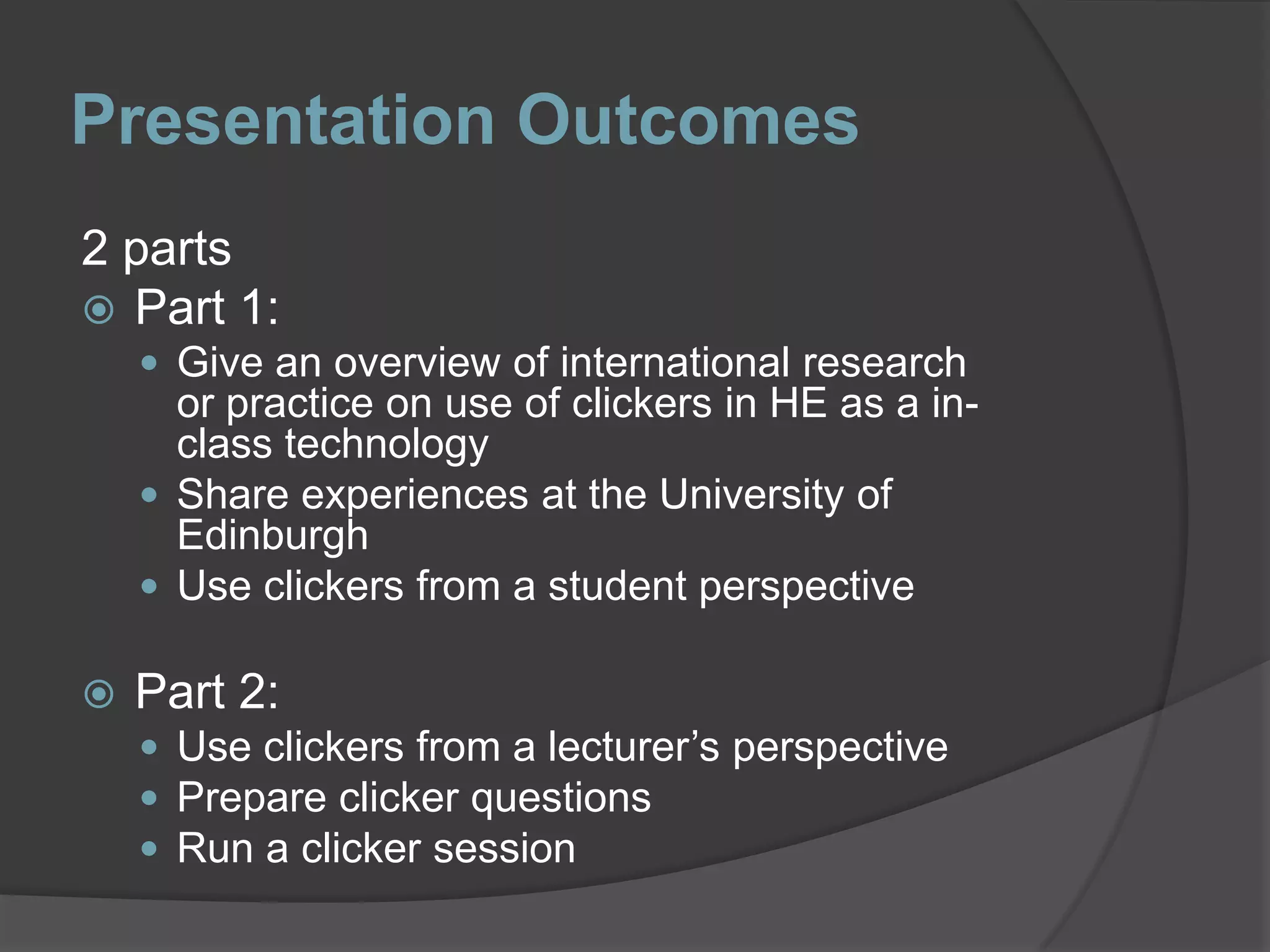
Presentation Outcomes2 partsPart 1:Give an overview of international research or practice on use of clickers in HE as a in-class technologyShare experiences at the University of EdinburghUse clickers from a student perspectivePart 2:Use clickers from a lecturer’s perspective Prepare clicker questionsRun a clicker session
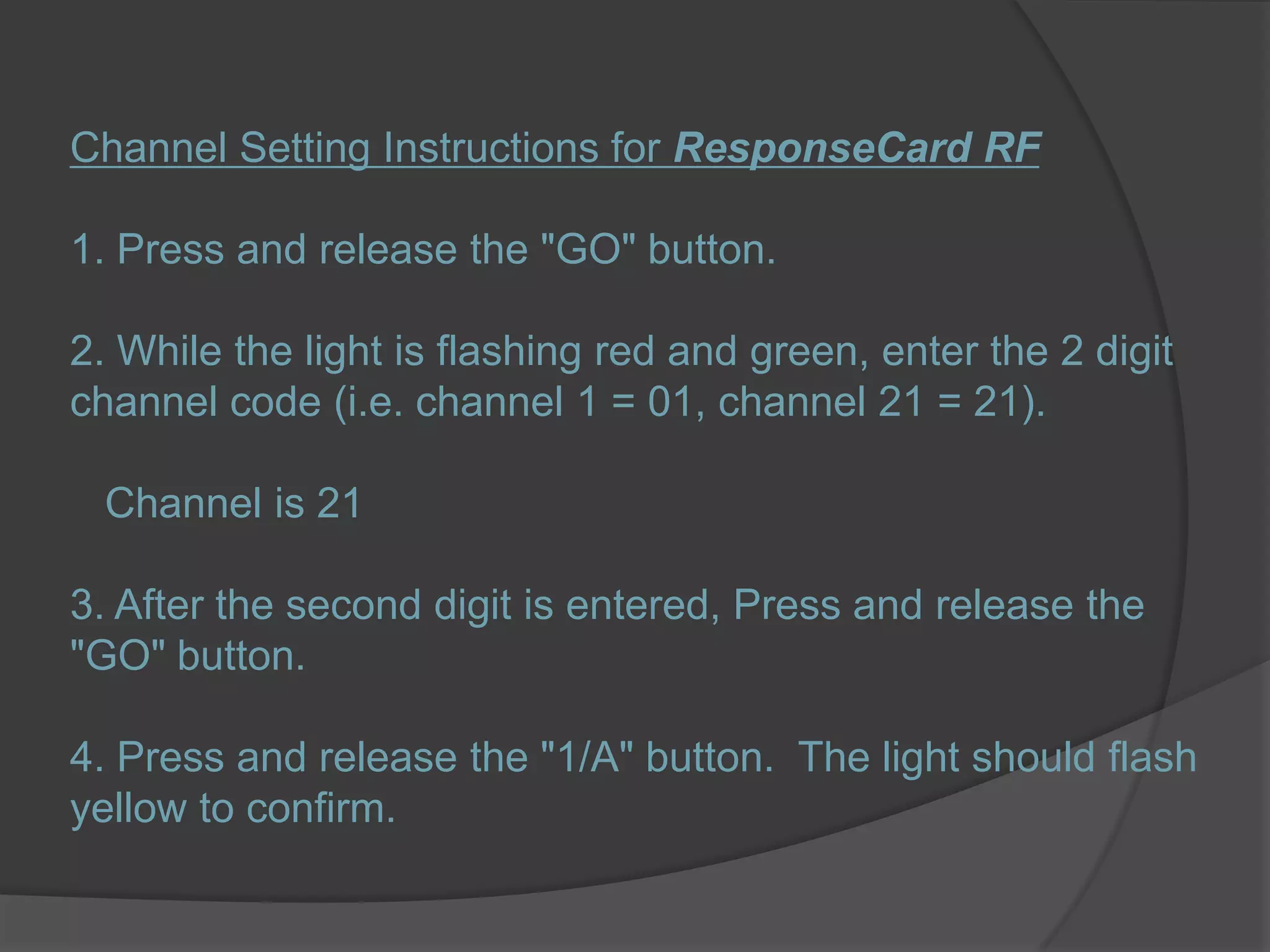
Channel Setting Instructions for ResponseCard RF1. Press and release the "GO" button.2. While the light is flashing red and green, enter the 2 digit channel code (i.e. channel 1 = 01, channel 21 = 21).   Channel is 213. After the second digit is entered, Press and release the "GO" button.4. Press and release the "1/A" button.  The light should flash yellow to confirm.
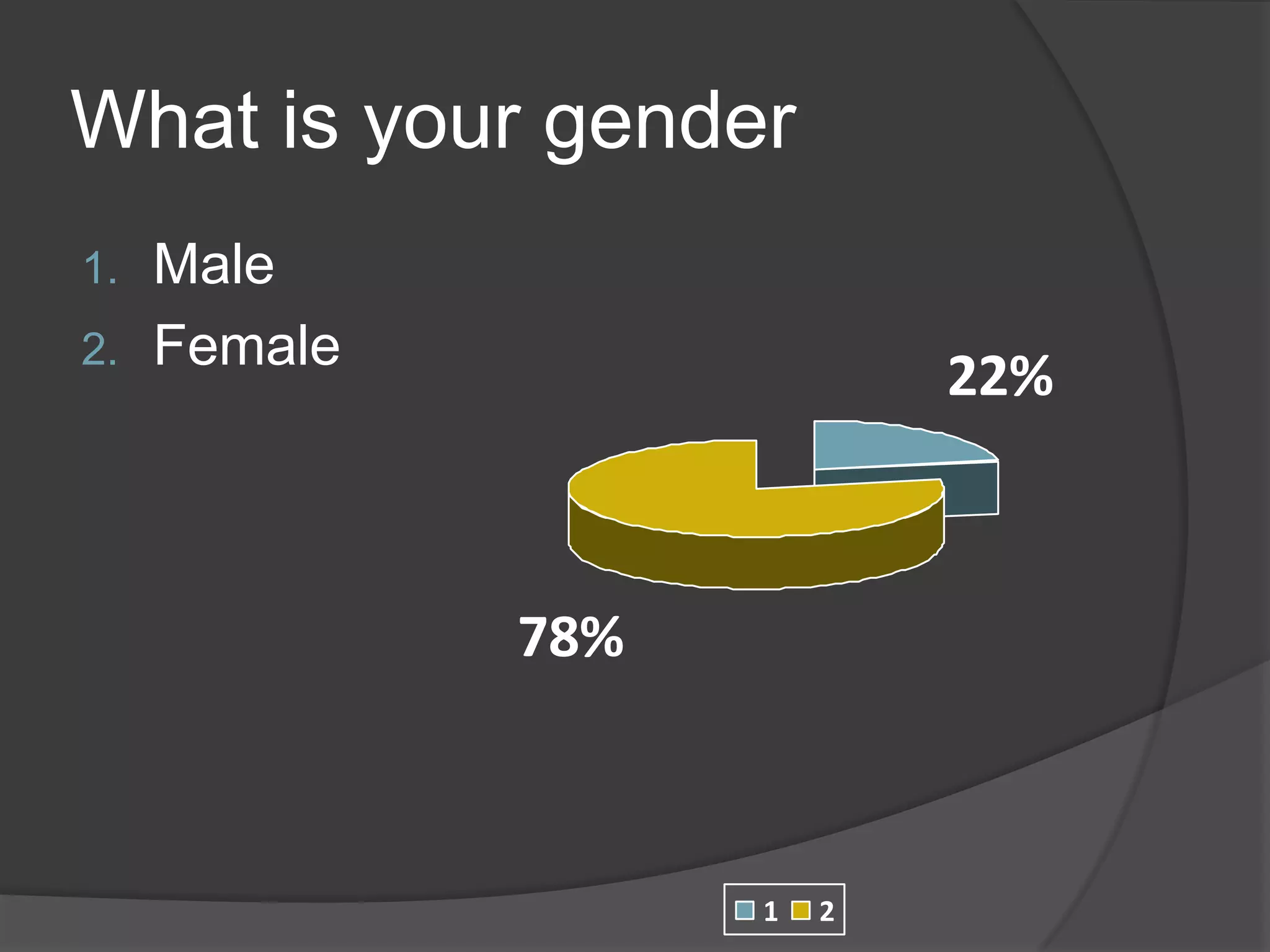
What is your genderMaleFemale9 of 25
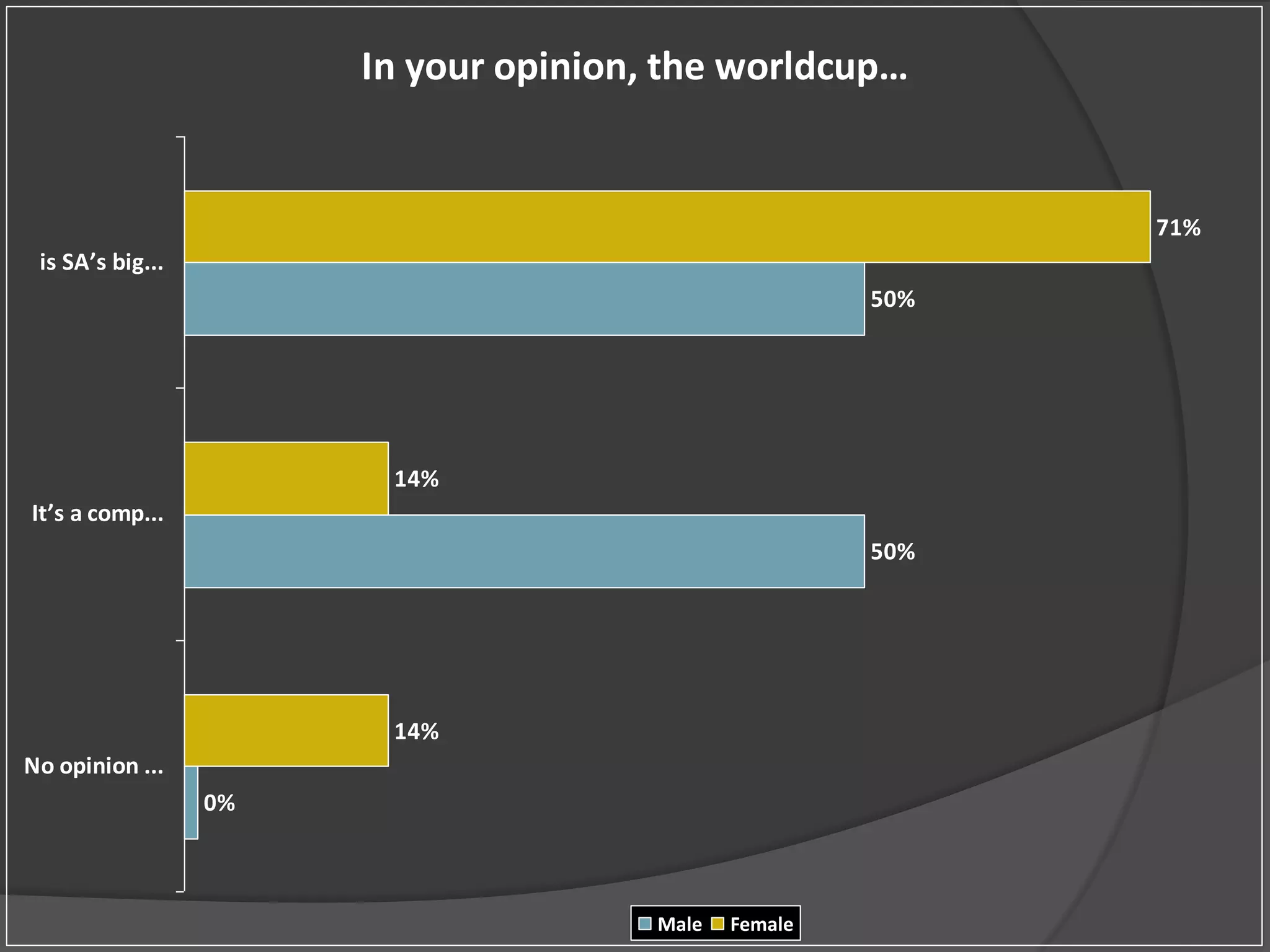
In your opinion, the worldcup…is SA’s biggest chance to improve it’s public image ever…It’s a complete waste of moneyNo opinion yet9 of 25
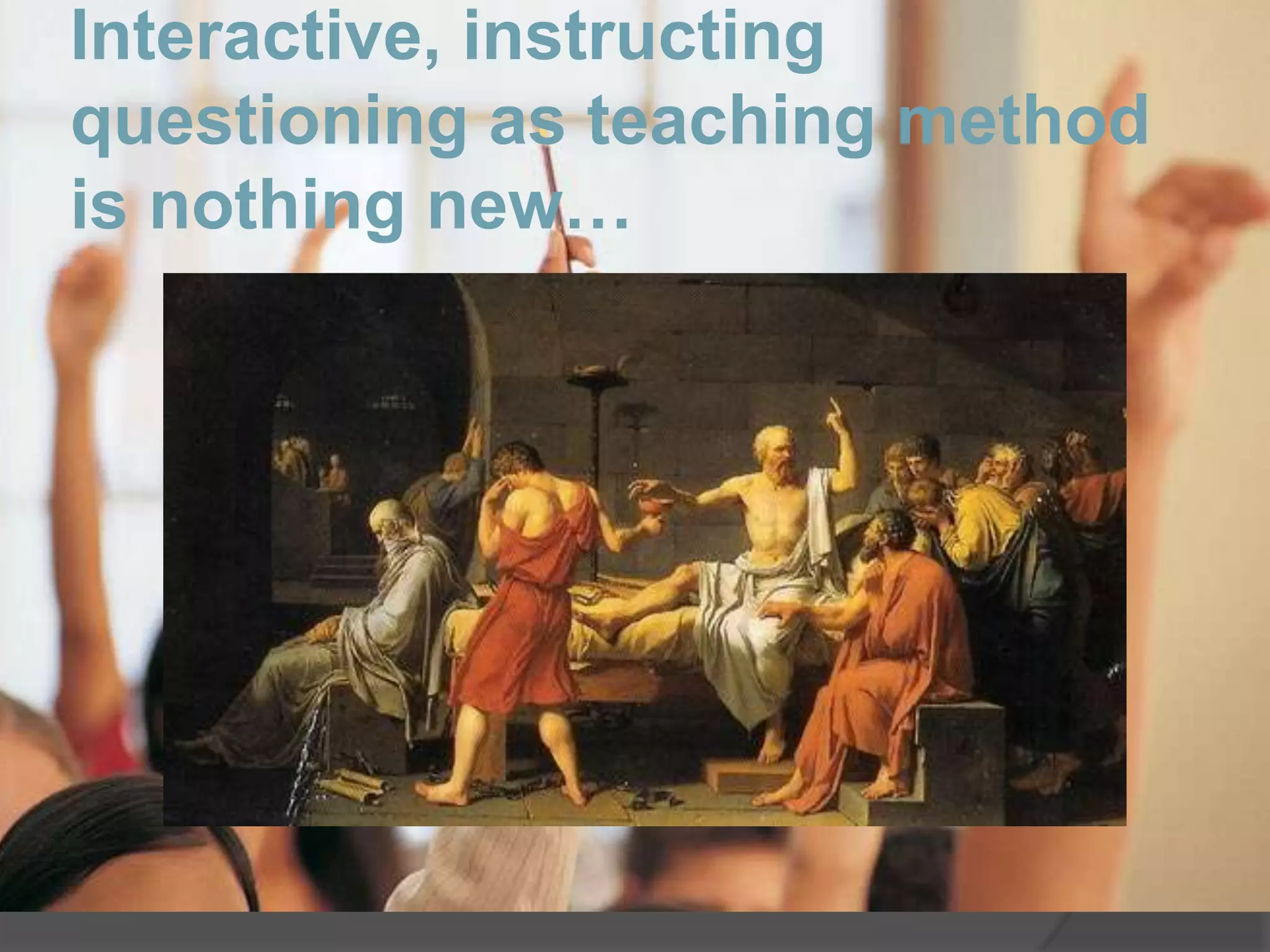
Interactive, instructing questioning as teaching method is nothing new…
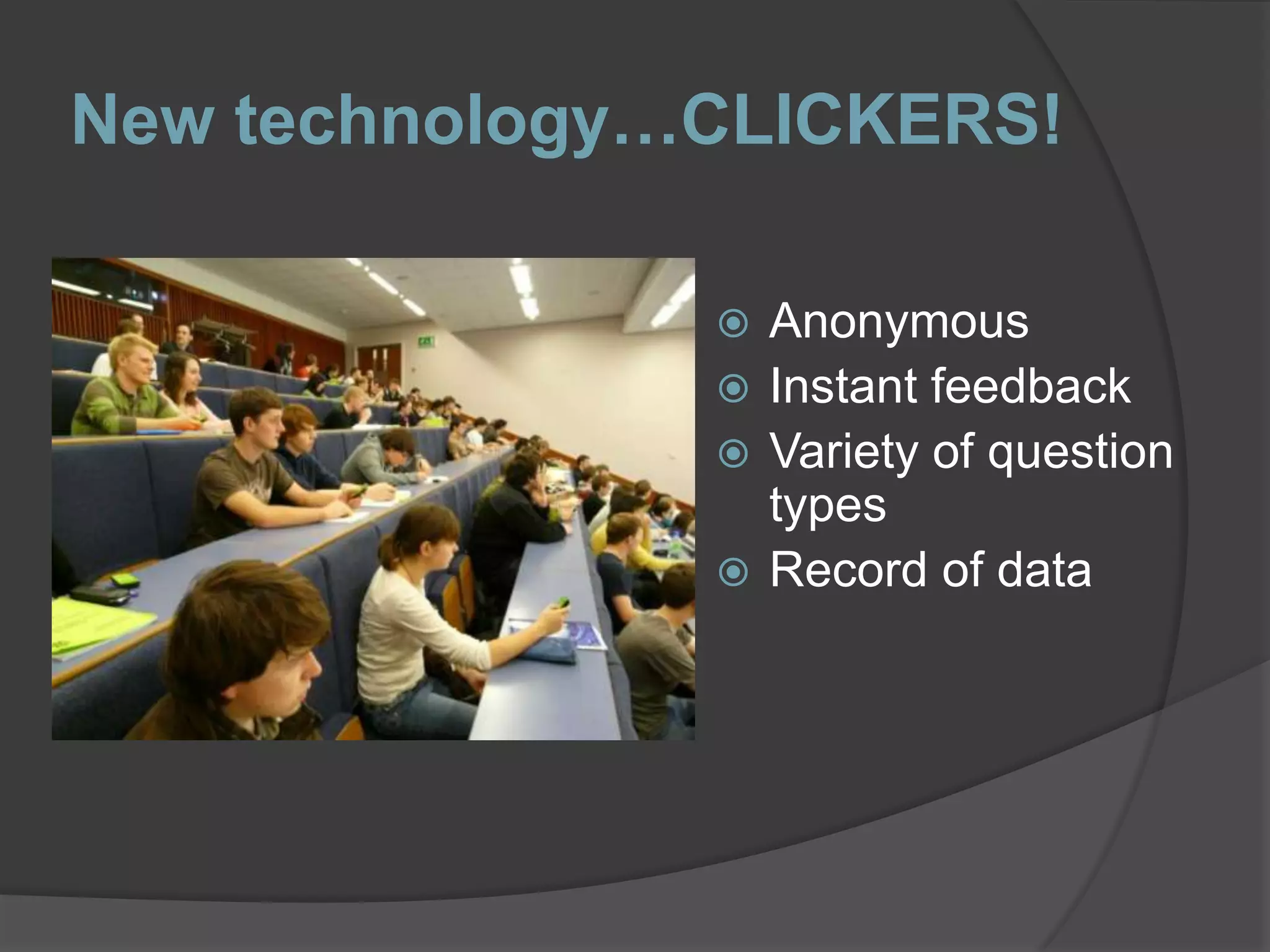
New technology…CLICKERS!AnonymousInstant feedbackVariety of question typesRecord of data
2 main papersSimpson V. & Oliver M. (2007).Electronic voting systems for lectures then and now: A comparison of research and practice. Australasian Journal of Educational Technology, 2007, 23(2), 187-208.Caldwell J. (2007). Clickers in the Large Classroom: Current Research and Best-Practice Tips. CBE—Life Sciences Education. Vol. 6, Spring 2007.
Assumptions*Content transmission is not the most effective way of learningStudents active engagement with ideas and applications support learningQuality feedback should be provided to studentsSimpson V. & Oliver M. (2007). Electronic voting systems for lectures then and now: A comparison of research and practice. Australasion Journal of Educational Technology 2007, 23(2), 187-208.
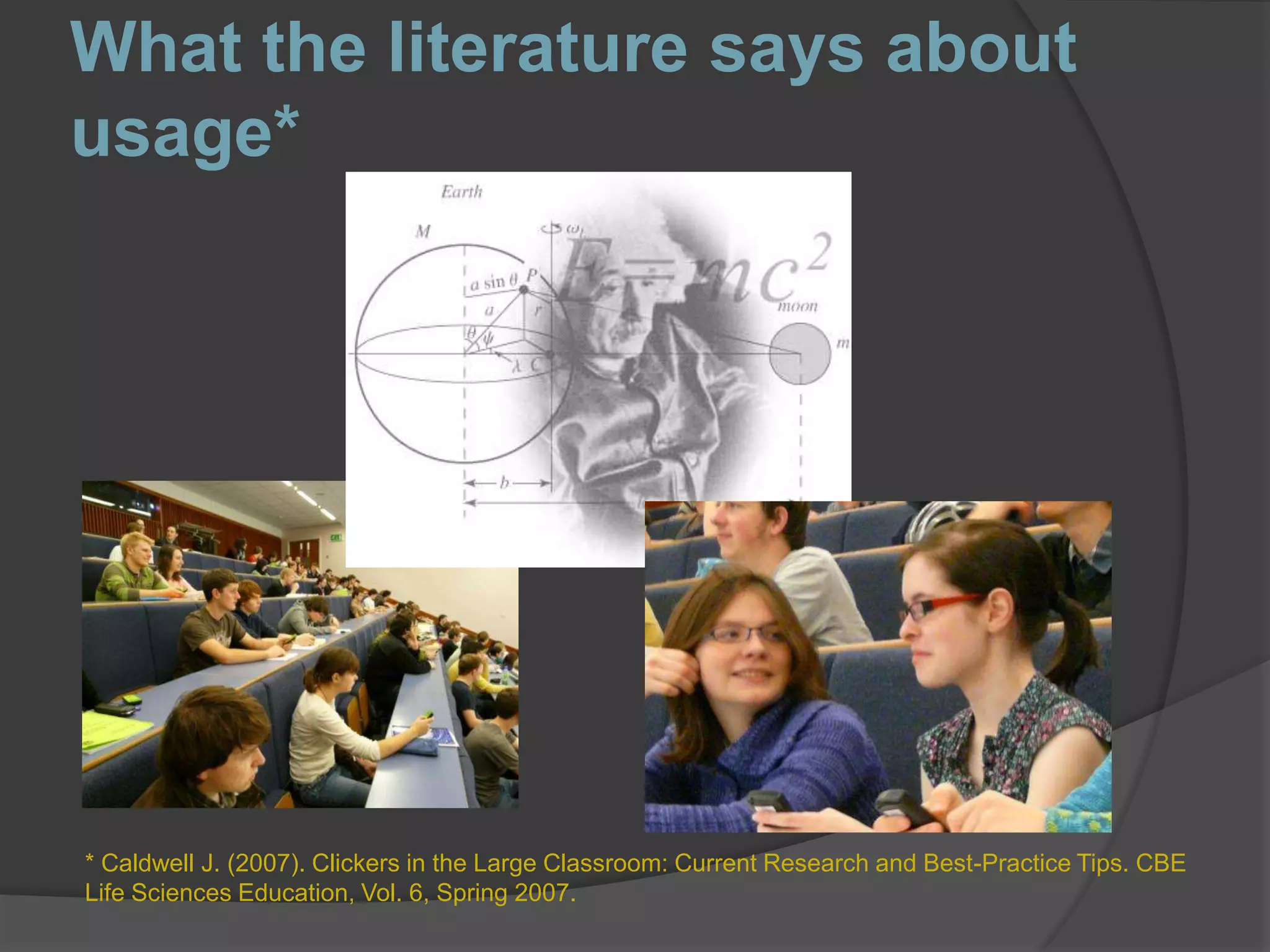
What the literature says about usage** Caldwell J. (2007). Clickers in the Large Classroom: Current Research and Best-Practice Tips. CBE Life Sciences Education, Vol. 6, Spring 2007.
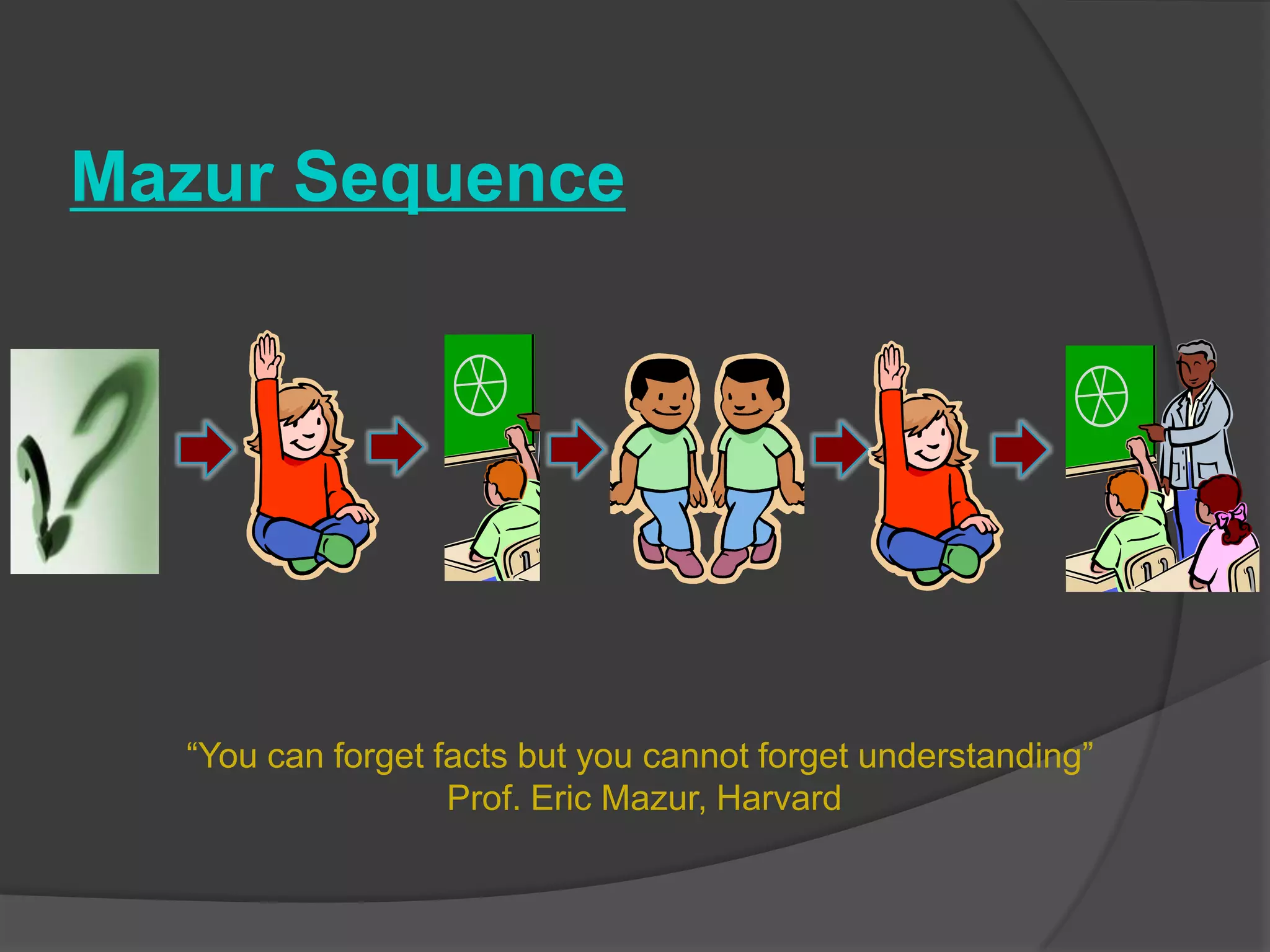
Some scenarios on how to use clickers…*An engineering instructor delivers a mini-lecture and then poses a conceptual question using clickers. She quickly scans the display of students’ answers and if she notices that a number of students are answering incorrectly, she asks them to discuss their answers with the classmate sitting next to them. Then students are given the chance to modify their answers based on what they have discussed. After students have clicked in their final answers, the instructor displays the results, and discusses them with the entire class.A physics instructor checks students’ comprehension of the material by posing questions at several points in every lecture, and asking students toclick in their answers. The system immediately displays a graphic representation of students’ answers to the instructor, who uses it to determine whether he should slow down, repeat information, clarify a concept, provide an alternative example, pick up the pace, etc.* Eberly Center for Teaching Excellence (n.d). What are clickers and how can we effectively use them?
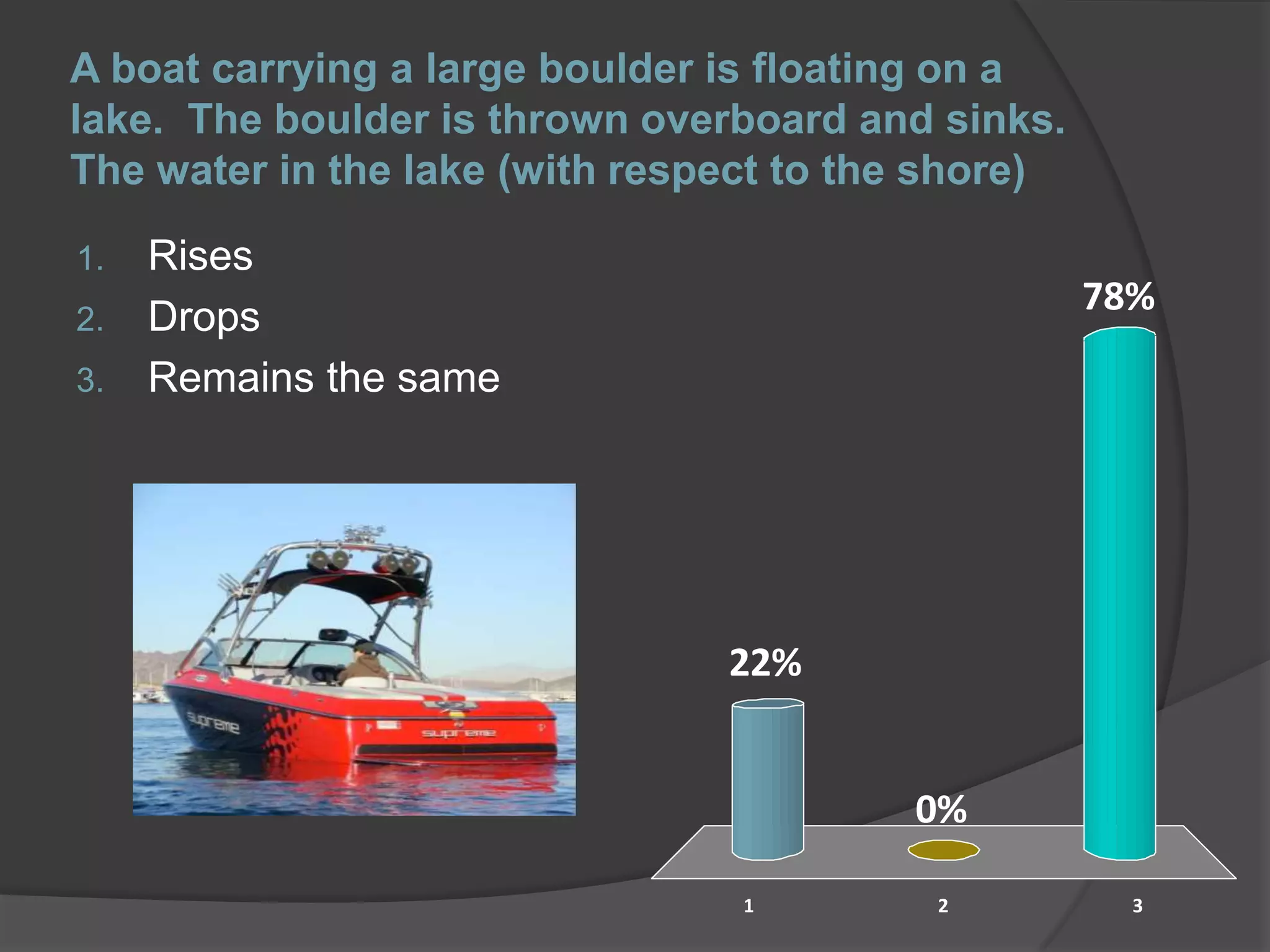
A boat carrying a large boulder is floating on a lake.  The boulder is thrown overboard and sinks.  The water in the lake (with respect to the shore)RisesDropsRemains the same9 of 25
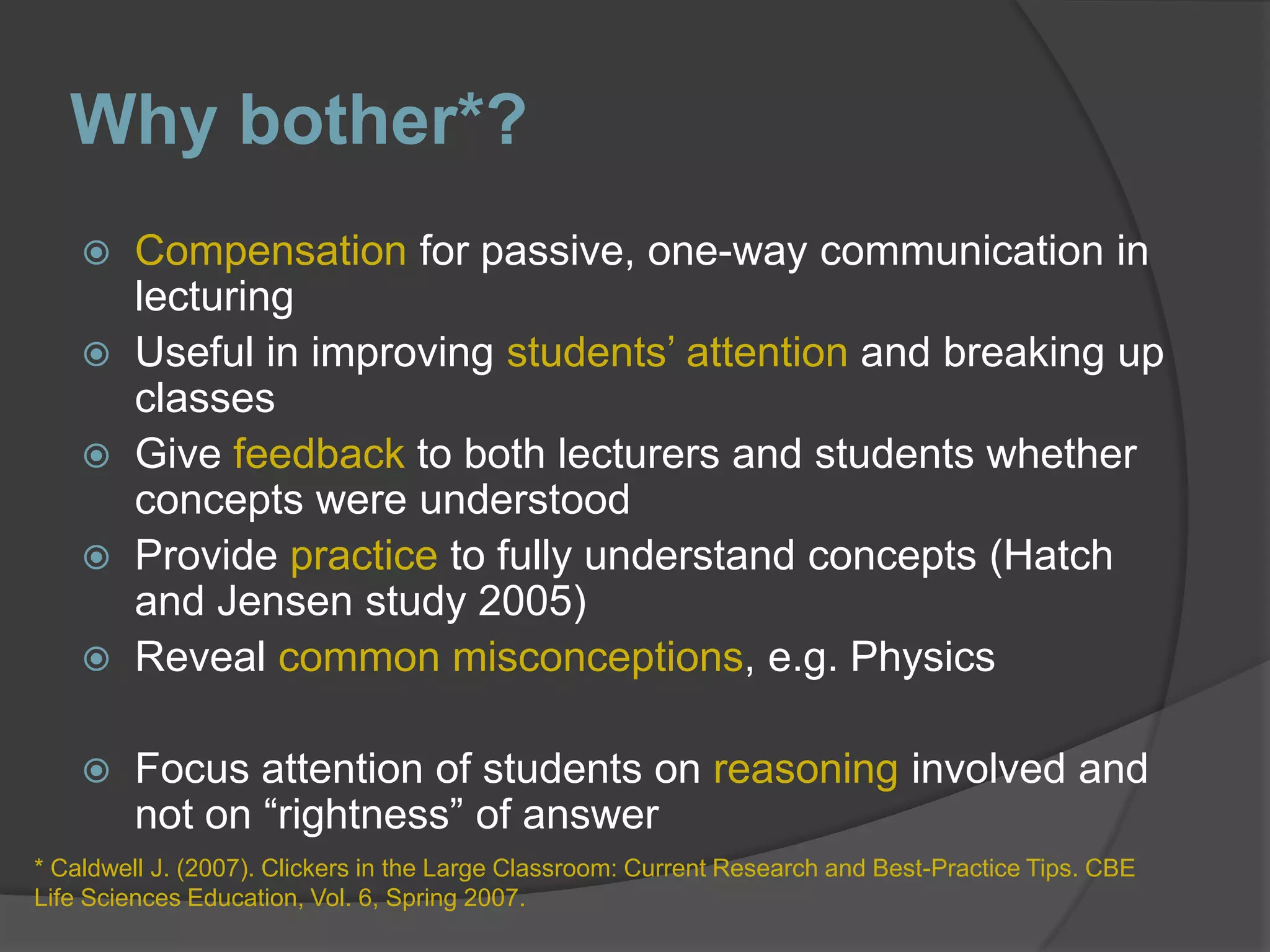
Why bother*?Compensation for passive, one-way communication in lecturingUseful in improving students’ attention and breaking up classesGive feedback to both lecturers and students whether concepts were understoodProvide practice to fully understand concepts (Hatch and Jensen study 2005)Reveal common misconceptions, e.g. PhysicsFocus attention of students on reasoning involved and not on “rightness” of answer* Caldwell J. (2007). Clickers in the Large Classroom: Current Research and Best-Practice Tips. CBE Life Sciences Education, Vol. 6, Spring 2007.
Steve Draper, University of Glasgow“Possibly the most productive application, however, and the one with the largest body of existing research, is in using the equipment to initiate a discussion.* ”* Draper S. (n.d.) Electronically enhanced classroom interaction. http://www.psy.gla.ac.uk/~steve/ilig/handsets.html
Mazur Sequence“You can forget facts but you cannot forget understanding” Prof. Eric Mazur, Harvard
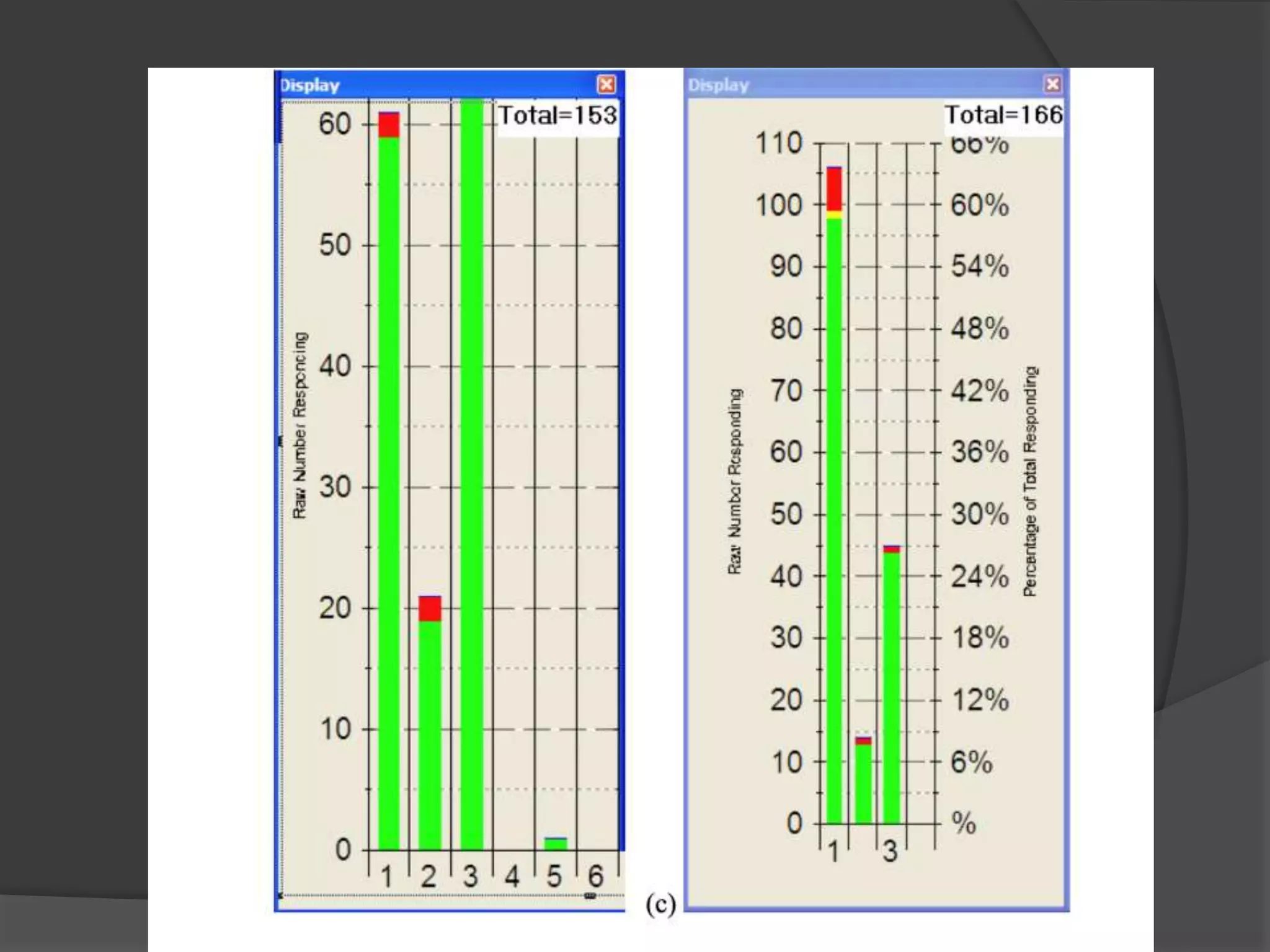
Enter question text...Answer 1Answer 2Answer 39 of 25
Students perceptionOverall trend in literature: most students like using clickersMore consistent when asked about enjoyments than helpfulnessMain benefit: instructor has improved awareness of students’ needs and teaching style is viewed as more “immediate”Features liked best: anonymity, potential to reinforce learning and possibility to compare your answer with rest of the classHowever: students are also critical “stop messing around with technology and get back to good basic teaching” (d’inverno, 2003)
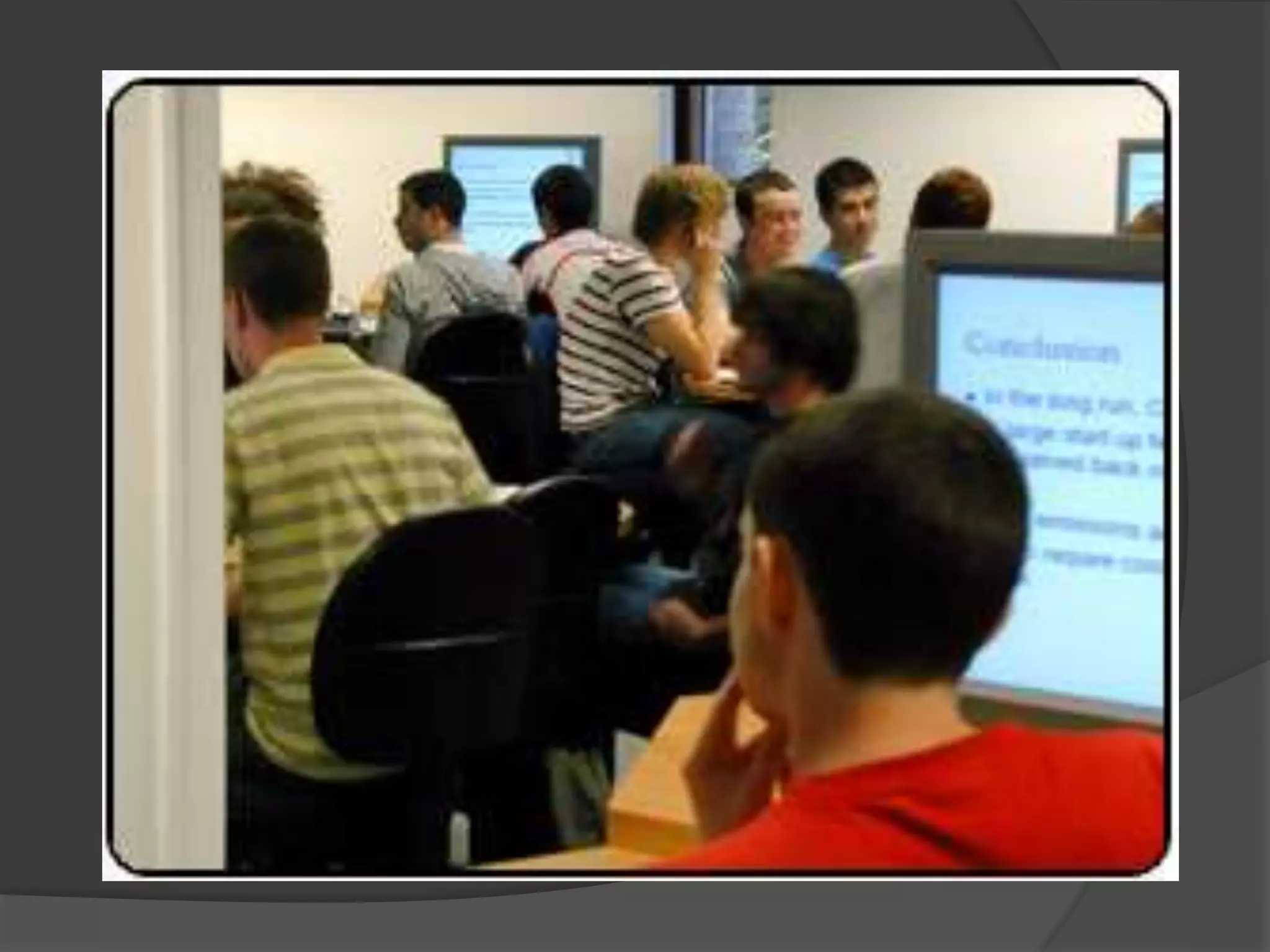
Potential: extensive change of teaching practiceTowards a more discursive, segmented, tutorial style approach (Nicol & Boyle 2003) Contingent teaching (Draper & Brown 2004)Re-design of physical teaching spaces which allow collaboration / debate between students
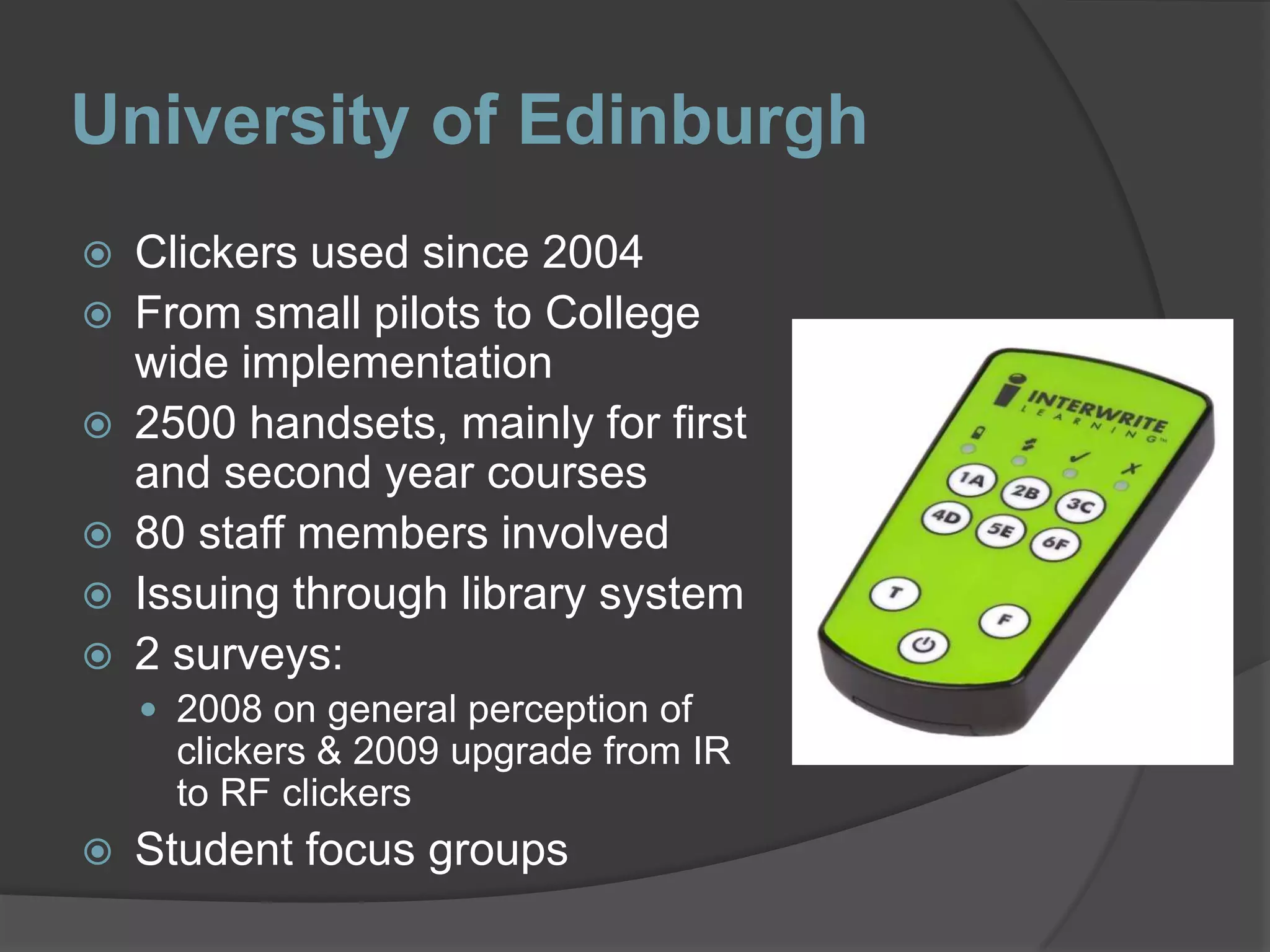
University of EdinburghClickers used since 2004From small pilots to College wide implementation2500 handsets, mainly for first and second year courses80 staff members involvedIssuing through library system2 surveys: 2008 on general perception of clickers & 2009 upgrade from IR to RF clickersStudent focus groups
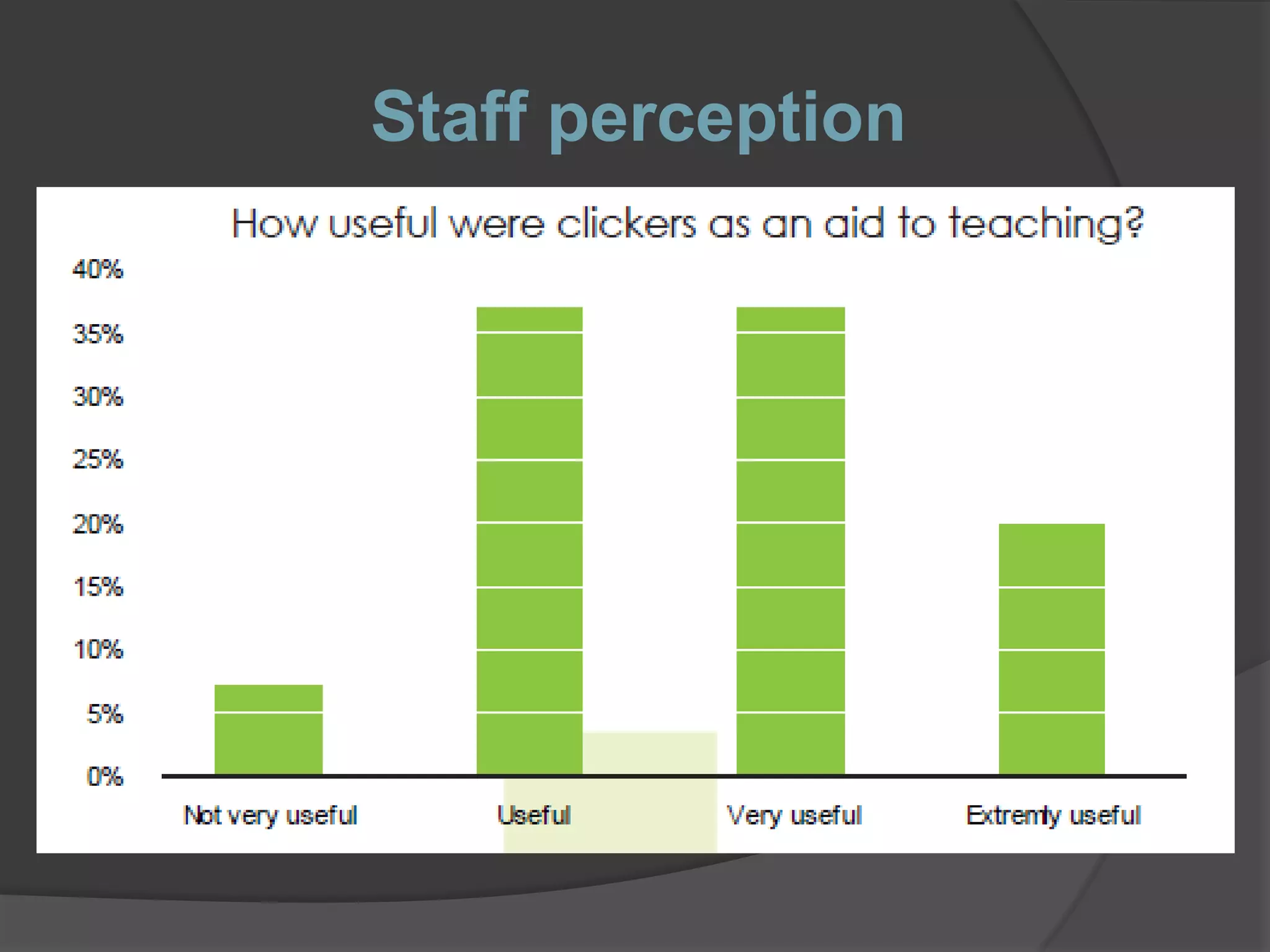
Staff perception
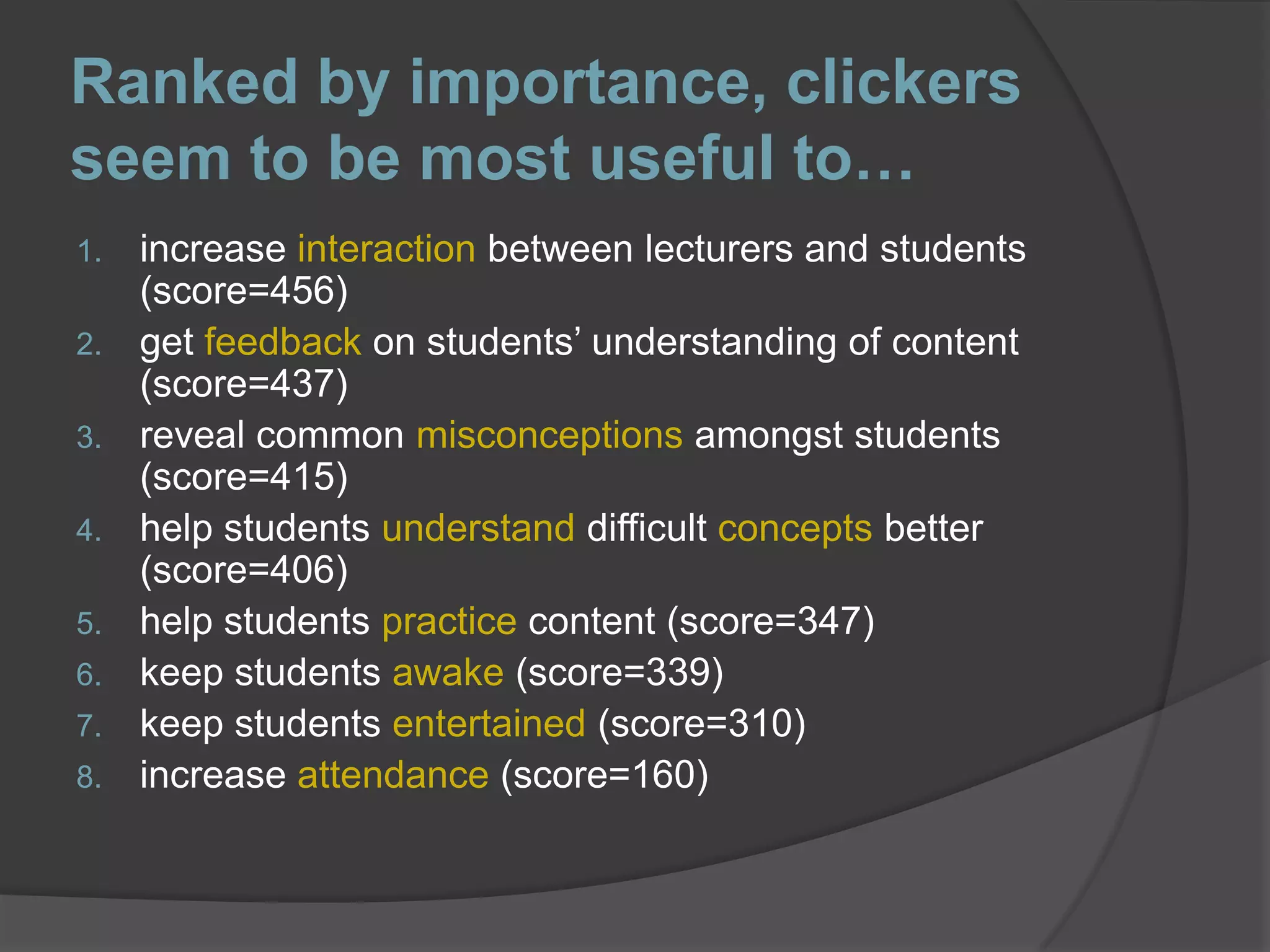
Ranked by importance, clickers seem to be most useful to…increase interaction between lecturers and students (score=456)get feedback on students’ understanding of content (score=437)reveal common misconceptions amongst students (score=415)help students understand difficult concepts better (score=406)help students practice content (score=347)keep students awake (score=339)keep students entertained (score=310)increase attendance (score=160)
UoE staff: Why do you like clickers?"They give me instant feedback on how well [students] have understood a concept I have just described. This gives me the opportunity to go over it again if required"."To let student know how well they are doing compared to rest of class"."I find them useful as they are a way to engage the students and have them actively participating in the class"."I found the clickers increased the student's enjoyment of the lectures"
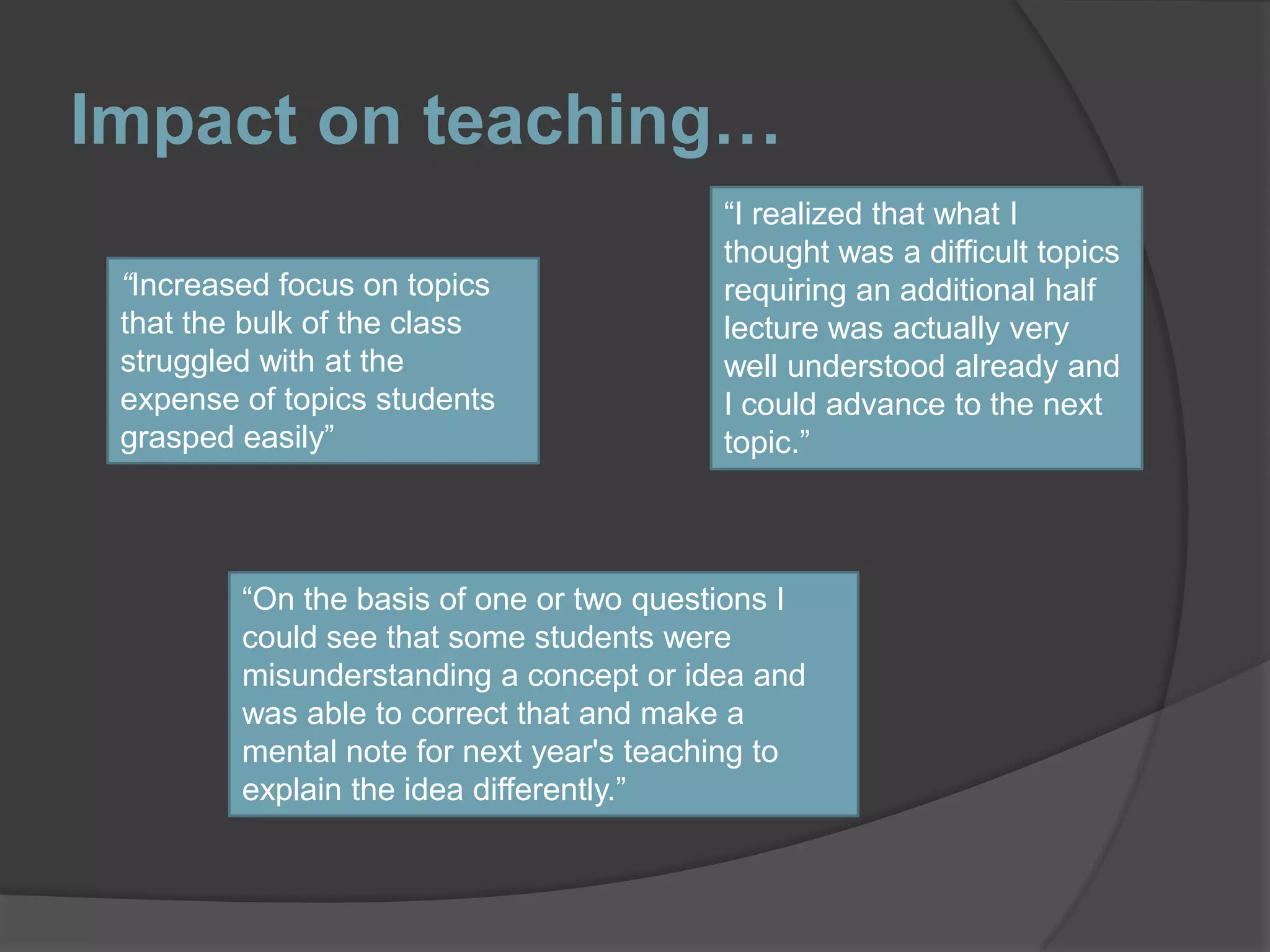
Impact on teaching…“I realized that what I thought was a difficult topics requiring an additional half lecture was actually very well understood already and I could advance to the next topic.” “Increased focus on topics that the bulk of the class struggled with at the expense of topics students grasped easily”“On the basis of one or two questions I could see that some students were misunderstanding a concept or idea and was able to correct that and make a mental note for next year's teaching to explain the idea differently.”
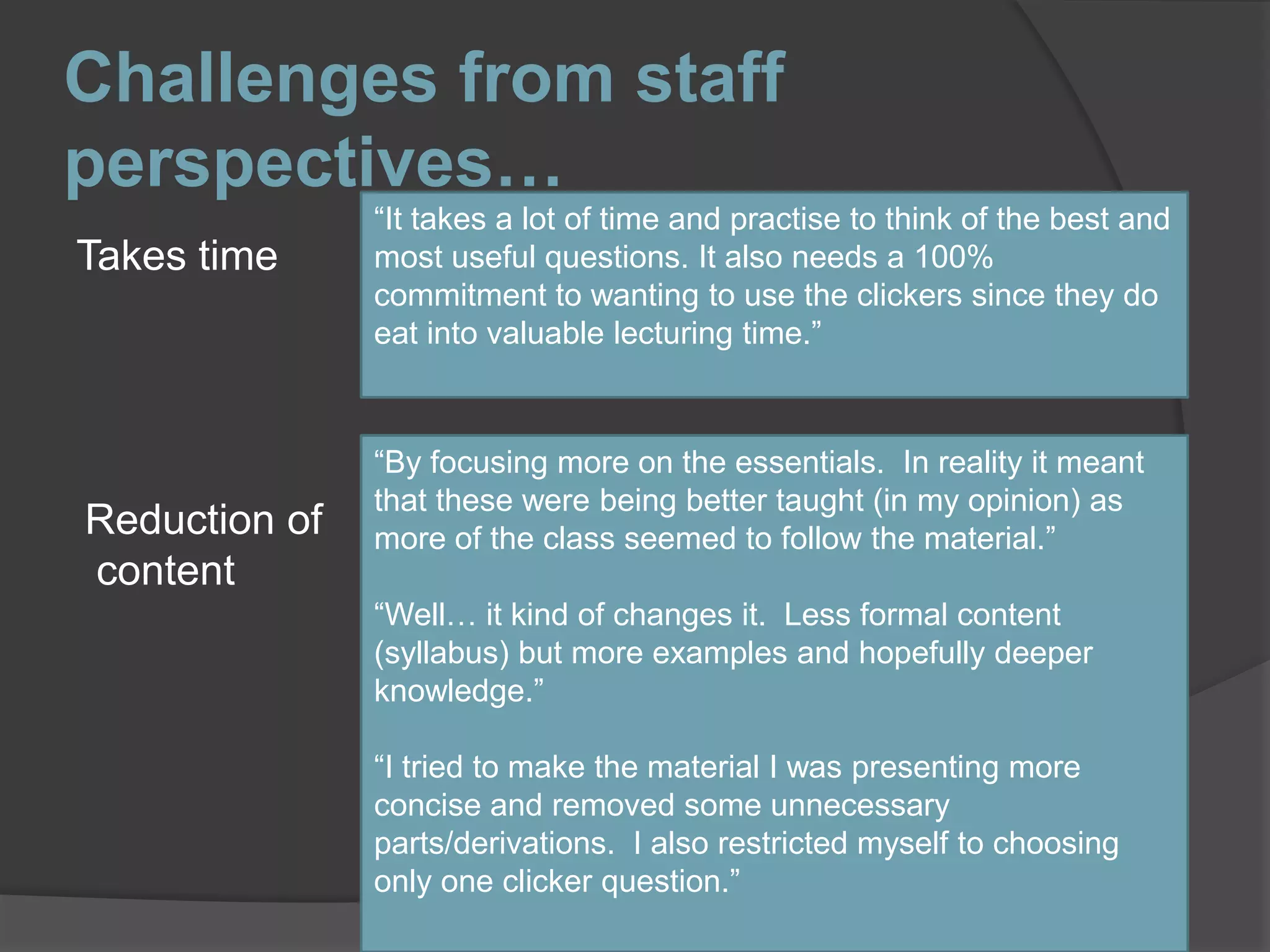
Challenges from staff perspectives…“It takes a lot of time and practise to think of the best and most useful questions. It also needs a 100% commitment to wanting to use the clickers since they do eat into valuable lecturing time.”Takes time“By focusing more on the essentials.  In reality it meant that these were being better taught (in my opinion) as more of the class seemed to follow the material.”“Well… it kind of changes it.  Less formal content (syllabus) but more examples and hopefully deeper knowledge.”“I tried to make the material I was presenting more concise and removed some unnecessary parts/derivations.  I also restricted myself to choosing only one clicker question.”Reduction of content
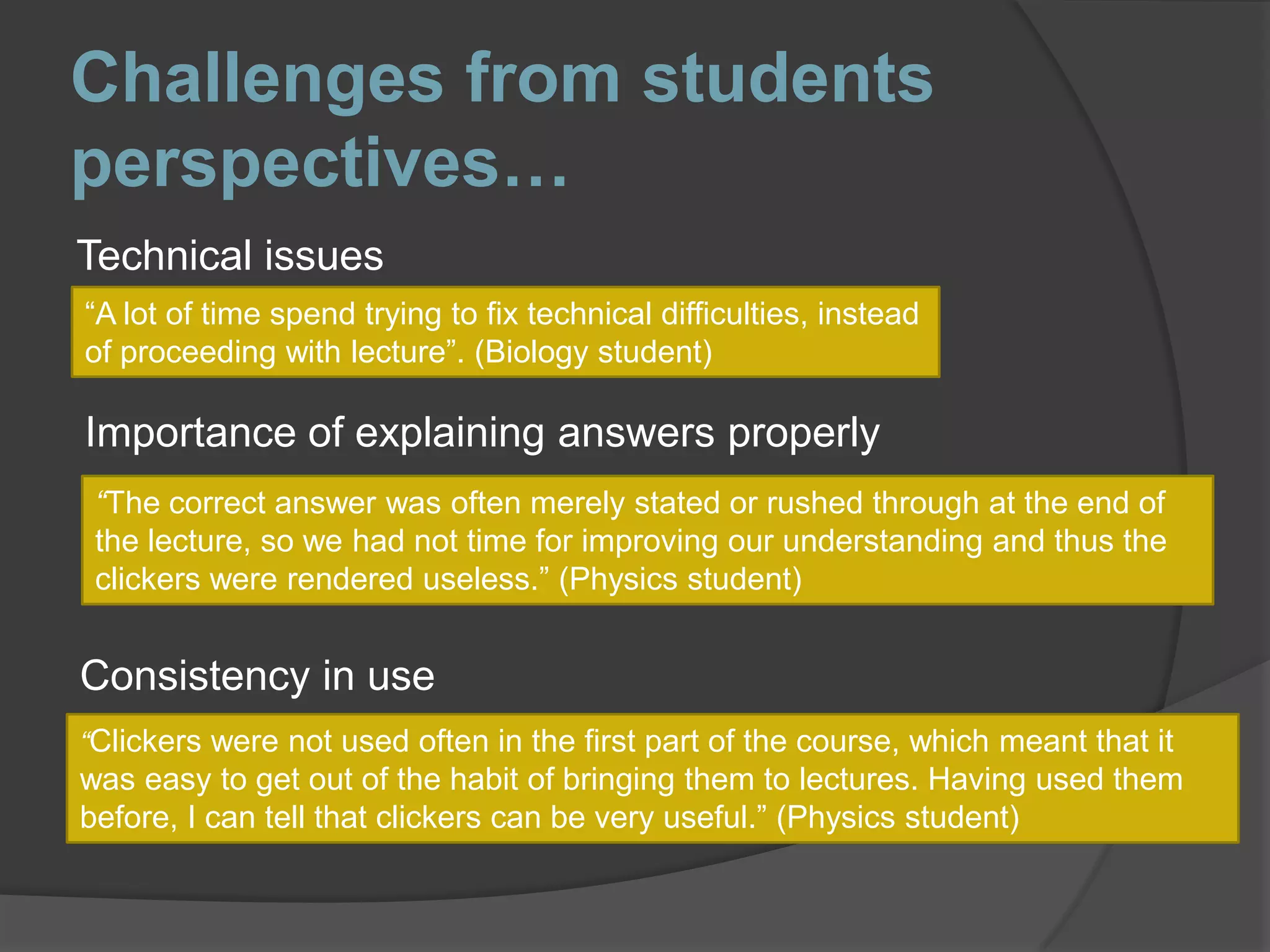
Challenges from students perspectives…Technical issues“A lot of time spend trying to fix technical difficulties, instead of proceeding with lecture”. (Biology student)Importance of explaining answers properly“The correct answer was often merely stated or rushed through at the end of the lecture, so we had not time for improving our understanding and thus the clickers were rendered useless.” (Physics student)Consistency in use“Clickers were not used often in the first part of the course, which meant that it was easy to get out of the habit of bringing them to lectures. Having used them before, I can tell that clickers can be very useful.” (Physics student)
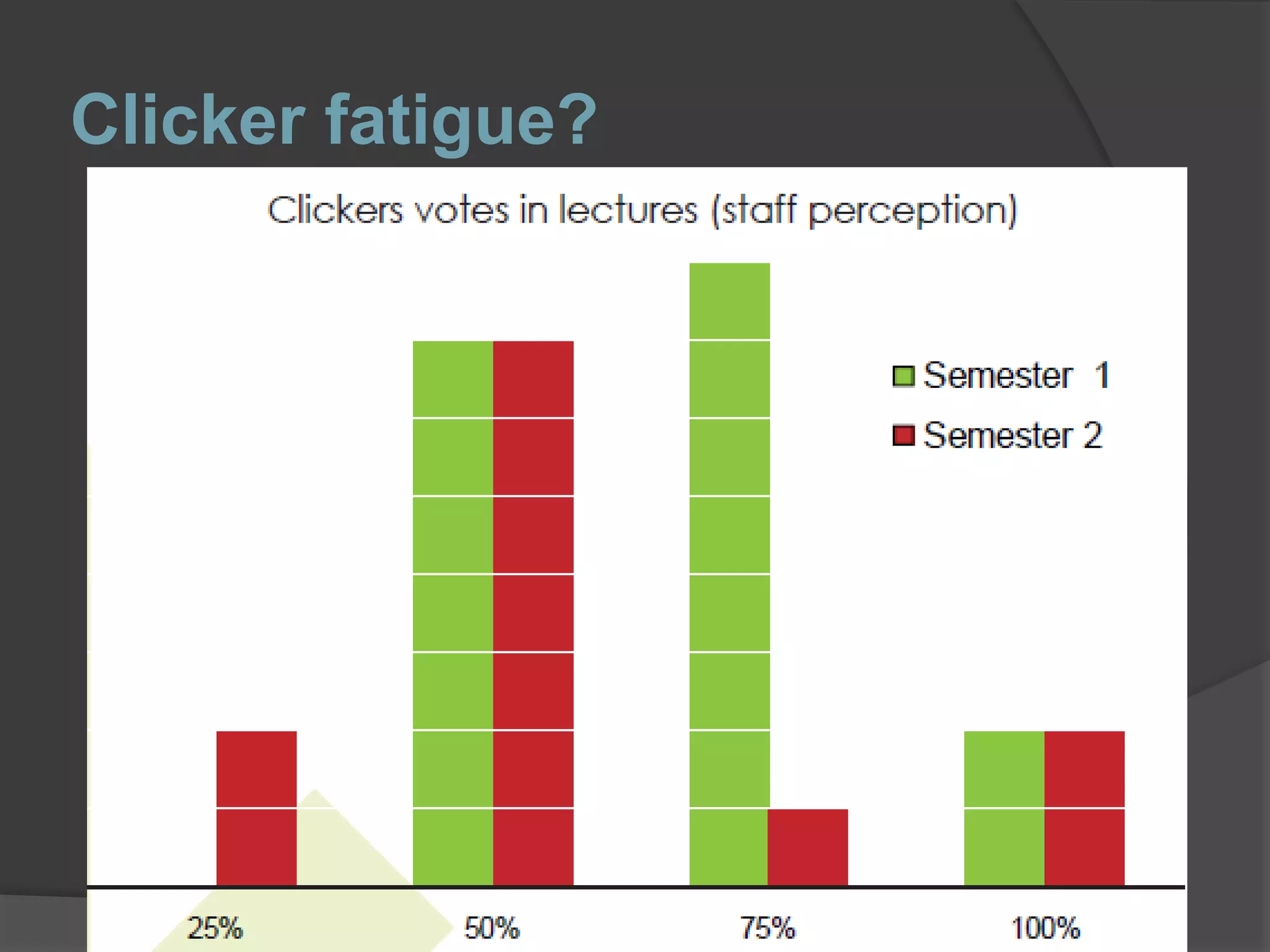
Clicker fatigue?
Importance of good question design…Test understanding not factual knowledgeRight pacingGood mix of difficulty level: not too difficult / not too easyReveal misconceptionsDistinction between related ideasShow parallels or connections between ideasExplore or apply ideas in a new contextStudent-generated questions?
Lets try it out!In groups create an exceptional question (or question series), which will:Initiate a discussion Reveal a common misconceptionExplore a concept etc.And put it to the test…
Currently on offer…50 clickers for Foundations programmes50 clickers in the Faculty of EngineeringOne to one supportSoon: training workshopsLot of information online: good practice, question databanks, research articlesSee our blog! www.edutechcput.wordpress.com
Was this workshop useful to you?Strongly AgreeAgreeNeutralDisagreeStrongly Disagree0 of 25
Thank you!Daniela Gachagogachagod@cput.ac.zawww.edutechcput.wordpress.com/

Clickers - research and practice

  • 1.
    Clickers at CPUTDanielaGachagoEducational Technology UnitFundani Centre for Higher Education Development
  • 2.
    Presentation Outcomes2 partsPart1:Give an overview of international research or practice on use of clickers in HE as a in-class technologyShare experiences at the University of EdinburghUse clickers from a student perspectivePart 2:Use clickers from a lecturer’s perspective Prepare clicker questionsRun a clicker session
  • 3.
    Channel Setting Instructionsfor ResponseCard RF1. Press and release the "GO" button.2. While the light is flashing red and green, enter the 2 digit channel code (i.e. channel 1 = 01, channel 21 = 21). Channel is 213. After the second digit is entered, Press and release the "GO" button.4. Press and release the "1/A" button. The light should flash yellow to confirm.
  • 4.
    What is yourgenderMaleFemale9 of 25
  • 5.
    In your opinion,the worldcup…is SA’s biggest chance to improve it’s public image ever…It’s a complete waste of moneyNo opinion yet9 of 25
  • 7.
    Interactive, instructing questioningas teaching method is nothing new…
  • 8.
  • 9.
    2 main papersSimpsonV. & Oliver M. (2007).Electronic voting systems for lectures then and now: A comparison of research and practice. Australasian Journal of Educational Technology, 2007, 23(2), 187-208.Caldwell J. (2007). Clickers in the Large Classroom: Current Research and Best-Practice Tips. CBE—Life Sciences Education. Vol. 6, Spring 2007.
  • 10.
    Assumptions*Content transmission isnot the most effective way of learningStudents active engagement with ideas and applications support learningQuality feedback should be provided to studentsSimpson V. & Oliver M. (2007). Electronic voting systems for lectures then and now: A comparison of research and practice. Australasion Journal of Educational Technology 2007, 23(2), 187-208.
  • 11.
    What the literaturesays about usage** Caldwell J. (2007). Clickers in the Large Classroom: Current Research and Best-Practice Tips. CBE Life Sciences Education, Vol. 6, Spring 2007.
  • 12.
    Some scenarios onhow to use clickers…*An engineering instructor delivers a mini-lecture and then poses a conceptual question using clickers. She quickly scans the display of students’ answers and if she notices that a number of students are answering incorrectly, she asks them to discuss their answers with the classmate sitting next to them. Then students are given the chance to modify their answers based on what they have discussed. After students have clicked in their final answers, the instructor displays the results, and discusses them with the entire class.A physics instructor checks students’ comprehension of the material by posing questions at several points in every lecture, and asking students toclick in their answers. The system immediately displays a graphic representation of students’ answers to the instructor, who uses it to determine whether he should slow down, repeat information, clarify a concept, provide an alternative example, pick up the pace, etc.* Eberly Center for Teaching Excellence (n.d). What are clickers and how can we effectively use them?
  • 13.
    A boat carryinga large boulder is floating on a lake. The boulder is thrown overboard and sinks. The water in the lake (with respect to the shore)RisesDropsRemains the same9 of 25
  • 14.
    Why bother*?Compensation forpassive, one-way communication in lecturingUseful in improving students’ attention and breaking up classesGive feedback to both lecturers and students whether concepts were understoodProvide practice to fully understand concepts (Hatch and Jensen study 2005)Reveal common misconceptions, e.g. PhysicsFocus attention of students on reasoning involved and not on “rightness” of answer* Caldwell J. (2007). Clickers in the Large Classroom: Current Research and Best-Practice Tips. CBE Life Sciences Education, Vol. 6, Spring 2007.
  • 15.
    Steve Draper, Universityof Glasgow“Possibly the most productive application, however, and the one with the largest body of existing research, is in using the equipment to initiate a discussion.* ”* Draper S. (n.d.) Electronically enhanced classroom interaction. http://www.psy.gla.ac.uk/~steve/ilig/handsets.html
  • 16.
    Mazur Sequence“You canforget facts but you cannot forget understanding” Prof. Eric Mazur, Harvard
  • 17.
    Enter question text...Answer1Answer 2Answer 39 of 25
  • 19.
    Students perceptionOverall trendin literature: most students like using clickersMore consistent when asked about enjoyments than helpfulnessMain benefit: instructor has improved awareness of students’ needs and teaching style is viewed as more “immediate”Features liked best: anonymity, potential to reinforce learning and possibility to compare your answer with rest of the classHowever: students are also critical “stop messing around with technology and get back to good basic teaching” (d’inverno, 2003)
  • 20.
    Potential: extensive changeof teaching practiceTowards a more discursive, segmented, tutorial style approach (Nicol & Boyle 2003) Contingent teaching (Draper & Brown 2004)Re-design of physical teaching spaces which allow collaboration / debate between students
  • 22.
    University of EdinburghClickersused since 2004From small pilots to College wide implementation2500 handsets, mainly for first and second year courses80 staff members involvedIssuing through library system2 surveys: 2008 on general perception of clickers & 2009 upgrade from IR to RF clickersStudent focus groups
  • 23.
  • 24.
    Ranked by importance,clickers seem to be most useful to…increase interaction between lecturers and students (score=456)get feedback on students’ understanding of content (score=437)reveal common misconceptions amongst students (score=415)help students understand difficult concepts better (score=406)help students practice content (score=347)keep students awake (score=339)keep students entertained (score=310)increase attendance (score=160)
  • 25.
    UoE staff: Whydo you like clickers?"They give me instant feedback on how well [students] have understood a concept I have just described. This gives me the opportunity to go over it again if required"."To let student know how well they are doing compared to rest of class"."I find them useful as they are a way to engage the students and have them actively participating in the class"."I found the clickers increased the student's enjoyment of the lectures"
  • 26.
    Impact on teaching…“Irealized that what I thought was a difficult topics requiring an additional half lecture was actually very well understood already and I could advance to the next topic.” “Increased focus on topics that the bulk of the class struggled with at the expense of topics students grasped easily”“On the basis of one or two questions I could see that some students were misunderstanding a concept or idea and was able to correct that and make a mental note for next year's teaching to explain the idea differently.”
  • 27.
    Challenges from staffperspectives…“It takes a lot of time and practise to think of the best and most useful questions. It also needs a 100% commitment to wanting to use the clickers since they do eat into valuable lecturing time.”Takes time“By focusing more on the essentials. In reality it meant that these were being better taught (in my opinion) as more of the class seemed to follow the material.”“Well… it kind of changes it. Less formal content (syllabus) but more examples and hopefully deeper knowledge.”“I tried to make the material I was presenting more concise and removed some unnecessary parts/derivations. I also restricted myself to choosing only one clicker question.”Reduction of content
  • 28.
    Challenges from studentsperspectives…Technical issues“A lot of time spend trying to fix technical difficulties, instead of proceeding with lecture”. (Biology student)Importance of explaining answers properly“The correct answer was often merely stated or rushed through at the end of the lecture, so we had not time for improving our understanding and thus the clickers were rendered useless.” (Physics student)Consistency in use“Clickers were not used often in the first part of the course, which meant that it was easy to get out of the habit of bringing them to lectures. Having used them before, I can tell that clickers can be very useful.” (Physics student)
  • 29.
  • 30.
    Importance of goodquestion design…Test understanding not factual knowledgeRight pacingGood mix of difficulty level: not too difficult / not too easyReveal misconceptionsDistinction between related ideasShow parallels or connections between ideasExplore or apply ideas in a new contextStudent-generated questions?
  • 31.
    Lets try itout!In groups create an exceptional question (or question series), which will:Initiate a discussion Reveal a common misconceptionExplore a concept etc.And put it to the test…
  • 32.
    Currently on offer…50clickers for Foundations programmes50 clickers in the Faculty of EngineeringOne to one supportSoon: training workshopsLot of information online: good practice, question databanks, research articlesSee our blog! www.edutechcput.wordpress.com
  • 33.
    Was this workshopuseful to you?Strongly AgreeAgreeNeutralDisagreeStrongly Disagree0 of 25
  • 34.

Editor's Notes

  • #11 Ad 1: teaching is not just organising and transmitting content and learning is not just accurate recall of factual information, but it should promote active learning (Dearn cited by Jones)Ad 2: Laurillard’s conversational framework: learning results from the process of ongoing and adaptive dialogue between teacher and learner. Encouraging all students not just one (anonymity), constructivismAd3: National Student Survey: call for feedback in all forms. Timely feedback and reinforcement vital to synthesis and integration process (Cue, 1998) – comparison with peers, scaffolded learning