Designing for Online: Instructional Design in Action! 21 st  Century Learning and Sharing April 23th 2009 Monique Brewer Open School BC
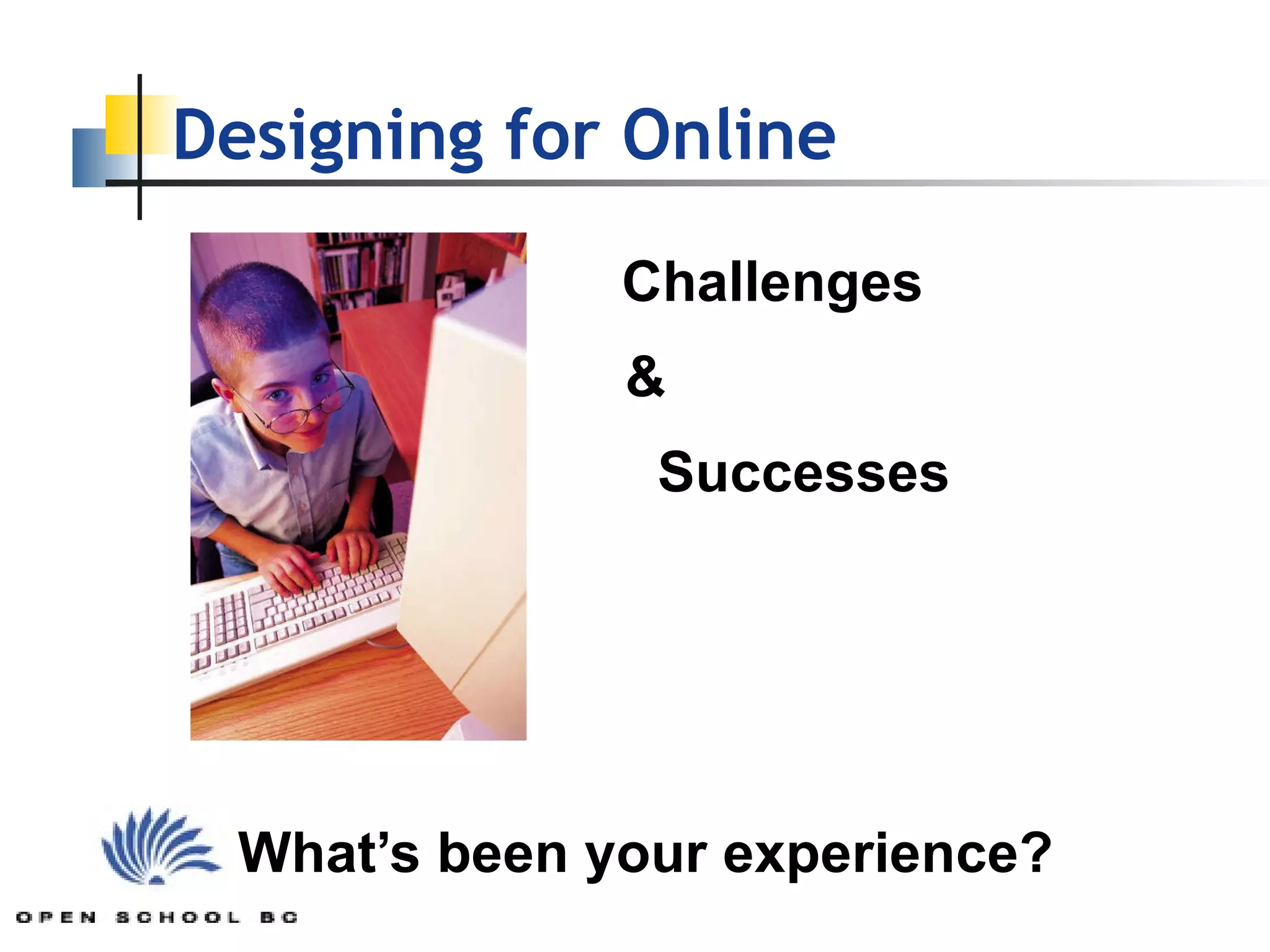
Designing for Online Challenges &   Successes What’s been your experience?
So, what the heck is instructional design anyway?
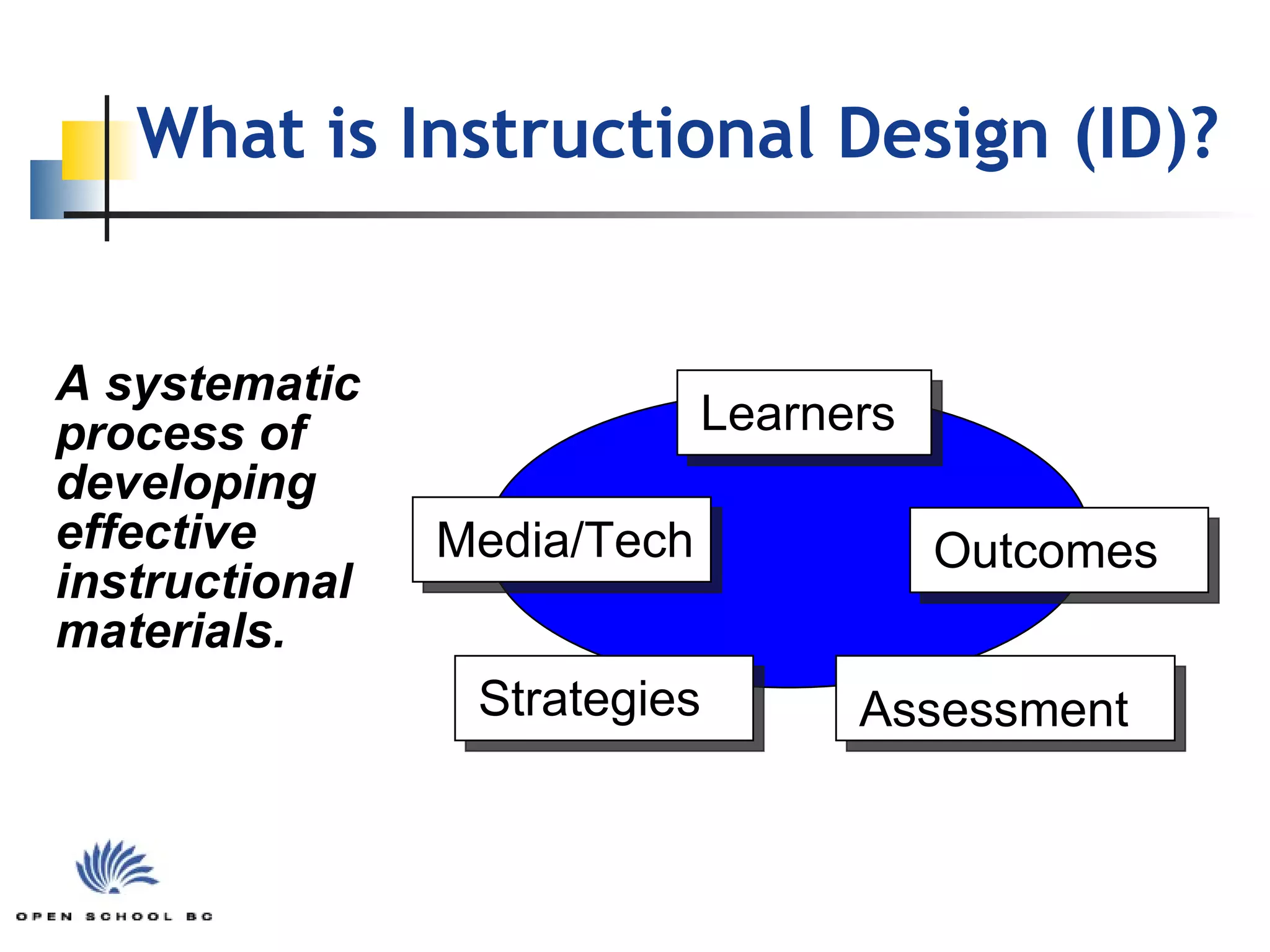
A systematic process of developing effective instructional materials. What is Instructional Design (ID)? Outcomes   Assessment   Media/Tech Learners   Strategies
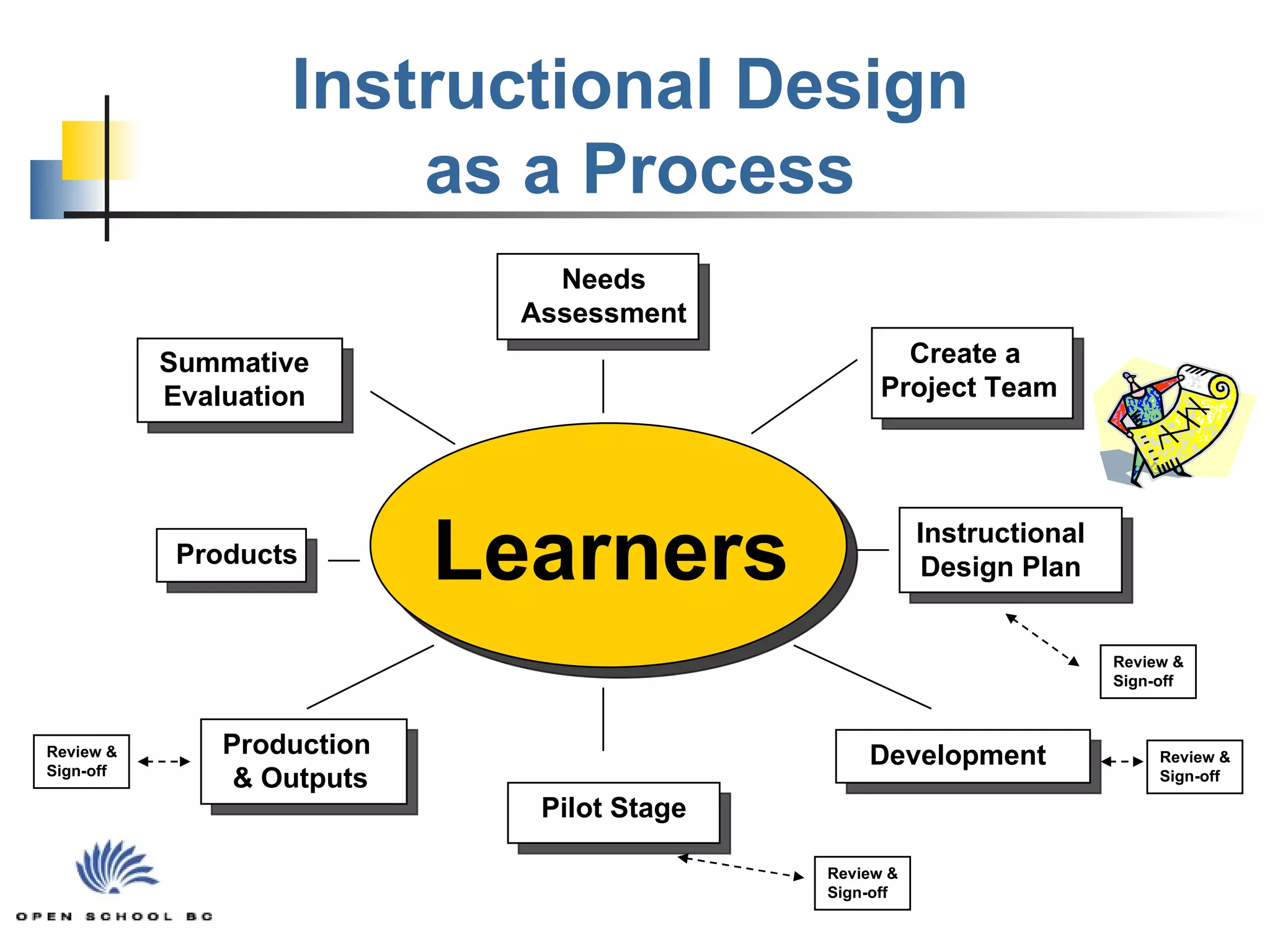
Instructional Design  as a Process Planning  & Design Production  & Outputs Development Summative Evaluation Needs Assessment Pilot Stage Review & Sign-off Learners Create a  Project Team Instructional Design Plan Products Review & Sign-off Review & Sign-off Review & Sign-off
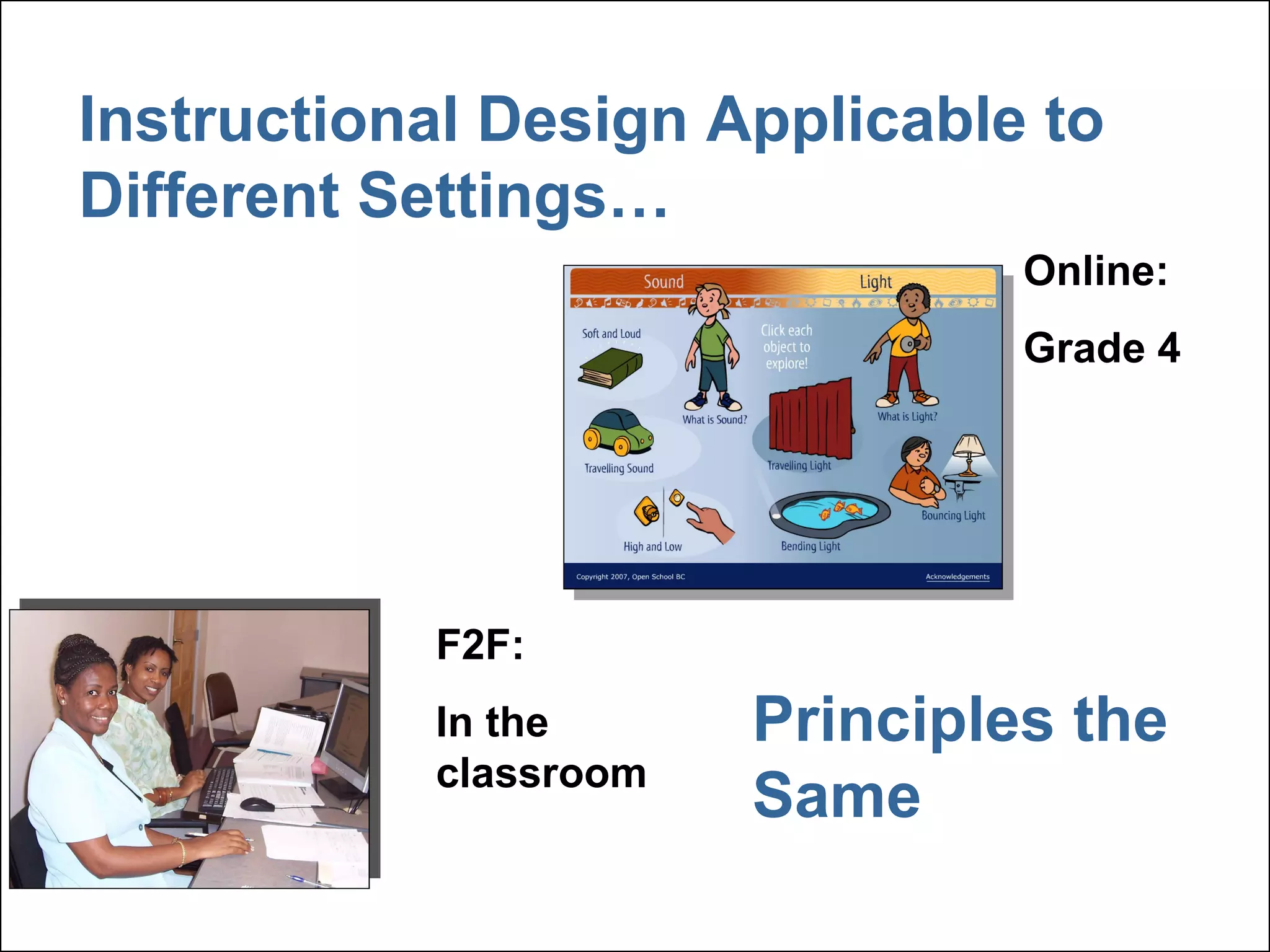
The Role of the Instructional Designer May vary from organization to organization A combined role of Project Manager and Instructional Designer Main purpose is to be “an advocate for the learner” Consider the learner’s needs throughout the whole development process Ensure learning outcomes are met, activities are appropriate, use of technology and media is appropriate etc. onal  Instructional Design Applicable to  Different Settings… Online: Grade 4  F2F: In the classroom Principles the Same
Why Use Instructional Design? Promotes accountability, quality, and educational integrity Provides opportunities for learners to succeed Ensures courses address the prescribed learning outcomes /competencies  Systematically consider all of the variables involved in designing content So, we don’t waste money & time…
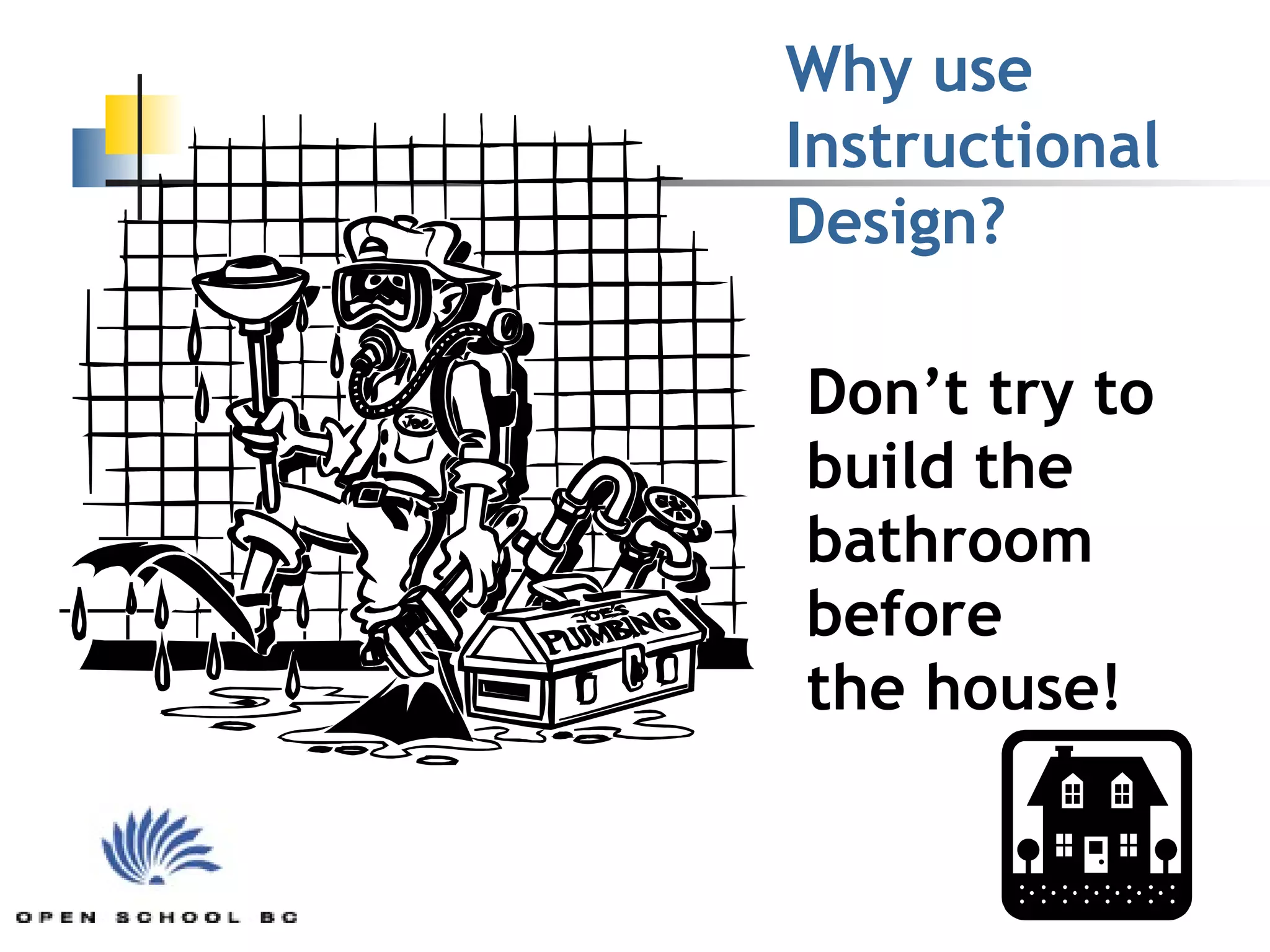
Don’t try to build the bathroom before  the house! Why use  Instructional  Design?
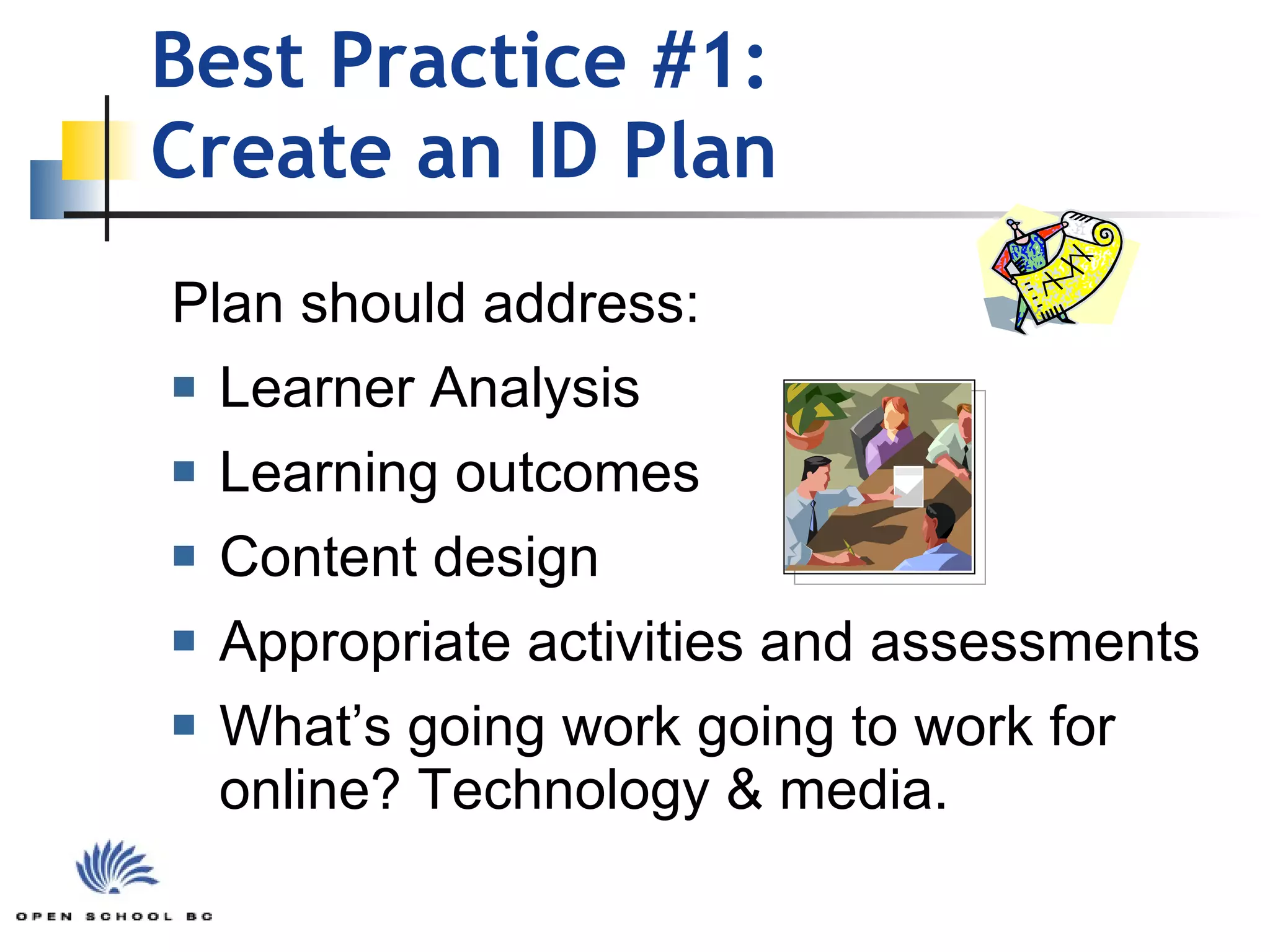
Best Practice #1:  Create an ID Plan Plan should address: Learner Analysis Learning outcomes Content design Appropriate activities and assessments What’s going work going to work for online? Technology & media.
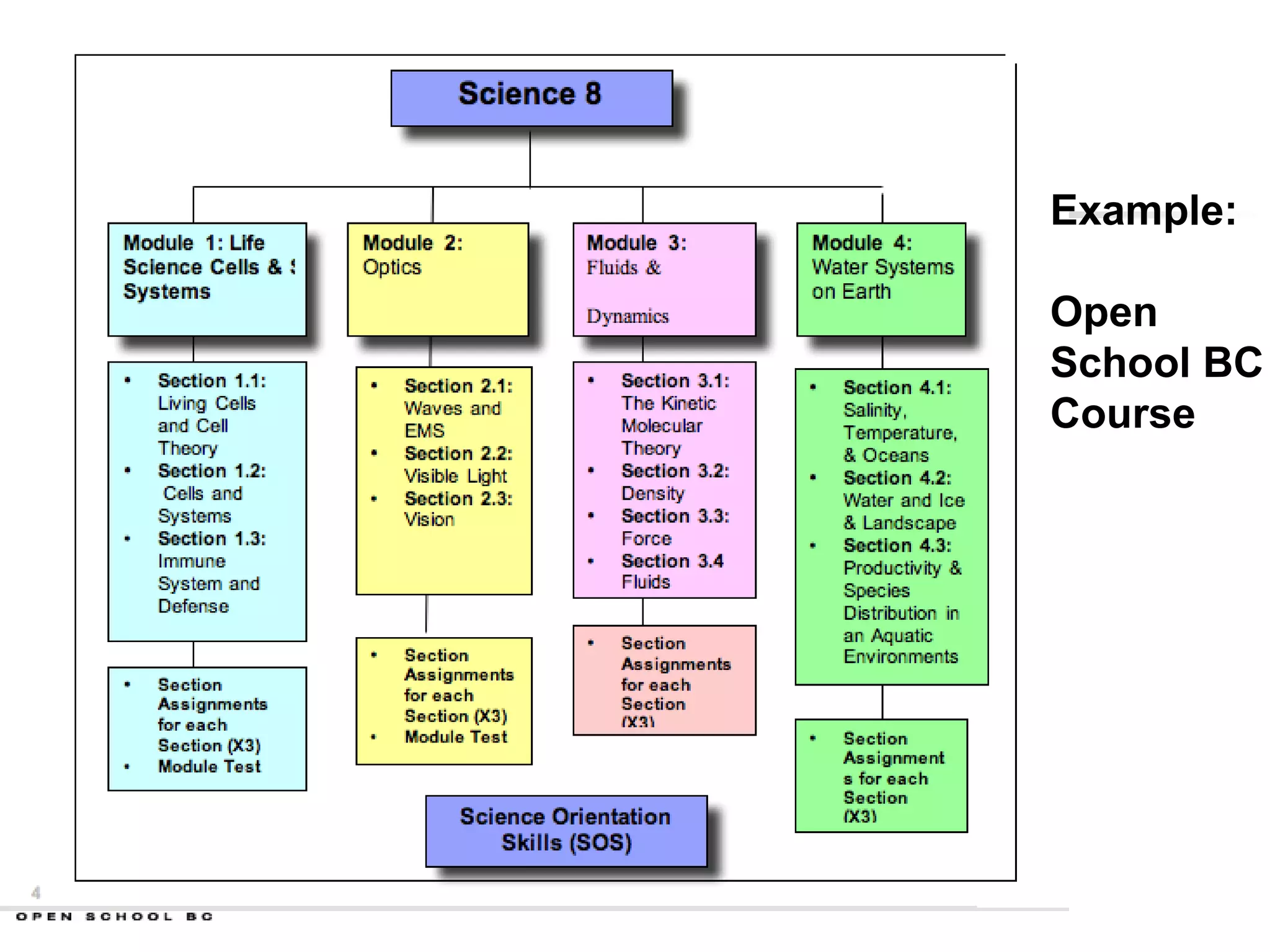
Module Example: Open  School BC Course
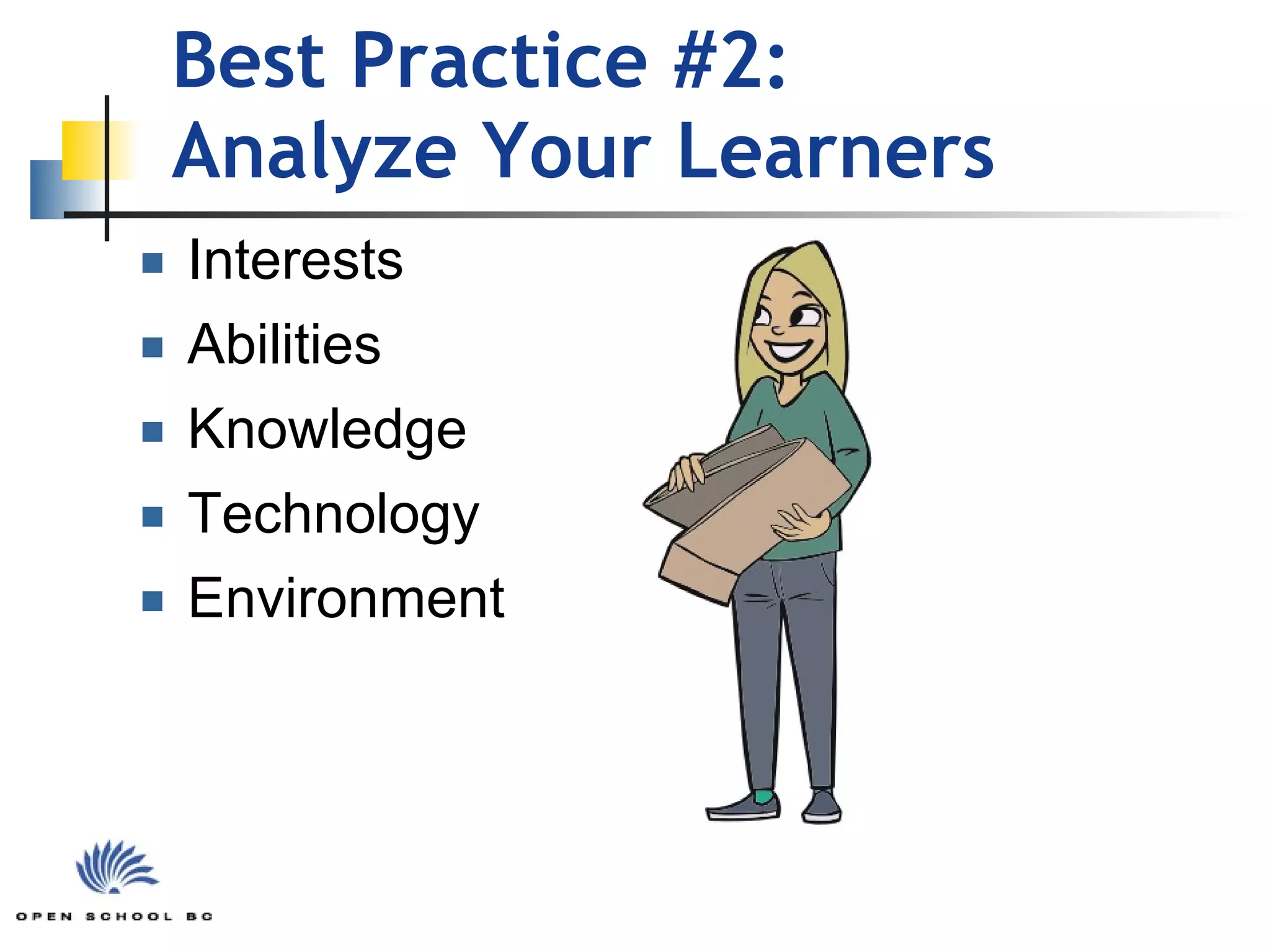
Best Practice #2:  Analyze Your Learners Interests Abilities Knowledge Technology Environment
Best Practice #3: Get the Mix Right E-Learning isn’t necessarily the “magic bullet” that guarantees a rich learning environment Need the right blend:  synchronous and asynchronous interaction group and self-paced/independent learning print and online resources learning activities appropriate to student needs, and technical capacity
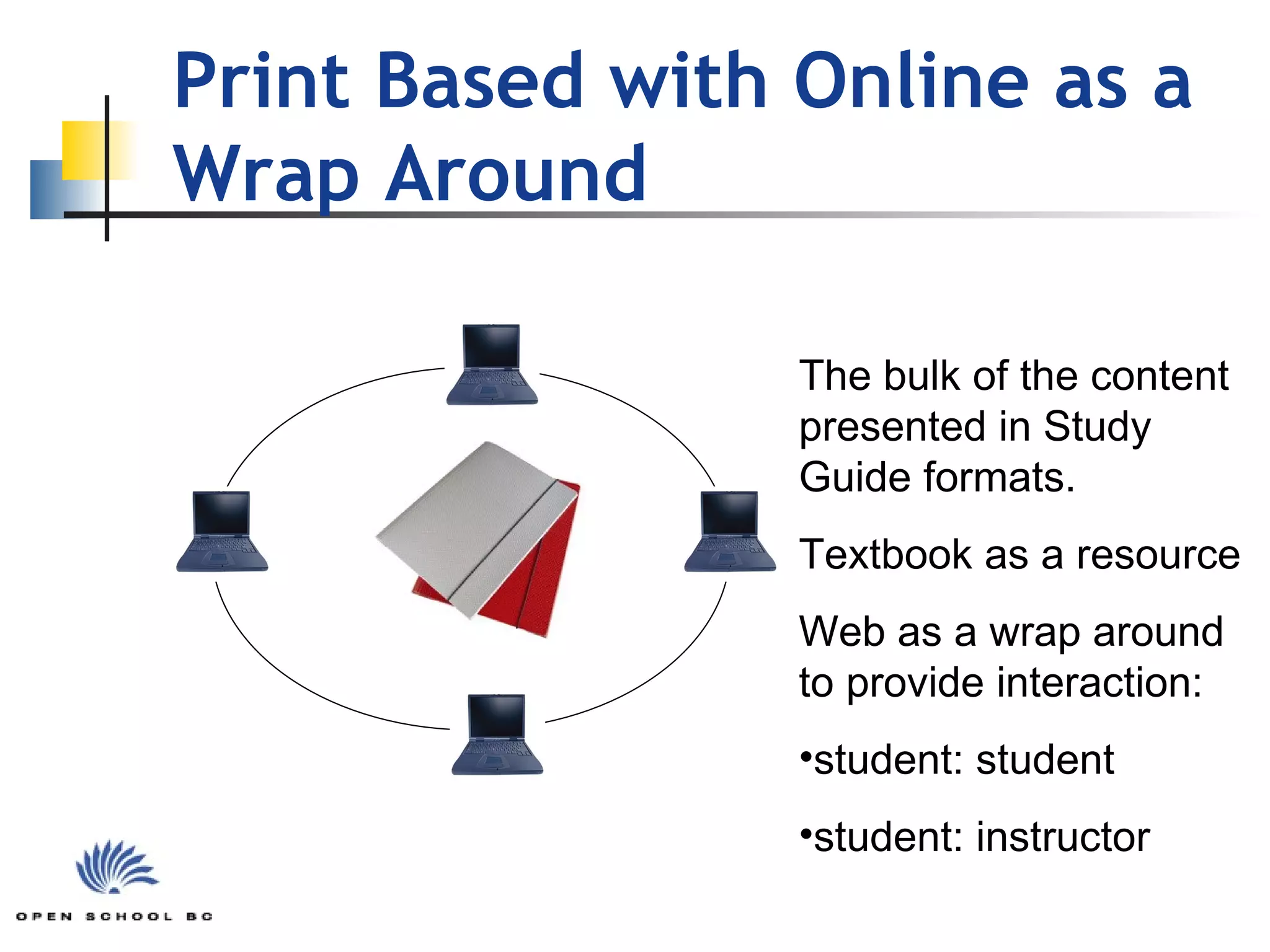
The bulk of the content presented in Study Guide formats. Textbook as a resource Web as a wrap around to provide interaction: student: student student: instructor   Print Based with Online as a Wrap Around
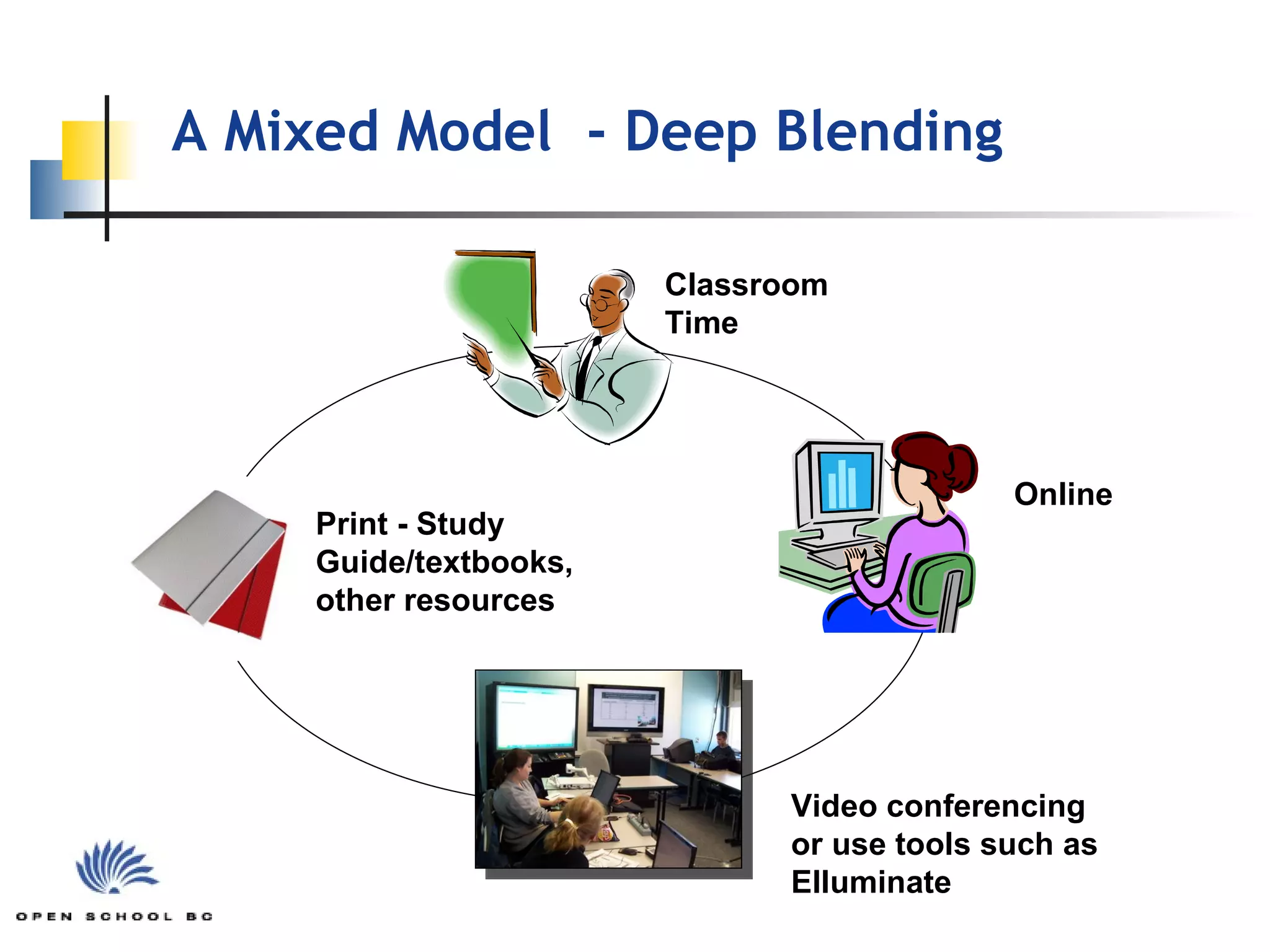
A Mixed Model  - Deep Blending Classroom Time Video conferencing or use tools such as Elluminate  Online Print - Study Guide/textbooks, other resources
Self-Paced Online
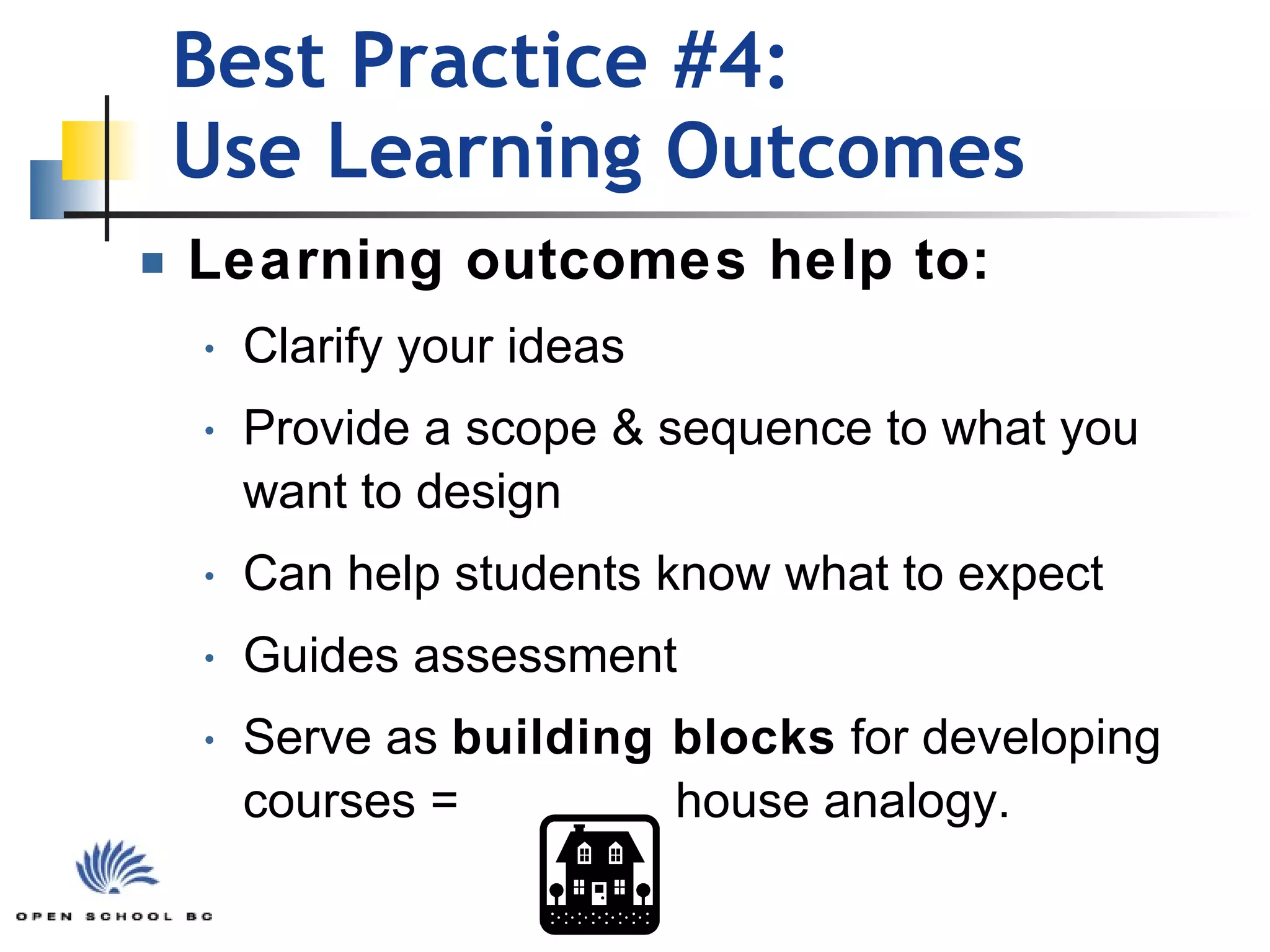
Best Practice #4:  Use Learning Outcomes Learning outcomes help to:  Clarify your ideas  Provide a scope & sequence to what you want to design  Can help students know what to expect Guides assessment Serve as  building blocks  for developing courses =   house analogy.
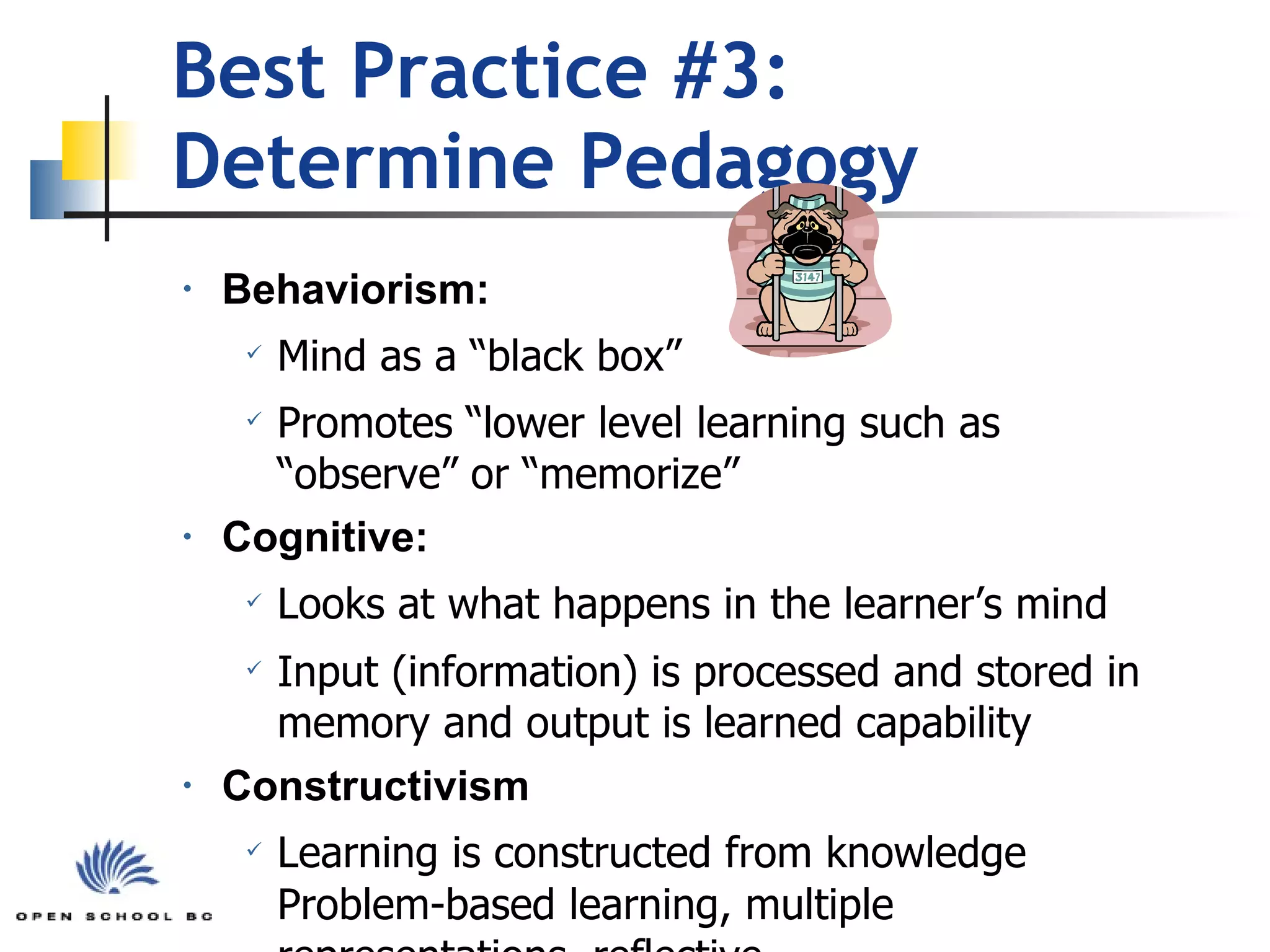
Best Practice #3:  Determine Pedagogy Behaviorism: Mind as a “black box”  Promotes “lower level learning such as “observe” or “memorize” Cognitive: Looks at what happens in the learner’s mind   Input (information) is processed and stored in memory and output is learned capability Constructivism Learning is constructed from knowledge   Problem-based learning, multiple representations, reflective
Best Practice #4:  Sequence Content By topic Chronologically By place By cause and effect By structural logic Problem-centred Spiral A loose network
Best Practice #5:  Pace Your Course Pacing will help your students complete their course Real time interactions with their instructors/teachers through audio or video conferencing or Face-to-Face - tools like Elluminate. Discussions online are carried out over one week time frame. Assignments and exams are completed by given date Cohort vs self paced courses.
Best Practice #6:  Design Engaging Activities  Frequency of activities Get the learners to do something throughout the learning process and not  just at the end  Consider variations of activities: Reflect on a reading or their own experience,  Analyze a video clip, audio segment Engage in a discussion or an interview  Keep a diary or log of a project  Move from simple to complex; easy to challenging
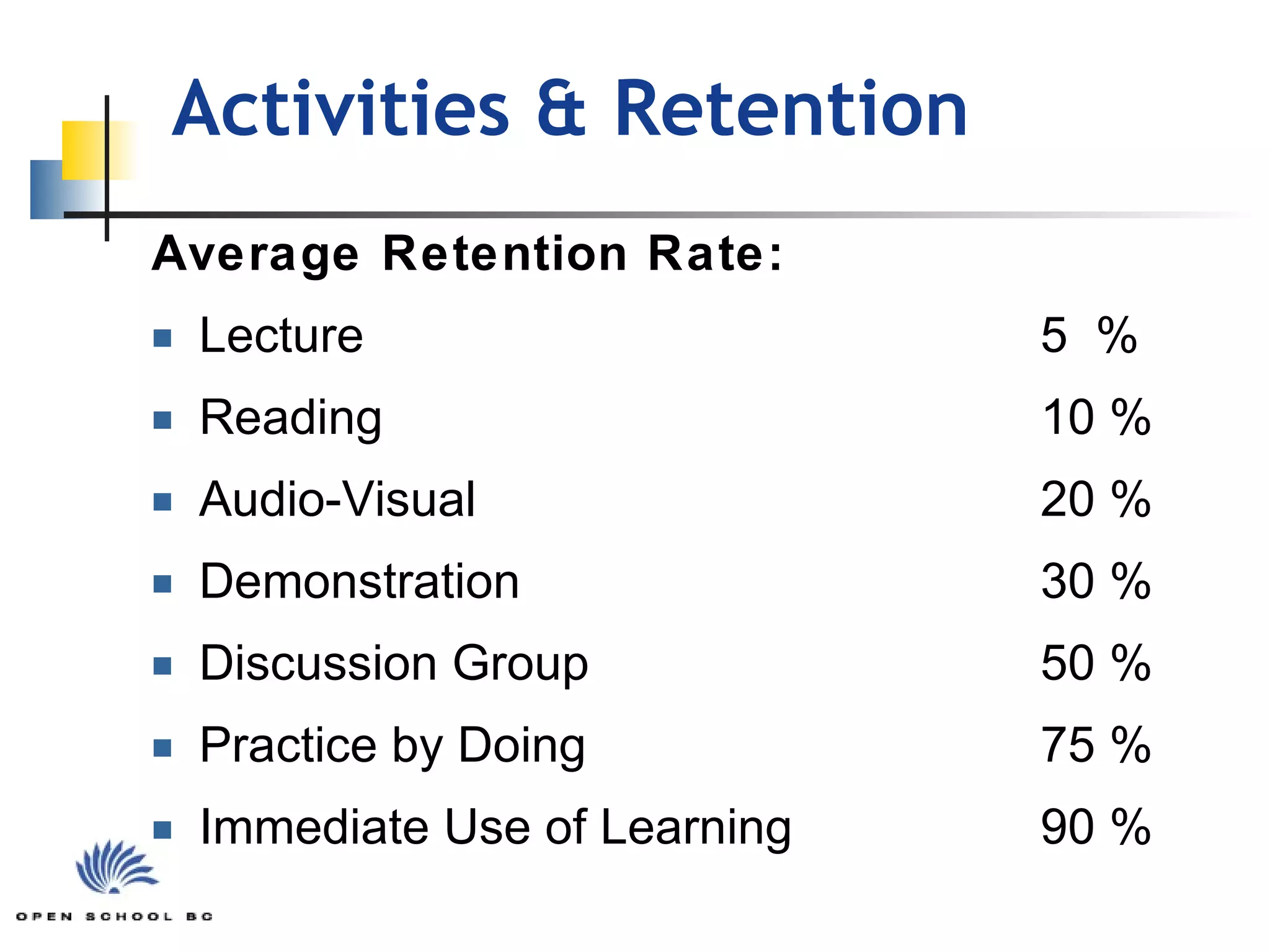
Activities & Retention Average Retention Rate:  Lecture    5  %  Reading    10 %  Audio-Visual    20 % Demonstration    30 % Discussion Group  50 % Practice by Doing  75 %  Immediate Use of Learning  90 %
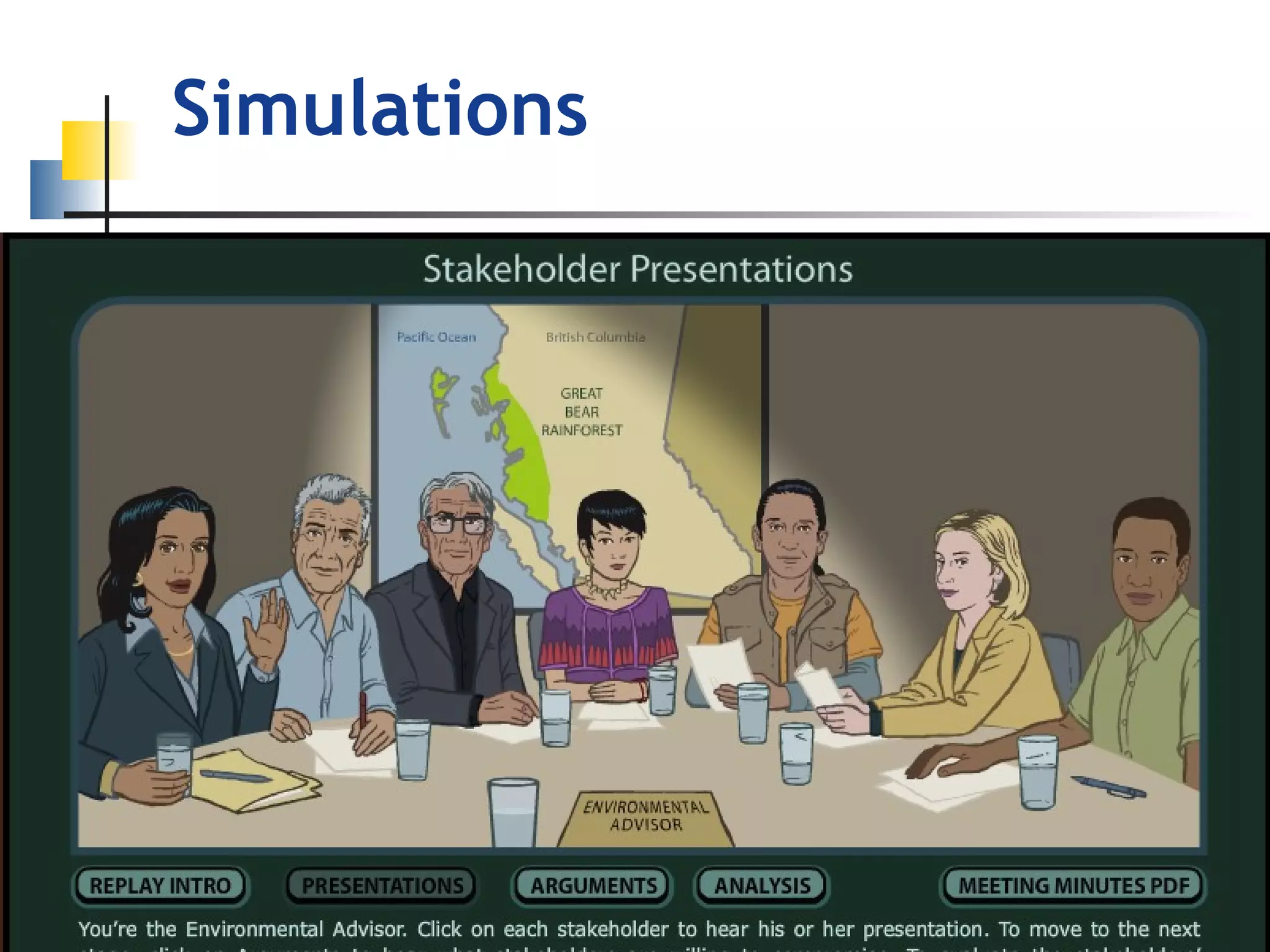
Simulations
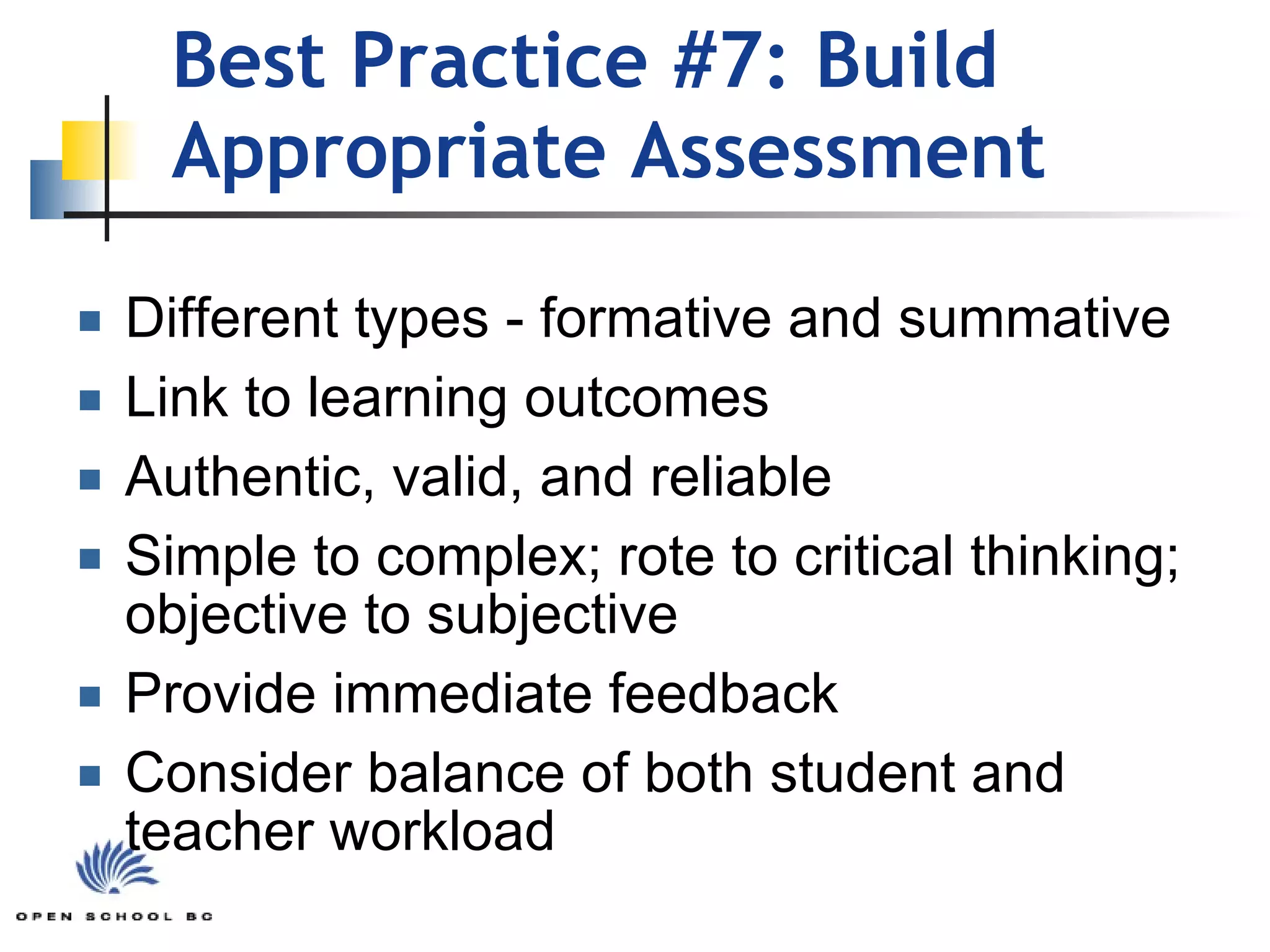
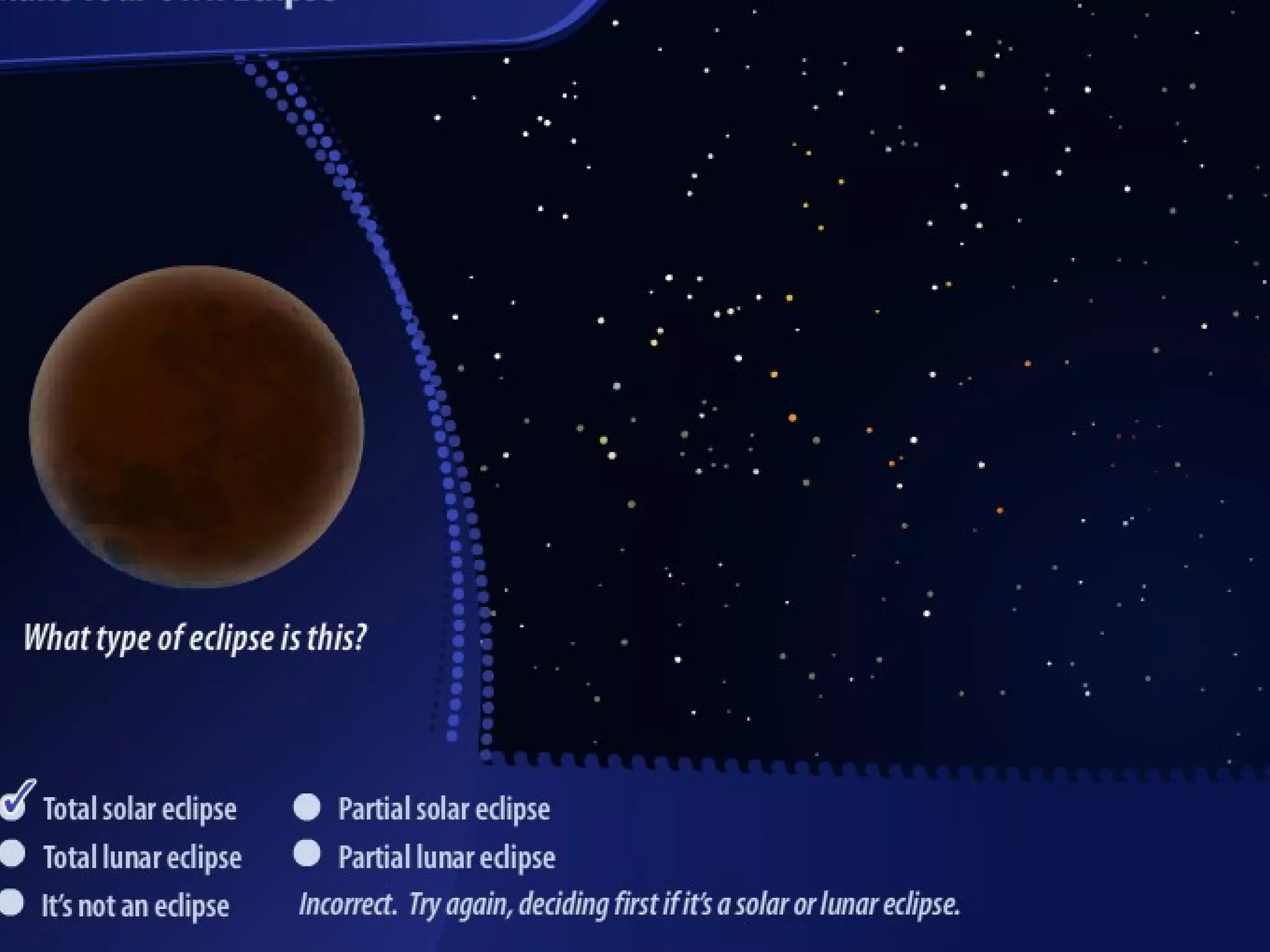
Best Practice #7: Build Appropriate Assessment Different types  - formative and summative Link to learning outcomes Authentic, valid, and reliable  Simple to complex; rote to critical thinking; objective to subjective Provide immediate feedback Consider balance of both student and teacher workload
 
 
Best Practice #8:  Use Appropriate Media Types of media graphic, audio, video, interactive Considerations Purpose Cost Availability
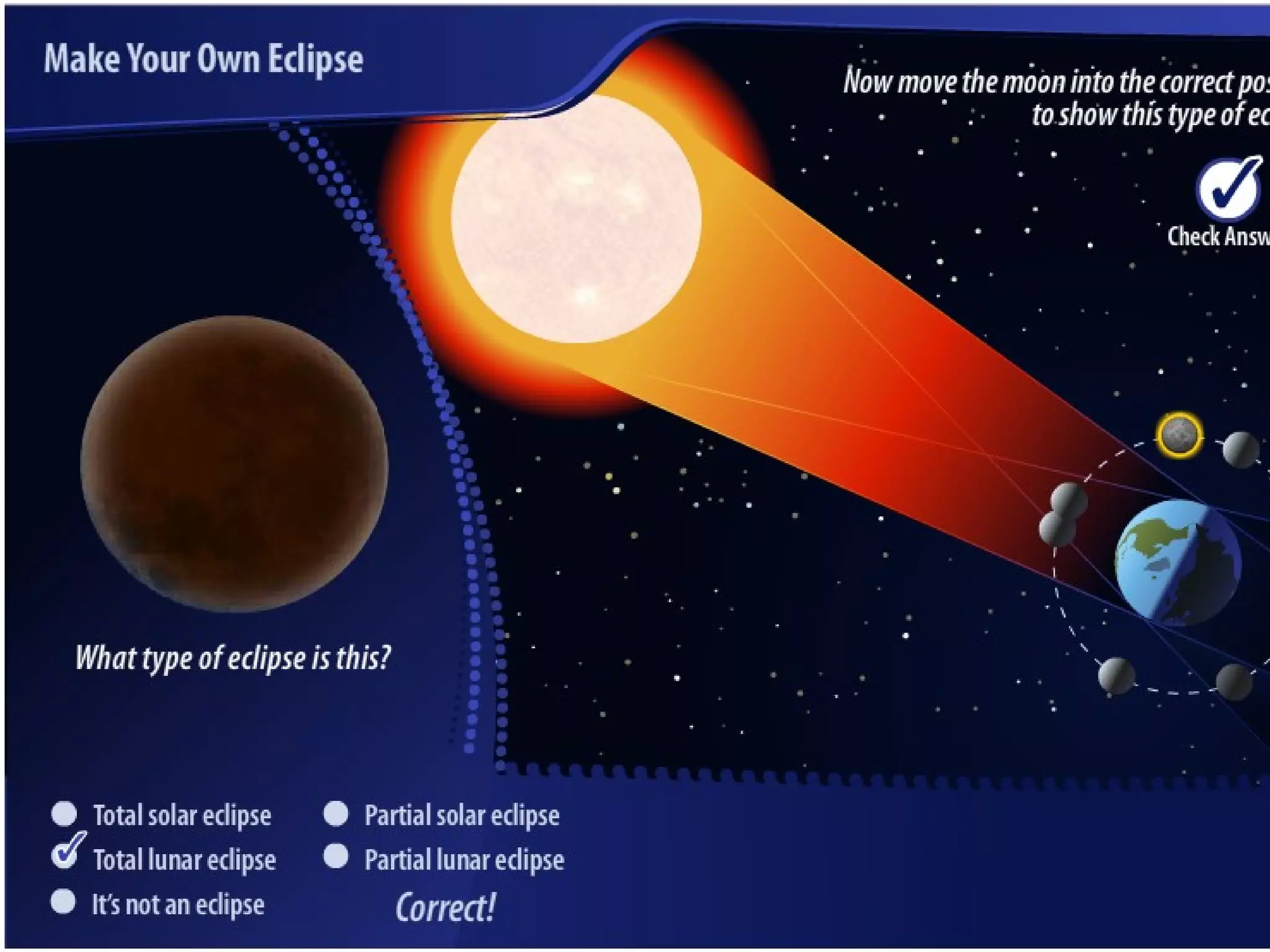
Graphics Explain the Function: Refer to a graphic within your text & explain the purpose Design Activities Around a Graphic: If a graphic is core to a concept, design an activity around Placement of Graphics within Text: as close as possible to the piece of text that refers to it. Emphasize the Graphic: Learners will benefit from a graphic if they can easily see what point you are trying to make
Pacific Garbage Patch:  students.umf.maine.edu/kanedc/public.www/
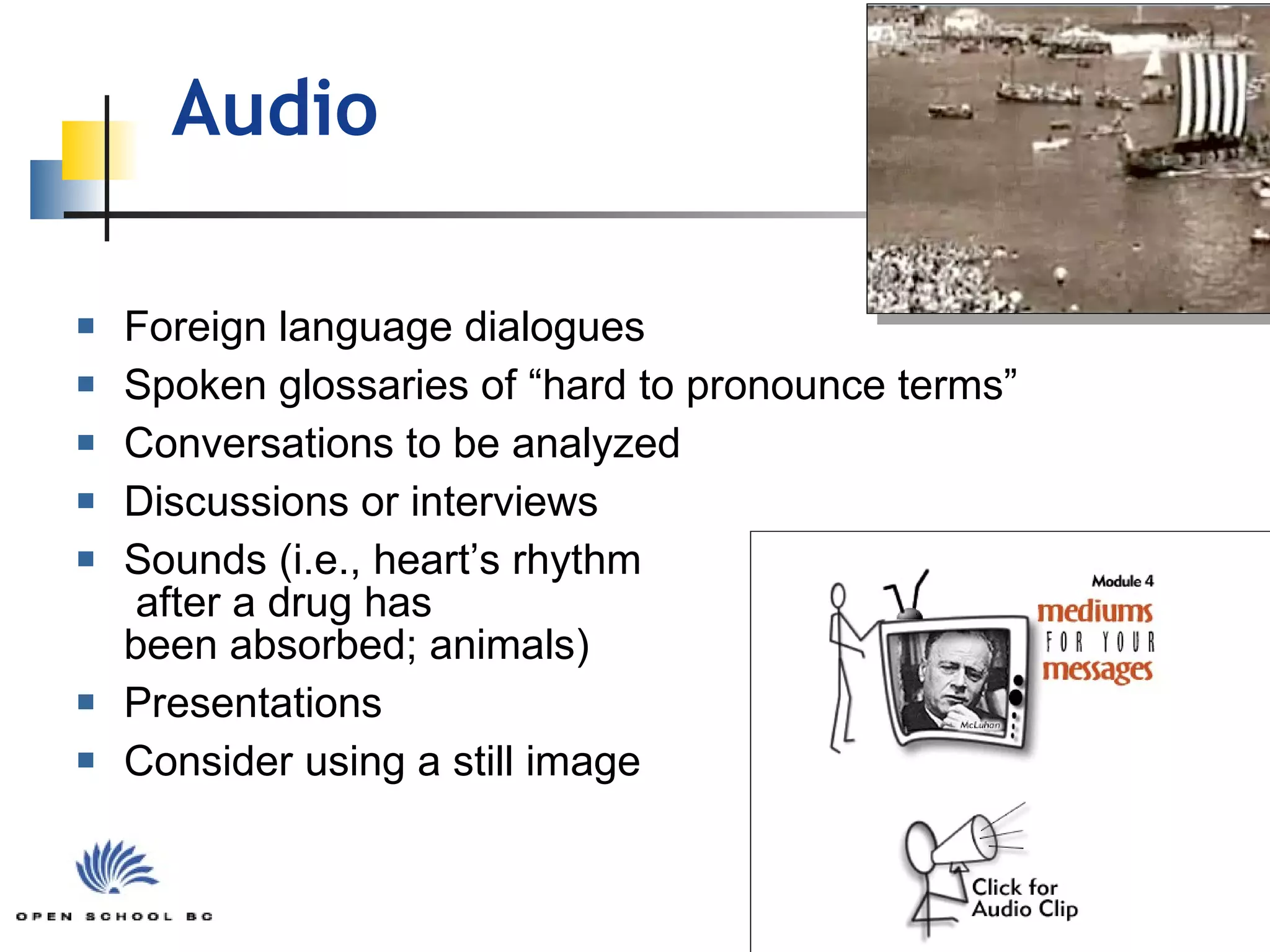
Audio Foreign language dialogues Spoken glossaries of “hard to pronounce terms” Conversations to be analyzed Discussions or interviews  Sounds (i.e., heart’s rhythm  after a drug has  been absorbed; animals) Presentations Consider using a still image
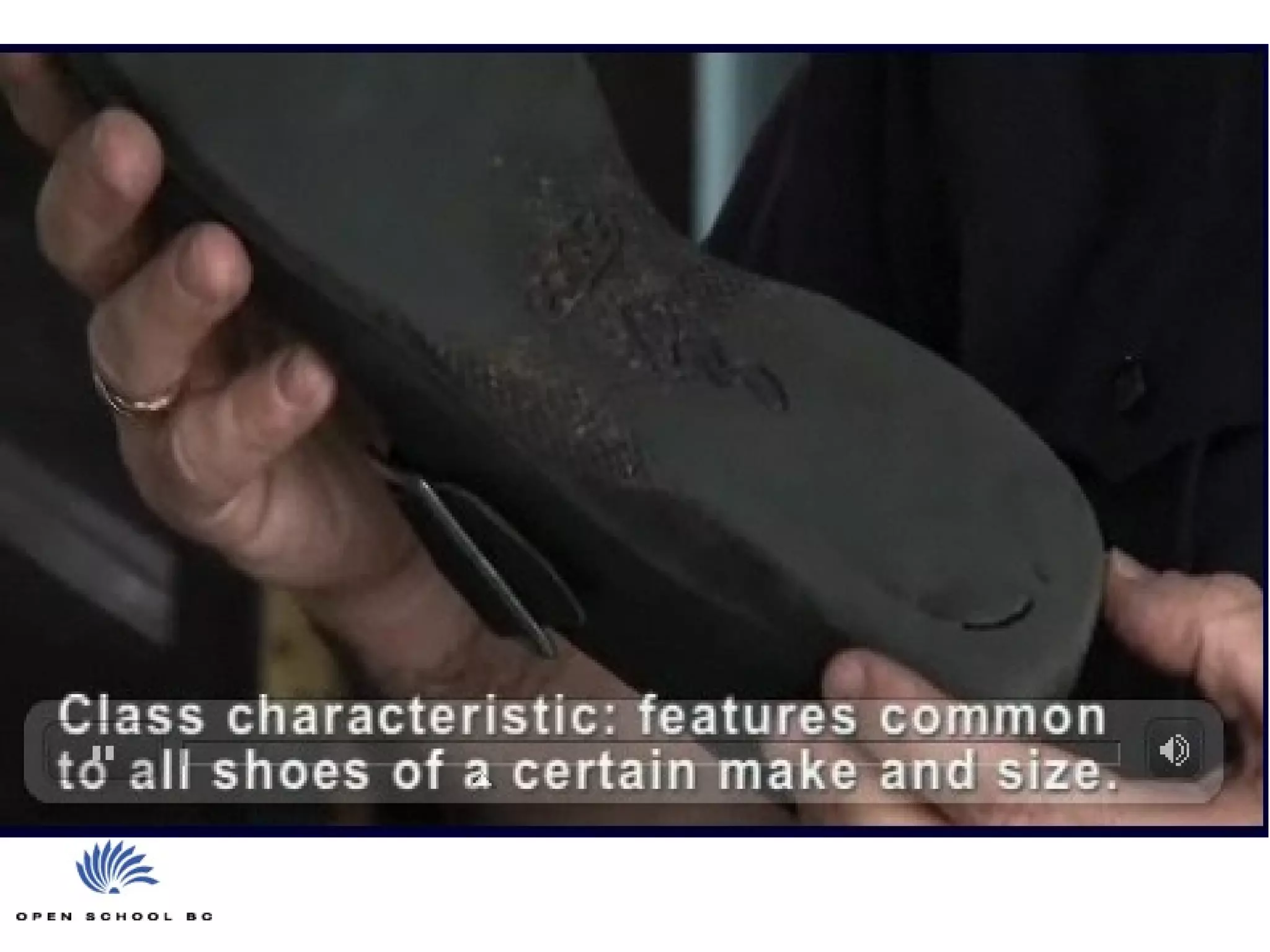
Video  Be sure motion is really essential in  what you want to show your learners. Use existing material  rather than make your own. Can be very expensive to do well. Streaming video clips:  2-3 minutes long. Avoid duplicating traditional lecture format unnecessarily.
 
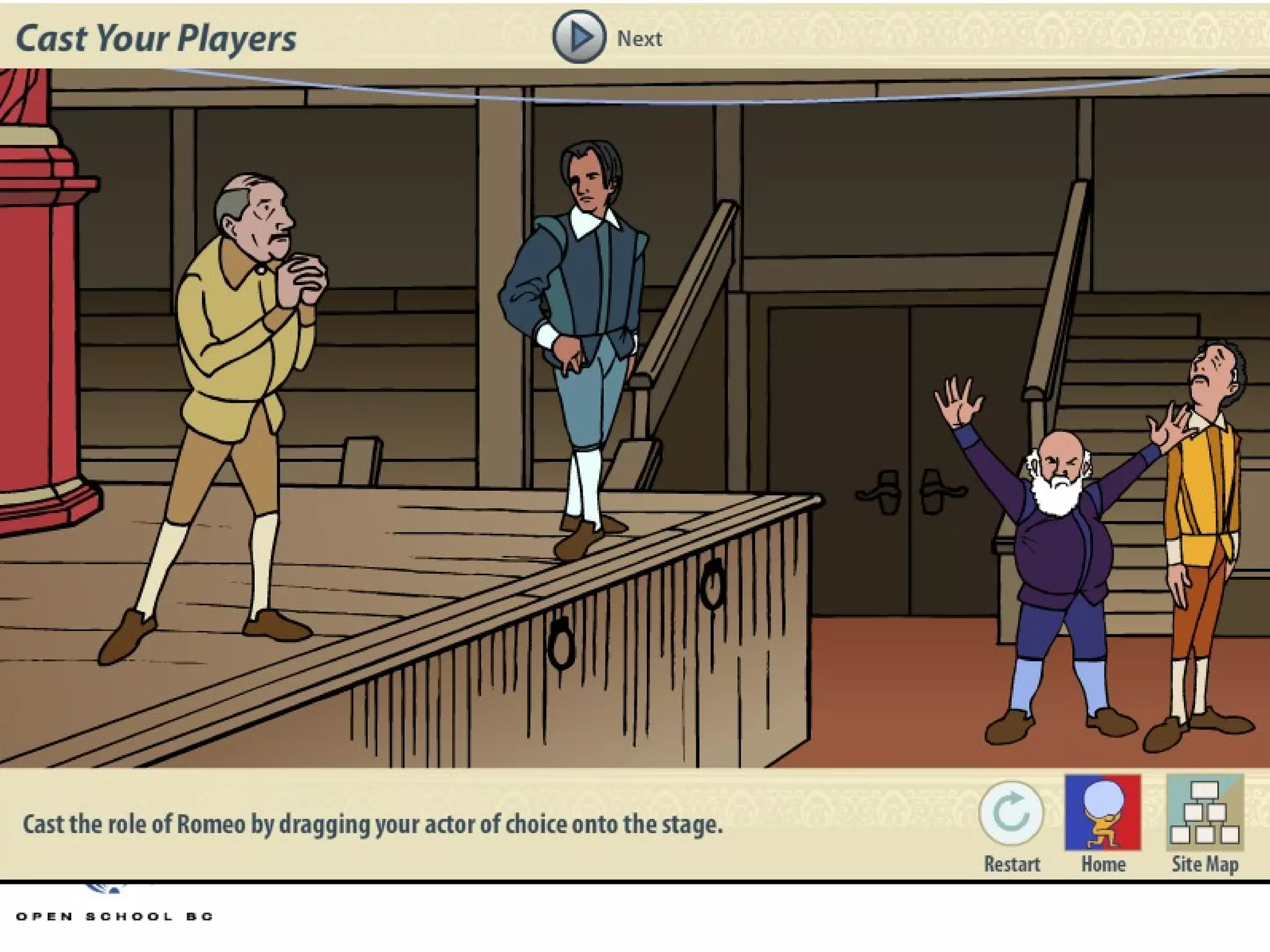
Multimedia Effective instruction across learning domains,  including affective and psychomotor  (e.g., simulations, case studies) Promote development of higher-order thinking skills,  and concept formation Realism, especially when coupled with graphics  and video Potential interactivity Potential for high levels of learner control and engagement Interactive Media
 
Best Practice # 9: Write for Online Write to reading level of student Use familiar words (arrival not influx) Use short words (basic not fundamental) Use short sentences and paragraphs Use positive instead of negative Remove unnecessary words and phrases Use conversational style of language Write in a friendly personal style directed  to the student (“You will recall …”). Use examples where possible.
Best Practice #10:  Design for the Screen A web page should contain a single coherent piece of learning A screen is not a page Do not merely convert existing print course to Web Chunk information Communicate more in graphics Consider the use of white space Use suitable fonts
Thank You! Monique Brewer Manager, Instructional Services Open School BC [email_address] (250) 952-6021 www. openschool .bc.ca

Designing For Online

  • 1.
    Designing for Online:Instructional Design in Action! 21 st Century Learning and Sharing April 23th 2009 Monique Brewer Open School BC
  • 2.
    Designing for OnlineChallenges & Successes What’s been your experience?
  • 3.
    So, what theheck is instructional design anyway?
  • 4.
    A systematic processof developing effective instructional materials. What is Instructional Design (ID)? Outcomes Assessment Media/Tech Learners Strategies
  • 5.
    Instructional Design as a Process Planning & Design Production & Outputs Development Summative Evaluation Needs Assessment Pilot Stage Review & Sign-off Learners Create a Project Team Instructional Design Plan Products Review & Sign-off Review & Sign-off Review & Sign-off
  • 6.
    The Role ofthe Instructional Designer May vary from organization to organization A combined role of Project Manager and Instructional Designer Main purpose is to be “an advocate for the learner” Consider the learner’s needs throughout the whole development process Ensure learning outcomes are met, activities are appropriate, use of technology and media is appropriate etc. onal Instructional Design Applicable to Different Settings… Online: Grade 4 F2F: In the classroom Principles the Same
  • 7.
    Why Use InstructionalDesign? Promotes accountability, quality, and educational integrity Provides opportunities for learners to succeed Ensures courses address the prescribed learning outcomes /competencies Systematically consider all of the variables involved in designing content So, we don’t waste money & time…
  • 8.
    Don’t try tobuild the bathroom before the house! Why use Instructional Design?
  • 9.
    Best Practice #1: Create an ID Plan Plan should address: Learner Analysis Learning outcomes Content design Appropriate activities and assessments What’s going work going to work for online? Technology & media.
  • 10.
    Module Example: Open School BC Course
  • 11.
    Best Practice #2: Analyze Your Learners Interests Abilities Knowledge Technology Environment
  • 12.
    Best Practice #3:Get the Mix Right E-Learning isn’t necessarily the “magic bullet” that guarantees a rich learning environment Need the right blend: synchronous and asynchronous interaction group and self-paced/independent learning print and online resources learning activities appropriate to student needs, and technical capacity
  • 13.
    The bulk ofthe content presented in Study Guide formats. Textbook as a resource Web as a wrap around to provide interaction: student: student student: instructor Print Based with Online as a Wrap Around
  • 14.
    A Mixed Model - Deep Blending Classroom Time Video conferencing or use tools such as Elluminate Online Print - Study Guide/textbooks, other resources
  • 15.
  • 16.
    Best Practice #4: Use Learning Outcomes Learning outcomes help to: Clarify your ideas Provide a scope & sequence to what you want to design Can help students know what to expect Guides assessment Serve as building blocks for developing courses = house analogy.
  • 17.
    Best Practice #3: Determine Pedagogy Behaviorism: Mind as a “black box” Promotes “lower level learning such as “observe” or “memorize” Cognitive: Looks at what happens in the learner’s mind Input (information) is processed and stored in memory and output is learned capability Constructivism Learning is constructed from knowledge Problem-based learning, multiple representations, reflective
  • 18.
    Best Practice #4: Sequence Content By topic Chronologically By place By cause and effect By structural logic Problem-centred Spiral A loose network
  • 19.
    Best Practice #5: Pace Your Course Pacing will help your students complete their course Real time interactions with their instructors/teachers through audio or video conferencing or Face-to-Face - tools like Elluminate. Discussions online are carried out over one week time frame. Assignments and exams are completed by given date Cohort vs self paced courses.
  • 20.
    Best Practice #6: Design Engaging Activities Frequency of activities Get the learners to do something throughout the learning process and not just at the end Consider variations of activities: Reflect on a reading or their own experience, Analyze a video clip, audio segment Engage in a discussion or an interview Keep a diary or log of a project Move from simple to complex; easy to challenging
  • 21.
    Activities & RetentionAverage Retention Rate: Lecture 5 % Reading 10 % Audio-Visual 20 % Demonstration 30 % Discussion Group 50 % Practice by Doing 75 % Immediate Use of Learning 90 %
  • 22.
  • 23.
    Best Practice #7:Build Appropriate Assessment Different types - formative and summative Link to learning outcomes Authentic, valid, and reliable Simple to complex; rote to critical thinking; objective to subjective Provide immediate feedback Consider balance of both student and teacher workload
  • 24.
  • 25.
  • 26.
    Best Practice #8: Use Appropriate Media Types of media graphic, audio, video, interactive Considerations Purpose Cost Availability
  • 27.
    Graphics Explain theFunction: Refer to a graphic within your text & explain the purpose Design Activities Around a Graphic: If a graphic is core to a concept, design an activity around Placement of Graphics within Text: as close as possible to the piece of text that refers to it. Emphasize the Graphic: Learners will benefit from a graphic if they can easily see what point you are trying to make
  • 28.
    Pacific Garbage Patch: students.umf.maine.edu/kanedc/public.www/
  • 29.
    Audio Foreign languagedialogues Spoken glossaries of “hard to pronounce terms” Conversations to be analyzed Discussions or interviews Sounds (i.e., heart’s rhythm after a drug has been absorbed; animals) Presentations Consider using a still image
  • 30.
    Video Besure motion is really essential in what you want to show your learners. Use existing material rather than make your own. Can be very expensive to do well. Streaming video clips: 2-3 minutes long. Avoid duplicating traditional lecture format unnecessarily.
  • 31.
  • 32.
    Multimedia Effective instructionacross learning domains, including affective and psychomotor (e.g., simulations, case studies) Promote development of higher-order thinking skills, and concept formation Realism, especially when coupled with graphics and video Potential interactivity Potential for high levels of learner control and engagement Interactive Media
  • 33.
  • 34.
    Best Practice #9: Write for Online Write to reading level of student Use familiar words (arrival not influx) Use short words (basic not fundamental) Use short sentences and paragraphs Use positive instead of negative Remove unnecessary words and phrases Use conversational style of language Write in a friendly personal style directed to the student (“You will recall …”). Use examples where possible.
  • 35.
    Best Practice #10: Design for the Screen A web page should contain a single coherent piece of learning A screen is not a page Do not merely convert existing print course to Web Chunk information Communicate more in graphics Consider the use of white space Use suitable fonts
  • 36.
    Thank You! MoniqueBrewer Manager, Instructional Services Open School BC [email_address] (250) 952-6021 www. openschool .bc.ca

Editor's Notes

  • #2 21st Century Learning and Sharing Conference April 2010. M. Brewer
  • #3 21st Century Learning and Sharing Conference April 2010. M. Brewer
  • #4 21st Century Learning and Sharing Conference April 2010. M. Brewer
  • #5 21st Century Learning and Sharing Conference April 2010. M. Brewer
  • #6 21st Century Learning and Sharing Conference April 2010. M. Brewer
  • #7 21st Century Learning and Sharing Conference April 2010. M. Brewer
  • #8 21st Century Learning and Sharing Conference April 2010. M. Brewer
  • #9 21st Century Learning and Sharing Conference April 2010. M. Brewer
  • #10 21st Century Learning and Sharing Conference April 2010. M. Brewer
  • #11 21st Century Learning and Sharing Conference April 2010. M. Brewer
  • #12 21st Century Learning and Sharing Conference April 2010. M. Brewer
  • #13 21st Century Learning and Sharing Conference April 2010. M. Brewer
  • #14 21st Century Learning and Sharing Conference April 2010. M. Brewer
  • #15 21st Century Learning and Sharing Conference April 2010. M. Brewer
  • #16 21st Century Learning and Sharing Conference April 2010. M. Brewer
  • #17 21st Century Learning and Sharing Conference April 2010. M. Brewer
  • #18 21st Century Learning and Sharing Conference April 2010. M. Brewer
  • #19 21st Century Learning and Sharing Conference April 2010. M. Brewer
  • #20 21st Century Learning and Sharing Conference April 2010. M. Brewer
  • #21 21st Century Learning and Sharing Conference April 2010. M. Brewer
  • #22 21st Century Learning and Sharing Conference April 2010. M. Brewer
  • #23 21st Century Learning and Sharing Conference April 2010. M. Brewer
  • #24 21st Century Learning and Sharing Conference April 2010. M. Brewer
  • #25 21st Century Learning and Sharing Conference April 2010. M. Brewer
  • #26 21st Century Learning and Sharing Conference April 2010. M. Brewer
  • #27 21st Century Learning and Sharing Conference April 2010. M. Brewer
  • #28 21st Century Learning and Sharing Conference April 2010. M. Brewer
  • #29 21st Century Learning and Sharing Conference April 2010. M. Brewer
  • #30 21st Century Learning and Sharing Conference April 2010. M. Brewer
  • #31 21st Century Learning and Sharing Conference April 2010. M. Brewer
  • #32 21st Century Learning and Sharing Conference April 2010. M. Brewer
  • #33 21st Century Learning and Sharing Conference April 2010. M. Brewer
  • #34 21st Century Learning and Sharing Conference April 2010. M. Brewer
  • #35 21st Century Learning and Sharing Conference April 2010. M. Brewer
  • #36 21st Century Learning and Sharing Conference April 2010. M. Brewer
  • #37 21st Century Learning and Sharing Conference April 2010. M. Brewer