Input Devices
P.Vasuki
Computer science
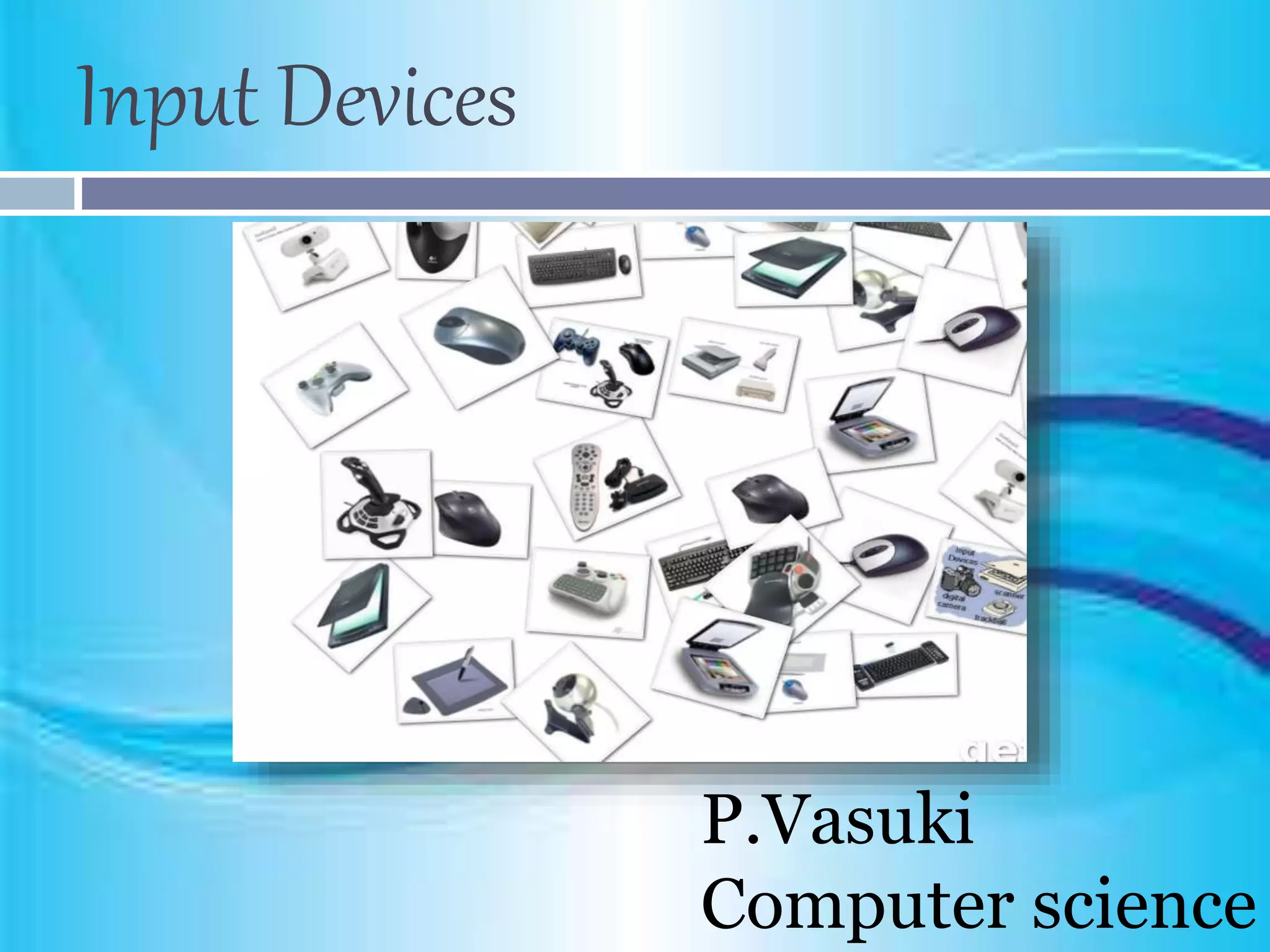
Input Devices
 An input device is used to feed data into a
computer. For example, a keyboard is an input
device.
 It is also defined as a device that provides
communication between the user and the
computer.
 Input devices are capable of converting data into a
form which can be recognized by computer. A
computer can have several input devices.
Keyboard
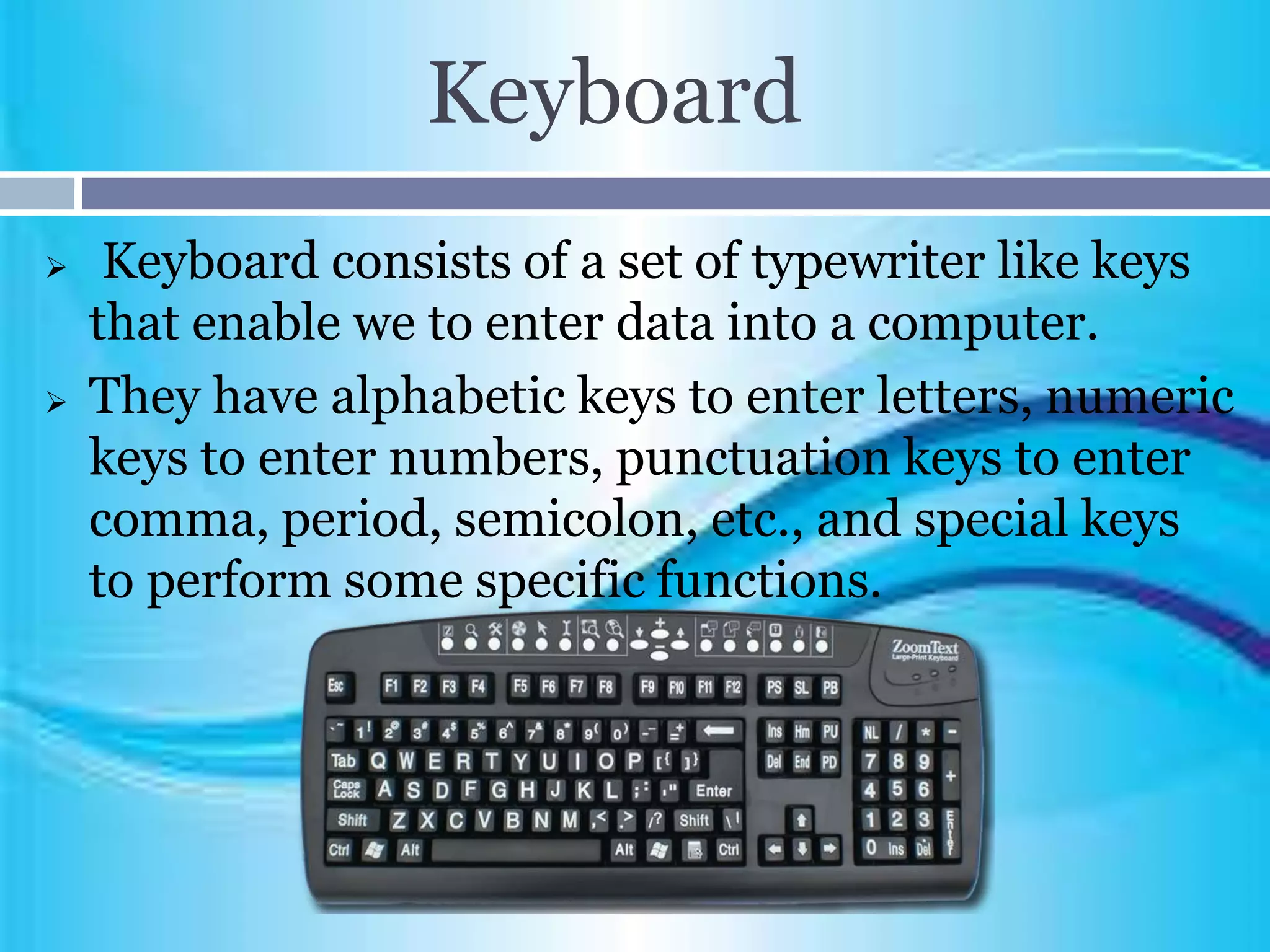
 Keyboard consists of a set of typewriter like keys
that enable we to enter data into a computer.
 They have alphabetic keys to enter letters, numeric
keys to enter numbers, punctuation keys to enter
comma, period, semicolon, etc., and special keys
to perform some specific functions.
Mouse
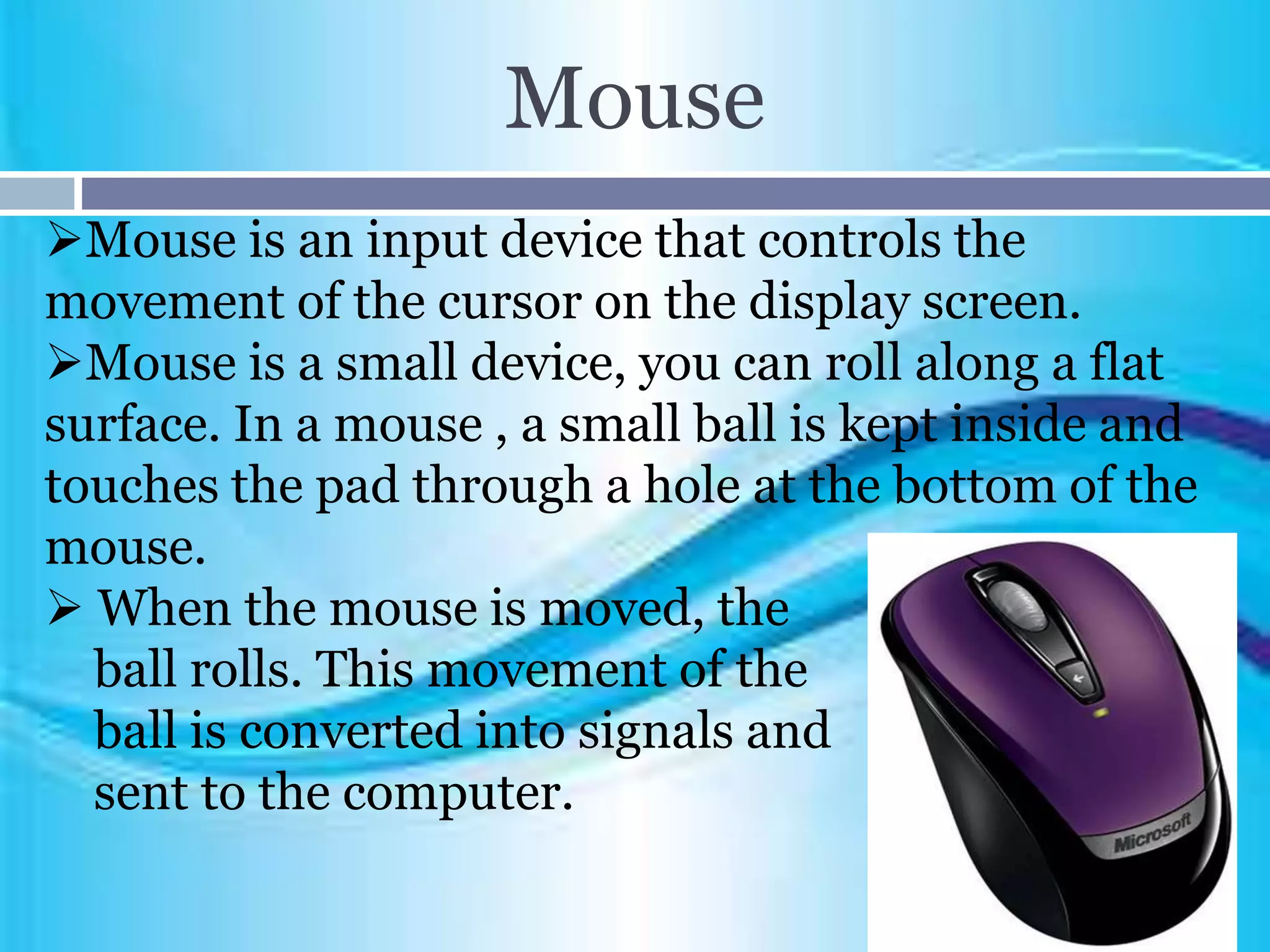
Mouse is an input device that controls the
movement of the cursor on the display screen.
Mouse is a small device, you can roll along a flat
surface. In a mouse , a small ball is kept inside and
touches the pad through a hole at the bottom of the
mouse.
 When the mouse is moved, the
ball rolls. This movement of the
ball is converted into signals and
sent to the computer.
Scanner
 Scanner allows information such as an image or
text to be input into a computer.
 It can read image or text printed on a paper and
translate the information into a form that the
computer can use.
 That is, it is used to convert
images (photos)and text into a
stream of data. They are useful
for publishing and multi-media
applications.
Bar Code Reader
 The barcode readers are used in places like
supermarket, bookshops, etc.A bar code is a
pattern printed in lines of different thickness.
 The bar-code reader scans the information on the
barcodes and transmits to the computer for
further processing.
 The system gives fast and
error-free entry of information
into the computer.
Digital Camera
 The digital camera is an input device mainly used
to capture images.
 The digital camera takes a still photograph,
stores it and sends it as digital input to the
computer.
 It is a modern and popular
input device.
Touch Sensitive Screen
 Touch Sensitive Screen is a type of display screen
that has a touch-sensitive panel.
 It is a pointing device that enables the user
tointeract with the computer by
touching the screen.
 The touch screen senses the
touch on the object
(area pre-defined) and
communicate the object
selection to the computer.
Light Pen
 A light pen is a pointing device shaped like a pen
and is connected to a monitor.
 The tip of the light pen contains a light sensitive
element which, when placed against the screen,
detects the light from the
screen enabling the
computer to identify
the location of the pen
on the screen.
Magnetic Reader
 Magnetic reader is an input device which reads a
magnetic strip on a card.
 It is handy and data can be stored and retrieved.
It also provides quick identification of the card’s
owner.
 All the credit cards, ATM cards (banks), petro
cards, etc. stores data in a
magnetic strip which can be read
easily by the magnetic reader.
Notes Taker
 Notes taker is a device that captures natural
handwriting on any surface onto a computer.
 Using an electronic pen, the notes taker
displays the user’s handwritten notes, memos
or drawings on the computer, and stores the
image for future use.
Microphone
 Microphone serves as a voice input device. It
captures the voice data and input to the computer.
 Using the microphone along with speech
recognition software can offer a completely new
approach to input information into our computer.
 The voice-in or speech
recognition approach can
almost fully replace the
keyboard and mouse.
Input devices

Input devices

  • 1.
  • 2.
    Input Devices  Aninput device is used to feed data into a computer. For example, a keyboard is an input device.  It is also defined as a device that provides communication between the user and the computer.  Input devices are capable of converting data into a form which can be recognized by computer. A computer can have several input devices.
  • 3.
    Keyboard  Keyboard consistsof a set of typewriter like keys that enable we to enter data into a computer.  They have alphabetic keys to enter letters, numeric keys to enter numbers, punctuation keys to enter comma, period, semicolon, etc., and special keys to perform some specific functions.
  • 4.
    Mouse Mouse is aninput device that controls the movement of the cursor on the display screen. Mouse is a small device, you can roll along a flat surface. In a mouse , a small ball is kept inside and touches the pad through a hole at the bottom of the mouse.  When the mouse is moved, the ball rolls. This movement of the ball is converted into signals and sent to the computer.
  • 5.
    Scanner  Scanner allowsinformation such as an image or text to be input into a computer.  It can read image or text printed on a paper and translate the information into a form that the computer can use.  That is, it is used to convert images (photos)and text into a stream of data. They are useful for publishing and multi-media applications.
  • 6.
    Bar Code Reader The barcode readers are used in places like supermarket, bookshops, etc.A bar code is a pattern printed in lines of different thickness.  The bar-code reader scans the information on the barcodes and transmits to the computer for further processing.  The system gives fast and error-free entry of information into the computer.
  • 7.
    Digital Camera  Thedigital camera is an input device mainly used to capture images.  The digital camera takes a still photograph, stores it and sends it as digital input to the computer.  It is a modern and popular input device.
  • 8.
    Touch Sensitive Screen Touch Sensitive Screen is a type of display screen that has a touch-sensitive panel.  It is a pointing device that enables the user tointeract with the computer by touching the screen.  The touch screen senses the touch on the object (area pre-defined) and communicate the object selection to the computer.
  • 9.
    Light Pen  Alight pen is a pointing device shaped like a pen and is connected to a monitor.  The tip of the light pen contains a light sensitive element which, when placed against the screen, detects the light from the screen enabling the computer to identify the location of the pen on the screen.
  • 10.
    Magnetic Reader  Magneticreader is an input device which reads a magnetic strip on a card.  It is handy and data can be stored and retrieved. It also provides quick identification of the card’s owner.  All the credit cards, ATM cards (banks), petro cards, etc. stores data in a magnetic strip which can be read easily by the magnetic reader.
  • 11.
    Notes Taker  Notestaker is a device that captures natural handwriting on any surface onto a computer.  Using an electronic pen, the notes taker displays the user’s handwritten notes, memos or drawings on the computer, and stores the image for future use.
  • 12.
    Microphone  Microphone servesas a voice input device. It captures the voice data and input to the computer.  Using the microphone along with speech recognition software can offer a completely new approach to input information into our computer.  The voice-in or speech recognition approach can almost fully replace the keyboard and mouse.