INFORMATION TECHNOLOGY
INPUT DEVICES
Shenel McCarthy

Subject: Information Technology
Topic: Input Devices
Grade: 7s
General Objectives:
At the end of the lesson students should be able to:
I.

Develop and understanding of input devices.

Specific Objectives:
Students should be able to;
I.
II.

Correctly define the term input devices without the aid of a teacher
Correctly identify at least three (3) input devices from each category without the
help of the teacher.

III.

Properly distinguish between at least five (5) input devices without the aid of the
teacher.
INFORMATION TECHNOLOGY
INPUT DEVICES
Shenel McCarthy

What is an Input Devices?
Any hardware component that allows you to enter data, programs, commands, and user
responses into a computer
Input devices can be classified in two (2) categories:
Manual input devices are those devices that require one to physically operate them in
some manner in order to input data.
Automated input device are methods of capturing and entering data directly to the
computer without the intervention of the user

MANUAL INPUT DEVICES
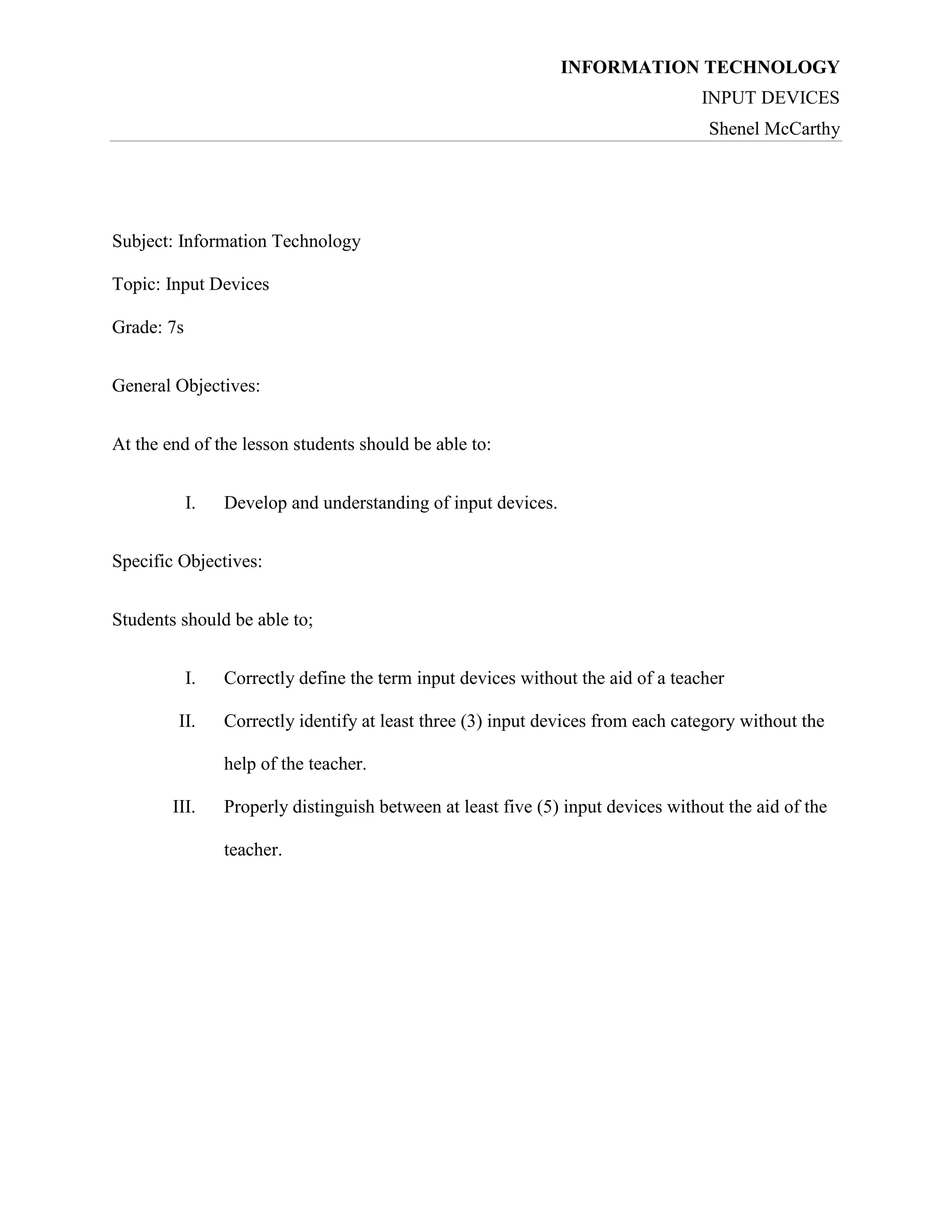
MOUSE
The mouse is an input device designed to manipulate objects on the computer
screen.
INFORMATION TECHNOLOGY
INPUT DEVICES
Shenel McCarthy
TYPES OF MOUSE
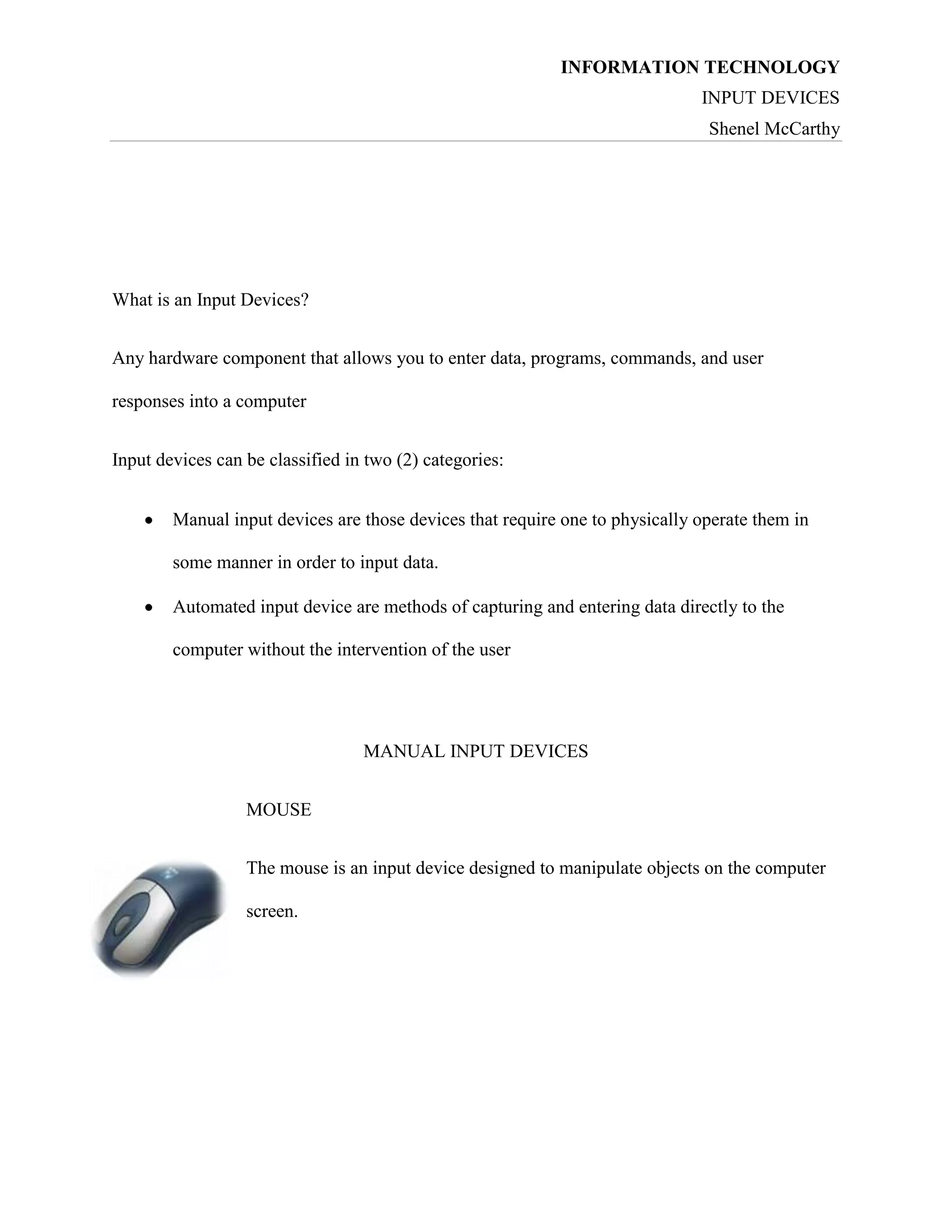
A Mechanical mouse has a rubber ball on its underside to detect
movement of the mouse.

An optical mouse uses devices that emit and sense light to detect the
mouse's movement

A cordless mouse transmits data using wireless technology such as
radio waves or infrared light waves

TRACK BALL
A trackball is a pointing device consisting of a ball housed in aarrival
of the touchpad, on portable computers, where there may be no desk
space on which to use a mouse. Some clip onto the side of the keyboard and have
integral buttons which have the same function as mouse buttons.
INFORMATION TECHNOLOGY
INPUT DEVICES
Shenel McCarthy

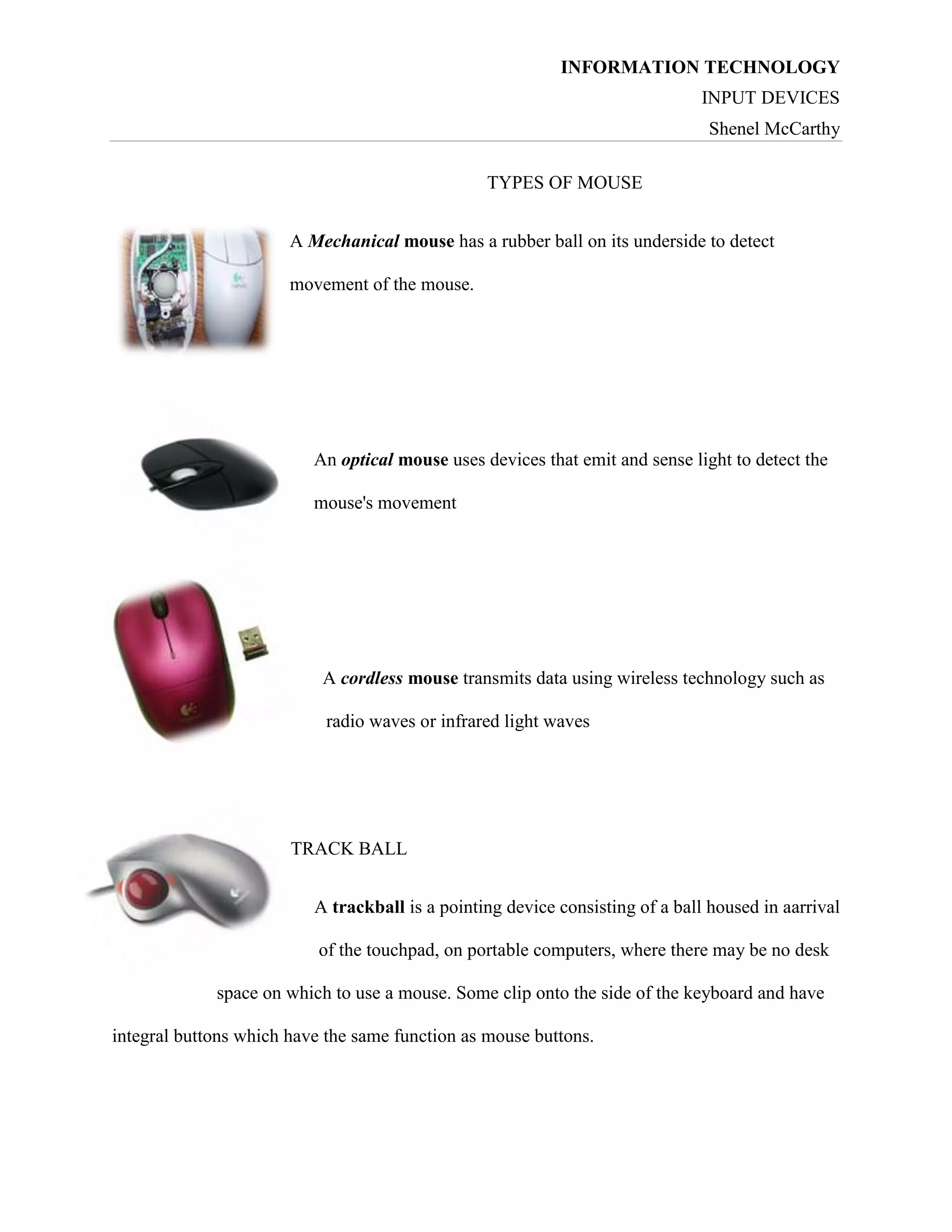
KEYBOARD
A keyboard contains keys that allow a user to enter data and
instructions into the computer.

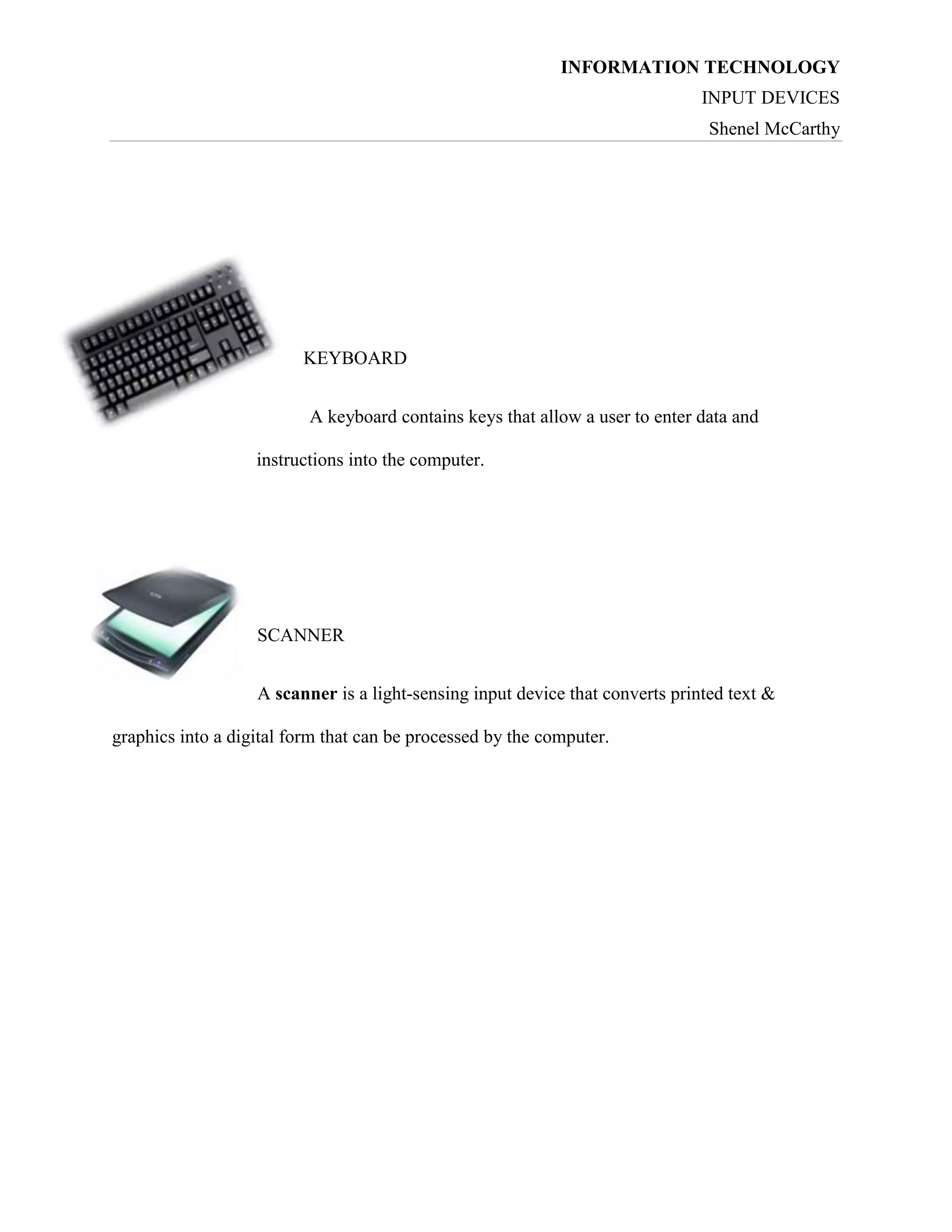
SCANNER
A scanner is a light-sensing input device that converts printed text &
graphics into a digital form that can be processed by the computer.
INFORMATION TECHNOLOGY
INPUT DEVICES
Shenel McCarthy

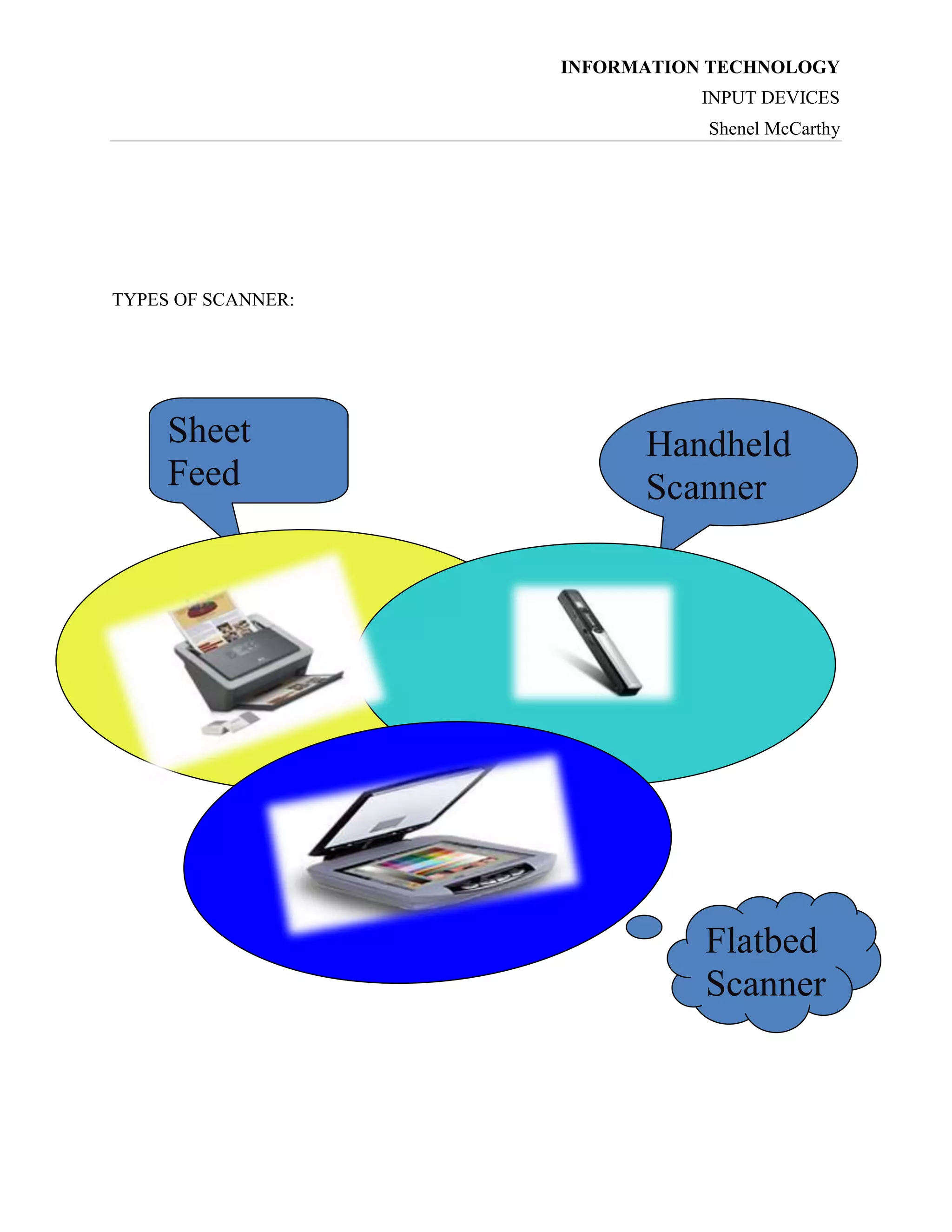
TYPES OF SCANNER:

Sheet
Feed
Scanner

Handheld
Scanner

Flatbed
Scanner
INFORMATION TECHNOLOGY
INPUT DEVICES
Shenel McCarthy

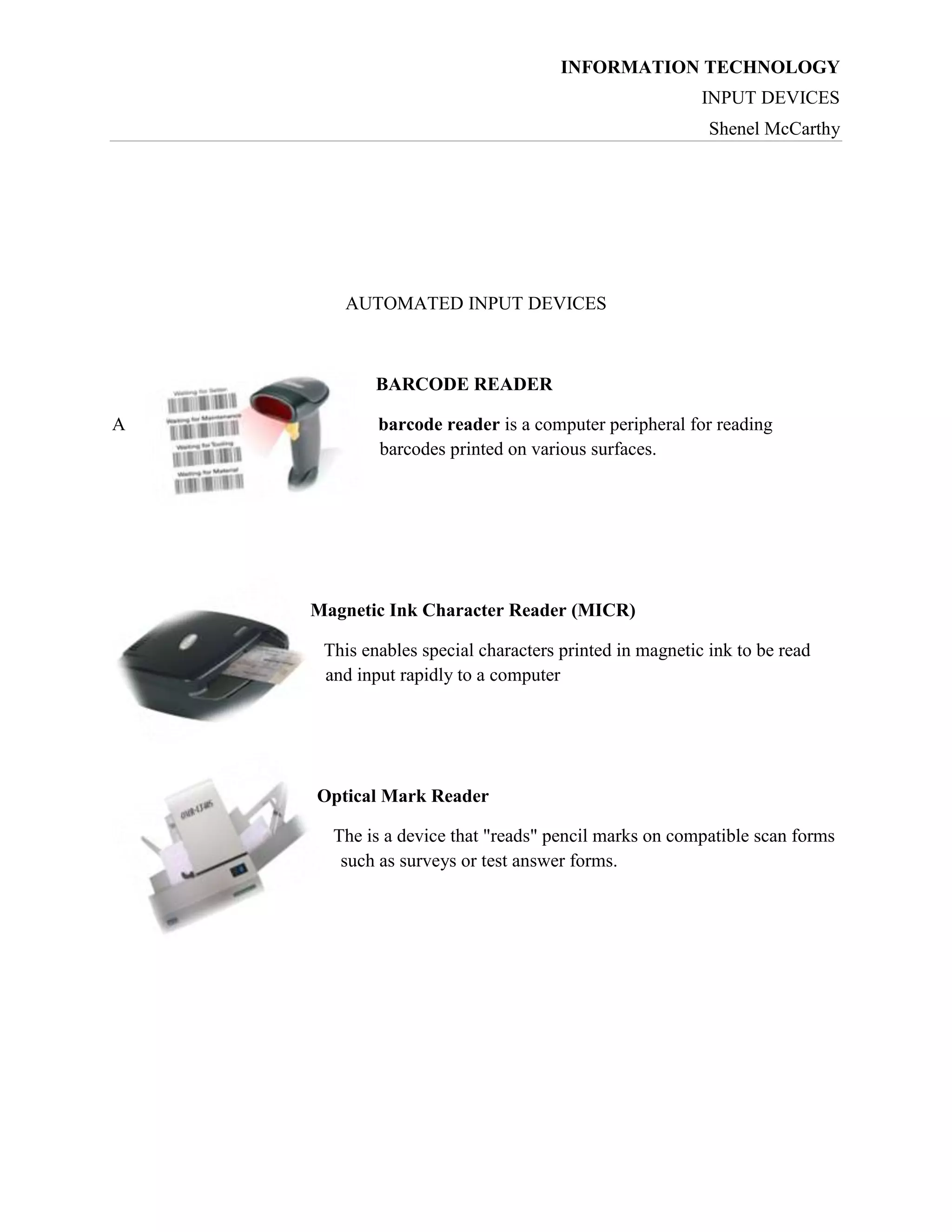
AUTOMATED INPUT DEVICES

BARCODE READER
A

barcode reader is a computer peripheral for reading
barcodes printed on various surfaces.

Magnetic Ink Character Reader (MICR)
This enables special characters printed in magnetic ink to be read
and input rapidly to a computer

Optical Mark Reader
The is a device that "reads" pencil marks on compatible scan forms
such as surveys or test answer forms.
INFORMATION TECHNOLOGY
INPUT DEVICES
Shenel McCarthy

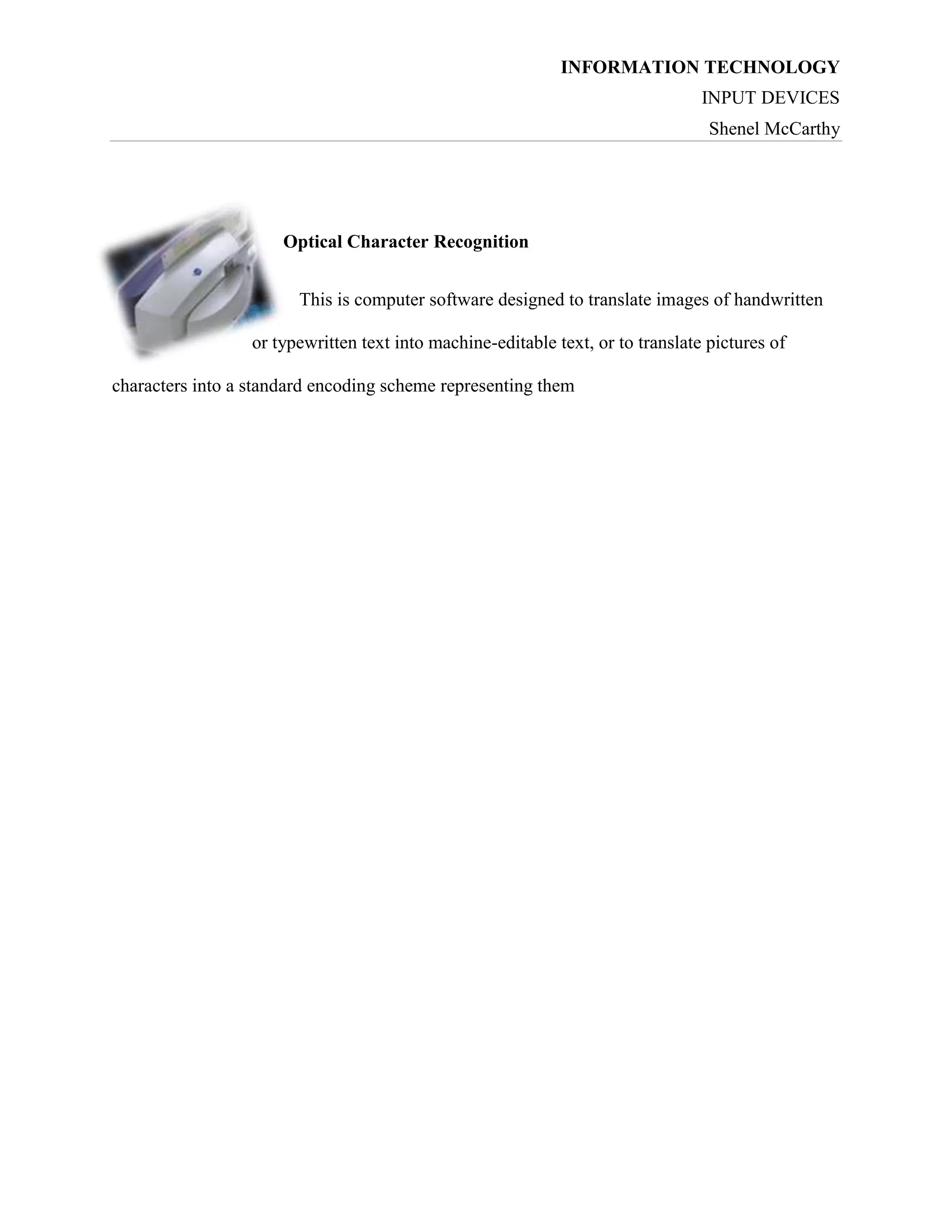
Optical Character Recognition
This is computer software designed to translate images of handwritten
or typewritten text into machine-editable text, or to translate pictures of
characters into a standard encoding scheme representing them

Input Devices

  • 1.
    INFORMATION TECHNOLOGY INPUT DEVICES ShenelMcCarthy Subject: Information Technology Topic: Input Devices Grade: 7s General Objectives: At the end of the lesson students should be able to: I. Develop and understanding of input devices. Specific Objectives: Students should be able to; I. II. Correctly define the term input devices without the aid of a teacher Correctly identify at least three (3) input devices from each category without the help of the teacher. III. Properly distinguish between at least five (5) input devices without the aid of the teacher.
  • 2.
    INFORMATION TECHNOLOGY INPUT DEVICES ShenelMcCarthy What is an Input Devices? Any hardware component that allows you to enter data, programs, commands, and user responses into a computer Input devices can be classified in two (2) categories: Manual input devices are those devices that require one to physically operate them in some manner in order to input data. Automated input device are methods of capturing and entering data directly to the computer without the intervention of the user MANUAL INPUT DEVICES MOUSE The mouse is an input device designed to manipulate objects on the computer screen.
  • 3.
    INFORMATION TECHNOLOGY INPUT DEVICES ShenelMcCarthy TYPES OF MOUSE A Mechanical mouse has a rubber ball on its underside to detect movement of the mouse. An optical mouse uses devices that emit and sense light to detect the mouse's movement A cordless mouse transmits data using wireless technology such as radio waves or infrared light waves TRACK BALL A trackball is a pointing device consisting of a ball housed in aarrival of the touchpad, on portable computers, where there may be no desk space on which to use a mouse. Some clip onto the side of the keyboard and have integral buttons which have the same function as mouse buttons.
  • 4.
    INFORMATION TECHNOLOGY INPUT DEVICES ShenelMcCarthy KEYBOARD A keyboard contains keys that allow a user to enter data and instructions into the computer. SCANNER A scanner is a light-sensing input device that converts printed text & graphics into a digital form that can be processed by the computer.
  • 5.
    INFORMATION TECHNOLOGY INPUT DEVICES ShenelMcCarthy TYPES OF SCANNER: Sheet Feed Scanner Handheld Scanner Flatbed Scanner
  • 6.
    INFORMATION TECHNOLOGY INPUT DEVICES ShenelMcCarthy AUTOMATED INPUT DEVICES BARCODE READER A barcode reader is a computer peripheral for reading barcodes printed on various surfaces. Magnetic Ink Character Reader (MICR) This enables special characters printed in magnetic ink to be read and input rapidly to a computer Optical Mark Reader The is a device that "reads" pencil marks on compatible scan forms such as surveys or test answer forms.
  • 7.
    INFORMATION TECHNOLOGY INPUT DEVICES ShenelMcCarthy Optical Character Recognition This is computer software designed to translate images of handwritten or typewritten text into machine-editable text, or to translate pictures of characters into a standard encoding scheme representing them