HOW TO IMPLEMENT

WEB FONTS
ON YOUR WEBSITE
WHO AM I?


            •  Jim Kidwell
            •  With Extensis for over 8 years
            •  Author, Speaker & Font Fanatic
AGENDA


•    Why web fonts?
•    Web design process overview
•    Photoshop mock-up sample
•    Updating an existing site
•    Selecting font pairs
•    CSS examples
•    Q&A
WHY WEB FONTS?


•    Web design is 95% typography
•    Browsers are nally ready for it
•    Very few default system fonts
•    Thousands of web fonts now available
•    Easy to update
•    Accessibility (ADA compliant)
•    Search engine friendly (SEO)
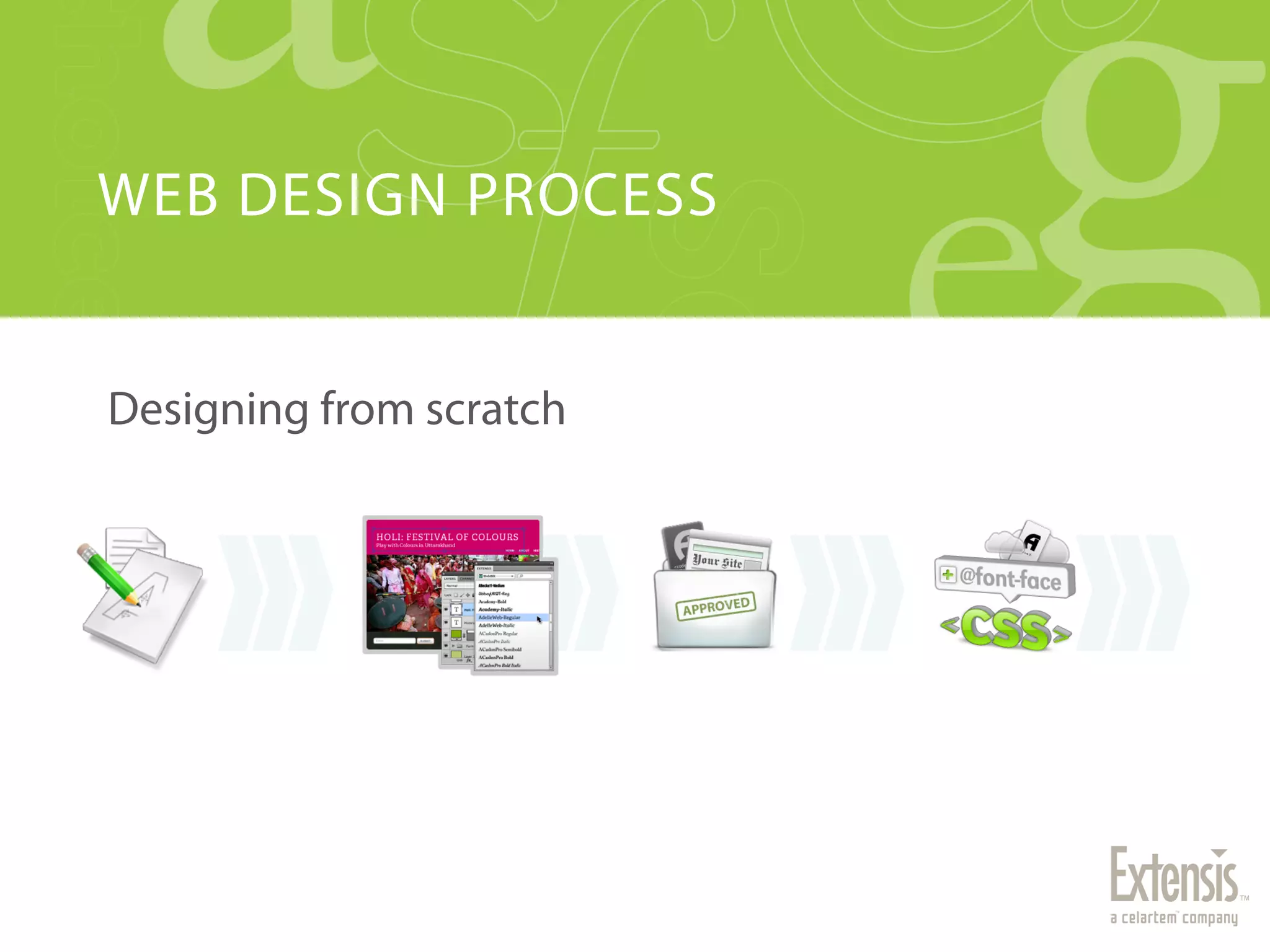
WEB DESIGN PROCESS


Designing from scratch
WHERE DO WEB FONTS FIT IN?


•    Typically, they don’t.
•    Fonts are software
•    Desktop Fonts ≠ Web Fonts
•    Photoshop requires desktop fonts
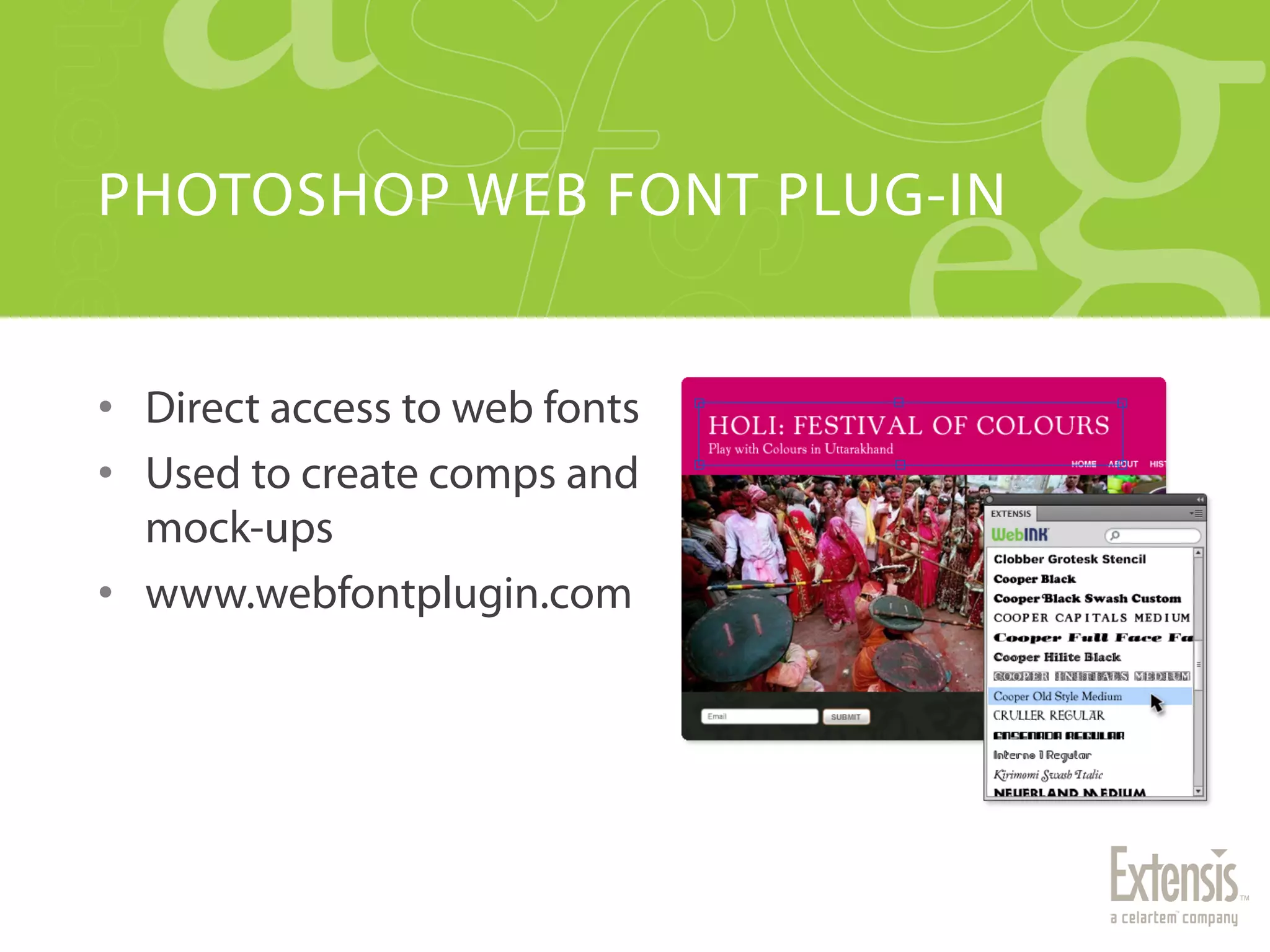
PHOTOSHOP WEB FONT PLUG-IN


•  Direct access to web fonts
•  Used to create comps and
   mock-ups
•  www.webfontplugin.com
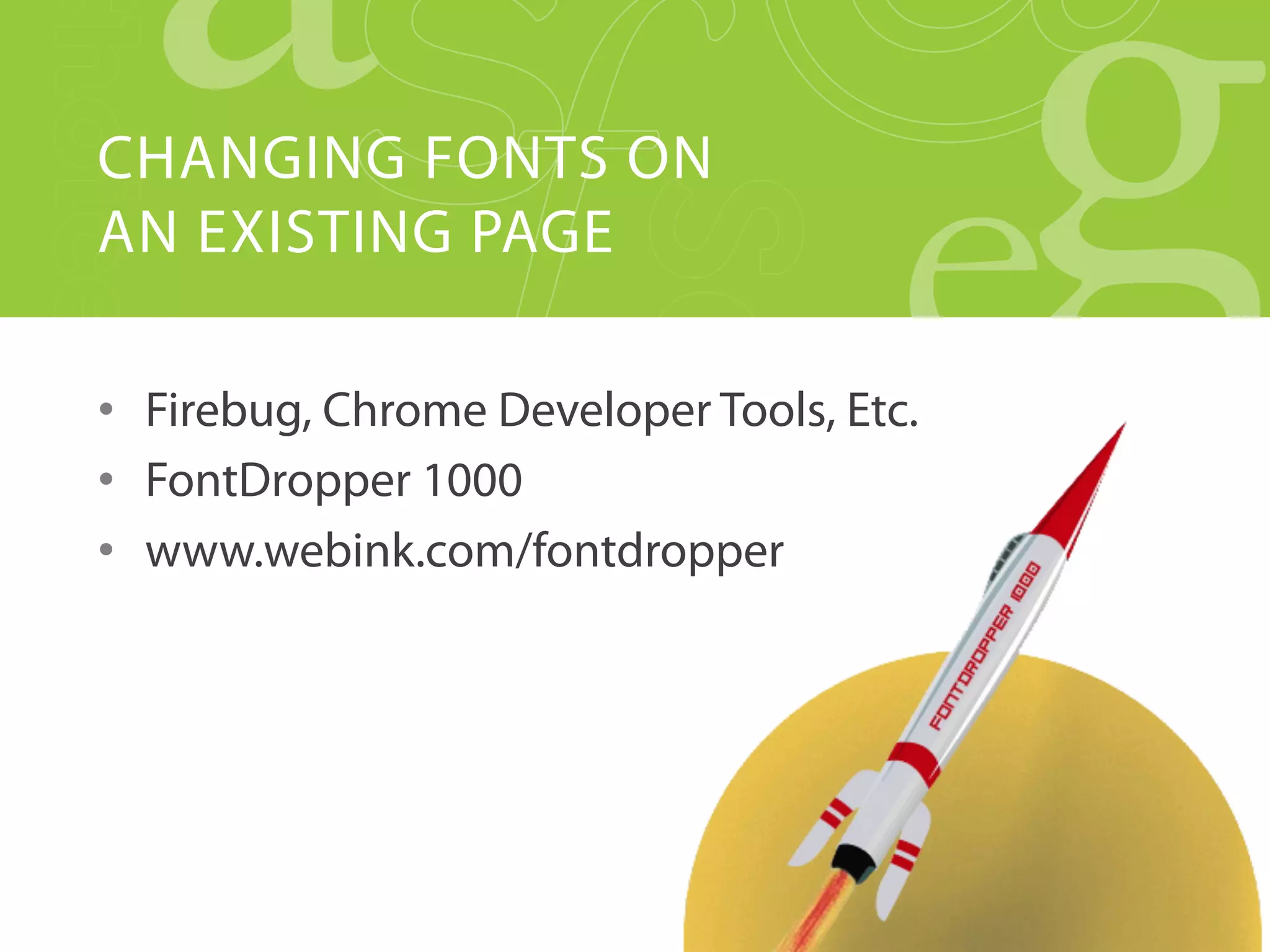
CHANGING FONTS ON
AN EXISTING PAGE

•  Firebug, Chrome Developer Tools, Etc.
•  FontDropper 1000
•  www.webink.com/fontdropper
FONT SELECTION HELP


•    It’s exciting!
•    Utilize some restraint
•    4-5 typefaces
•    Pair fonts wisely
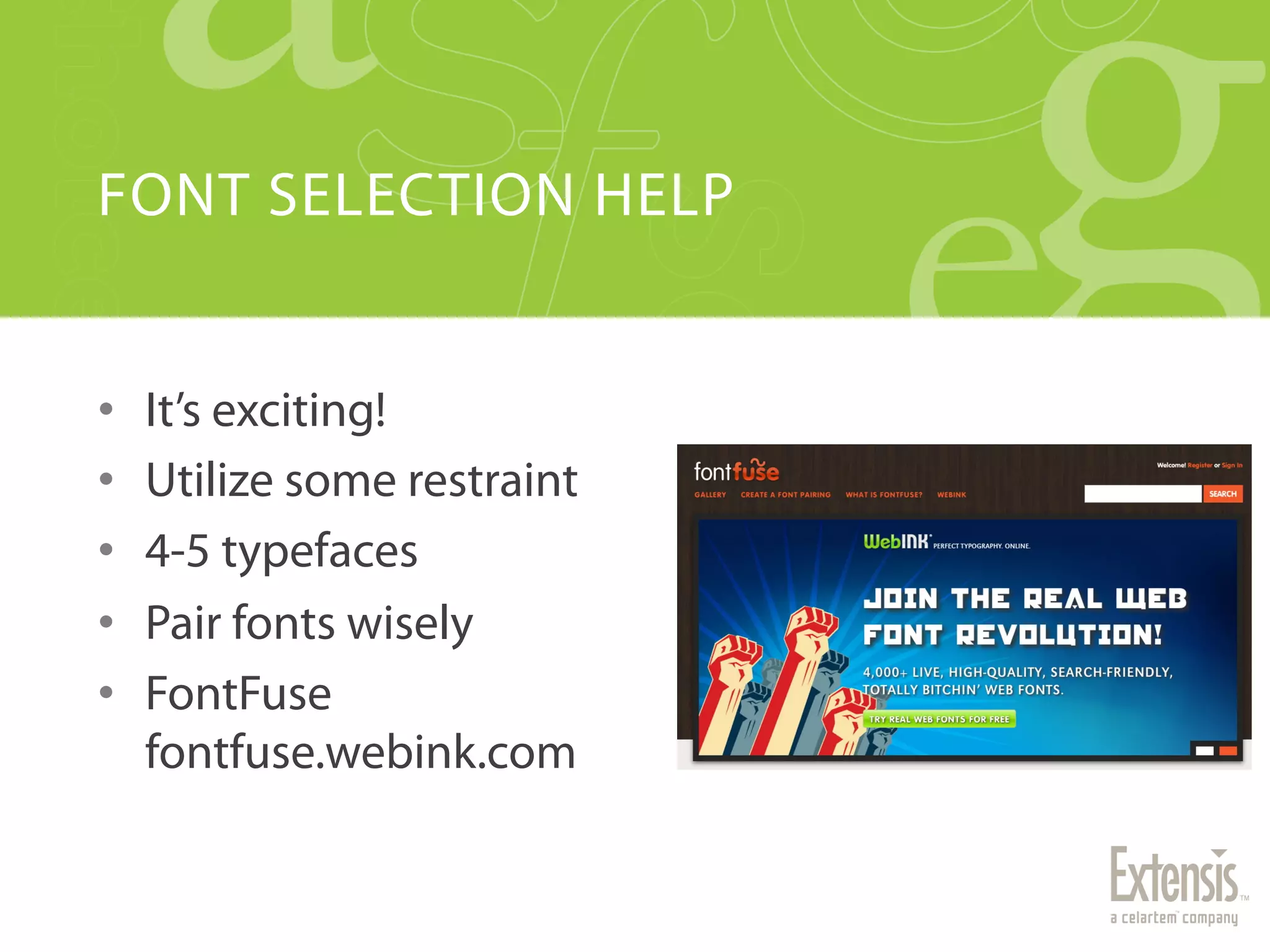
•    FontFuse
     fontfuse.webink.com
GETTING WEB FONTS


•    Self hosting
•    Web font services
•    How WebINK does it
•    City of Type site sample
CSS TIPS


•    Beware of faux styling
•    Use font family naming abstraction
•    Examine CSS Frameworks and Toolkits carefully
•    FOUT-B-Gone
     www.extensis.com/en/WebINK/fout-b-gone
RESOURCES + Q&A


•    WebINK
                                   •    Web Typography Resources
     www.webink.com
                                        www.webink.com/type-resources
•    FontDropper 1000
                                   •    WebINK blog
     www.webink.com/fontdropper
                                        blog.webink.com
•    Web Font Plug-in
                                   •    Follow us on Twitter!
     www.webfontplugin.com
                                        @extensis
•    FontFuse                           @webink
     fontfuse.webink.com                @jimkidwell
•    FOUT-B-Gone
     www.extensis.com/en/WebINK/
     fout-b-gone

Implementing Web Fonts on your Website

  • 1.
    HOW TO IMPLEMENT WEBFONTS ON YOUR WEBSITE
  • 2.
    WHO AM I? •  Jim Kidwell •  With Extensis for over 8 years •  Author, Speaker & Font Fanatic
  • 3.
    AGENDA •  Why web fonts? •  Web design process overview •  Photoshop mock-up sample •  Updating an existing site •  Selecting font pairs •  CSS examples •  Q&A
  • 4.
    WHY WEB FONTS? •  Web design is 95% typography •  Browsers are nally ready for it •  Very few default system fonts •  Thousands of web fonts now available •  Easy to update •  Accessibility (ADA compliant) •  Search engine friendly (SEO)
  • 5.
  • 6.
    WHERE DO WEBFONTS FIT IN? •  Typically, they don’t. •  Fonts are software •  Desktop Fonts ≠ Web Fonts •  Photoshop requires desktop fonts
  • 7.
    PHOTOSHOP WEB FONTPLUG-IN •  Direct access to web fonts •  Used to create comps and mock-ups •  www.webfontplugin.com
  • 8.
    CHANGING FONTS ON ANEXISTING PAGE •  Firebug, Chrome Developer Tools, Etc. •  FontDropper 1000 •  www.webink.com/fontdropper
  • 9.
    FONT SELECTION HELP •  It’s exciting! •  Utilize some restraint •  4-5 typefaces •  Pair fonts wisely •  FontFuse fontfuse.webink.com
  • 10.
    GETTING WEB FONTS •  Self hosting •  Web font services •  How WebINK does it •  City of Type site sample
  • 11.
    CSS TIPS •  Beware of faux styling •  Use font family naming abstraction •  Examine CSS Frameworks and Toolkits carefully •  FOUT-B-Gone www.extensis.com/en/WebINK/fout-b-gone
  • 12.
    RESOURCES + Q&A •  WebINK •  Web Typography Resources www.webink.com www.webink.com/type-resources •  FontDropper 1000 •  WebINK blog www.webink.com/fontdropper blog.webink.com •  Web Font Plug-in •  Follow us on Twitter! www.webfontplugin.com @extensis •  FontFuse @webink fontfuse.webink.com @jimkidwell •  FOUT-B-Gone www.extensis.com/en/WebINK/ fout-b-gone