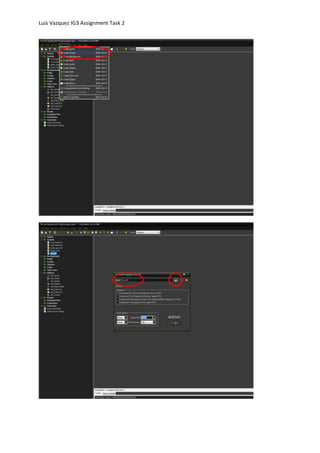
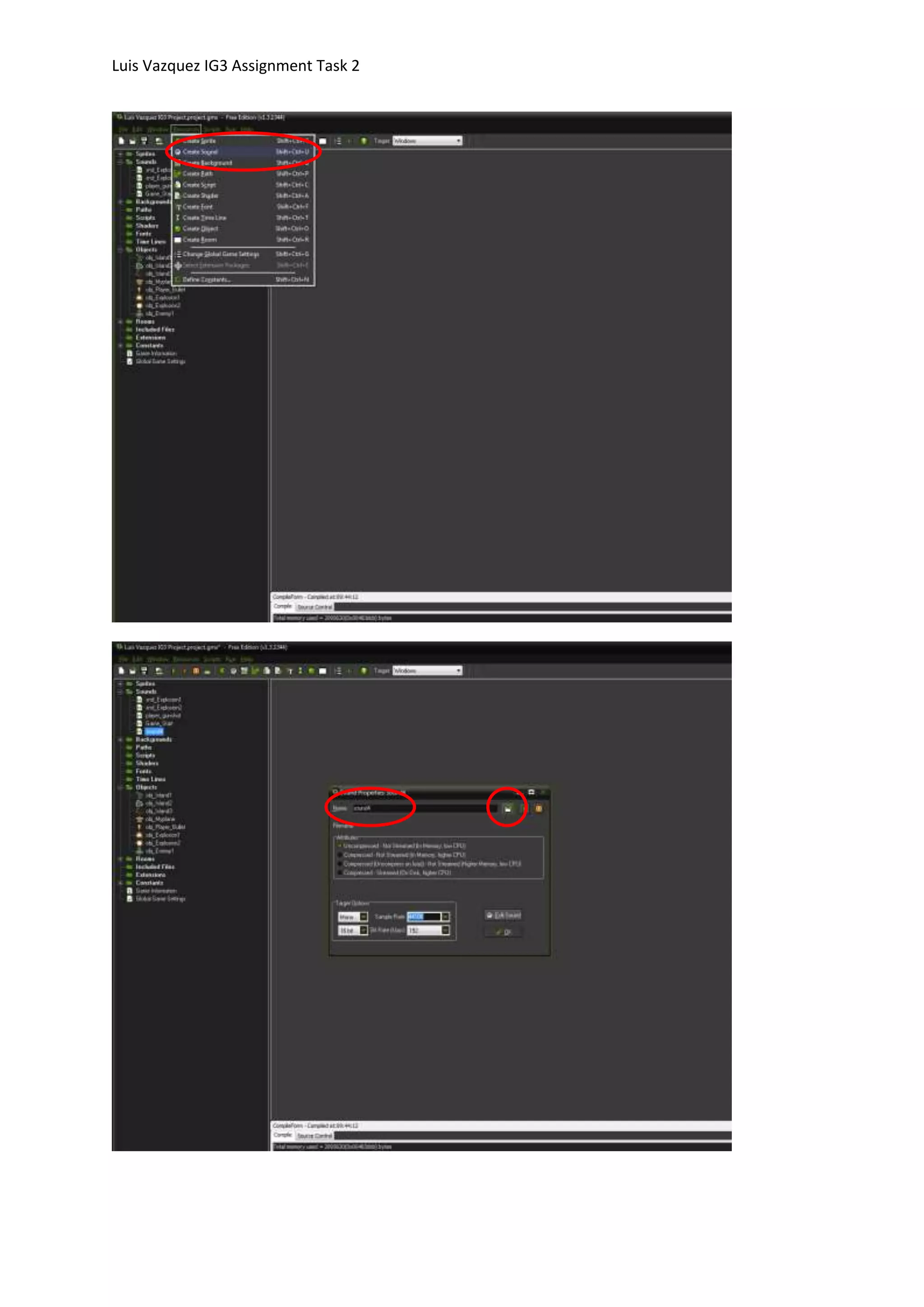
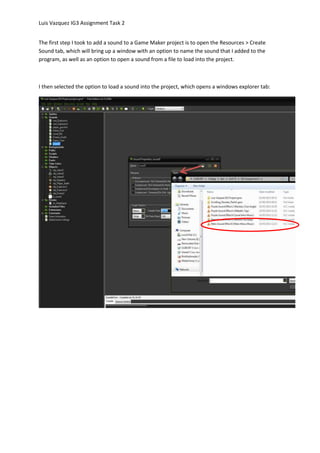
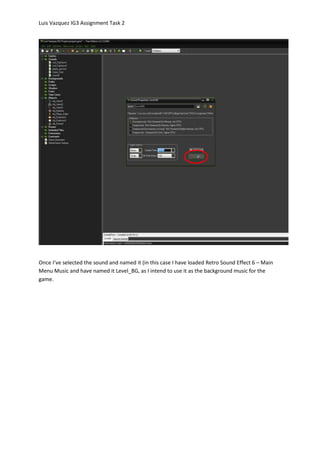
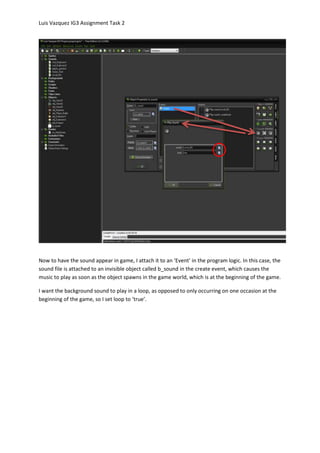
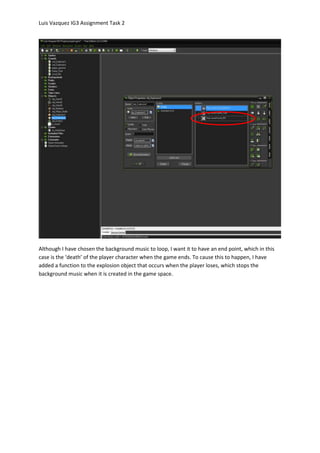
The document describes the steps taken to add sound to a Game Maker project. These steps include opening the sound tab to name and load a sound file, attaching the background music sound ("Level_BG") to an invisible object's create event to play on start up in a loop, and adding a function to stop the background music when an explosion object is created to end the game.