I Can Be Apple,
and So Can You
Shakacon 2018
Josh Pitts @midnite_runr
My Background
|
https://github.com/secretsquirrel
https://www.computerworld.com/article/2847549/cyberespionage-group-tied-to-onionduke-malware.html
Outline
• Code signing Basics

• DEMO

• Vulnerability Details

• What about Gatekeeper

• Disclosure process

• How to do signed code checks correctly

• Process of finding this vulnerability

• Q&A
vs
Not Modified Modified
https://commons.wikimedia.org/wiki/File:Windows_logo_-_2012.svg https://commons.wikimedia.org/wiki/File:MacOS_logo.svg
DEMO
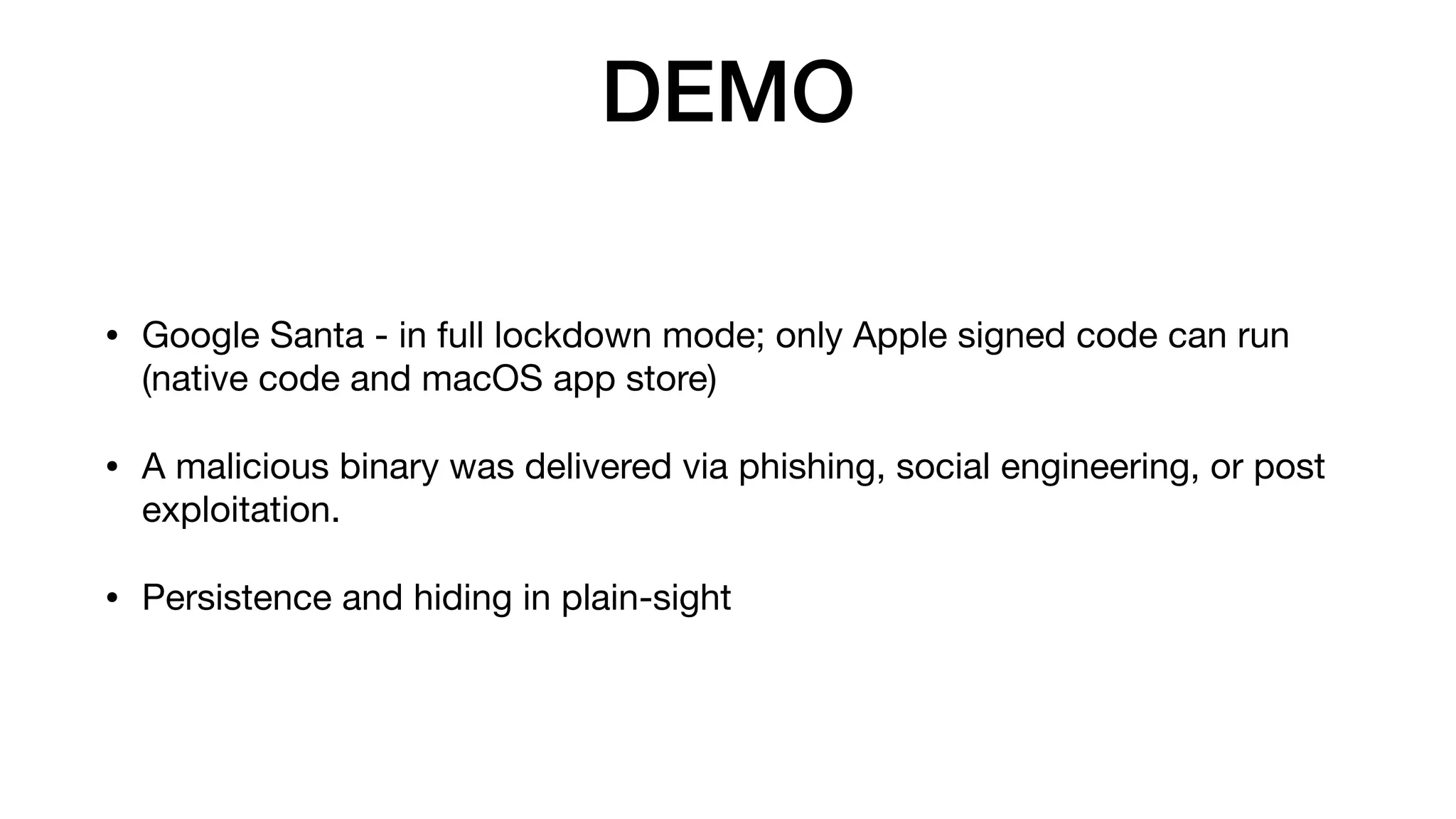
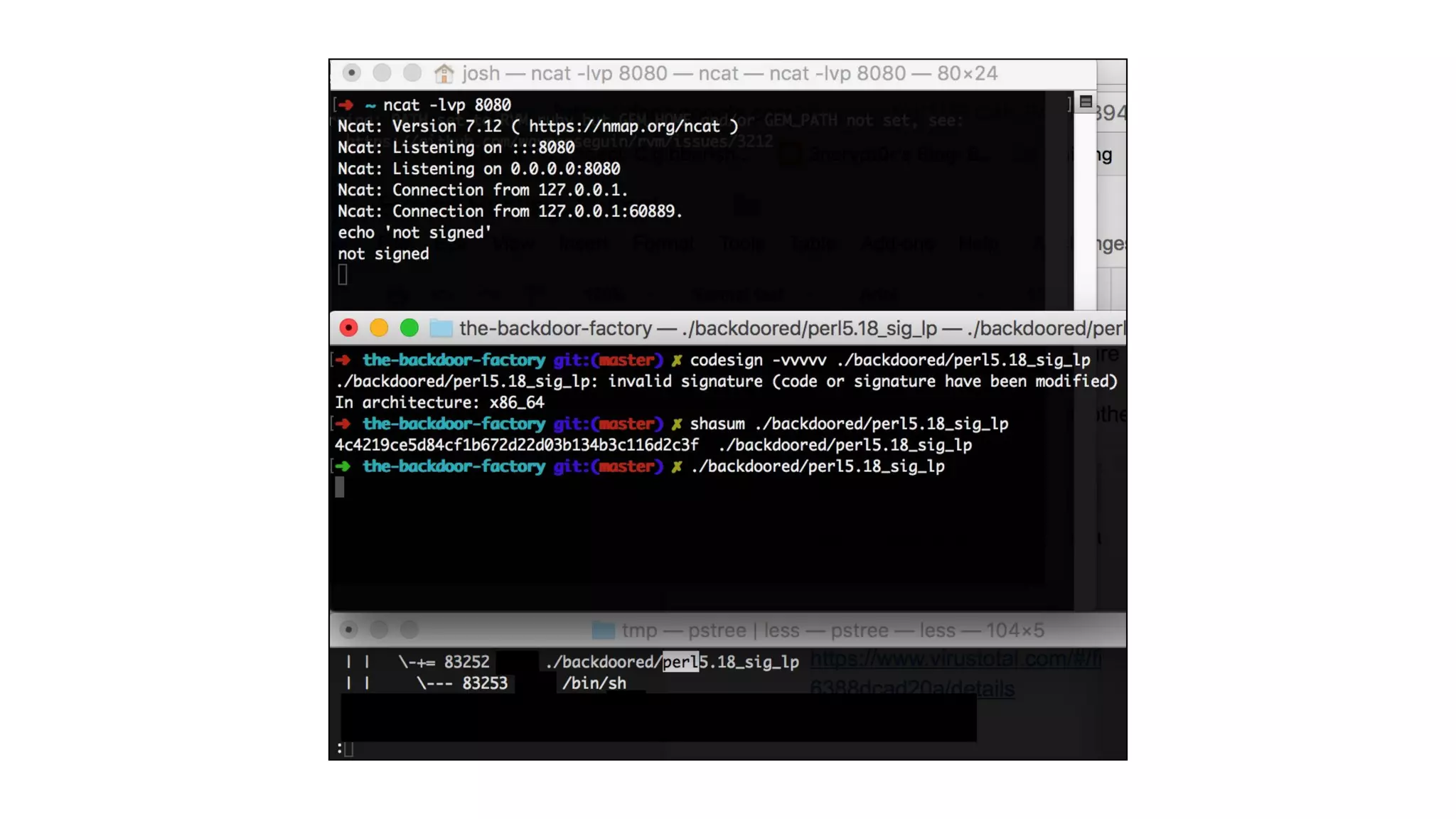
• Google Santa - in full lockdown mode; only Apple signed code can run
(native code and macOS app store)

• A malicious binary was delivered via phishing, social engineering, or post
exploitation.

• Persistence and hiding in plain-sight
DEMO
Vulnerability Details
June 12, 2018
https://motherboard.vice.com/en_us/article/evkq3m/apple-macos-malware-okta-research
Conditions for the vulnerability
• Takes advantage of the Fat/Universal binary format

• The first Mach-O in the Fat/Universal file must be signed by Apple, can
be i386, x86_64, or even PPC.

• The malicious binary, or non-Apple supplied code, must be adhoc
signed and i386 compiled for an x86_64 bit target macOS.

• The CPU_TYPE in the Fat header of the Apple binary must be set to an
invalid type or a CPU Type that is not native to the host chipset.
This vulnerability exists in the difference between how the Mach-O loader
loads signed code vs how improperly used Code Signing APIs check signed
code and is exploited via a malformed Universal/Fat Binary.
This vulnerability exists in the difference between how the Mach-O loader
loads signed code vs how improperly used Code Signing APIs check signed
code and is exploited via a malformed Universal/Fat Binary.
$ file /bin/sync
/bin/sync: Mach-O universal binary with 2 architectures: [x86_64:Mach-O 64-bit executable x86_64]
[i386:Mach-O executable i386]
/bin/sync (for architecture x86_64): Mach-O 64-bit executable x86_64
/bin/sync (for architecture i386): Mach-O executable i386
$ file /bin/sync
/bin/sync: Mach-O universal binary with 2 architectures: [x86_64:Mach-O 64-bit executable x86_64]
[i386:Mach-O executable i386]
/bin/sync (for architecture x86_64): Mach-O 64-bit executable x86_64
/bin/sync (for architecture i386): Mach-O executable i386
$ file /bin/sync
/bin/sync: Mach-O universal binary with 2 architectures: [x86_64:Mach-O 64-bit executable x86_64]
[i386:Mach-O executable i386]
/bin/sync (for architecture x86_64): Mach-O 64-bit executable x86_64
/bin/sync (for architecture i386): Mach-O executable i386
This vulnerability exists in the difference between how the Mach-O loader
loads code vs how improperly used Code Signing APIs check signed
code and is exploited via a malformed Universal/Fat Binary.
$lipo -create python.x86_64 ncat.i386 -output ncat.frankenstein
What vendors were affected?
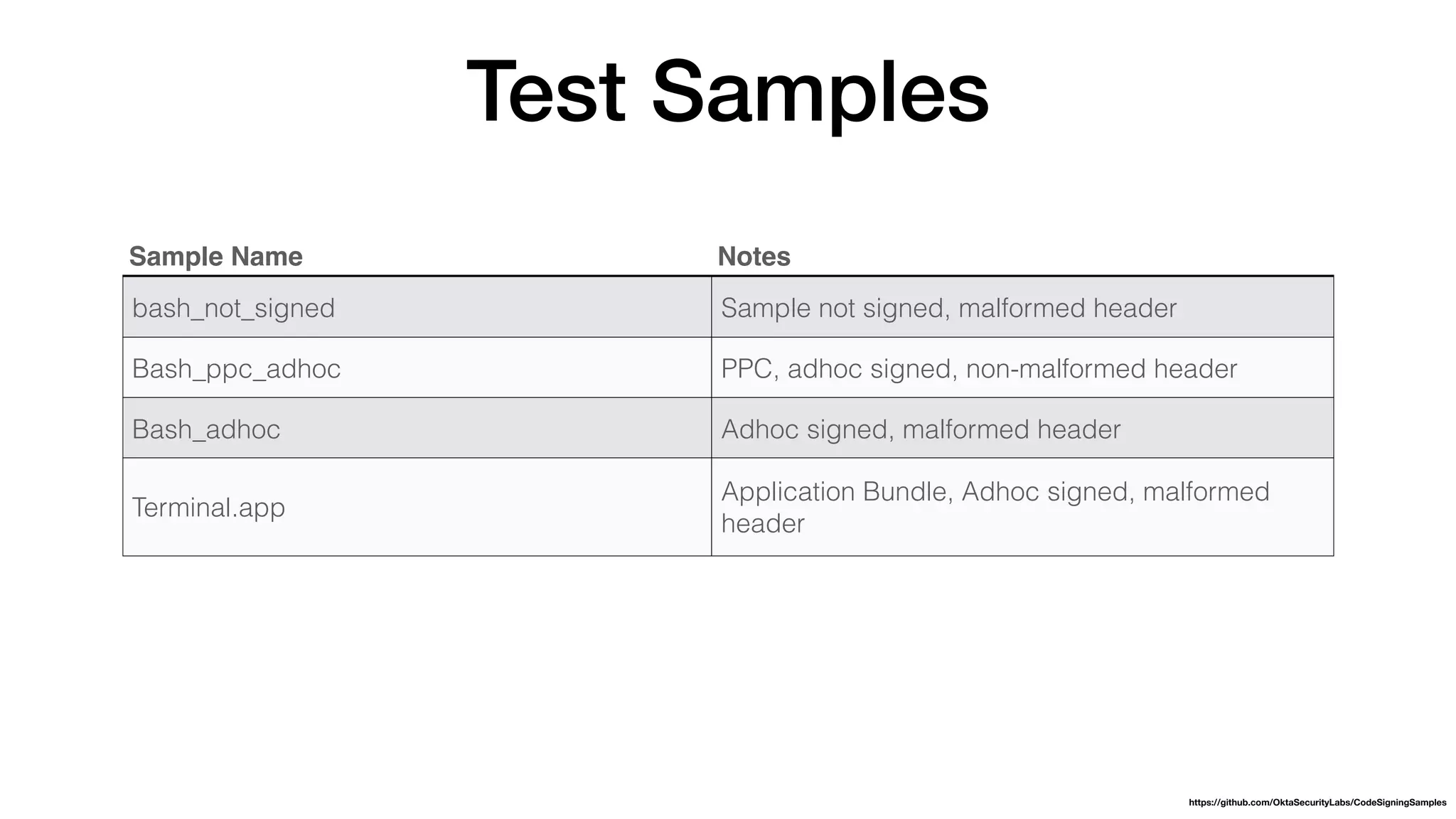
Test Samples
Sample Name Notes
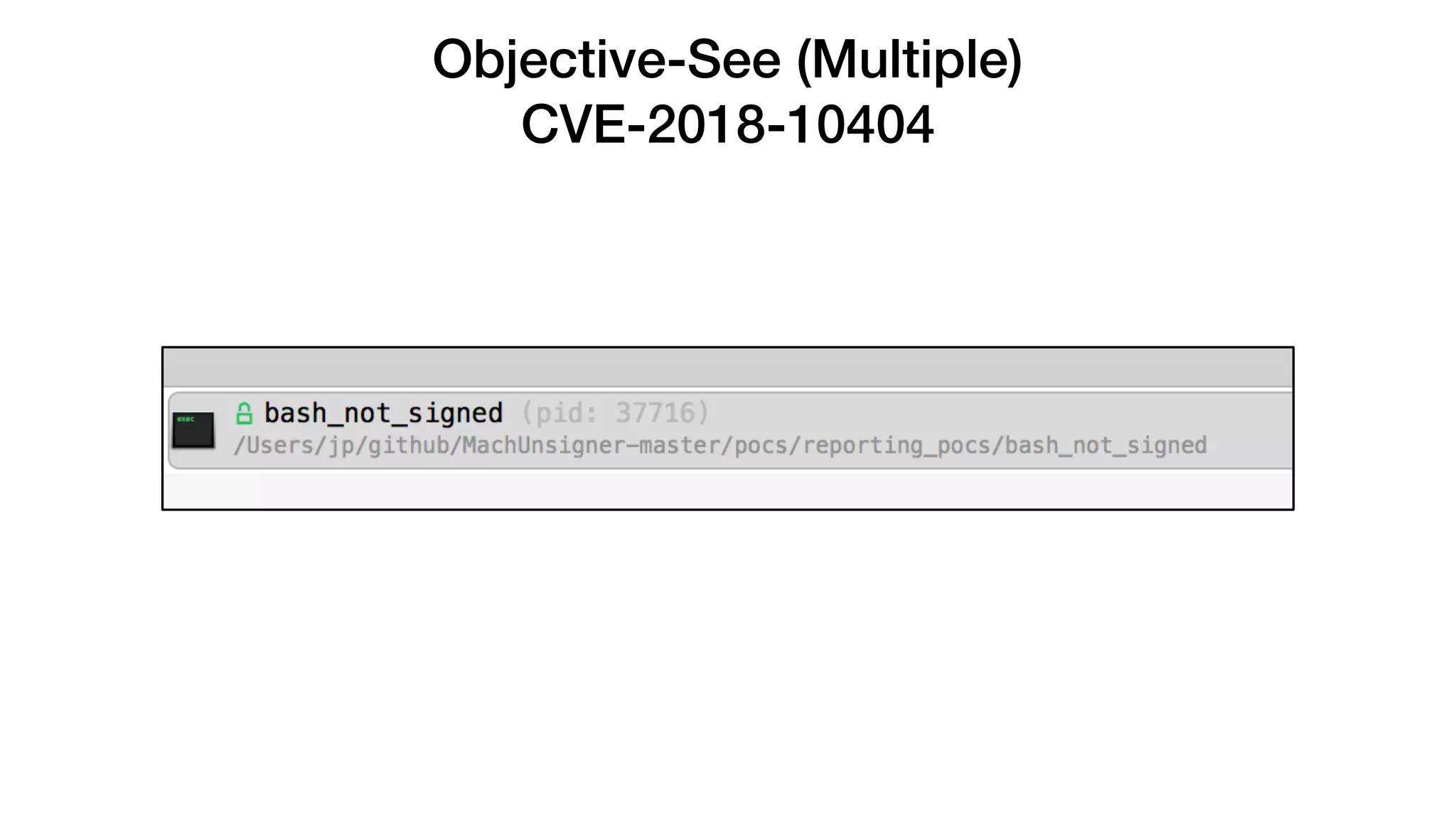
bash_not_signed Sample not signed, malformed header
Bash_ppc_adhoc PPC, adhoc signed, non-malformed header
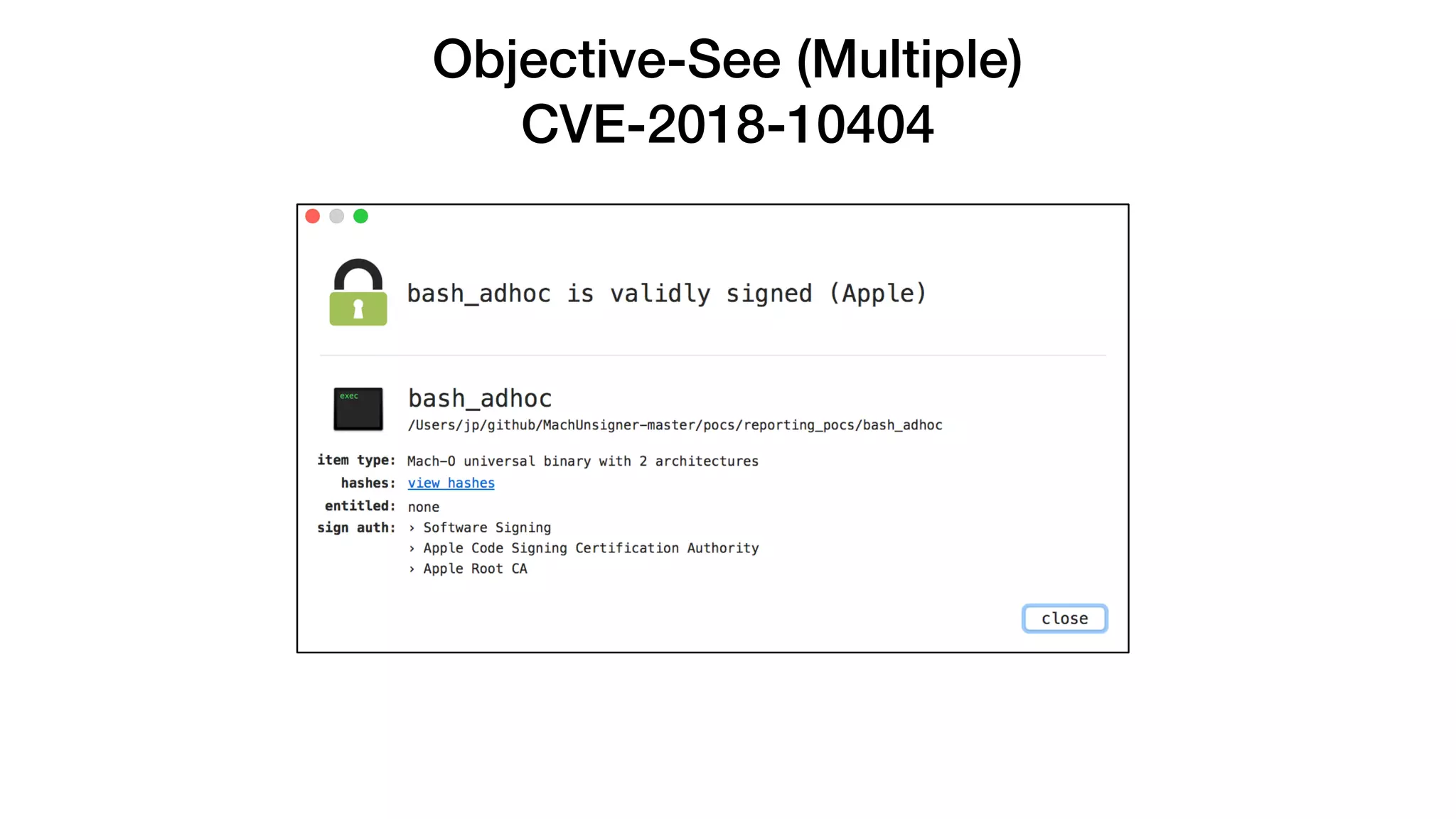
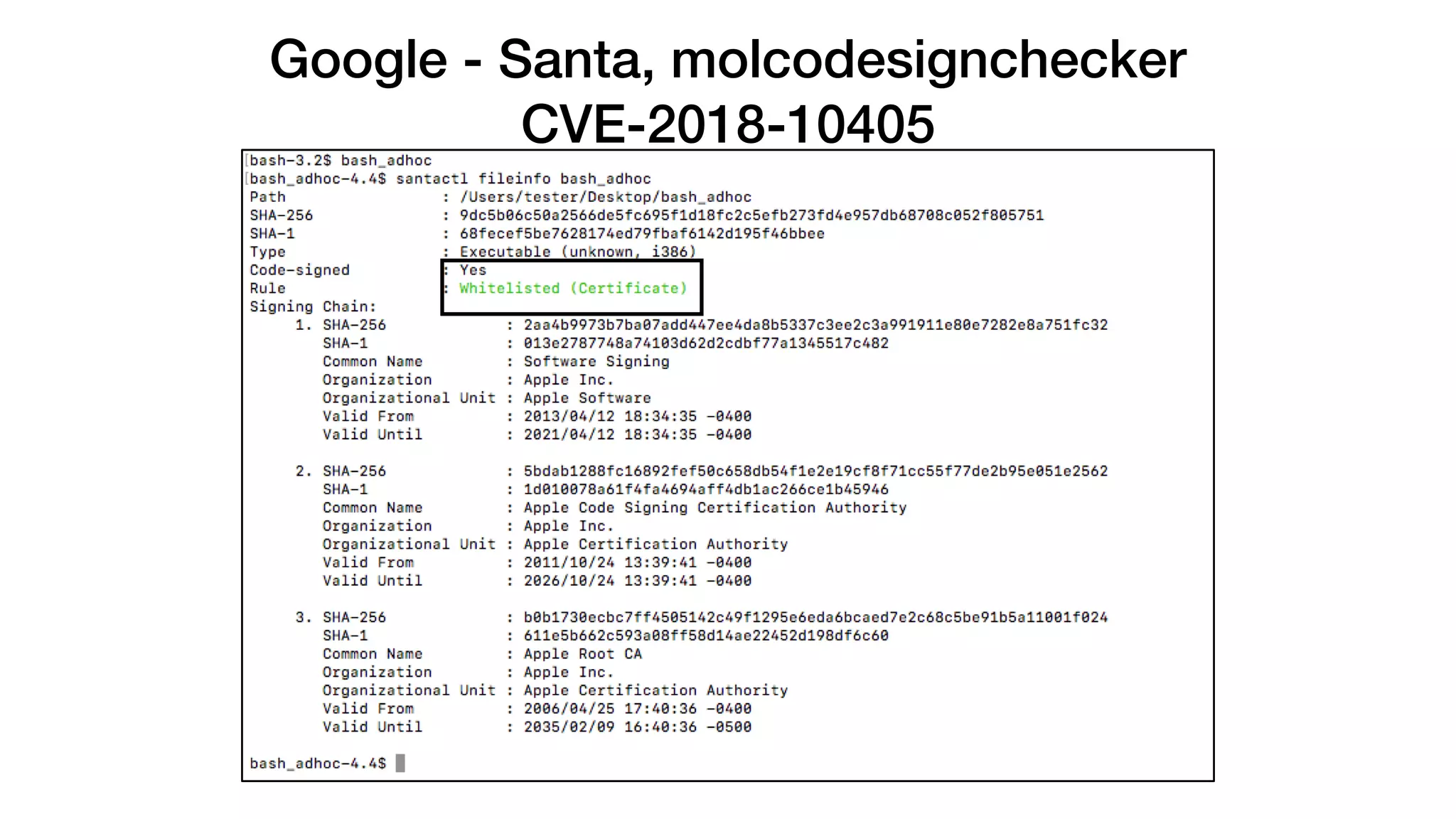
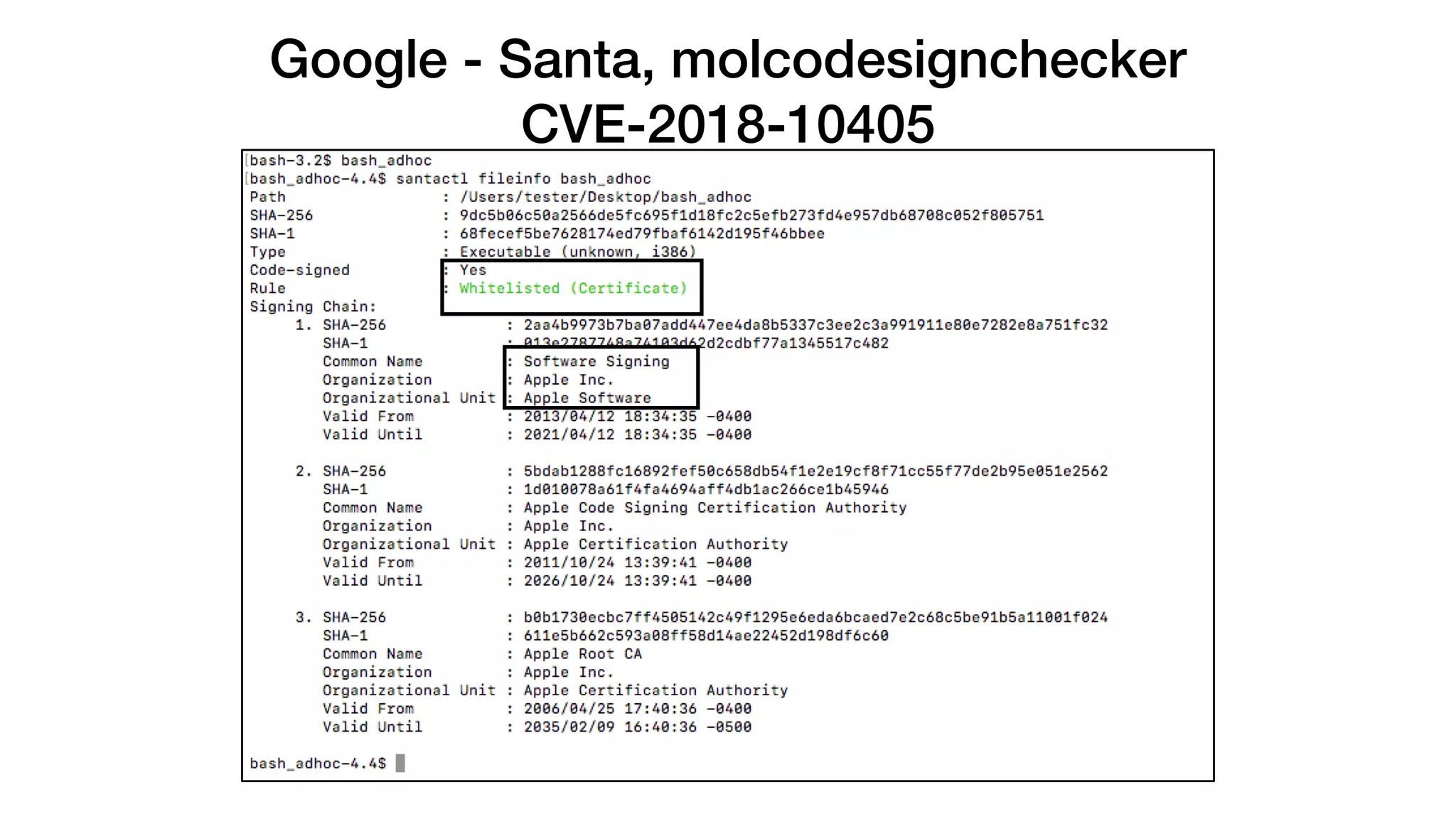
Bash_adhoc Adhoc signed, malformed header
Terminal.app
Application Bundle, Adhoc signed, malformed
header
https://github.com/OktaSecurityLabs/CodeSigningSamples
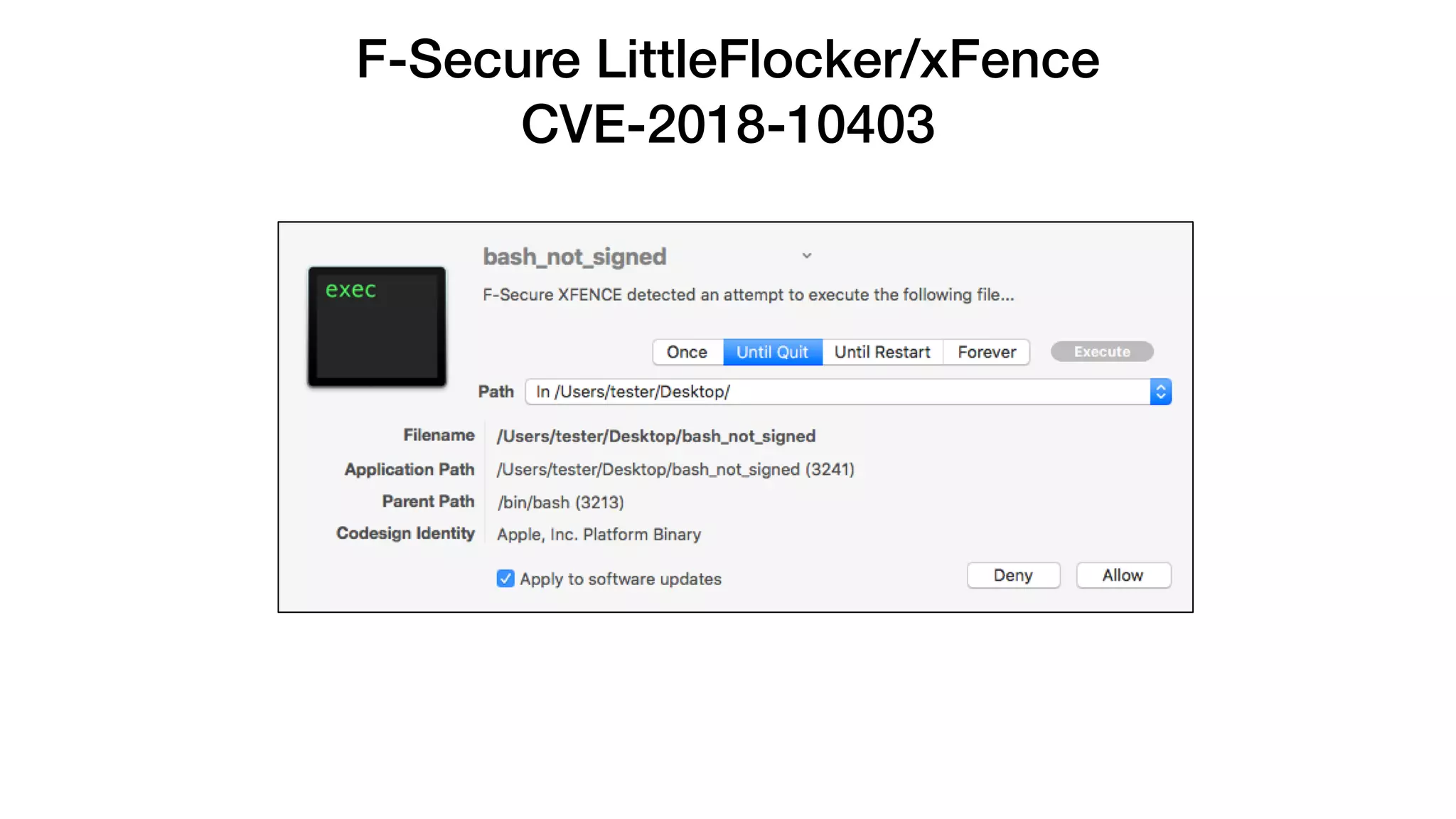
F-Secure LittleFlocker/xFence
CVE-2018-10403
F-Secure LittleFlocker/xFence
CVE-2018-10403
F-Secure LittleFlocker/xFence
CVE-2018-10403
Objective-See (Multiple)
CVE-2018-10404
Objective-See (Multiple)
CVE-2018-10404
Objective-See (Multiple)
CVE-2018-10404
Google - Santa, molcodesignchecker
CVE-2018-10405
Google - Santa, molcodesignchecker
CVE-2018-10405
Google - Santa, molcodesignchecker
CVE-2018-10405
Google - Santa, molcodesignchecker
CVE-2018-10405
Google - Santa, molcodesignchecker
CVE-2018-10405
Yelp - OSXCollector
CVE-2018-10406
Carbon Black - Cb Response
CVE-2018-10407
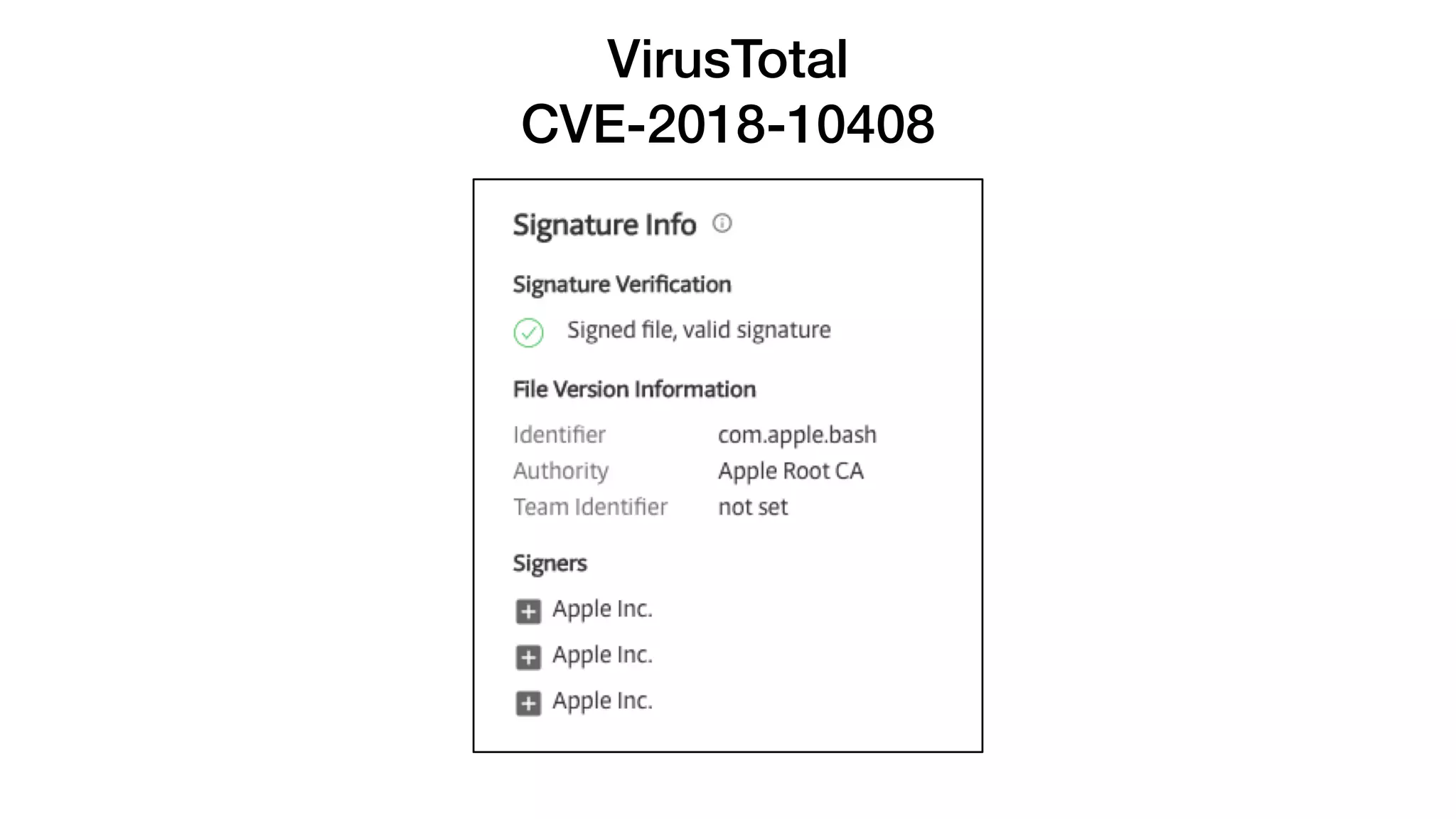
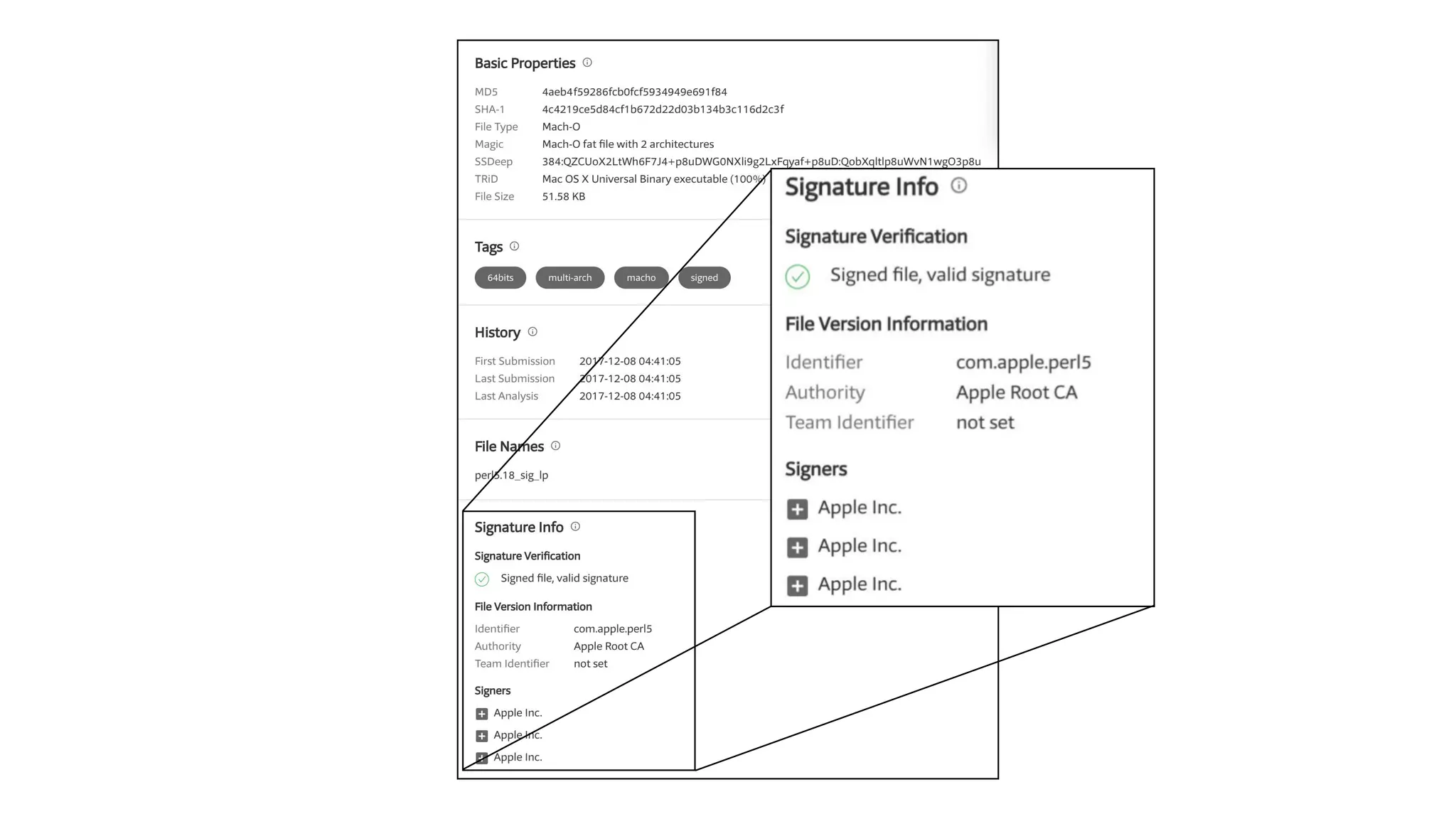
VirusTotal
CVE-2018-10408
Facebook - OSQuery
CVE-2018-6336
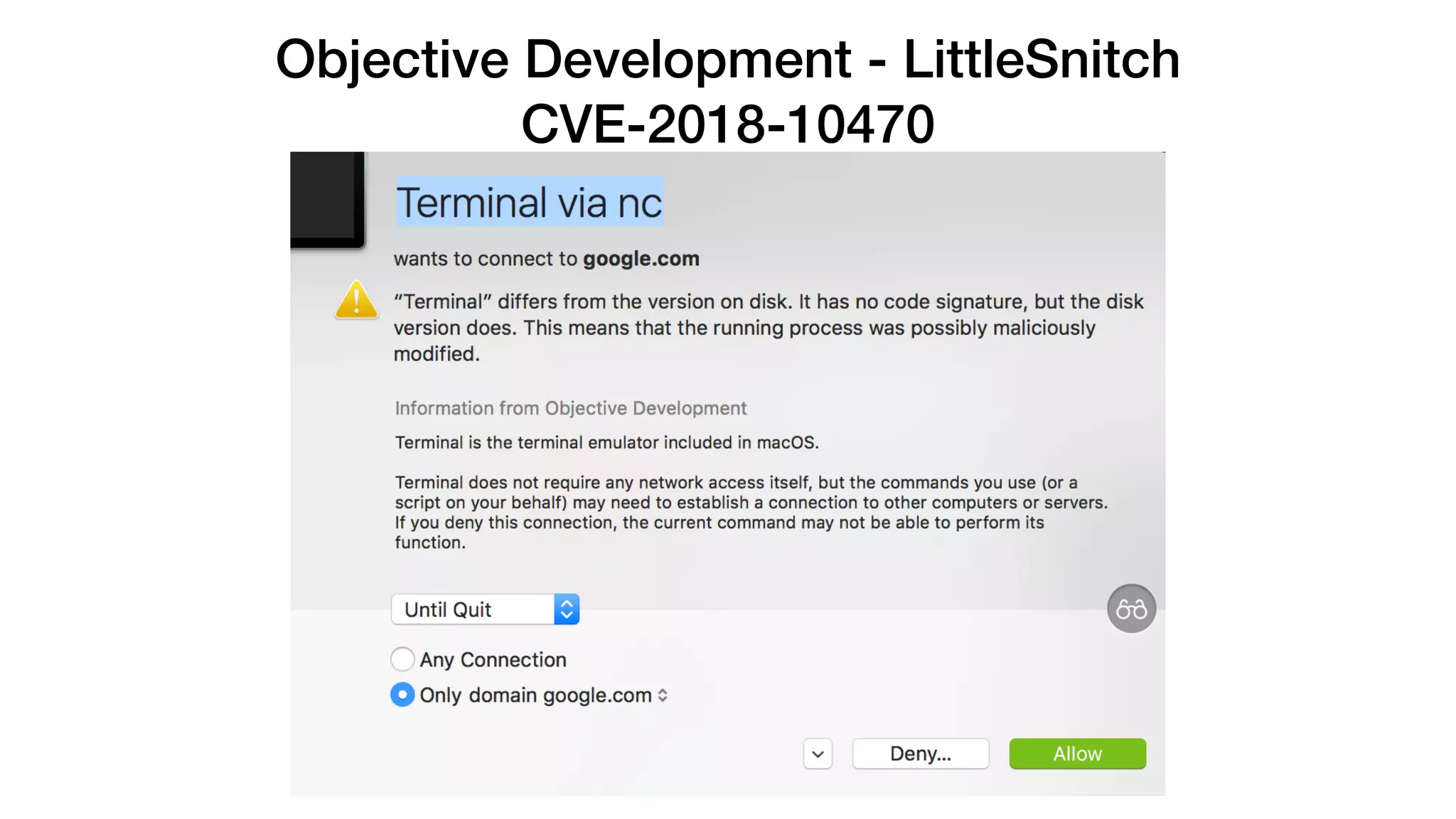
Objective Development - LittleSnitch
CVE-2018-10470
Objective Development - LittleSnitch
CVE-2018-10470
Objective Development - LittleSnitch
CVE-2018-10470
What about Gatekeeper?
How Apple Sees Gatekeeper
https://en.wikipedia.org/wiki/Gatekeeper_(macOS)#/media/File:Gatekeeper_logo.png
How I See Gatekeeper
http://www.dippylisty.com/contentdippyimages/2228.jpg
How I See Gatekeeper
http://www.dippylisty.com/contentdippyimages/2228.jpg
https://www.slideshare.net/Synack/gatekeeper-exposed
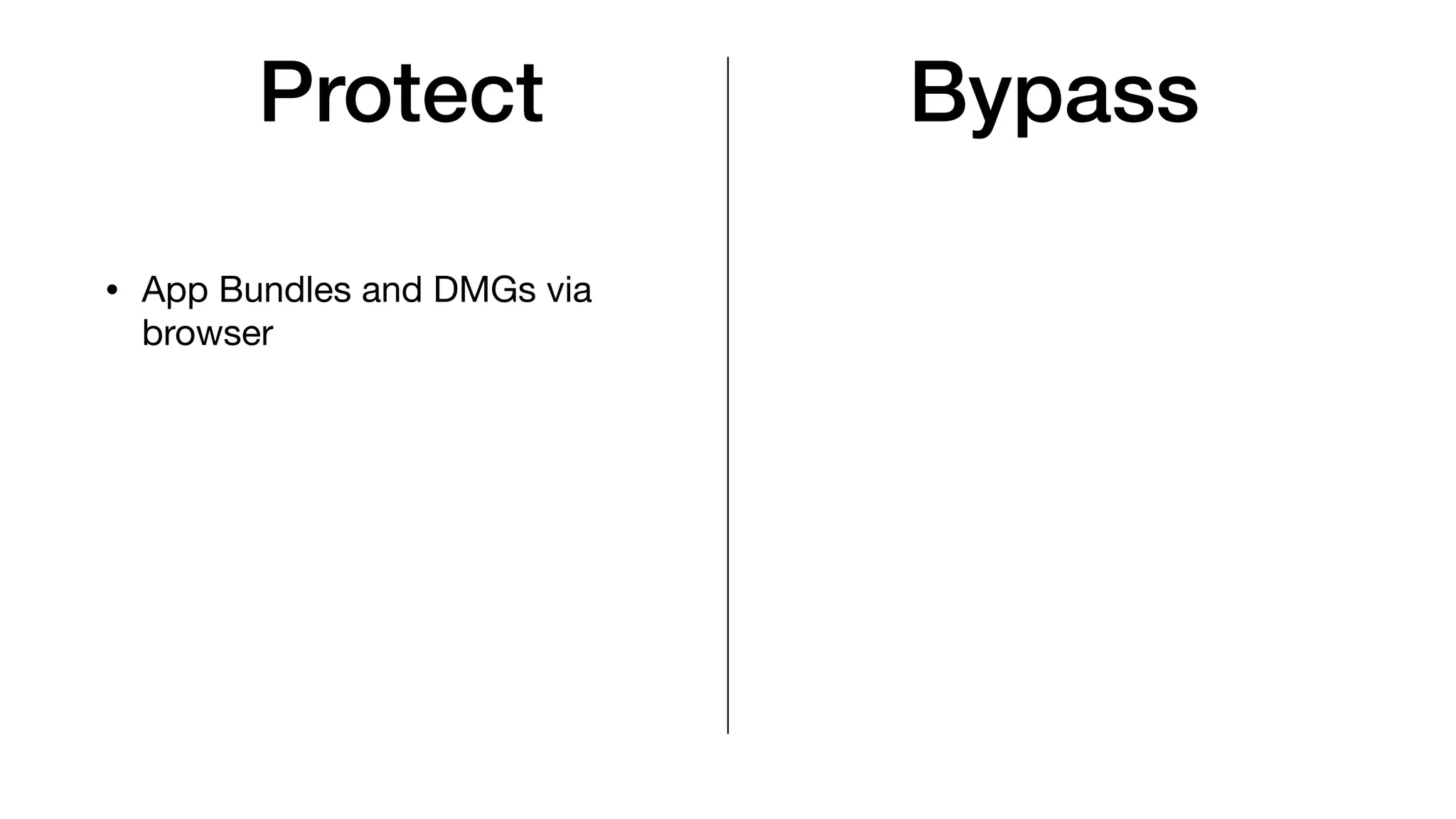
Protect Bypass
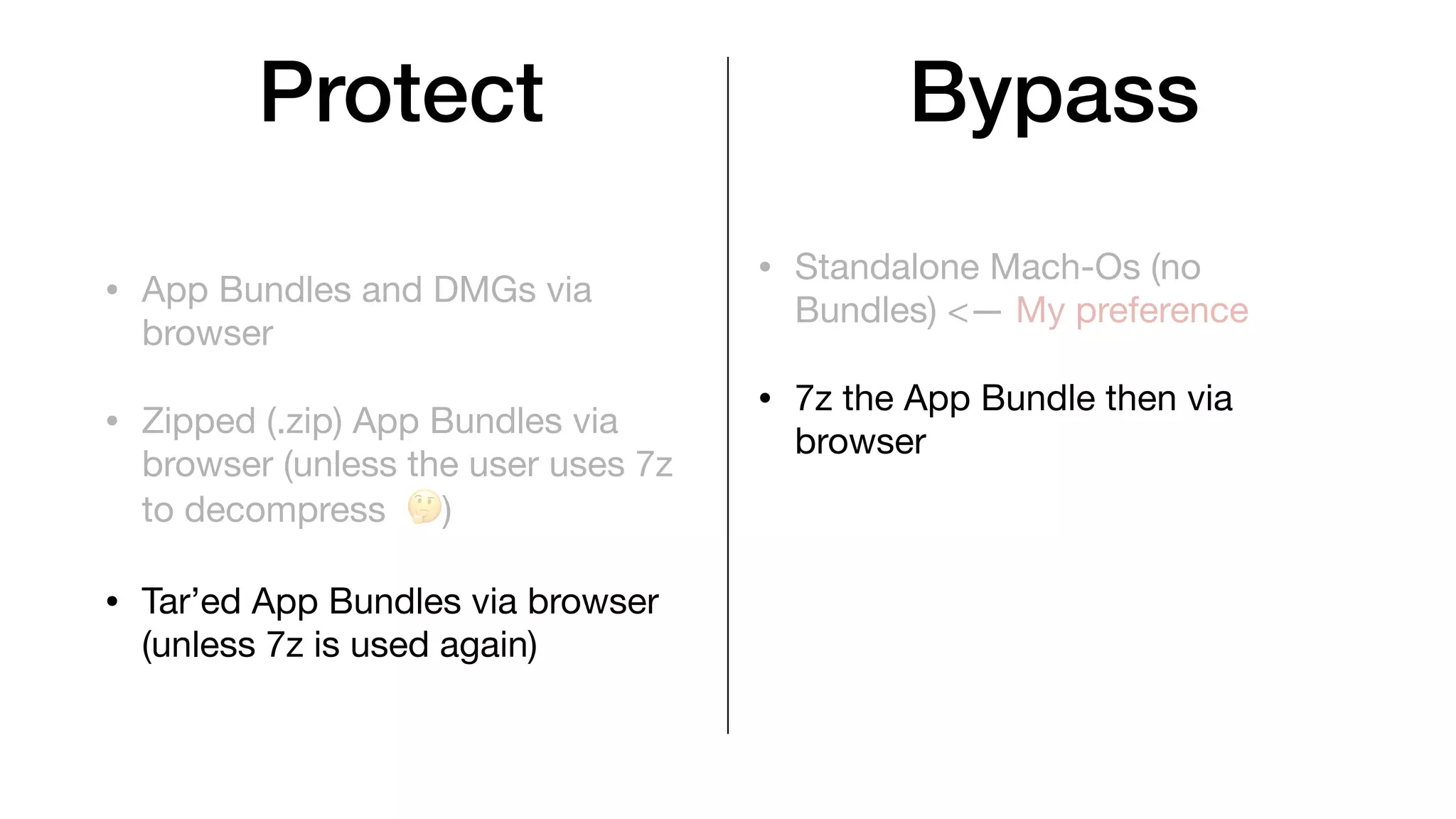
Protect
• App Bundles and DMGs via
browser
Bypass
Protect
• App Bundles and DMGs via
browser
• Standalone Mach-Os (no
Bundles) <— My preference
Bypass
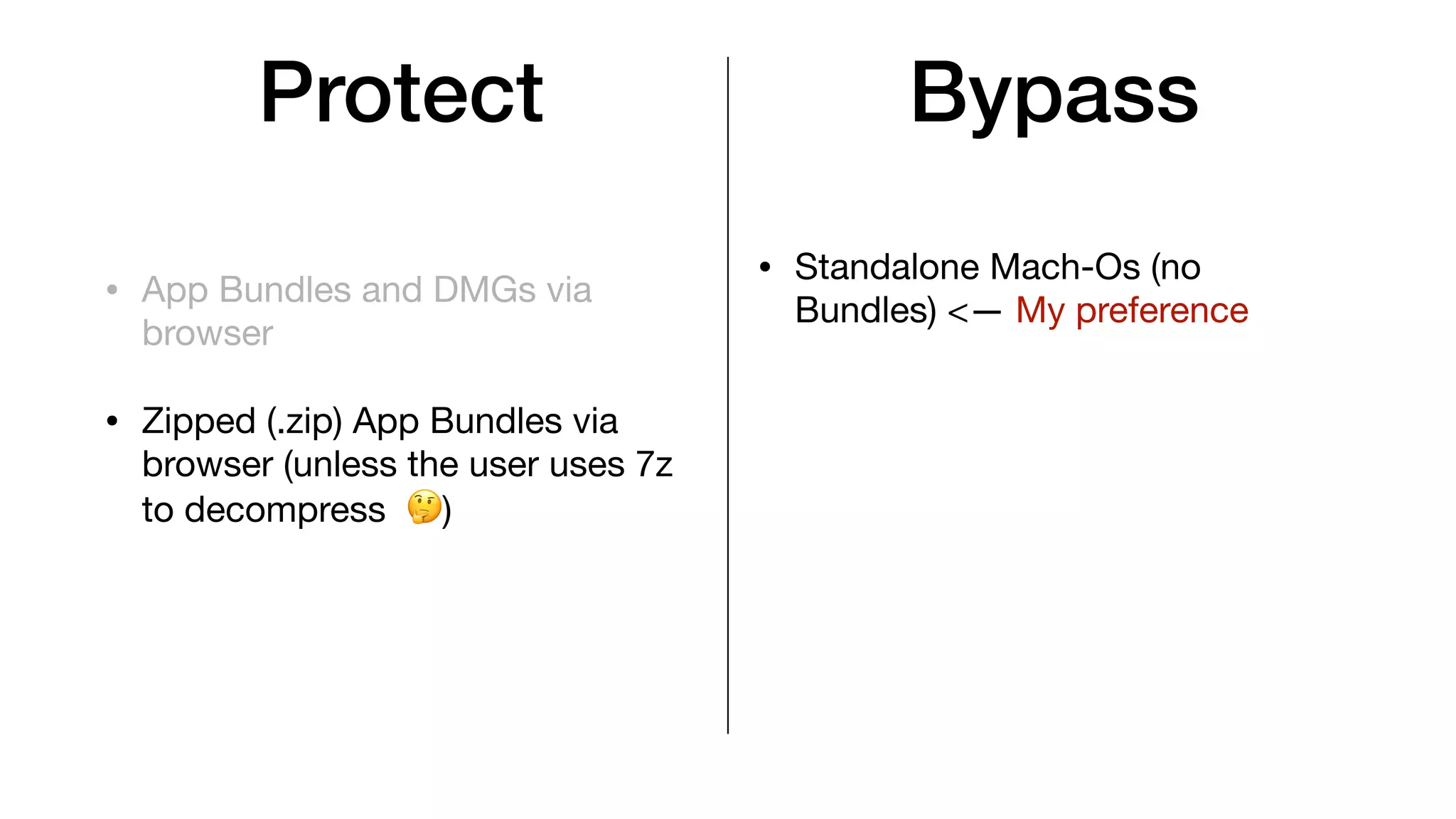
Protect
• App Bundles and DMGs via
browser
• Zipped (.zip) App Bundles via
browser (unless the user uses 7z
to decompress 🤔)
• Standalone Mach-Os (no
Bundles) <— My preference
Bypass
Protect
• App Bundles and DMGs via
browser
• Zipped (.zip) App Bundles via
browser (unless the user uses 7z
to decompress 🤔)
• Standalone Mach-Os (no
Bundles) <— My preference
• 7z the App Bundle then via
browser
Bypass
Protect
• App Bundles and DMGs via
browser
• Zipped (.zip) App Bundles via
browser (unless the user uses 7z
to decompress 🤔)
• Tar’ed App Bundles via browser
(unless 7z is used again)
• Standalone Mach-Os (no
Bundles) <— My preference
• 7z the App Bundle then via
browser
Bypass
Protect
• App Bundles and DMGs via
browser
• Zipped (.zip) App Bundles via
browser (unless the user uses 7z
to decompress 🤔)
• Tar’ed App Bundles via browser
(unless 7z is used again)
• Standalone Mach-Os (no
Bundles) <— My preference
• 7z the App Bundle then via
browser
• If the user uses curl or wget on a
zip/7z/tar’ed file
Bypass
Protect
• App Bundles and DMGs via
browser
• Zipped (.zip) App Bundles via
browser (unless the user uses 7z
to decompress 🤔)
• Tar’ed App Bundles via browser
(unless 7z is used again)
• Standalone Mach-Os (no
Bundles) <— My preference
• 7z the App Bundle then via
browser
• If the user uses curl or wget on a
zip/7z/tar’ed file
• App Bundle on a USB
Bypass
Contacting Apple
Timeline
Timeline
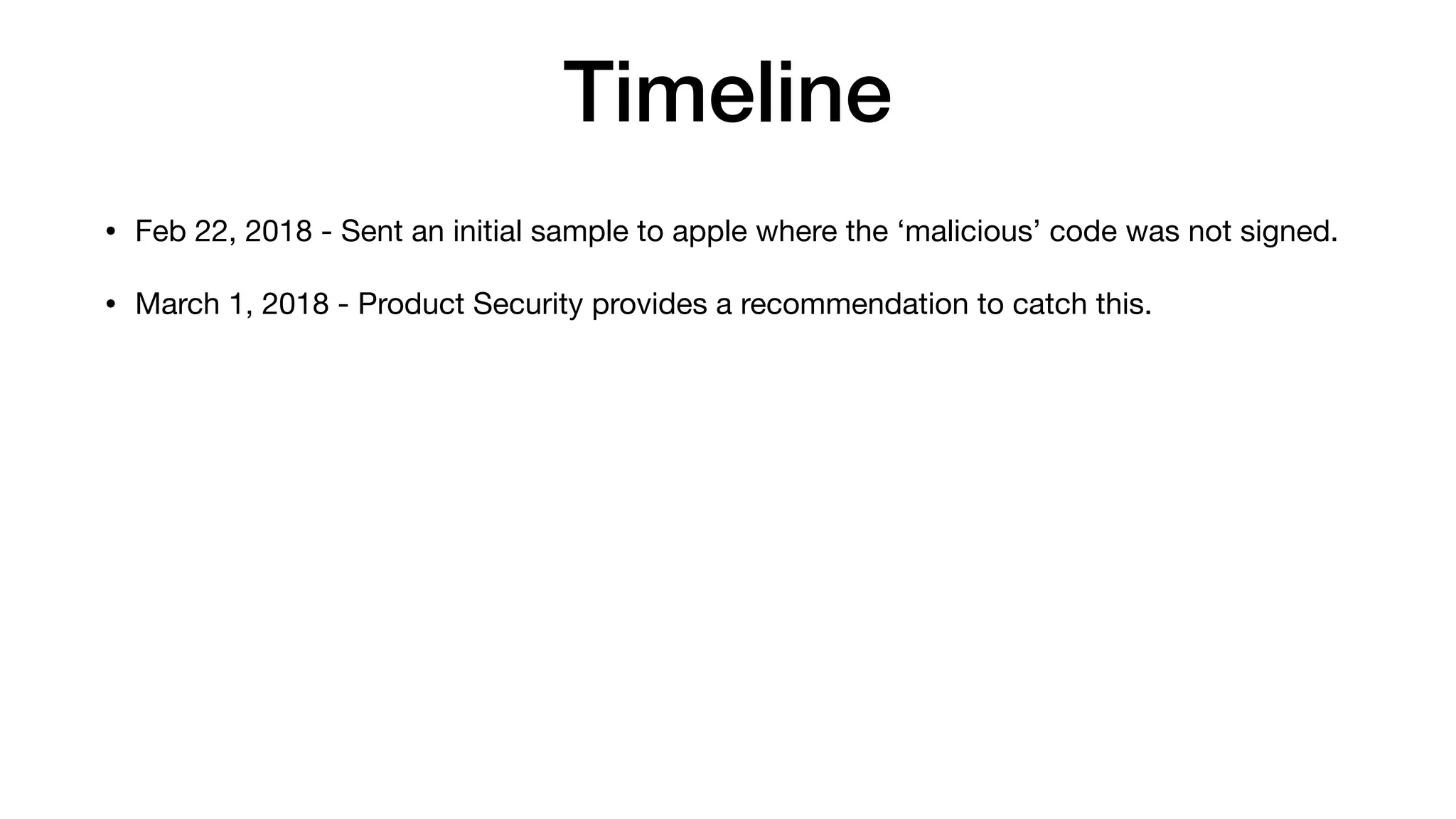
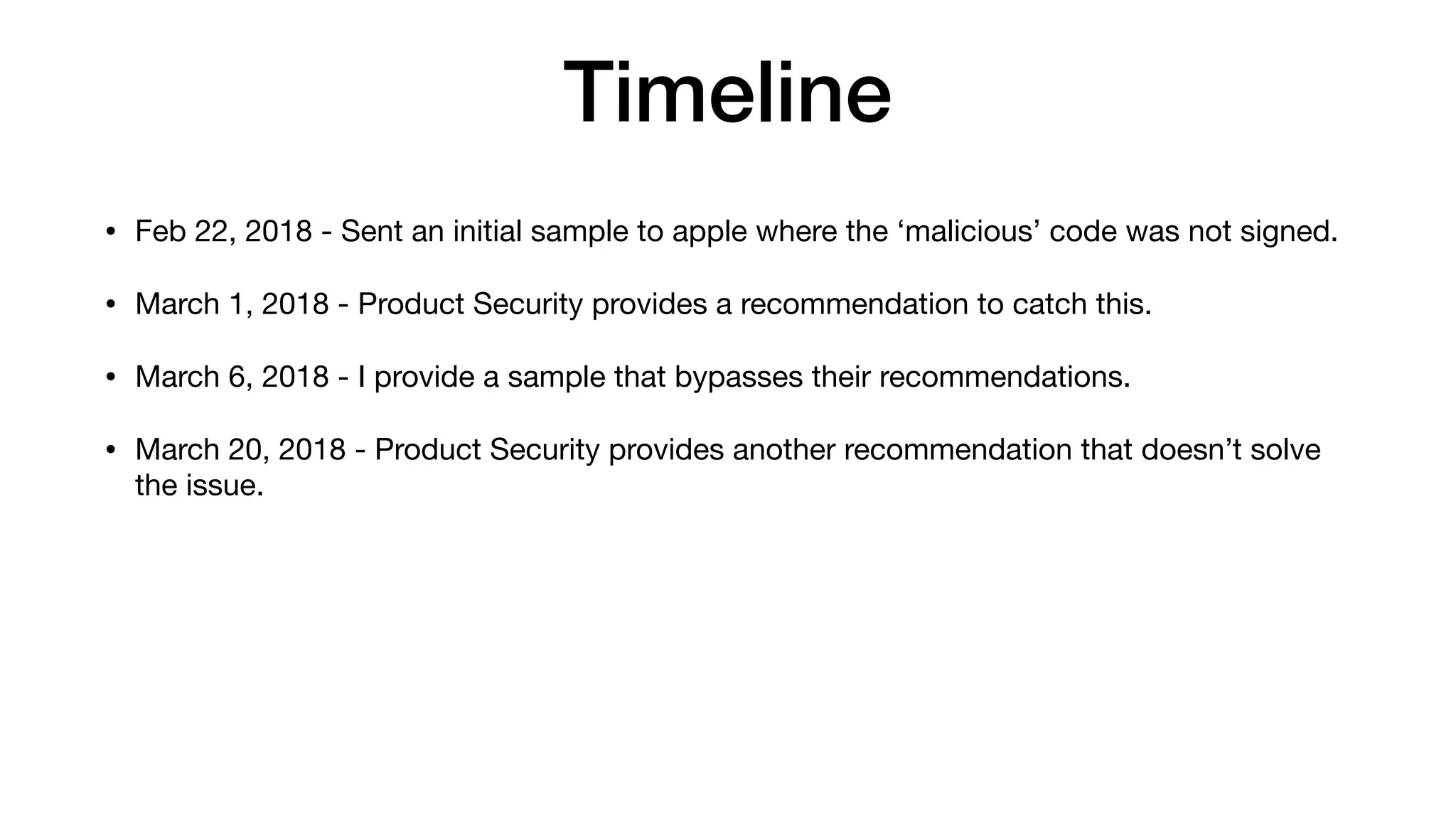
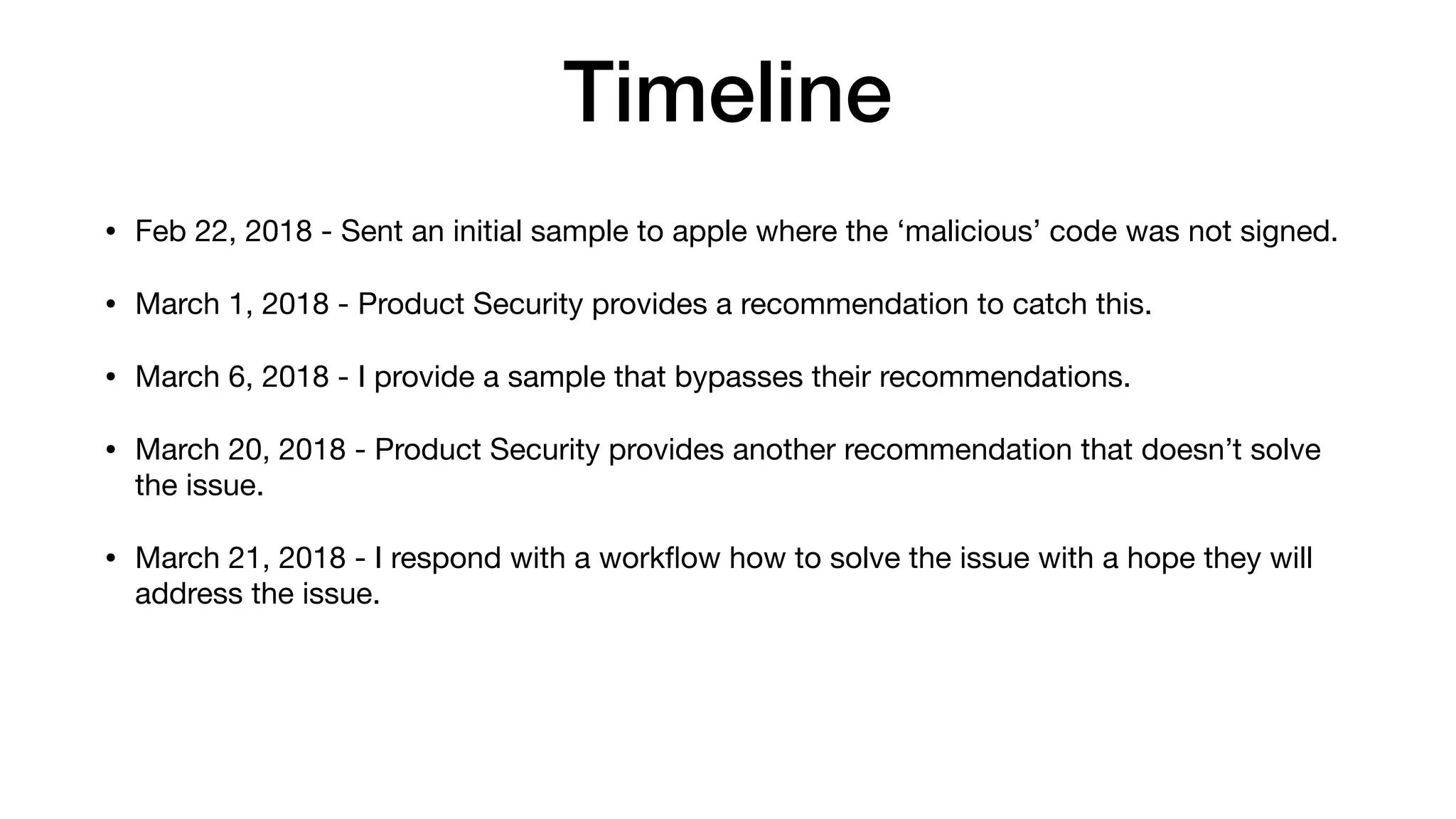
• Feb 22, 2018 - Sent an initial sample to apple where the ‘malicious’ code was not signed.
Timeline
• Feb 22, 2018 - Sent an initial sample to apple where the ‘malicious’ code was not signed.
• March 1, 2018 - Product Security provides a recommendation to catch this.
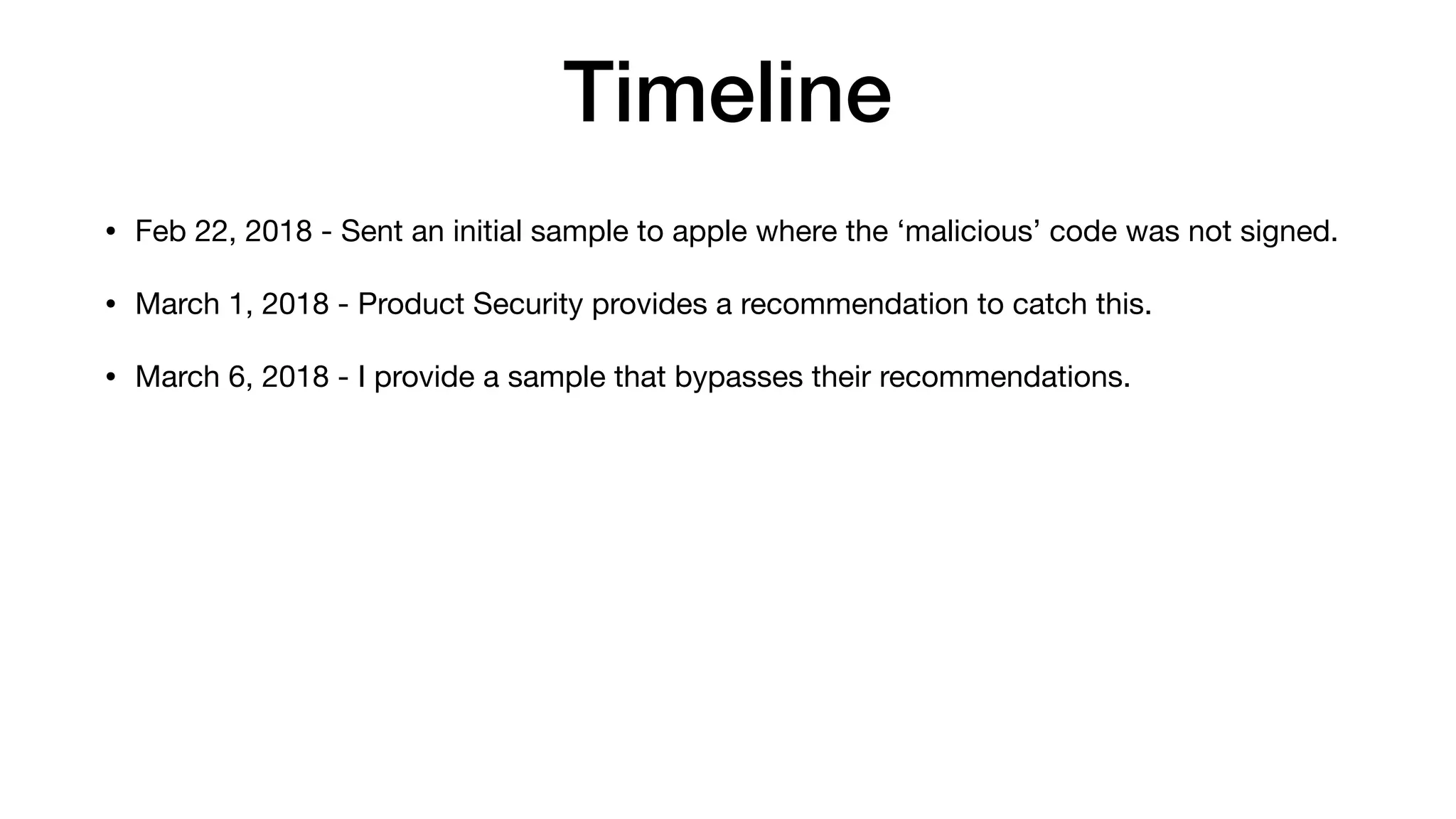
Timeline
• Feb 22, 2018 - Sent an initial sample to apple where the ‘malicious’ code was not signed.
• March 1, 2018 - Product Security provides a recommendation to catch this.
• March 6, 2018 - I provide a sample that bypasses their recommendations.
Timeline
• Feb 22, 2018 - Sent an initial sample to apple where the ‘malicious’ code was not signed.
• March 1, 2018 - Product Security provides a recommendation to catch this.
• March 6, 2018 - I provide a sample that bypasses their recommendations.
• March 20, 2018 - Product Security provides another recommendation that doesn’t solve
the issue.
Timeline
• Feb 22, 2018 - Sent an initial sample to apple where the ‘malicious’ code was not signed.
• March 1, 2018 - Product Security provides a recommendation to catch this.
• March 6, 2018 - I provide a sample that bypasses their recommendations.
• March 20, 2018 - Product Security provides another recommendation that doesn’t solve
the issue.
• March 21, 2018 - I respond with a workflow how to solve the issue with a hope they will
address the issue.
Timeline
• Feb 22, 2018 - Sent an initial sample to apple where the ‘malicious’ code was not signed.
• March 1, 2018 - Product Security provides a recommendation to catch this.
• March 6, 2018 - I provide a sample that bypasses their recommendations.
• March 20, 2018 - Product Security provides another recommendation that doesn’t solve
the issue.
• March 21, 2018 - I respond with a workflow how to solve the issue with a hope they will
address the issue.
• March 29, 2018 - Product Security states that third party developers will have to address
the issue and documentation will be updated.
Is Apple Vulnerable?
¯_(ツ)_/¯
Developer Reactions
“WTF”
“God help anyone using these
APIs”
Timeline
• April 9, 2018 - Known affected third party developers contacted

• April 18, 2018 - CERT/CC recommends a blog post for full exposure

• June 12, 2018 - Public disclosure https://www.okta.com/security-blog/
2018/06/issues-around-third-party-apple-code-signing-checks/
June 9, 2018
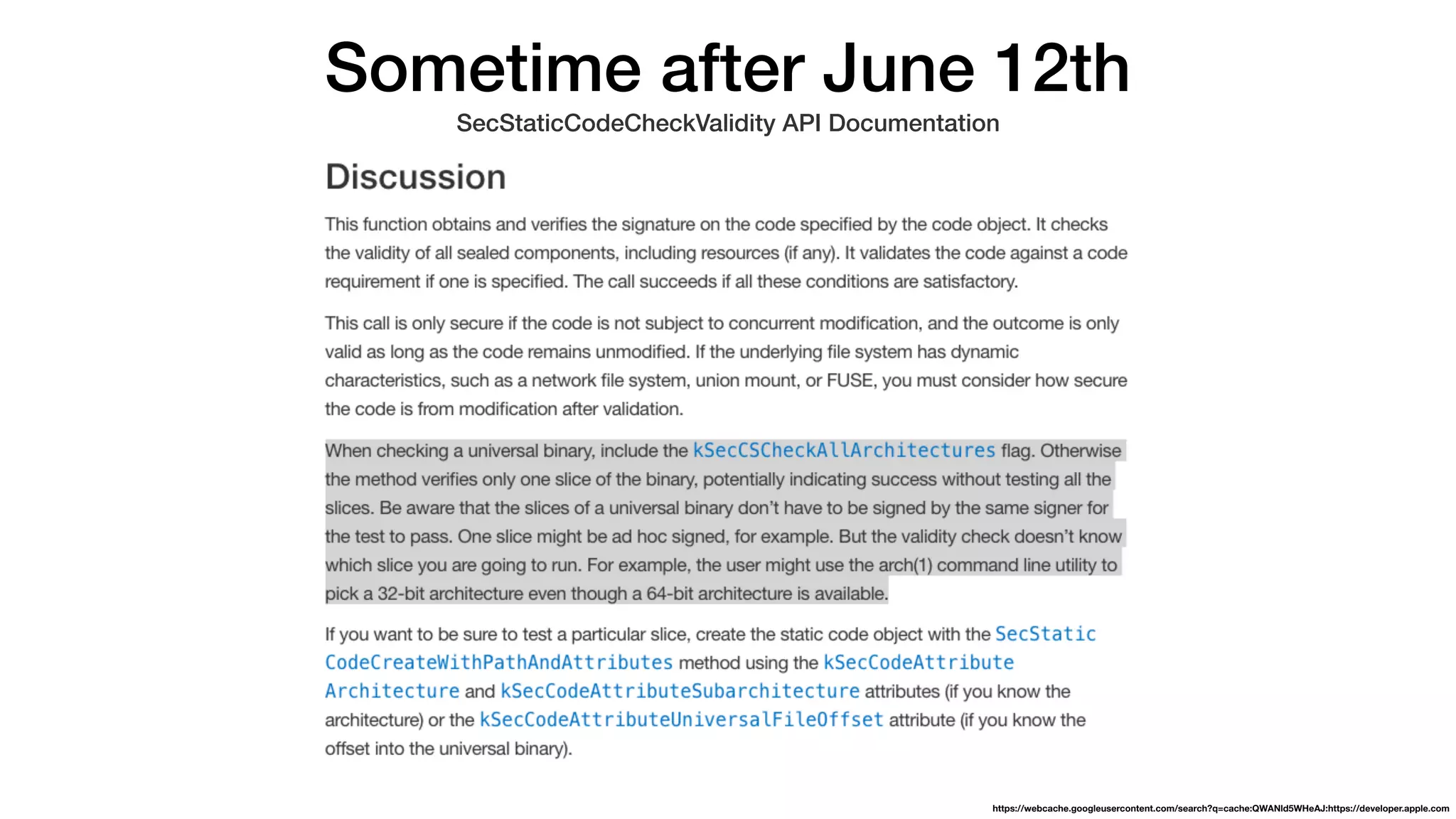
SecStaticCodeCheckValidity API Documentation
https://webcache.googleusercontent.com/search?q=cache:1mpf6FhZY6YJ:https://developer.apple.com/documentation/security/1395784-secstaticcodecheckvalidity+&cd=1&hl=en&ct=clnk&gl=us
Sometime after June 12th
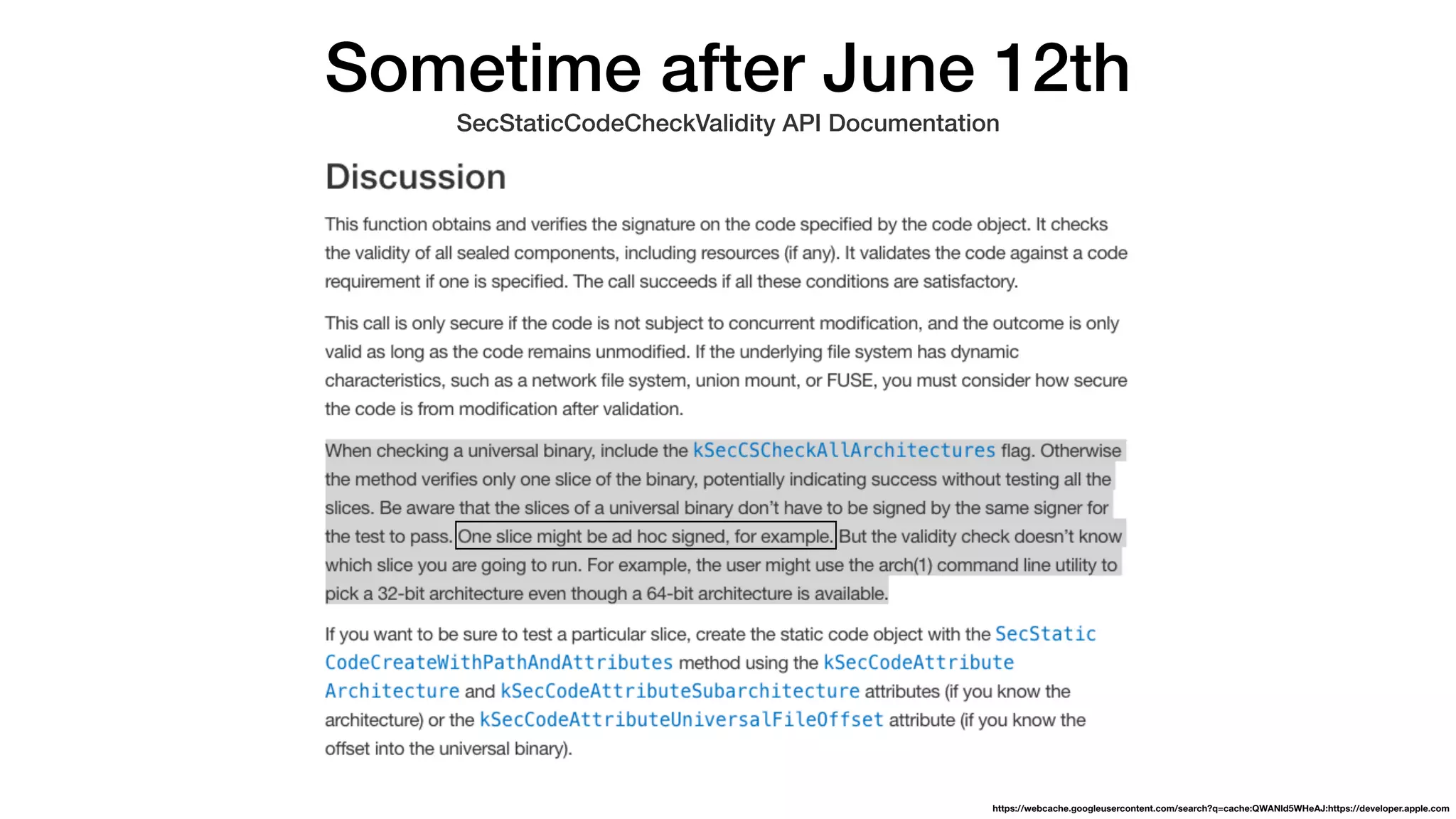
SecStaticCodeCheckValidity API Documentation
https://webcache.googleusercontent.com/search?q=cache:QWANld5WHeAJ:https://developer.apple.com
Sometime after June 12th
SecStaticCodeCheckValidity API Documentation
https://webcache.googleusercontent.com/search?q=cache:QWANld5WHeAJ:https://developer.apple.com
How do we do signed code
checks on macOS correctly?
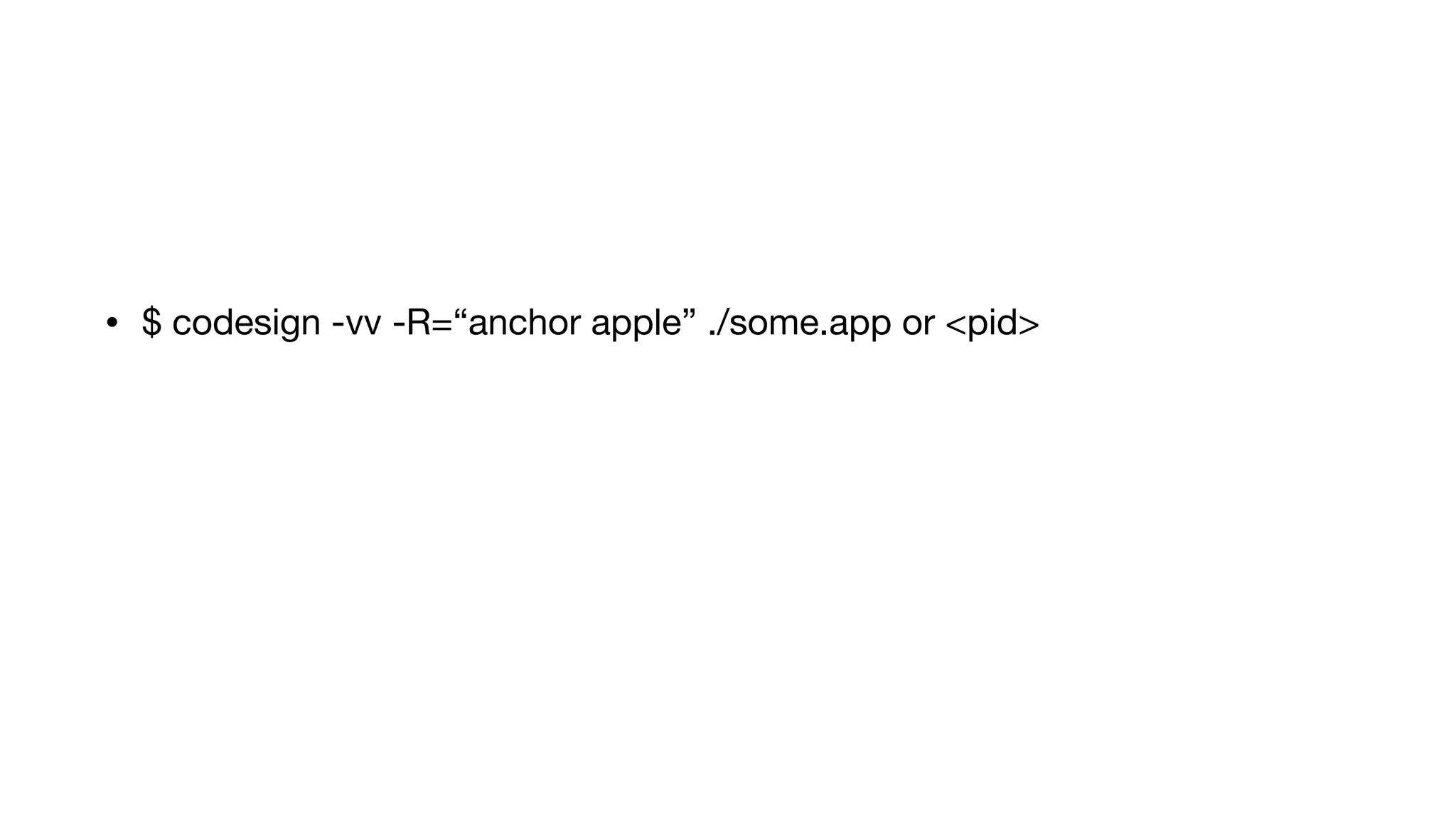
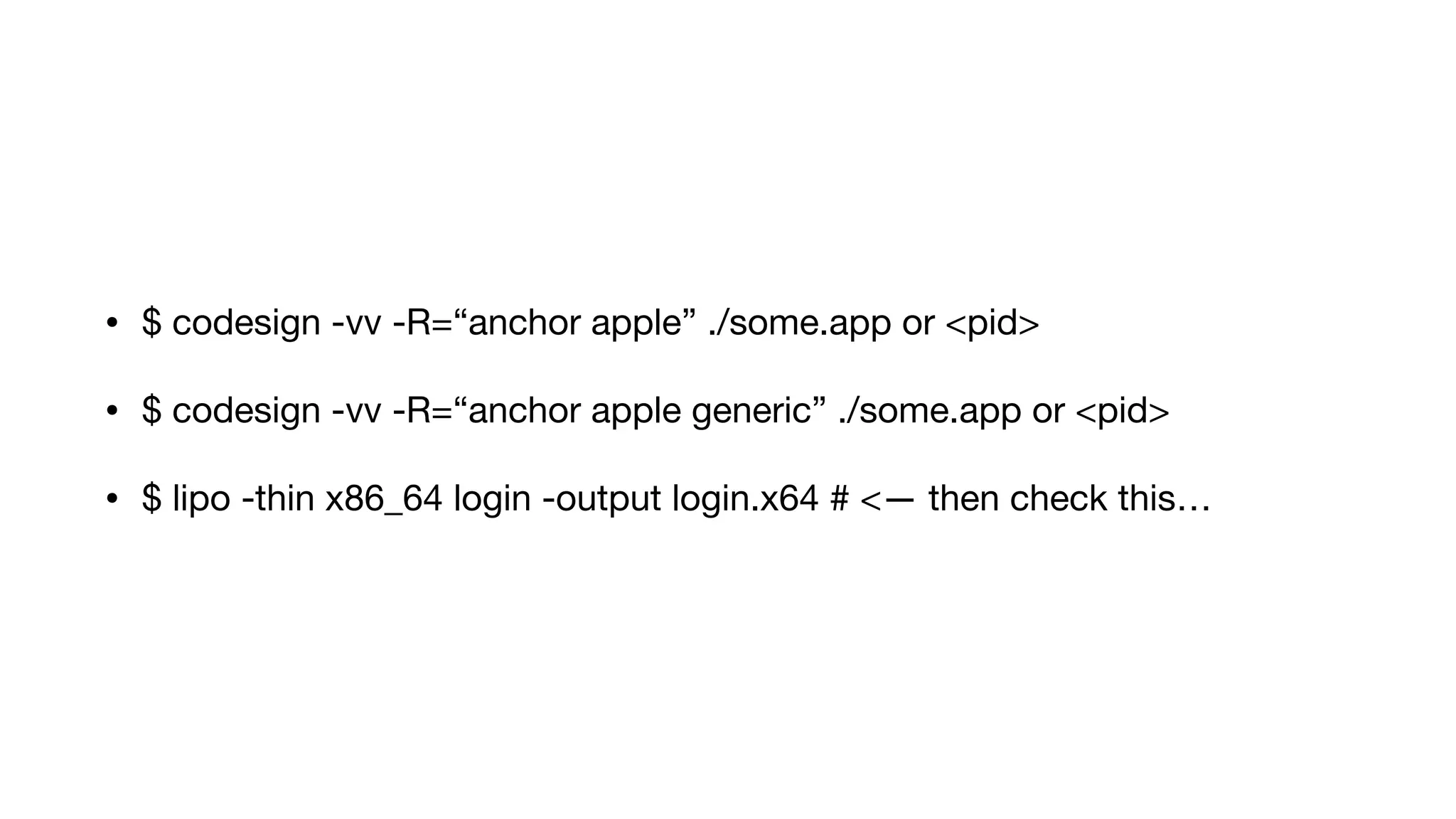
Non-developer or command line
• $ codesign -vv -R=“anchor apple” ./some.app or <pid>
• $ codesign -vv -R=“anchor apple generic” ./some.app or <pid>
• $ codesign -vv -R=“anchor apple” ./some.app or <pid>
• $ codesign -vv -R=“anchor apple generic” ./some.app or <pid>
• $ lipo -thin x86_64 login -output login.x64 # <— then check this…
Developer
It Depends
• Use the SecRequirementCreateWithString and pass “anchor apple” or
“anchor apple generic”

• Use SecStaticCodeCheckValidity with kSecCSDefaultFlags |
kSecCSCheckNestedCode | kSecCSCheckAllArchitectures |
kSecCSEnforceRevocationChecks flags

• Then you could still need to break out each slice in the FAT file to ensure
they are the same signer!
https://github.com/objective-see/WhatsYourSign/blob/29aec698696d58cb1d1d6f0cc9dbeb0340d6bd78/WhatsYourSignExt/FinderSync/Signing.m#L324
https://github.com/objective-see/WhatsYourSign/blob/29aec698696d58cb1d1d6f0cc9dbeb0340d6bd78/WhatsYourSignExt/FinderSync/Signing.m#L334
Discovery Process
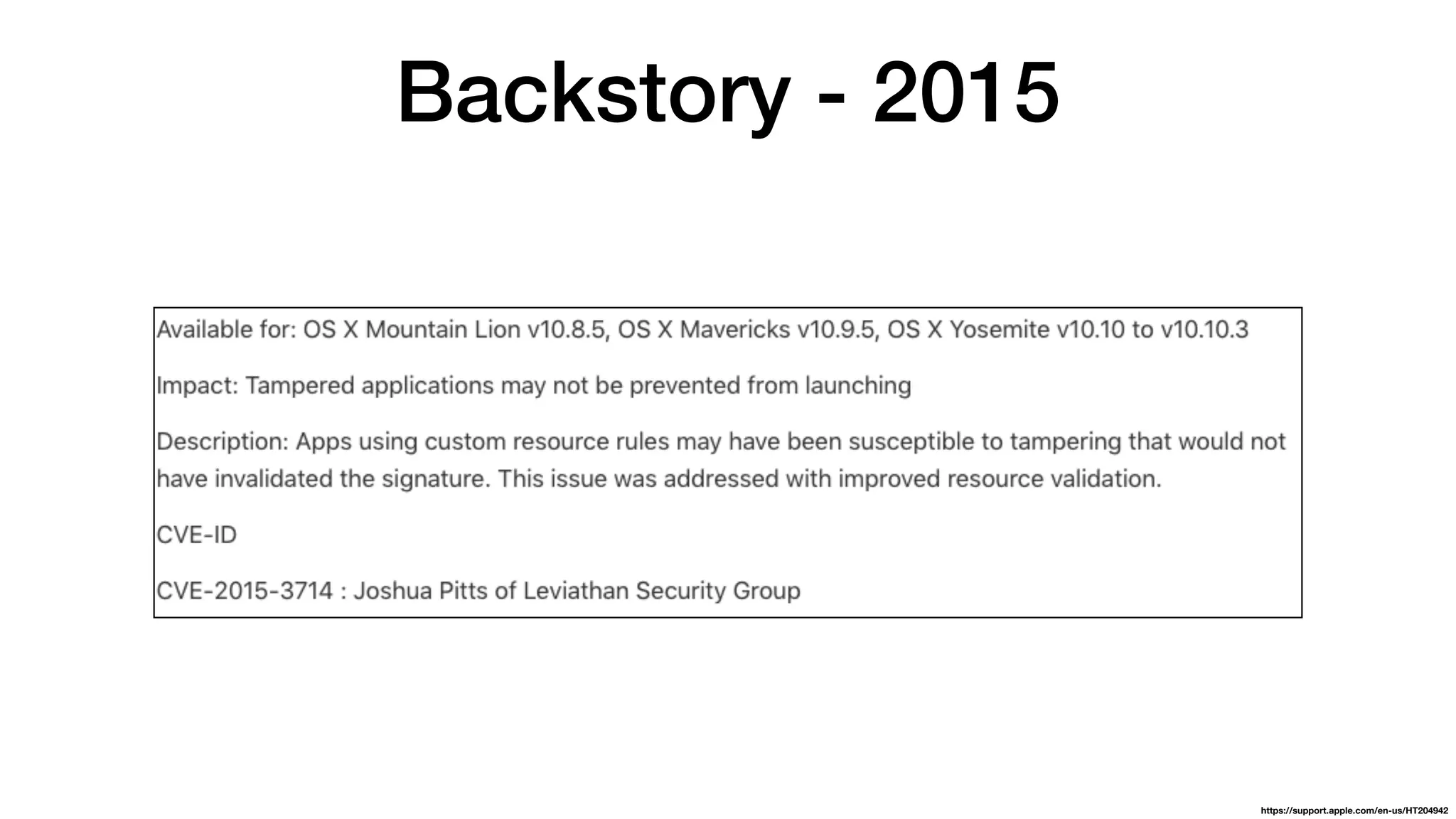
Backstory - 2015
https://support.apple.com/en-us/HT204942
ShmooCon 2016
“Hiding from the Investigator”
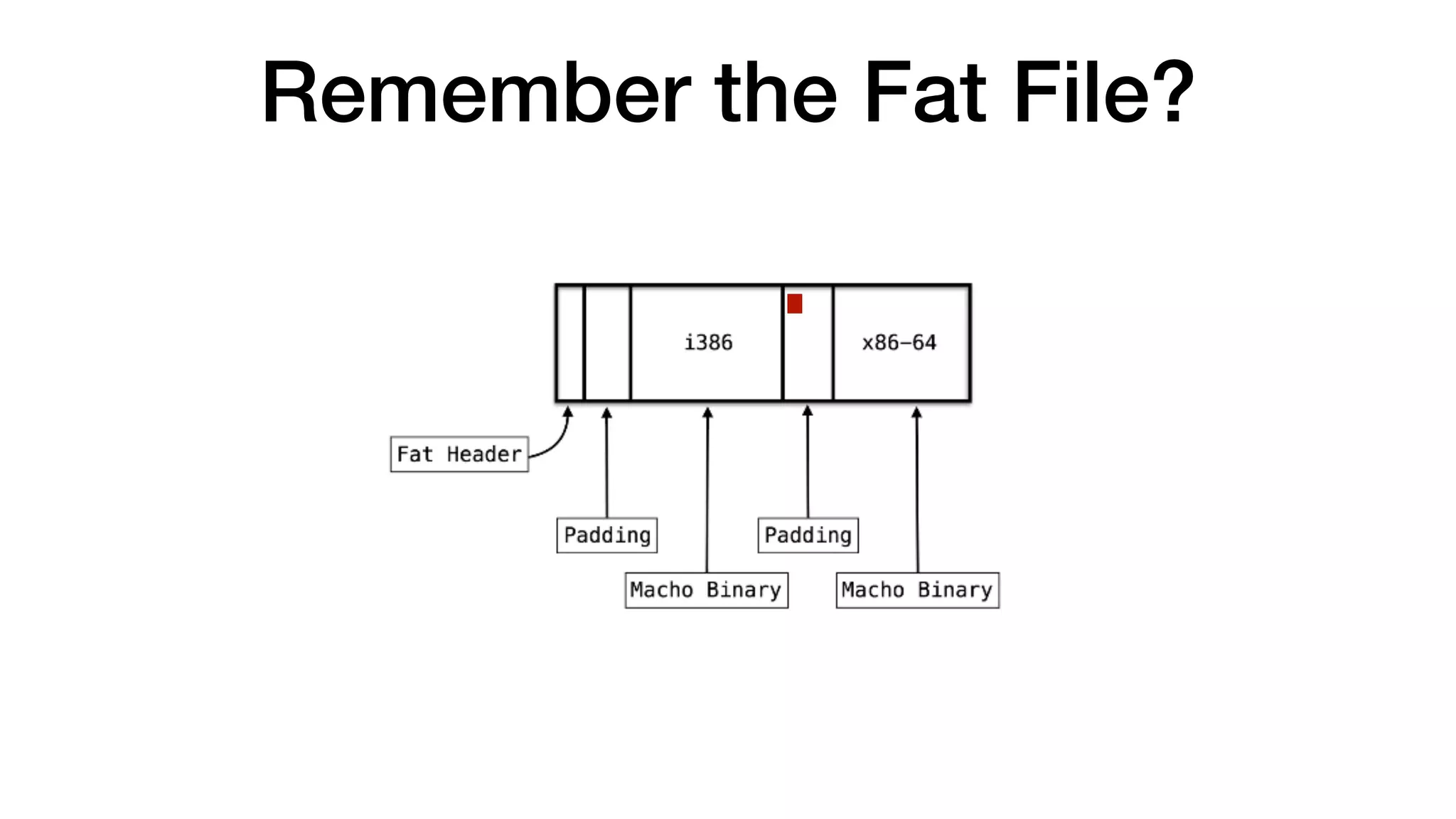
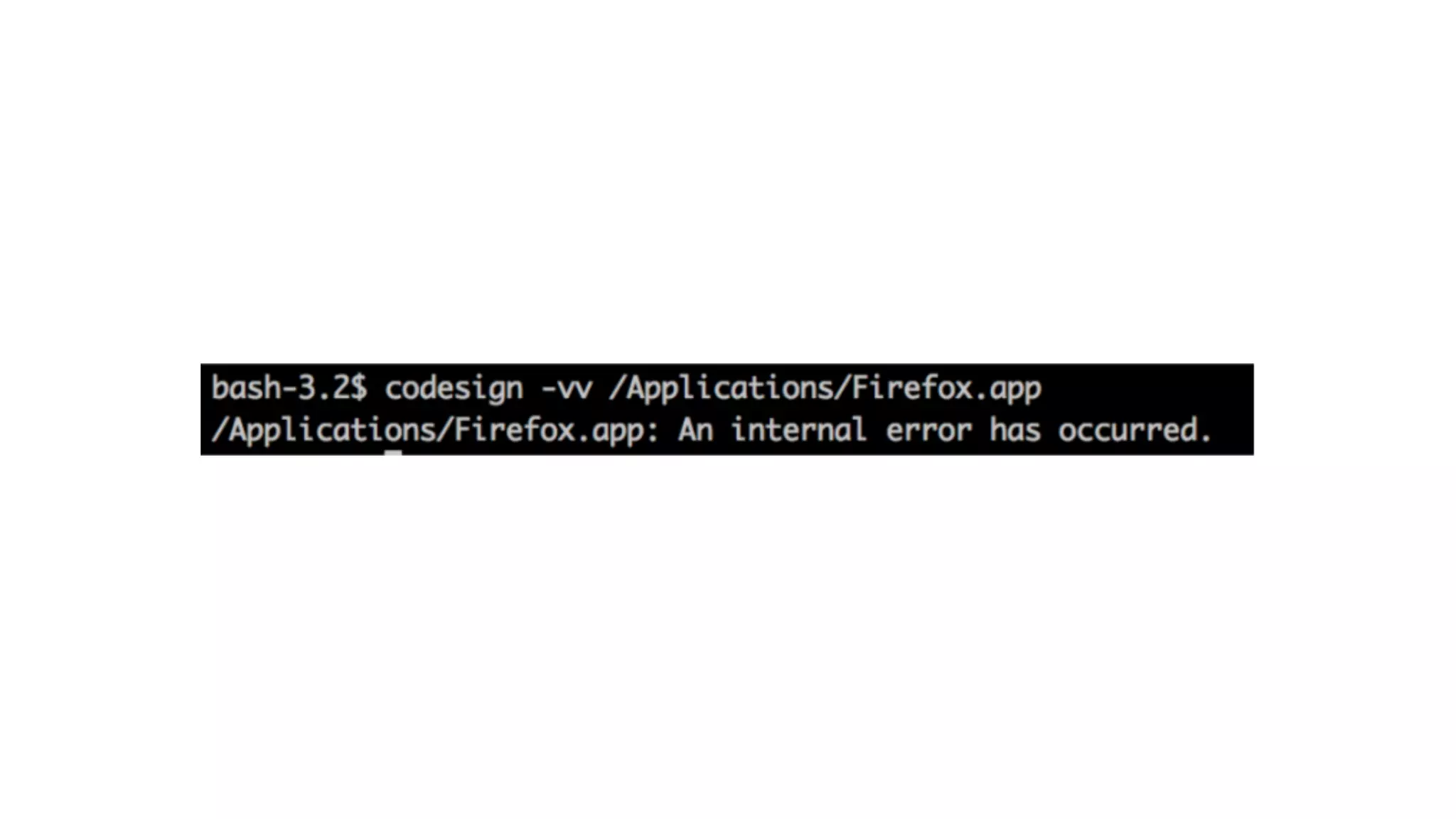
Remember the Fat File?
Dec 21, 2017
February 13, 2018
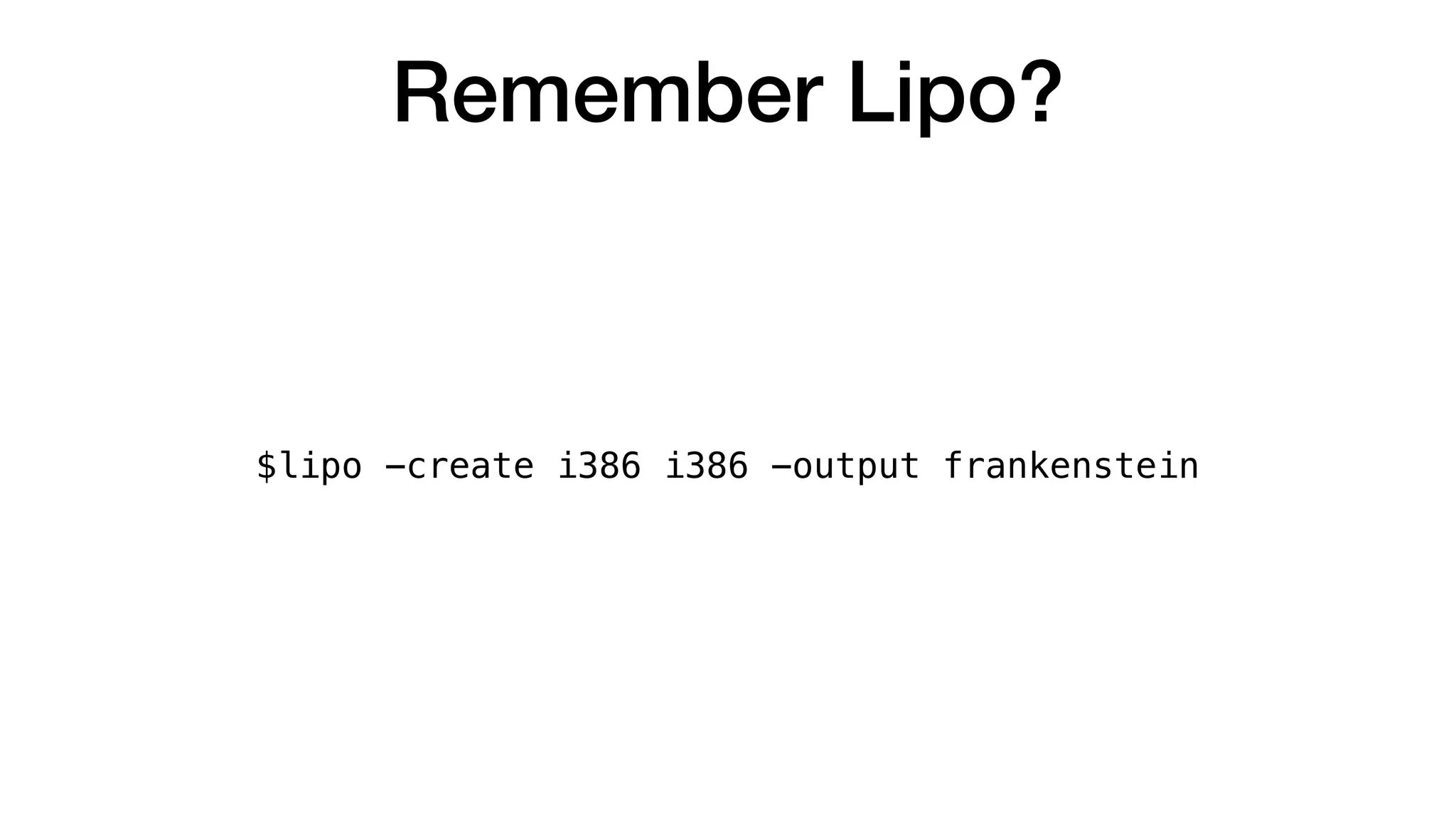
Remember Lipo?
$lipo -create i386 i386 -output frankenstein
FAIL
FAIL
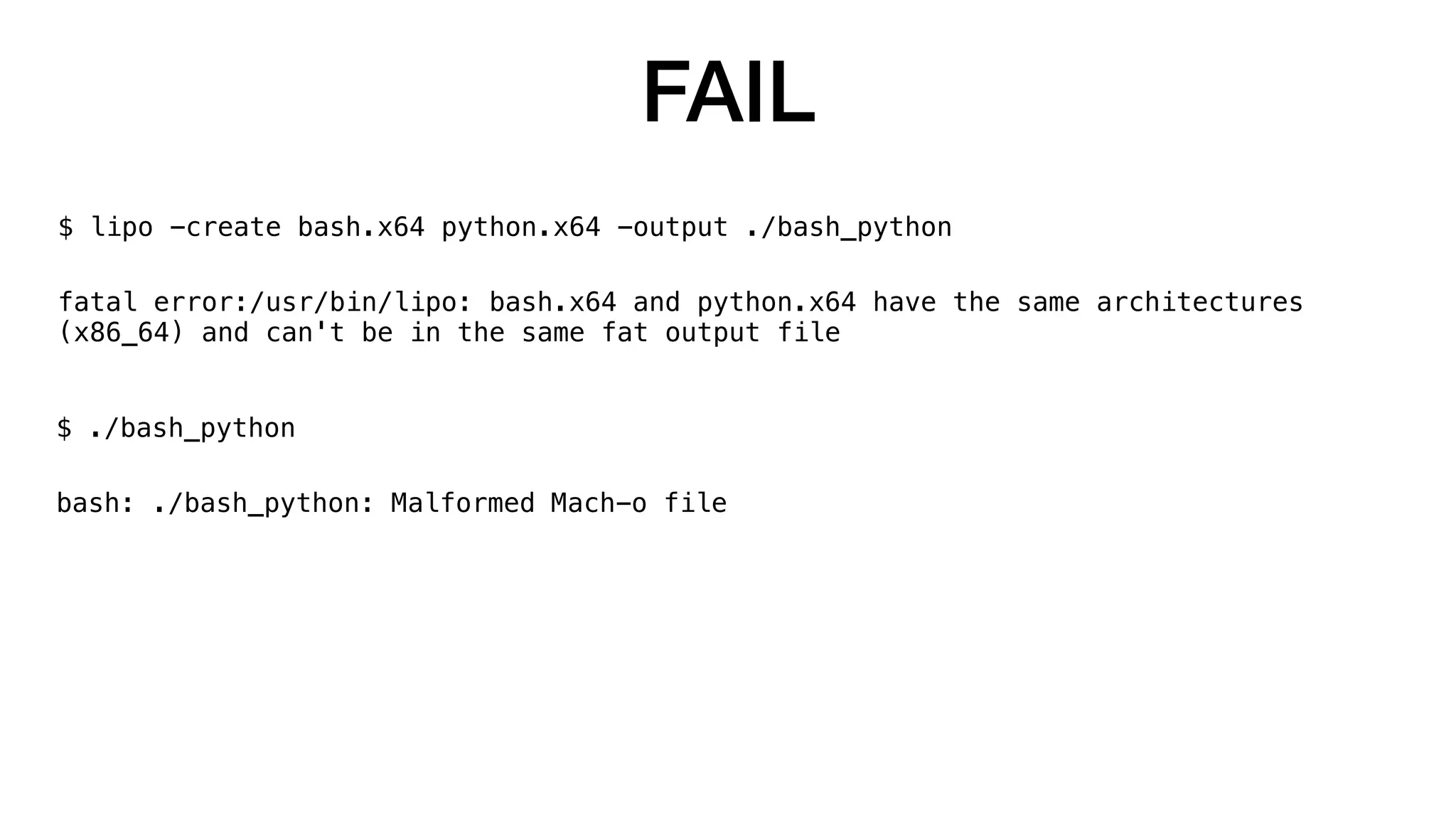
$ lipo -create bash.x64 python.x64 -output ./bash_python
fatal error:/usr/bin/lipo: bash.x64 and python.x64 have the same architectures
(x86_64) and can't be in the same fat output file
FAIL
$ lipo -create bash.x64 python.x64 -output ./bash_python
fatal error:/usr/bin/lipo: bash.x64 and python.x64 have the same architectures
(x86_64) and can't be in the same fat output file
$ ./bash_python
bash: ./bash_python: Malformed Mach-o file
http://viralviralvideos.com/wp-content/uploads/GIF/2014/08/GIF-clint-eastwood-happy-interested-pleased-satisfied-yes-GIF.gif
FIN
https://pixel.nymag.com/imgs/daily/selectall/2017/07/17/robotsuicide.w710.h473.png
Questions?
@midnite_runr
https://github.com/secretsquirrel
https://www.okta.com/security-blog/2018/06/issues-around-third-party-apple-code-signing-checks/

I can be apple and so can you