This document provides guidance on using hyperlinks in PowerPoint presentations to display research results. It outlines:
1) The types of files that can be hyperlinked, including Excel for data displays and graphs, Word for tables and text, and Acrobat for large tables and graphics.
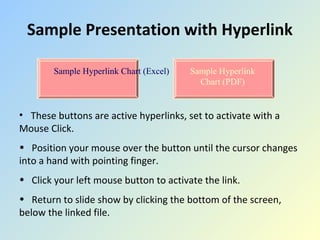
2) How to insert hyperlinks using pre-designed buttons, custom shapes, or text. Hyperlinks can be activated by mouse click or mouse over.
3) Tips for using hyperlinks such as opening linked files beforehand and saving the presentation before inserting hyperlinks.