HTML (HypertextMarkup
Language)
Language to create Web Page
Presented By: Shashi Kant Singh(MCA)
www.google.com
www.flipkart.com www.amazon.com www.jobong.com
Can you guess
what are these ?
These all are
website name
www.facebook.comwww.myntra.com www.twitter.com
www.cbse.nic.in www.bing.com
Website & Web pages
 Website is a collection of text, images, sound and videos.
 Each website have number of web pages. Web page is a
single document that contain text, image, audio etc.
Example:
www.google.co.in www.wikipedia.org www.cbse.nic.in
Static vs Dynamic
 Webpage can be either static or dynamic.
Static pages show the same content each time they are viewed
Dynamic pages have content that can be change each time they
are accessed.
HTML
 It is a markup language that is used to create website or
web pages. It provides tag.
 HTML is most widely used language to design web content
 HTML tells the browser how to display the content.
 HTML provides tag in between tags we can write our
content to display on web page or internet.
 HTML is not a case- sensitive language.
HTML
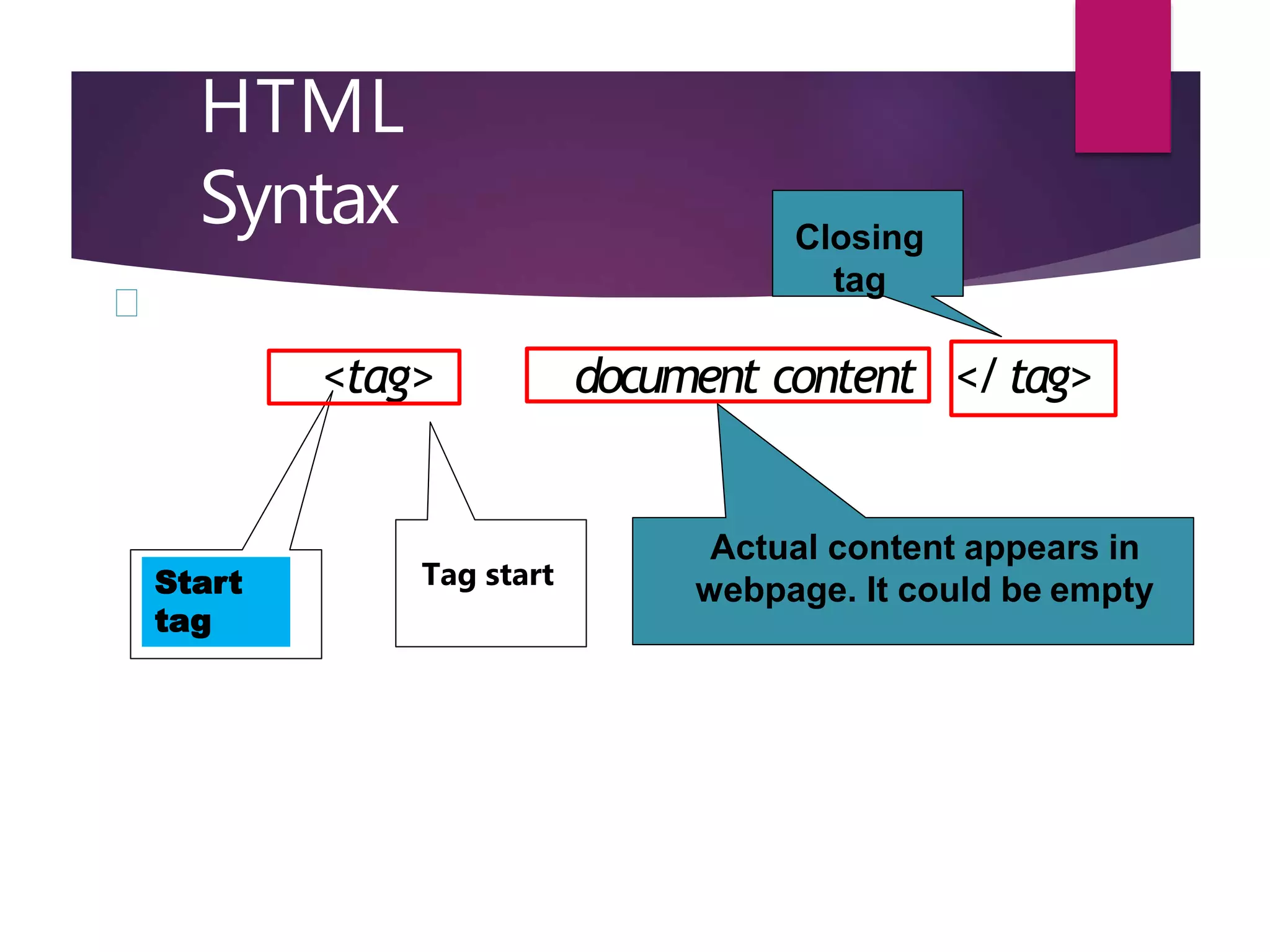
Syntax
<tag> document content </tag>
Actual content appears in
webpage. It could be empty
Closing
tag
Start
tag
Tag start
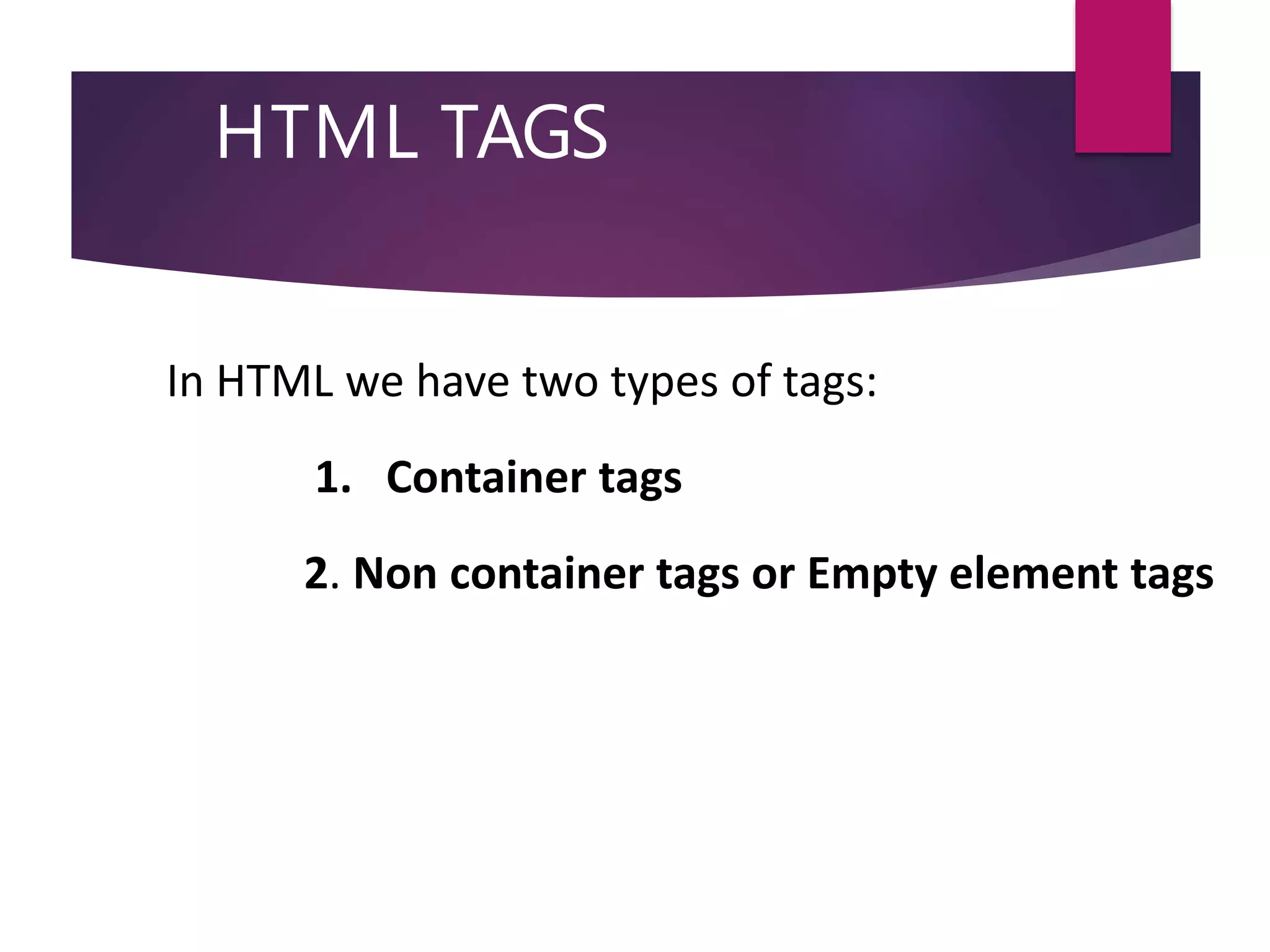
HTML TAGS
In HTML we have two types of tags:
1. Container tags
2. Non container tags or Empty element tags
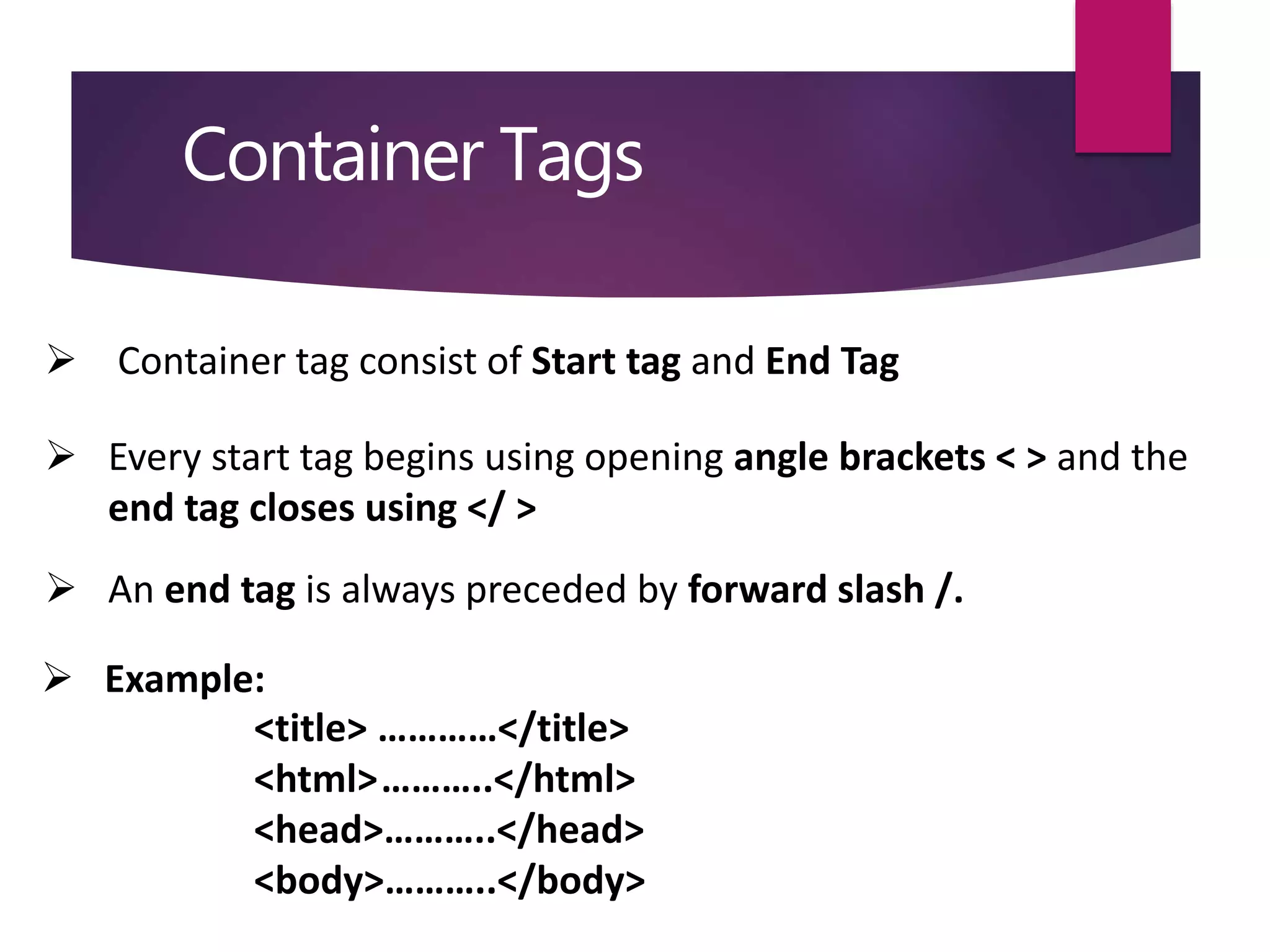
Container Tags
 Container tag consist of Start tag and End Tag
 Every start tag begins using opening angle brackets < > and the
end tag closes using </ >
 An end tag is always preceded by forward slash /.
 Example:
<title> …………</title>
<html>………..</html>
<head>………..</head>
<body>………..</body>
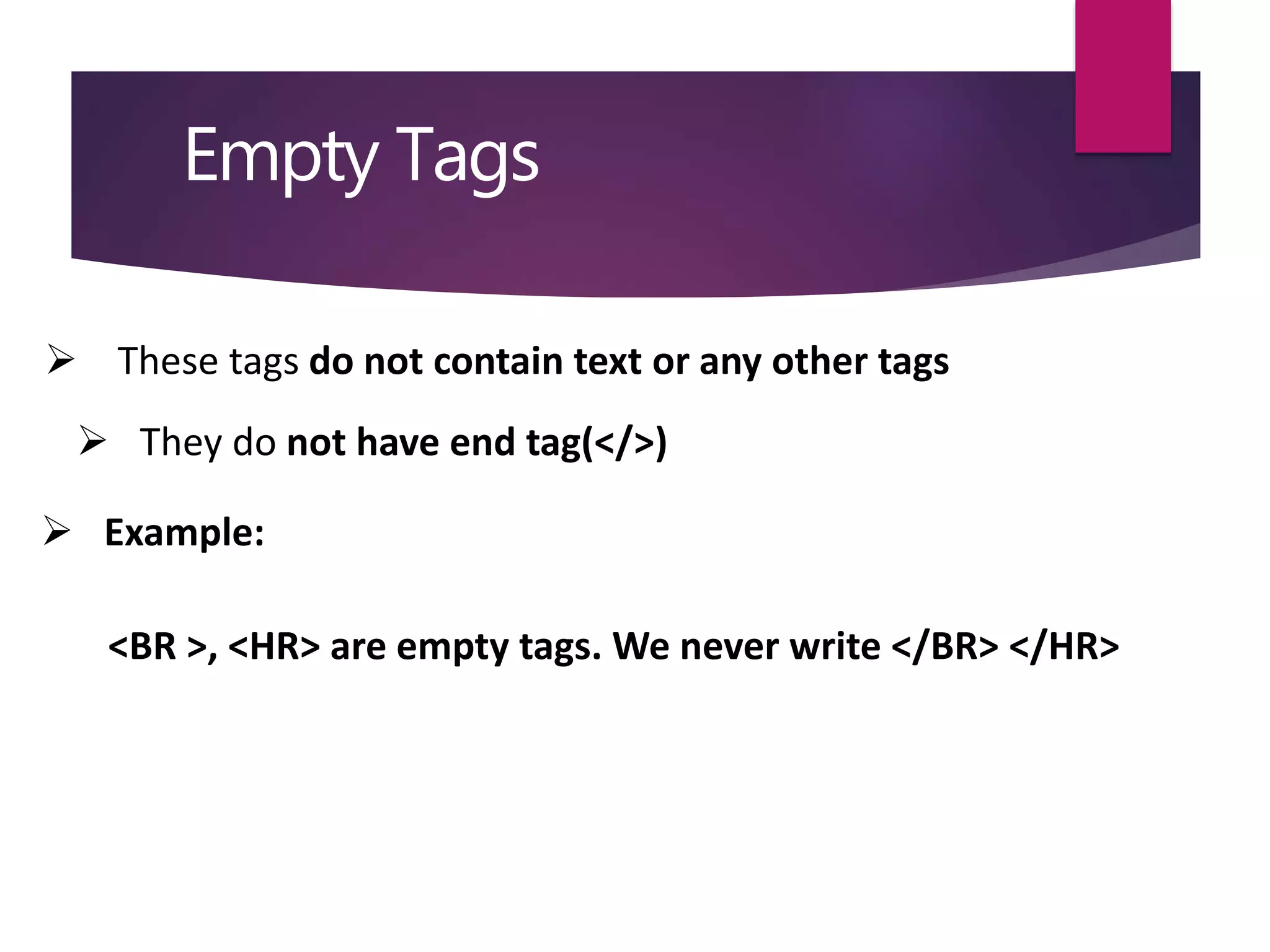
Empty Tags
 These tags do not contain text or any other tags
 They do not have end tag(</>)
 Example:
<BR >, <HR> are empty tags. We never write </BR> </HR>
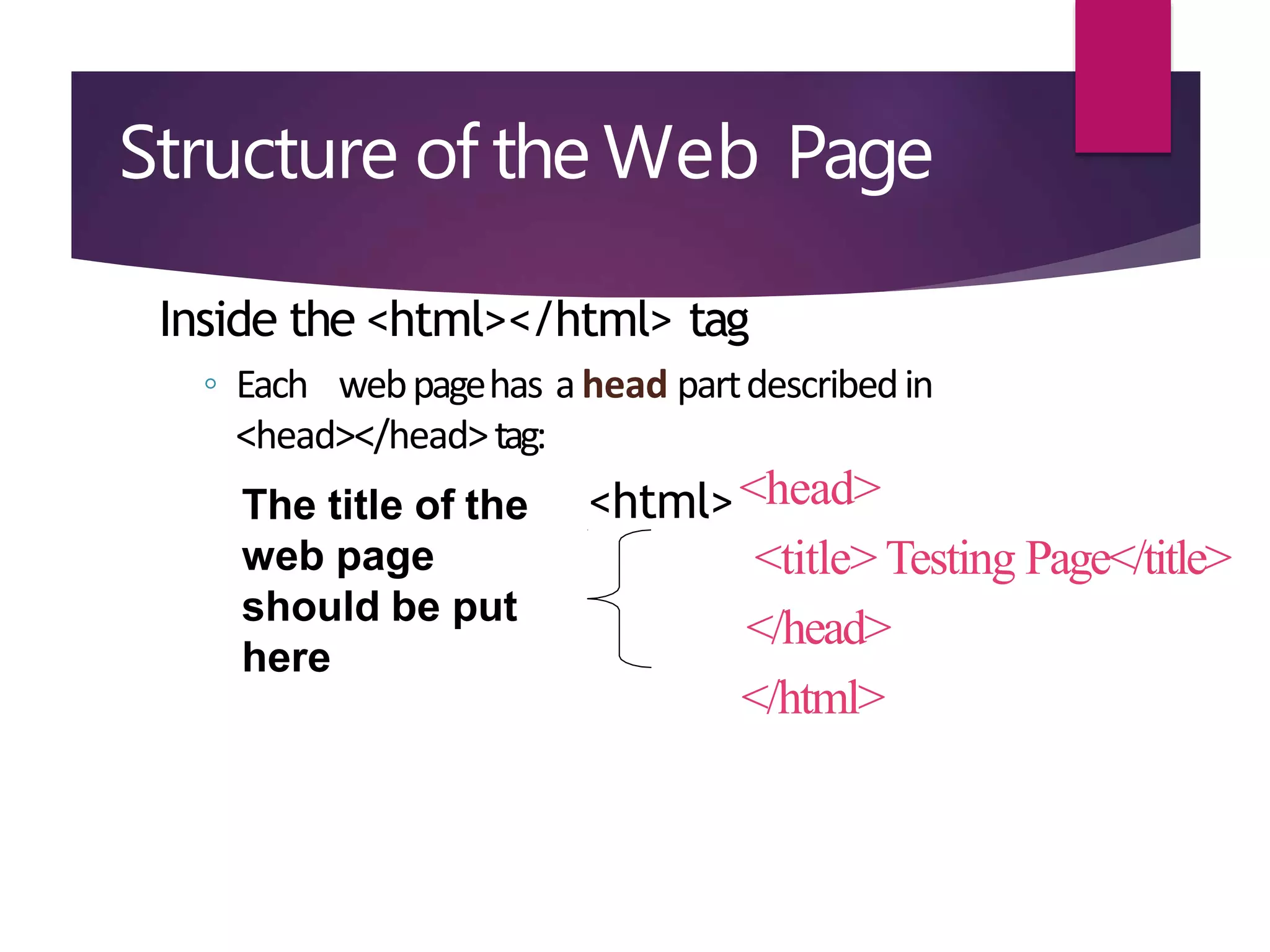
Structure of the Web Page
Inside the <html></html> tag
◦ Each webpagehas ahead partdescribedin
<head></head>tag:
<html><head>
<title> Testing Page</title>
</head>
</html>
The title of the
web page
should be put
here
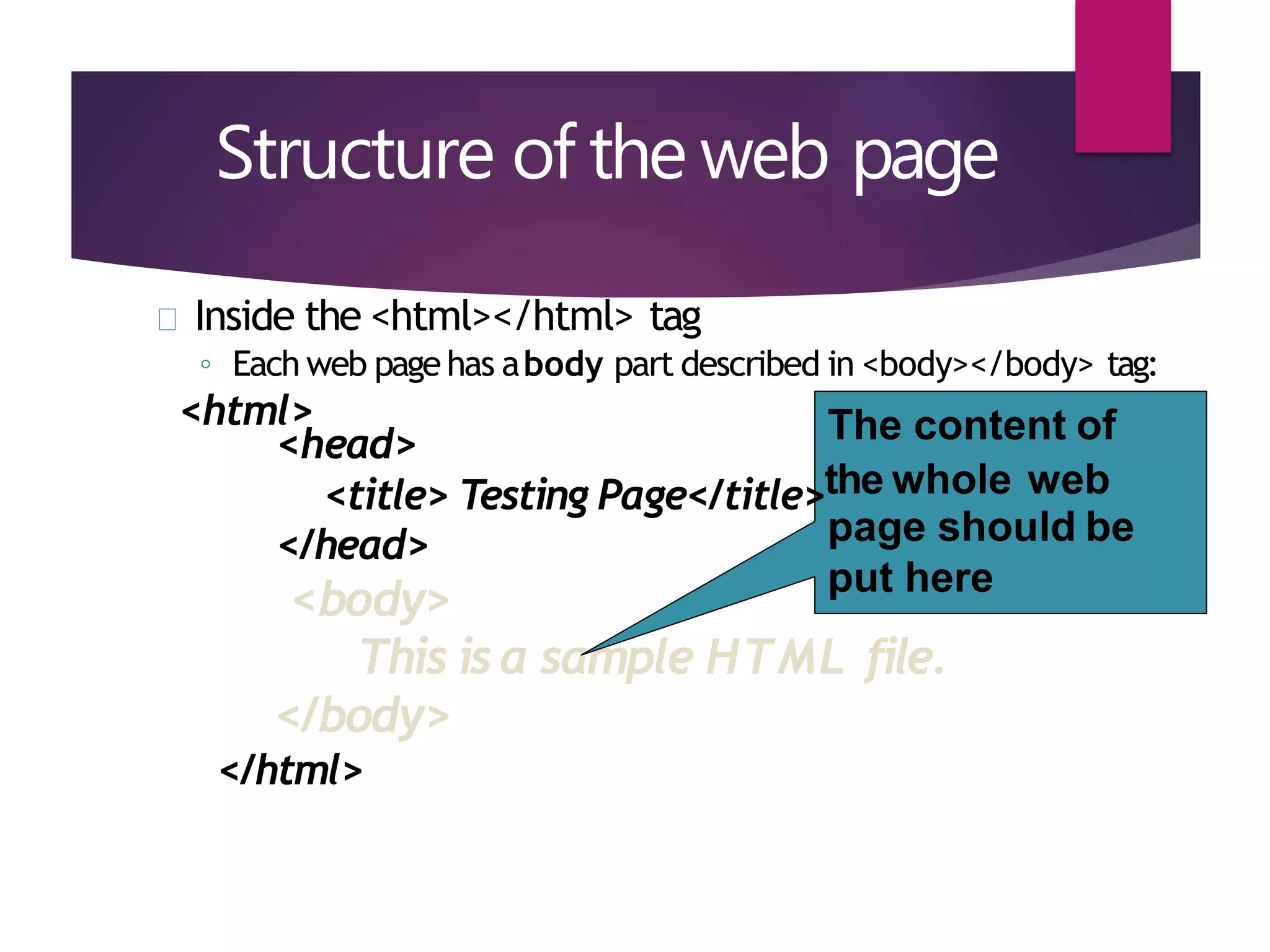
Structure of the web page
Inside the <html></html> tag
◦ Each web pagehas abody part described in <body></body> tag:
<html>
<head>
</head>
<body>
This isa sample HTML file.
</body>
</html>
The content of
<title> Testing Page</title>the whole web
page should be
put here
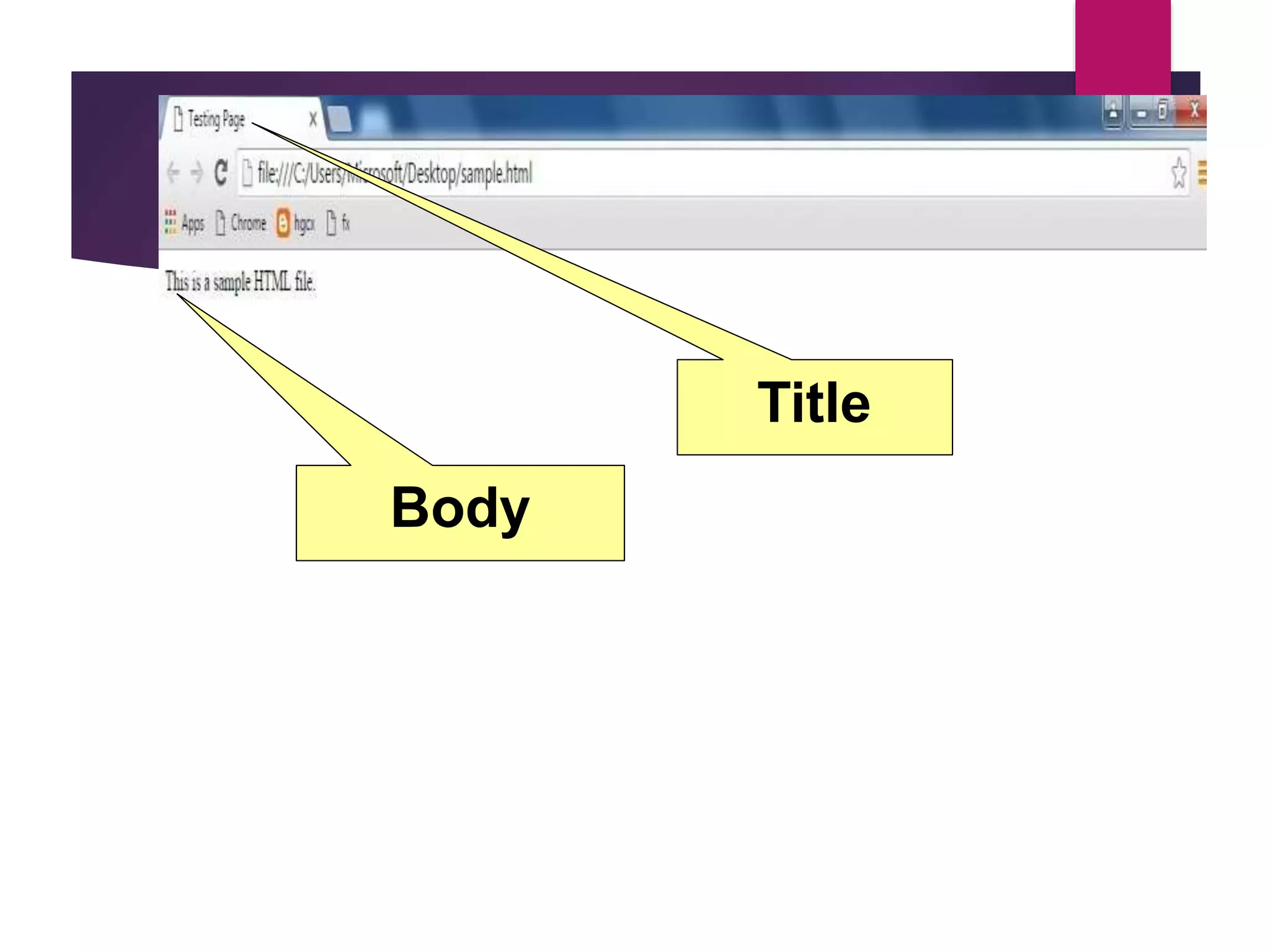
Title
Body
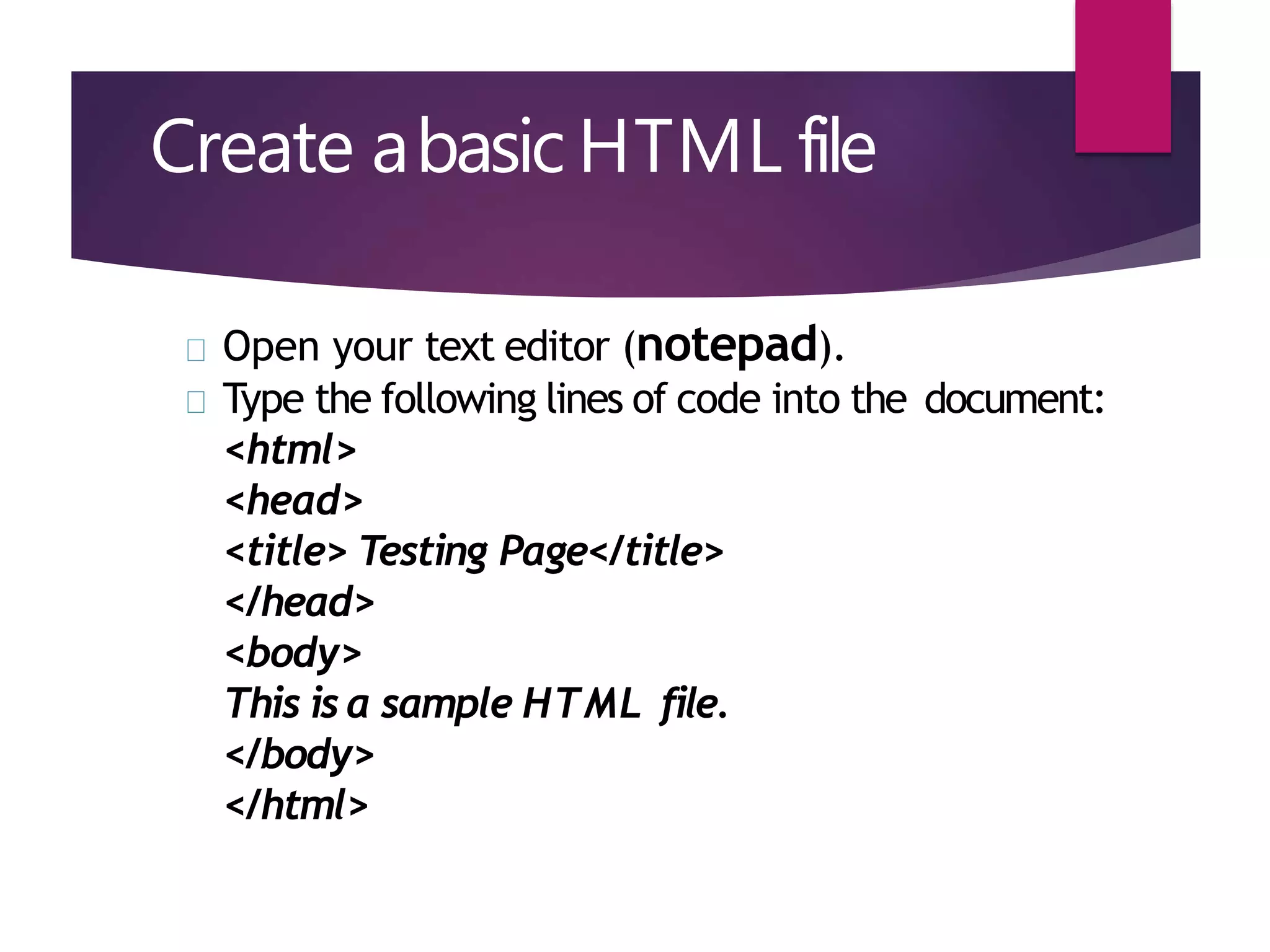
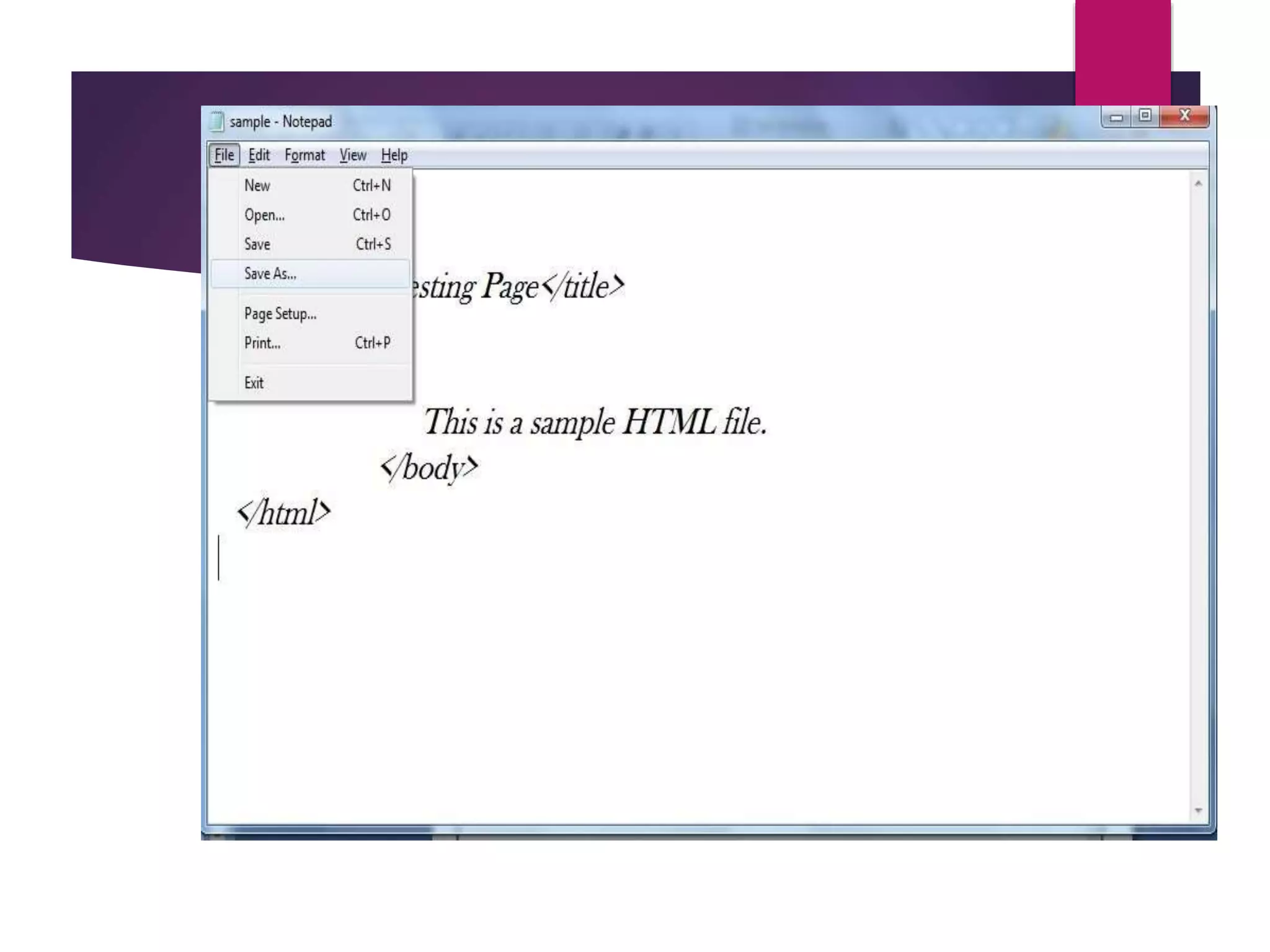
Create abasic HTML file
Open your text editor (notepad).
Type the following lines of code into the document:
<html>
<head>
<title> Testing Page</title>
</head>
<body>
This is a sample HTML file.
</body>
</html>
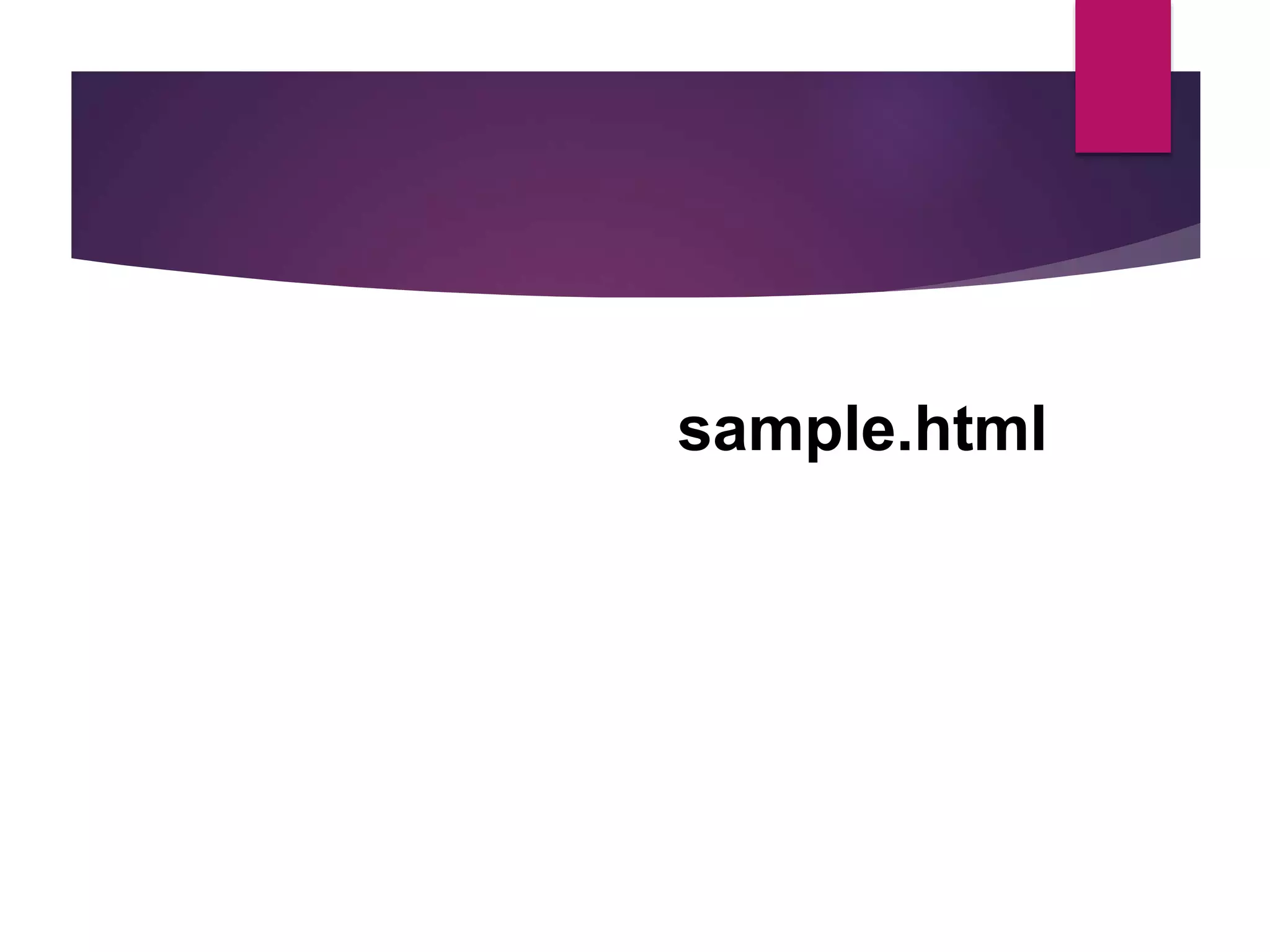
sample.html
Introduction to some common tags
o Paragraph tag
o List tag
o Hyperlink tags
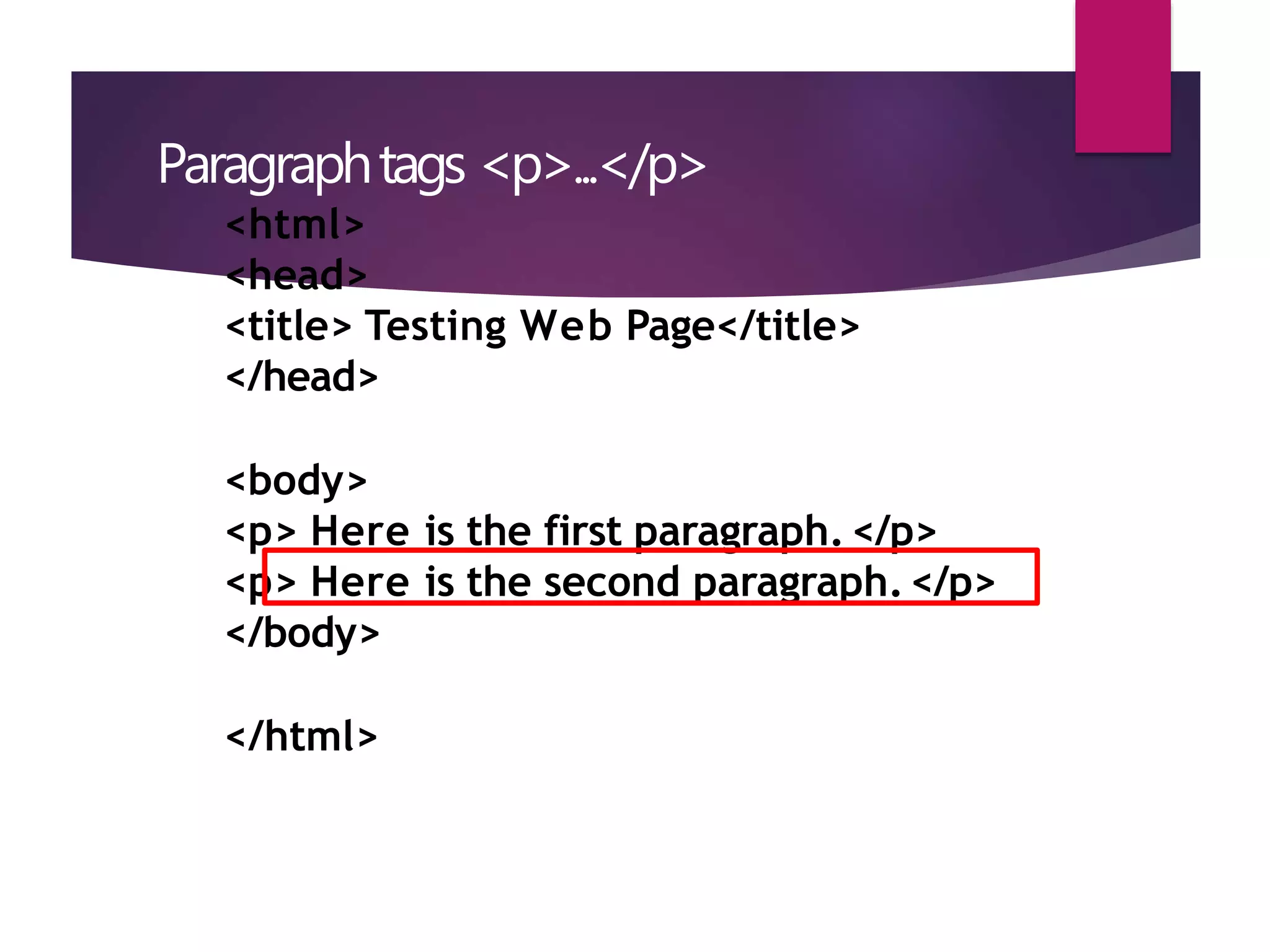
Paragraphtags <p>...</p>
<html>
<head>
<title> Testing Web Page</title>
</head>
<body>
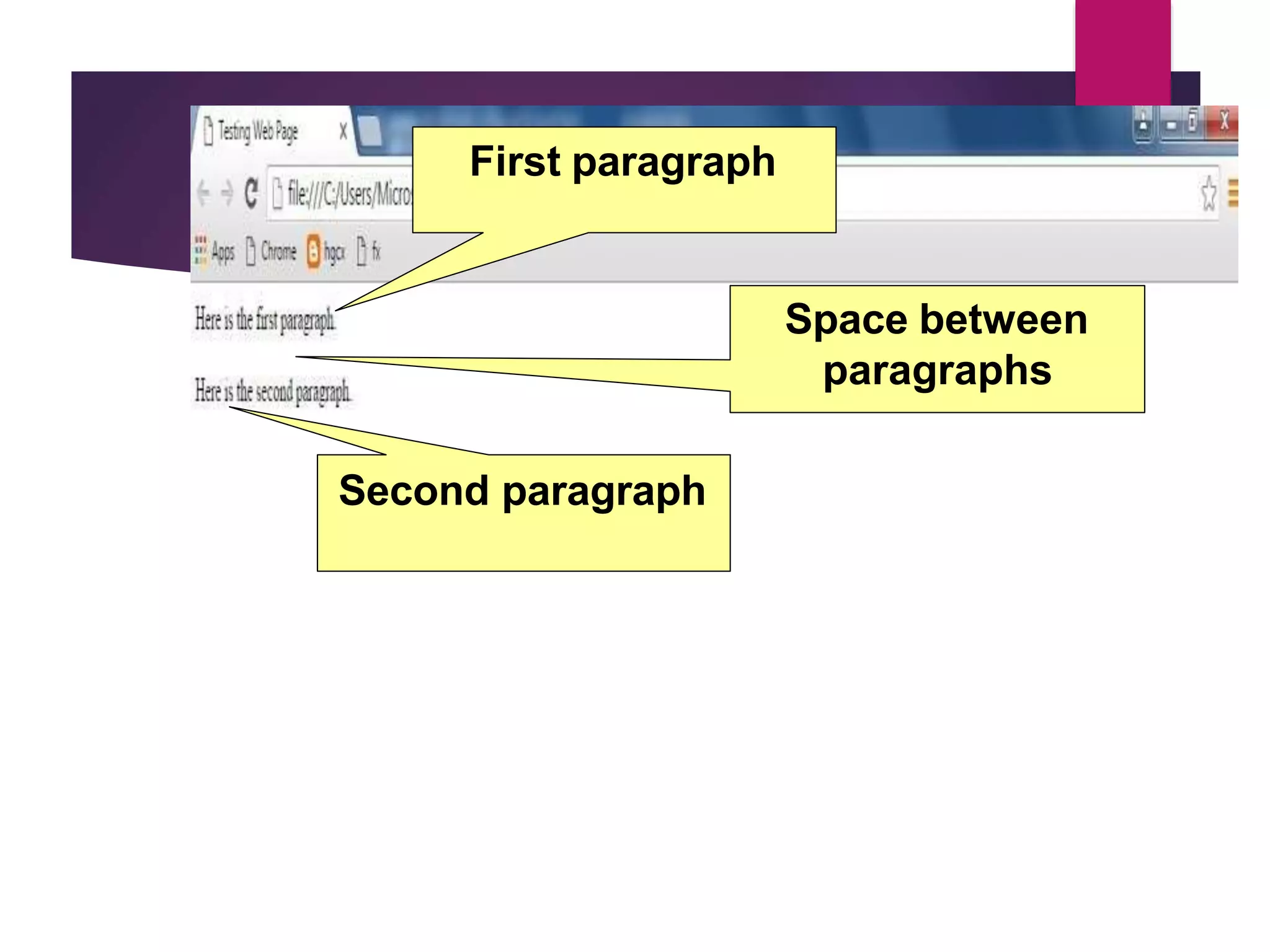
<p> Here is the first paragraph.</p>
<p> Here is the second paragraph.</p>
</body>
</html>
First paragraph
Space between
paragraphs
Second paragraph
List tags
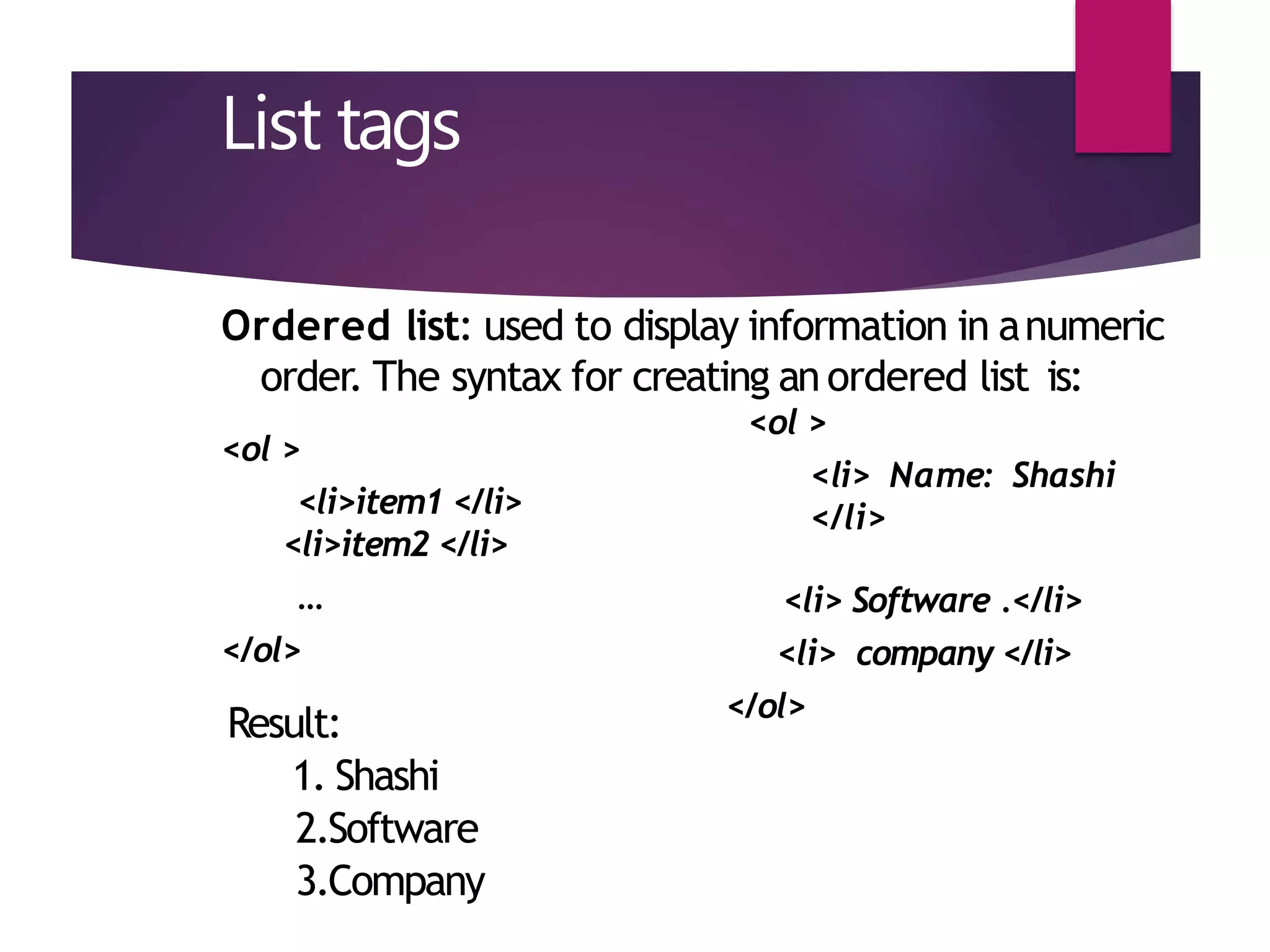
Ordered list: used to display information in anumeric
order. The syntax for creating an ordered list is:
<ol >
<li> Name: Shashi
</li>
<ol >
<li>item1 </li>
<li>item2 </li>
…
</ol>
<li> Software .</li>
<li> company </li>
</ol>
Result:
1. Shashi
2.Software
3.Company
List tags
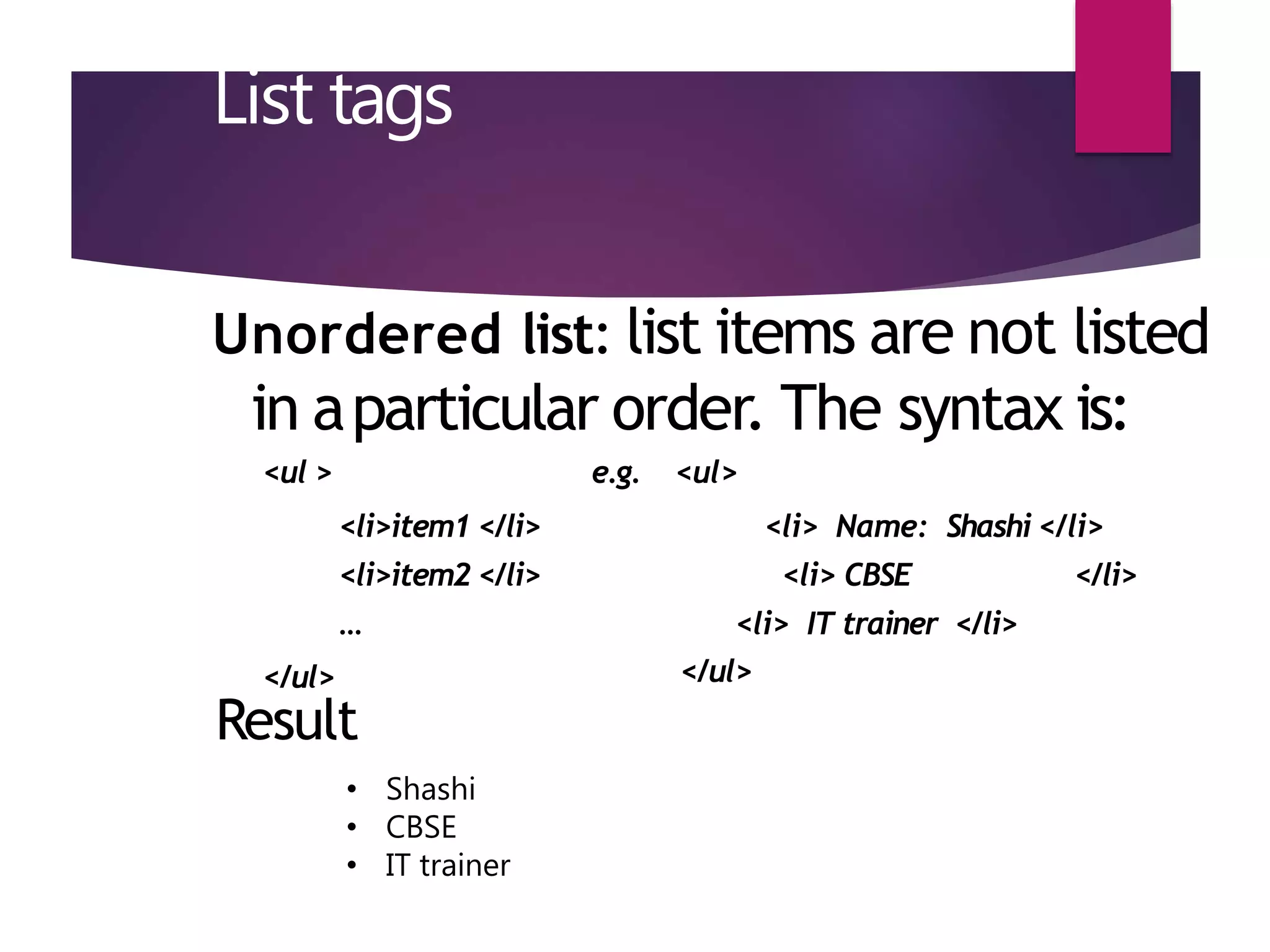
Unordered list: list items are not listed
in aparticular order. The syntax is:
<ul > e.g. <ul>
</ul>
<li>item1 </li>
<li>item2 </li>
…
<li> Name: Shashi </li>
<li> CBSE </li>
<li> IT trainer </li>
</ul>
Result
• Shashi
• CBSE
• IT trainer
THANK YOU

HTML BASIC BY SHASHI KANT SINGH HAJIPUR

  • 1.
    HTML (HypertextMarkup Language) Language tocreate Web Page Presented By: Shashi Kant Singh(MCA)
  • 2.
    www.google.com www.flipkart.com www.amazon.com www.jobong.com Canyou guess what are these ? These all are website name www.facebook.comwww.myntra.com www.twitter.com www.cbse.nic.in www.bing.com
  • 3.
    Website & Webpages  Website is a collection of text, images, sound and videos.  Each website have number of web pages. Web page is a single document that contain text, image, audio etc. Example: www.google.co.in www.wikipedia.org www.cbse.nic.in
  • 4.
    Static vs Dynamic Webpage can be either static or dynamic. Static pages show the same content each time they are viewed Dynamic pages have content that can be change each time they are accessed.
  • 5.
    HTML  It isa markup language that is used to create website or web pages. It provides tag.  HTML is most widely used language to design web content  HTML tells the browser how to display the content.  HTML provides tag in between tags we can write our content to display on web page or internet.  HTML is not a case- sensitive language.
  • 6.
    HTML Syntax <tag> document content</tag> Actual content appears in webpage. It could be empty Closing tag Start tag Tag start
  • 7.
    HTML TAGS In HTMLwe have two types of tags: 1. Container tags 2. Non container tags or Empty element tags
  • 8.
    Container Tags  Containertag consist of Start tag and End Tag  Every start tag begins using opening angle brackets < > and the end tag closes using </ >  An end tag is always preceded by forward slash /.  Example: <title> …………</title> <html>………..</html> <head>………..</head> <body>………..</body>
  • 9.
    Empty Tags  Thesetags do not contain text or any other tags  They do not have end tag(</>)  Example: <BR >, <HR> are empty tags. We never write </BR> </HR>
  • 10.
    Structure of theWeb Page Inside the <html></html> tag ◦ Each webpagehas ahead partdescribedin <head></head>tag: <html><head> <title> Testing Page</title> </head> </html> The title of the web page should be put here
  • 11.
    Structure of theweb page Inside the <html></html> tag ◦ Each web pagehas abody part described in <body></body> tag: <html> <head> </head> <body> This isa sample HTML file. </body> </html> The content of <title> Testing Page</title>the whole web page should be put here
  • 12.
  • 13.
    Create abasic HTMLfile Open your text editor (notepad). Type the following lines of code into the document: <html> <head> <title> Testing Page</title> </head> <body> This is a sample HTML file. </body> </html>
  • 15.
  • 16.
    Introduction to somecommon tags o Paragraph tag o List tag o Hyperlink tags
  • 17.
    Paragraphtags <p>...</p> <html> <head> <title> TestingWeb Page</title> </head> <body> <p> Here is the first paragraph.</p> <p> Here is the second paragraph.</p> </body> </html>
  • 18.
  • 19.
    List tags Ordered list:used to display information in anumeric order. The syntax for creating an ordered list is: <ol > <li> Name: Shashi </li> <ol > <li>item1 </li> <li>item2 </li> … </ol> <li> Software .</li> <li> company </li> </ol> Result: 1. Shashi 2.Software 3.Company
  • 20.
    List tags Unordered list:list items are not listed in aparticular order. The syntax is: <ul > e.g. <ul> </ul> <li>item1 </li> <li>item2 </li> … <li> Name: Shashi </li> <li> CBSE </li> <li> IT trainer </li> </ul> Result • Shashi • CBSE • IT trainer
  • 21.