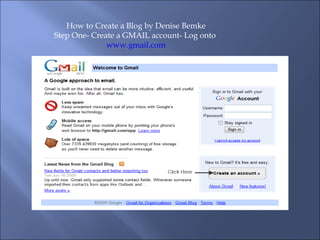
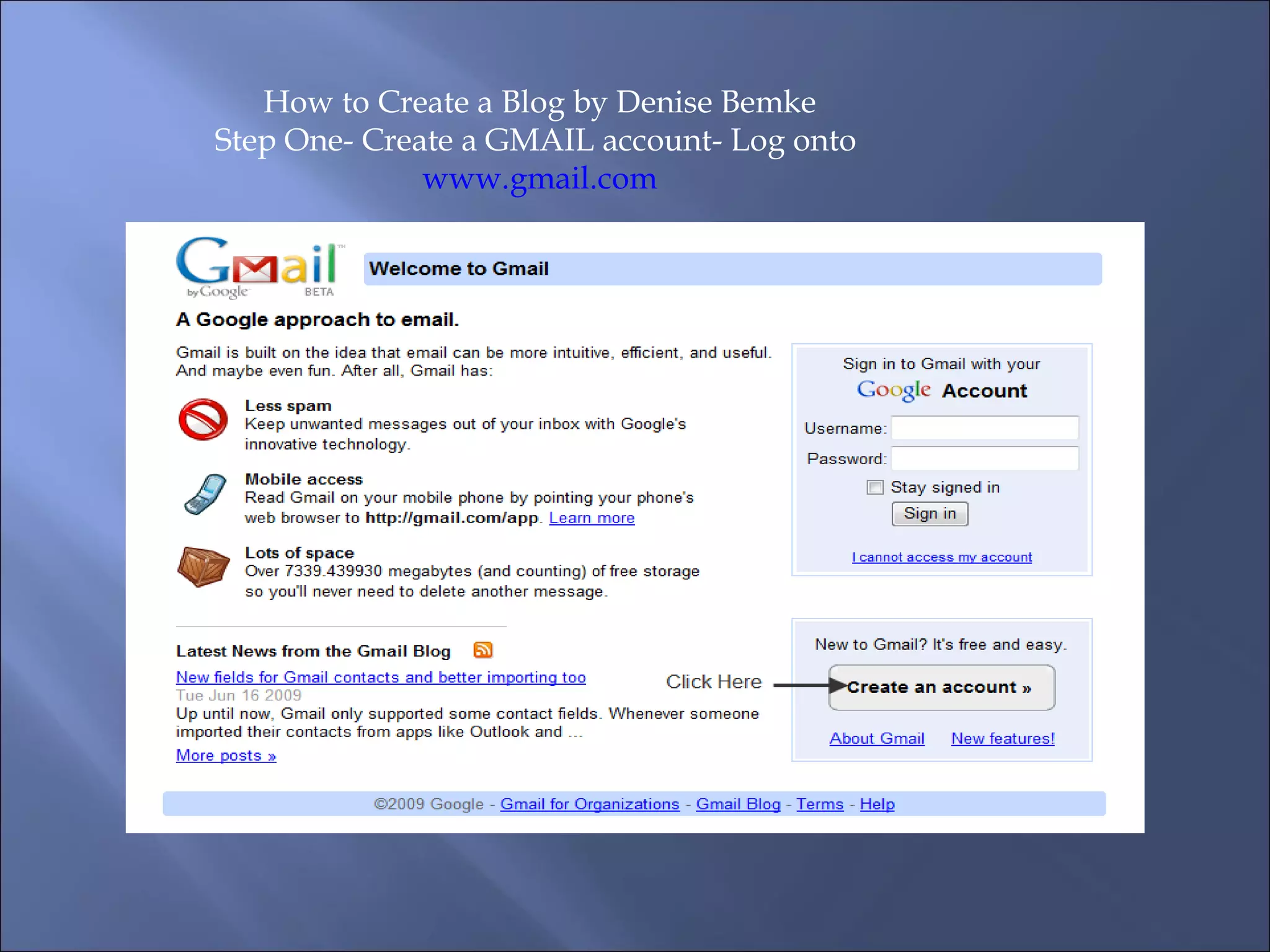
How to Create a Blog by Denise Bemke Step One- Create a GMAIL account- Log onto  www.gmail.com
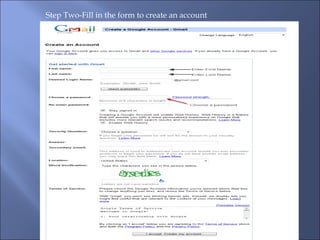
Step Two-Fill in the form to create an account
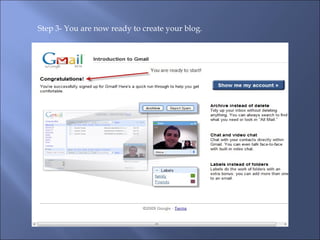
Step 3- You are now ready to create your blog.
Sign in at  http://www.blogger.com  using your google account.
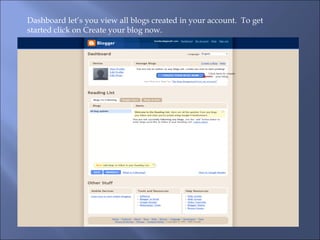
Dashboard let’s you view all blogs created in your account.  To get started click on Create your blog now.
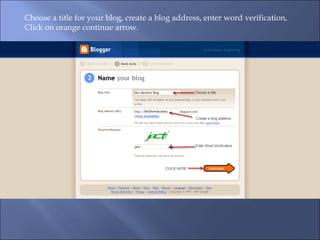
Choose a title for your blog, create a blog address, enter word verification, Click on orange continue arrow.
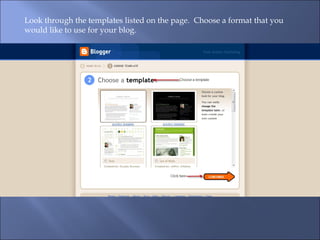
Look through the templates listed on the page.  Choose a format that you would like to use for your blog.
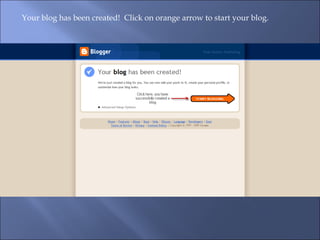
Your blog has been created!  Click on orange arrow to start your blog.
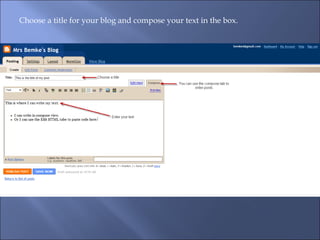
Choose a title for your blog and compose your text in the box.
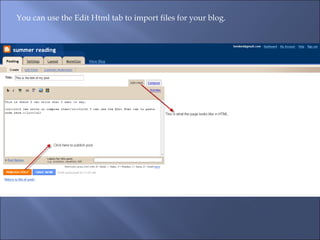
You can use the Edit Html tab to import files for your blog.
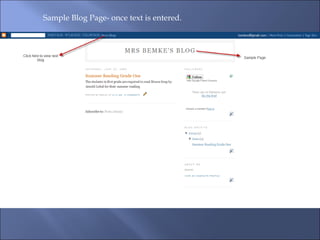
Sample Blog Page- once text is entered.

Howtocreateablog-by D.Bemke

  • 1.
    How to Createa Blog by Denise Bemke Step One- Create a GMAIL account- Log onto www.gmail.com
  • 2.
    Step Two-Fill inthe form to create an account
  • 3.
    Step 3- Youare now ready to create your blog.
  • 4.
    Sign in at http://www.blogger.com using your google account.
  • 5.
    Dashboard let’s youview all blogs created in your account. To get started click on Create your blog now.
  • 6.
    Choose a titlefor your blog, create a blog address, enter word verification, Click on orange continue arrow.
  • 7.
    Look through thetemplates listed on the page. Choose a format that you would like to use for your blog.
  • 8.
    Your blog hasbeen created! Click on orange arrow to start your blog.
  • 9.
    Choose a titlefor your blog and compose your text in the box.
  • 10.
    You can usethe Edit Html tab to import files for your blog.
  • 11.
    Sample Blog Page-once text is entered.