Adam Q. Holden-Bache @adamholdenbache
• Founded Mass Transmit in 1996
	
  
• Developed proprietary email platforms
• Sold to Striata in April, 2015
• 18+ years Email Marketing experience
• Author of “How to Win at B2B Email Marketing”
b2bemailmarketingbook.com
BRING	
  OUT	
  
YOUR	
  
DEAD!	
  
BRING	
  OUT	
  
YOUR	
  
DEAD!	
  
BUT	
  I’M	
  
NOT	
  
DEAD	
  YET	
  
Emails are sent every minute
The average U.S. worker spends
of their time
reading and answering emails
 
There are
emails sent to the
average worker each year


• Increase revenue/sales
WHAT IS YOUR 	
  
• Generate leads
• Reduce acquisition cost
• Improve conversion rates
• Increase retention
• IMPLEMENT TRACKING
GET RESULTS THAT MATTER	
  
• MEASURE SUCCESS
• IDENTIFY POINTS OF FAILURE AND CHANGE THEM
• UNDERSTAND HOW RESULTS CAN BE ANALYZED TO
DETERMINE ROI
CONSTANTLY ESTABLISH AND REFINE
BENCHMARKS AND TRY TO IMPROVE
THEM FOR EVERY CAMPAIGN	
  
• Financially driven buyer
2 types of business buyers	
  
• solutions-focused buyer
• Existing Customers
Who is your audience?	
  
• Prospects
• Leads
• colleagues
• competition
• Media
 
68% rate email as “Good” or
“Excellent” at generating ROI	
  
Most marketers allocate Less
than 25% of their budget to email 	
  
BUT…	
  
YOUR EMAIL MARKETING EFFORTS
	
  
INCREASING EMAIL LIST SIZE SHOULD
BE A TOP PRIORITY FOR B2B Marketers	
  
Attract the audience you desire	
  
1. Provide Value	
  
2. Disclose Frequency	
  
3. Give the Subscriber control	
  
4. Ensure Privacy	
  
THE OPT-IN PROPOSITION	
  
1. WEBSITE	
  
WHERE TO COLLECT DATA	
  
2. SURVEYS	
  
3. OFFLINE EVENTS	
  
4. ONLINe EVENTS	
  
5. REGISTRATIONS
FOR DOWNLOADS	
  
6. Point of Sale	
  
7. Facebook	
  
8. Twitter	
  
9. LinkedIn	
  
10. Videos	
  
11. Sweeps and
Promotions	
  
12. Email Signatures	
  
13. Print ADS	
  
14. Direct Mail	
  
15. QR Codes	
  
16. Mobile Apps	
  
17. Mobile text
subscriptions	
  
18. Blog	
  
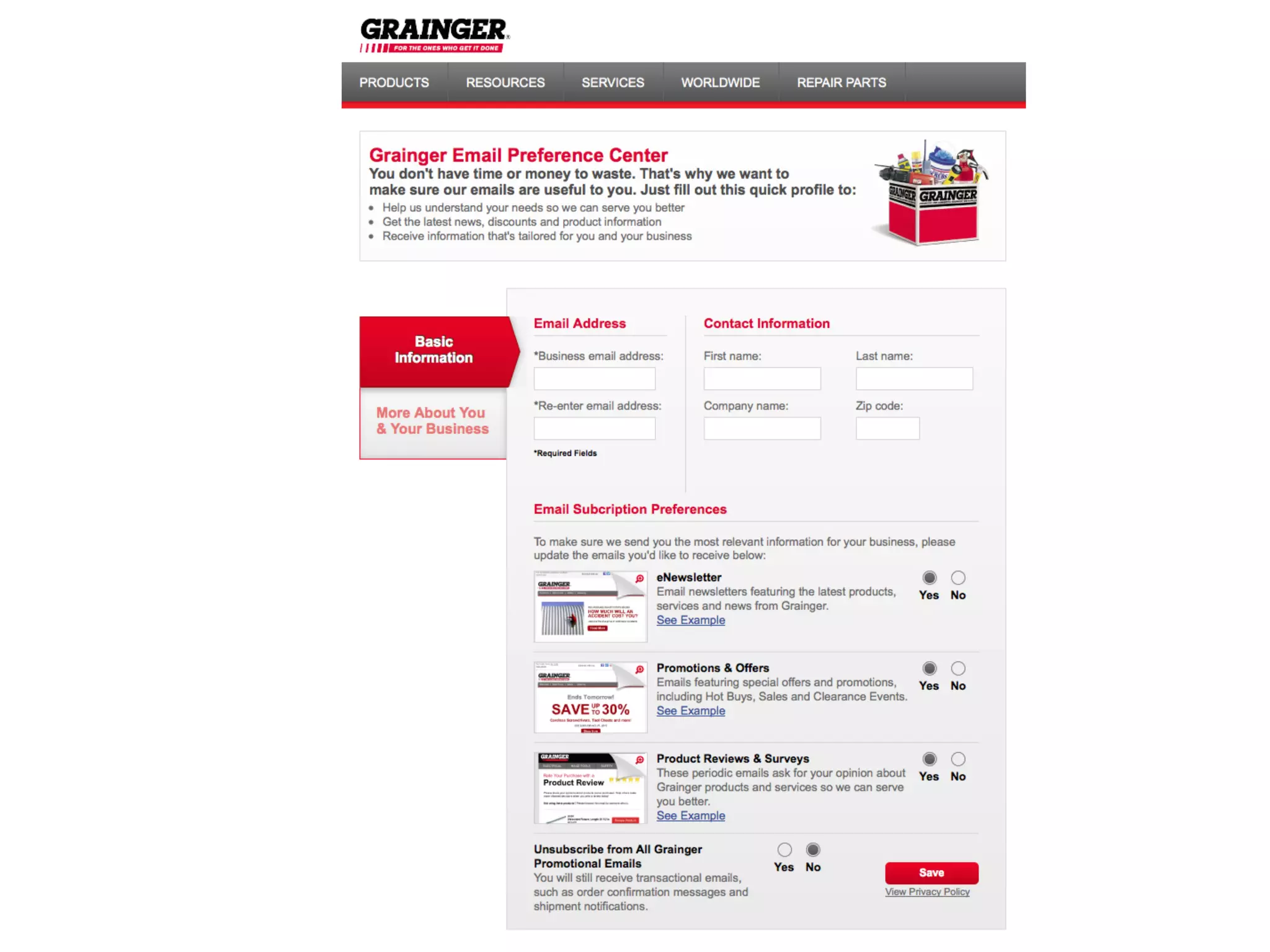
Allow users to manage their data
Through preference centers	
  
1. You’ll Risk your Reputation	
  
2. You’ll be labeled a spammer	
  
3. Your deliverability will suffer	
  
4. It’s not effective	
  
DO NOT PURCHASE AN EMAIL LIST	
  
EMAIL IS EXPERIENCED IN STAGES	
  
STAGE 1: The INBOX
EMAIL IS EXPERIENCED IN STAGES	
  
STAGE 1: The INBOX
GOAL:
GET THE RECIPIENT TO OPEN
FROM NAME	
  
• business name or personal name? Test it.
• don’t exceed 23 characters
• be consistent with from name
• be consistent with from email
SUBJECT LINE	
  
• PUT THE MAIN POINT FIRST
• CREATE INTEREST
• CREATE URGENCY
• ADDRESS QUESTIONS/CONCERNS
• BEWARE PERSONALIZATION
• PROVIDE A CALL TO ACTION
The PREHEADER	
  
• GENERATE INTEREST
• SUMMARIZE
• ALWAYS SUPPORT THE SUBJECT LINE
THE PREHEADER
THE PREHEADER
THE PREHEADER (WHAT NOT TO DO)
STAGE 1: The INBOX
EMAIL IS EXPERIENCED IN STAGES	
  
STAGE 2: THE EMAIL BODY
STAGE 2:
The EMAIL
BODY
GOAL:
GET the
CLICK
• DON’T SELL, EDUCATE
HOW DO YOU GET THE CLICK?	
  
• SOLVE A PROBLEM
• SAVE, SAVE, SAVE
• ENTERTAIN
Subscribers respond POSITIVELY
to messages that
inform and educate	
  
COPYWRITING	
  
• Talk to your Customers, Not at Them
• Start with the benefit
• Be Helpful
• Lead the Recipient towards a Decision
• Make it long enough, but no longer
• MAKE IT SCANNABLE
DESIGN YOUR COPY	
  
• USE Headers & Subheaders
• Break Apart The Copy
• Use Bullets & Lists
• Use Bold, Italics & Font Size Variations
• Use Color & Whitespace
STAGE 2:
The EMAIL
BODY
GOAL:
GET the
CLICK
STAGE 1: The INBOX
EMAIL IS EXPERIENCED IN STAGES	
  
STAGE 2: THE EMAIL BODY
Stage 3: The Web Site/Landing Page
ALWAYS DRIVE USERS TOWARDS CONVERSION
STAGE 3: The WEB Site/Landing page
GOAL: GET THE CONVERSION
STAGE 3: The WEB Site/Landing page
 
OF SMARTPHONE OWNERS
USE IT TO READ EMAIL
(THAT’s more than use it to make phone calls)


will delete an email That doesn’t
display correctly in a mobile inbox
	
  
Optimize for Mobile	
  
1. Less content
2. Easy to click
3. Stack content (no columns)
4. Remove or link to low priority content
RESPONSIVE EMAILS Will detect a reader’s
Screen size and adapt their layout to optimize
The viewing experience.
RESPONSIVE DESIGN	
  
< DEsktop	
  
Mobile >	
  
< DEsktop	
  
Mobile >	
  
Relevance = REsults	
  
ACHIEVE RELEVANCE THROUGH
SEGMENTATION &
PERSONALIZATION	
  
Personalized emails will improve:
EMAIL PERSONALIZATION	
  
• Open Rates 26%
• Click-through Rates 14%
• Conversion Rates 10%
EMAIL PERSONALIZATION OPTIONS:	
  
1. SUBJECT LINE
2. MESSAGE BODY COPY
3. IMAGES
4. DESIGN & LAYOUT
5. Content
LIST SEGMENTATION STRATEGIES	
  
1. MARKET SEGMENT
2. BEHAVIOR
3. DEMOGRAPHICS
4. PSYCHOGRAPHICS
5. Geography
6. Sales Cycle Stage
7. VIC’S
8. User History
9. Job Role/Title/Position
10. Size of Business
11. Acquired Data
12. Lead Source
Testing is your secret to
success	
  
ALWAYS APPROACH TESTING
WITH A GOAL IN MIND	
  
What do you test?	
  
• Subject line
• Message
• Layout and Images
• Call to action
• Time of delivery
• A/B Testing
Two types of Testing	
  
• MultiVariate Testing
Increasing Opens & Clicks
should be secondary to
increasing conversions	
  
How to improve ROI	
  
1. Know the value of your goals
2. Design campaigns to be measurable
3. Test and analyze results
4. Focus on decisions that improve ROI
DYNAMIC/REAL-TImE Emails	
  
•  Includes real-time information
•  Changes based on when/where opened
•  Hyper-personalized
Audio & Video	
  
FULLY
PERSONALIZED
EMAILS	
  
IN-EMAIL Transactions	
  
IN-EMAIL
Payments	
  
RECAP:	
  
• Plan for success: HAVE A GOAL
• KNOW YOUR AUDIENCE
• Data: Quality over quantity
• DRIVE TO CONVERSION ( Open -> click -> CONVERT)
• optimize for mobile
• Deliver relevance
• testing is your key to success
b2bemailmarketingbook.com
Adam Q. Holden-Bache
adam@B2bMarketingbook.com
@adamholdenbache
@B2bemailbook

How to Win at B2B Email Marketing