How to use Google Calnedar
By: VhonVEga
In order to access in google
calendar you must have a google
account
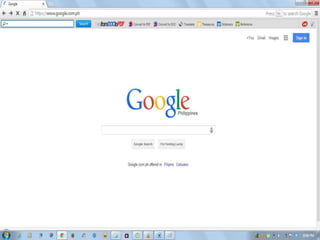
Go to www.google.com
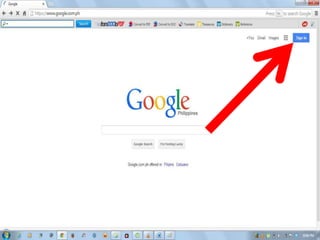
Click Sign in
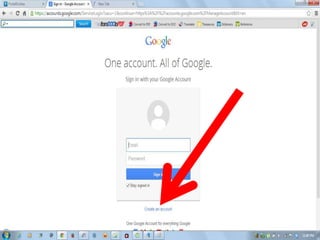
Click Create an account
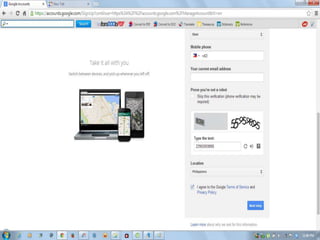
This will appear
Fill up the Form
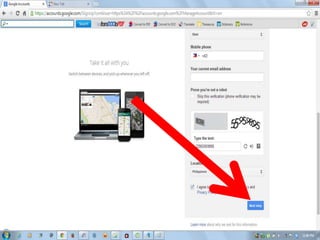
After Filling up the Form
Click Next Step
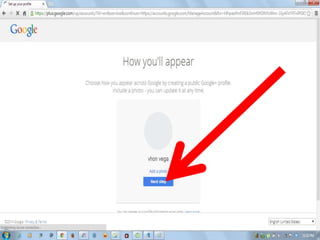
Click Next Step
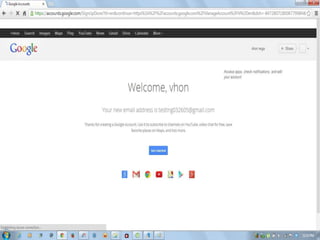
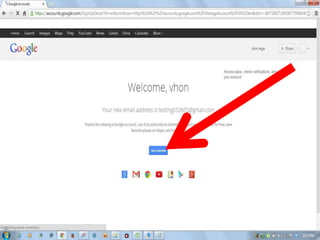
This will appear
Now you have a google account
Click Get Started
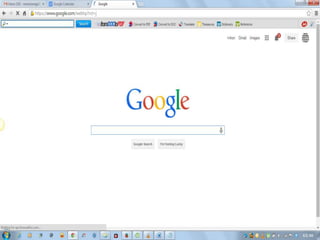
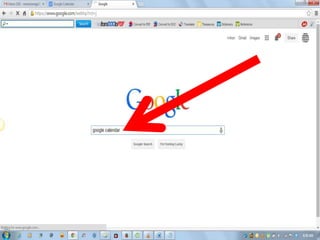
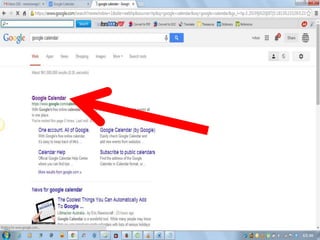
Go to google
Type google calendar
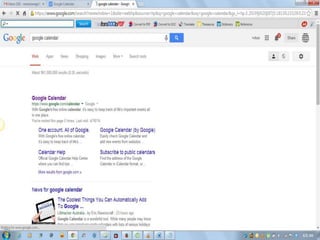
This will appear
Click Google Calendar
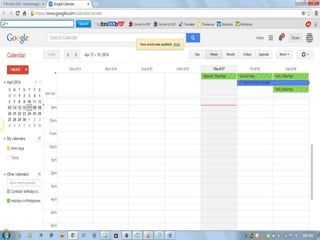
This will appear
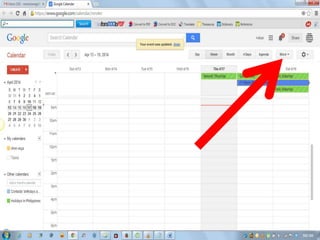
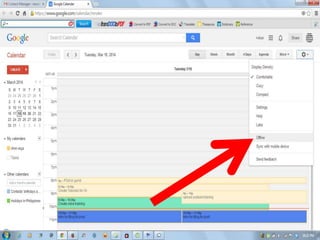
Click more
Click offline

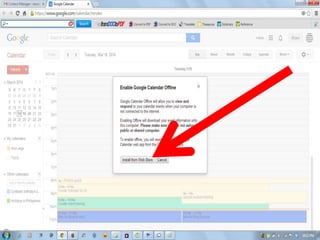
Click install from webstore
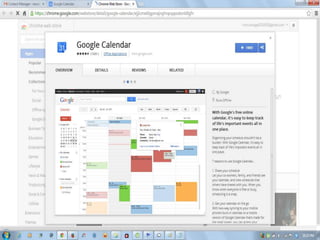
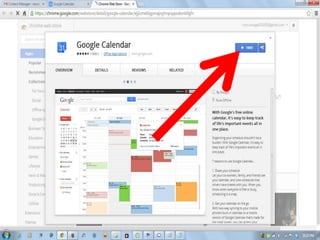
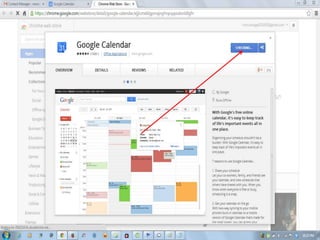
This will appear
Click free
checking
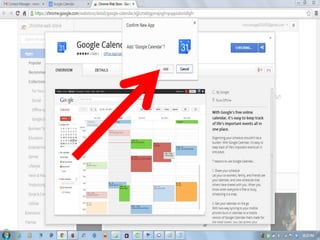
Confirm APP by Clicking Add
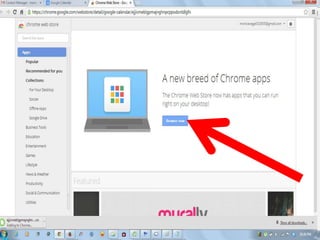
Click browse now
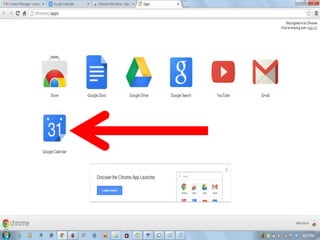
Now Googlfe Calendar app is
save
Now sign in to your google
account again
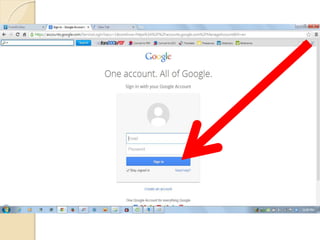
Fill up the Form then Click Sign
in
Once you’ve sign in this will
appear
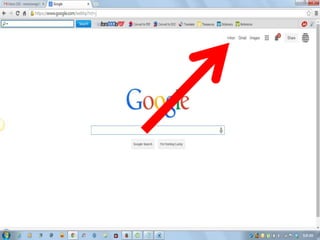
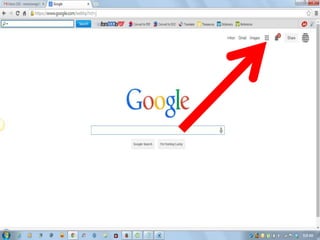
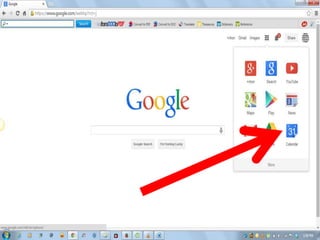
Click this Bar
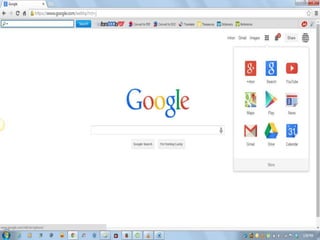
This will appear
Click calendar
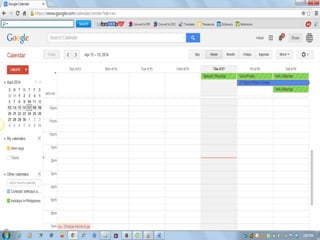
This will appear
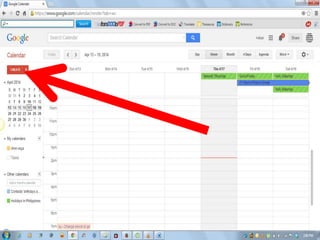
Click create
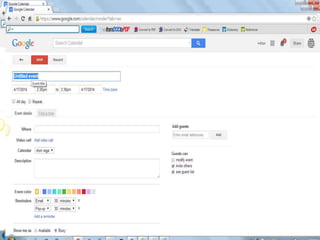
This will appear
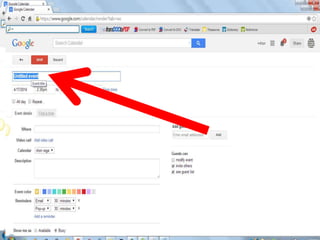
The title of your task
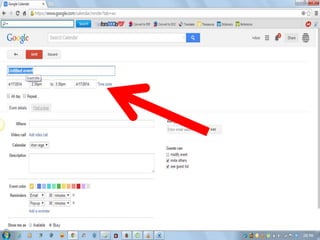
Edit Date and Time
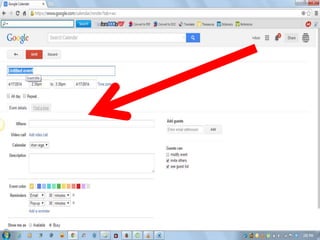
Event Details
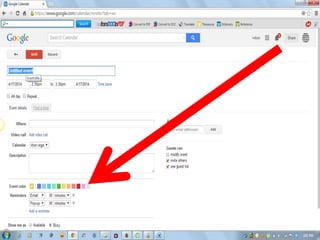
Mark Your Event with Different
Colors for Identification
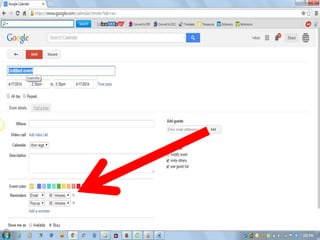
Click This so you will also be
reminded in Gmail
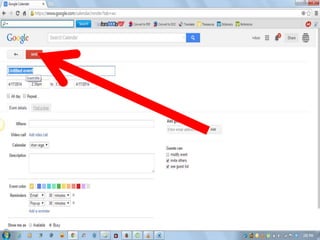
Click Save
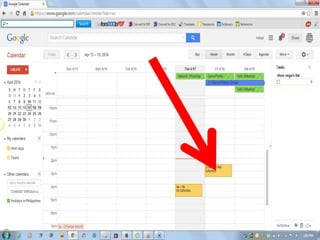
Your task appear here
Sometimes it takes a few
seconds or min before your task
appears
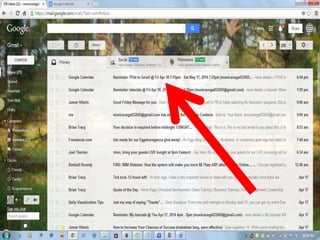
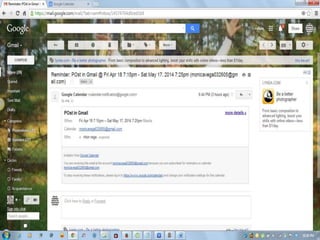
Your Reminders in Gmail
Click the email to see the
reminder
This will appear
Thank Your For Reading This
Tutorials!
God Bless You!

How to use google calendar