How to use
What is
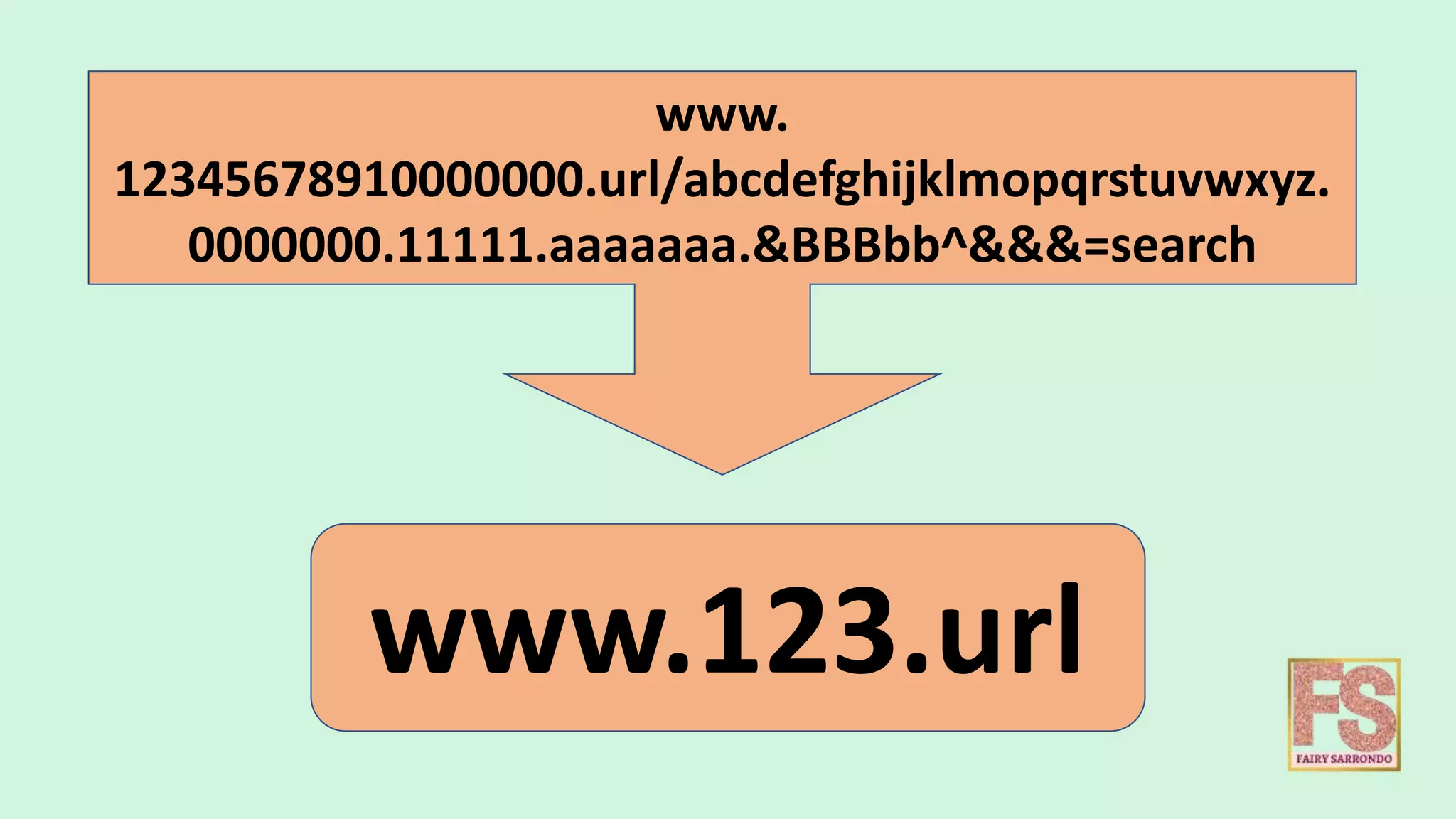
Is a URL shortening
service
How useful is
You URL will look
neat and clean
It can be easily communicated
and entered without error.
www.
12345678910000000.url/abcdefghijklmopqrstuvwxyz.
0000000.11111.aaaaaaa.&BBBbb^&&&=search
www.123.url
Other FEATURES of
Is used as LINK MANAGEMENT
platform.
What is
LINK
MANAGEMENT
LINK MANAGEMENT
about the ability to
Organize, Edit, Analyze
Links
Business should have a complete
control over all the links your
organization shares – no matter
how big or small your company is.
LINK MANAGEMENT
LINKS are an important asset
to any business. They connect
your brand with the online
world, so its essential that
you’re in control of them.
Link management presents
you with the opportunity
to protect your brand and
optimize your marketing.
How
Can be used for LINK MANAGEMENT ?
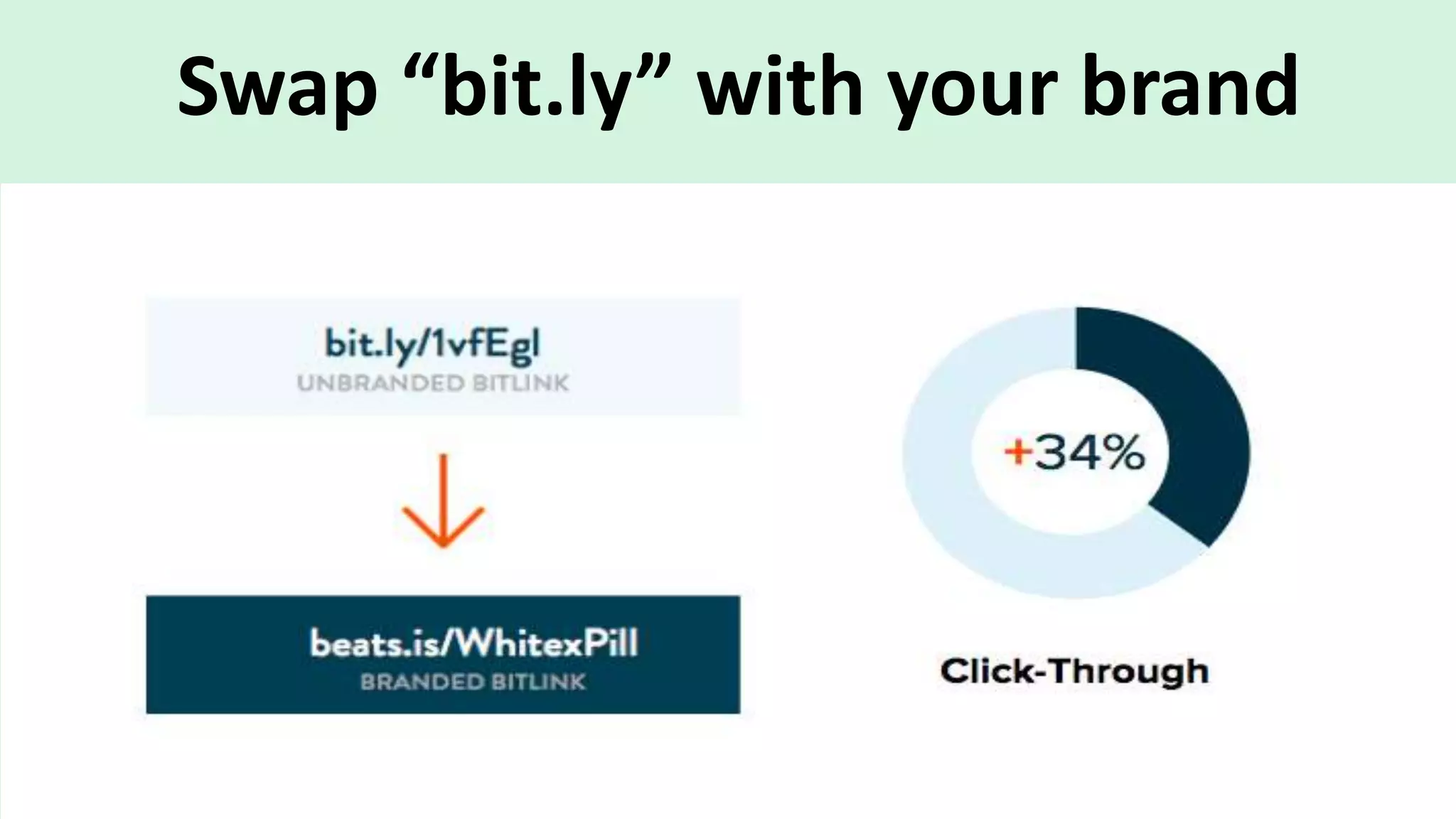
Swap “bit.ly” with your brand
Hundreds of integrations
Connect Bitly
to the tools
you use every
day.
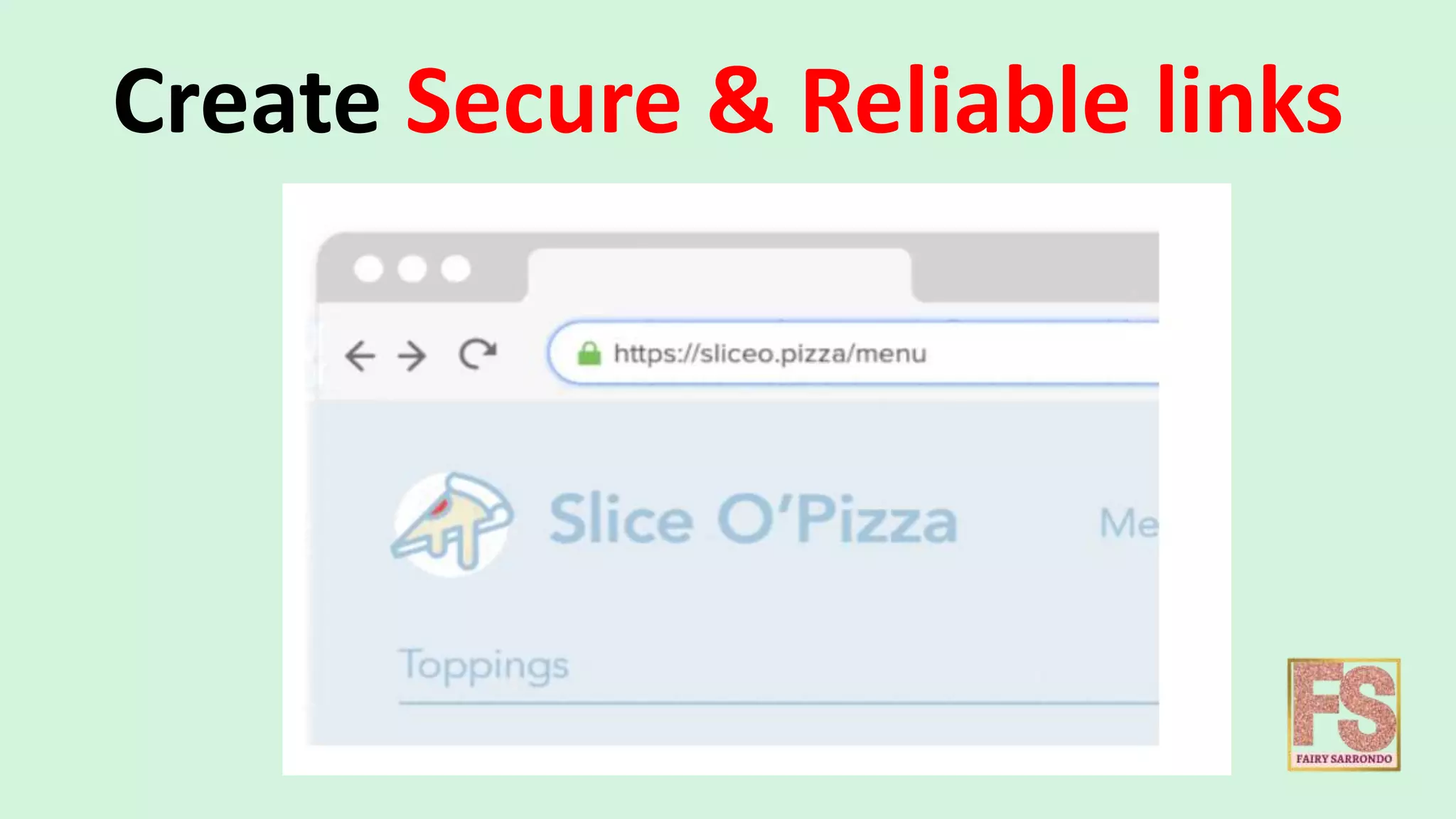
Create Secure & Reliable links
Create meaningful mobile
experiences
Directly route users to the right
destination from your mobile
communications.
Now, It’s time to Create
an Account
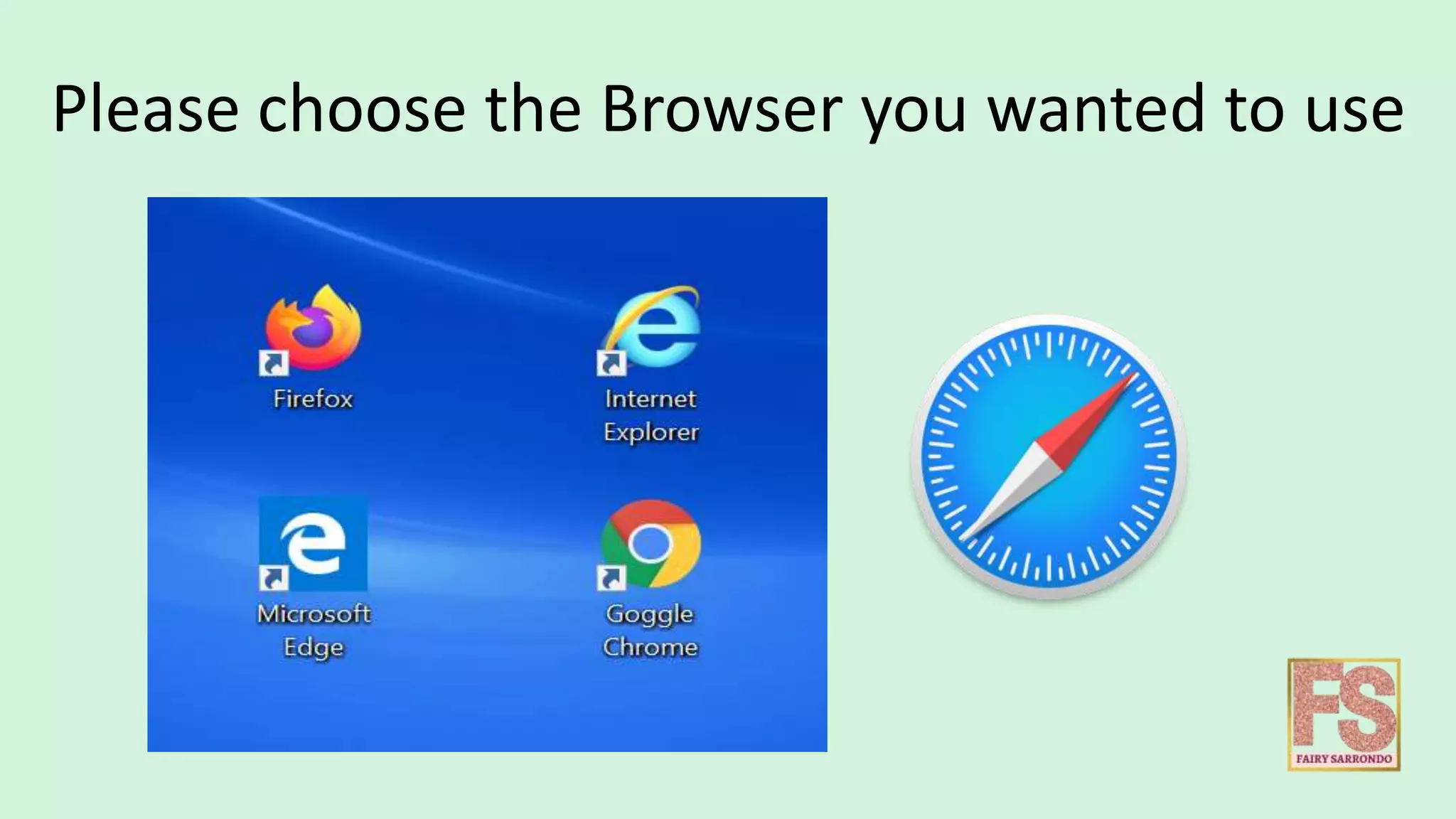
Please choose the Browser you wanted to use
In this tutorial, We will use
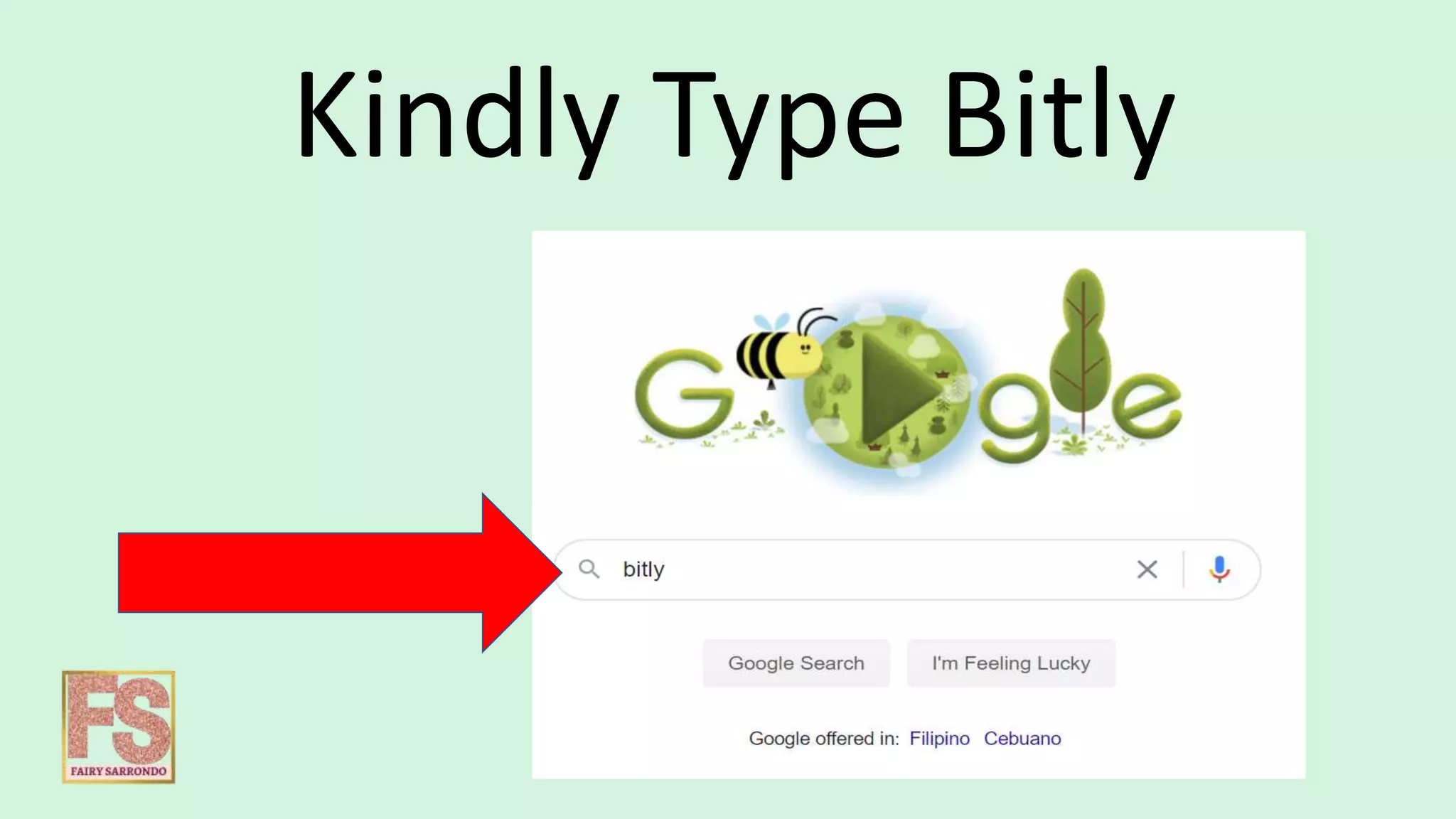
Kindly Type Bitly
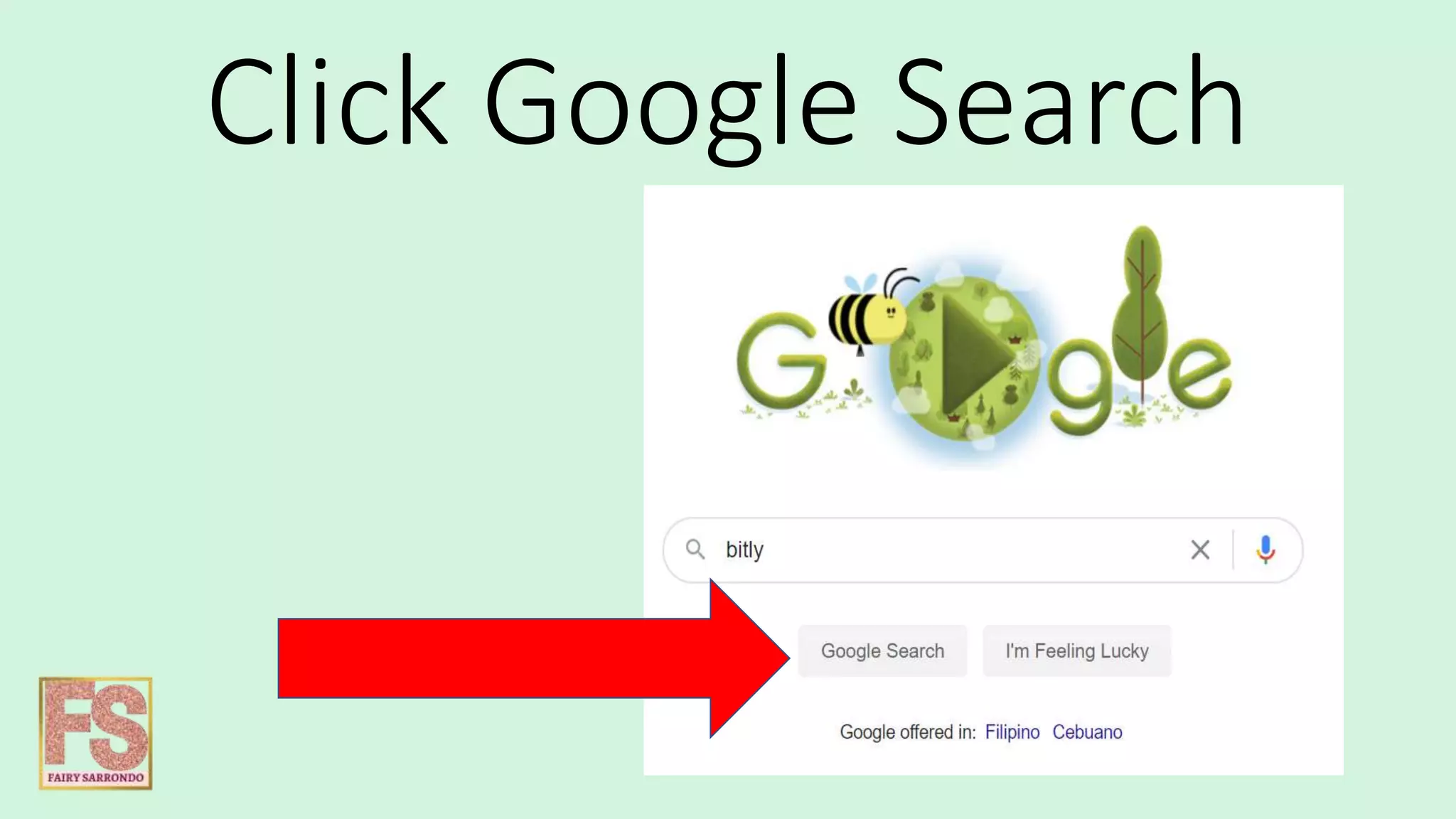
Click Google Search
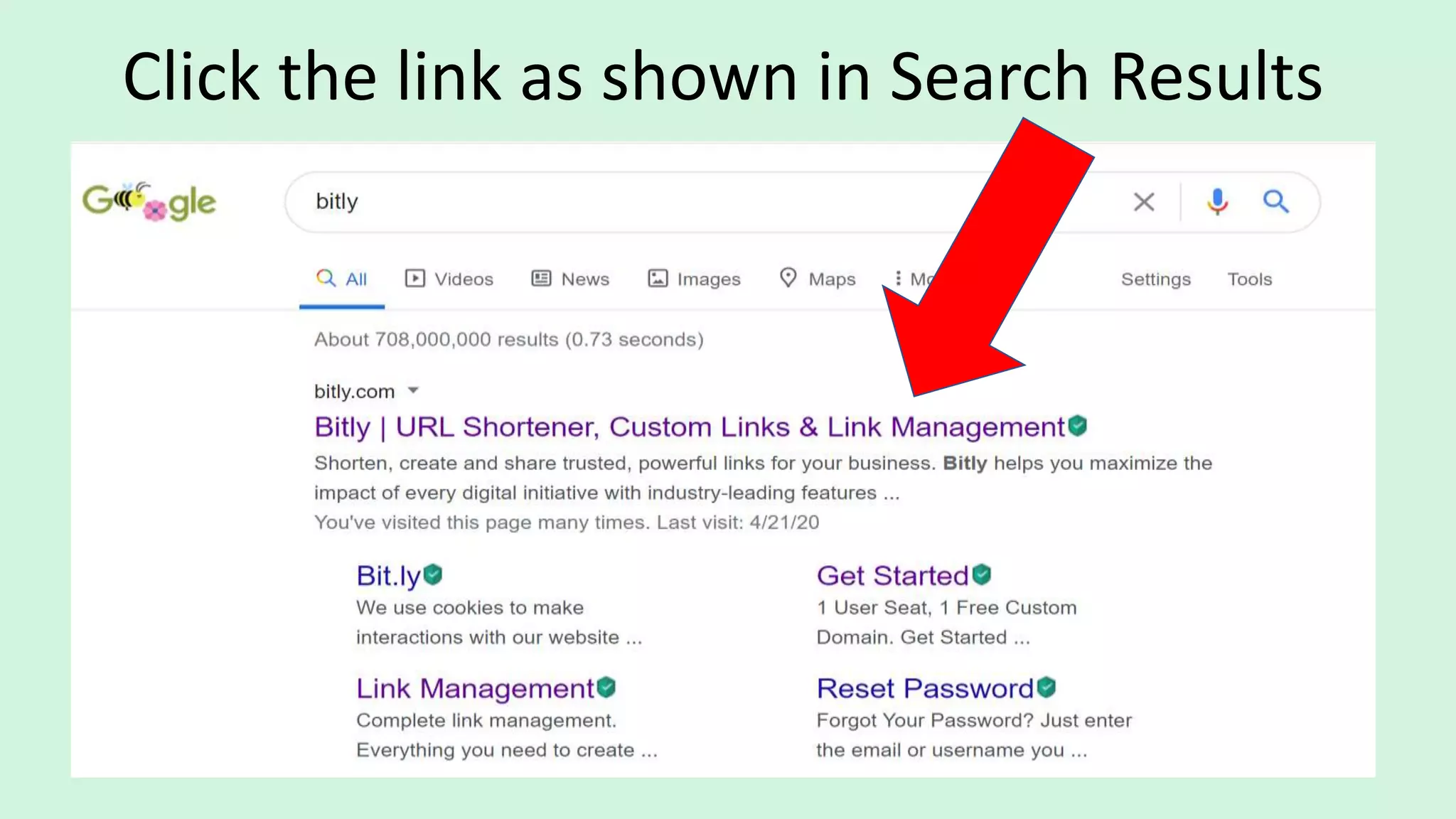
Click the link as shown in Search Results
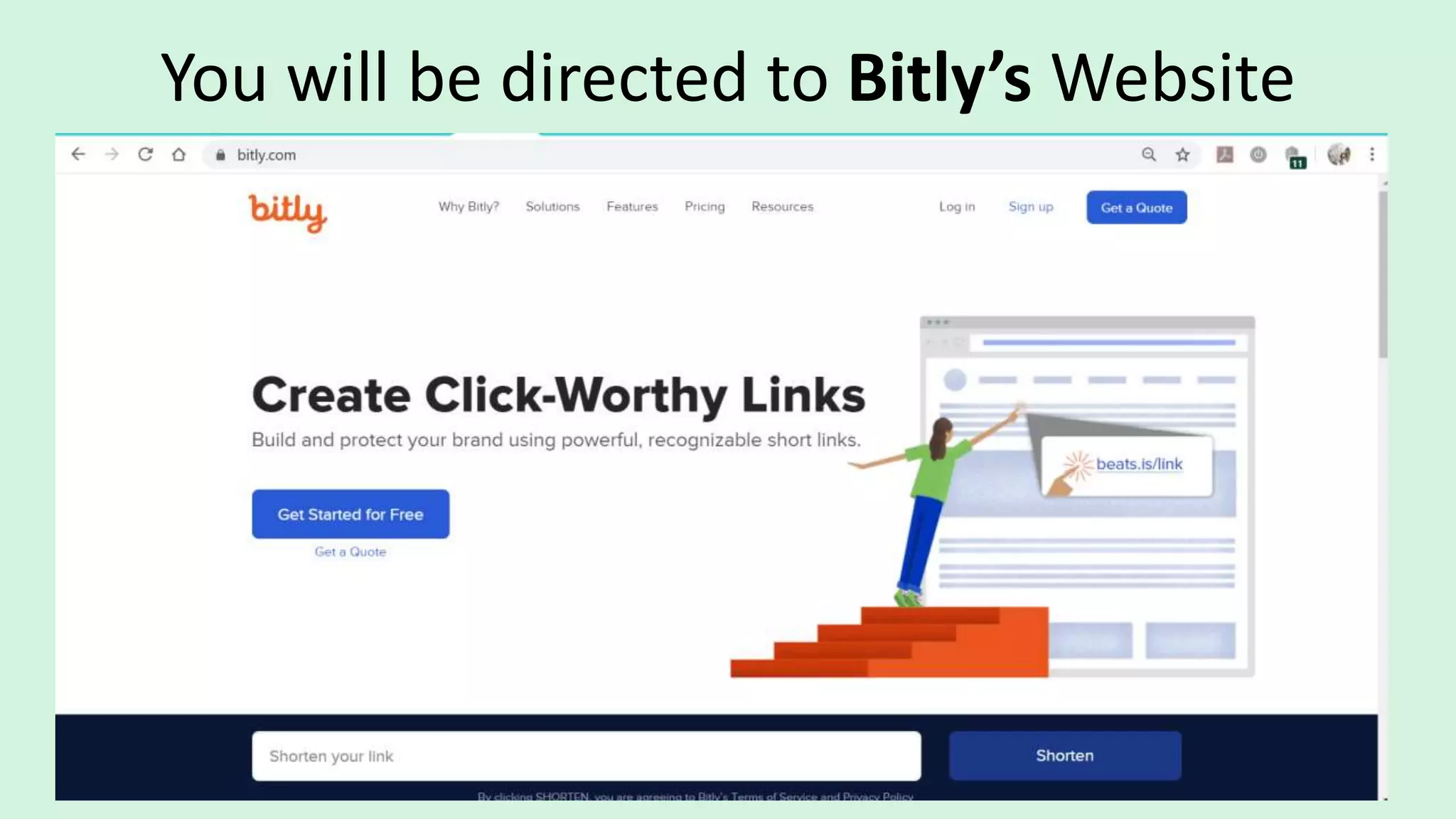
You will be directed to Bitly’s Website
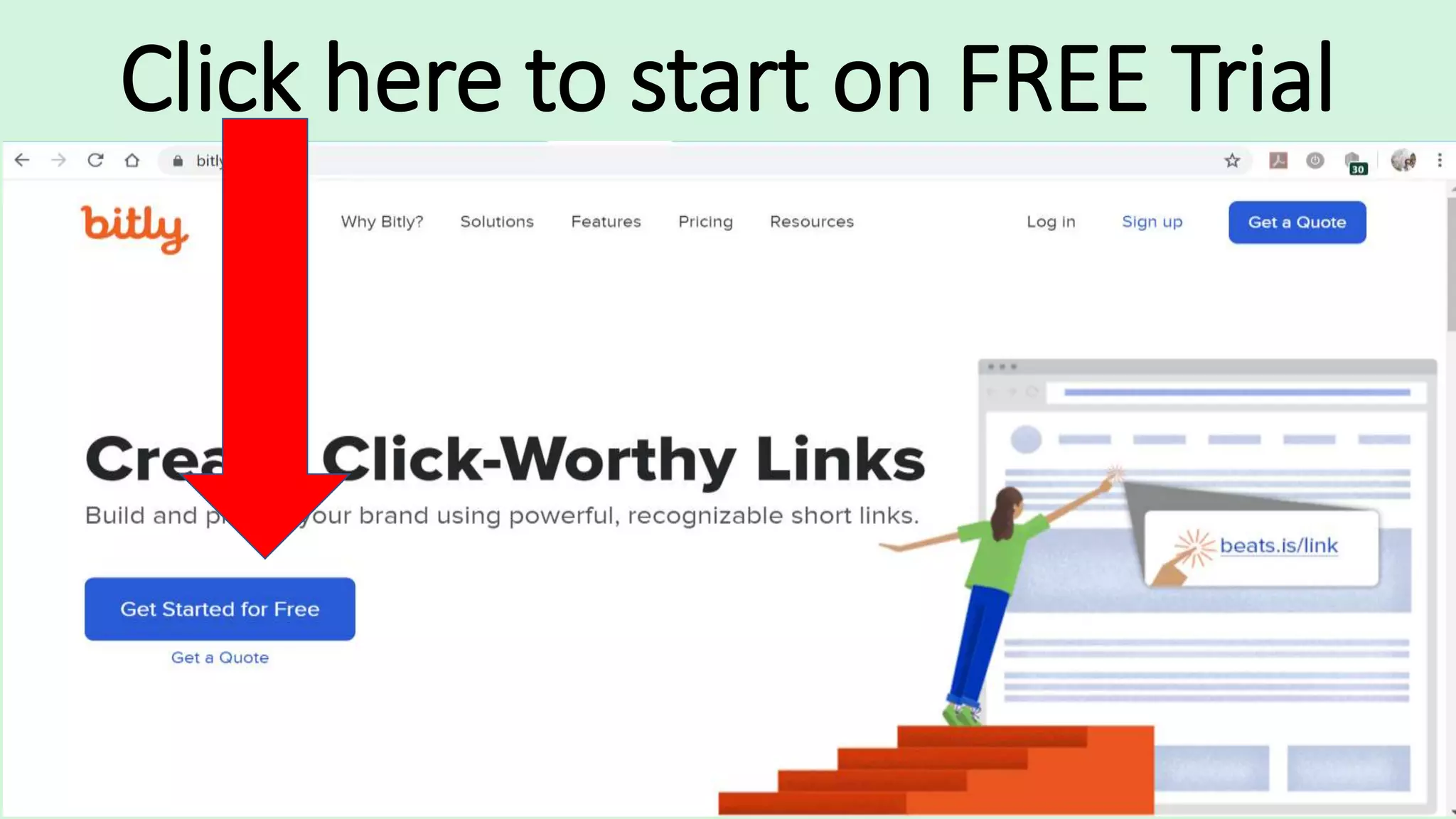
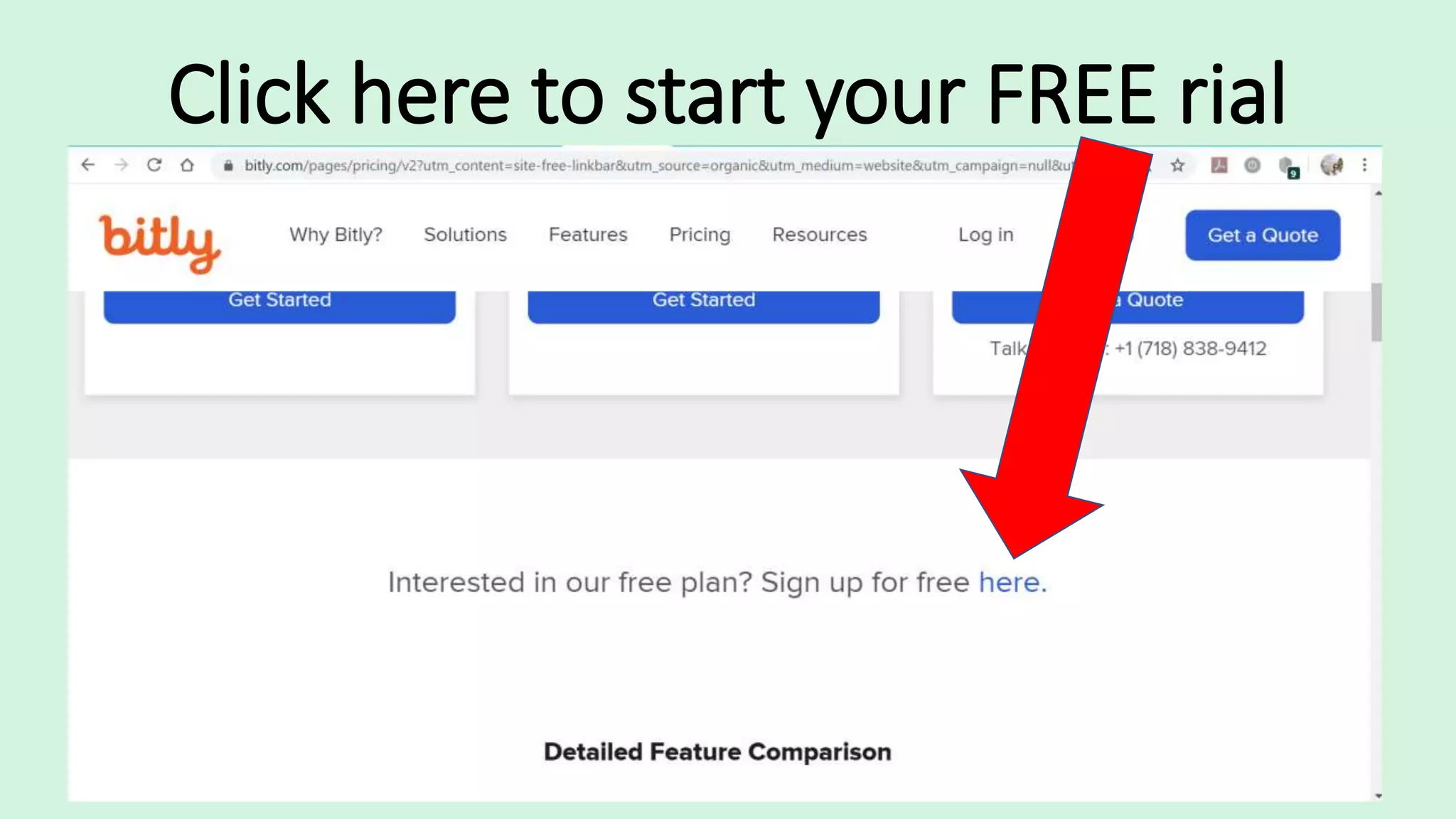
Click here to start on FREE Trial
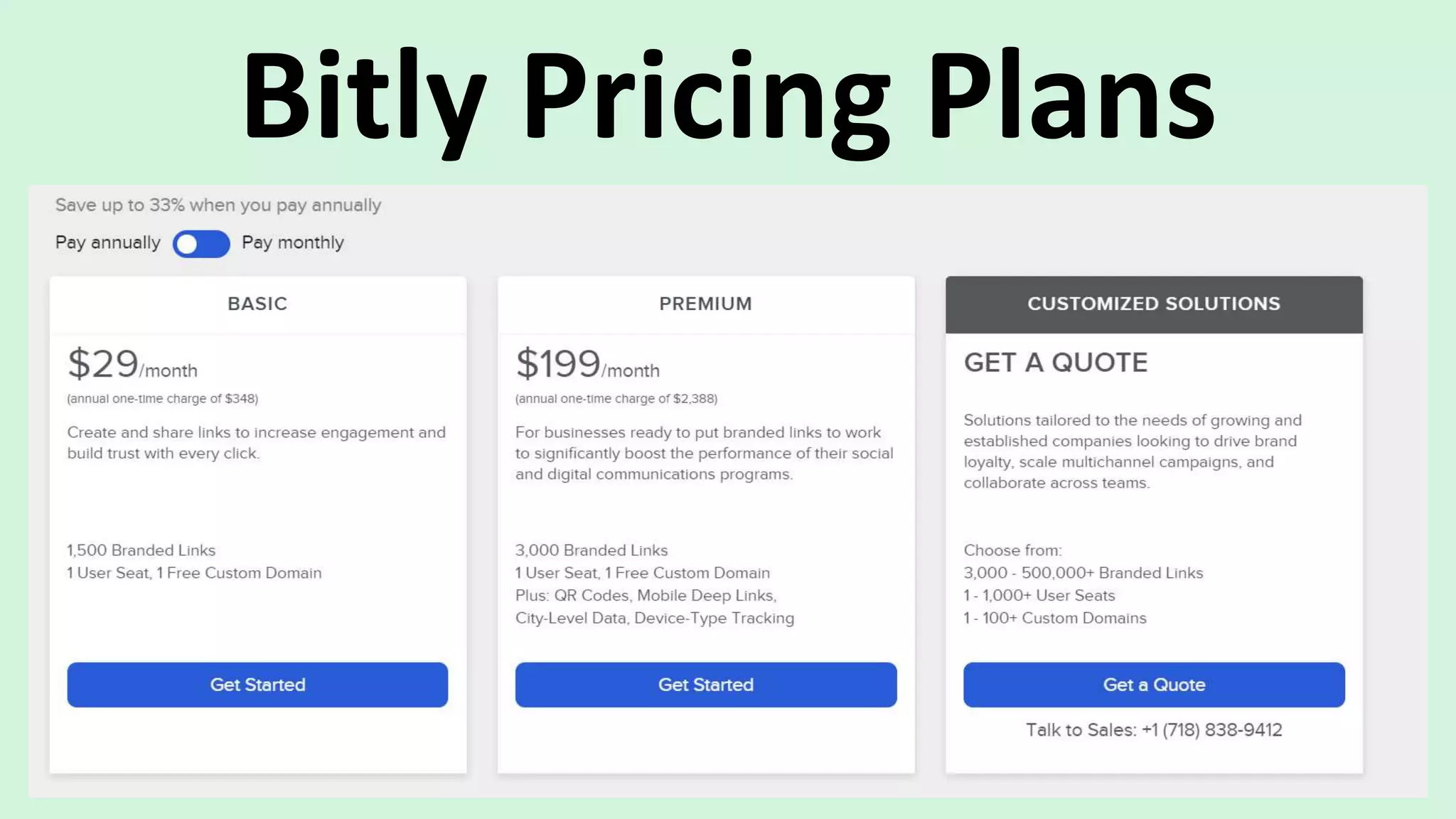
Then you will be directed to Pricing
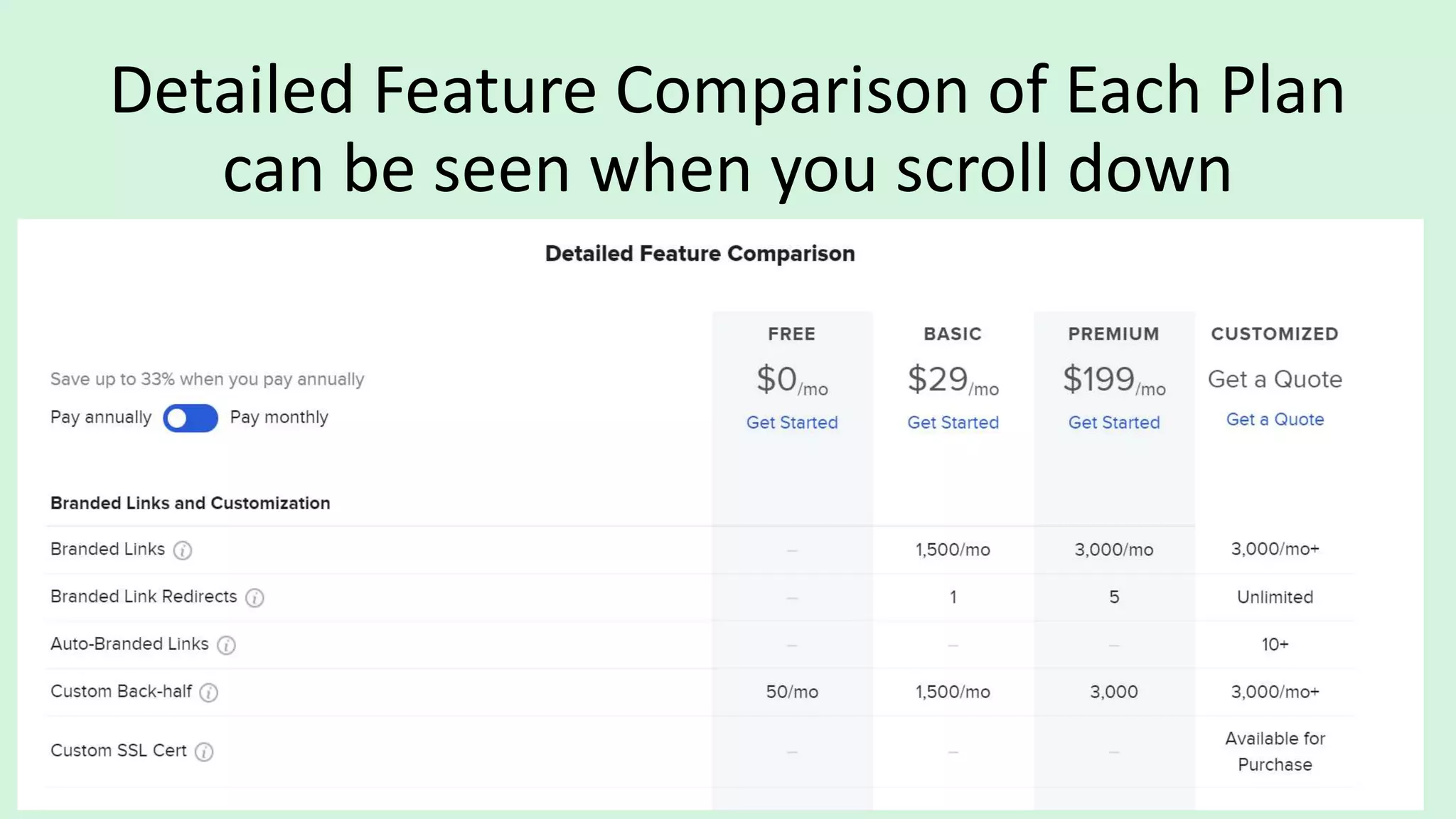
Plans, Decide on what is best for you.
Bitly Pricing Plans
Detailed Feature Comparison of Each Plan
can be seen when you scroll down
Click here to start your FREE rial
There are 2 ways by
which you can
Sign Up for Free.
Sign up
with
Google
Sign up
with
Email
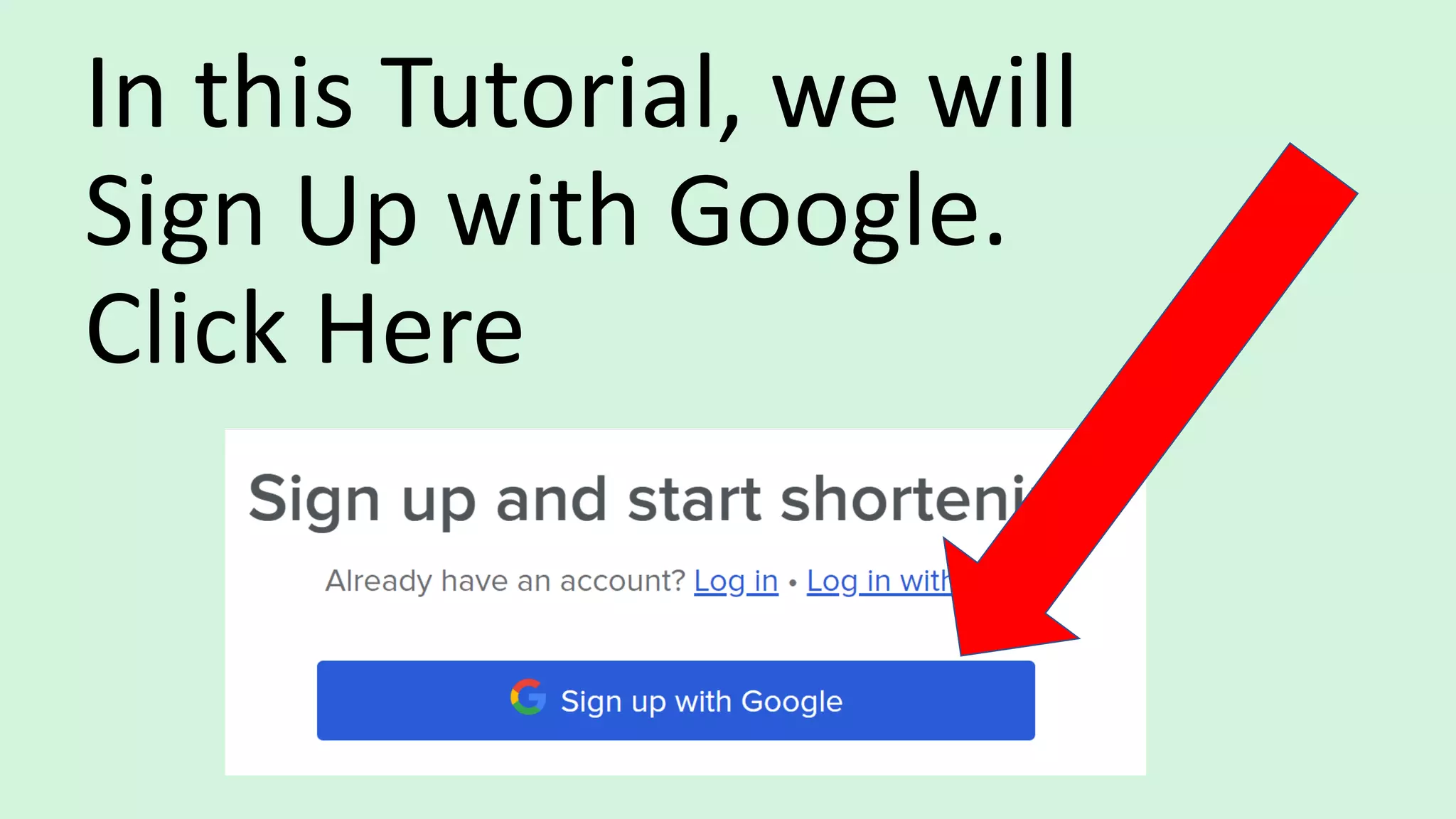
In this Tutorial, we will
Sign Up with Google.
Click Here
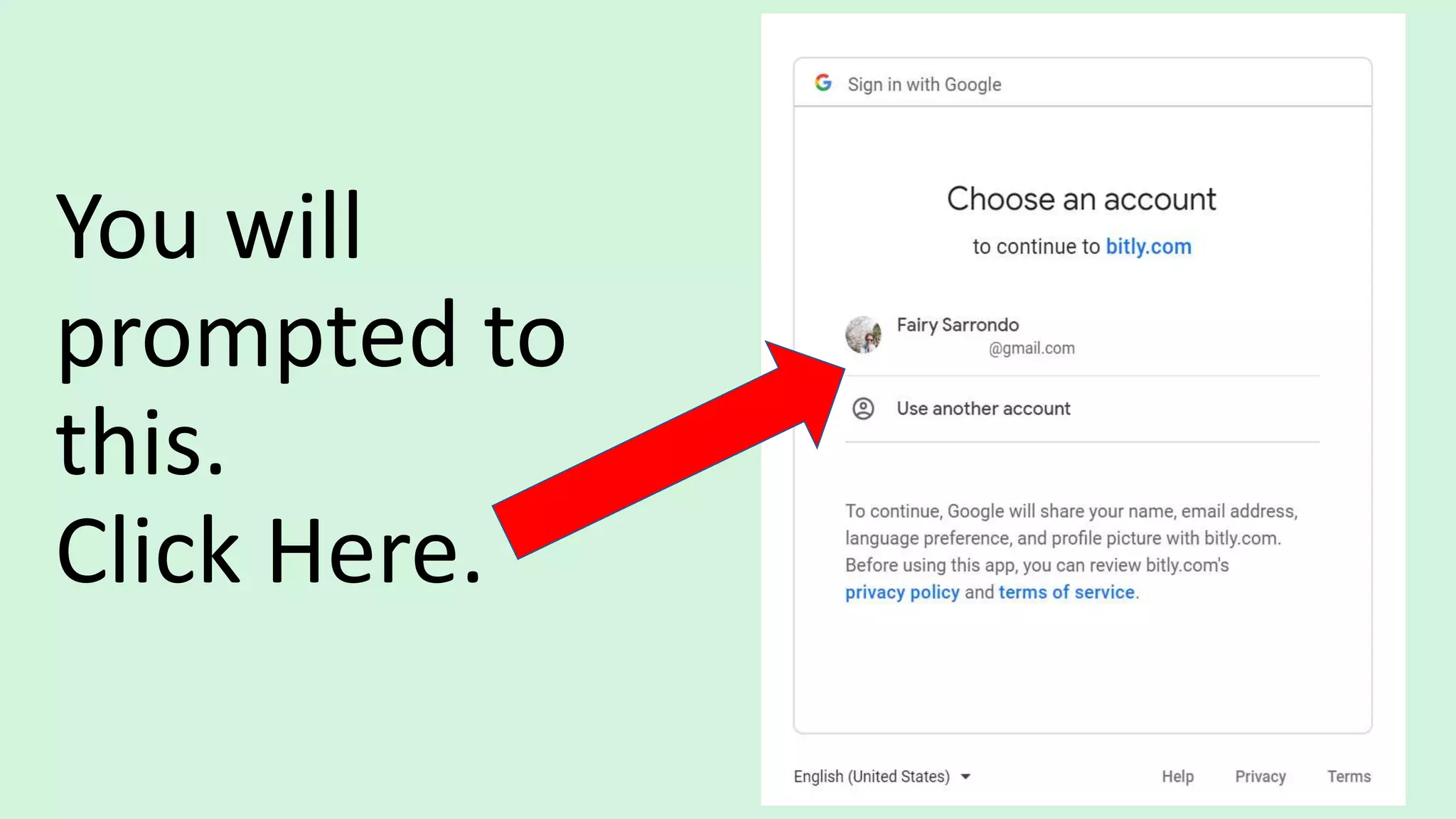
You will
prompted to
this.
Click Here.
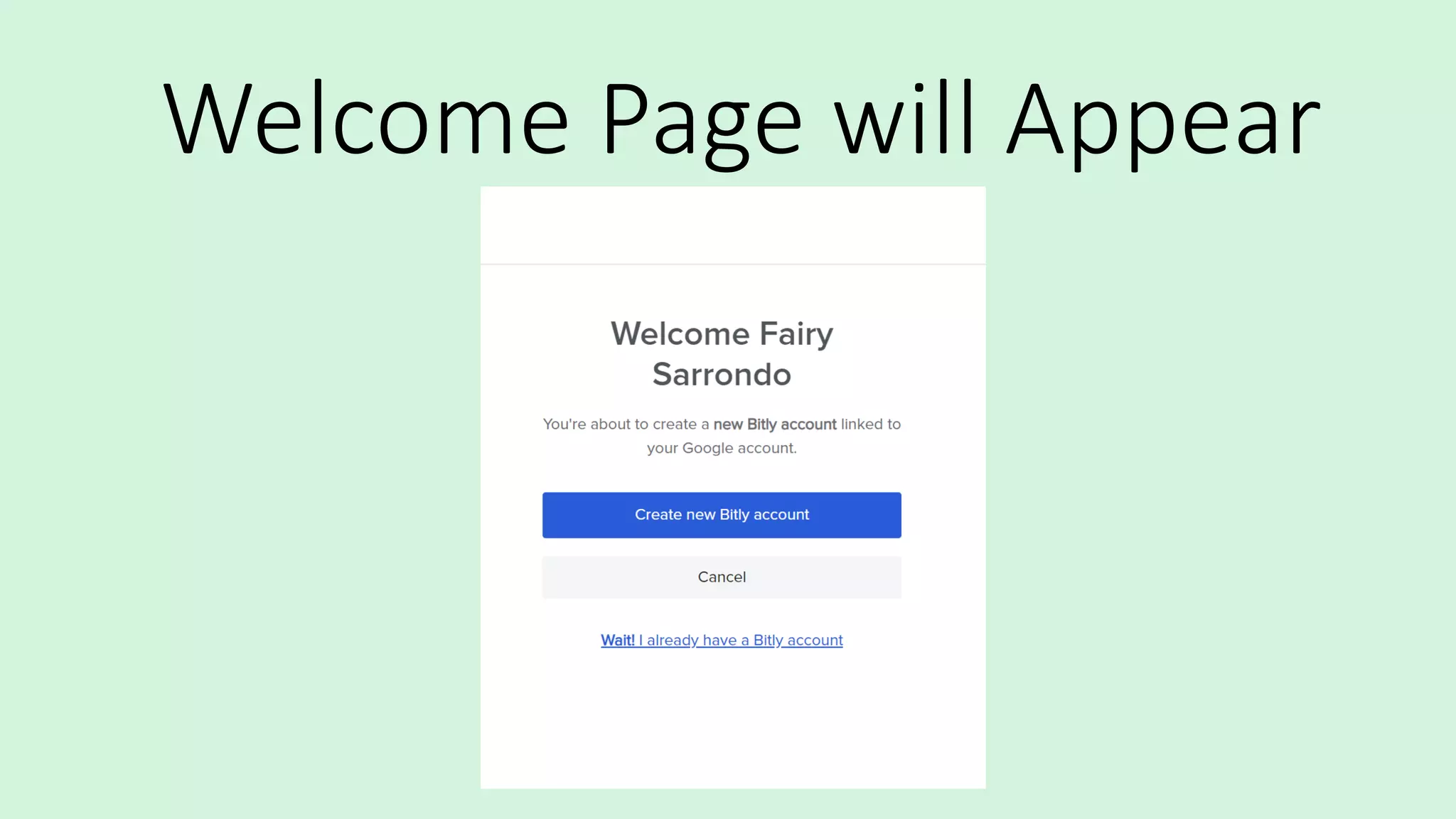
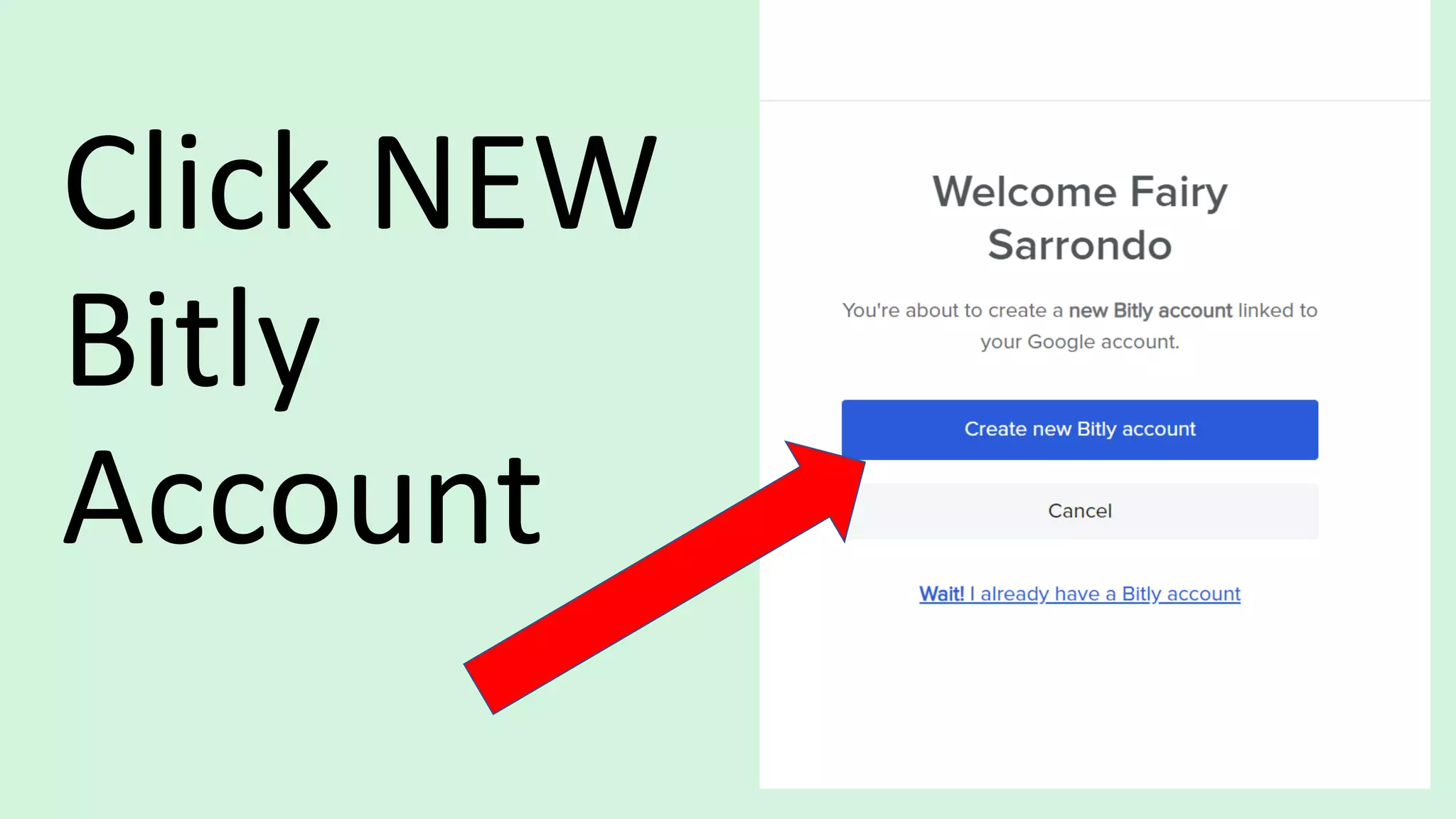
Welcome Page will Appear
Click NEW
Bitly
Account
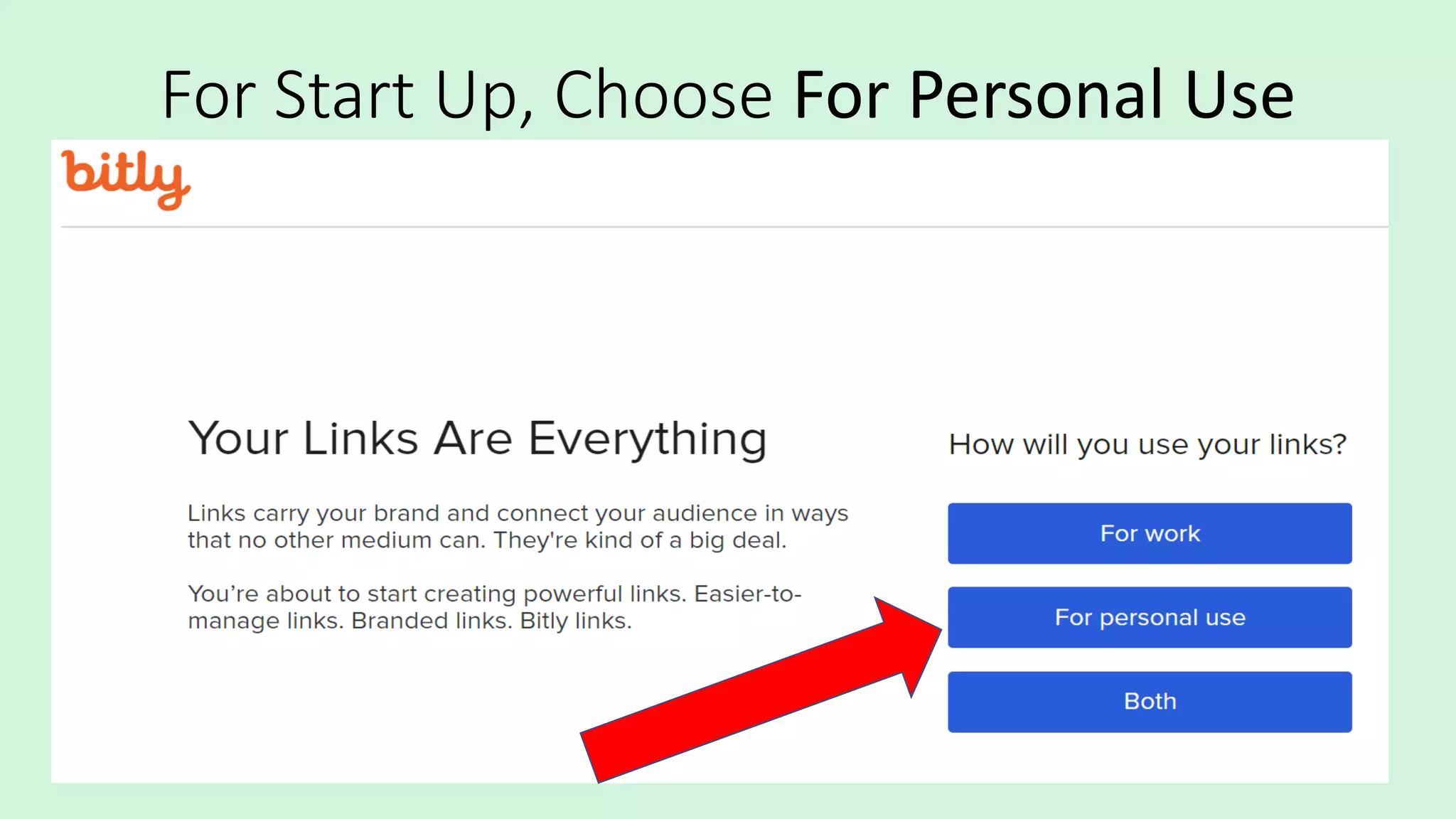
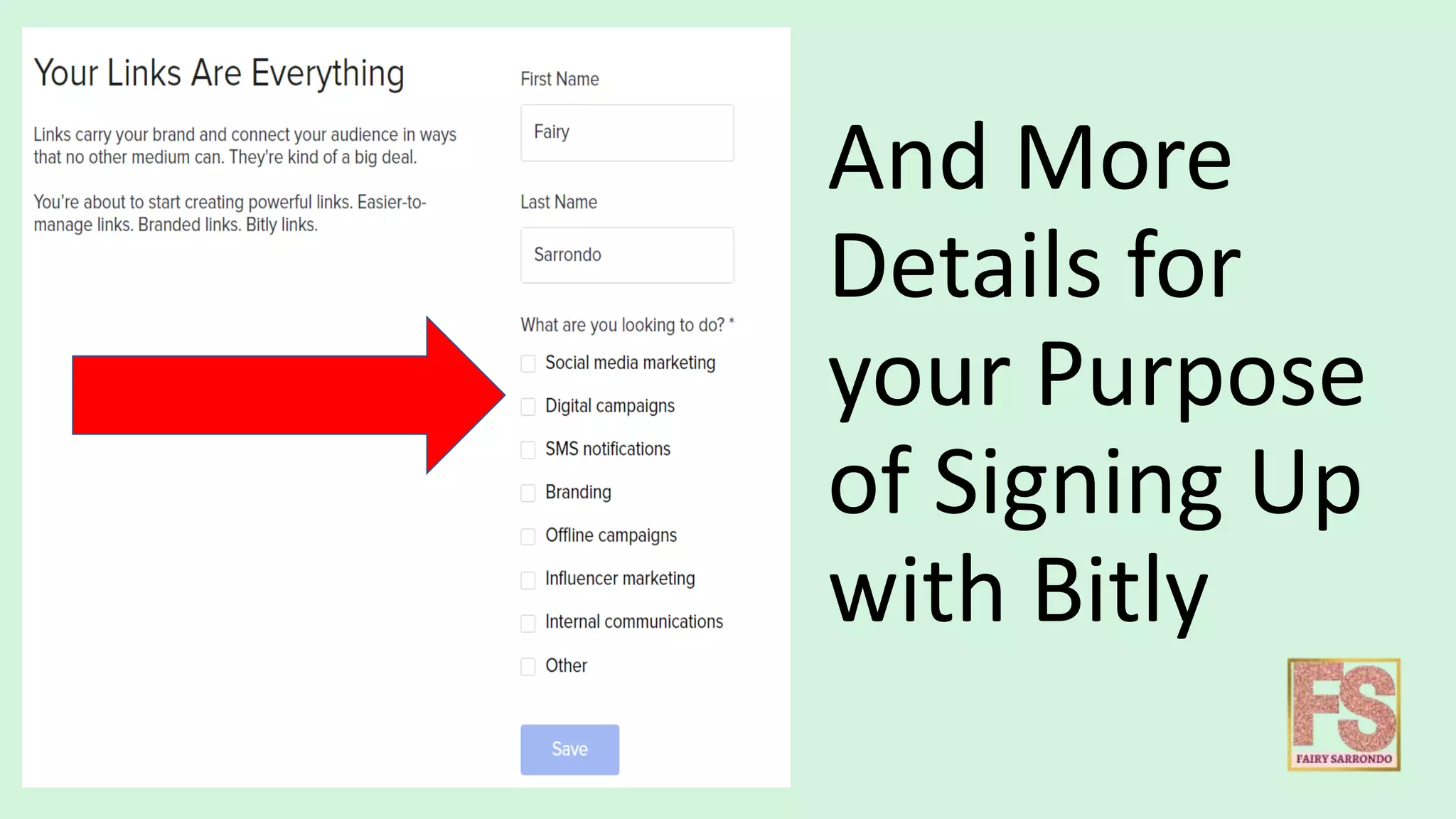
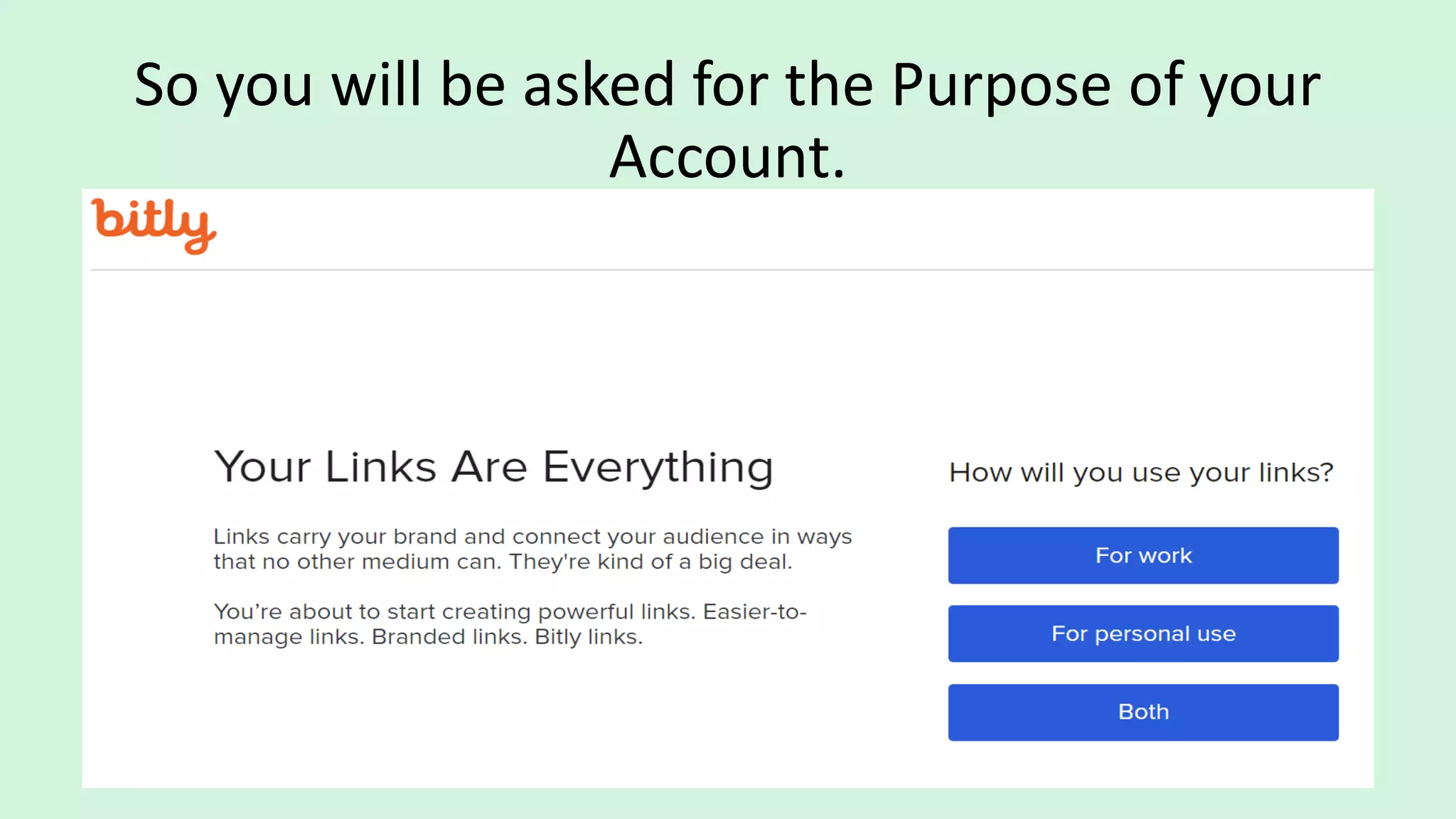
So you will be asked for the Purpose of your
Account.
For Start Up, Choose For Personal Use
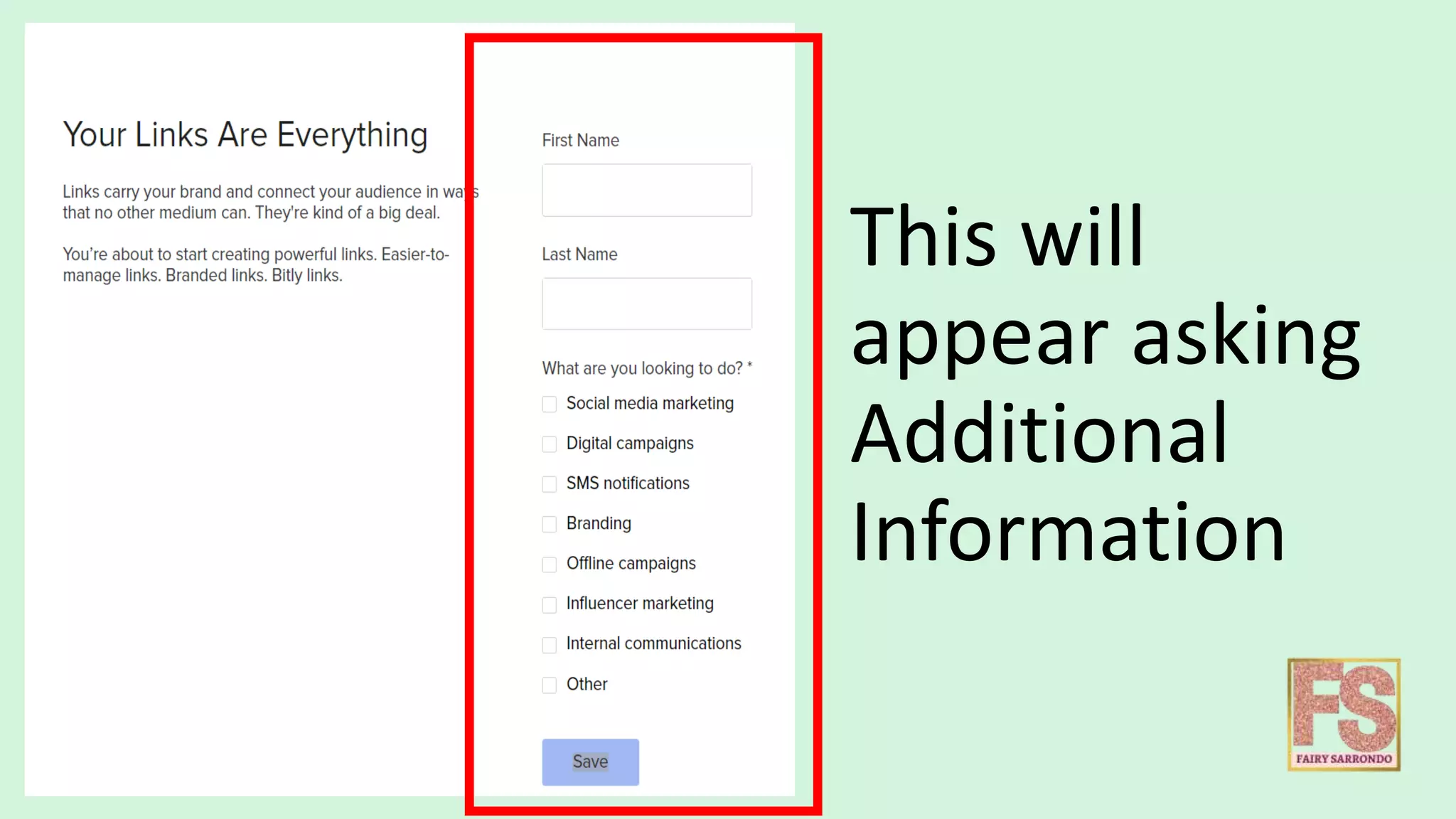
This will
appear asking
Additional
Information
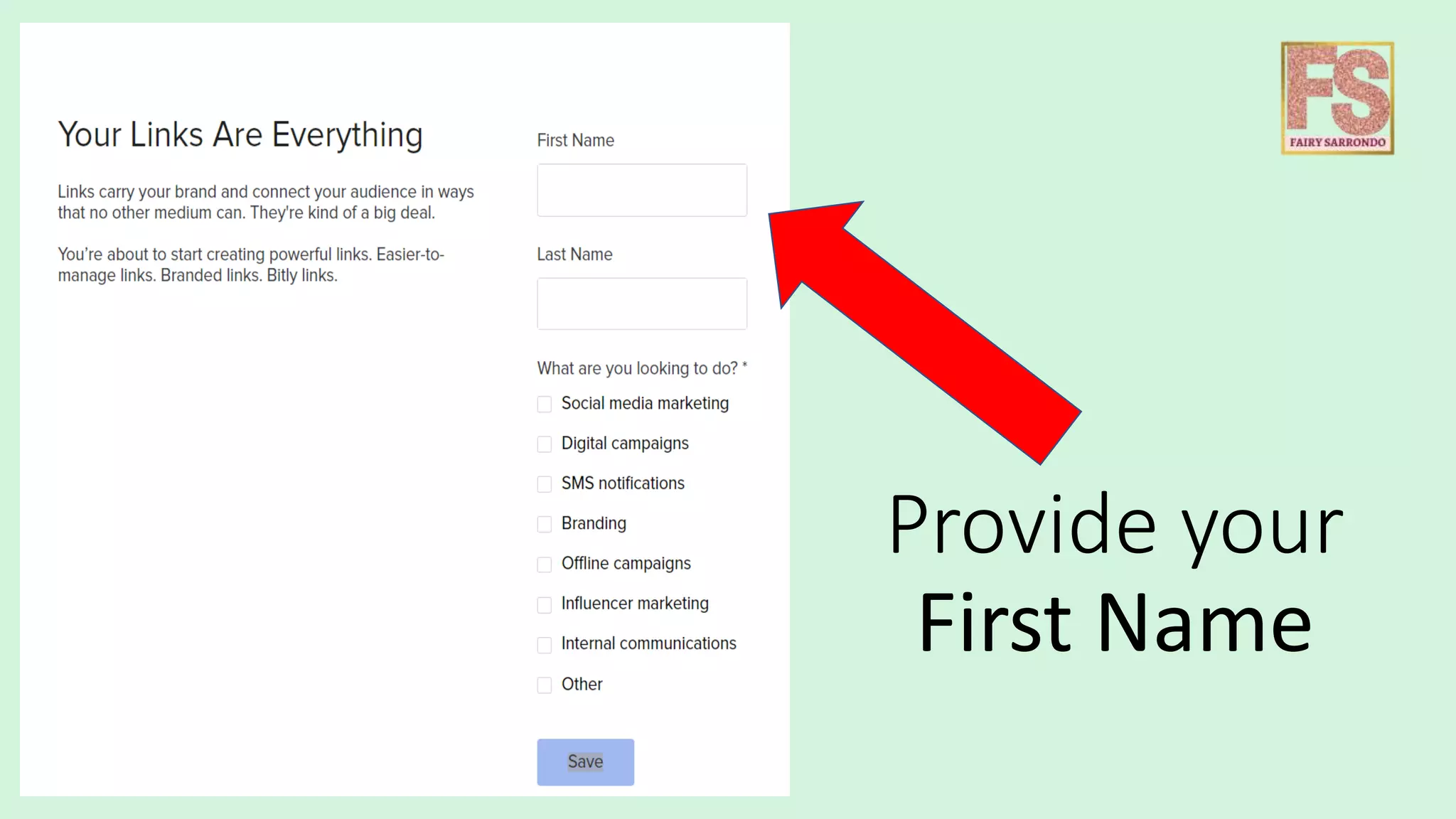
Provide your
First Name
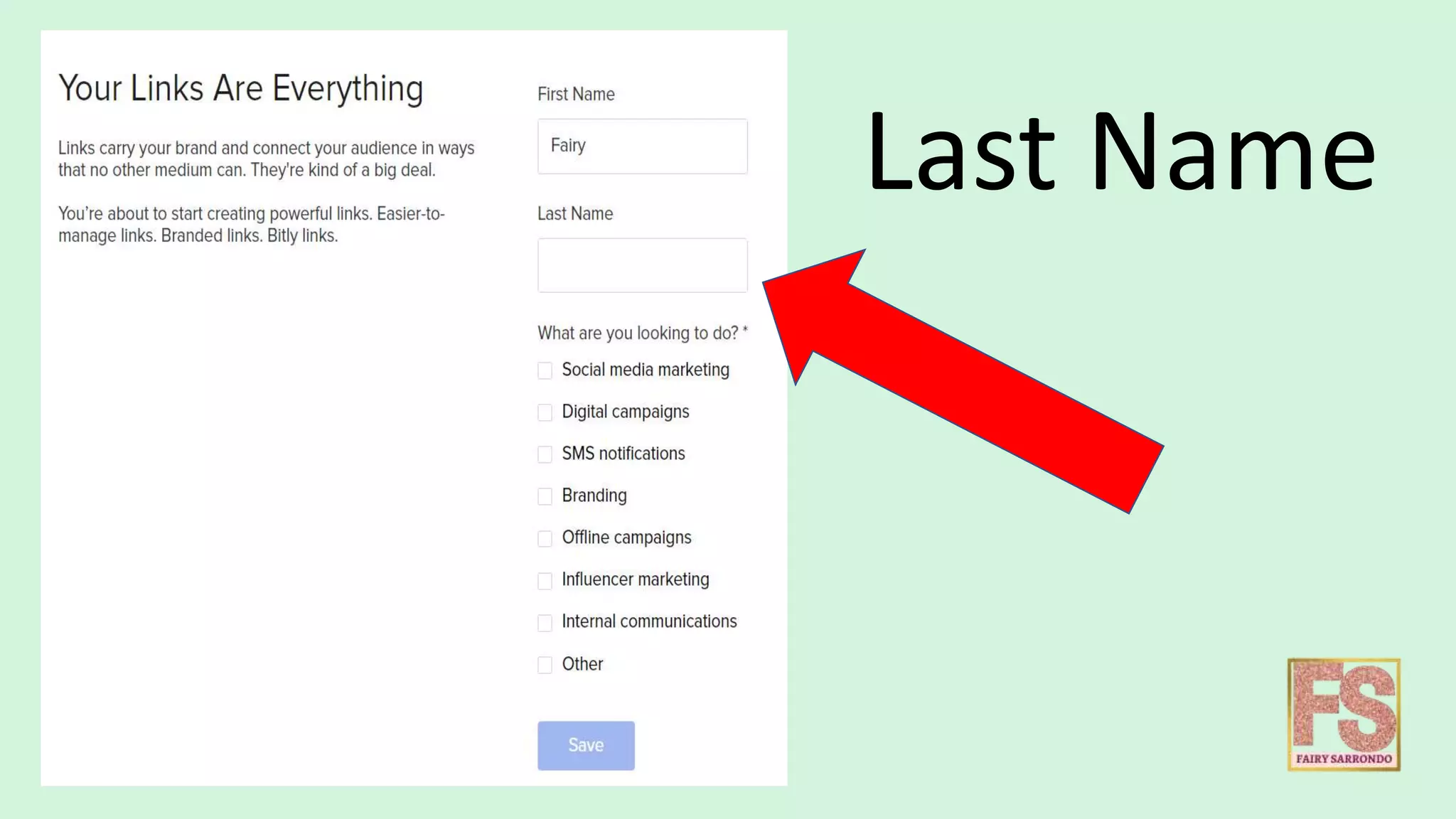
Last Name
And More
Details for
your Purpose
of Signing Up
with Bitly
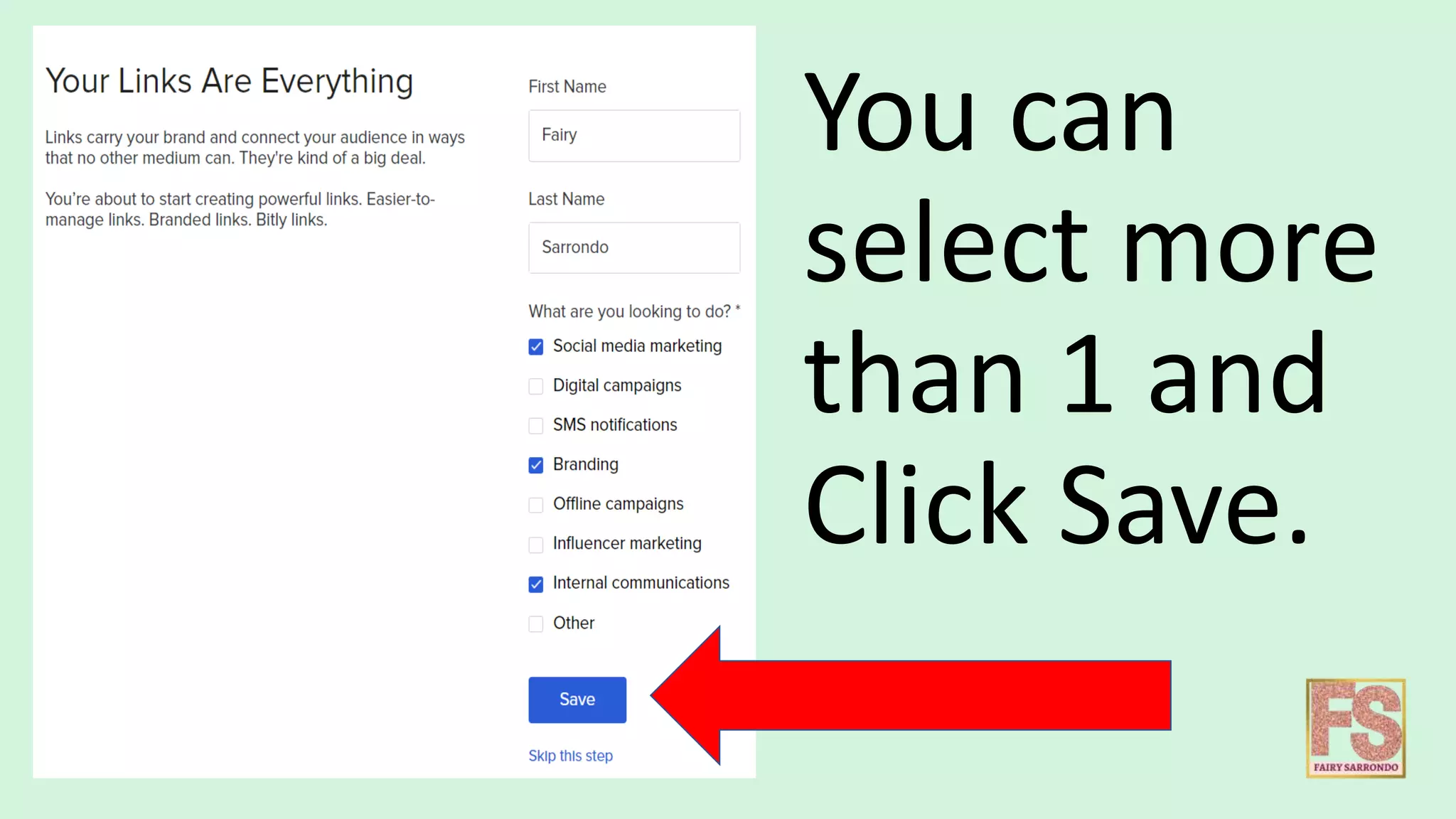
You can
select more
than 1 and
Click Save.
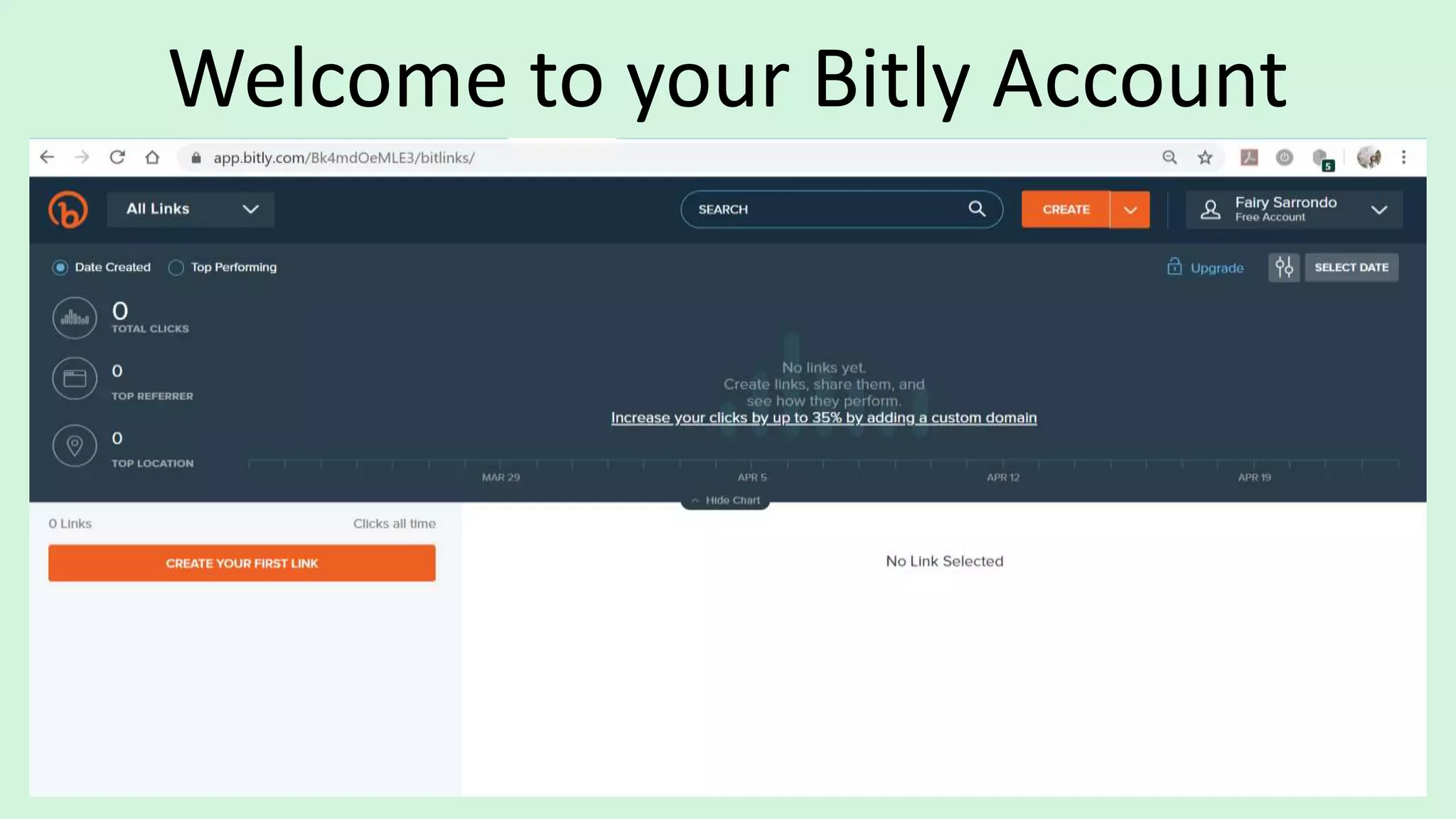
Welcome to your Bitly Account
Let’s Explore your DASHBOARD!
THE BITLY DASHBOARD
HELPS YOU MAKE SENSE
OF THE DATA BEHIND
EACH AND EVERY LINK.
THE METRICS
On this Portion of DASHBOARD you will see
your Metrics
Total Clicks
Total Clicks
The number of clicks that
have taken place across all of
your Bitly links.
Top
Referrer
Top Referrer
The top referring digital
channels – from social media
channels and dark traffic to
YouTube and partners.
Top
Location
Top Location
The top locations from which
our audience is clicking,
broken down and measured
by country.
By reviewing these
metrics regularly, you
can get a sense of
what’s really working to
engage your audience,
which in turn helps you think
about what to do next
when it comes to offering the
best possible
experience for your
How to navigate
the menus
Has two Menus in the navigation
bar at the top of the page.
the Navigation Menu (or Nav Menu)
the Profile Menu.
Nav Menu
Use the nav menu to view
and manage your links,
metrics, and campaigns.
Some menu items are only
accessible with a paid
subscription.
It contains your group
selector, settings, and
resource links to help
you use Bitly.
Profile Menu
Some menu items are
only displayed Paid
subscriptions. Most of
these items will open
a menu panel with
additional selections.
How to create Links with
Click CREATE
It will look
like this
For Paid subscription,
you will have the option
to select a custom
domain to brand your
link.
By default,
links will be
created using
the "bit.ly"
domain.
I want post a
sample my
work to
Facebook.
This is the Long
Link
Copy the
Long Link
Right Click
or Ctrl+C
Paste the
Long URL
in the field
https://www.google.com/search?q=safari&rlz=1C1CHZL_enPH727PH727
&sxsrf=ALeKk01YkQJNYe8pSALi6fApgVrAIzHk1A:1587626388876&source
=lnms&tbm=isch&sa=X&ved=2ahUKEwj_mMeXgf7oAhUMfd4KHSfnDbEQ
_AUoAXoECBsQAw&biw=1422&bih=678#imgrc=dqD5UpiuqOq-tM
Paste the
Copied Link
Ctrl+V
This will auto-
generate a
shortened
link.
In this screen allows
you to Edit your Link.
You can change the
title.
You can add a
custom back-
half.
Add or
create a tag
Tags are a way to
organize your links so
that you can search and
filter them more easily.
After any
changes
Click Save
Once Saved,
You may
COPY the
LINK
Or You may
SHARE it Social
Media.
SHARE it on
Twitter or
Facebook &
Others.
Facebook
So your
Bitly Link
will appear
like this.
Before After
Your Saved work will appear on your Dashboard
Click Post in
your
Facebook
Post
Then, now your Bitly Link is successfully posted.
Click your Bitly Link if it is working.
You will be redirected from Bitly to
the destination URL you started with.
For FREE Plan in Bitly, You can Create
1,000 Links per Month
You can view your Bitly Links Performance and
Detailed Metrics Performance for Each Link over
30 Days
Once posted on Social Media, in few days, you
will able to see your Link Performance.
Performance by Chart
Have an Browser
Extension
What is
Browser Extension ?
A super easy way to create and
share Bitlinks right from your
browser.
Extension
Who can install
Extension?
Can set up by Anyone with the
latest version of Chrome and a
Bitly account.
Extension
You can download Bitly
Extension for Chrome or Firefox
Let’s Go Download
Extension
Go to the
Search Bitly
Once results appeared, Click ADD to CHROME
A confirmation will appear. Click Add Extension
When the extension is installed,
a Bitly icon will appear in your browser's toolbar
Let’s TEST !
Go to a page you'd like to
shorten and share.
Click the Bitly Icon
You will be
asked to
SIGN IN
Click GOOGLE
Account as it is
previously used
Enter your
Email Address
used in Bitly
Account
Click Next
Then,
Enter your
Password
Click Next
You will be asked
to Authorize
Bitly Chrome
Extension to use
your account
Click Allow
Your Bitly panel will
open and the
shortened link will
be ready for you
Click COPY
or SHARE
Let’s Try another one
Found an article, I wanted to share
Highlight the article’s URL
Make sure it is Highligted,
Click the Bitly Extension
It will automatically pop
up then the link is
already shortened
Click Copy or
Share
Is Available for
Android
Is Available for IOS
Create Click-
Worthy Links
Remember !
Grow Your Brand With Every Click
How to Use Bit ly

How to Use Bit ly