“Seekrits” of Bit.ly
Carmen Collins, Senior Manager, Social Media, Citrix
All views my own
What’s Bit.ly?
Bit.ly is a commonly used URL
shortener to make long urls:
• Friendly for social media
• When characters count, a bit.ly
link takes up the fewest
number of characters
• Trackable with real-time click
info.
The Basics of Bit.ly
 Go to bit.ly in your browser
 Sign up for a free account
 You can shorten urls without
signing in, but you can’t keep
track of metrics unless you
create an account
 You’ll see a box that says
“Place url here to shorten”
 Hit enter.
 BOOM! A shortened link
Now, the “seekrits”
 YOU CAN ONLY SHORTEN A
LINK ONCE
 If you want to shorten a link to
send in an email, and also for
a Tweet, Bit.ly will only give
you one short link for both,
and will track all the clicks into
one number
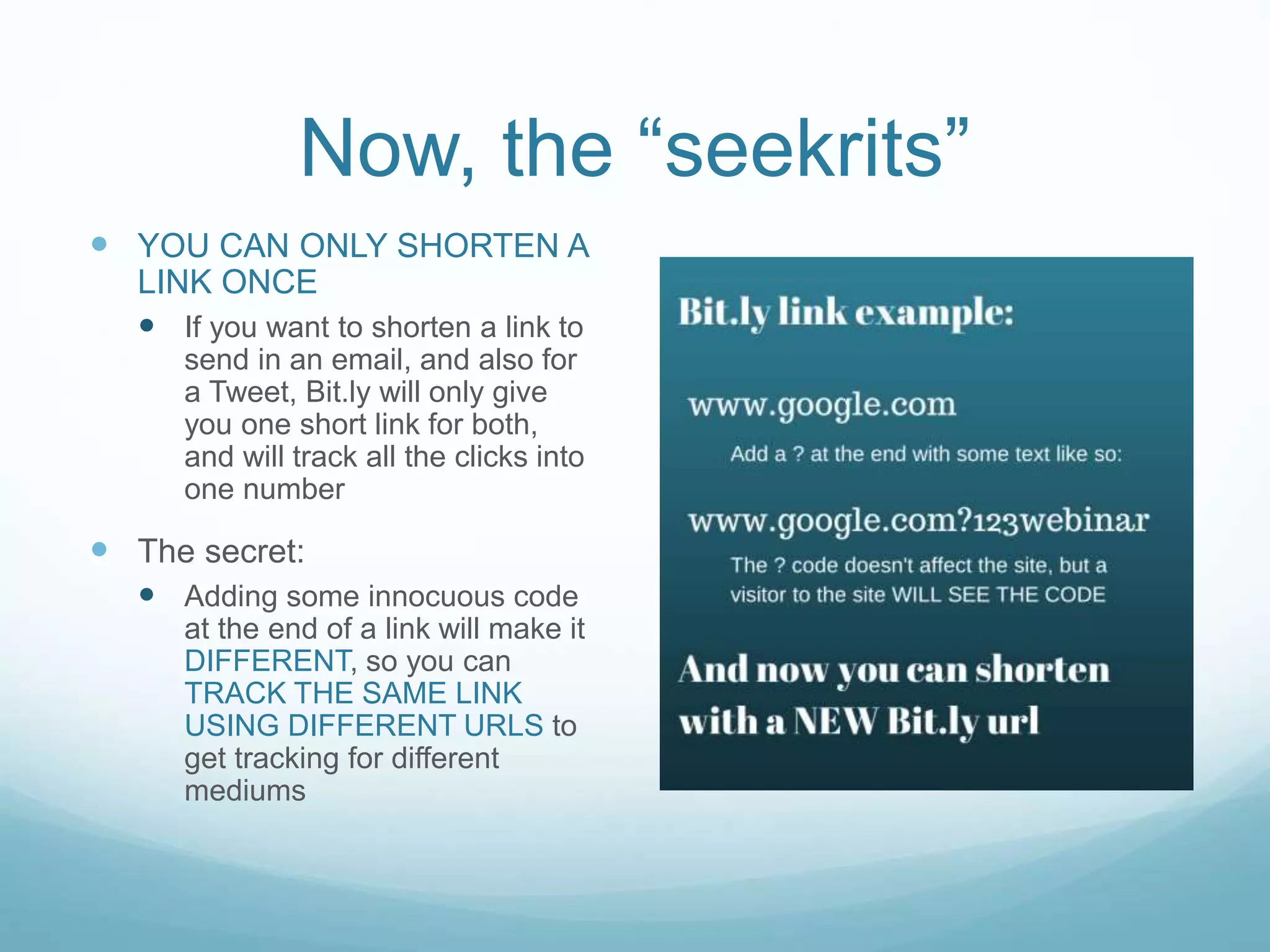
 The secret:
 Adding some innocuous code
at the end of a link will make it
DIFFERENT, so you can
TRACK THE SAME LINK
USING DIFFERENT URLS to
get tracking for different
mediums
NOTES:
1) If your url has any kind of tracking code applied, the
tracking code should make the url unique, and
generate a new bit.ly. Adding any code in addition to
a tracking code will affect the tracking code.
2) Visitors WILL SEE THE CODE you include. Make it
either all numbers, or a professional code.
“Seekrit” 2
 How do you see the click
metrics on a link?
 When you shorten a url, it will
get added to your dashboard.
You can click on the link in
your dashboard at any time to
get metrics
BUT
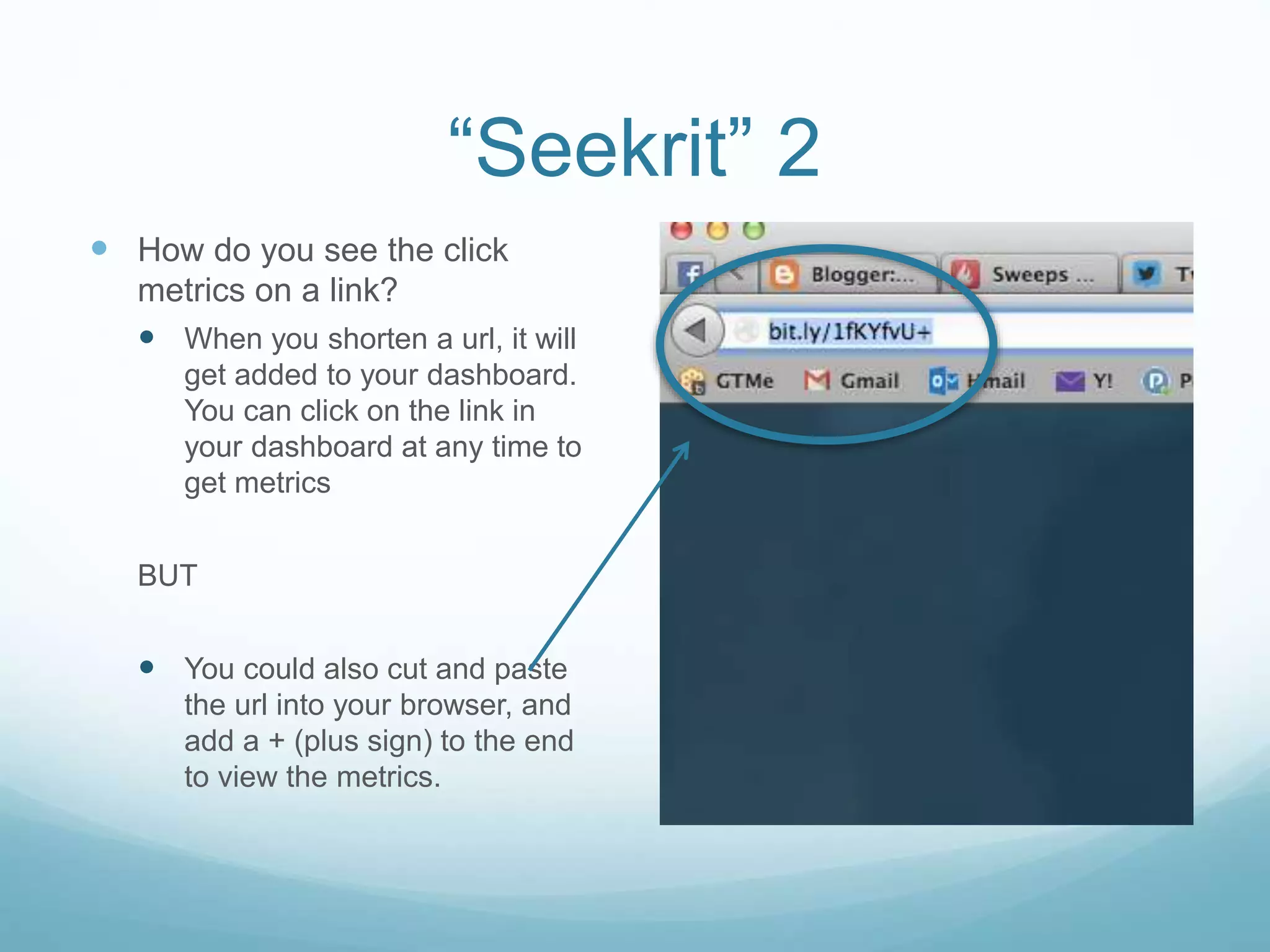
 You could also cut and paste
the url into your browser, and
add a + (plus sign) to the end
to view the metrics.
NOTE:
Add the + (plus sign) only to see the metrics. Don’t
include it in the original bit.ly url that you send out, or
people will be taken to your metrics page.
“Seekrit” 3
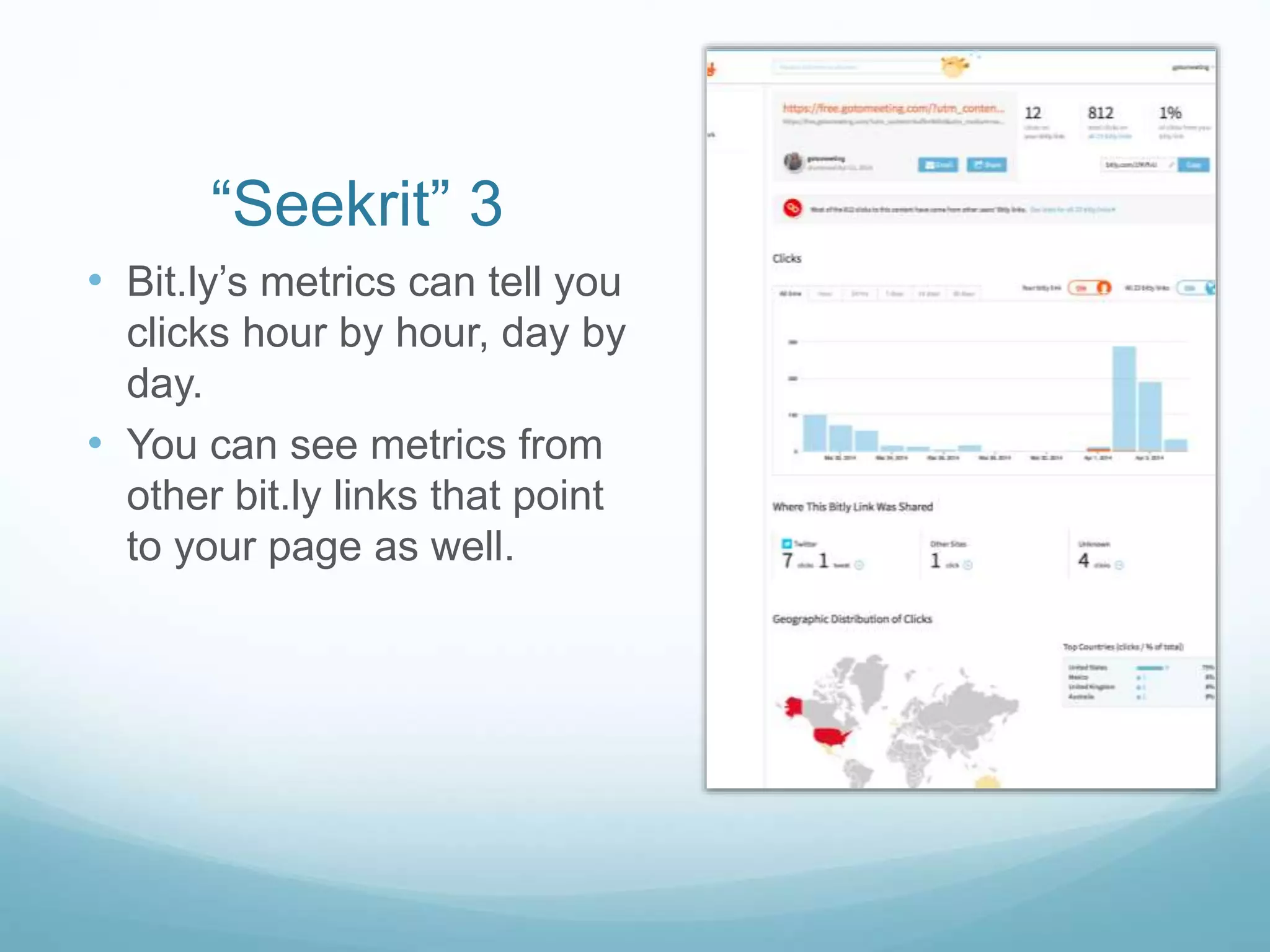
• Bit.ly’s metrics can tell you
clicks hour by hour, day by
day.
• You can see metrics from
other bit.ly links that point
to your page as well.

Bit.ly secrets

  • 1.
    “Seekrits” of Bit.ly CarmenCollins, Senior Manager, Social Media, Citrix All views my own
  • 2.
    What’s Bit.ly? Bit.ly isa commonly used URL shortener to make long urls: • Friendly for social media • When characters count, a bit.ly link takes up the fewest number of characters • Trackable with real-time click info.
  • 3.
    The Basics ofBit.ly  Go to bit.ly in your browser  Sign up for a free account  You can shorten urls without signing in, but you can’t keep track of metrics unless you create an account  You’ll see a box that says “Place url here to shorten”  Hit enter.  BOOM! A shortened link
  • 4.
    Now, the “seekrits” YOU CAN ONLY SHORTEN A LINK ONCE  If you want to shorten a link to send in an email, and also for a Tweet, Bit.ly will only give you one short link for both, and will track all the clicks into one number  The secret:  Adding some innocuous code at the end of a link will make it DIFFERENT, so you can TRACK THE SAME LINK USING DIFFERENT URLS to get tracking for different mediums
  • 5.
    NOTES: 1) If yoururl has any kind of tracking code applied, the tracking code should make the url unique, and generate a new bit.ly. Adding any code in addition to a tracking code will affect the tracking code. 2) Visitors WILL SEE THE CODE you include. Make it either all numbers, or a professional code.
  • 6.
    “Seekrit” 2  Howdo you see the click metrics on a link?  When you shorten a url, it will get added to your dashboard. You can click on the link in your dashboard at any time to get metrics BUT  You could also cut and paste the url into your browser, and add a + (plus sign) to the end to view the metrics.
  • 7.
    NOTE: Add the +(plus sign) only to see the metrics. Don’t include it in the original bit.ly url that you send out, or people will be taken to your metrics page.
  • 8.
    “Seekrit” 3 • Bit.ly’smetrics can tell you clicks hour by hour, day by day. • You can see metrics from other bit.ly links that point to your page as well.