AWESOME SCREENSHOT
(Chrome)
Do you still go through the
tedious process…
…of pressing the F12 key to
take screenshots,
…pasting the image to Paint to
edit,
…saving, opening, and
inserting the screenshots in
your presentations?
I used to do that, too. Until this
late discovery
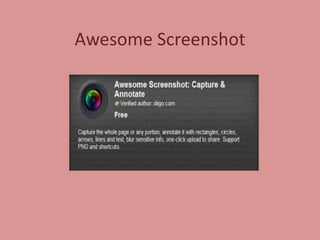
Awesome Screenshot
Simplify editing tasks…
…learn the basics with this
simple guide.
Ready to begin?
Learn & share!
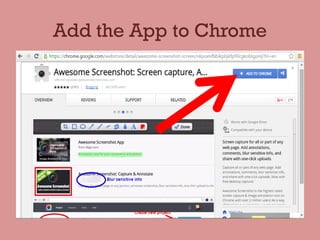
Add the App to Chrome
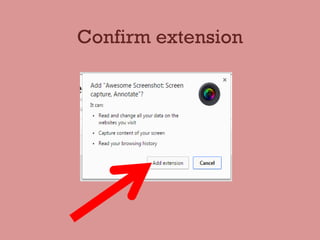
Confirm extension
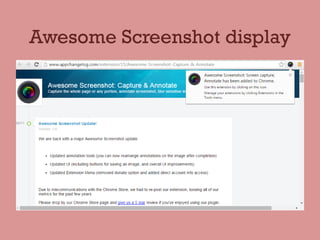
Awesome Screenshot display
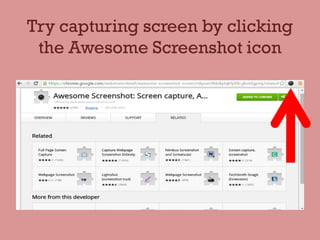
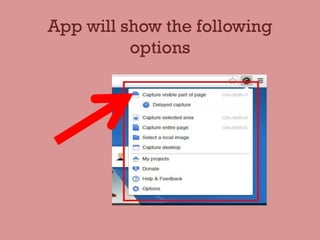
Try capturing screen by clicking
the Awesome Screenshot icon
App will show the following
options
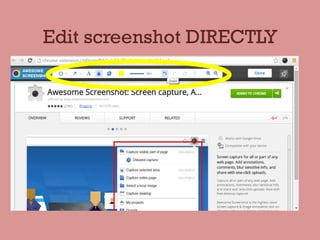
Edit screenshot DIRECTLY
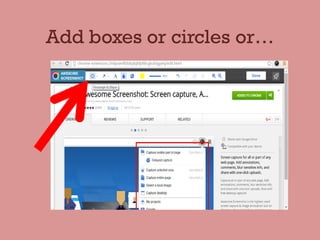
Add boxes or circles or…
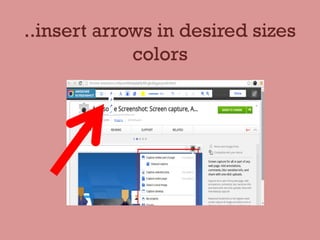
..insert arrows in desired sizes
colors
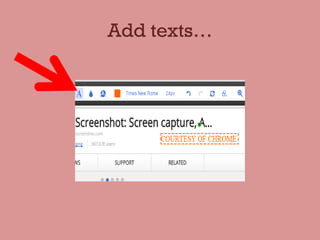
Add texts…
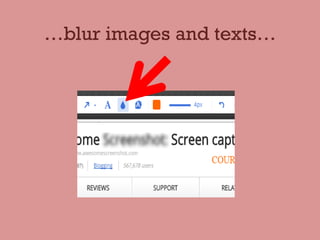
…blur images and texts…
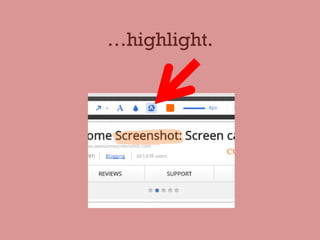
…highlight.
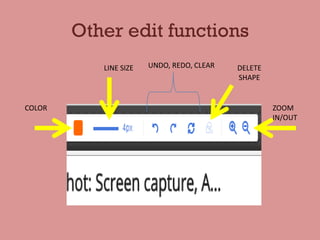
Other edit functions
COLOR
LINE SIZE UNDO, REDO, CLEAR DELETE
SHAPE
ZOOM
IN/OUT
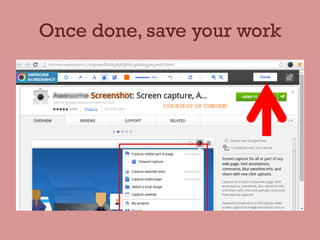
Once done, save your work
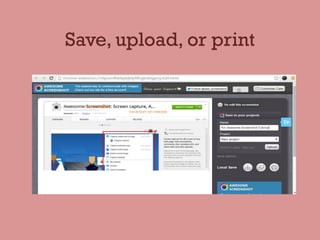
Save, upload, or print
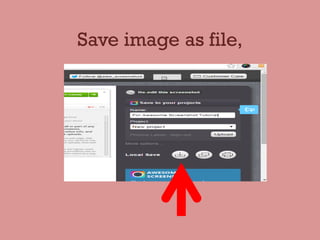
Save image as file,
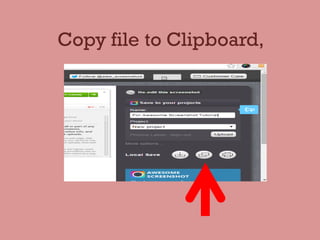
Copy file to Clipboard,
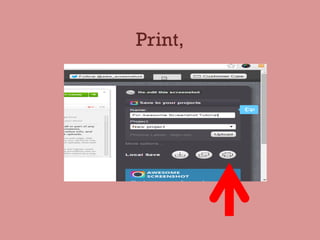
Print,
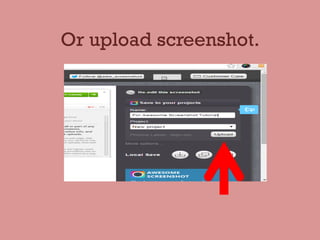
Or upload screenshot.
Access uploaded projects on
Awesome Screenshot
Last slide!
Other Guides by HomeRunnerPhil

How to Use Awesome Screenshot