in language teaching Wikis
A wiki: Is like a public website, or public web page. Is started by one person, but visitors can  add to ,  delete  or  change  as they wish. Is dynamic. Can have multiple authors. Is like having a publicly accessible word processing document available online, which anyone can edit.
One of the best-known  wikis  is: www.wikipedia.org
You can visit our  wiki  at: Lense  4to
Advantage: When a web page in a  wiki  is edited, changed or deleted previous versions of the page are automatically saved.
How to start using a   wiki   with learners:
The best way is   setting up simple collaborative writing project.
Using a free  wiki  site, the teacher sets up the first page of a  wiki , outlining the topic of the project, and the steps the learners will need to take in the project.
The  wiki  can be kept as an internal class project or can be given the public nature of the Internet.
Knowing that the  wiki  will be viewed by readers outside the classroom is an added incentive for learners.
By giving the  wiki  a password, only those who know the password can edit it,  which gives your  wiki  some measure of security.
webquests
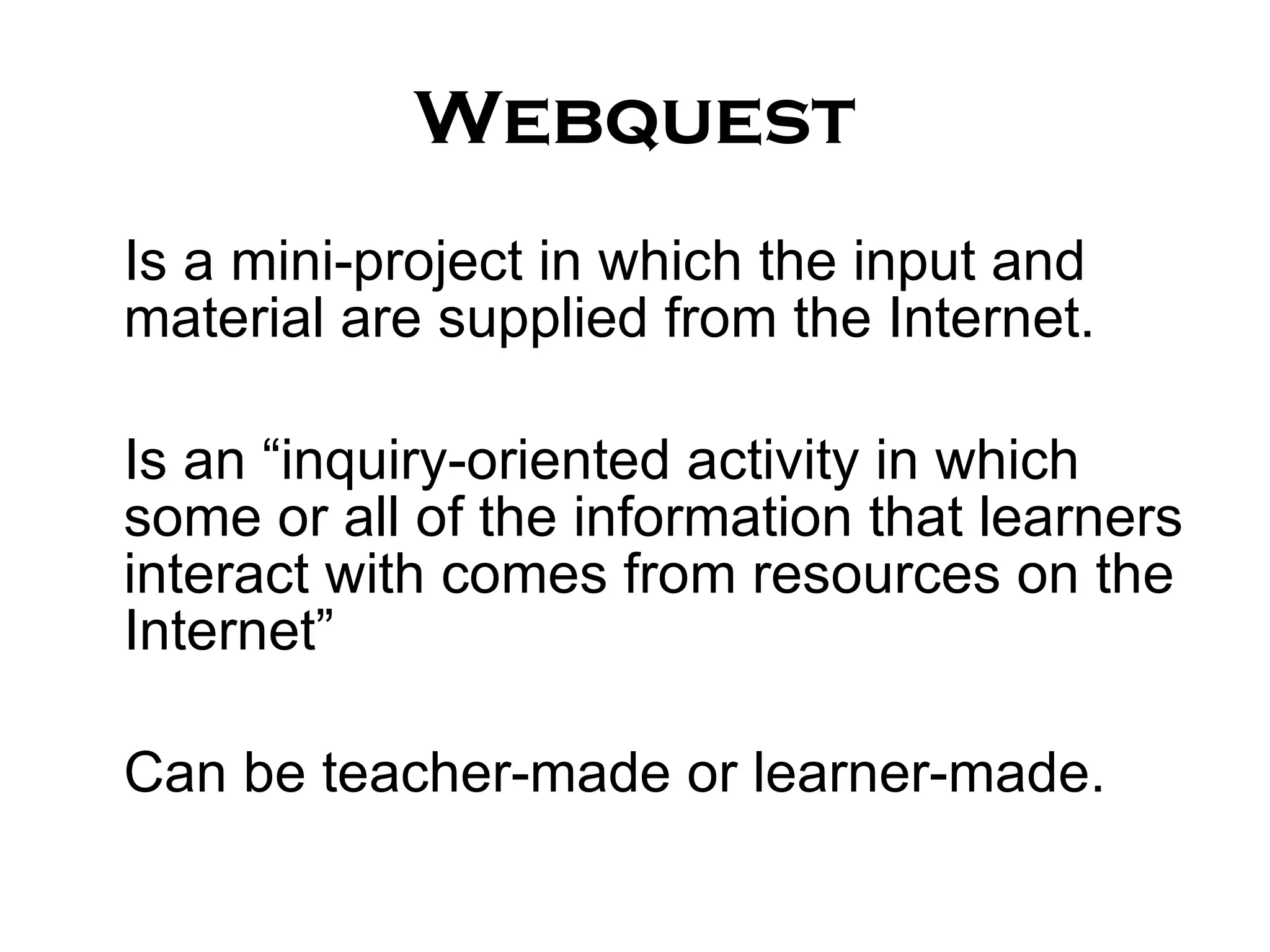
Webquest Is a mini-project in which the input and material are supplied from the Internet. Is an “inquiry-oriented activity in which some or all of the information that learners interact with comes from resources on the Internet” Can be teacher-made or learner-made.
You can find more information about   webquests   in:
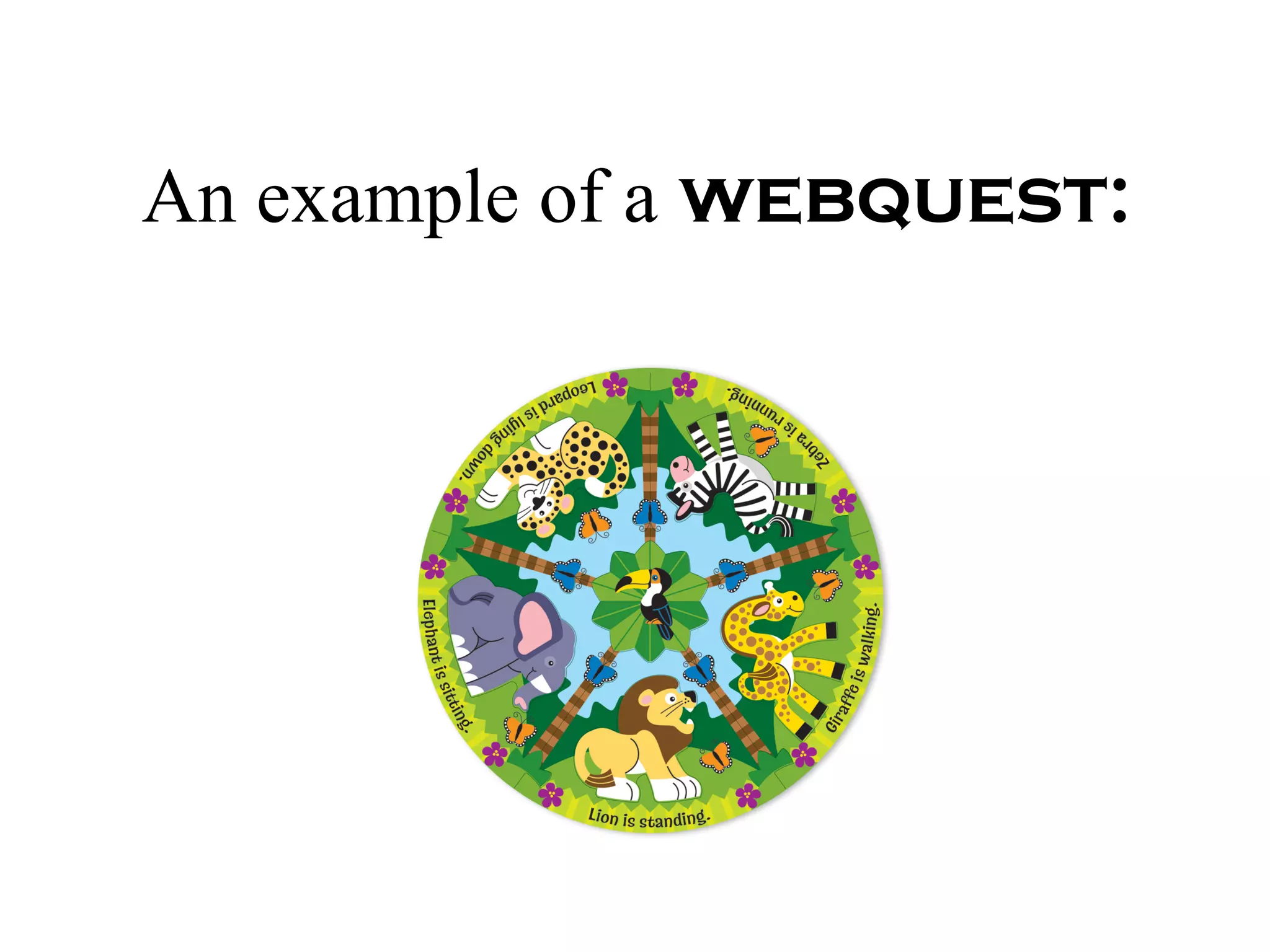
An example of a   webquest:
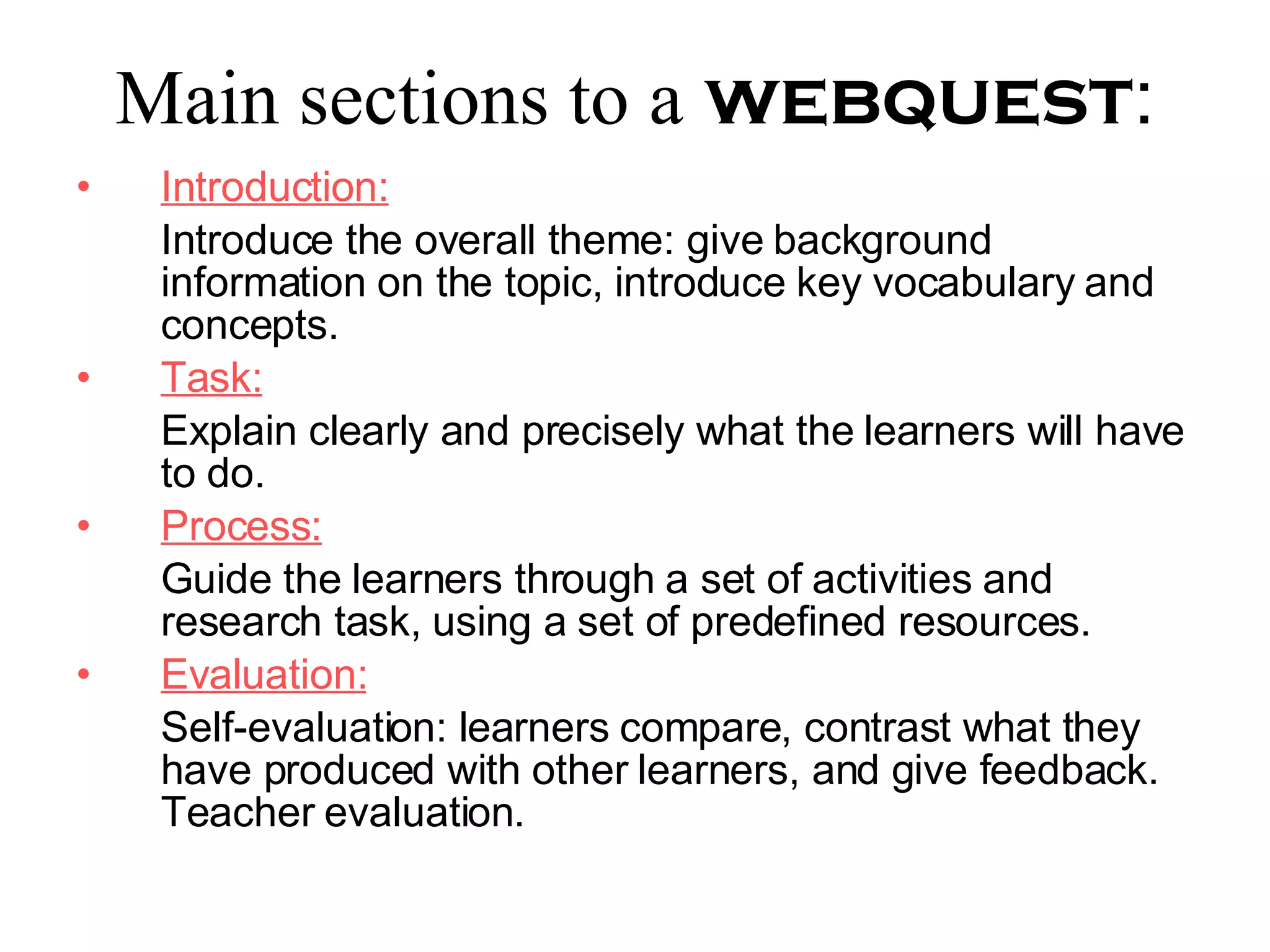
Main sections to a   webquest : Introduction: Introduce the overall theme: give background information on the topic, introduce key vocabulary and concepts. Task: Explain clearly and precisely what the learners will have to do. Process: Guide the learners through a set of activities and research task, using a set of predefined resources. Evaluation: Self-evaluation: learners compare, contrast what they have produced with other learners, and give feedback. Teacher evaluation.
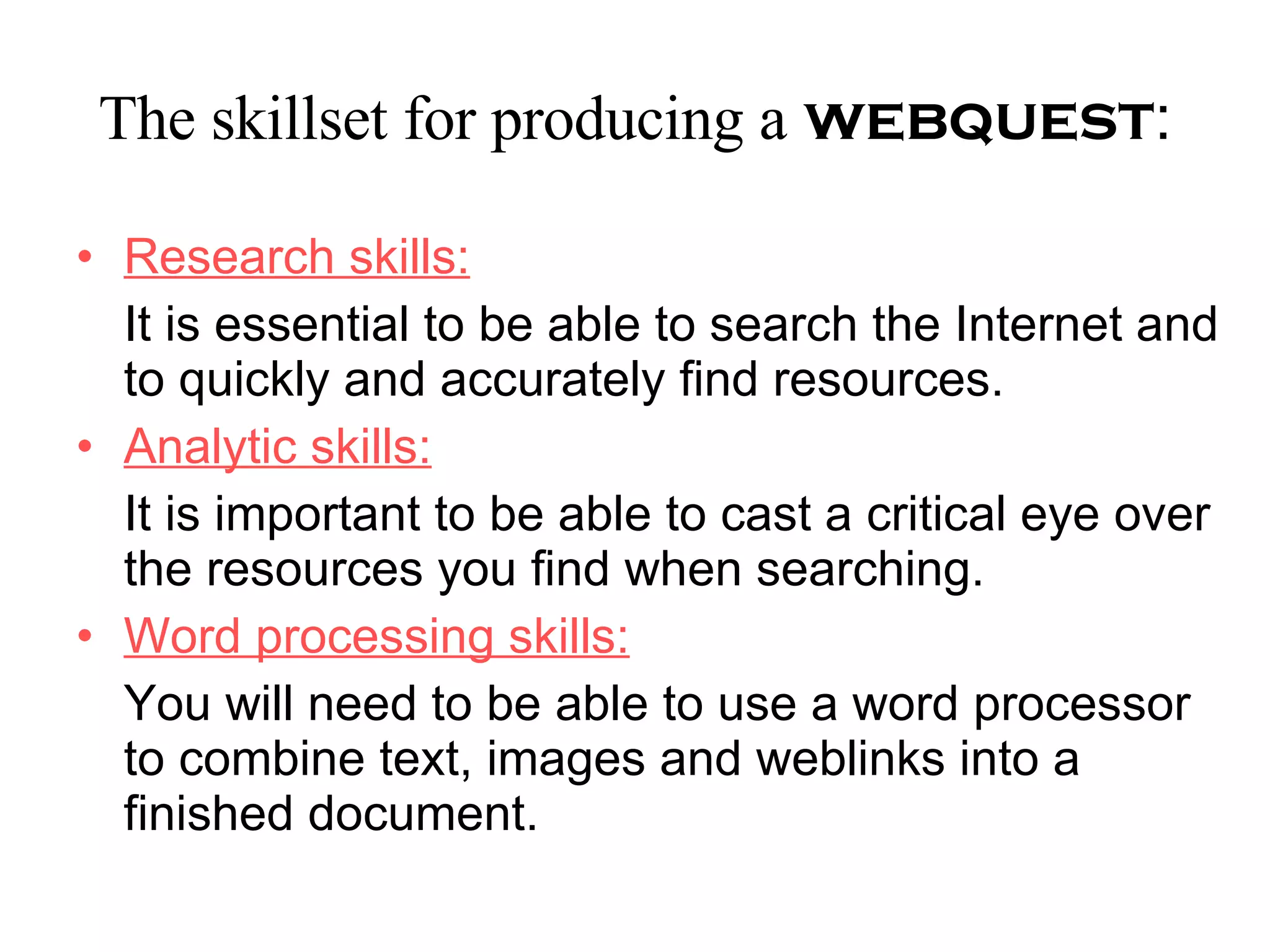
The skillset for producing a   webquest : Research skills: It is essential to be able to search the Internet and to quickly and accurately find resources. Analytic skills: It is important to be able to cast a critical eye over the resources you find when searching. Word processing skills: You will need to be able to use a word processor to combine text, images and weblinks into a finished document.

How To Teach With Technology

  • 1.
  • 2.
    A wiki: Islike a public website, or public web page. Is started by one person, but visitors can add to , delete or change as they wish. Is dynamic. Can have multiple authors. Is like having a publicly accessible word processing document available online, which anyone can edit.
  • 3.
    One of thebest-known wikis is: www.wikipedia.org
  • 4.
    You can visitour wiki at: Lense 4to
  • 5.
    Advantage: When aweb page in a wiki is edited, changed or deleted previous versions of the page are automatically saved.
  • 6.
    How to startusing a wiki with learners:
  • 7.
    The best wayis setting up simple collaborative writing project.
  • 8.
    Using a free wiki site, the teacher sets up the first page of a wiki , outlining the topic of the project, and the steps the learners will need to take in the project.
  • 9.
    The wiki can be kept as an internal class project or can be given the public nature of the Internet.
  • 10.
    Knowing that the wiki will be viewed by readers outside the classroom is an added incentive for learners.
  • 11.
    By giving the wiki a password, only those who know the password can edit it, which gives your wiki some measure of security.
  • 12.
  • 13.
    Webquest Is amini-project in which the input and material are supplied from the Internet. Is an “inquiry-oriented activity in which some or all of the information that learners interact with comes from resources on the Internet” Can be teacher-made or learner-made.
  • 14.
    You can findmore information about webquests in:
  • 15.
    An example ofa webquest:
  • 16.
    Main sections toa webquest : Introduction: Introduce the overall theme: give background information on the topic, introduce key vocabulary and concepts. Task: Explain clearly and precisely what the learners will have to do. Process: Guide the learners through a set of activities and research task, using a set of predefined resources. Evaluation: Self-evaluation: learners compare, contrast what they have produced with other learners, and give feedback. Teacher evaluation.
  • 17.
    The skillset forproducing a webquest : Research skills: It is essential to be able to search the Internet and to quickly and accurately find resources. Analytic skills: It is important to be able to cast a critical eye over the resources you find when searching. Word processing skills: You will need to be able to use a word processor to combine text, images and weblinks into a finished document.