
How to prevent WannaCry Ransomware
By: Seminar Links
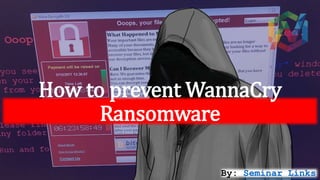
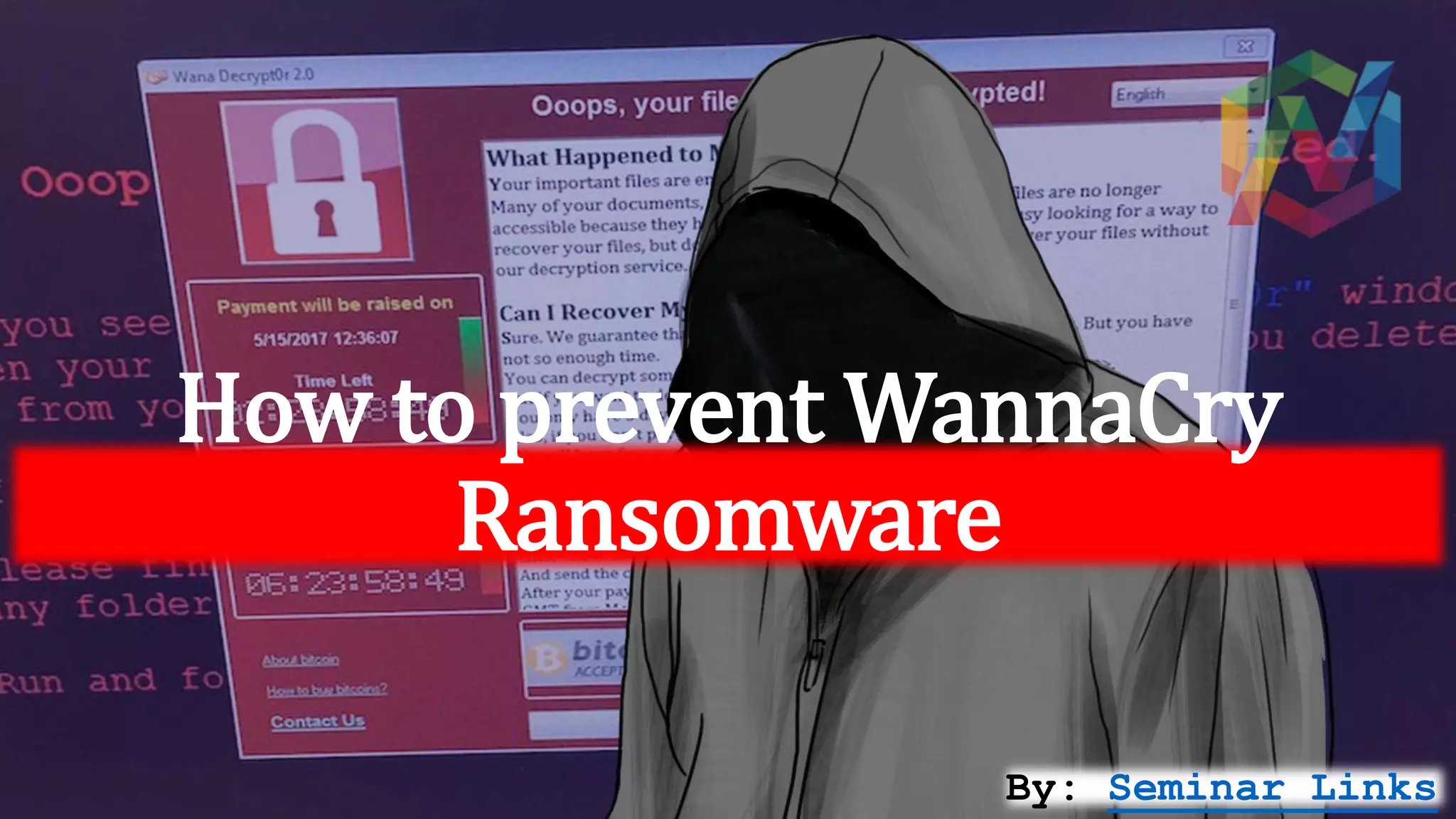
WannaCry Ransomware
A ransomware cyber-attack that may have originated from the theft of “cyber
weapons” linked to the US government has hobbled hospitals in England and
spread to countries across the world.
"Ransomware is a type of malware that encrypts a user’s data, then demands
payment in exchange for unlocking the data. This attack was caused by a bug
called “WanaCrypt0r 2.0” or WannaCry, that exploits a vulnerability in Windows.
Microsoft released a patch (a software update that fixes the problem) for the
flaw in March, but computers that have not installed the security update remain
vulnerable."
The worm is primarily affecting business & individuals
PCs running windows should still take a few precautions
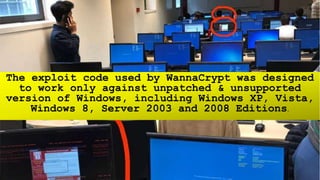
The exploit code used by WannaCrypt was designed
to work only against unpatched & unsupported
version of Windows, including Windows XP, Vista,
Windows 8, Server 2003 and 2008 Editions.
STEPS TO PROTECT
• Backup all your important data into another Hard disk.
• Uninstall cracks or software patch if installed any.
• If you haven't updated your system do it now, regardless of whether you're
a business or consumer.
• Download security updates from microsoft after wannacrypt attacks.
• Link: https://blogs.Technet.Microsoft.Com/msrc/2017/05/12/customer-guidance-for-
wannacrypt-attacks
• Don’t click email attachments from unknown sender or companies you don't do
business with
• Beware of unknown or malicious file extension
• If you come across files such as worklog.doc.exe, or financial_statement.xls.scr,
do not open them as the files are most likely malicious
• Download and install microsoft security essentials & update it to latest version.
• Ensure you have smart screen (in internet explorer) turned on.
• Have a pop-up blocker running on your web browser
STAY PROTECTED
BE UPDATED

How to prevent WannaCry Ransomware

  • 1.
    How to preventWannaCry Ransomware By: Seminar Links
  • 2.
    WannaCry Ransomware A ransomwarecyber-attack that may have originated from the theft of “cyber weapons” linked to the US government has hobbled hospitals in England and spread to countries across the world. "Ransomware is a type of malware that encrypts a user’s data, then demands payment in exchange for unlocking the data. This attack was caused by a bug called “WanaCrypt0r 2.0” or WannaCry, that exploits a vulnerability in Windows. Microsoft released a patch (a software update that fixes the problem) for the flaw in March, but computers that have not installed the security update remain vulnerable."
  • 3.
    The worm isprimarily affecting business & individuals PCs running windows should still take a few precautions
  • 4.
    The exploit codeused by WannaCrypt was designed to work only against unpatched & unsupported version of Windows, including Windows XP, Vista, Windows 8, Server 2003 and 2008 Editions.
  • 5.
    STEPS TO PROTECT •Backup all your important data into another Hard disk. • Uninstall cracks or software patch if installed any. • If you haven't updated your system do it now, regardless of whether you're a business or consumer. • Download security updates from microsoft after wannacrypt attacks. • Link: https://blogs.Technet.Microsoft.Com/msrc/2017/05/12/customer-guidance-for- wannacrypt-attacks
  • 6.
    • Don’t clickemail attachments from unknown sender or companies you don't do business with • Beware of unknown or malicious file extension • If you come across files such as worklog.doc.exe, or financial_statement.xls.scr, do not open them as the files are most likely malicious • Download and install microsoft security essentials & update it to latest version. • Ensure you have smart screen (in internet explorer) turned on. • Have a pop-up blocker running on your web browser
  • 7.