SECOND WEEK ASSIGNMENT
GURUDAKSHITA
FACULTY INDUCTION PROGRAMME-3
Organized by : Human Resource Development Center,
Guru Jambheshwar University of Science & Technology,
Hisar, Haryana.
18-11-2020 to 23-12-2020
Md. Irshad Hussain B.
Assistant Professor,
Dept. of MCA,
University BDT College of Engineering
(A Constituent College of VTU, Belagavi),
Davanagere – 4
Karnataka
Submitted by :
Presentation on
“How to Present an Effective Presentation?”
How to Present an Effective
Presentation?
1) Controlling Nervousness and Stage Fright.
a) Strategies in advance of presentation.
b)Strategies just before the presentation.
c) Strategies when the presentation begins.
2) Slide Preparation Techniques
3) References
4) Q & A Session
CONTENTS
CONTROLLING NERVOUSNESS
AND
STAGE FRIGHT
Strategies in advance of presentation
• Know Your Stuff
• Reserve adequate time for preparation.
• Anticipate questions.
• Practice your opening statement several times.
• Rehearse your entire presentation at least twice.
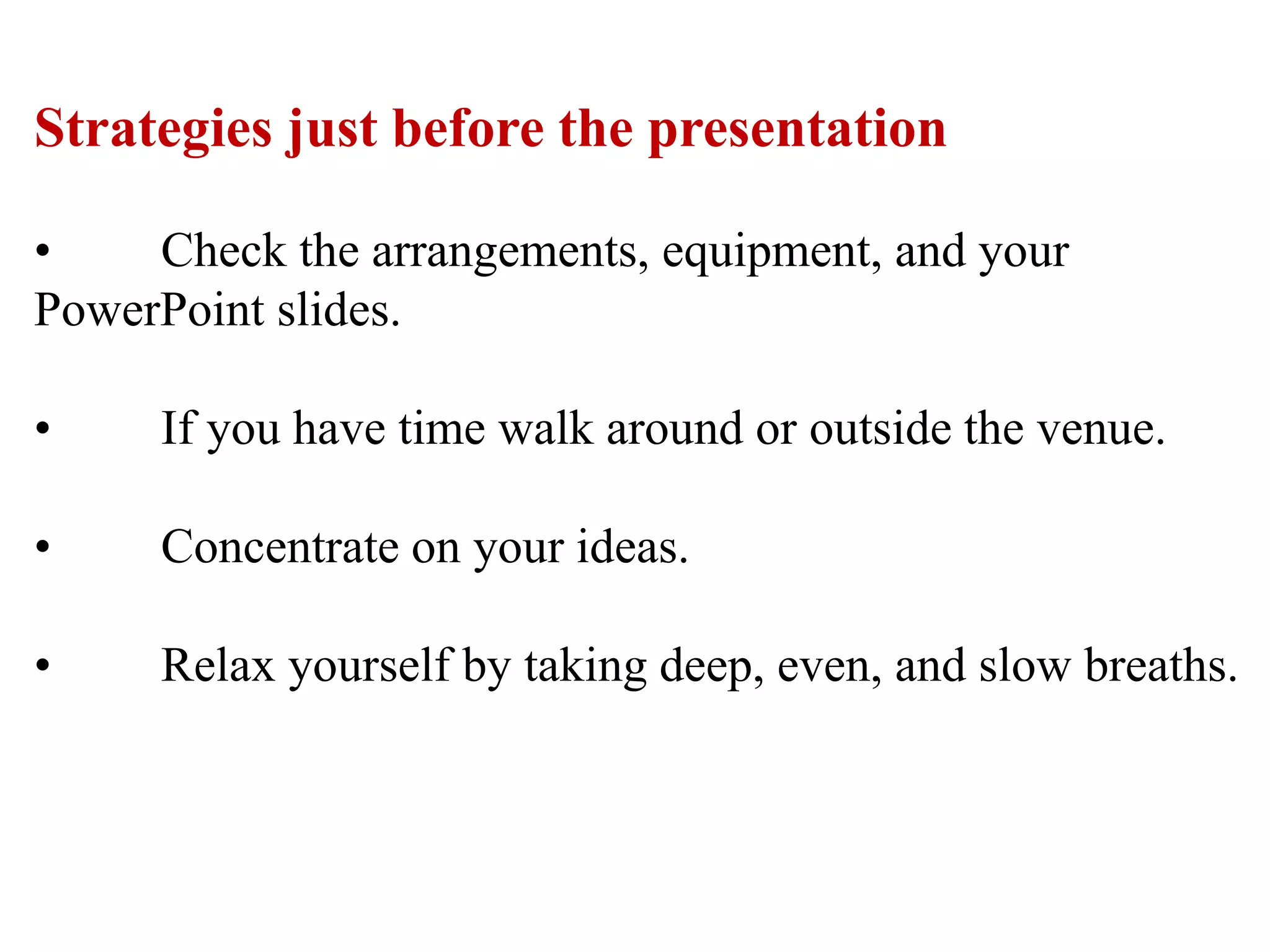
Strategies just before the presentation
• Check the arrangements, equipment, and your
PowerPoint slides.
• If you have time walk around or outside the venue.
• Concentrate on your ideas.
• Relax yourself by taking deep, even, and slow breaths.
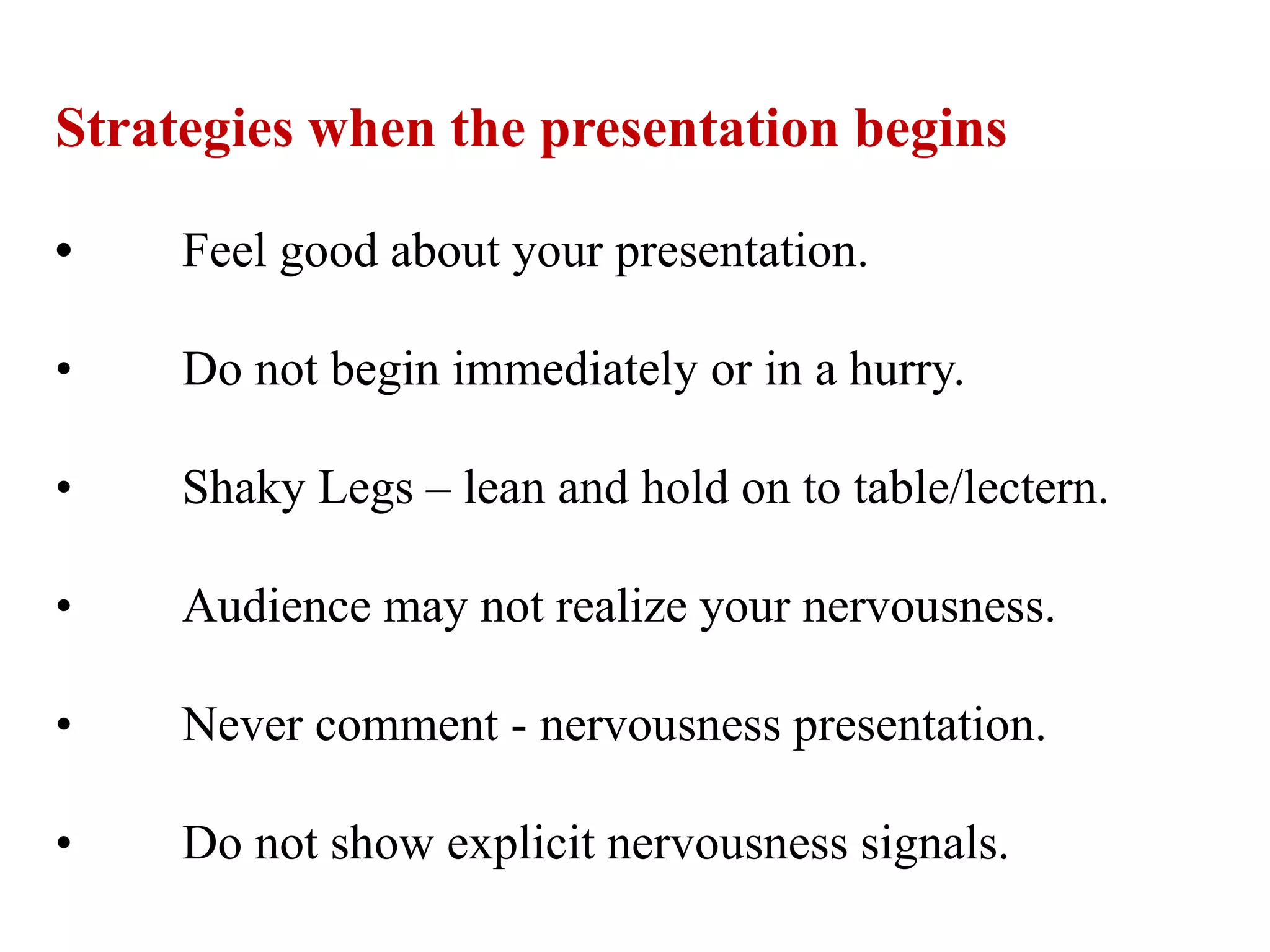
Strategies when the presentation begins
• Feel good about your presentation.
• Do not begin immediately or in a hurry.
• Shaky Legs – lean and hold on to table/lectern.
• Audience may not realize your nervousness.
• Never comment - nervousness presentation.
• Do not show explicit nervousness signals.
SLIDE PREPARATION TECHNIQUES
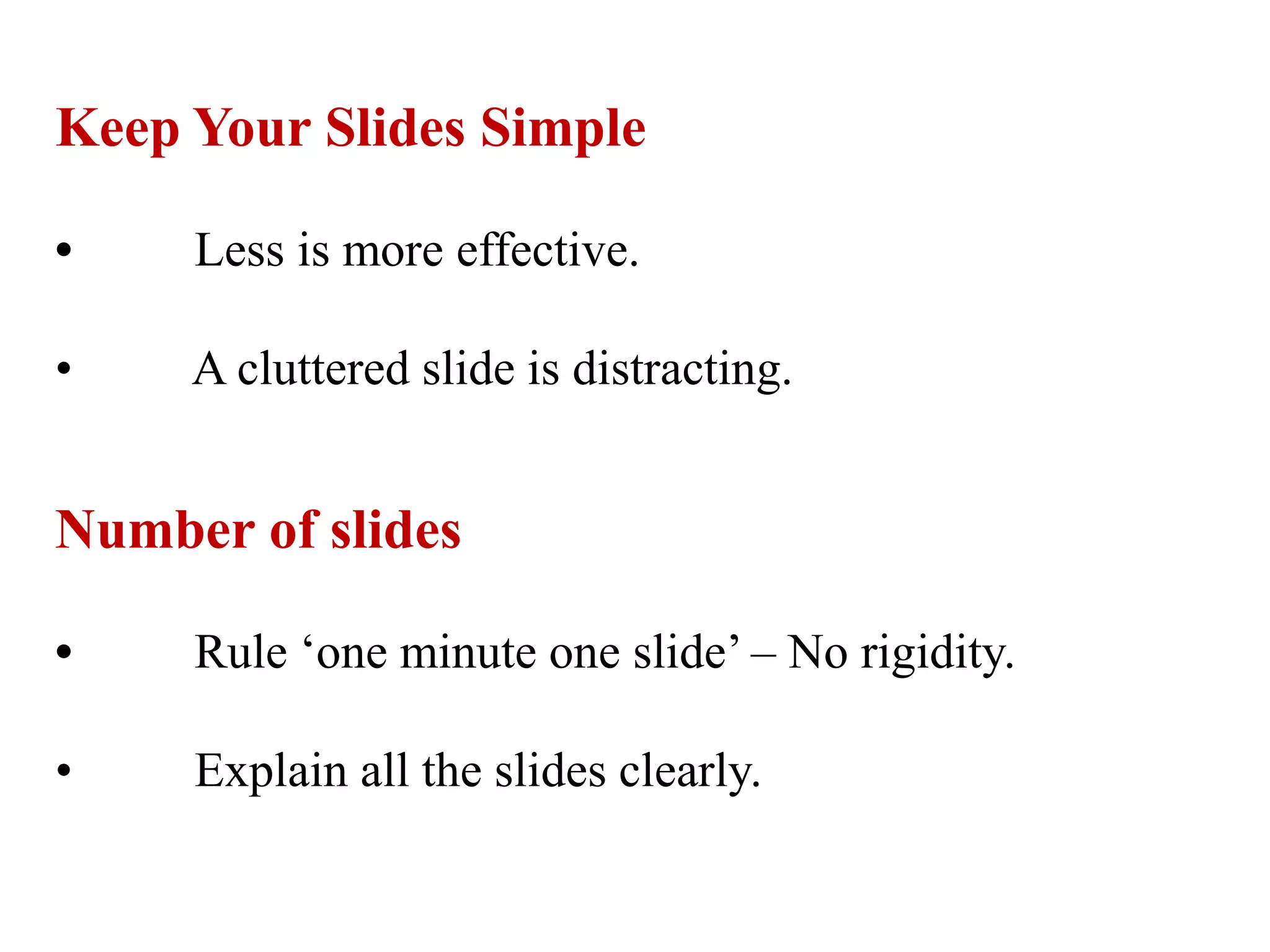
Keep Your Slides Simple
• Less is more effective.
• A cluttered slide is distracting.
Number of slides
• Rule ‘one minute one slide’ – No rigidity.
• Explain all the slides clearly.
Limit Words on Your Slides
• Less is more effective.
• Minimize to just a few simple words.
Colour Scheme
• Presentation Venue.
* Lights on - light background and dark fonts.
* Dark Venue - dark background with light fonts
Font
• Repeat same set of fonts.
• Readable by all Audience.
Hints :
 Use font size of 24 and above.
(Main Heading 36, Sub Heading – 32, Text – 28)
 Size proportional to text that accommodate on a slide.
Use High-Quality Photos and Graphics
• Visually appealing.
• Audience interest.
Use Accurate and Relevant Charts and Graphs
• Use them rightly.
• Information design - simple and clean
Modulate
• No monotone.
• Change in voice tone
Don’t Use Flashy Slide Transitions
• Distracting.
• Use subtle animations.
Don’t Read Directly
• Looses attention of your audience's.
• Lack of preparation.
Summarize
• Recap.
References :
1] Meenakshi Raman and et’al Technical Communication
Principles and Practice, Third Edition, Oxford University
Press.
2] https://business.tutsplus.com/articles/37-effective-
powerpoint-presentation-tips--cms-25421
Q & A Session
• A MUST.
How to Present an Effective Presentation ?

How to Present an Effective Presentation ?

  • 1.
    SECOND WEEK ASSIGNMENT GURUDAKSHITA FACULTYINDUCTION PROGRAMME-3 Organized by : Human Resource Development Center, Guru Jambheshwar University of Science & Technology, Hisar, Haryana. 18-11-2020 to 23-12-2020 Md. Irshad Hussain B. Assistant Professor, Dept. of MCA, University BDT College of Engineering (A Constituent College of VTU, Belagavi), Davanagere – 4 Karnataka Submitted by : Presentation on “How to Present an Effective Presentation?”
  • 2.
    How to Presentan Effective Presentation?
  • 3.
    1) Controlling Nervousnessand Stage Fright. a) Strategies in advance of presentation. b)Strategies just before the presentation. c) Strategies when the presentation begins. 2) Slide Preparation Techniques 3) References 4) Q & A Session CONTENTS
  • 4.
  • 5.
    Strategies in advanceof presentation • Know Your Stuff • Reserve adequate time for preparation. • Anticipate questions. • Practice your opening statement several times. • Rehearse your entire presentation at least twice.
  • 6.
    Strategies just beforethe presentation • Check the arrangements, equipment, and your PowerPoint slides. • If you have time walk around or outside the venue. • Concentrate on your ideas. • Relax yourself by taking deep, even, and slow breaths.
  • 7.
    Strategies when thepresentation begins • Feel good about your presentation. • Do not begin immediately or in a hurry. • Shaky Legs – lean and hold on to table/lectern. • Audience may not realize your nervousness. • Never comment - nervousness presentation. • Do not show explicit nervousness signals.
  • 8.
  • 9.
    Keep Your SlidesSimple • Less is more effective. • A cluttered slide is distracting. Number of slides • Rule ‘one minute one slide’ – No rigidity. • Explain all the slides clearly.
  • 10.
    Limit Words onYour Slides • Less is more effective. • Minimize to just a few simple words. Colour Scheme • Presentation Venue. * Lights on - light background and dark fonts. * Dark Venue - dark background with light fonts
  • 11.
    Font • Repeat sameset of fonts. • Readable by all Audience. Hints :  Use font size of 24 and above. (Main Heading 36, Sub Heading – 32, Text – 28)  Size proportional to text that accommodate on a slide.
  • 12.
    Use High-Quality Photosand Graphics • Visually appealing. • Audience interest. Use Accurate and Relevant Charts and Graphs • Use them rightly. • Information design - simple and clean
  • 13.
    Modulate • No monotone. •Change in voice tone Don’t Use Flashy Slide Transitions • Distracting. • Use subtle animations.
  • 14.
    Don’t Read Directly •Looses attention of your audience's. • Lack of preparation. Summarize • Recap.
  • 15.
    References : 1] MeenakshiRaman and et’al Technical Communication Principles and Practice, Third Edition, Oxford University Press. 2] https://business.tutsplus.com/articles/37-effective- powerpoint-presentation-tips--cms-25421
  • 16.
    Q & ASession • A MUST.