

Dawn	
  Anderson	
  @	
  dawnieando
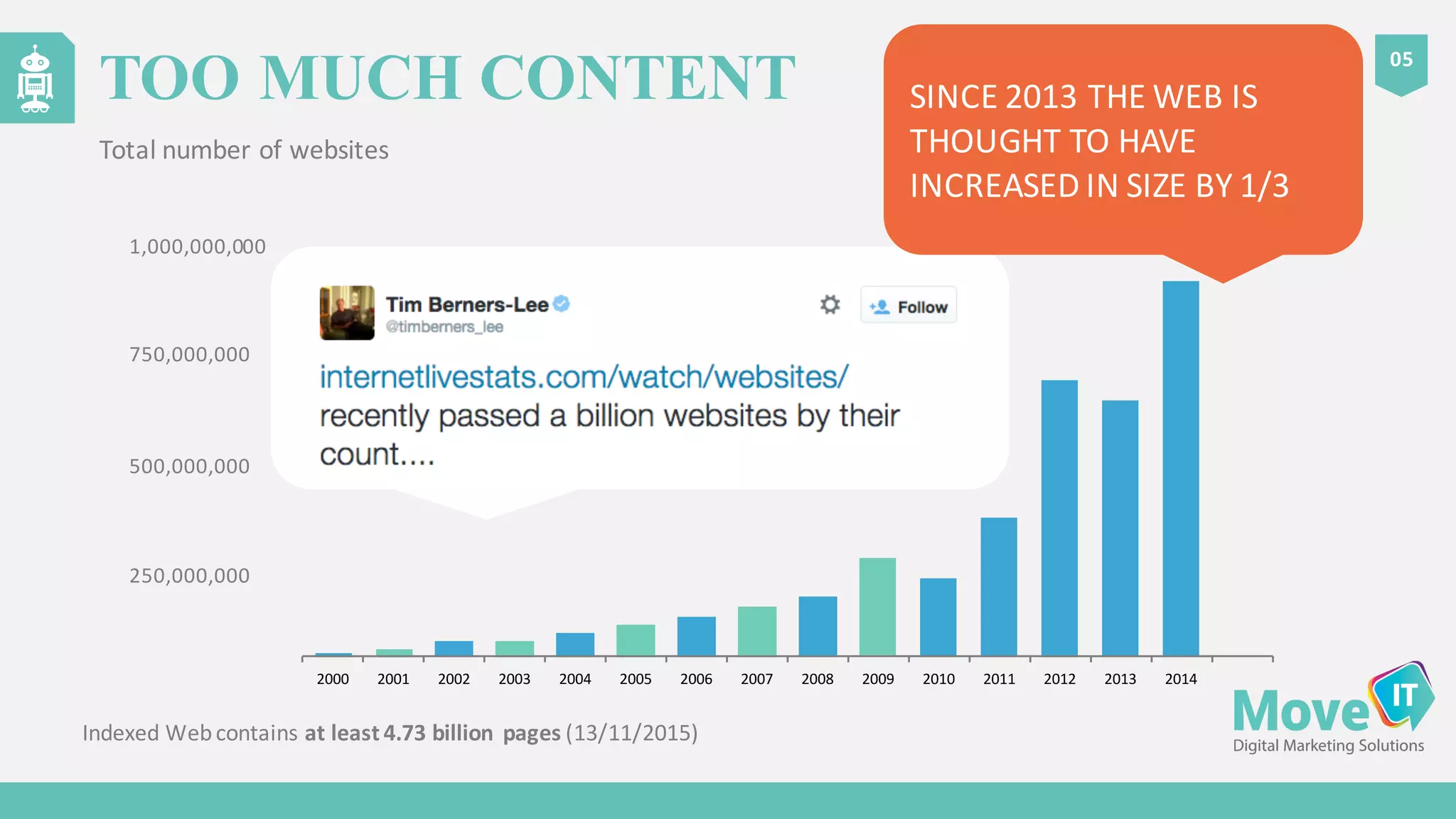
Indexed	
  Web	
  contains at	
  least	
  4.73	
  billion	
   pages (13/11/2015)
05
TOO MUCH CONTENT
Total	
  number	
  of	
  websites
2000 2001 2002 2003 2004 2005 2006 2007 2008 2009 2010 2011 2012 2013 2014
1,000,000,000
750,000,000
500,000,000
250,000,000
SINCE	
  2013	
  THE	
  WEB	
  IS	
  
THOUGHT	
  TO	
  HAVE	
  
INCREASED	
  IN	
  SIZE	
  BY	
  1/3
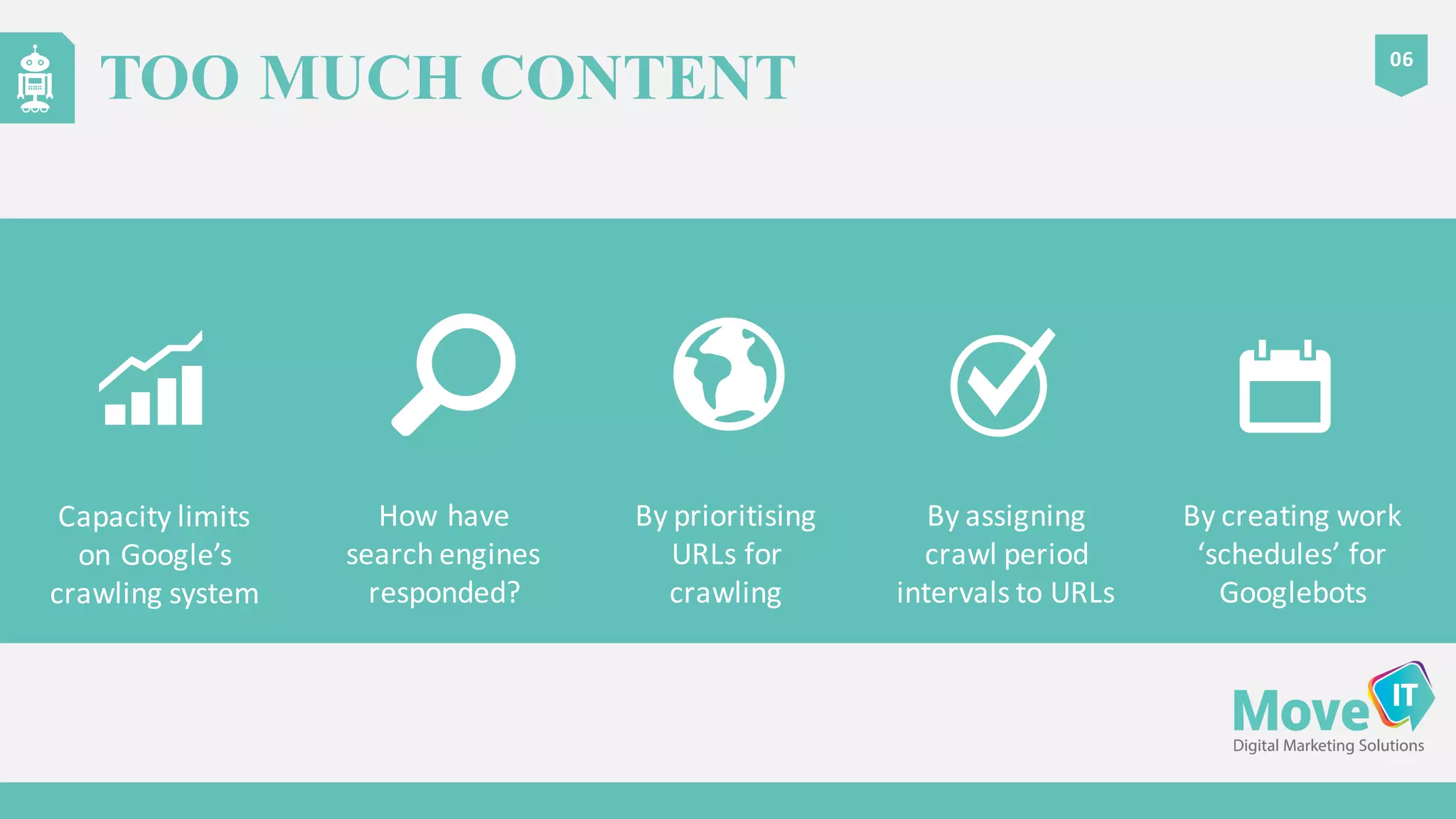
Capacity	
  limits	
  
on	
  Google’s	
  
crawling	
  system
By	
  prioritising	
  
URLs	
  for	
  
crawling
By	
  assigning	
  
crawl	
  period	
  
intervals	
  to	
  URLs
How	
  have	
  
search	
  engines	
  
responded?
By	
  creating	
  work	
  
‘schedules’	
  for	
  
Googlebots
06
TOO MUCH CONTENT
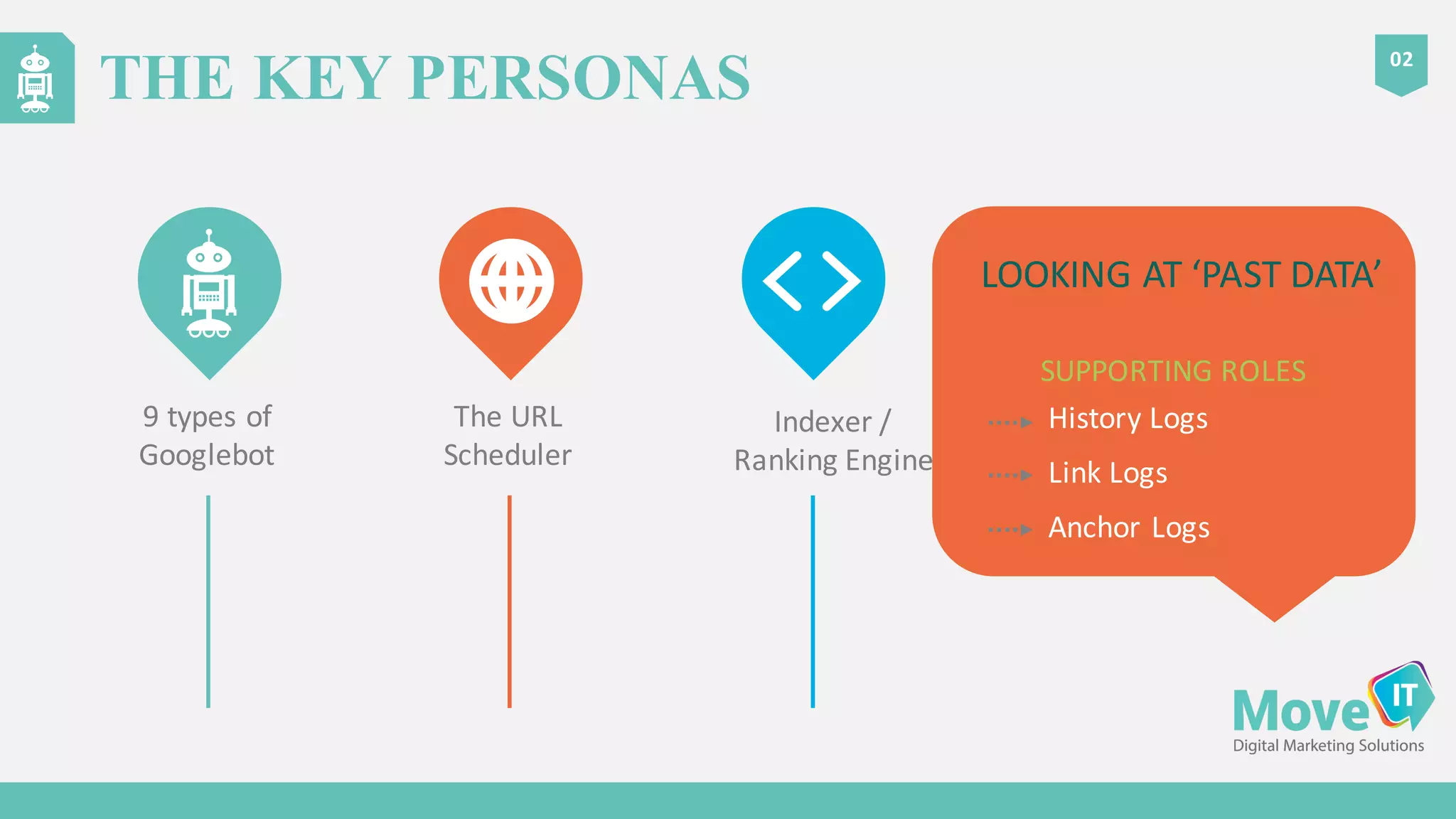
9	
  types	
  of	
  
Googlebot
THE KEY PERSONAS
02
SUPPORTING	
  ROLES
Indexer	
  /	
  
Ranking	
  Engine
The	
  URL	
  
Scheduler
History	
  Logs
Link	
  Logs
Anchor	
  Logs
LOOKING	
  AT	
  ‘PAST	
  DATA’
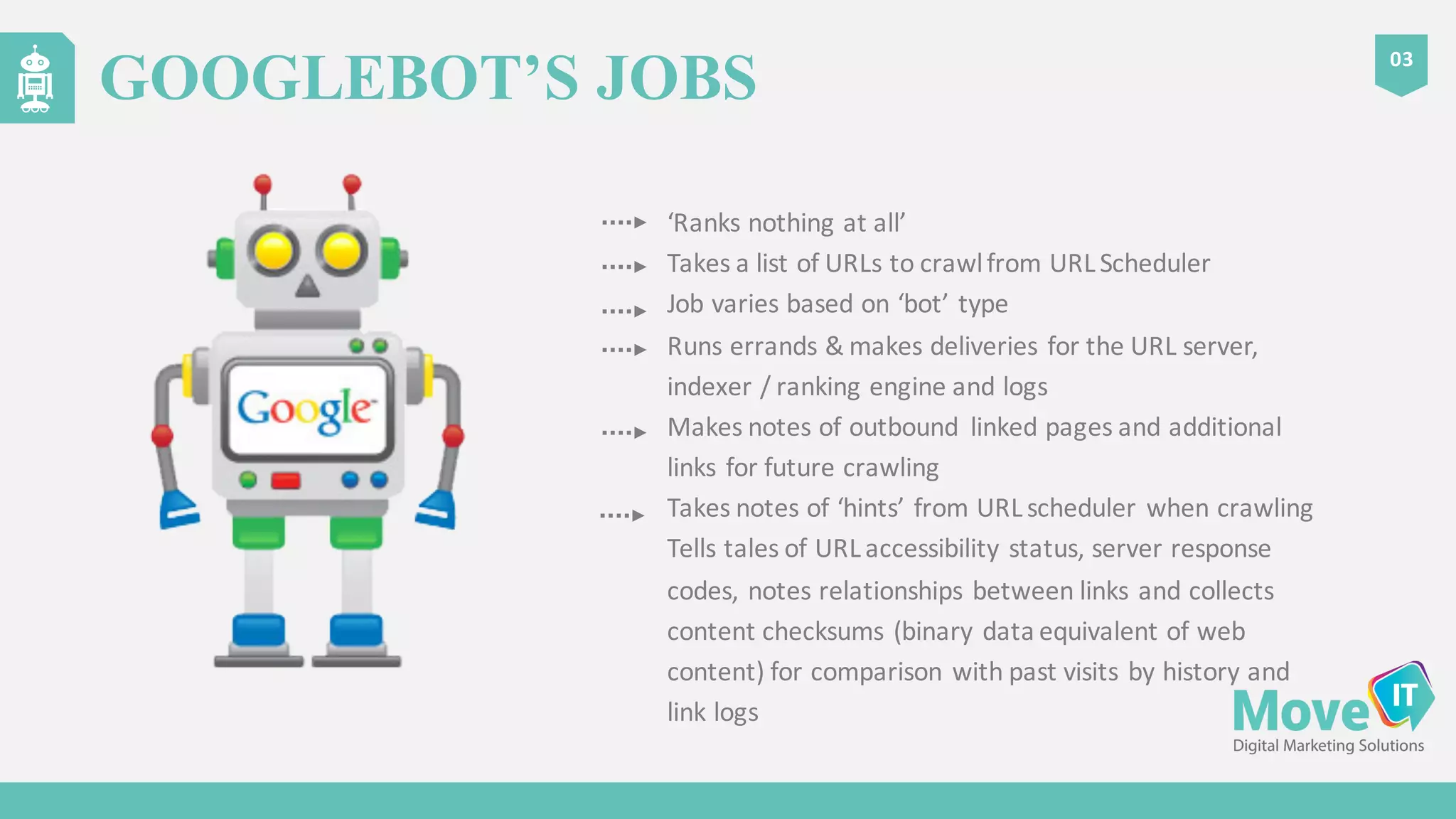
‘Ranks	
  nothing	
  at	
  all’
Takes	
  a	
  list	
  of	
  URLs	
  to	
  crawl	
  from	
  URL	
  Scheduler
Job	
  varies	
  based	
  on	
  ‘bot’	
  type
Runs	
  errands	
  &	
  makes	
  deliveries	
  for	
  the	
  URL	
  server,	
  
indexer	
  /	
  ranking	
  engine	
  and	
  logs
Makes	
  notes	
  of	
  outbound	
   linked	
  pages	
  and	
  additional	
  
links	
  for	
  future	
  crawling
Takes	
  notes	
  of	
  ‘hints’	
  from	
  URL	
  scheduler	
  when	
  crawling
Tells	
  tales	
  of	
  URL	
  accessibility	
  status,	
  server	
  response	
  
codes,	
  notes	
  relationships	
  between	
  links	
  and	
  collects	
  
content	
  checksums	
  (binary	
  data	
  equivalent	
  of	
  web	
  
content)	
  for	
  comparison	
  with	
  past	
  visits	
  by	
  history	
  and	
  
link	
  logs
03
GOOGLEBOT’S JOBS
04
ROLES – MAJOR PLAYERS – A ‘BOSS’- URL
SCHEDULER
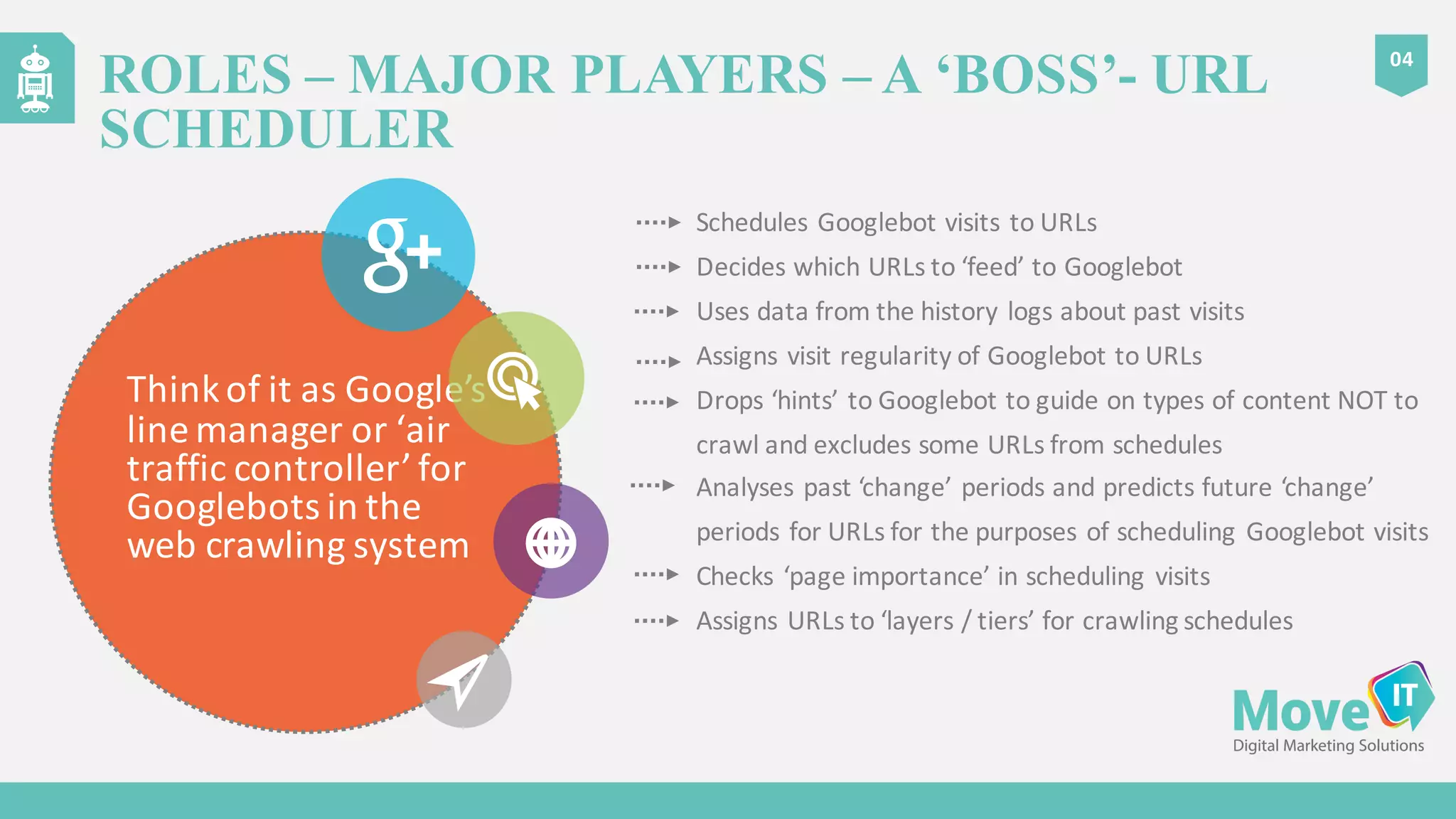
Think	
  of	
  it	
  as	
  Google’s	
  
line	
  manager	
  or	
  ‘air	
  
traffic	
  controller’	
  for	
  
Googlebots in	
  the	
  
web	
  crawling	
  system
Schedules	
  Googlebot visits	
  to	
  URLs
Decides	
  which	
  URLs	
  to	
  ‘feed’	
  to	
  Googlebot
Uses	
  data	
  from	
  the	
  history	
  logs	
  about	
  past	
  visits
Assigns	
  visit	
  regularity	
  of	
  Googlebot to	
  URLs
Drops	
  ‘hints’	
  to	
  Googlebot to	
  guide	
  on	
  types	
  of	
  content	
  NOT	
  to	
  
crawl	
  and	
  excludes	
  some	
  URLs	
  from	
  schedules
Analyses	
  past	
  ‘change’	
  periods	
  and	
  predicts	
  future	
  ‘change’	
  
periods	
  for	
  URLs	
  for	
  the	
  purposes	
  of	
  scheduling	
  Googlebot visits
Checks	
  ‘page	
  importance’	
  in	
  scheduling	
  visits
Assigns	
  URLs	
  to	
  ‘layers	
  /	
  tiers’	
  for	
  crawling	
  schedules
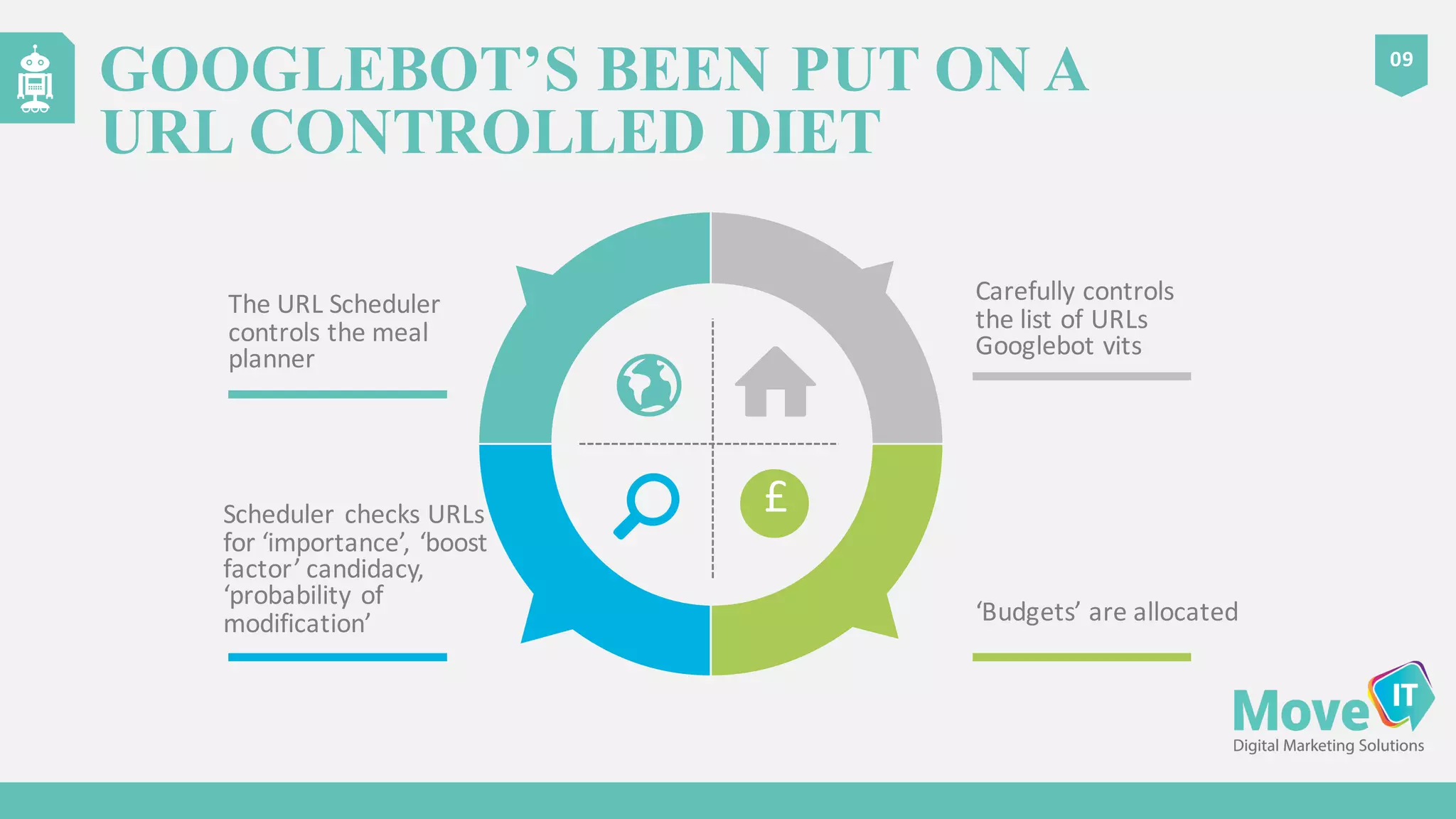
Scheduler	
  checks	
  URLs	
  
for	
  ‘importance’,	
  ‘boost	
  
factor’	
  candidacy,	
  
‘probability	
  of	
  
modification’
GOOGLEBOT’S BEEN PUT ON A
URL CONTROLLED DIET
09
The	
  URL	
  Scheduler	
  
controls	
  the	
  meal	
  
planner
Carefully	
  controls	
  
the	
  list	
  of	
  URLs	
  
Googlebot vits
‘Budgets’	
  are	
  allocated
£
CRAWL BUDGET – WHAT IS IT?
10
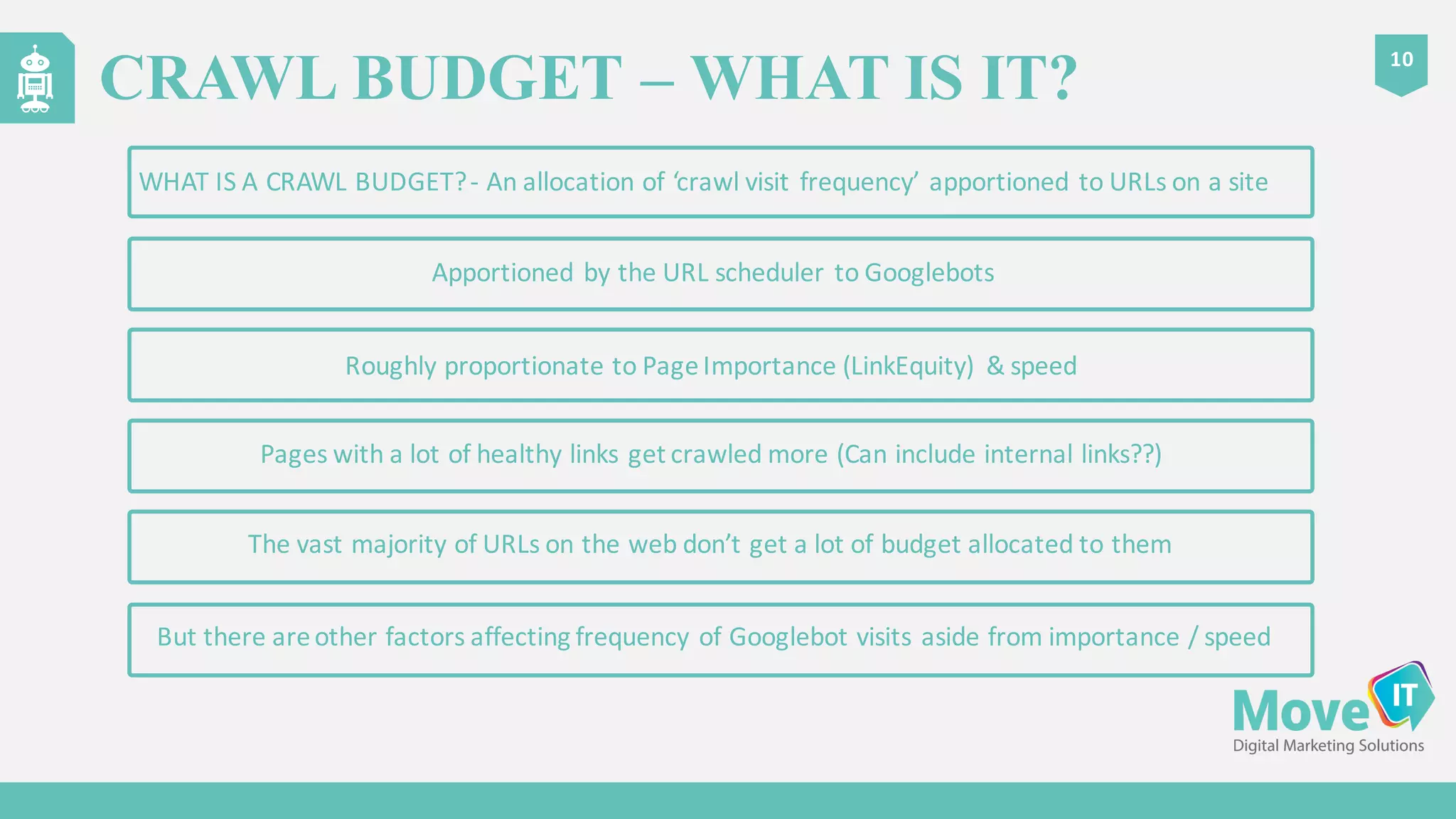
Roughly	
  proportionate	
  to	
  Page	
  Importance	
  (LinkEquity)	
   &	
  speed
Pages	
  with	
  a	
  lot	
  of	
  healthy	
  links	
  get	
  crawled	
  more	
  (Can	
  include	
  internal	
  links??)
Apportioned	
  by	
  the	
  URL	
  scheduler	
  to	
  Googlebots
WHAT	
  IS	
  A	
  CRAWL	
  BUDGET?	
  -­‐ An	
  allocation	
  of	
  ‘crawl	
  visit	
  frequency’	
  apportioned	
  to	
  URLs	
  on	
  a	
  site
But	
  there	
  are	
  other	
  factors	
  affecting	
  frequency	
  of	
  Googlebot visits	
  aside	
  from	
  importance	
  /	
  speed
The	
  vast	
  majority	
  of	
  URLs	
  on	
  the	
  web	
  don’t	
  get	
  a	
  lot	
  of	
  budget	
  allocated	
  to	
  them
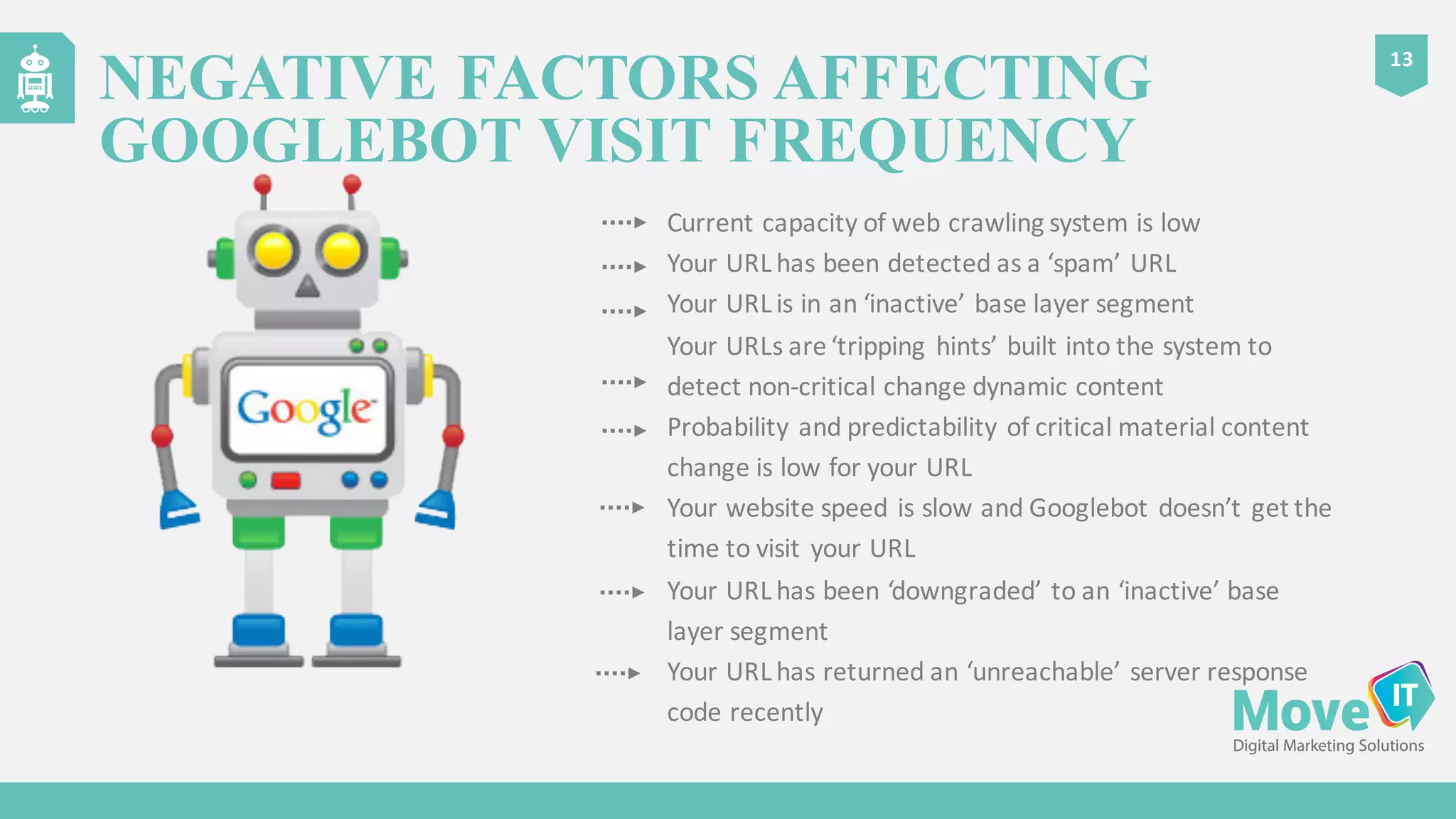
Current	
  capacity	
  of	
  the	
  web	
  crawling	
  system	
  is	
  high
Your	
  URL	
  is	
  ‘important’
Your	
  URL	
  changes	
  a	
  lot	
  with	
  critical	
  material	
  content	
  
change
Probability	
  and	
  predictability	
  of	
  critical	
  material	
  content	
  
change	
  is	
  high	
  for	
  your	
  URL
Your	
  website	
  speed	
  is	
  fast	
  and	
  Googlebot gets	
  the	
  time	
  to	
  
visit	
  your	
  URL
Your	
  URL	
  has	
  been	
  ‘upgraded’	
  to	
  a	
  daily	
  or	
  real	
  time	
  crawl	
  
layer
12
POSITIVE FACTORS AFFECTING
GOOGLEBOT VISIT FREQUENCY
Current	
  capacity	
  of	
  web	
  crawling	
  system	
  is	
  low
Your	
  URL	
  has	
  been	
  detected	
  as	
  a	
  ‘spam’	
  URL
Your	
  URL	
  is	
  in	
  an	
  ‘inactive’	
  base	
  layer	
  segment
Your	
  URLs	
  are	
  ‘tripping	
  hints’	
  built	
  into	
  the	
  system	
  to	
  
detect	
  non-­‐critical	
  change	
  dynamic	
  content
Probability	
  and	
  predictability	
  of	
  critical	
  material	
  content	
  
change	
  is	
  low	
  for	
  your	
  URL
Your	
  website	
  speed	
  is	
  slow	
  and	
  Googlebot doesn’t	
  get	
  the	
  
time	
  to	
  visit	
  your	
  URL
Your	
  URL	
  has	
  been	
  ‘downgraded’	
  to	
  an	
  ‘inactive’	
  base	
  
layer	
  segment
Your	
  URL	
  has	
  returned	
  an	
  ‘unreachable’	
  server	
  response	
  
code	
  recently
13
NEGATIVE FACTORS AFFECTING
GOOGLEBOT VISIT FREQUENCY
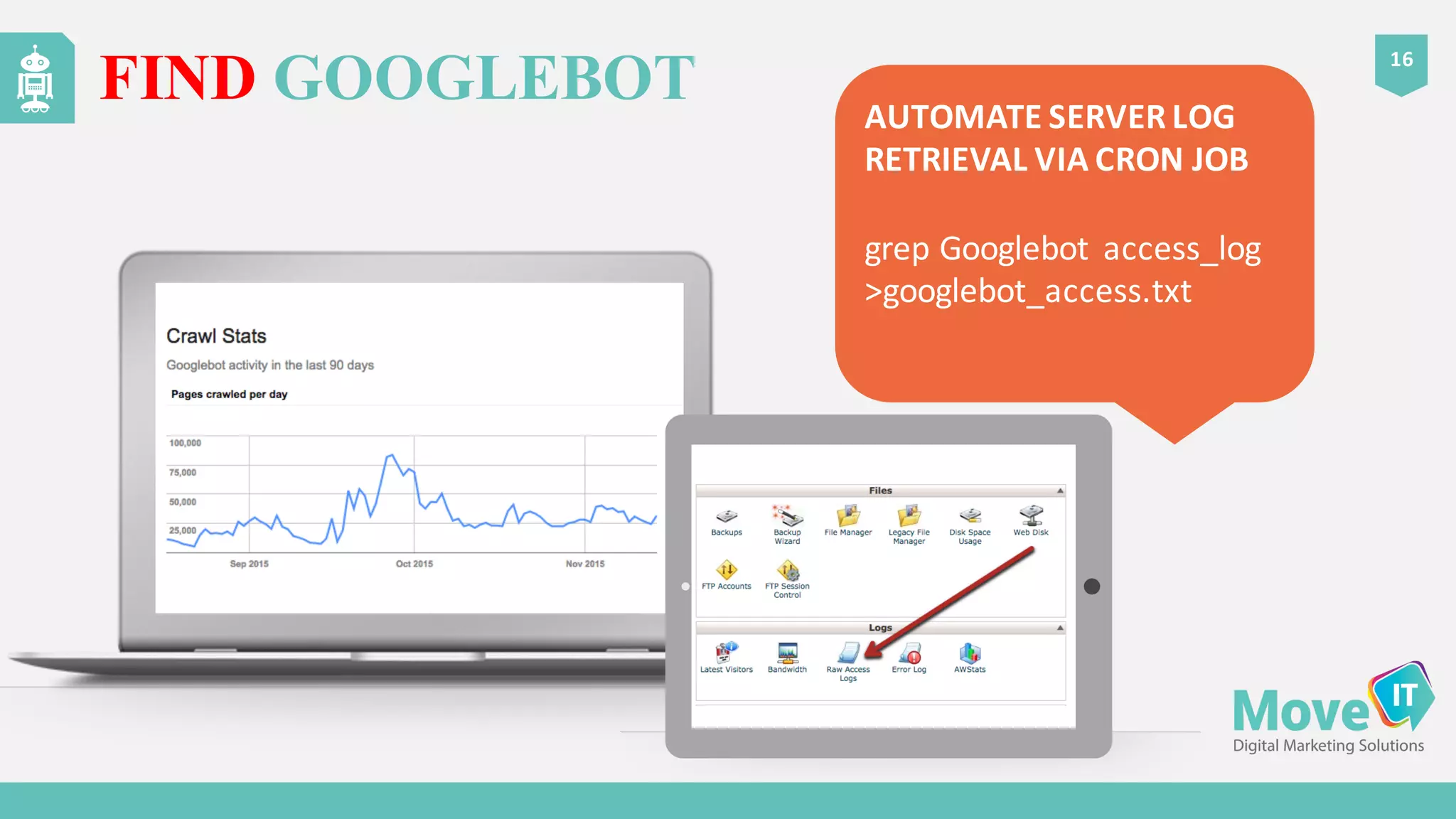
FIND GOOGLEBOT
16
AUTOMATE	
  SERVER	
  LOG	
  
RETRIEVAL	
  VIA	
  CRON	
  JOB
grep Googlebot access_log
>googlebot_access.txt
LOOK THROUGH ‘SPIDER EYES’ VIA
LOG ANALYSIS – ANALYSE GOOGLEBOT
17
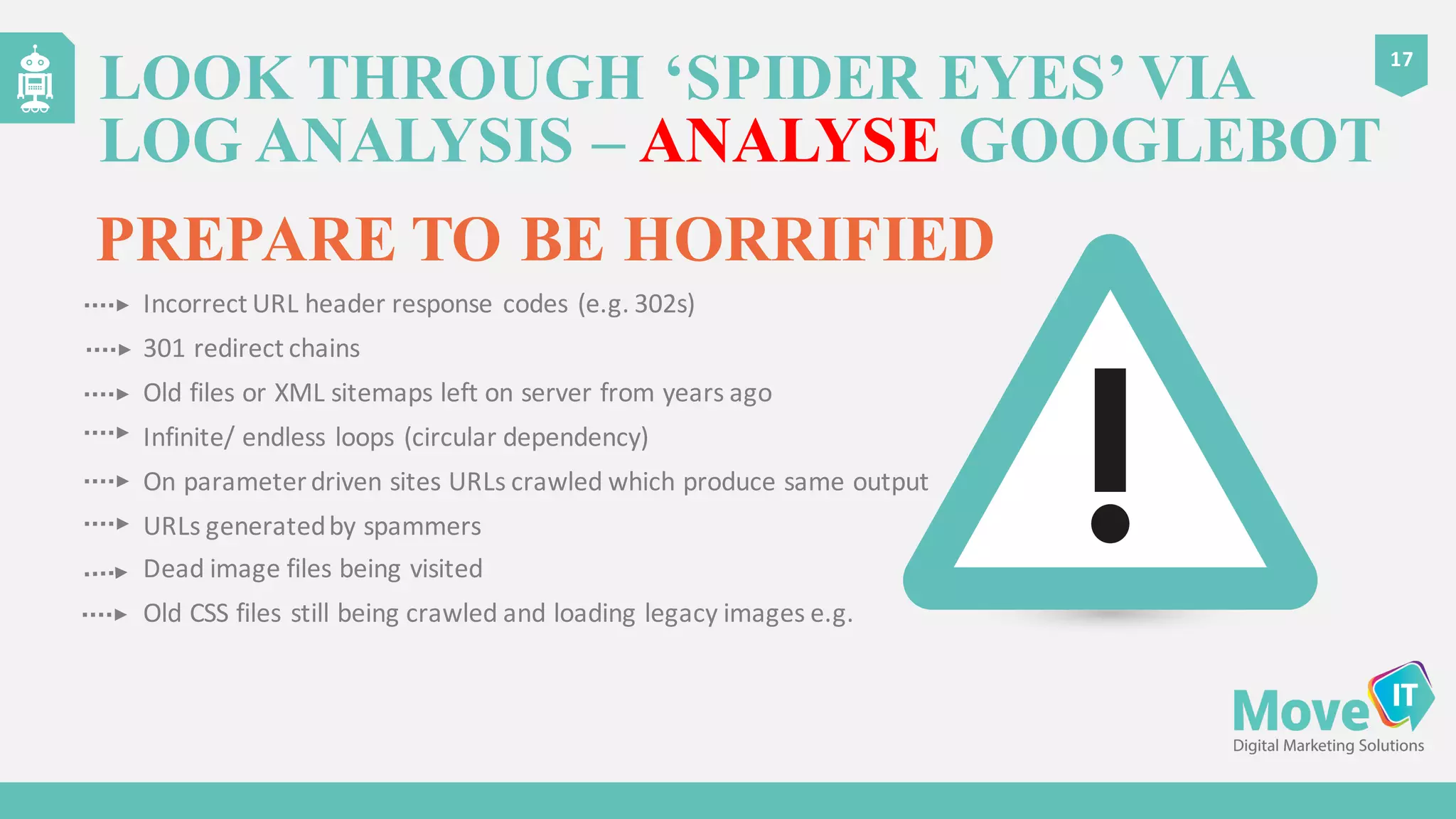
PREPARE TO BE HORRIFIED
Incorrect	
  URL	
  header	
  response	
  codes	
  (e.g.	
  302s)
301	
  redirect	
  chains
Old	
  files	
  or	
  XML	
  sitemaps	
  left	
  on	
  server	
  from	
  years	
  ago
Infinite/	
  endless	
  loops	
  (circular	
  dependency)
On	
  parameter	
  driven	
  sites	
  URLs	
  crawled	
  which	
  produce	
  same	
  output
URLs	
  generated	
  by	
  spammers
Dead	
  image	
  files	
  being	
  visited
Old	
  CSS	
  files	
  still	
  being	
  crawled	
  and	
  loading	
  legacy	
  images	
  e.g.
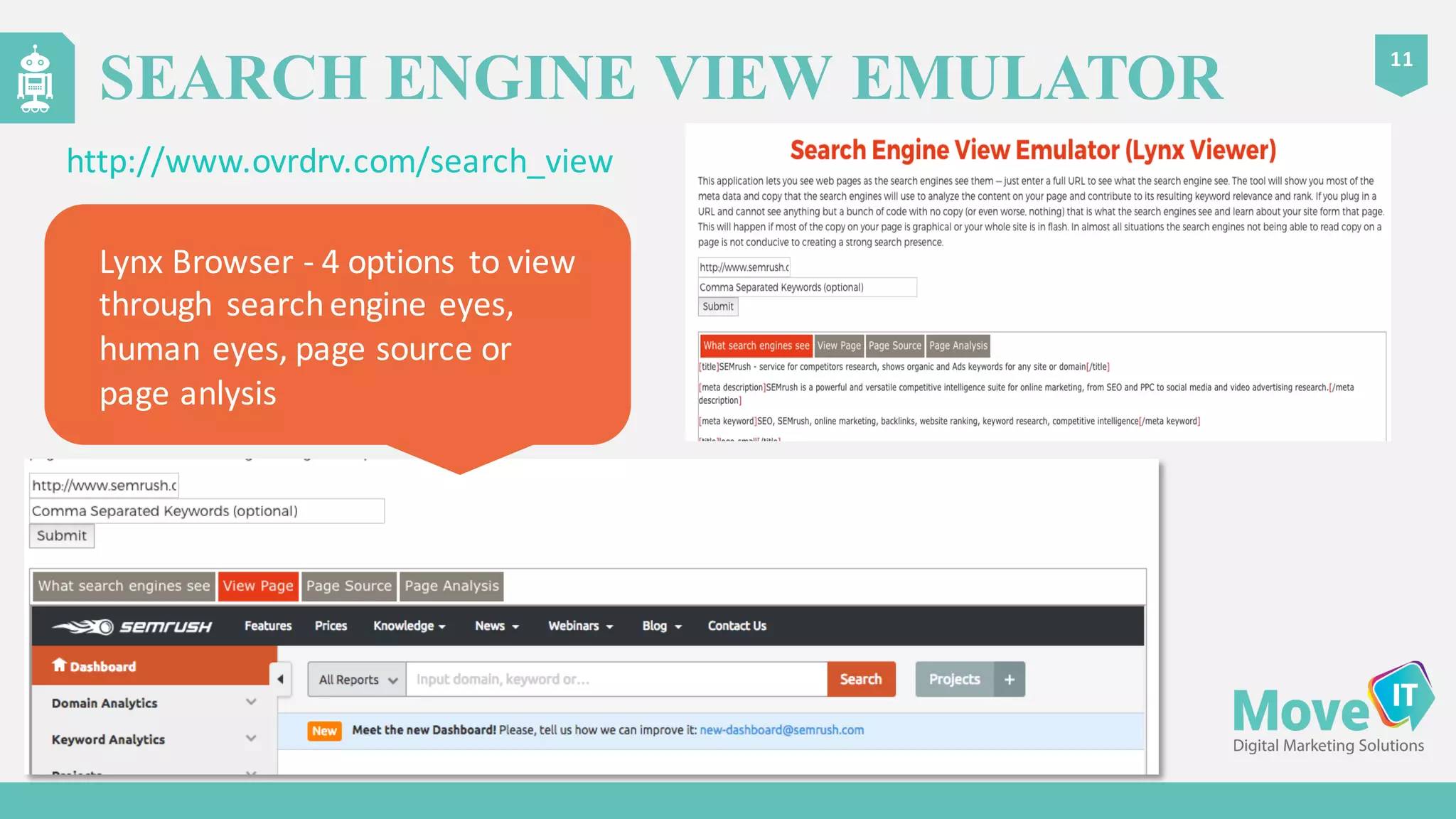
SEARCH ENGINE VIEW EMULATOR
11
http://www.ovrdrv.com/search_view
Lynx	
  Browser	
  -­‐ 4	
  options	
   to	
  view	
  
through	
   search	
  engine	
  eyes,	
  
human	
  eyes,	
  page	
  source	
  or	
  
page	
  anlysis
21
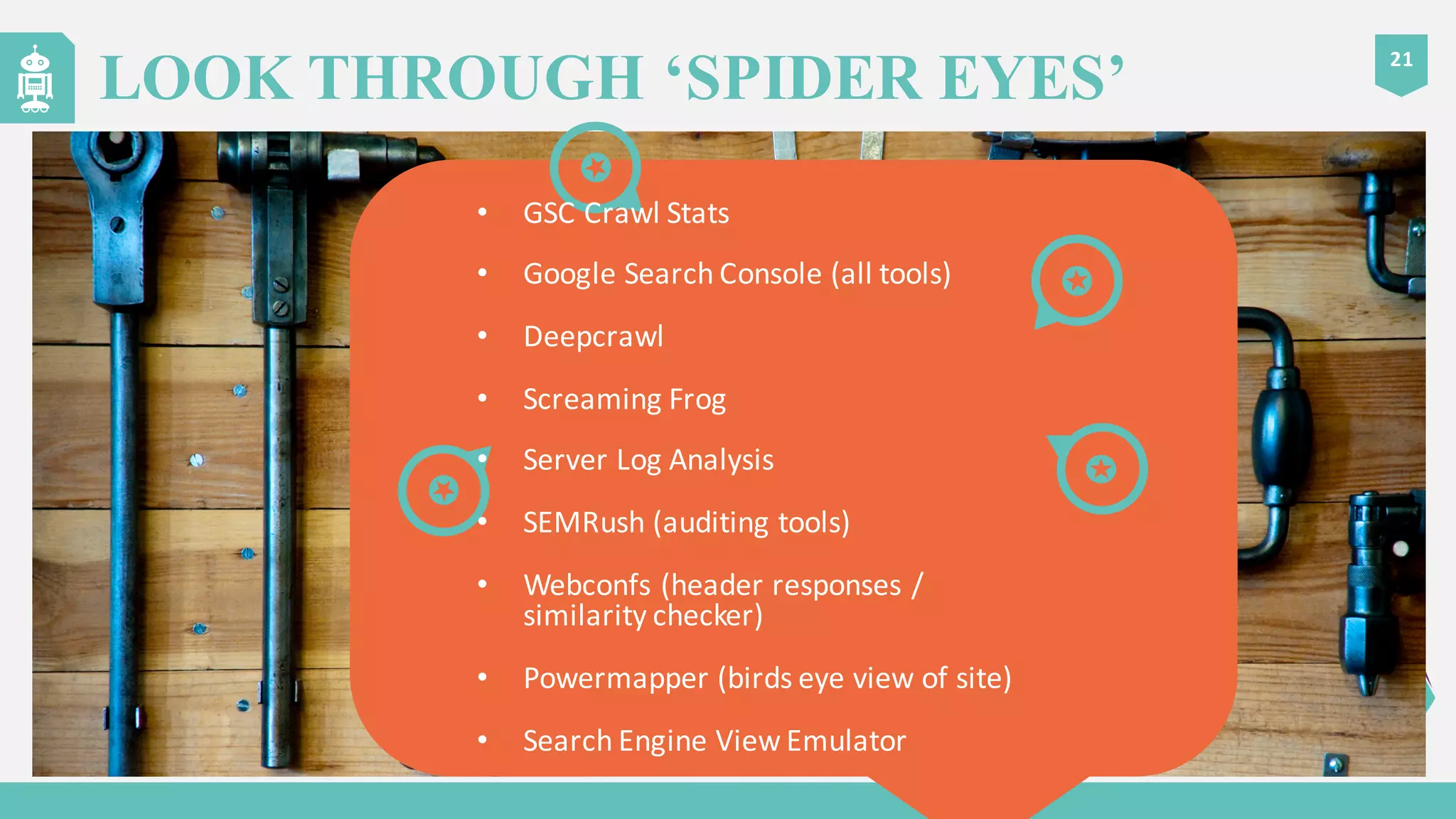
LOOK THROUGH ‘SPIDER EYES’
• GSC	
  Crawl	
  Stats
• Google	
  Search	
  Console	
  (all	
  tools)
• Deepcrawl
• Screaming	
  Frog
• Server	
  Log	
  Analysis
• SEMRush (auditing	
  tools)
• Webconfs (header	
  responses	
  /	
  
similarity	
  checker)
• Powermapper (birds	
  eye	
  view	
  of	
  site)
• Search	
  Engine	
  View	
  Emulator
18
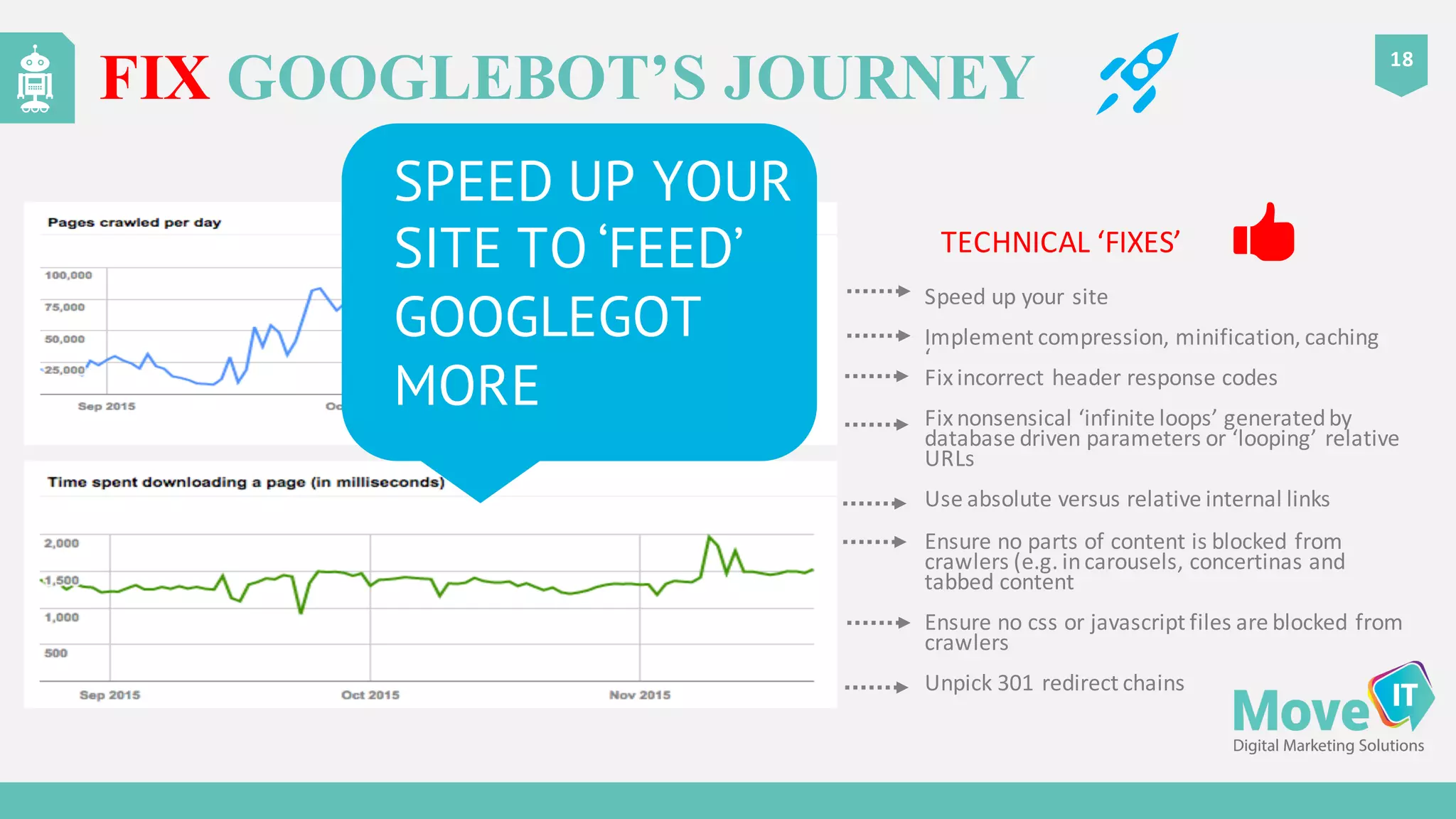
FIX GOOGLEBOT’S JOURNEY
SPEED UP YOUR
SITE TO ‘FEED’
GOOGLEGOT
MORE
TECHNICAL	
  ‘FIXES’	


Speed	
  up	
  your	
  site
Implement	
  compression,	
  minification,	
  caching
‘
Fix	
  incorrect	
  header	
  response	
  codes
Fix	
  nonsensical	
  ‘infinite	
  loops’	
  generated	
  by	
  
database	
  driven	
  parameters	
  or	
  ‘looping’	
  relative	
  
URLs
Use	
  absolute	
  versus	
  relative	
  internal	
  links
Ensure	
  no	
  parts	
  of	
  content	
  is	
  blocked	
  from	
  
crawlers	
  (e.g.	
  in	
  carousels,	
  concertinas	
  and	
  
tabbed	
  content
Ensure	
  no	
  css or	
  javascript files	
  are	
  blocked	
  from	
  
crawlers
Unpick	
  301	
  redirect	
  chains
21
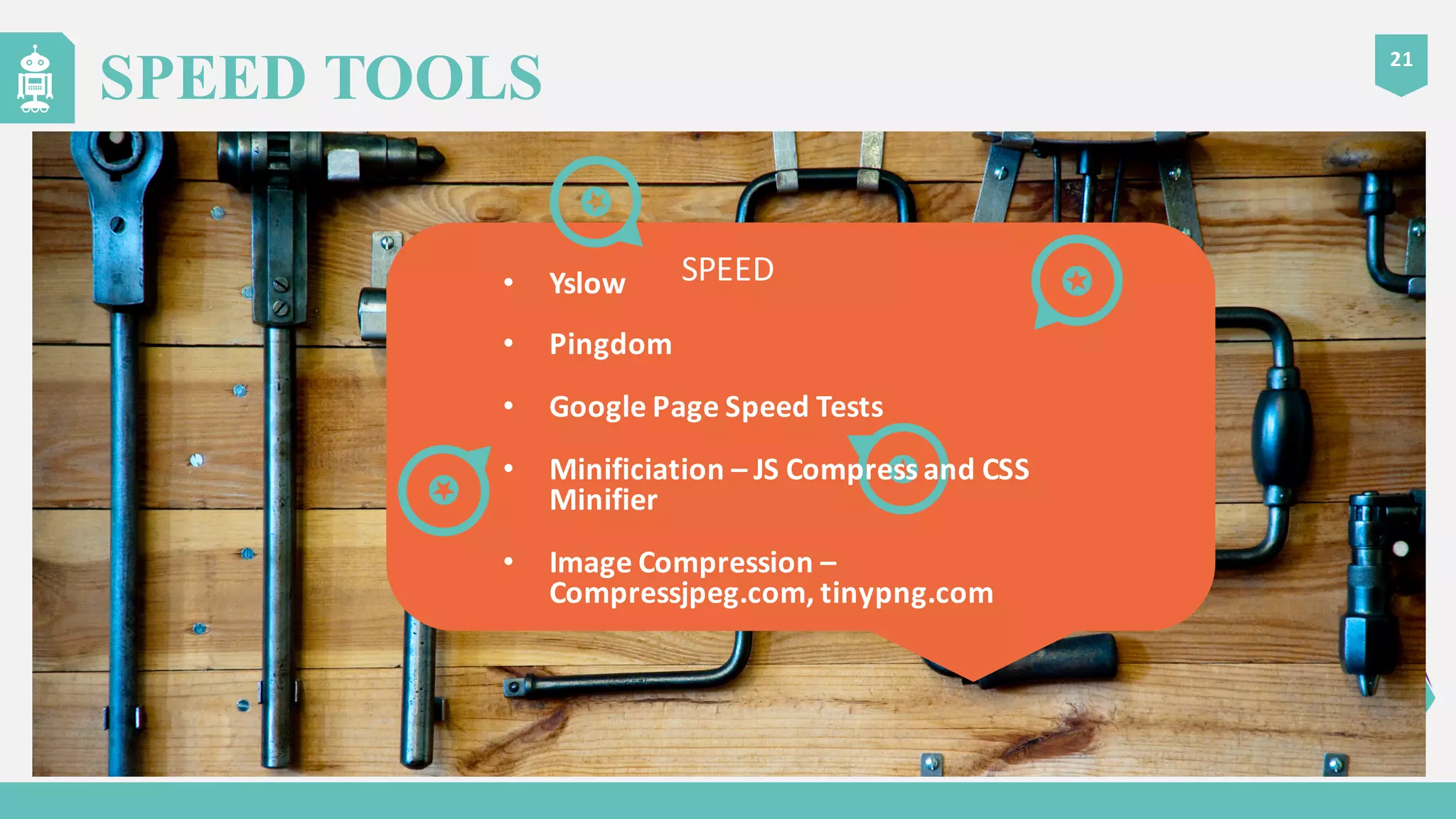
SPEED TOOLS
SPEED• Yslow
• Pingdom
• Google	
  Page	
  Speed	
  Tests
• Minificiation – JS	
  Compress	
  and	
  CSS	
  
Minifier
• Image	
  Compression	
  –
Compressjpeg.com,	
  tinypng.com
21
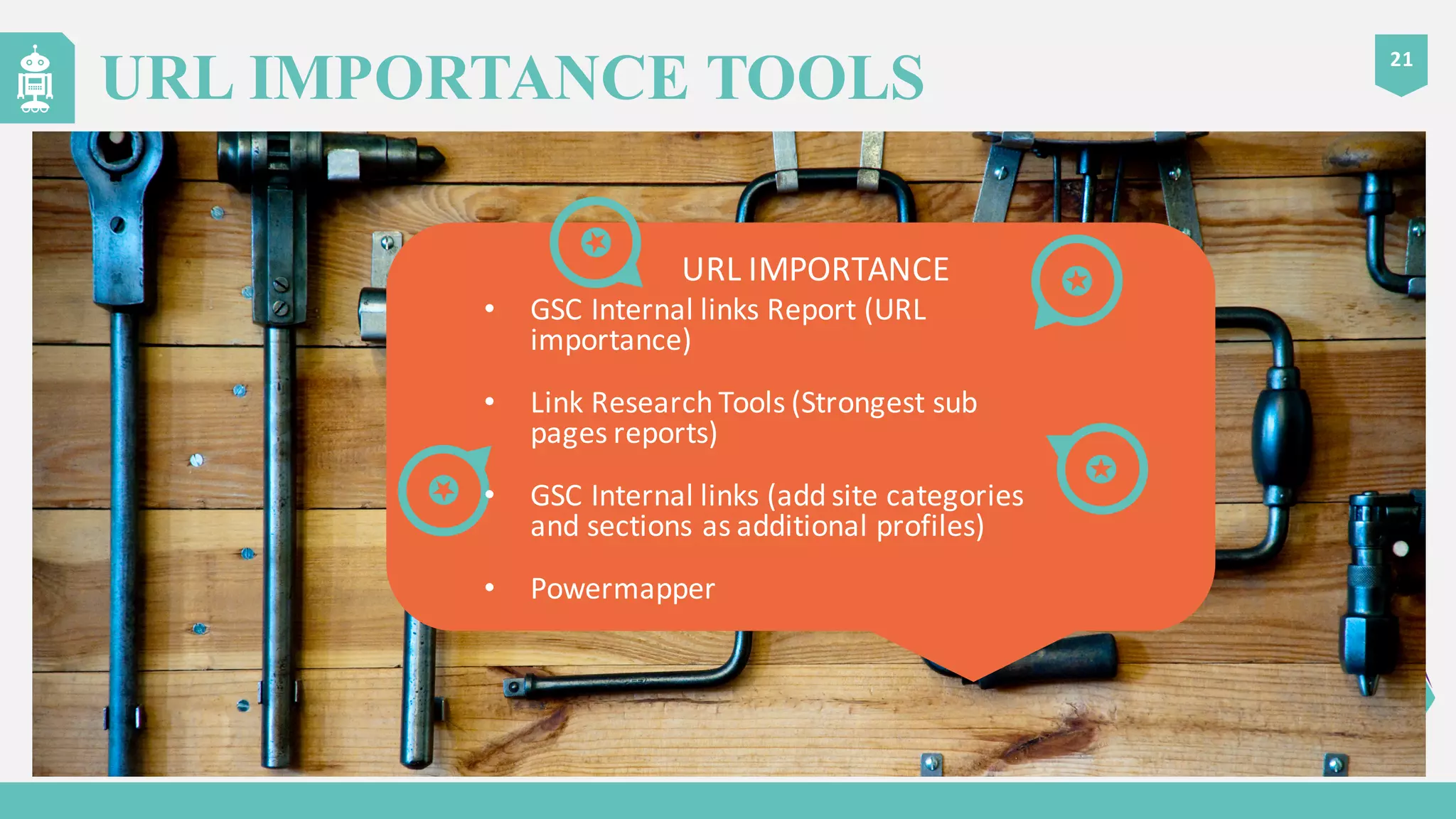
URL IMPORTANCE TOOLS
URL	
  IMPORTANCE
• GSC	
  Internal	
  links	
  Report	
  (URL	
  
importance)
• Link	
  Research	
  Tools	
  (Strongest	
  sub	
  
pages	
  reports)
• GSC	
  Internal	
  links	
  (add	
  site	
  categories	
  
and	
  sections	
  as	
  additional	
  profiles)
• Powermapper
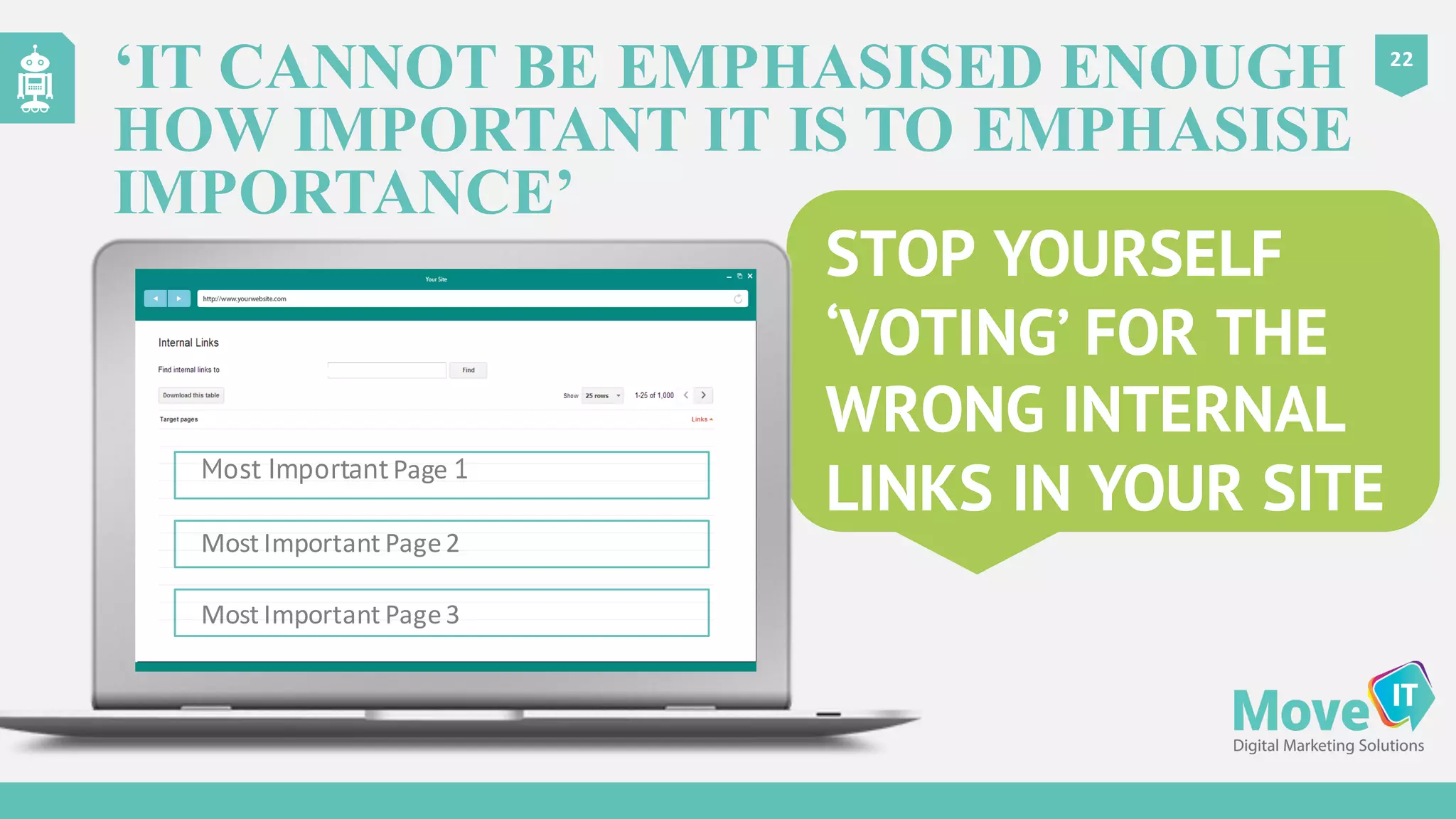
STOP YOURSELF
‘VOTING’ FOR THE
WRONG INTERNAL
LINKS IN YOUR SITE
22
‘IT CANNOT BE EMPHASISED ENOUGH
HOW IMPORTANT IT IS TO EMPHASISE
IMPORTANCE’
Most Important Page 1
Most	
  Important	
  Page	
  2
Most	
  Important	
  Page	
  3
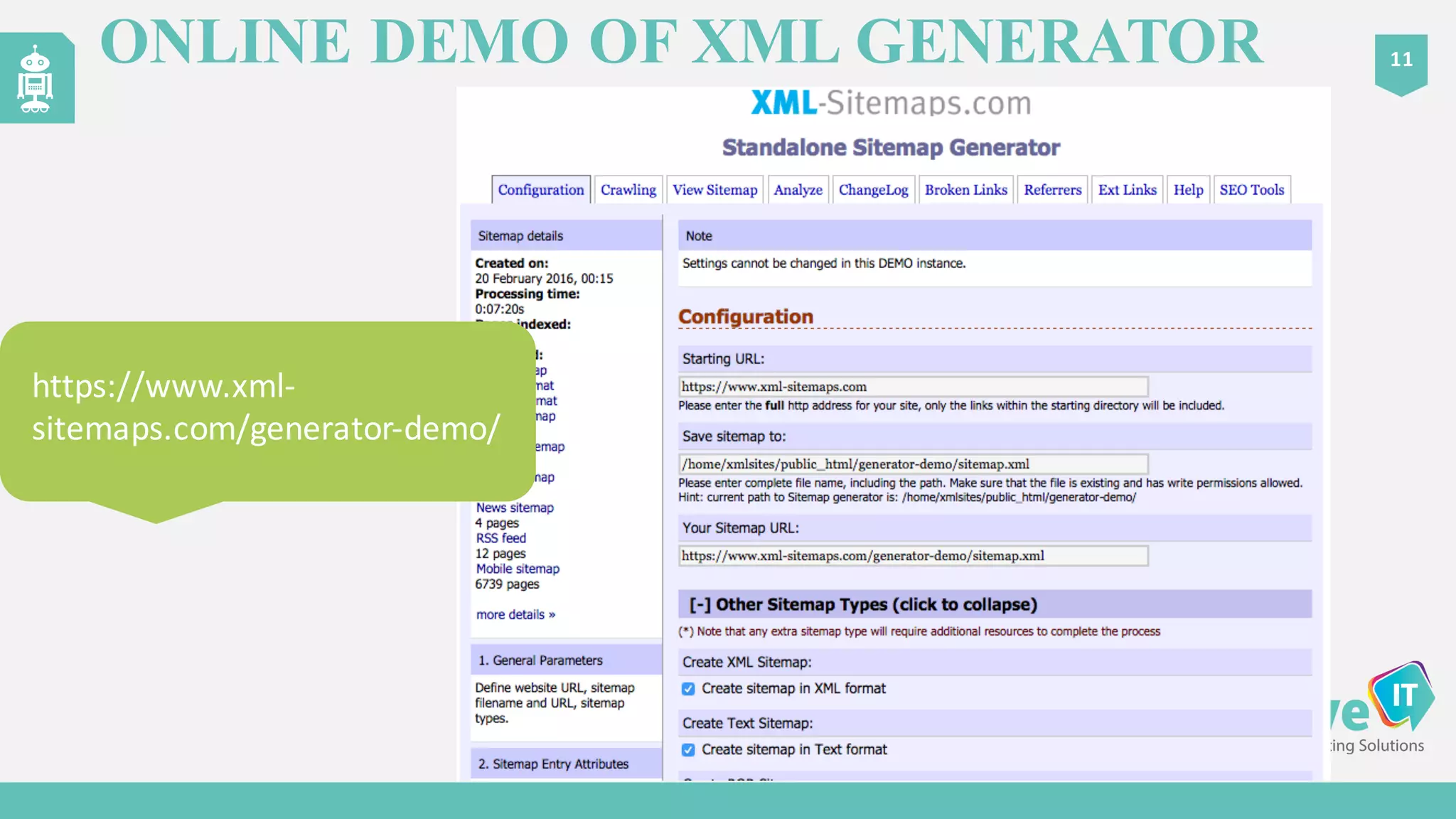
ONLINE DEMO OF XML GENERATOR 11
https://www.xml-­‐
sitemaps.com/gen
erator-­‐demo/
https://www.xml-­‐
sitemaps.com/generator-­‐demo/
1. Use	
  XML	
  sitemaps
2. Add	
  site	
  sections	
  (e.g.	
  categories)	
  as	
  profiles	
  in	
  Google	
  Search	
  Console	
   for	
  more	
  granularity
3. Keep	
  301	
  redirections	
  to	
  a	
  minimum
4. Use	
  regular	
  expressions	
   on	
  .htaccess files	
  to	
  implement	
  rules	
  and	
  reduce	
  crawl	
  lag
5. Look	
  out	
  for	
  redirect	
  chains
6. Look	
  out	
  for	
  infinite	
  loops	
  (spider	
  traps)
7. Check	
  URL	
  parameters	
  in	
  Google	
  Search	
  Console
8. Check	
  if	
  URLs	
  return	
  the	
  exact	
  same	
  content	
  and	
  choose	
  one	
  as	
  the	
  preferred	
  URL
9. Block	
  or	
  canonicalise duplicate	
  content
10. Use	
  absolute	
  versus	
  relative	
  URLs
11. Improve	
  site	
  speed
12. Use	
  front	
  facing	
  HTML	
  sitemaps	
  for	
  important	
  pages
13. Use	
  noindex on	
  pages	
  which	
  add	
  no	
  value	
  but	
  may	
  be	
  useful	
  for	
  visitors	
  to	
  traverse	
  your	
  site
14. Use	
  ‘if	
  modified’	
  headers	
  to	
  keep	
  Googlebot out	
  of	
  low	
  importance	
  pages
15. Build	
  server	
  log	
  analysis	
  into	
  your	
  regular	
  SEO	
  activities
03
15 THINGS YOU CAN DO
”WHEN	
  GOOGLEBOT	
  PLAYS	
  ‘SUPERMARKET	
  SWEEP’	
  YOU	
  WANT	
  TO	
  FILL	
  THE	
  
SHOPPING	
  TROLLEY	
  WITH	
  LUXURY	
  ITEMS”
Dawn	
  Anderson	
  @	
  dawnieando
REMEMBER

How to Optimize Your Website for Crawl Efficiency

  • 1.
  • 2.
    Indexed  Web  containsat  least  4.73  billion   pages (13/11/2015) 05 TOO MUCH CONTENT Total  number  of  websites 2000 2001 2002 2003 2004 2005 2006 2007 2008 2009 2010 2011 2012 2013 2014 1,000,000,000 750,000,000 500,000,000 250,000,000 SINCE  2013  THE  WEB  IS   THOUGHT  TO  HAVE   INCREASED  IN  SIZE  BY  1/3
  • 3.
    Capacity  limits   on  Google’s   crawling  system By  prioritising   URLs  for   crawling By  assigning   crawl  period   intervals  to  URLs How  have   search  engines   responded? By  creating  work   ‘schedules’  for   Googlebots 06 TOO MUCH CONTENT
  • 4.
    9  types  of   Googlebot THE KEY PERSONAS 02 SUPPORTING  ROLES Indexer  /   Ranking  Engine The  URL   Scheduler History  Logs Link  Logs Anchor  Logs LOOKING  AT  ‘PAST  DATA’
  • 5.
    ‘Ranks  nothing  at  all’ Takes  a  list  of  URLs  to  crawl  from  URL  Scheduler Job  varies  based  on  ‘bot’  type Runs  errands  &  makes  deliveries  for  the  URL  server,   indexer  /  ranking  engine  and  logs Makes  notes  of  outbound   linked  pages  and  additional   links  for  future  crawling Takes  notes  of  ‘hints’  from  URL  scheduler  when  crawling Tells  tales  of  URL  accessibility  status,  server  response   codes,  notes  relationships  between  links  and  collects   content  checksums  (binary  data  equivalent  of  web   content)  for  comparison  with  past  visits  by  history  and   link  logs 03 GOOGLEBOT’S JOBS
  • 6.
    04 ROLES – MAJORPLAYERS – A ‘BOSS’- URL SCHEDULER Think  of  it  as  Google’s   line  manager  or  ‘air   traffic  controller’  for   Googlebots in  the   web  crawling  system Schedules  Googlebot visits  to  URLs Decides  which  URLs  to  ‘feed’  to  Googlebot Uses  data  from  the  history  logs  about  past  visits Assigns  visit  regularity  of  Googlebot to  URLs Drops  ‘hints’  to  Googlebot to  guide  on  types  of  content  NOT  to   crawl  and  excludes  some  URLs  from  schedules Analyses  past  ‘change’  periods  and  predicts  future  ‘change’   periods  for  URLs  for  the  purposes  of  scheduling  Googlebot visits Checks  ‘page  importance’  in  scheduling  visits Assigns  URLs  to  ‘layers  /  tiers’  for  crawling  schedules
  • 7.
    Scheduler  checks  URLs   for  ‘importance’,  ‘boost   factor’  candidacy,   ‘probability  of   modification’ GOOGLEBOT’S BEEN PUT ON A URL CONTROLLED DIET 09 The  URL  Scheduler   controls  the  meal   planner Carefully  controls   the  list  of  URLs   Googlebot vits ‘Budgets’  are  allocated £
  • 8.
    CRAWL BUDGET –WHAT IS IT? 10 Roughly  proportionate  to  Page  Importance  (LinkEquity)   &  speed Pages  with  a  lot  of  healthy  links  get  crawled  more  (Can  include  internal  links??) Apportioned  by  the  URL  scheduler  to  Googlebots WHAT  IS  A  CRAWL  BUDGET?  -­‐ An  allocation  of  ‘crawl  visit  frequency’  apportioned  to  URLs  on  a  site But  there  are  other  factors  affecting  frequency  of  Googlebot visits  aside  from  importance  /  speed The  vast  majority  of  URLs  on  the  web  don’t  get  a  lot  of  budget  allocated  to  them
  • 9.
    Current  capacity  of  the  web  crawling  system  is  high Your  URL  is  ‘important’ Your  URL  changes  a  lot  with  critical  material  content   change Probability  and  predictability  of  critical  material  content   change  is  high  for  your  URL Your  website  speed  is  fast  and  Googlebot gets  the  time  to   visit  your  URL Your  URL  has  been  ‘upgraded’  to  a  daily  or  real  time  crawl   layer 12 POSITIVE FACTORS AFFECTING GOOGLEBOT VISIT FREQUENCY
  • 10.
    Current  capacity  of  web  crawling  system  is  low Your  URL  has  been  detected  as  a  ‘spam’  URL Your  URL  is  in  an  ‘inactive’  base  layer  segment Your  URLs  are  ‘tripping  hints’  built  into  the  system  to   detect  non-­‐critical  change  dynamic  content Probability  and  predictability  of  critical  material  content   change  is  low  for  your  URL Your  website  speed  is  slow  and  Googlebot doesn’t  get  the   time  to  visit  your  URL Your  URL  has  been  ‘downgraded’  to  an  ‘inactive’  base   layer  segment Your  URL  has  returned  an  ‘unreachable’  server  response   code  recently 13 NEGATIVE FACTORS AFFECTING GOOGLEBOT VISIT FREQUENCY
  • 11.
    FIND GOOGLEBOT 16 AUTOMATE  SERVER  LOG   RETRIEVAL  VIA  CRON  JOB grep Googlebot access_log >googlebot_access.txt
  • 12.
    LOOK THROUGH ‘SPIDEREYES’ VIA LOG ANALYSIS – ANALYSE GOOGLEBOT 17 PREPARE TO BE HORRIFIED Incorrect  URL  header  response  codes  (e.g.  302s) 301  redirect  chains Old  files  or  XML  sitemaps  left  on  server  from  years  ago Infinite/  endless  loops  (circular  dependency) On  parameter  driven  sites  URLs  crawled  which  produce  same  output URLs  generated  by  spammers Dead  image  files  being  visited Old  CSS  files  still  being  crawled  and  loading  legacy  images  e.g.
  • 13.
    SEARCH ENGINE VIEWEMULATOR 11 http://www.ovrdrv.com/search_view Lynx  Browser  -­‐ 4  options   to  view   through   search  engine  eyes,   human  eyes,  page  source  or   page  anlysis
  • 14.
    21 LOOK THROUGH ‘SPIDEREYES’ • GSC  Crawl  Stats • Google  Search  Console  (all  tools) • Deepcrawl • Screaming  Frog • Server  Log  Analysis • SEMRush (auditing  tools) • Webconfs (header  responses  /   similarity  checker) • Powermapper (birds  eye  view  of  site) • Search  Engine  View  Emulator
  • 15.
    18 FIX GOOGLEBOT’S JOURNEY SPEEDUP YOUR SITE TO ‘FEED’ GOOGLEGOT MORE TECHNICAL  ‘FIXES’       Speed  up  your  site Implement  compression,  minification,  caching ‘ Fix  incorrect  header  response  codes Fix  nonsensical  ‘infinite  loops’  generated  by   database  driven  parameters  or  ‘looping’  relative   URLs Use  absolute  versus  relative  internal  links Ensure  no  parts  of  content  is  blocked  from   crawlers  (e.g.  in  carousels,  concertinas  and   tabbed  content Ensure  no  css or  javascript files  are  blocked  from   crawlers Unpick  301  redirect  chains
  • 16.
    21 SPEED TOOLS SPEED• Yslow •Pingdom • Google  Page  Speed  Tests • Minificiation – JS  Compress  and  CSS   Minifier • Image  Compression  – Compressjpeg.com,  tinypng.com
  • 17.
    21 URL IMPORTANCE TOOLS URL  IMPORTANCE • GSC  Internal  links  Report  (URL   importance) • Link  Research  Tools  (Strongest  sub   pages  reports) • GSC  Internal  links  (add  site  categories   and  sections  as  additional  profiles) • Powermapper
  • 18.
    STOP YOURSELF ‘VOTING’ FORTHE WRONG INTERNAL LINKS IN YOUR SITE 22 ‘IT CANNOT BE EMPHASISED ENOUGH HOW IMPORTANT IT IS TO EMPHASISE IMPORTANCE’ Most Important Page 1 Most  Important  Page  2 Most  Important  Page  3
  • 19.
    ONLINE DEMO OFXML GENERATOR 11 https://www.xml-­‐ sitemaps.com/gen erator-­‐demo/ https://www.xml-­‐ sitemaps.com/generator-­‐demo/
  • 20.
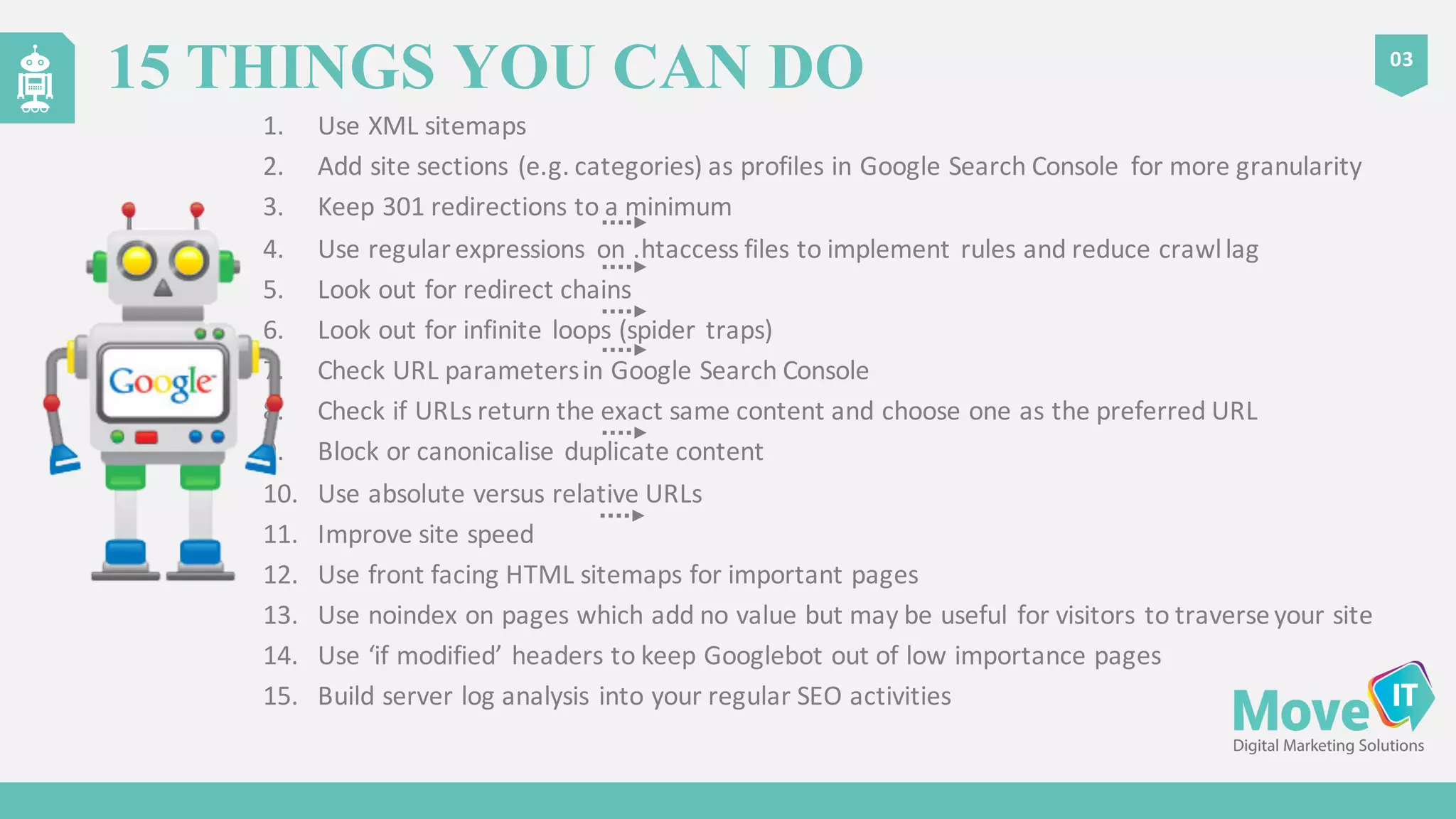
    1. Use  XML  sitemaps 2. Add  site  sections  (e.g.  categories)  as  profiles  in  Google  Search  Console   for  more  granularity 3. Keep  301  redirections  to  a  minimum 4. Use  regular  expressions   on  .htaccess files  to  implement  rules  and  reduce  crawl  lag 5. Look  out  for  redirect  chains 6. Look  out  for  infinite  loops  (spider  traps) 7. Check  URL  parameters  in  Google  Search  Console 8. Check  if  URLs  return  the  exact  same  content  and  choose  one  as  the  preferred  URL 9. Block  or  canonicalise duplicate  content 10. Use  absolute  versus  relative  URLs 11. Improve  site  speed 12. Use  front  facing  HTML  sitemaps  for  important  pages 13. Use  noindex on  pages  which  add  no  value  but  may  be  useful  for  visitors  to  traverse  your  site 14. Use  ‘if  modified’  headers  to  keep  Googlebot out  of  low  importance  pages 15. Build  server  log  analysis  into  your  regular  SEO  activities 03 15 THINGS YOU CAN DO
  • 21.
    ”WHEN  GOOGLEBOT  PLAYS  ‘SUPERMARKET  SWEEP’  YOU  WANT  TO  FILL  THE   SHOPPING  TROLLEY  WITH  LUXURY  ITEMS” Dawn  Anderson  @  dawnieando REMEMBER