GETTING STARTED WITH TWITTER
DENNIS SHIAO (@DSHIAO)
08.14.2013
1) DEFINE GOALS
Answer the “why question” first.
Goals may include:
 Have fun
 Follow favorite celebrities
 Find recipes
 Keep up with breaking news
 Build your personal brand
 Market your small business
 Market your corporate business
 Find deals while traveling
 Follow hobbies (sports, collecting, etc.)
Subsequent steps in this process will depend upon your defined
goals.
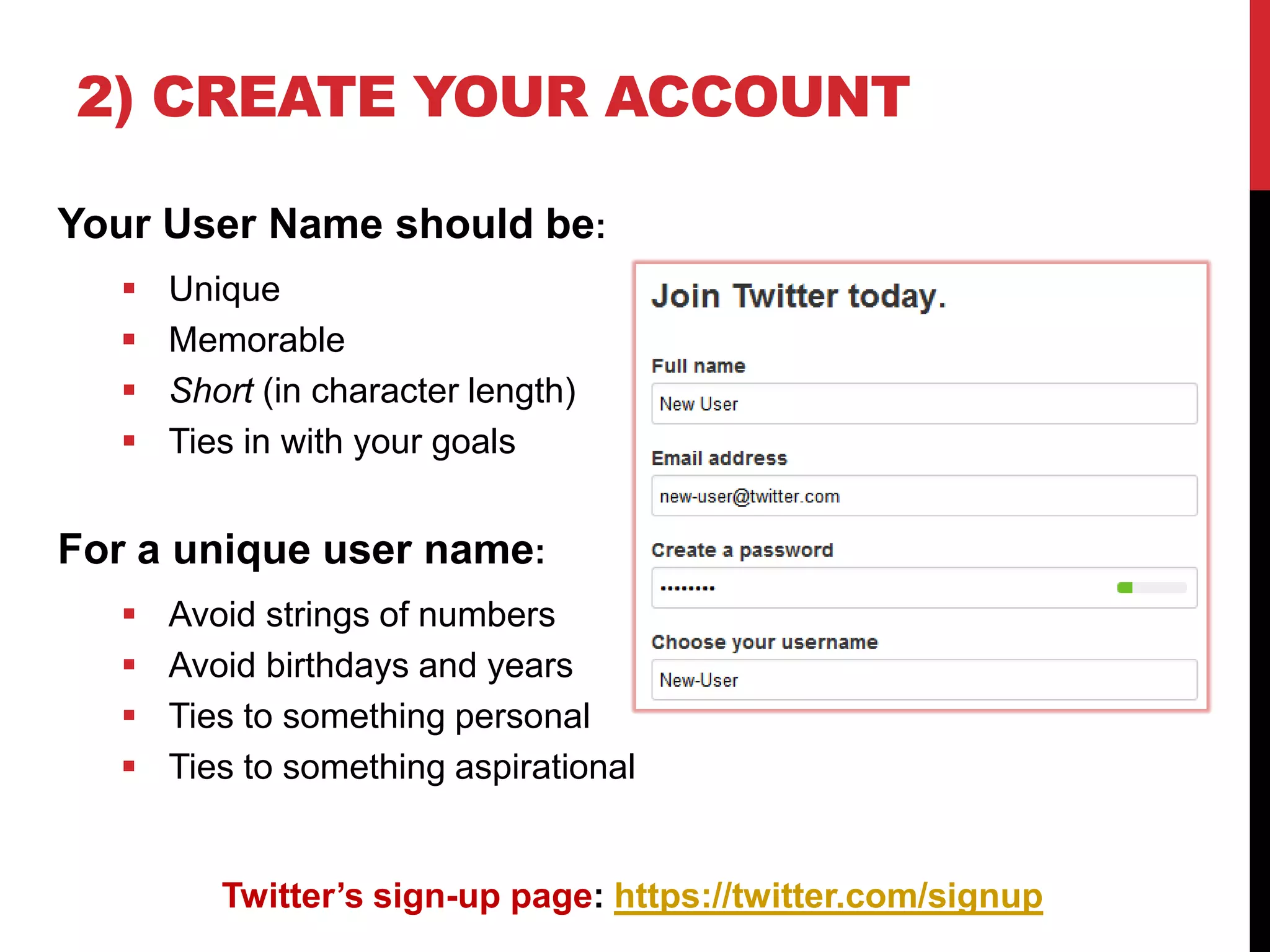
2) CREATE YOUR ACCOUNT
Your User Name should be:
 Unique
 Memorable
 Short (in character length)
 Ties in with your goals
For a unique user name:
 Avoid strings of numbers
 Avoid birthdays and years
 Ties to something personal
 Ties to something aspirational
Twitter’s sign-up page: https://twitter.com/signup
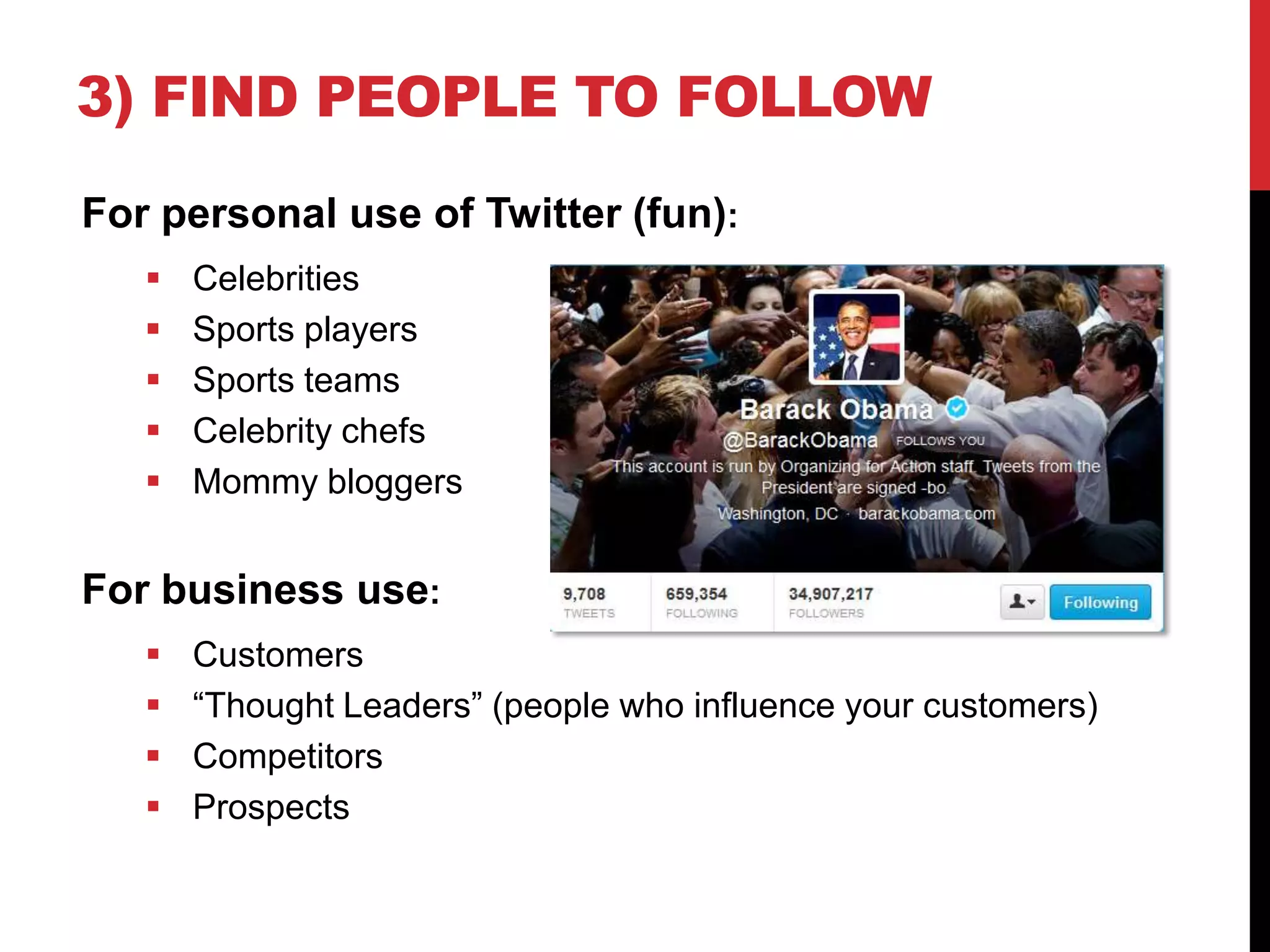
3) FIND PEOPLE TO FOLLOW
For personal use of Twitter (fun):
 Celebrities
 Sports players
 Sports teams
 Celebrity chefs
 Mommy bloggers
For business use:
 Customers
 “Thought Leaders” (people who influence your customers)
 Competitors
 Prospects
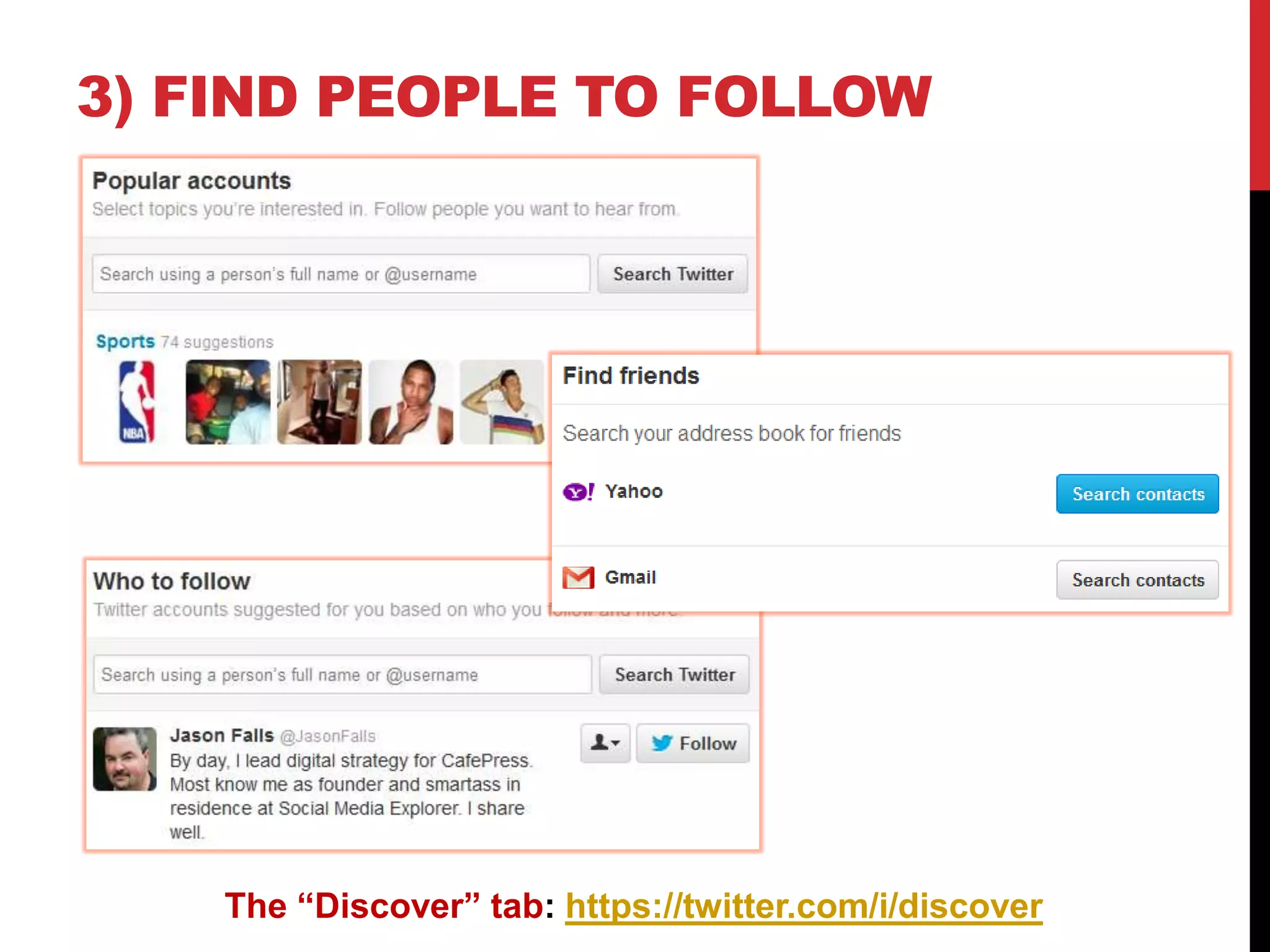
3) FIND PEOPLE TO FOLLOW
The “Discover” tab: https://twitter.com/i/discover
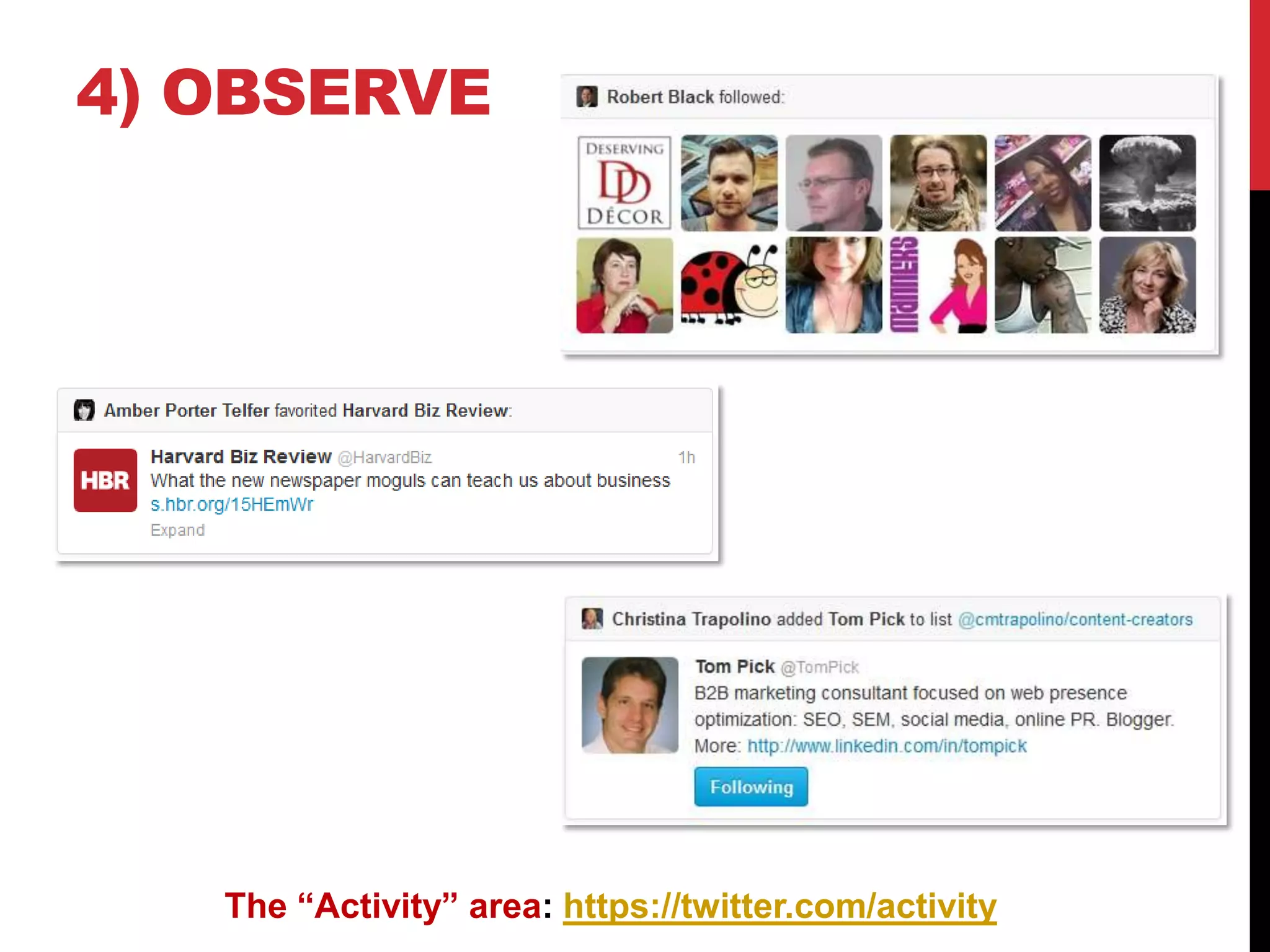
4) OBSERVE
The “Activity” area: https://twitter.com/activity
5) “TWEET” (PUBLISH)
Strive to be:
 Useful
 Helpful
 Insightful
How to tweet:
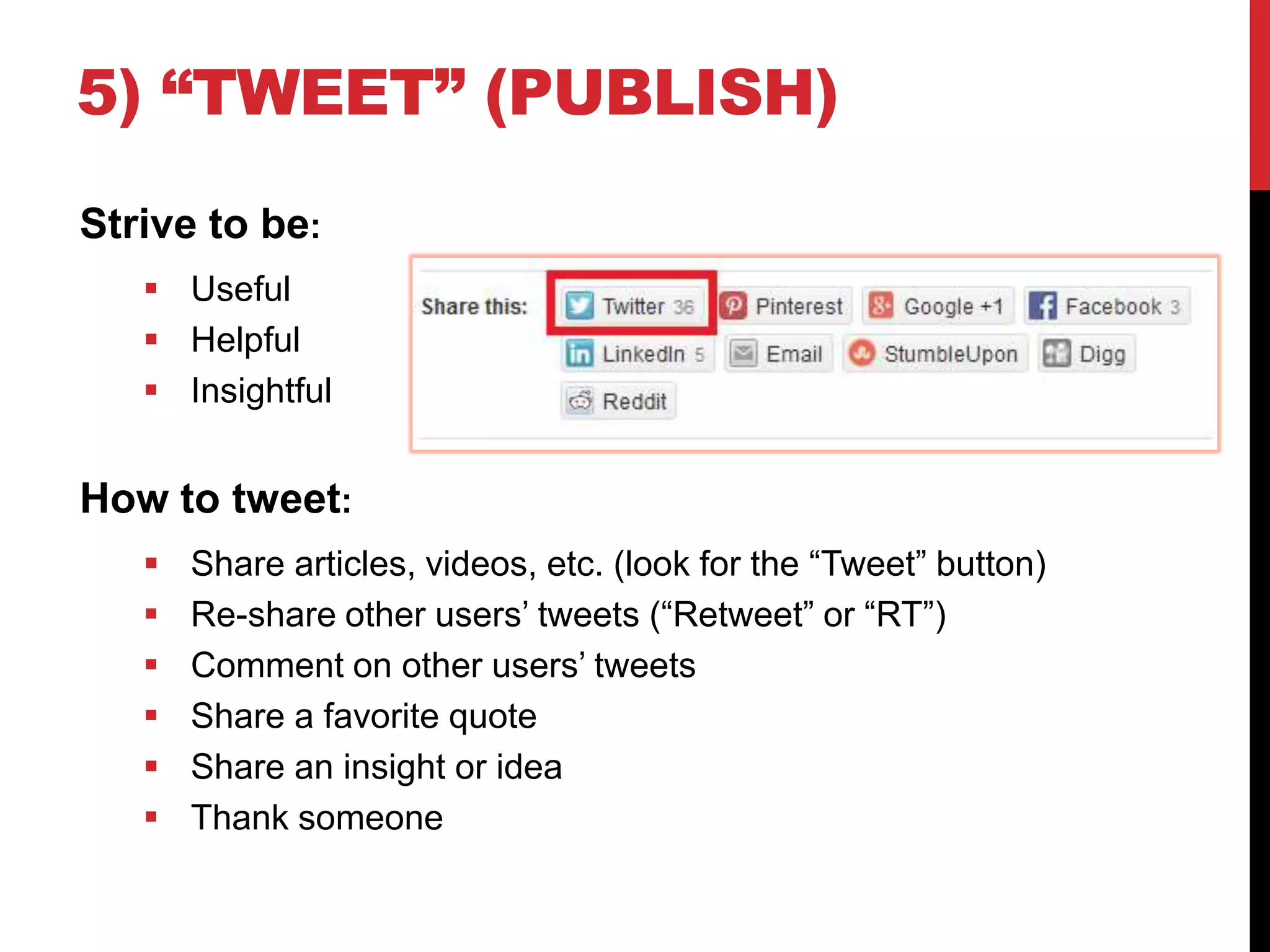
 Share articles, videos, etc. (look for the “Tweet” button)
 Re-share other users’ tweets (“Retweet” or “RT”)
 Comment on other users’ tweets
 Share a favorite quote
 Share an insight or idea
 Thank someone
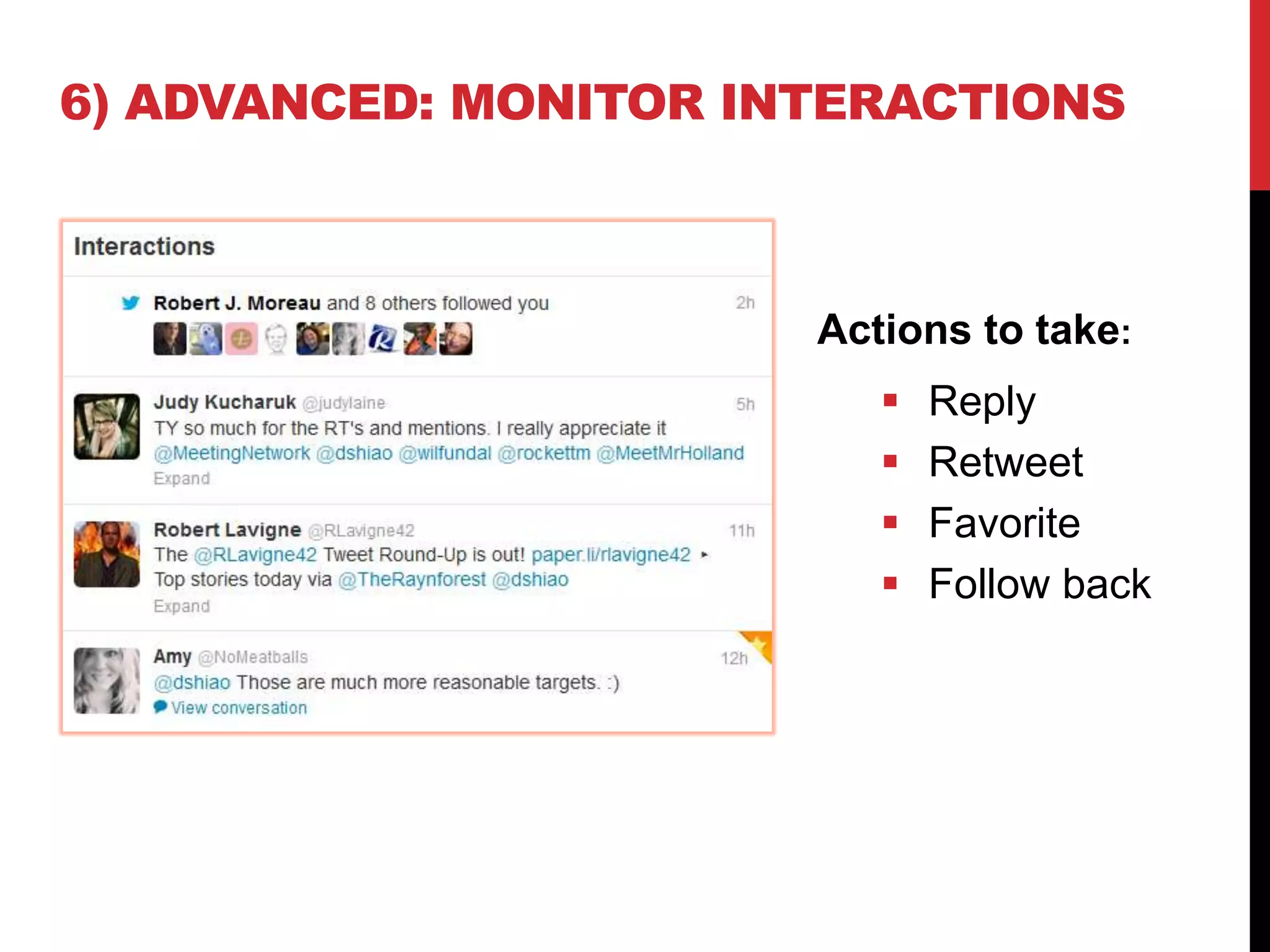
6) ADVANCED: MONITOR INTERACTIONS
Actions to take:
 Reply
 Retweet
 Favorite
 Follow back
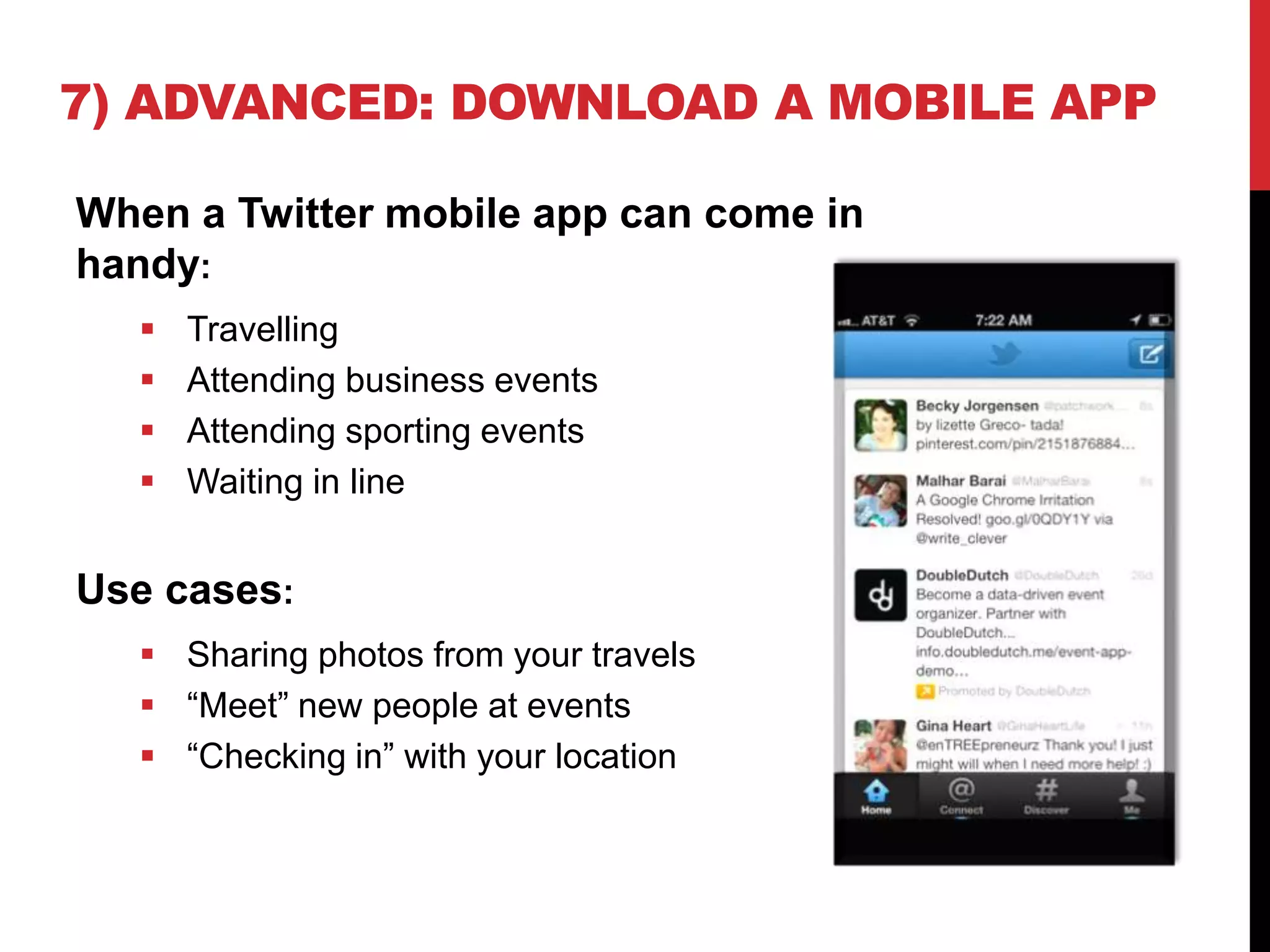
7) ADVANCED: DOWNLOAD A MOBILE APP
When a Twitter mobile app can come in
handy:
 Travelling
 Attending business events
 Attending sporting events
 Waiting in line
Use cases:
 Sharing photos from your travels
 “Meet” new people at events
 “Checking in” with your location
PROGRAM INFORMATION
Presented to The Workforce Show, August 14, 2013.
To listen to the radio program:
http://www.soundcloud/TheWorkforceShow
Tune in to The Workforce Show, WCEM 1240 AM and
www.mtslive.com, Tuesday and Wednesday noon to 1
PM ET
CONTACT DENNIS
 Email: dshiao@yahoo.com
 Twitter: @dshiao (personal) or @DNNCorp
(employer)
 Blog: http://allvirtual.me

How to Get Started with Twitter

  • 1.
    GETTING STARTED WITHTWITTER DENNIS SHIAO (@DSHIAO) 08.14.2013
  • 2.
    1) DEFINE GOALS Answerthe “why question” first. Goals may include:  Have fun  Follow favorite celebrities  Find recipes  Keep up with breaking news  Build your personal brand  Market your small business  Market your corporate business  Find deals while traveling  Follow hobbies (sports, collecting, etc.) Subsequent steps in this process will depend upon your defined goals.
  • 3.
    2) CREATE YOURACCOUNT Your User Name should be:  Unique  Memorable  Short (in character length)  Ties in with your goals For a unique user name:  Avoid strings of numbers  Avoid birthdays and years  Ties to something personal  Ties to something aspirational Twitter’s sign-up page: https://twitter.com/signup
  • 4.
    3) FIND PEOPLETO FOLLOW For personal use of Twitter (fun):  Celebrities  Sports players  Sports teams  Celebrity chefs  Mommy bloggers For business use:  Customers  “Thought Leaders” (people who influence your customers)  Competitors  Prospects
  • 5.
    3) FIND PEOPLETO FOLLOW The “Discover” tab: https://twitter.com/i/discover
  • 6.
    4) OBSERVE The “Activity”area: https://twitter.com/activity
  • 7.
    5) “TWEET” (PUBLISH) Striveto be:  Useful  Helpful  Insightful How to tweet:  Share articles, videos, etc. (look for the “Tweet” button)  Re-share other users’ tweets (“Retweet” or “RT”)  Comment on other users’ tweets  Share a favorite quote  Share an insight or idea  Thank someone
  • 8.
    6) ADVANCED: MONITORINTERACTIONS Actions to take:  Reply  Retweet  Favorite  Follow back
  • 9.
    7) ADVANCED: DOWNLOADA MOBILE APP When a Twitter mobile app can come in handy:  Travelling  Attending business events  Attending sporting events  Waiting in line Use cases:  Sharing photos from your travels  “Meet” new people at events  “Checking in” with your location
  • 10.
    PROGRAM INFORMATION Presented toThe Workforce Show, August 14, 2013. To listen to the radio program: http://www.soundcloud/TheWorkforceShow Tune in to The Workforce Show, WCEM 1240 AM and www.mtslive.com, Tuesday and Wednesday noon to 1 PM ET
  • 11.
    CONTACT DENNIS  Email:dshiao@yahoo.com  Twitter: @dshiao (personal) or @DNNCorp (employer)  Blog: http://allvirtual.me