HOW TO USE
Created By: Reginald Wadwadan
Email: reginaldwadwadan@yahoo.com
Canva is a free 
graphic-design 
tool
 Loaded with 
enough easy-to-
use features
To help you 
create amazing 
designs
Like a graphics 
master.
So are you ready?
Let’s first create 
an account.
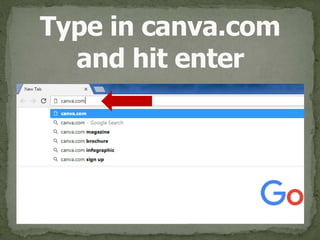
Open your web 
browser
Type in canva.com 
and hit enter
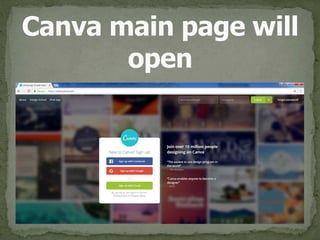
Canva main page will 
open
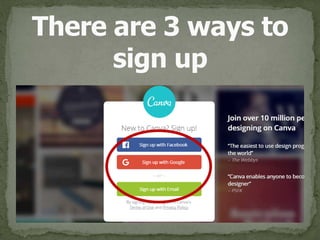
There are 3 ways to 
sign up
First is Signing Up 
using Facebook.
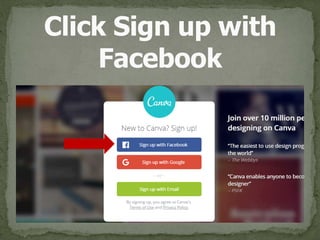
Click Sign up with 
Facebook
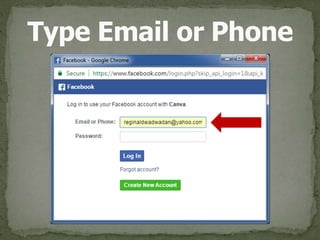
Type Email or Phone
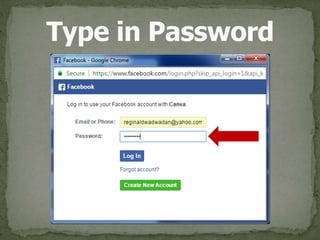
Type in Password
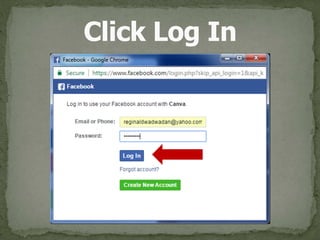
Click Log In
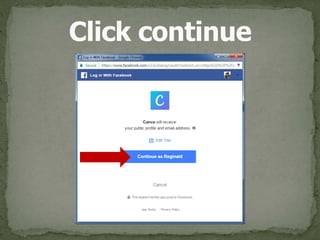
Click continue
Second is Signing 
Up using Google.
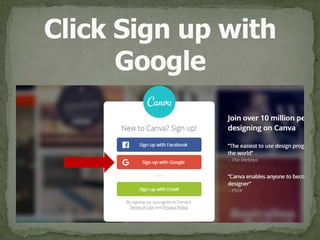
Click Sign up with 
Google
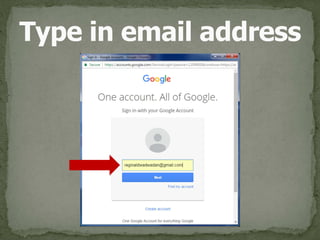
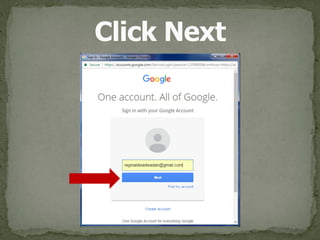
Type in email address
Click Next
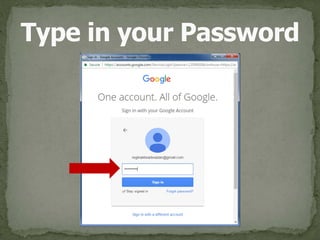
Type in your Password
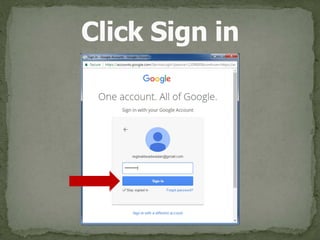
Click Sign in
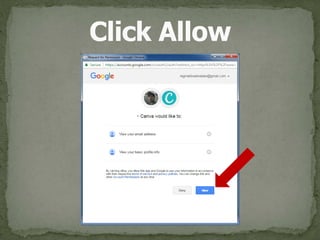
Click Allow
Third is Signing 
Up using email.
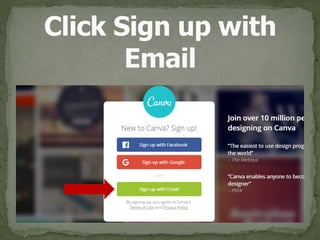
Click Sign up with 
Email
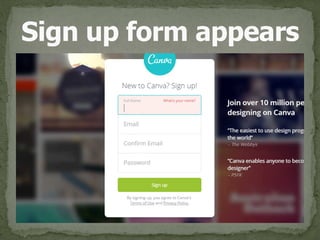
Sign up form appears
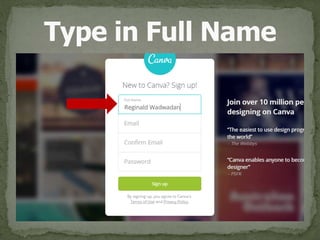
Type in Full Name
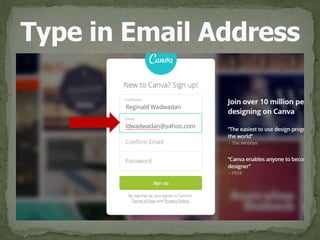
Type in Email Address
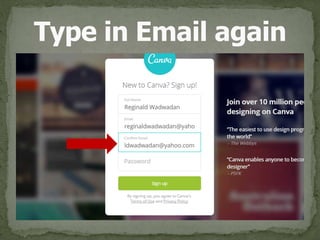
Type in Email again
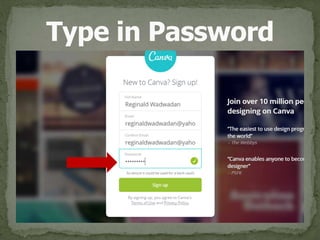
Type in Password
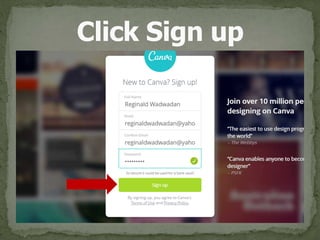
Click Sign up
I signed up using 
Gmail for this 
tutorial.
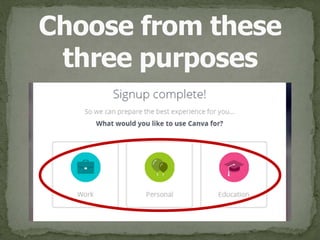
Choose from these 
three purposes
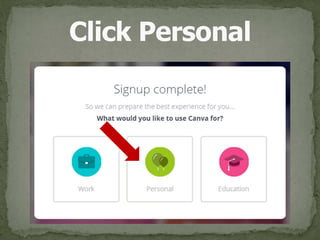
Click Personal
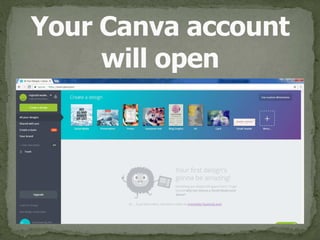
Your Canva account 
will open
Congratulations! 
You’ve just 
created a Canva 
account.
Ok, so let’s try 
creating 
Facebook post for 
this tutorial.
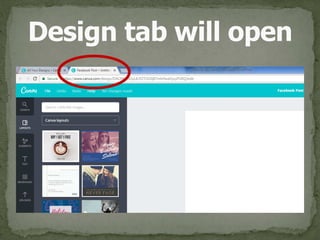
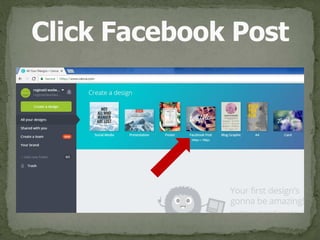
Click Facebook Post
Design tab will open
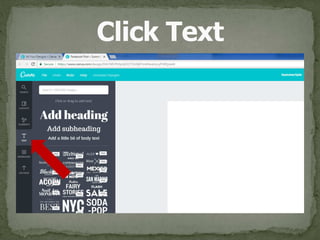
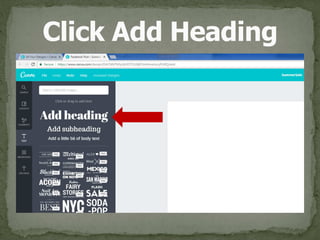
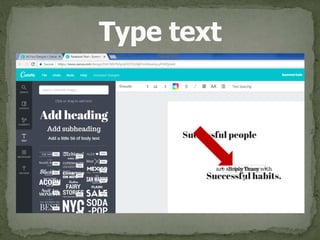
Click Text
Click Add Heading
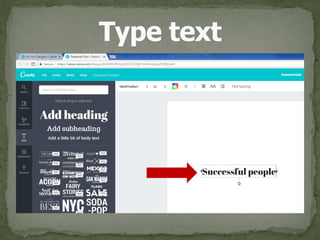
Type text
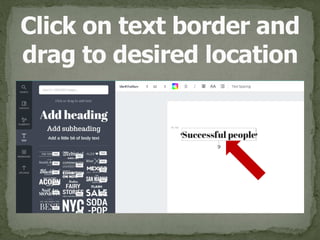
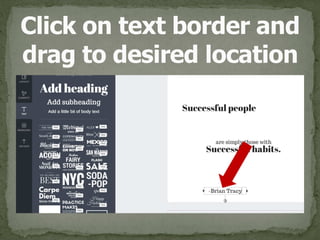
Click on text border and 
drag to desired location
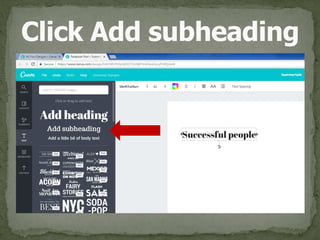
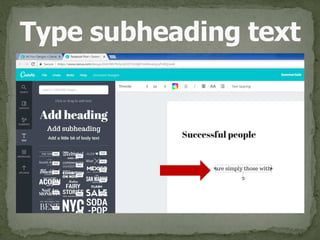
Click Add subheading
Type subheading text
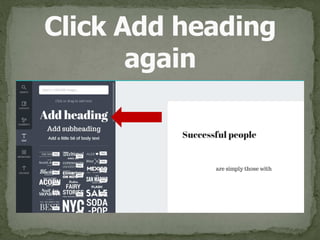
Click Add heading 
again
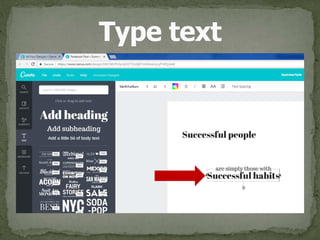
Type text
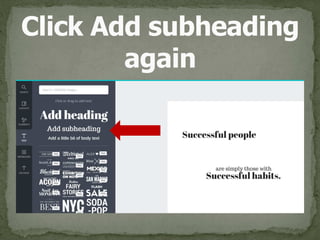
Click Add subheading 
again
Type text
Click on text border and 
drag to desired location
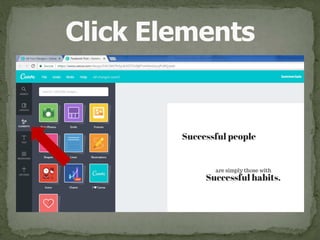
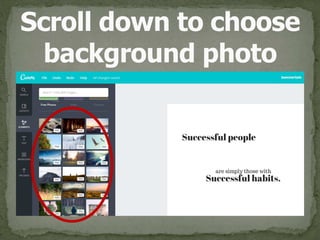
Click Elements
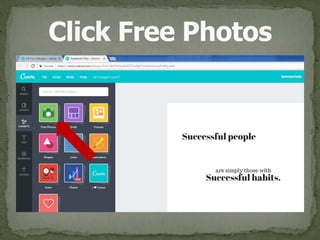
Click Free Photos
Scroll down to choose 
background photo
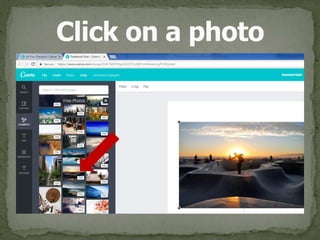
Click on a photo
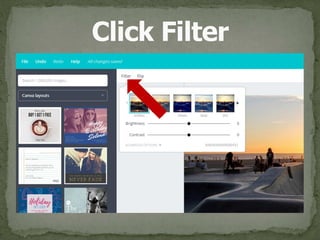
Click Filter
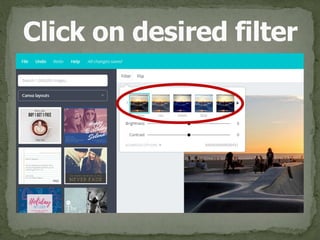
Click on desired filter
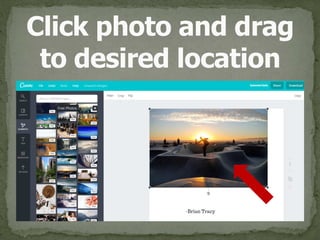
Click photo and drag 
to desired location
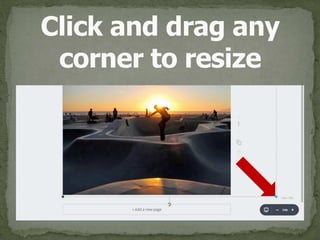
Click and drag any 
corner to resize
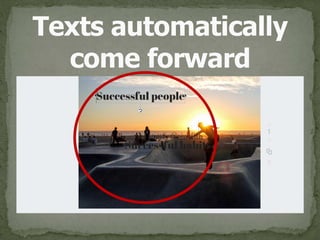
Texts automatically 
come forward
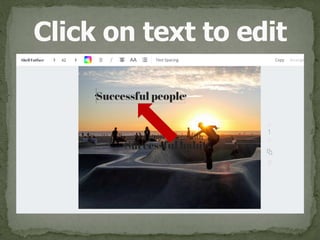
Click on text to edit
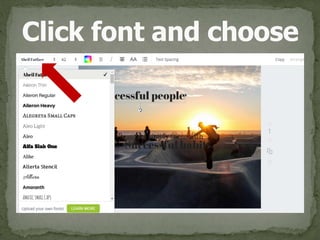
Click font and choose
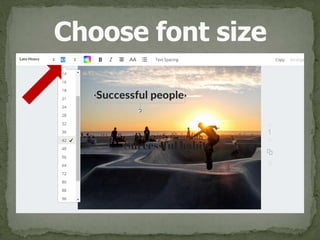
Choose font size
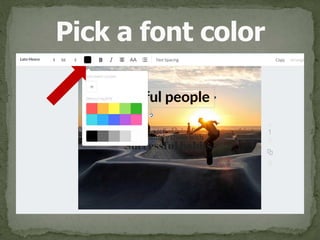
Pick a font color
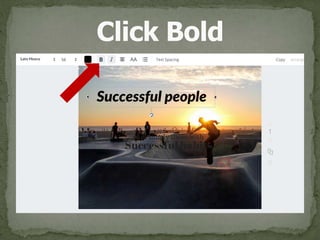
Click Bold
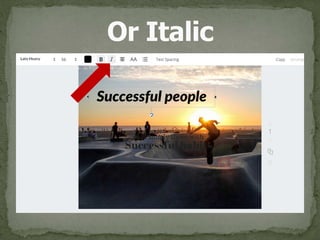
Or Italic
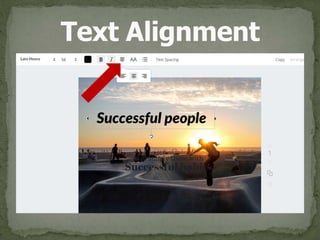
Text Alignment
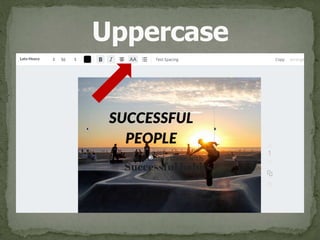
Uppercase
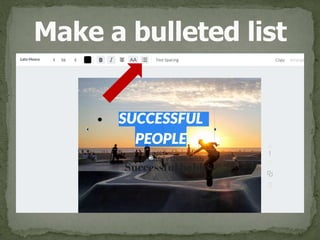
Make a bulleted list
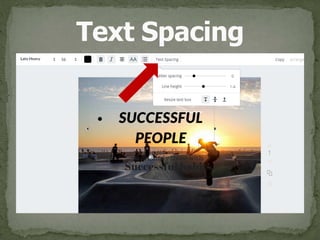
Text Spacing
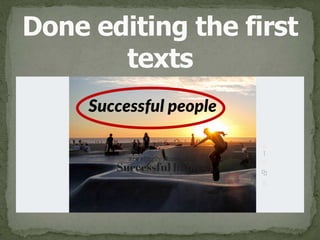
Done editing the first 
texts
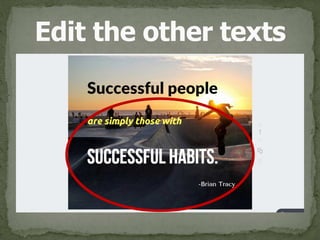
Edit the other texts
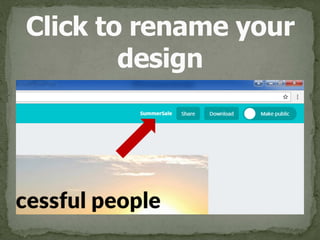
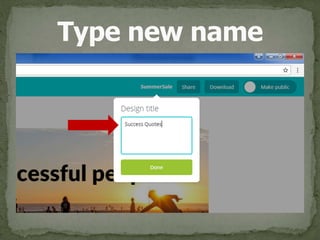
Click to rename your 
design
Type new name
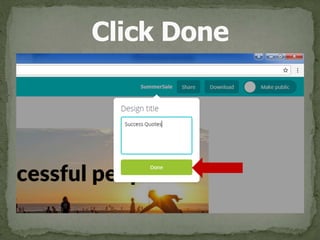
Click Done
No need to worry 
about saving your 
design,
Every move is 
saved 
automatically.
So, how to share 
your design?
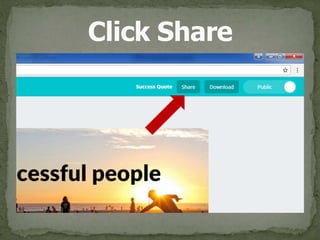
Click Share
There are 3 ways 
to share.
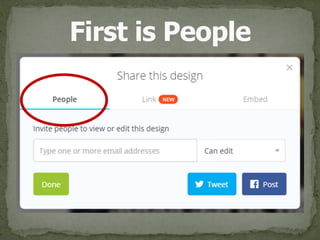
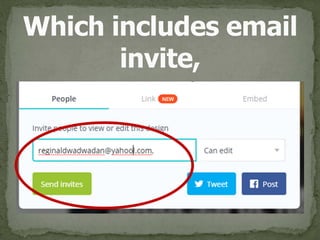
First is People
Which includes email 
invite,
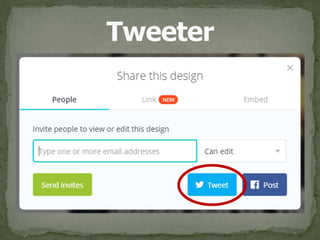
Tweeter
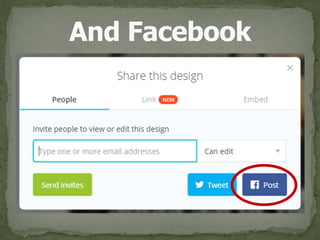
And Facebook
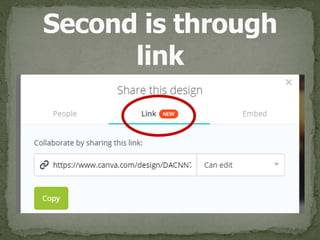
Second is through 
link
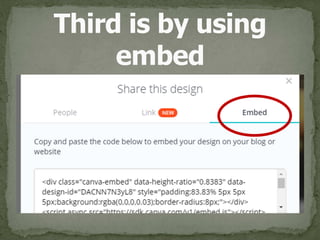
Third is by using 
embed
Let’s just share 
on Facebook
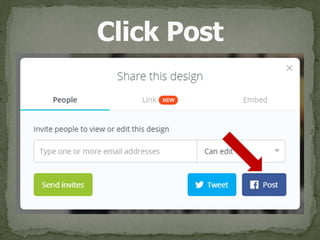
Click Post
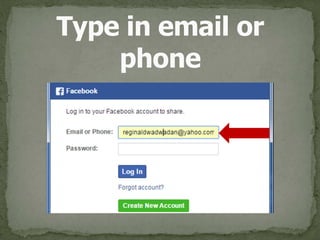
Type in email or 
phone
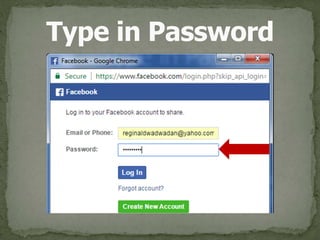
Type in Password
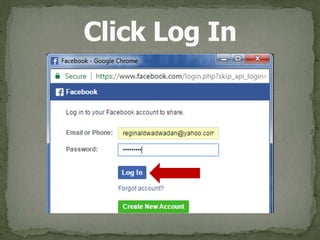
Click Log In
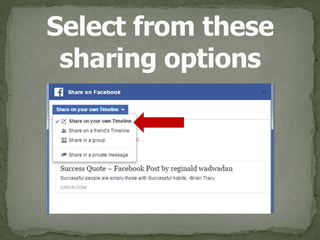
Select from these 
sharing options
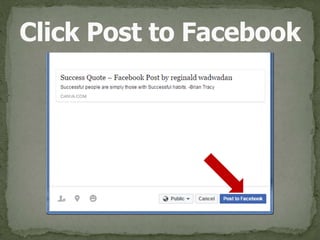
Click Post to Facebook
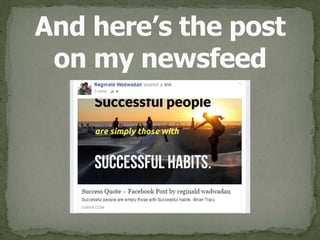
And here’s the post 
on my newsfeed
How to 
download?
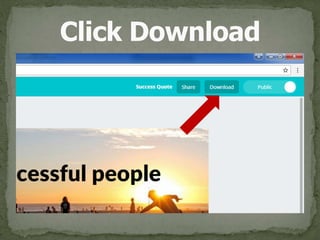
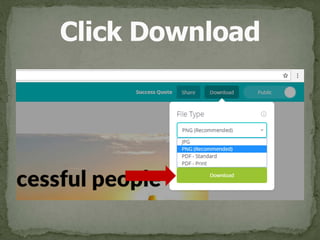
Click Download
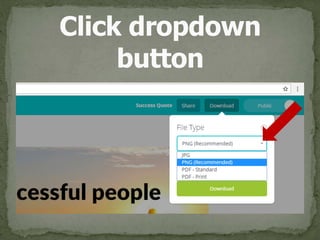
Click dropdown 
button
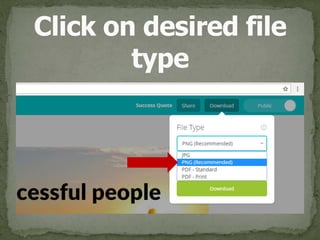
Click on desired file 
type
Click Download
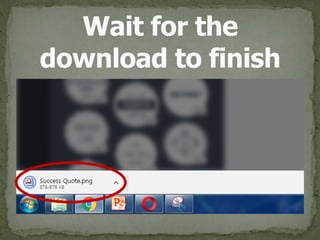
Wait for the 
download to finish
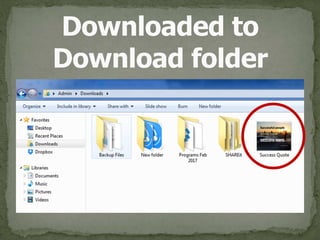
Downloaded to 
Download folder
Enjoy creating awesome graphics easily with
Congratulations!

How to use Canva