HOW TO
BUILD A
KICKASS
UX FOR
YOUR
PRODUCT
Andy Milsom
Founder & Creative Director, Human
https://www.usertesting.com/blog/ui-vs-ux/
“
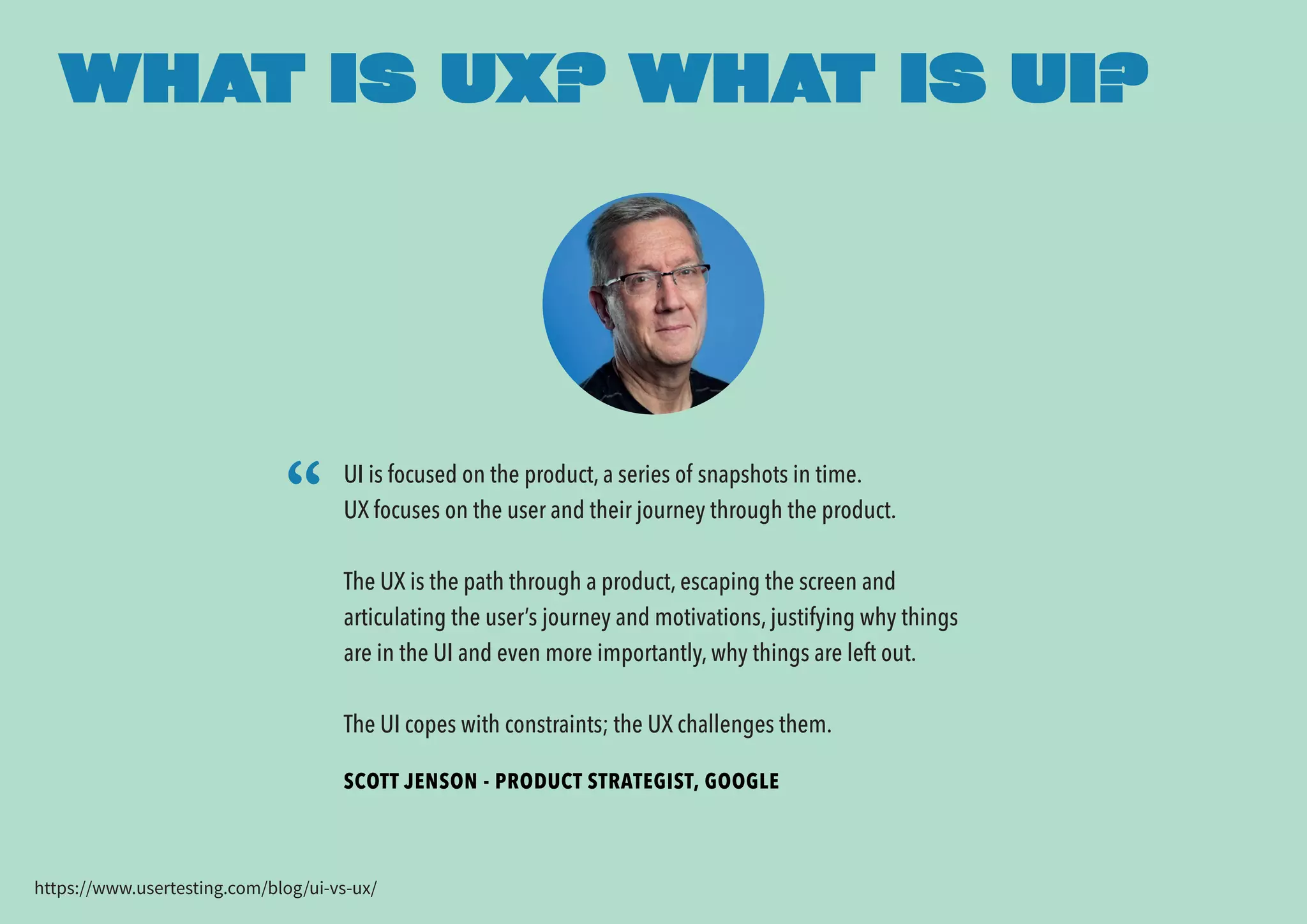
SCOTT JENSON - PRODUCT STRATEGIST, GOOGLE
WHAT IS UX? WHAT IS UI?
UI is focused on the product, a series of snapshots in time.
UX focuses on the user and their journey through the product.
The UX is the path through a product, escaping the screen and
articulating the user’s journey and motivations, justifying why things
are in the UI and even more importantly, why things are left out.
The UI copes with constraints; the UX challenges them.
WIRE
FRAMING
IS NOT UX!
FOCUS ON THE
JOURNEY
As Scott points out UX focusses on journeys, typically a journey
towards an endpoint whereby the user will complete a task with a
positive result.
This is a task that the user wants to do.They have defined the task
themselves.You need to build the journey around their needs &
expectations.
Consider the entire customer journey - your product may only fit into
part of it - you’ll need to understand how it fits.
UX IS A STRATEGY
UX is about understanding human behaviour.
We need to understand the user, what their problems are, what the
tasks they want to complete are; and help them to complete them.
Discover the needs & desires of your customers, their habits, what
they want to achieve from your product & how they will use it.
And then use these insights to shape your product.
UNDERSTAND
INTENT
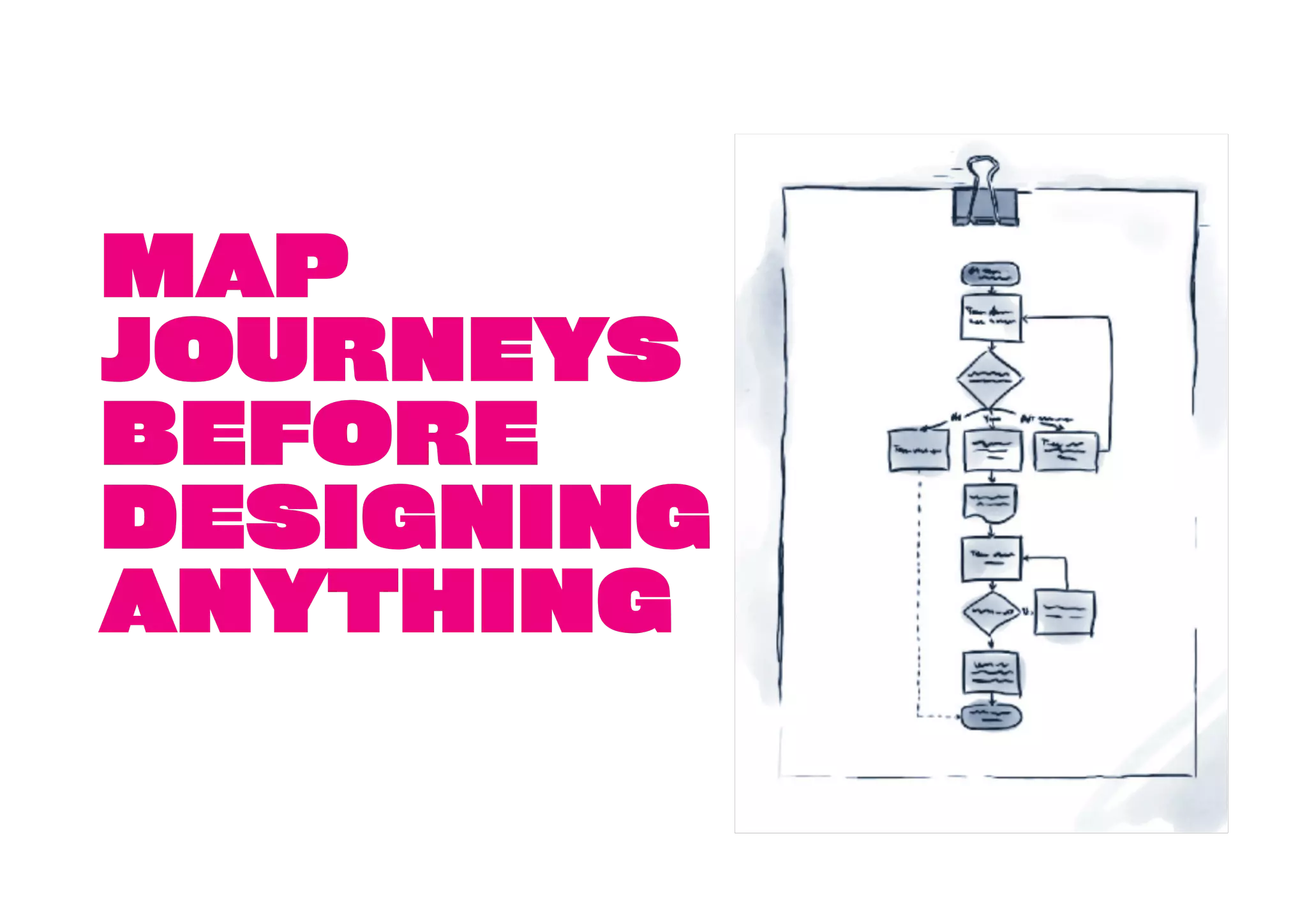
MAP
JOURNEYS
BEFORE
DESIGNING
ANYTHING
MOST UX
DESIGNERS
DON’T REALLY
UNDERSTAND
UX
So your developer doesn’t have much chance of getting it right!
Hire someone who thinks strategically to do initial user research, product
planning & user journey mapping - then bring in a designer to work on the UI.
Testing early lo-fi wireframes is a great way to understand usability.
A hi-fi prototype looks & feels like a finished product will generate
much stronger feedback around your brand & concept - people will
engage better than with wireframes.
Show it to your audience (not your mum).
Listen & learn from who you show it to.You’ll get feedback to iterate
and improve before going into dev.You’re also likely to uncover ideas
for your product that you hadn’t thought of!
BUILD & VALIDATE A
PROTOTYPE
Don’t just look to validate what you think is right.You won’t learn
and improve... you’ll only justify your ideas.
Look for patterns. One person’s comment is just that. Group
validation is key.
Make sure you find out why people are reacting and using your
prototype the way they are. It will give you a deeper understanding
of user expectations & usage patterns.
Be prepared for failure!
BUT... BE CAREFUL
WITH FEEDBACK
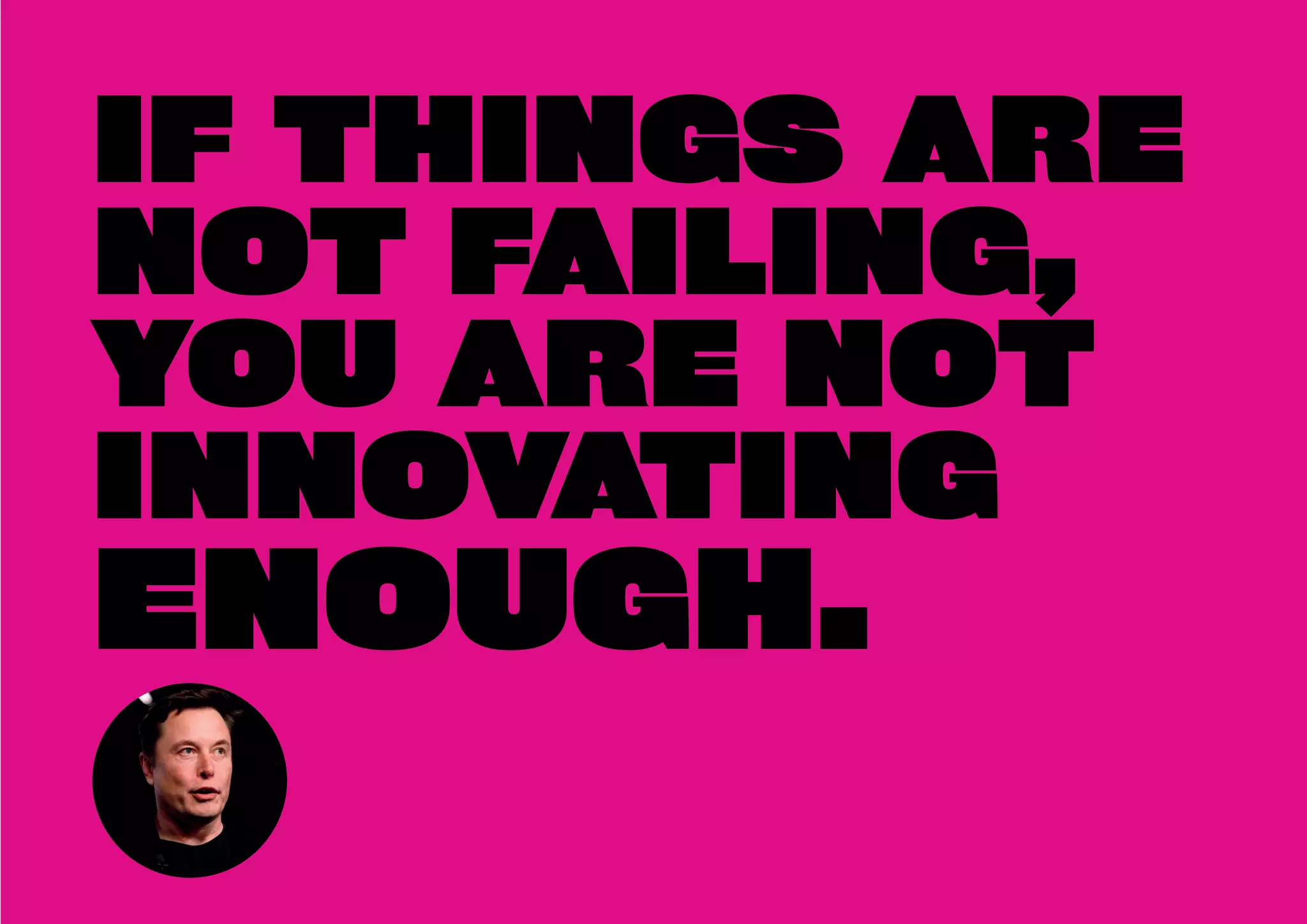
IF THINGS ARE
NOT FAILING,
YOU ARE NOT
INNOVATING
ENOUGH.
WITH A VALIDATED
PROTOTYPE,
EFFICIENT
JOURNEYS & AN
AWESOME UI... YOU
CAN CONFIDENTLY
GO INTO
DEVELOPMENT
It’s best not to develop any of the front end of your product before you’ve done this,
otherwise you likely double up on work.
DON’T JUST STOP
AFTER LAUNCH.
THERE’S
ALWAYS
ROOM FOR
IMPROVEMENT.
Get feedback from paying customers online (Hotjar surveys)
Plan and run split tests to optimise major and micro elements.
Optimise for mobile.The mobile revolution is here!
TEST, ITERATE,
OPTIMISE
THANK YOU
andy@discoverhuman.co.uk
@andrew_milsom

How to Build a Kickass UX For Your Product

  • 1.
    HOW TO BUILD A KICKASS UXFOR YOUR PRODUCT Andy Milsom Founder & Creative Director, Human
  • 2.
    https://www.usertesting.com/blog/ui-vs-ux/ “ SCOTT JENSON -PRODUCT STRATEGIST, GOOGLE WHAT IS UX? WHAT IS UI? UI is focused on the product, a series of snapshots in time. UX focuses on the user and their journey through the product. The UX is the path through a product, escaping the screen and articulating the user’s journey and motivations, justifying why things are in the UI and even more importantly, why things are left out. The UI copes with constraints; the UX challenges them.
  • 3.
  • 4.
    FOCUS ON THE JOURNEY AsScott points out UX focusses on journeys, typically a journey towards an endpoint whereby the user will complete a task with a positive result. This is a task that the user wants to do.They have defined the task themselves.You need to build the journey around their needs & expectations. Consider the entire customer journey - your product may only fit into part of it - you’ll need to understand how it fits.
  • 5.
    UX IS ASTRATEGY UX is about understanding human behaviour. We need to understand the user, what their problems are, what the tasks they want to complete are; and help them to complete them. Discover the needs & desires of your customers, their habits, what they want to achieve from your product & how they will use it. And then use these insights to shape your product.
  • 6.
  • 7.
  • 8.
    MOST UX DESIGNERS DON’T REALLY UNDERSTAND UX Soyour developer doesn’t have much chance of getting it right! Hire someone who thinks strategically to do initial user research, product planning & user journey mapping - then bring in a designer to work on the UI.
  • 9.
    Testing early lo-fiwireframes is a great way to understand usability. A hi-fi prototype looks & feels like a finished product will generate much stronger feedback around your brand & concept - people will engage better than with wireframes. Show it to your audience (not your mum). Listen & learn from who you show it to.You’ll get feedback to iterate and improve before going into dev.You’re also likely to uncover ideas for your product that you hadn’t thought of! BUILD & VALIDATE A PROTOTYPE
  • 10.
    Don’t just lookto validate what you think is right.You won’t learn and improve... you’ll only justify your ideas. Look for patterns. One person’s comment is just that. Group validation is key. Make sure you find out why people are reacting and using your prototype the way they are. It will give you a deeper understanding of user expectations & usage patterns. Be prepared for failure! BUT... BE CAREFUL WITH FEEDBACK
  • 11.
    IF THINGS ARE NOTFAILING, YOU ARE NOT INNOVATING ENOUGH.
  • 12.
    WITH A VALIDATED PROTOTYPE, EFFICIENT JOURNEYS& AN AWESOME UI... YOU CAN CONFIDENTLY GO INTO DEVELOPMENT It’s best not to develop any of the front end of your product before you’ve done this, otherwise you likely double up on work.
  • 13.
    DON’T JUST STOP AFTERLAUNCH. THERE’S ALWAYS ROOM FOR IMPROVEMENT.
  • 14.
    Get feedback frompaying customers online (Hotjar surveys) Plan and run split tests to optimise major and micro elements. Optimise for mobile.The mobile revolution is here! TEST, ITERATE, OPTIMISE
  • 15.