SQLintersection
High Availability/Disaster Recovery 101
Glenn Berry
glenn@sqlskills.com
© SQLintersection. All rights reserved.
http://www.SQLintersection.com
Glenn Berry
▪ Consultant/Trainer/Speaker/Author
▪ Principal Consultant, SQLskills.com
 Blog: http://www.SQLskills.com/blogs/Glenn
 Twitter: @GlennAlanBerry
 Regular presenter at worldwide conferences on hardware, scalability, and DMV queries
 Author of SQL Server Hardware
 Chapter author of Professional SQL Server 2012 Internals and Troubleshooting
 Chapter author of MVP Deep Dives Volumes 1 and 2
▪ Instructor-led training: Immersion Events
▪ Online training: http://pluralsight.com/
▪ Consulting: health checks, hardware, performance, upgrades
© SQLintersection. All rights reserved.
http://www.SQLintersection.com
▪ Team of world-renowned SQL Server experts:
 Paul S. Randal (@PaulRandal)
 Glenn Berry (@GlennAlanBerry)
 Jonathan Kehayias (@SQLPoolBoy)
▪ Instructor-led training: Immersion Events and onsite
▪ Online training: https://www.pluralsight.com/
▪ Consulting: health checks, hardware, performance, upgrades
▪ Remote DBA: system monitoring and troubleshooting
▪ Conferences: PASS Summit, SQLintersection
 Kimberly L. Tripp (@KimberlyLTripp)
 Erin Stellato (@ErinStellato)
 Tim Radney (@TRadney)
© SQLintersection. All rights reserved.
http://www.SQLintersection.com
2019 Classes and Services
▪ 2019 classes in Chicago (April/May)
 IEPTO1/2: Immersion Events on Performance Tuning – Parts 1 and 2
 IE0: Accidental/Junior DBA
 IEAzure: Azure SQL Database, Azure VMs, And Azure MI
 IEPowerBI: PowerBI, PowerBI Report Server, SSRS
 IEUpgrade: Upgrading/Migrating to SQL Server 2017
 IECAG: Clustering and Availability Groups
 IEPML: Practical Machine Learning
▪ Online, live Immersion Events through the year
 Query Store, Columnstore, Transactions/locking/blocking, Query performance, Upgrade, Very-large tables and
partitioning
▪ In-depth, instructor-led, technical training for SQL Server
▪ For more information: https://www.sqlskills.com/schedule/
▪ New client discount: US$2,995 flat rate on first single-instance health check
▪ For more information: https://www.sqlskills.com/services/
© SQLintersection. All rights reserved.
http://www.SQLintersection.com
I Know How to Brew Beer…
© SQLintersection. All rights reserved.
http://www.SQLintersection.com
Some Examples…
© SQLintersection. All rights reserved.
http://www.SQLintersection.com
Agenda
▪ Causes of downtime and data loss
▪ Planning a high availability strategy
▪ SQL Server 2017 high availability technologies
▪ Planning a disaster recovery strategy
▪ SQL Server 2017 disaster recovery methods
© SQLintersection. All rights reserved.
http://www.SQLintersection.com
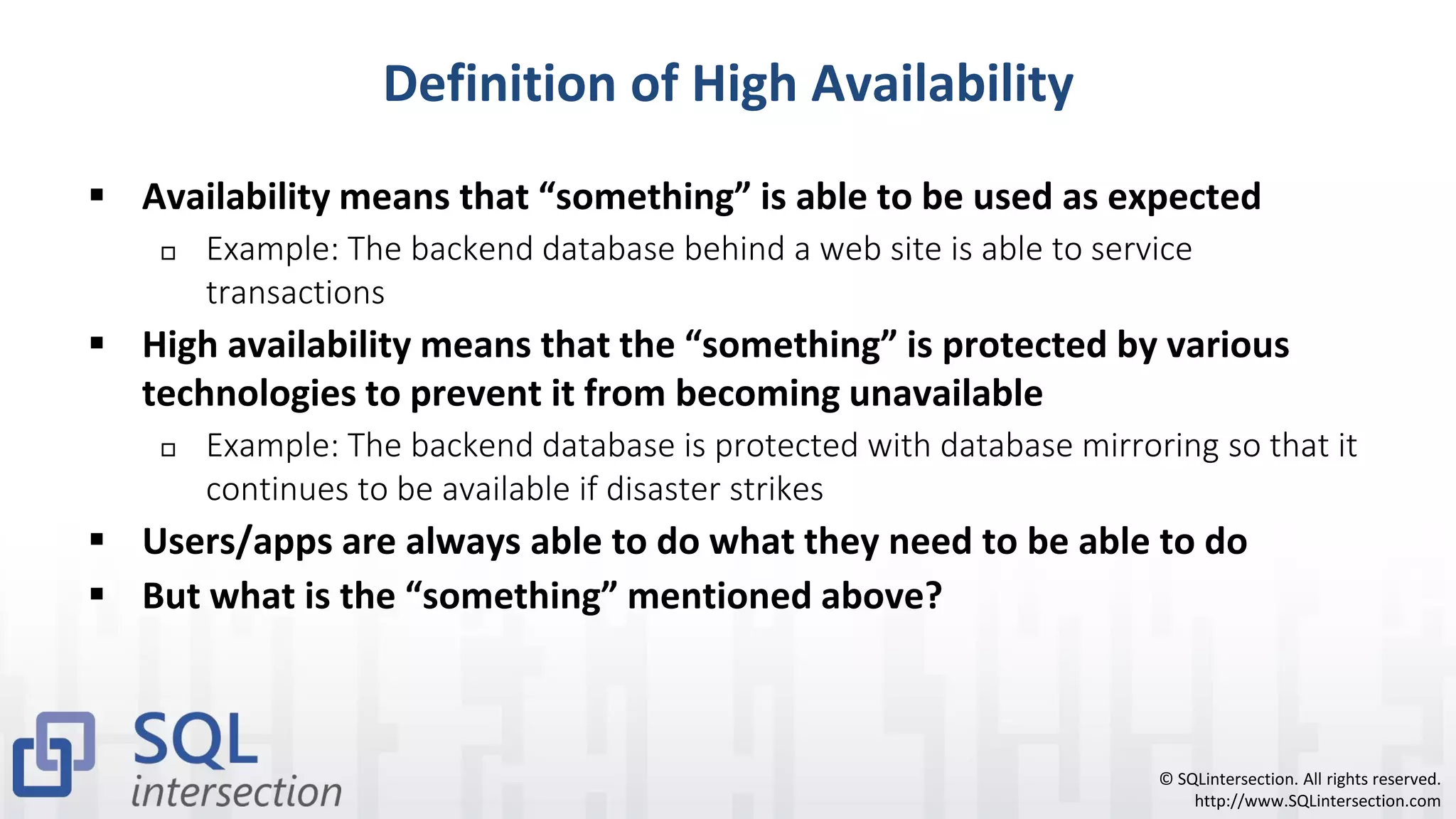
Definition of High Availability
▪ Availability means that “something” is able to be used as expected
 Example: The backend database behind a web site is able to service
transactions
▪ High availability means that the “something” is protected by various
technologies to prevent it from becoming unavailable
 Example: The backend database is protected with database mirroring so that it
continues to be available if disaster strikes
▪ Users/apps are always able to do what they need to be able to do
▪ But what is the “something” mentioned above?
© SQLintersection. All rights reserved.
http://www.SQLintersection.com
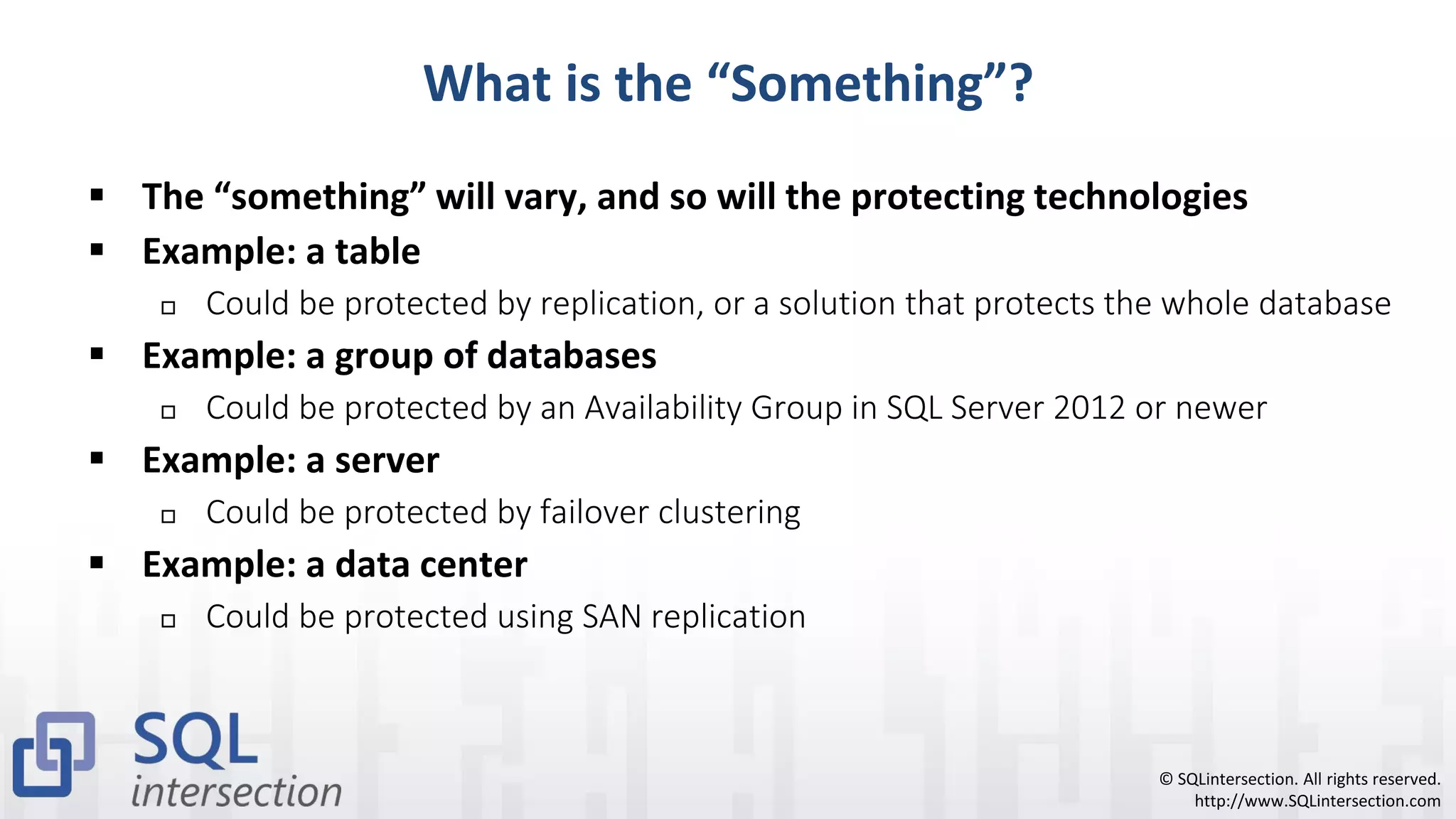
What is the “Something”?
▪ The “something” will vary, and so will the protecting technologies
▪ Example: a table
 Could be protected by replication, or a solution that protects the whole database
▪ Example: a group of databases
 Could be protected by an Availability Group in SQL Server 2012 or newer
▪ Example: a server
 Could be protected by failover clustering
▪ Example: a data center
 Could be protected using SAN replication
© SQLintersection. All rights reserved.
http://www.SQLintersection.com
Causes of Downtime and Data Loss
▪ Planned downtime
▪ Unplanned downtime
© SQLintersection. All rights reserved.
http://www.SQLintersection.com
Reasons for Planned Downtime
▪ Performing database maintenance
 Creating or rebuilding a nonclustered index
 Creating, dropping, or rebuilding a clustered index
 Enterprise Edition has online index operations, that help alleviate this issue
▪ Performing large batch operations
 Performing batch operations can cause downtime through blocking locks
▪ Performing an upgrade
 Installing a SQL Server Service Pack or Cumulative Update
 Installing Windows or Microsoft Updates, updating drivers or firmware
 Use “rolling upgrades” to minimize your planned downtime
© SQLintersection. All rights reserved.
http://www.SQLintersection.com
Reasons for Unplanned Downtime
▪ Data center failure
 Natural disasters, fire, power loss, failed network connectivity
▪ Server failure
 Failed power supply, failed CPU, failed memory, operating system crashes
▪ I/O subsystem failure
 Drive failure, a RAID controller failure, I/O subsystem software bug causing
corruption
▪ Human error
 Dropping a table, deleting or updating data in a table without specifying a
predicate, setting a database offline, or shutting down a SQL Server instance
© SQLintersection. All rights reserved.
http://www.SQLintersection.com
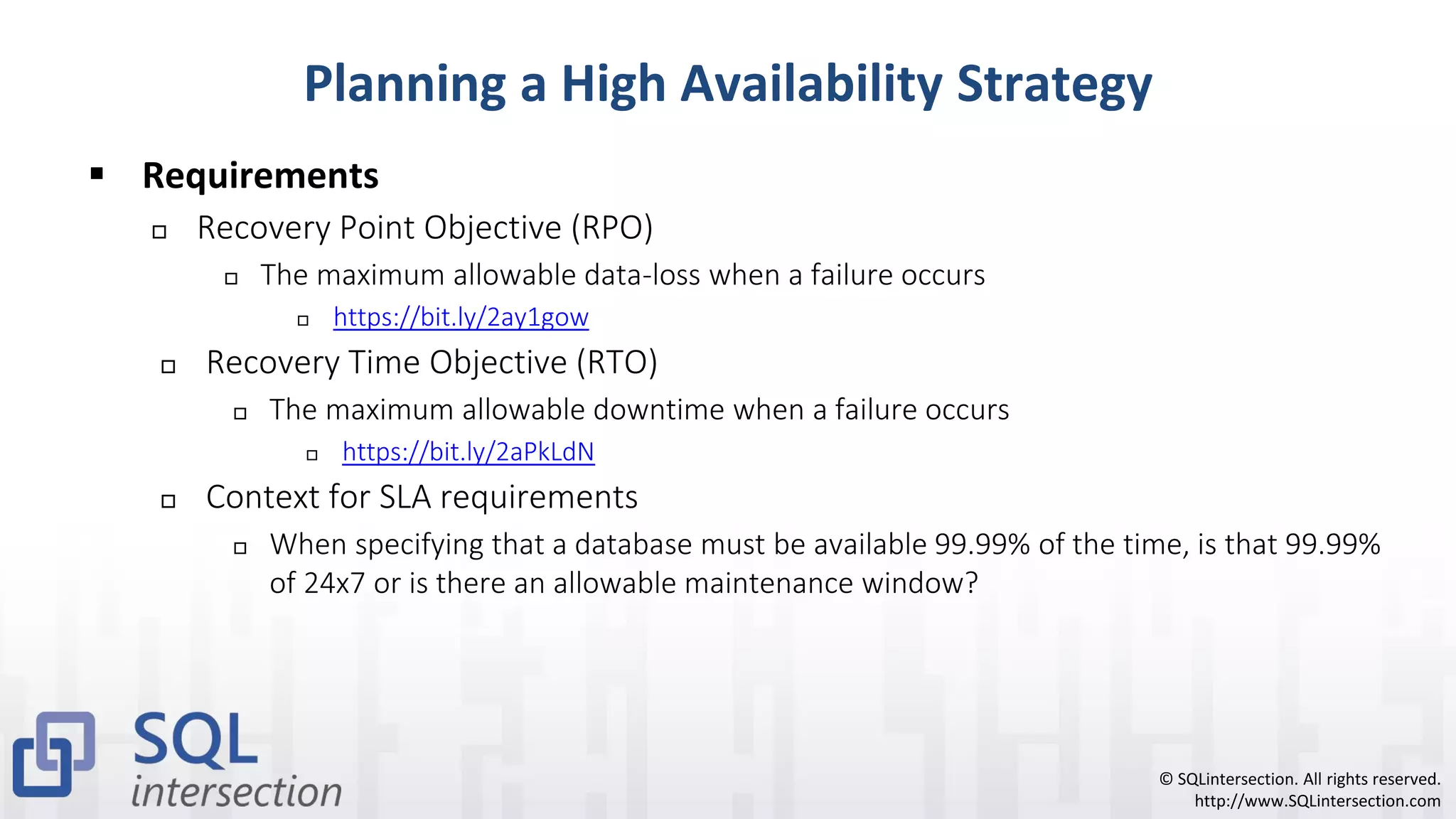
Planning a High Availability Strategy
▪ Requirements
 Recovery Point Objective (RPO)
 The maximum allowable data-loss when a failure occurs
 https://bit.ly/2ay1gow
 Recovery Time Objective (RTO)
 The maximum allowable downtime when a failure occurs
 https://bit.ly/2aPkLdN
 Context for SLA requirements
 When specifying that a database must be available 99.99% of the time, is that 99.99%
of 24x7 or is there an allowable maintenance window?
© SQLintersection. All rights reserved.
http://www.SQLintersection.com
Allowable Downtime
Availability % Downtime per Year Downtime per Month Downtime per Week
90% 36.5 days 72 hours 16.8 hours
99% 3.65 days 7.2 hours 1.68 hours
99.9% 8.76 hours 43.8 minutes 10.1 minutes
99.99% 52.56 minutes 4.38 minutes 1.01 minutes
99.999% 5.26 minutes 25.9 seconds 6.05 seconds
99.9999% 31.6 seconds 2.59 seconds 606 milliseconds
© SQLintersection. All rights reserved.
http://www.SQLintersection.com
SQL Server 2017 HA-Related Technologies
▪ Backup and Restore Methods
▪ Component Redundancy
▪ Windows Failover Clustering
▪ Availability Groups
▪ Basic Availability Groups
▪ Database Mirroring
▪ Transactional Replication
▪ Peer-to-Peer Replication
▪ Log Shipping
▪ Database Snapshots
© SQLintersection. All rights reserved.
http://www.SQLintersection.com
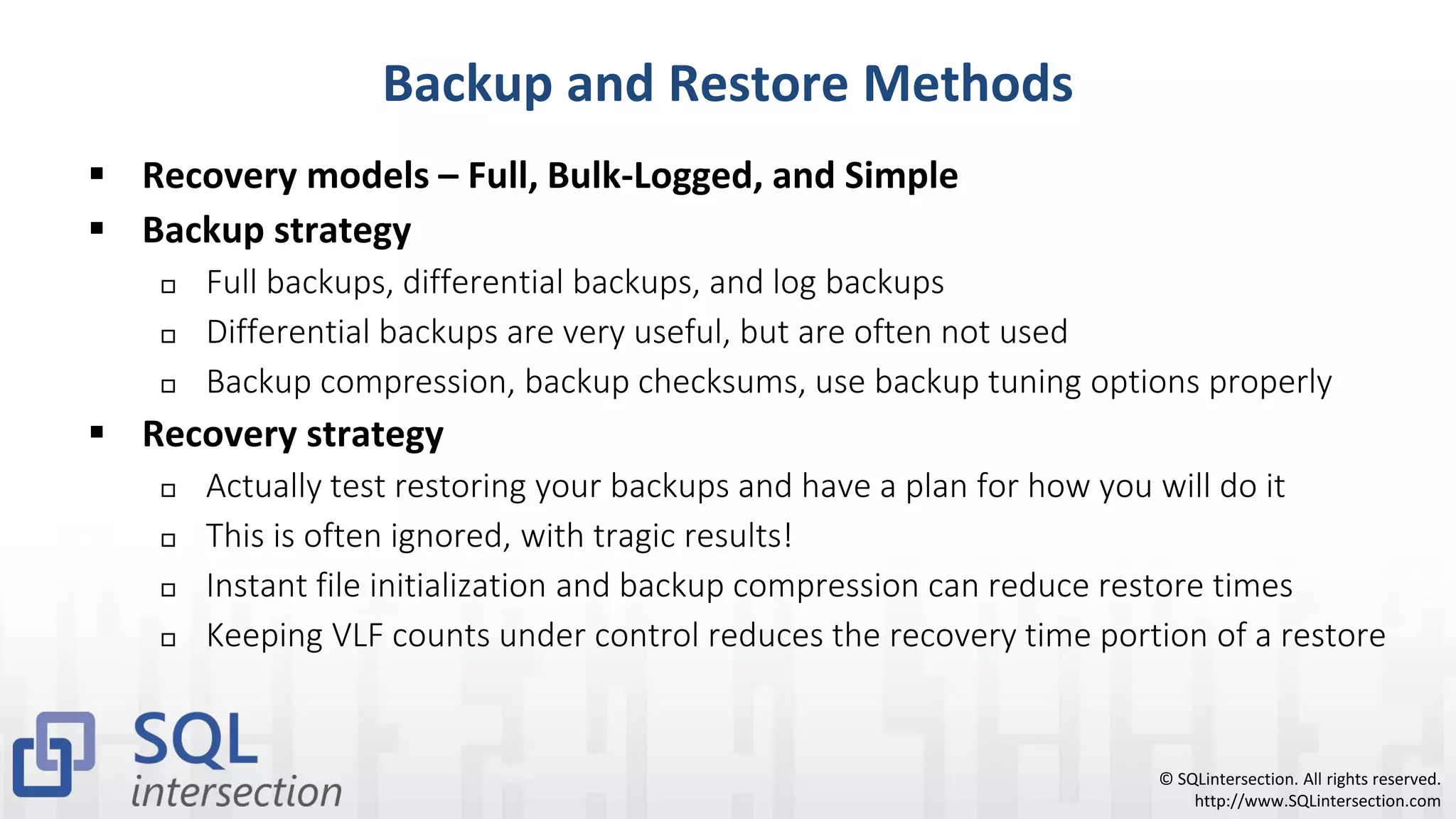
Backup and Restore Methods
▪ Recovery models – Full, Bulk-Logged, and Simple
▪ Backup strategy
 Full backups, differential backups, and log backups
 Differential backups are very useful, but are often not used
 Backup compression, backup checksums, use backup tuning options properly
▪ Recovery strategy
 Actually test restoring your backups and have a plan for how you will do it
 This is often ignored, with tragic results!
 Instant file initialization and backup compression can reduce restore times
 Keeping VLF counts under control reduces the recovery time portion of a restore
© SQLintersection. All rights reserved.
http://www.SQLintersection.com
Backup Tuning Options
▪ Experiment with BUFFERCOUNT, BLOCKSIZE, and MAXTRANSFERSIZE
▪ If using backup compression with TDE (SQL Server 2016 or newer)
 Make sure to set MAXTRANSFERSIZE greater than 64K
-- Striped backup to two files on two different drives
-- with backup compression, using parameter options
BACKUP DATABASE [BigDatabaseTest]
TO DISK = N'R:SQL2017BackupsBigDatabaseTestCompressedA1.bak',
DISK = N'S:SQL2017BackupsBigDatabaseTestCompressedB1.bak'
WITH NOFORMAT, INIT, NAME = N’BigDatabaseTest-Full Database Backup', SKIP,
NOREWIND, NOUNLOAD, COMPRESSION, STATS = 1,
BUFFERCOUNT = 2200, BLOCKSIZE = 65536, MAXTRANSFERSIZE = 2097152;
© SQLintersection. All rights reserved.
http://www.SQLintersection.com
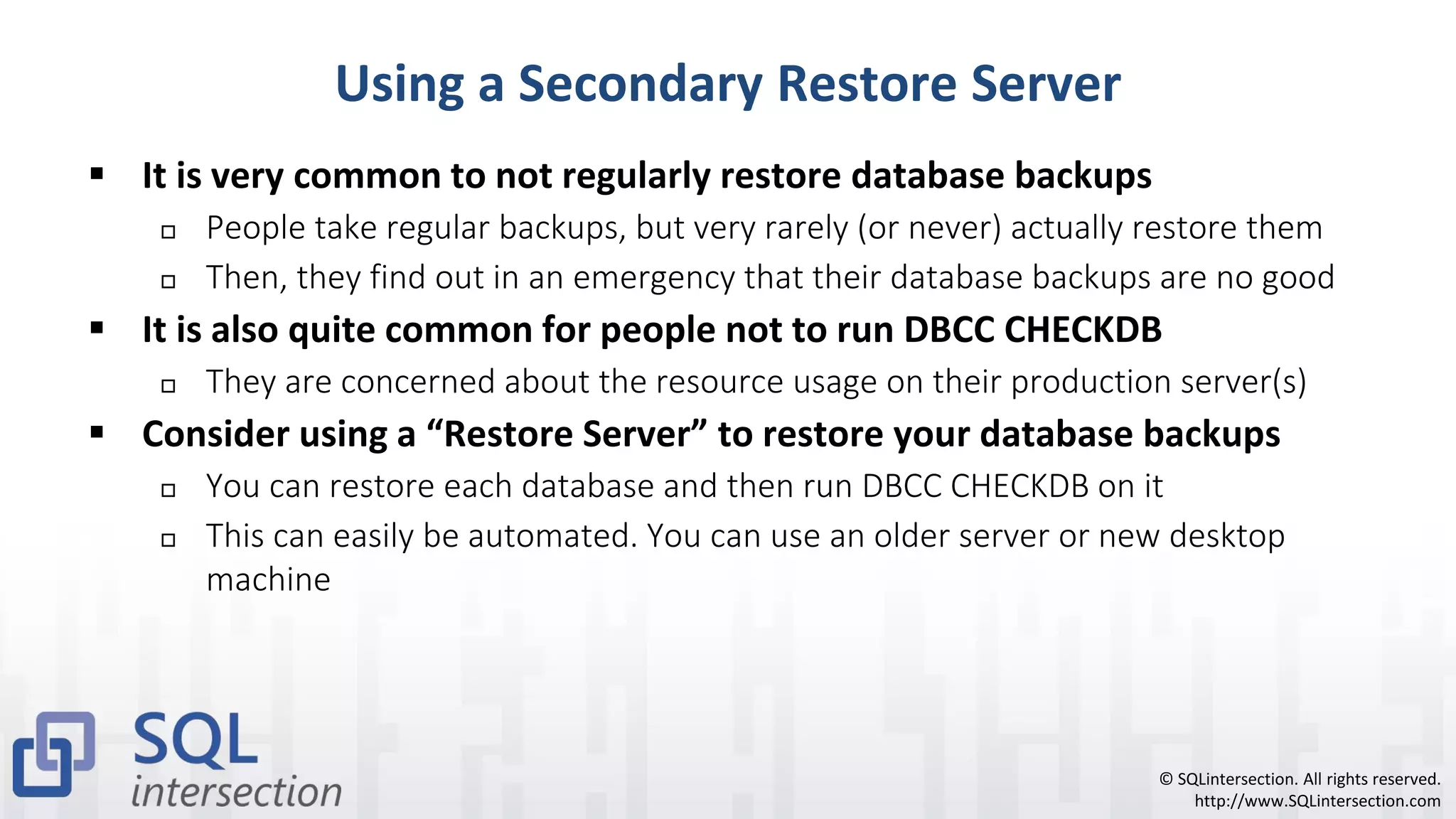
Using a Secondary Restore Server
▪ It is very common to not regularly restore database backups
 People take regular backups, but very rarely (or never) actually restore them
 Then, they find out in an emergency that their database backups are no good
▪ It is also quite common for people not to run DBCC CHECKDB
 They are concerned about the resource usage on their production server(s)
▪ Consider using a “Restore Server” to restore your database backups
 You can restore each database and then run DBCC CHECKDB on it
 This can easily be automated. You can use an older server or new desktop
machine
© SQLintersection. All rights reserved.
http://www.SQLintersection.com
Component Redundancy
▪ It is important to have redundant components for a database server
 This helps avoid ever having to use your HA/DR technology
 This is not that expensive to accomplish
▪ You want to eliminate single points of failure where possible
 Multiple power supplies plugged into separate circuits
 Multiple network ports, plugged into separate network switches
 Appropriate RAID protection for all of your logical drives
 Hot-swappable components can help avoid down time
 Having some cold spares available is also a good idea
© SQLintersection. All rights reserved.
http://www.SQLintersection.com
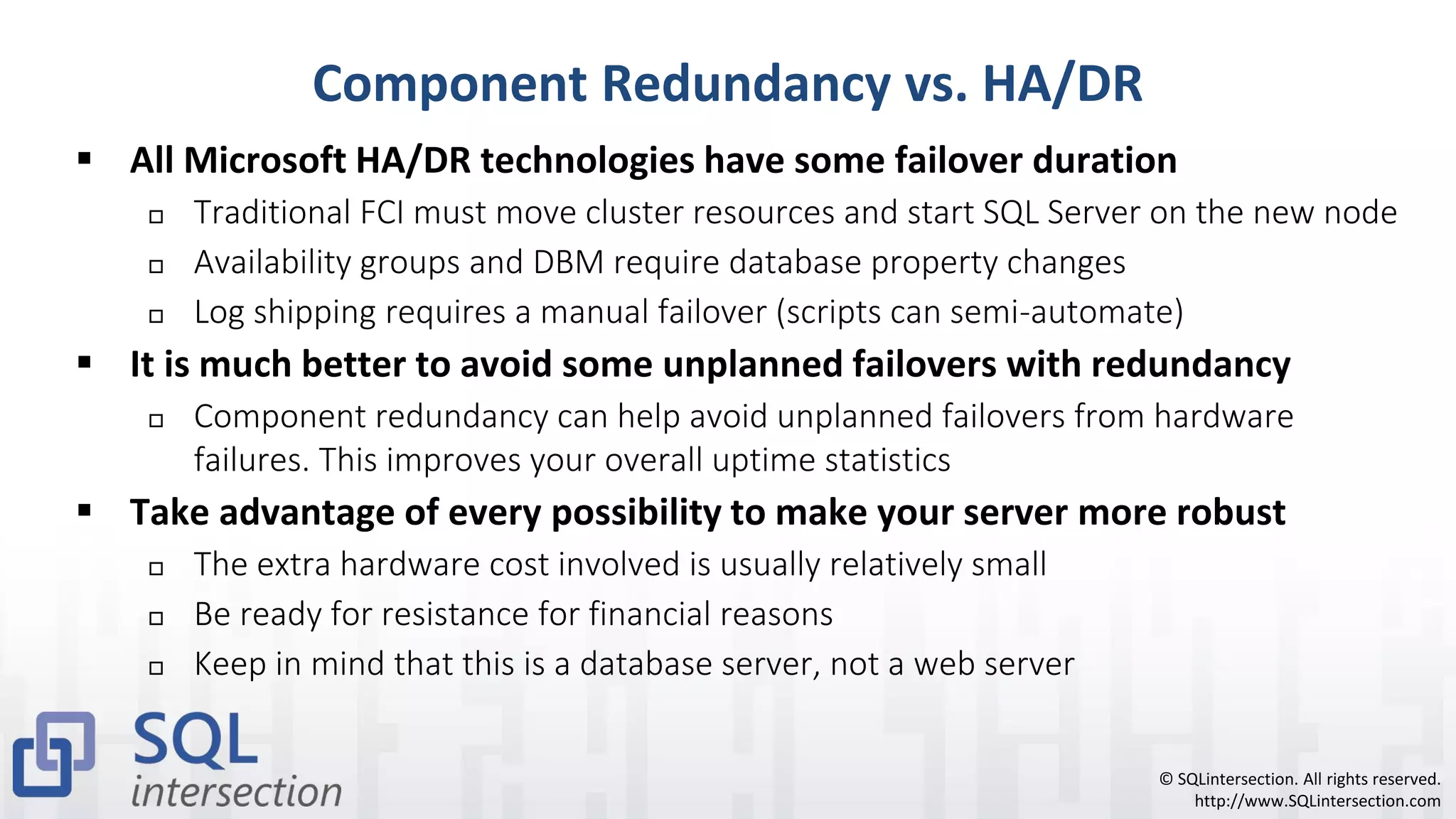
Component Redundancy vs. HA/DR
▪ All Microsoft HA/DR technologies have some failover duration
 Traditional FCI must move cluster resources and start SQL Server on the new node
 Availability groups and DBM require database property changes
 Log shipping requires a manual failover (scripts can semi-automate)
▪ It is much better to avoid some unplanned failovers with redundancy
 Component redundancy can help avoid unplanned failovers from hardware
failures. This improves your overall uptime statistics
▪ Take advantage of every possibility to make your server more robust
 The extra hardware cost involved is usually relatively small
 Be ready for resistance for financial reasons
 Keep in mind that this is a database server, not a web server
© SQLintersection. All rights reserved.
http://www.SQLintersection.com
Windows Failover Clustering
▪ SQL Server failover cluster on a Windows Server failover cluster
 Multiple nodes, one or more instances
 Requires shared storage, which is a single point of failure
 You can use SMB 3.0 file shares for SQL Server storage instead of a SAN
 The tempdb database can be located on each node with SQL Server 2012 or newer
▪ Provides instance-level high availability
 System databases, logins, Agent jobs are included, plus all user databases
▪ Failover time is longer than most other technologies
 Cluster resources have to move, SQL Server has to start on new node
 Also depends on how long crash recovery takes for each database
 Keep your VLF counts under control!
© SQLintersection. All rights reserved.
http://www.SQLintersection.com
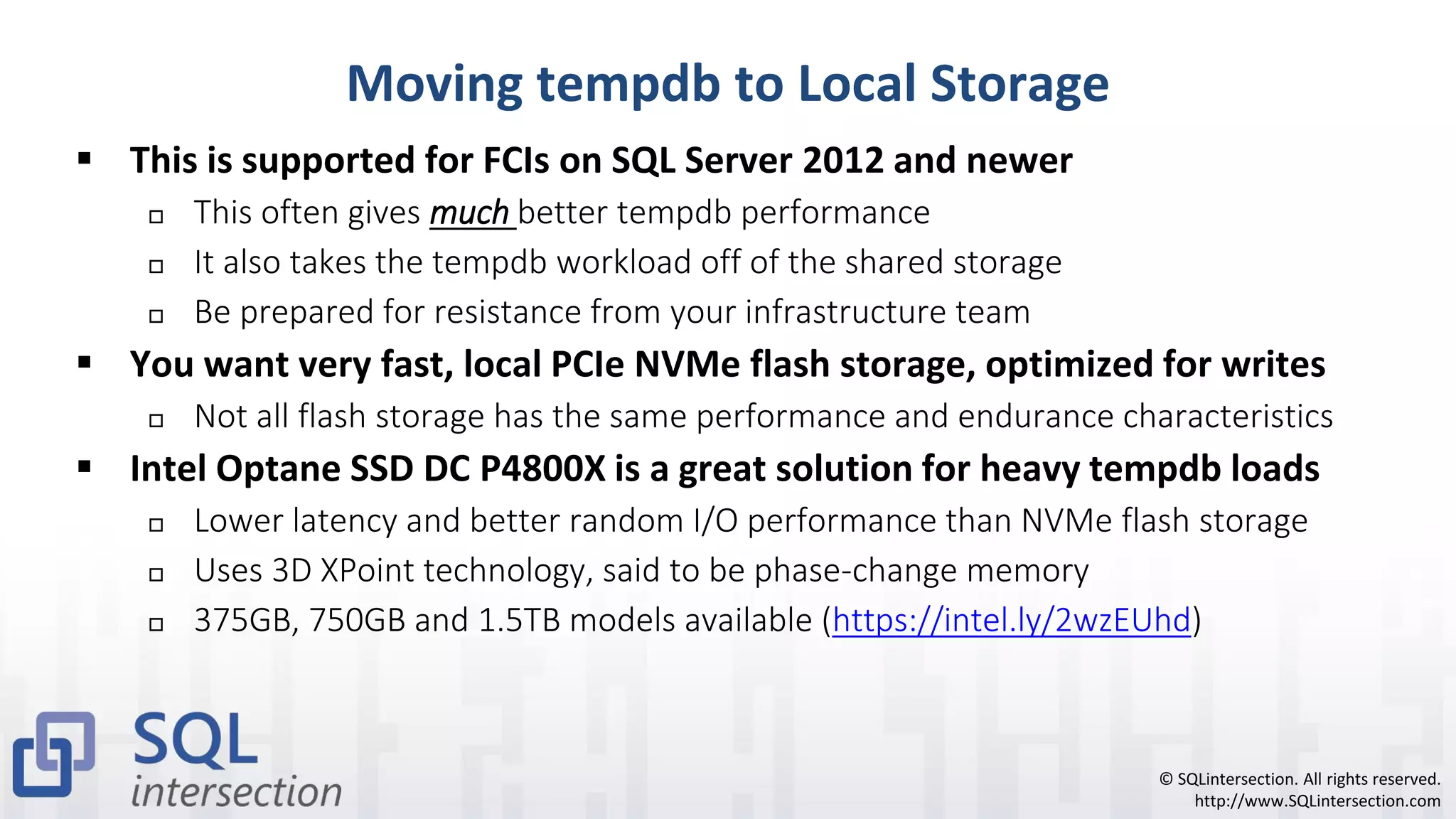
Moving tempdb to Local Storage
▪ This is supported for FCIs on SQL Server 2012 and newer
 This often gives much better tempdb performance
 It also takes the tempdb workload off of the shared storage
 Be prepared for resistance from your infrastructure team
▪ You want very fast, local PCIe NVMe flash storage, optimized for writes
 Not all flash storage has the same performance and endurance characteristics
▪ Intel Optane SSD DC P4800X is a great solution for heavy tempdb loads
 Lower latency and better random I/O performance than NVMe flash storage
 Uses 3D XPoint technology, said to be phase-change memory
 375GB, 750GB and 1.5TB models available (https://intel.ly/2wzEUhd)
© SQLintersection. All rights reserved.
http://www.SQLintersection.com
Intel Optane DC Storage
▪ Intel 3D Xpoint-based storage (Intel Optane DC P4800X Series)
 HHHL AIC and 2.5” U.2 15mm form factors
 PCIe 3.0 x4 interface, NVMe protocol
 Available in 375GB, 750GB, and 1.5TB capacities
 Supported by all versions of SQL Server
▪ Several advantages compared to “write-intensive” NAND flash storage
 Much lower latency (<10μs). Much better durability (30 DWPD)
 Much better random I/O performance at low queue depths
 No performance deterioration as drive fills up (No TRIM or GC needed)
▪ Very well-suited for heavy tempdb workloads
© SQLintersection. All rights reserved.
http://www.SQLintersection.com
Intel Optane SSD DC P4800X
© SQLintersection. All rights reserved.
http://www.SQLintersection.com
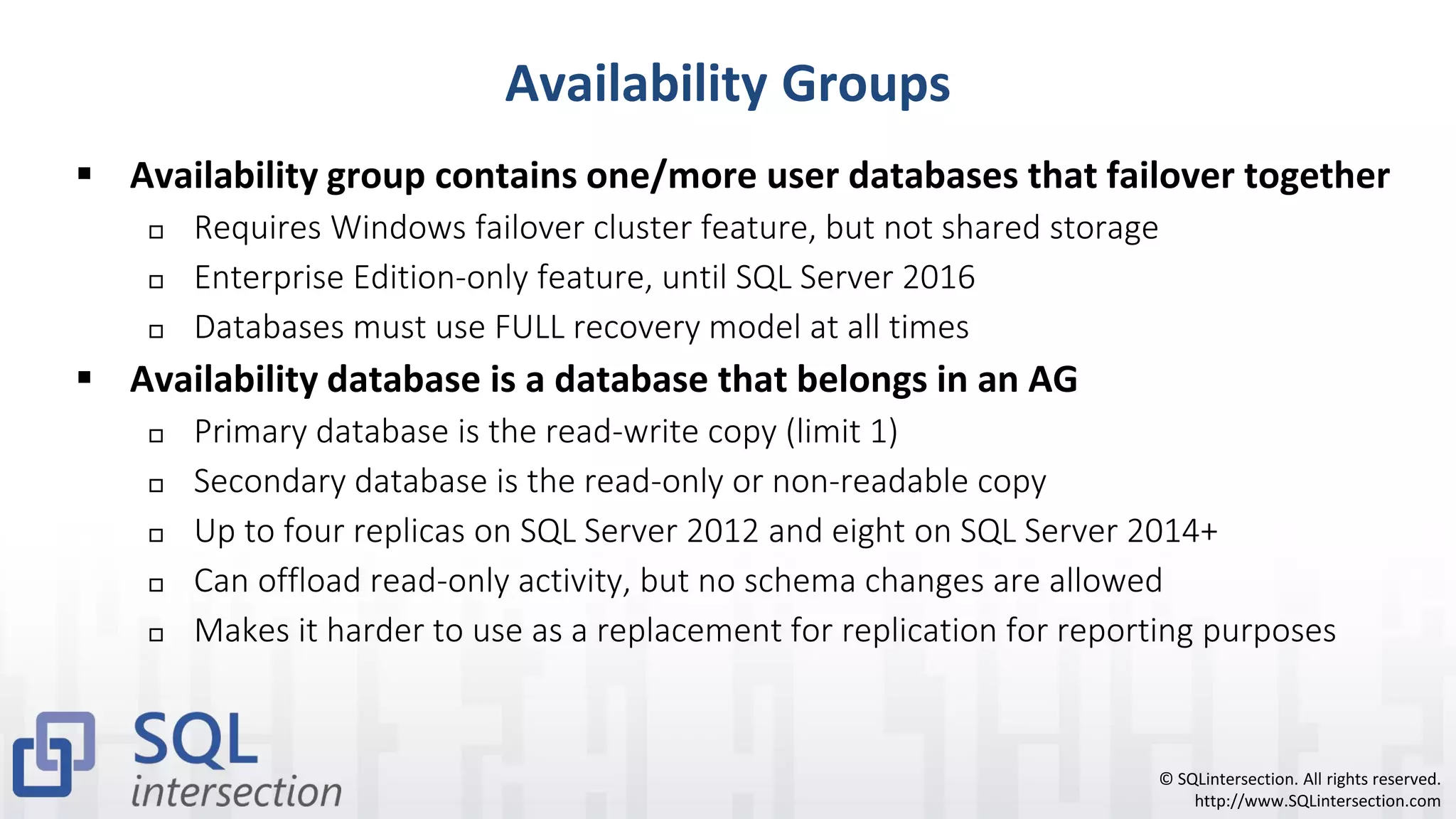
Availability Groups
▪ Availability group contains one/more user databases that failover together
 Requires Windows failover cluster feature, but not shared storage
 Enterprise Edition-only feature, until SQL Server 2016
 Databases must use FULL recovery model at all times
▪ Availability database is a database that belongs in an AG
 Primary database is the read-write copy (limit 1)
 Secondary database is the read-only or non-readable copy
 Up to four replicas on SQL Server 2012 and eight on SQL Server 2014+
 Can offload read-only activity, but no schema changes are allowed
 Makes it harder to use as a replacement for replication for reporting purposes
© SQLintersection. All rights reserved.
http://www.SQLintersection.com
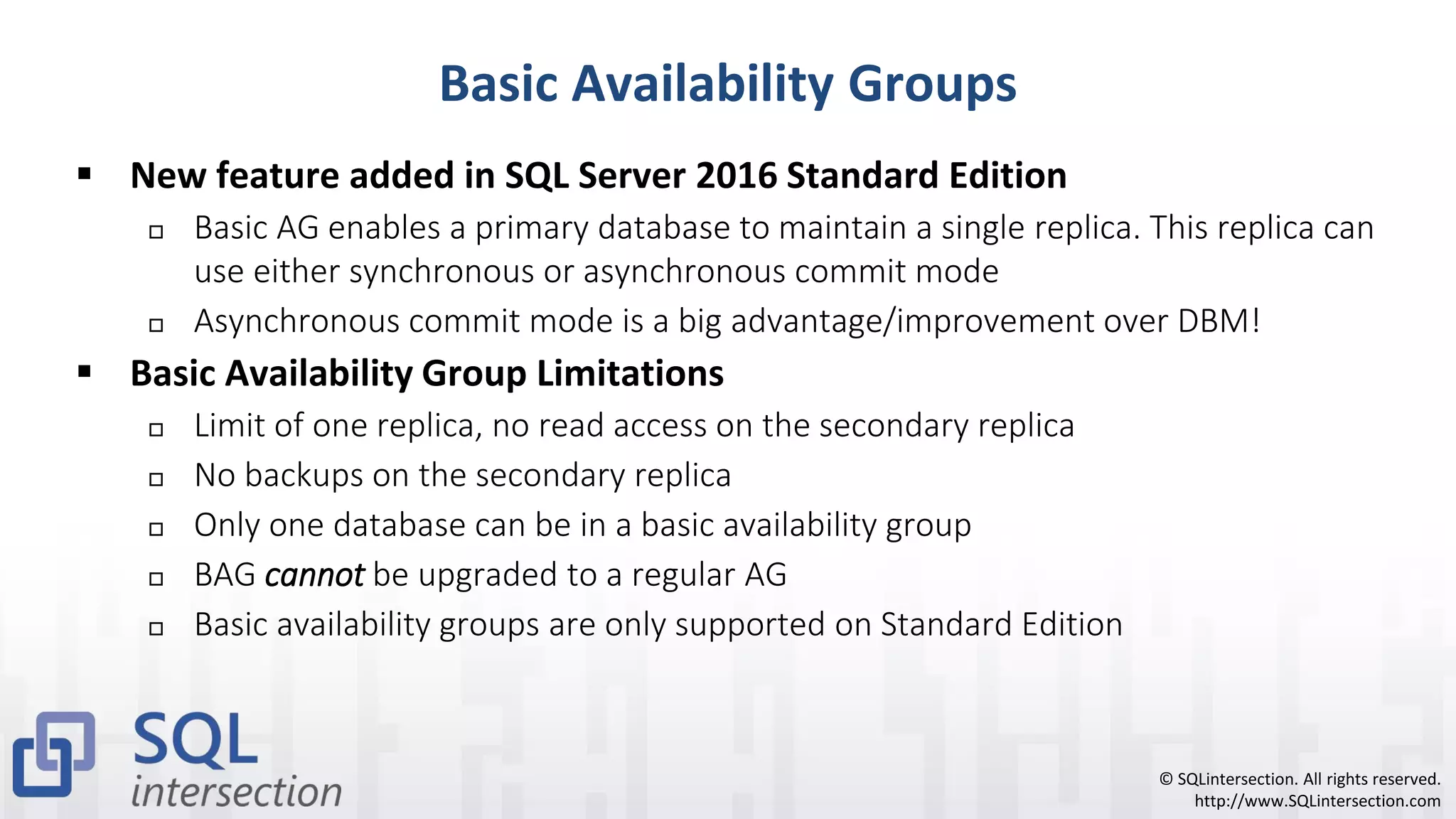
Basic Availability Groups
▪ New feature added in SQL Server 2016 Standard Edition
 Basic AG enables a primary database to maintain a single replica. This replica can
use either synchronous or asynchronous commit mode
 Asynchronous commit mode is a big advantage/improvement over DBM!
▪ Basic Availability Group Limitations
 Limit of one replica, no read access on the secondary replica
 No backups on the secondary replica
 Only one database can be in a basic availability group
 BAG cannot be upgraded to a regular AG
 Basic availability groups are only supported on Standard Edition
© SQLintersection. All rights reserved.
http://www.SQLintersection.com
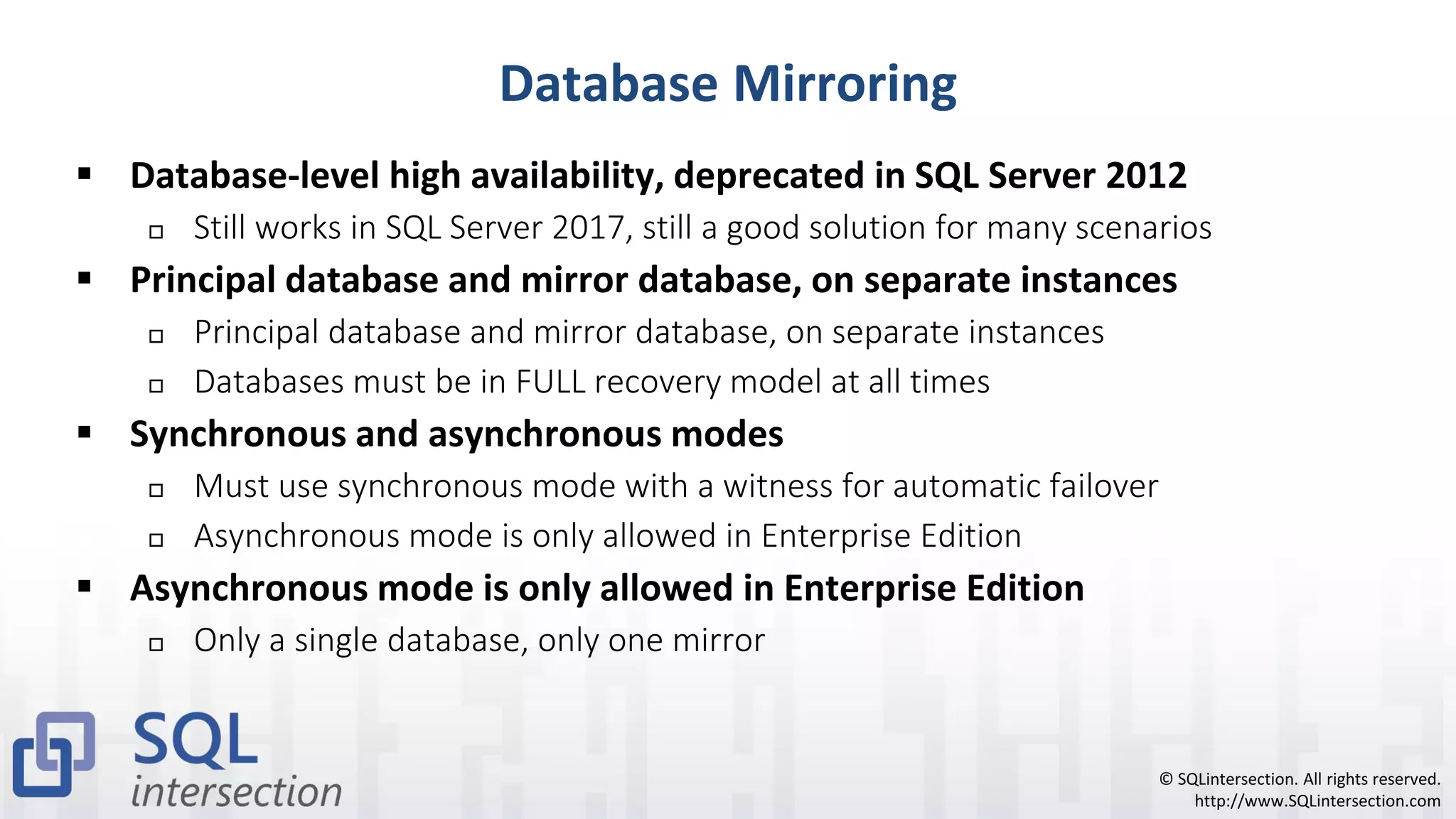
Database Mirroring
▪ Database-level high availability, deprecated in SQL Server 2012
 Still works in SQL Server 2017, still a good solution for many scenarios
▪ Principal database and mirror database, on separate instances
 Principal database and mirror database, on separate instances
 Databases must be in FULL recovery model at all times
▪ Synchronous and asynchronous modes
 Must use synchronous mode with a witness for automatic failover
 Asynchronous mode is only allowed in Enterprise Edition
▪ Asynchronous mode is only allowed in Enterprise Edition
 Only a single database, only one mirror
© SQLintersection. All rights reserved.
http://www.SQLintersection.com
Transactional Replication
▪ Replication is a broad set of technologies that enable data to be copied and
distributed between servers and then synchronized to maintain consistency
 You can replicate the entire database or just a portion of it
▪ Source database is a Publisher, destination is a Subscriber
 Log reader agent picks up all write activity from Publisher database
 This adds some read I/O workload to the log file
 Replication changes are temporarily stored in a Distribution database
▪ You can have multiple subscribers in multiple locations
 You can add additional indexes to subscriber databases for reporting
▪ Many improvements to transactional replication in SQL Server 2017
 Performance and supportability improvements in Cumulative Updates
© SQLintersection. All rights reserved.
http://www.SQLintersection.com
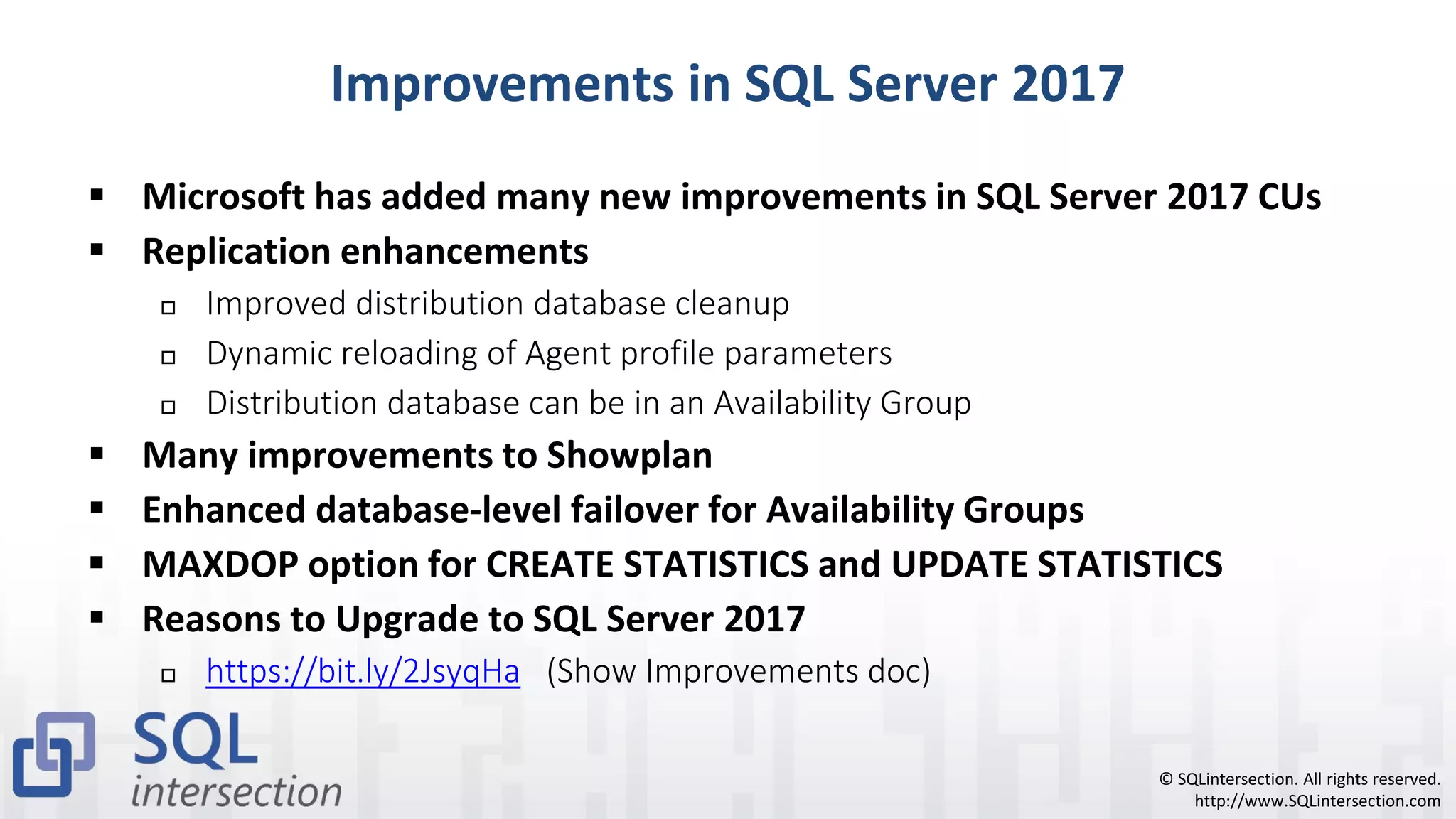
Improvements in SQL Server 2017
▪ Microsoft has added many new improvements in SQL Server 2017 CUs
▪ Replication enhancements
 Improved distribution database cleanup
 Dynamic reloading of Agent profile parameters
 Distribution database can be in an Availability Group
▪ Many improvements to Showplan
▪ Enhanced database-level failover for Availability Groups
▪ MAXDOP option for CREATE STATISTICS and UPDATE STATISTICS
▪ Reasons to Upgrade to SQL Server 2017
 https://bit.ly/2JsyqHa (Show Improvements doc)
© SQLintersection. All rights reserved.
http://www.SQLintersection.com
Peer-to-Peer Replication
▪ Database-level protection
▪ A form of transactional replication that lets you have multiple, writeable
copies of a database
 These copies are often in different data centers
 Changes are sent to each peer database, and they eventually synchronize
 Often used for scalability purposes. HA is a secondary bonus
▪ May require application or database schema changes
 Example: identity columns
▪ Requires Enterprise Edition
 Relatively difficult to setup and maintain
© SQLintersection. All rights reserved.
http://www.SQLintersection.com
Log Shipping
▪ Provides database-level protection
 Can have multiple copies in multiple locations
 Databases must be in FULL recovery model at all times
 Requires a manual failover (although you can write code to partially automate)
 Some data loss is possible (since last transaction log backup that was copied over)
▪ Log shipping is most commonly used for DR purposes
 Can be used to protect against user error when you have a delayed restore
 Can be combined with most other HA technologies
 Does not add any extra performance overhead to primary database
© SQLintersection. All rights reserved.
http://www.SQLintersection.com
Database Snapshots
▪ A database snapshot is a transactionally-consistent view of the source
database, at the time the database snapshot was created
▪ Only available in Enterprise Edition, for user databases (until SQL 2016 SP1)
▪ Uses of database snapshots
 Isolated historical data for report generation
 Turning a database mirroring server into a reporting server (not a good idea)
 Recovery/protection in case of administrative error *
 Recovery/protection in case of user error *
 Either through data copying or by reverting the entire database
 Database snapshot has to already exist!
▪ * = database snapshot must already exist
© SQLintersection. All rights reserved.
http://www.SQLintersection.com
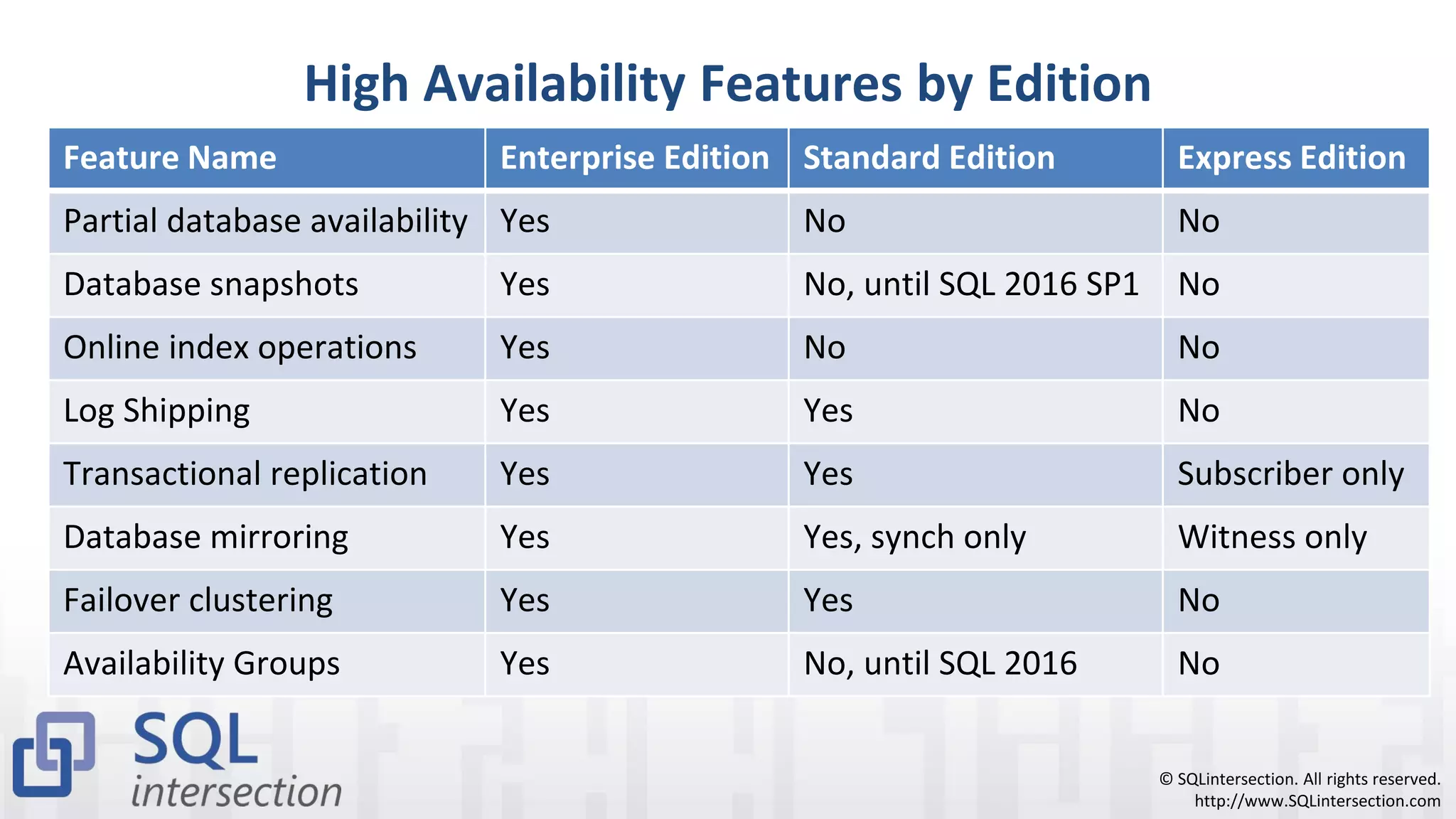
High Availability Features by Edition
Feature Name Enterprise Edition Standard Edition Express Edition
Partial database availability Yes No No
Database snapshots Yes No, until SQL 2016 SP1 No
Online index operations Yes No No
Log Shipping Yes Yes No
Transactional replication Yes Yes Subscriber only
Database mirroring Yes Yes, synch only Witness only
Failover clustering Yes Yes No
Availability Groups Yes No, until SQL 2016 No
© SQLintersection. All rights reserved.
http://www.SQLintersection.com
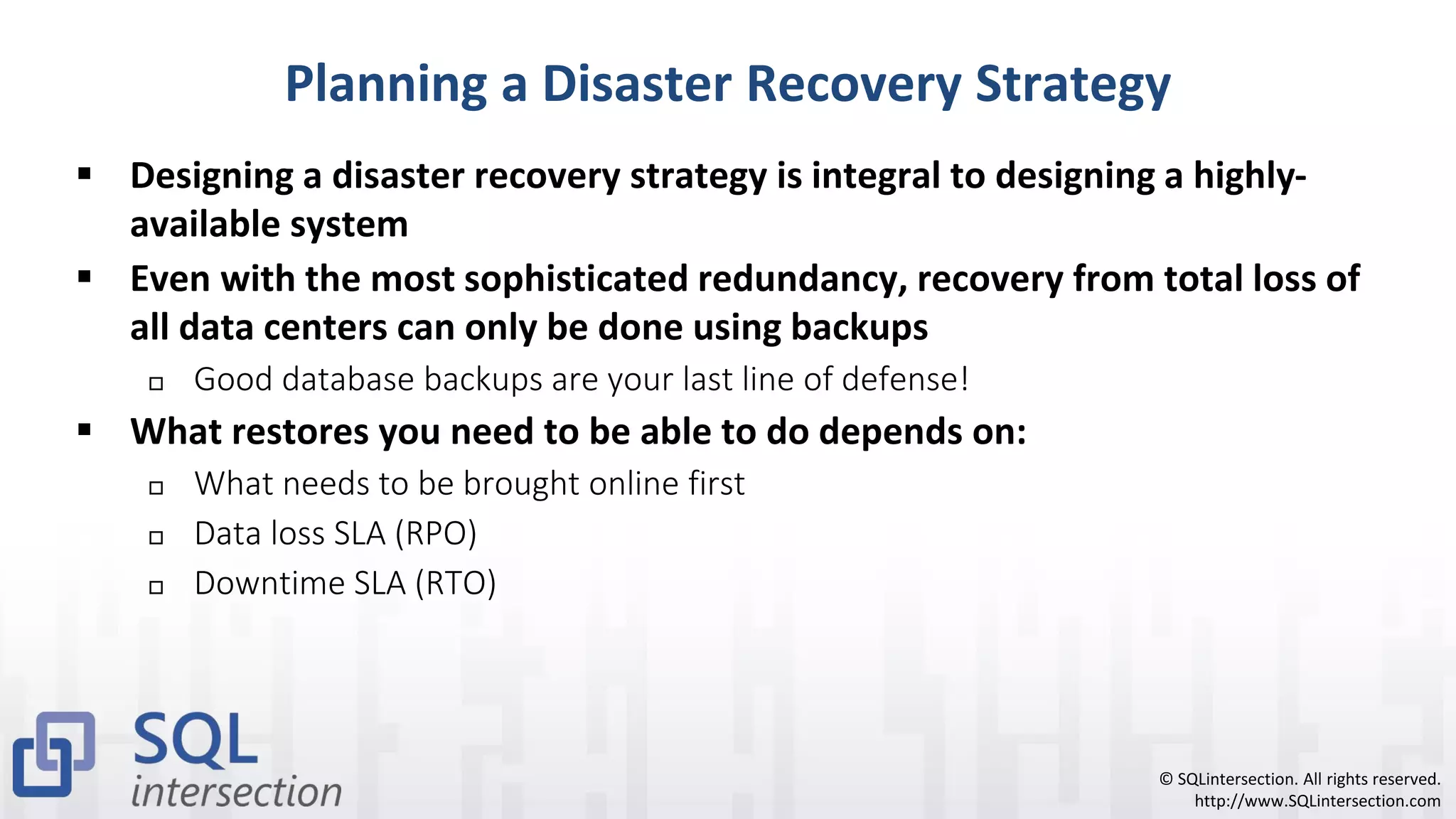
Planning a Disaster Recovery Strategy
▪ Designing a disaster recovery strategy is integral to designing a highly-
available system
▪ Even with the most sophisticated redundancy, recovery from total loss of
all data centers can only be done using backups
 Good database backups are your last line of defense!
▪ What restores you need to be able to do depends on:
 What needs to be brought online first
 Data loss SLA (RPO)
 Downtime SLA (RTO)
© SQLintersection. All rights reserved.
http://www.SQLintersection.com
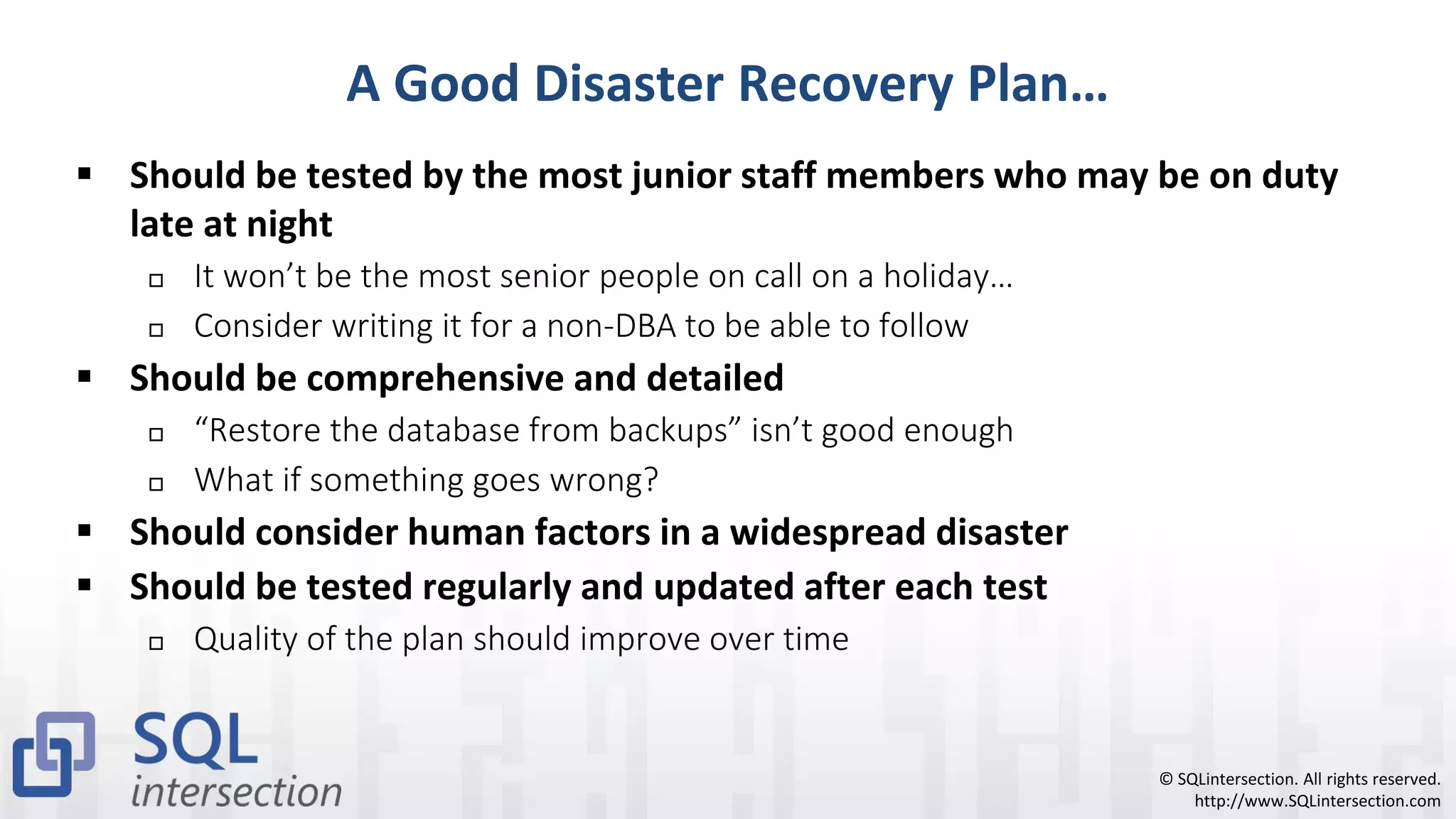
A Good Disaster Recovery Plan…
▪ Should be tested by the most junior staff members who may be on duty
late at night
 It won’t be the most senior people on call on a holiday…
 Consider writing it for a non-DBA to be able to follow
▪ Should be comprehensive and detailed
 “Restore the database from backups” isn’t good enough
 What if something goes wrong?
▪ Should consider human factors in a widespread disaster
▪ Should be tested regularly and updated after each test
 Quality of the plan should improve over time
© SQLintersection. All rights reserved.
http://www.SQLintersection.com
More DR Planning Considerations
▪ Consider possible problems at each step:
 What if the server is physically damaged?
 What if the SAN is physically damaged?
 What if there is no power at the data center?
 What if there is no data center?
 Where are the off-site backups stored?
 What if the backups are corrupt?
 What if key staff members are unavailable?
© SQLintersection. All rights reserved.
http://www.SQLintersection.com
DR Planning: People Issues
▪ Who gets notified first of failures?
▪ Who is responsible at each phase of recovery?
▪ Who is the “sponsor” that can resolve disputes about progress?
▪ Who needs to be kept informed of progress?
▪ Who has to authorize a failover?
▪ Who is in overall command of the DR effort?
▪ Contact info for everyone who may become involved?
▪ Which other teams need to be involved for success?
▪ How do you confirm the application is working after DR is complete?
© SQLintersection. All rights reserved.
http://www.SQLintersection.com
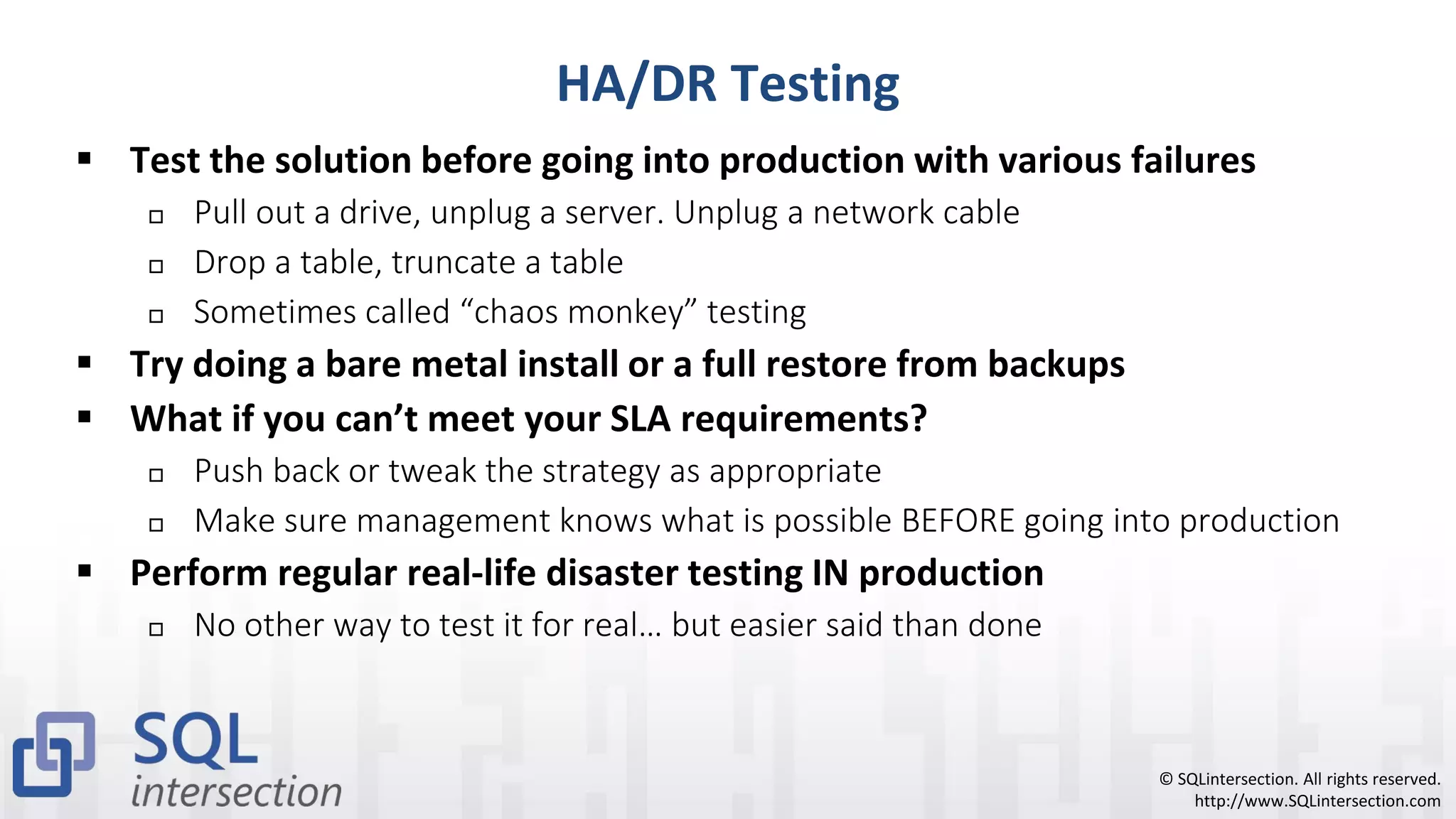
HA/DR Testing
▪ Test the solution before going into production with various failures
 Pull out a drive, unplug a server. Unplug a network cable
 Drop a table, truncate a table
 Sometimes called “chaos monkey” testing
▪ Try doing a bare metal install or a full restore from backups
▪ What if you can’t meet your SLA requirements?
 Push back or tweak the strategy as appropriate
 Make sure management knows what is possible BEFORE going into production
▪ Perform regular real-life disaster testing IN production
 No other way to test it for real… but easier said than done
© SQLintersection. All rights reserved.
http://www.SQLintersection.com
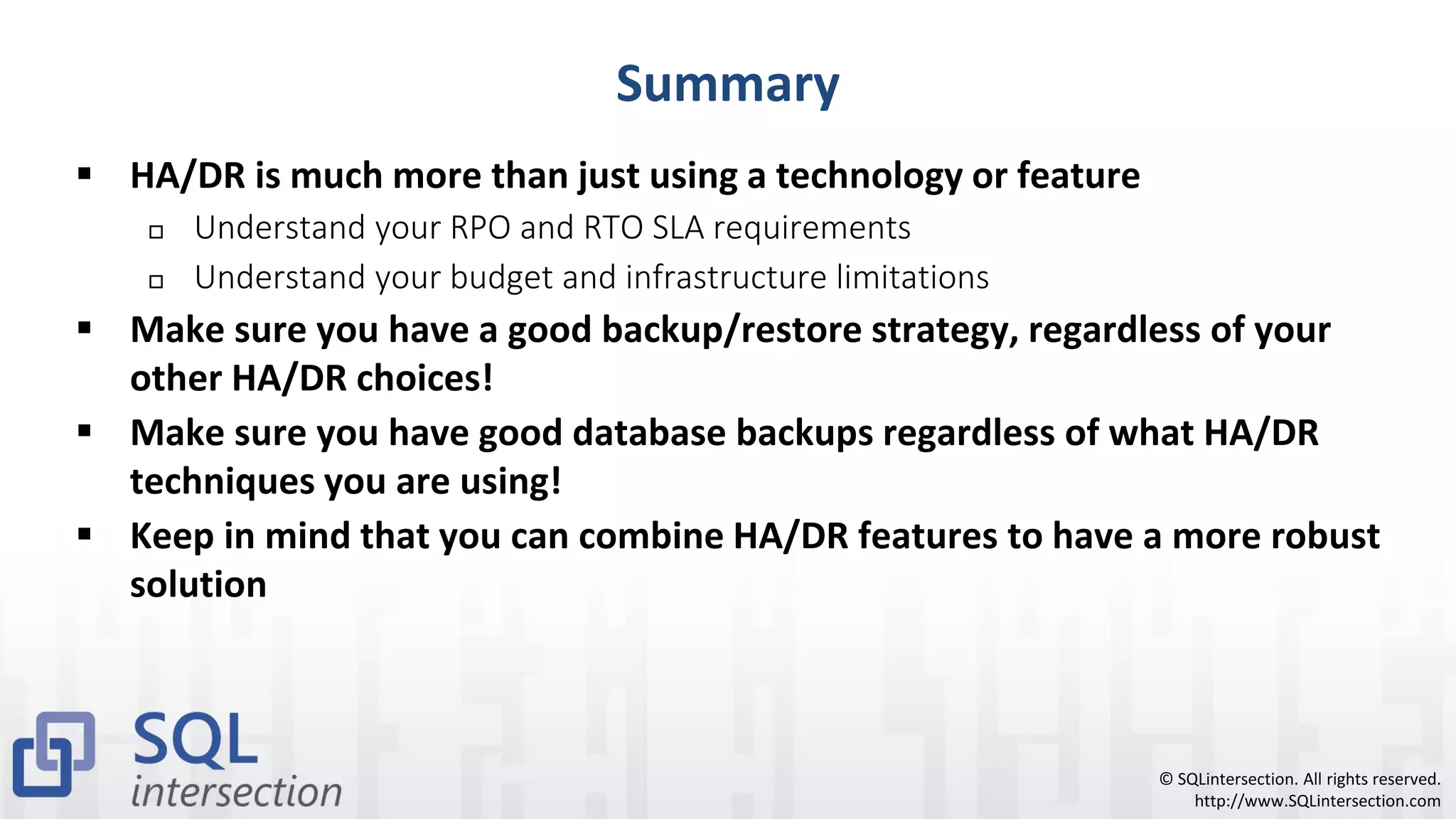
Summary
▪ HA/DR is much more than just using a technology or feature
 Understand your RPO and RTO SLA requirements
 Understand your budget and infrastructure limitations
▪ Make sure you have a good backup/restore strategy, regardless of your
other HA/DR choices!
▪ Make sure you have good database backups regardless of what HA/DR
techniques you are using!
▪ Keep in mind that you can combine HA/DR features to have a more robust
solution
© SQLintersection. All rights reserved.
http://www.SQLintersection.com
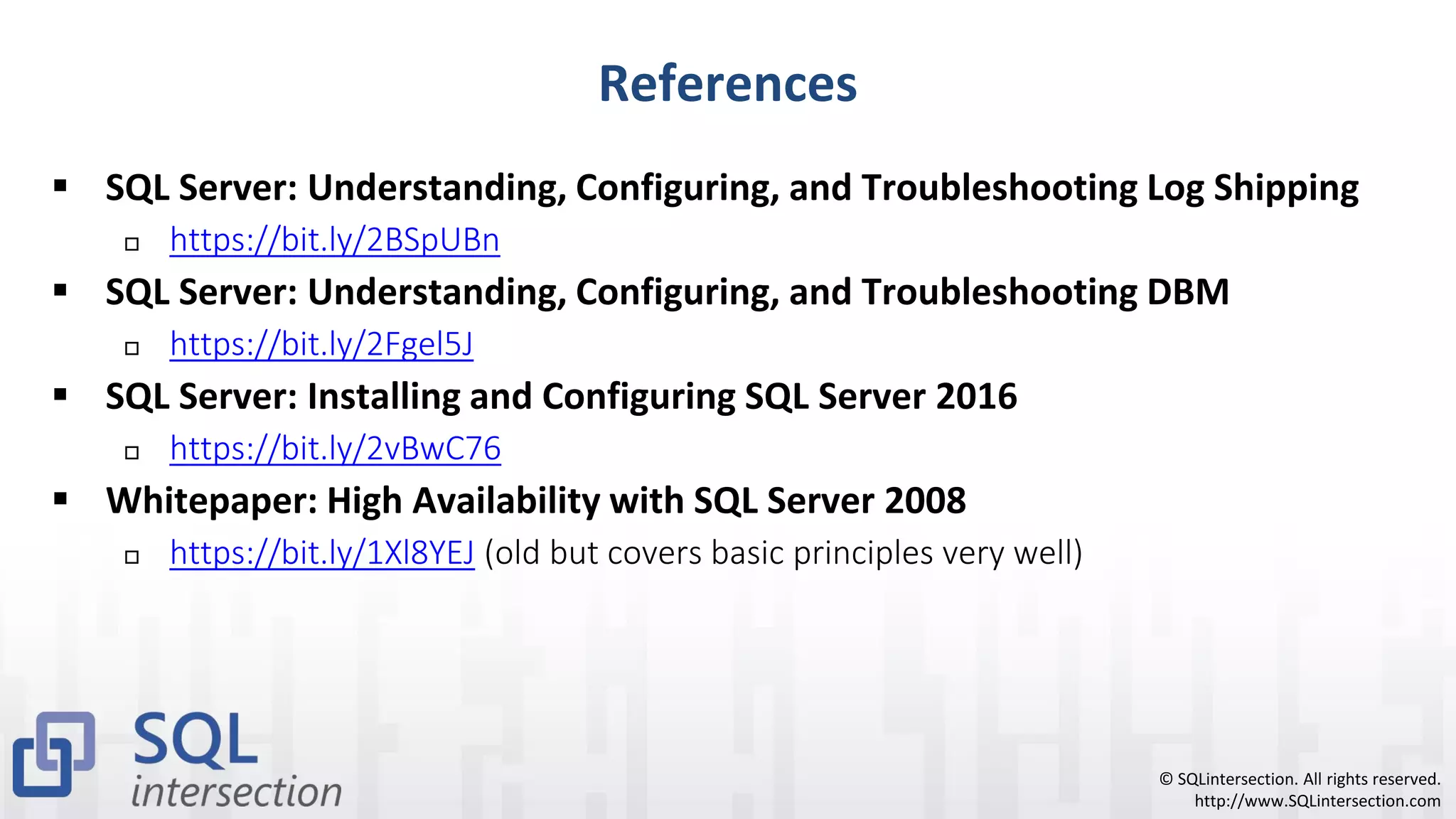
References
▪ SQL Server: Understanding, Configuring, and Troubleshooting Log Shipping
 https://bit.ly/2BSpUBn
▪ SQL Server: Understanding, Configuring, and Troubleshooting DBM
 https://bit.ly/2Fgel5J
▪ SQL Server: Installing and Configuring SQL Server 2016
 https://bit.ly/2vBwC76
▪ Whitepaper: High Availability with SQL Server 2008
 https://bit.ly/1Xl8YEJ (old but covers basic principles very well)
© SQLintersection. All rights reserved.
http://www.SQLintersection.com
Additional References
▪ Two Pluralsight courses on Scaling SQL Server 2012/2014
 Scaling SQL Server 2012 – Part 1 (https://bit.ly/2FA9oIs )
 SQL Server: Scaling SQL Server 2012 and 2014: Part 2 (https://bit.ly/2FDAtWY )
▪ Microsoft Visual Studio Dev Essentials
 Free access to SQL Server 2017 Developer Edition
 Free three month Pluralsight subscription (https://bit.ly/1q6xbDL)
▪ Microsoft Azure Essentials
 Lots of free Azure usage credits, MCP exam voucher,
 Free three month Pluralsight subscription (https://bit.ly/2JMWe8x )
© SQLintersection. All rights reserved.
http://www.SQLintersection.com
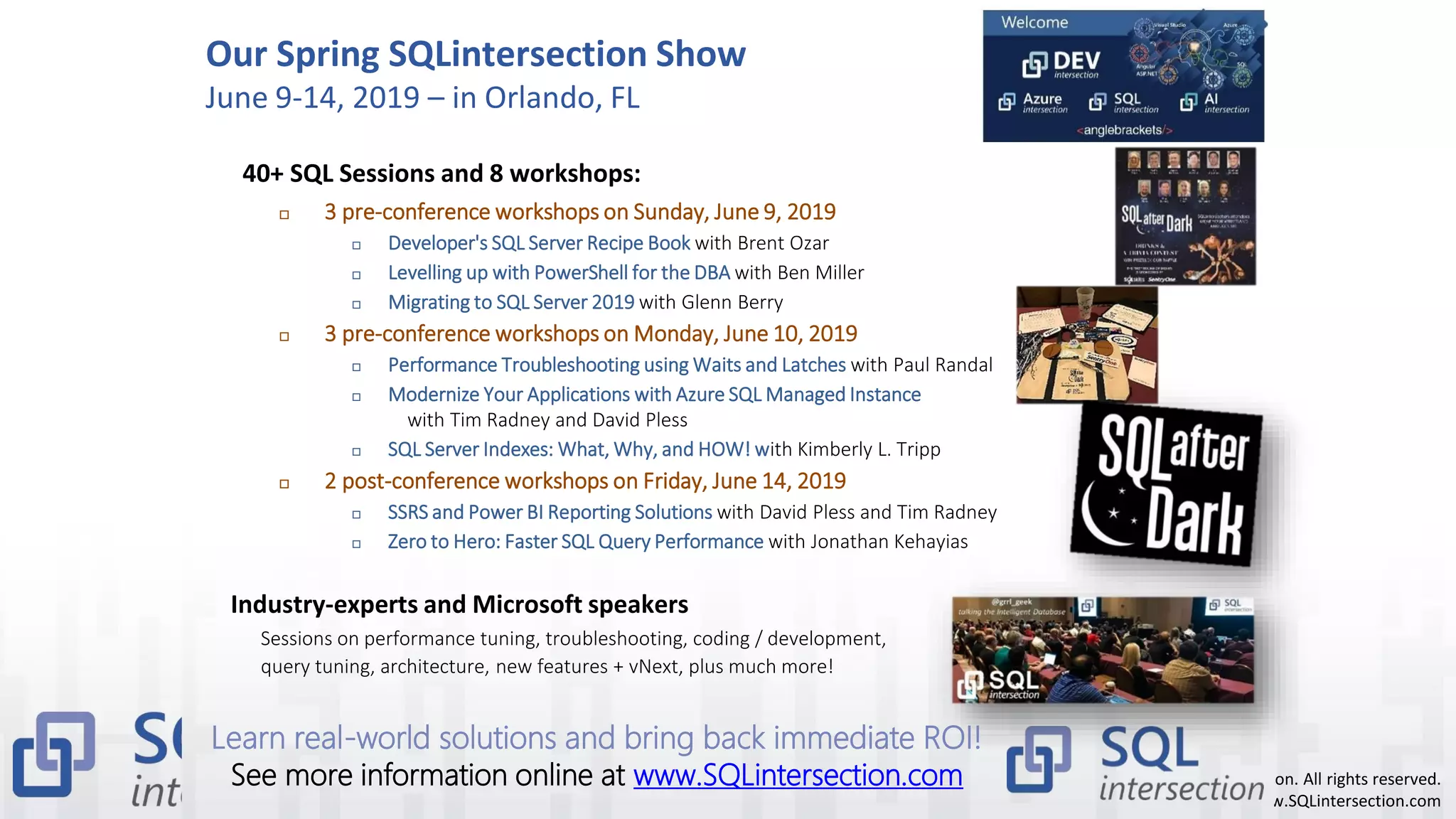
Our Spring SQLintersection Show
June 9-14, 2019 – in Orlando, FL
40+ SQL Sessions and 8 workshops:
 3 pre-conference workshops on Sunday, June 9, 2019
 Developer's SQL Server Recipe Book with Brent Ozar
 Levelling up with PowerShell for the DBA with Ben Miller
 Migrating to SQL Server 2019 with Glenn Berry
 3 pre-conference workshops on Monday, June 10, 2019
 Performance Troubleshooting using Waits and Latches with Paul Randal
 Modernize Your Applications with Azure SQL Managed Instance
with Tim Radney and David Pless
 SQL Server Indexes: What, Why, and HOW! with Kimberly L. Tripp
 2 post-conference workshops on Friday, June 14, 2019
 SSRS and Power BI Reporting Solutions with David Pless and Tim Radney
 Zero to Hero: Faster SQL Query Performance with Jonathan Kehayias
Industry-experts and Microsoft speakers
Sessions on performance tuning, troubleshooting, coding / development,
query tuning, architecture, new features + vNext, plus much more!
Learn real-world solutions and bring back immediate ROI!
See more information online at www.SQLintersection.com

High availability disaster recovery 101

  • 1.
    SQLintersection High Availability/Disaster Recovery101 Glenn Berry glenn@sqlskills.com
  • 2.
    © SQLintersection. Allrights reserved. http://www.SQLintersection.com Glenn Berry ▪ Consultant/Trainer/Speaker/Author ▪ Principal Consultant, SQLskills.com  Blog: http://www.SQLskills.com/blogs/Glenn  Twitter: @GlennAlanBerry  Regular presenter at worldwide conferences on hardware, scalability, and DMV queries  Author of SQL Server Hardware  Chapter author of Professional SQL Server 2012 Internals and Troubleshooting  Chapter author of MVP Deep Dives Volumes 1 and 2 ▪ Instructor-led training: Immersion Events ▪ Online training: http://pluralsight.com/ ▪ Consulting: health checks, hardware, performance, upgrades
  • 3.
    © SQLintersection. Allrights reserved. http://www.SQLintersection.com ▪ Team of world-renowned SQL Server experts:  Paul S. Randal (@PaulRandal)  Glenn Berry (@GlennAlanBerry)  Jonathan Kehayias (@SQLPoolBoy) ▪ Instructor-led training: Immersion Events and onsite ▪ Online training: https://www.pluralsight.com/ ▪ Consulting: health checks, hardware, performance, upgrades ▪ Remote DBA: system monitoring and troubleshooting ▪ Conferences: PASS Summit, SQLintersection  Kimberly L. Tripp (@KimberlyLTripp)  Erin Stellato (@ErinStellato)  Tim Radney (@TRadney)
  • 4.
    © SQLintersection. Allrights reserved. http://www.SQLintersection.com 2019 Classes and Services ▪ 2019 classes in Chicago (April/May)  IEPTO1/2: Immersion Events on Performance Tuning – Parts 1 and 2  IE0: Accidental/Junior DBA  IEAzure: Azure SQL Database, Azure VMs, And Azure MI  IEPowerBI: PowerBI, PowerBI Report Server, SSRS  IEUpgrade: Upgrading/Migrating to SQL Server 2017  IECAG: Clustering and Availability Groups  IEPML: Practical Machine Learning ▪ Online, live Immersion Events through the year  Query Store, Columnstore, Transactions/locking/blocking, Query performance, Upgrade, Very-large tables and partitioning ▪ In-depth, instructor-led, technical training for SQL Server ▪ For more information: https://www.sqlskills.com/schedule/ ▪ New client discount: US$2,995 flat rate on first single-instance health check ▪ For more information: https://www.sqlskills.com/services/
  • 5.
    © SQLintersection. Allrights reserved. http://www.SQLintersection.com I Know How to Brew Beer…
  • 6.
    © SQLintersection. Allrights reserved. http://www.SQLintersection.com Some Examples…
  • 7.
    © SQLintersection. Allrights reserved. http://www.SQLintersection.com Agenda ▪ Causes of downtime and data loss ▪ Planning a high availability strategy ▪ SQL Server 2017 high availability technologies ▪ Planning a disaster recovery strategy ▪ SQL Server 2017 disaster recovery methods
  • 8.
    © SQLintersection. Allrights reserved. http://www.SQLintersection.com Definition of High Availability ▪ Availability means that “something” is able to be used as expected  Example: The backend database behind a web site is able to service transactions ▪ High availability means that the “something” is protected by various technologies to prevent it from becoming unavailable  Example: The backend database is protected with database mirroring so that it continues to be available if disaster strikes ▪ Users/apps are always able to do what they need to be able to do ▪ But what is the “something” mentioned above?
  • 9.
    © SQLintersection. Allrights reserved. http://www.SQLintersection.com What is the “Something”? ▪ The “something” will vary, and so will the protecting technologies ▪ Example: a table  Could be protected by replication, or a solution that protects the whole database ▪ Example: a group of databases  Could be protected by an Availability Group in SQL Server 2012 or newer ▪ Example: a server  Could be protected by failover clustering ▪ Example: a data center  Could be protected using SAN replication
  • 10.
    © SQLintersection. Allrights reserved. http://www.SQLintersection.com Causes of Downtime and Data Loss ▪ Planned downtime ▪ Unplanned downtime
  • 11.
    © SQLintersection. Allrights reserved. http://www.SQLintersection.com Reasons for Planned Downtime ▪ Performing database maintenance  Creating or rebuilding a nonclustered index  Creating, dropping, or rebuilding a clustered index  Enterprise Edition has online index operations, that help alleviate this issue ▪ Performing large batch operations  Performing batch operations can cause downtime through blocking locks ▪ Performing an upgrade  Installing a SQL Server Service Pack or Cumulative Update  Installing Windows or Microsoft Updates, updating drivers or firmware  Use “rolling upgrades” to minimize your planned downtime
  • 12.
    © SQLintersection. Allrights reserved. http://www.SQLintersection.com Reasons for Unplanned Downtime ▪ Data center failure  Natural disasters, fire, power loss, failed network connectivity ▪ Server failure  Failed power supply, failed CPU, failed memory, operating system crashes ▪ I/O subsystem failure  Drive failure, a RAID controller failure, I/O subsystem software bug causing corruption ▪ Human error  Dropping a table, deleting or updating data in a table without specifying a predicate, setting a database offline, or shutting down a SQL Server instance
  • 13.
    © SQLintersection. Allrights reserved. http://www.SQLintersection.com Planning a High Availability Strategy ▪ Requirements  Recovery Point Objective (RPO)  The maximum allowable data-loss when a failure occurs  https://bit.ly/2ay1gow  Recovery Time Objective (RTO)  The maximum allowable downtime when a failure occurs  https://bit.ly/2aPkLdN  Context for SLA requirements  When specifying that a database must be available 99.99% of the time, is that 99.99% of 24x7 or is there an allowable maintenance window?
  • 14.
    © SQLintersection. Allrights reserved. http://www.SQLintersection.com Allowable Downtime Availability % Downtime per Year Downtime per Month Downtime per Week 90% 36.5 days 72 hours 16.8 hours 99% 3.65 days 7.2 hours 1.68 hours 99.9% 8.76 hours 43.8 minutes 10.1 minutes 99.99% 52.56 minutes 4.38 minutes 1.01 minutes 99.999% 5.26 minutes 25.9 seconds 6.05 seconds 99.9999% 31.6 seconds 2.59 seconds 606 milliseconds
  • 15.
    © SQLintersection. Allrights reserved. http://www.SQLintersection.com SQL Server 2017 HA-Related Technologies ▪ Backup and Restore Methods ▪ Component Redundancy ▪ Windows Failover Clustering ▪ Availability Groups ▪ Basic Availability Groups ▪ Database Mirroring ▪ Transactional Replication ▪ Peer-to-Peer Replication ▪ Log Shipping ▪ Database Snapshots
  • 16.
    © SQLintersection. Allrights reserved. http://www.SQLintersection.com Backup and Restore Methods ▪ Recovery models – Full, Bulk-Logged, and Simple ▪ Backup strategy  Full backups, differential backups, and log backups  Differential backups are very useful, but are often not used  Backup compression, backup checksums, use backup tuning options properly ▪ Recovery strategy  Actually test restoring your backups and have a plan for how you will do it  This is often ignored, with tragic results!  Instant file initialization and backup compression can reduce restore times  Keeping VLF counts under control reduces the recovery time portion of a restore
  • 17.
    © SQLintersection. Allrights reserved. http://www.SQLintersection.com Backup Tuning Options ▪ Experiment with BUFFERCOUNT, BLOCKSIZE, and MAXTRANSFERSIZE ▪ If using backup compression with TDE (SQL Server 2016 or newer)  Make sure to set MAXTRANSFERSIZE greater than 64K -- Striped backup to two files on two different drives -- with backup compression, using parameter options BACKUP DATABASE [BigDatabaseTest] TO DISK = N'R:SQL2017BackupsBigDatabaseTestCompressedA1.bak', DISK = N'S:SQL2017BackupsBigDatabaseTestCompressedB1.bak' WITH NOFORMAT, INIT, NAME = N’BigDatabaseTest-Full Database Backup', SKIP, NOREWIND, NOUNLOAD, COMPRESSION, STATS = 1, BUFFERCOUNT = 2200, BLOCKSIZE = 65536, MAXTRANSFERSIZE = 2097152;
  • 18.
    © SQLintersection. Allrights reserved. http://www.SQLintersection.com Using a Secondary Restore Server ▪ It is very common to not regularly restore database backups  People take regular backups, but very rarely (or never) actually restore them  Then, they find out in an emergency that their database backups are no good ▪ It is also quite common for people not to run DBCC CHECKDB  They are concerned about the resource usage on their production server(s) ▪ Consider using a “Restore Server” to restore your database backups  You can restore each database and then run DBCC CHECKDB on it  This can easily be automated. You can use an older server or new desktop machine
  • 19.
    © SQLintersection. Allrights reserved. http://www.SQLintersection.com Component Redundancy ▪ It is important to have redundant components for a database server  This helps avoid ever having to use your HA/DR technology  This is not that expensive to accomplish ▪ You want to eliminate single points of failure where possible  Multiple power supplies plugged into separate circuits  Multiple network ports, plugged into separate network switches  Appropriate RAID protection for all of your logical drives  Hot-swappable components can help avoid down time  Having some cold spares available is also a good idea
  • 20.
    © SQLintersection. Allrights reserved. http://www.SQLintersection.com Component Redundancy vs. HA/DR ▪ All Microsoft HA/DR technologies have some failover duration  Traditional FCI must move cluster resources and start SQL Server on the new node  Availability groups and DBM require database property changes  Log shipping requires a manual failover (scripts can semi-automate) ▪ It is much better to avoid some unplanned failovers with redundancy  Component redundancy can help avoid unplanned failovers from hardware failures. This improves your overall uptime statistics ▪ Take advantage of every possibility to make your server more robust  The extra hardware cost involved is usually relatively small  Be ready for resistance for financial reasons  Keep in mind that this is a database server, not a web server
  • 21.
    © SQLintersection. Allrights reserved. http://www.SQLintersection.com Windows Failover Clustering ▪ SQL Server failover cluster on a Windows Server failover cluster  Multiple nodes, one or more instances  Requires shared storage, which is a single point of failure  You can use SMB 3.0 file shares for SQL Server storage instead of a SAN  The tempdb database can be located on each node with SQL Server 2012 or newer ▪ Provides instance-level high availability  System databases, logins, Agent jobs are included, plus all user databases ▪ Failover time is longer than most other technologies  Cluster resources have to move, SQL Server has to start on new node  Also depends on how long crash recovery takes for each database  Keep your VLF counts under control!
  • 22.
    © SQLintersection. Allrights reserved. http://www.SQLintersection.com Moving tempdb to Local Storage ▪ This is supported for FCIs on SQL Server 2012 and newer  This often gives much better tempdb performance  It also takes the tempdb workload off of the shared storage  Be prepared for resistance from your infrastructure team ▪ You want very fast, local PCIe NVMe flash storage, optimized for writes  Not all flash storage has the same performance and endurance characteristics ▪ Intel Optane SSD DC P4800X is a great solution for heavy tempdb loads  Lower latency and better random I/O performance than NVMe flash storage  Uses 3D XPoint technology, said to be phase-change memory  375GB, 750GB and 1.5TB models available (https://intel.ly/2wzEUhd)
  • 23.
    © SQLintersection. Allrights reserved. http://www.SQLintersection.com Intel Optane DC Storage ▪ Intel 3D Xpoint-based storage (Intel Optane DC P4800X Series)  HHHL AIC and 2.5” U.2 15mm form factors  PCIe 3.0 x4 interface, NVMe protocol  Available in 375GB, 750GB, and 1.5TB capacities  Supported by all versions of SQL Server ▪ Several advantages compared to “write-intensive” NAND flash storage  Much lower latency (<10μs). Much better durability (30 DWPD)  Much better random I/O performance at low queue depths  No performance deterioration as drive fills up (No TRIM or GC needed) ▪ Very well-suited for heavy tempdb workloads
  • 24.
    © SQLintersection. Allrights reserved. http://www.SQLintersection.com Intel Optane SSD DC P4800X
  • 25.
    © SQLintersection. Allrights reserved. http://www.SQLintersection.com Availability Groups ▪ Availability group contains one/more user databases that failover together  Requires Windows failover cluster feature, but not shared storage  Enterprise Edition-only feature, until SQL Server 2016  Databases must use FULL recovery model at all times ▪ Availability database is a database that belongs in an AG  Primary database is the read-write copy (limit 1)  Secondary database is the read-only or non-readable copy  Up to four replicas on SQL Server 2012 and eight on SQL Server 2014+  Can offload read-only activity, but no schema changes are allowed  Makes it harder to use as a replacement for replication for reporting purposes
  • 26.
    © SQLintersection. Allrights reserved. http://www.SQLintersection.com Basic Availability Groups ▪ New feature added in SQL Server 2016 Standard Edition  Basic AG enables a primary database to maintain a single replica. This replica can use either synchronous or asynchronous commit mode  Asynchronous commit mode is a big advantage/improvement over DBM! ▪ Basic Availability Group Limitations  Limit of one replica, no read access on the secondary replica  No backups on the secondary replica  Only one database can be in a basic availability group  BAG cannot be upgraded to a regular AG  Basic availability groups are only supported on Standard Edition
  • 27.
    © SQLintersection. Allrights reserved. http://www.SQLintersection.com Database Mirroring ▪ Database-level high availability, deprecated in SQL Server 2012  Still works in SQL Server 2017, still a good solution for many scenarios ▪ Principal database and mirror database, on separate instances  Principal database and mirror database, on separate instances  Databases must be in FULL recovery model at all times ▪ Synchronous and asynchronous modes  Must use synchronous mode with a witness for automatic failover  Asynchronous mode is only allowed in Enterprise Edition ▪ Asynchronous mode is only allowed in Enterprise Edition  Only a single database, only one mirror
  • 28.
    © SQLintersection. Allrights reserved. http://www.SQLintersection.com Transactional Replication ▪ Replication is a broad set of technologies that enable data to be copied and distributed between servers and then synchronized to maintain consistency  You can replicate the entire database or just a portion of it ▪ Source database is a Publisher, destination is a Subscriber  Log reader agent picks up all write activity from Publisher database  This adds some read I/O workload to the log file  Replication changes are temporarily stored in a Distribution database ▪ You can have multiple subscribers in multiple locations  You can add additional indexes to subscriber databases for reporting ▪ Many improvements to transactional replication in SQL Server 2017  Performance and supportability improvements in Cumulative Updates
  • 29.
    © SQLintersection. Allrights reserved. http://www.SQLintersection.com Improvements in SQL Server 2017 ▪ Microsoft has added many new improvements in SQL Server 2017 CUs ▪ Replication enhancements  Improved distribution database cleanup  Dynamic reloading of Agent profile parameters  Distribution database can be in an Availability Group ▪ Many improvements to Showplan ▪ Enhanced database-level failover for Availability Groups ▪ MAXDOP option for CREATE STATISTICS and UPDATE STATISTICS ▪ Reasons to Upgrade to SQL Server 2017  https://bit.ly/2JsyqHa (Show Improvements doc)
  • 30.
    © SQLintersection. Allrights reserved. http://www.SQLintersection.com Peer-to-Peer Replication ▪ Database-level protection ▪ A form of transactional replication that lets you have multiple, writeable copies of a database  These copies are often in different data centers  Changes are sent to each peer database, and they eventually synchronize  Often used for scalability purposes. HA is a secondary bonus ▪ May require application or database schema changes  Example: identity columns ▪ Requires Enterprise Edition  Relatively difficult to setup and maintain
  • 31.
    © SQLintersection. Allrights reserved. http://www.SQLintersection.com Log Shipping ▪ Provides database-level protection  Can have multiple copies in multiple locations  Databases must be in FULL recovery model at all times  Requires a manual failover (although you can write code to partially automate)  Some data loss is possible (since last transaction log backup that was copied over) ▪ Log shipping is most commonly used for DR purposes  Can be used to protect against user error when you have a delayed restore  Can be combined with most other HA technologies  Does not add any extra performance overhead to primary database
  • 32.
    © SQLintersection. Allrights reserved. http://www.SQLintersection.com Database Snapshots ▪ A database snapshot is a transactionally-consistent view of the source database, at the time the database snapshot was created ▪ Only available in Enterprise Edition, for user databases (until SQL 2016 SP1) ▪ Uses of database snapshots  Isolated historical data for report generation  Turning a database mirroring server into a reporting server (not a good idea)  Recovery/protection in case of administrative error *  Recovery/protection in case of user error *  Either through data copying or by reverting the entire database  Database snapshot has to already exist! ▪ * = database snapshot must already exist
  • 33.
    © SQLintersection. Allrights reserved. http://www.SQLintersection.com High Availability Features by Edition Feature Name Enterprise Edition Standard Edition Express Edition Partial database availability Yes No No Database snapshots Yes No, until SQL 2016 SP1 No Online index operations Yes No No Log Shipping Yes Yes No Transactional replication Yes Yes Subscriber only Database mirroring Yes Yes, synch only Witness only Failover clustering Yes Yes No Availability Groups Yes No, until SQL 2016 No
  • 34.
    © SQLintersection. Allrights reserved. http://www.SQLintersection.com Planning a Disaster Recovery Strategy ▪ Designing a disaster recovery strategy is integral to designing a highly- available system ▪ Even with the most sophisticated redundancy, recovery from total loss of all data centers can only be done using backups  Good database backups are your last line of defense! ▪ What restores you need to be able to do depends on:  What needs to be brought online first  Data loss SLA (RPO)  Downtime SLA (RTO)
  • 35.
    © SQLintersection. Allrights reserved. http://www.SQLintersection.com A Good Disaster Recovery Plan… ▪ Should be tested by the most junior staff members who may be on duty late at night  It won’t be the most senior people on call on a holiday…  Consider writing it for a non-DBA to be able to follow ▪ Should be comprehensive and detailed  “Restore the database from backups” isn’t good enough  What if something goes wrong? ▪ Should consider human factors in a widespread disaster ▪ Should be tested regularly and updated after each test  Quality of the plan should improve over time
  • 36.
    © SQLintersection. Allrights reserved. http://www.SQLintersection.com More DR Planning Considerations ▪ Consider possible problems at each step:  What if the server is physically damaged?  What if the SAN is physically damaged?  What if there is no power at the data center?  What if there is no data center?  Where are the off-site backups stored?  What if the backups are corrupt?  What if key staff members are unavailable?
  • 37.
    © SQLintersection. Allrights reserved. http://www.SQLintersection.com DR Planning: People Issues ▪ Who gets notified first of failures? ▪ Who is responsible at each phase of recovery? ▪ Who is the “sponsor” that can resolve disputes about progress? ▪ Who needs to be kept informed of progress? ▪ Who has to authorize a failover? ▪ Who is in overall command of the DR effort? ▪ Contact info for everyone who may become involved? ▪ Which other teams need to be involved for success? ▪ How do you confirm the application is working after DR is complete?
  • 38.
    © SQLintersection. Allrights reserved. http://www.SQLintersection.com HA/DR Testing ▪ Test the solution before going into production with various failures  Pull out a drive, unplug a server. Unplug a network cable  Drop a table, truncate a table  Sometimes called “chaos monkey” testing ▪ Try doing a bare metal install or a full restore from backups ▪ What if you can’t meet your SLA requirements?  Push back or tweak the strategy as appropriate  Make sure management knows what is possible BEFORE going into production ▪ Perform regular real-life disaster testing IN production  No other way to test it for real… but easier said than done
  • 39.
    © SQLintersection. Allrights reserved. http://www.SQLintersection.com Summary ▪ HA/DR is much more than just using a technology or feature  Understand your RPO and RTO SLA requirements  Understand your budget and infrastructure limitations ▪ Make sure you have a good backup/restore strategy, regardless of your other HA/DR choices! ▪ Make sure you have good database backups regardless of what HA/DR techniques you are using! ▪ Keep in mind that you can combine HA/DR features to have a more robust solution
  • 40.
    © SQLintersection. Allrights reserved. http://www.SQLintersection.com References ▪ SQL Server: Understanding, Configuring, and Troubleshooting Log Shipping  https://bit.ly/2BSpUBn ▪ SQL Server: Understanding, Configuring, and Troubleshooting DBM  https://bit.ly/2Fgel5J ▪ SQL Server: Installing and Configuring SQL Server 2016  https://bit.ly/2vBwC76 ▪ Whitepaper: High Availability with SQL Server 2008  https://bit.ly/1Xl8YEJ (old but covers basic principles very well)
  • 41.
    © SQLintersection. Allrights reserved. http://www.SQLintersection.com Additional References ▪ Two Pluralsight courses on Scaling SQL Server 2012/2014  Scaling SQL Server 2012 – Part 1 (https://bit.ly/2FA9oIs )  SQL Server: Scaling SQL Server 2012 and 2014: Part 2 (https://bit.ly/2FDAtWY ) ▪ Microsoft Visual Studio Dev Essentials  Free access to SQL Server 2017 Developer Edition  Free three month Pluralsight subscription (https://bit.ly/1q6xbDL) ▪ Microsoft Azure Essentials  Lots of free Azure usage credits, MCP exam voucher,  Free three month Pluralsight subscription (https://bit.ly/2JMWe8x )
  • 42.
    © SQLintersection. Allrights reserved. http://www.SQLintersection.com Our Spring SQLintersection Show June 9-14, 2019 – in Orlando, FL 40+ SQL Sessions and 8 workshops:  3 pre-conference workshops on Sunday, June 9, 2019  Developer's SQL Server Recipe Book with Brent Ozar  Levelling up with PowerShell for the DBA with Ben Miller  Migrating to SQL Server 2019 with Glenn Berry  3 pre-conference workshops on Monday, June 10, 2019  Performance Troubleshooting using Waits and Latches with Paul Randal  Modernize Your Applications with Azure SQL Managed Instance with Tim Radney and David Pless  SQL Server Indexes: What, Why, and HOW! with Kimberly L. Tripp  2 post-conference workshops on Friday, June 14, 2019  SSRS and Power BI Reporting Solutions with David Pless and Tim Radney  Zero to Hero: Faster SQL Query Performance with Jonathan Kehayias Industry-experts and Microsoft speakers Sessions on performance tuning, troubleshooting, coding / development, query tuning, architecture, new features + vNext, plus much more! Learn real-world solutions and bring back immediate ROI! See more information online at www.SQLintersection.com