
Michelle Ames, MBA
Head of Customer Success
GiveWPslideshare.net/michelleames
Hidden
Features of
WordPress
Revealed
Hidden Features:
They’re Not Really Hiding
Lesser-Known Features
• Screen Options
• Help
• Post Options
• Page Options
• Post/Page Editor
• Quick Edit
• Plugin Favorites
• Miscellaneous Shortcuts
Screen Options
• Screen Options appear on many of the
admin pages, specifically: dashboard,
pages, posts, comments, widgets, menu,
plugins, & users
• Screen Options will include standard
options, but also may include additional
options depending on installed plugins (i.e.,
Yoast, WooCommerce, etc.)
Screen Options
Screen options will appear in a
pull-down in the upper right-hand
corner (under “howdy”) on
applicable screens.
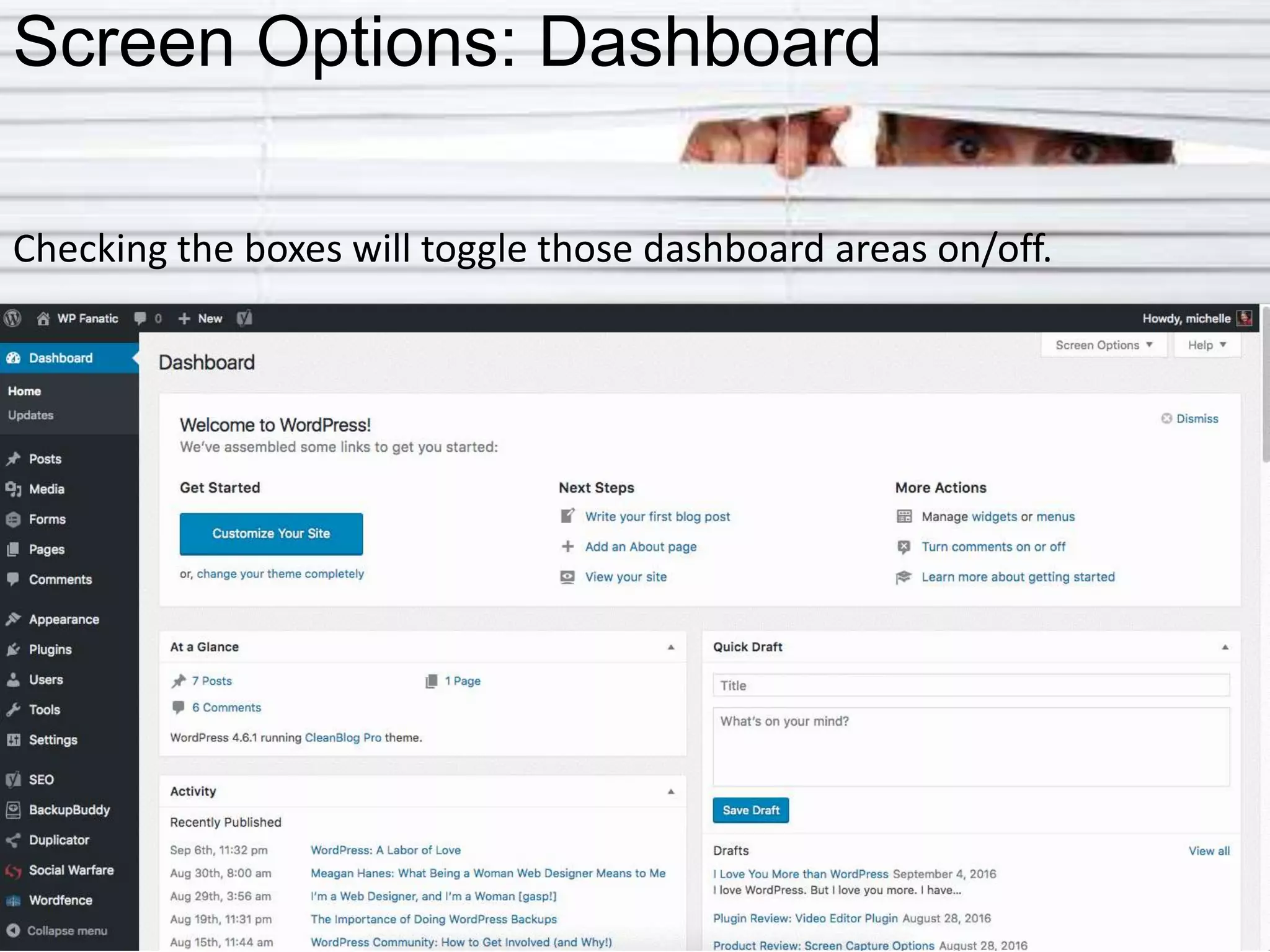
Screen Options: Dashboard
Checking the boxes will toggle those dashboard areas on/off.
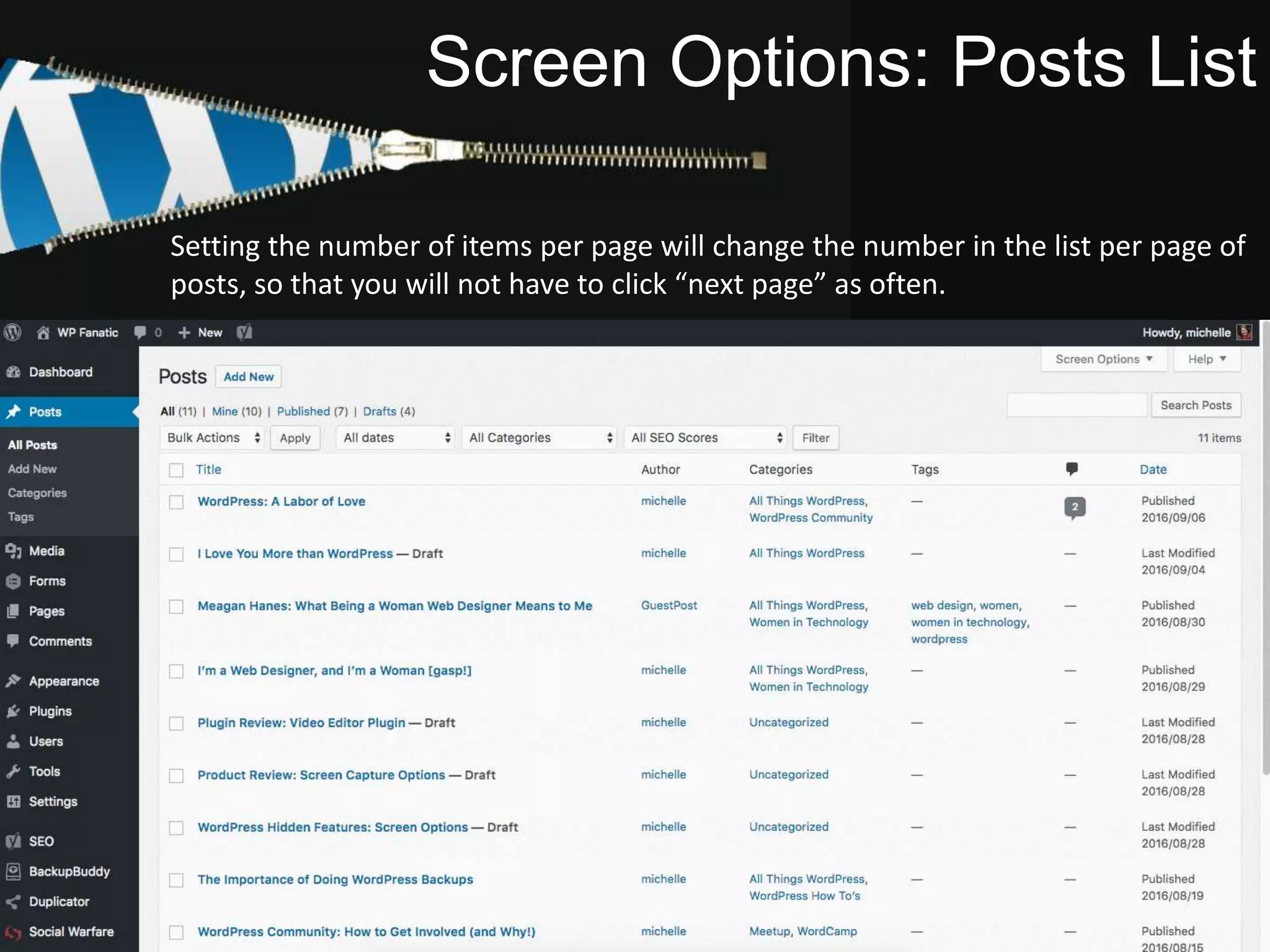
Screen Options: Posts List
Checking the boxes will toggle those features on/off. Setting the number of items per
page will change the number in the list per page of posts, so that you will not have to
click “next page” as often.
Setting the number of items per page will change the number in the list per page of
posts, so that you will not have to click “next page” as often.
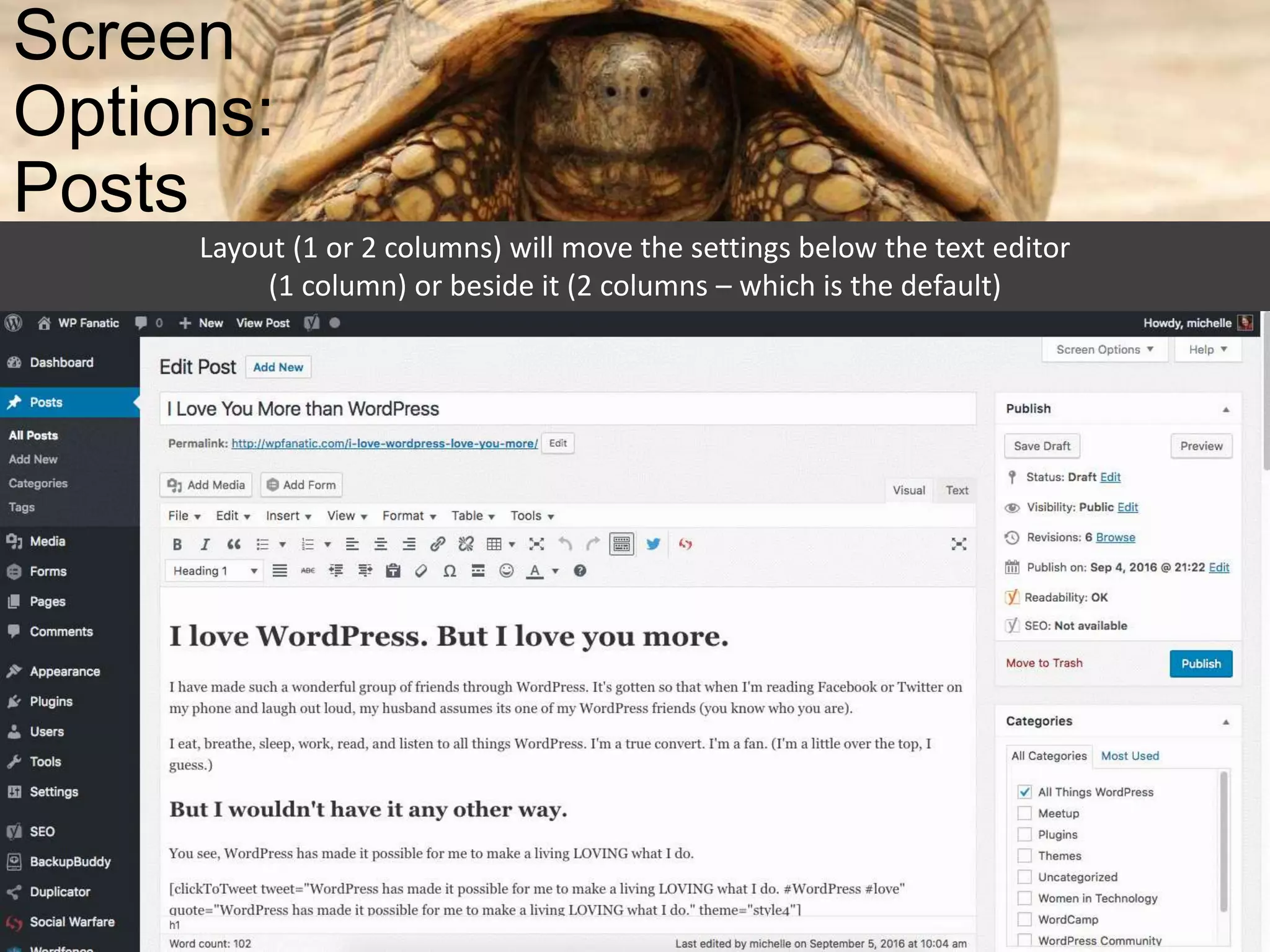
Screen
Options:
Posts
Layout (1 or 2 columns) will move the settings below the text editor
(1 column) or beside it (2 columns – which is the default)
Screen Options: Pages List
Checking the boxes will change the columns on the
pages list. Here is where some of the plugins options
can really come in handy.
Screen
Options:
Pages
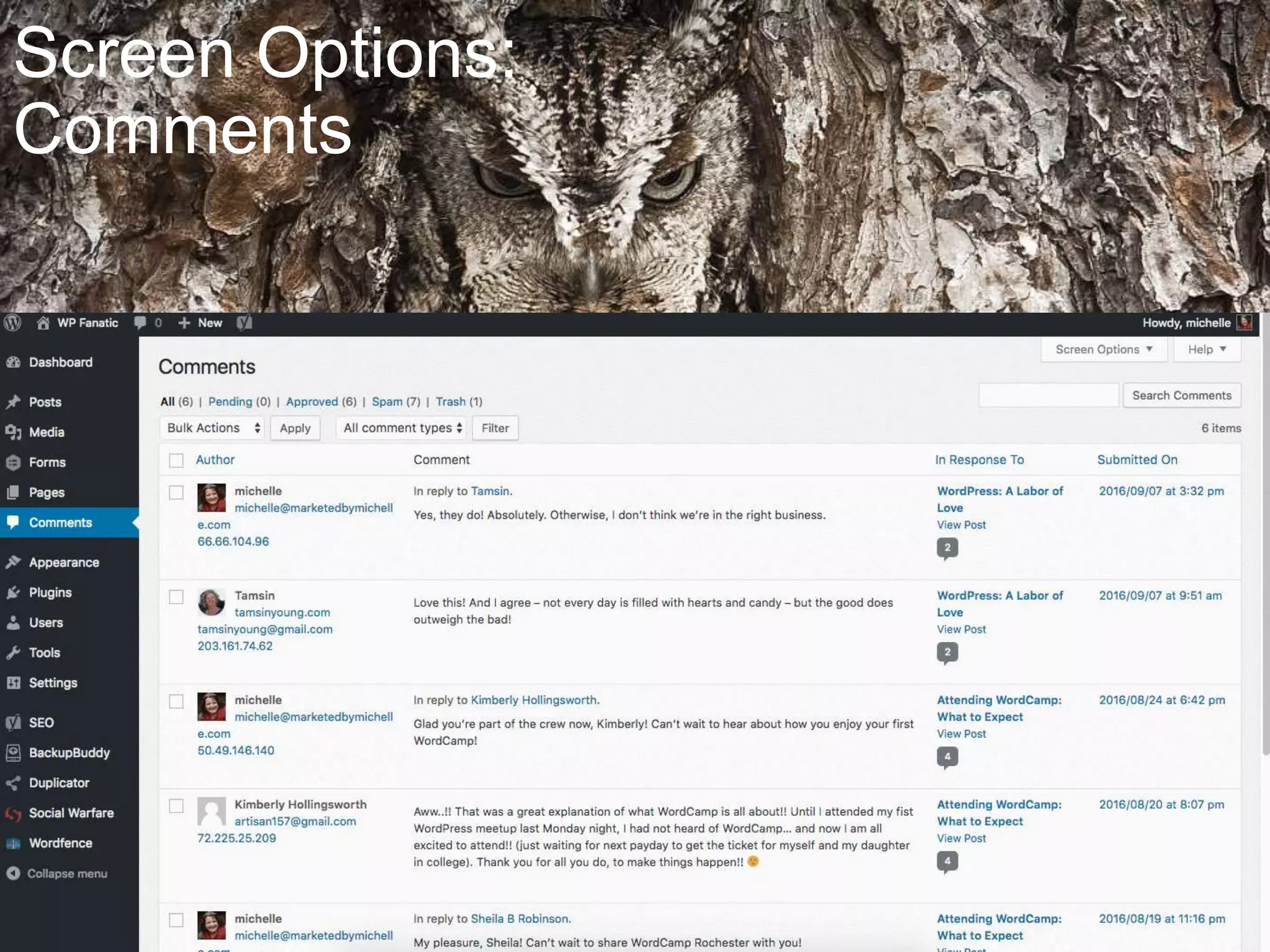
Screen Options:
Comments
Screen Options:
Widgets
Enabling accessibility mode
changes the “add” from drop
down menus to simple “add”
buttons.
Screen
Options:
Menus
Toggling “link target” will
allow you to enable links to
open in a new tab.
Screen Options:
Plugins
Screen
Options:
Users
Post Options
• Stick post to front page (overrides chronological
blog/posts and keeps this post on the blog home
page)
• Password Protect – only those with the password
will gain access to the post
• Private posts will be accessible only to those
whose user settings meet the criteria
• Publication date – can be set in the future to post
at a later date, or can be edited to change the
order of posts in your blog.
Page Options
• Status Update (published, pending review,
draft)
• Password Protect – only those with the
password will gain access to the page
• Private pages will be accessible only to those
whose user settings meet the criteria
• Publication date – can be set in the future to
post at a later date, or can be edited to
change the order of posts in your blog.
• Revisions – scroll through previous revisions
to restore to an earlier point
Editor
Options
Paste as Text
Clear Formatting
Special Character
Toolbar ToggleHorizontal Line Read More
Keyboard Shortcuts
Proofread Writing
More
Editor
Options
Distraction-free Writing
Text Editing
Visual Editing
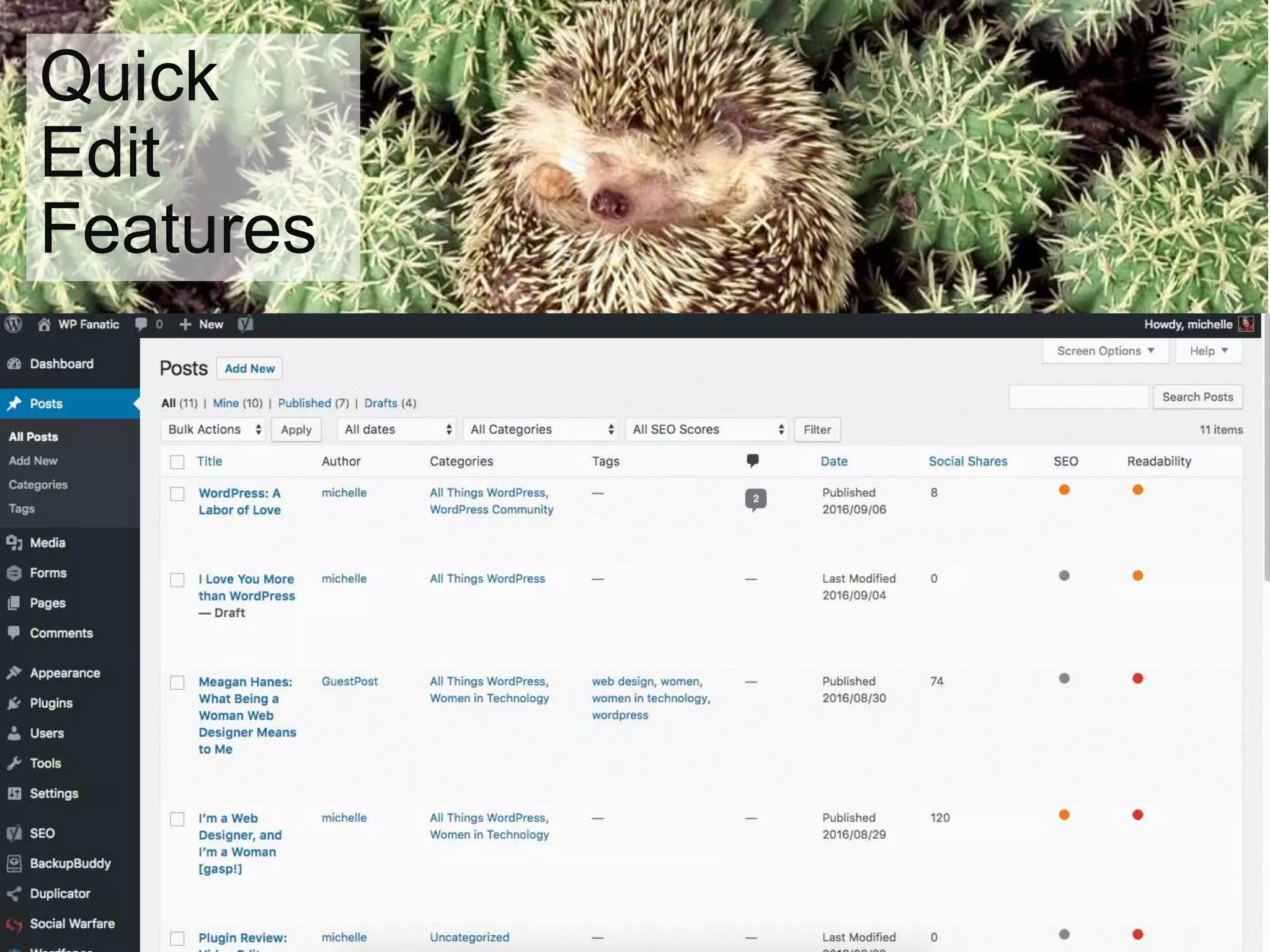
Quick
Edit
Features
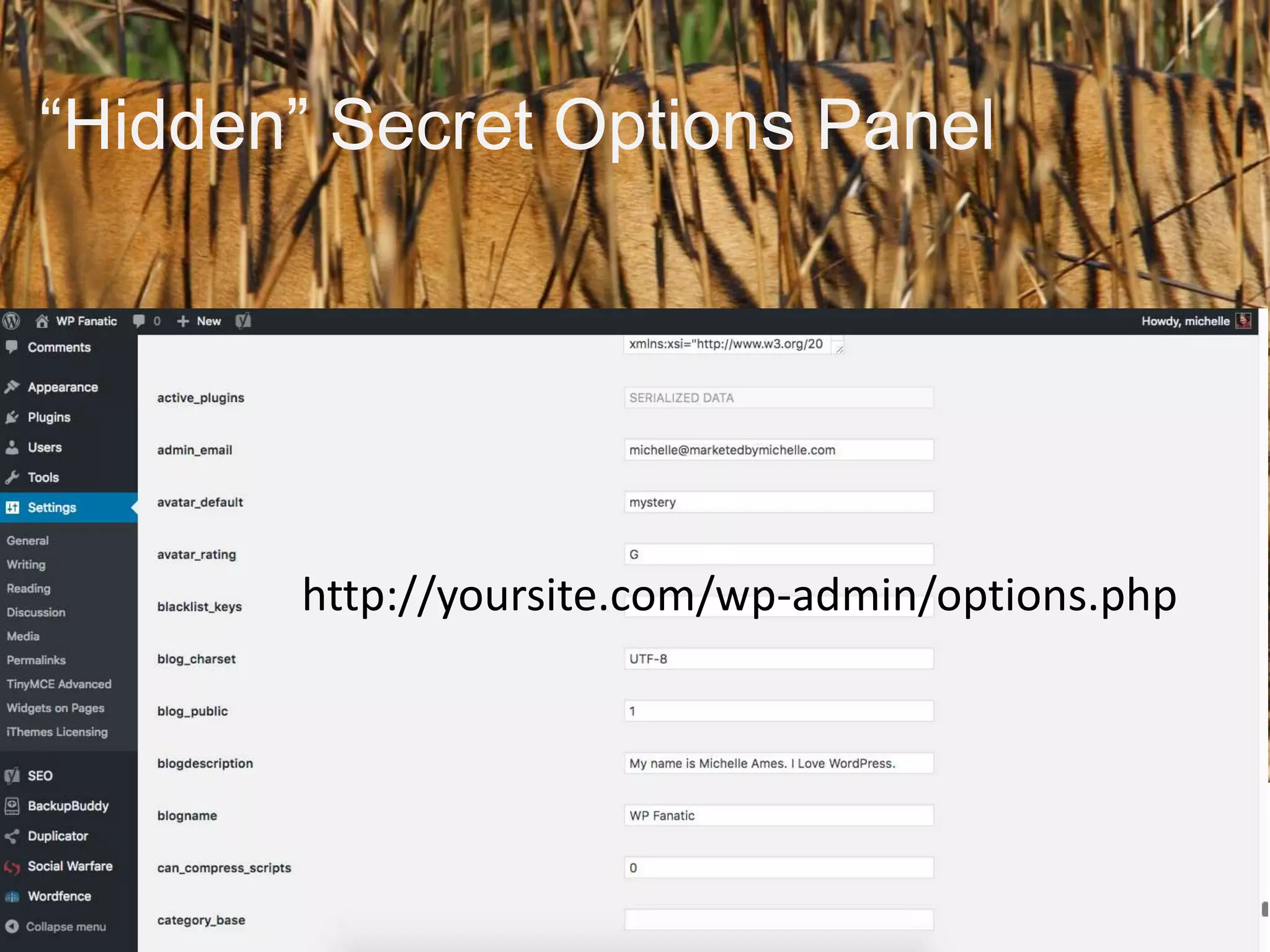
“Hidden” Secret Options Panel
http://yoursite.com/wp-admin/options.php
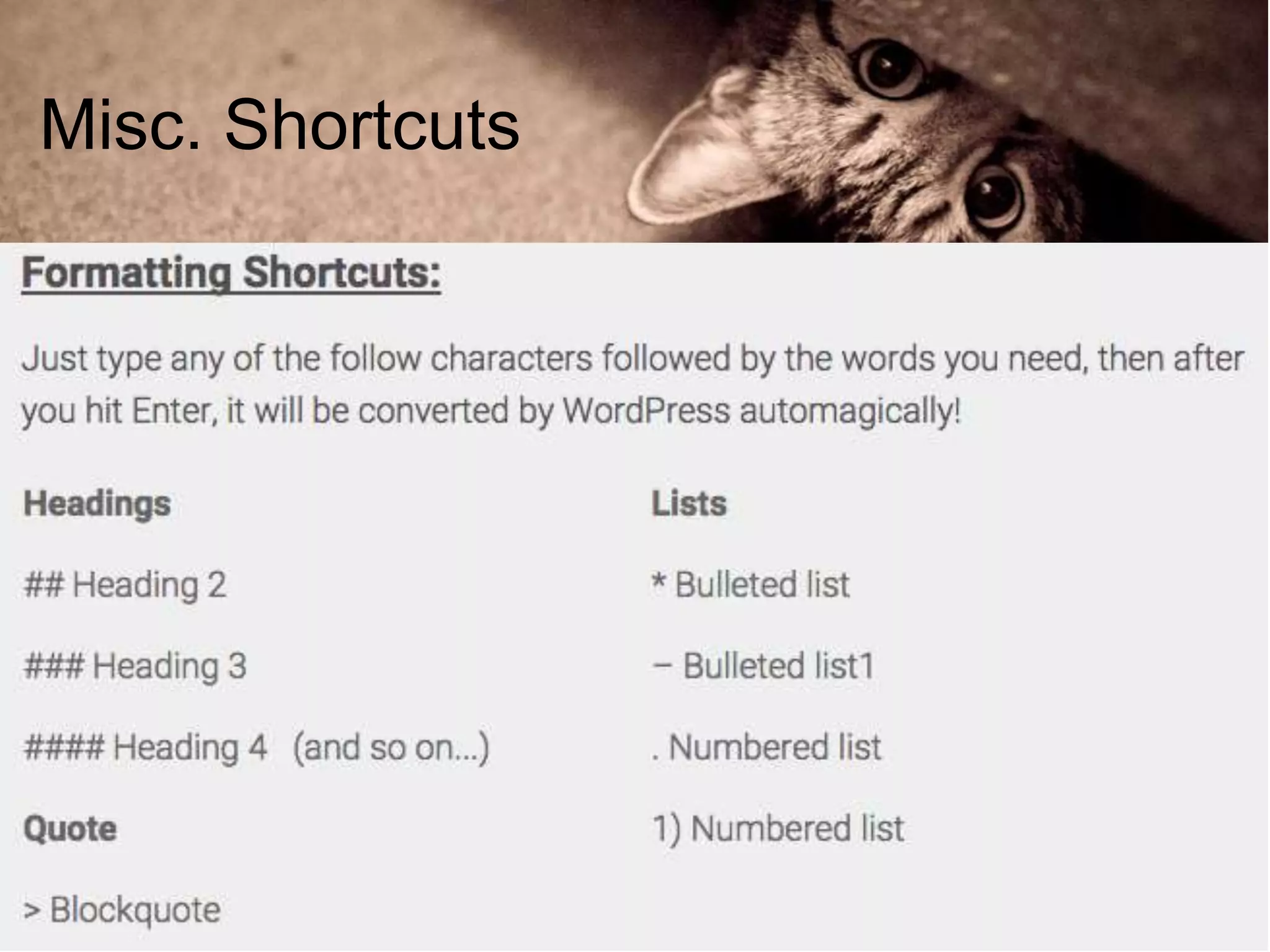
Misc. Shortcuts
Misc. Shortcuts
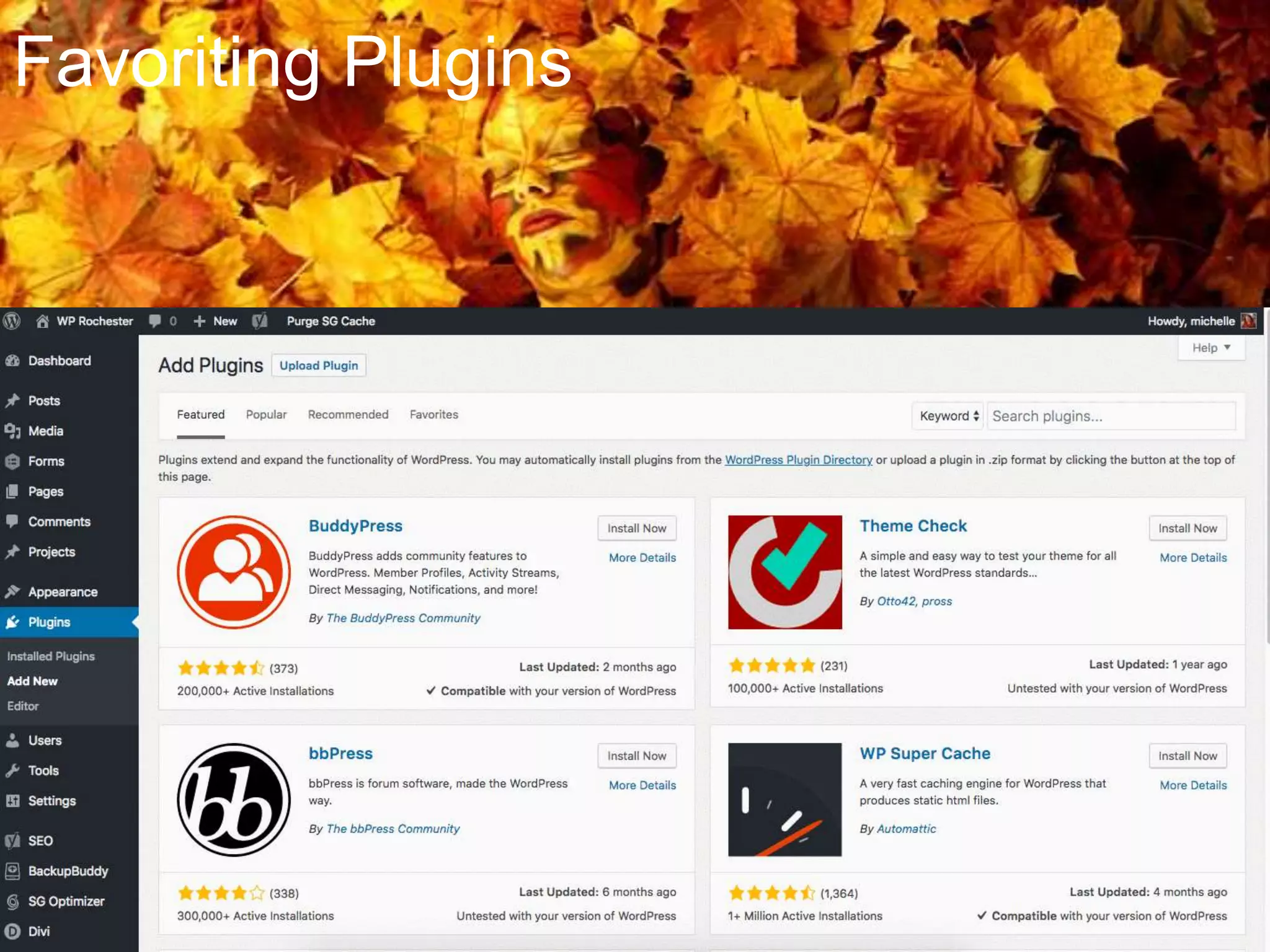
Favoriting Plugins
Favoriting Plugins
Help
Questions
• Twitter: @michelleames
• SlideShare:
slideshare.net/michelleames

Hidden Features of WordPress