How to Empower Clients to Use their
Websites – and Client-proof them at the
Same Time
with MICHELLE AMES
@michelleames
About Me
• Using WordPress 10+ Years
• Founded WordCamp Rochester
• Launching WPCoffeeTalk
• Author, Blogger, Serial Volunteer, Words With Friends Enthusiast, 11th Hour
Expert, Public Servant, Mother, Cat Staff, Podcaster, Coach, Photographer, Yadda
Yadda Yadda…
@michelleames
Shameless Plug > >
>
Empowering Clients to Use their Sites…
and Client-proof them at the Same Time
What if I told you…it’s possible?
@michelleames
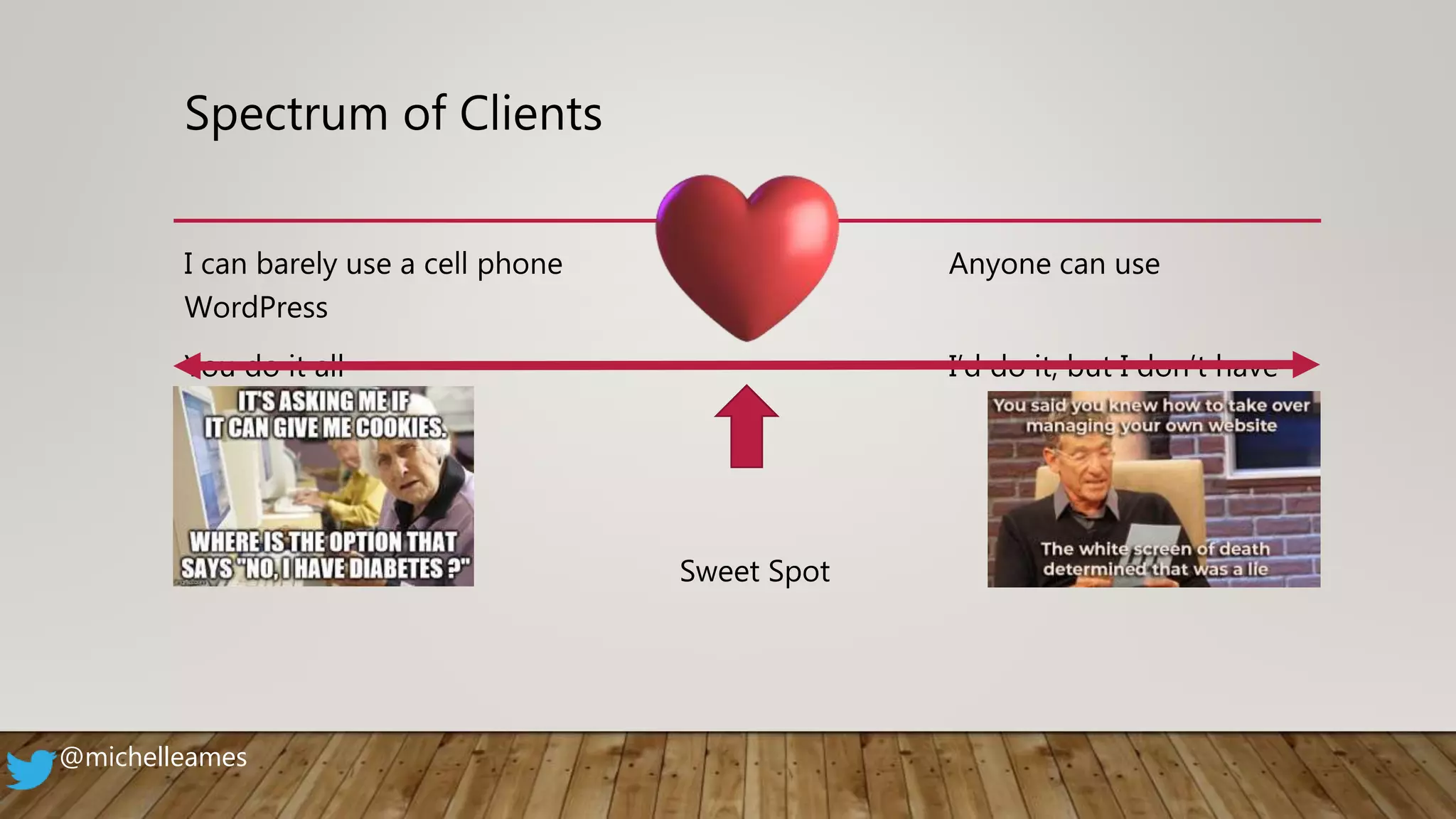
Spectrum of Clients
I can barely use a cell phone Anyone can use
WordPress
You do it all I’d do it, but I don’t have
time
Sweet Spot
@michelleames
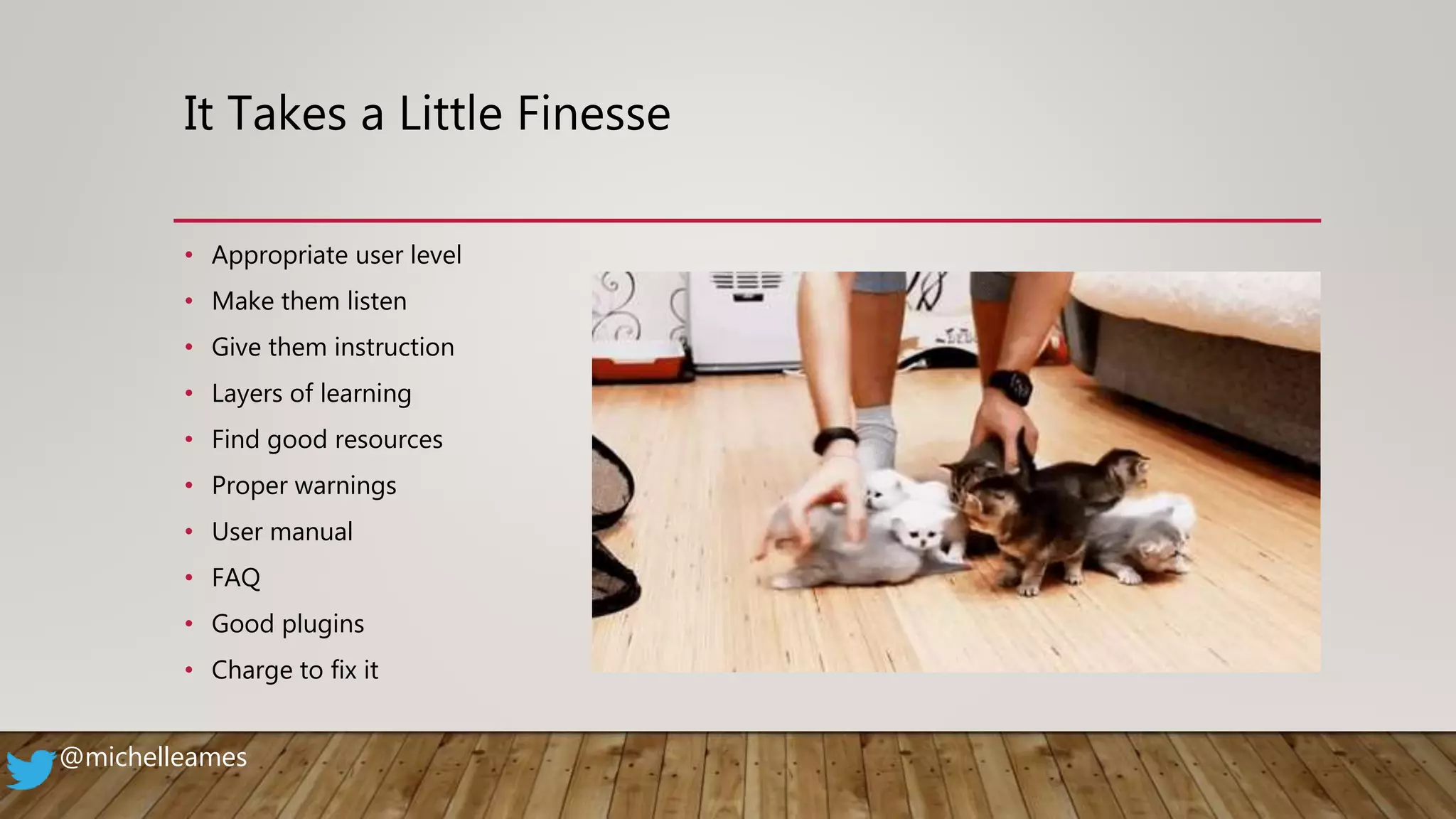
It Takes a Little Finesse
• Appropriate user level
• Make them listen
• Give them instruction
• Layers of learning
• Find good resources
• Proper warnings
• User manual
• FAQ
• Good plugins
• Charge to fix it
@michelleames
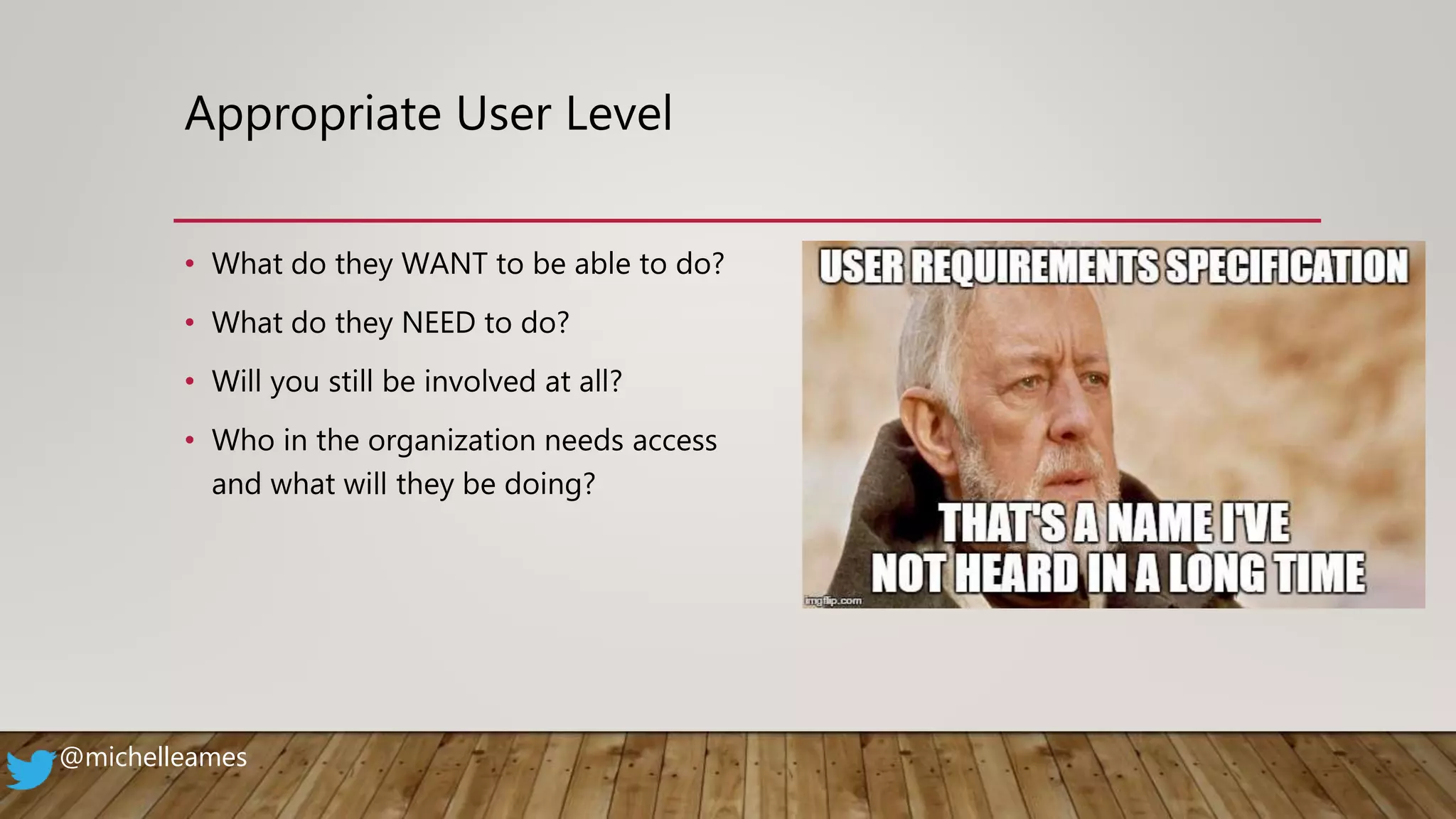
Appropriate User Level
• What do they WANT to be able to do?
• What do they NEED to do?
• Will you still be involved at all?
• Who in the organization needs access
and what will they be doing?
@michelleames
Make Them Listen
• Make sure they understand that it’s not easy to “break a website,” but that it happens
• Explain what areas they should use (pages, posts, forms, etc.)
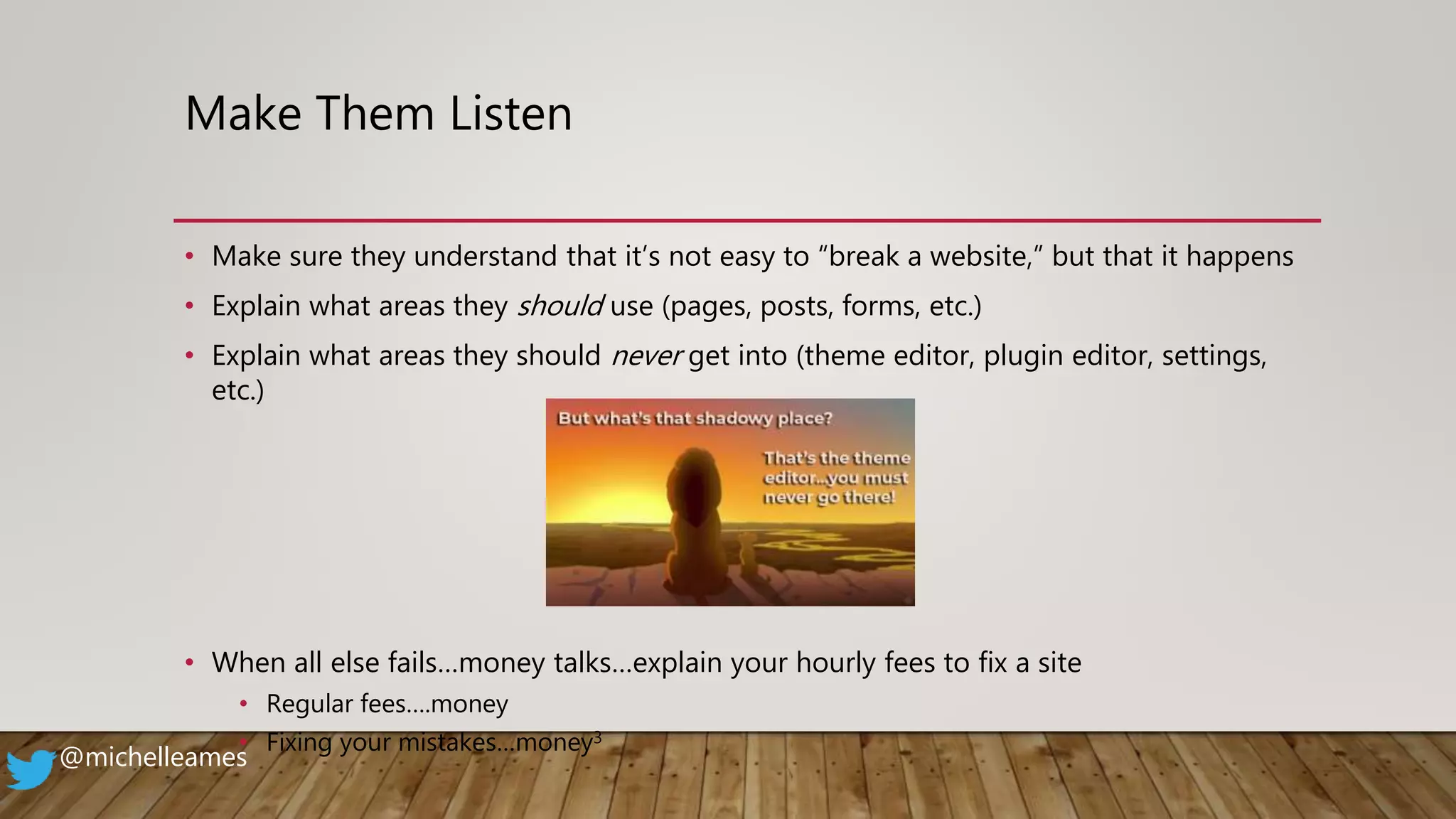
• Explain what areas they should never get into (theme editor, plugin editor, settings,
etc.)
• When all else fails…money talks…explain your hourly fees to fix a site
• Regular fees….money
• Fixing your mistakes…money3
@michelleames
Give Them Instruction
• Require no interruptions
• Cell phones off
• No checking email
• Full attention
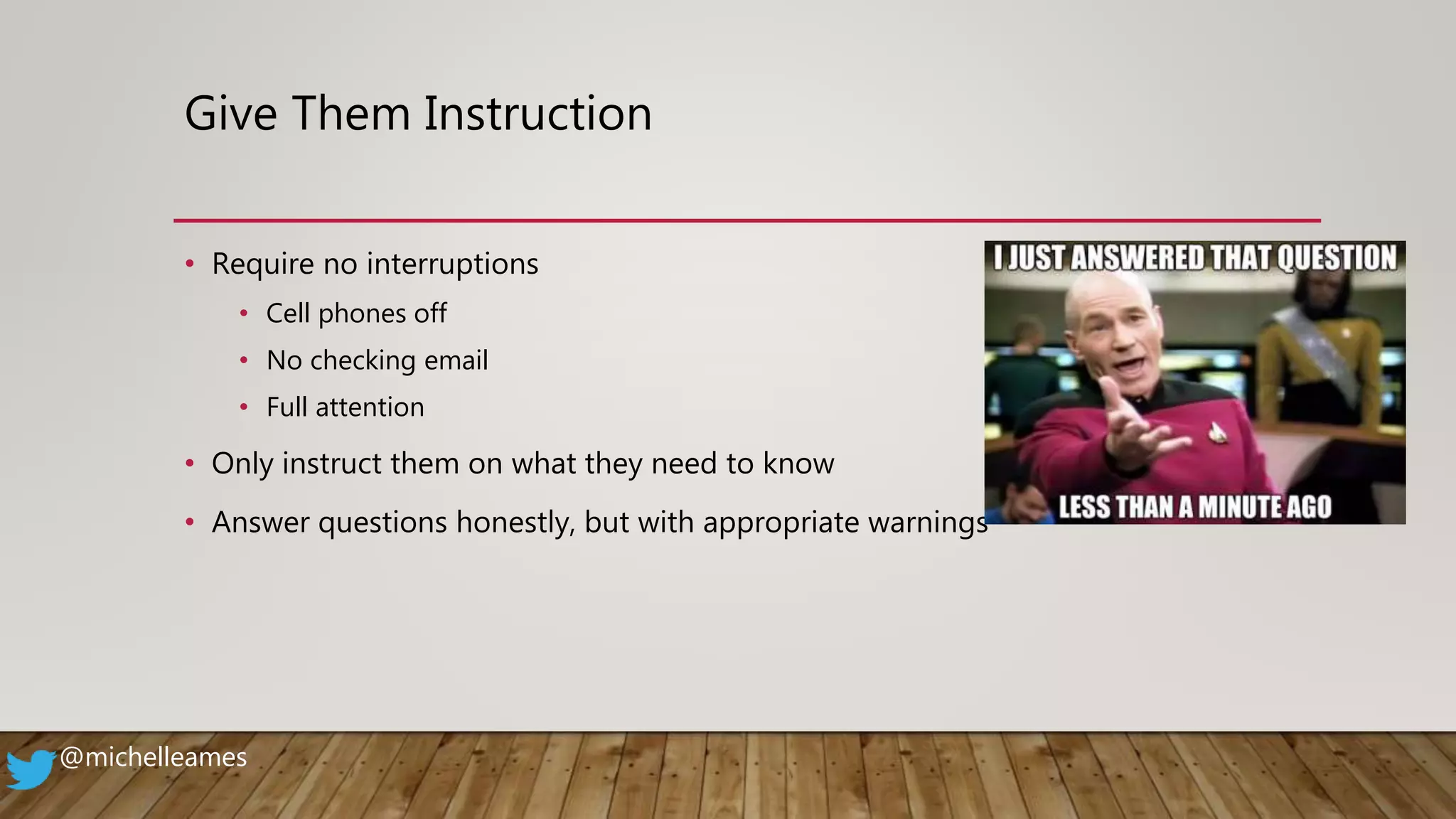
• Only instruct them on what they need to know
• Answer questions honestly, but with appropriate warnings
@michelleames
Layers of Learning
• Set up 2-3 meetings to teach them how to use their site
(smaller chunks to be able to process more information)
• Build on what you’ve shared before
• Connect the dots
@michelleames
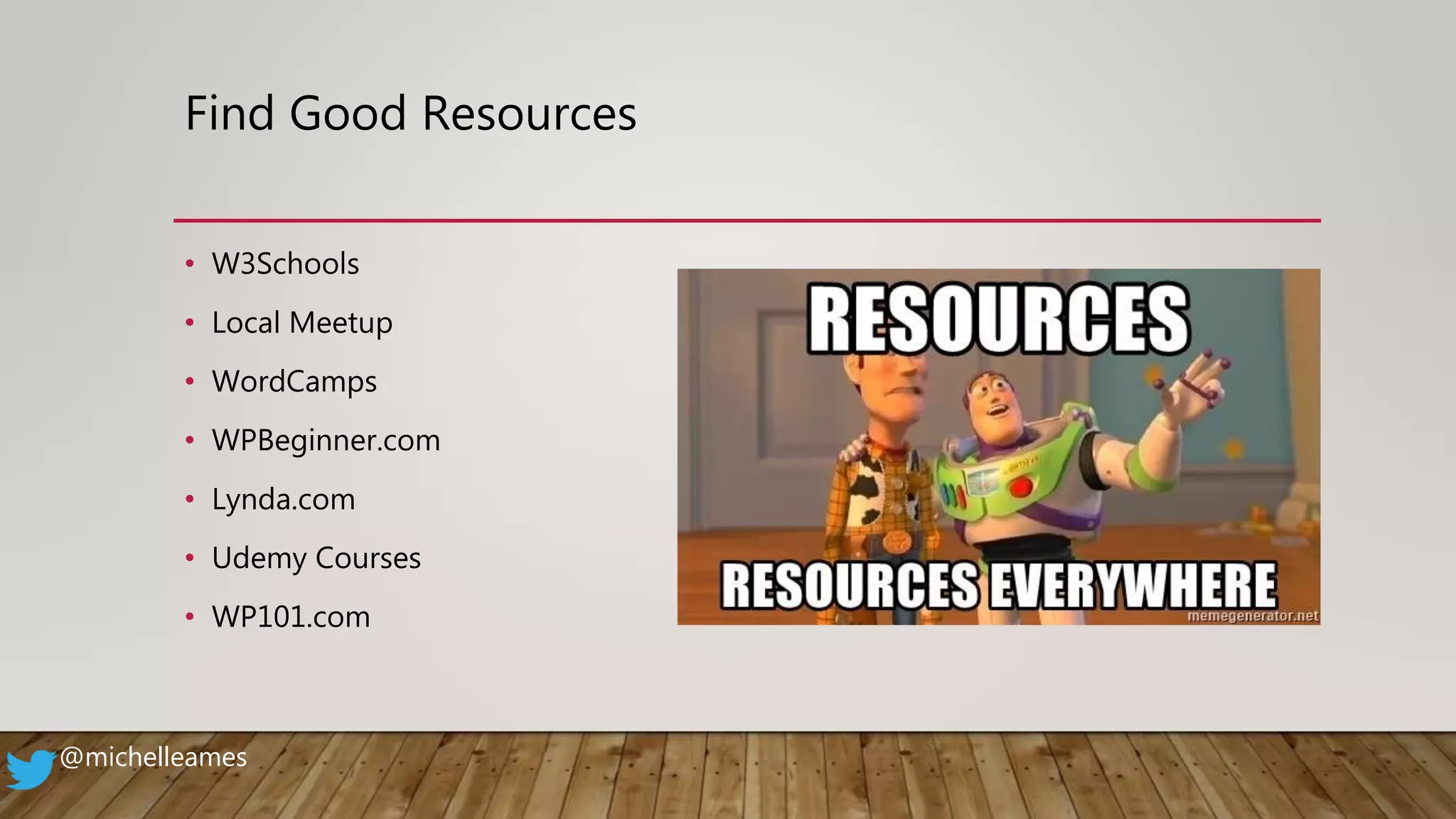
Find Good Resources
• W3Schools
• Local Meetup
• WordCamps
• WPBeginner.com
• Lynda.com
• Udemy Courses
• WP101.com
@michelleames
Proper Warnings…Seriously
• Be clear in what you mean
• Provide the “WHY”
• Explain what happens “IF”
• Hackers, and errors, and white screens…oh my!
@michelleames
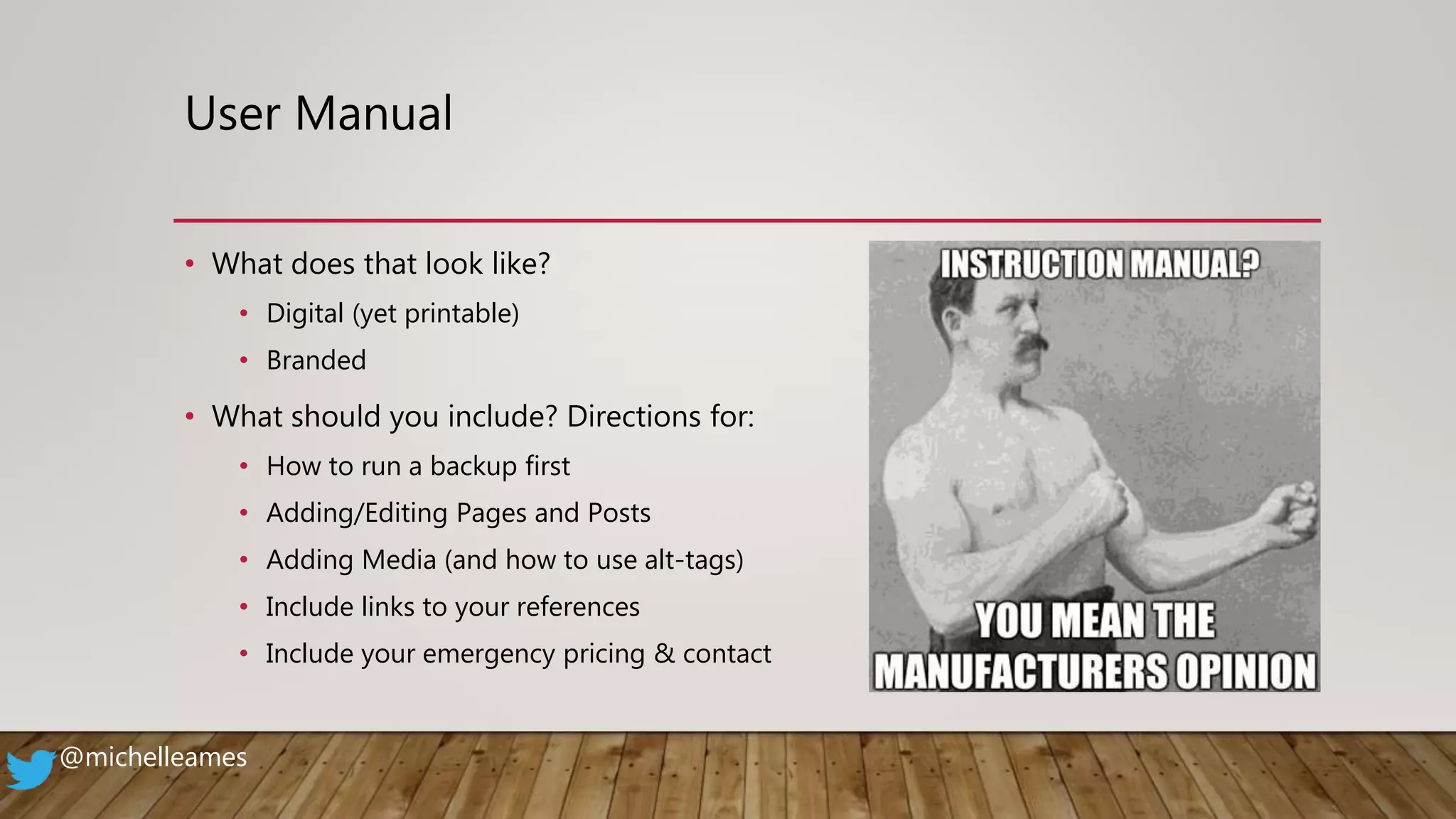
User Manual
• What does that look like?
• Digital (yet printable)
• Branded
• What should you include? Directions for:
• How to run a backup first
• Adding/Editing Pages and Posts
• Adding Media (and how to use alt-tags)
• Include links to your references
• Include your emergency pricing & contact
@michelleames
FAQ
A nice handy quick reference
list
• Don’t Panic!
• What the different plugins do & how to
use them
• Basic editing
• How to add a form
• Basic SEO steps
• How to backup your site
• Importance of updating
• Page/Post Revisions
@michelleames
Plugins
• User role management
• Backup plugin automation
• WP Rollback
• WP101
@michelleames
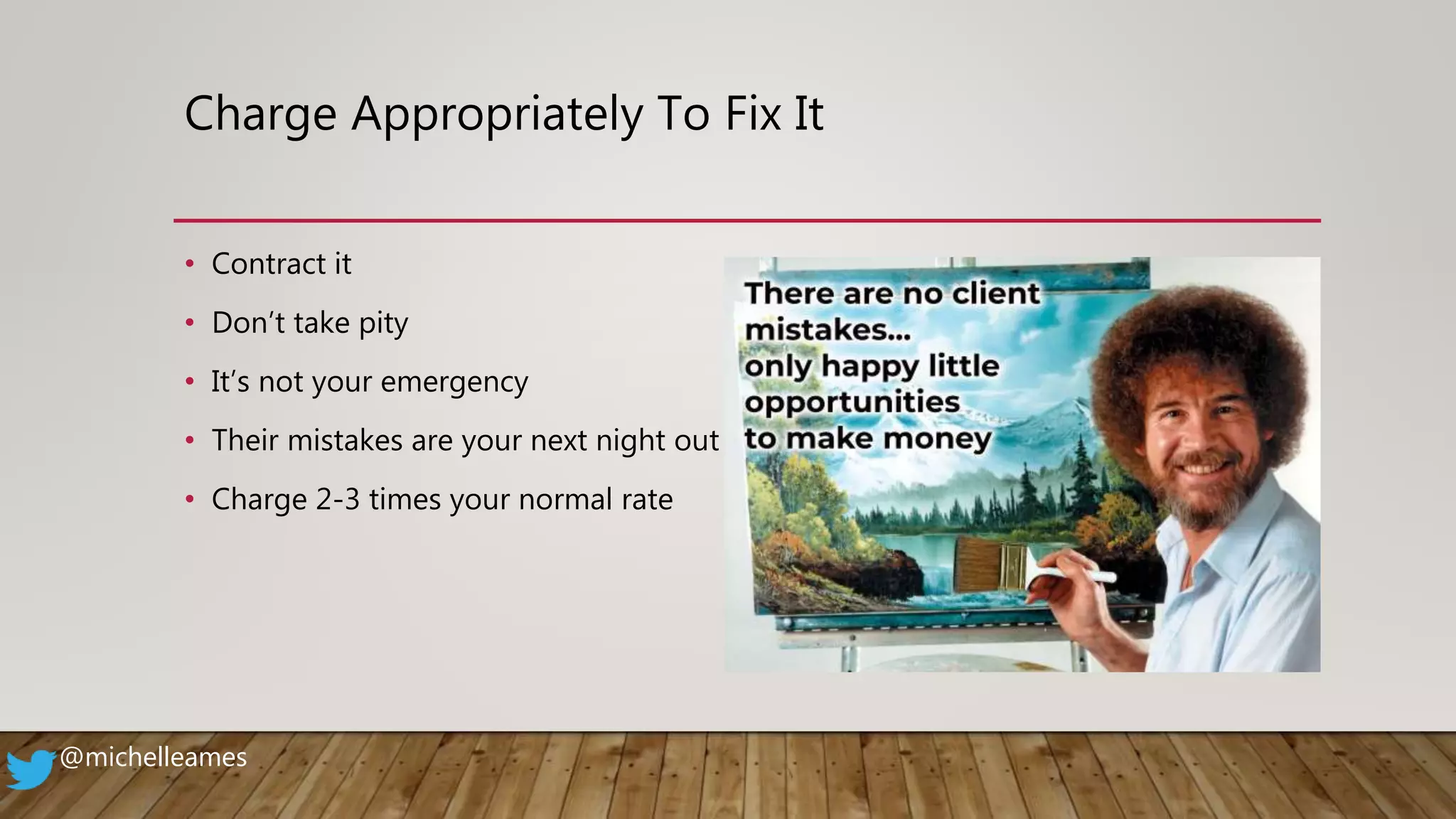
Charge Appropriately To Fix It
• Contract it
• Don’t take pity
• It’s not your emergency
• Their mistakes are your next night out
• Charge 2-3 times your normal rate
@michelleames
MISSION: NOT IMPOSSIBLE (JUST NOT EASY)
@michelleames
@michelleames
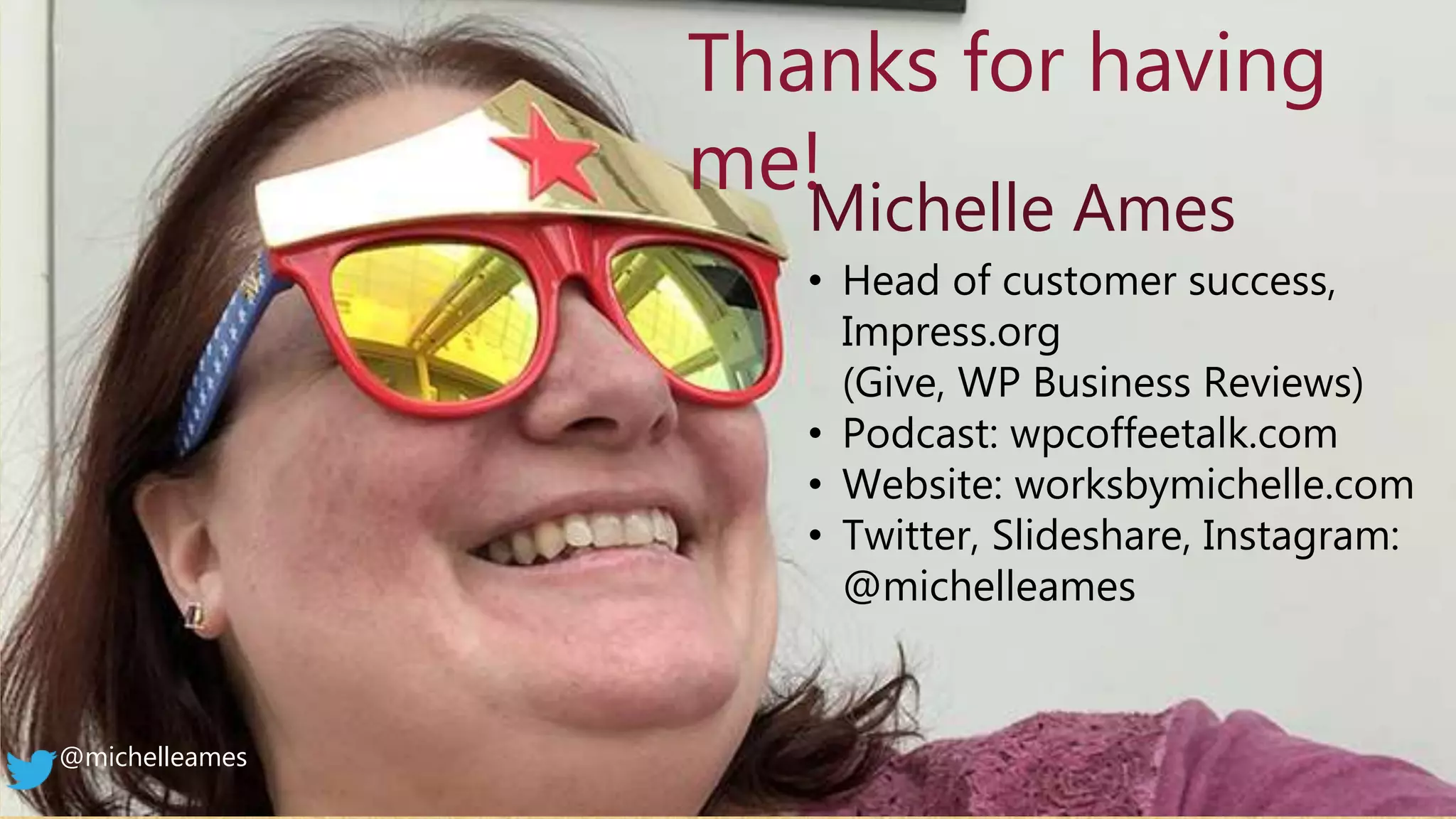
Michelle Ames
• Head of customer success,
Impress.org
(Give, WP Business Reviews)
• Podcast: wpcoffeetalk.com
• Website: worksbymichelle.com
• Twitter, Slideshare, Instagram:
@michelleames
Thanks for having
me!

How to Empower Clients to Use their Websites – and Client-proof them at the Same Time

  • 1.
    How to EmpowerClients to Use their Websites – and Client-proof them at the Same Time with MICHELLE AMES @michelleames
  • 2.
    About Me • UsingWordPress 10+ Years • Founded WordCamp Rochester • Launching WPCoffeeTalk • Author, Blogger, Serial Volunteer, Words With Friends Enthusiast, 11th Hour Expert, Public Servant, Mother, Cat Staff, Podcaster, Coach, Photographer, Yadda Yadda Yadda… @michelleames Shameless Plug > > >
  • 3.
    Empowering Clients toUse their Sites… and Client-proof them at the Same Time What if I told you…it’s possible? @michelleames
  • 4.
    Spectrum of Clients Ican barely use a cell phone Anyone can use WordPress You do it all I’d do it, but I don’t have time Sweet Spot @michelleames
  • 5.
    It Takes aLittle Finesse • Appropriate user level • Make them listen • Give them instruction • Layers of learning • Find good resources • Proper warnings • User manual • FAQ • Good plugins • Charge to fix it @michelleames
  • 6.
    Appropriate User Level •What do they WANT to be able to do? • What do they NEED to do? • Will you still be involved at all? • Who in the organization needs access and what will they be doing? @michelleames
  • 7.
    Make Them Listen •Make sure they understand that it’s not easy to “break a website,” but that it happens • Explain what areas they should use (pages, posts, forms, etc.) • Explain what areas they should never get into (theme editor, plugin editor, settings, etc.) • When all else fails…money talks…explain your hourly fees to fix a site • Regular fees….money • Fixing your mistakes…money3 @michelleames
  • 8.
    Give Them Instruction •Require no interruptions • Cell phones off • No checking email • Full attention • Only instruct them on what they need to know • Answer questions honestly, but with appropriate warnings @michelleames
  • 9.
    Layers of Learning •Set up 2-3 meetings to teach them how to use their site (smaller chunks to be able to process more information) • Build on what you’ve shared before • Connect the dots @michelleames
  • 10.
    Find Good Resources •W3Schools • Local Meetup • WordCamps • WPBeginner.com • Lynda.com • Udemy Courses • WP101.com @michelleames
  • 11.
    Proper Warnings…Seriously • Beclear in what you mean • Provide the “WHY” • Explain what happens “IF” • Hackers, and errors, and white screens…oh my! @michelleames
  • 12.
    User Manual • Whatdoes that look like? • Digital (yet printable) • Branded • What should you include? Directions for: • How to run a backup first • Adding/Editing Pages and Posts • Adding Media (and how to use alt-tags) • Include links to your references • Include your emergency pricing & contact @michelleames
  • 13.
    FAQ A nice handyquick reference list • Don’t Panic! • What the different plugins do & how to use them • Basic editing • How to add a form • Basic SEO steps • How to backup your site • Importance of updating • Page/Post Revisions @michelleames
  • 14.
    Plugins • User rolemanagement • Backup plugin automation • WP Rollback • WP101 @michelleames
  • 15.
    Charge Appropriately ToFix It • Contract it • Don’t take pity • It’s not your emergency • Their mistakes are your next night out • Charge 2-3 times your normal rate @michelleames
  • 16.
    MISSION: NOT IMPOSSIBLE(JUST NOT EASY) @michelleames
  • 17.
    @michelleames Michelle Ames • Headof customer success, Impress.org (Give, WP Business Reviews) • Podcast: wpcoffeetalk.com • Website: worksbymichelle.com • Twitter, Slideshare, Instagram: @michelleames Thanks for having me!