HARDWARE SECURITY
FOR YOUR SECURE PCs
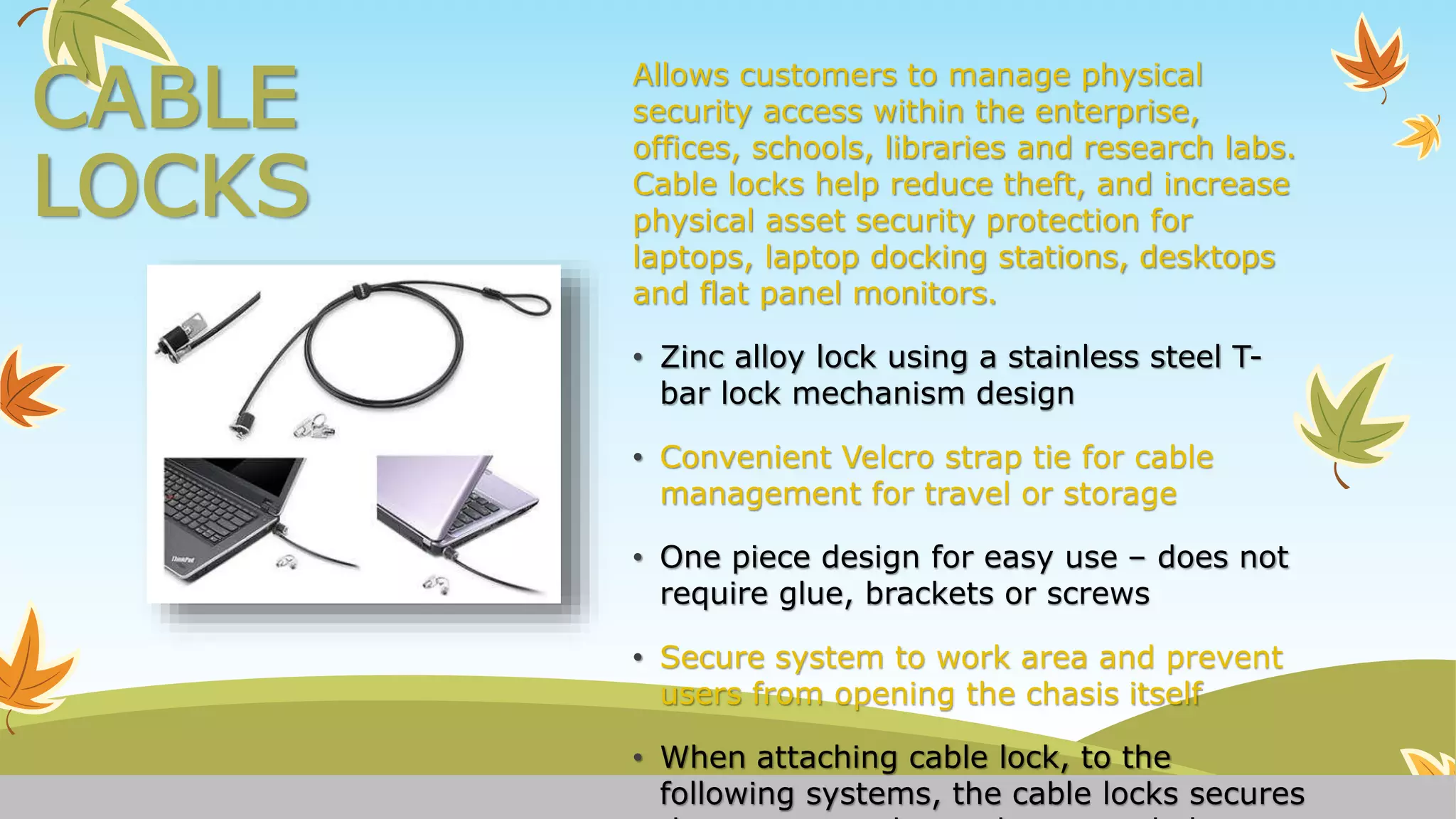
CABLE
LOCKS
Allows customers to manage physical
security access within the enterprise,
offices, schools, libraries and research labs.
Cable locks help reduce theft, and increase
physical asset security protection for
laptops, laptop docking stations, desktops
and flat panel monitors.
• Zinc alloy lock using a stainless steel T-
bar lock mechanism design
• Convenient Velcro strap tie for cable
management for travel or storage
• One piece design for easy use – does not
require glue, brackets or screws
• Secure system to work area and prevent
users from opening the chasis itself
• When attaching cable lock, to the
following systems, the cable locks secures
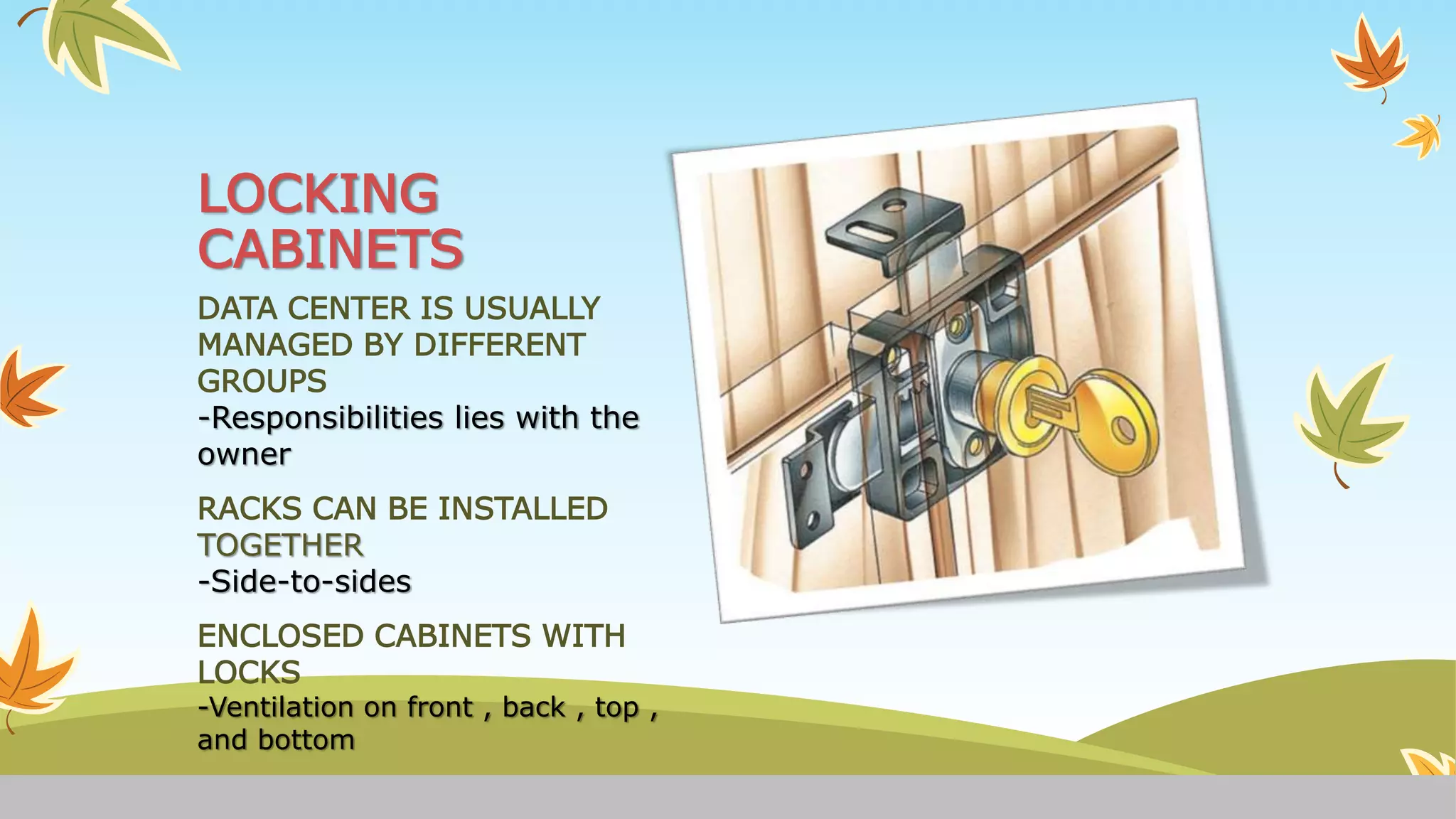
LOCKING
CABINETS
DATA CENTER IS USUALLY
MANAGED BY DIFFERENT
GROUPS
-Responsibilities lies with the
owner
RACKS CAN BE INSTALLED
TOGETHER
-Side-to-sides
ENCLOSED CABINETS WITH
LOCKS
-Ventilation on front , back , top ,
and bottom
• Hardware plays a role in securing some computer systems.
• Currently, this is most obviously the case for smartcards,
for which there is a relatively long history of attacks and
countermeasures.
• In the future secure hardware looks set to play an
increasingly important role in the - highly controversial -
Trusted Computing initiatives.
• This might present a solution to some security woes, but
only if other fundamental problems with operating
systems can be addressed.
What is Hardware Security?
10 physical security measures
every organization should take
Lock up the server room
 Even before you lock down the servers, in fact, before you even turn them on for the first
time, you should ensure that there are good locks on the server room door.
 The server room is the heart of your physical network, and someone with physical access to
the servers, switches, routers, cables and other devices in that room can do enormous
damage.
 Set up surveillance
Locking the door to the server room is a good first step, but someone could break in, or
someone who has authorized access could misuse that authority. You need a way to know who
goes in and out and when. A log book for signing in and out is the most elemental way to
accomplish this, but it has a lot of drawbacks. A person with malicious intent is likely to just
bypass it.
Make sure the most vulnerable devices are in
that locked room
Remember, it's not just the servers you have to worry about. A hacker
can plug a laptop into a hub and use sniffer software to capture data
traveling across the network. Make sure that as many of your network
devices as possible are in that locked room, or if they need to be in a
different area, in a locked closet elsewhere in the building.
Keep intruders from opening the case
Both servers and workstations should be protected from thieves who can
open the case and grab the hard drive. It's much easier to make off with
a hard disk in your pocket than to carry a full tower off the premises.
Many computers come with case locks to prevent opening the case
without a key.
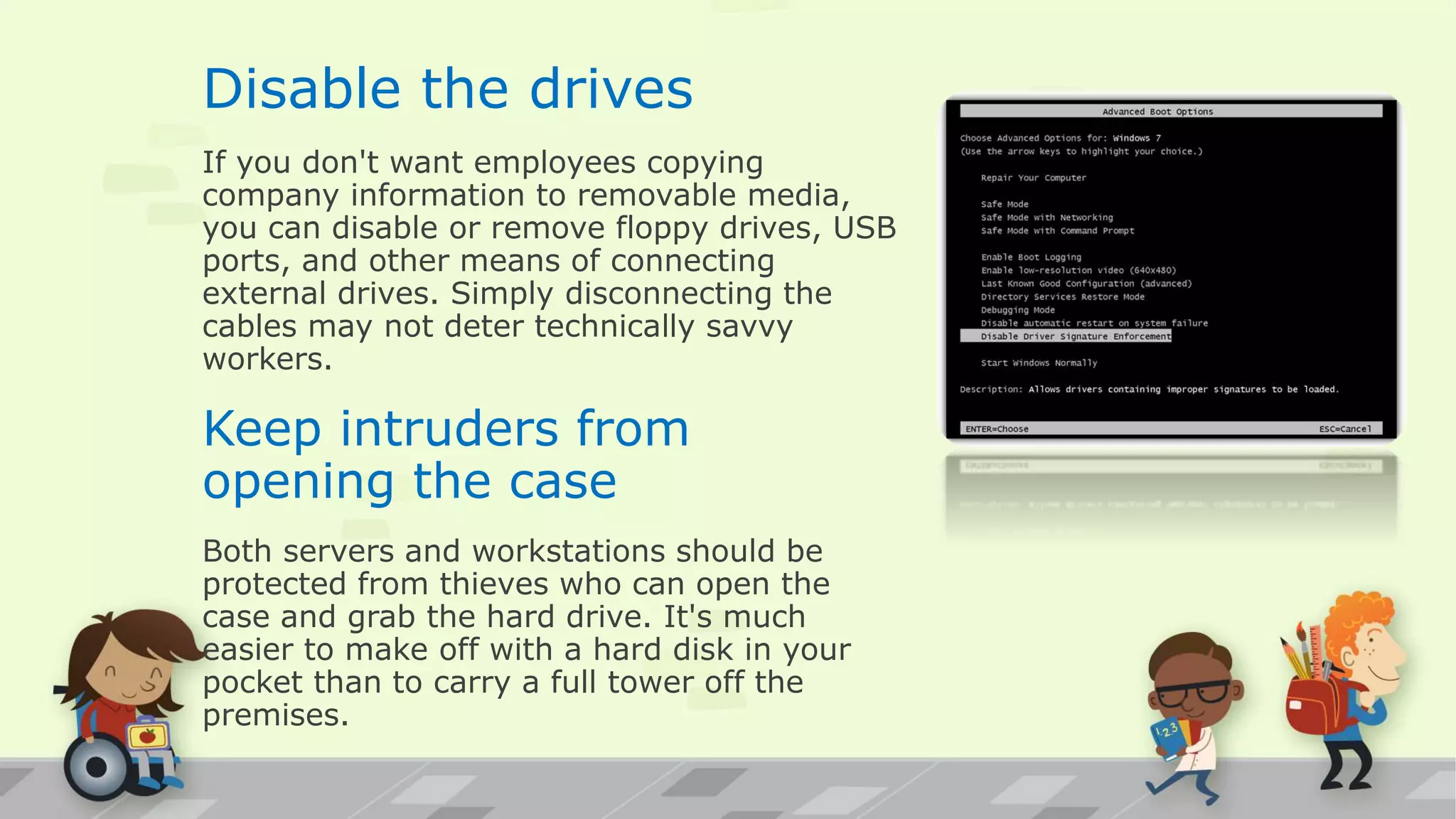
Disable the drives
If you don't want employees copying
company information to removable media,
you can disable or remove floppy drives, USB
ports, and other means of connecting
external drives. Simply disconnecting the
cables may not deter technically savvy
workers.
Keep intruders from
opening the case
Both servers and workstations should be
protected from thieves who can open the
case and grab the hard drive. It's much
easier to make off with a hard disk in your
pocket than to carry a full tower off the
premises.
Site security
You should check the physical security of your
premises, concentrating on access through
windows and doors.
You can improve the physical security of desktop
PCs by using devices such as metal cages and
anchoring devices, making them more difficult to
remove.
Laptop security
Laptops should always be equipped with security
cables and securely locked away when not in use.
Docking stations should lock them firmly in place
when on the desk.
Mobile workers should be particularly careful not to
leave their laptops in their cars or in other exposed
places.
Laptop users should ensure they choose secure
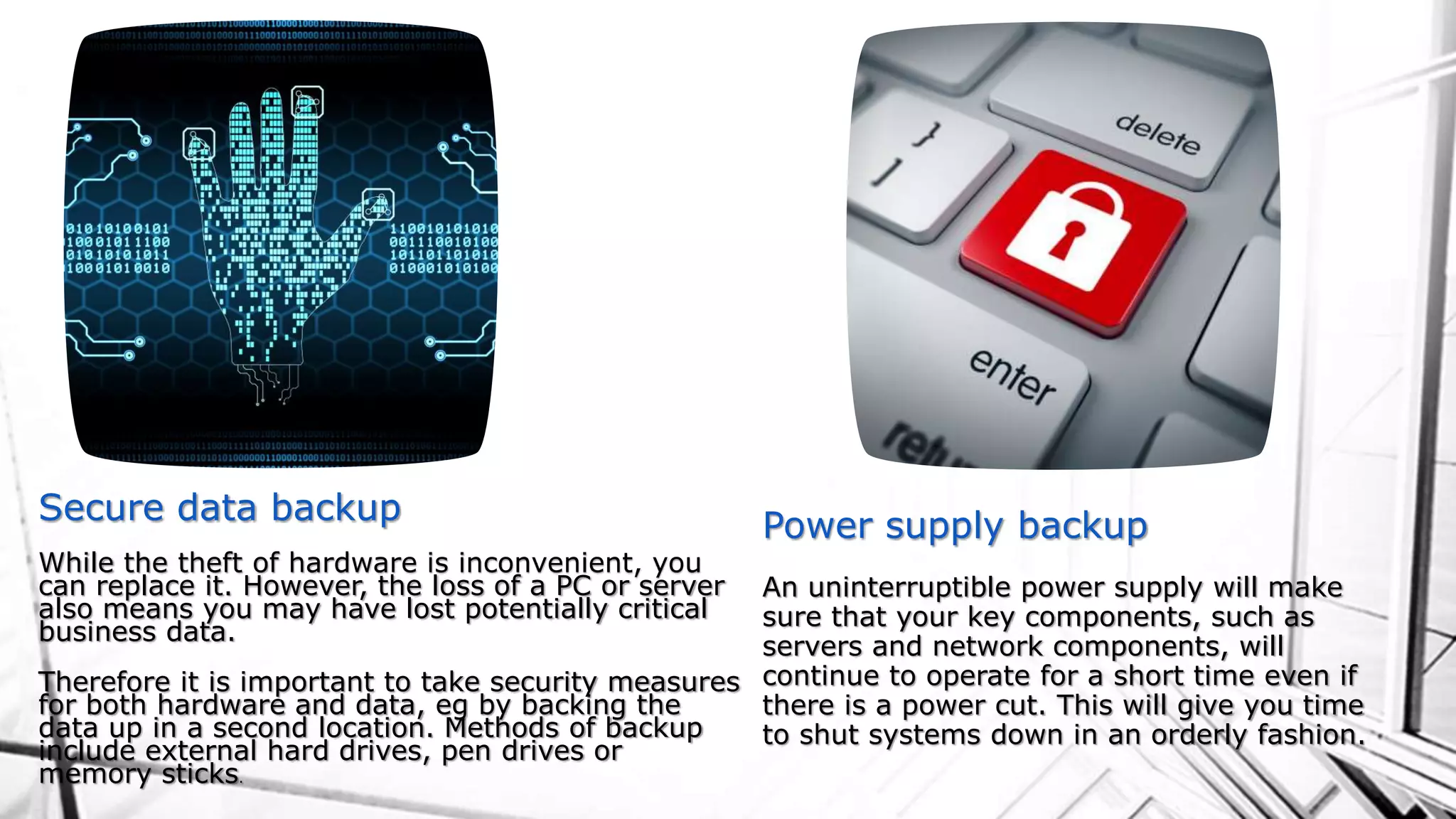
Secure data backup
While the theft of hardware is inconvenient, you
can replace it. However, the loss of a PC or server
also means you may have lost potentially critical
business data.
Therefore it is important to take security measures
for both hardware and data, eg by backing the
data up in a second location. Methods of backup
include external hard drives, pen drives or
memory sticks.
Power supply backup
An uninterruptible power supply will make
sure that your key components, such as
servers and network components, will
continue to operate for a short time even if
there is a power cut. This will give you time
to shut systems down in an orderly fashion.
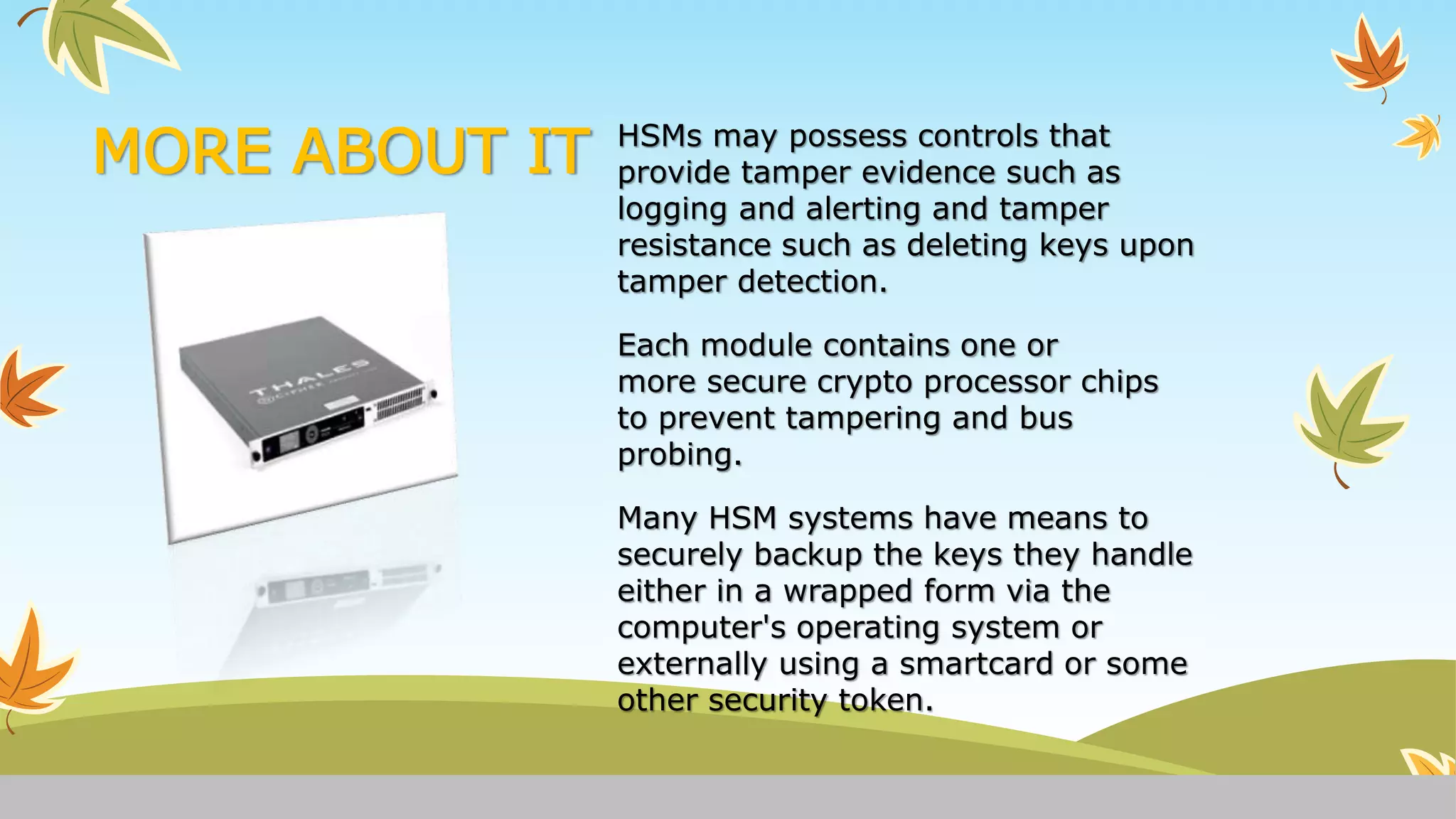
HARDWARE SECURITY MODULE
HARDWARE SECURITY MODULE (HSM) IS A PHYSICAL COMPUTING
DEVICE THAT SAFEGUARDS AND MANAGES DIGITAL
KEYS FOR STRONG AUTHENTICATION AND PROVIDES CRYPTO
PROCESSING.
THESE MODULES TRADITIONALLY COME IN THE FORM OF A PLUG-IN
CARD OR AN EXTERNAL DEVICE THAT ATTACHES DIRECTLY TO
A COMPUTER OR NETWORK SERVER.
MORE ABOUT IT HSMs may possess controls that
provide tamper evidence such as
logging and alerting and tamper
resistance such as deleting keys upon
tamper detection.
Each module contains one or
more secure crypto processor chips
to prevent tampering and bus
probing.
Many HSM systems have means to
securely backup the keys they handle
either in a wrapped form via the
computer's operating system or
externally using a smartcard or some
other security token.
BIBILIOGRAPHY
INFORMATION
www.techrepublic.com
www.findlaw.co.uk
IMAGES
www.google images.com
THANK YOU

Hardware Security

  • 1.
  • 2.
    CABLE LOCKS Allows customers tomanage physical security access within the enterprise, offices, schools, libraries and research labs. Cable locks help reduce theft, and increase physical asset security protection for laptops, laptop docking stations, desktops and flat panel monitors. • Zinc alloy lock using a stainless steel T- bar lock mechanism design • Convenient Velcro strap tie for cable management for travel or storage • One piece design for easy use – does not require glue, brackets or screws • Secure system to work area and prevent users from opening the chasis itself • When attaching cable lock, to the following systems, the cable locks secures
  • 3.
    LOCKING CABINETS DATA CENTER ISUSUALLY MANAGED BY DIFFERENT GROUPS -Responsibilities lies with the owner RACKS CAN BE INSTALLED TOGETHER -Side-to-sides ENCLOSED CABINETS WITH LOCKS -Ventilation on front , back , top , and bottom
  • 4.
    • Hardware playsa role in securing some computer systems. • Currently, this is most obviously the case for smartcards, for which there is a relatively long history of attacks and countermeasures. • In the future secure hardware looks set to play an increasingly important role in the - highly controversial - Trusted Computing initiatives. • This might present a solution to some security woes, but only if other fundamental problems with operating systems can be addressed. What is Hardware Security?
  • 5.
    10 physical securitymeasures every organization should take Lock up the server room  Even before you lock down the servers, in fact, before you even turn them on for the first time, you should ensure that there are good locks on the server room door.  The server room is the heart of your physical network, and someone with physical access to the servers, switches, routers, cables and other devices in that room can do enormous damage.  Set up surveillance Locking the door to the server room is a good first step, but someone could break in, or someone who has authorized access could misuse that authority. You need a way to know who goes in and out and when. A log book for signing in and out is the most elemental way to accomplish this, but it has a lot of drawbacks. A person with malicious intent is likely to just bypass it.
  • 6.
    Make sure themost vulnerable devices are in that locked room Remember, it's not just the servers you have to worry about. A hacker can plug a laptop into a hub and use sniffer software to capture data traveling across the network. Make sure that as many of your network devices as possible are in that locked room, or if they need to be in a different area, in a locked closet elsewhere in the building. Keep intruders from opening the case Both servers and workstations should be protected from thieves who can open the case and grab the hard drive. It's much easier to make off with a hard disk in your pocket than to carry a full tower off the premises. Many computers come with case locks to prevent opening the case without a key.
  • 7.
    Disable the drives Ifyou don't want employees copying company information to removable media, you can disable or remove floppy drives, USB ports, and other means of connecting external drives. Simply disconnecting the cables may not deter technically savvy workers. Keep intruders from opening the case Both servers and workstations should be protected from thieves who can open the case and grab the hard drive. It's much easier to make off with a hard disk in your pocket than to carry a full tower off the premises.
  • 8.
    Site security You shouldcheck the physical security of your premises, concentrating on access through windows and doors. You can improve the physical security of desktop PCs by using devices such as metal cages and anchoring devices, making them more difficult to remove. Laptop security Laptops should always be equipped with security cables and securely locked away when not in use. Docking stations should lock them firmly in place when on the desk. Mobile workers should be particularly careful not to leave their laptops in their cars or in other exposed places. Laptop users should ensure they choose secure
  • 9.
    Secure data backup Whilethe theft of hardware is inconvenient, you can replace it. However, the loss of a PC or server also means you may have lost potentially critical business data. Therefore it is important to take security measures for both hardware and data, eg by backing the data up in a second location. Methods of backup include external hard drives, pen drives or memory sticks. Power supply backup An uninterruptible power supply will make sure that your key components, such as servers and network components, will continue to operate for a short time even if there is a power cut. This will give you time to shut systems down in an orderly fashion.
  • 10.
    HARDWARE SECURITY MODULE HARDWARESECURITY MODULE (HSM) IS A PHYSICAL COMPUTING DEVICE THAT SAFEGUARDS AND MANAGES DIGITAL KEYS FOR STRONG AUTHENTICATION AND PROVIDES CRYPTO PROCESSING. THESE MODULES TRADITIONALLY COME IN THE FORM OF A PLUG-IN CARD OR AN EXTERNAL DEVICE THAT ATTACHES DIRECTLY TO A COMPUTER OR NETWORK SERVER.
  • 11.
    MORE ABOUT ITHSMs may possess controls that provide tamper evidence such as logging and alerting and tamper resistance such as deleting keys upon tamper detection. Each module contains one or more secure crypto processor chips to prevent tampering and bus probing. Many HSM systems have means to securely backup the keys they handle either in a wrapped form via the computer's operating system or externally using a smartcard or some other security token.
  • 12.
  • 13.