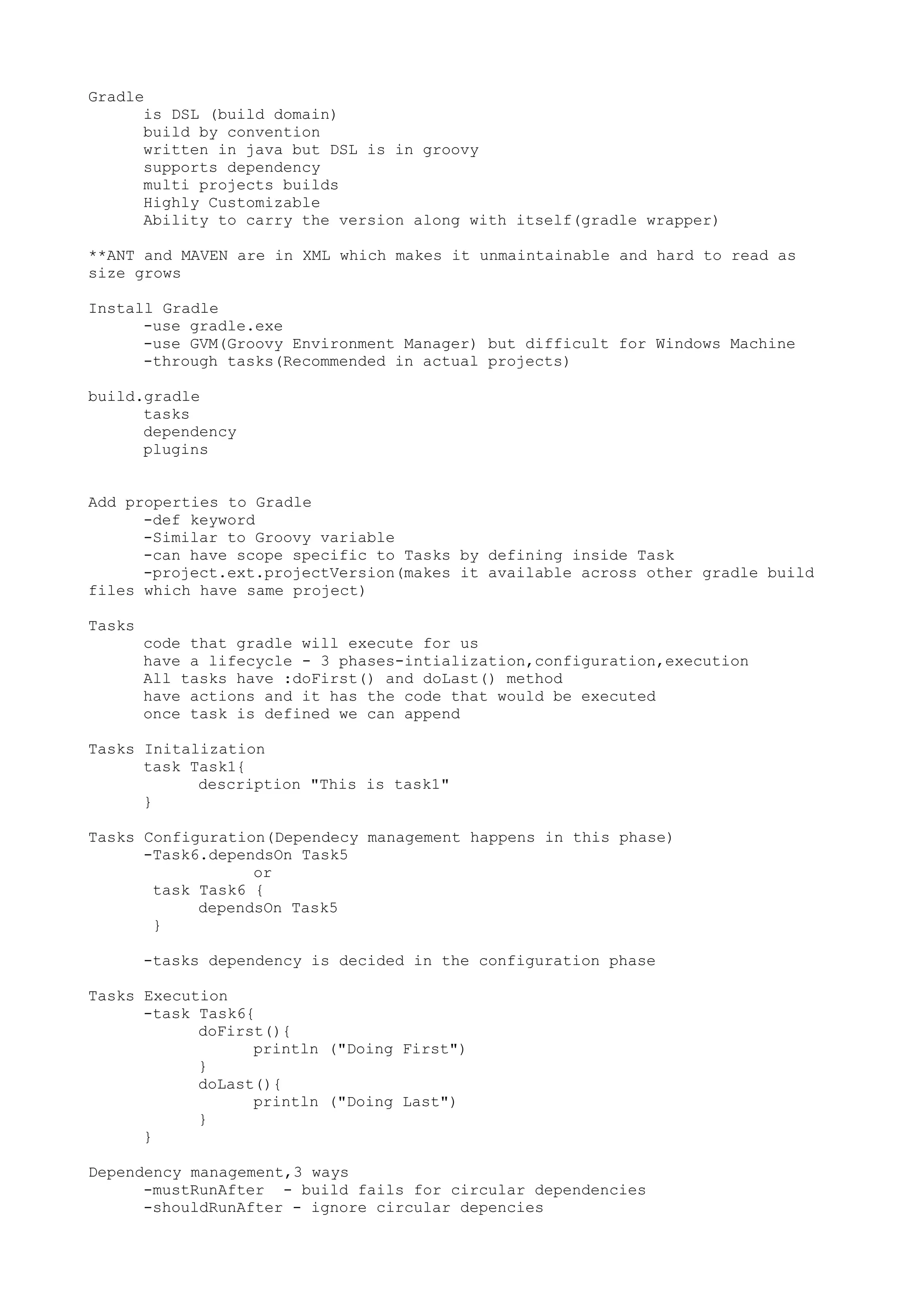
Gradle
is DSL (build domain)
build by convention
written in java but DSL is in groovy
supports dependency
multi projects builds
Highly Customizable
Ability to carry the version along with itself(gradle wrapper)
**ANT and MAVEN are in XML which makes it unmaintainable and hard to read as
size grows
Install Gradle
-use gradle.exe
-use GVM(Groovy Environment Manager) but difficult for Windows Machine
-through tasks(Recommended in actual projects)
build.gradle
tasks
dependency
plugins
Add properties to Gradle
-def keyword
-Similar to Groovy variable
-can have scope specific to Tasks by defining inside Task
-project.ext.projectVersion(makes it available across other gradle build
files which have same project)
Tasks
code that gradle will execute for us
have a lifecycle - 3 phases-intialization,configuration,execution
All tasks have :doFirst() and doLast() method
have actions and it has the code that would be executed
once task is defined we can append
Tasks Initalization
task Task1{
description "This is task1"
}
Tasks Configuration(Dependecy management happens in this phase)
-Task6.dependsOn Task5
or
task Task6 {
dependsOn Task5
}
-tasks dependency is decided in the configuration phase
Tasks Execution
-task Task6{
doFirst(){
println ("Doing First")
}
doLast(){
println ("Doing Last")
}
}
Dependency management,3 ways
-mustRunAfter - build fails for circular dependencies
-shouldRunAfter - ignore circular depencies
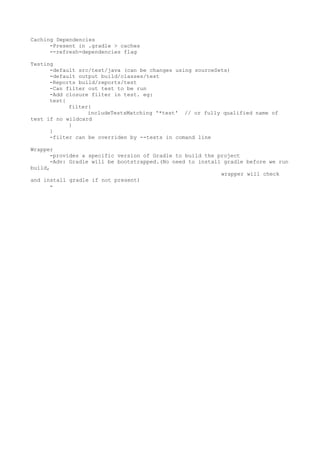
-finalizedBy - task1.finalizedBy task2 (task2 will always run after
task1)
**dependsOn vs these 3 ways[if tasks are not linked,only the specified task
runs]
Typed Tasks
-For reusablity use types tasks. eg-copy task
-Built-in tasks are provided by Gradle(eg Wrapper,copy)
Building Java Projects
-apply plugin : 'java'
-SourceSets - used to define src files if we want some diff structure for
our project
sourceSets{
main{
java{
srcDir 'src/mypath/java'
}
resources{
srcDir 'src/mypath/resources'
}
}
}
-compileJava -creates the java classes
-processResources - copy task which copies any resources to classes folder
-classes - ties compileJava and processResources
-jar low level task which creates jar
-assemble - lifecycle task in plugin
Gradle Daemon
-Gradle has to relaunch a JVM
-if we use daemon it would you already running VM which saves considerable
time
- gradle --daemon build
-recommended and is useful in large builds
-Other ways
-Specify -D flag in env variable GRADLE_OPTS
-Create a properties file(gradle.properties) in gradle home dir and set
org.gradle.daemon=true
MultiProject Build
-Add top level setting.gradle - list all projects in build
-Add top level build.gradle - add all dependecy management
Dependencies
-Java Plugin introduces:
*compile
*runtime(builds on compile)
*testComiple
*testRuntime
-Dependencies are transitive
-Listing Dependencies: gradle -q dependencies , gradle -q dependencies
-configuration runtime
Repositories
-for Maven Central
repositories {
mavenCentral()
}
-for .m2 only
repositories {
mavenLocal()
}
Caching Dependencies
-Present in .gradle > caches
--refresh-dependencies flag
Testing
-default src/test/java (can be changes using sourceSets)
-default output build/classes/test
-Reports build/reports/test
-Can filter out test to be run
-Add closure filter in test. eg:
test{
filter{
includeTestsMatching '*test' // or fully qualified name of
test if no wildcard
}
}
-filter can be overriden by --tests in comand line
Wrapper
-provides a specific version of Gradle to build the project
-Adv: Gradle will be bootstrapped.(No need to install gradle before we run
build,
wrapper will check
and install gradle if not present)
-

Gradle notes

  • 1.
    Gradle is DSL (builddomain) build by convention written in java but DSL is in groovy supports dependency multi projects builds Highly Customizable Ability to carry the version along with itself(gradle wrapper) **ANT and MAVEN are in XML which makes it unmaintainable and hard to read as size grows Install Gradle -use gradle.exe -use GVM(Groovy Environment Manager) but difficult for Windows Machine -through tasks(Recommended in actual projects) build.gradle tasks dependency plugins Add properties to Gradle -def keyword -Similar to Groovy variable -can have scope specific to Tasks by defining inside Task -project.ext.projectVersion(makes it available across other gradle build files which have same project) Tasks code that gradle will execute for us have a lifecycle - 3 phases-intialization,configuration,execution All tasks have :doFirst() and doLast() method have actions and it has the code that would be executed once task is defined we can append Tasks Initalization task Task1{ description "This is task1" } Tasks Configuration(Dependecy management happens in this phase) -Task6.dependsOn Task5 or task Task6 { dependsOn Task5 } -tasks dependency is decided in the configuration phase Tasks Execution -task Task6{ doFirst(){ println ("Doing First") } doLast(){ println ("Doing Last") } } Dependency management,3 ways -mustRunAfter - build fails for circular dependencies -shouldRunAfter - ignore circular depencies
  • 2.
    -finalizedBy - task1.finalizedBytask2 (task2 will always run after task1) **dependsOn vs these 3 ways[if tasks are not linked,only the specified task runs] Typed Tasks -For reusablity use types tasks. eg-copy task -Built-in tasks are provided by Gradle(eg Wrapper,copy) Building Java Projects -apply plugin : 'java' -SourceSets - used to define src files if we want some diff structure for our project sourceSets{ main{ java{ srcDir 'src/mypath/java' } resources{ srcDir 'src/mypath/resources' } } } -compileJava -creates the java classes -processResources - copy task which copies any resources to classes folder -classes - ties compileJava and processResources -jar low level task which creates jar -assemble - lifecycle task in plugin Gradle Daemon -Gradle has to relaunch a JVM -if we use daemon it would you already running VM which saves considerable time - gradle --daemon build -recommended and is useful in large builds -Other ways -Specify -D flag in env variable GRADLE_OPTS -Create a properties file(gradle.properties) in gradle home dir and set org.gradle.daemon=true MultiProject Build -Add top level setting.gradle - list all projects in build -Add top level build.gradle - add all dependecy management Dependencies -Java Plugin introduces: *compile *runtime(builds on compile) *testComiple *testRuntime -Dependencies are transitive -Listing Dependencies: gradle -q dependencies , gradle -q dependencies -configuration runtime Repositories -for Maven Central repositories { mavenCentral() } -for .m2 only repositories { mavenLocal() }
  • 3.
    Caching Dependencies -Present in.gradle > caches --refresh-dependencies flag Testing -default src/test/java (can be changes using sourceSets) -default output build/classes/test -Reports build/reports/test -Can filter out test to be run -Add closure filter in test. eg: test{ filter{ includeTestsMatching '*test' // or fully qualified name of test if no wildcard } } -filter can be overriden by --tests in comand line Wrapper -provides a specific version of Gradle to build the project -Adv: Gradle will be bootstrapped.(No need to install gradle before we run build, wrapper will check and install gradle if not present) -