Computer Safety Rules
Grade 2
1. Always use the correct sitting posture
•Good sitting posture
helps to prevent
Repetitive Strain Injuries
(RSIs)
Repetitive Strain Injuries (RSIs)
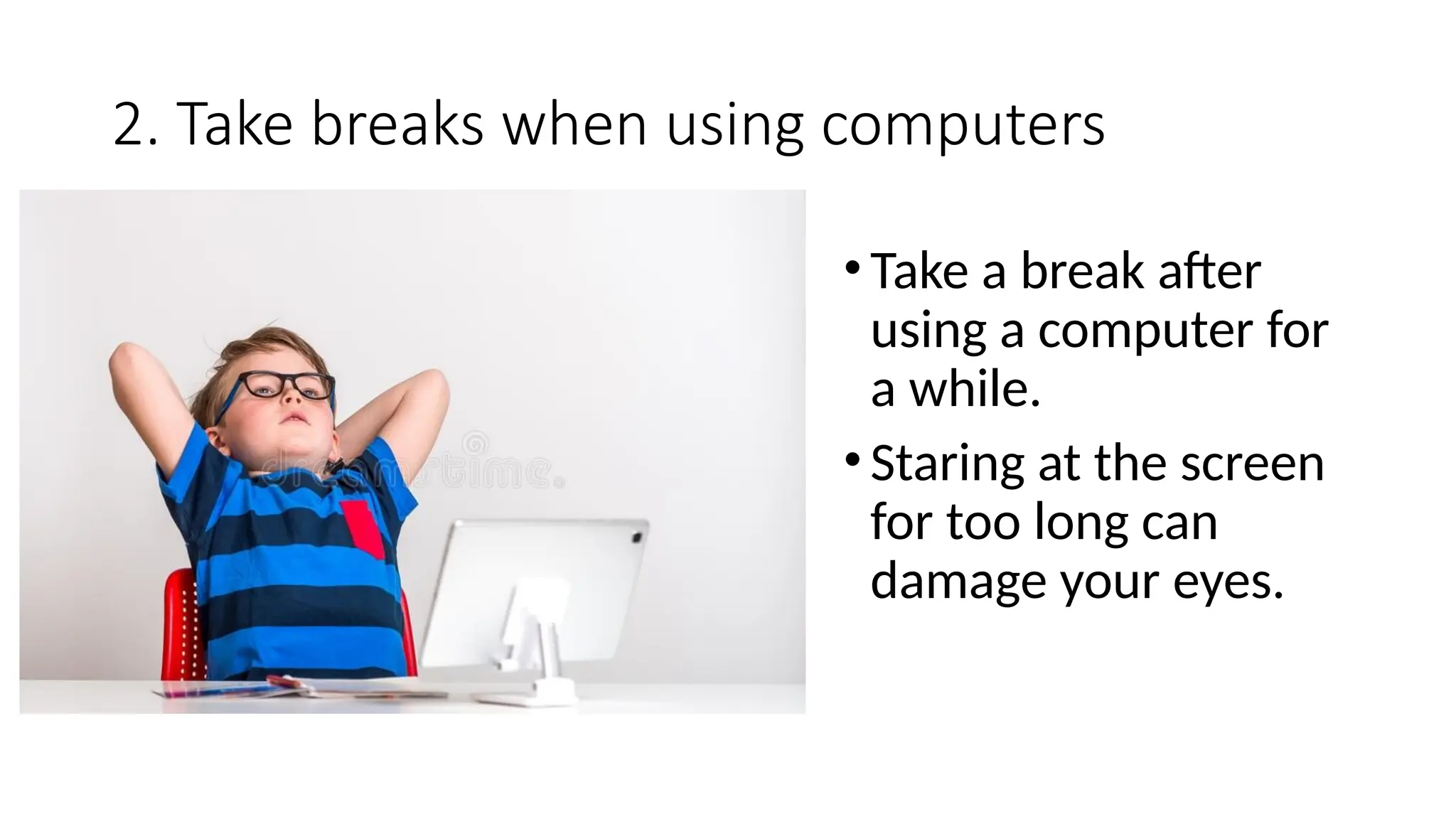
2. Take breaks when using computers
•Take a break after
using a computer for
a while.
•Staring at the screen
for too long can
damage your eyes.
3. Do not eat or drink when using computers.
• Food and drinks can damage the
computer.
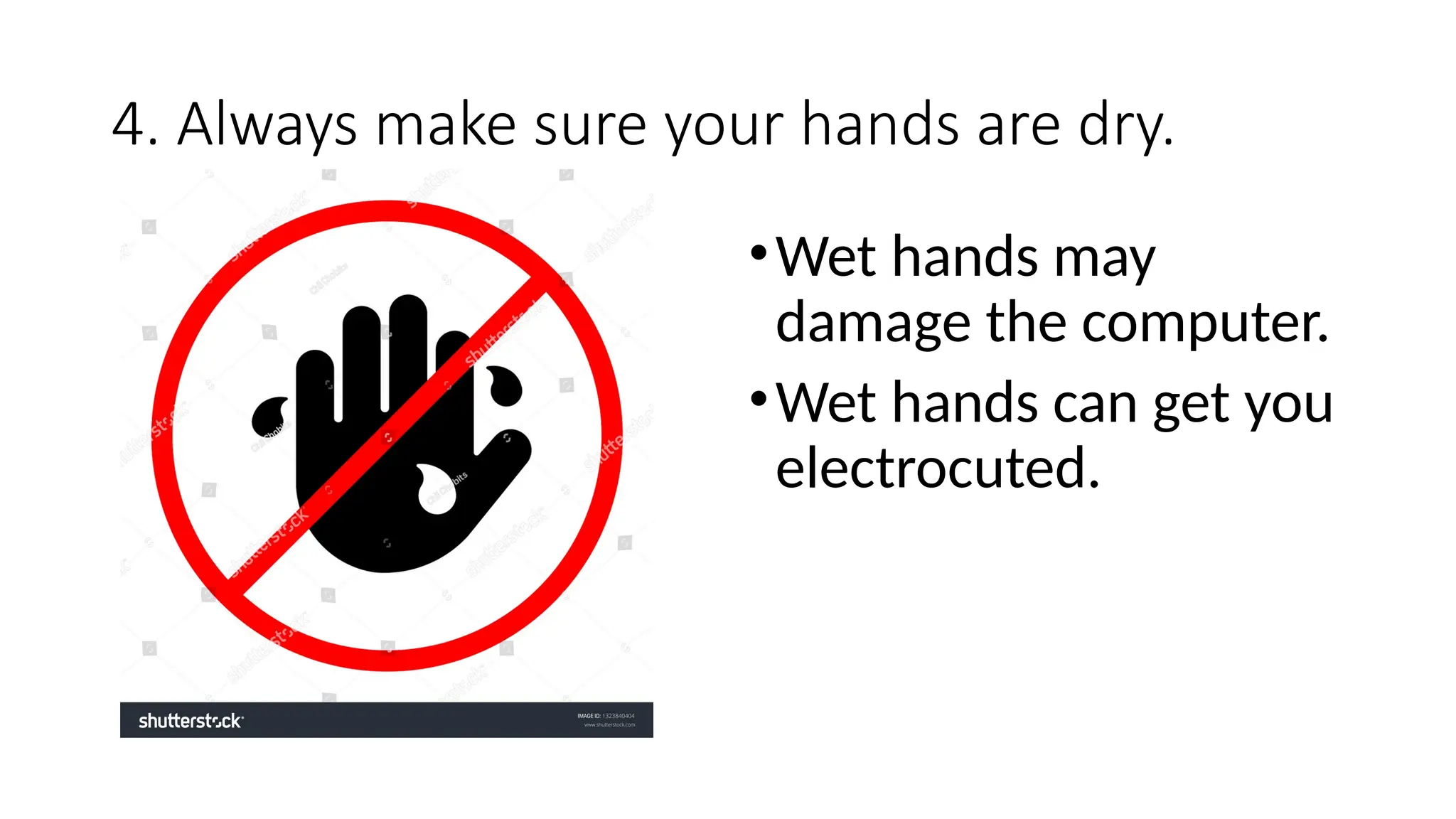
4. Always make sure your hands are dry.
•Wet hands may
damage the computer.
•Wet hands can get you
electrocuted.
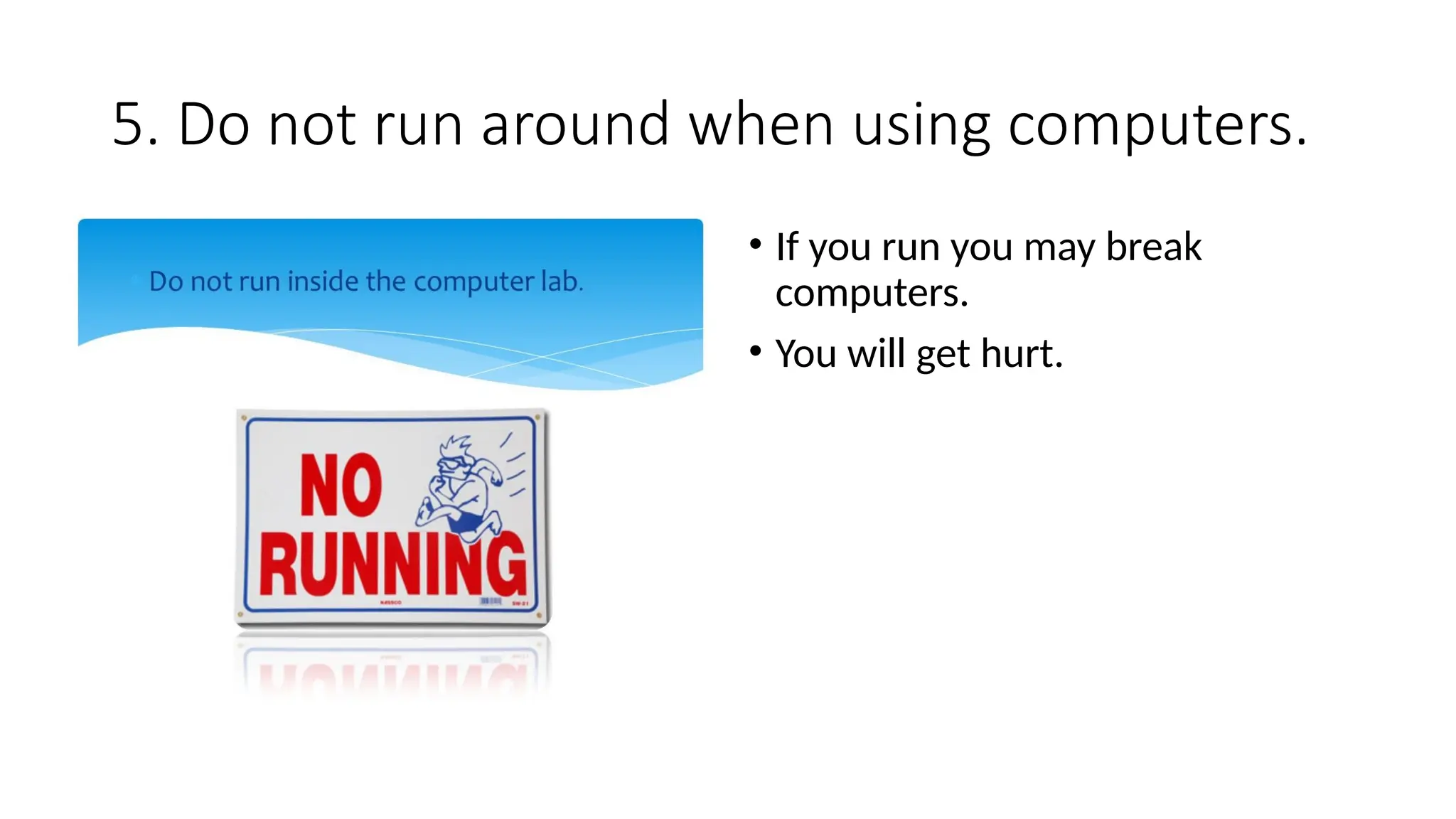
5. Do not run around when using computers.
• If you run you may break
computers.
• You will get hurt.
6. Keep dirt away from computers
• Dirt and dust can damage
computers.
• Germs can also make us sick.
7.Protect the monitor from direct sunlight
• Direct sunlight can damage the
monitor.
• Windows should have curtains
or blinds to prevent direct
sunlight.
8. The room should have ventilation
• Ventilation means free
movement of fresh air.
• Good ventilation protects
computers from overheating
9. Do not overload power sockets
• Overloading sockets can result in
fire or electric shock.
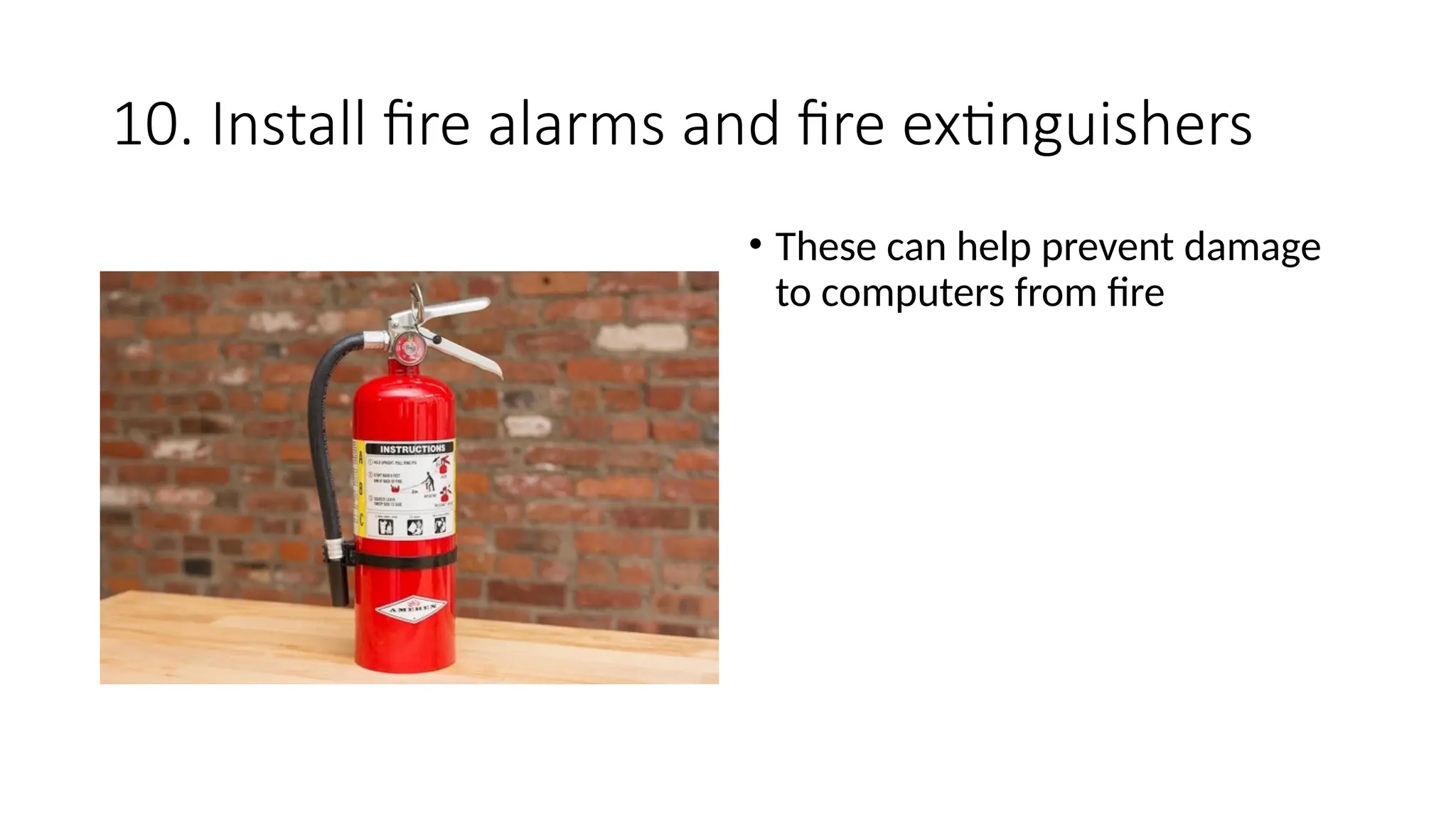
10. Install fire alarms and fire extinguishers
• These can help prevent damage
to computers from fire
Questions
• 1. Windows should have ______ or ______to avoid direct sunlight
hitting the computer screens
• 2. Why do we need air conditioners in the lab?
• 3.Name any two safety rules to be followed when using ICT tools.

Grade 1 Computer Safety Rules or Rules.pptx

  • 1.
  • 2.
    1. Always usethe correct sitting posture •Good sitting posture helps to prevent Repetitive Strain Injuries (RSIs)
  • 3.
  • 4.
    2. Take breakswhen using computers •Take a break after using a computer for a while. •Staring at the screen for too long can damage your eyes.
  • 5.
    3. Do noteat or drink when using computers. • Food and drinks can damage the computer.
  • 6.
    4. Always makesure your hands are dry. •Wet hands may damage the computer. •Wet hands can get you electrocuted.
  • 7.
    5. Do notrun around when using computers. • If you run you may break computers. • You will get hurt.
  • 8.
    6. Keep dirtaway from computers • Dirt and dust can damage computers. • Germs can also make us sick.
  • 9.
    7.Protect the monitorfrom direct sunlight • Direct sunlight can damage the monitor. • Windows should have curtains or blinds to prevent direct sunlight.
  • 10.
    8. The roomshould have ventilation • Ventilation means free movement of fresh air. • Good ventilation protects computers from overheating
  • 11.
    9. Do notoverload power sockets • Overloading sockets can result in fire or electric shock.
  • 12.
    10. Install firealarms and fire extinguishers • These can help prevent damage to computers from fire
  • 13.
    Questions • 1. Windowsshould have ______ or ______to avoid direct sunlight hitting the computer screens • 2. Why do we need air conditioners in the lab? • 3.Name any two safety rules to be followed when using ICT tools.