Google App Engine (GAE)
Pravin Hanchinal
Co-founder & CEO
INSPIRE- groups
presentations
What is Google App Engine?
Google’s platform to Build Web Applications
Dynamic Web Server
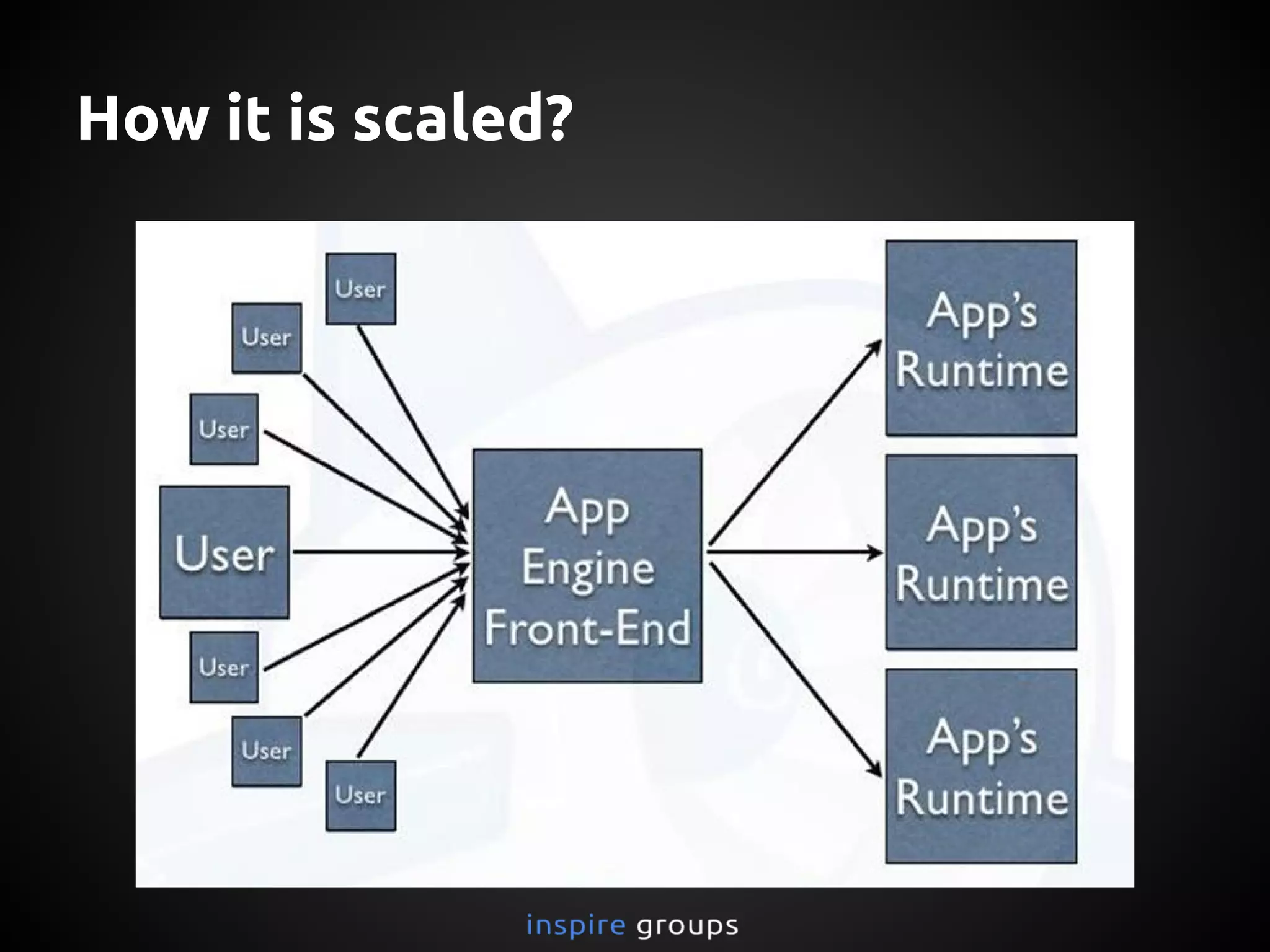
Automatic Scaling and load balancing
SQL and NoSQL DataStore Model
Integration with Google Account through API
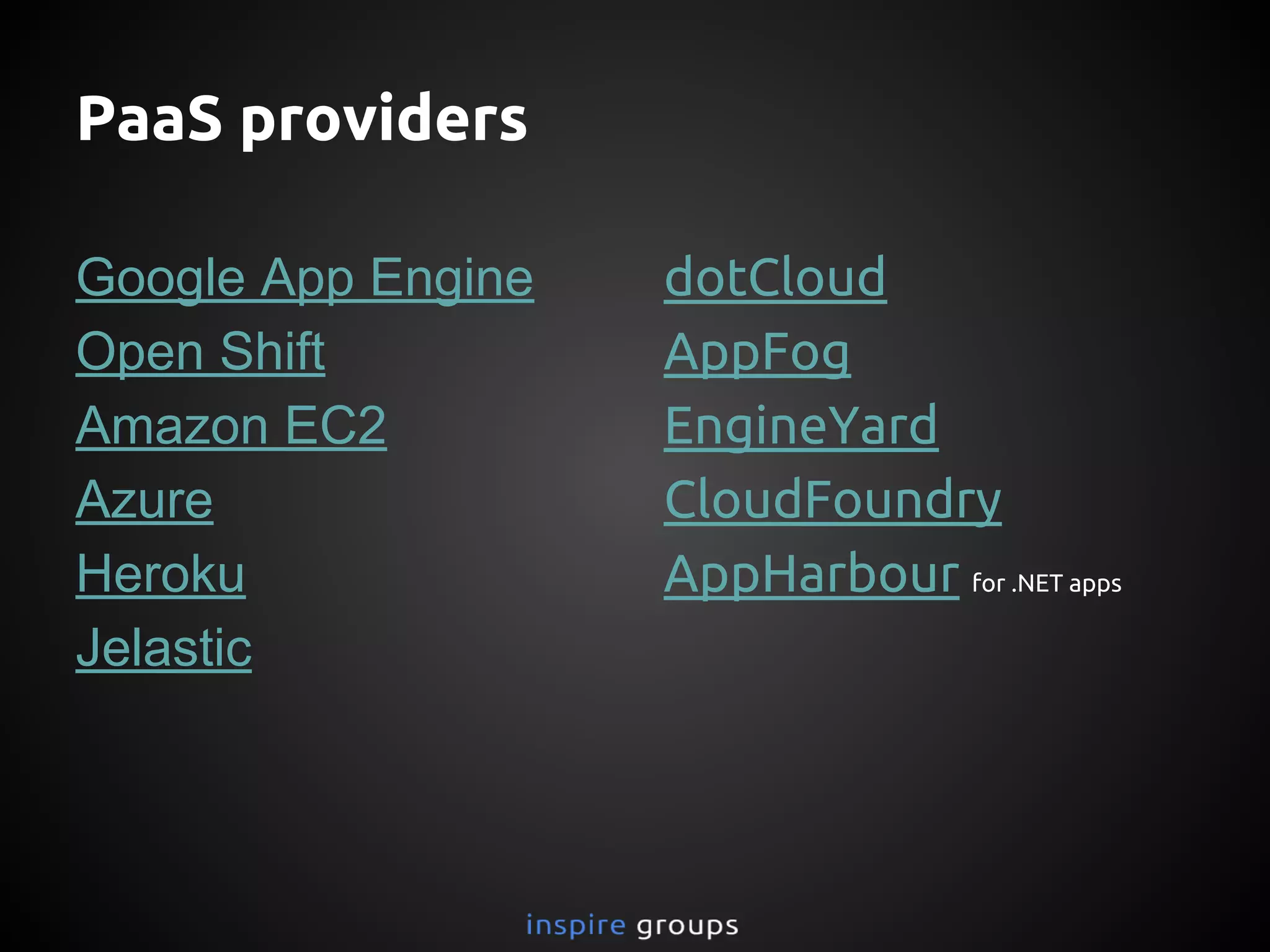
PaaS providers
Google App Engine
Open Shift
Amazon EC2
Azure
Heroku
Jelastic
dotCloud
AppFog
EngineYard
CloudFoundry
AppHarbour for .NET apps
Why Google App Engine?
Auto Scaling
Easy Logs
Easy Development
Free Quota
Affordable then AWS
No Config of servers
Google based security
Easy to Build
Local SDK and lots of APIs
Easy to Maintain
via Admin Console
Easy to Scale
Google Scale Infrastructure and No Limits for data
Why GAE?
GAE: Language Support
JAVA
Python
Go
PHP
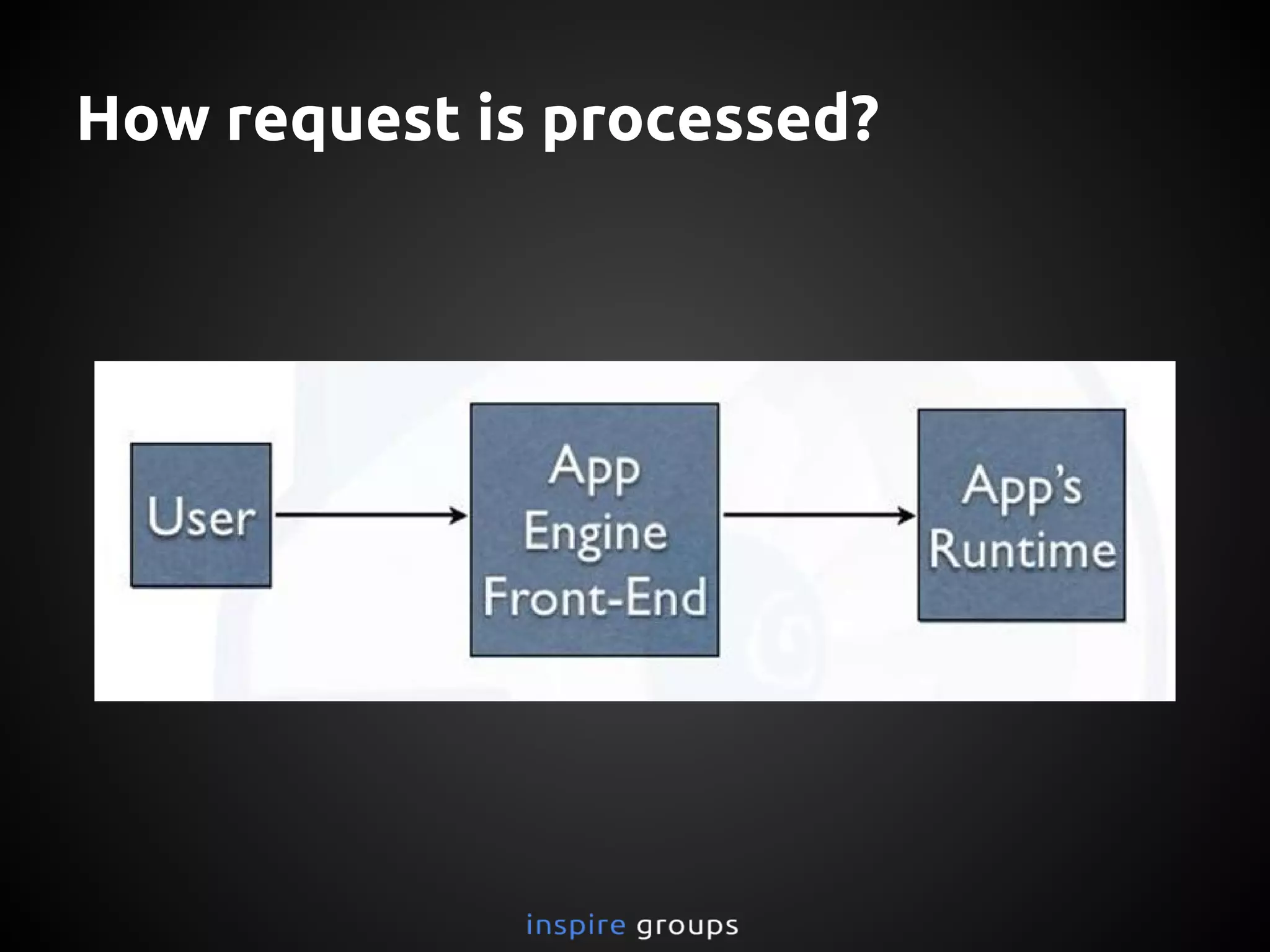
How request is processed?
How it is scaled?
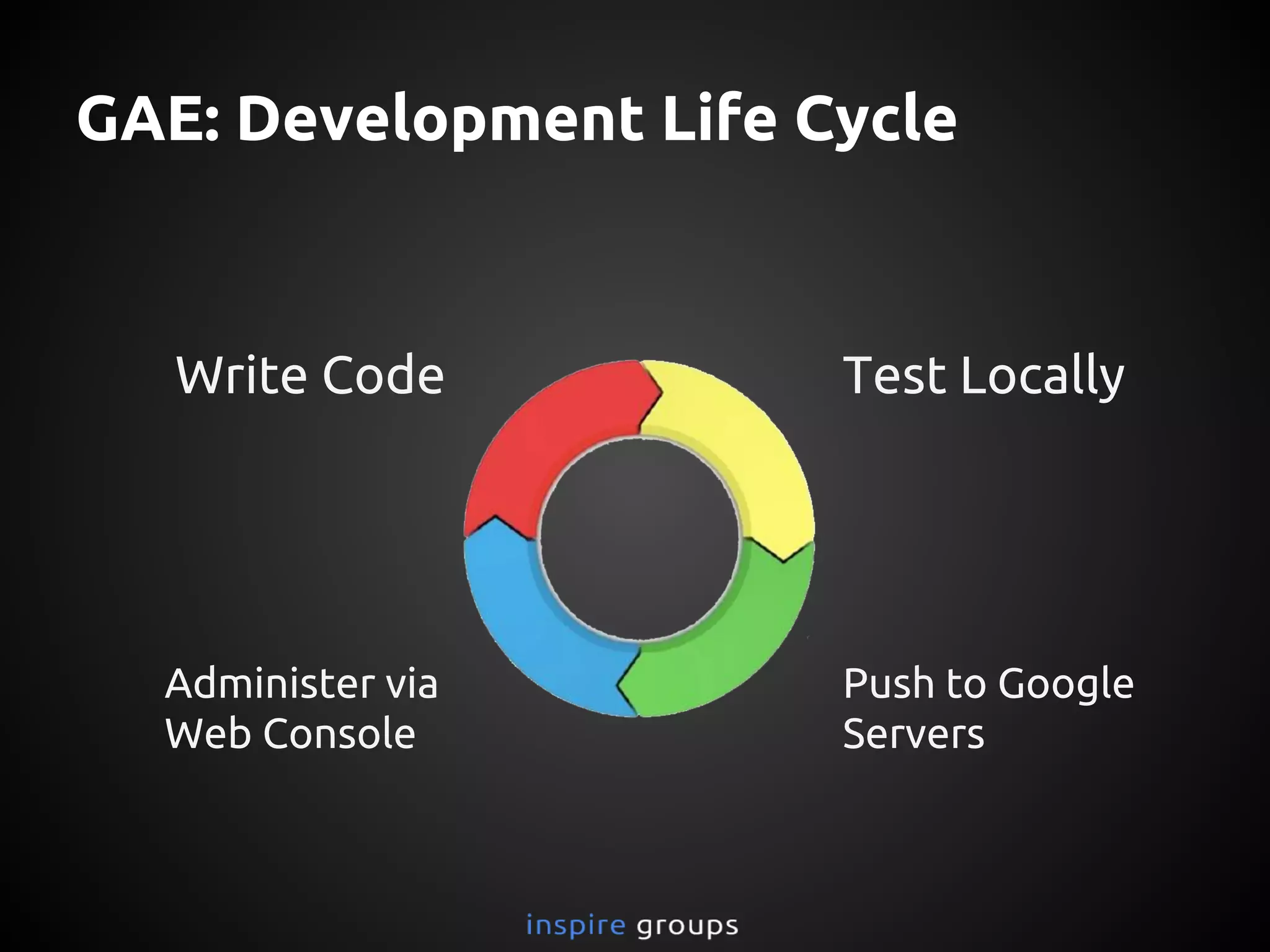
GAE: Development Life Cycle
Write Code Test Locally
Administer via
Web Console
Push to Google
Servers
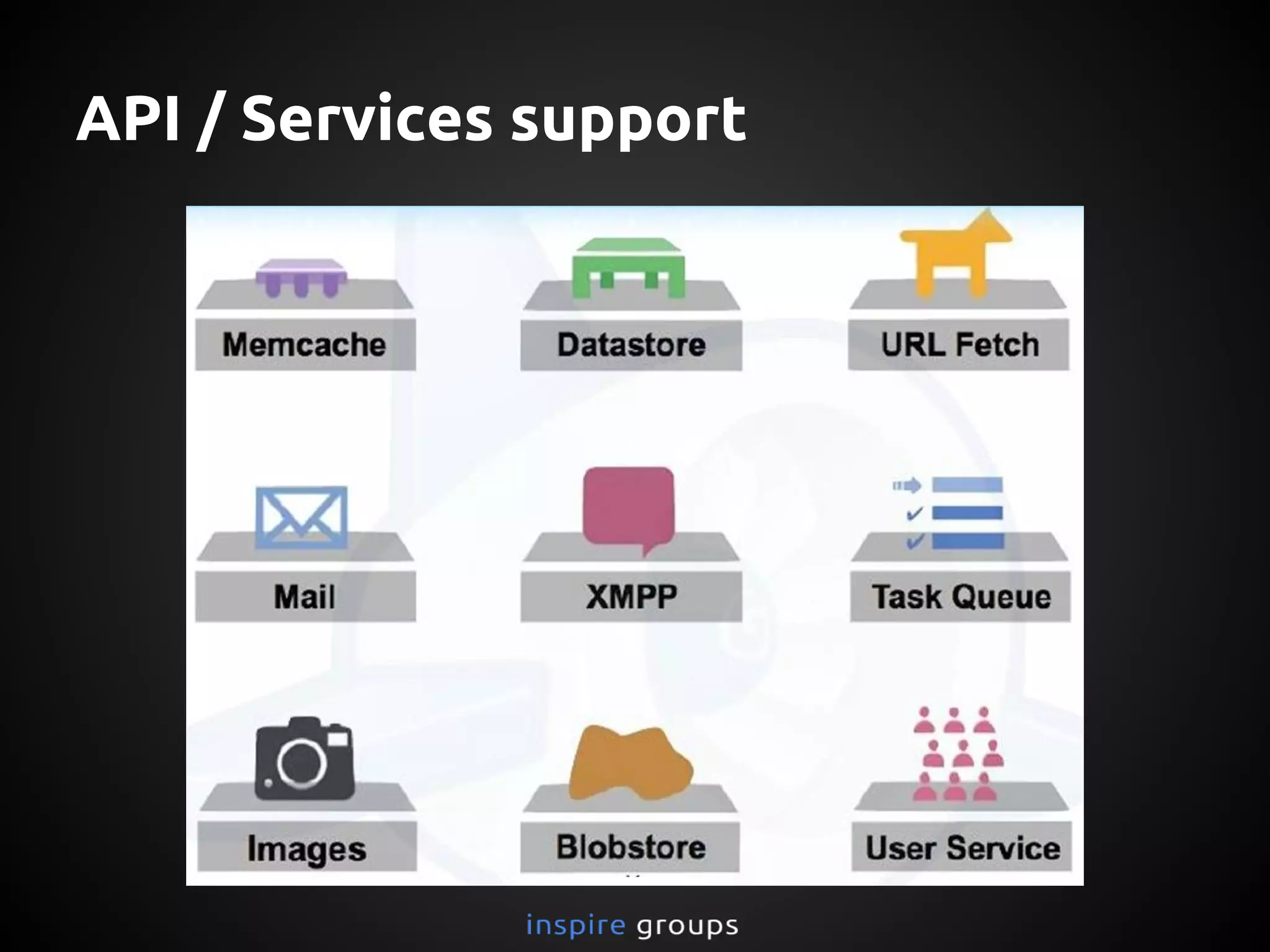
API / Services support
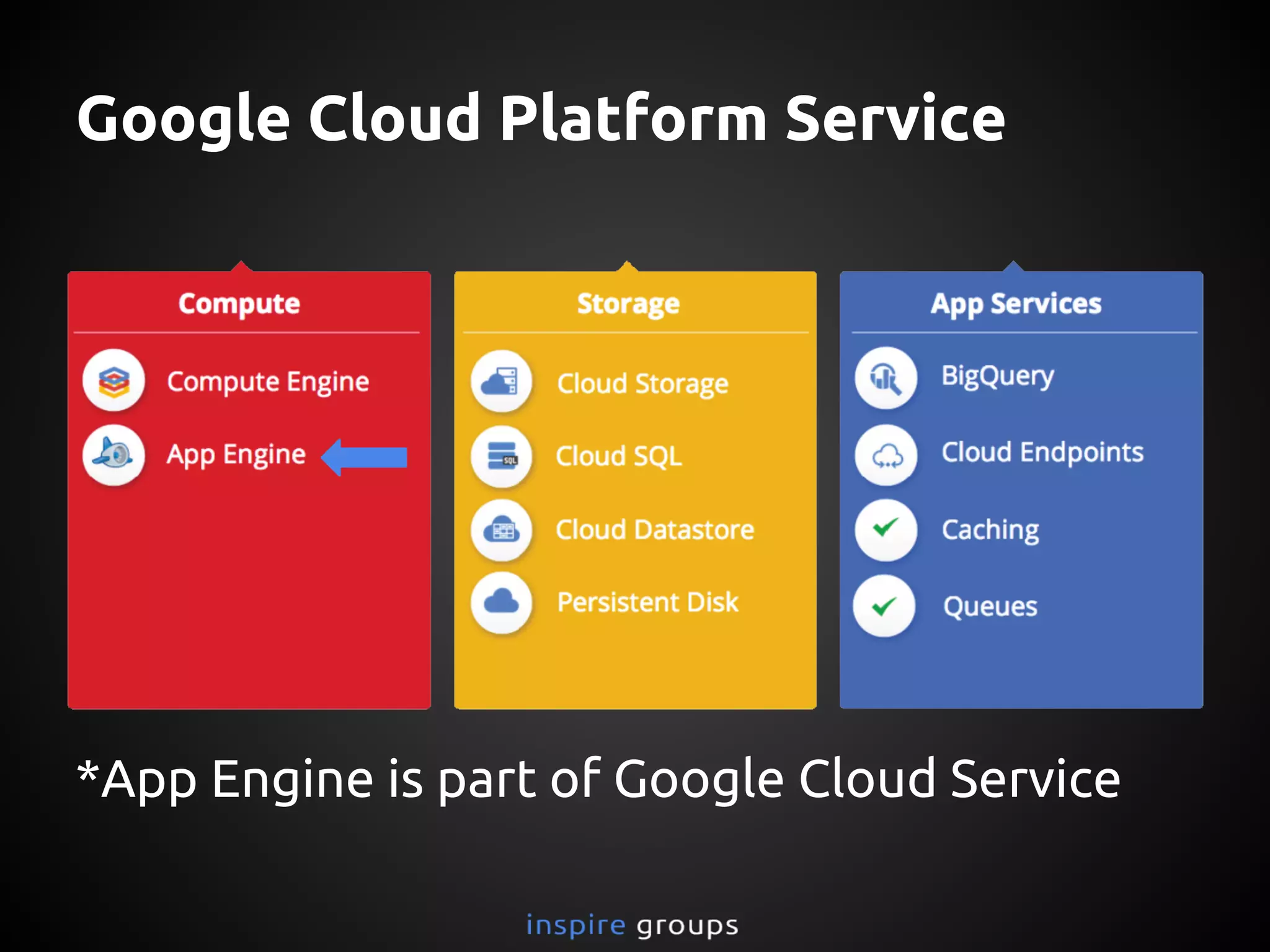
Google Cloud Platform Service
*App Engine is part of Google Cloud Service
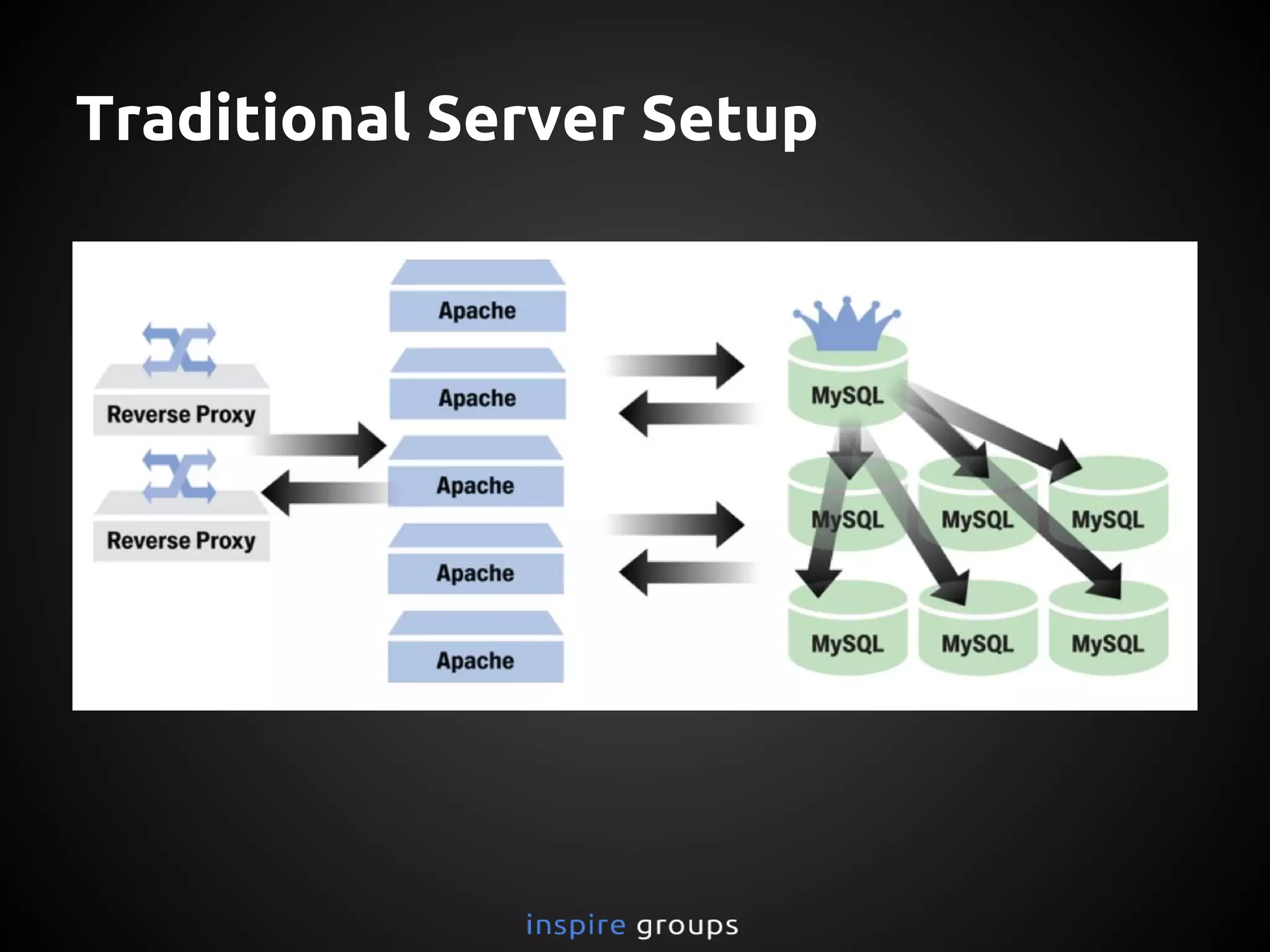
Traditional Server Setup
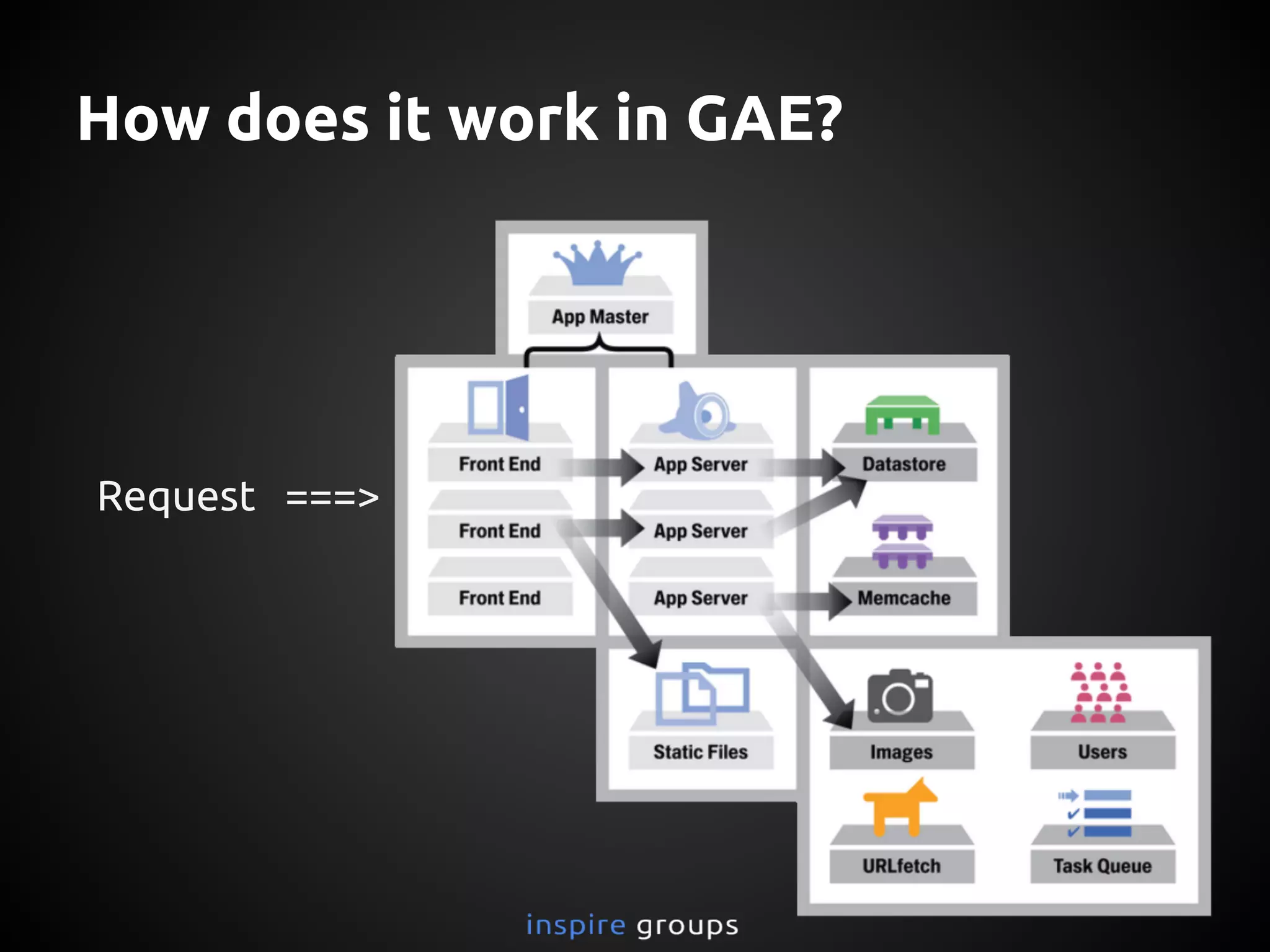
How does it work in GAE?
Request ===>
Sample Applications
http://xmpp-twilio-chat.appspot.com/
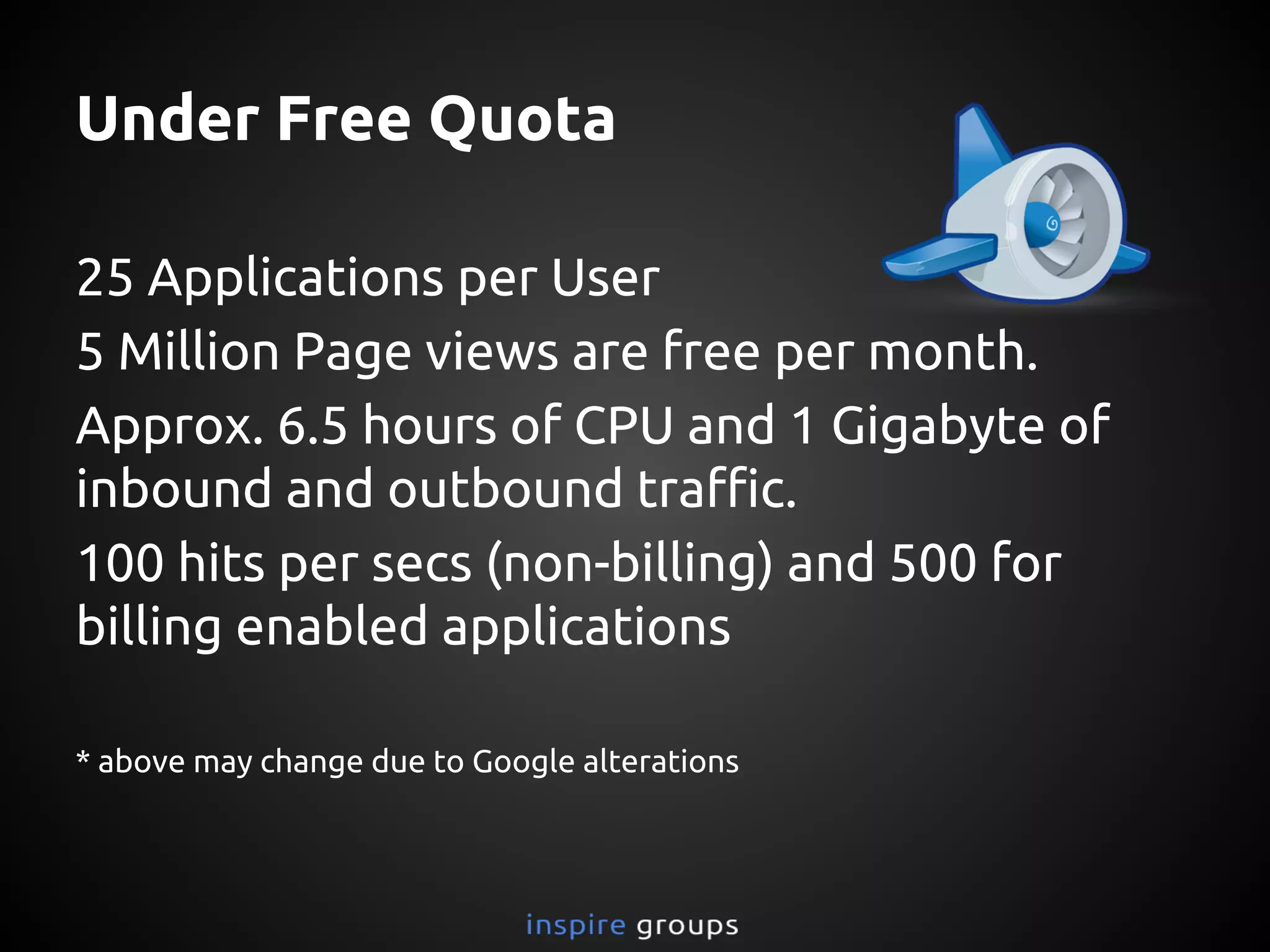
Under Free Quota
25 Applications per User
5 Million Page views are free per month.
Approx. 6.5 hours of CPU and 1 Gigabyte of
inbound and outbound traffic.
100 hits per secs (non-billing) and 500 for
billing enabled applications
* above may change due to Google alterations
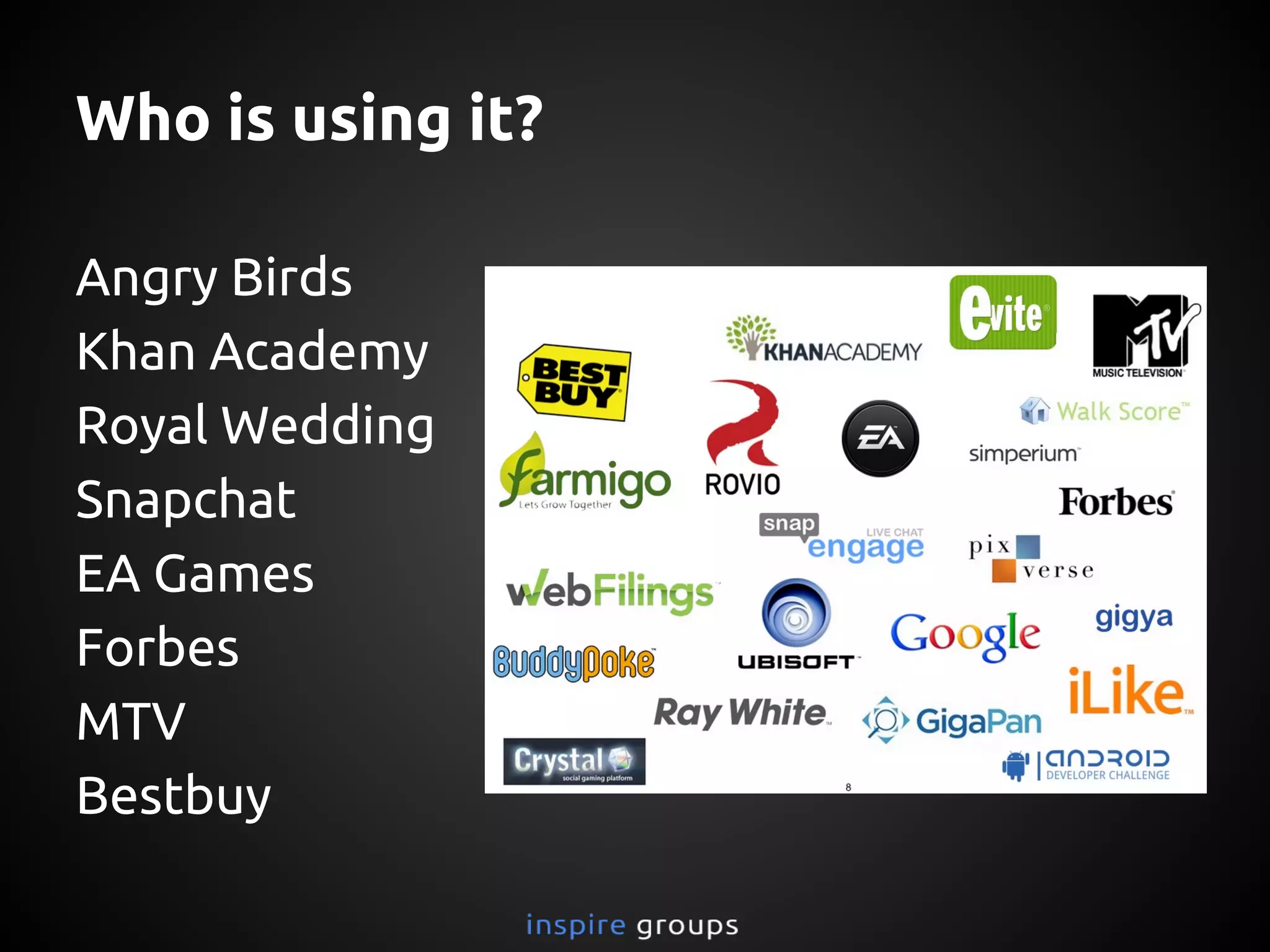
Who is using it?
Angry Birds
Khan Academy
Royal Wedding
Snapchat
EA Games
Forbes
MTV
Bestbuy
Enough! Lets see in Action
Source: http://www.crackerjackann.net/blog/is-a-lack-of-leads-frustrating-you
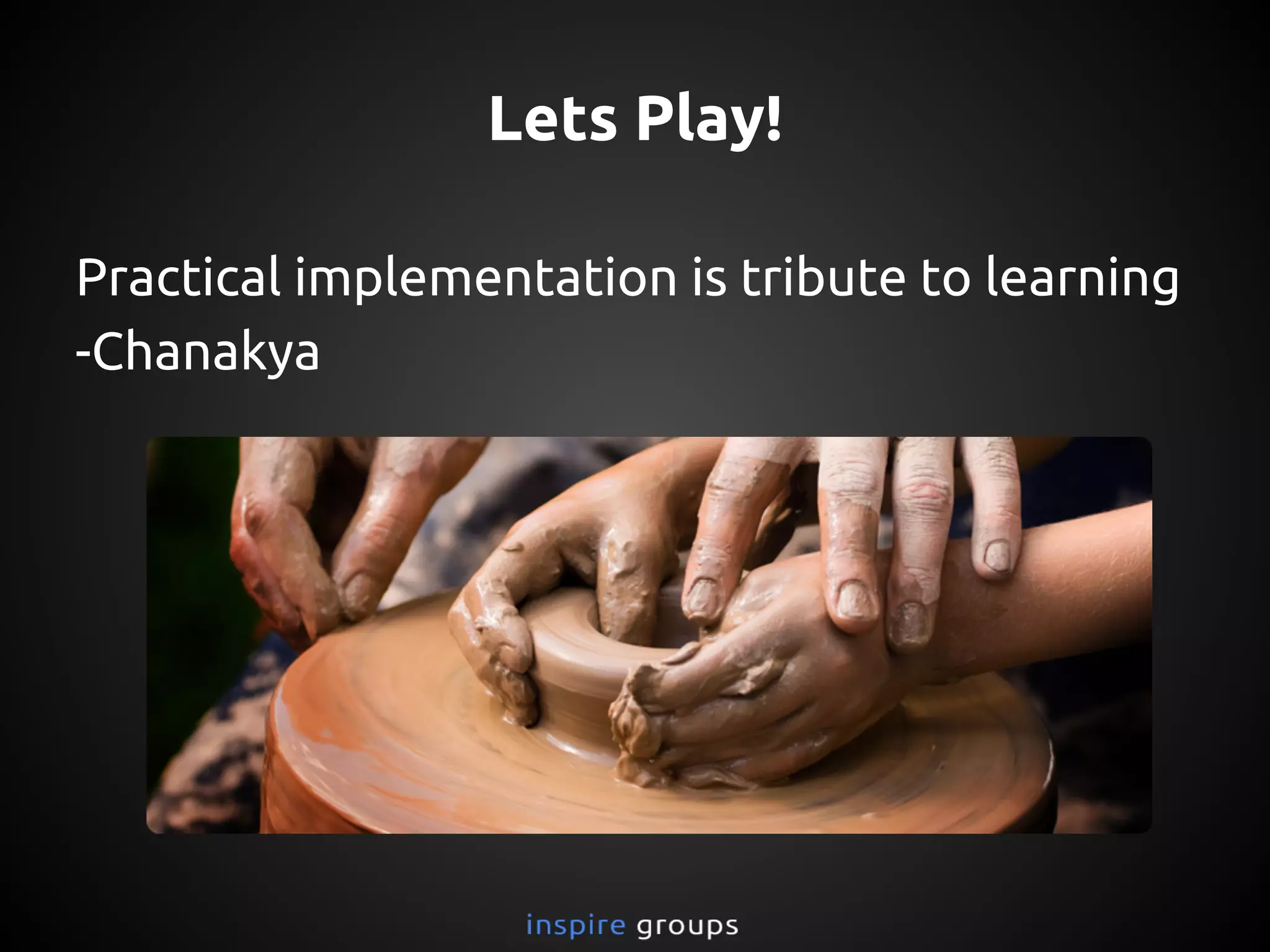
Lets Play!
Practical implementation is tribute to learning
-Chanakya
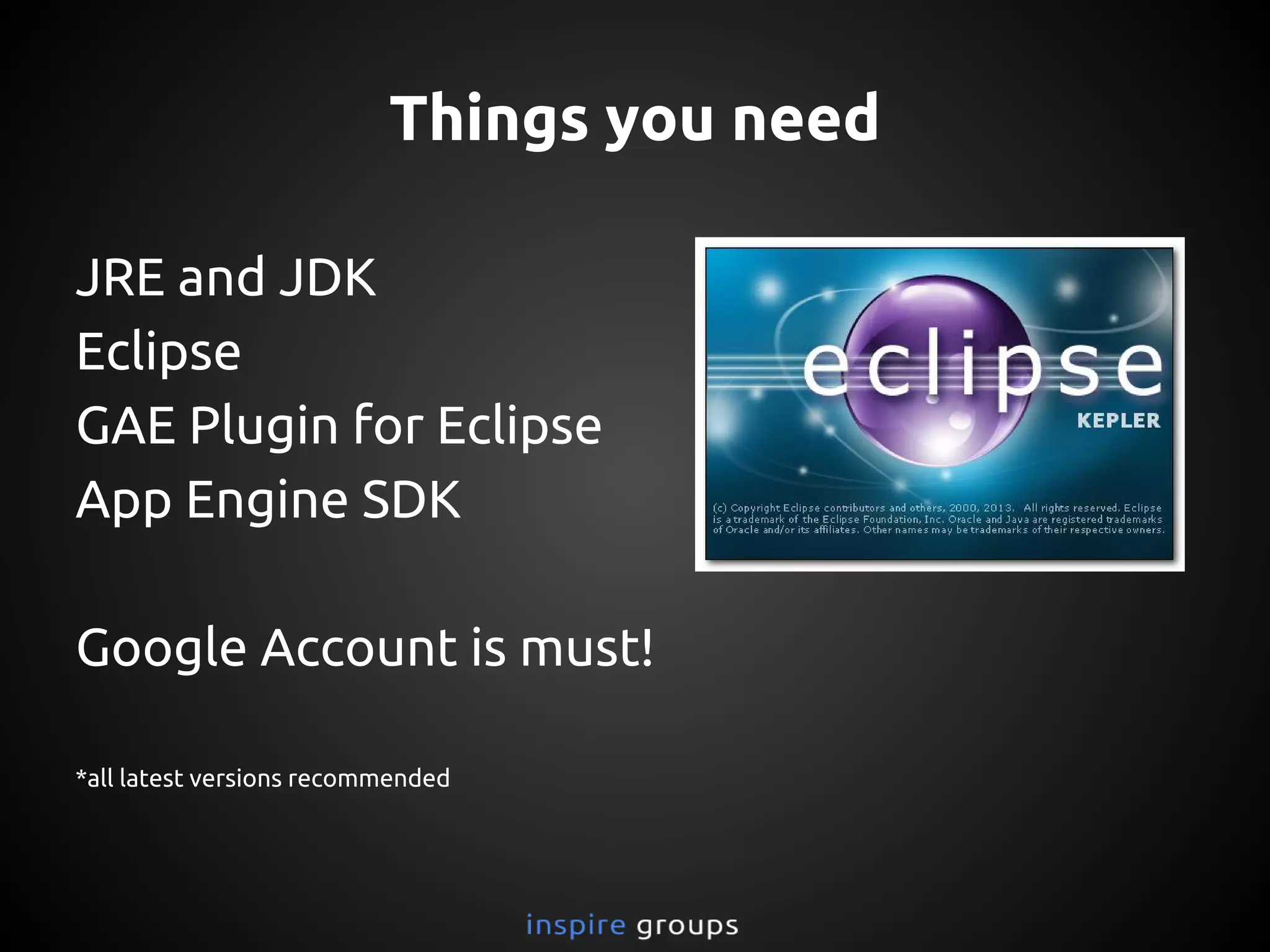
Things you need
JRE and JDK
Eclipse zip*
GAE Plugin for Eclipse*
App Engine SDK zip*
Google Account is must!
*all latest versions recommended
*Note: You can add plugins and SDK directly via Google update site URL but it requires internet
connection and takes long time on low bandwidth.
Instructions
Check: java -version in terminal/cmd
Extract Eclipse zip
Extract java-appengine-sdk zip
Add GAE plugin to Eclipse
New-project -> configure sdk
Run on Localhost as Web Application
How to deploy?
Test on localhost first
Create an application id from https:
//appengine.google.com/
Place your application id in app-engine.xml file
under <application>ur_id</application> tag
Right Click on root folder of project explorer
and Google->Deploy to App Engine
Access your app on ur_id.appspot.com
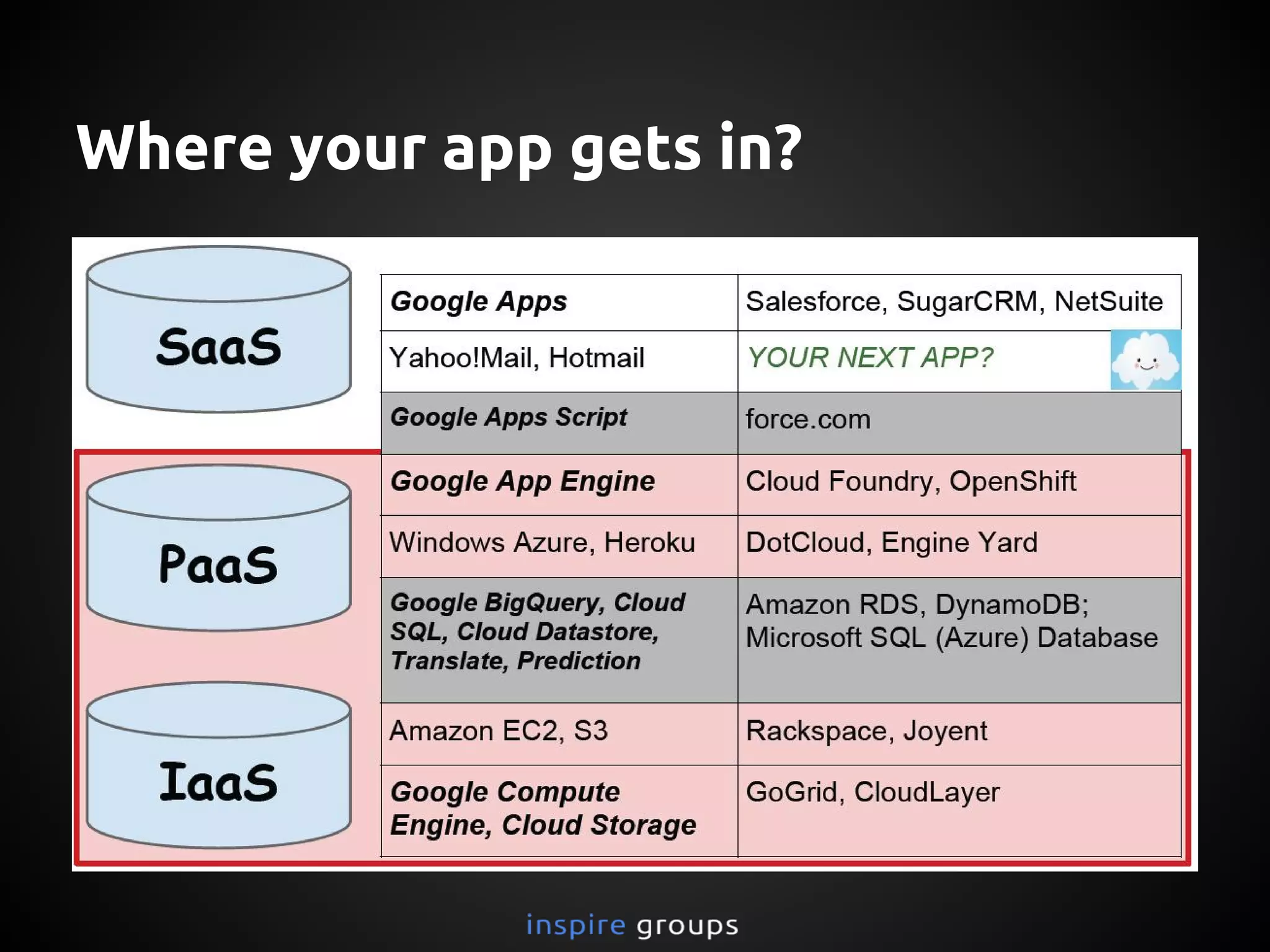
Where your app gets in?
Thank you
more presentation at
inspiregroups.co.in/presentations/
Got questions?
mail to askinspire@live.com
Stay connected
pravinhanchinal.com
What Next?
Go through this presentation again
Explore more
Start experimenting
Read Documentation
Have patience, rome is not built in a day!
Useful Resources
http://www.slideshare.net/wescpy/google-app-engine-and-cloud-overview?qid=8efa6273-86ac-
4bc6-bc67-a908951c9c80&v=qf1&b=&from_search=4
http://www.slideshare.net/masnun1/google-app-engine-an-introduction?qid=8efa6273-86ac-4bc6-
bc67-a908951c9c80&v=default&b=&from_search=37
http://www.slideshare.net/NameForTheTutorial/google-app-engine-tutorial?qid=8efa6273-86ac-
4bc6-bc67-a908951c9c80&v=qf1&b=&from_search=5
http://www.slideshare.net/wescpy/google-app-engine-and-cloud-overview?qid=8efa6273-86ac-
4bc6-bc67-a908951c9c80&v=qf1&b=&from_search=4
http://www.slideshare.net/turbomanage/google-app-engine-update-2012
https://developers.google.com/appengine/features/
http://www.slideshare.net/cschalk/introducing-app-engine-for-business
http://www.slideshare.net/dimityrdanailov/google-app-engine-varna-lab-19062013
http://www.clouds360.com/paas.php
http://equallytrue.blogspot.in/2012/05/free-paas-options-for-deving.html

Google App Engine (Introduction)