Global Information Systems: Localization and Internationalization  (5) Prof. Dr. Jan M. Pawlowski 31.10.2007
Contents  Introduction Definitions and Terms Design approaches Summary
The Open Unified Process – Disciplines Architecture  Architecture Notebook  Configuration and Change Management  Development  Design  Build  Developer Test  Implementation  Project Management  Iteration Plan  Project Plan   Work Items List  Risk List  Requirements  Supporting Requirements Specification  Vision  Use Case  Glossary  Use-Case Model  Test Test Case  Test Log  Test Script  Roles  Artefacts / Support [Source: http://www.epfwiki.net/wikis/openup/]
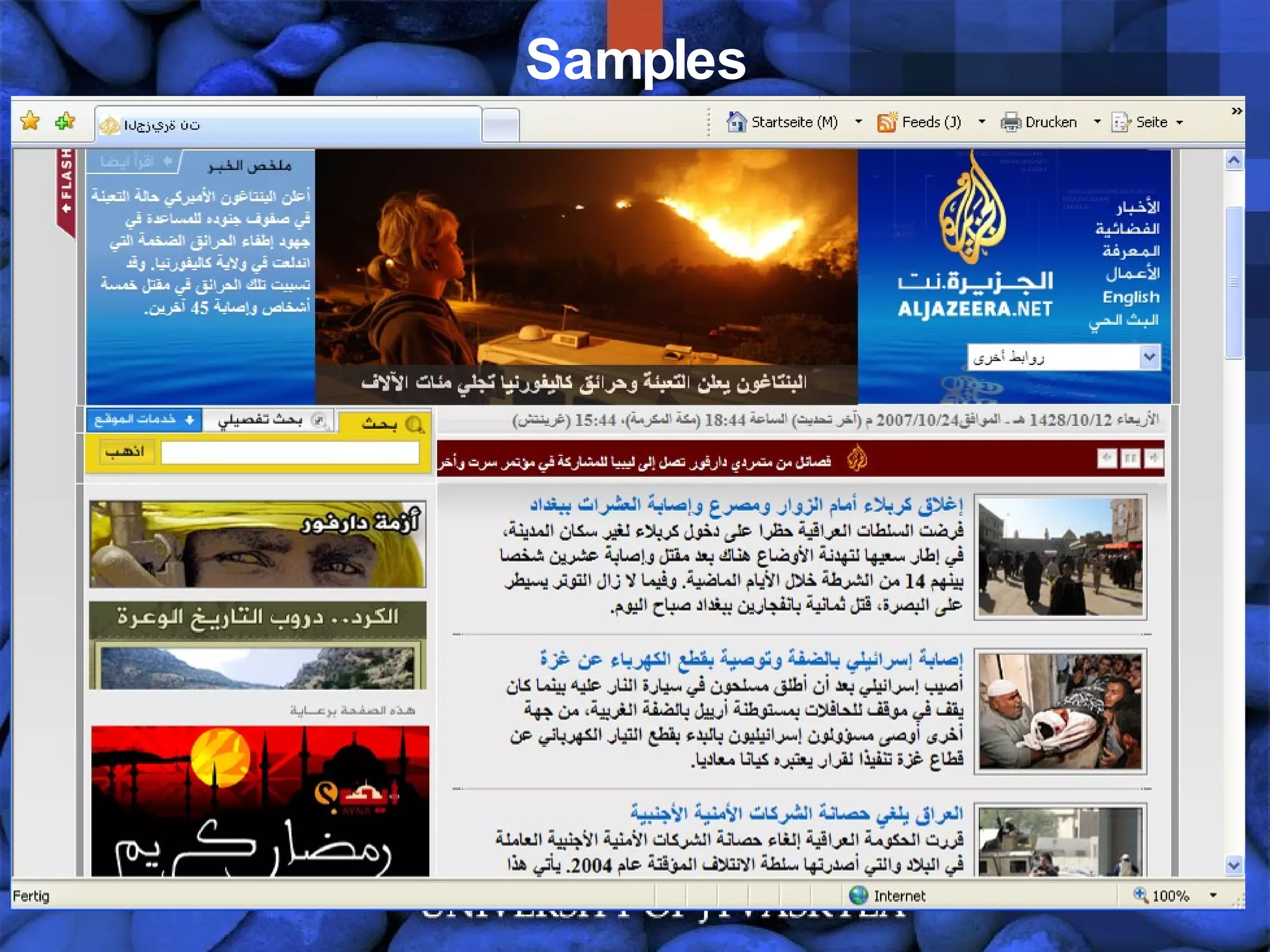
Samples
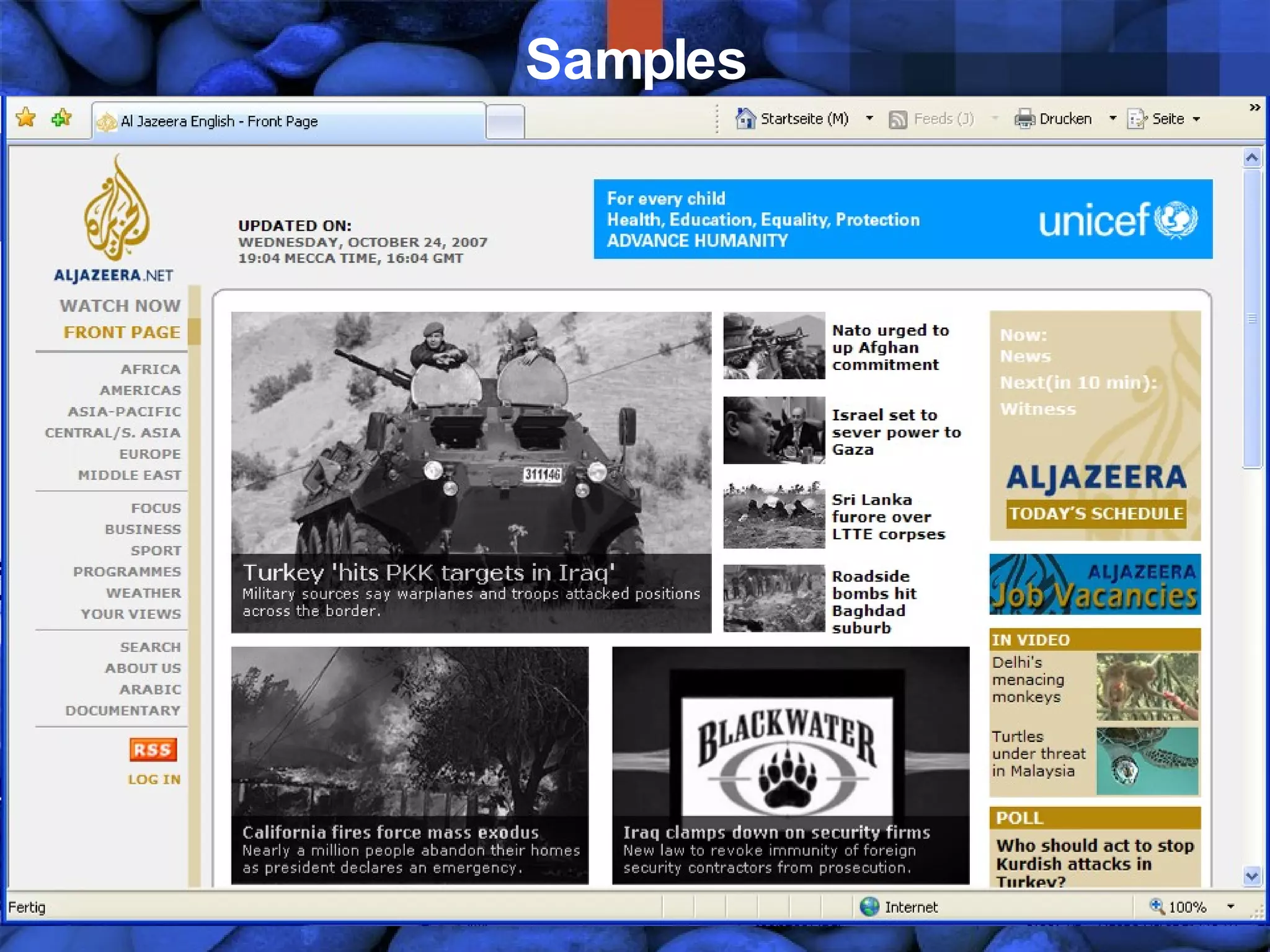
Samples
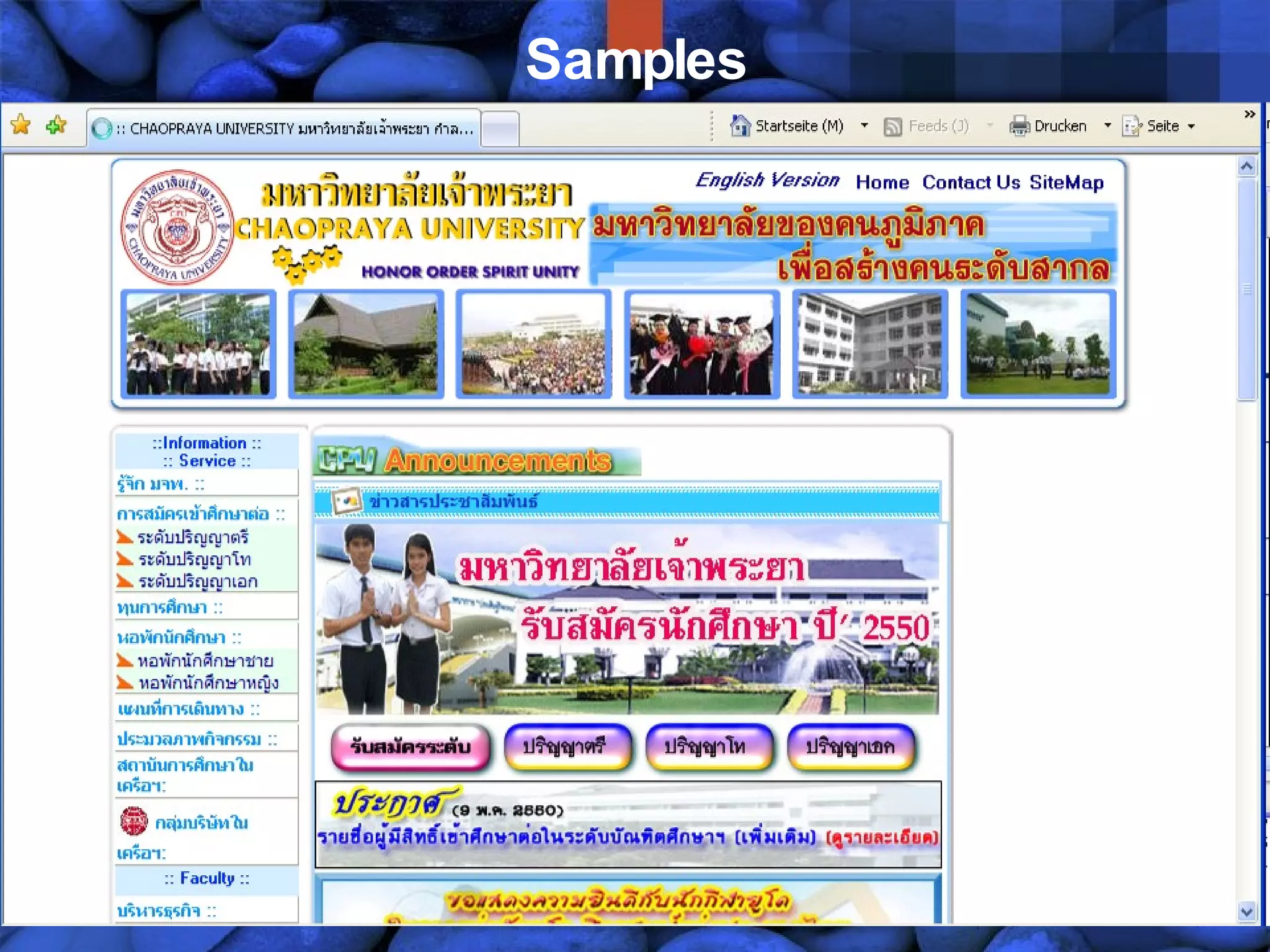
Samples
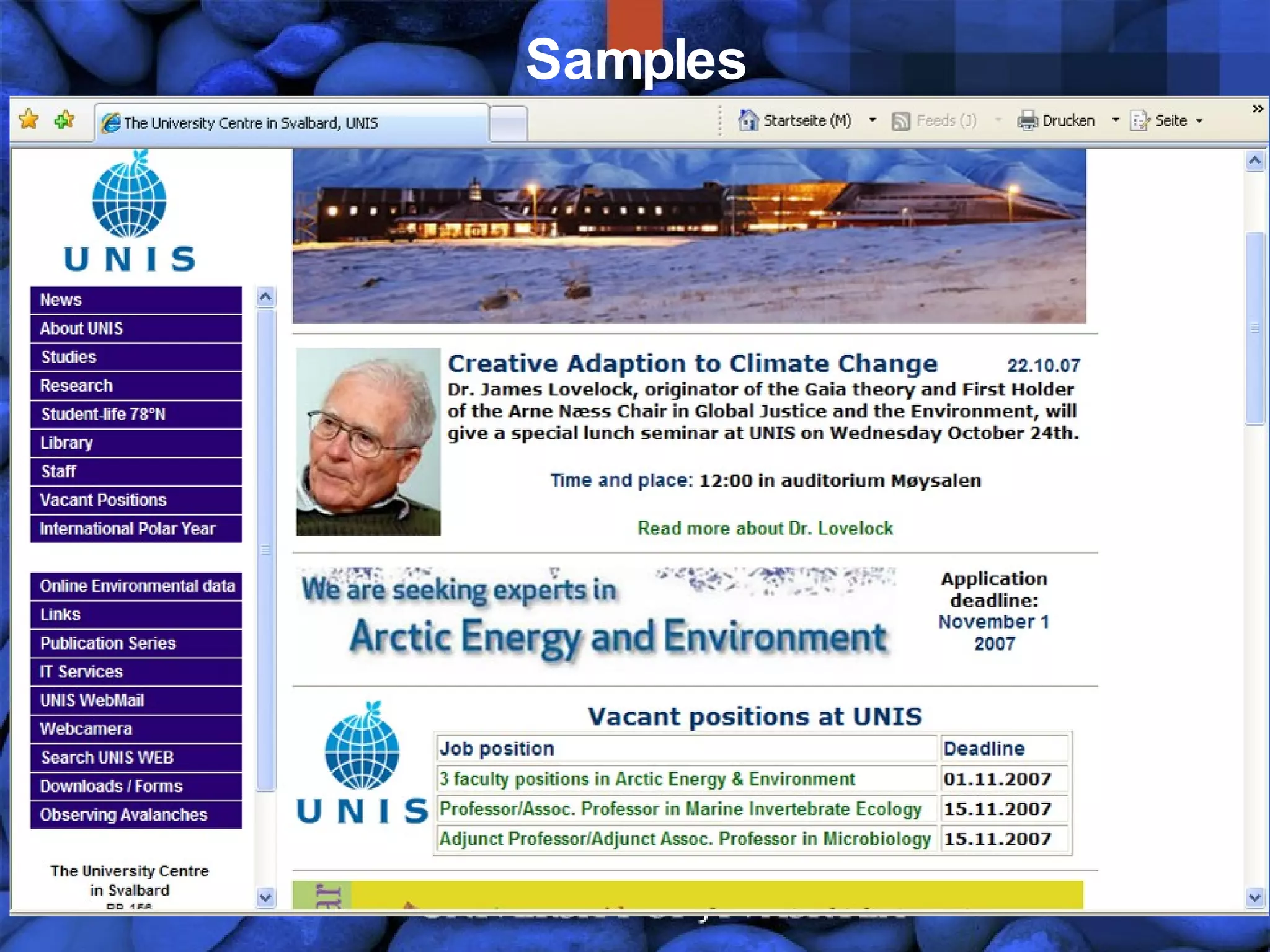
Samples
Definitions Internationalization (I18N) is the process of generalizing a product so that it can handle multiple languages and cultural conventions without the need for redesign. Internationalization takes place at the level of program design and document development (W3C, 2007)  Localization (L10N) is the process of taking a product and making it linguistically and culturally appropriate to a given target locale (country/region and language) where it will be used (W3C, 2007)
Definitions Globalization (G11N) defines a business strategy and business activities to act on a global market. A Locale is a geographic location and a language of a region (e.g., Germany, French-speaking Quebec, Central Finland) – classes based on a locale are locale-sensitive
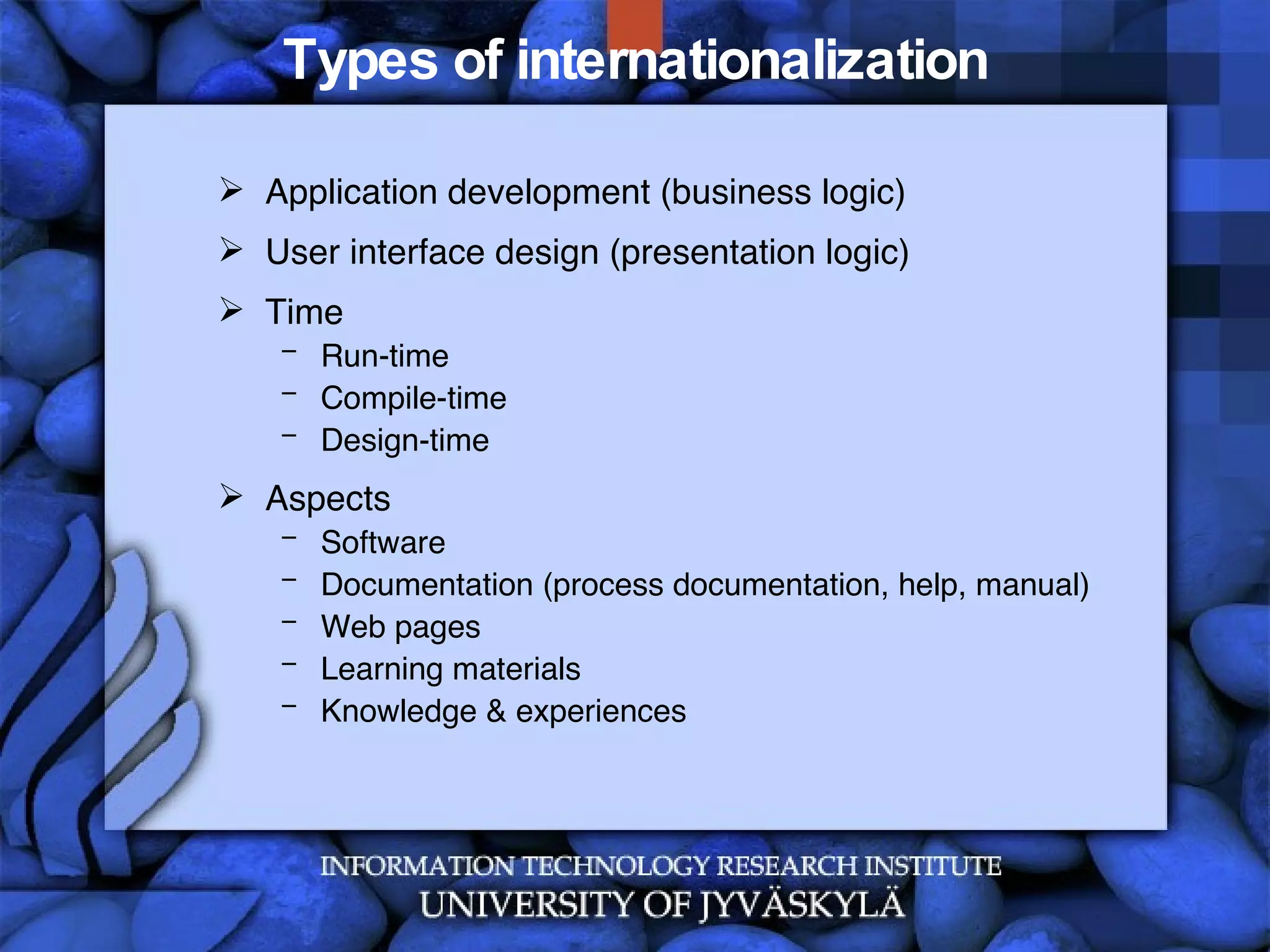
Types of internationalization Application development (business logic) User interface design (presentation logic) Time Run-time Compile-time Design-time Aspects Software Documentation (process documentation, help, manual) Web pages  Learning materials Knowledge & experiences
Types of internationalization GUI for  culture X GUI for  culture Y Culture X Locale Culture Y Locale Abstract GUI [Adapted from Kersten, 2002]
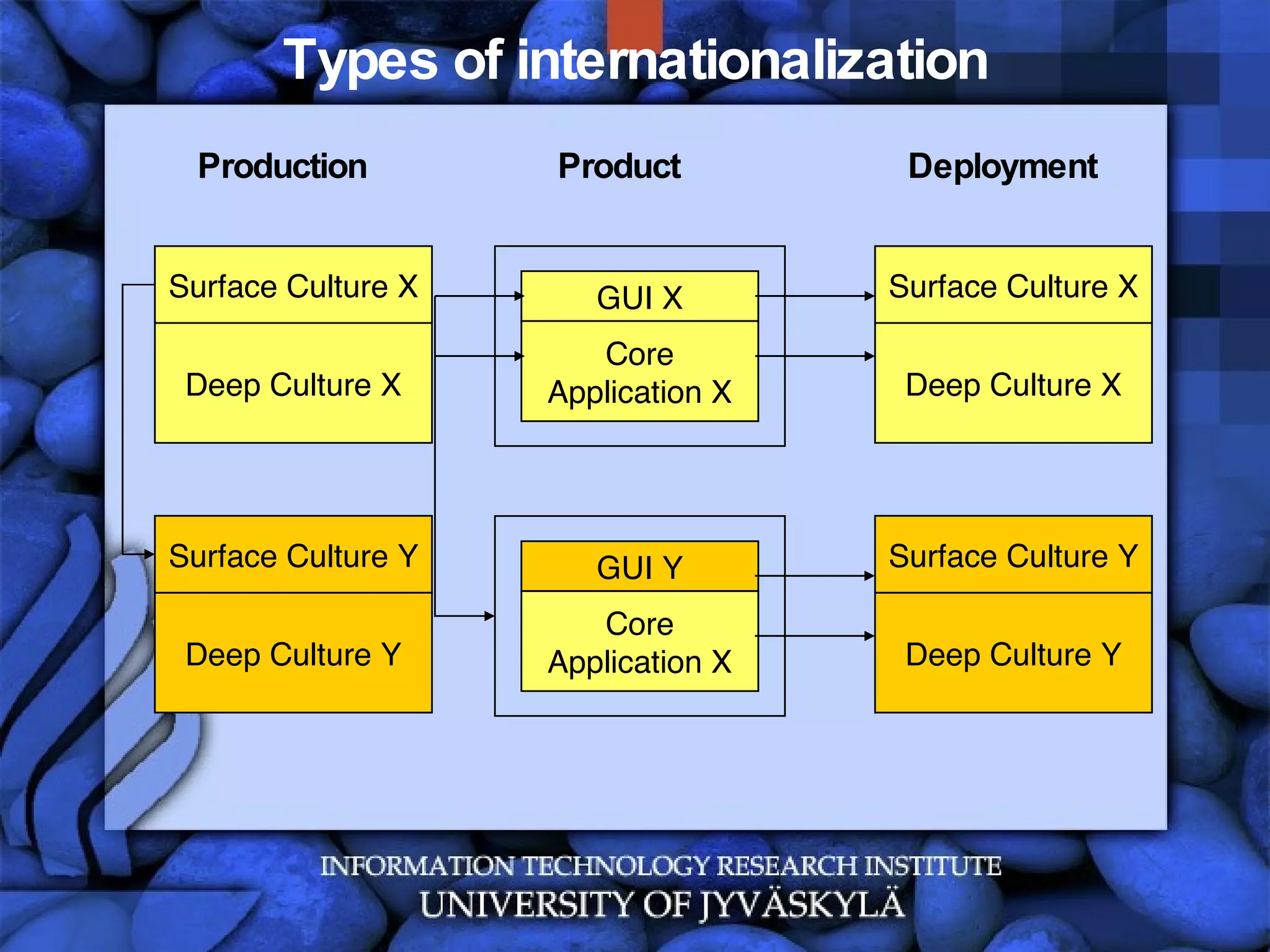
Types of internationalization Deep Culture X Surface Culture X GUI X Core Application X Deep Culture X Surface Culture X Production Product Deployment Deep Culture Y Surface Culture Y GUI Y Core Application X Deep Culture Y Surface Culture Y
Challenges in Localization Text string expansion Character sets and encoding Bidirectional text and vertical display Keyboard character layout, shortcuts Fonts Sorting order Placeholders Abbreviations Terminology And many more
Aspects Formats Date Time  Currency Addresses, Postal codes Symbols, icons, graphics, colors Language Translation Writing system Characters Other Contents… Sounds Messages Measurements / Units
Format samples Dates: 31.10.2007, 13:15:26 CET 10-31-2007, 01.15.26 am CET 31 OCT 2007, 13 h 15 CET … Numbers 1 234 567,89 1.234.567,89 1,234,567,89 Additionally: Other calendars, holidays Separate representation and presentation – using identifiers, string indexing
Localization by country ISO 3166 Country Codes [Source: http://en.wikipedia.org/wiki/ISO_3166-1]
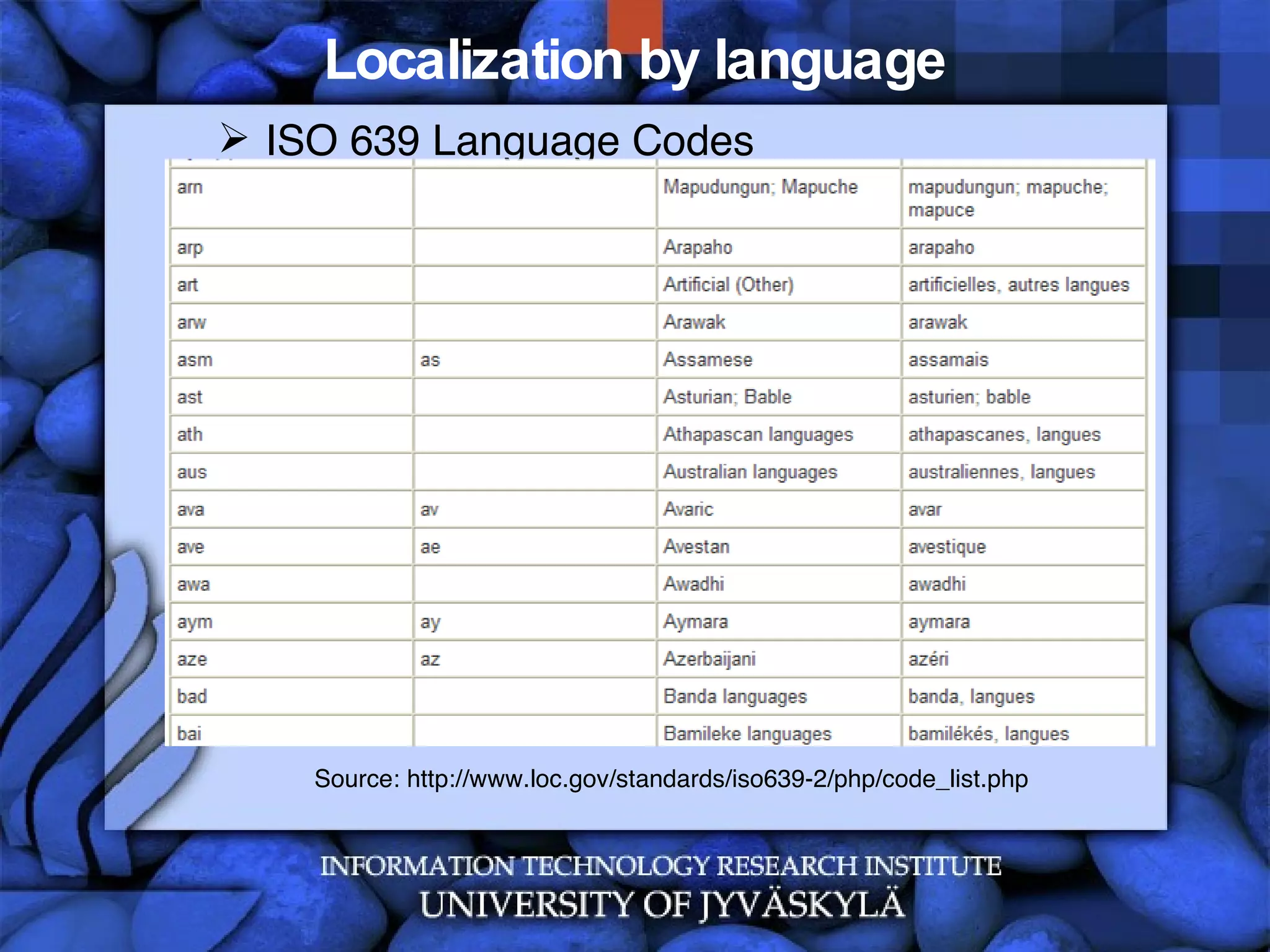
Localization by language ISO 639 Language Codes Source: http://www.loc.gov/standards/iso639-2/php/code_list.php
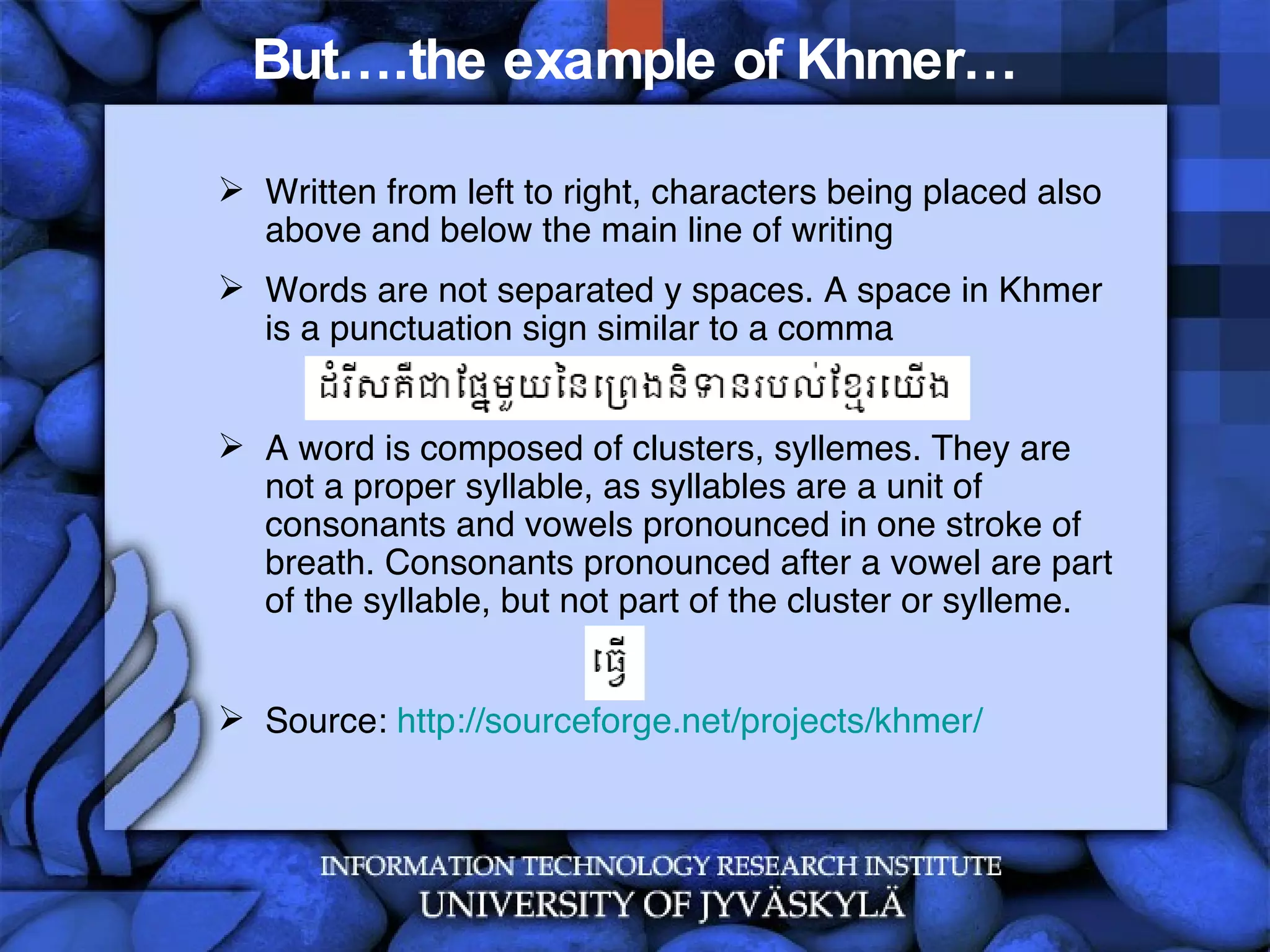
But….the example of Khmer… Written from left to right, characters being placed also above and below the main line of writing Words are not separated y spaces. A space in Khmer is a punctuation sign similar to a comma A word is composed of clusters, syllemes. They are not a proper syllable, as syllables are a unit of consonants and vowels pronounced in one stroke of breath. Consonants pronounced after a vowel are part of the syllable, but not part of the cluster or sylleme.  Source:  http://sourceforge.net/projects/khmer/
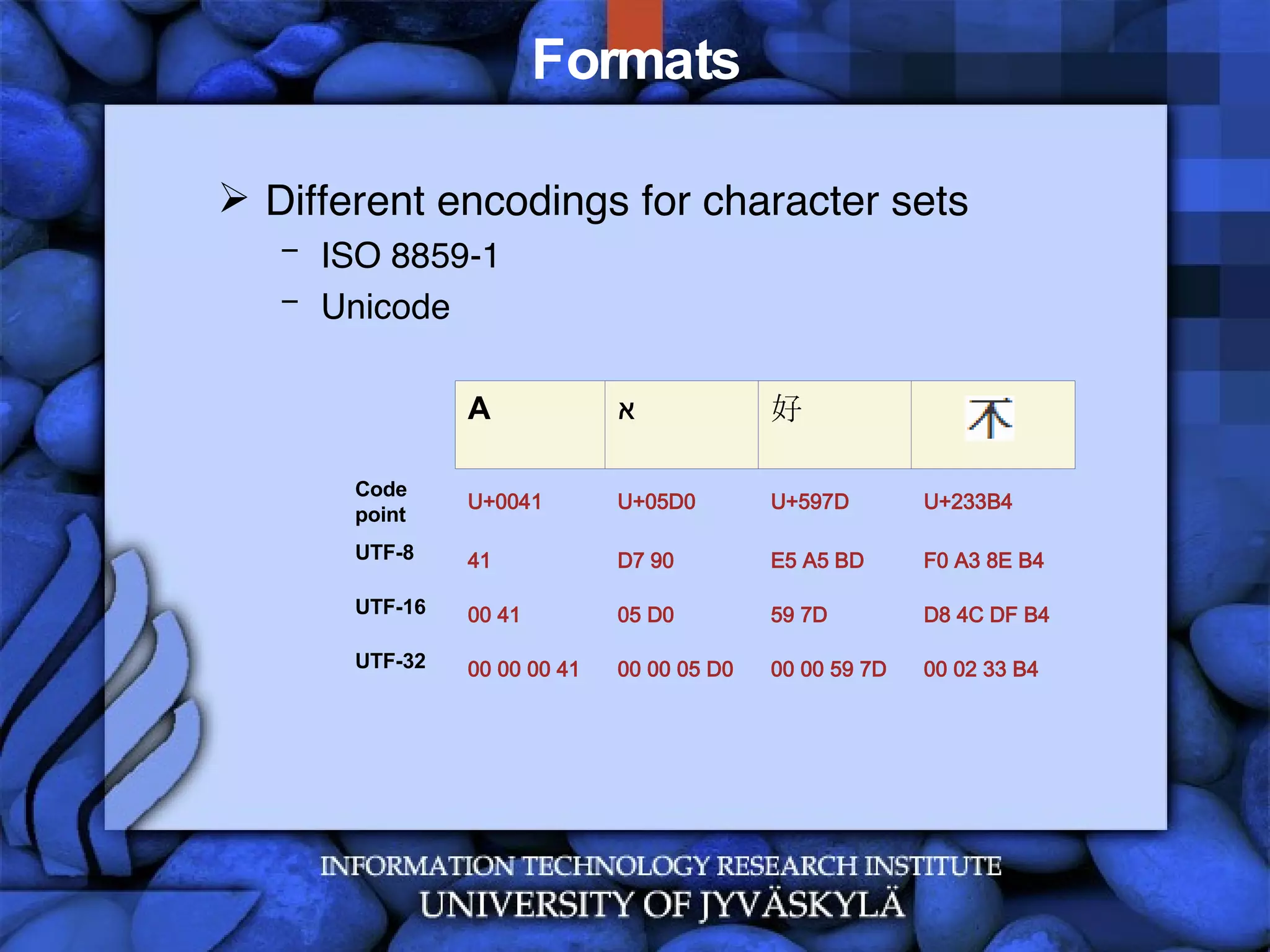
Formats Unicode  is a universal character set, ie. a standard that defines, in one place, all the characters needed for writing the majority of living languages in use on computers. It aims to be, and to a large extent already is, a superset of all other character sets that have been encoded.  A  coded character set  is a set of characters for which a unique number has been assigned to each character. Units of a coded character set are known as  code points . For example, the code point for the letter à in the Unicode coded character set is 225 in decimal, or E1 in hexadecimal notation. (Note that hexadecimal notation is commonly used for identifying such characters, and will be used here.) The  character encoding  reflects the way these abstract characters are mapped to bytes for manipulation in a computer. (W3C, 2007)
Formats Character : The smallest component of written language that has semantic value; refers to the abstract meaning and/or shape (Unicode Glossary, 2007) Visual rendering  introduces the notion of a glyph. Glyphs are defined by ISO/IEC 9541-1 [ISO/IEC 9541-1] as "a recognizable abstract graphic symbol which is independent of a specific design". There is not a one-to-one correspondence between characters and glyphs. (W3C, 2005)
Formats: Recommendations (W3C, 2005) Specifications, software and content MUST NOT require or depend on a one-to-one correspondence between characters and the sounds of a language  Specifications, software and content MUST NOT require or depend on a one-to-one mapping between characters and units of displayed text Protocols, data formats and APIs MUST store, interchange or process text data in logical order  Independent of whether some implementation uses logical selection or visual selection, characters selected MUST be kept in logical order in storage  Specifications of protocols and APIs that involve selection of ranges SHOULD provide for discontiguous logical selections, at least to the extent necessary to support implementation of visual selection on screen on top of those protocols and APIs
Formats: Recommendations (W3C, 2005) Specifications and software MUST NOT require nor depend on a single keystroke resulting in a single character, nor that a single character be input with a single keystroke (even with modifiers), nor that keyboards are the same all over the world  Software that sorts or searches text for users SHOULD do so on the basis of appropriate collation units and ordering rules for the relevant language and/or application  Specifications, software and content MUST NOT require or depend on a one-to-one relationship between characters and units of physical storage More on characters and encoding:  http://www.w3.org/TR/charmod
Formats Different encodings for character sets ISO 8859-1 Unicode 00 02 33 B4 00 00 59 7D 00 00 05 D0 00 00 00 41 UTF-32 D8 4C DF B4 59 7D 05 D0 00 41 UTF-16 F0 A3 8E B4 E5 A5 BD D7 90 41 UTF-8 U+233B4 U+597D U+05D0 U+0041 Code point      好 א A
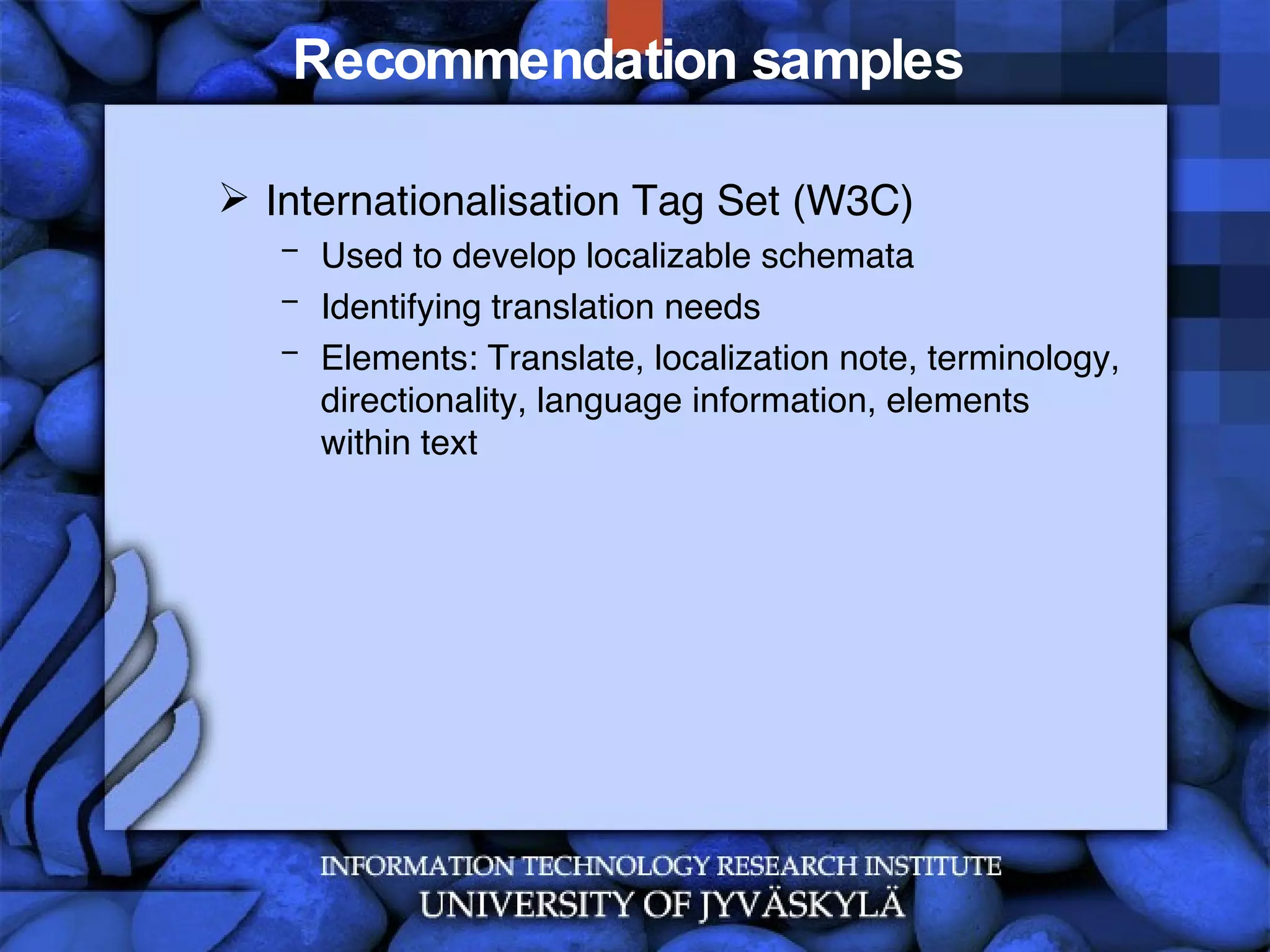
Recommendation samples  Internationalisation Tag Set (W3C) Used to develop localizable schemata Identifying translation needs Elements: Translate, localization note, terminology, directionality, language information, elements within text
Recommendation samples  Internationalisation Tag Set (W3C) [Source: http://www.w3.org/TR/2007/REC-its-20070403]
“ Culturalization” of applications Culture awareness Adapting business logic Adapting contents Adapting user interfaces Samples for culturally adapted interfaces
Types of internationalization Business logic for  culture X Business logic for  culture Y Abstract  Business Logic  [Adapted from Kersten, 2002] GUI Business Logic Repository Culture Y Repository Culture X Repository
Culture-aware internationalization Deep Culture X Surface Culture X GUI X Business  Logic X Deep Culture X Surface Culture X Production Product Deployment [Adapted from Kersten, 2002] Core Rep.  Rep.  X Deep Culture Y Surface Culture Y GUI Y Business  Logic  Y Deep Culture Y Surface Culture Y Core Rep.  Rep.  Y
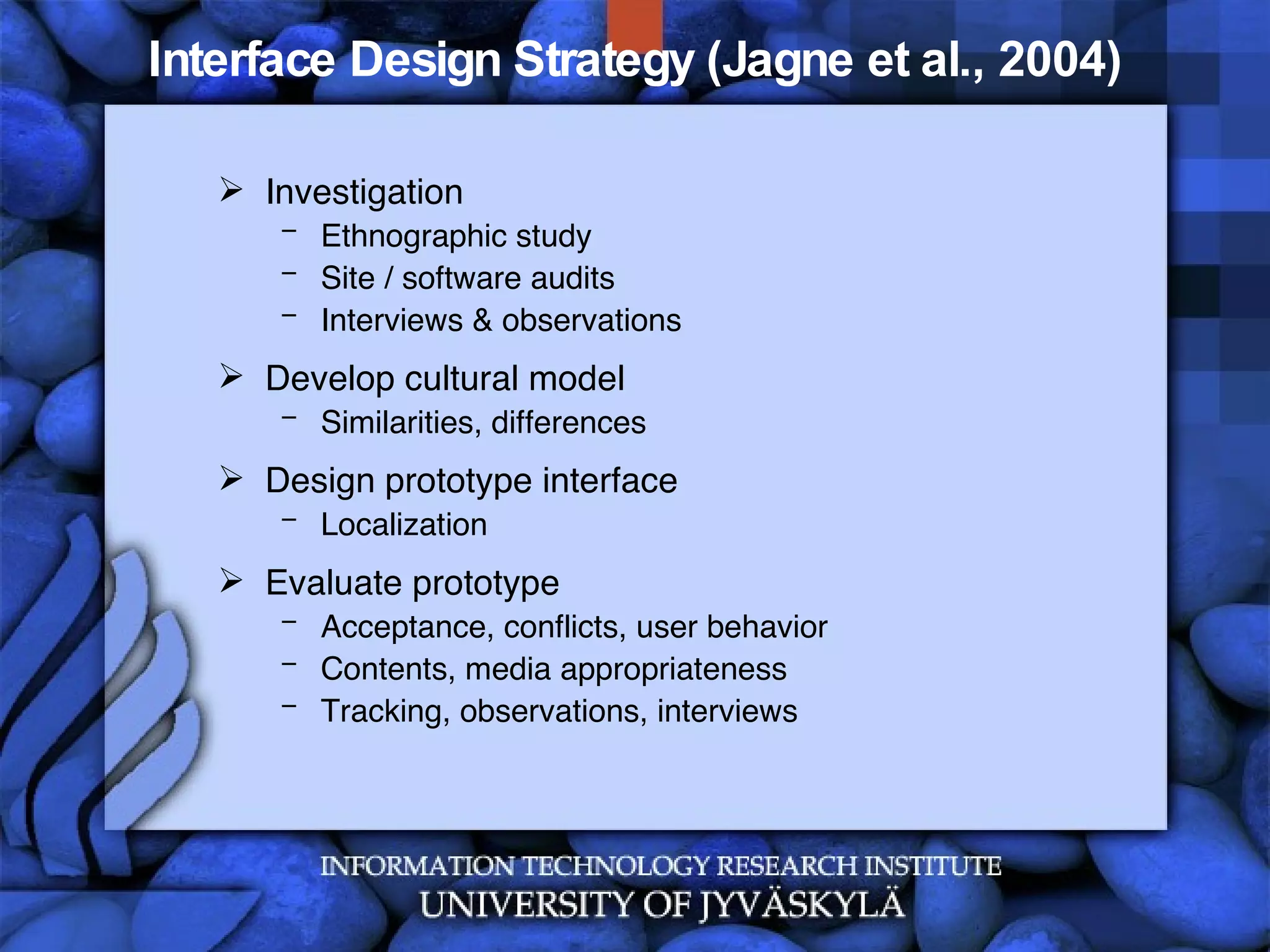
Interface Design Strategy (Jagne et al., 2004) Investigation Ethnographic study Site / software audits Interviews & observations Develop cultural model Similarities, differences Design prototype interface Localization Evaluate prototype Acceptance, conflicts, user behavior  Contents, media appropriateness  Tracking, observations, interviews
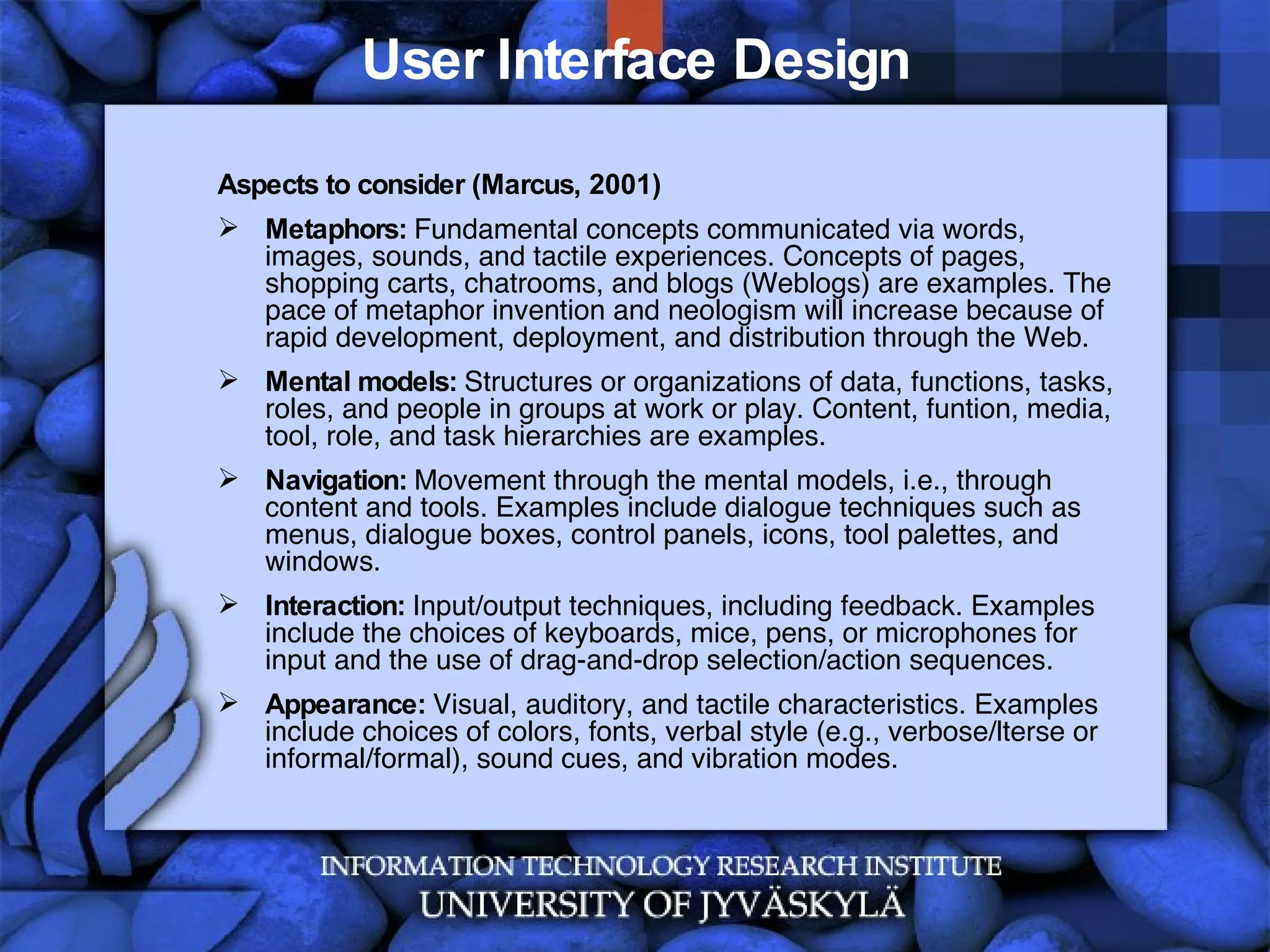
User Interface Design Aspects to consider (Marcus, 2001) Metaphors:  Fundamental concepts communicated via words, images, sounds, and tactile experiences. Concepts of pages, shopping carts, chatrooms, and blogs (Weblogs) are examples. The pace of metaphor invention and neologism will increase because of rapid development, deployment, and distribution through the Web. Mental models:  Structures or organizations of data, functions, tasks, roles, and people in groups at work or play. Content, funtion, media, tool, role, and task hierarchies are examples. Navigation:  Movement through the mental models, i.e., through content and tools. Examples include dialogue techniques such as menus, dialogue boxes, control panels, icons, tool palettes, and windows. Interaction:  Input/output techniques, including feedback. Examples include the choices of keyboards, mice, pens, or microphones for input and the use of drag-and-drop selection/action sequences. Appearance:  Visual, auditory, and tactile characteristics. Examples include choices of colors, fonts, verbal style (e.g., verbose/lterse or informal/formal), sound cues, and vibration modes.
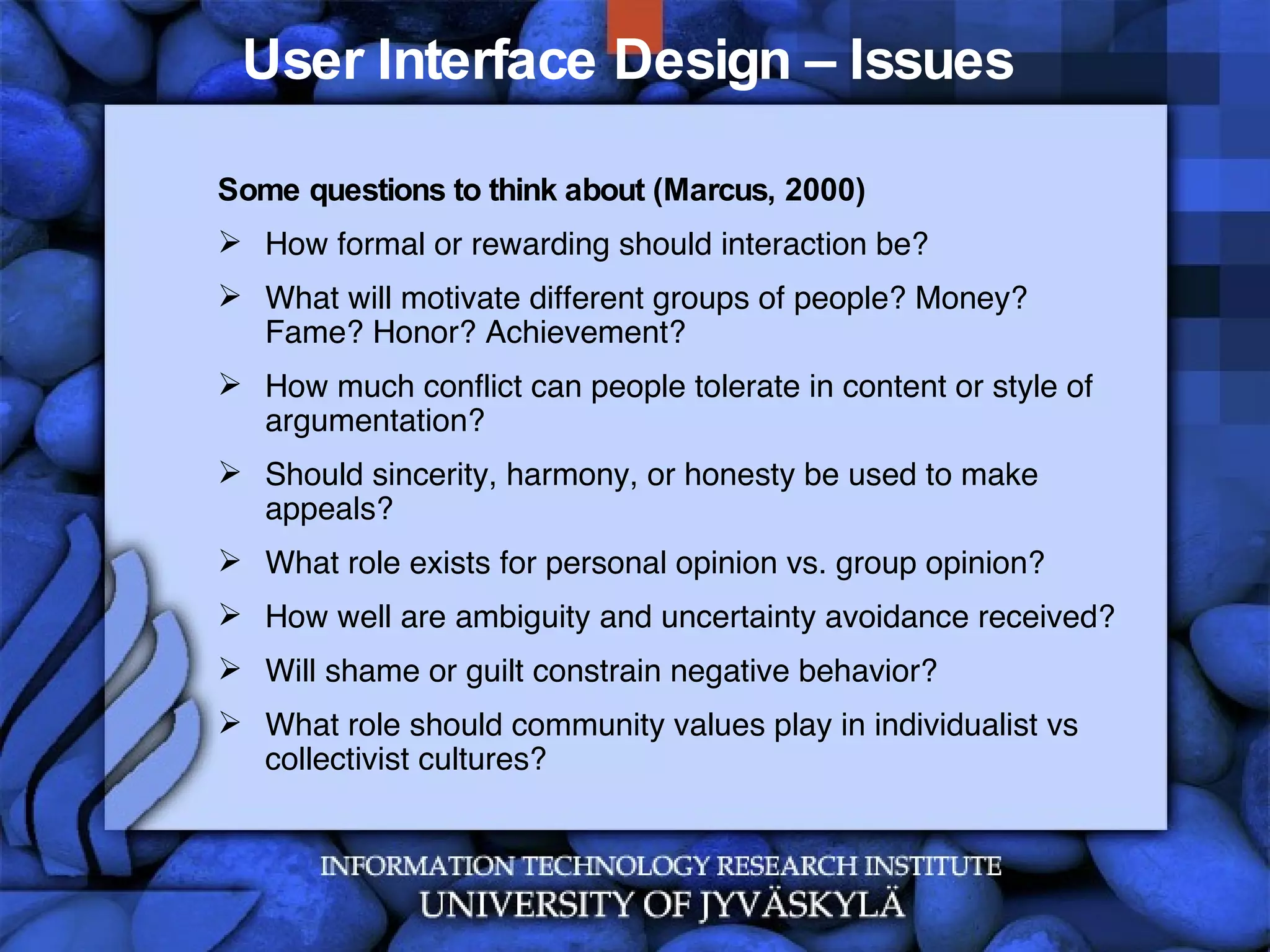
User Interface Design – Issues  Some questions to think about (Marcus, 2000) How formal or rewarding should interaction be? What will motivate different groups of people? Money? Fame? Honor? Achievement? How much conflict can people tolerate in content or style of argumentation?  Should sincerity, harmony, or honesty be used to make appeals? What role exists for personal opinion vs. group opinion? How well are ambiguity and uncertainty avoidance received? Will shame or guilt constrain negative behavior? What role should community values play in individualist vs collectivist cultures?
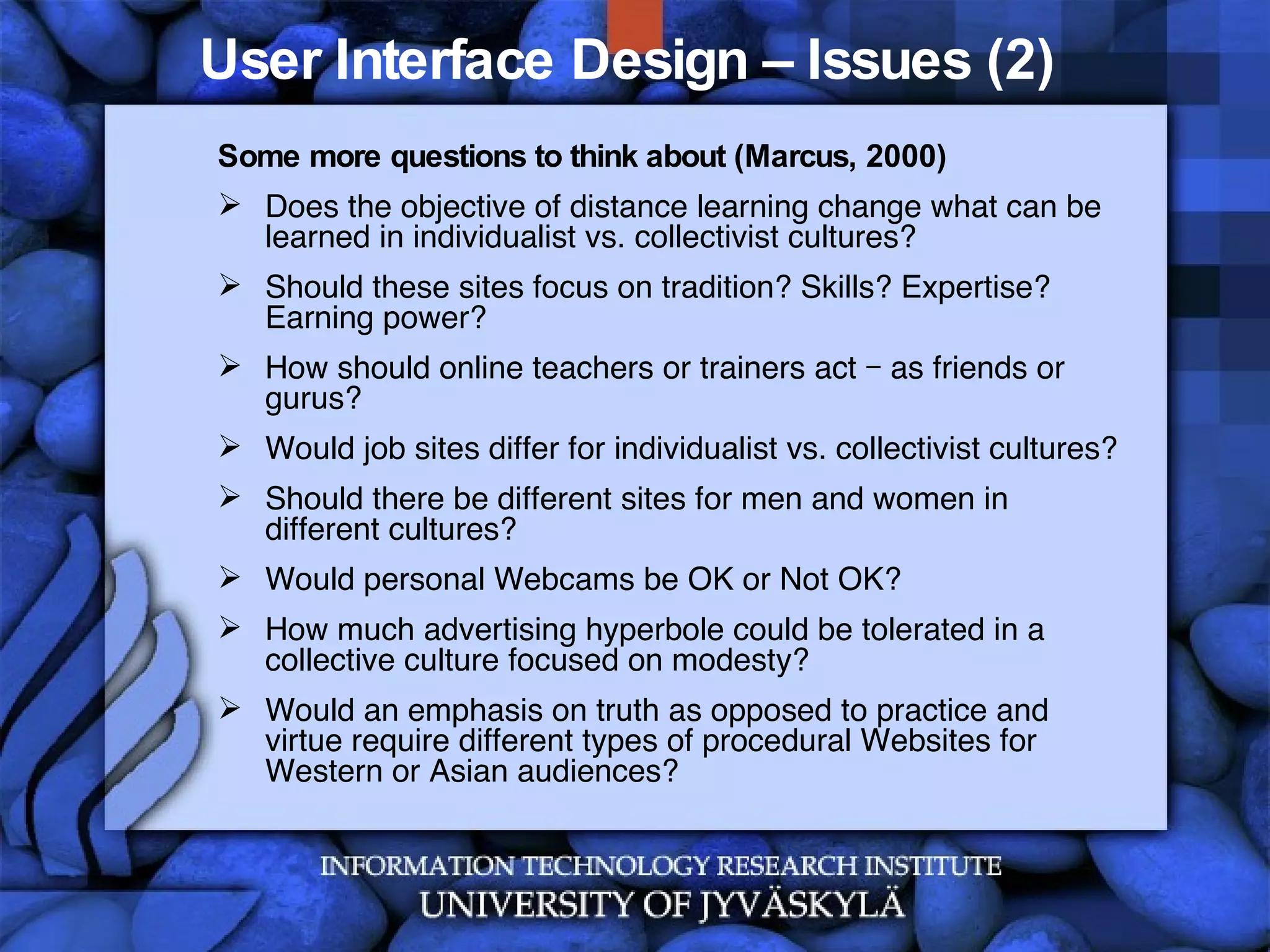
User Interface Design – Issues (2)  Some more questions to think about (Marcus, 2000) Does the objective of distance learning change what can be learned in individualist vs. collectivist cultures? Should these sites focus on tradition? Skills? Expertise? Earning power? How should online teachers or trainers act – as friends or gurus? Would job sites differ for individualist vs. collectivist cultures? Should there be different sites for men and women in different cultures? Would personal Webcams be OK or Not OK? How much advertising hyperbole could be tolerated in a collective culture focused on modesty? Would an emphasis on truth as opposed to practice and virtue require different types of procedural Websites for Western or Asian audiences?
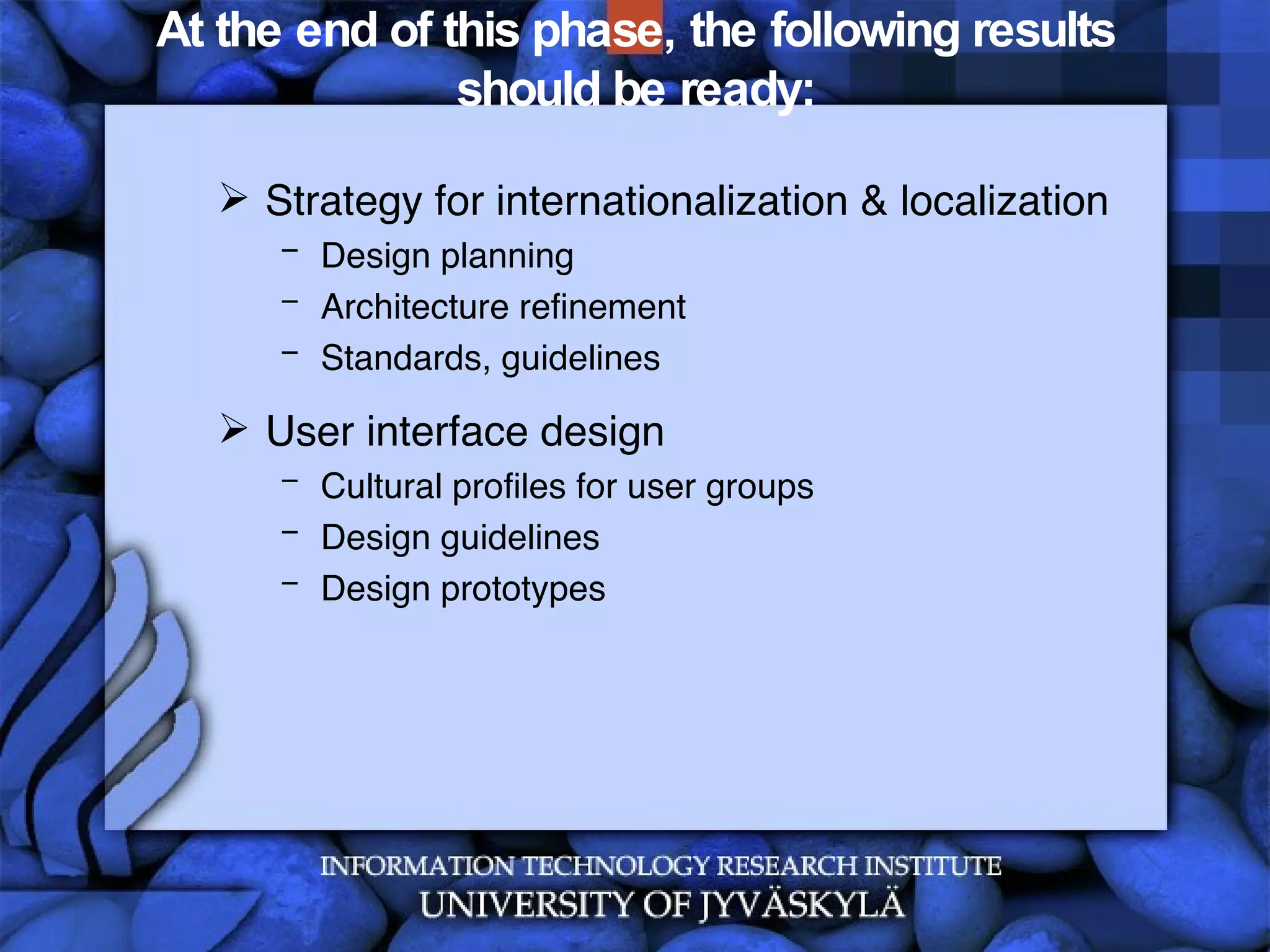
At the end of this phase, the following results should be ready: Strategy for internationalization & localization Design planning Architecture refinement Standards, guidelines User interface design Cultural profiles for user groups Design guidelines Design prototypes
Summary There is no one-fits-all strategy for internationalization and localization Standards should be considered Based on a culture analysis, (internal) guidelines should be developed Prototyping and participating is essential Other individualization / personalization strategies should be considered
Questions Describe the differences of globalization, internationalization, localization and adaptation. Which aspects should be considered when designing and developing international solutions Which guidelines can be applied for designing a website for a Finnish university? Which steps are necessary to develop an Asian marketing site for JYU?
References Hogan, J.M., Ho-Stuart, C., Pham, B. (2003): Current Issues in Software Internationalisation. Australian Computer Science Conference, Adelaide, May2003.  Kersten, G.E., Kersten, M., Rokaowski, W.M. (2002): Software and Culture: Beyond the Internationalization of the Interface, Journal of Global Information Management, 10(4), 2002. Marcus, A. (2000): Cultural Dimensions and Global Web User-Interface Design: What? So What? Now What? IN: Proceedings of the 6th Conference on Human Factors and the Web in Austin, Texas, 19 June 2000
Contact Information ITRI Prof. Dr. Jan M. Pawlowski [email_address] Skype: jan_m_pawlowski Office: Telephone +358 14 260 2596 Fax +358 14 260 2544 www.titu.jyu.fi

Glis Localization Internationalization 05 20071030

  • 1.
    Global Information Systems:Localization and Internationalization (5) Prof. Dr. Jan M. Pawlowski 31.10.2007
  • 2.
    Contents IntroductionDefinitions and Terms Design approaches Summary
  • 3.
    The Open UnifiedProcess – Disciplines Architecture Architecture Notebook Configuration and Change Management Development Design Build Developer Test Implementation Project Management Iteration Plan Project Plan Work Items List Risk List Requirements Supporting Requirements Specification Vision Use Case Glossary Use-Case Model Test Test Case Test Log Test Script Roles Artefacts / Support [Source: http://www.epfwiki.net/wikis/openup/]
  • 4.
  • 5.
  • 6.
  • 7.
  • 8.
    Definitions Internationalization (I18N)is the process of generalizing a product so that it can handle multiple languages and cultural conventions without the need for redesign. Internationalization takes place at the level of program design and document development (W3C, 2007) Localization (L10N) is the process of taking a product and making it linguistically and culturally appropriate to a given target locale (country/region and language) where it will be used (W3C, 2007)
  • 9.
    Definitions Globalization (G11N)defines a business strategy and business activities to act on a global market. A Locale is a geographic location and a language of a region (e.g., Germany, French-speaking Quebec, Central Finland) – classes based on a locale are locale-sensitive
  • 10.
    Types of internationalizationApplication development (business logic) User interface design (presentation logic) Time Run-time Compile-time Design-time Aspects Software Documentation (process documentation, help, manual) Web pages Learning materials Knowledge & experiences
  • 11.
    Types of internationalizationGUI for culture X GUI for culture Y Culture X Locale Culture Y Locale Abstract GUI [Adapted from Kersten, 2002]
  • 12.
    Types of internationalizationDeep Culture X Surface Culture X GUI X Core Application X Deep Culture X Surface Culture X Production Product Deployment Deep Culture Y Surface Culture Y GUI Y Core Application X Deep Culture Y Surface Culture Y
  • 13.
    Challenges in LocalizationText string expansion Character sets and encoding Bidirectional text and vertical display Keyboard character layout, shortcuts Fonts Sorting order Placeholders Abbreviations Terminology And many more
  • 14.
    Aspects Formats DateTime Currency Addresses, Postal codes Symbols, icons, graphics, colors Language Translation Writing system Characters Other Contents… Sounds Messages Measurements / Units
  • 15.
    Format samples Dates:31.10.2007, 13:15:26 CET 10-31-2007, 01.15.26 am CET 31 OCT 2007, 13 h 15 CET … Numbers 1 234 567,89 1.234.567,89 1,234,567,89 Additionally: Other calendars, holidays Separate representation and presentation – using identifiers, string indexing
  • 16.
    Localization by countryISO 3166 Country Codes [Source: http://en.wikipedia.org/wiki/ISO_3166-1]
  • 17.
    Localization by languageISO 639 Language Codes Source: http://www.loc.gov/standards/iso639-2/php/code_list.php
  • 18.
    But….the example ofKhmer… Written from left to right, characters being placed also above and below the main line of writing Words are not separated y spaces. A space in Khmer is a punctuation sign similar to a comma A word is composed of clusters, syllemes. They are not a proper syllable, as syllables are a unit of consonants and vowels pronounced in one stroke of breath. Consonants pronounced after a vowel are part of the syllable, but not part of the cluster or sylleme. Source: http://sourceforge.net/projects/khmer/
  • 19.
    Formats Unicode is a universal character set, ie. a standard that defines, in one place, all the characters needed for writing the majority of living languages in use on computers. It aims to be, and to a large extent already is, a superset of all other character sets that have been encoded. A coded character set is a set of characters for which a unique number has been assigned to each character. Units of a coded character set are known as code points . For example, the code point for the letter à in the Unicode coded character set is 225 in decimal, or E1 in hexadecimal notation. (Note that hexadecimal notation is commonly used for identifying such characters, and will be used here.) The character encoding reflects the way these abstract characters are mapped to bytes for manipulation in a computer. (W3C, 2007)
  • 20.
    Formats Character :The smallest component of written language that has semantic value; refers to the abstract meaning and/or shape (Unicode Glossary, 2007) Visual rendering introduces the notion of a glyph. Glyphs are defined by ISO/IEC 9541-1 [ISO/IEC 9541-1] as "a recognizable abstract graphic symbol which is independent of a specific design". There is not a one-to-one correspondence between characters and glyphs. (W3C, 2005)
  • 21.
    Formats: Recommendations (W3C,2005) Specifications, software and content MUST NOT require or depend on a one-to-one correspondence between characters and the sounds of a language Specifications, software and content MUST NOT require or depend on a one-to-one mapping between characters and units of displayed text Protocols, data formats and APIs MUST store, interchange or process text data in logical order Independent of whether some implementation uses logical selection or visual selection, characters selected MUST be kept in logical order in storage Specifications of protocols and APIs that involve selection of ranges SHOULD provide for discontiguous logical selections, at least to the extent necessary to support implementation of visual selection on screen on top of those protocols and APIs
  • 22.
    Formats: Recommendations (W3C,2005) Specifications and software MUST NOT require nor depend on a single keystroke resulting in a single character, nor that a single character be input with a single keystroke (even with modifiers), nor that keyboards are the same all over the world Software that sorts or searches text for users SHOULD do so on the basis of appropriate collation units and ordering rules for the relevant language and/or application Specifications, software and content MUST NOT require or depend on a one-to-one relationship between characters and units of physical storage More on characters and encoding: http://www.w3.org/TR/charmod
  • 23.
    Formats Different encodingsfor character sets ISO 8859-1 Unicode 00 02 33 B4 00 00 59 7D 00 00 05 D0 00 00 00 41 UTF-32 D8 4C DF B4 59 7D 05 D0 00 41 UTF-16 F0 A3 8E B4 E5 A5 BD D7 90 41 UTF-8 U+233B4 U+597D U+05D0 U+0041 Code point      好 א A
  • 24.
    Recommendation samples Internationalisation Tag Set (W3C) Used to develop localizable schemata Identifying translation needs Elements: Translate, localization note, terminology, directionality, language information, elements within text
  • 25.
    Recommendation samples Internationalisation Tag Set (W3C) [Source: http://www.w3.org/TR/2007/REC-its-20070403]
  • 26.
    “ Culturalization” ofapplications Culture awareness Adapting business logic Adapting contents Adapting user interfaces Samples for culturally adapted interfaces
  • 27.
    Types of internationalizationBusiness logic for culture X Business logic for culture Y Abstract Business Logic [Adapted from Kersten, 2002] GUI Business Logic Repository Culture Y Repository Culture X Repository
  • 28.
    Culture-aware internationalization DeepCulture X Surface Culture X GUI X Business Logic X Deep Culture X Surface Culture X Production Product Deployment [Adapted from Kersten, 2002] Core Rep. Rep. X Deep Culture Y Surface Culture Y GUI Y Business Logic Y Deep Culture Y Surface Culture Y Core Rep. Rep. Y
  • 29.
    Interface Design Strategy(Jagne et al., 2004) Investigation Ethnographic study Site / software audits Interviews & observations Develop cultural model Similarities, differences Design prototype interface Localization Evaluate prototype Acceptance, conflicts, user behavior Contents, media appropriateness Tracking, observations, interviews
  • 30.
    User Interface DesignAspects to consider (Marcus, 2001) Metaphors: Fundamental concepts communicated via words, images, sounds, and tactile experiences. Concepts of pages, shopping carts, chatrooms, and blogs (Weblogs) are examples. The pace of metaphor invention and neologism will increase because of rapid development, deployment, and distribution through the Web. Mental models: Structures or organizations of data, functions, tasks, roles, and people in groups at work or play. Content, funtion, media, tool, role, and task hierarchies are examples. Navigation: Movement through the mental models, i.e., through content and tools. Examples include dialogue techniques such as menus, dialogue boxes, control panels, icons, tool palettes, and windows. Interaction: Input/output techniques, including feedback. Examples include the choices of keyboards, mice, pens, or microphones for input and the use of drag-and-drop selection/action sequences. Appearance: Visual, auditory, and tactile characteristics. Examples include choices of colors, fonts, verbal style (e.g., verbose/lterse or informal/formal), sound cues, and vibration modes.
  • 31.
    User Interface Design– Issues Some questions to think about (Marcus, 2000) How formal or rewarding should interaction be? What will motivate different groups of people? Money? Fame? Honor? Achievement? How much conflict can people tolerate in content or style of argumentation? Should sincerity, harmony, or honesty be used to make appeals? What role exists for personal opinion vs. group opinion? How well are ambiguity and uncertainty avoidance received? Will shame or guilt constrain negative behavior? What role should community values play in individualist vs collectivist cultures?
  • 32.
    User Interface Design– Issues (2) Some more questions to think about (Marcus, 2000) Does the objective of distance learning change what can be learned in individualist vs. collectivist cultures? Should these sites focus on tradition? Skills? Expertise? Earning power? How should online teachers or trainers act – as friends or gurus? Would job sites differ for individualist vs. collectivist cultures? Should there be different sites for men and women in different cultures? Would personal Webcams be OK or Not OK? How much advertising hyperbole could be tolerated in a collective culture focused on modesty? Would an emphasis on truth as opposed to practice and virtue require different types of procedural Websites for Western or Asian audiences?
  • 33.
    At the endof this phase, the following results should be ready: Strategy for internationalization & localization Design planning Architecture refinement Standards, guidelines User interface design Cultural profiles for user groups Design guidelines Design prototypes
  • 34.
    Summary There isno one-fits-all strategy for internationalization and localization Standards should be considered Based on a culture analysis, (internal) guidelines should be developed Prototyping and participating is essential Other individualization / personalization strategies should be considered
  • 35.
    Questions Describe thedifferences of globalization, internationalization, localization and adaptation. Which aspects should be considered when designing and developing international solutions Which guidelines can be applied for designing a website for a Finnish university? Which steps are necessary to develop an Asian marketing site for JYU?
  • 36.
    References Hogan, J.M.,Ho-Stuart, C., Pham, B. (2003): Current Issues in Software Internationalisation. Australian Computer Science Conference, Adelaide, May2003.  Kersten, G.E., Kersten, M., Rokaowski, W.M. (2002): Software and Culture: Beyond the Internationalization of the Interface, Journal of Global Information Management, 10(4), 2002. Marcus, A. (2000): Cultural Dimensions and Global Web User-Interface Design: What? So What? Now What? IN: Proceedings of the 6th Conference on Human Factors and the Web in Austin, Texas, 19 June 2000
  • 37.
    Contact Information ITRIProf. Dr. Jan M. Pawlowski [email_address] Skype: jan_m_pawlowski Office: Telephone +358 14 260 2596 Fax +358 14 260 2544 www.titu.jyu.fi