

Giving Your CMS Users
a Content Strategy
and a Positive UX


Rachel Vacek, @vacekrae
University of Houston Libraries

TechNet - The North Texas
Conference on Library Technology
August 3, 2011
Do you have to edit HTML in order to update
content on your library’s website?
Do you have to edit HTML in order to update
content on your library’s website?


Do you use editors like Dreamweaver to help
maintain the content on your library’s website?
Do you have to edit HTML in order to update
content on your library’s website?


Do you use editors like Dreamweaver to help
maintain the content on your library’s website?


Does your library use a content management
system (CMS)?
Do you have to edit HTML in order to update
content on your library’s website?


Do you use editors like Dreamweaver to help
maintain the content on your library’s website?


Does your library use a content management
system (CMS)?


Do you enjoy the process of managing content
on your library’s website?
What’s a CMS?
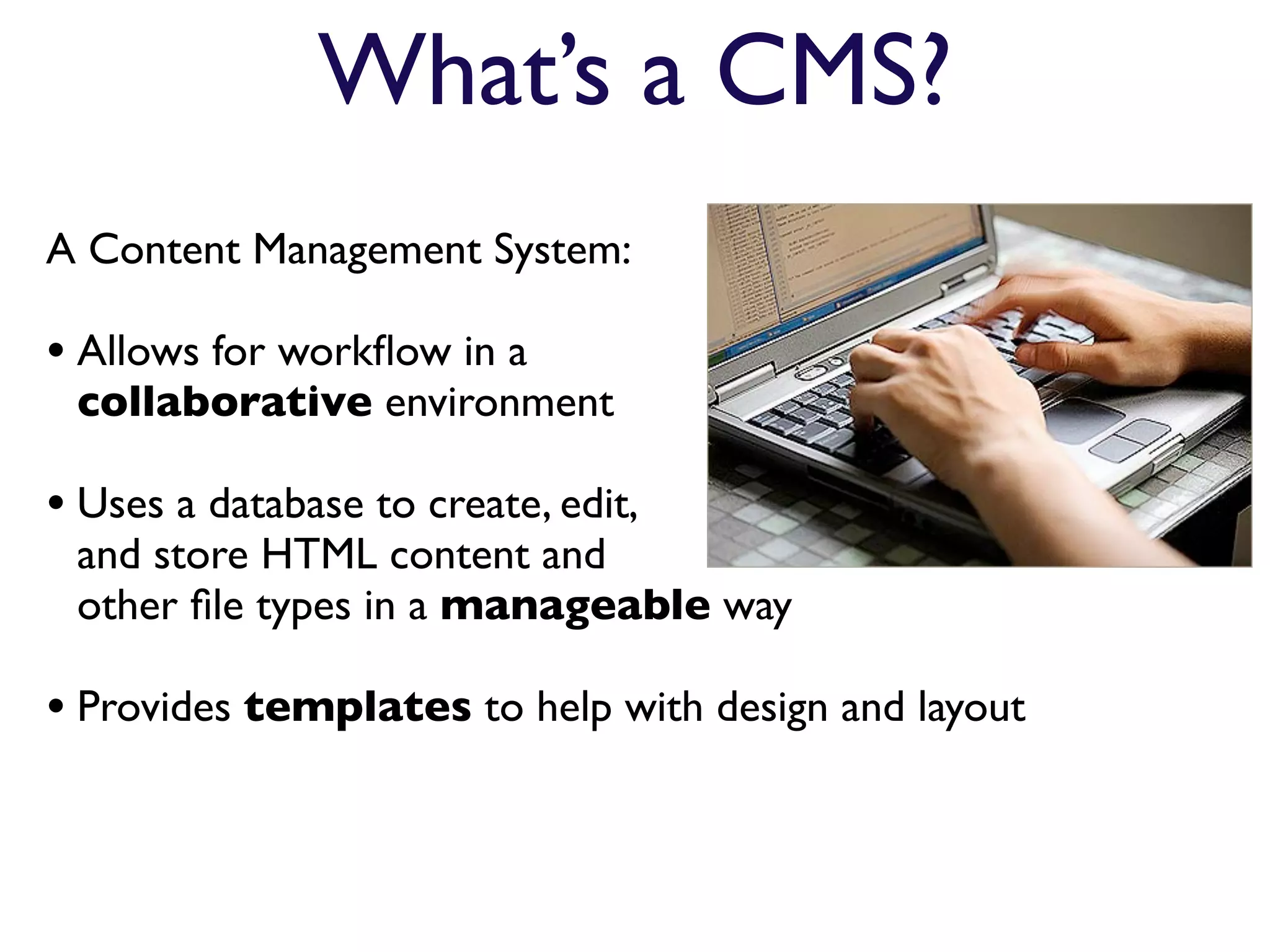
A Content Management System:

• Allows for workflow in a
 collaborative environment

• Uses a database to create, edit,
 and store HTML content and
 other file types in a manageable way

• Provides templates to help with design and layout
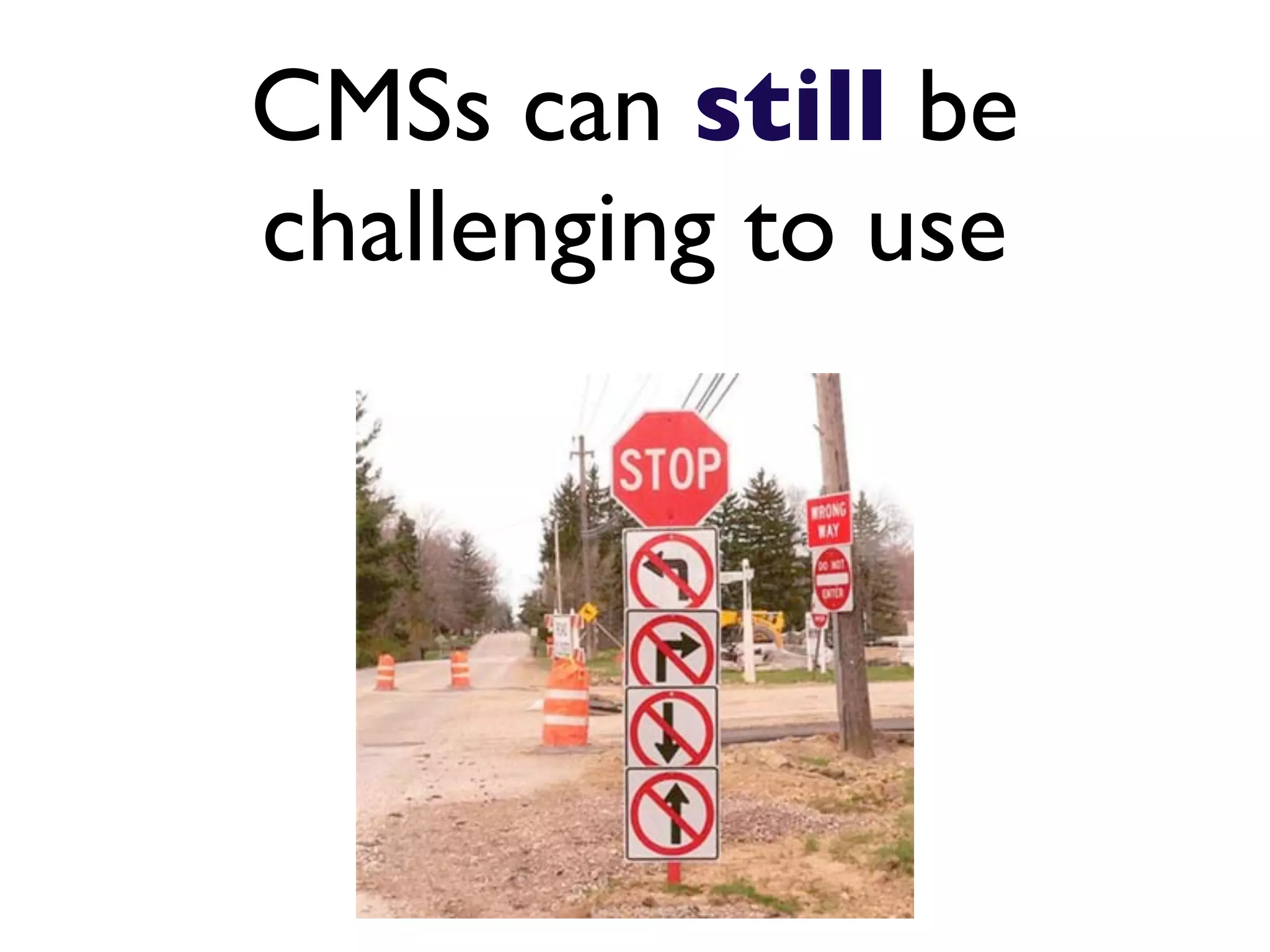
CMSs can still be
challenging to use
10 Tips on choosing
 the right CMS for
   your library
#1

Determine whether you can host
 your CMS in-house or if you
   have to do it remotely.
#2
 Decide whether you can
support an open-source
CMS or need to purchase a
  commercial product.
#3
 Do your research.
 Just because many
 libraries are using a
 particular CMS, it
 does not make it the
 best solution for your
 environment.
#4

Check that the CMS you are looking
into does include extensions with
   the functionality you will need.
#5

   Outline functionality that isn't
  currently being fulfilled by your
existing website management plan.
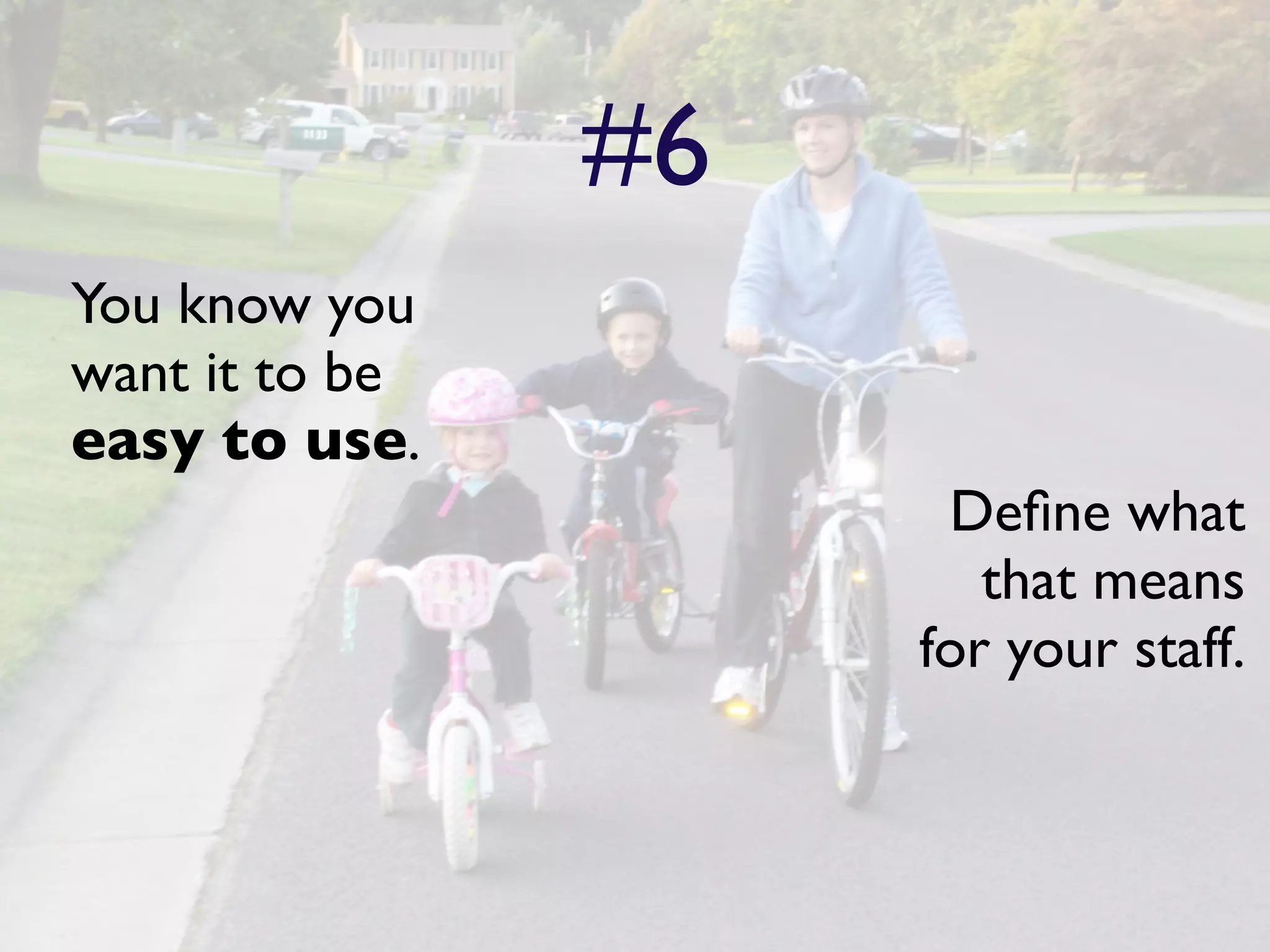
#6
You know you
want it to be
easy to use.
                      Define what
                        that means
                     for your staff.
#7
Get the opinions of your
IT staff by providing
them with a list of
functionality and user
interface requirements
that you want, and then
have them present you
with CMS options.
#8

 Test out the CMS’s search
functionality. Will your CMS
  users be able to find what
    they are looking for?
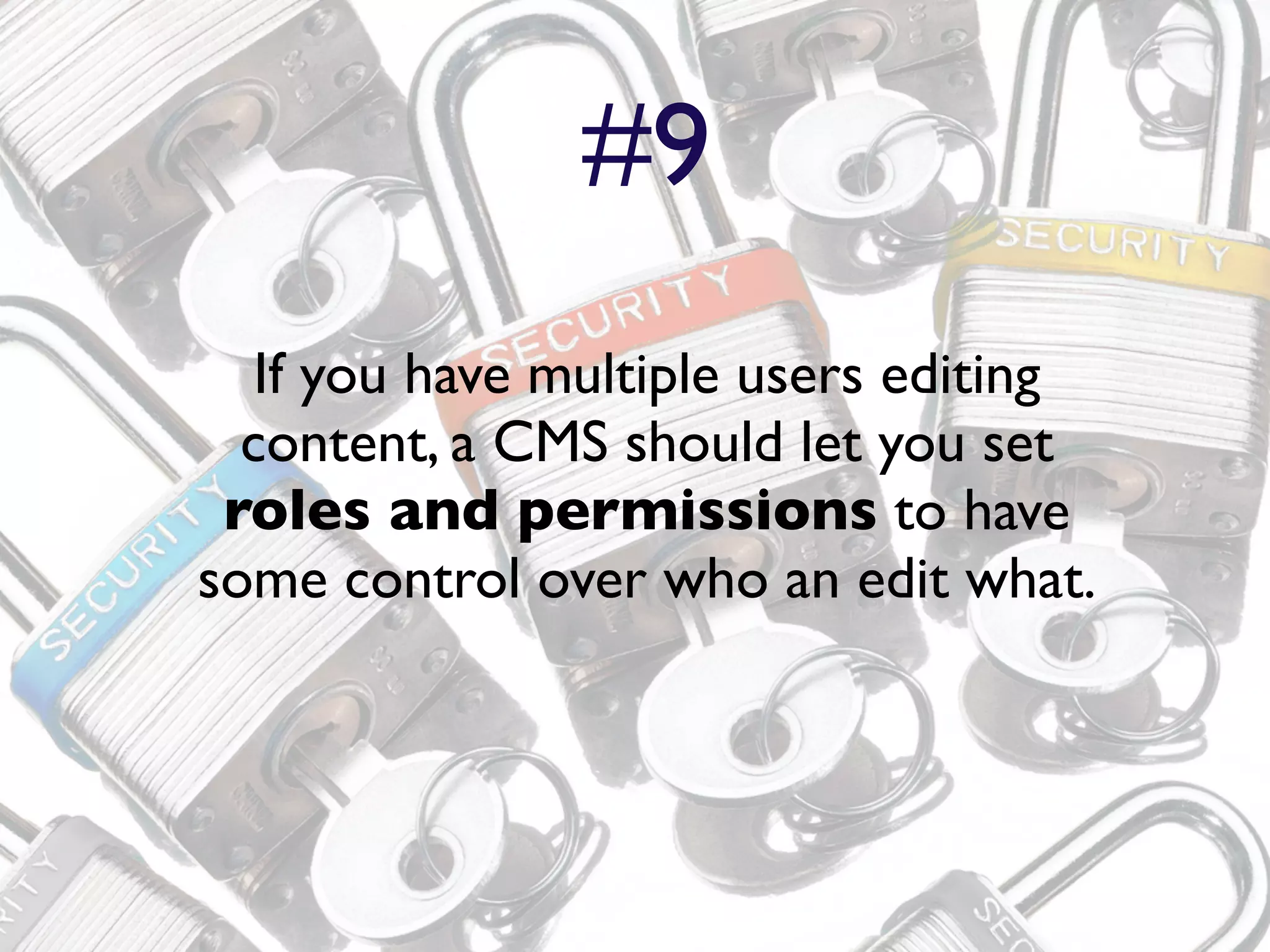
#9
   If you have multiple users editing
  content, a CMS should let you set
 roles and permissions to have
some control over who an edit what.
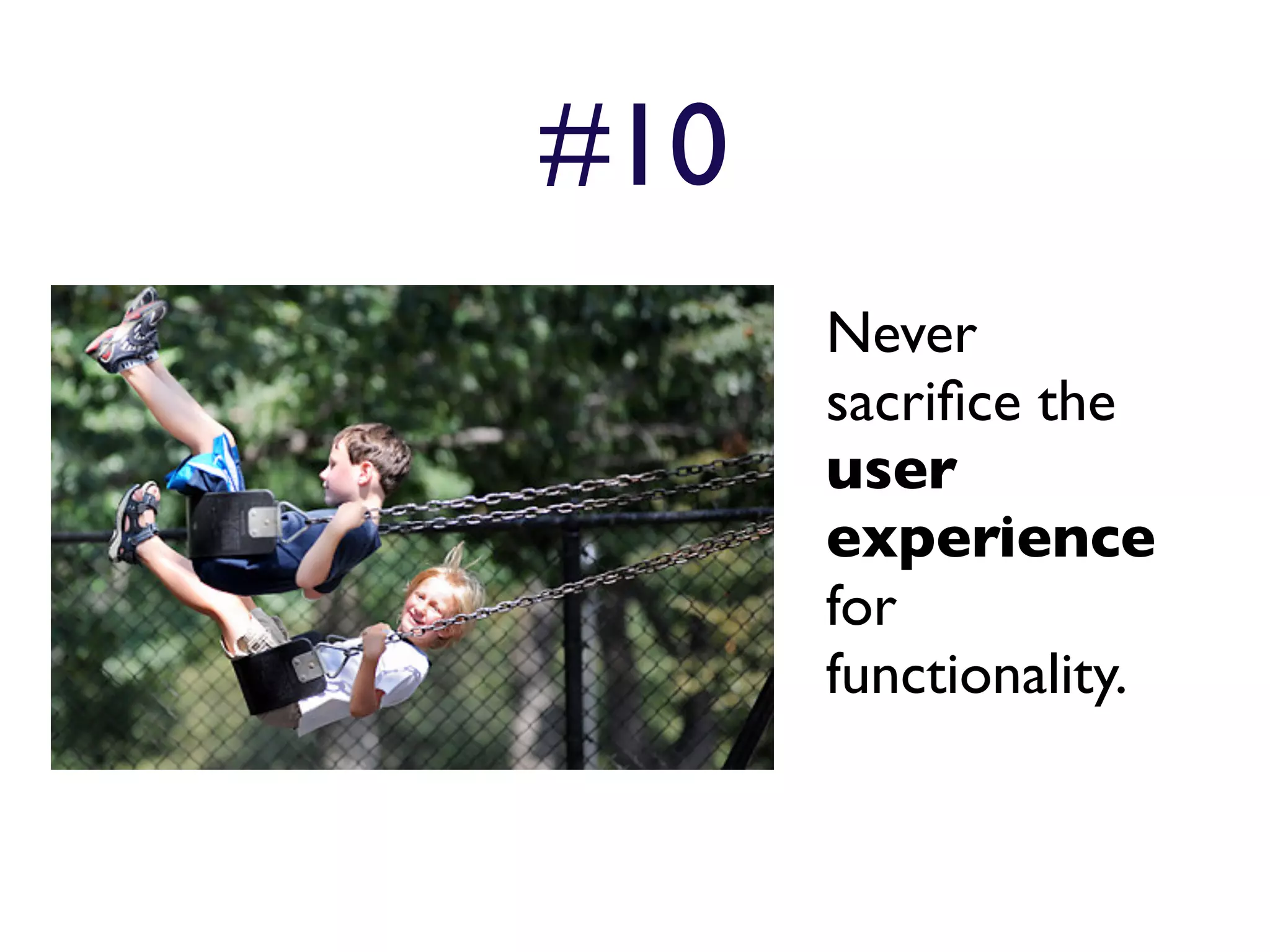
#10
      Never
      sacrifice the
      user
      experience
      for
      functionality.
User Experience
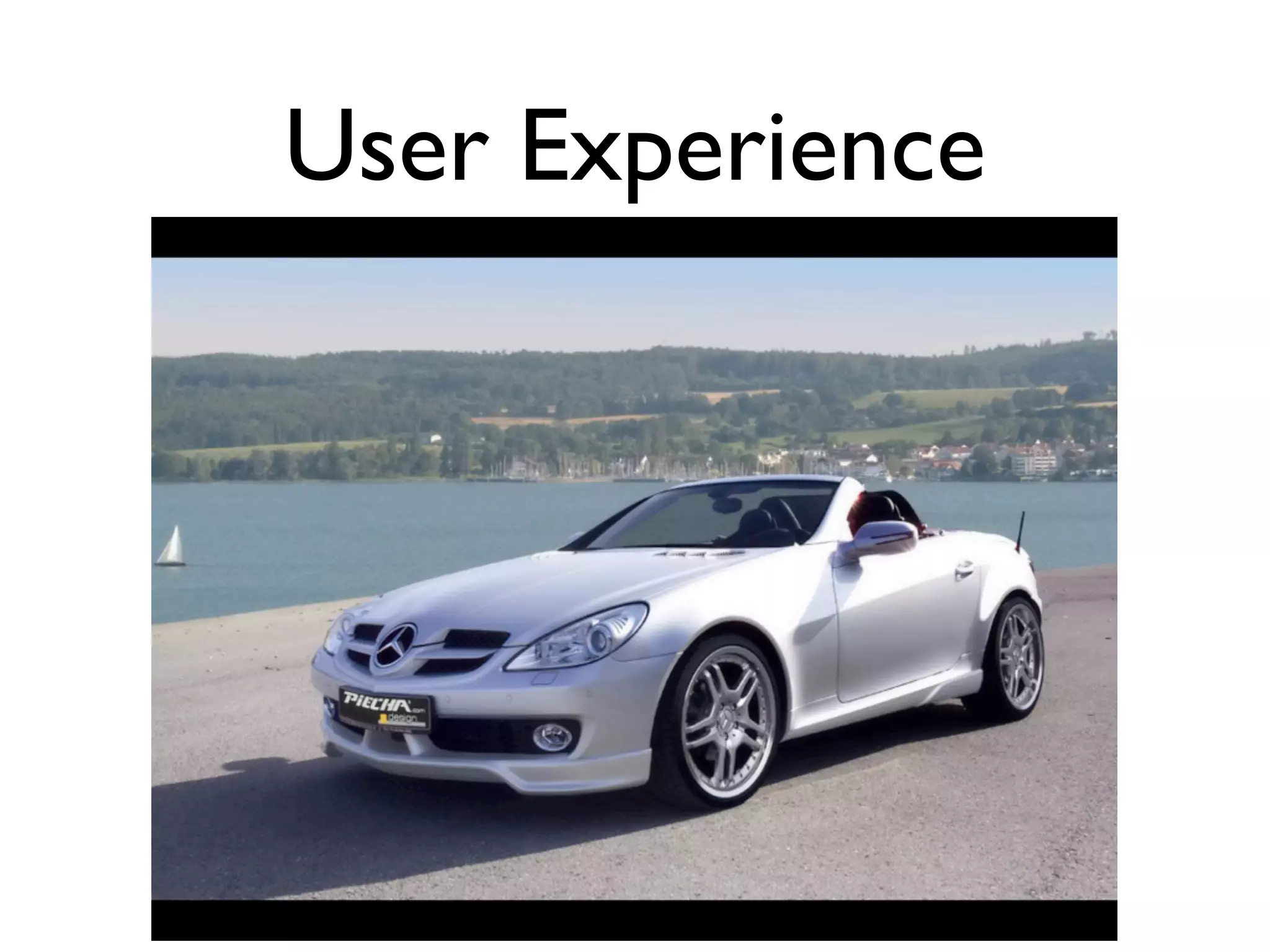
 User experience (UX) is
 about how a person feels
   about using a product,
     system or service.


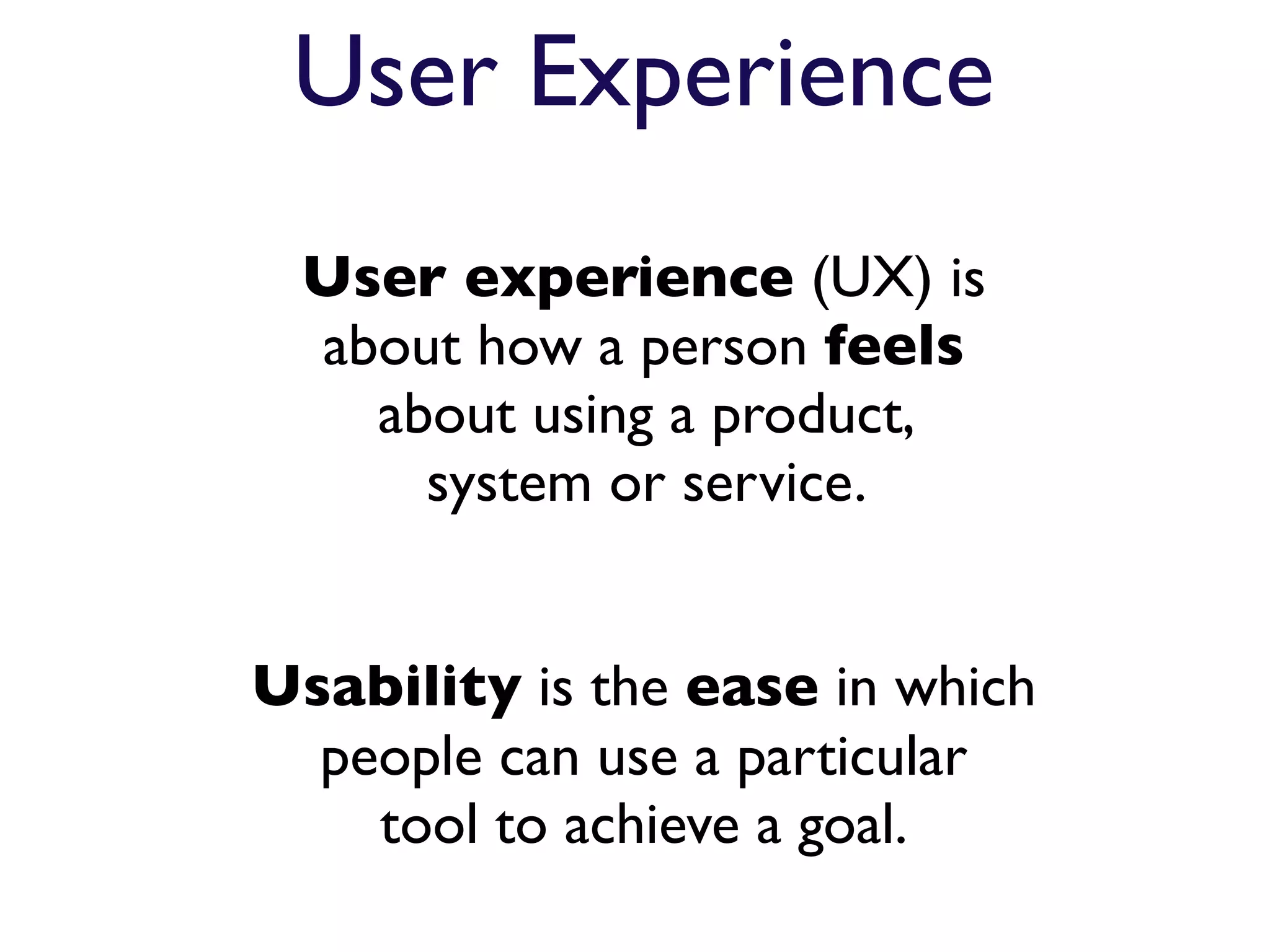
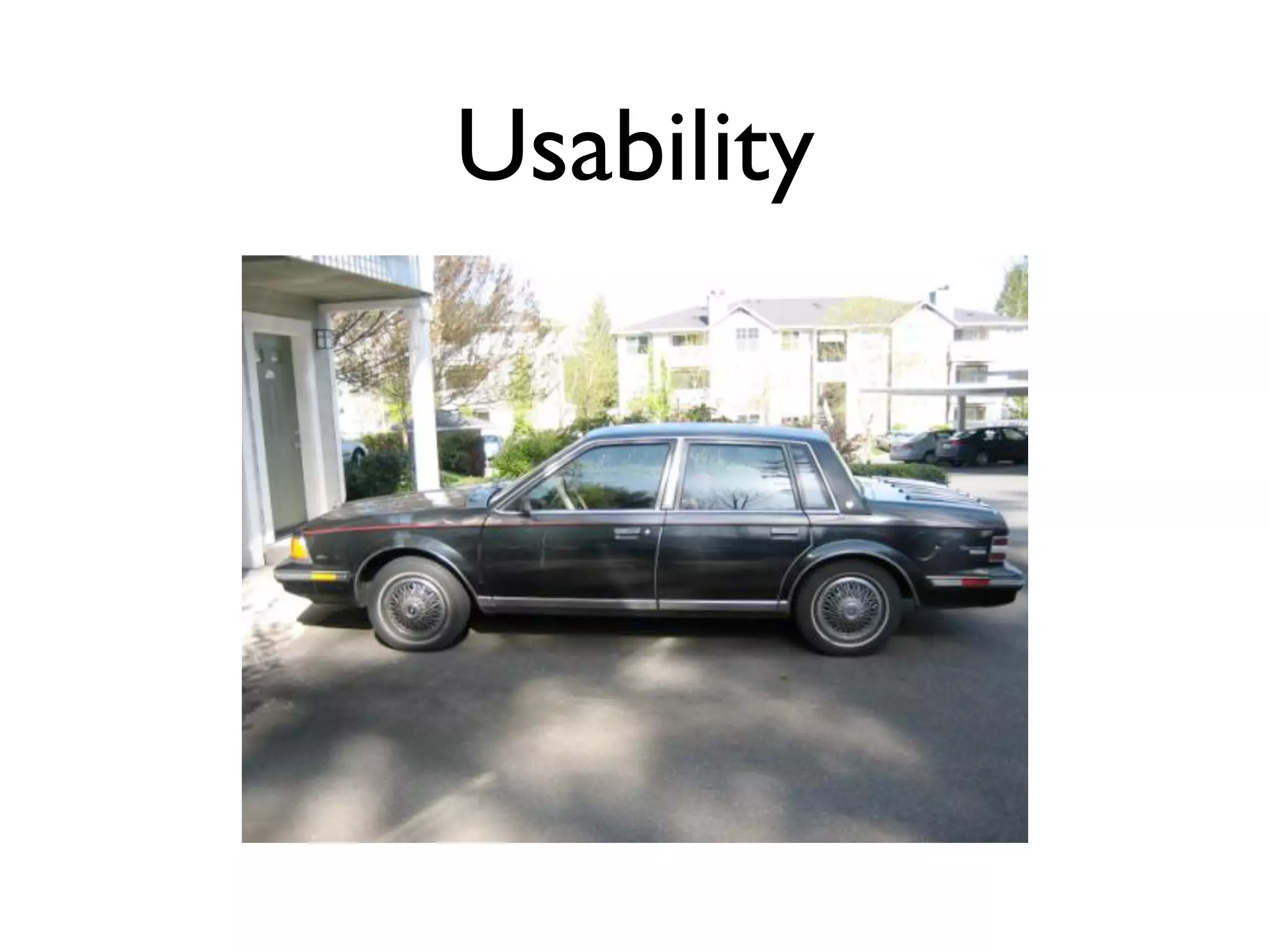
Usability is the ease in which
  people can use a particular
    tool to achieve a goal.
Usability
User Experience
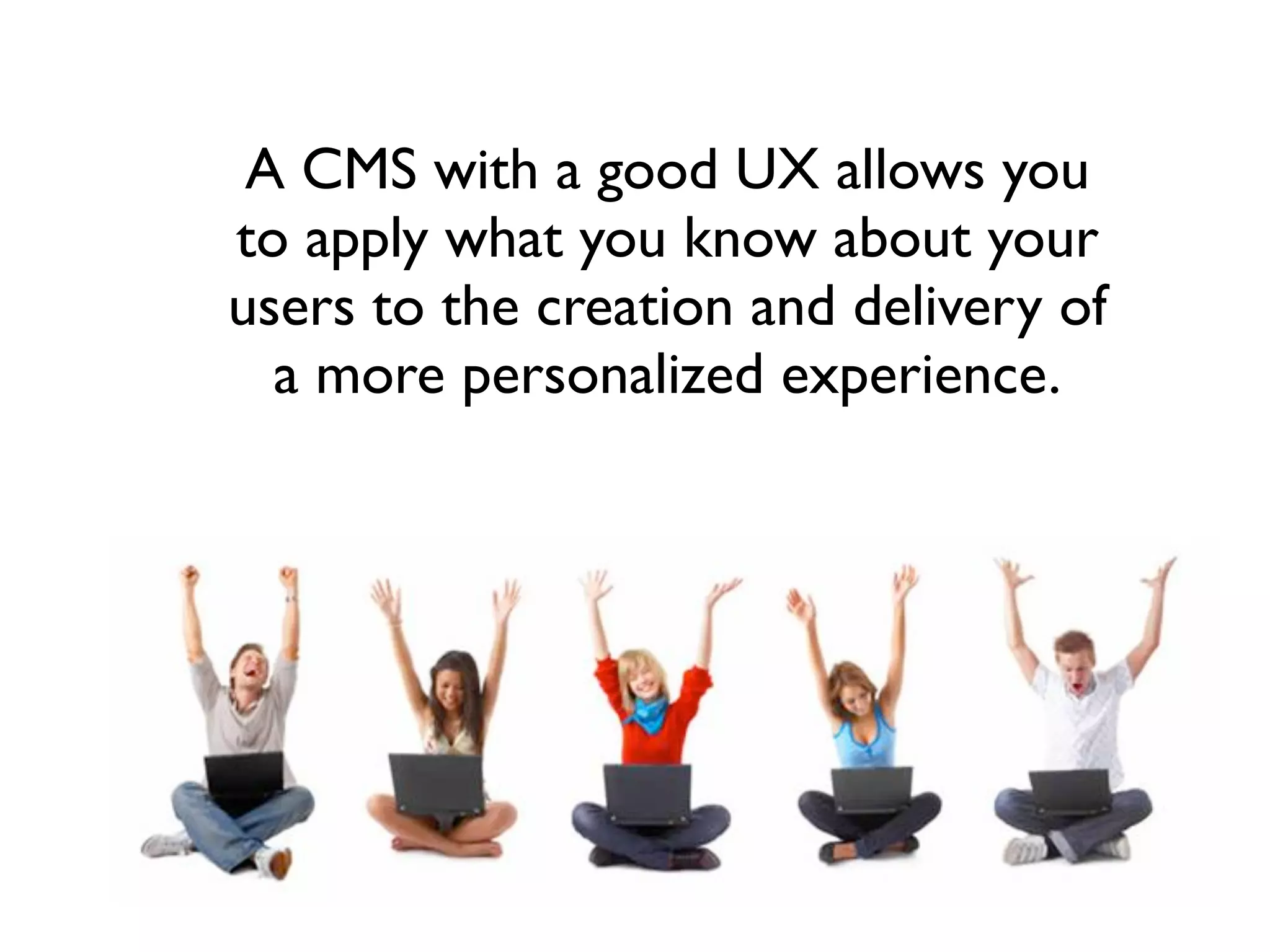
A CMS with a good UX allows you
to apply what you know about your
users to the creation and delivery of
  a more personalized experience.
An CMS example...


                    20
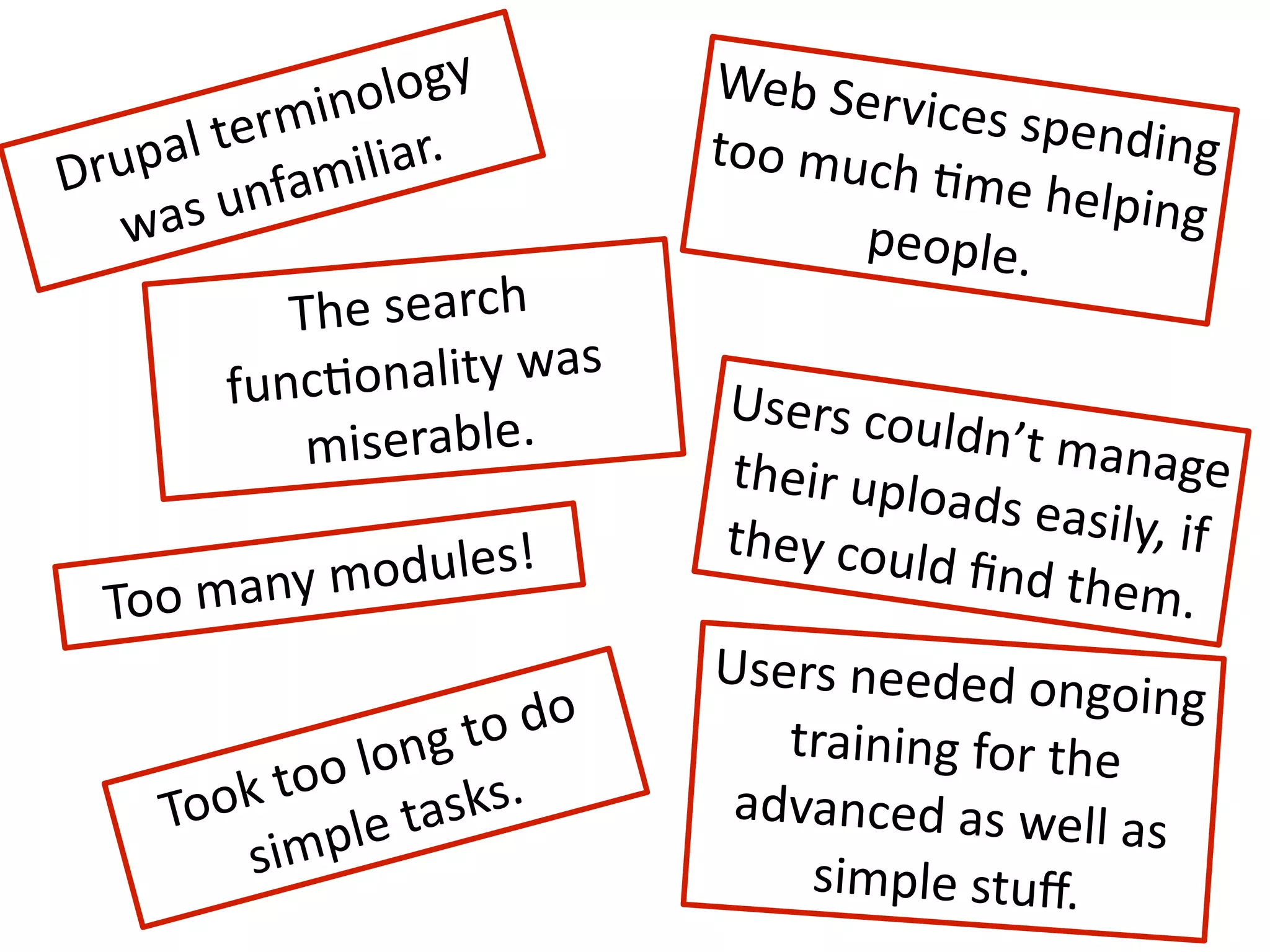
olo gy
         Web
Serv
            min
       l
ter iliar.
                                          ices
spen
                                                    ding

Dr upa      fam
                                 too
much
                                          
Eme
help
    was
un                             people.
                                                     ing

             Th e
search

          funcEona   lity
was

                                 Users
cou
              m iserable.         their
uplo
                                            ldn’t
man
                                                       age

                                             ads
easily
                                 they
coul             ,
if

       any
mo dules!                       d
find
the
  Too
m                                               m.
                                 Users
needed
ong
                           do
                      oing

                 ong  
to
          training
for
the

         k
to o
l
     To o
                le
ta sks.        advanced
as
well
a
                                                       s

          s imp                       simple
stuff.
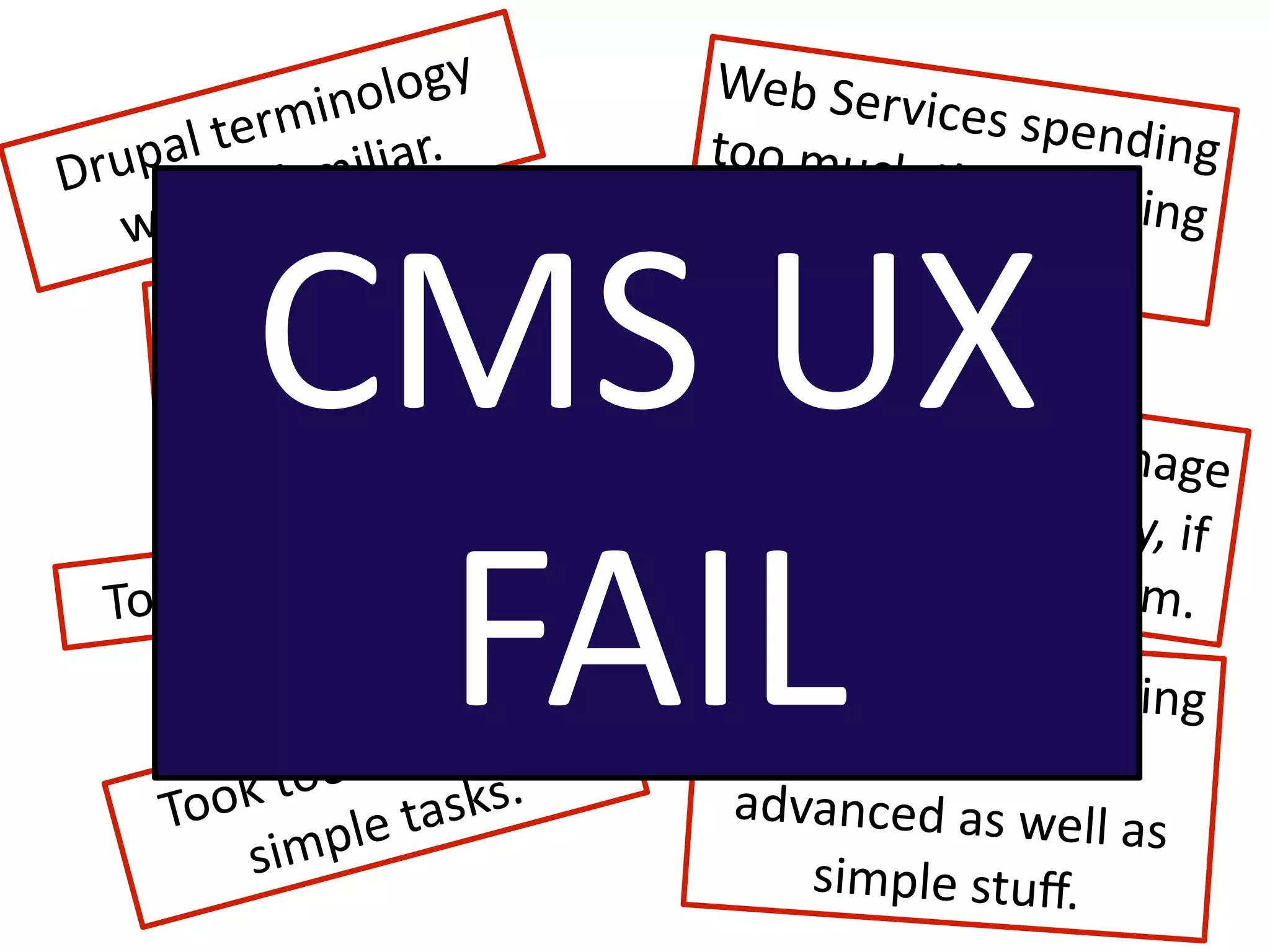
olo gy
         Web
Serv
            min
       l
ter iliar.
                                          ices
spen
                                                    ding

Dr upa      fam
                                 too
much
                                          
Eme
help
      s
un                                           ing


          CMS
UX

    wa                                 people.
             Th e
search

          funcEona   lity
was

                                 Users
cou
              m iserable.         their
uplo
                                            ldn’t
man
                                                       age

                                             ads
easily


           FAIL
                                 they
coul             ,
if

       any
mo dules!                       d
find
the
  Too
m                                               m.
                                 Users
needed
ong
                           do
                      oing

                 ong  
to
          training
for
the

         k
to o
l
     To o
                le
ta sks.        advanced
as
well
a
                                                       s

          s imp                       simple
stuff.
Switching gears a bit...
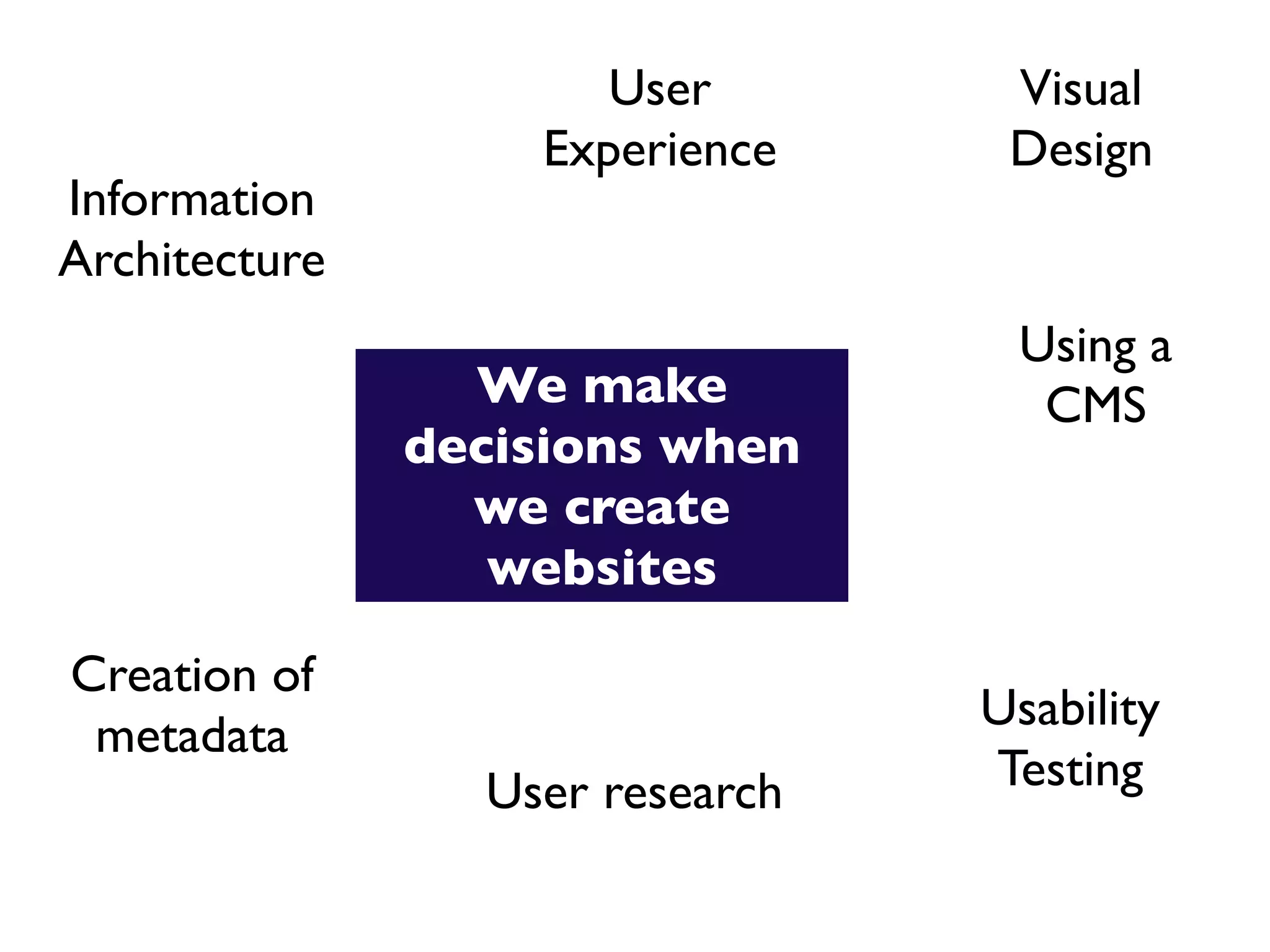
User        Visual
                   Experience     Design
Information
Architecture
                                  Using a
                 We make           CMS
               decisions when
                 we create
                  websites

Creation of
                                 Usability
 metadata
                 User research   Testing
Content
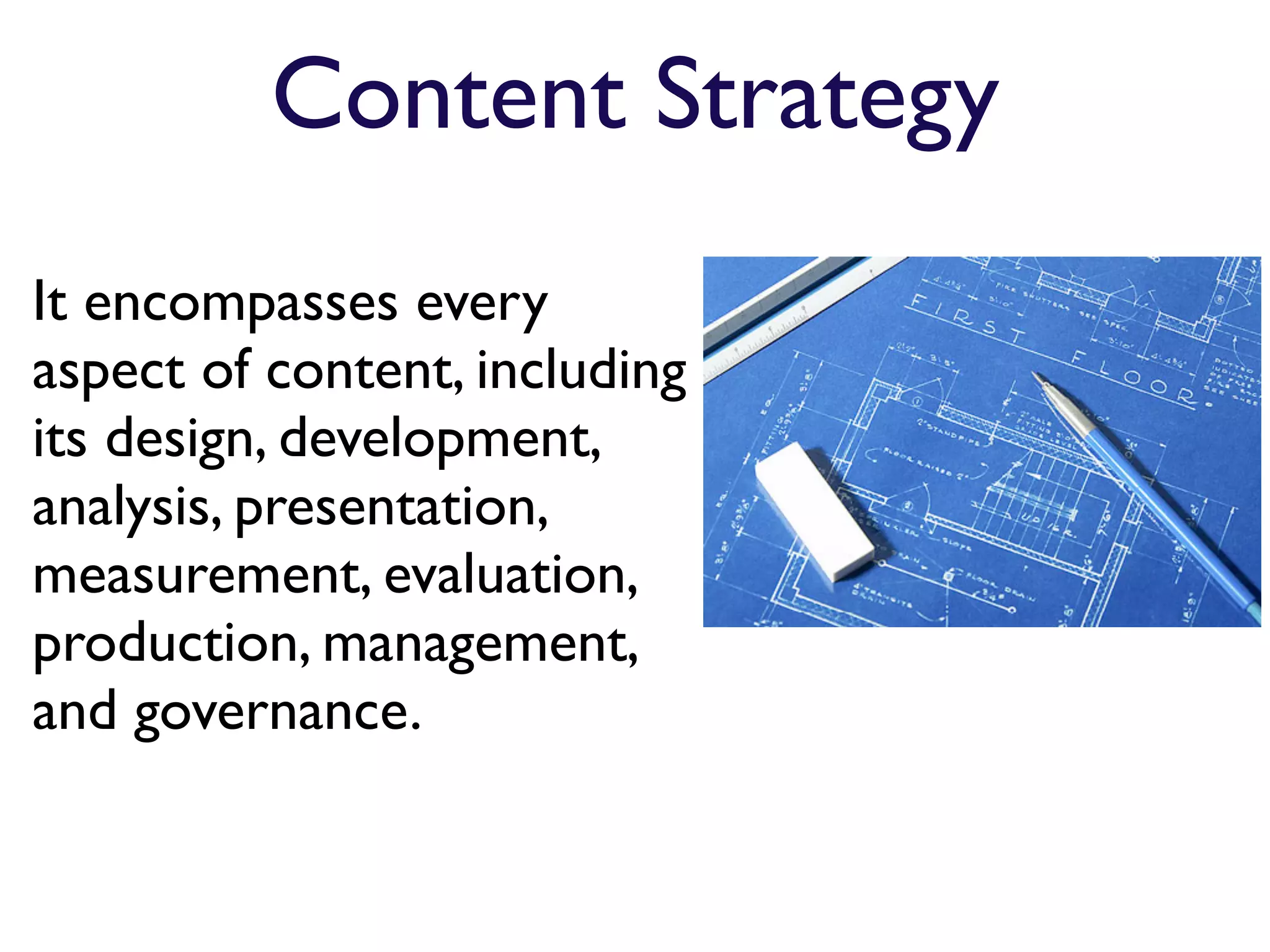
Content Strategy
It encompasses every
aspect of content, including
its design, development,
analysis, presentation,
measurement, evaluation,
production, management,
and governance.
“The main goal of content
strategy is to use words and
data to create unambiguous
content that supports meaningful,
interactive experiences.”

- Rachel Lovinger, author of
Content Strategy: the Philosophy
of Data
An investment in the
          right CMS,
        a respect for the
      user experience,
and taking the time to create a
     content strategy
   can yield a system that is
   run by happy library staff
    for happy library users.
Thanks!
Rachel Vacek
Head of Web Services
University of Houston Libraries

vacekrae@gmail.com
http://rachelvacek.com
@vacekrae


Presentation available online:
slideshare.net/vacekrae

Giving Your CMS Users a Content Strategy and a Positive UX

  • 1.
    Giving Your CMSUsers a Content Strategy and a Positive UX Rachel Vacek, @vacekrae University of Houston Libraries TechNet - The North Texas Conference on Library Technology August 3, 2011
  • 3.
    Do you haveto edit HTML in order to update content on your library’s website?
  • 4.
    Do you haveto edit HTML in order to update content on your library’s website? Do you use editors like Dreamweaver to help maintain the content on your library’s website?
  • 5.
    Do you haveto edit HTML in order to update content on your library’s website? Do you use editors like Dreamweaver to help maintain the content on your library’s website? Does your library use a content management system (CMS)?
  • 6.
    Do you haveto edit HTML in order to update content on your library’s website? Do you use editors like Dreamweaver to help maintain the content on your library’s website? Does your library use a content management system (CMS)? Do you enjoy the process of managing content on your library’s website?
  • 7.
    What’s a CMS? AContent Management System: • Allows for workflow in a collaborative environment • Uses a database to create, edit, and store HTML content and other file types in a manageable way • Provides templates to help with design and layout
  • 8.
    CMSs can stillbe challenging to use
  • 9.
    10 Tips onchoosing the right CMS for your library
  • 10.
    #1 Determine whether youcan host your CMS in-house or if you have to do it remotely.
  • 11.
    #2 Decide whetheryou can support an open-source CMS or need to purchase a commercial product.
  • 12.
    #3 Do yourresearch. Just because many libraries are using a particular CMS, it does not make it the best solution for your environment.
  • 13.
    #4 Check that theCMS you are looking into does include extensions with the functionality you will need.
  • 14.
    #5 Outline functionality that isn't currently being fulfilled by your existing website management plan.
  • 15.
    #6 You know you wantit to be easy to use. Define what that means for your staff.
  • 16.
    #7 Get the opinionsof your IT staff by providing them with a list of functionality and user interface requirements that you want, and then have them present you with CMS options.
  • 17.
    #8 Test outthe CMS’s search functionality. Will your CMS users be able to find what they are looking for?
  • 18.
    #9 If you have multiple users editing content, a CMS should let you set roles and permissions to have some control over who an edit what.
  • 19.
    #10 Never sacrifice the user experience for functionality.
  • 20.
    User Experience Userexperience (UX) is about how a person feels about using a product, system or service. Usability is the ease in which people can use a particular tool to achieve a goal.
  • 21.
  • 22.
  • 23.
    A CMS witha good UX allows you to apply what you know about your users to the creation and delivery of a more personalized experience.
  • 24.
  • 25.
    olo gy
 Web
Serv min l
ter iliar. ices
spen ding
 Dr upa fam too
much 
Eme
help was
un people. ing
 Th e
search
 funcEona lity
was
 Users
cou m iserable. their
uplo ldn’t
man age
 ads
easily they
coul ,
if
 any
mo dules! d
find
the Too
m m. Users
needed
ong do
 oing
 ong 
to
 training
for
the
 k
to o
l To o le
ta sks. advanced
as
well
a s
 s imp simple
stuff.
  • 26.
    olo gy
 Web
Serv min l
ter iliar. ices
spen ding
 Dr upa fam too
much 
Eme
help s
un ing
 CMS
UX
 wa people. Th e
search
 funcEona lity
was
 Users
cou m iserable. their
uplo ldn’t
man age
 ads
easily FAIL they
coul ,
if
 any
mo dules! d
find
the Too
m m. Users
needed
ong do
 oing
 ong 
to
 training
for
the
 k
to o
l To o le
ta sks. advanced
as
well
a s
 s imp simple
stuff.
  • 27.
  • 28.
    User Visual Experience Design Information Architecture Using a We make CMS decisions when we create websites Creation of Usability metadata User research Testing
  • 29.
  • 30.
    Content Strategy It encompassesevery aspect of content, including its design, development, analysis, presentation, measurement, evaluation, production, management, and governance.
  • 31.
    “The main goalof content strategy is to use words and data to create unambiguous content that supports meaningful, interactive experiences.” - Rachel Lovinger, author of Content Strategy: the Philosophy of Data
  • 32.
    An investment inthe right CMS, a respect for the user experience, and taking the time to create a content strategy can yield a system that is run by happy library staff for happy library users.
  • 33.
    Thanks! Rachel Vacek Head ofWeb Services University of Houston Libraries vacekrae@gmail.com http://rachelvacek.com @vacekrae Presentation available online: slideshare.net/vacekrae